UNIT 5
CONTROL STATEMENTS
Ashim Lamichhane 1
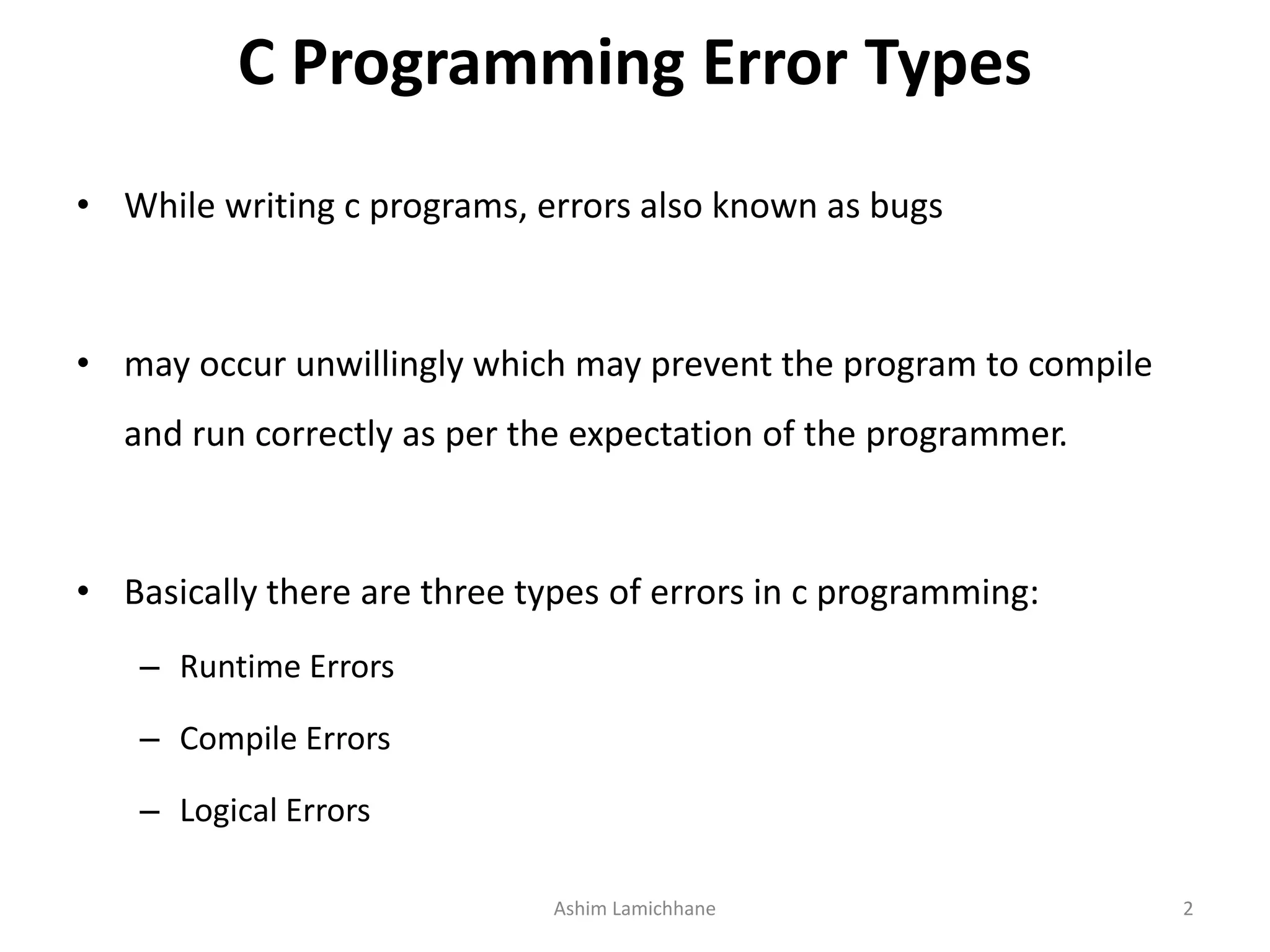
C Programming Error Types
• While writing c programs, errors also known as bugs
• may occur unwillingly which may prevent the program to compile
and run correctly as per the expectation of the programmer.
• Basically there are three types of errors in c programming:
– Runtime Errors
– Compile Errors
– Logical Errors
Ashim Lamichhane 2
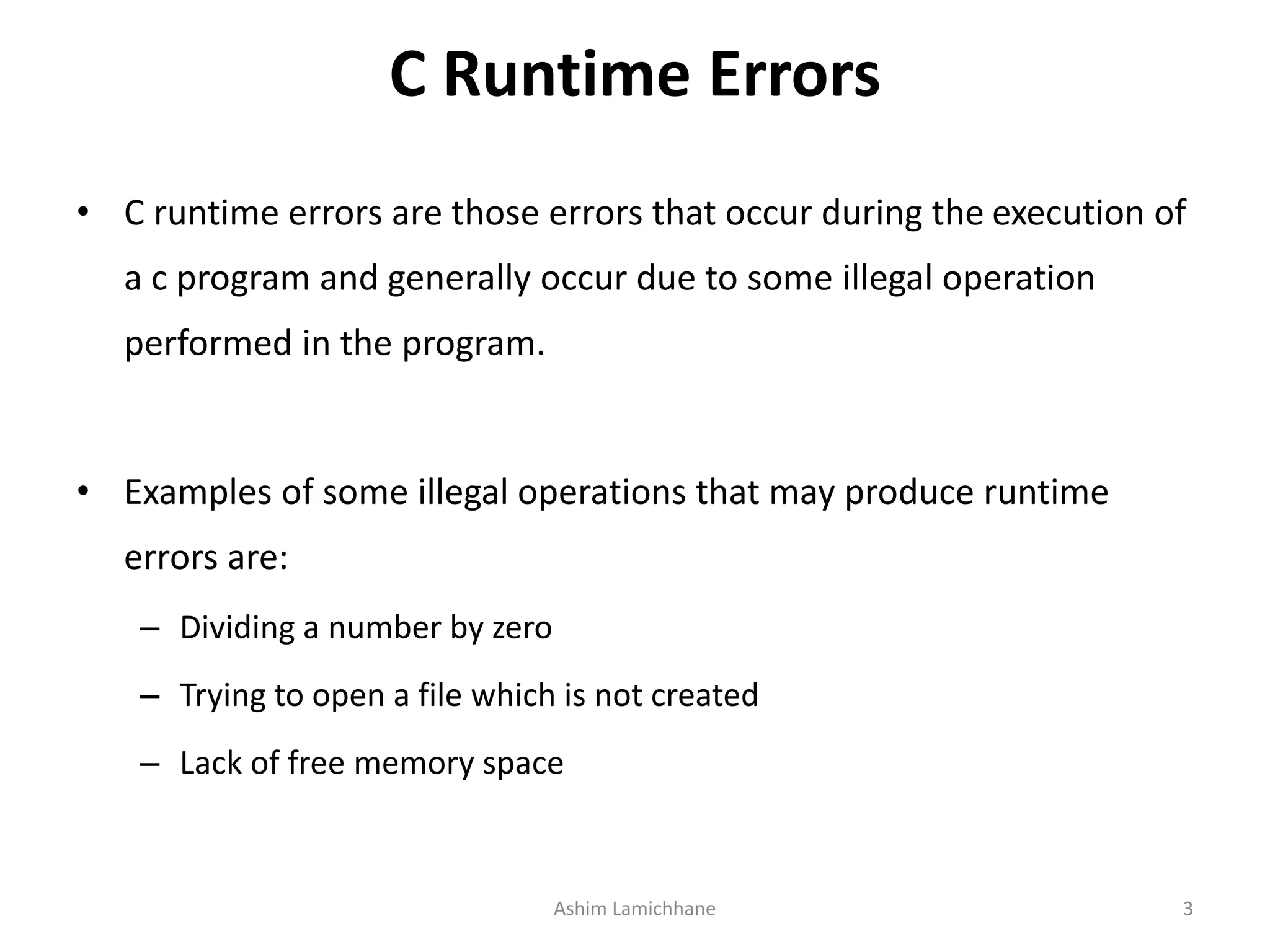
C Runtime Errors
• C runtime errors are those errors that occur during the execution of
a c program and generally occur due to some illegal operation
performed in the program.
• Examples of some illegal operations that may produce runtime
errors are:
– Dividing a number by zero
– Trying to open a file which is not created
– Lack of free memory space
Ashim Lamichhane 3
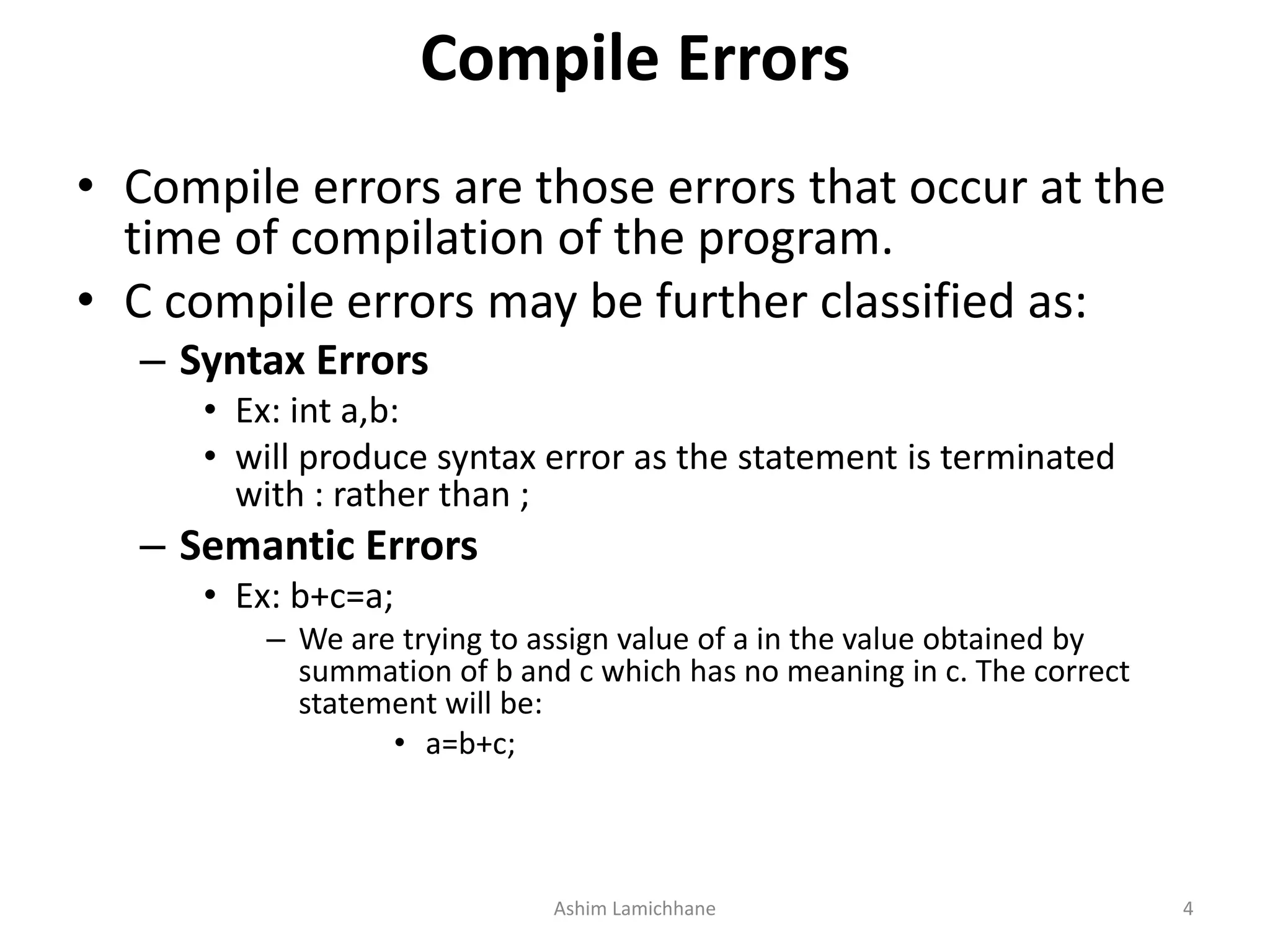
Compile Errors
• Compile errors are those errors that occur at the
time of compilation of the program.
• C compile errors may be further classified as:
– Syntax Errors
• Ex: int a,b:
• will produce syntax error as the statement is terminated
with : rather than ;
– Semantic Errors
• Ex: b+c=a;
– We are trying to assign value of a in the value obtained by
summation of b and c which has no meaning in c. The correct
statement will be:
• a=b+c;
Ashim Lamichhane 4
Logical Errors
• Logical errors are the errors in the output of the program.
• The presence of logical errors leads to undesired or incorrect output
• Are caused due to error in the logic applied in the program to produce the
desired output.
• logical errors could not be detected by the compiler, and thus,
programmers has to check the entire coding of a c program line by line.
Ashim Lamichhane 5
• The statements which alter the flow of execution of
the program are known as control statements.
• Sometimes we have to do certain calculations/tasks
depending on whether a condition or test is true or
false.
• Similarly, it is necessary to perform repeated actions
or skip some statements.
• For these operations, control statements are needed.
Ashim Lamichhane 6
Two types of control statements
• Decision Making(or branching) Statements
– If statement
– If…else statement
– Else...if statement
– Nested if...else statement
– Switch statement
• Loop or Repeating Construct
– For loop
– While loop
– Do…while loop
NOTE:
Branching is deciding what actions to take
looping is deciding how many times to take a certain action.
Ashim Lamichhane 7
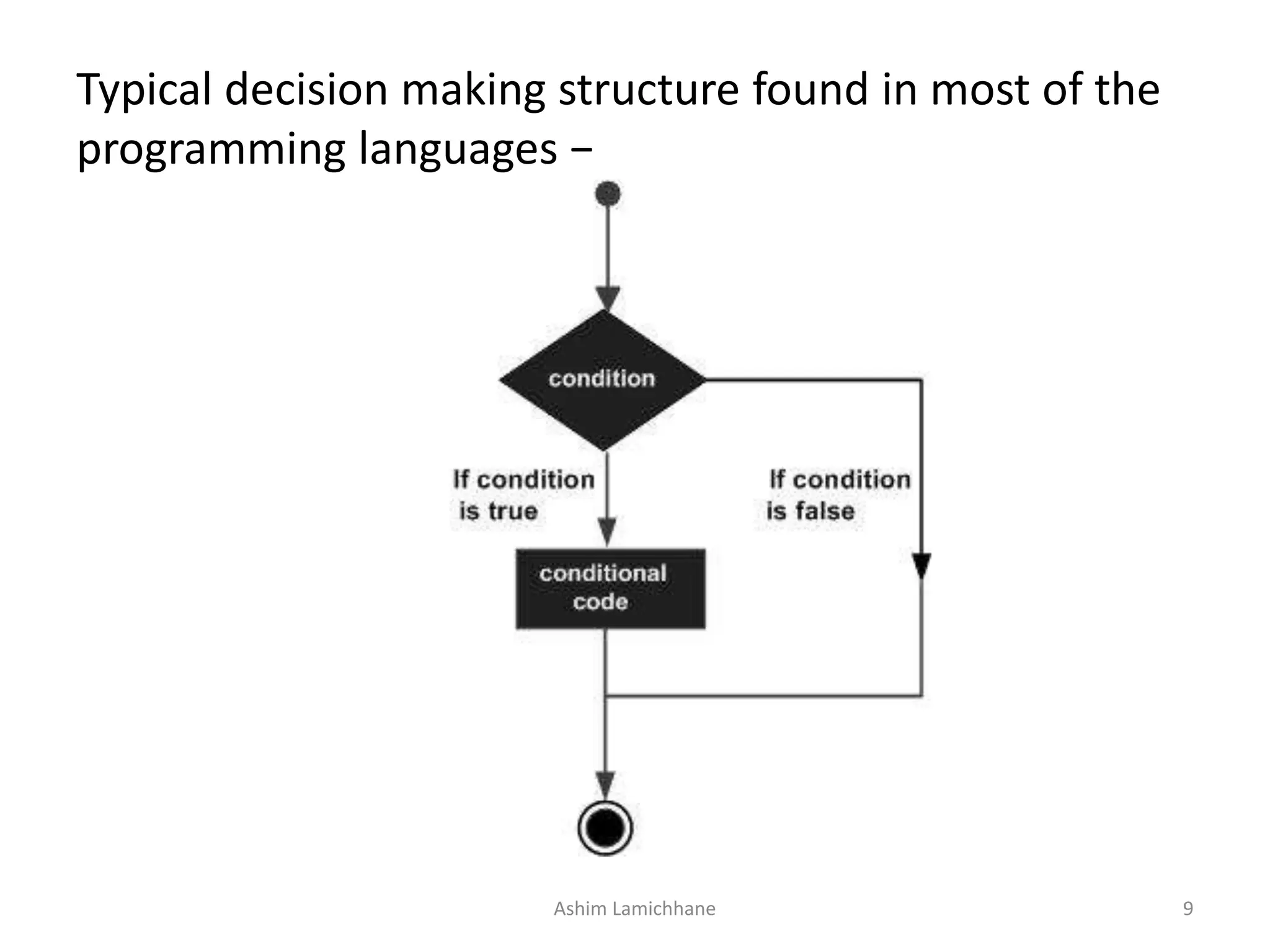
C - Decision Making
• programmer specifies one or more conditions to be
evaluated
• if the condition is determined to be true, a statement is
executed and optionally other statements to be
executed if the condition is determined to be false.
Ashim Lamichhane 8
Typical decision making structure found in most of the
programming languages −
Ashim Lamichhane 9
if statement
• An if statement consists of a Boolean
expression followed by one or more
statements.
• Syntax
if(boolean_expression) {
/* statement(s) will execute if the boolean
expression is true */
}
Ashim Lamichhane 10
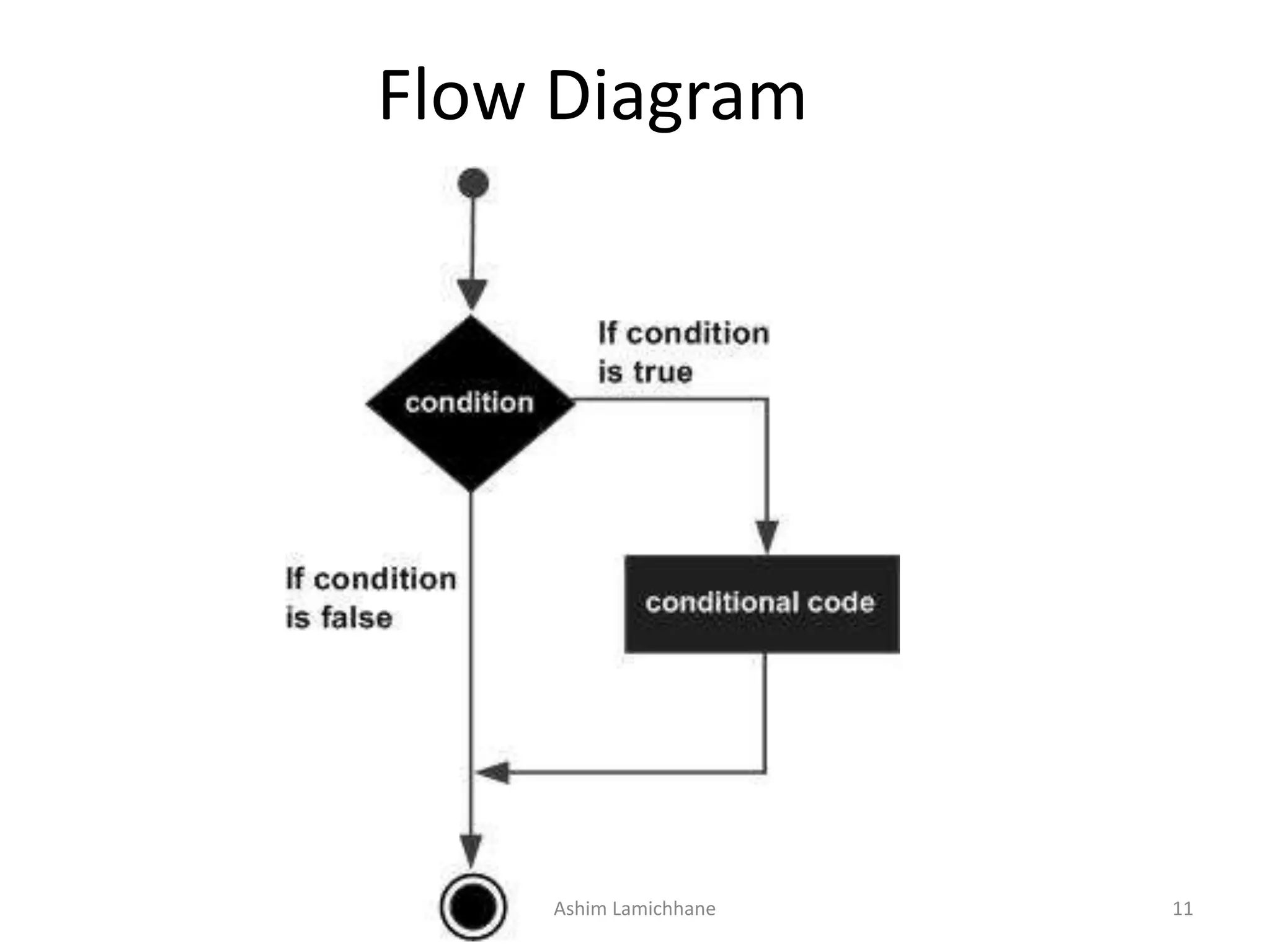
Flow Diagram
Ashim Lamichhane 11
If.. statement
• If the Boolean expression evaluates to true, then the block of code inside
the 'if' statement will be executed. If the Boolean expression evaluates to
false, then the first set of code after the end of the 'if' statement (after the
closing curly brace) will be executed.
• C programming language assumes any non-zero and non-null values as
true and if it is either zero or null, then it is assumed as false value.
Ashim Lamichhane 12
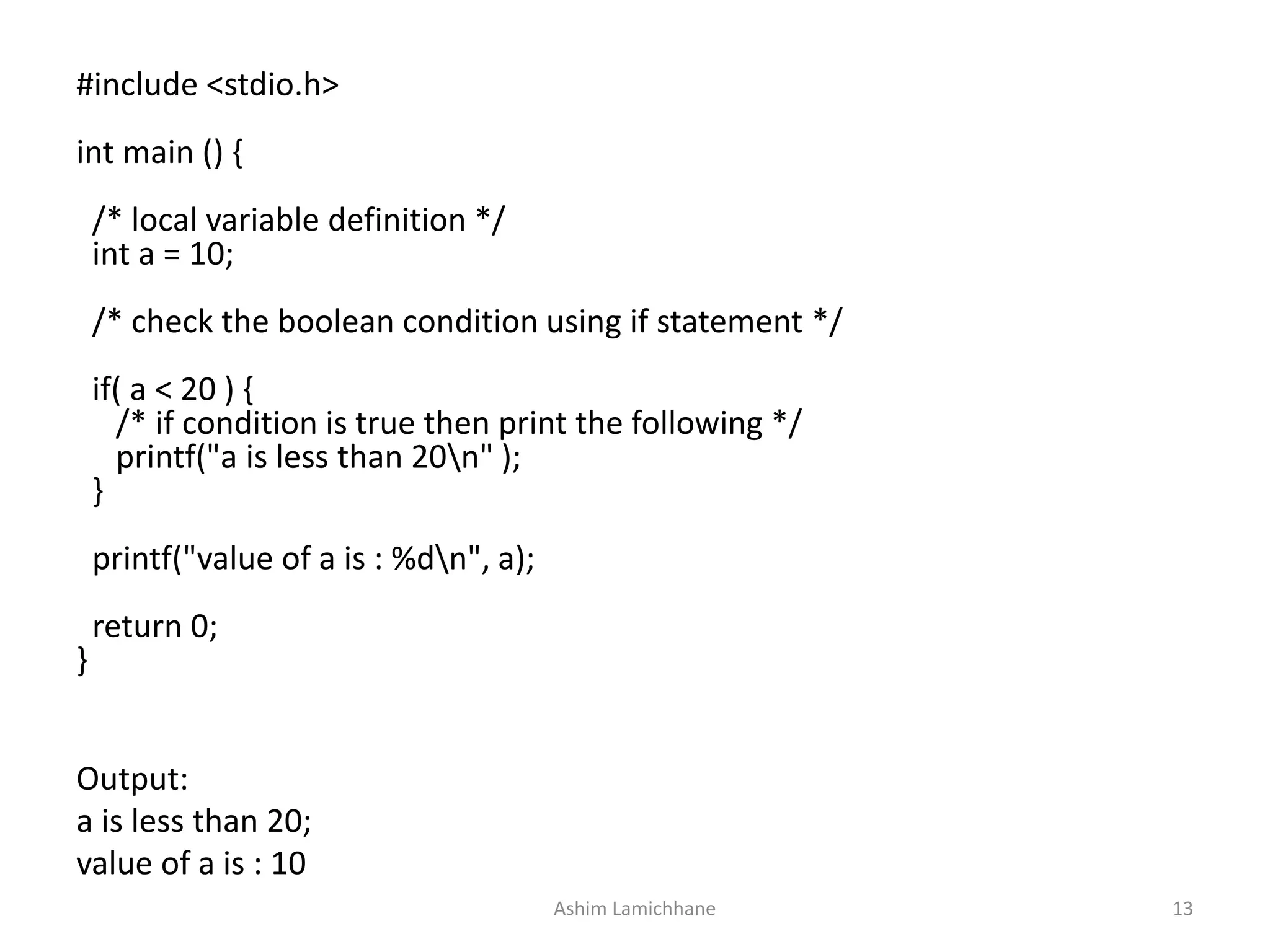
Output:
a is less than 20;
value of a is : 10
#include <stdio.h>
int main () {
/* local variable definition */
int a = 10;
/* check the boolean condition using if statement */
if( a < 20 ) {
/* if condition is true then print the following */
printf("a is less than 20n" );
}
printf("value of a is : %dn", a);
return 0;
}
Ashim Lamichhane 13
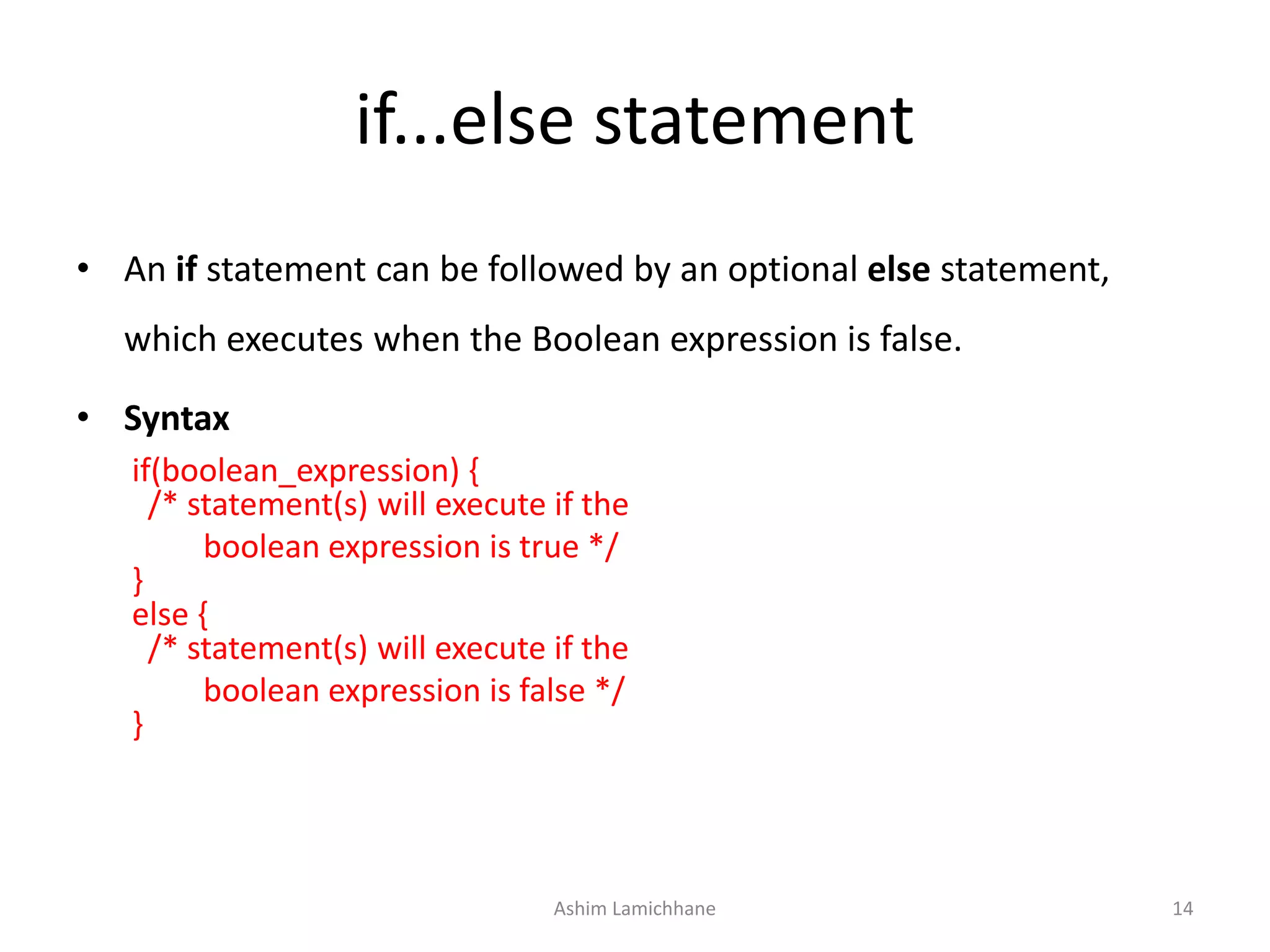
if...else statement
• An if statement can be followed by an optional else statement,
which executes when the Boolean expression is false.
• Syntax
if(boolean_expression) {
/* statement(s) will execute if the
boolean expression is true */
}
else {
/* statement(s) will execute if the
boolean expression is false */
}
Ashim Lamichhane 14
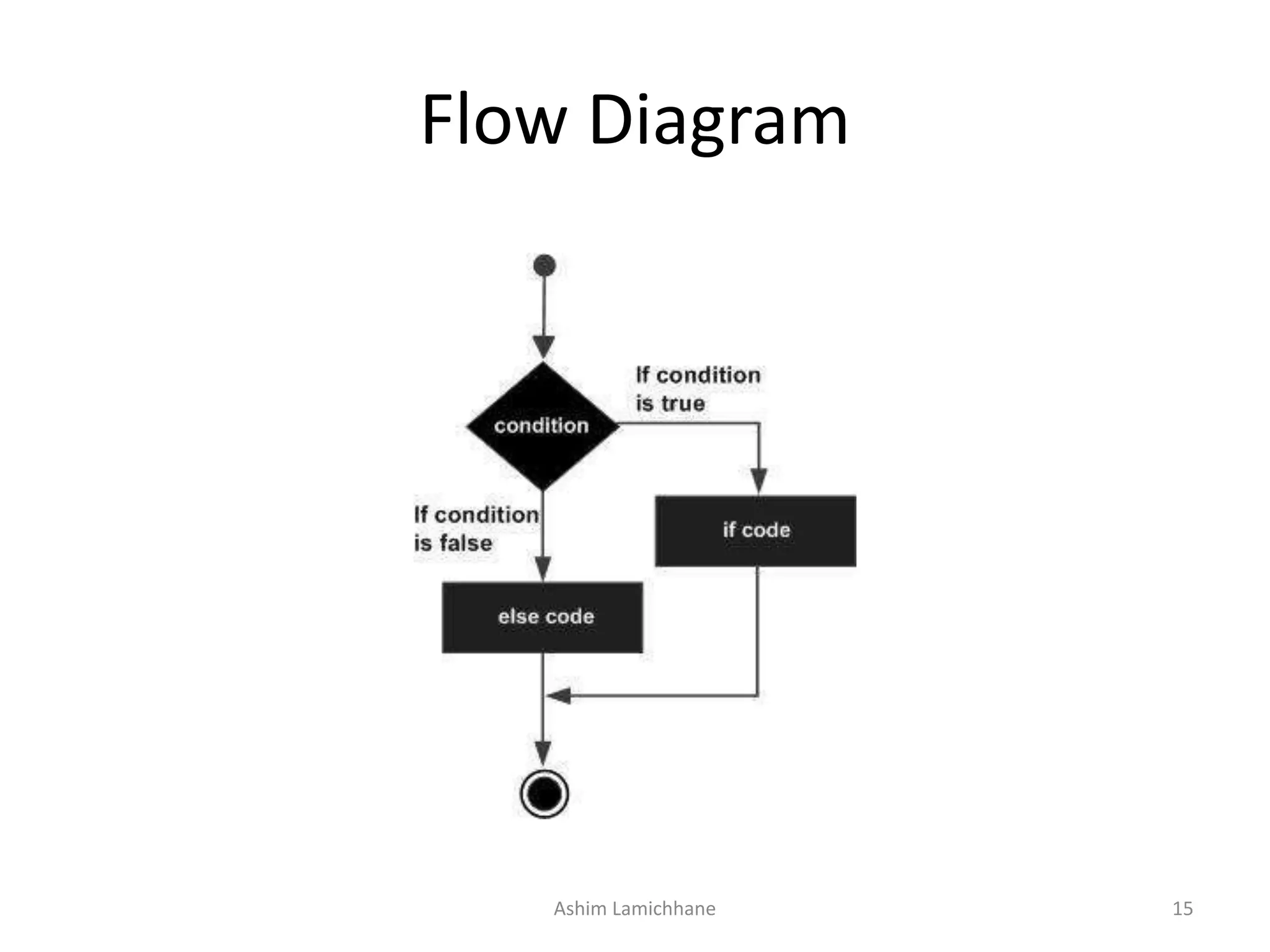
Flow Diagram
Ashim Lamichhane 15
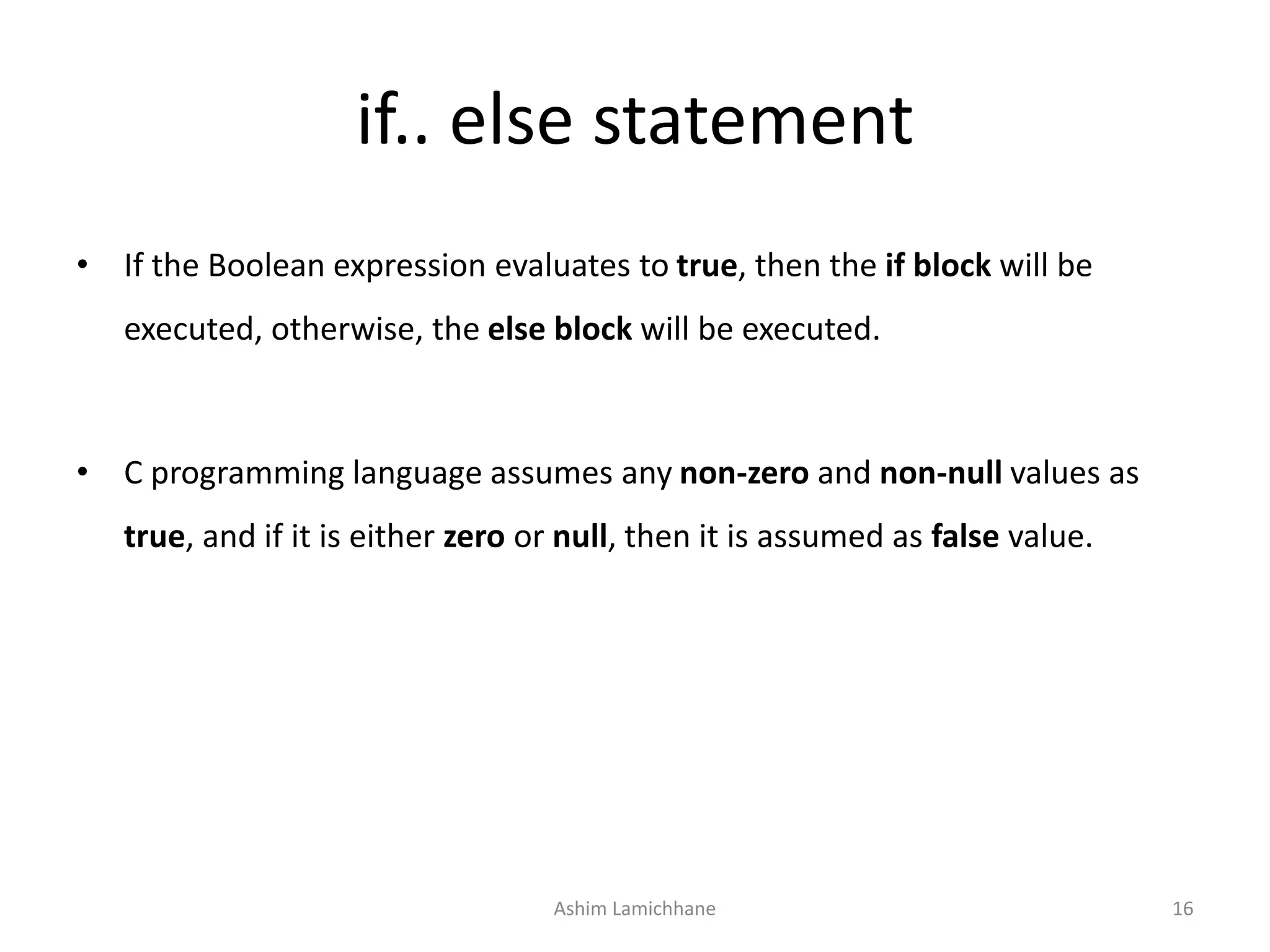
if.. else statement
• If the Boolean expression evaluates to true, then the if block will be
executed, otherwise, the else block will be executed.
• C programming language assumes any non-zero and non-null values as
true, and if it is either zero or null, then it is assumed as false value.
Ashim Lamichhane 16
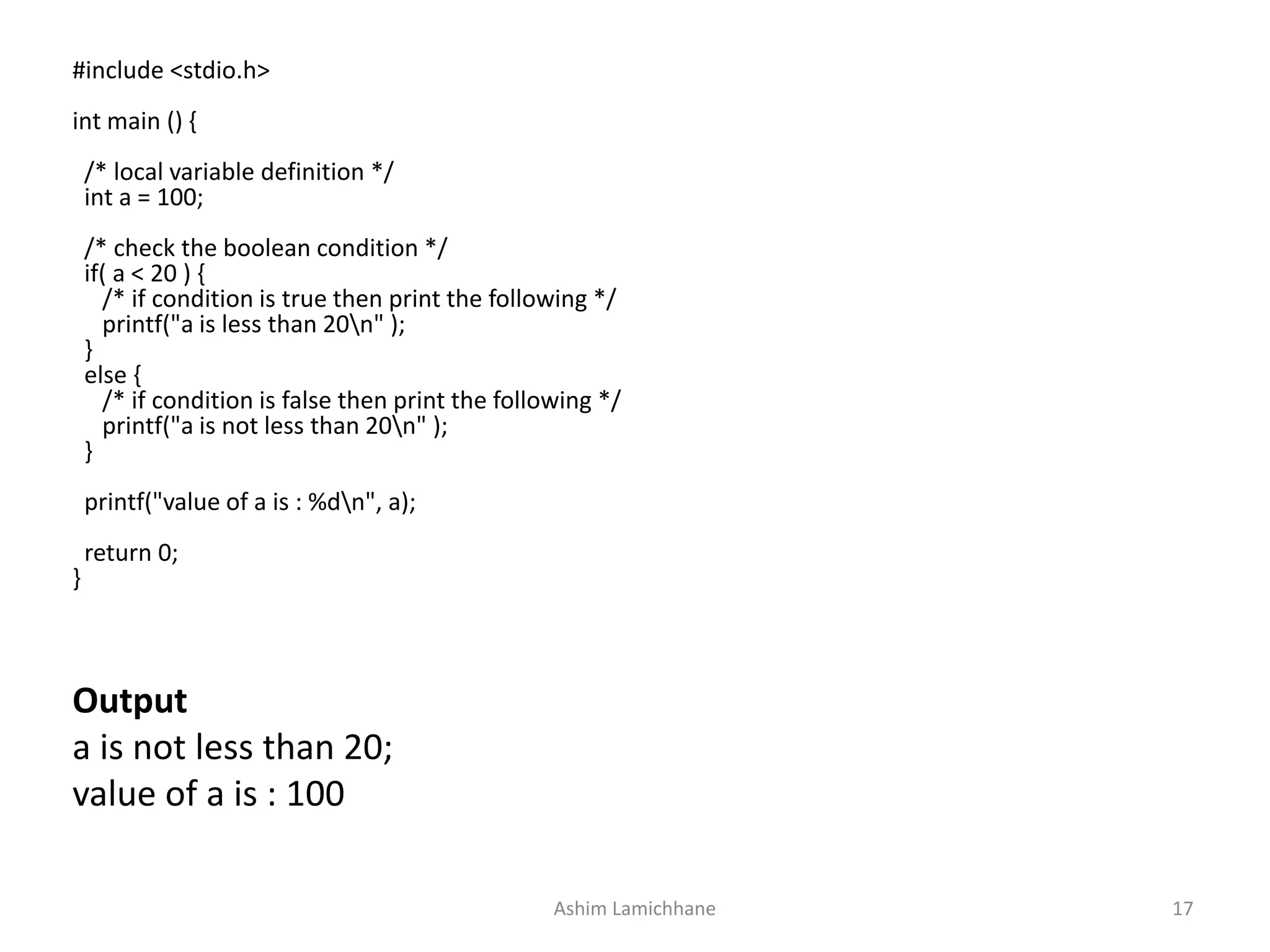
Output
a is not less than 20;
value of a is : 100
#include <stdio.h>
int main () {
/* local variable definition */
int a = 100;
/* check the boolean condition */
if( a < 20 ) {
/* if condition is true then print the following */
printf("a is less than 20n" );
}
else {
/* if condition is false then print the following */
printf("a is not less than 20n" );
}
printf("value of a is : %dn", a);
return 0;
}
Ashim Lamichhane 17
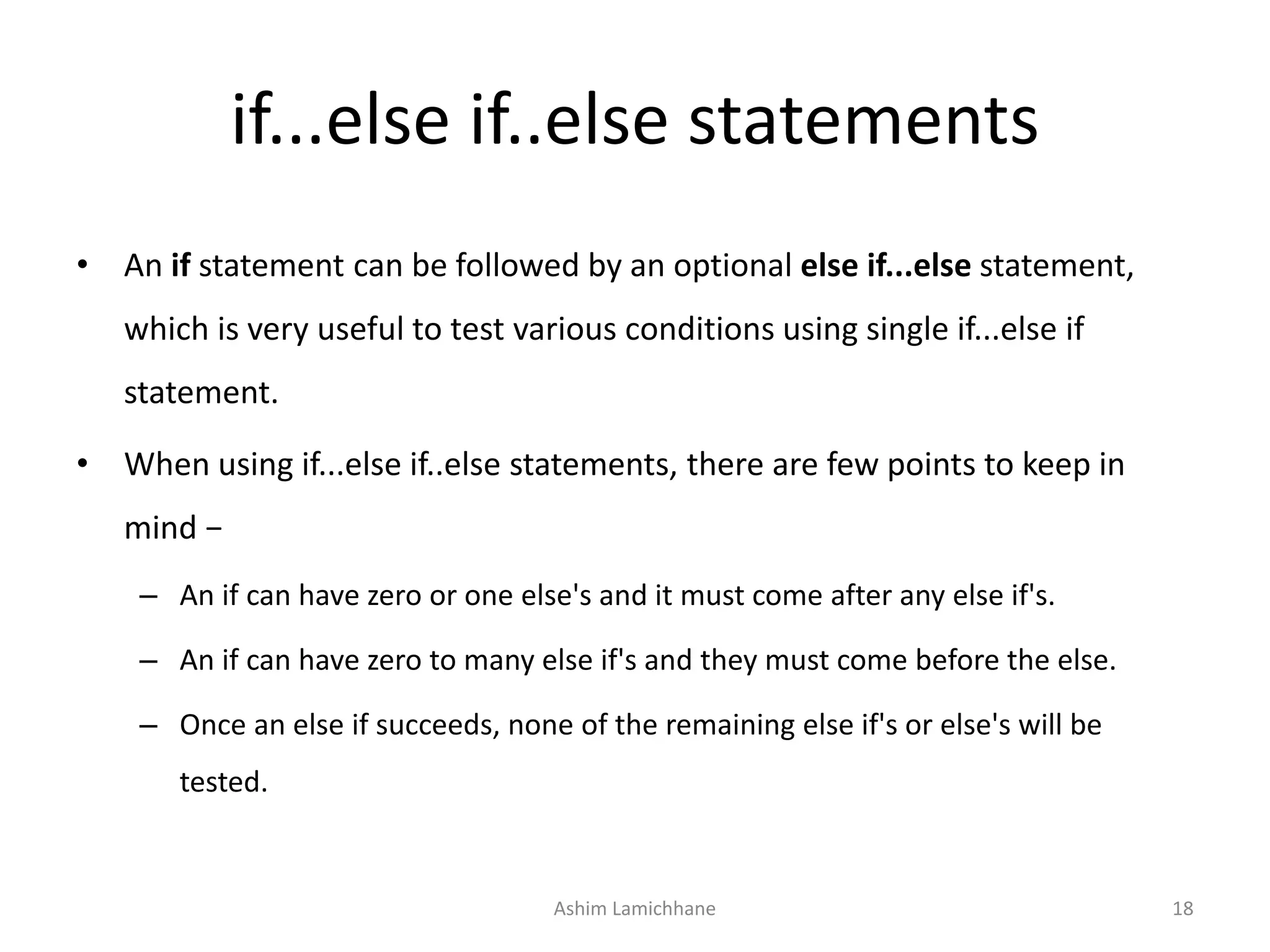
if...else if..else statements
• An if statement can be followed by an optional else if...else statement,
which is very useful to test various conditions using single if...else if
statement.
• When using if...else if..else statements, there are few points to keep in
mind −
– An if can have zero or one else's and it must come after any else if's.
– An if can have zero to many else if's and they must come before the else.
– Once an else if succeeds, none of the remaining else if's or else's will be
tested.
Ashim Lamichhane 18
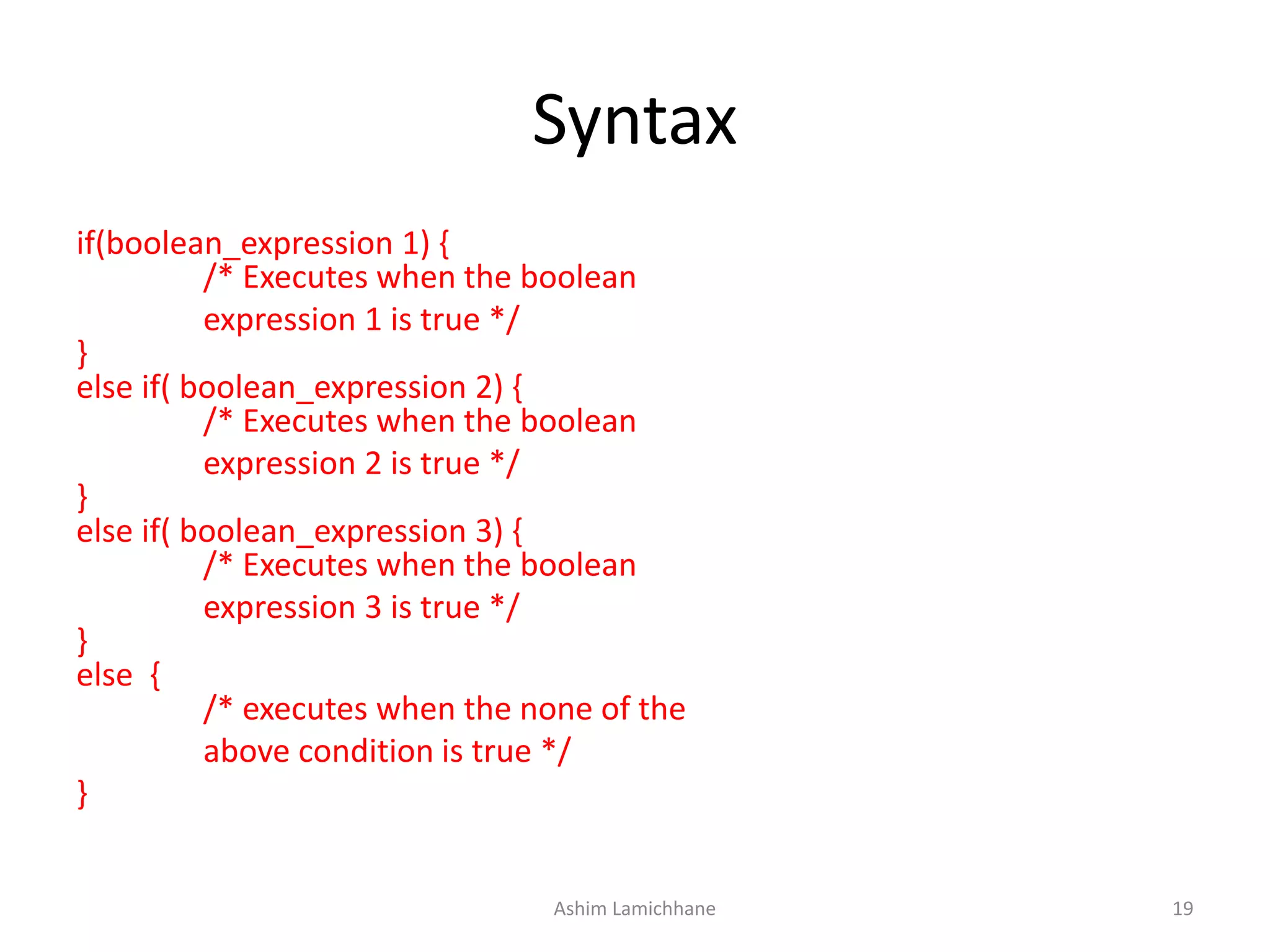
Syntax
if(boolean_expression 1) {
/* Executes when the boolean
expression 1 is true */
}
else if( boolean_expression 2) {
/* Executes when the boolean
expression 2 is true */
}
else if( boolean_expression 3) {
/* Executes when the boolean
expression 3 is true */
}
else {
/* executes when the none of the
above condition is true */
}
Ashim Lamichhane 19
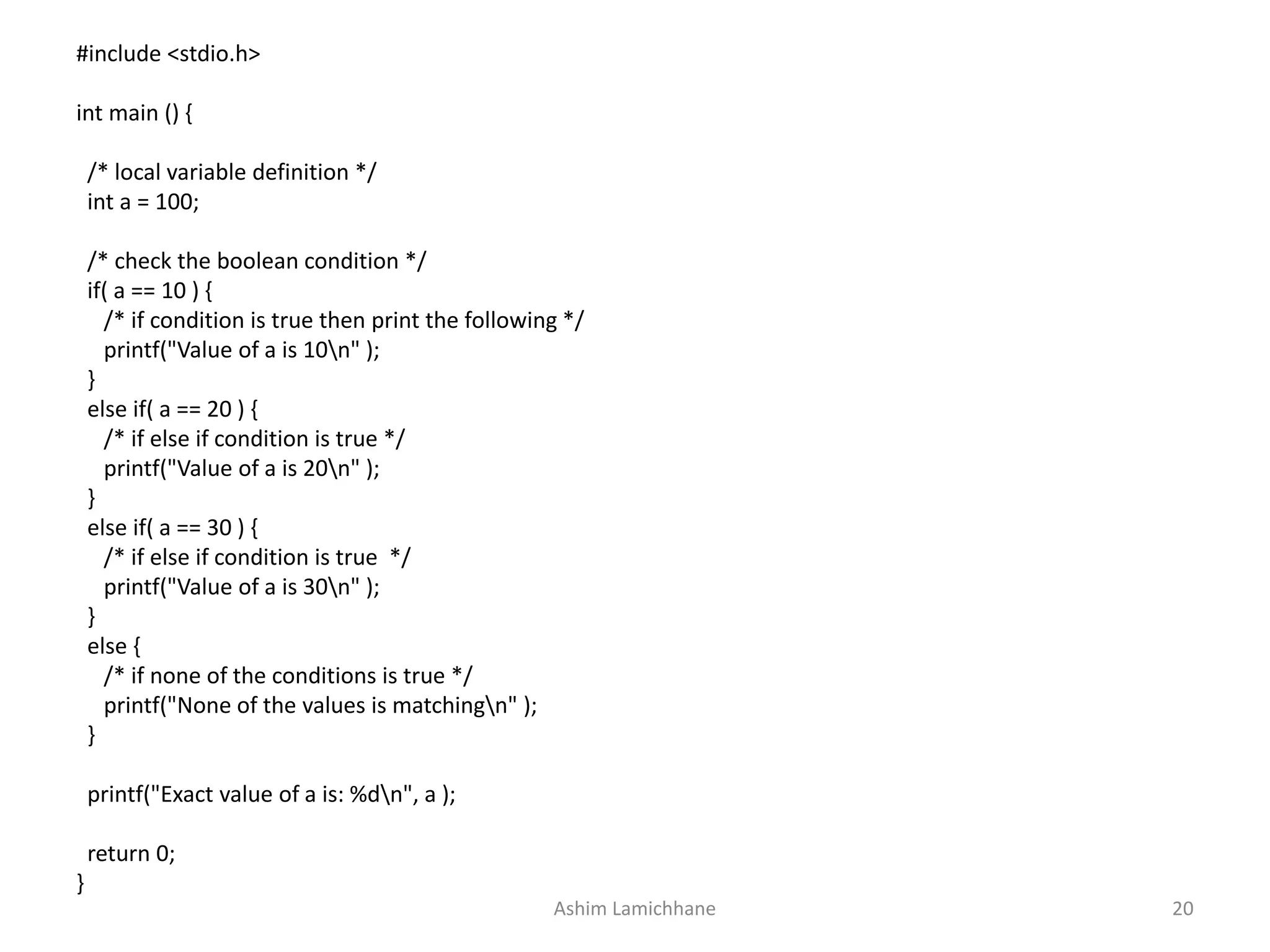
#include <stdio.h>
int main () {
/* local variable definition */
int a = 100;
/* check the boolean condition */
if( a == 10 ) {
/* if condition is true then print the following */
printf("Value of a is 10n" );
}
else if( a == 20 ) {
/* if else if condition is true */
printf("Value of a is 20n" );
}
else if( a == 30 ) {
/* if else if condition is true */
printf("Value of a is 30n" );
}
else {
/* if none of the conditions is true */
printf("None of the values is matchingn" );
}
printf("Exact value of a is: %dn", a );
return 0;
}
Ashim Lamichhane 20
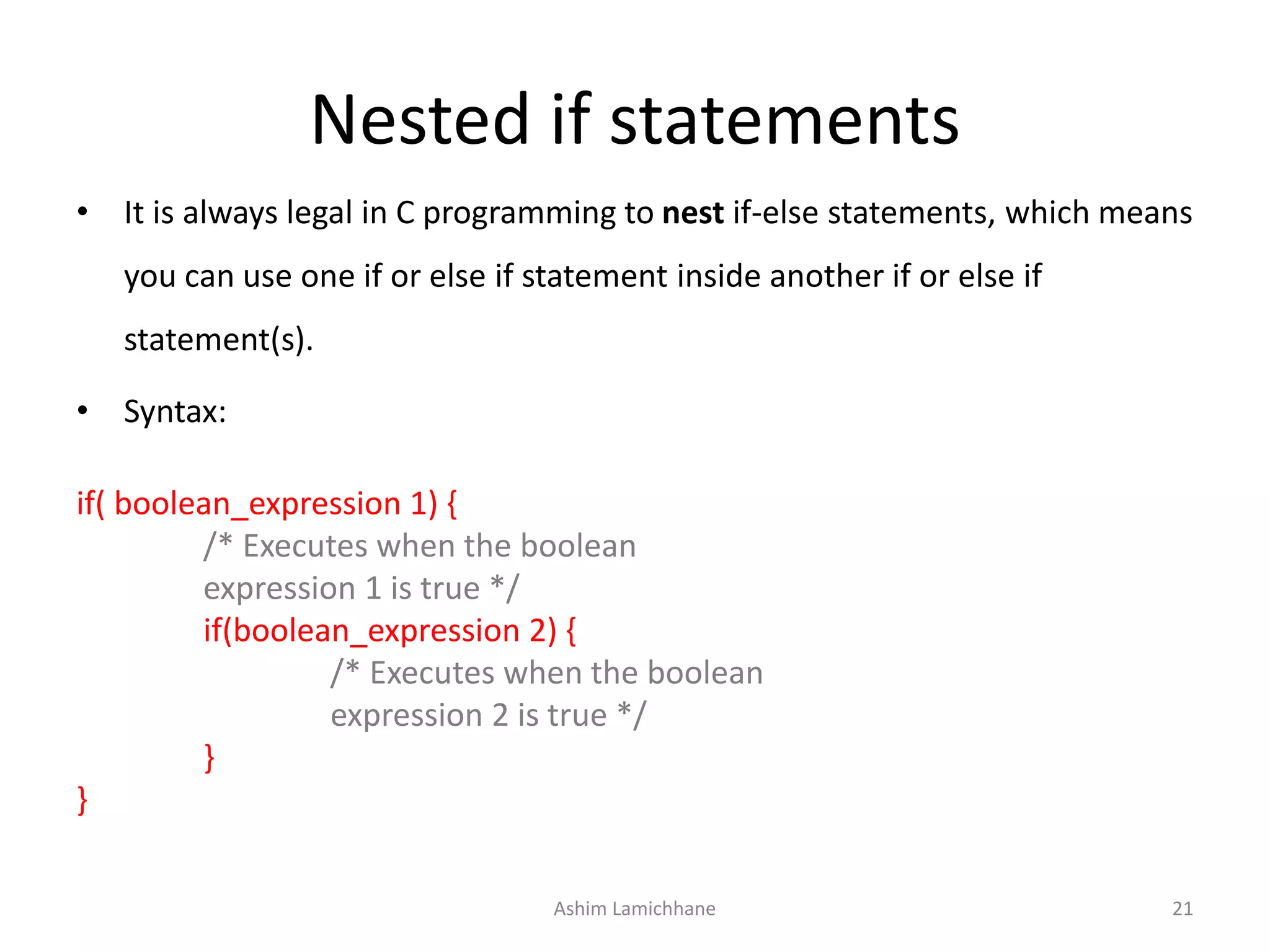
Nested if statements
• It is always legal in C programming to nest if-else statements, which means
you can use one if or else if statement inside another if or else if
statement(s).
• Syntax:
if( boolean_expression 1) {
/* Executes when the boolean
expression 1 is true */
if(boolean_expression 2) {
/* Executes when the boolean
expression 2 is true */
}
}
Ashim Lamichhane 21
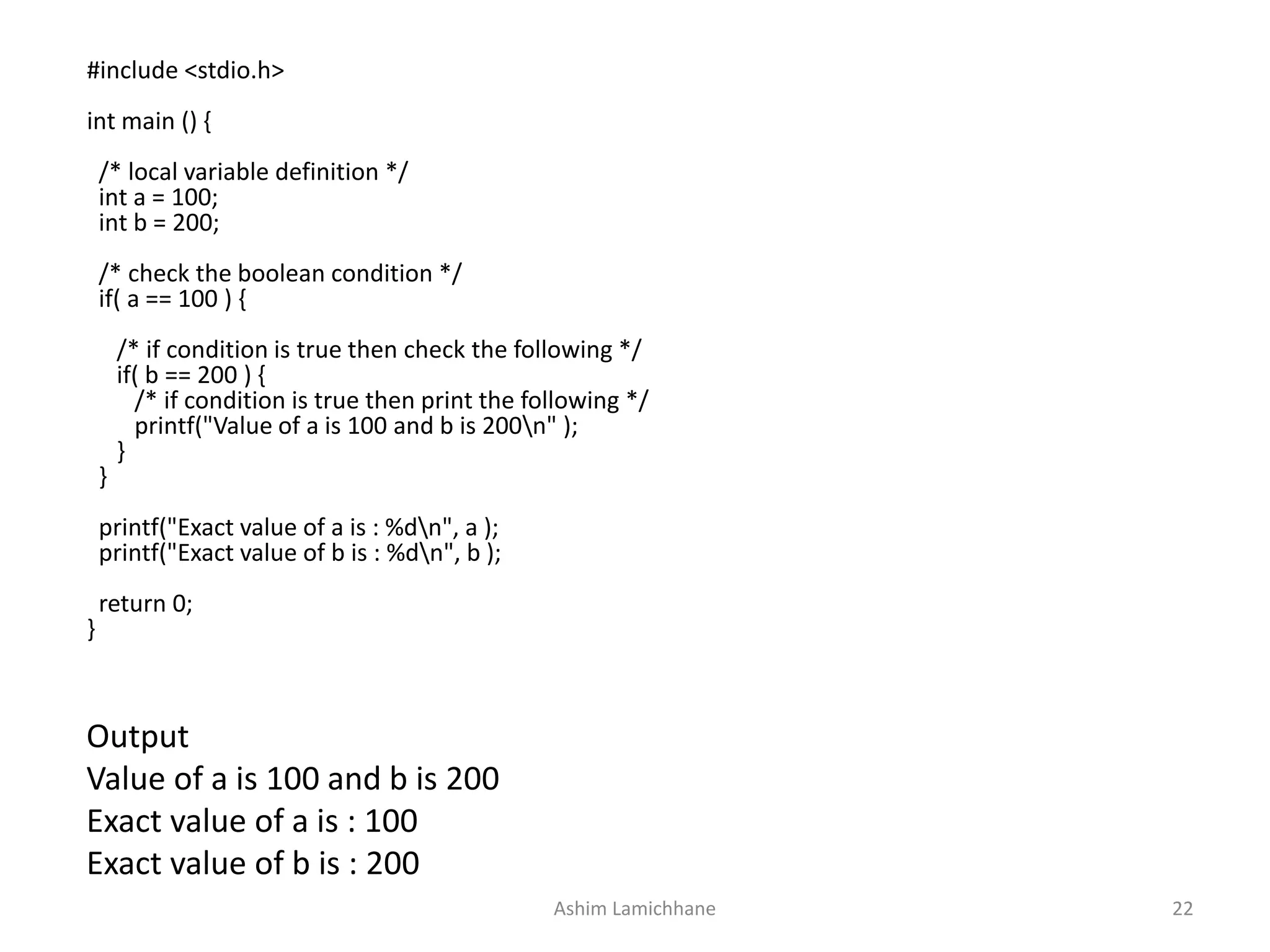
Output
Value of a is 100 and b is 200
Exact value of a is : 100
Exact value of b is : 200
#include <stdio.h>
int main () {
/* local variable definition */
int a = 100;
int b = 200;
/* check the boolean condition */
if( a == 100 ) {
/* if condition is true then check the following */
if( b == 200 ) {
/* if condition is true then print the following */
printf("Value of a is 100 and b is 200n" );
}
}
printf("Exact value of a is : %dn", a );
printf("Exact value of b is : %dn", b );
return 0;
}
Ashim Lamichhane 22
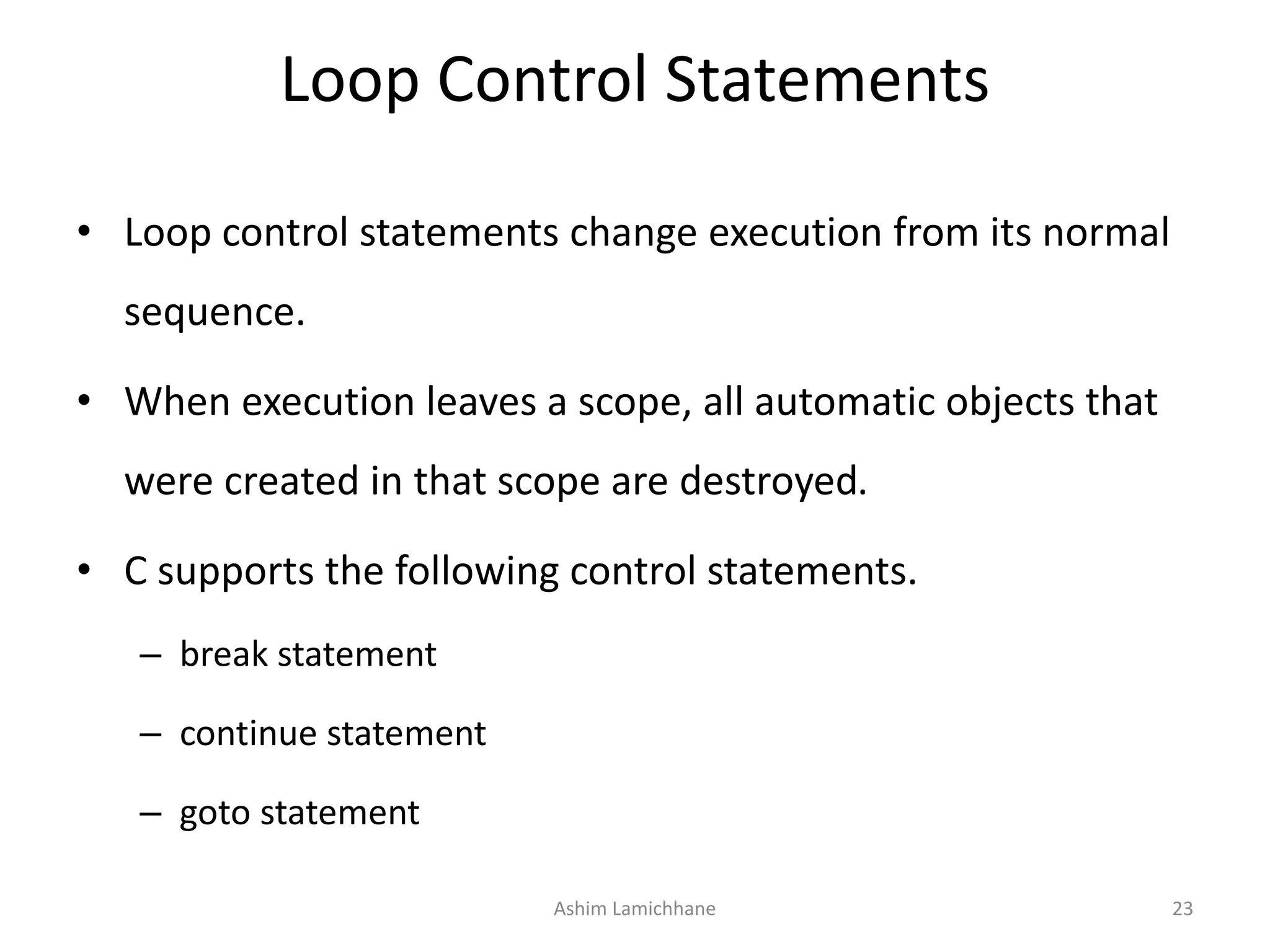
Loop Control Statements
• Loop control statements change execution from its normal
sequence.
• When execution leaves a scope, all automatic objects that
were created in that scope are destroyed.
• C supports the following control statements.
– break statement
– continue statement
– goto statement
Ashim Lamichhane 23
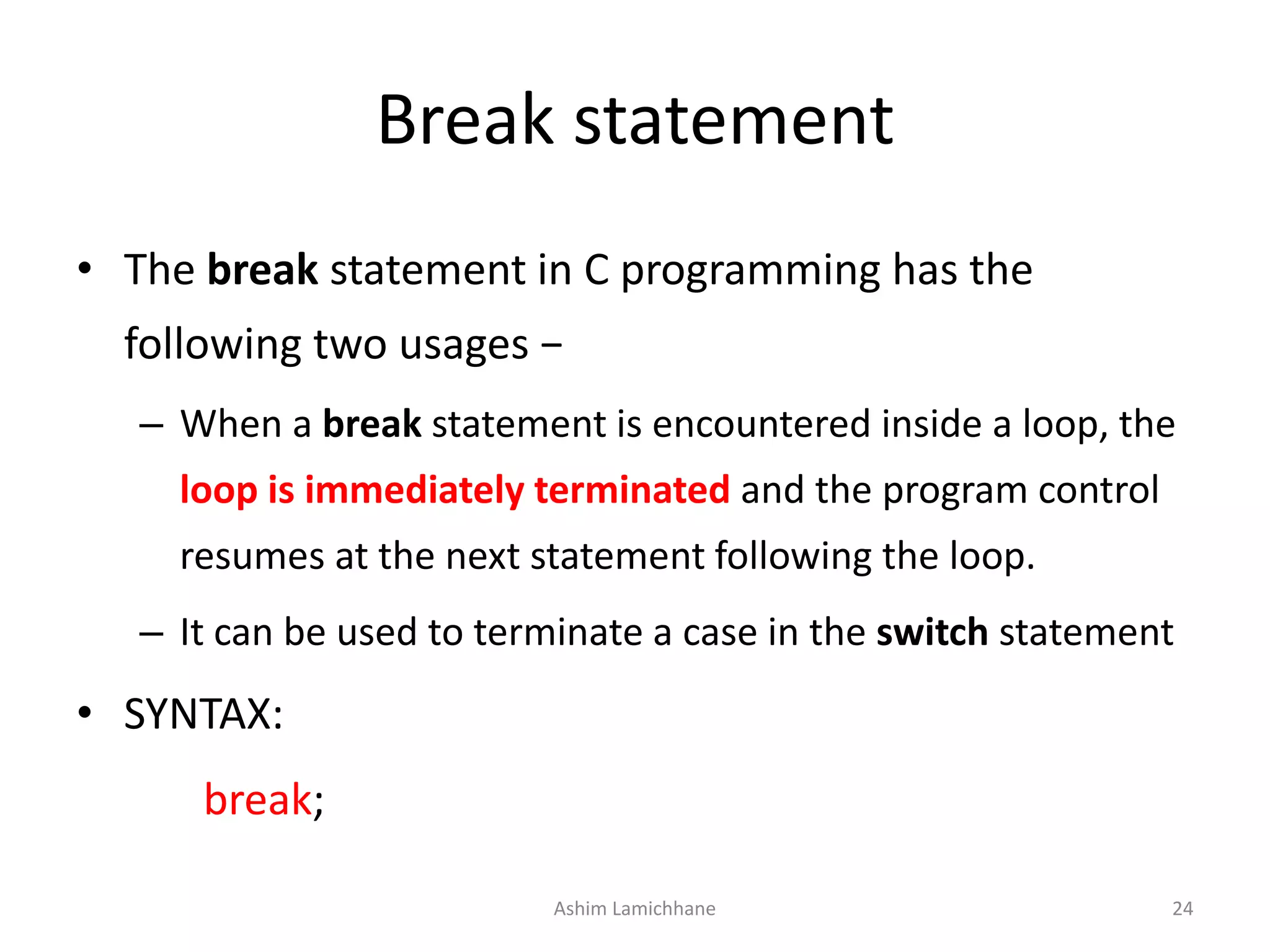
Break statement
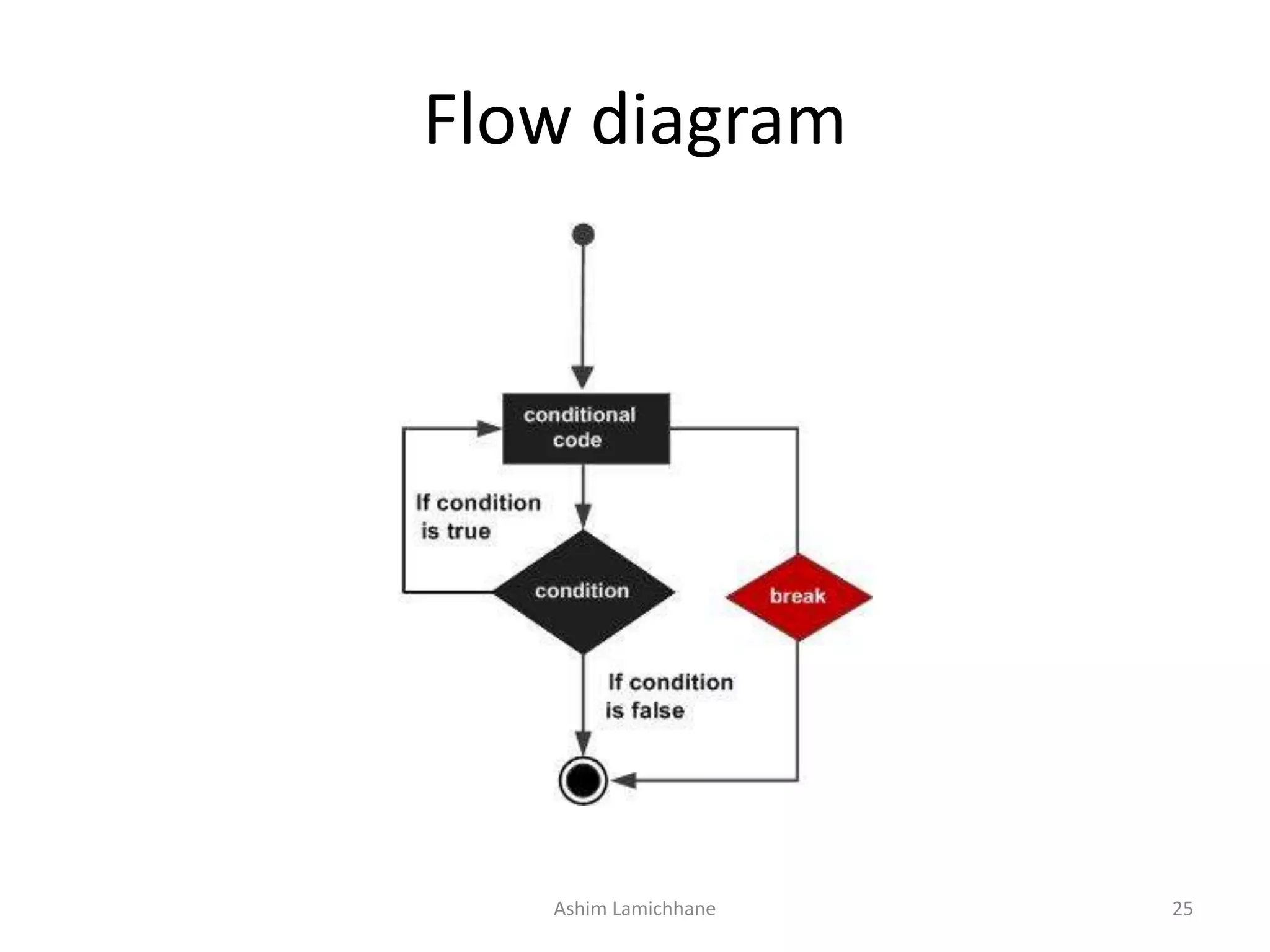
• The break statement in C programming has the
following two usages −
– When a break statement is encountered inside a loop, the
loop is immediately terminated and the program control
resumes at the next statement following the loop.
– It can be used to terminate a case in the switch statement
• SYNTAX:
break;
Ashim Lamichhane 24
Flow diagram
Ashim Lamichhane 25
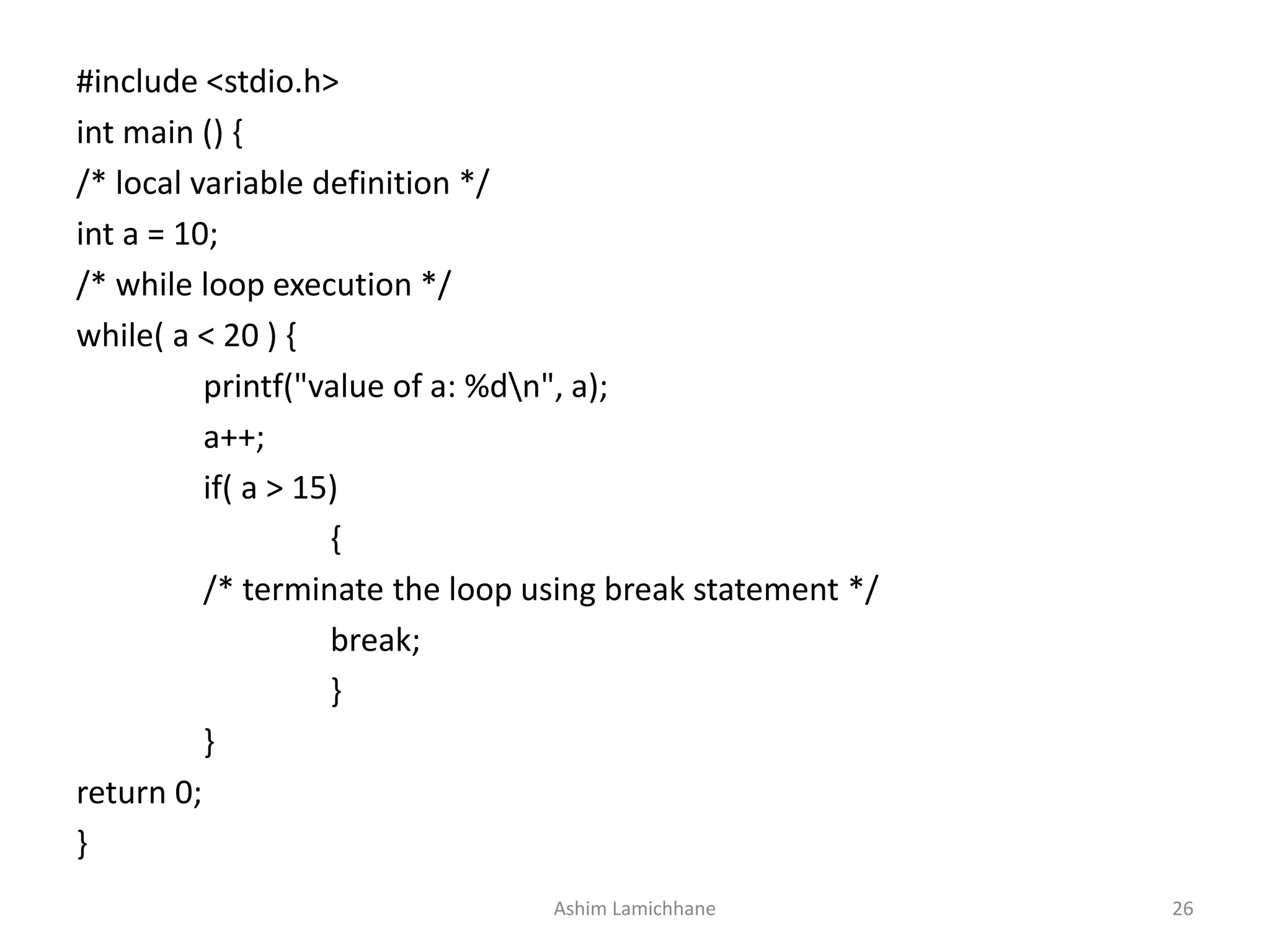
#include <stdio.h>
int main () {
/* local variable definition */
int a = 10;
/* while loop execution */
while( a < 20 ) {
printf("value of a: %dn", a);
a++;
if( a > 15)
{
/* terminate the loop using break statement */
break;
}
}
return 0;
}
Ashim Lamichhane 26
Continue Statement
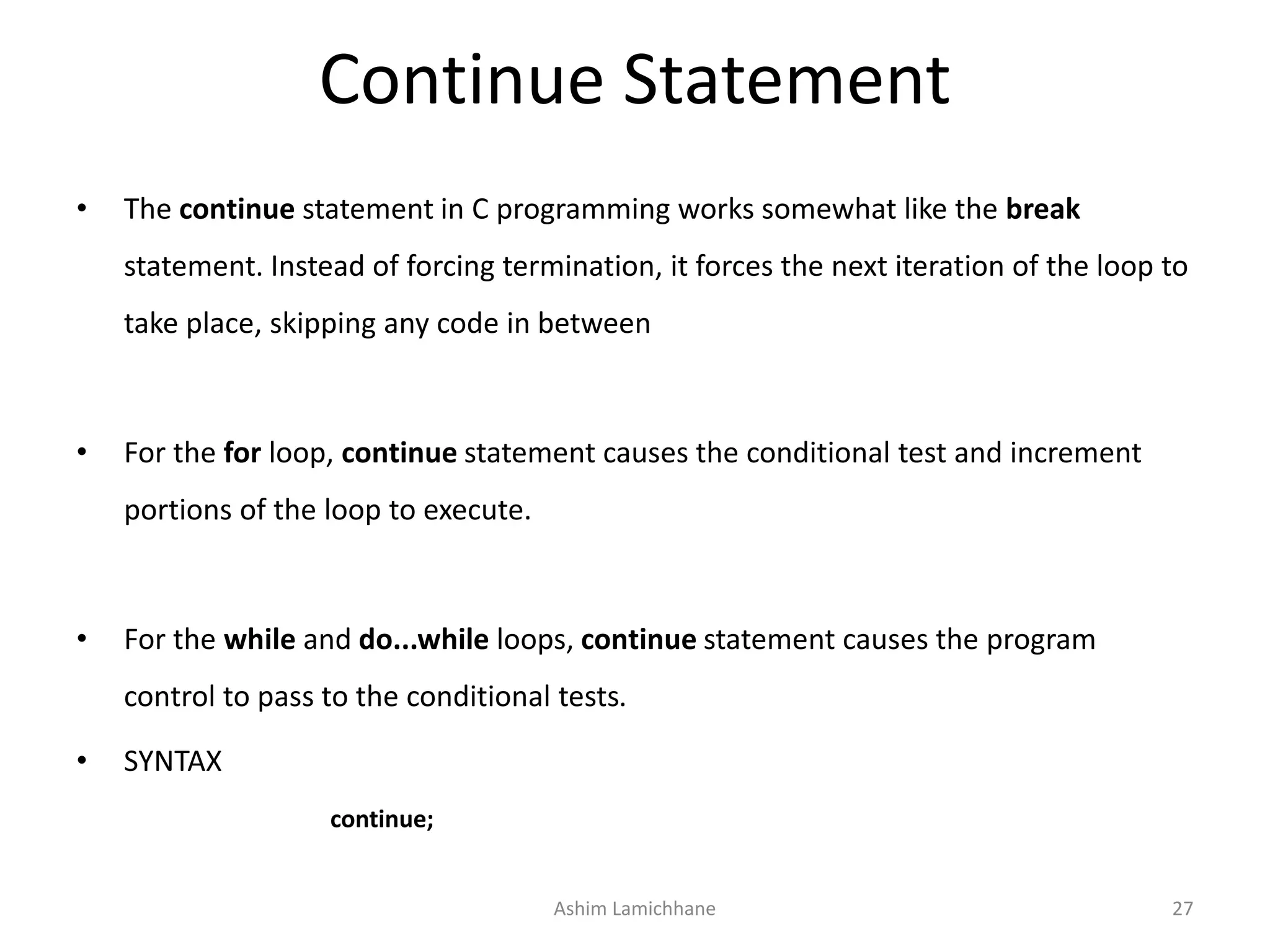
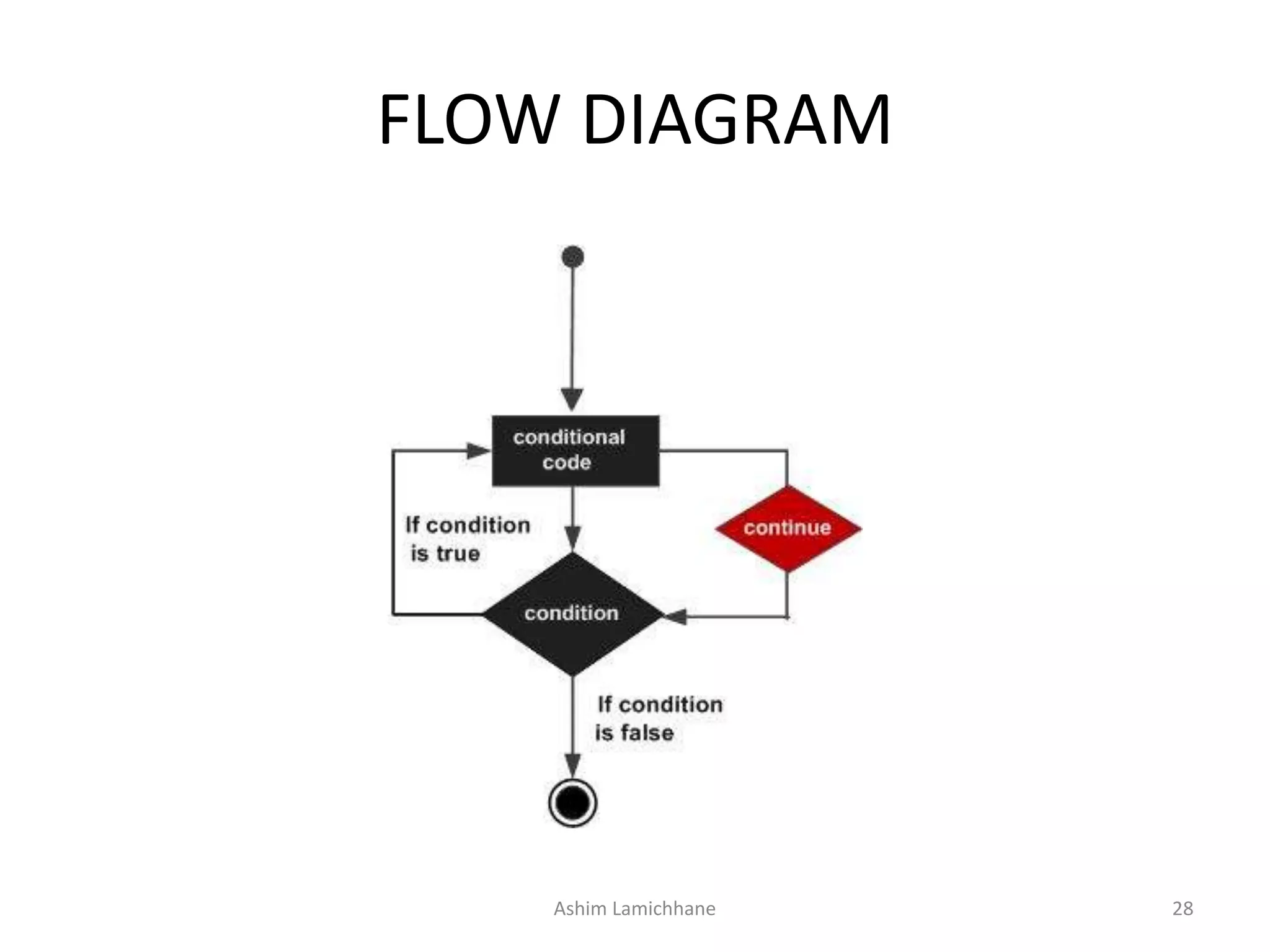
• The continue statement in C programming works somewhat like the break
statement. Instead of forcing termination, it forces the next iteration of the loop to
take place, skipping any code in between
• For the for loop, continue statement causes the conditional test and increment
portions of the loop to execute.
• For the while and do...while loops, continue statement causes the program
control to pass to the conditional tests.
• SYNTAX
continue;
Ashim Lamichhane 27
FLOW DIAGRAM
Ashim Lamichhane 28
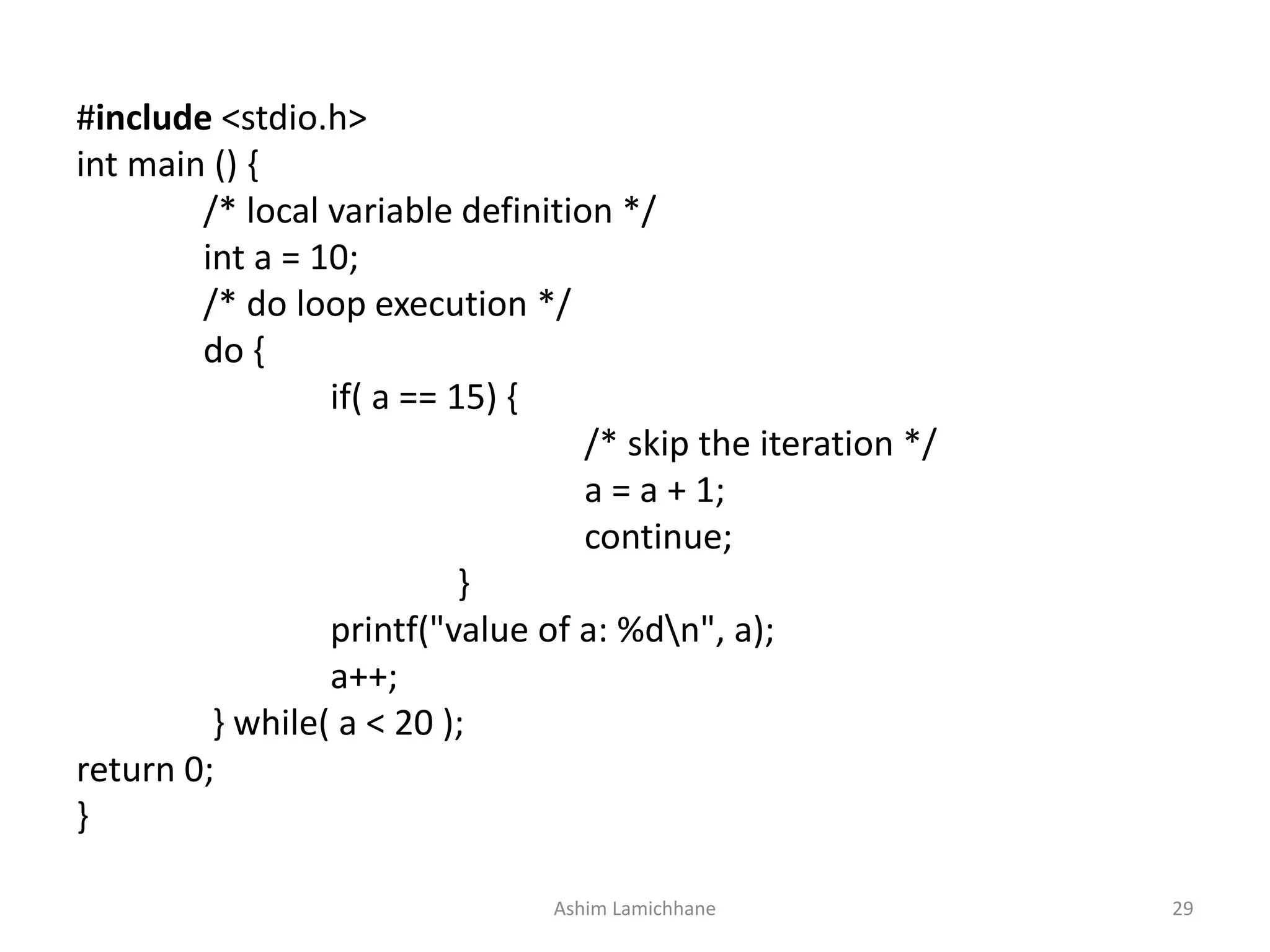
#include <stdio.h>
int main () {
/* local variable definition */
int a = 10;
/* do loop execution */
do {
if( a == 15) {
/* skip the iteration */
a = a + 1;
continue;
}
printf("value of a: %dn", a);
a++;
} while( a < 20 );
return 0;
}
Ashim Lamichhane 29
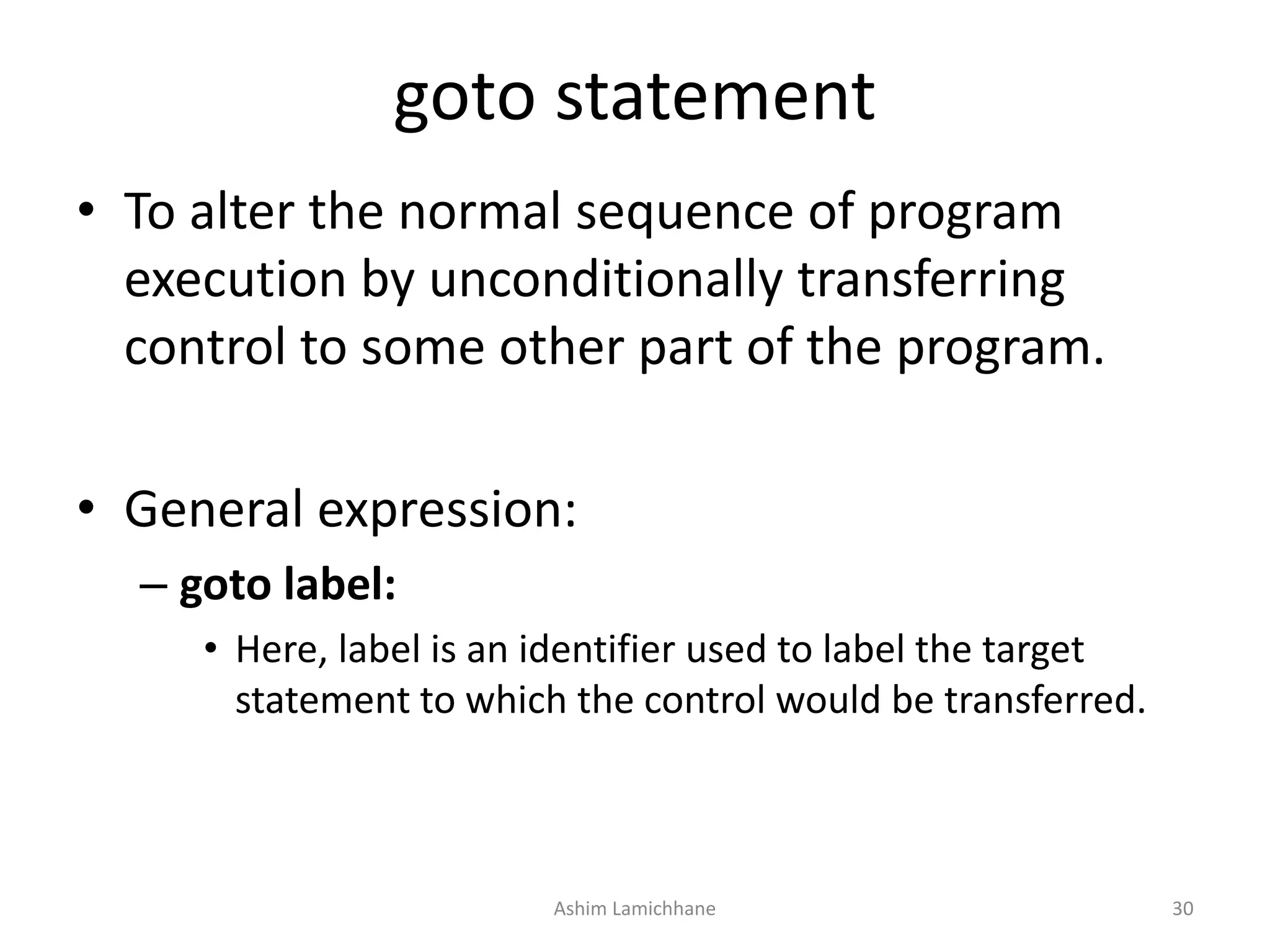
goto statement
• To alter the normal sequence of program
execution by unconditionally transferring
control to some other part of the program.
• General expression:
– goto label:
• Here, label is an identifier used to label the target
statement to which the control would be transferred.
Ashim Lamichhane 30
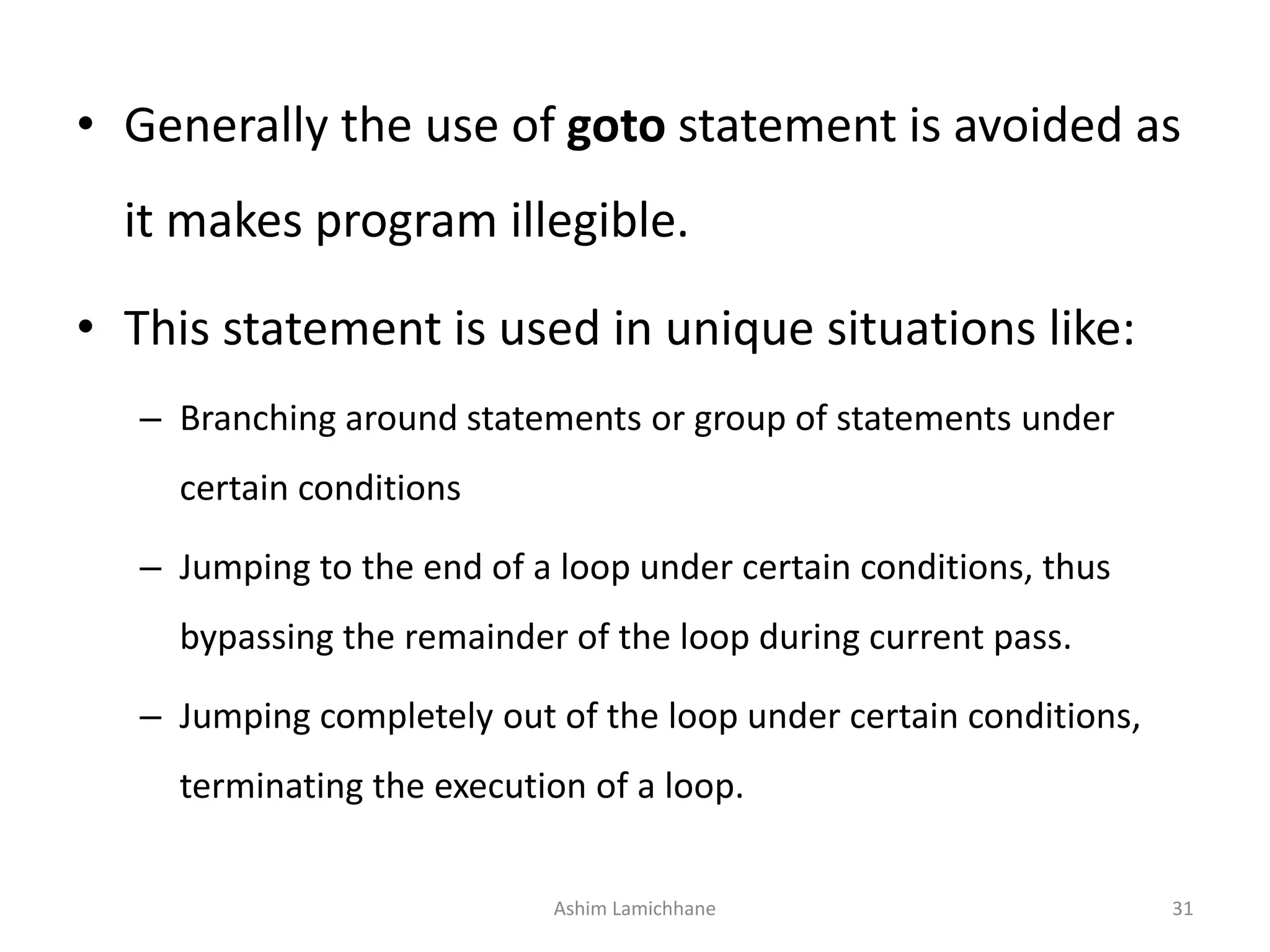
• Generally the use of goto statement is avoided as
it makes program illegible.
• This statement is used in unique situations like:
– Branching around statements or group of statements under
certain conditions
– Jumping to the end of a loop under certain conditions, thus
bypassing the remainder of the loop during current pass.
– Jumping completely out of the loop under certain conditions,
terminating the execution of a loop.
Ashim Lamichhane 31
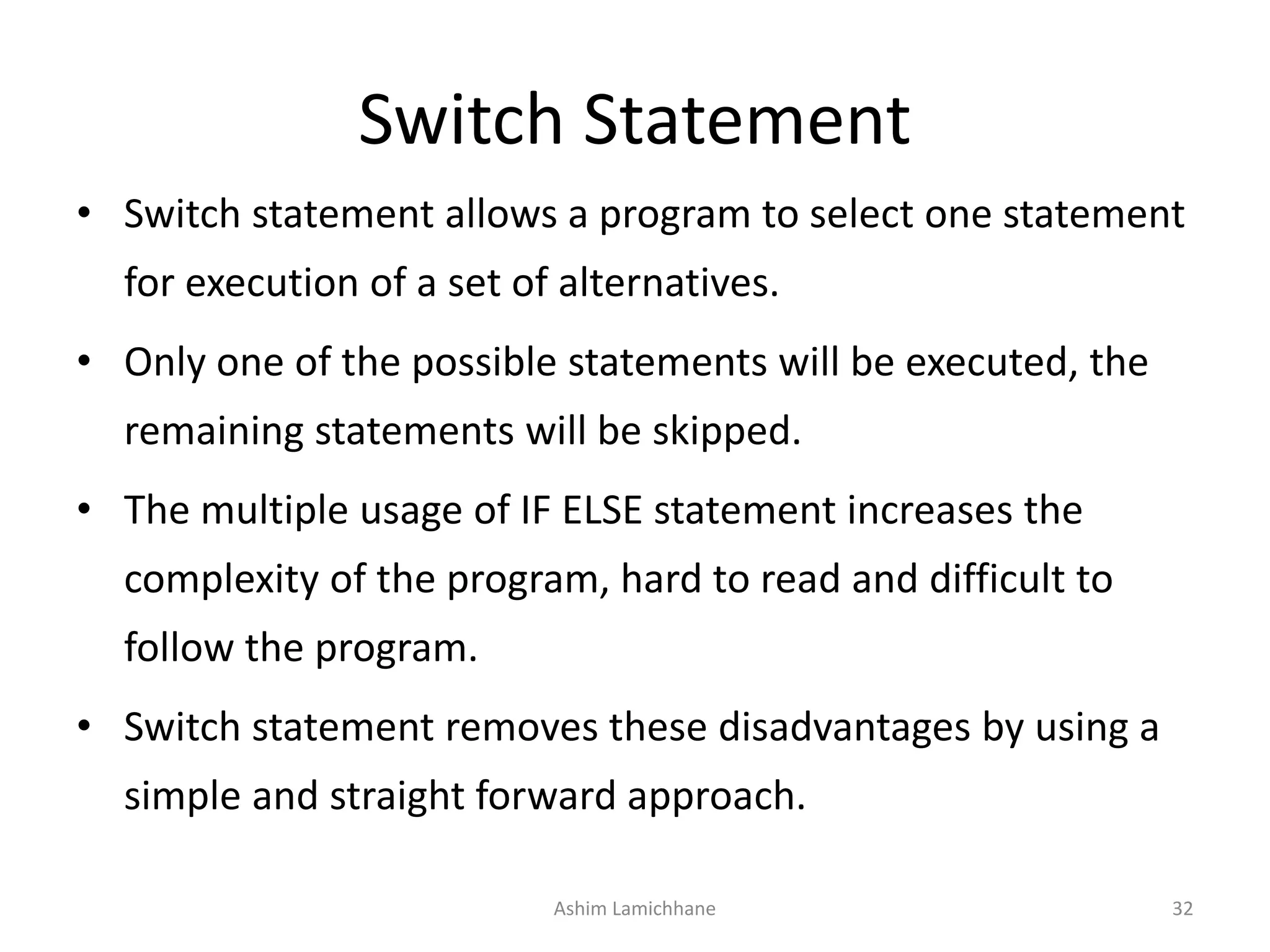
Switch Statement
• Switch statement allows a program to select one statement
for execution of a set of alternatives.
• Only one of the possible statements will be executed, the
remaining statements will be skipped.
• The multiple usage of IF ELSE statement increases the
complexity of the program, hard to read and difficult to
follow the program.
• Switch statement removes these disadvantages by using a
simple and straight forward approach.
Ashim Lamichhane 32
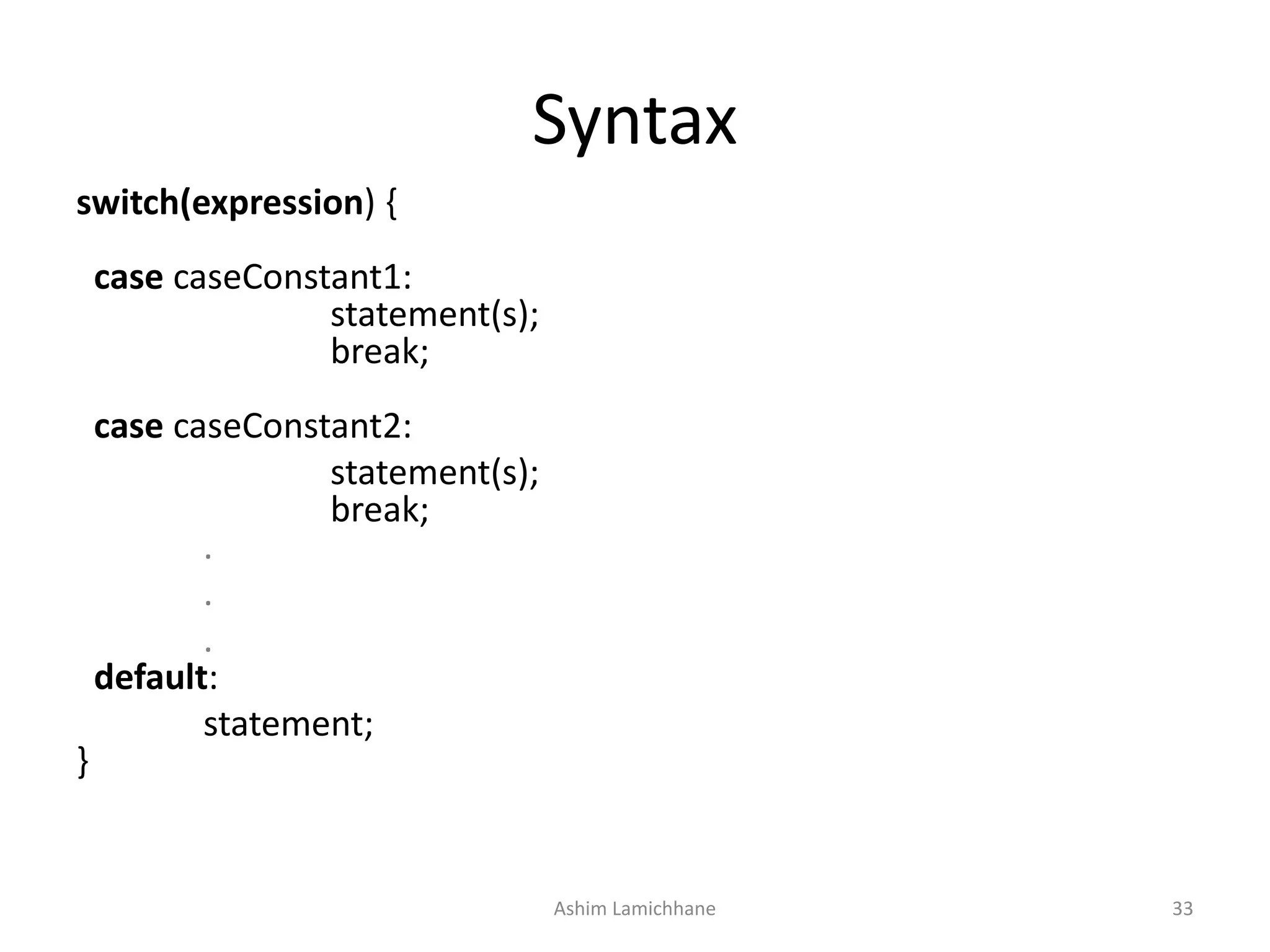
Syntax
switch(expression) {
case caseConstant1:
statement(s);
break;
case caseConstant2:
statement(s);
break;
.
.
.
default:
statement;
}
Ashim Lamichhane 33
The following rules apply to a switch statement
• The expression used in a switch statement must have an integral or enumerated type.
• You can have any number of case statements within a switch. Each case is followed by the value to
be compared to and a colon.
• The caseConstant for a case must be the same data type as the variable in the switch, and it must
be a constant or a literal.
• When the variable being switched on is equal to a case, the statements following that case will
execute until a break statement is reached.
• When a break statement is reached, the switch terminates, and the flow of control jumps to the
next line following the switch statement.
• Not every case needs to contain a break. If no break appears, the flow of control will fall through to
subsequent cases until a break is reached.
• A switch statement can have an optional default case, which must appear at the end of the switch.
The default case can be used for performing a task when none of the cases is true. No break is
needed in the default case.
Ashim Lamichhane 34
Write a program to make a menu like
#include <stdio.h>
int main(void){
int choice;
LOOP:
printf("Select 1 for file, 2 for Edit and 3 for Saven");
printf("1==> filen2==>Editn3==> Saven");
scanf("%d",&choice);
switch(choice){
case 1:
printf("nYou have chosen File Menu Itemn");
break;
case 2:
printf("nYou have chosen Edit Menu Itemn");
break;
case 3:
printf("nYou have chosen Save Menu Itemn");
break;
default:
printf("nINVALID OPTION PLEASE TRY AGAINn");
goto LOOP;
}
} Ashim Lamichhane 35
Loop or Repeating Construct
• You may encounter situations, when a block of code
needs to be executed several number of times.
• Programming languages provide various control
structures that allow for more complicated execution
paths.
• A loop statement allows us to execute a statement or
group of statements multiple times.
Ashim Lamichhane 36
• Given below is the general form of a loop
statement in most of the programming
languages −
Ashim Lamichhane 37
for loop
• A for loop is a repetition control structure that
allows you to efficiently write a loop that
needs to execute a specific number of times.
• The syntax of a for loop in C programming
language is −
for(init ; condition; increment){
statement(s);
}
Ashim Lamichhane 38
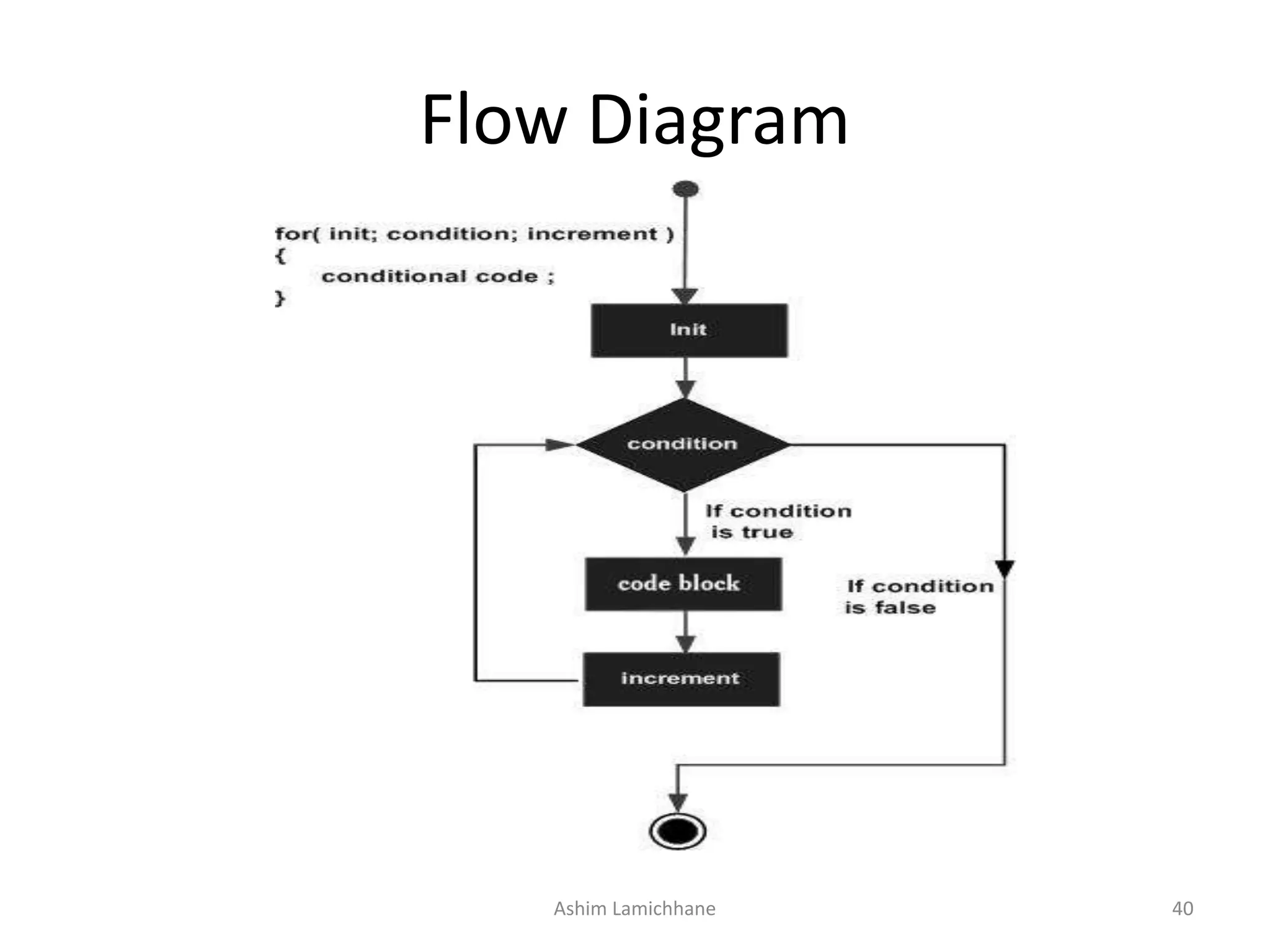
• Here is the flow of control in a 'for' loop −
– The init step is executed first, and only once. This step allows you to declare
and initialize any loop control variables.
– Next, the condition is evaluated. If it is true, the body of the loop is executed.
If it is false, the body of the loop does not execute and the flow of control
jumps to the next statement just after the 'for' loop.
– After the body of the 'for' loop executes, the flow of control jumps back up to
the increment statement. This statement allows you to update any loop
control variables. This statement can be left blank, as long as a semicolon
appears after the condition.
– The condition is now evaluated again. If it is true, the loop executes and the
process repeats itself (body of loop, then increment step, and then again
condition). After the condition becomes false, the 'for' loop terminates.
Ashim Lamichhane 39
Flow Diagram
Ashim Lamichhane 40
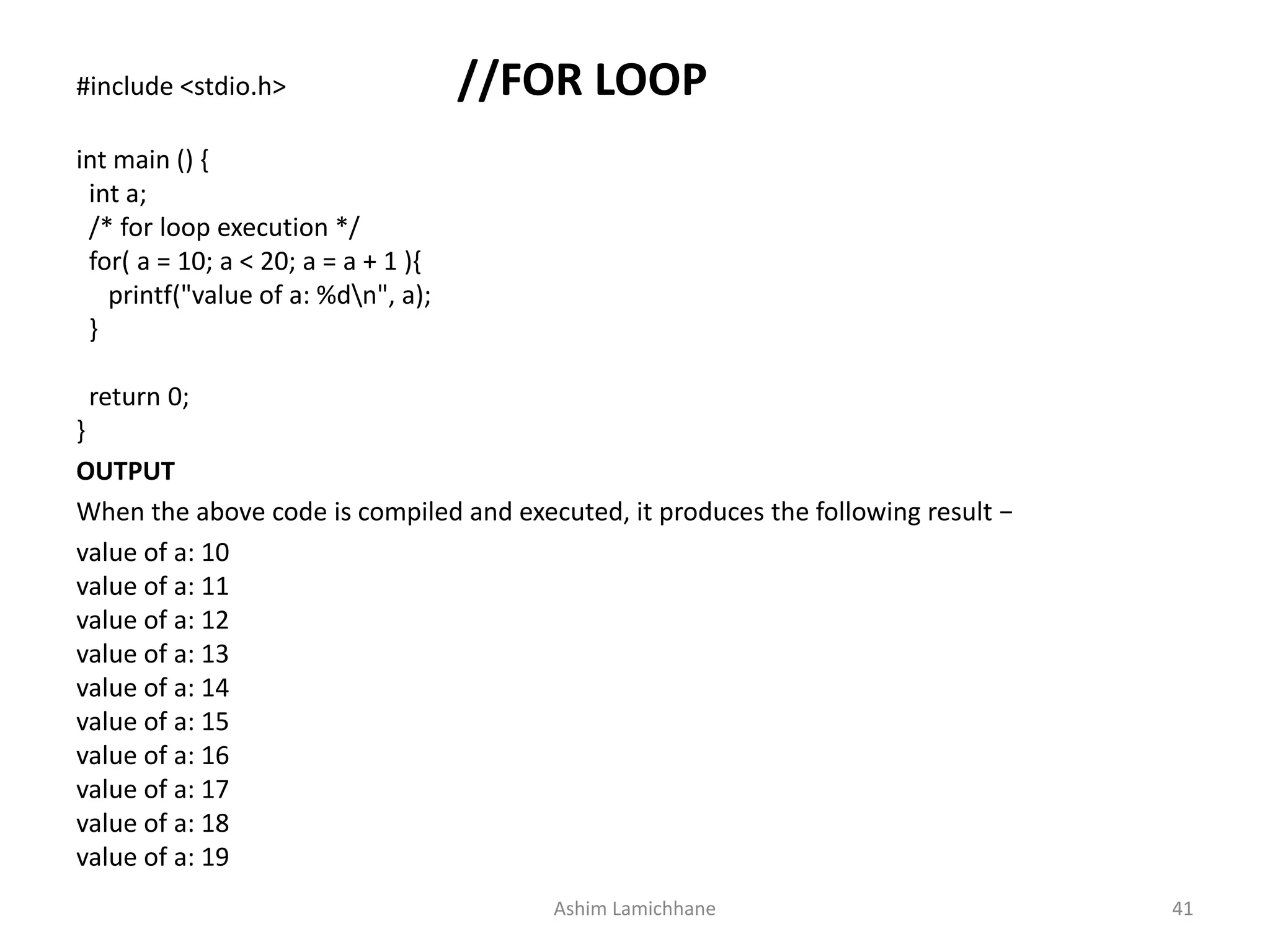
#include <stdio.h> //FOR LOOP
int main () {
int a;
/* for loop execution */
for( a = 10; a < 20; a = a + 1 ){
printf("value of a: %dn", a);
}
return 0;
}
OUTPUT
When the above code is compiled and executed, it produces the following result −
value of a: 10
value of a: 11
value of a: 12
value of a: 13
value of a: 14
value of a: 15
value of a: 16
value of a: 17
value of a: 18
value of a: 19
Ashim Lamichhane 41
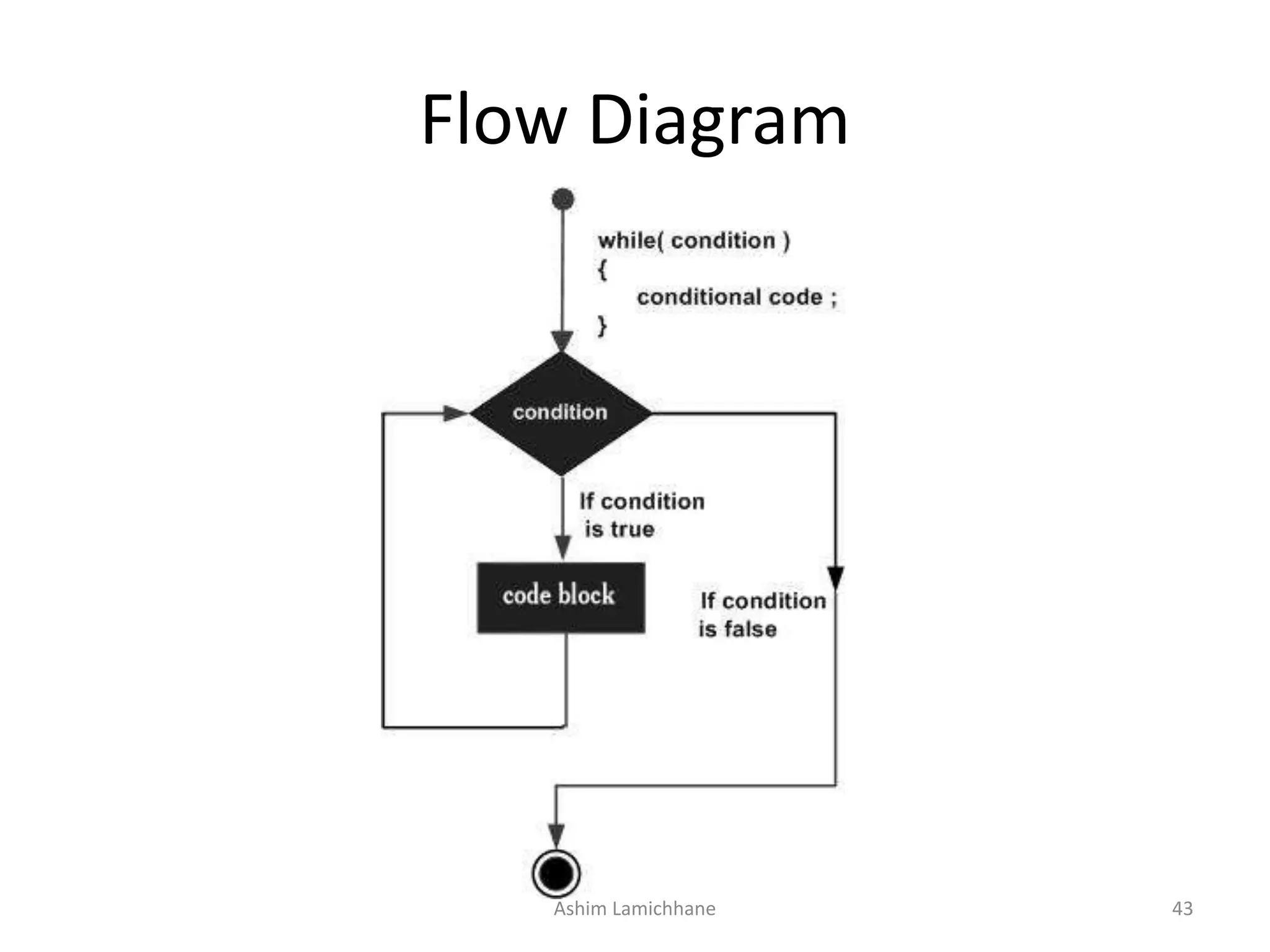
While loop
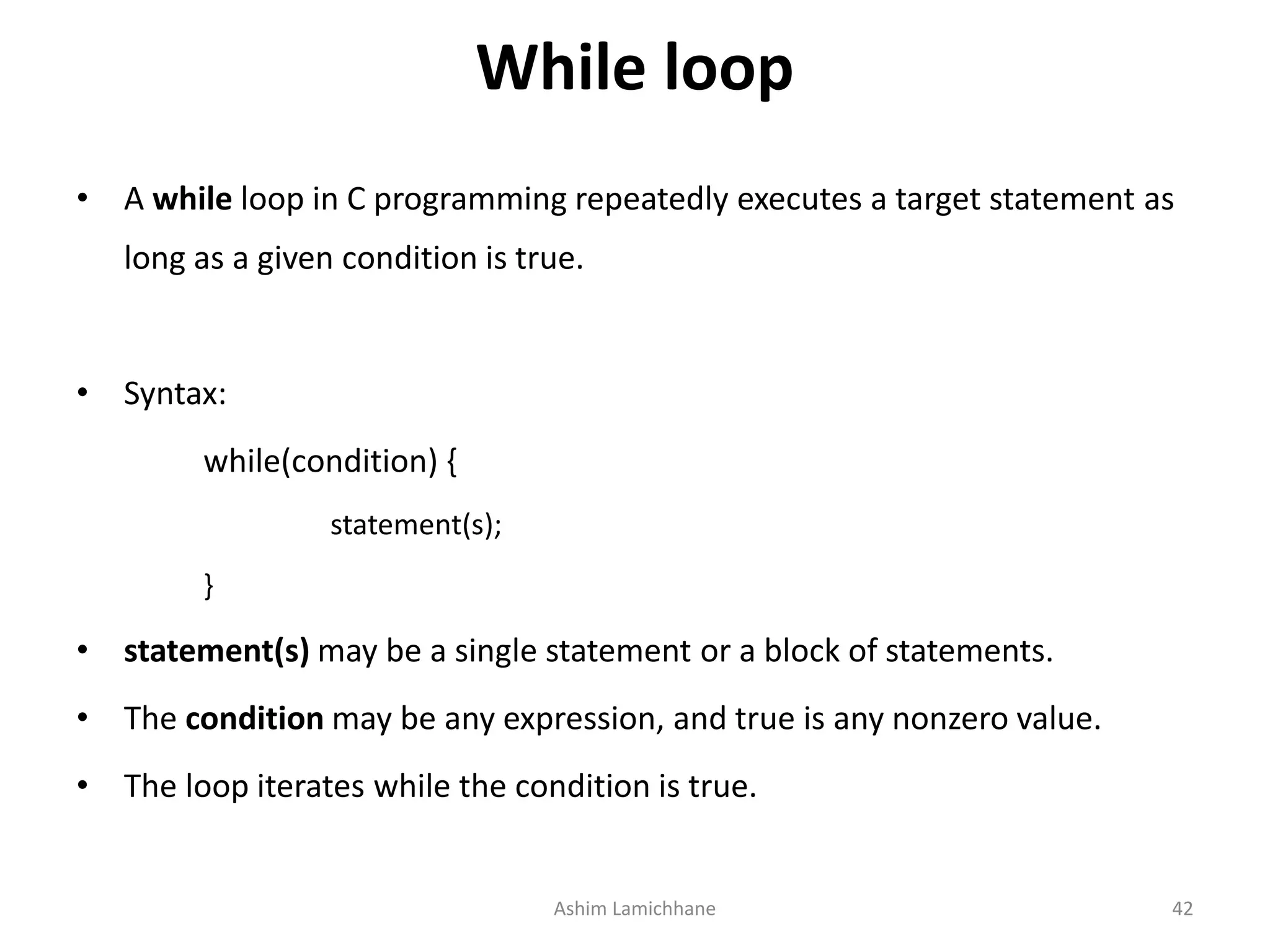
• A while loop in C programming repeatedly executes a target statement as
long as a given condition is true.
• Syntax:
while(condition) {
statement(s);
}
• statement(s) may be a single statement or a block of statements.
• The condition may be any expression, and true is any nonzero value.
• The loop iterates while the condition is true.
Ashim Lamichhane 42
Flow Diagram
Ashim Lamichhane 43
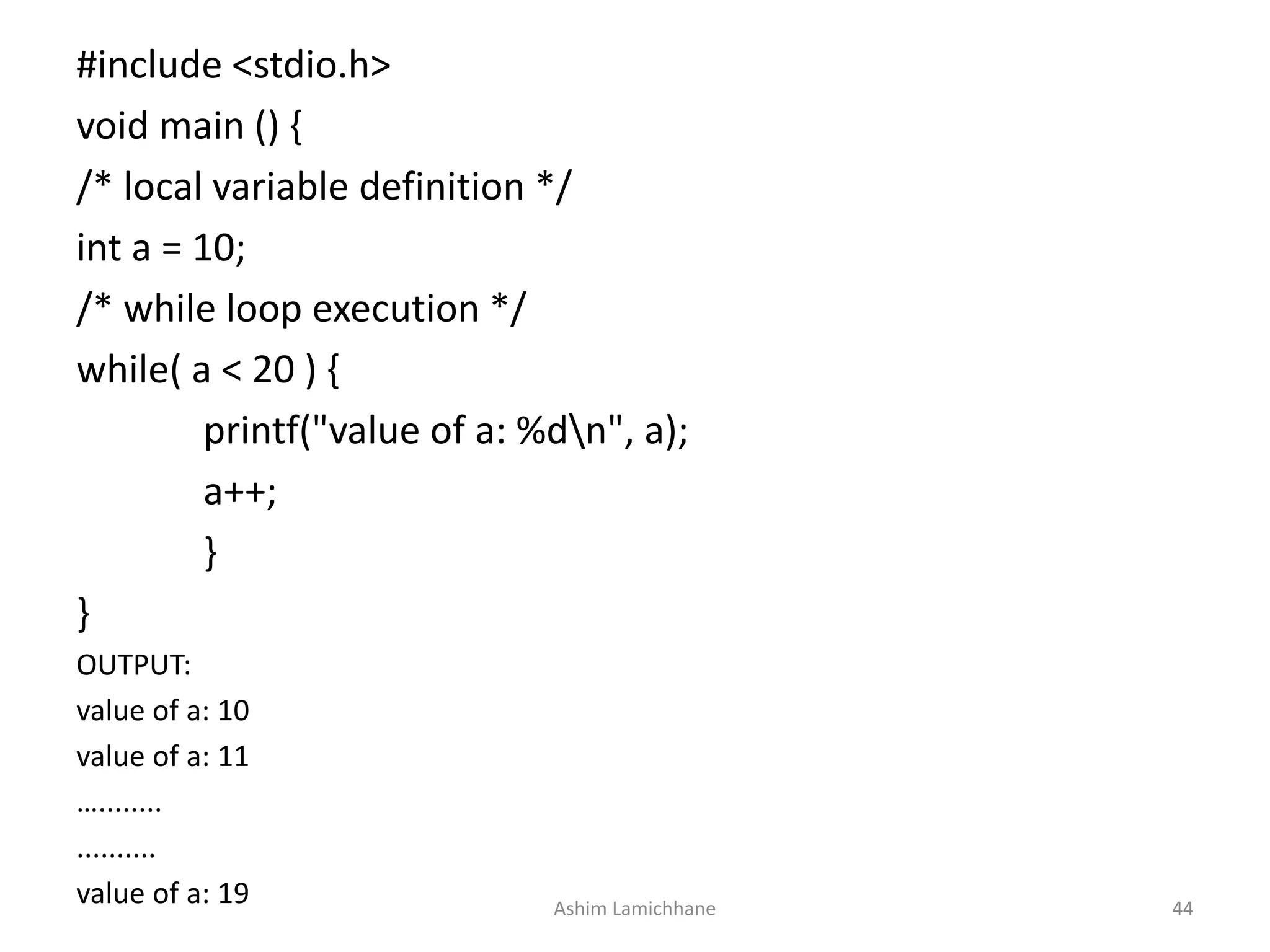
#include <stdio.h>
void main () {
/* local variable definition */
int a = 10;
/* while loop execution */
while( a < 20 ) {
printf("value of a: %dn", a);
a++;
}
}
OUTPUT:
value of a: 10
value of a: 11
…........
..........
value of a: 19 Ashim Lamichhane 44
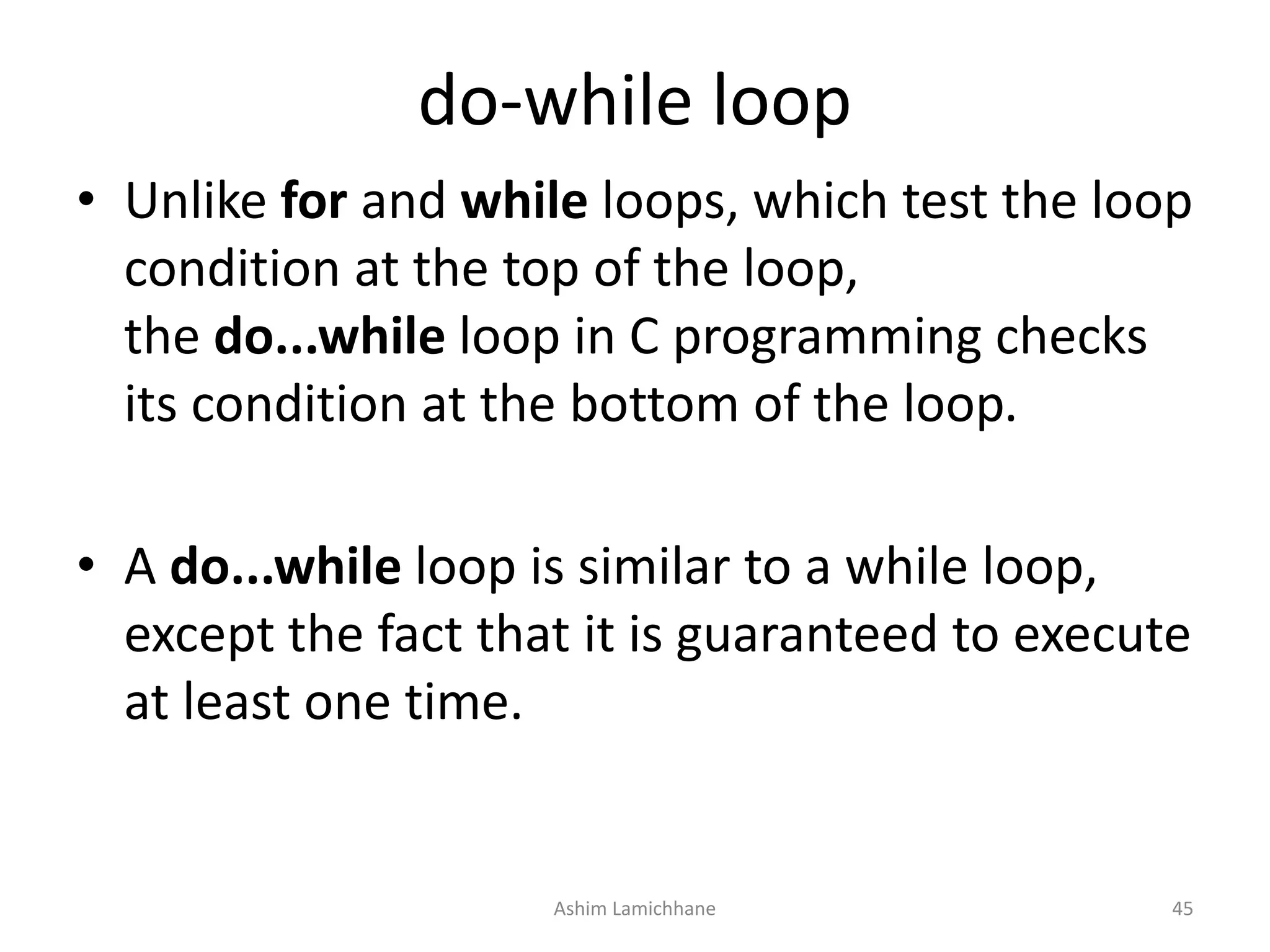
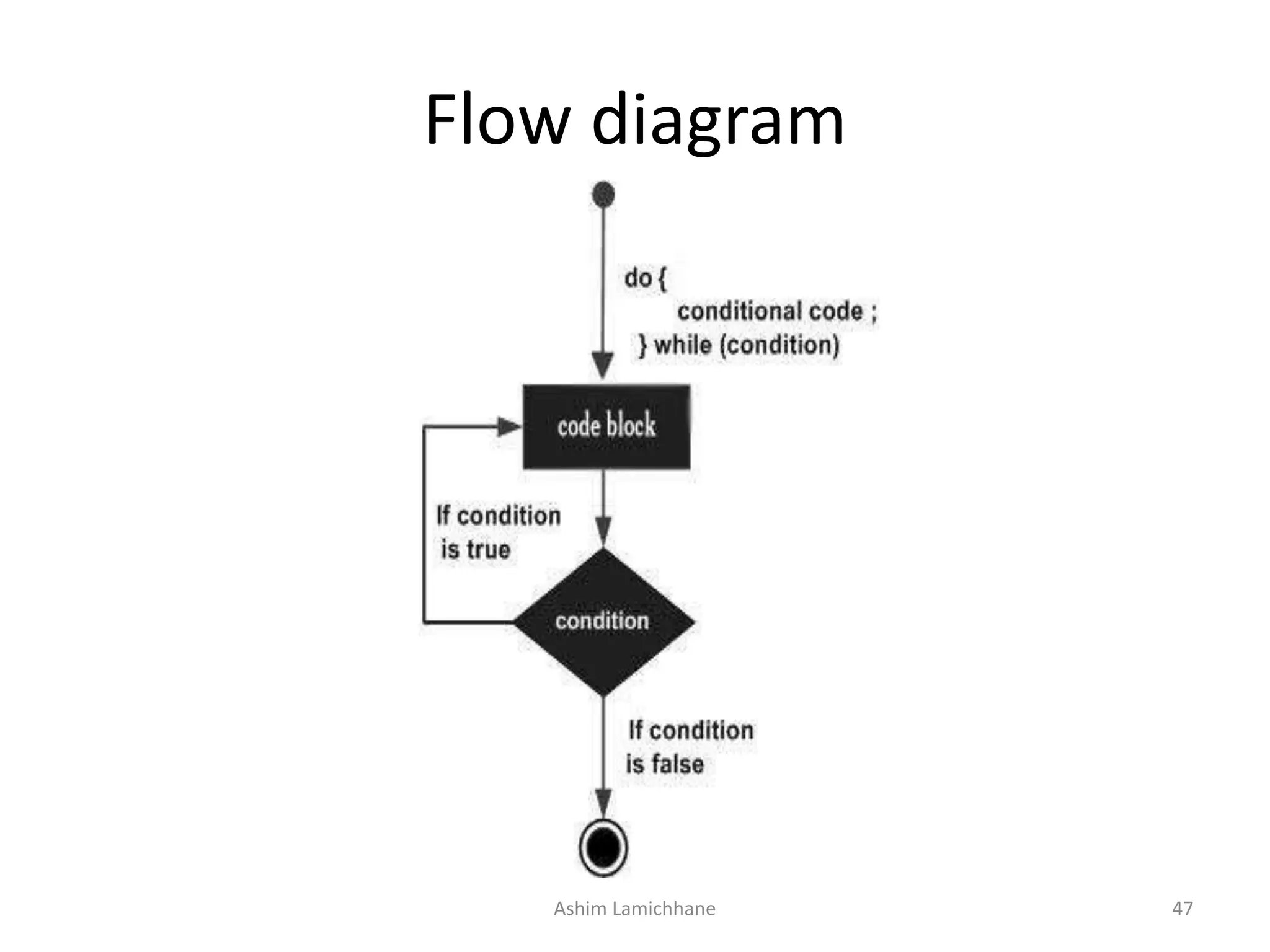
do-while loop
• Unlike for and while loops, which test the loop
condition at the top of the loop,
the do...while loop in C programming checks
its condition at the bottom of the loop.
• A do...while loop is similar to a while loop,
except the fact that it is guaranteed to execute
at least one time.
Ashim Lamichhane 45
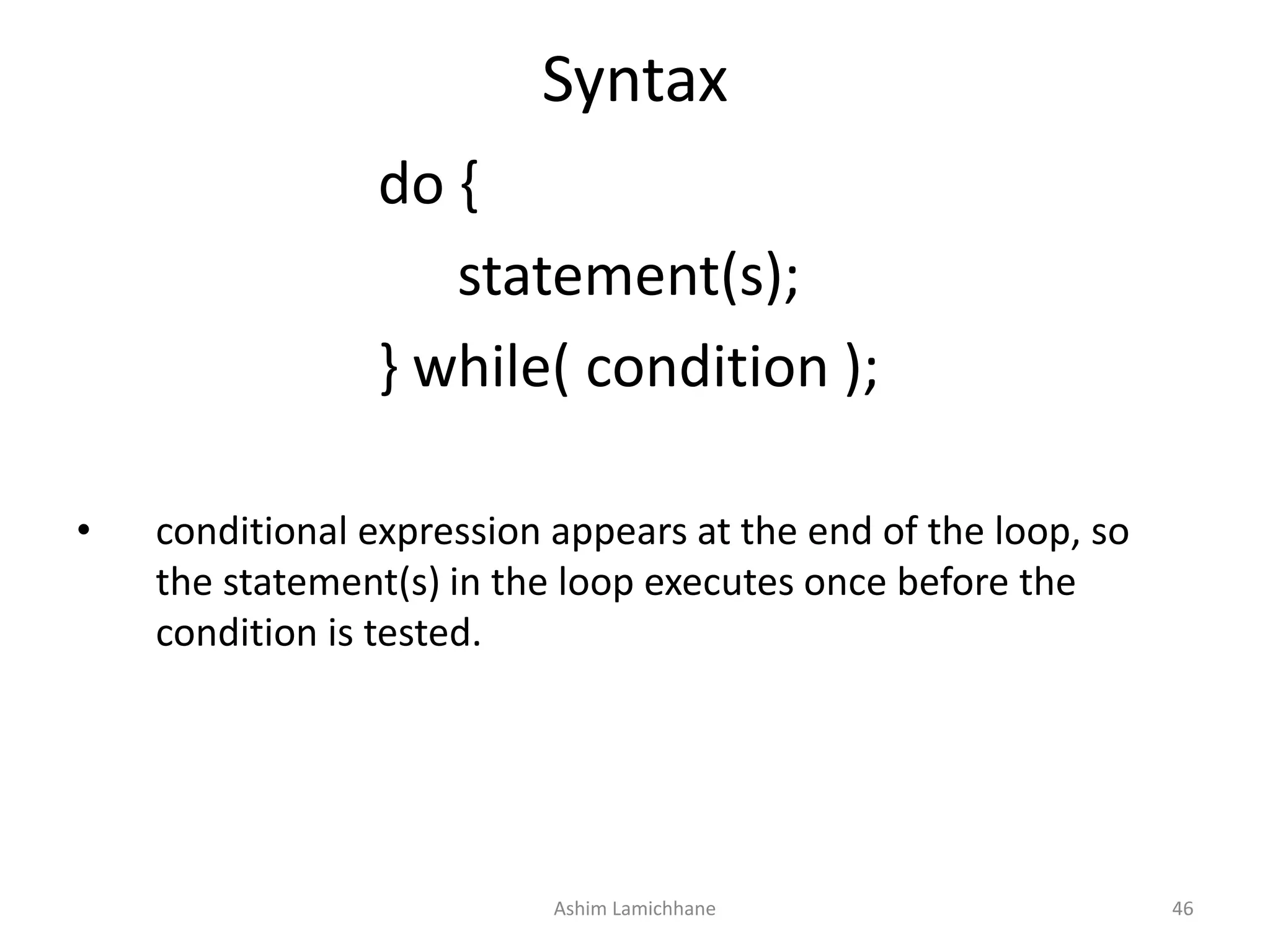
Syntax
do {
statement(s);
} while( condition );
• conditional expression appears at the end of the loop, so
the statement(s) in the loop executes once before the
condition is tested.
Ashim Lamichhane 46
Flow diagram
Ashim Lamichhane 47
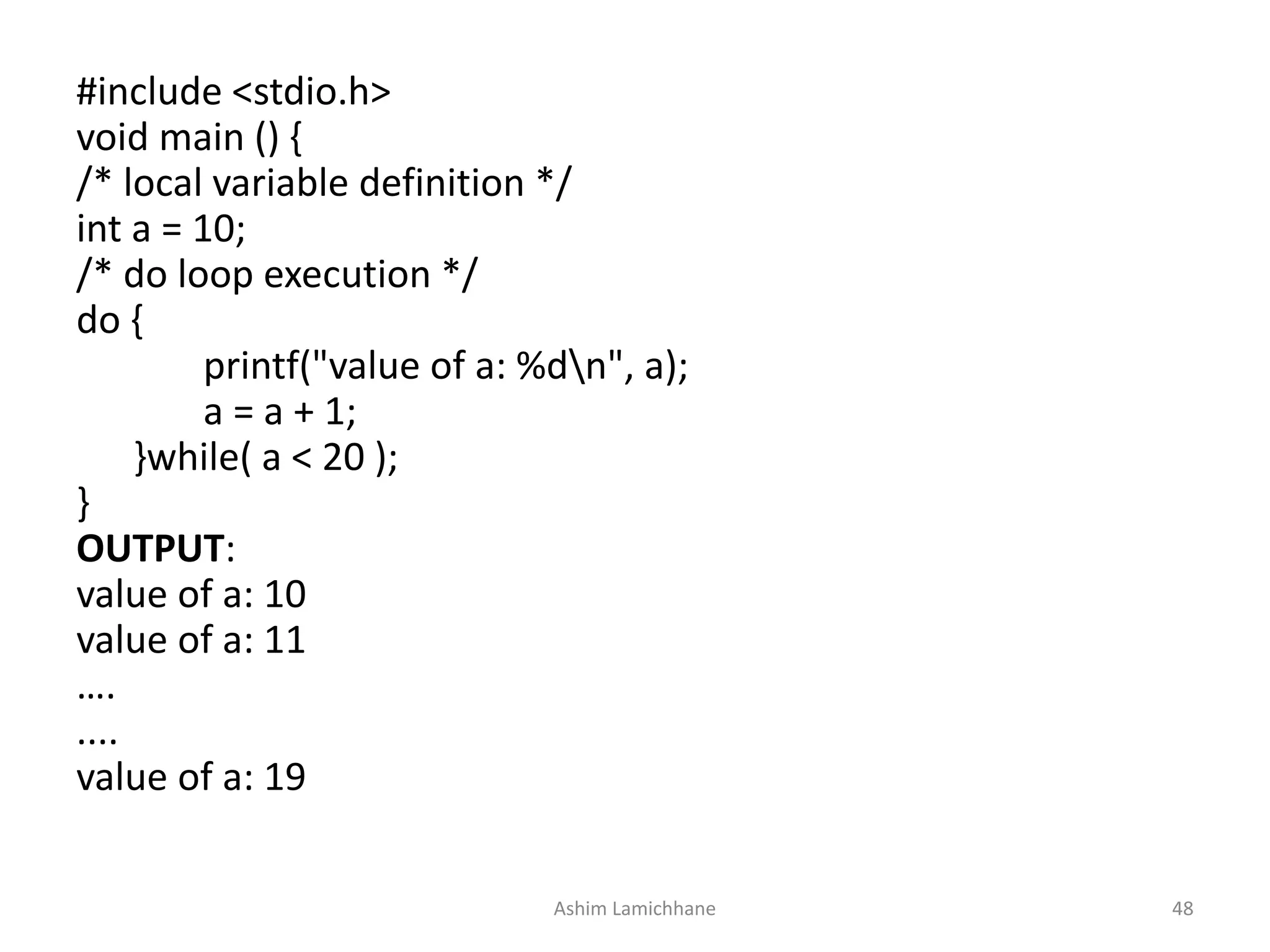
#include <stdio.h>
void main () {
/* local variable definition */
int a = 10;
/* do loop execution */
do {
printf("value of a: %dn", a);
a = a + 1;
}while( a < 20 );
}
OUTPUT:
value of a: 10
value of a: 11
….
....
value of a: 19
Ashim Lamichhane 48
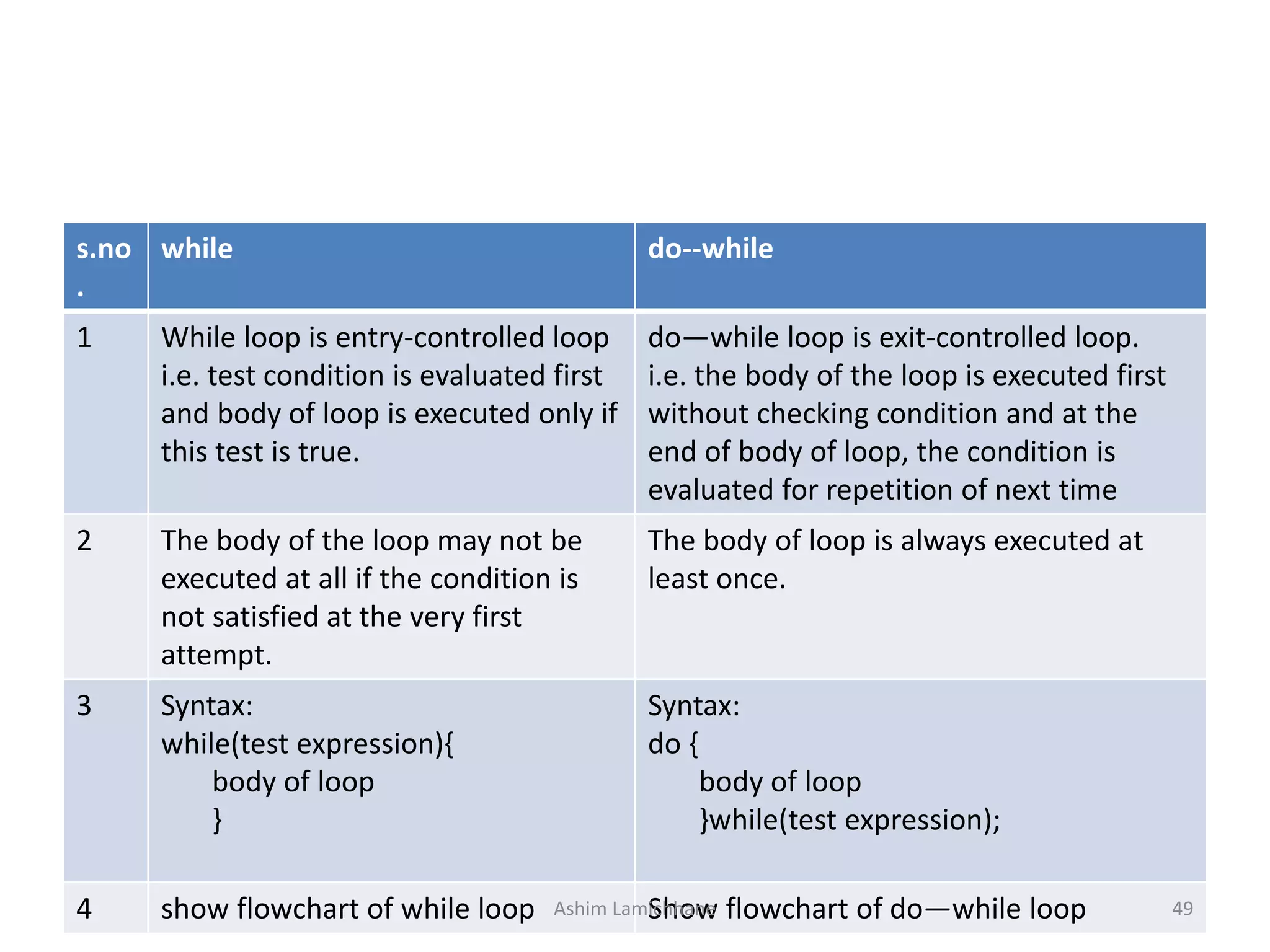
s.no
.
while do--while
1 While loop is entry-controlled loop
i.e. test condition is evaluated first
and body of loop is executed only if
this test is true.
do—while loop is exit-controlled loop.
i.e. the body of the loop is executed first
without checking condition and at the
end of body of loop, the condition is
evaluated for repetition of next time
2 The body of the loop may not be
executed at all if the condition is
not satisfied at the very first
attempt.
The body of loop is always executed at
least once.
3 Syntax:
while(test expression){
body of loop
}
Syntax:
do {
body of loop
}while(test expression);
4 show flowchart of while loop Show flowchart of do—while loopAshim Lamichhane 49
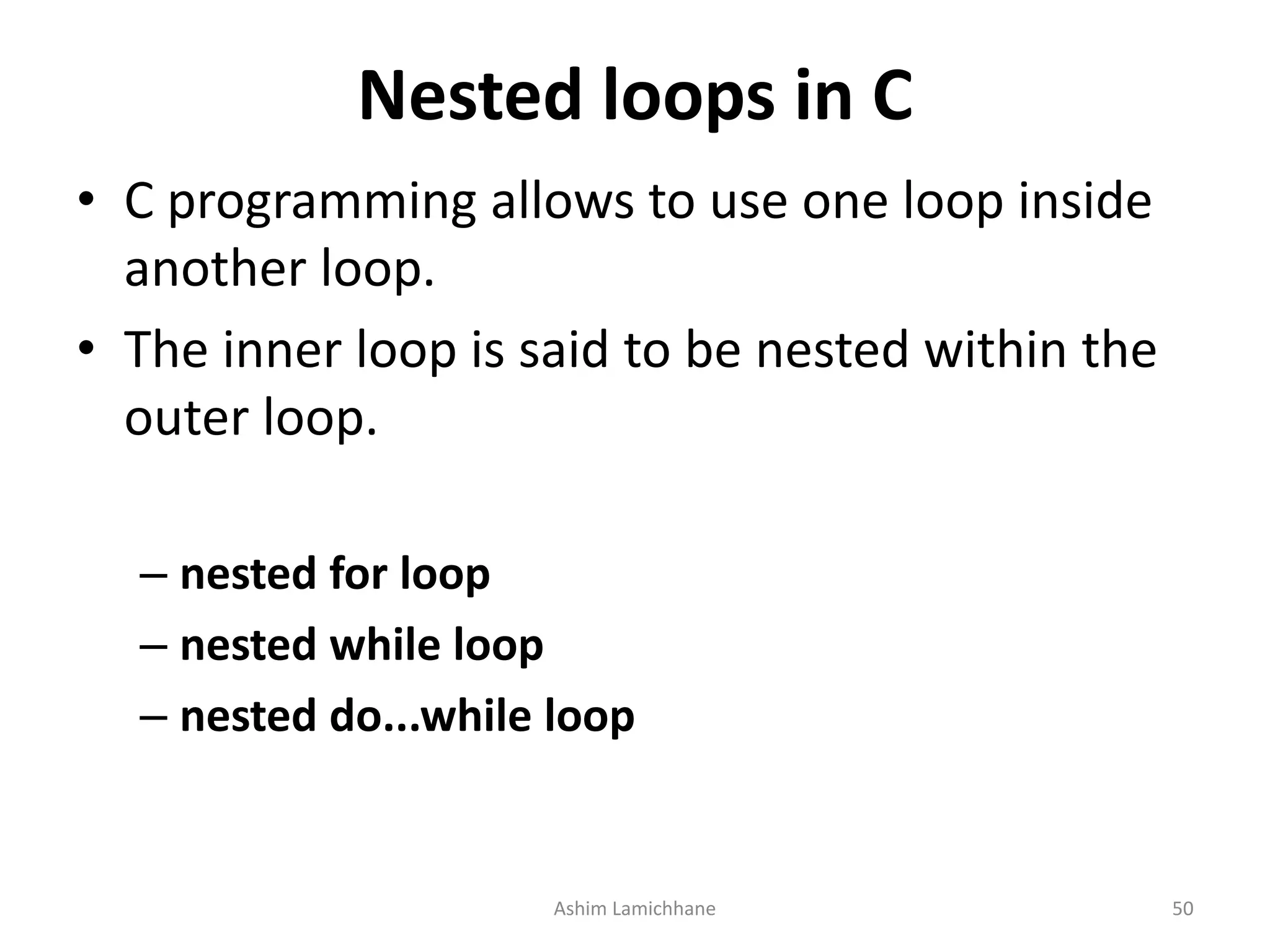
Nested loops in C
• C programming allows to use one loop inside
another loop.
• The inner loop is said to be nested within the
outer loop.
– nested for loop
– nested while loop
– nested do...while loop
Ashim Lamichhane 50
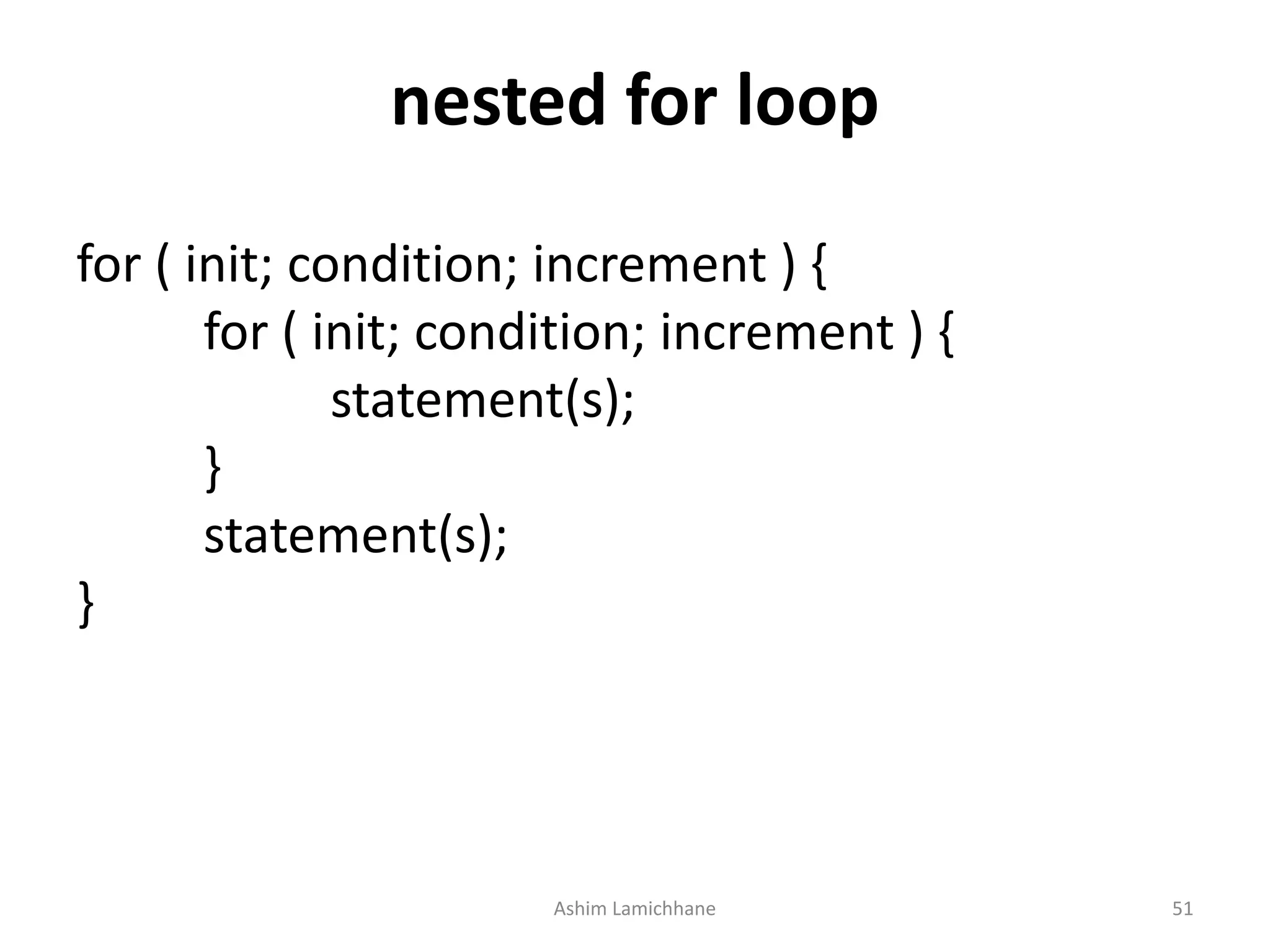
nested for loop
for ( init; condition; increment ) {
statement(s);
}
statement(s);
}
Ashim Lamichhane 51
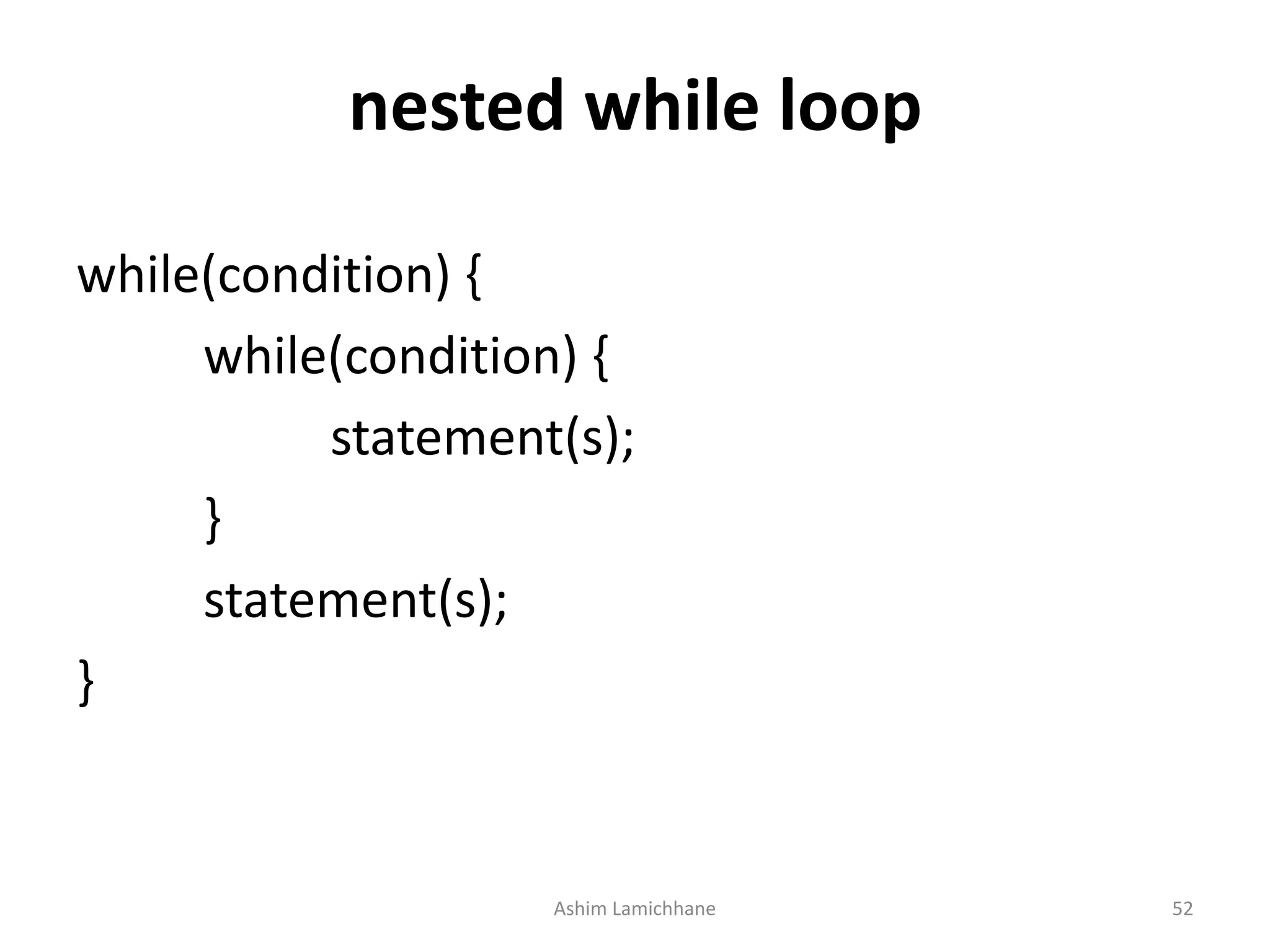
nested while loop
while(condition) {
while(condition) {
statement(s);
}
statement(s);
}
Ashim Lamichhane 52
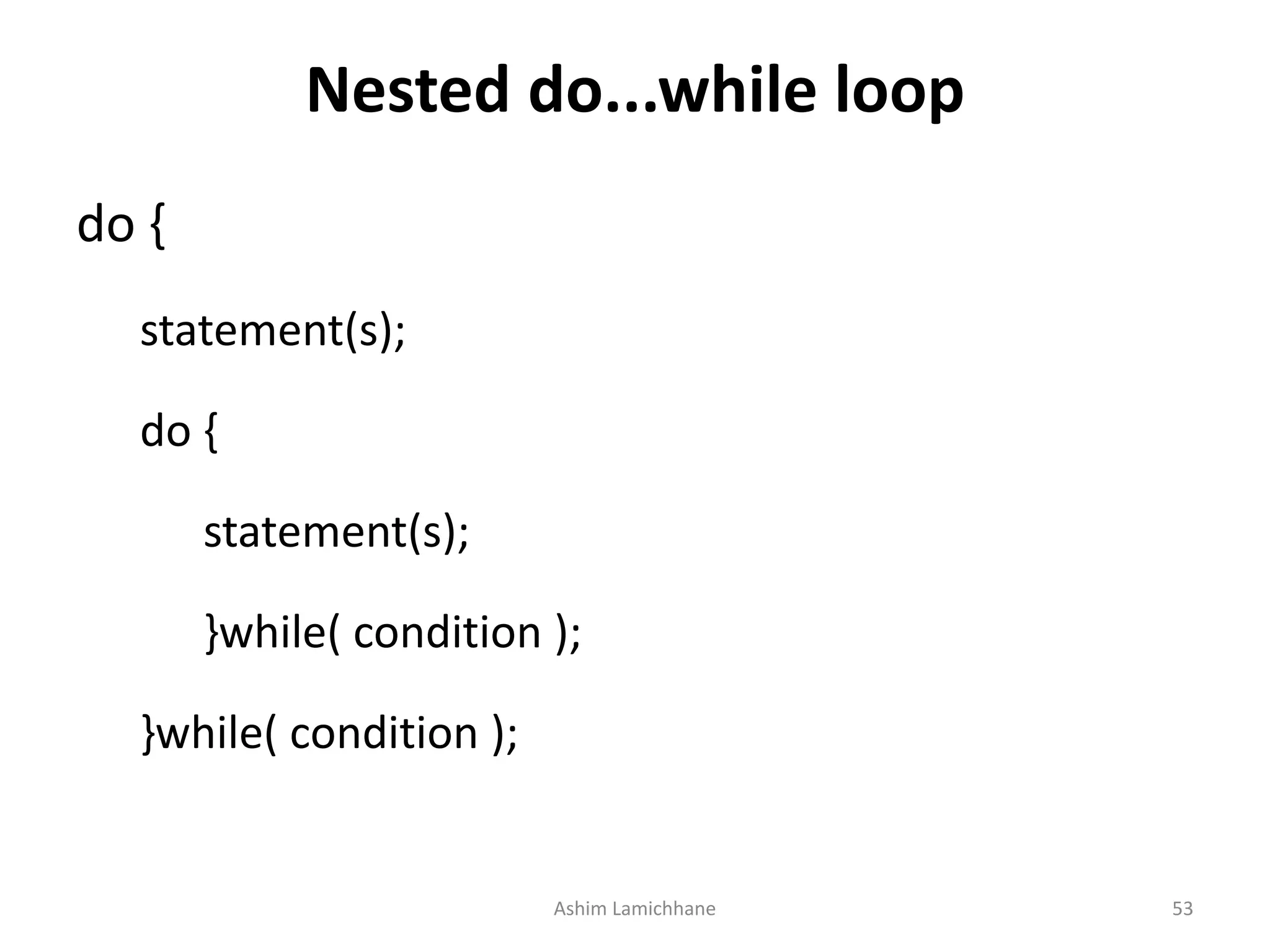
Nested do...while loop
do {
statement(s);
do {
statement(s);
}while( condition );
Ashim Lamichhane 53
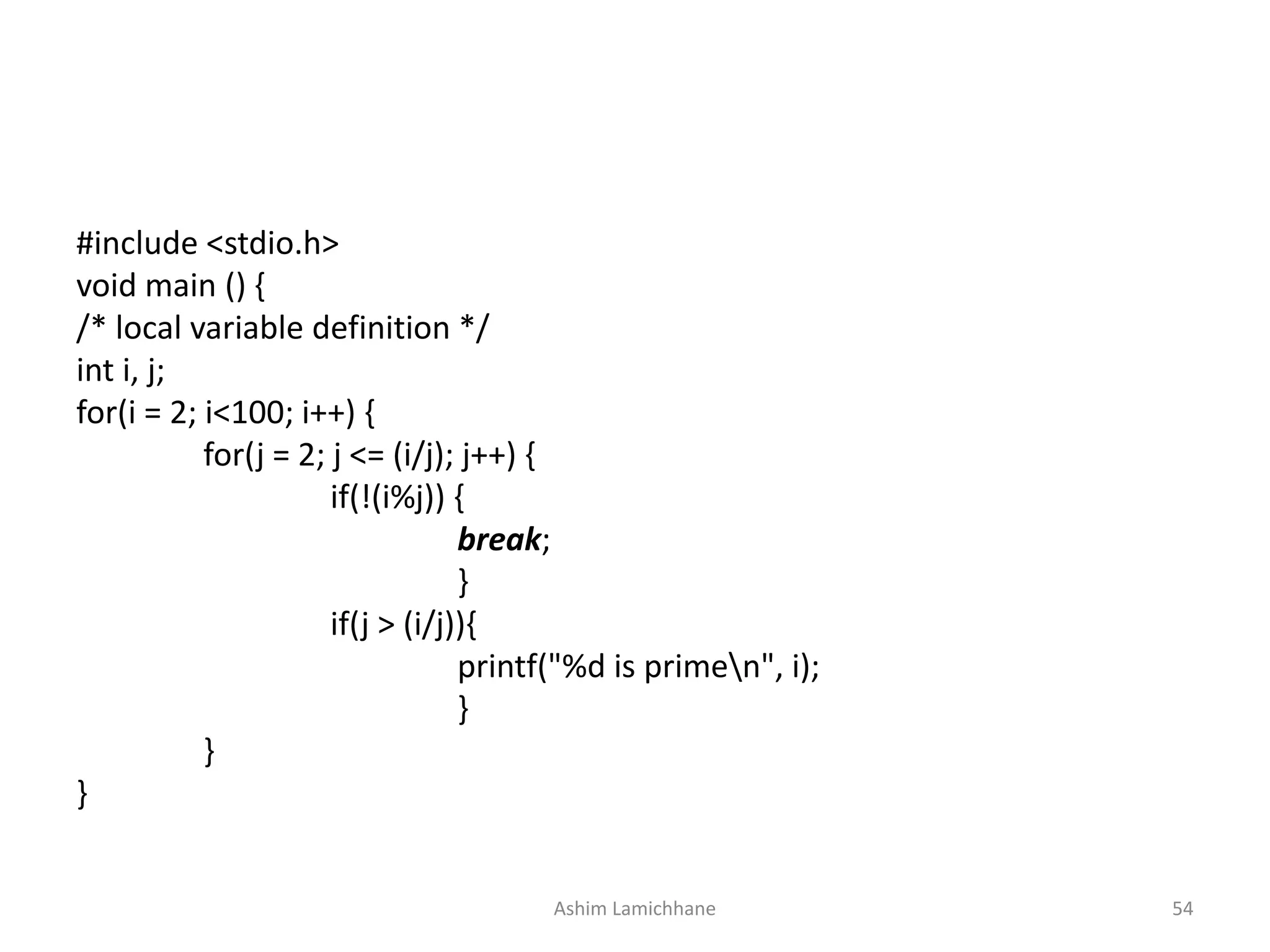
#include <stdio.h>
void main () {
/* local variable definition */
int i, j;
for(i = 2; i<100; i++) {
for(j = 2; j <= (i/j); j++) {
if(!(i%j)) {
break;
}
if(j > (i/j)){
printf("%d is primen", i);
}
}
}
Ashim Lamichhane 54
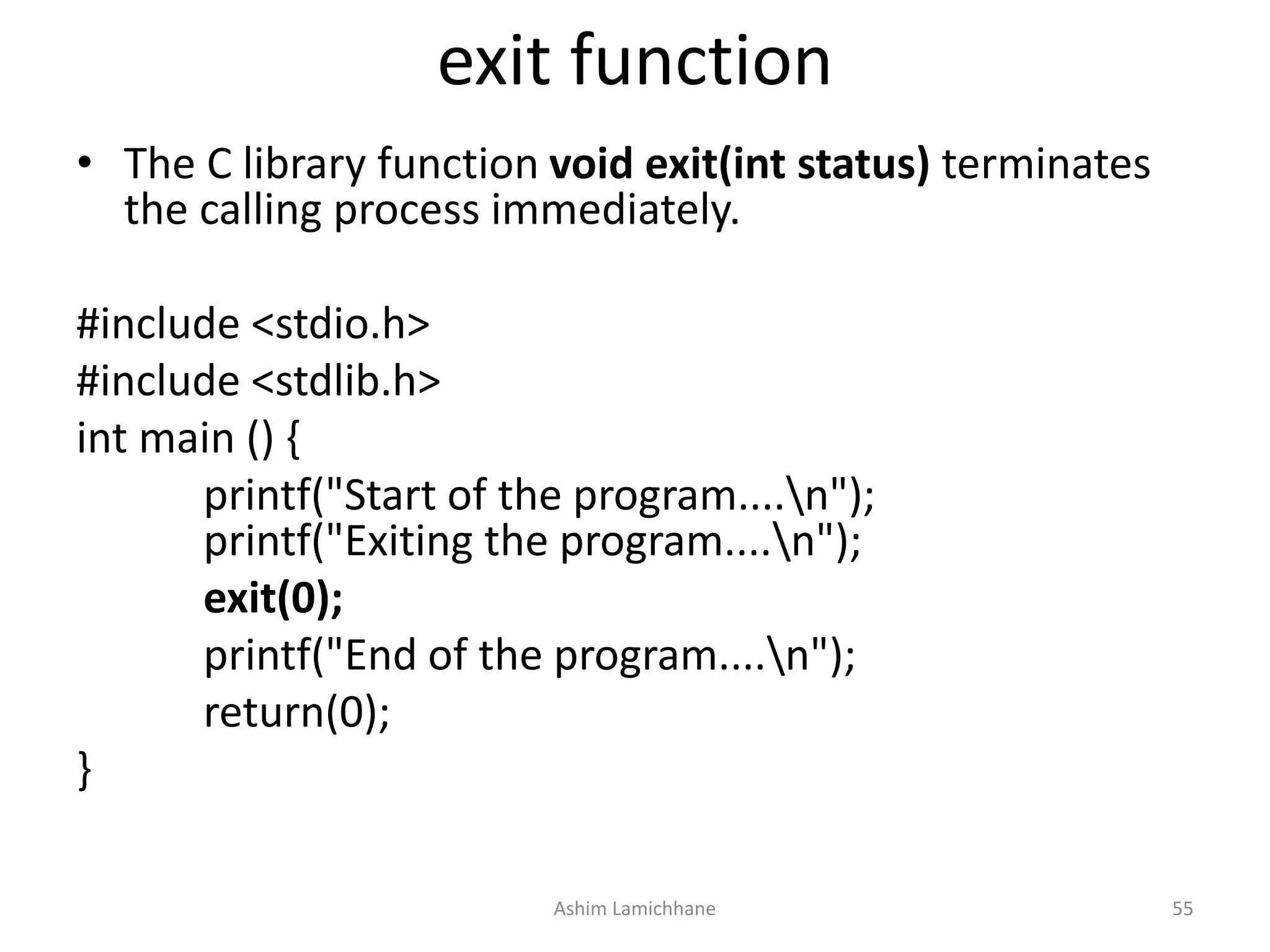
exit function
• The C library function void exit(int status) terminates
the calling process immediately.
#include <stdio.h>
#include <stdlib.h>
int main () {
printf("Start of the program....n");
printf("Exiting the program....n");
exit(0);
printf("End of the program....n");
return(0);
}
Ashim Lamichhane 55
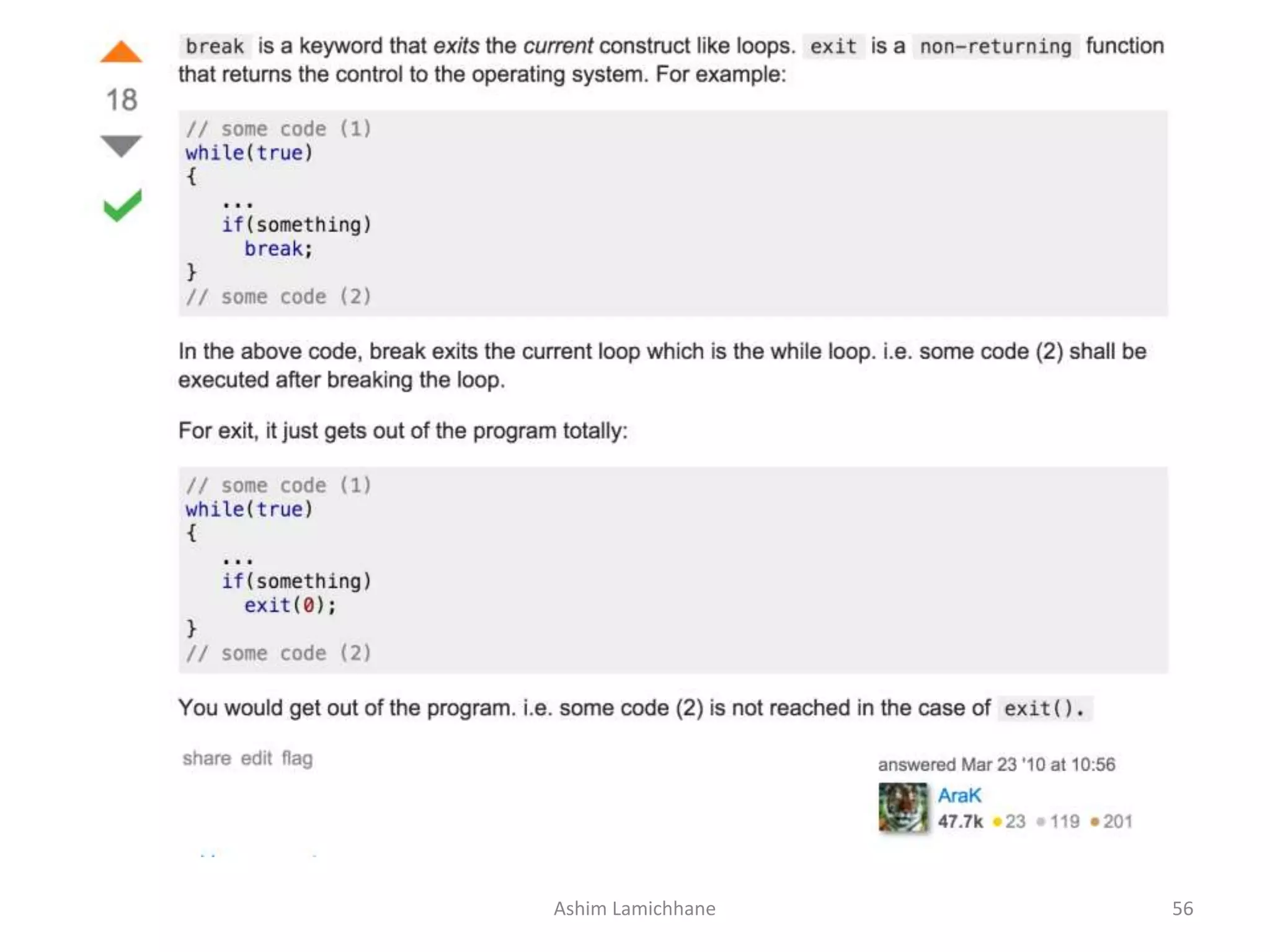
Ashim Lamichhane 56
References
• A text book of C programming - Ram datta bhatta
• Tutuorialspoint.com
• http://stackoverflow.com/questions/2499216/what-
are-the-differences-between-break-and-exit
• http://cs-fundamentals.com/tech-
interview/c/difference-between-break-and-exit-in-
c.php
Ashim Lamichhane 57
END
Ashim Lamichhane 58

Unit 5. Control Statement

  • 1.
  • 2.
    C Programming ErrorTypes • While writing c programs, errors also known as bugs • may occur unwillingly which may prevent the program to compile and run correctly as per the expectation of the programmer. • Basically there are three types of errors in c programming: – Runtime Errors – Compile Errors – Logical Errors Ashim Lamichhane 2
  • 3.
    C Runtime Errors •C runtime errors are those errors that occur during the execution of a c program and generally occur due to some illegal operation performed in the program. • Examples of some illegal operations that may produce runtime errors are: – Dividing a number by zero – Trying to open a file which is not created – Lack of free memory space Ashim Lamichhane 3
  • 4.
    Compile Errors • Compileerrors are those errors that occur at the time of compilation of the program. • C compile errors may be further classified as: – Syntax Errors • Ex: int a,b: • will produce syntax error as the statement is terminated with : rather than ; – Semantic Errors • Ex: b+c=a; – We are trying to assign value of a in the value obtained by summation of b and c which has no meaning in c. The correct statement will be: • a=b+c; Ashim Lamichhane 4
  • 5.
    Logical Errors • Logicalerrors are the errors in the output of the program. • The presence of logical errors leads to undesired or incorrect output • Are caused due to error in the logic applied in the program to produce the desired output. • logical errors could not be detected by the compiler, and thus, programmers has to check the entire coding of a c program line by line. Ashim Lamichhane 5
  • 6.
    • The statementswhich alter the flow of execution of the program are known as control statements. • Sometimes we have to do certain calculations/tasks depending on whether a condition or test is true or false. • Similarly, it is necessary to perform repeated actions or skip some statements. • For these operations, control statements are needed. Ashim Lamichhane 6
  • 7.
    Two types ofcontrol statements • Decision Making(or branching) Statements – If statement – If…else statement – Else...if statement – Nested if...else statement – Switch statement • Loop or Repeating Construct – For loop – While loop – Do…while loop NOTE: Branching is deciding what actions to take looping is deciding how many times to take a certain action. Ashim Lamichhane 7
  • 8.
    C - DecisionMaking • programmer specifies one or more conditions to be evaluated • if the condition is determined to be true, a statement is executed and optionally other statements to be executed if the condition is determined to be false. Ashim Lamichhane 8
  • 9.
    Typical decision makingstructure found in most of the programming languages − Ashim Lamichhane 9
  • 10.
    if statement • Anif statement consists of a Boolean expression followed by one or more statements. • Syntax if(boolean_expression) { /* statement(s) will execute if the boolean expression is true */ } Ashim Lamichhane 10
  • 11.
  • 12.
    If.. statement • Ifthe Boolean expression evaluates to true, then the block of code inside the 'if' statement will be executed. If the Boolean expression evaluates to false, then the first set of code after the end of the 'if' statement (after the closing curly brace) will be executed. • C programming language assumes any non-zero and non-null values as true and if it is either zero or null, then it is assumed as false value. Ashim Lamichhane 12
  • 13.
    Output: a is lessthan 20; value of a is : 10 #include <stdio.h> int main () { /* local variable definition */ int a = 10; /* check the boolean condition using if statement */ if( a < 20 ) { /* if condition is true then print the following */ printf("a is less than 20n" ); } printf("value of a is : %dn", a); return 0; } Ashim Lamichhane 13
  • 14.
    if...else statement • Anif statement can be followed by an optional else statement, which executes when the Boolean expression is false. • Syntax if(boolean_expression) { /* statement(s) will execute if the boolean expression is true */ } else { /* statement(s) will execute if the boolean expression is false */ } Ashim Lamichhane 14
  • 15.
  • 16.
    if.. else statement •If the Boolean expression evaluates to true, then the if block will be executed, otherwise, the else block will be executed. • C programming language assumes any non-zero and non-null values as true, and if it is either zero or null, then it is assumed as false value. Ashim Lamichhane 16
  • 17.
    Output a is notless than 20; value of a is : 100 #include <stdio.h> int main () { /* local variable definition */ int a = 100; /* check the boolean condition */ if( a < 20 ) { /* if condition is true then print the following */ printf("a is less than 20n" ); } else { /* if condition is false then print the following */ printf("a is not less than 20n" ); } printf("value of a is : %dn", a); return 0; } Ashim Lamichhane 17
  • 18.
    if...else if..else statements •An if statement can be followed by an optional else if...else statement, which is very useful to test various conditions using single if...else if statement. • When using if...else if..else statements, there are few points to keep in mind − – An if can have zero or one else's and it must come after any else if's. – An if can have zero to many else if's and they must come before the else. – Once an else if succeeds, none of the remaining else if's or else's will be tested. Ashim Lamichhane 18
  • 19.
    Syntax if(boolean_expression 1) { /*Executes when the boolean expression 1 is true */ } else if( boolean_expression 2) { /* Executes when the boolean expression 2 is true */ } else if( boolean_expression 3) { /* Executes when the boolean expression 3 is true */ } else { /* executes when the none of the above condition is true */ } Ashim Lamichhane 19
  • 20.
    #include <stdio.h> int main() { /* local variable definition */ int a = 100; /* check the boolean condition */ if( a == 10 ) { /* if condition is true then print the following */ printf("Value of a is 10n" ); } else if( a == 20 ) { /* if else if condition is true */ printf("Value of a is 20n" ); } else if( a == 30 ) { /* if else if condition is true */ printf("Value of a is 30n" ); } else { /* if none of the conditions is true */ printf("None of the values is matchingn" ); } printf("Exact value of a is: %dn", a ); return 0; } Ashim Lamichhane 20
  • 21.
    Nested if statements •It is always legal in C programming to nest if-else statements, which means you can use one if or else if statement inside another if or else if statement(s). • Syntax: if( boolean_expression 1) { /* Executes when the boolean expression 1 is true */ if(boolean_expression 2) { /* Executes when the boolean expression 2 is true */ } } Ashim Lamichhane 21
  • 22.
    Output Value of ais 100 and b is 200 Exact value of a is : 100 Exact value of b is : 200 #include <stdio.h> int main () { /* local variable definition */ int a = 100; int b = 200; /* check the boolean condition */ if( a == 100 ) { /* if condition is true then check the following */ if( b == 200 ) { /* if condition is true then print the following */ printf("Value of a is 100 and b is 200n" ); } } printf("Exact value of a is : %dn", a ); printf("Exact value of b is : %dn", b ); return 0; } Ashim Lamichhane 22
  • 23.
    Loop Control Statements •Loop control statements change execution from its normal sequence. • When execution leaves a scope, all automatic objects that were created in that scope are destroyed. • C supports the following control statements. – break statement – continue statement – goto statement Ashim Lamichhane 23
  • 24.
    Break statement • Thebreak statement in C programming has the following two usages − – When a break statement is encountered inside a loop, the loop is immediately terminated and the program control resumes at the next statement following the loop. – It can be used to terminate a case in the switch statement • SYNTAX: break; Ashim Lamichhane 24
  • 25.
  • 26.
    #include <stdio.h> int main() { /* local variable definition */ int a = 10; /* while loop execution */ while( a < 20 ) { printf("value of a: %dn", a); a++; if( a > 15) { /* terminate the loop using break statement */ break; } } return 0; } Ashim Lamichhane 26
  • 27.
    Continue Statement • Thecontinue statement in C programming works somewhat like the break statement. Instead of forcing termination, it forces the next iteration of the loop to take place, skipping any code in between • For the for loop, continue statement causes the conditional test and increment portions of the loop to execute. • For the while and do...while loops, continue statement causes the program control to pass to the conditional tests. • SYNTAX continue; Ashim Lamichhane 27
  • 28.
  • 29.
    #include <stdio.h> int main() { /* local variable definition */ int a = 10; /* do loop execution */ do { if( a == 15) { /* skip the iteration */ a = a + 1; continue; } printf("value of a: %dn", a); a++; } while( a < 20 ); return 0; } Ashim Lamichhane 29
  • 30.
    goto statement • Toalter the normal sequence of program execution by unconditionally transferring control to some other part of the program. • General expression: – goto label: • Here, label is an identifier used to label the target statement to which the control would be transferred. Ashim Lamichhane 30
  • 31.
    • Generally theuse of goto statement is avoided as it makes program illegible. • This statement is used in unique situations like: – Branching around statements or group of statements under certain conditions – Jumping to the end of a loop under certain conditions, thus bypassing the remainder of the loop during current pass. – Jumping completely out of the loop under certain conditions, terminating the execution of a loop. Ashim Lamichhane 31
  • 32.
    Switch Statement • Switchstatement allows a program to select one statement for execution of a set of alternatives. • Only one of the possible statements will be executed, the remaining statements will be skipped. • The multiple usage of IF ELSE statement increases the complexity of the program, hard to read and difficult to follow the program. • Switch statement removes these disadvantages by using a simple and straight forward approach. Ashim Lamichhane 32
  • 33.
    Syntax switch(expression) { case caseConstant1: statement(s); break; casecaseConstant2: statement(s); break; . . . default: statement; } Ashim Lamichhane 33
  • 34.
    The following rulesapply to a switch statement • The expression used in a switch statement must have an integral or enumerated type. • You can have any number of case statements within a switch. Each case is followed by the value to be compared to and a colon. • The caseConstant for a case must be the same data type as the variable in the switch, and it must be a constant or a literal. • When the variable being switched on is equal to a case, the statements following that case will execute until a break statement is reached. • When a break statement is reached, the switch terminates, and the flow of control jumps to the next line following the switch statement. • Not every case needs to contain a break. If no break appears, the flow of control will fall through to subsequent cases until a break is reached. • A switch statement can have an optional default case, which must appear at the end of the switch. The default case can be used for performing a task when none of the cases is true. No break is needed in the default case. Ashim Lamichhane 34
  • 35.
    Write a programto make a menu like #include <stdio.h> int main(void){ int choice; LOOP: printf("Select 1 for file, 2 for Edit and 3 for Saven"); printf("1==> filen2==>Editn3==> Saven"); scanf("%d",&choice); switch(choice){ case 1: printf("nYou have chosen File Menu Itemn"); break; case 2: printf("nYou have chosen Edit Menu Itemn"); break; case 3: printf("nYou have chosen Save Menu Itemn"); break; default: printf("nINVALID OPTION PLEASE TRY AGAINn"); goto LOOP; } } Ashim Lamichhane 35
  • 36.
    Loop or RepeatingConstruct • You may encounter situations, when a block of code needs to be executed several number of times. • Programming languages provide various control structures that allow for more complicated execution paths. • A loop statement allows us to execute a statement or group of statements multiple times. Ashim Lamichhane 36
  • 37.
    • Given belowis the general form of a loop statement in most of the programming languages − Ashim Lamichhane 37
  • 38.
    for loop • Afor loop is a repetition control structure that allows you to efficiently write a loop that needs to execute a specific number of times. • The syntax of a for loop in C programming language is − for(init ; condition; increment){ statement(s); } Ashim Lamichhane 38
  • 39.
    • Here isthe flow of control in a 'for' loop − – The init step is executed first, and only once. This step allows you to declare and initialize any loop control variables. – Next, the condition is evaluated. If it is true, the body of the loop is executed. If it is false, the body of the loop does not execute and the flow of control jumps to the next statement just after the 'for' loop. – After the body of the 'for' loop executes, the flow of control jumps back up to the increment statement. This statement allows you to update any loop control variables. This statement can be left blank, as long as a semicolon appears after the condition. – The condition is now evaluated again. If it is true, the loop executes and the process repeats itself (body of loop, then increment step, and then again condition). After the condition becomes false, the 'for' loop terminates. Ashim Lamichhane 39
  • 40.
  • 41.
    #include <stdio.h> //FORLOOP int main () { int a; /* for loop execution */ for( a = 10; a < 20; a = a + 1 ){ printf("value of a: %dn", a); } return 0; } OUTPUT When the above code is compiled and executed, it produces the following result − value of a: 10 value of a: 11 value of a: 12 value of a: 13 value of a: 14 value of a: 15 value of a: 16 value of a: 17 value of a: 18 value of a: 19 Ashim Lamichhane 41
  • 42.
    While loop • Awhile loop in C programming repeatedly executes a target statement as long as a given condition is true. • Syntax: while(condition) { statement(s); } • statement(s) may be a single statement or a block of statements. • The condition may be any expression, and true is any nonzero value. • The loop iterates while the condition is true. Ashim Lamichhane 42
  • 43.
  • 44.
    #include <stdio.h> void main() { /* local variable definition */ int a = 10; /* while loop execution */ while( a < 20 ) { printf("value of a: %dn", a); a++; } } OUTPUT: value of a: 10 value of a: 11 …........ .......... value of a: 19 Ashim Lamichhane 44
  • 45.
    do-while loop • Unlikefor and while loops, which test the loop condition at the top of the loop, the do...while loop in C programming checks its condition at the bottom of the loop. • A do...while loop is similar to a while loop, except the fact that it is guaranteed to execute at least one time. Ashim Lamichhane 45
  • 46.
    Syntax do { statement(s); } while(condition ); • conditional expression appears at the end of the loop, so the statement(s) in the loop executes once before the condition is tested. Ashim Lamichhane 46
  • 47.
  • 48.
    #include <stdio.h> void main() { /* local variable definition */ int a = 10; /* do loop execution */ do { printf("value of a: %dn", a); a = a + 1; }while( a < 20 ); } OUTPUT: value of a: 10 value of a: 11 …. .... value of a: 19 Ashim Lamichhane 48
  • 49.
    s.no . while do--while 1 Whileloop is entry-controlled loop i.e. test condition is evaluated first and body of loop is executed only if this test is true. do—while loop is exit-controlled loop. i.e. the body of the loop is executed first without checking condition and at the end of body of loop, the condition is evaluated for repetition of next time 2 The body of the loop may not be executed at all if the condition is not satisfied at the very first attempt. The body of loop is always executed at least once. 3 Syntax: while(test expression){ body of loop } Syntax: do { body of loop }while(test expression); 4 show flowchart of while loop Show flowchart of do—while loopAshim Lamichhane 49
  • 50.
    Nested loops inC • C programming allows to use one loop inside another loop. • The inner loop is said to be nested within the outer loop. – nested for loop – nested while loop – nested do...while loop Ashim Lamichhane 50
  • 51.
    nested for loop for( init; condition; increment ) { for ( init; condition; increment ) { statement(s); } statement(s); } Ashim Lamichhane 51
  • 52.
    nested while loop while(condition){ while(condition) { statement(s); } statement(s); } Ashim Lamichhane 52
  • 53.
    Nested do...while loop do{ statement(s); do { statement(s); }while( condition ); }while( condition ); Ashim Lamichhane 53
  • 54.
    #include <stdio.h> void main() { /* local variable definition */ int i, j; for(i = 2; i<100; i++) { for(j = 2; j <= (i/j); j++) { if(!(i%j)) { break; } if(j > (i/j)){ printf("%d is primen", i); } } } Ashim Lamichhane 54
  • 55.
    exit function • TheC library function void exit(int status) terminates the calling process immediately. #include <stdio.h> #include <stdlib.h> int main () { printf("Start of the program....n"); printf("Exiting the program....n"); exit(0); printf("End of the program....n"); return(0); } Ashim Lamichhane 55
  • 56.
  • 57.
    References • A textbook of C programming - Ram datta bhatta • Tutuorialspoint.com • http://stackoverflow.com/questions/2499216/what- are-the-differences-between-break-and-exit • http://cs-fundamentals.com/tech- interview/c/difference-between-break-and-exit-in- c.php Ashim Lamichhane 57
  • 58.