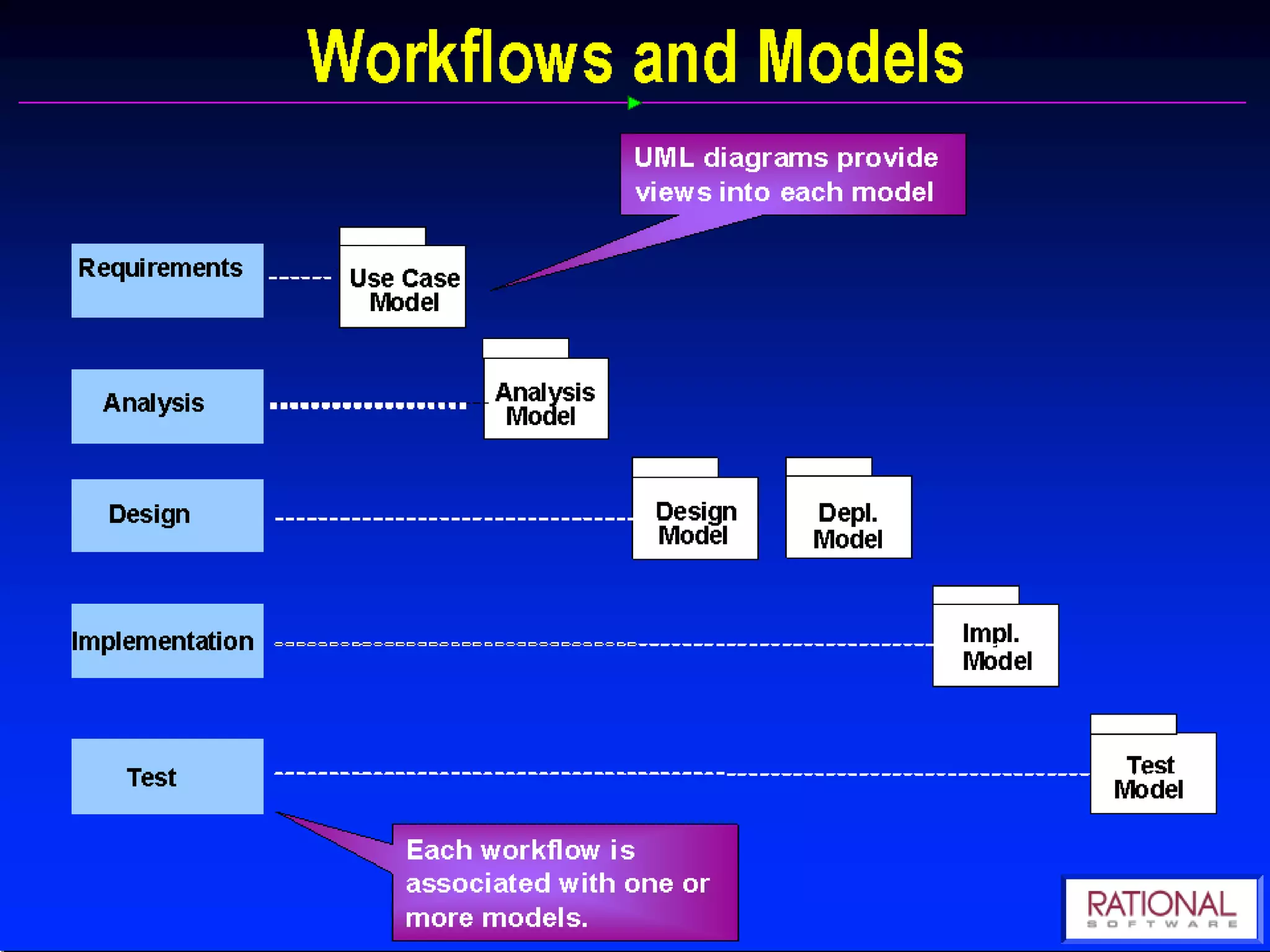
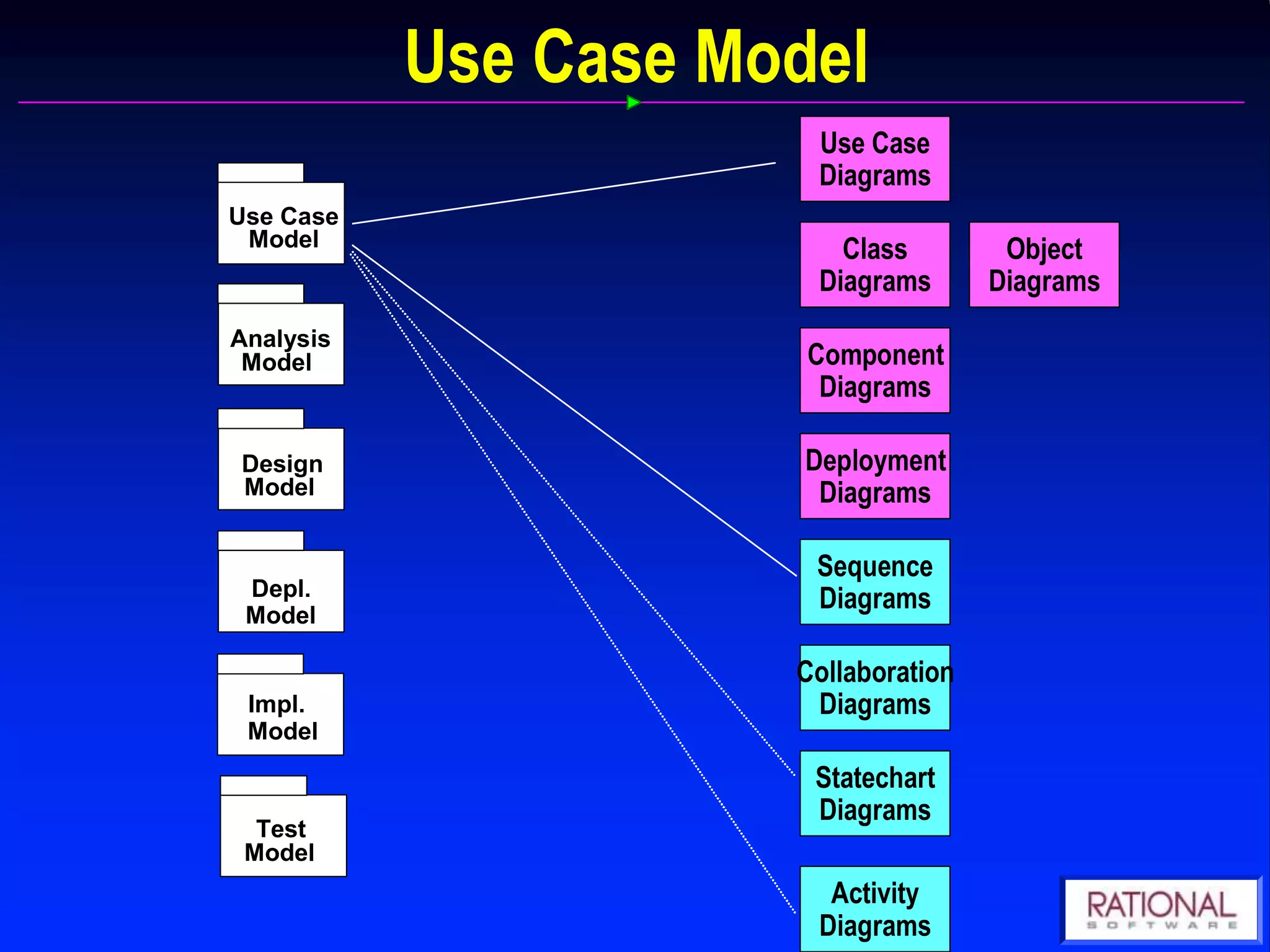
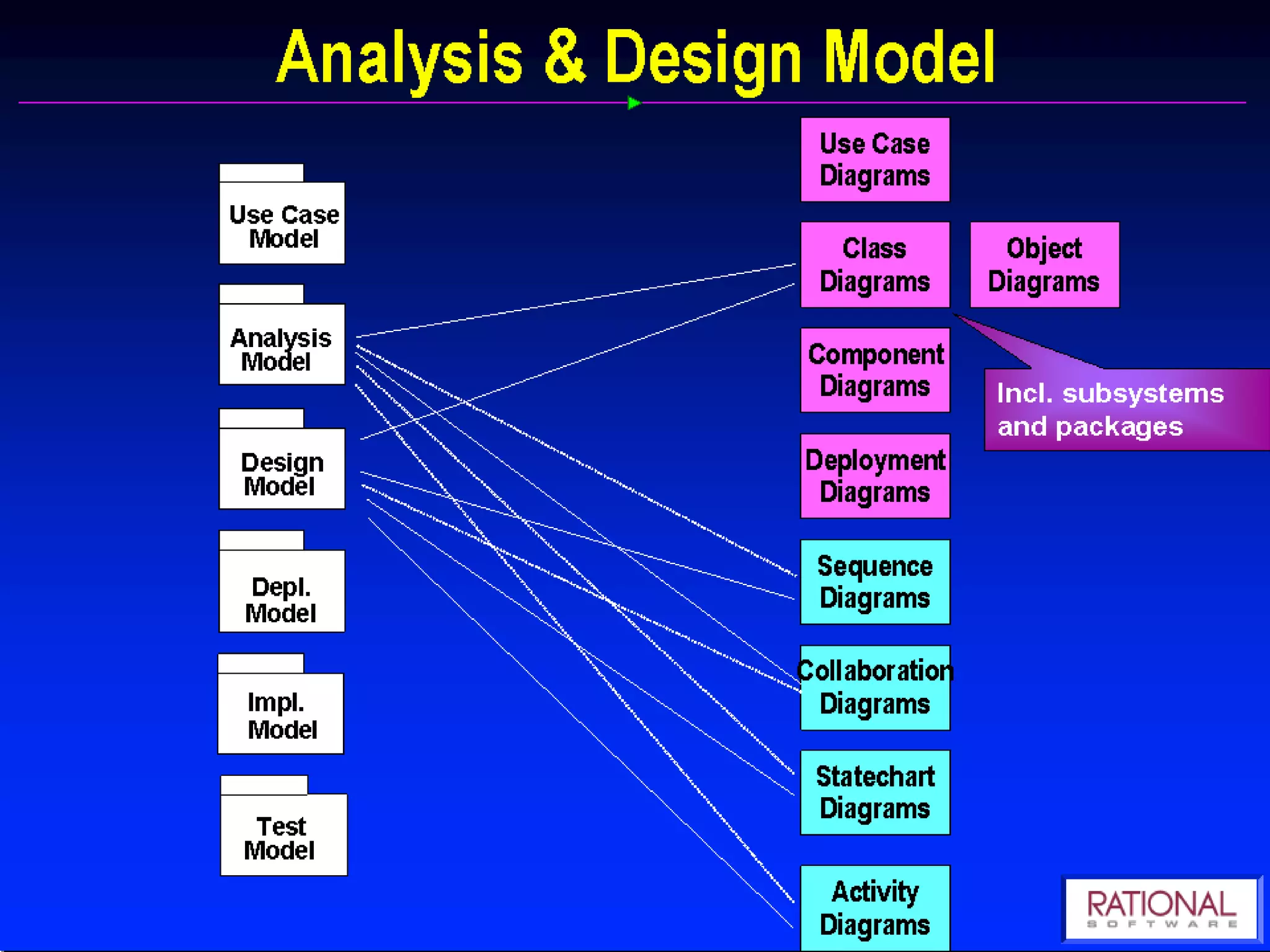
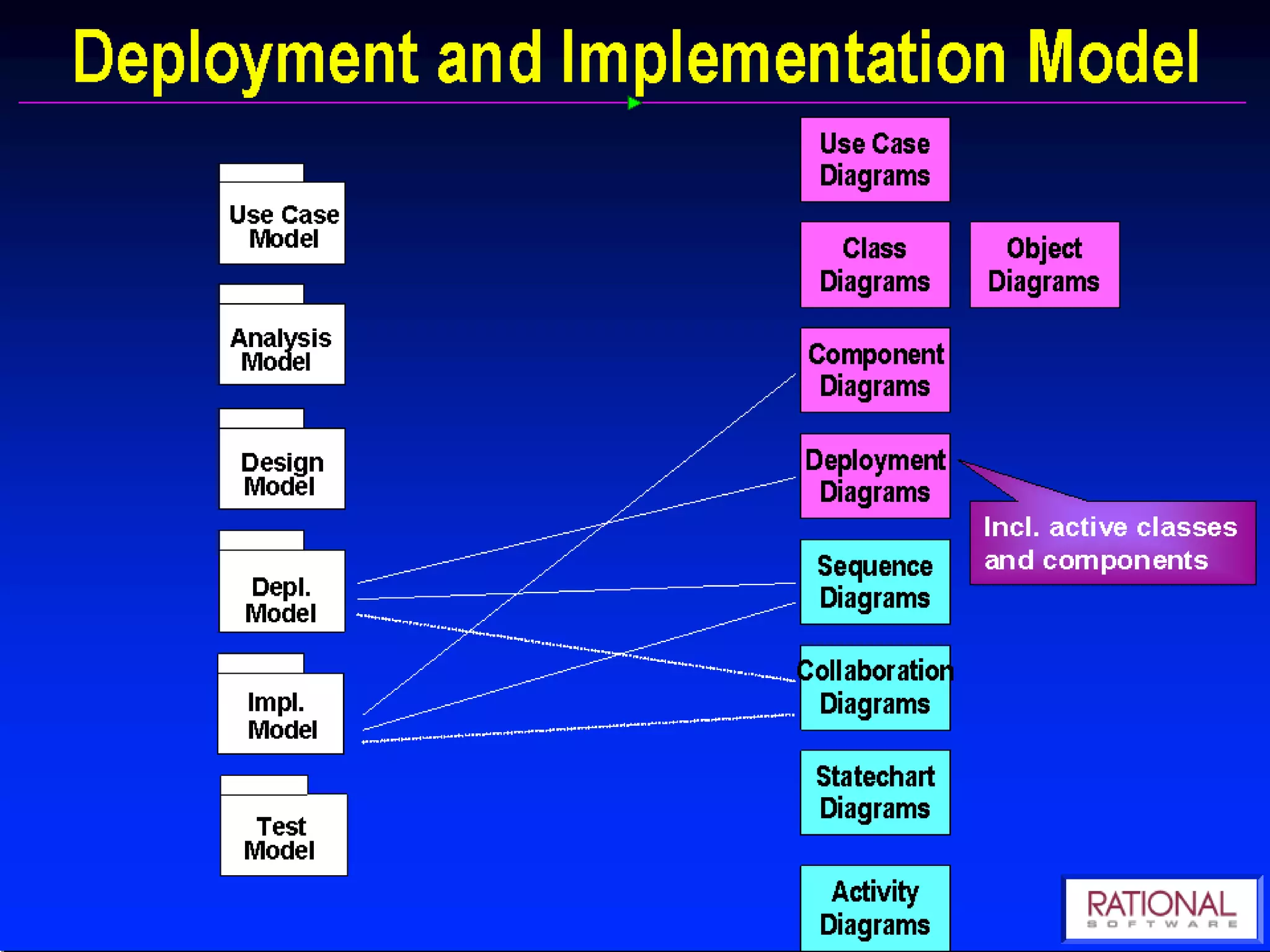
The document discusses UML (Unified Modeling Language) and object-oriented software development. It describes the software development life cycle and various modeling techniques used in UML, including use case diagrams, class diagrams, sequence diagrams, and collaboration diagrams. It explains key UML concepts such as classes, objects, attributes, operations, actors, and relationships. The benefits of visual modeling and UML are also summarized.
In this document
Powered by AI
Introduction to Unified Modeling Language (UML) by Ch. Vishwa Mohan, Project Manager.
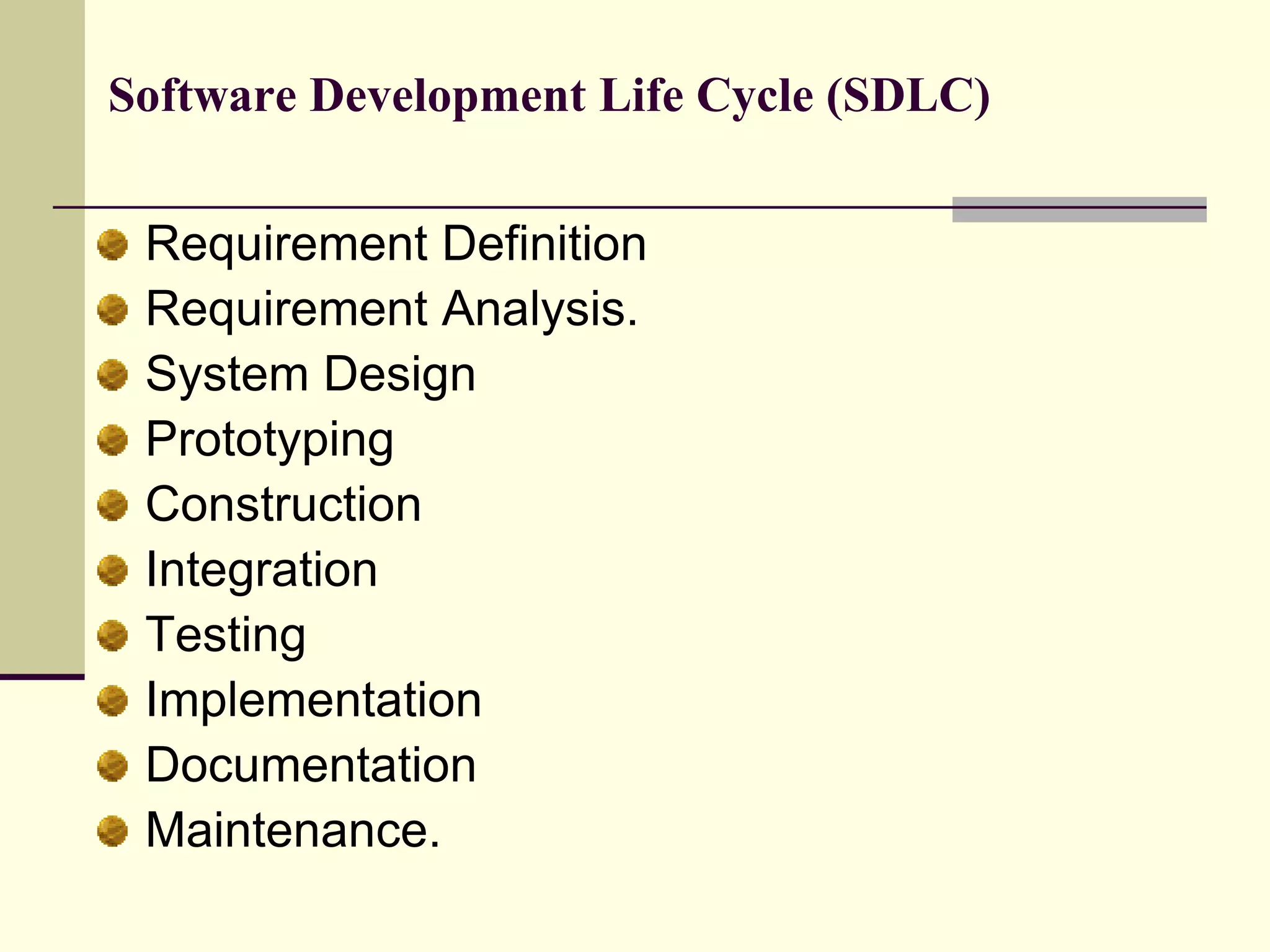
Overview of the Software Development Life Cycle (SDLC) phases including Requirement Definition, Design, Prototyping, and Maintenance.
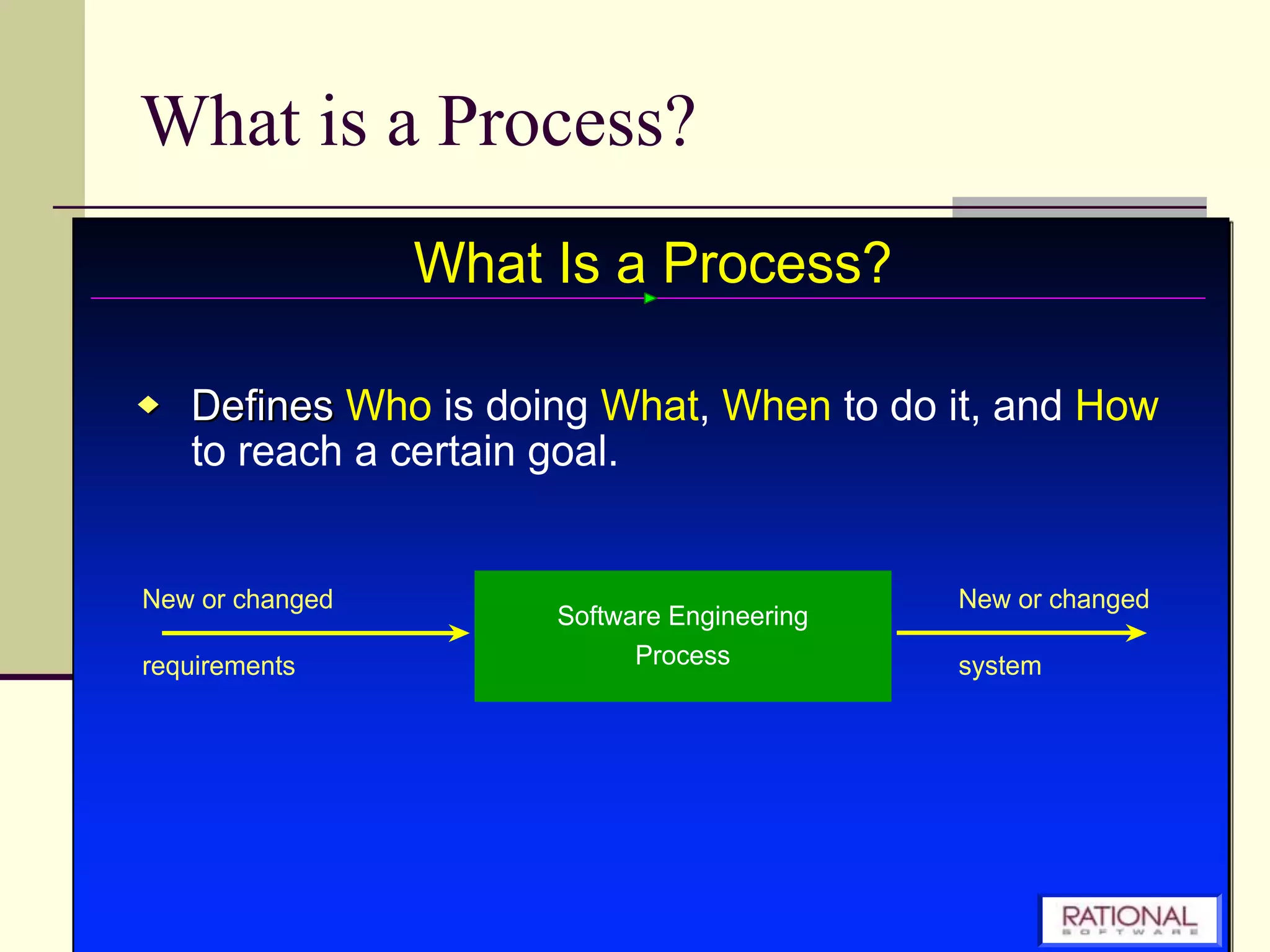
Explains the concept of a process in systems development.
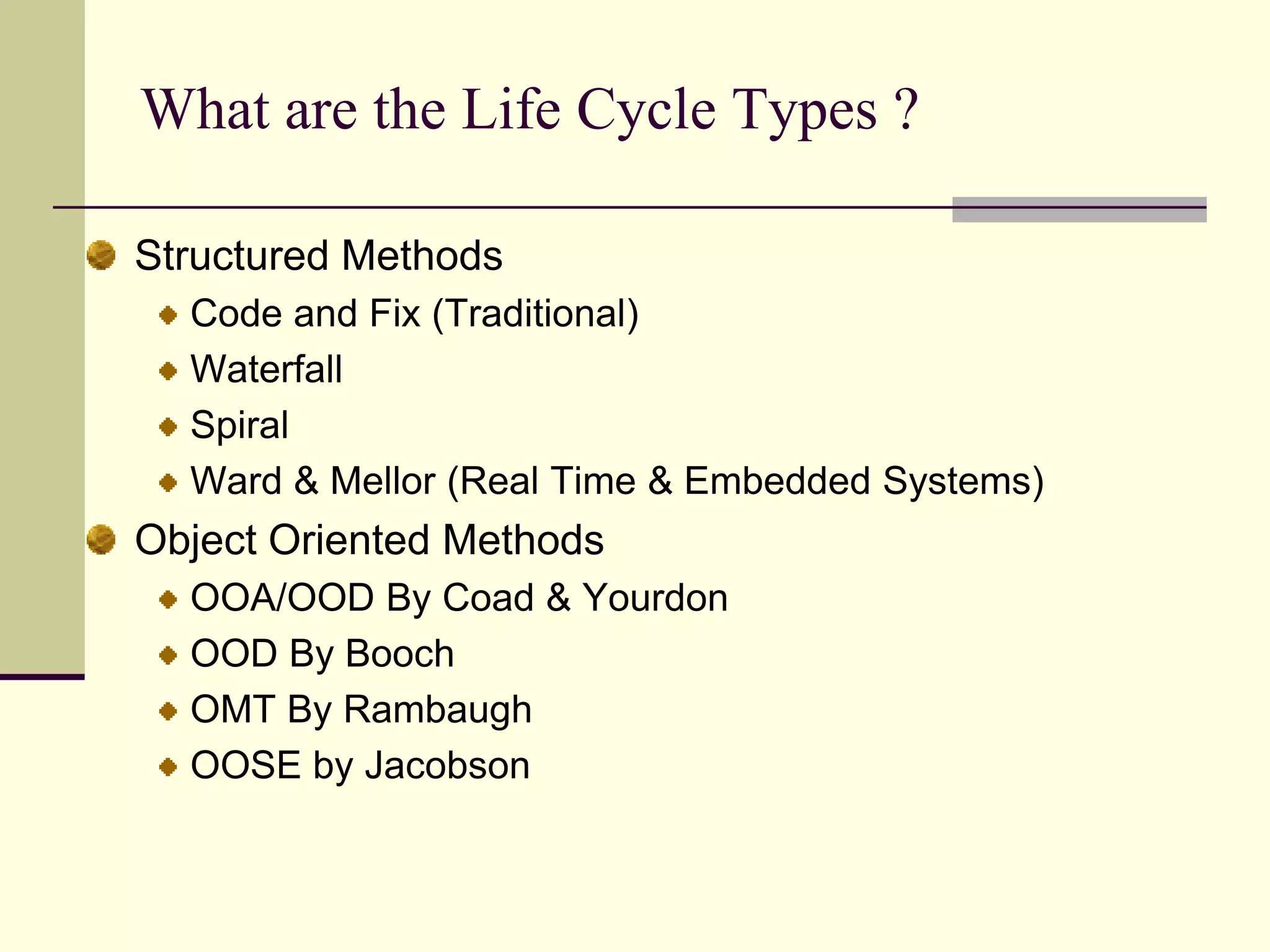
Describes various life cycle types including Structured Methods, Waterfall, and Object Oriented methods.
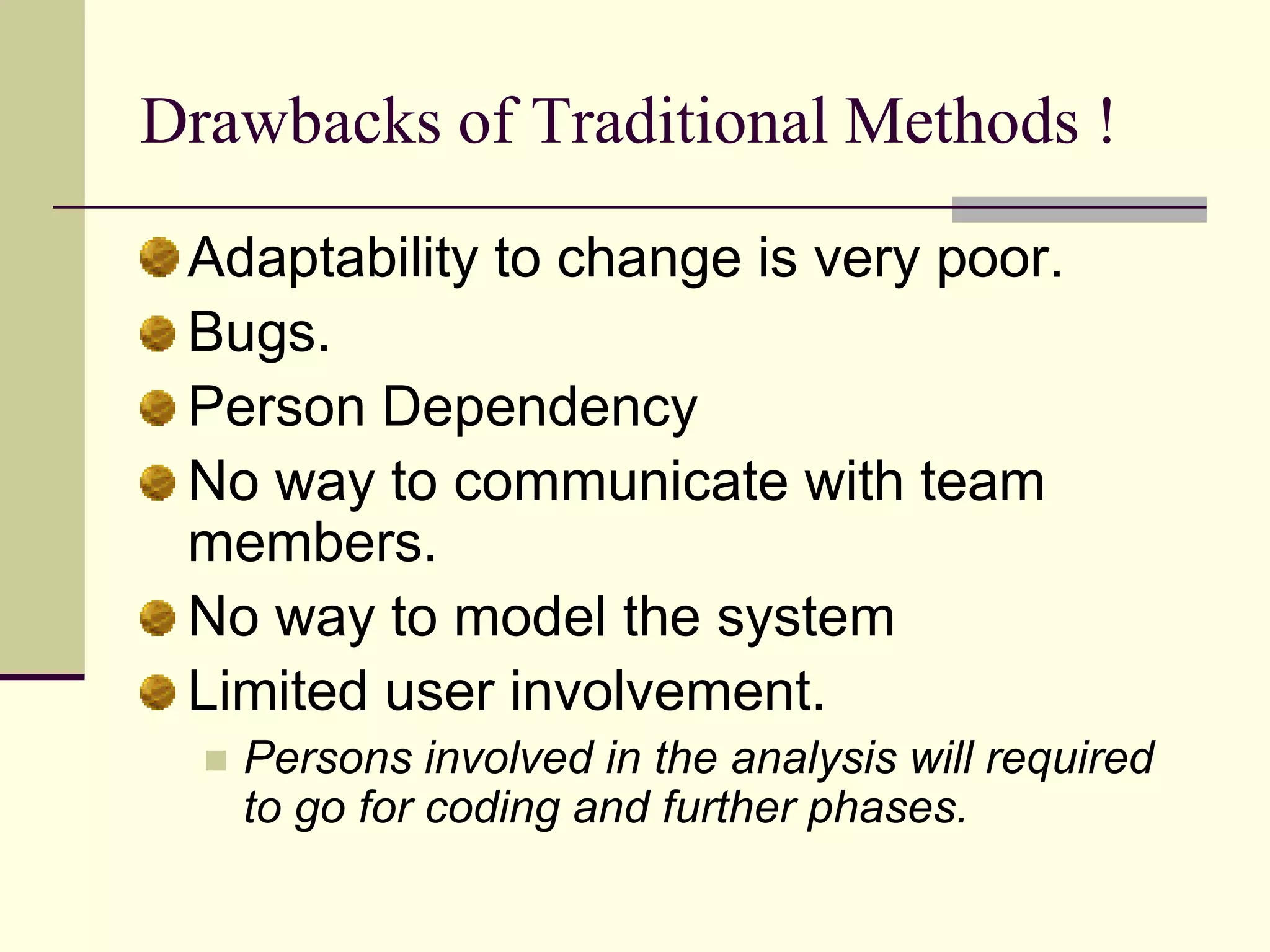
Highlights disadvantages of traditional software methodologies such as poor adaptability and limited user involvement.
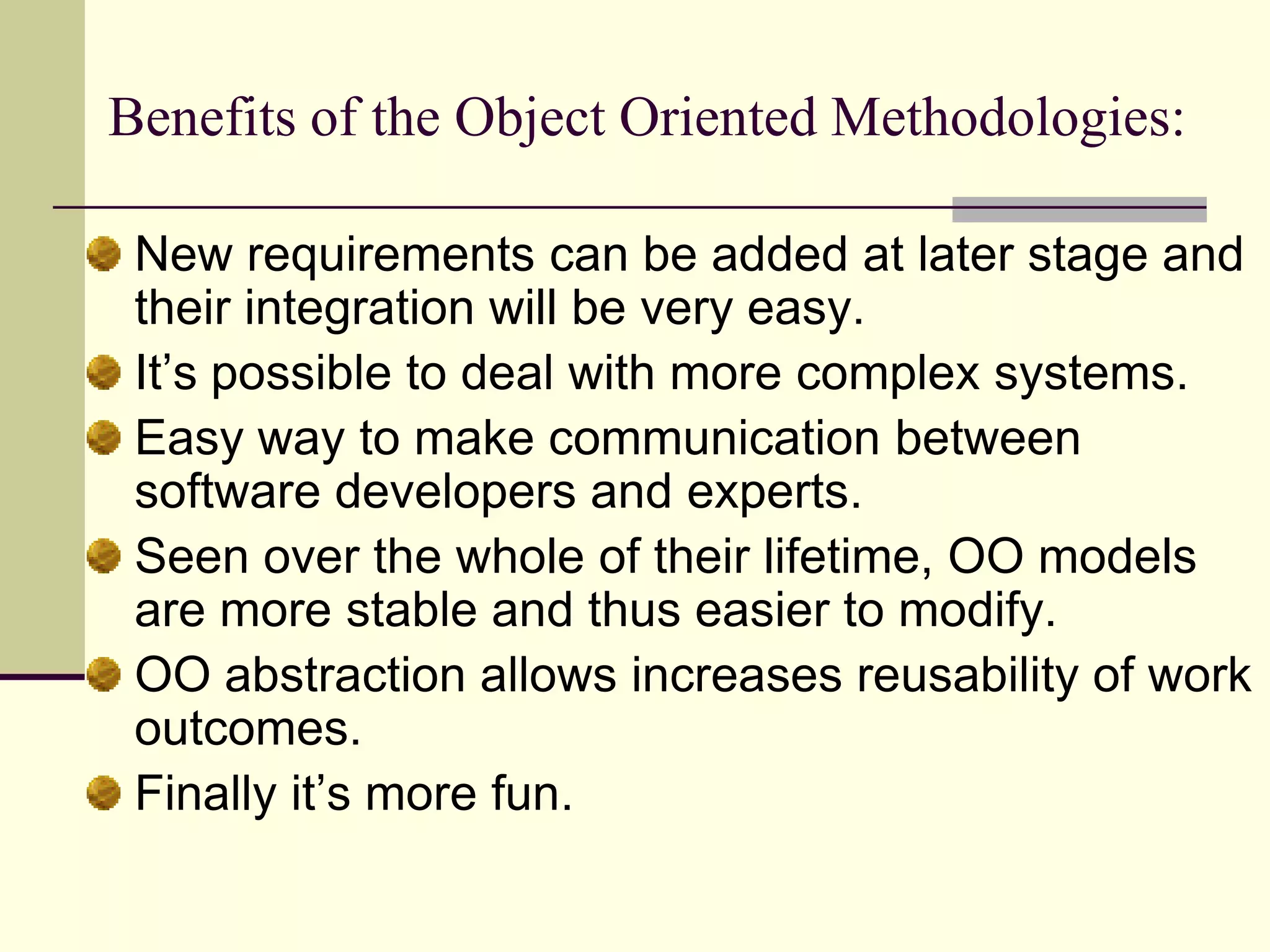
Lists advantages of Object Oriented methodologies including easier modification, stability, and communication.
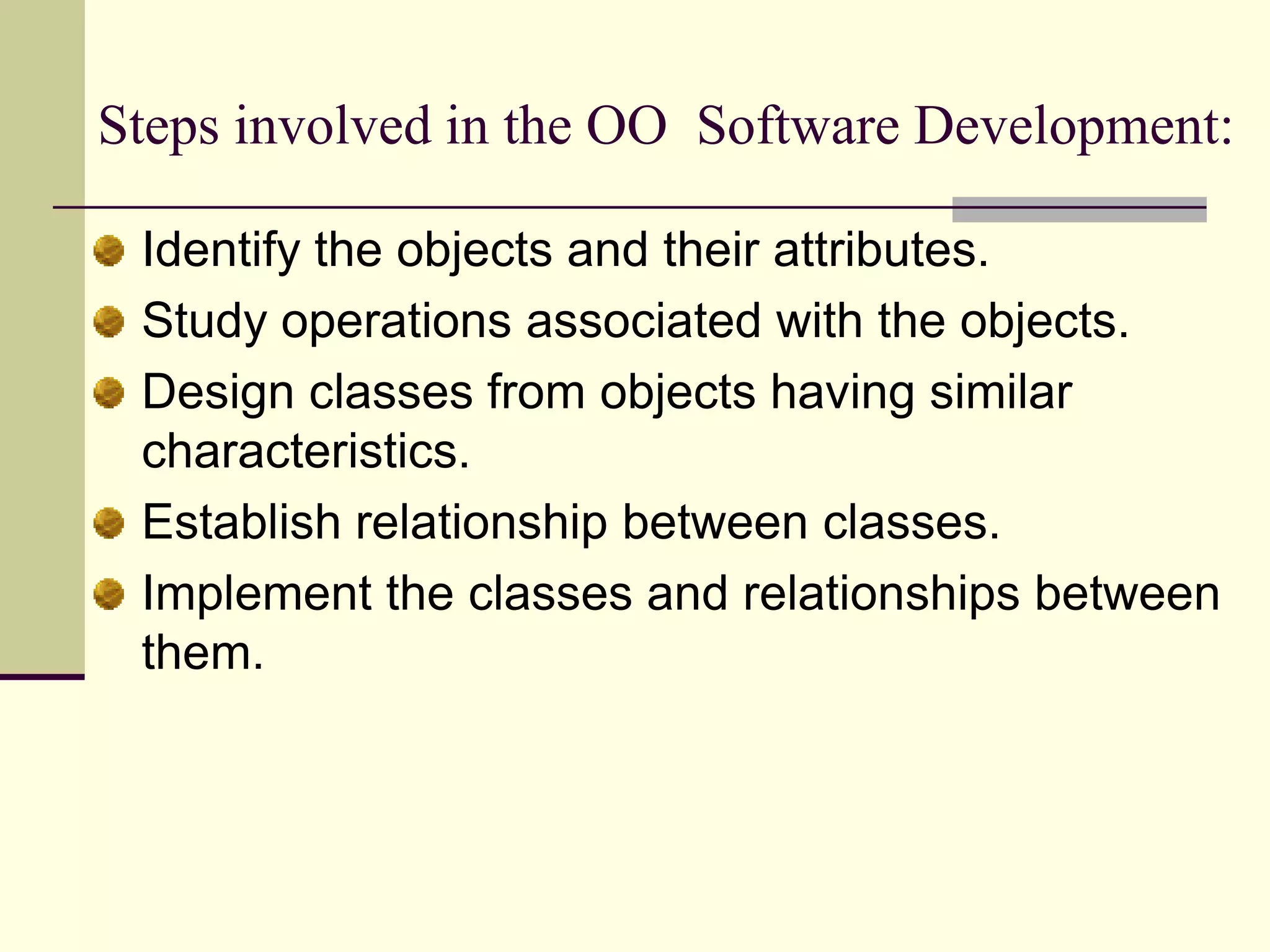
Details the process steps in Object Oriented Software Development like identifying objects, designing classes, and establishing relationships.
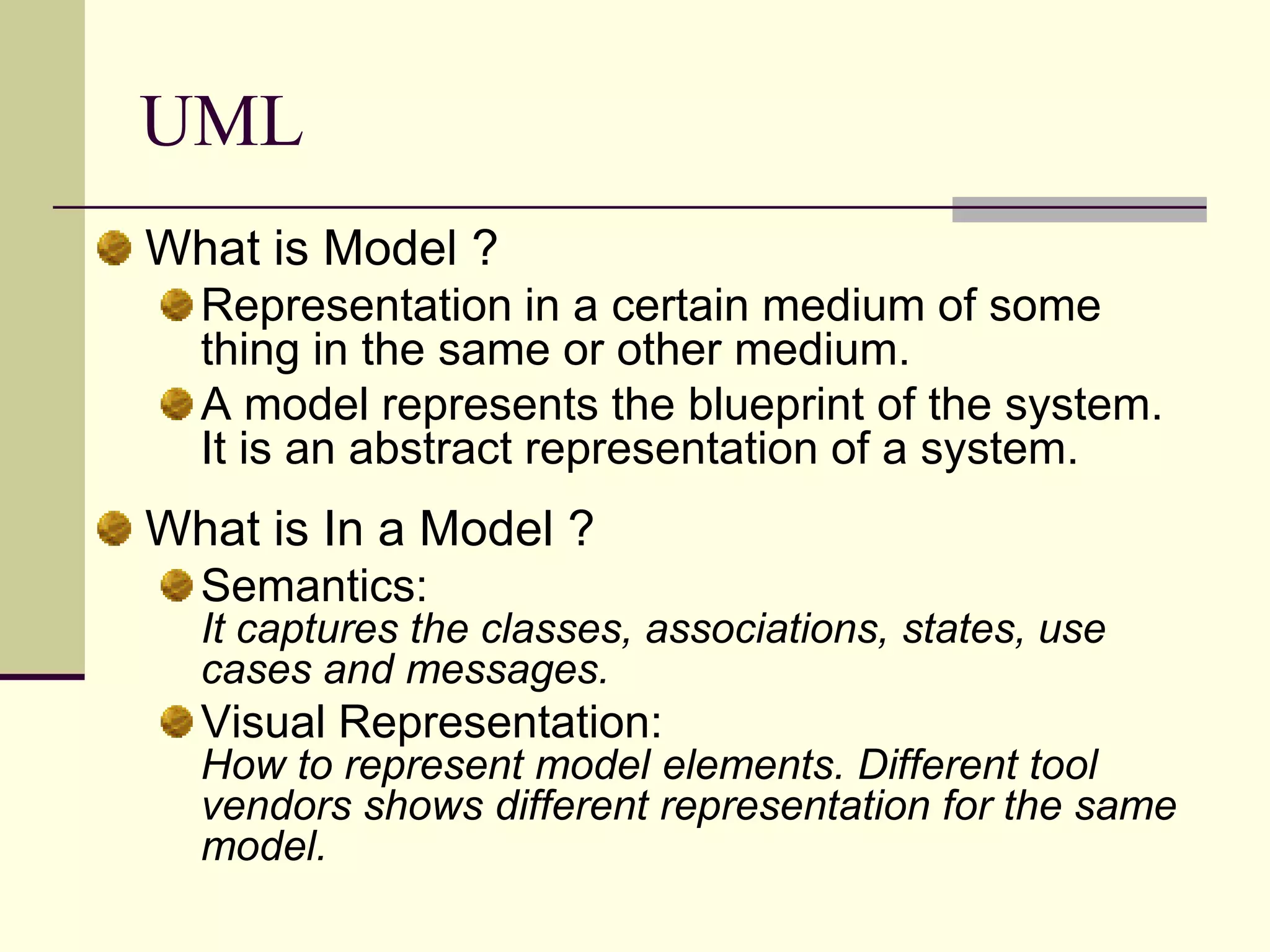
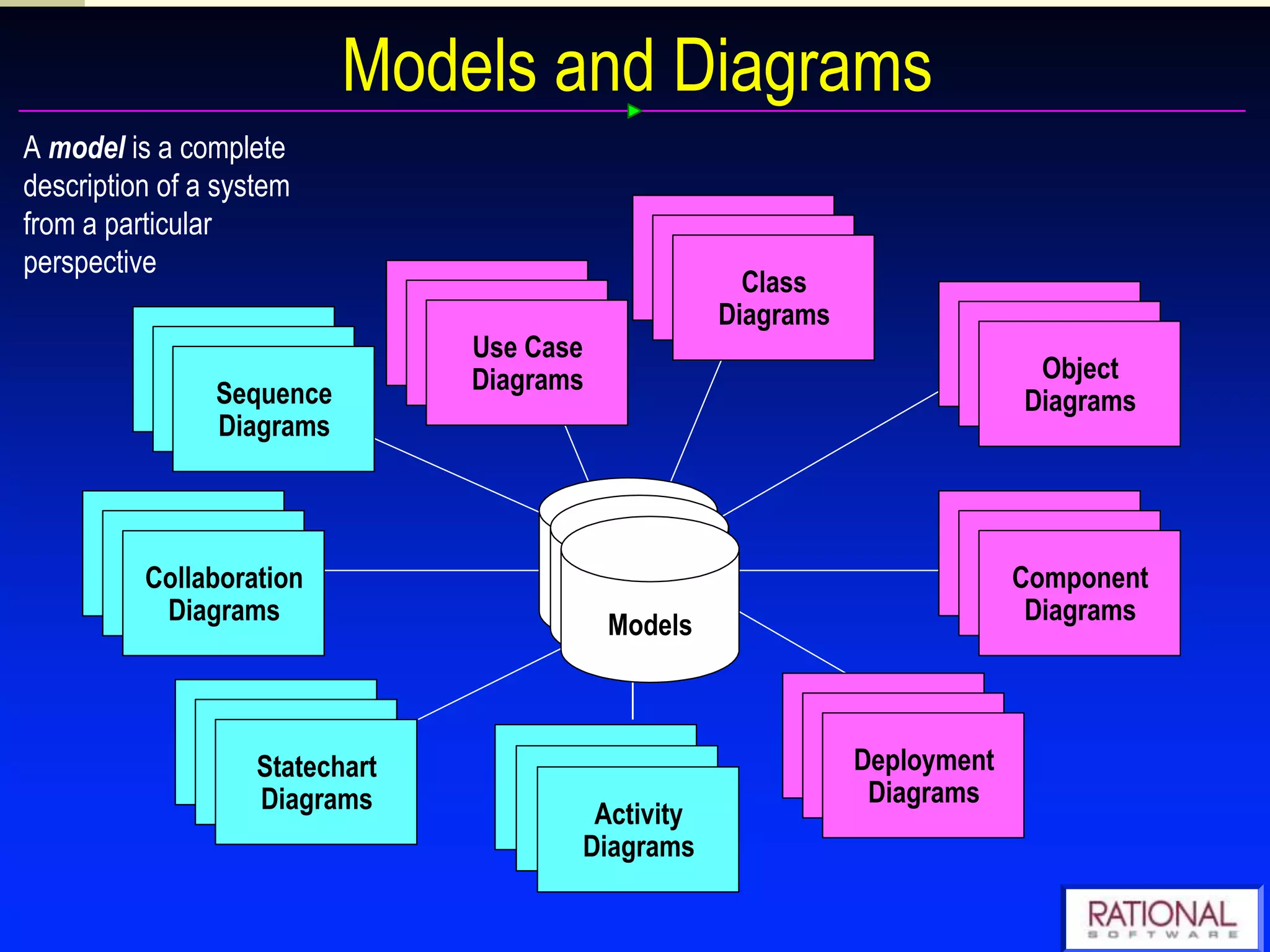
Defines a model in the context of software systems, including its representation and semantics.
Describes UML as a visual modeling language for software systems used to create blueprints capturing system specifications.
Explains visual modeling as crucial for successful software development, emphasizing the importance of blueprints.
Further elaboration on visual modeling in the context of software systems.
Enumerates benefits of visual modeling including complexity management, architecture definitions, and promoting reuse.
Discusses various UML concepts including use cases, class diagrams, and static vs dynamic behaviors.
Explains how UML aids in Object Oriented software development by defining relationships among data and functions.
Outlines benefits of using UML including reverse engineering, documentation development, and source code generation.
Lists various diagram types in UML crucial for modeling software systems like Use Case and Class Diagrams.
Describes static and dynamic views in UML, highlighting the importance of capturing object structures.
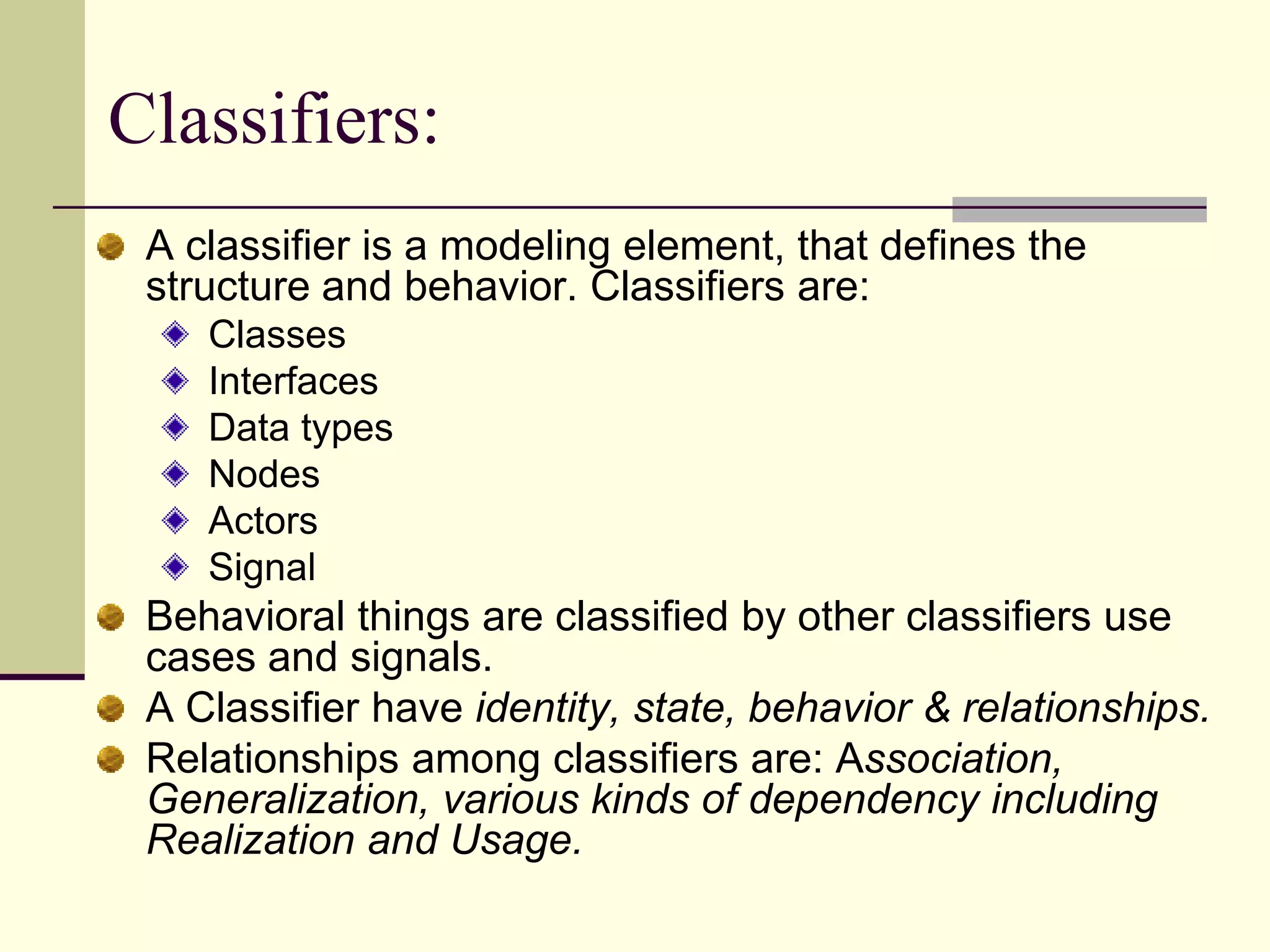
Defines classifiers in UML and discusses various types and their relationships.
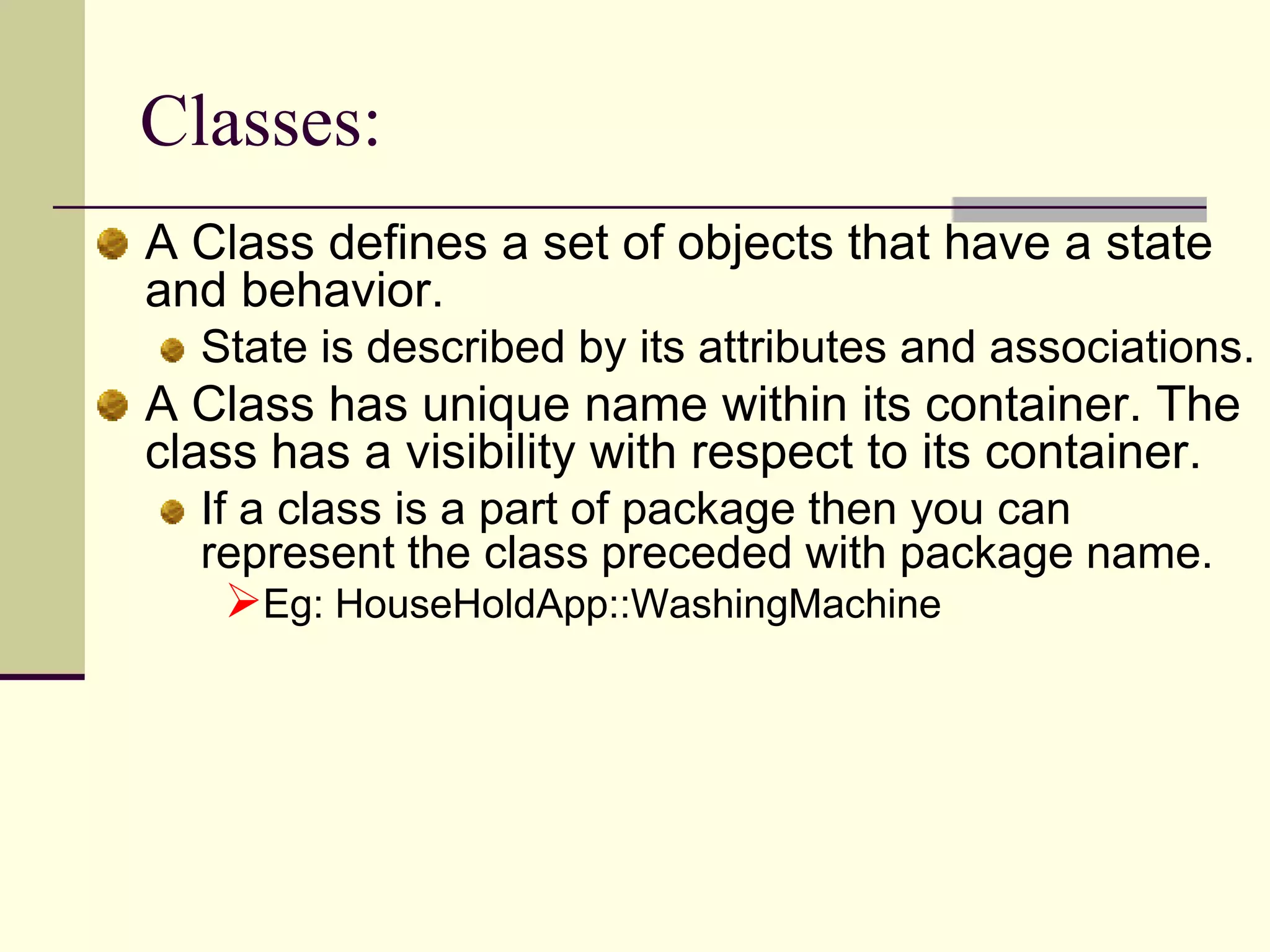
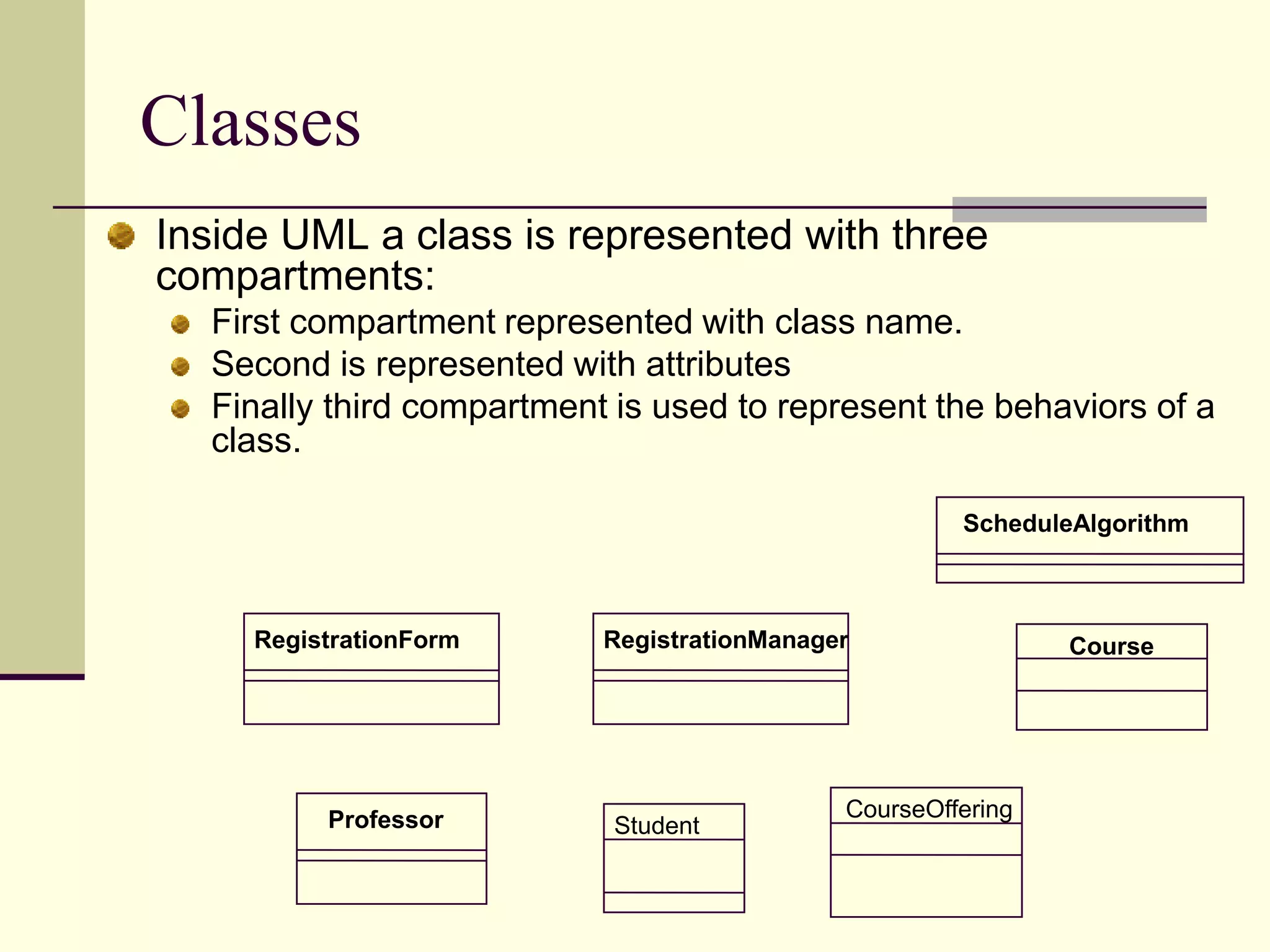
Describes the concept of classes in UML, their attributes, and behavior.
Details use case diagrams, modeling interactions between systems and external actors.
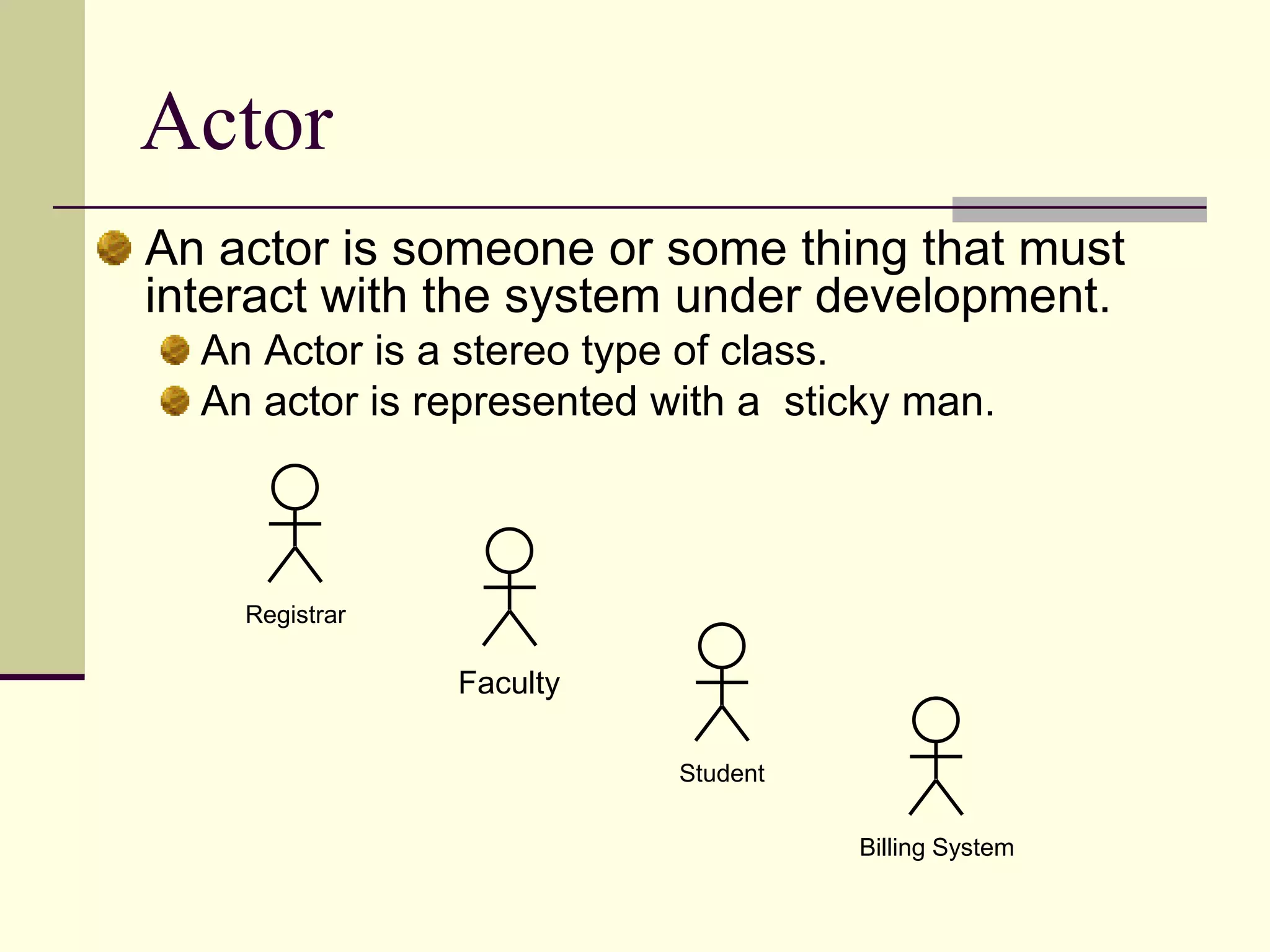
Describes the role of actors in use case diagrams and their representation.
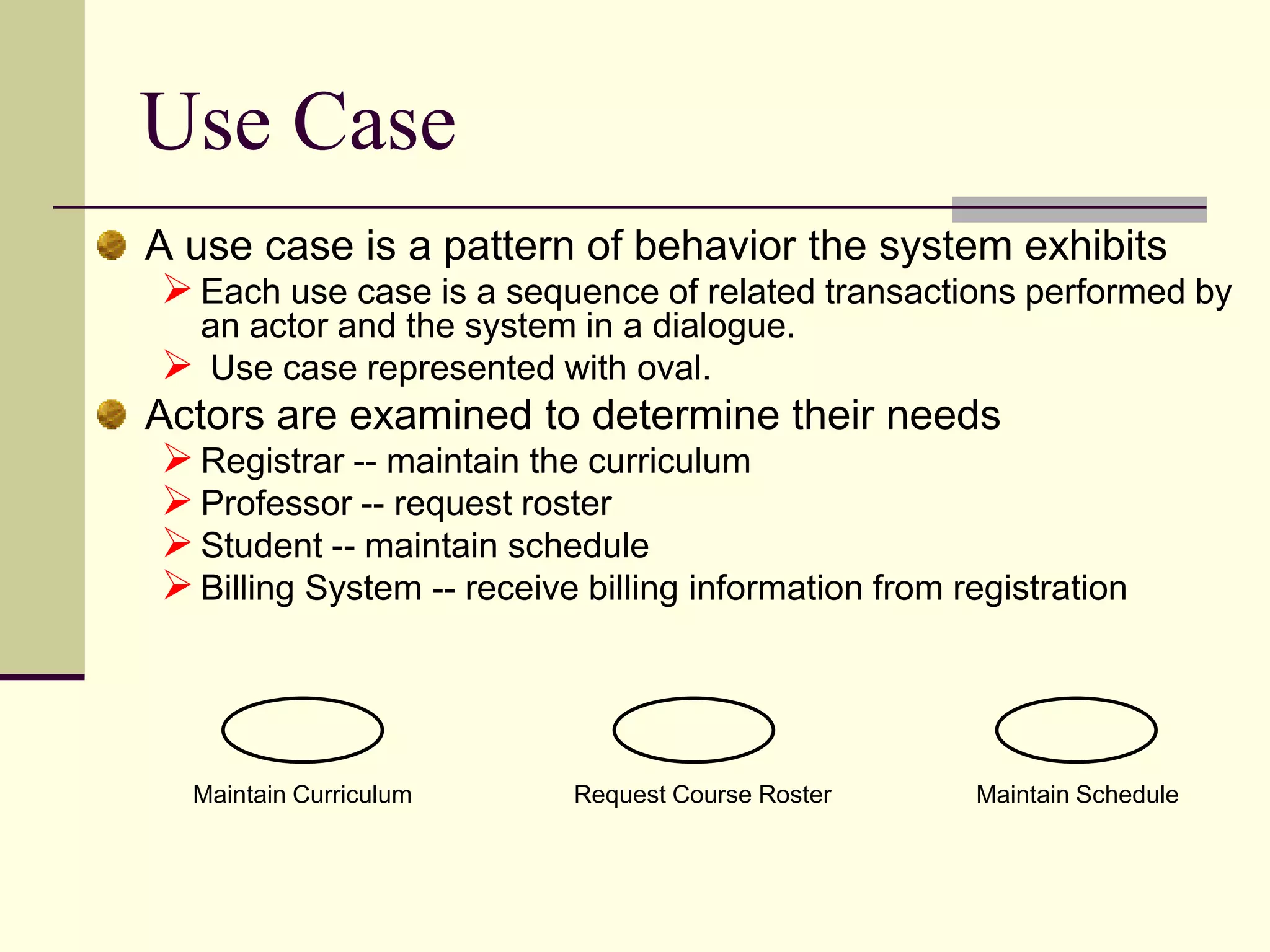
Defines use cases and their role in depicting system behavior involving user interactions.
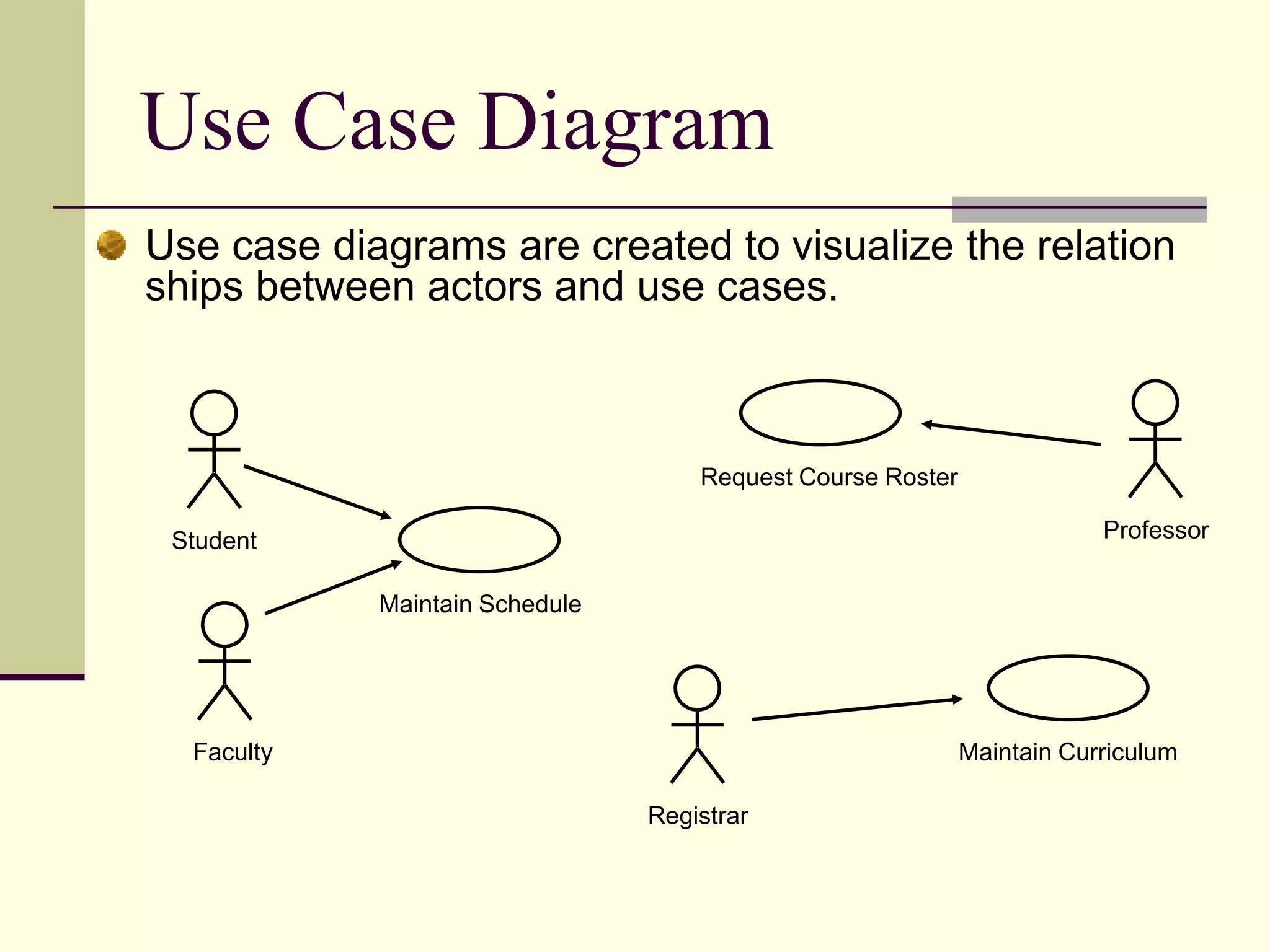
Illustrates relationships in use case diagrams among actors and use cases.
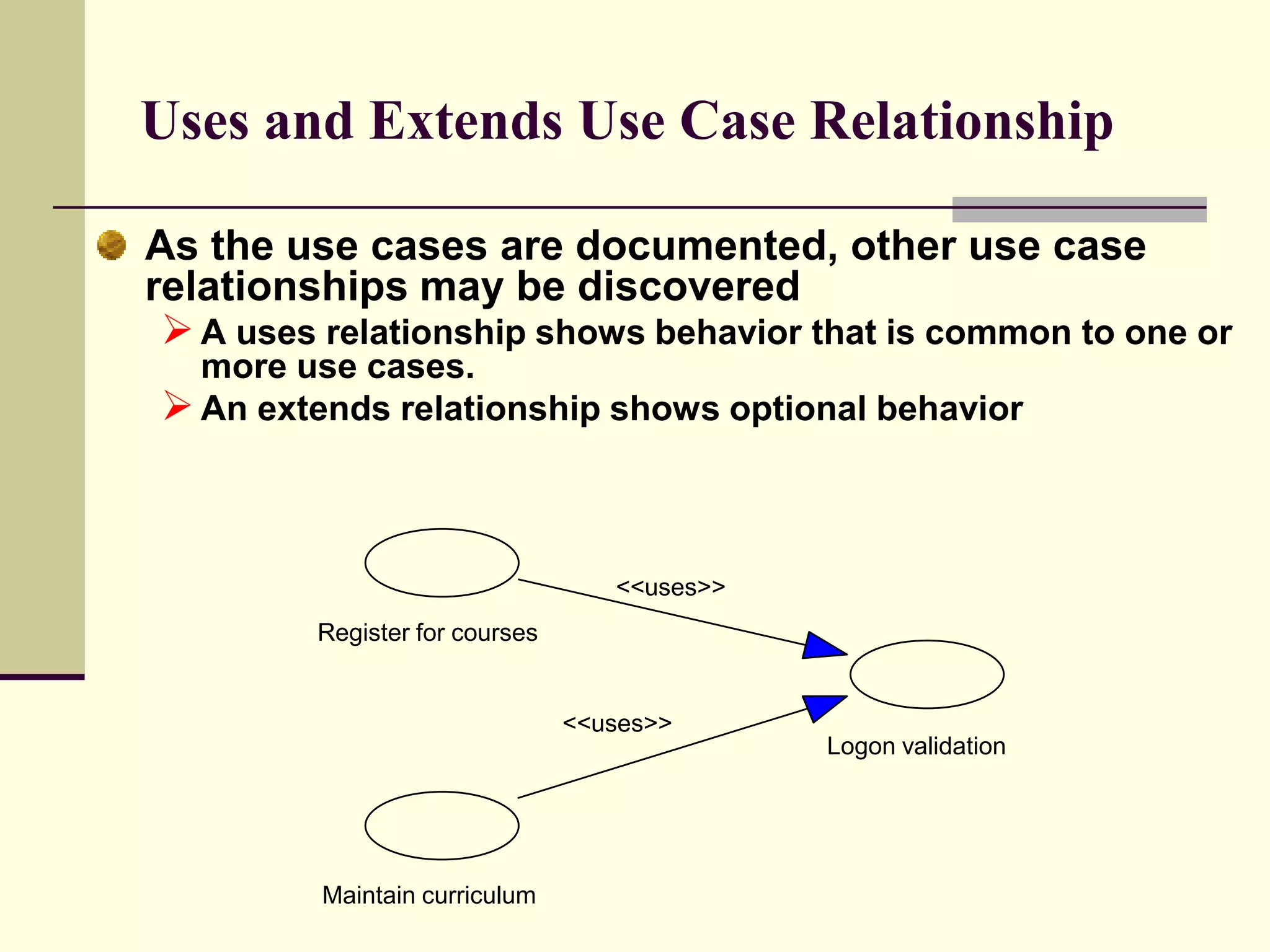
Explains different use case relationships such as ‘uses’ and ‘extends‘ in UML.
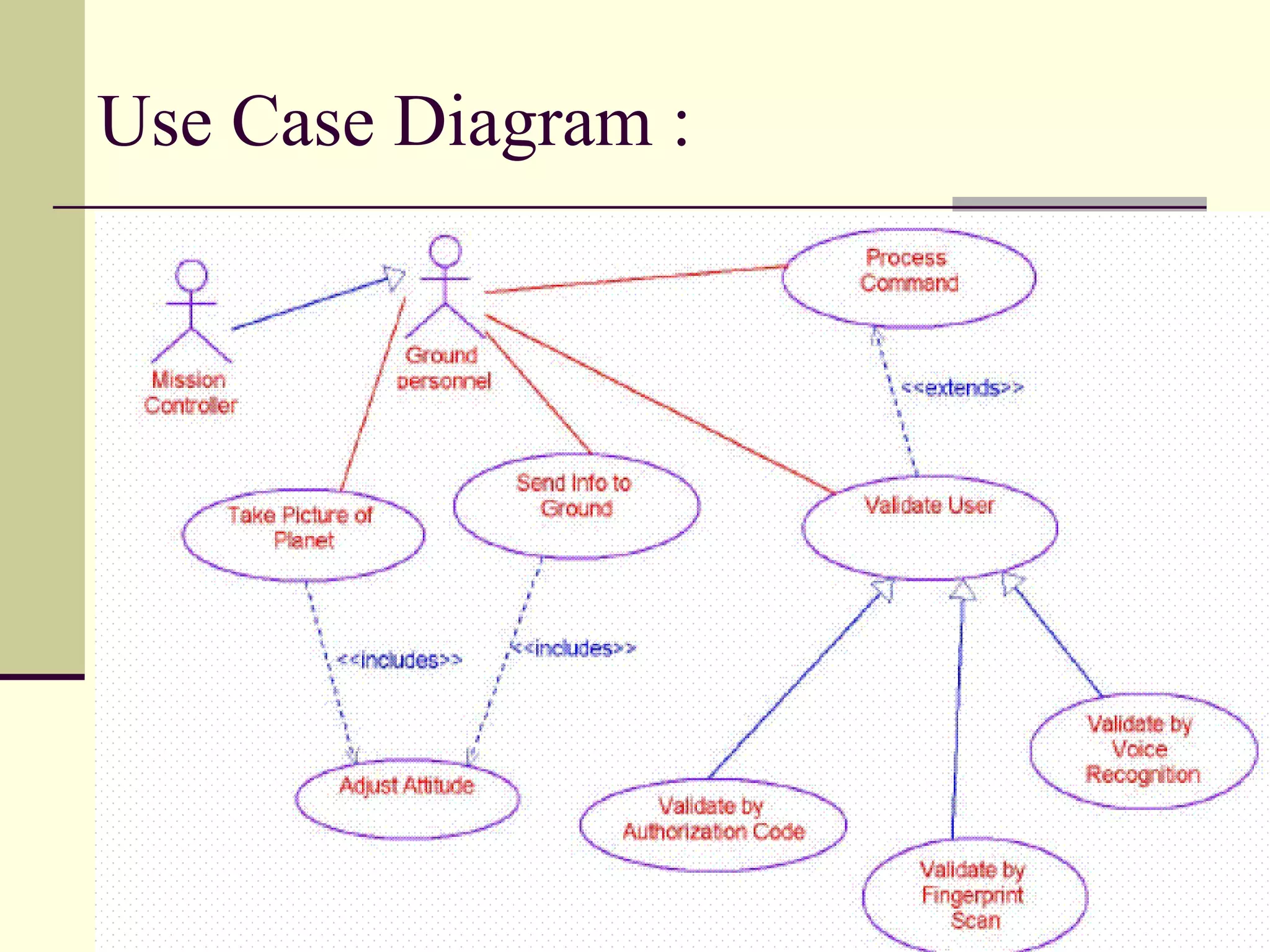
Visual representation of a use case diagram to illustrate interactions.
Describes how use cases are realized through interaction diagrams.
Details the importance of class diagrams in Object Oriented Analysis and Design (OOAD).
Enumerates different class types that can be represented including Abstract and Interface classes.
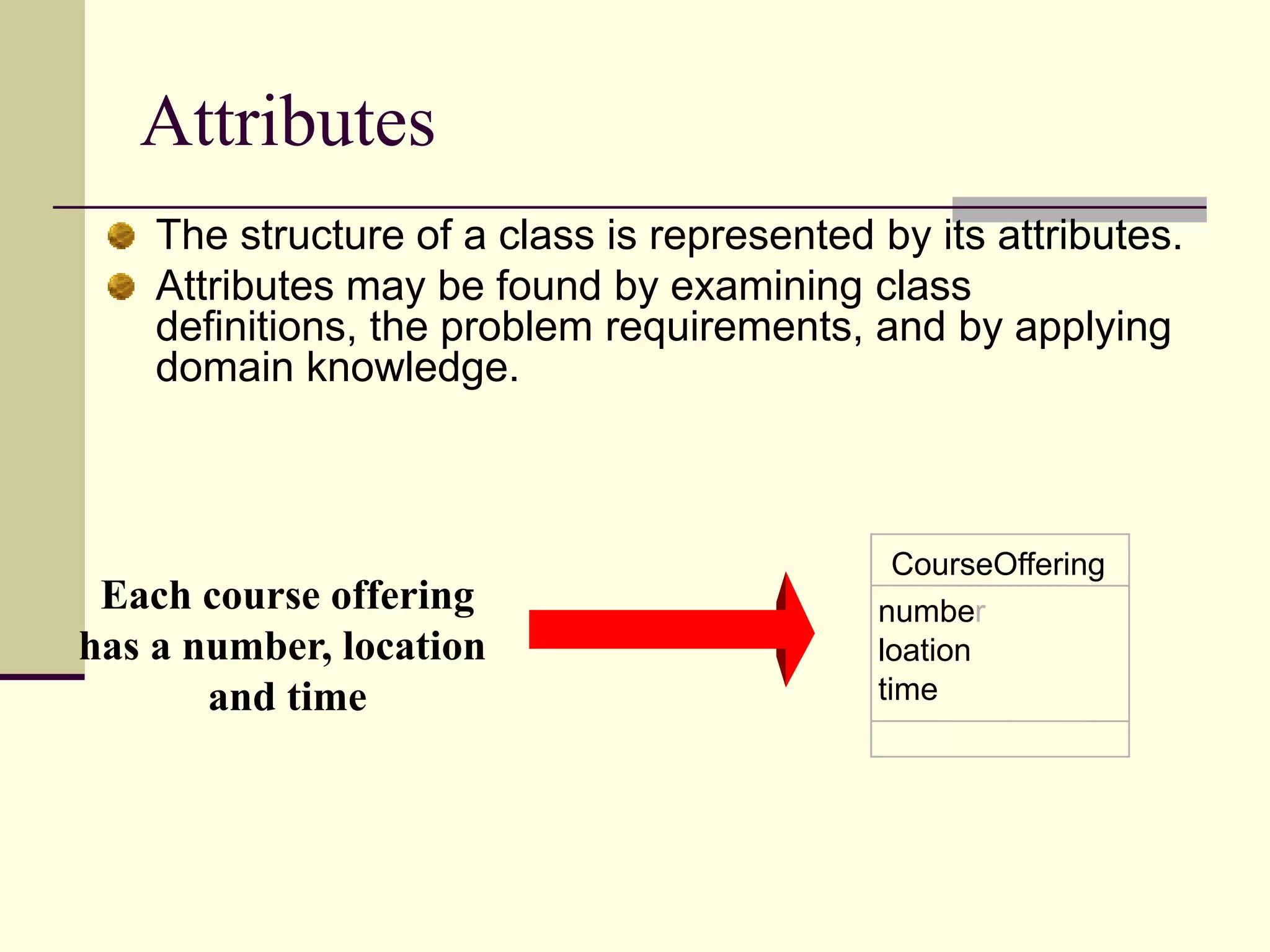
Discusses class structure representation focusing on attributes.
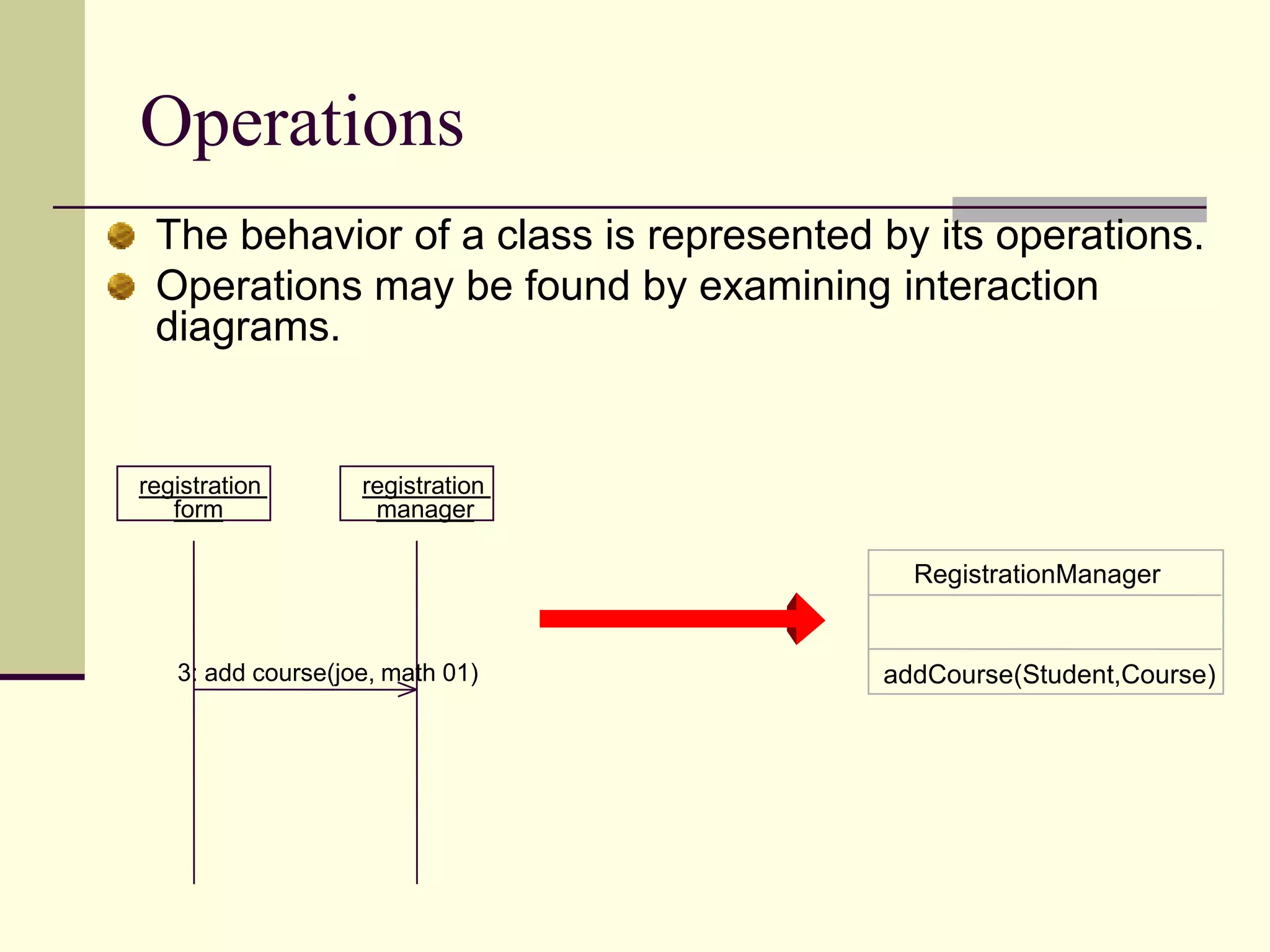
Describes how class behavior and operations are represented in UML.
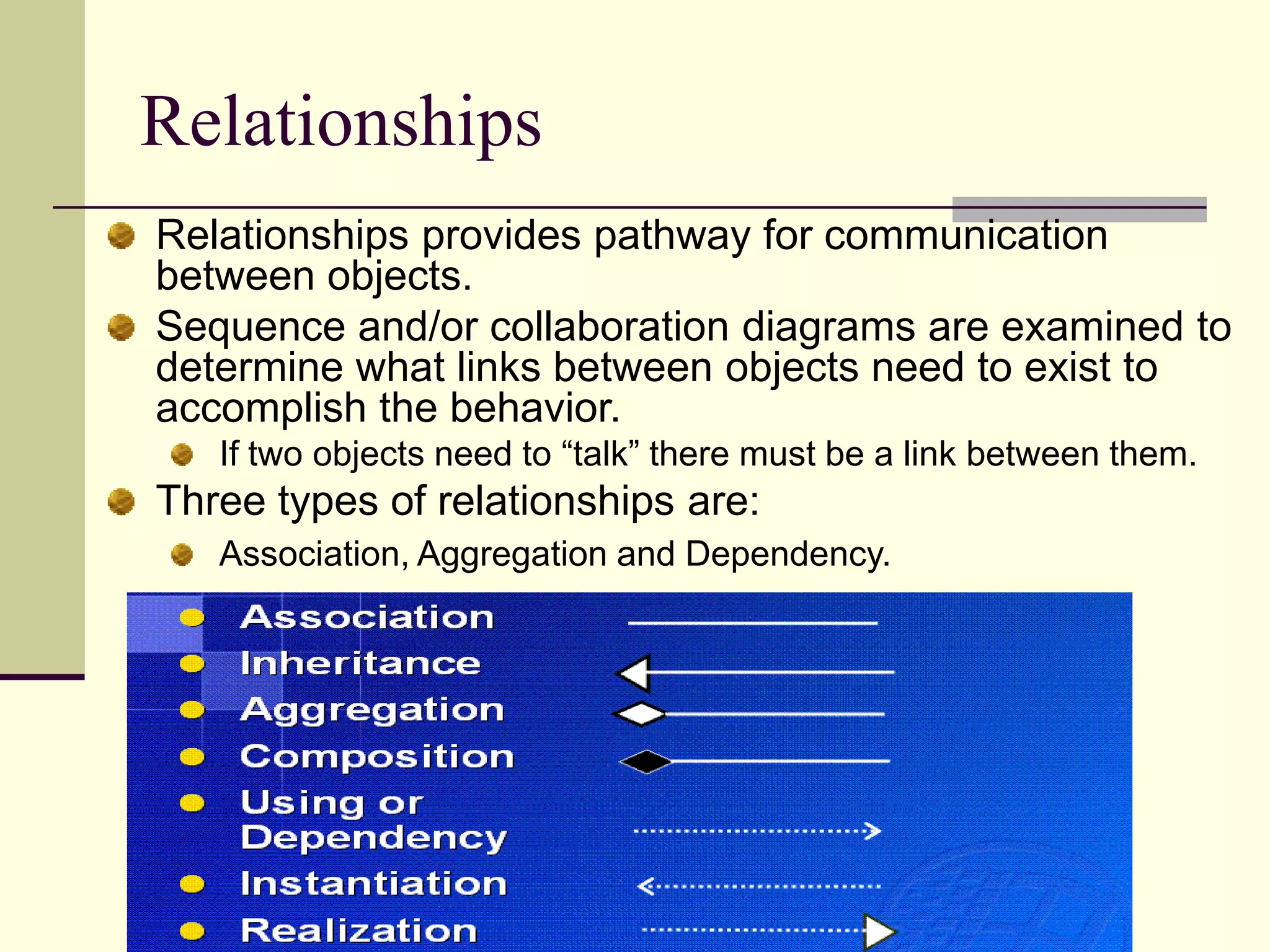
Explains the role of relationships in UML including association, aggregation, and dependency.
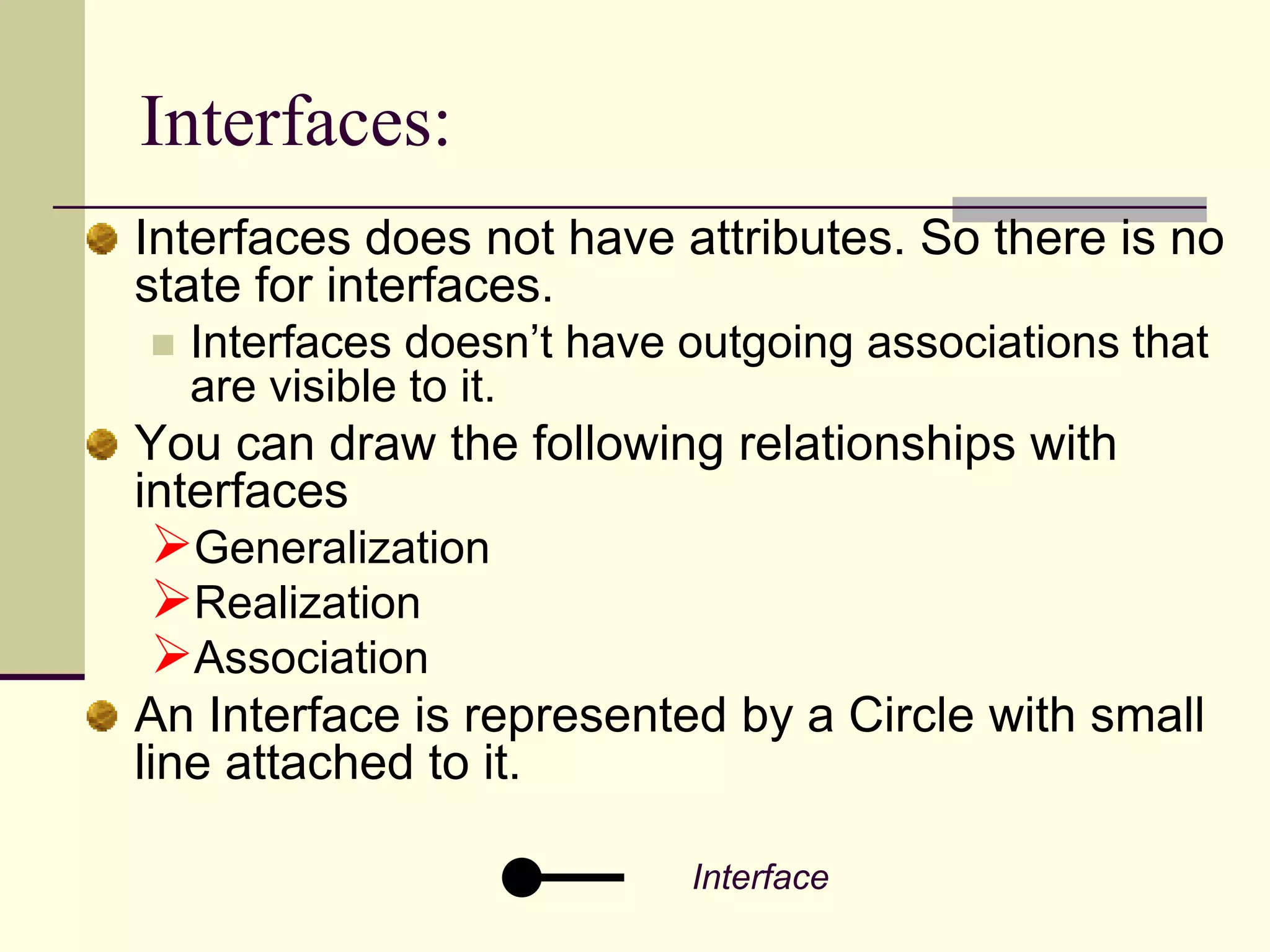
Defines the concept of interfaces in UML and their relationships to classes.
Describes how associations are established in UML to create links between classes.
Differentiates between aggregation and dependency relationships in UML.
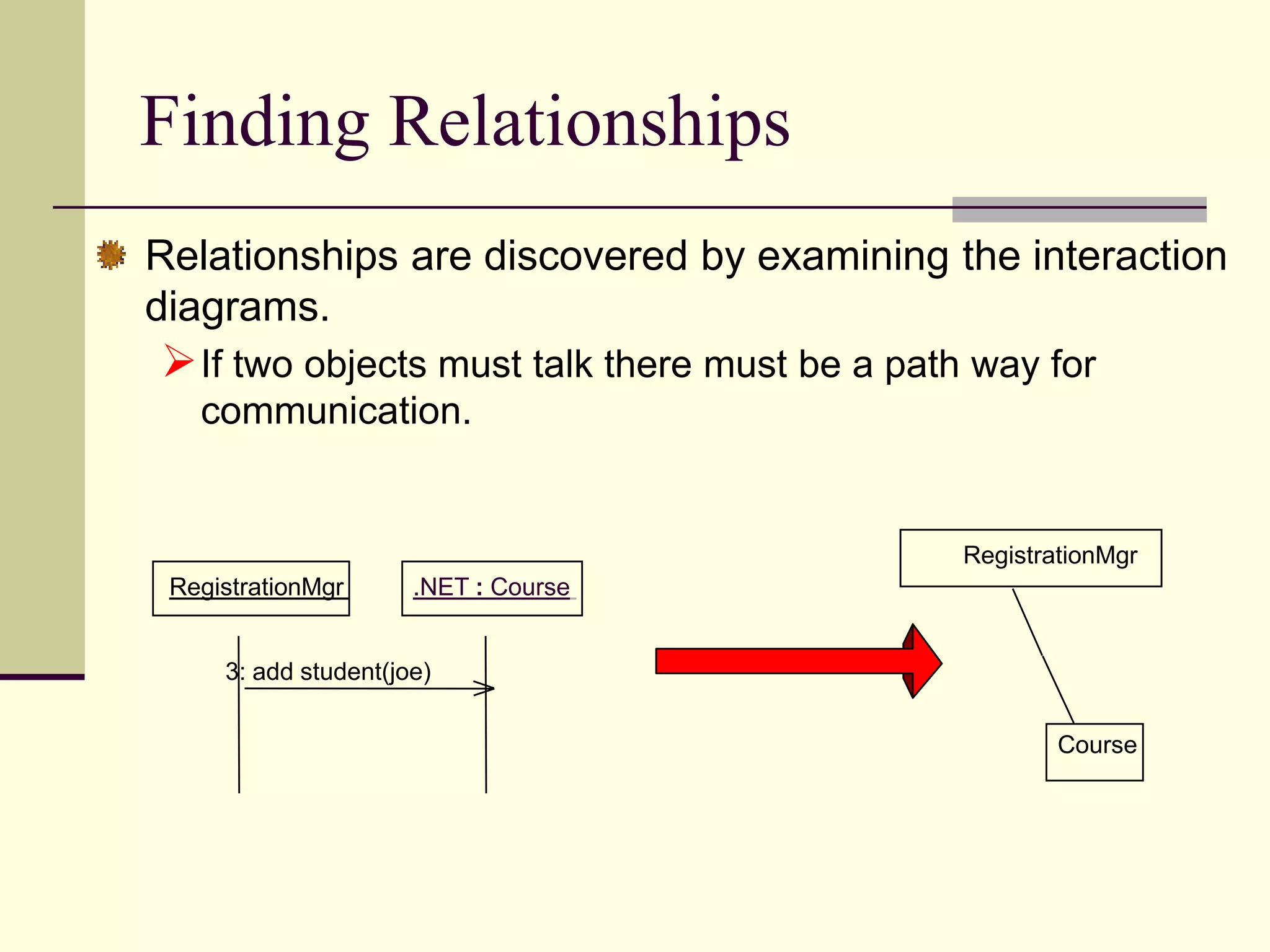
Discusses methods to discover relationships between objects through interaction diagrams.
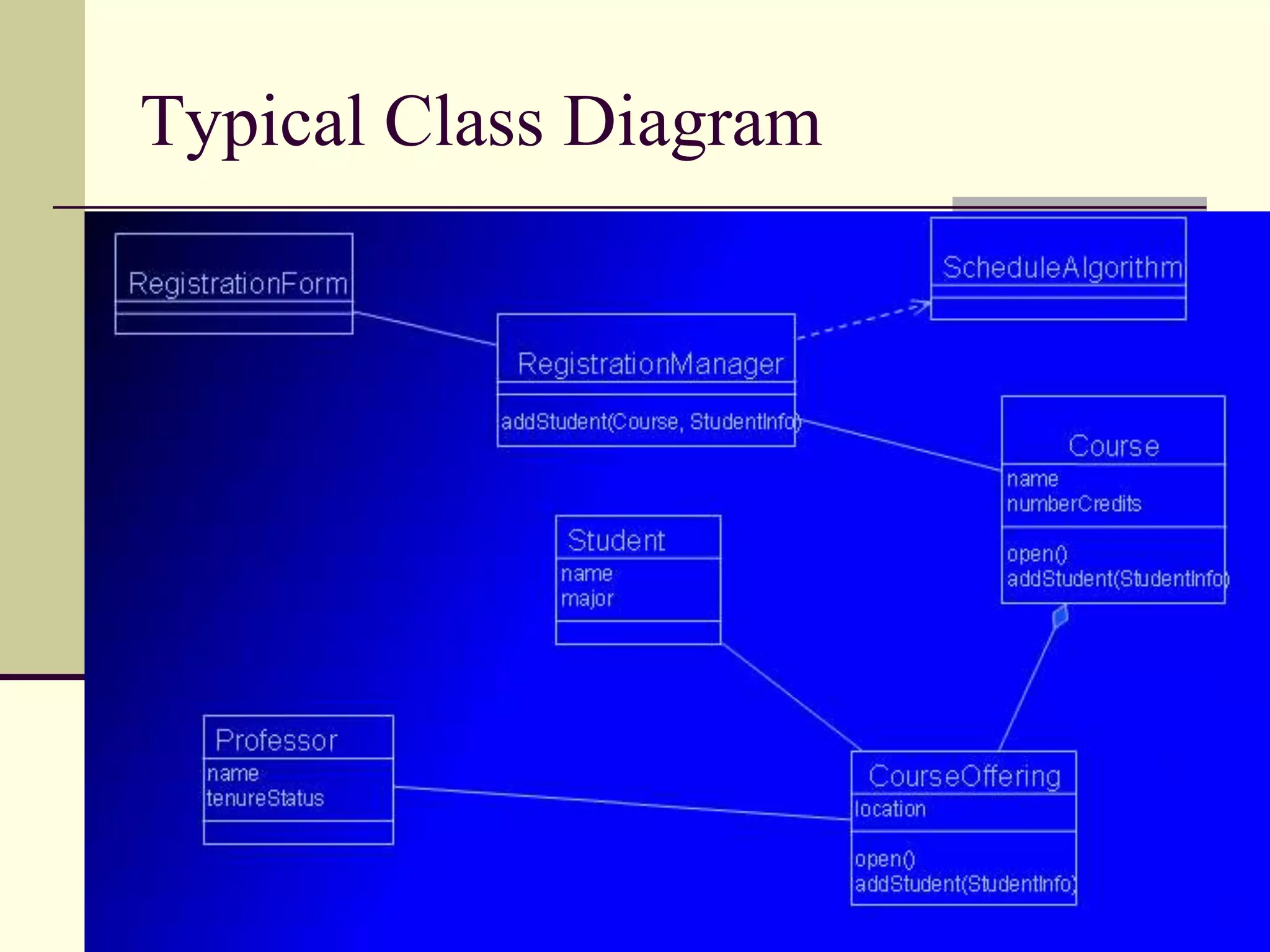
Provides a general view of a typical class diagram in UML.
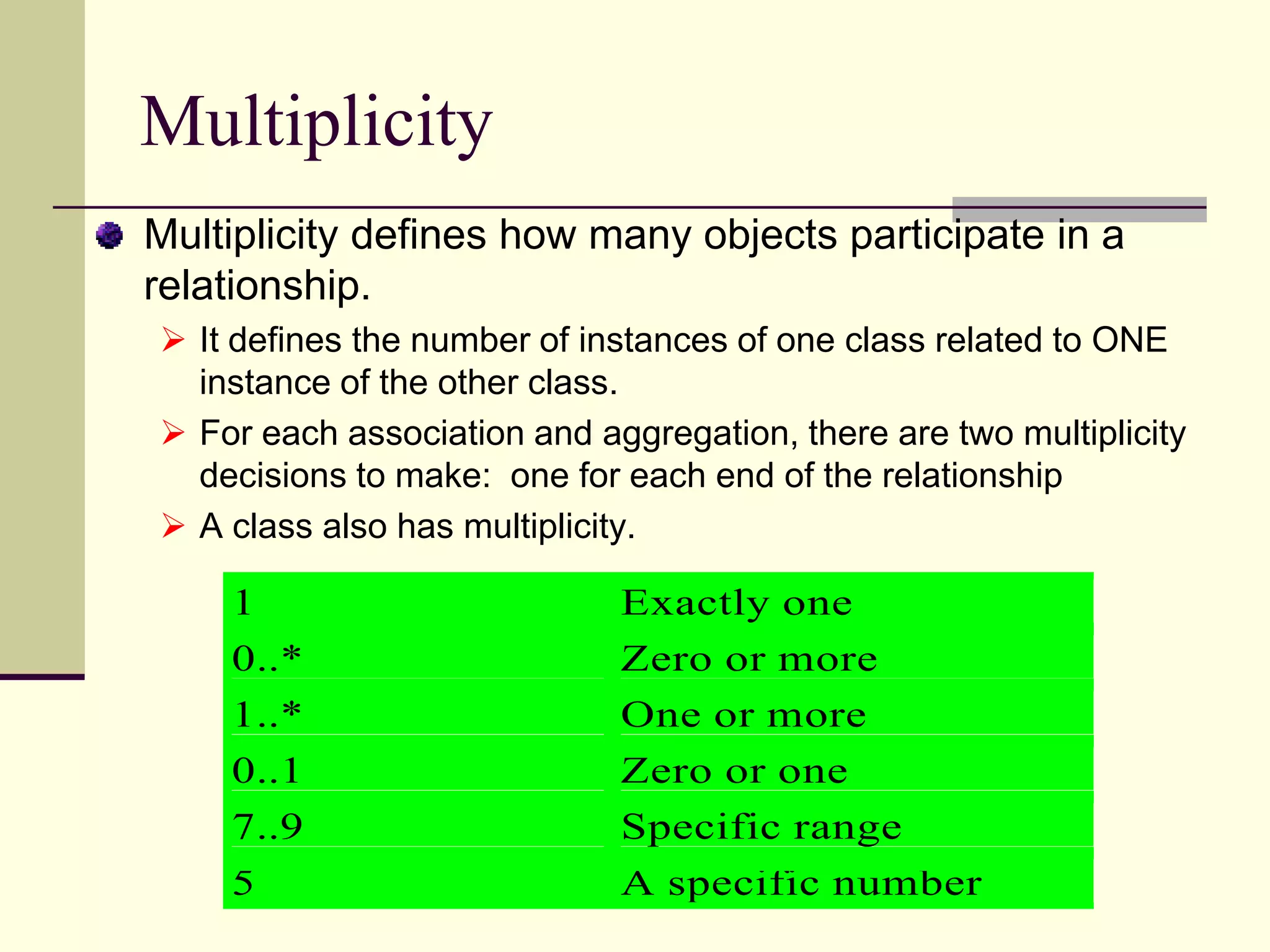
Defines multiplicity in UML, detailing the number of instances in relationships.
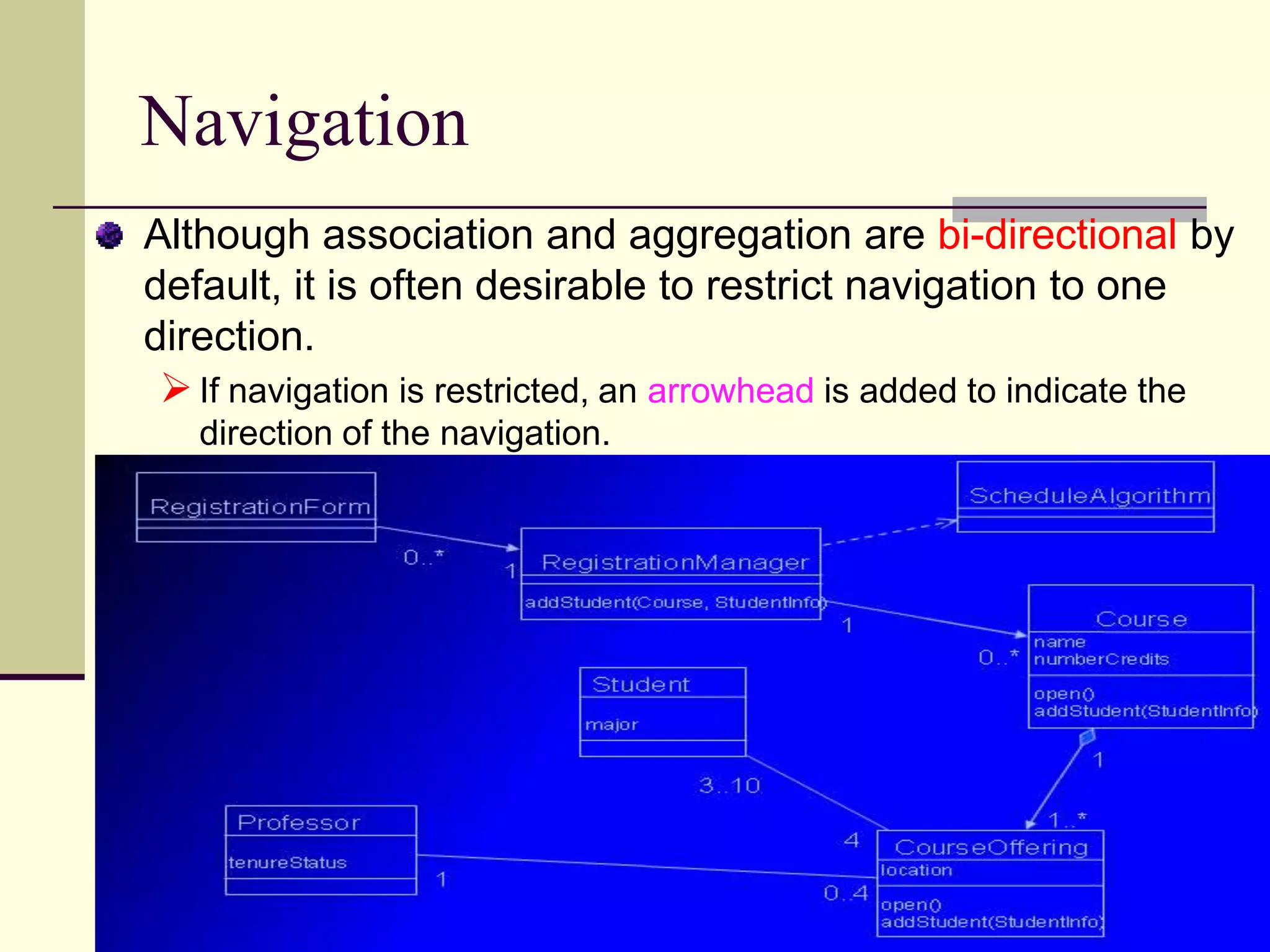
Explains navigation direction in associations and its representation in UML.
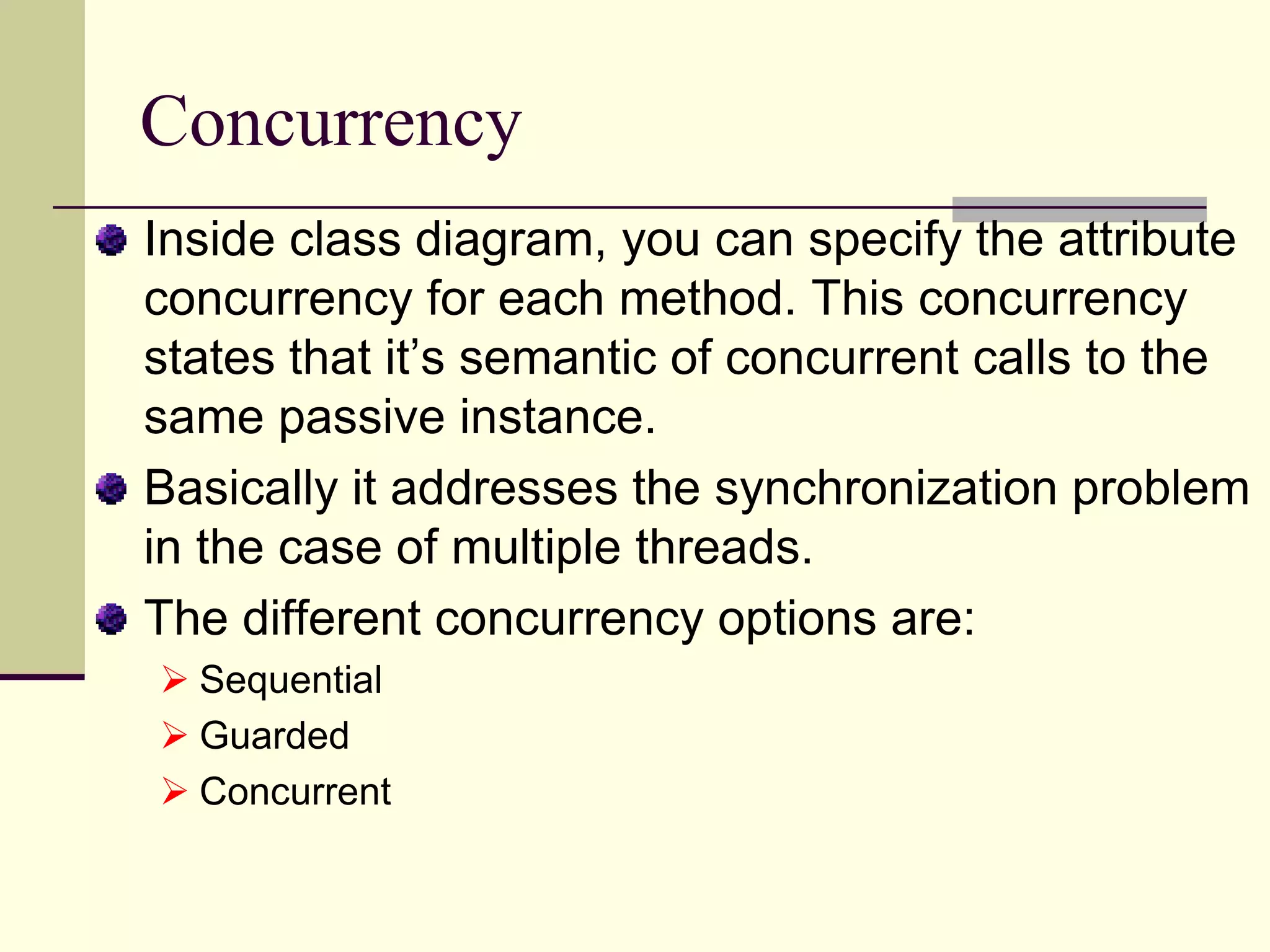
Discusses concurrency attributes in class diagrams addressing synchronization in multi-threaded environments.
Describes inheritance relationships in UML, including generalization and specialization concepts.
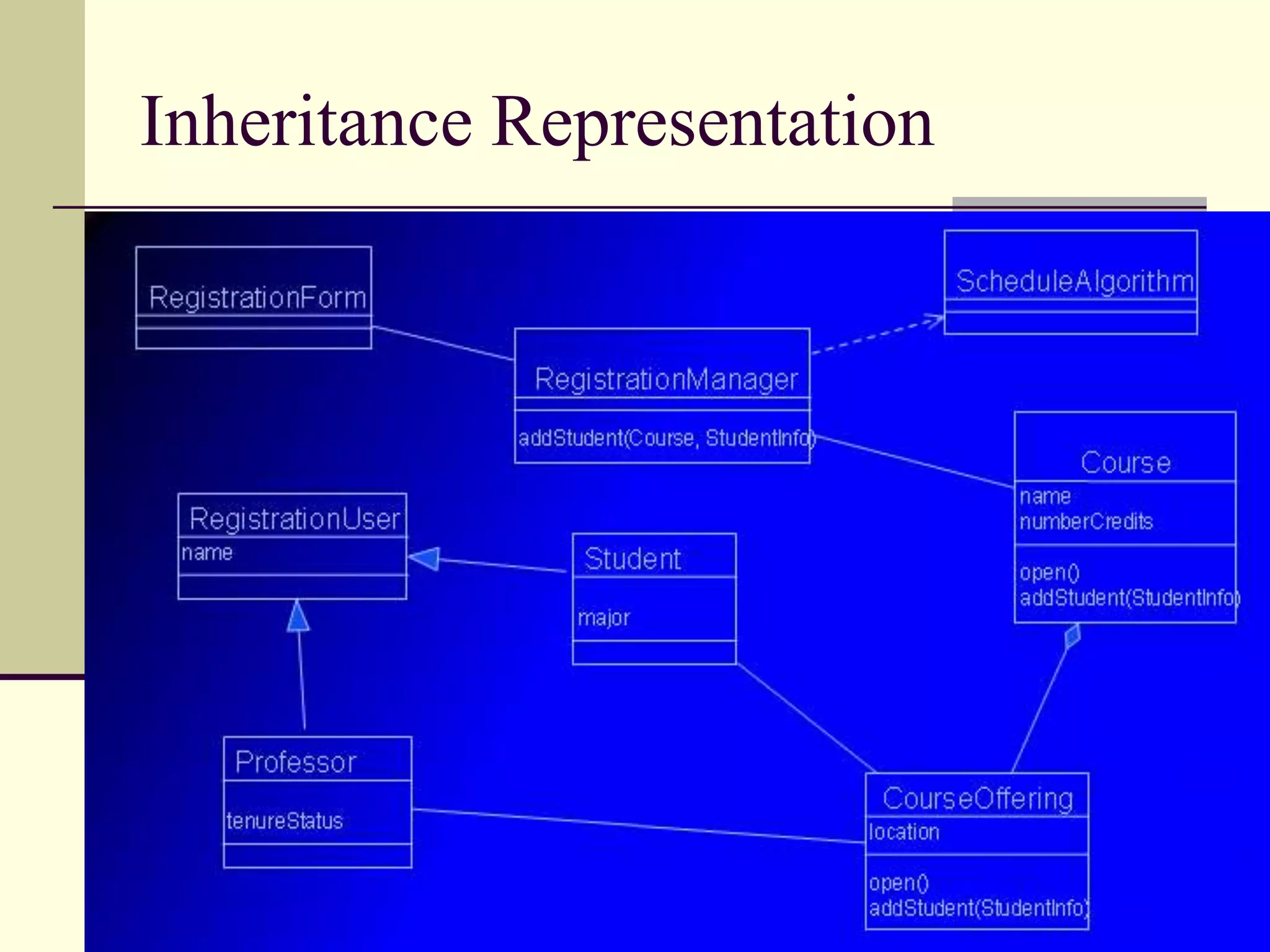
Explains how inheritance is represented in UML class diagrams.
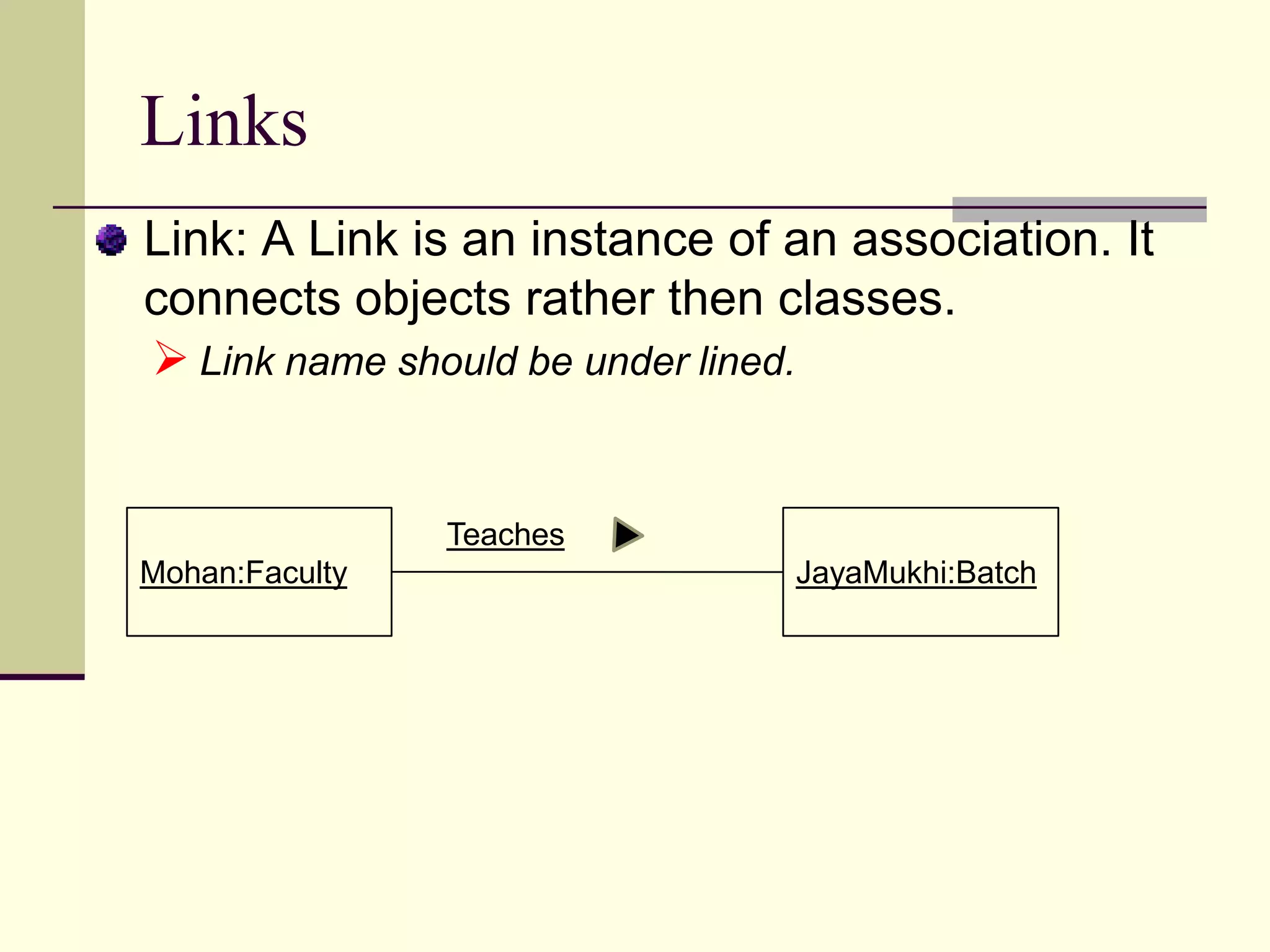
Defines links as instances of associations connecting objects.
Explains stereotypes as a means to extend UML features and their usage.
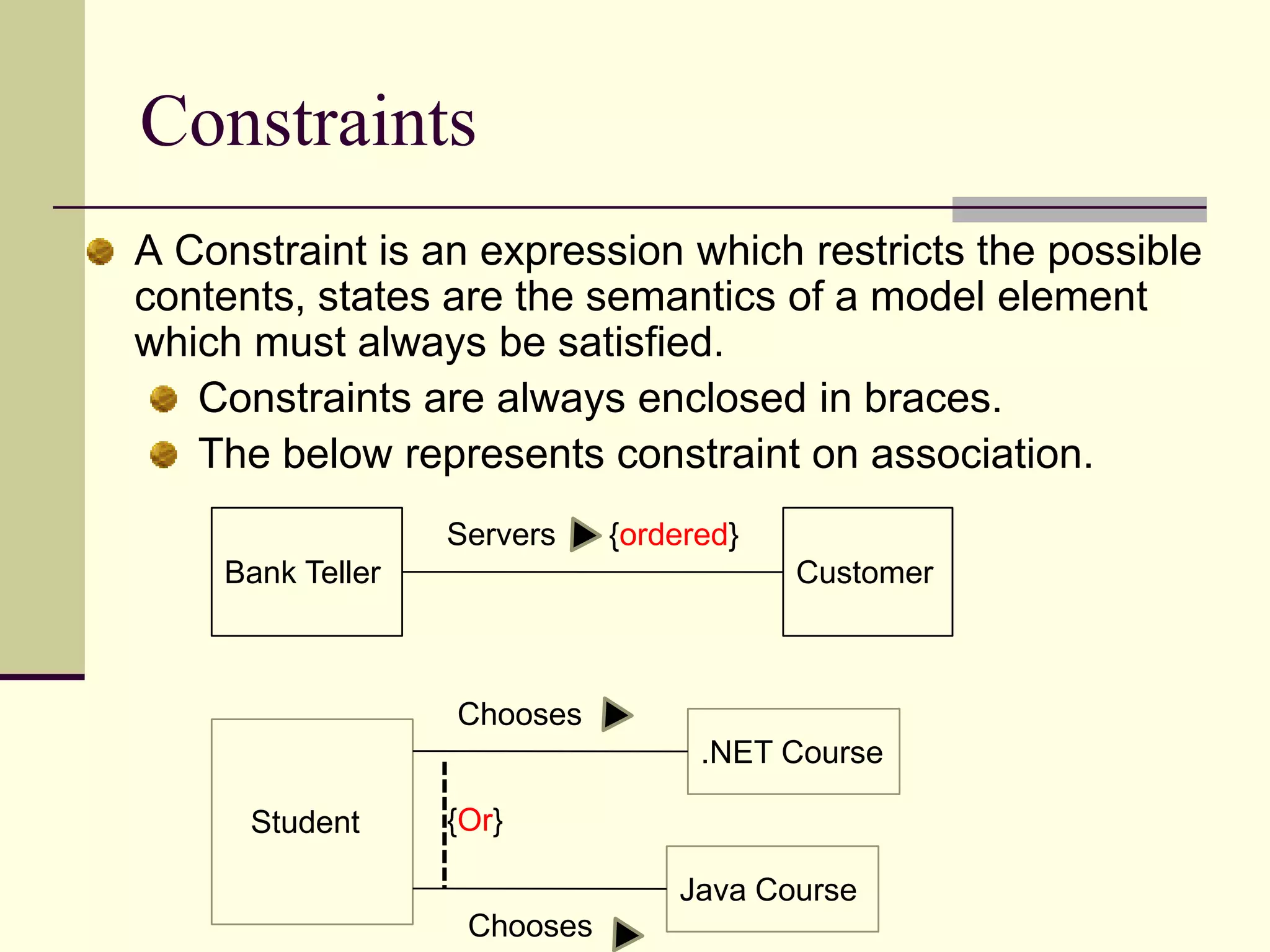
Defines constraints in UML modeling to enforce rules within a model.
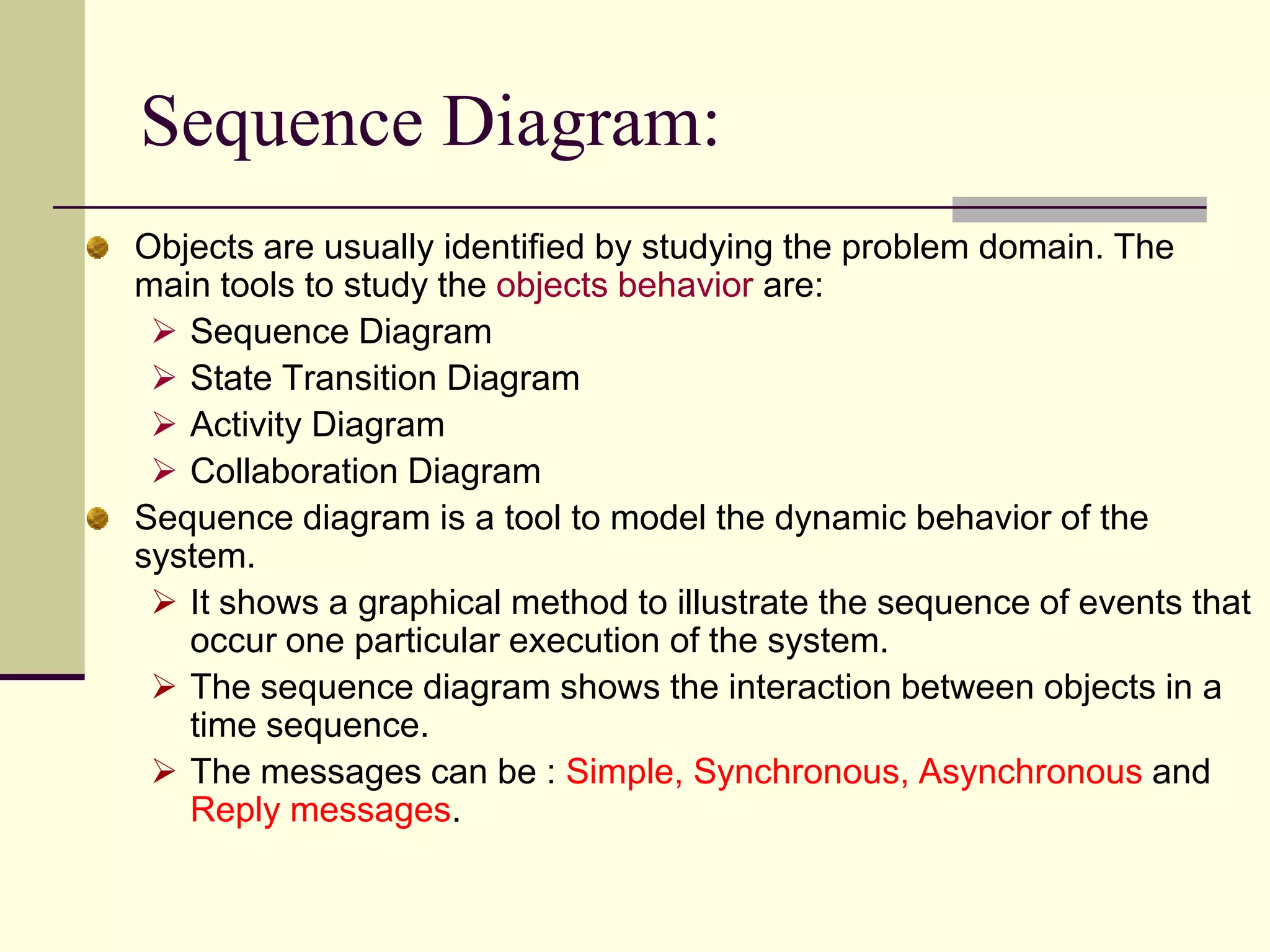
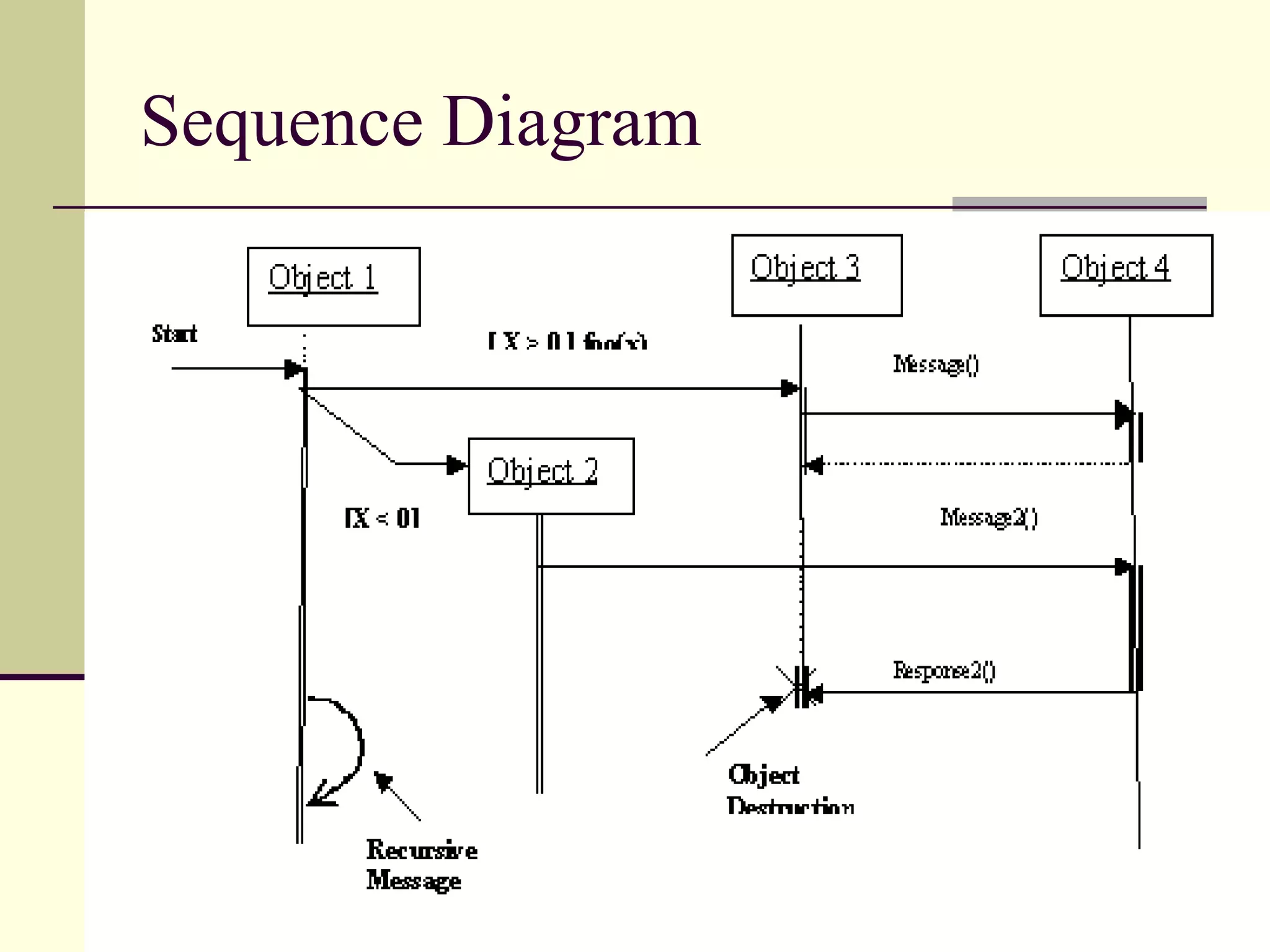
Explains sequence diagrams as a method to depict dynamic interactions in software.
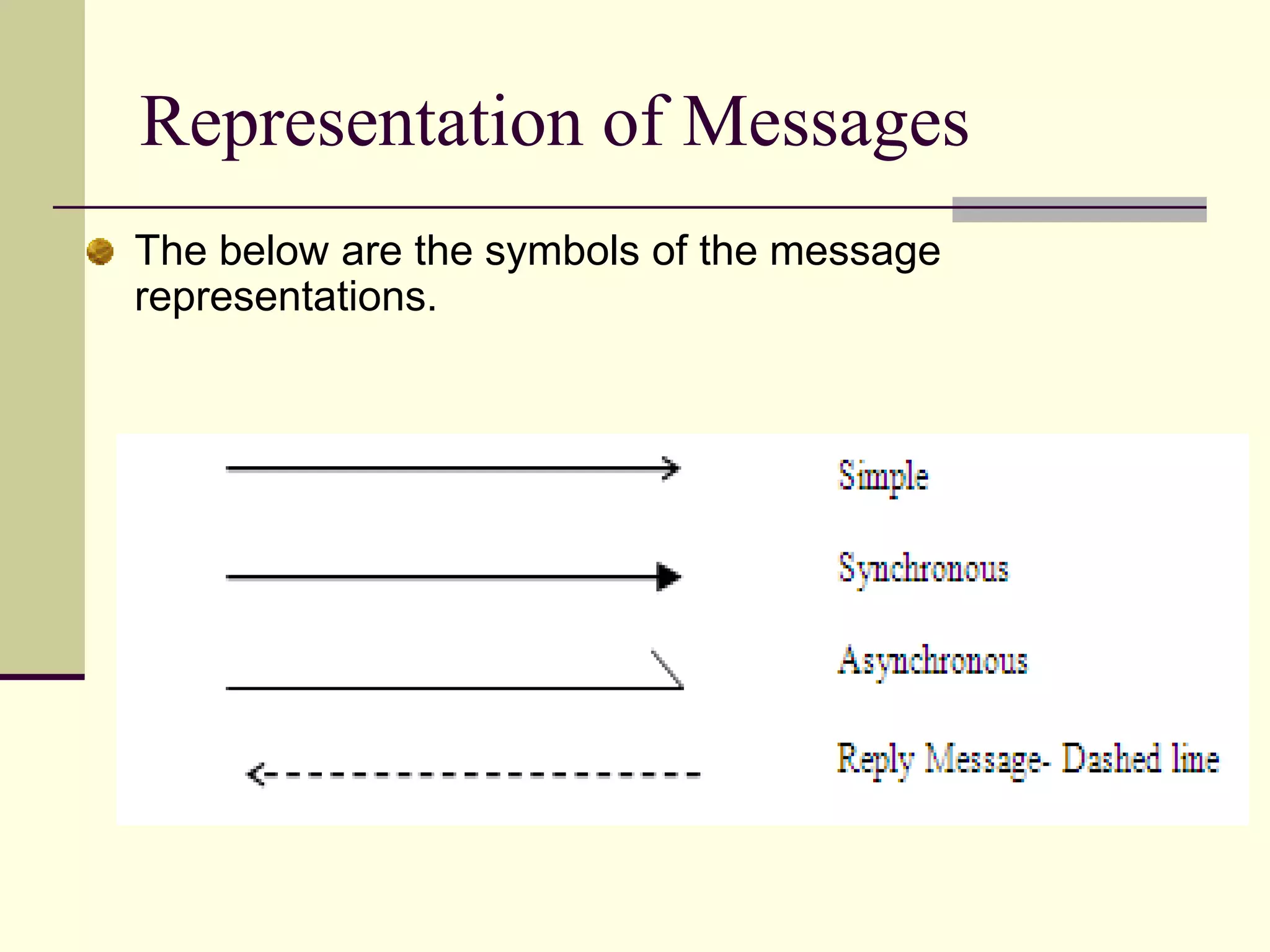
Shows symbols for different message representations in sequence diagrams.
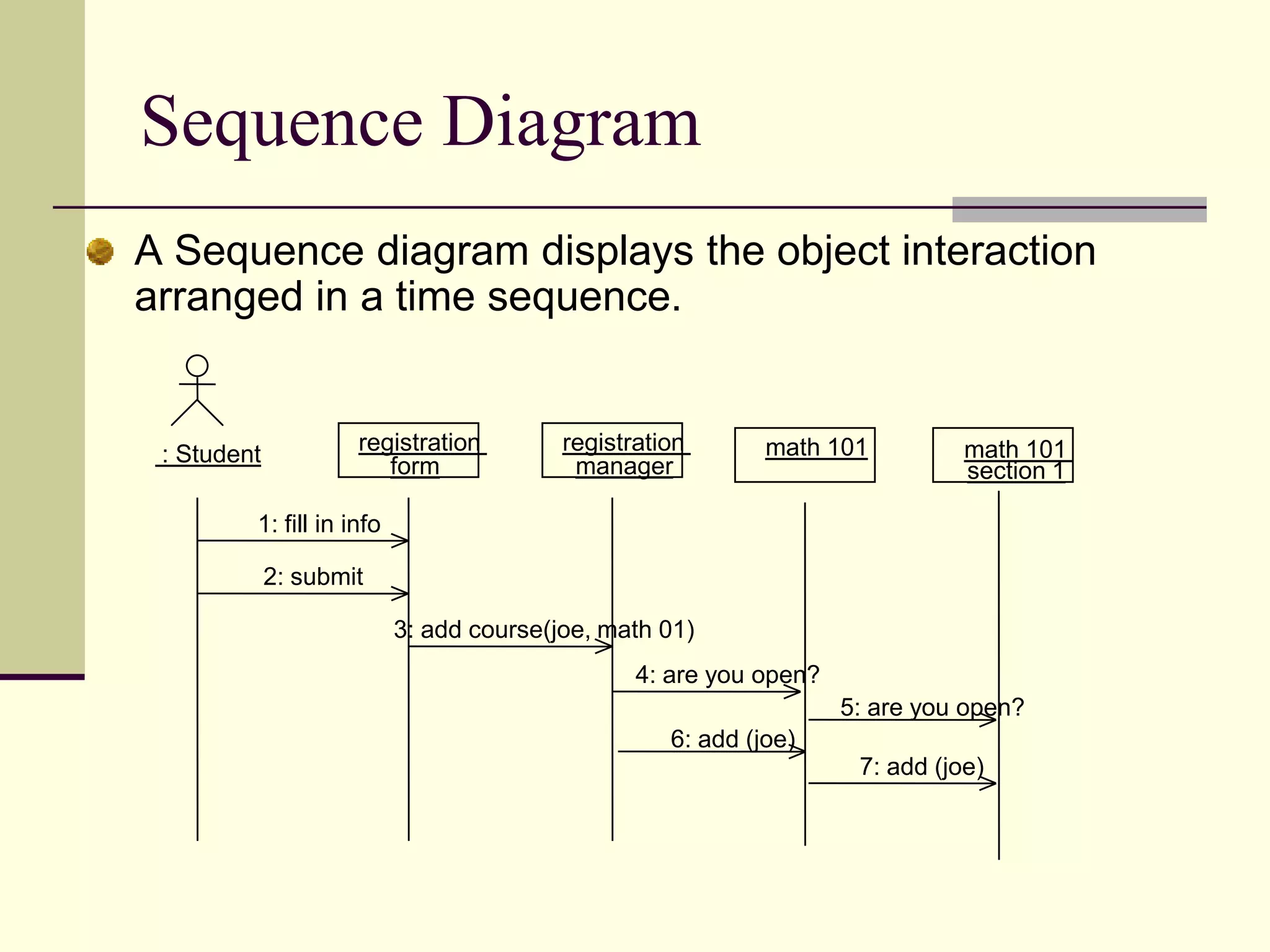
Provides an example sequence diagram illustrating object interaction in time order.
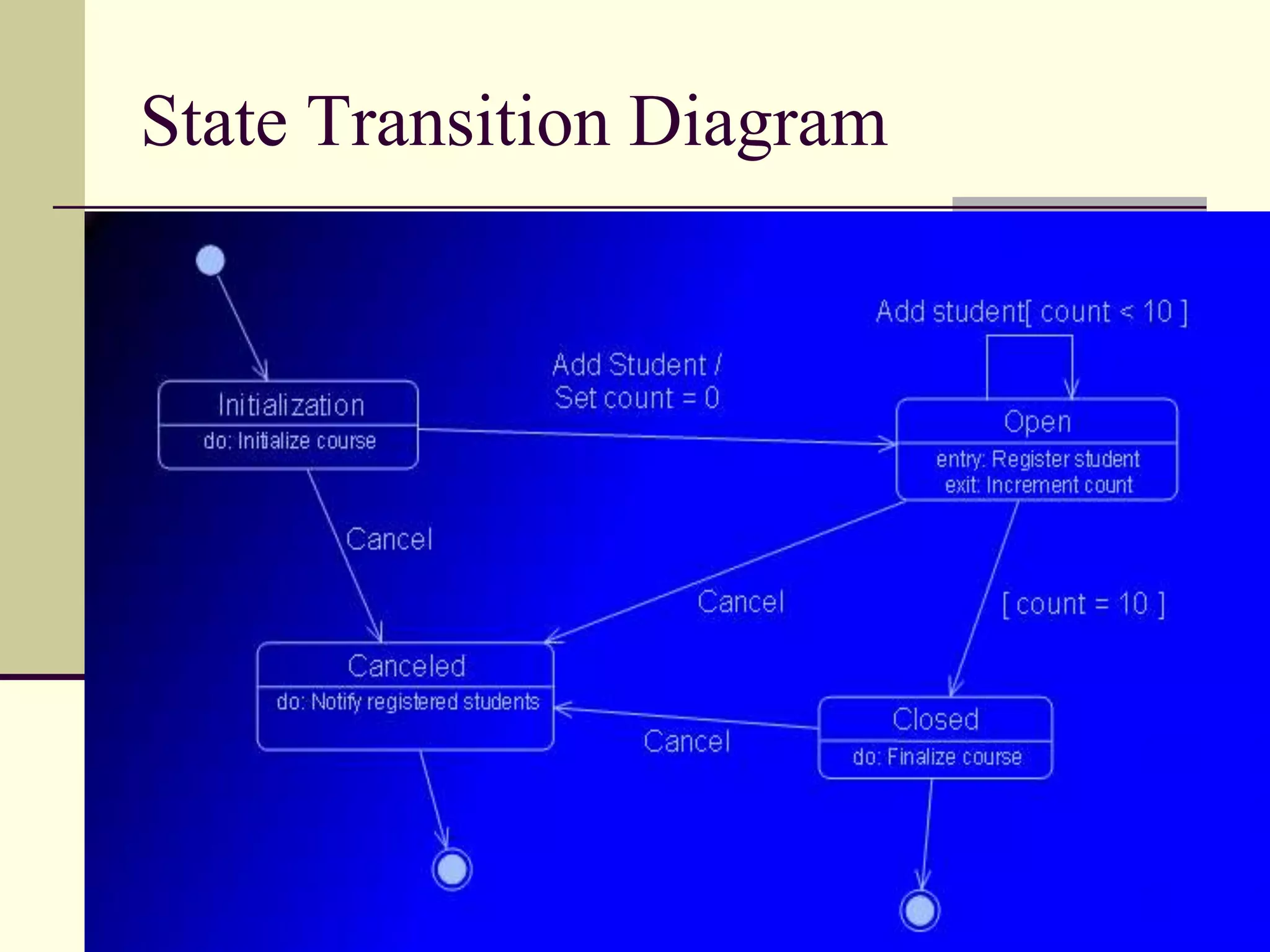
Describes state transition diagrams depicting the lifecycle of classes.
Example representation of state transition diagrams.
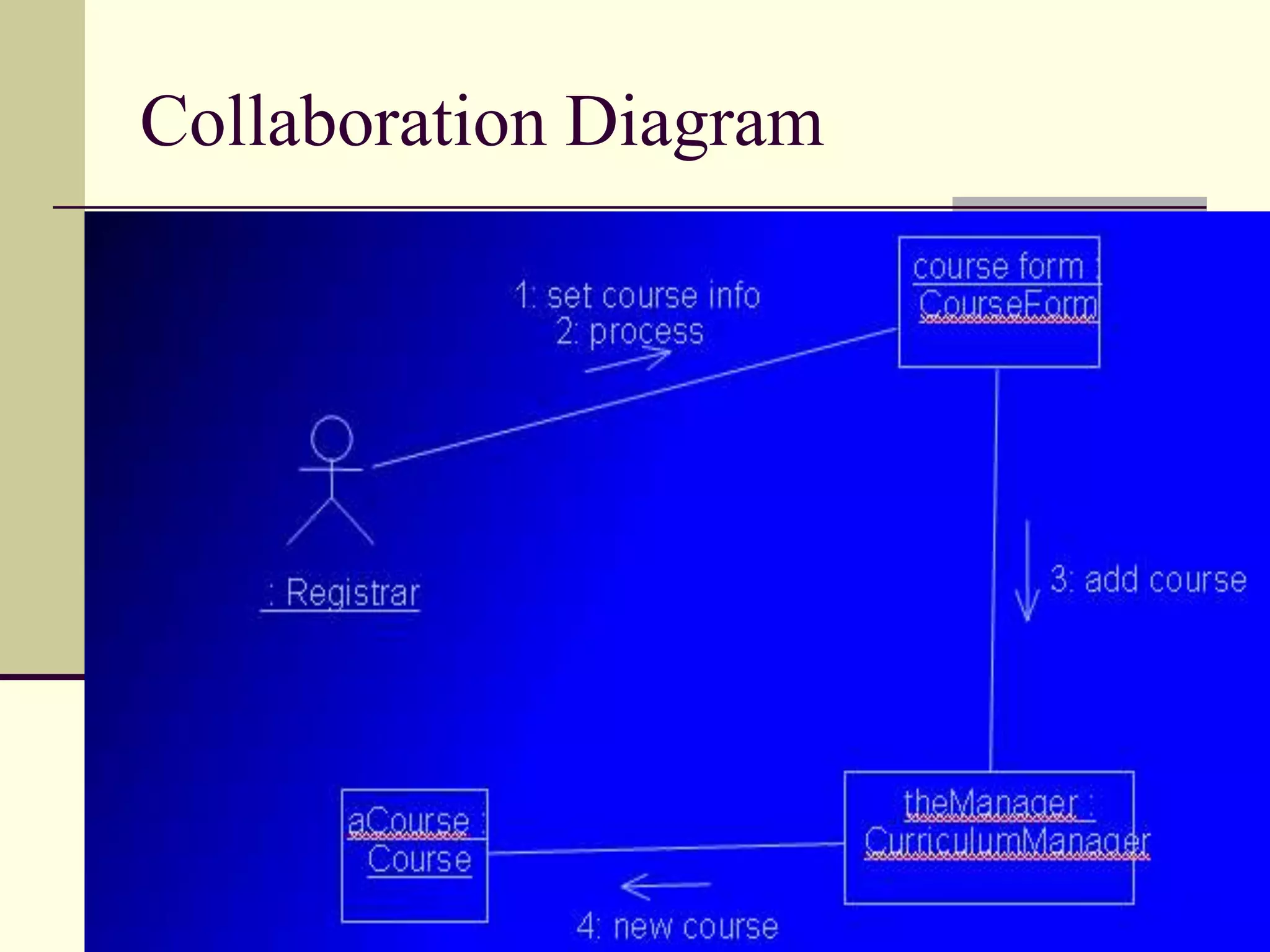
Explains collaboration diagrams focusing on interactions between objects.
Example representation of a collaboration diagram.
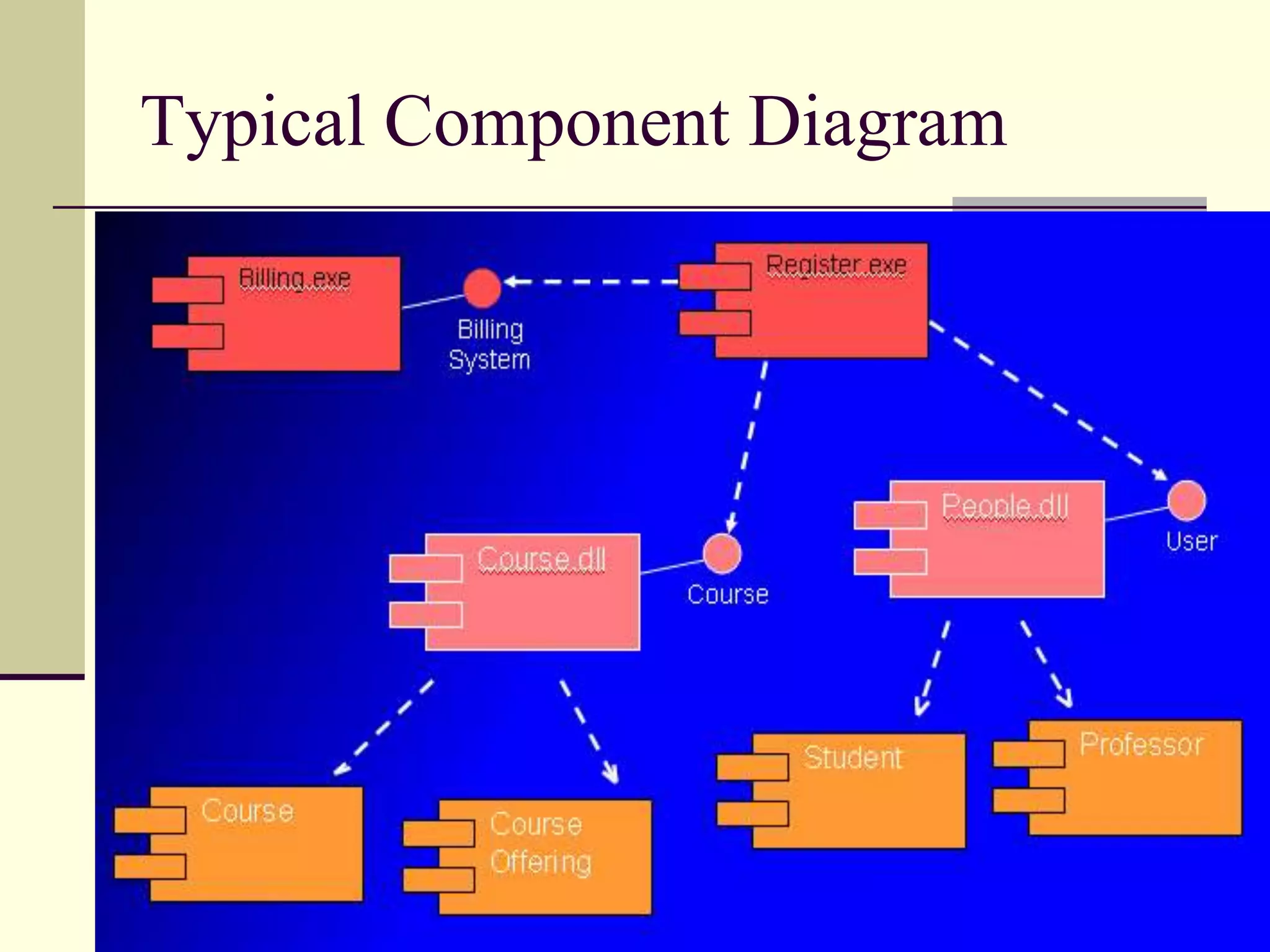
Illustrates component diagrams depicting organizations and dependencies among software components.
Visual representation of a typical component diagram in UML.
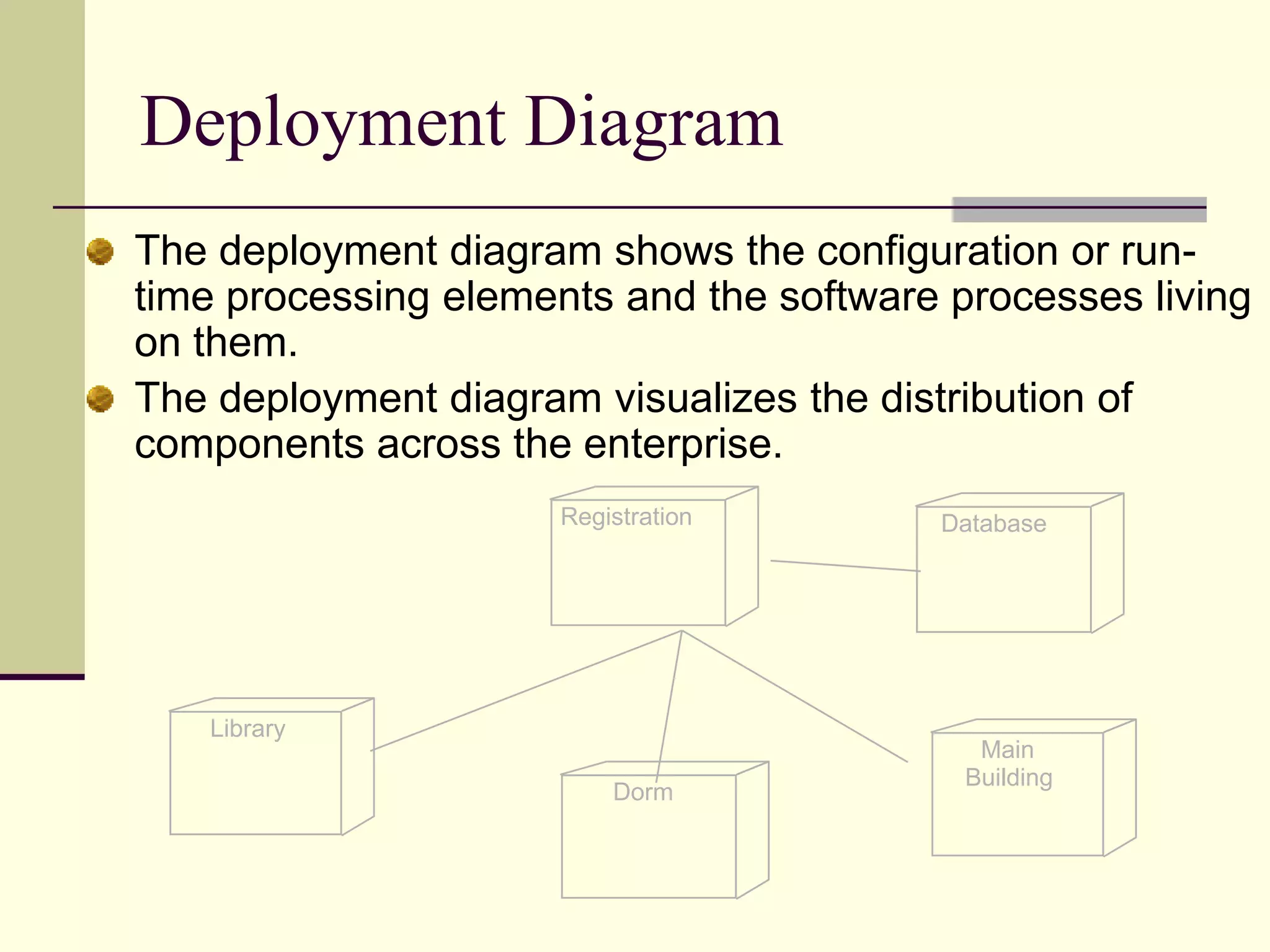
Describes deployment diagrams showing the distribution of software components across systems.
Open floor for questions regarding the discussed topics in the presentation.
What are theLife Cycle Types ? Structured MethodsCode and Fix (Traditional) WaterfallSpiralWard & Mellor (Real Time & Embedded Systems)Object Oriented MethodsOOA/OOD By Coad & YourdonOOD By BoochOMT By RambaughOOSE by Jacobson
5.
Drawbacks of TraditionalMethods ! Adaptability to change is very poor. Bugs. Person Dependency No way to communicate with team members. No way to model the system Limited user involvement. Persons involved in the analysis will required to go for coding and further phases.
6.
Benefits of theObject Oriented Methodologies: New requirements can be added at later stage and their integration will be very easy. It’s possible to deal with more complex systems.Easy way to make communication between software developers and experts. Seen over the whole of their lifetime, OO models are more stable and thus easier to modify. OO abstraction allows increases reusability of work outcomes. Finally it’s more fun.
7.
Steps involved inthe OO Software Development:Identify the objects and their attributes. Study operations associated with the objects. Design classes from objects having similar characteristics. Establish relationship between classes. Implement the classes and relationships between them.
8.
UMLWhat is Model? Representation in a certain medium of some thing in the same or other medium. A model represents the blueprint of the system. It is an abstract representation of a system. What is In a Model ? Semantics:It captures the classes, associations, states, use cases and messages. Visual Representation:How to represent model elements. Different tool vendors shows different representation for the same model.
9.
What is UML? UML is a general purpose visual modeling language that is used to specify, visualize, construct, and document the artifacts of a software intensive system. UML enables system builders to create blue prints that capture their vision in a standard easy-to understand way and communication them to others.UML can be used with all processes, throughout the development life cycle, and across different implementation technologies.UML captures the static and dynamic behavior of systems.
10.
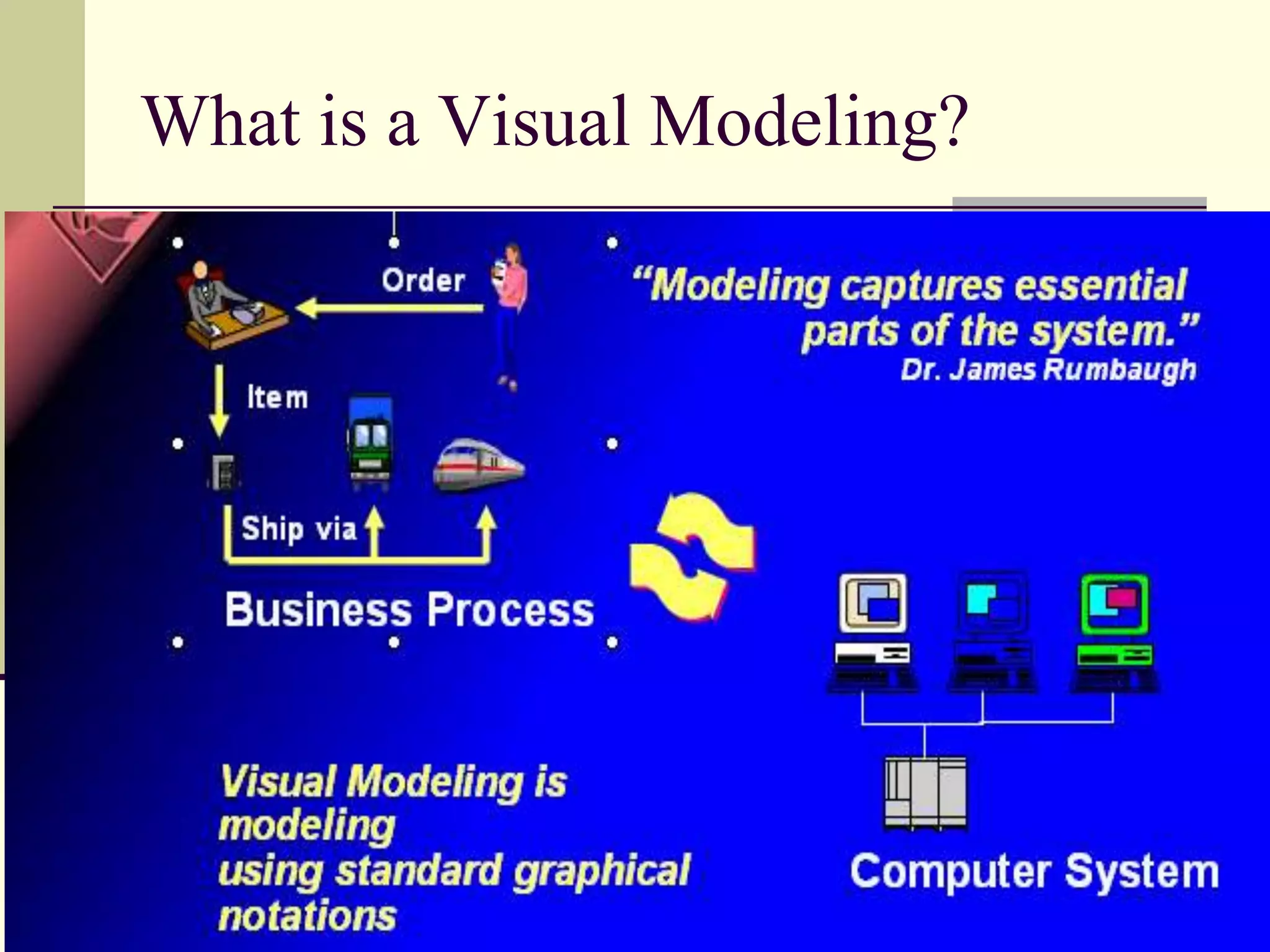
What is aVisual Modeling ?Basically, the modeling captures the essential parts of the system. Computer system basically automate business processes. However, it’s not easy to build software systems on time and within budget.Building a complex software system requires blueprint. You don’t construct a building without a blueprint. Visual modeling is the blueprint for software systems.Finally we can say, Visual Modeling is the key to successful software development.
Benefits of VisualModeling?Visual Modeling captures business processUse case analysis is a technique to capture business process from users perspective. Visual Modeling is a communication tool.Use visual modeling to capture business objects and logic. Use visual modeling to analyze and design your application. Visual Modeling manages complexity. Visual Modeling defines software architecture. With the help of Visual modeling language your model your system independent of implementation language. Visual Modeling promotes reuse. Here Visual Modeling can be used as component browser and it can also be used to model component assembly.
13.
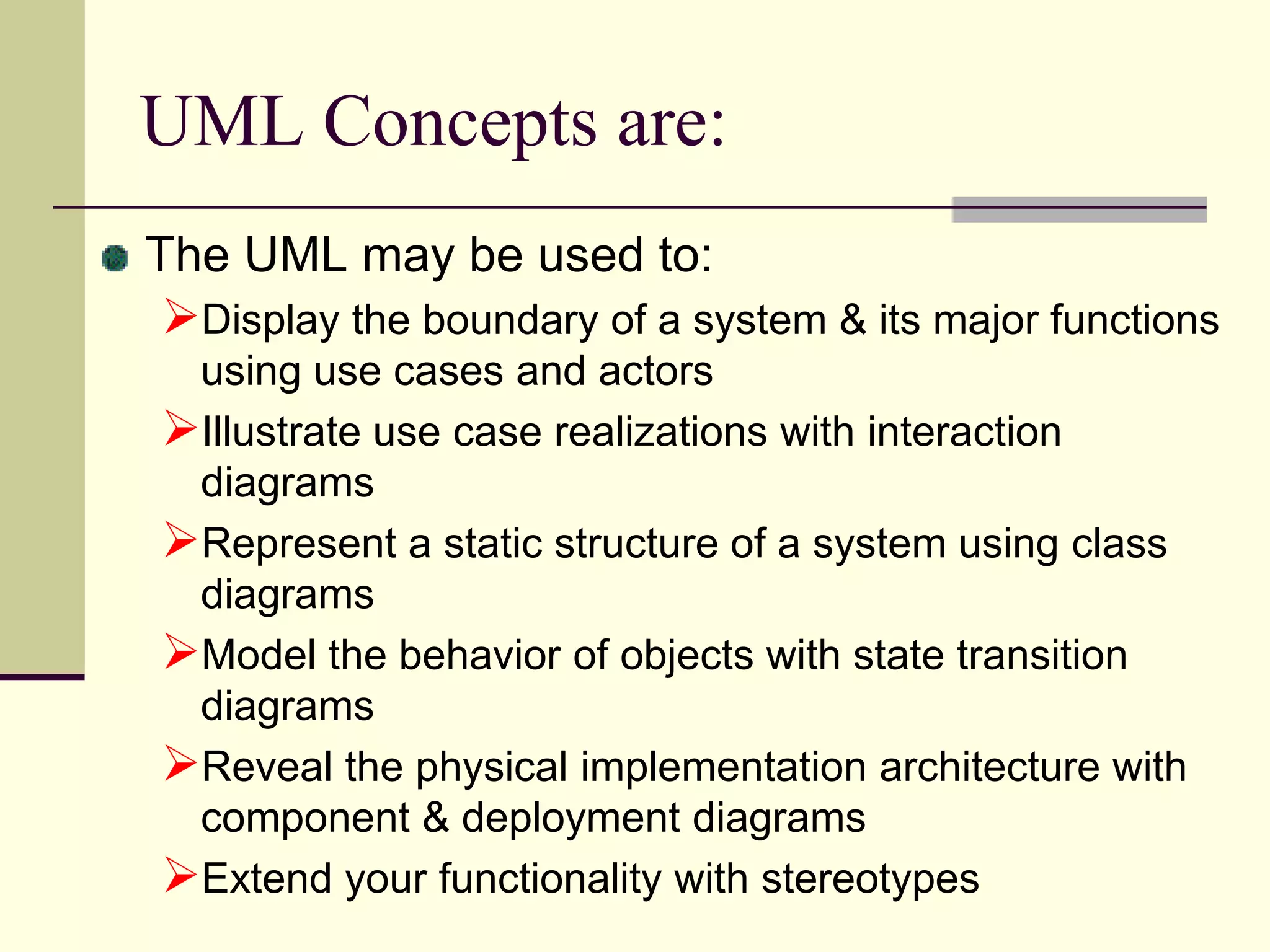
UML Concepts are:TheUML may be used to:Display the boundary of a system & its major functions using use cases and actors
Reveal the physicalimplementation architecture with component & deployment diagrams
18.
Extend your functionalitywith stereotypesOO Software Development with UMLInside the UML, you can not only describes data and functions; their interconnections and their relationships with the surrounding world (I.e., with other data and functional units) can be defined in a differential way. This dependency relationship helps the programmers from development to coding phase. It helps the programmers higher degree of complexity. What are the Benefits of UML?Reverse Engineering Re-engineering Forward EngineeringDocumentation DevelopmentSource Code Generation.
19.
Different Diagrams inUML Use Case Diagram Class Diagram Sequence Diagram Collaboration Diagram State Transition DiagramActivity Diagram Component Diagram Module Diagram Deployment Diagram. Presentation Diagram
RelationshipsClassifiers: A classifieris a modeling element, that defines the structure and behavior. Classifiers are: ClassesInterfacesData typesNodes Actors Signal Behavioral things are classified by other classifiers use cases and signals. A Classifier have identity, state, behavior & relationships. Relationships among classifiers are: Association, Generalization, various kinds of dependency including Realization and Usage.
26.
Classes: A Classdefines a set of objects that have a state and behavior. State is described by its attributes and associations. A Class has unique name within its container. The class has a visibility with respect to its container. If a class is a part of package then you can represent the class preceded with package name. Eg: HouseHoldApp::WashingMachineUse Case DiagramUse Case Diagrams are used to model the interaction of system with the external actors.A use case is a description of a system’s behavior from a users standpoint. It consists of group of actors, a set of use cases.Use case diagram is used to Modeling the system from user point of viewIt shows the boundaries between system and the outside world. It is a powerful tool to gather functional requirements. Used to identify external users. An Actor is a stereotype of class.It is an object outside the scope of the system under discussion. In UML three types of relationships between use cases are defined: IncludeExtendGeneralization (Uses)Communication between Actors and Use cases can either be Unidirectionalor Bi-directional.
27.
ActorRegistrarFacultyStudentBilling SystemAn actoris someone or some thing that must interact with the system under development.An Actor is a stereo type of class. An actor is represented with a sticky man.
28.
Use CaseMaintain ScheduleMaintainCurriculumRequest Course RosterA use case is a pattern of behavior the system exhibitsEach use case is a sequence of related transactions performed by an actor and the system in a dialogue.
29.
Use caserepresented with oval. Actors are examined to determine their needsRegistrar -- maintain the curriculum
Billing System --receive billing information from registrationUse Case DiagramRequest Course RosterProfessorStudentMaintain ScheduleMaintain CurriculumFaculty RegistrarUse case diagrams are created to visualize the relation ships between actors and use cases.
33.
<<uses>>Register for courses<<uses>>LogonvalidationMaintain curriculumUses and Extends Use Case RelationshipAs the use cases are documented, other use case relationships may be discoveredA uses relationship shows behavior that is common to one or more use cases.
Use Case RealizationTheuse case diagram presents an outside view of the systemInteraction diagrams describe how use cases are realized as interactions among societies of objectsTwo types of interaction diagramsSequence diagrams
36.
Collaboration diagramsClass Diagram:Class diagram is the heart of OOAD. A class diagram shows the existence of classes and their relationships in the logical view of a system. The class diagram depicts the static structure of a system. UML modeling elements in this diagram are: Classes and their structure and behavior (attributes & operations)Their Relationships with other classes. Multiplicity and Navigation indicator.Role NamesClass: The common noun corresponding to every object identified in the problem domain is a class.A class is a collection of objects with common structure, common behavior, common relationships and common semantics. Classes are found by examining the objects in sequence and collaboration diagram
37.
Class DiagramClasses canrepresent Physical thing (Airplane) Business thing (order, invoice)Logical thing (broadcasting schedule)Application thing (Button, Cerror)Computer thing (hash table)Behavior thing (A Task)Types of Classes you can showConcrete Class
AttributesCourseOfferingnumberloationtimeThe structure ofa class is represented by its attributes.Attributes may be found by examining class definitions, the problem requirements, and by applying domain knowledge. Each course offeringhas a number, location and time
Relationships Relationships provides pathwayfor communication between objects. Sequence and/or collaboration diagrams are examined to determine what links between objects need to exist to accomplish the behavior. If two objects need to “talk” there must be a link between them.Three types of relationships are:Association, Aggregation and Dependency.
45.
Interfaces: Interfaces doesnot have attributes. So there is no state for interfaces. Interfaces doesn’t have outgoing associations that are visible to it.You can draw the following relationships with interfacesGeneralization
Association An associationestablishes relationship between two classes. It is a bi-directional. Data can flow both directions across association. The frequency of association is called Multiplicity. You can apply constraints on association (eg: ordered, or etc., ) One way of association is called directed association, in which only one side knows the other, but not vice versa. Different types of associations are: Recursive Association
Directed Association Aggregation & Dependency An aggregation is a stronger form of relationship where the relationship is between a whole and its parts. An aggregation is shown as a line connecting the related classes with a diamond next to the class representing the whole. A dependency relationship is a weaker form of relationship showing a relationship between a client and a supplier where the client does not have semantic knowledge of the supplier.A dependency is shown as a dashed line pointing from the client to the supplier.Finding Relationships RegistrationMgrRegistrationMgr.NET : Course3: add student(joe)CourseRelationships are discovered by examining the interaction diagrams. If two objects must talk there must be a path way for communication. Typical Class Diagram
53.
Multiplicity Multiplicity defines howmany objects participate in a relationship. It defines the number of instances of one class related to ONE instance of the other class.
54.
For each associationand aggregation, there are two multiplicity decisions to make: one for each end of the relationship
55.
A class alsohas multiplicity. Navigation Although association and aggregation are bi-directional by default, it is often desirable to restrict navigation to one direction. If navigation is restricted, an arrowhead is added to indicate the direction of the navigation. Concurrency Inside class diagram, you can specify the attribute concurrency for each method. This concurrency states that it’s semantic of concurrent calls to the same passive instance. Basically it addresses the synchronization problem in the case of multiple threads. The different concurrency options are:Sequential
Links Link: ALink is an instance of an association. It connects objects rather then classes. Link name should be under lined. Mohan:FacultyJayaMukhi:BatchTeaches
61.
StereotypesStereotype and Constraintsare two constructs the UML provided for extending the language. Stereotype is nothing but adding new features to the existing elements and make is as new element.
62.
Stereotypes can besued to extend the UML notational elements. Stereotypes may be used to classify and extend associations, inheritance relationships, classes, and components. Examples of stereotypes: Class Stereotypes: Actor, boundary, entity, utility, exception. Inheritance Stereotypes: uses and extends. Component Stereotypes: subsystem.
63.
ConstraintsA Constraint isan expression which restricts the possible contents, states are the semantics of a model element which must always be satisfied. Constraints are always enclosed in braces. The below represents constraint on association. Bank Teller CustomerServers {ordered} Chooses.NET Course Student{Or}Java CourseChooses
64.
Sequence Diagram:Objects areusually identified by studying the problem domain. The main tools to study the objects behavior are: Sequence Diagram
Collaboration DiagramSequence diagramis a tool to model the dynamic behavior of the system. It shows a graphical method to illustrate the sequence of events that occur one particular execution of the system.
The messages canbe : Simple, Synchronous, Asynchronous and Reply messages. Representation of MessagesThe below are the symbols of the message representations.
70.
Sequence Diagramregistration registrationmath 101math 101 : Studentformmanagersection 11: fill in info2: submit3: add course(joe, math 01)4: are you open?5: are you open?6: add (joe)7: add (joe)A Sequence diagram displays the object interaction arranged in a time sequence.
Collaboration DiagramThe Collaborationdiagram shows a set of interactions between selected objects in a specific limited situation (context), focusing on the relations between the objects and their topography. A Collaboration diagram displays the object interactions organized around objects and their links to one another.
77.
The collaboration diagramshows the chronological sequence of the messages, their names, responses and their arguments. Like sequence diagram collaboration diagram also shows the object interaction. The sequence diagram is organized according to time and collaboration diagram is organized according to space.
78.
The sequence diagramand collaboration diagram are similar in fact semantically they are equivalent. You can turn a sequence diagram into equivalent collaboration diagram and vice versa. Collaboration Diagram
79.
Component DiagramComponent diagramillustrate the organizations and dependencies among software components. A component may be: A source Code Component
Deployment DiagramRegistrationDatabaseMain LibraryBuildingDormThedeployment diagram shows the configuration or run-time processing elements and the software processes living on them. The deployment diagram visualizes the distribution of components across the enterprise.
#42 Sequential:Only one call to an instance may be outstanding at once. Guarded: Multiple calls from concurrent threads may occur simultaneously to one instance, but only one is allowed to commence. The others are blocked until the performance of the first operation is complete. (Designers to ensure that deadlocks can’t occur)Concurrent: Multiple calls from concurrent threads may occur simultaneously to one instance on any concurrent operation. All of them may process concurrently with correct semantics. (Inside the method implementation synchronization problems are correctly addressed.)