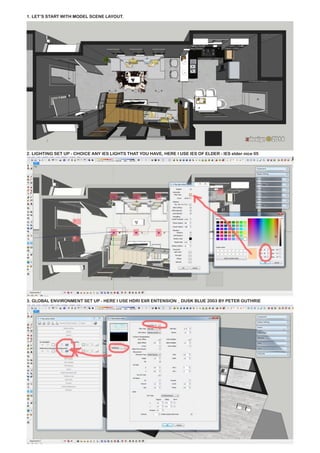
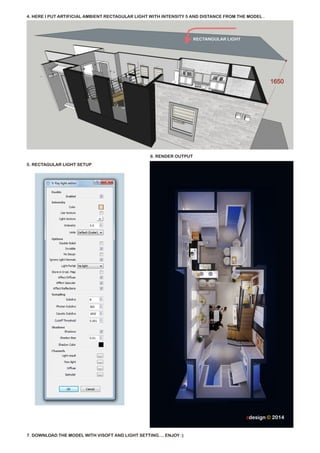

This document provides instructions for setting up a 3D model scene in Sketchup for rendering in Visoft. It outlines 7 steps: 1) laying out the model scene, 2) choosing IES lights, 3) setting up a HDRI environment map, 4) adding artificial ambient lighting, 5) setting up rectangular lights, 6) rendering the output, and 7) downloading the model with the lighting setup to enjoy the rendered scene.


