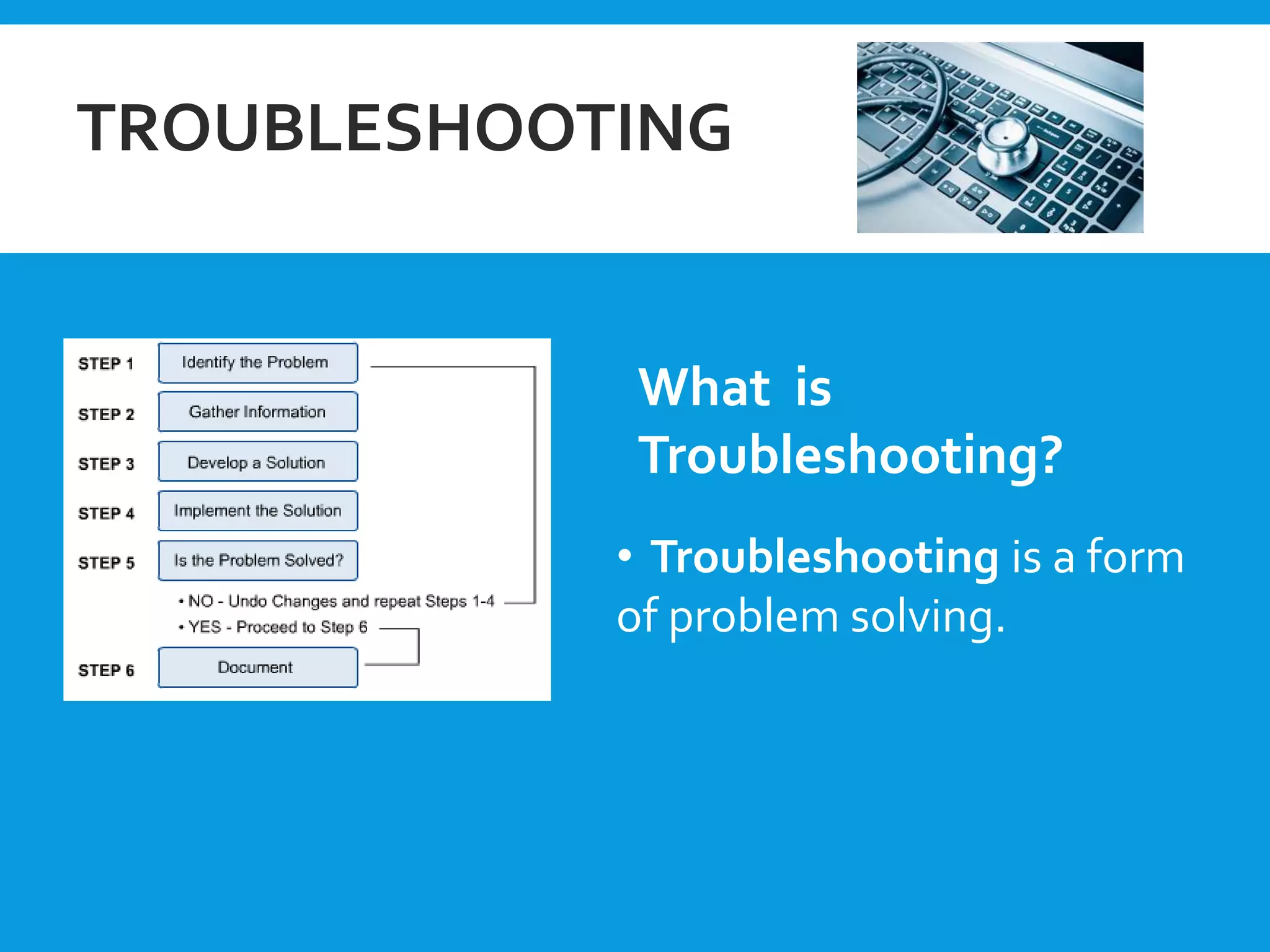
The document outlines various methods and tools for troubleshooting computer peripherals and issues. It discusses hardware tools like brushes and compressed air. Software tools include antivirus software and firewalls. Common problems involve keyboards, cables, disk drives, overheating, and viruses. Basic troubleshooting steps are presented, such as checking that devices are plugged in and cables are securely connected. Specific issues like power problems, display errors, and virus infections are also covered.
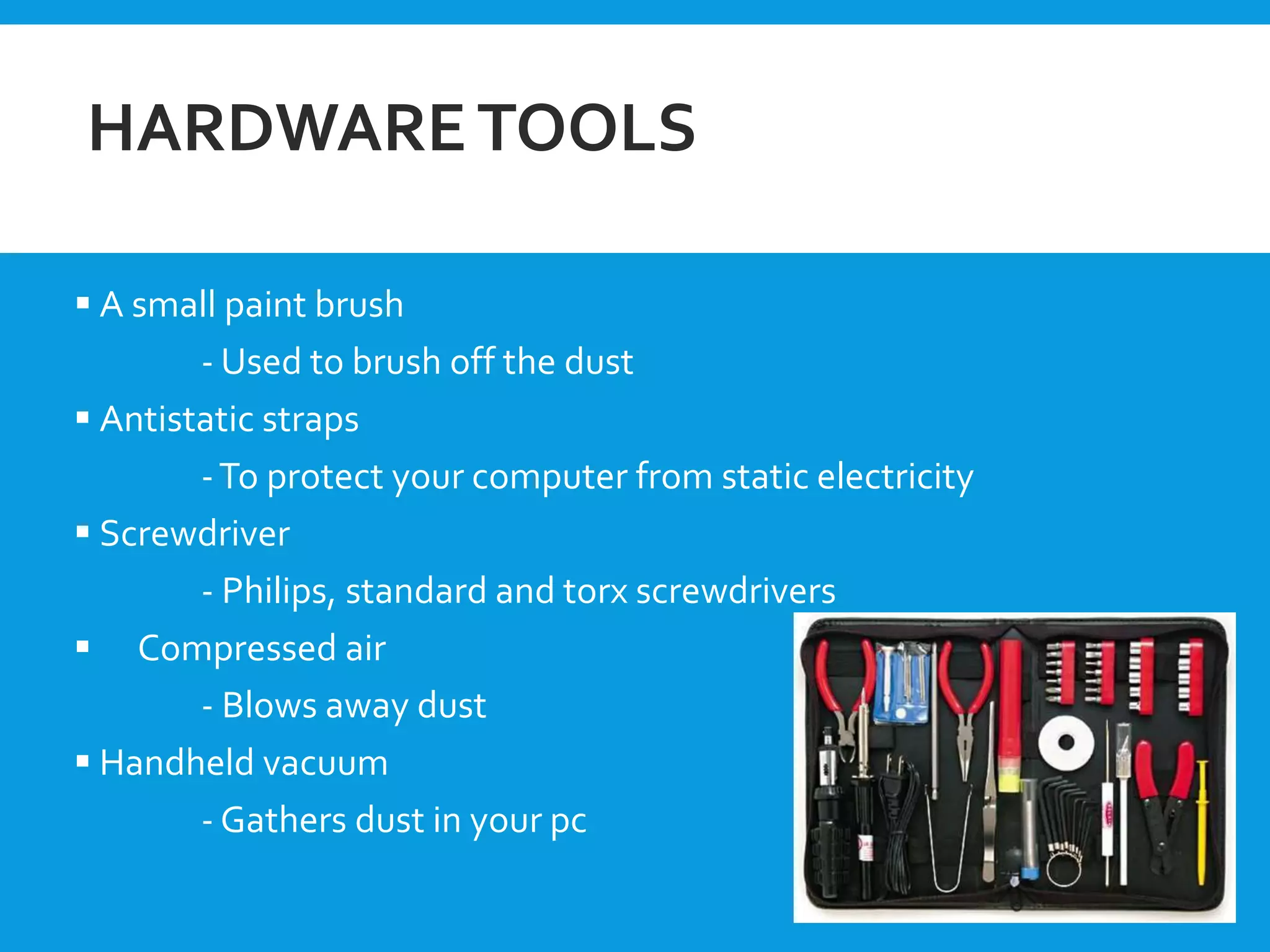
HARDWARETOOLS
A smallpaint brush
- Used to brush off the dust
Antistatic straps
-To protect your computer from static electricity
Screwdriver
- Philips, standard and torx screwdrivers
Compressed air
- Blows away dust
Handheld vacuum
- Gathers dust in your pc
4.
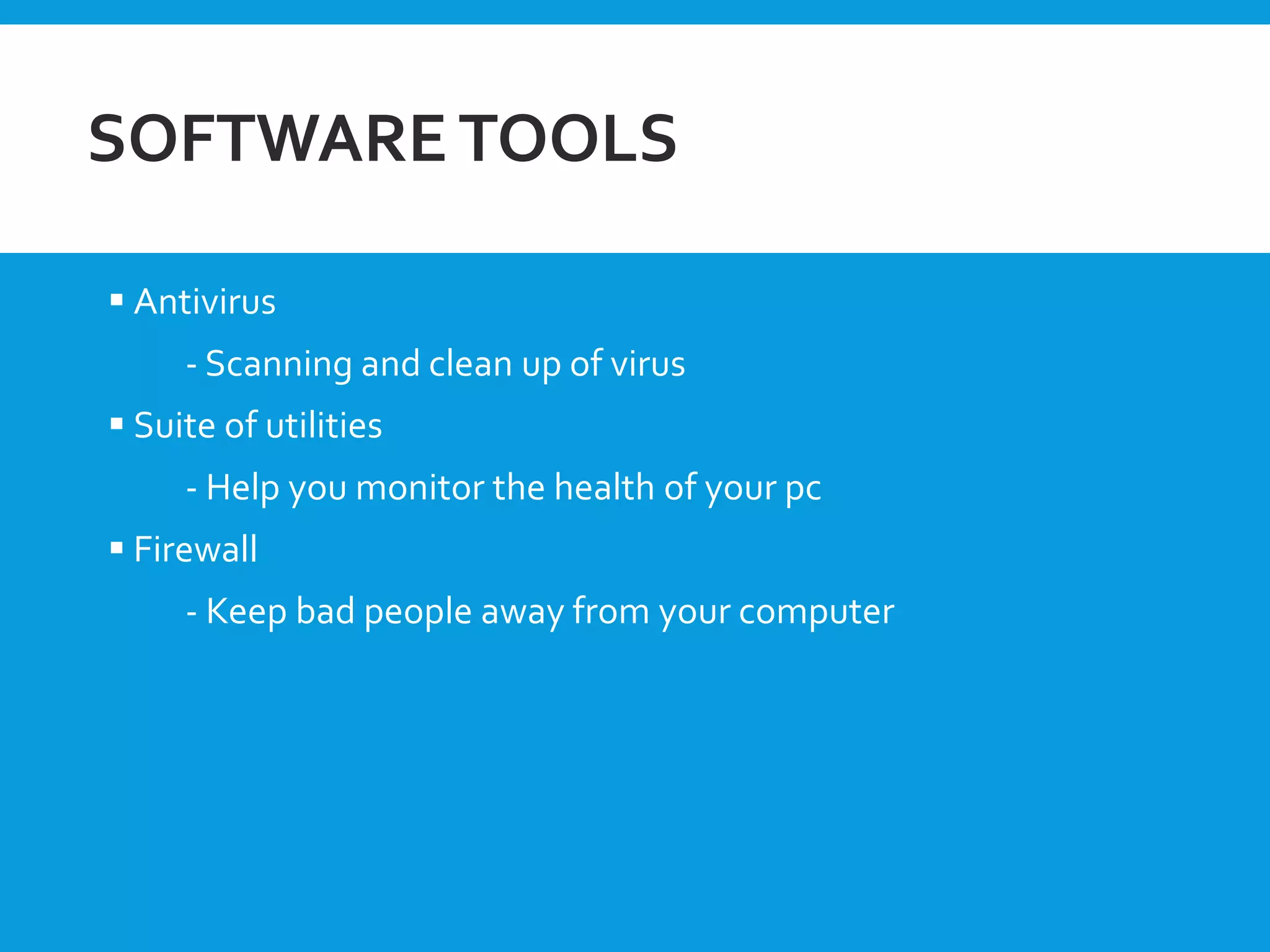
SOFTWARETOOLS
Antivirus
- Scanningand clean up of virus
Suite of utilities
- Help you monitor the health of your pc
Firewall
- Keep bad people away from your computer
GENERALTROUBLESHOOTING STEPS
Itis plugged in?
Is the monitor turned on?
Reboot!
Check that all cords and cables are connected tightly
Check that all cords and cables are connected to the correct port
Have you added a new device recently ?Try disconnecting it
7.
COMMON PROBLEMS
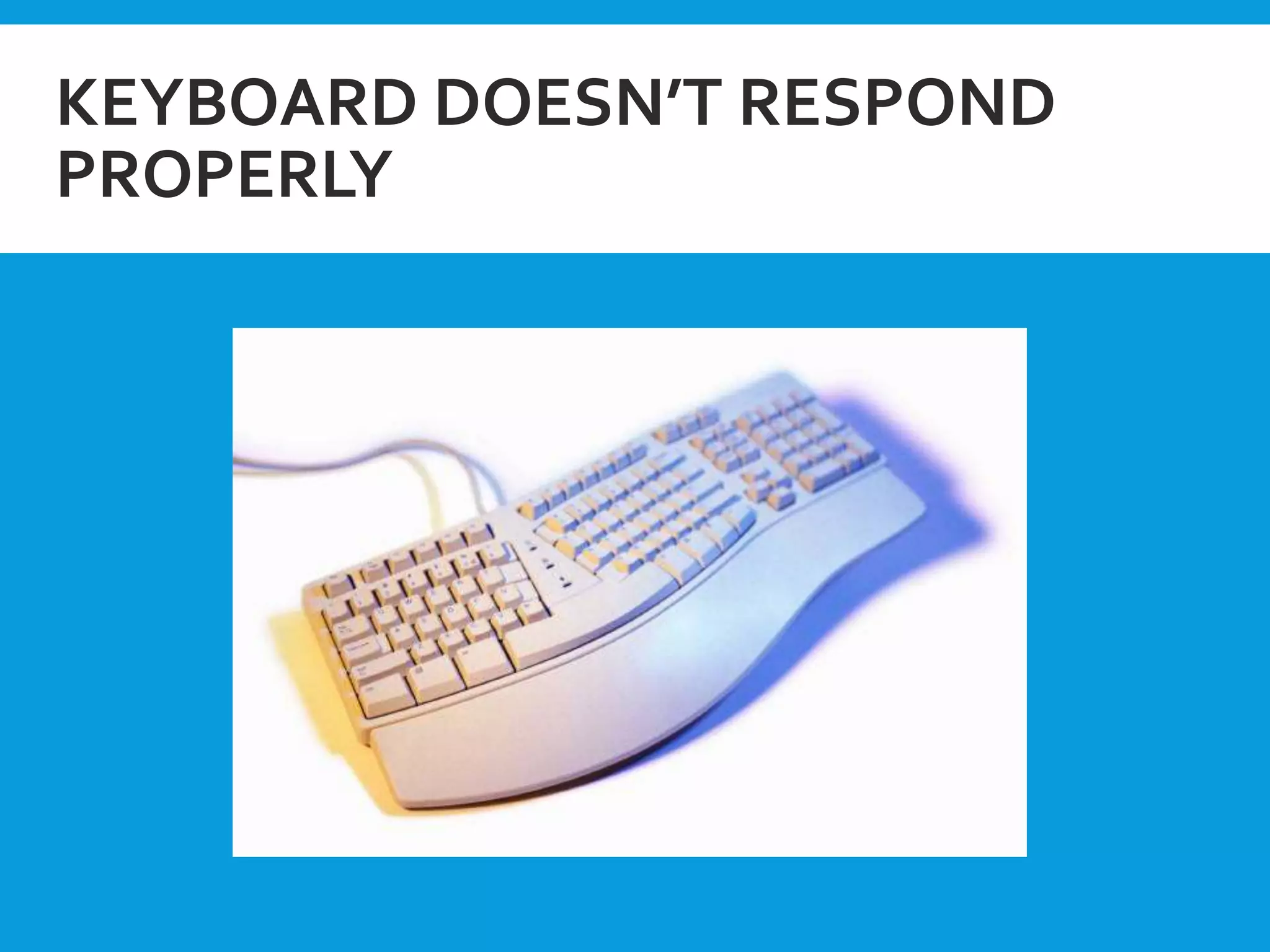
Keyboardsand mouse issues
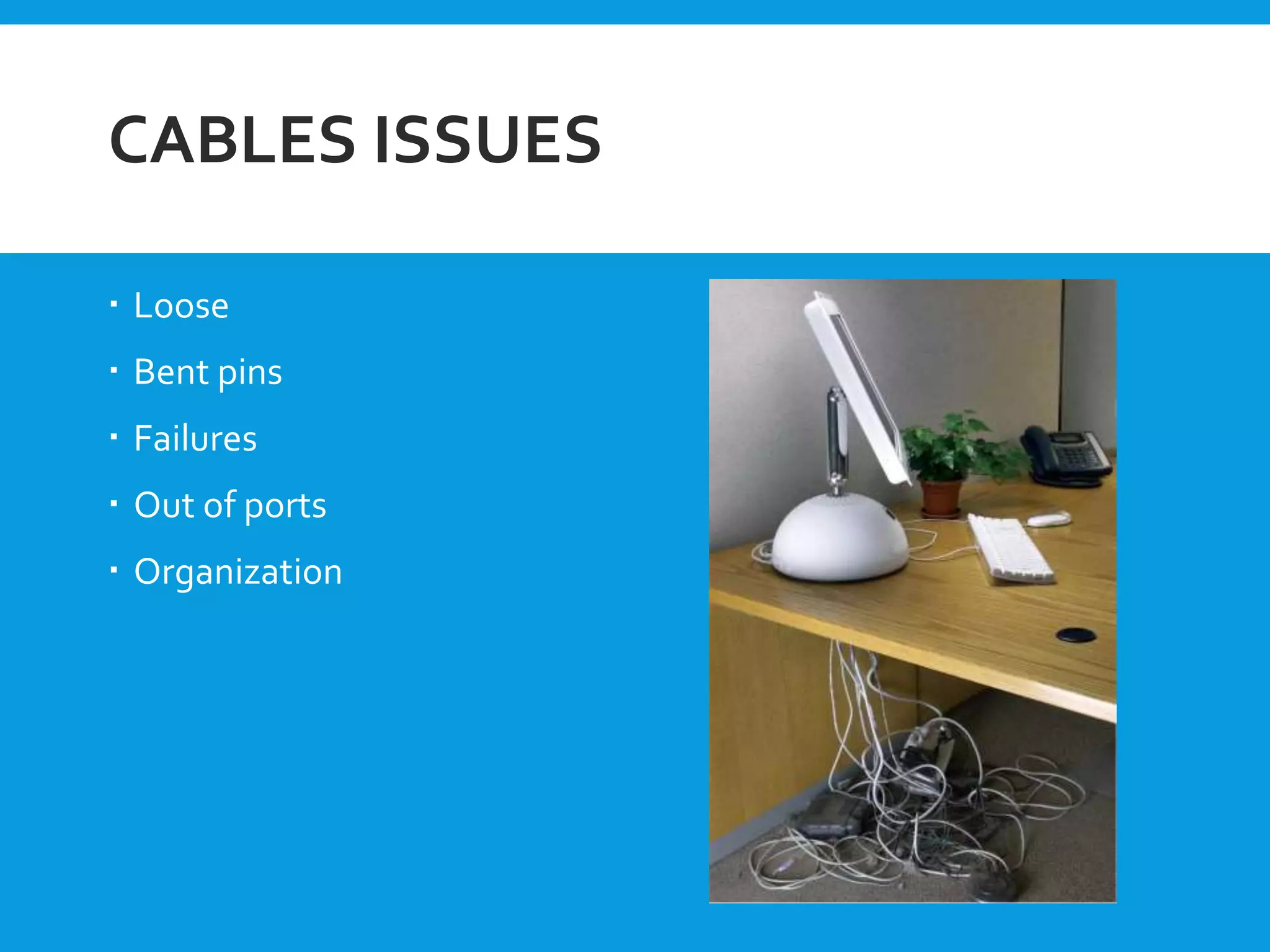
Cables issues
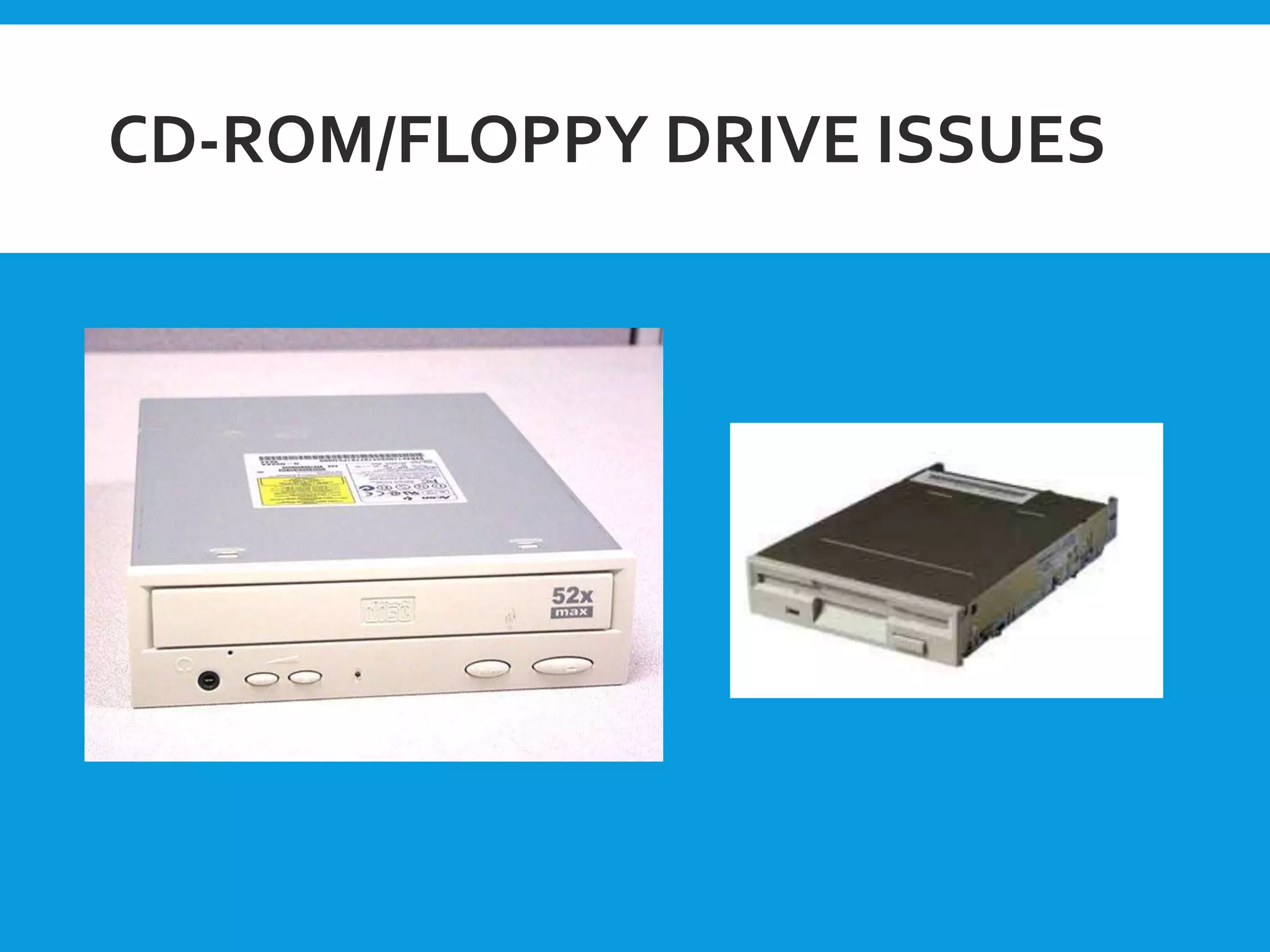
Disk drives
Overheating
Power issues
Windows errors
Device drivers
viruses
POWER PROBLEM
Blackout -complete power failure
Brownout – power “sags” below acceptable
levels causing computer to reboot
Surge – sudden surge of power
VIRUSES
Difficult tofix
Easy to prevent
Important to understand
and be aware of
Common types
The best defense
13.
POST SEQUENCE
• POST(Power -On -Self -Test )
• POST is stored in ROM BIOS on the motherboard.
• Every time the computer is turned on, it runs through a
Power-On Self-Test (POST).
• POST indicates the fault to the user in four different
ways:
1. Check point
2. Beeps
3. Error code displays
4. Detailed error messages
14.
BEEPS CODES
TheBeep pattern is telling you what part of the hardware
is failing.
Most common beep codes:-
No beep:- no power, loose card
1 short beep:- Normal POST, Computer is ok.
2 short beep:- POST error, review screen for
error code.
Continuous beep:- RAM problem
PREVENTIVE MAINTENANCE OF
MONITOR
Monitor fails due to following reasons:
1. Open circuit or disconnection inside monitor
2. Short circuit inside the monitor
3. Display is not stable
4. Diagonal lines are present
5. Screen is flickering
6. No control over brightness
7. Focus is not proper
8. No effect of vsync and hsync
17.
PREVENTIVE MAINTENANCE
Backupant data or important files
Delete all temporary files
Empty the recycle bin
Check for and install antivirus software updates
Run a defragmentation program
Secure password
Maintain your hard disk
Clear the cache
Clean up
New equipment
18.
CONCLUSION
These recoursesare intended to help you develop skills to
improve.
A good understanding of hardware and software tools, post
sequence, many issues in computer, preventive maintenance,
basic troubleshooting steps ,etc…