PHOTOSHOP
RETOUCHING SERVICE
CATEGORIES
INTRODUCTION
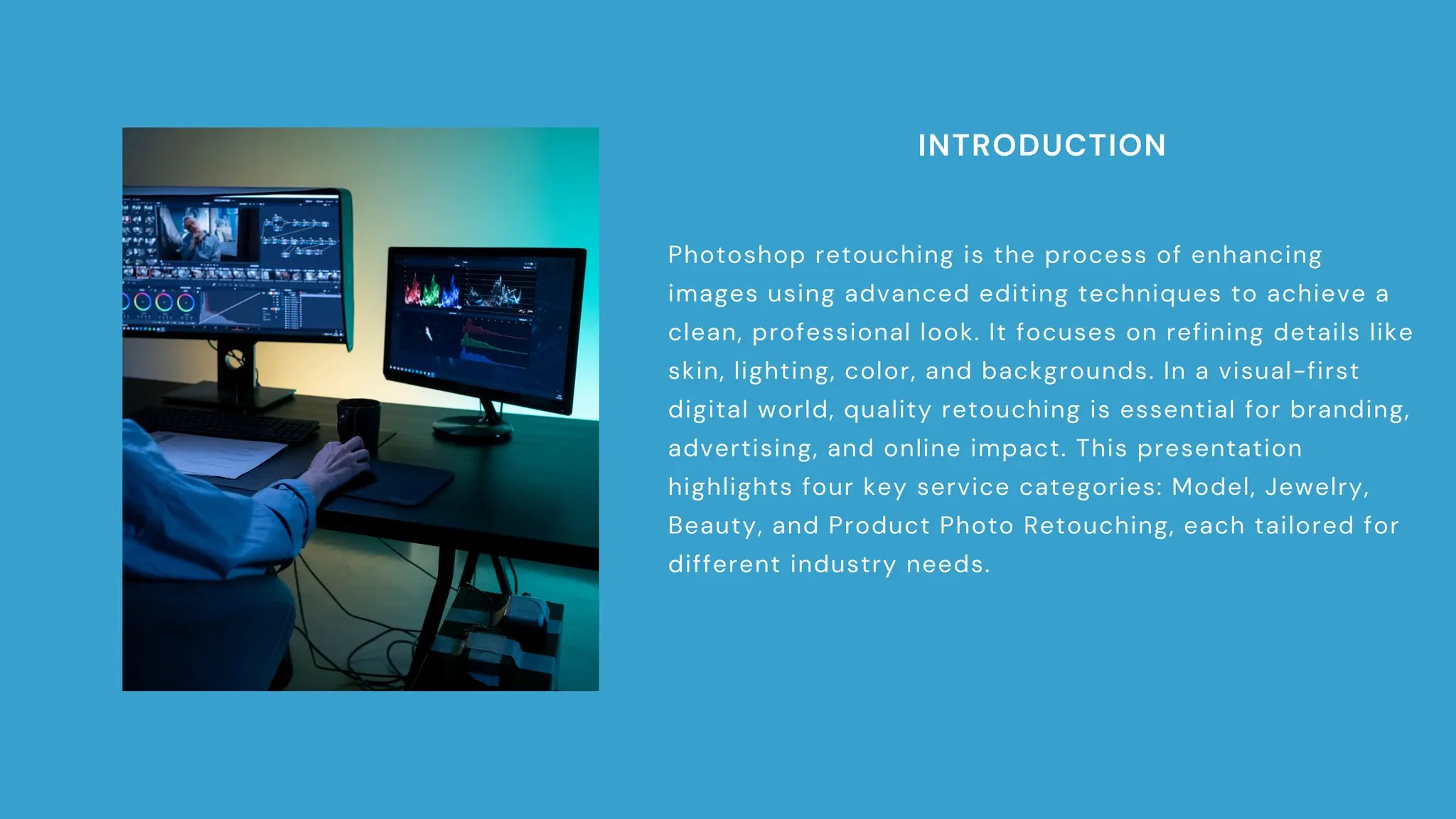
Photoshop retouching is the process of enhancing
images using advanced editing techniques to achieve a
clean, professional look. It focuses on refining details like
skin, lighting, color, and backgrounds. In a visual-first
digital world, quality retouching is essential for branding,
advertising, and online impact. This presentation
highlights four key service categories: Model, Jewelry,
Beauty, and Product Photo Retouching, each tailored for
different industry needs.
MODEL PHOTO RETOUCHING
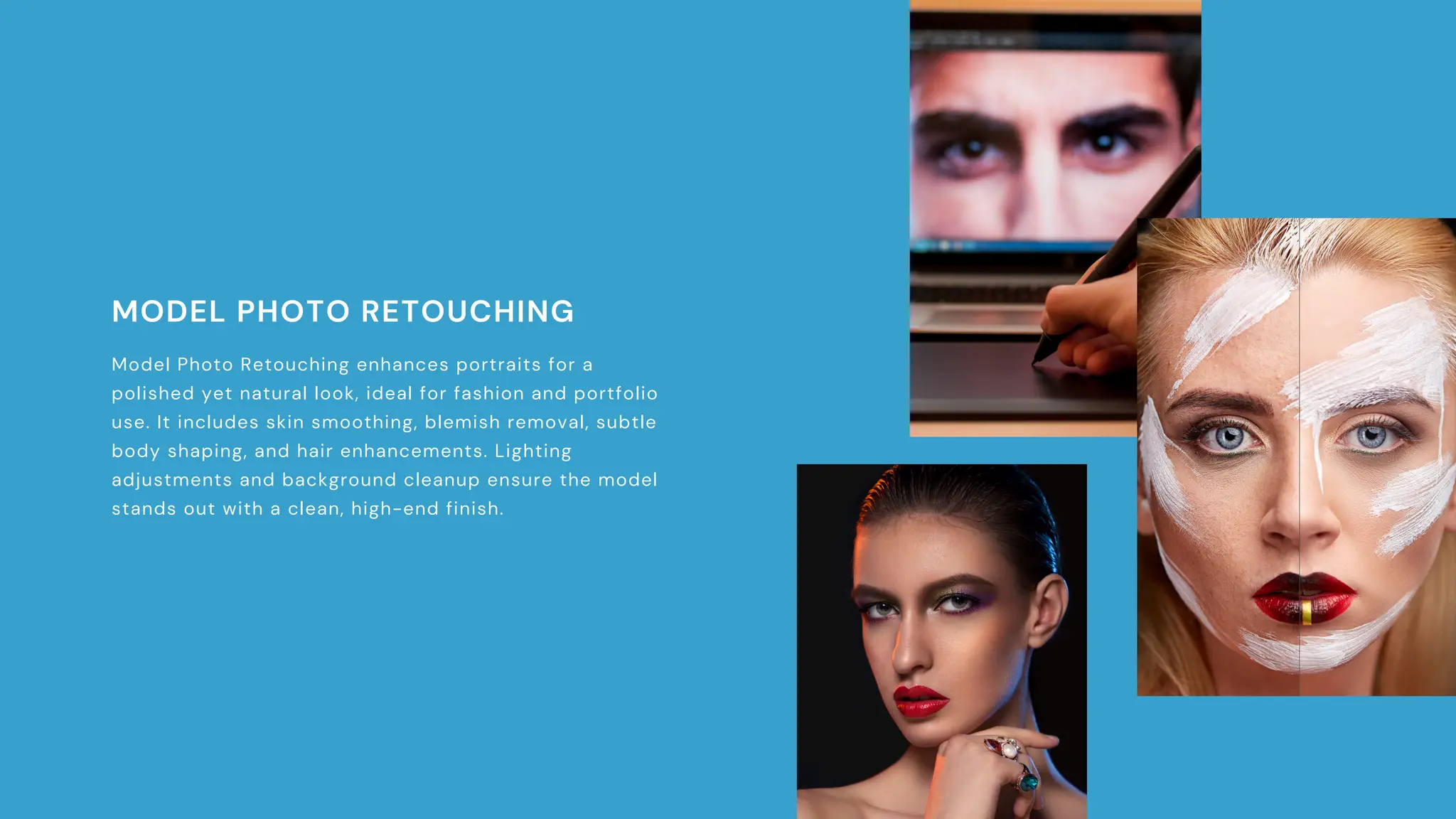
Model Photo Retouching enhances portraits for a
polished yet natural look, ideal for fashion and portfolio
use. It includes skin smoothing, blemish removal, subtle
body shaping, and hair enhancements. Lighting
adjustments and background cleanup ensure the model
stands out with a clean, high-end finish.
JEWELRY PHOTO RETOUCH
Jewelry Photo Retouching enhances the shine, clarity,
and detail of fine jewelry. It includes dust and reflection
removal, shine and color correction, diamond clarity
boost, and background cleanup with shadowing. Every
piece is refined for sharp, high-quality presentation.
BEAUTY RETOUCH
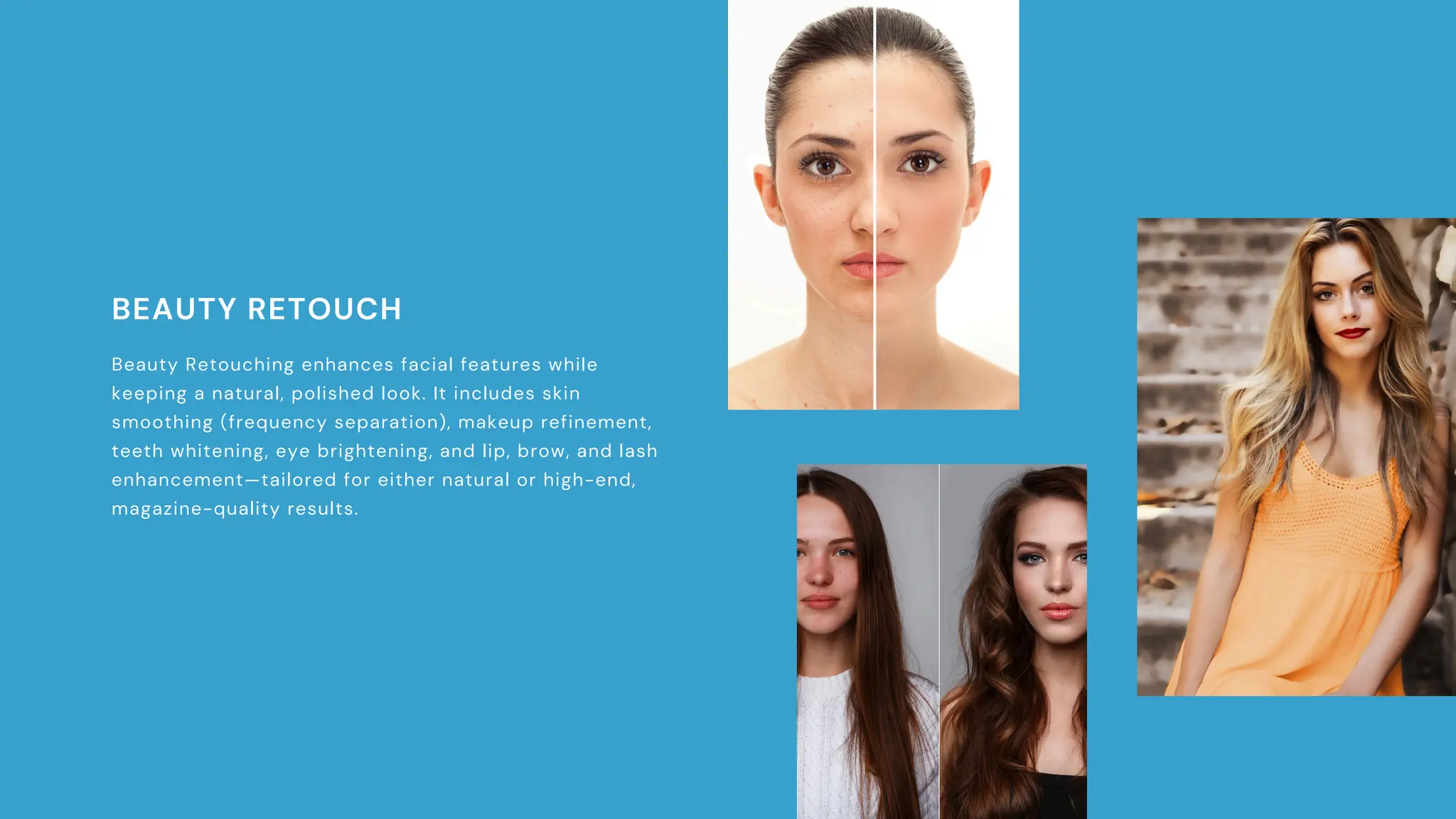
Beauty Retouching enhances facial features while
keeping a natural, polished look. It includes skin
smoothing (frequency separation), makeup refinement,
teeth whitening, eye brightening, and lip, brow, and lash
enhancement—tailored for either natural or high-end,
magazine-quality results.
PRODUCT PHOTO RETOUCH
Product Photo Retouching ensures clean, sales-ready
visuals by using background removal, shadow creation,
dust removal, and color correction. It also includes
shape adjustments and web/print optimization for sharp,
consistent images across all platforms.
CONCLUSION
In a visual-first market, quality retouching is key to building trust and brand appeal. Whether for models, jewelry, or products,
polished images boost credibility. Choosing the right service ensures consistency, helping your brand stand out and make a lasting
impact.

Transform Your Images: Impactful Photoshop Retouching

  • 1.
  • 2.
    INTRODUCTION Photoshop retouching isthe process of enhancing images using advanced editing techniques to achieve a clean, professional look. It focuses on refining details like skin, lighting, color, and backgrounds. In a visual-first digital world, quality retouching is essential for branding, advertising, and online impact. This presentation highlights four key service categories: Model, Jewelry, Beauty, and Product Photo Retouching, each tailored for different industry needs.
  • 3.
    MODEL PHOTO RETOUCHING ModelPhoto Retouching enhances portraits for a polished yet natural look, ideal for fashion and portfolio use. It includes skin smoothing, blemish removal, subtle body shaping, and hair enhancements. Lighting adjustments and background cleanup ensure the model stands out with a clean, high-end finish.
  • 4.
    JEWELRY PHOTO RETOUCH JewelryPhoto Retouching enhances the shine, clarity, and detail of fine jewelry. It includes dust and reflection removal, shine and color correction, diamond clarity boost, and background cleanup with shadowing. Every piece is refined for sharp, high-quality presentation.
  • 5.
    BEAUTY RETOUCH Beauty Retouchingenhances facial features while keeping a natural, polished look. It includes skin smoothing (frequency separation), makeup refinement, teeth whitening, eye brightening, and lip, brow, and lash enhancement—tailored for either natural or high-end, magazine-quality results.
  • 6.
    PRODUCT PHOTO RETOUCH ProductPhoto Retouching ensures clean, sales-ready visuals by using background removal, shadow creation, dust removal, and color correction. It also includes shape adjustments and web/print optimization for sharp, consistent images across all platforms.
  • 7.
    CONCLUSION In a visual-firstmarket, quality retouching is key to building trust and brand appeal. Whether for models, jewelry, or products, polished images boost credibility. Choosing the right service ensures consistency, helping your brand stand out and make a lasting impact.