ruz,
Manila
Do You KnowMe?
1. Type in your browser
the following:
https://tinyurl.com/MGActivit
y2024
2.Drag the icon to its
corresponding name.
3.Afteryou have completed,
click SUBMIT ANSWERS.
4.You will have 2 minutes to
complete the challenge.
ACTIVITY
5.
ANALYSIS
1. Which ICTtool icons did
you find most challenging
to recognize, and why do
you think this was the case?
2.How do you think your
familiarity with ICT tool
icons can impact your ability
to use these tools effectively
in your educational
activities?
6.
WHAT IS ICT?
•Diverse set of technological tools and
resources used to transmit, store,
create, share or exchange
information.
• These technological tools and resources
include computers, the Internet
(websites, blogs and emails), live
broadcasting technologies (radio,
television and webcasting), recorded
broadcasting technologies (podcasting,
audio and video players and storage
devices) and telephony (fixed or mobile,
satellite, video-conferencing, etc.)
(UNESCO, 2009).
7.
WHAT IS ICTINTEGRATION?
Toma, et.al. (2023)
• ICT integration refers to the
incorporation of Information and
Communication Technologies (ICT)
tools and resources into the
teaching and learning process.
• It involves utilizing technologies like
computers, the internet, software
applications, and digital devices to
enhance educational experiences
and outcomes
8.
WHY INTEGRATE ICT?
Integratingtechnology in teaching improves
student achievement, attitudes, engagement,
and teacher-student interaction while
enhancing teacher confidence, lesson
preparation, and classroom management.
(Ahmad & Hamad (2020).
9.
ICT
INTEGRATION
Integration of KnowledgeDomains: TPACK
emphasizes the intersection of three
primary forms of knowledge: Technology,
Pedagogy, and Content.
Levels of Technology Integration: SAMR
describes the progression of technology
use in education from simple
substitution to the redefinition of
learning tasks
Instructional Design: ASSURE is an
instructional design model that emphasizes
systematic planning and implementation of
technology in the classroom.
TPACK
SAMR
ASSURE
10.
The ASSURE ModelFor ICT
Integration
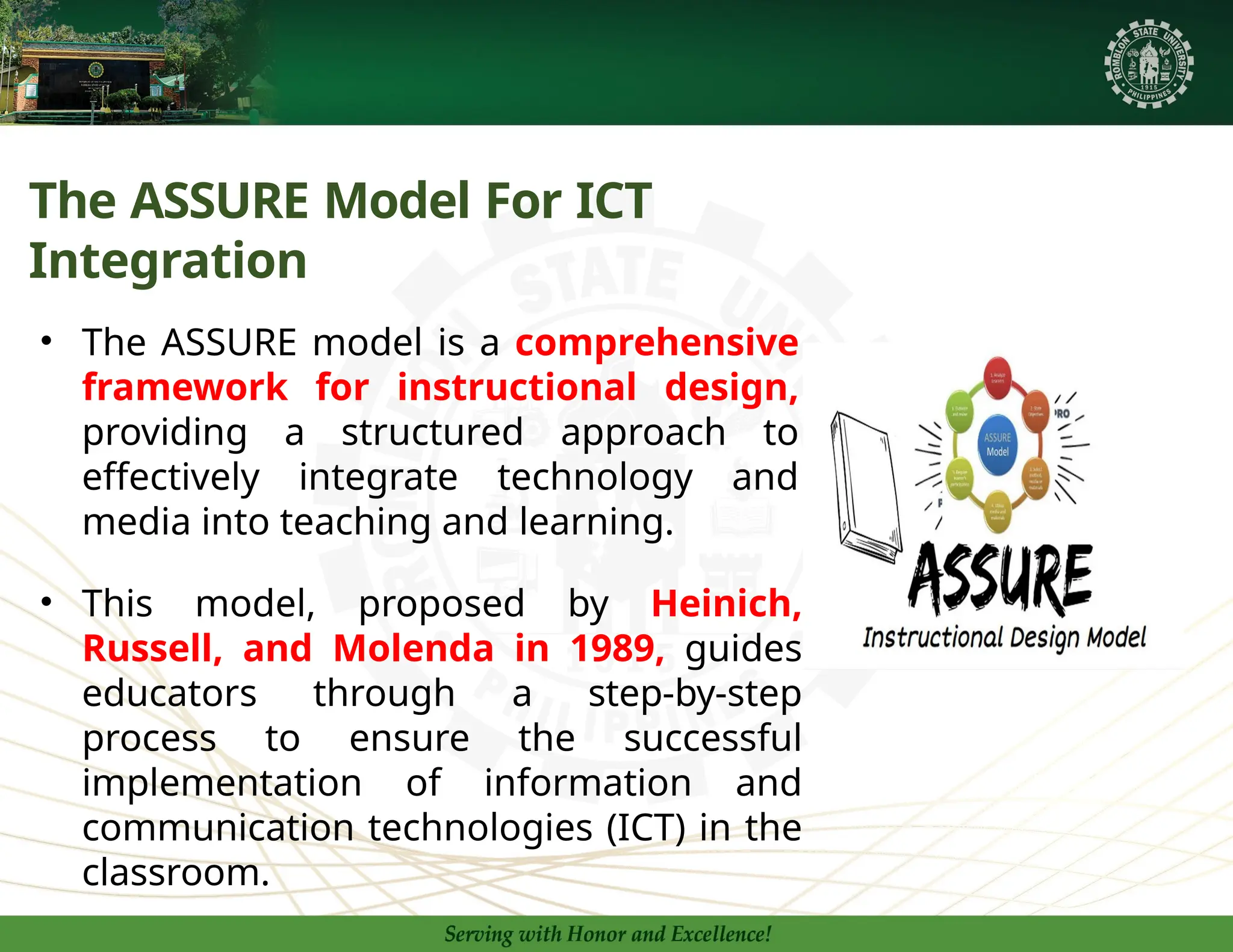
• The ASSURE model is a comprehensive
framework for instructional design,
providing a structured approach to
effectively integrate technology and
media into teaching and learning.
• This model, proposed by Heinich,
Russell, and Molenda in 1989, guides
educators through a step-by-step
process to ensure the successful
implementation of information and
communication technologies (ICT) in the
classroom.
12.
1. Analyze Learners
•age, academic
abilities,
gender,
interests,
etc.
Learner
Attribute
s
Learnin
g
Styles
• auditory, visual,
and tactile
•
Existing
understanding
and experiences
Prior
Knowledge
14.
2. State Standardsand
Objectives
Audience
• For whom is
the objective
intended?
Behavior
• What is the
behavior or
performance to
be
demonstrated?
Conditions
• What are the
conditions
under which
the behavior or
performance
will be
observed?
Degree
• To what degree
will the
knowledge or
skill be
mastered?
The mark of a good set of learning objectives is
conformity to the ABCDs of well-stated learning
objectives. They are as follows:
16.
3. SELECT STRATEGIES,TECHNOLOGY,
MEDIA, AND MATERIALS
• The teacher must carefully select the most
appropriate instructional strategies, such as direct
instruction, inquiry-based learning, or collaborative
activities, to support the learning objectives and
engage the students.
• The teacher should choose the most suitable technology,
media, and materials to complement the selected
instructional strategies and enhance the learning
experience for the students.
• While technology and media are valuable tools, the
teacher remains the essential ingredient in
delivering the content effectively.
18.
4. UTILIZE TECHNOLOGY,MEDIA,
AND MATERIALS
1. PLAN
The teacher should plan ahead
and create a detailed lesson plan
on how to effectively utilize the
selected technology, media, and
materials to support the learning
objectives.
2. PROVIDE
The teacher should clearly
communicate the learning objectives
and assessment criteria to the
students, setting the stage for an
engaging and meaningful learning
experience.
3. PREPARE
The teacher must gather and prepare all the necessary
technology, media, and materials, ensuring they are in
working order and ready for use in the classroom.
19.
Whole Class
Activity
o Beginwith a
short discussion
about why food is
important and
what happens to
food once we eat
it.
o Show a brief,
engaging video on
the digestive
system to capture
interest.
Direct Teaching
o Use a PowerPoint
presentation or
tarpapel to
introduce the
major parts of the
digestive system
(mouth,
esophagus,
stomach, small
intestine, large
intestine, rectum,
and anus).
o Explain the
function of each
part using simple
language and
visual aids on the
interactive
PowerPoint or
Online ICT Apps.
Group Work
o Divide students
into small groups
and provide each
group with a 3D
model or
diagram/tarpapel
of the digestive
system.
o Have groups label
the parts and
discuss their
functions among
themselves.
o Circulate around
the room to assist
and answer
questions.
Independent Activity
o Give students a
worksheet where
they need to
match parts of the
digestive system
with their
functions.
o Ask students to
write a simple
paragraph
explaining how
the digestive
system works,
using the key
terms learned.
Assessment
o Conduct a quick
interactive quiz
using an online
tool (like Kahoot,
Quizziz) to
reinforce the
lesson.
• Review the answers
as a class and
provide immediate
feedback.
UTILIZE MEDIAAND MATERIAL
20.
5. REQUIRE LEARNER
PARTICIPATION
1.Collaborative Learning
The teacher should plan for opportunities where
students can actively engage with the content,
collaborate with their peers, and apply their
learning through hands-on activities.
2. Discussions and Reflections
Encouraging students to participate in
discussions, share their ideas, and reflect on
their learning can deepen their understanding
and engagement with the material.
21.
3. Guided Practice
Theteacher should provide structured
opportunities for students to practice and apply
the knowledge and skills they have learned, with
appropriate guidance and feedback.
23.
1
EVALUATE AND REVISE
AssessLearning
The teacher should evaluate whether the learning objectives were met
by assessing student performance and understanding through various
means, such as formative and summative assessments.
2
Evaluate Effectiveness
The teacher should critically analyze the effectiveness of the
instructional strategies, technology, media, and materials used, and
identify areas for improvement.
3
Revise and Refine
Based on the evaluation, the teacher should revise and refine the lesson
plan, adjusting the instructional approaches, technology integration, and
assessment methods to better meet the needs of the learners.
25.
The ASSURE processis just a matter of
common sense. However, it is good to follow a
regimented guide to improve your teaching
technique. Any effective teacher knows that the
perfection of their technique does not come
overnight, and there is always room for
improvement. By following the ASSURE
process, you will be sure to improve your
teaching for many years to come.