Top 4 Cross Platform Tools
For Mobile App Development
Cross Platform Development
• According to Techopedia:
“Cross – Platform Development is the practice of
developing software products or services for multiple
platforms or software environments. Engineers and
developers use various methods to accommodate
different operating systems or environments for one
application or product.”
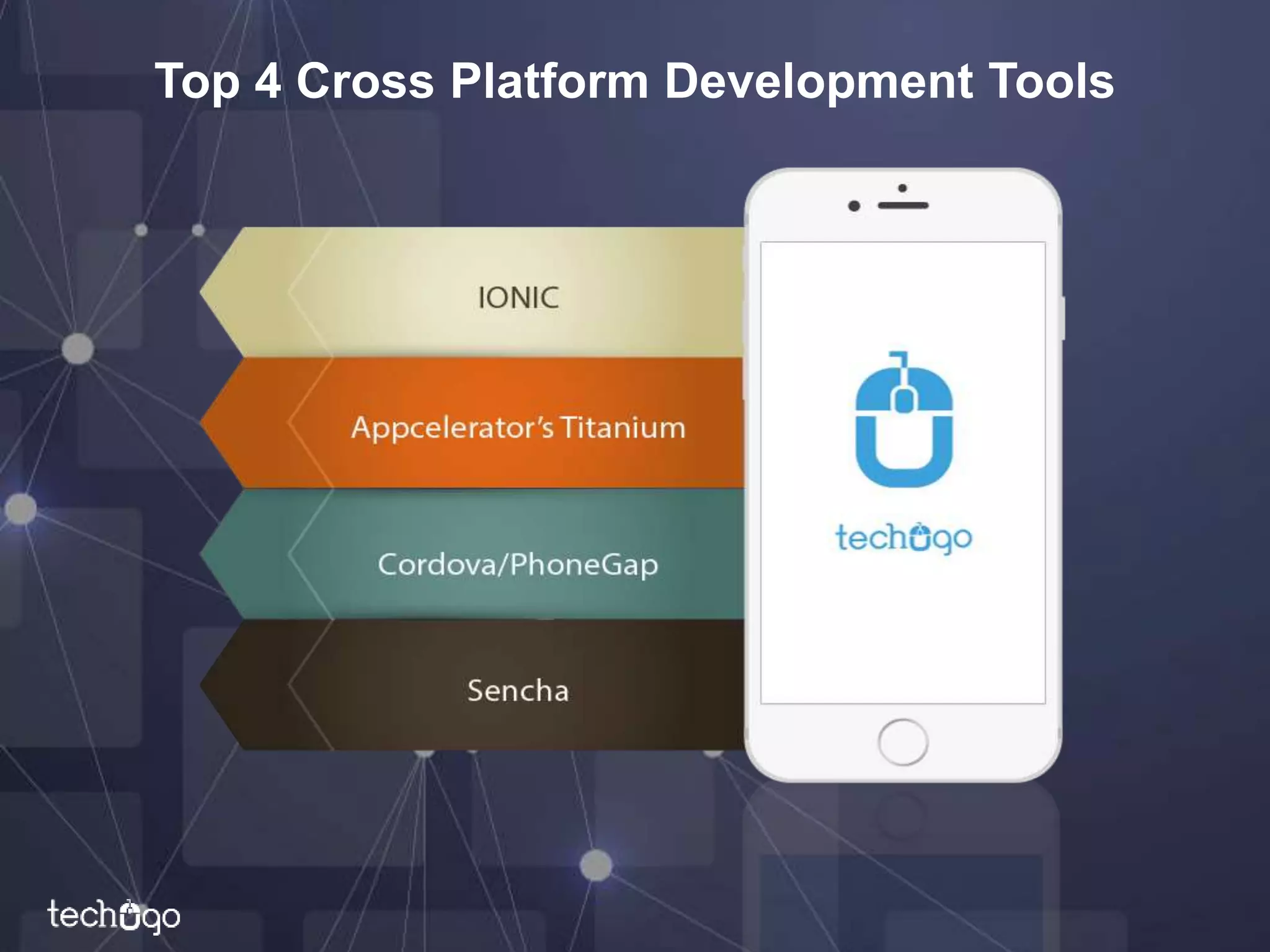
Top 4 Cross Platform Development Tools
IONIC
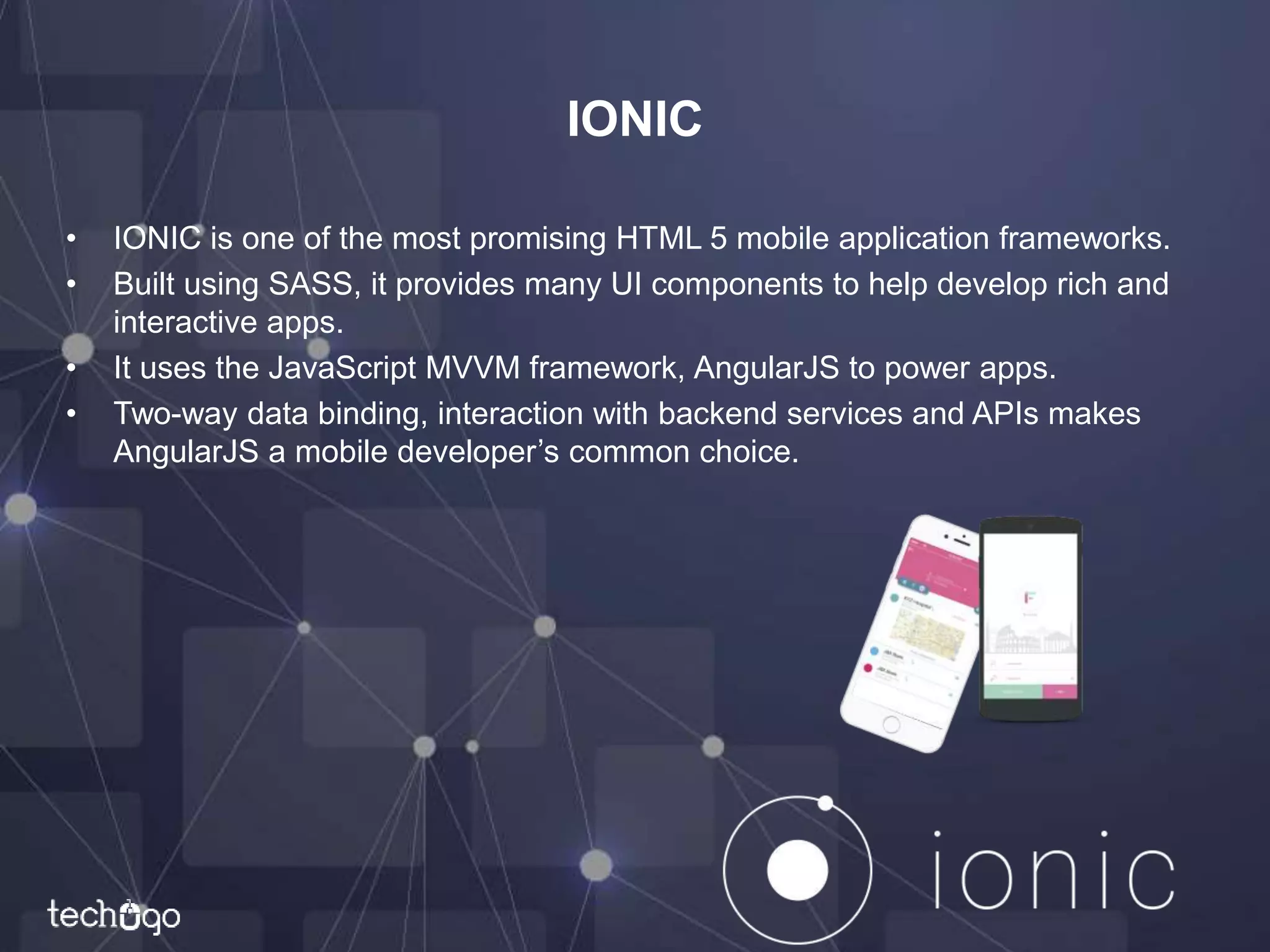
• IONIC is one of the most promising HTML 5 mobile application frameworks.
• Built using SASS, it provides many UI components to help develop rich and
interactive apps.
• It uses the JavaScript MVVM framework, AngularJS to power apps.
• Two-way data binding, interaction with backend services and APIs makes
AngularJS a mobile developer’s common choice.
Benefits of IONIC
• Being a cross development platform, it lets you write the same app once for
multiple platforms.
• It will even change the look a bit to match the native standards for each
platform it supports.
Disadvantages of IONIC
• You have to support multiple platforms with a single codebase, means you
have some hacks to get it work a bit differently for a single platform.
• You also may have a harder time doing custom transitions that require a
different treatment for each platform or break the wrapping that ionic does to
make your web page act like an app.
• The most significant disadvantage is performance. On modern phones and
sticking to a good architecture, the only place this generally is a non-starter
is where video, 3D, or really intense graphical performance is needed.
• Finally, debugging may be harder in ionic if you have to debug something in
the native platform because a plug-in or something that doesn't show up
running as a web app.
Appcelerator’s Titanium
• Titanium is an open source mobile application framework that provides an
environment to create native apps for several mobile platforms
• It is a complete solution for creating hybrid mobile apps.
• To get started with Titanium, you need to download the Titanium studio.
• The Titanium SDK is equipped with a number of mobile platform APIs and
Cloud service to use as an app backend.
• It comes with platform independent APIs which makes it easier to access
phone hardware.
• Titanium uses Alloy, an MVC framework to enable rapid development of
mobile apps.
• Modules created using Alloy are easy to reuse across different apps, hence
significantly reducing the development time and the lines of code.
Benefits of Titanium
• It uses JavaScript as it’s language that many developers are comfortable
with.
• It supports both iOS and Android without learning two separate languages.
• It is faster to develop with Titanium, especially for those not proficient with
the iOS and Android SDKs.
• It has a growing community of developers.
Disadvantages of Titanium
• Documentation isn't always great.
• Developers face a lot of trial errors.
• If you are not a paying customer, you can easily get "stuck".
• Still a lot of iOS and Android specific coding needed.
• User experience can suffer because of differences in the controllers that are
not cross platform ubiquitous.
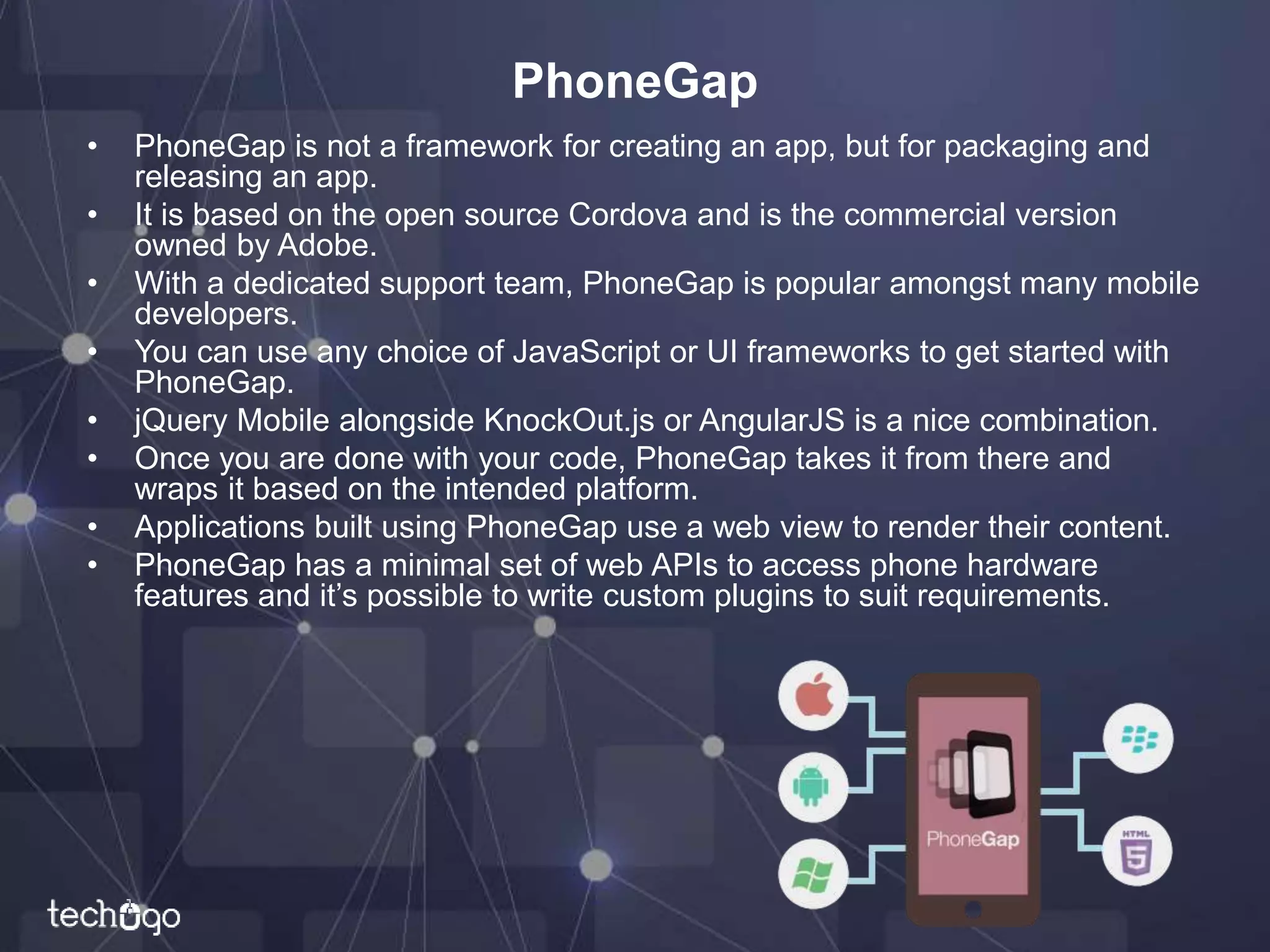
PhoneGap
• PhoneGap is not a framework for creating an app, but for packaging and
releasing an app.
• It is based on the open source Cordova and is the commercial version
owned by Adobe.
• With a dedicated support team, PhoneGap is popular amongst many mobile
developers.
• You can use any choice of JavaScript or UI frameworks to get started with
PhoneGap.
• jQuery Mobile alongside KnockOut.js or AngularJS is a nice combination.
• Once you are done with your code, PhoneGap takes it from there and
wraps it based on the intended platform.
• Applications built using PhoneGap use a web view to render their content.
• PhoneGap has a minimal set of web APIs to access phone hardware
features and it’s possible to write custom plugins to suit requirements.
Benefits of PhoneGap
• Just need HTML5/CSS/Javascript skills vs Objective-C or Java.
• Single code base for all platforms (iOS, Android, Windows 7, Mobile Web).
• Rapid testing and deployment.
• With Phonegap, you can still take advantage of distribution and integrated
payment via the App Store or Android Market.
Disadvantages of PhoneGap
• Poor performance, espically if your app is graphically intense, i.e. a game.
• Lack of pre-built UI widgets, transitions, standard controls, etc.
• Your development time can take longer, especially if you want a polished-
looking app with a native look and feel.
Sencha Touch
• Sencha Touch is an HTML 5 mobile app framework for creating apps for
several platforms including iOS, Android and Blackberry.
• It has been in existence for some years now and is popular among hybrid
mobile application developers.
• Sencha Touch scores highly against it’s competitors by providing a native
look and feel across all of the platforms it supports.
Benefits of Sencha Touch
• A solid OOP.
• All-in-one (MVC,UI, Data, Device API, etc.).
• HTML5 API.
• Good documentation, community and support.
• NativePhoneGAP easy-to-build hybrid apps.
• Plugins.
• Sencha Architect, Animator, etc.
Disadvantages of Sencha Touch
• Webkit -only.
• Proprietary license.
• “Heavy” DOM-elements.
We are techugo
Transforming Businesses With
MOBILE & WEB APPS
Contact Us: info@techugo.com
Thank You
Mobility and Web Professionals

Top 4 Cross Platform tools for Mobile App Development

  • 1.
    Top 4 CrossPlatform Tools For Mobile App Development
  • 2.
    Cross Platform Development •According to Techopedia: “Cross – Platform Development is the practice of developing software products or services for multiple platforms or software environments. Engineers and developers use various methods to accommodate different operating systems or environments for one application or product.”
  • 3.
    Top 4 CrossPlatform Development Tools
  • 4.
    IONIC • IONIC isone of the most promising HTML 5 mobile application frameworks. • Built using SASS, it provides many UI components to help develop rich and interactive apps. • It uses the JavaScript MVVM framework, AngularJS to power apps. • Two-way data binding, interaction with backend services and APIs makes AngularJS a mobile developer’s common choice.
  • 5.
    Benefits of IONIC •Being a cross development platform, it lets you write the same app once for multiple platforms. • It will even change the look a bit to match the native standards for each platform it supports.
  • 6.
    Disadvantages of IONIC •You have to support multiple platforms with a single codebase, means you have some hacks to get it work a bit differently for a single platform. • You also may have a harder time doing custom transitions that require a different treatment for each platform or break the wrapping that ionic does to make your web page act like an app. • The most significant disadvantage is performance. On modern phones and sticking to a good architecture, the only place this generally is a non-starter is where video, 3D, or really intense graphical performance is needed. • Finally, debugging may be harder in ionic if you have to debug something in the native platform because a plug-in or something that doesn't show up running as a web app.
  • 7.
    Appcelerator’s Titanium • Titaniumis an open source mobile application framework that provides an environment to create native apps for several mobile platforms • It is a complete solution for creating hybrid mobile apps. • To get started with Titanium, you need to download the Titanium studio. • The Titanium SDK is equipped with a number of mobile platform APIs and Cloud service to use as an app backend. • It comes with platform independent APIs which makes it easier to access phone hardware. • Titanium uses Alloy, an MVC framework to enable rapid development of mobile apps. • Modules created using Alloy are easy to reuse across different apps, hence significantly reducing the development time and the lines of code.
  • 8.
    Benefits of Titanium •It uses JavaScript as it’s language that many developers are comfortable with. • It supports both iOS and Android without learning two separate languages. • It is faster to develop with Titanium, especially for those not proficient with the iOS and Android SDKs. • It has a growing community of developers.
  • 9.
    Disadvantages of Titanium •Documentation isn't always great. • Developers face a lot of trial errors. • If you are not a paying customer, you can easily get "stuck". • Still a lot of iOS and Android specific coding needed. • User experience can suffer because of differences in the controllers that are not cross platform ubiquitous.
  • 10.
    PhoneGap • PhoneGap isnot a framework for creating an app, but for packaging and releasing an app. • It is based on the open source Cordova and is the commercial version owned by Adobe. • With a dedicated support team, PhoneGap is popular amongst many mobile developers. • You can use any choice of JavaScript or UI frameworks to get started with PhoneGap. • jQuery Mobile alongside KnockOut.js or AngularJS is a nice combination. • Once you are done with your code, PhoneGap takes it from there and wraps it based on the intended platform. • Applications built using PhoneGap use a web view to render their content. • PhoneGap has a minimal set of web APIs to access phone hardware features and it’s possible to write custom plugins to suit requirements.
  • 11.
    Benefits of PhoneGap •Just need HTML5/CSS/Javascript skills vs Objective-C or Java. • Single code base for all platforms (iOS, Android, Windows 7, Mobile Web). • Rapid testing and deployment. • With Phonegap, you can still take advantage of distribution and integrated payment via the App Store or Android Market.
  • 12.
    Disadvantages of PhoneGap •Poor performance, espically if your app is graphically intense, i.e. a game. • Lack of pre-built UI widgets, transitions, standard controls, etc. • Your development time can take longer, especially if you want a polished- looking app with a native look and feel.
  • 13.
    Sencha Touch • SenchaTouch is an HTML 5 mobile app framework for creating apps for several platforms including iOS, Android and Blackberry. • It has been in existence for some years now and is popular among hybrid mobile application developers. • Sencha Touch scores highly against it’s competitors by providing a native look and feel across all of the platforms it supports.
  • 14.
    Benefits of SenchaTouch • A solid OOP. • All-in-one (MVC,UI, Data, Device API, etc.). • HTML5 API. • Good documentation, community and support. • NativePhoneGAP easy-to-build hybrid apps. • Plugins. • Sencha Architect, Animator, etc.
  • 15.
    Disadvantages of SenchaTouch • Webkit -only. • Proprietary license. • “Heavy” DOM-elements.
  • 16.
    We are techugo TransformingBusinesses With MOBILE & WEB APPS Contact Us: info@techugo.com Thank You Mobility and Web Professionals