Thinking in Components
🤔 📥 🏗
Good morning y’all! Let’s learn about how to think in components! ✨ ✨ ✨
Creating a shared understanding
between designers and developers
to do our best work together
Thinking in Components
🤔 📥 🏗
The goal of this talk it to create a shared understanding
between designers and developers
around component-based web frameworks
to enable us to do our best work together.
Show of hands —

How many people in the room are designers?

How many people in the room are developers?
Inspiration
✨
The inspiration for this talk came from me wanting to share the amazing experience I had with developing component-based web apps with my design peers.
Efficiency
🏎
As a developer, component-based frameworks enabled me to build and assemble UI quickly and efficiently, buying me time to delve deeper into functionality,
interactions, new user flows — you name it.
Everyone Wins!
👯
So as a developer, if I was afforded all these wins, could I pass on my learning and thinking to designers, so that they too could benefit from this approach and workflow?
Ksenija
@kseninja
👋
So hey y’all — I’m Ksenija.

I’m a web developer

I spend most of my time building web apps
@twg
At a software agency in Toronto called TWG


And coming from an agency, our teams are in constant flux — so it’s important to me I figure out how to work best with each of my peers on my new teams.
React
And, in the last year,

I’ve spent the majority of it building web apps

with component-based libraries,

specifically React
❓
Component-Based
So I’ll be talking through my learnings and experience with React as my “component framework” anchor, but know that approach is applicable with any component-
based framework or library.
Web Components™
And know that this approach is here to stay — at least for as long as things stay on the web — as web components are now a part of future browser spec.
03. How can I apply this approach to my design workflow?
How can a web framework impact my design
workflow for the better?
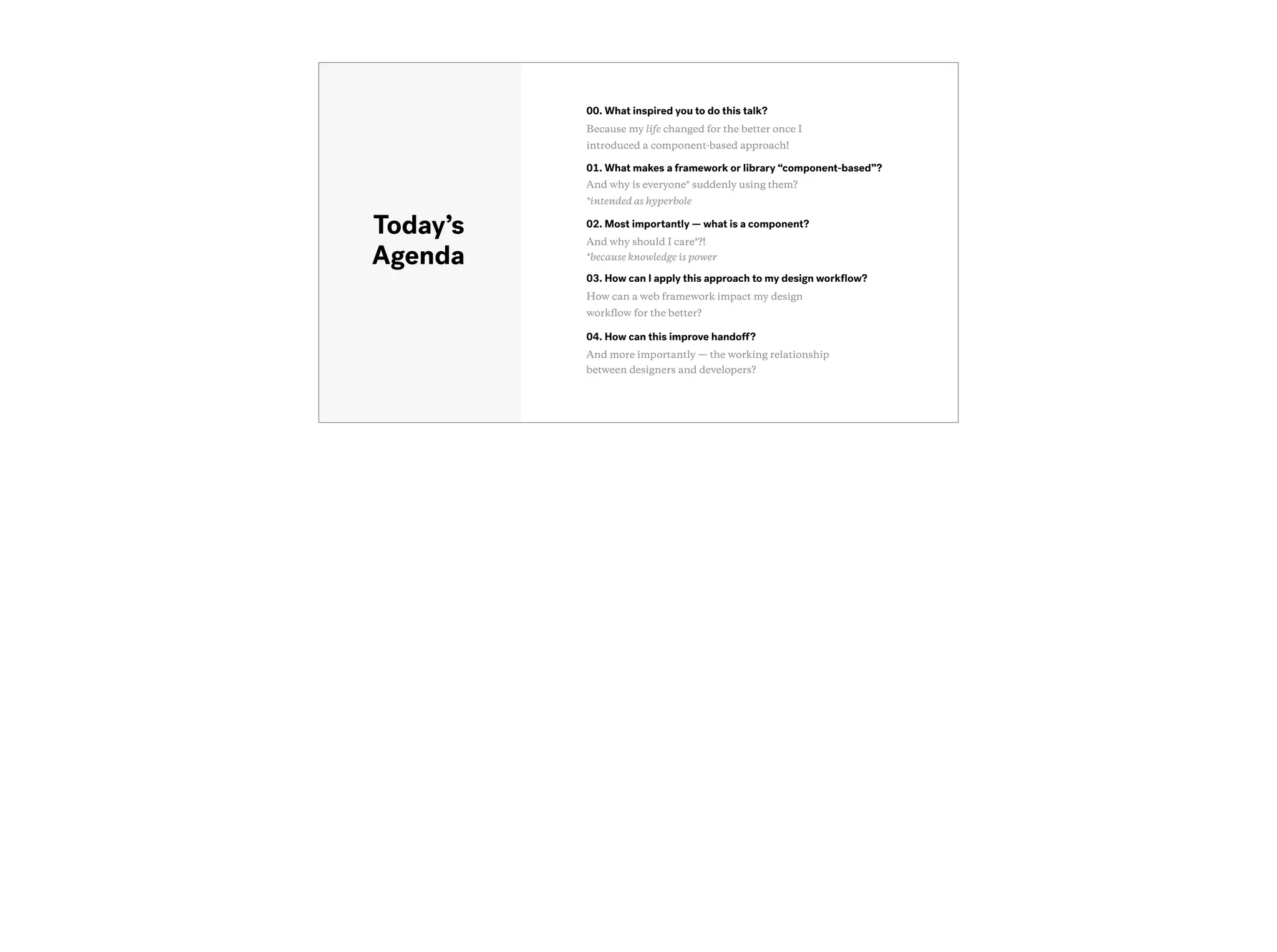
Today’s
Agenda
01. What makes a framework or library “component-based”?
And why is everyone* suddenly using them?
*intended as hyperbole
04. How can this improve handoff?
And more importantly — the working relationship
between designers and developers?
00. What inspired you to do this talk?
Because my life changed for the better once I
introduced a component-based approach!
02. Most importantly — what is a component?
And why should I care*?!
*because knowledge is power
“
”
What makes a library or
framework “component-
based”? Why are libraries
like React all the rage?
Okay so the first major question —
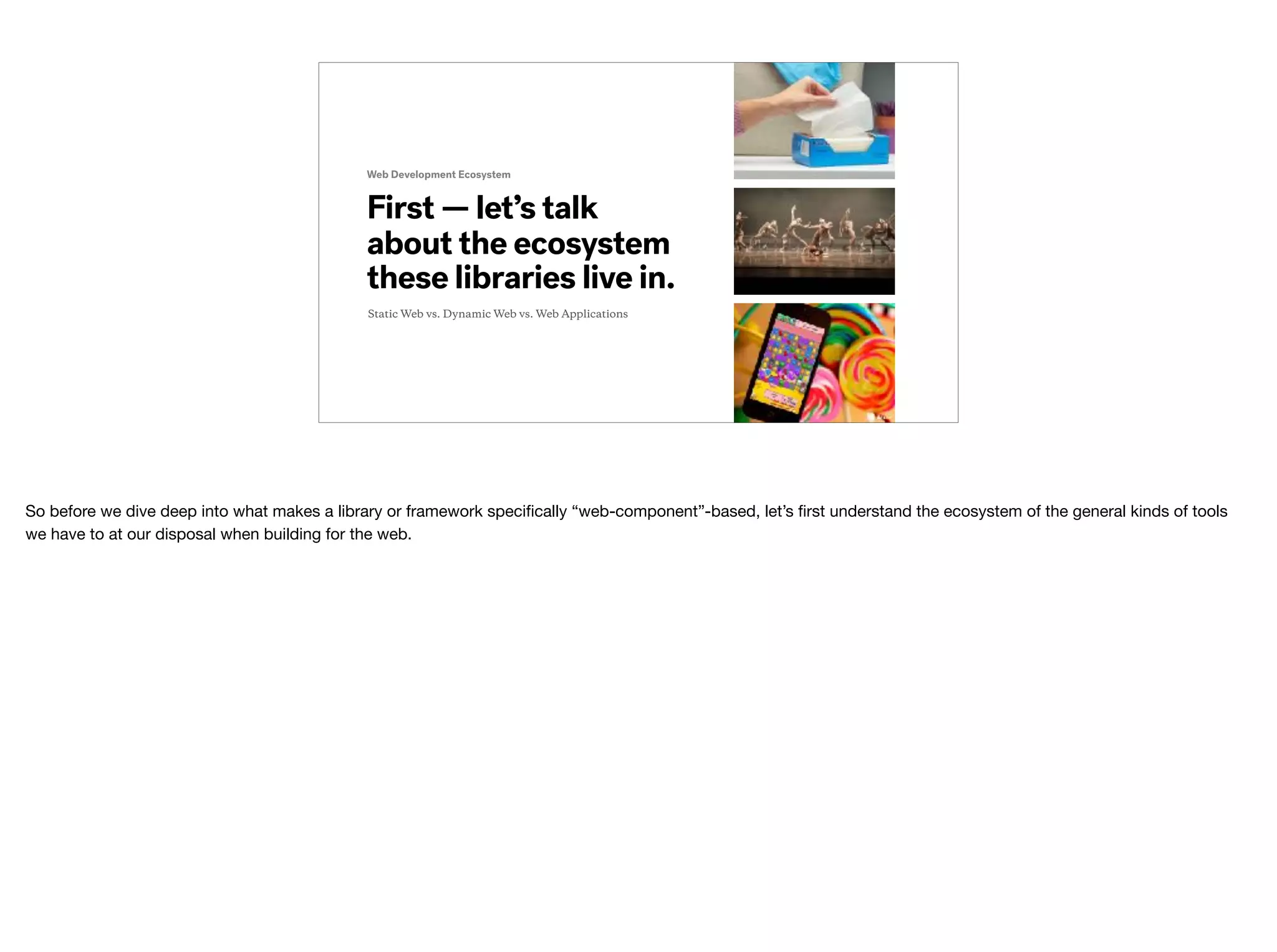
First — let’s talk
about the ecosystem
these libraries live in.
Web Development Ecosystem
Static Web vs. Dynamic Web vs. Web Applications
So before we dive deep into what makes a library or framework specifically “web-component”-based, let’s first understand the ecosystem of the general kinds of tools
we have to at our disposal when building for the web.
Web Development Ecosystem
First — let’s talk
about the ecosystem
these libraries live in.
Static Web vs. Dynamic Web vs. Web Applications
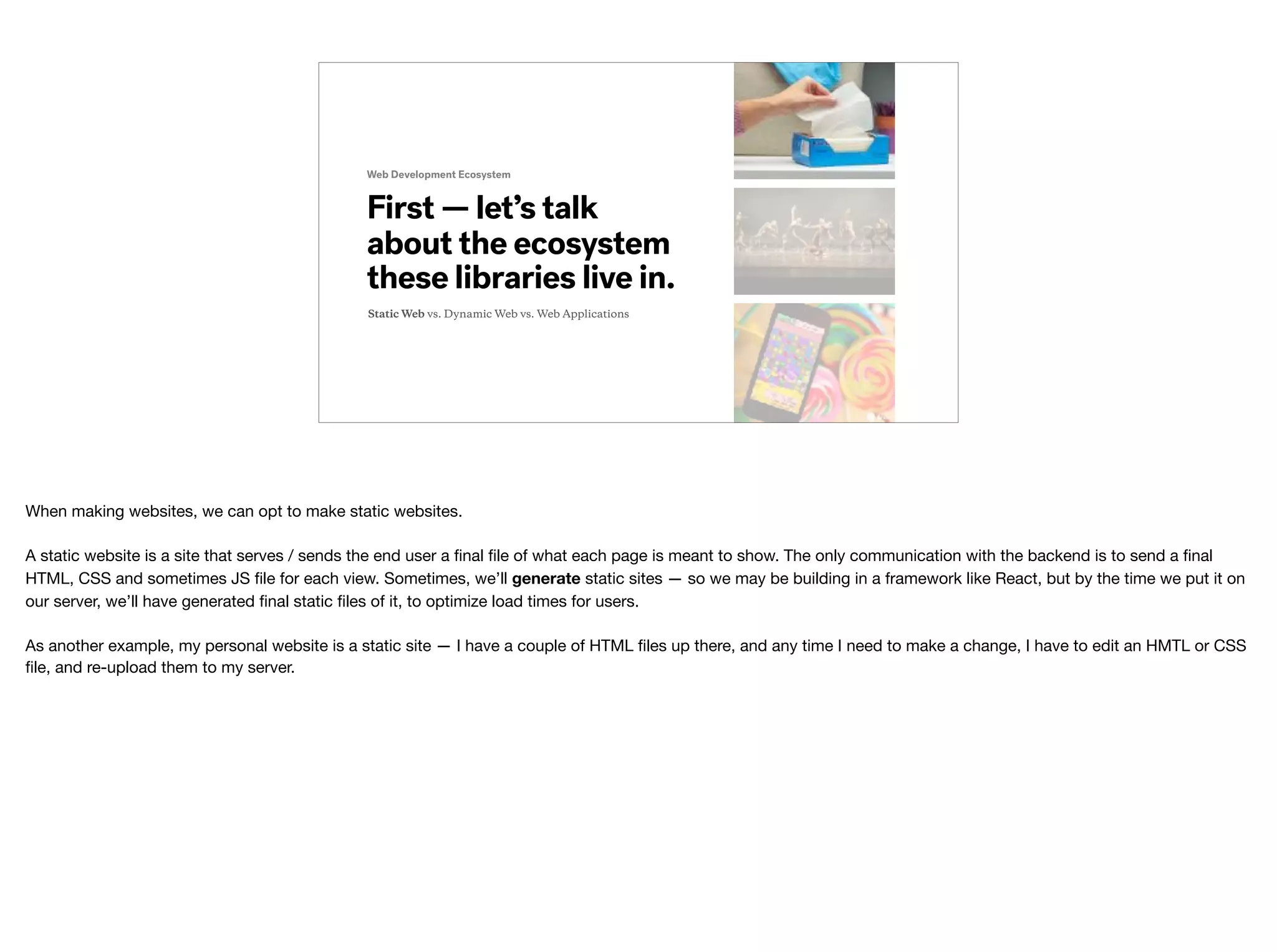
When making websites, we can opt to make static websites.

A static website is a site that serves / sends the end user a final file of what each page is meant to show. The only communication with the backend is to send a final
HTML, CSS and sometimes JS file for each view. Sometimes, we’ll generate static sites — so we may be building in a framework like React, but by the time we put it on
our server, we’ll have generated final static files of it, to optimize load times for users.


As another example, my personal website is a static site — I have a couple of HTML files up there, and any time I need to make a change, I have to edit an HMTL or CSS
file, and re-upload them to my server.
Web Development Ecosystem
First — let’s talk
about the ecosystem
these libraries live in.
Static Web vs. Dynamic Web vs. Web Applications
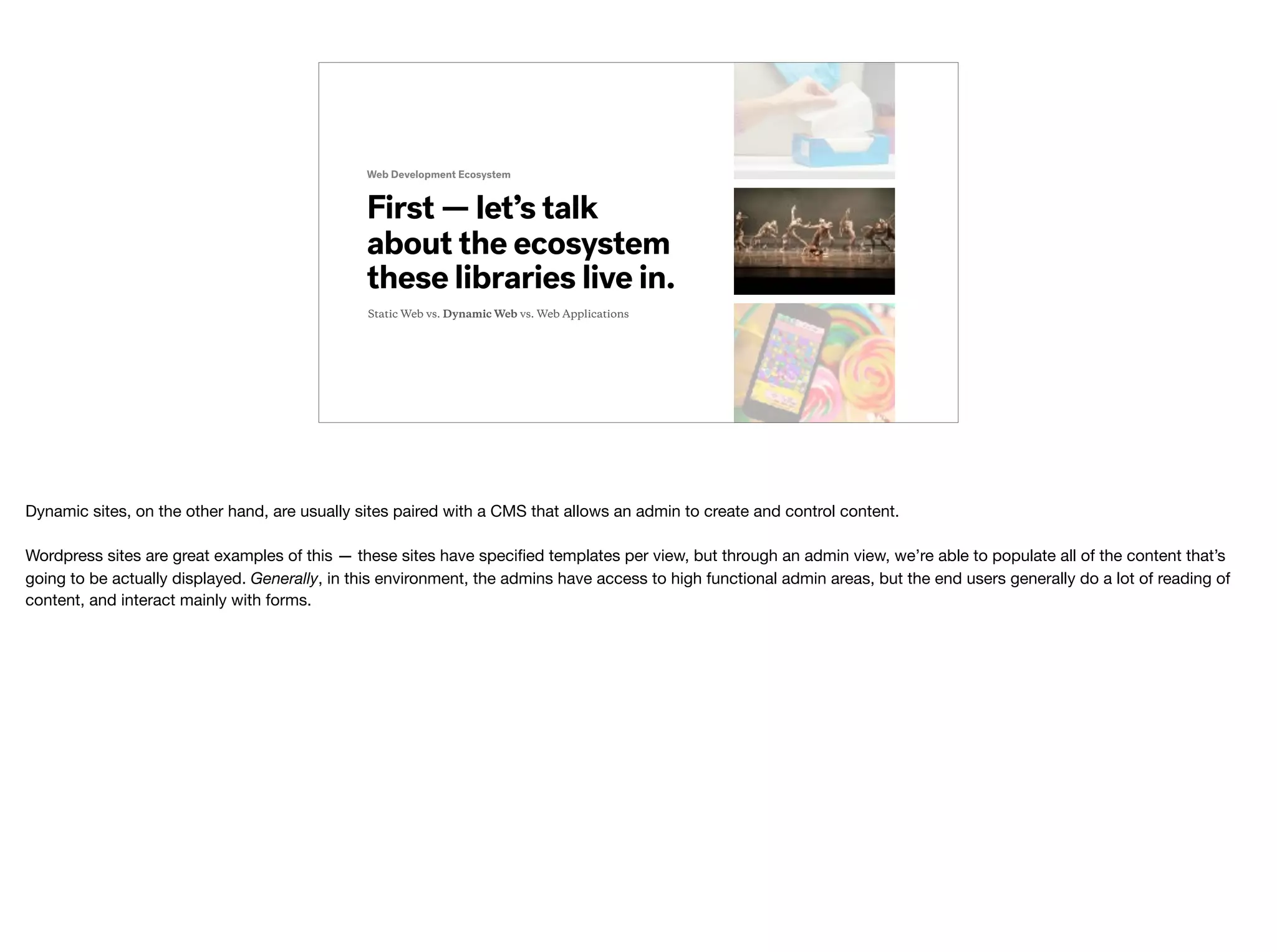
Dynamic sites, on the other hand, are usually sites paired with a CMS that allows an admin to create and control content.

Wordpress sites are great examples of this — these sites have specified templates per view, but through an admin view, we’re able to populate all of the content that’s
going to be actually displayed. Generally, in this environment, the admins have access to high functional admin areas, but the end users generally do a lot of reading of
content, and interact mainly with forms.
Web Development Ecosystem
First — let’s talk
about the ecosystem
these libraries live in.
Static Web vs. Dynamic Web vs. Web Applications
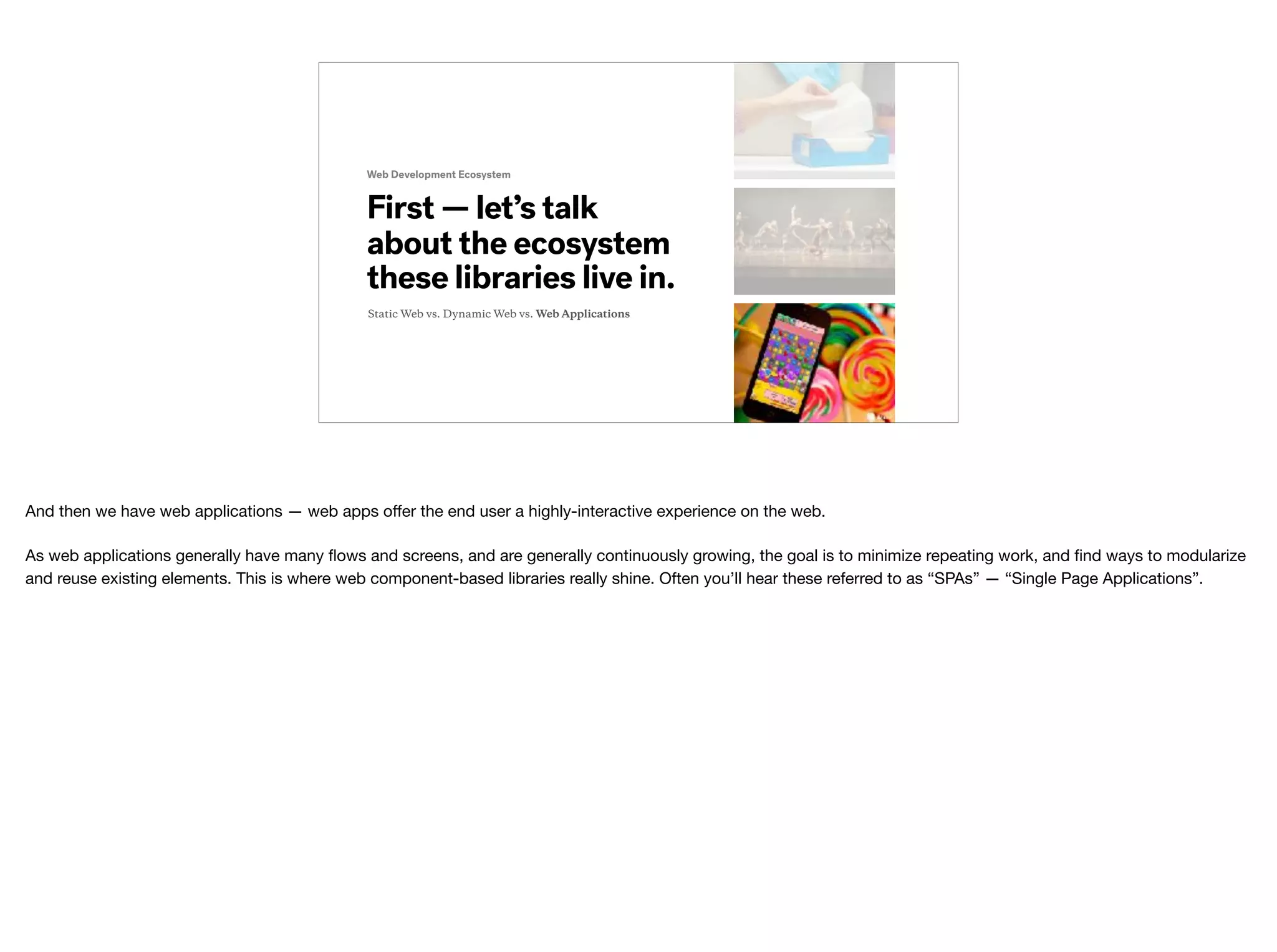
And then we have web applications — web apps offer the end user a highly-interactive experience on the web.

As web applications generally have many flows and screens, and are generally continuously growing, the goal is to minimize repeating work, and find ways to modularize
and reuse existing elements. This is where web component-based libraries really shine. Often you’ll hear these referred to as “SPAs” — “Single Page Applications”.
Web Development Ecosystem
First — let’s talk
about the ecosystem
these libraries live in.
Use the right tool
And the last thing I wanted to touch on is — no one type of output is better than the next. It’s about using the right tool for the solution.


Next — let’s talk
about the web app
ecosystem.
Web Application Ecosystem
So many to choose from!
So, for the case of web applications — some of the best tools available to use are component-based libraries and frameworks.

Component-based frameworks and libraries are frameworks and libraries like React, Preact, Angular 2 and Vue.js.
Next — let’s talk
about the web app
ecosystem.
Web Application Ecosystem
No Browser Left Behind
And again, the reason more and more people are picking them is because this has proven to be a useful and successful approach to building web applications — and
this approach is part of future browser spec!

Until then — frameworks like React really help to fill the gaps in what current, modern browsers are capable of.
“
”
Okay that’s all very nice
but I still don’t know what
a web component is?
If you’re thinking …

Yes — you’re right — comin’ right up!
https://en.wikipedia.org/wiki/Web_Components
A custom element that
allows for reusability
and modularity.
Web Component
A web component is an element that is completely self contained — all the markup, styles and logic are all bundled into one component.


“Web Components are a set of features currently[1] being added by the W3C to the HTML and DOM specifications that allow for the creation of reusable widgets or
components in web documents and web applications.”
https://facebook.github.io/react/docs/react-component.html
A custom element that
allows for reusability
and modularity.
React Component
Bringing this back to what I know, I have the most amount of experience with React components.

From the React docs: “a React component lets you split the UI into independent, reusable pieces, and think about each piece in isolation.”
“
”
Cool. That’s great. Now,
tell me how this going to
impact my design work?
And so now you might be thinking…
A custom element that
allows for reusability
and modularity.
Sketch Symbol
https://www.sketchapp.com/learn/documentation/symbols/
PLOT TWIST!

This functionality exists outside the browser! In fact — Sketch Symbols do a fantastic job of instilling the same way of work as React might!


From the Sketch docs: “Symbols is a powerful feature in Sketch that allows you to reuse elements easily across Artboards and Pages.”
Components: In the Wild
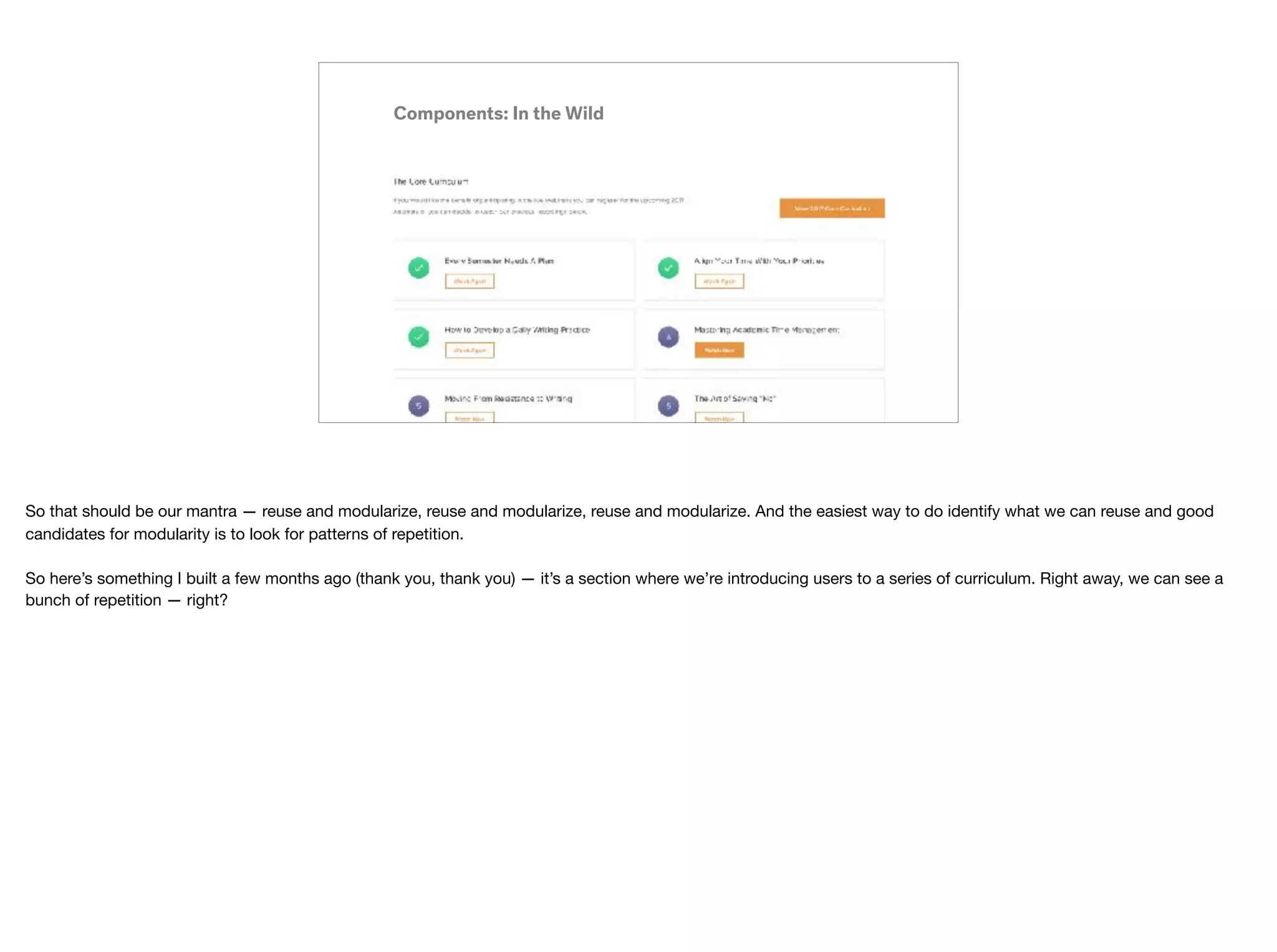
So that should be our mantra — reuse and modularize, reuse and modularize, reuse and modularize. And the easiest way to do identify what we can reuse and good
candidates for modularity is to look for patterns of repetition.


So here’s something I built a few months ago (thank you, thank you) — it’s a section where we’re introducing users to a series of curriculum. Right away, we can see a
bunch of repetition — right?
Components: In the Wild
I have a bunch of these curriculum card elements repeated — so I can create this kinda “curriculum card” element that I can then repeat to my heart’s content.
Components: In the Wild
But even in just this section alone, I can identify another element that’s repeated — this button. So when I’m creating my Curriculum Card component, I don’t want to just
create a single-use, specific layout element — it would be best if I could assemble a “Button” into my Curriculum Card — so I only have to worry about writing the code
once.
Components: In the Wild
So if we have repetition in that “View 2017 Curriculum” Section — we can be pretty sure we’ve got loads of repetition elsewhere in this view alone, as well as across the
entire app.
Identify and create
all your smallest
components.
Development Sprint One
We’ll call these “core components”
And so to help understand how we start developing and assembling (cause that’s what it really should be) these greater views, it’s important to note that we start with
creating all the smallest, repeated elements so that we can start building out our bigger and bigger ones.
Identify and create
all your smallest
components.
Development Sprint One Outcome
As Seen On VSCode™
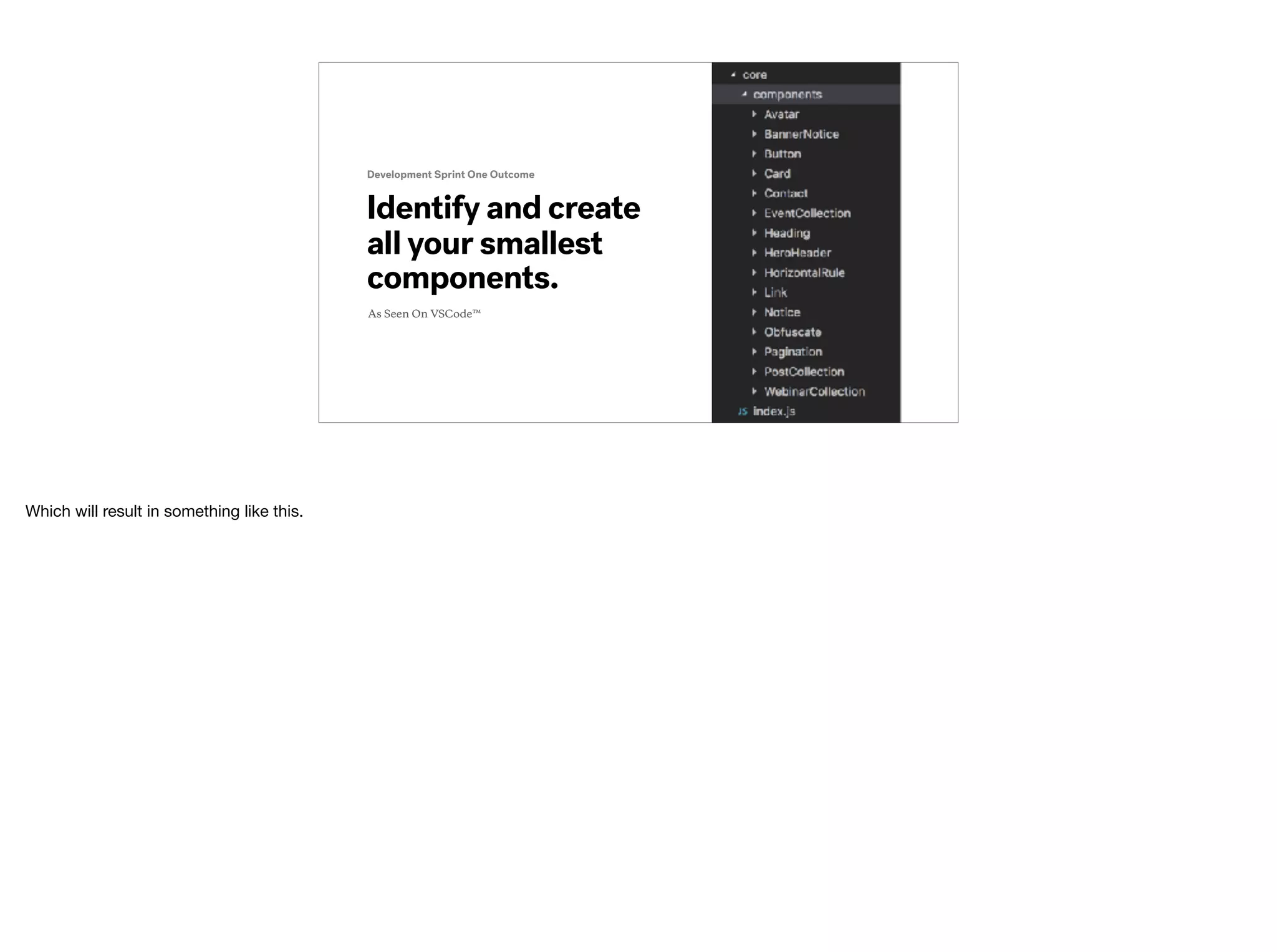
Which will result in something like this.
Create all of your
smallest, reusable
symbols
(Potential) Design Sprint One
We’ll call these “core symbols”
And perhaps something that design can adapt from a component-based development mindset is the order of operations in which we created our design system?
Create all of your
smallest, reusable
symbols
(Potential) Design Sprint One
etc.
We’ll call these “core symbols”
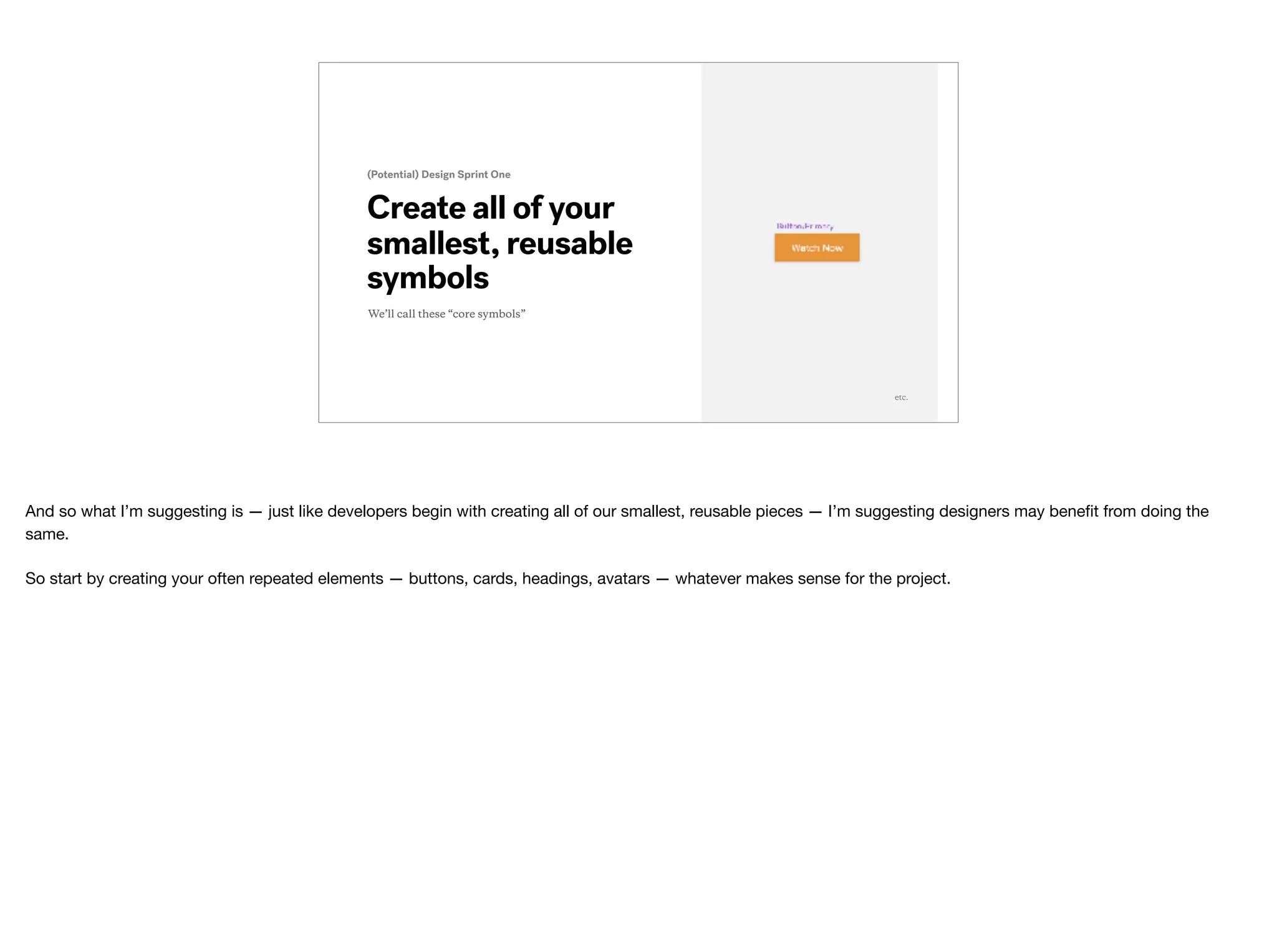
And so what I’m suggesting is — just like developers begin with creating all of our smallest, reusable pieces — I’m suggesting designers may benefit from doing the
same.

So start by creating your often repeated elements — buttons, cards, headings, avatars — whatever makes sense for the project.
Components: Assembled with other Components!
And just to give you an idea, once we have all those small components (module number, heading, button, card), we can just “compose” a new component — our
Curriculum Card component!
Components: Assembled with other Components!
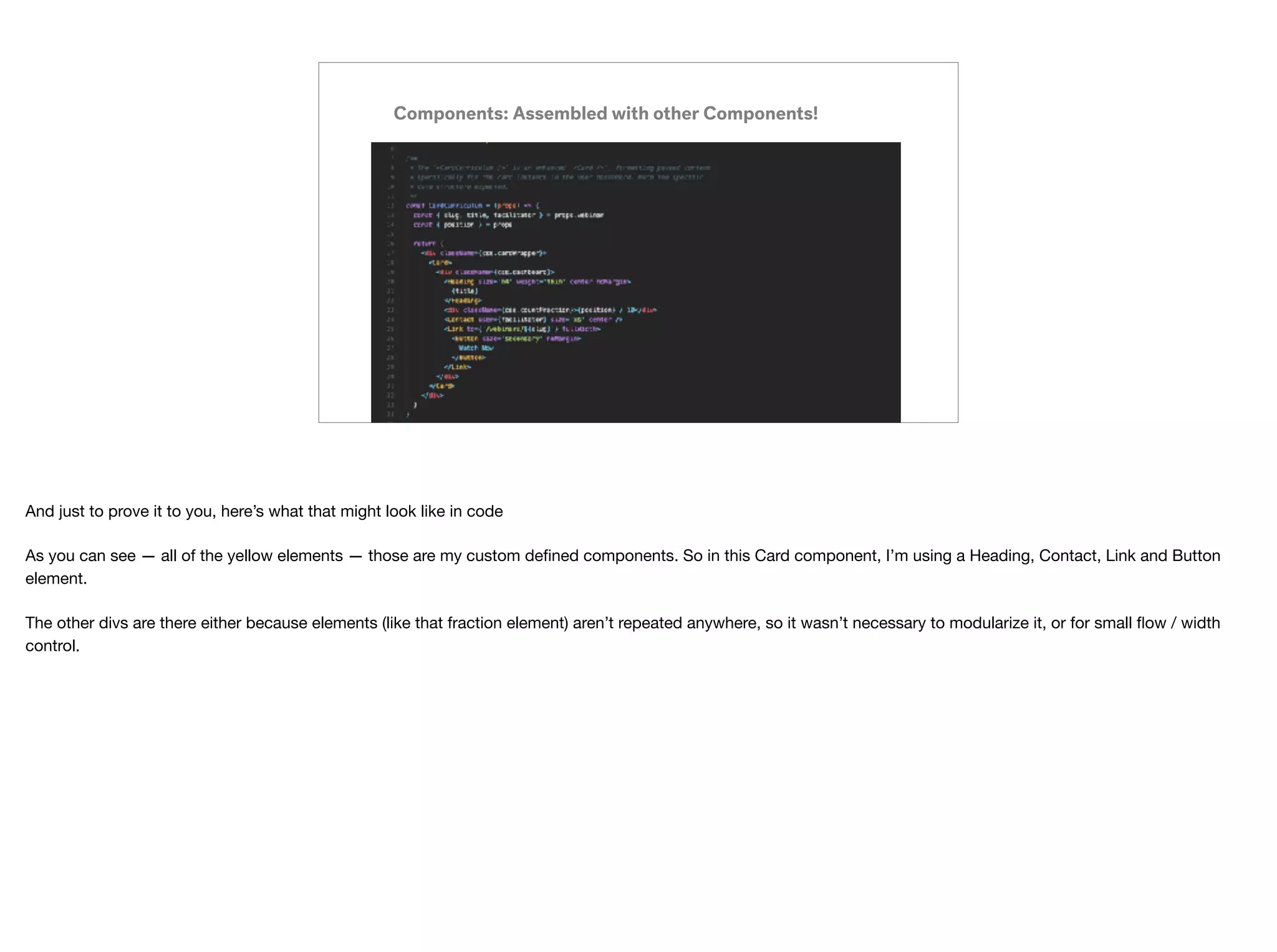
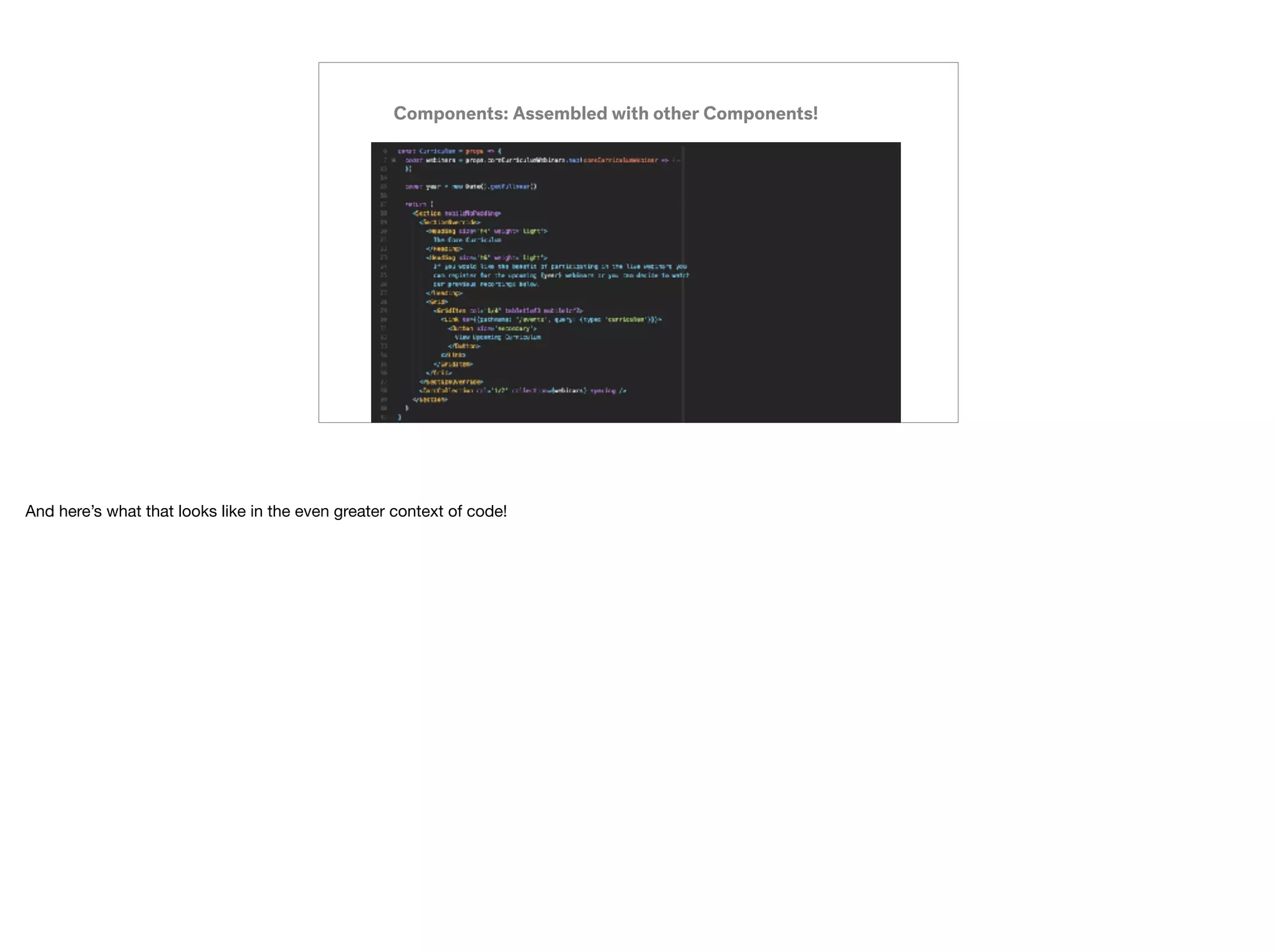
And just to prove it to you, here’s what that might look like in code

As you can see — all of the yellow elements — those are my custom defined components. So in this Card component, I’m using a Heading, Contact, Link and Button
element.

The other divs are there either because elements (like that fraction element) aren’t repeated anywhere, so it wasn’t necessary to modularize it, or for small flow / width
control.
Assemble all symbols*
that will be repeated
(Potential) Design Sprint One
*From other symbols! Symbolception!
etc.
And so, if we began with designing all of our smallest pieces — those buttons, cards, headings, avatars — you now have the building blocks to start assembling larger
and larger pieces of “Design UI.”
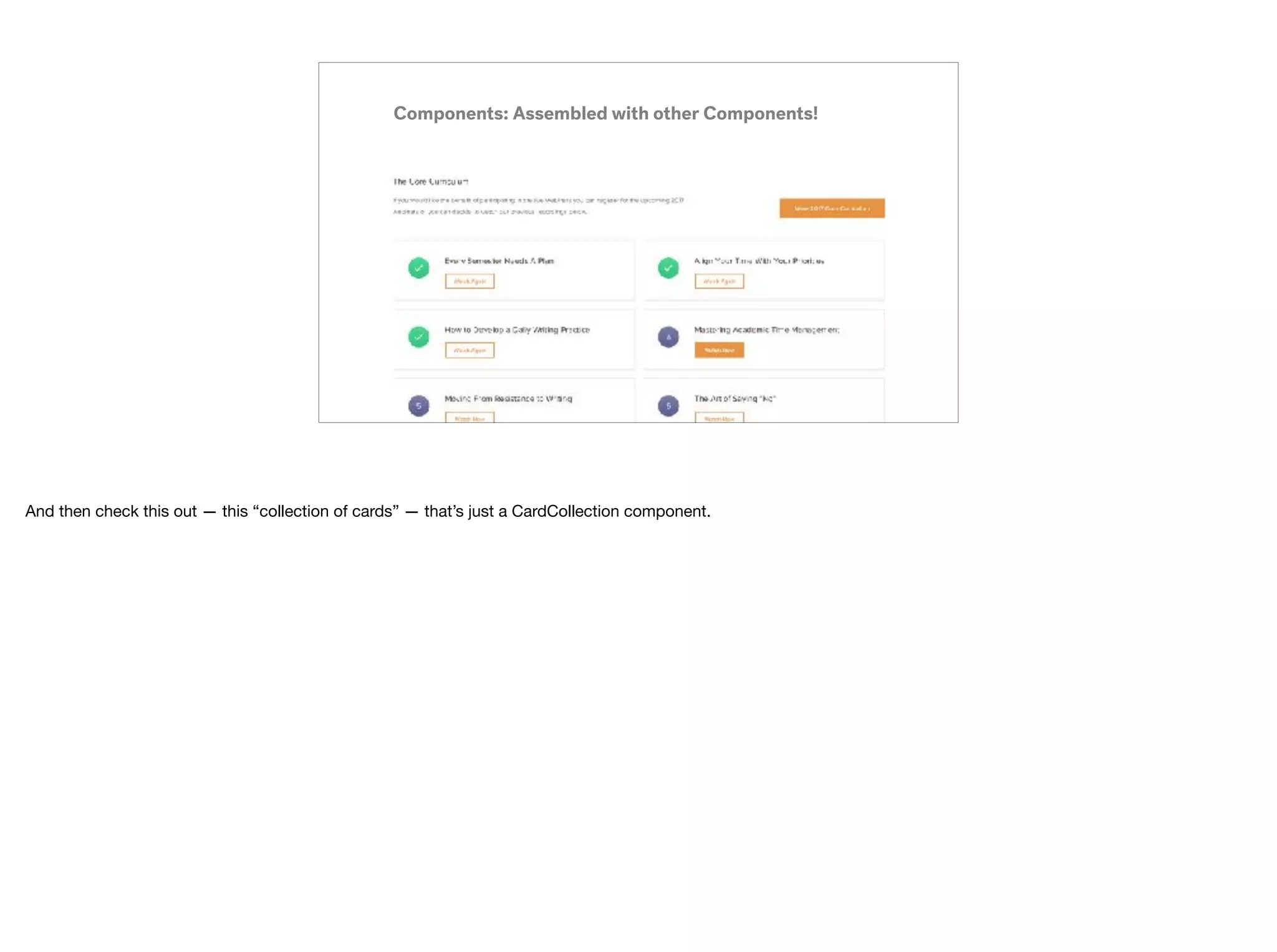
Components: Assembled with other Components!
And then check this out — this “collection of cards” — that’s just a CardCollection component.
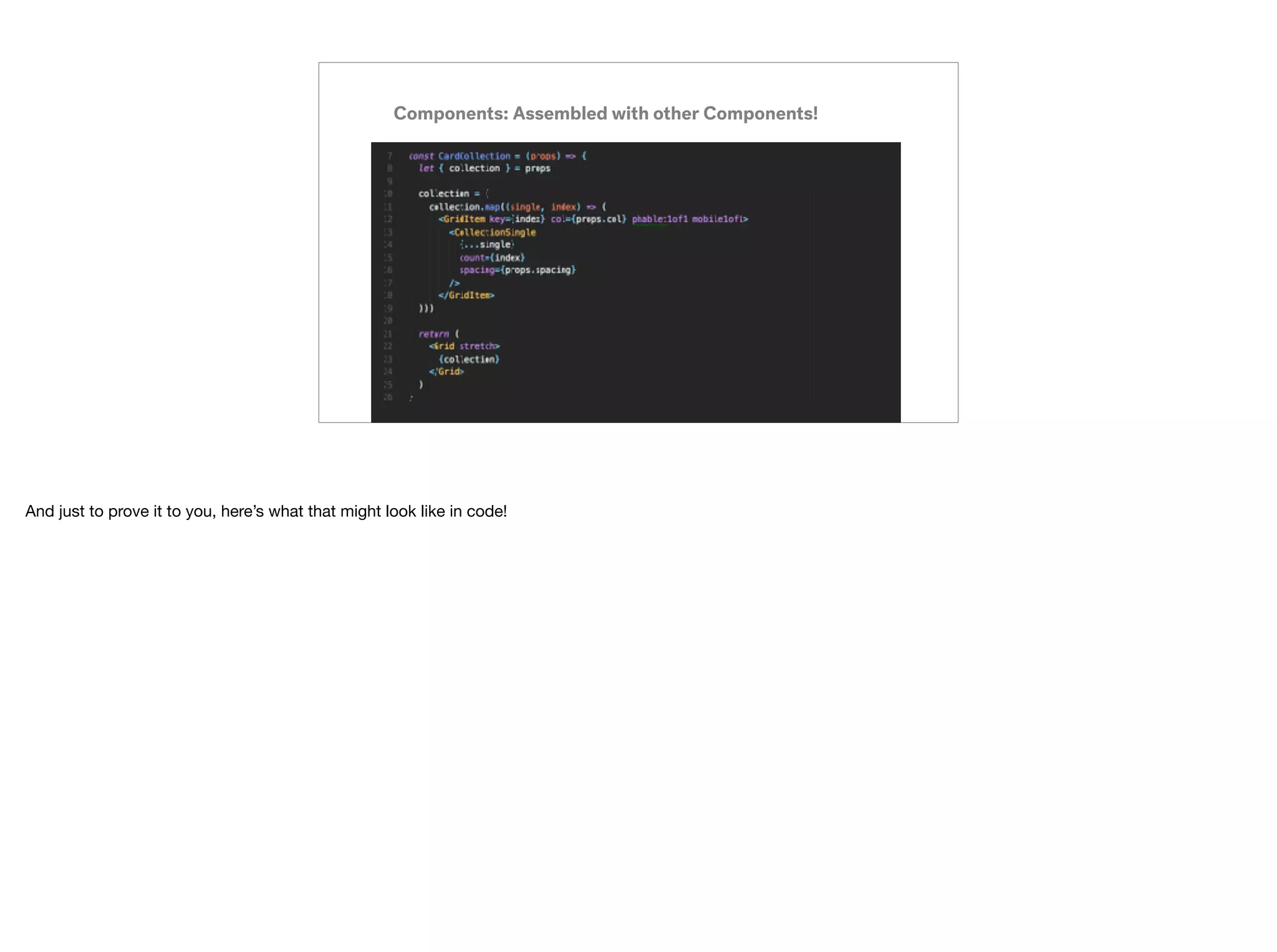
Components: Assembled with other Components!
And just to prove it to you, here’s what that might look like in code!
Components: Assembled with other Components!
And here’s what that looks like in the even greater context of code!
Components: Establishing Modifiers
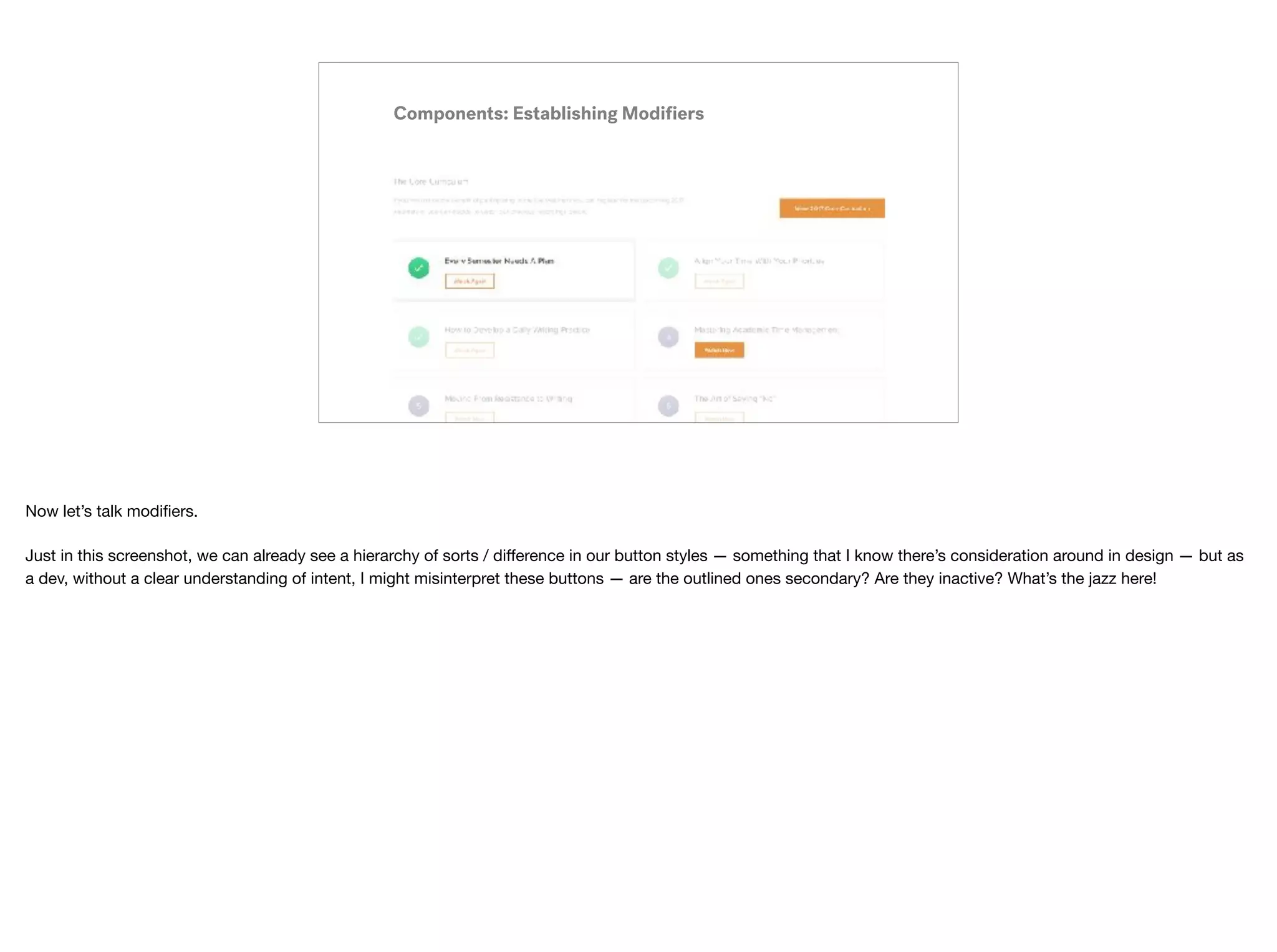
Now let’s talk modifiers.

Just in this screenshot, we can already see a hierarchy of sorts / difference in our button styles — something that I know there’s consideration around in design — but as
a dev, without a clear understanding of intent, I might misinterpret these buttons — are the outlined ones secondary? Are they inactive? What’s the jazz here!
s
(Potential) Design Sprint One
etc.
Establish all
potential variants
of a symbol
Primary / Secondary / Tertiary / Quaternary
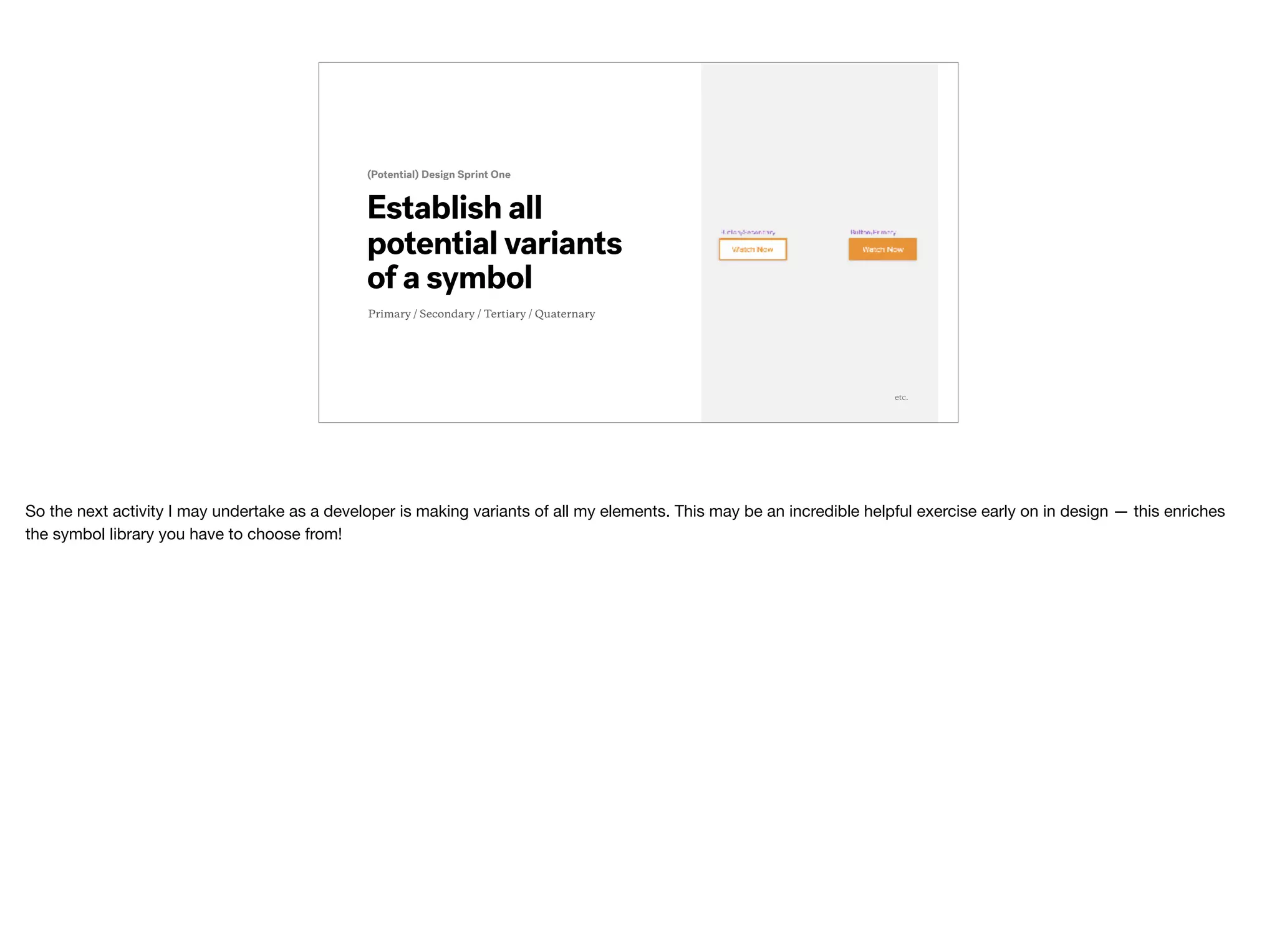
So the next activity I may undertake as a developer is making variants of all my elements. This may be an incredible helpful exercise early on in design — this enriches
the symbol library you have to choose from!
Establish all
potential variants
of a symbol
(Potential) Design Workflow
And stick to them!
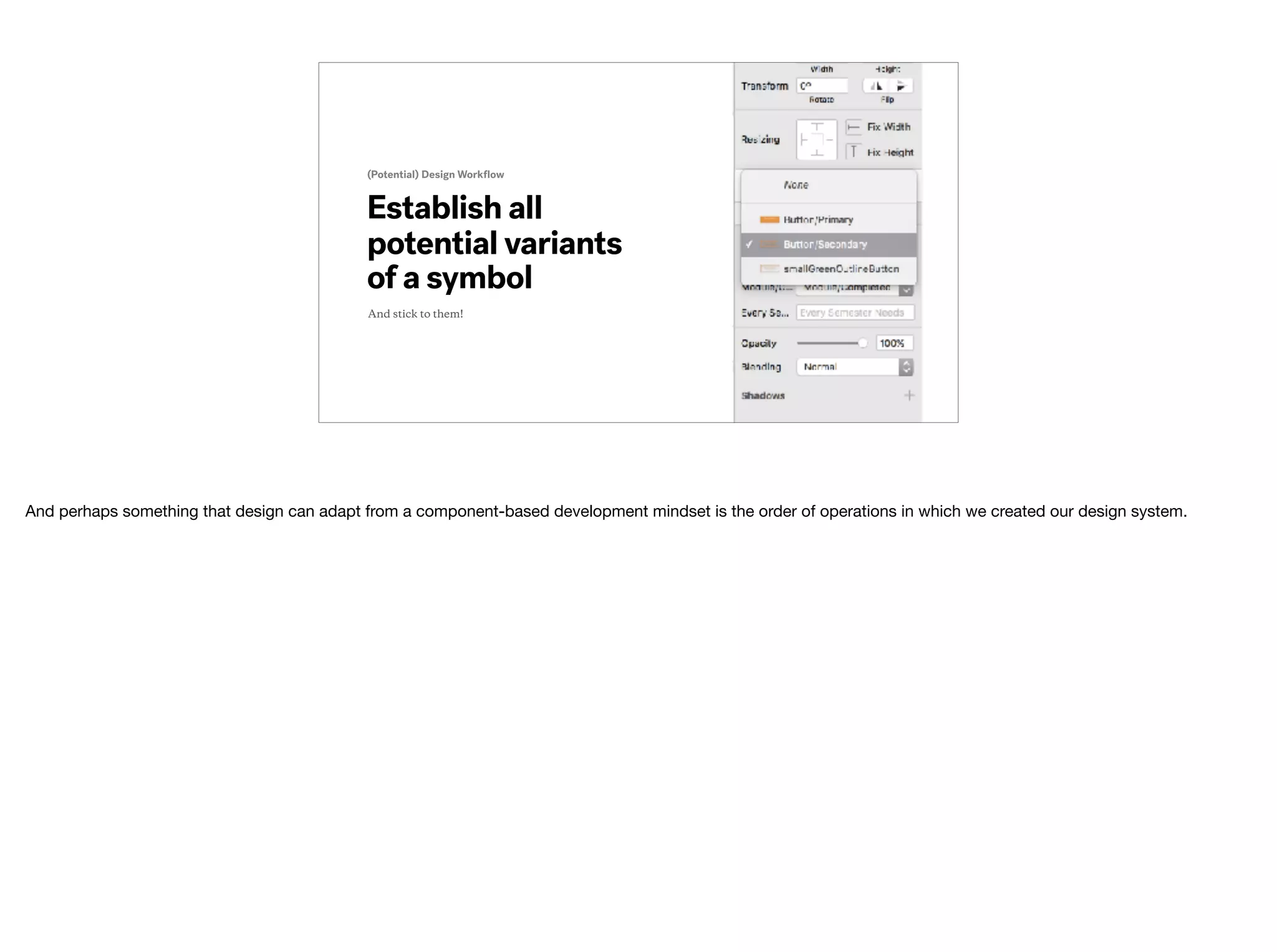
And perhaps something that design can adapt from a component-based development mindset is the order of operations in which we created our design system.
Components: Establishing Modifiers
And here’s what that looks like in the even greater context of code!
Exhaust all possible existing
variants of a symbol before making
the case for a custom instance.
Stick to Your Symbols:
- A proverb I came up with in like July when I presented a
version of this at work
You can imagine, if we have this existing library of core components / symbols, we can make new views, new components and whole new user flows much faster if we
just stick to existing variants of established symbols / components.
One — Identify
patterns of repetition
and establish a symbol
Workflow Mantras
Two — Compose and
assemble symbols
from smaller symbols
Workflow Mantras
Three — Avoid custom
component modifiers
for single-context uses
Workflow Mantras
“
”
How can this improve the
design handoff? And our
working relationship?
Shared awareness
around your custom
components
Better Design Handoff
You both know what elements exist, and in what contexts
You’ve now both done the exercise of nominating components / symbols. You’re pretty aware of what exists now.

So, design handoff becomes a lot easier given that we’re aligned on what kinds of elements make sense to include in that first handoff — all those smallest, most
repeated pieces done ASAP lead to quicker UI assembly time for devs.
Shared vocabulary
around your custom
components
Better Design Handoff
You both can speak to your component taxonomy ⚡
You may have also created a shared language around them.

This is something that the whole team can benefit from — if we can all use the same nomenclature around our UI, we can smoothly be on the same page in discussions.
This even benefits the team from a client or outside perspective — we can quickly onboard and present our work consistently.
Shared understanding
around your custom
components
Better Design Handoff
You both “signed” a verbal contract
And you can both share that mindset of reuse and modularity.


This benefits the team well beyond the design handoff — you both can have an understanding of what it means to create a new component — can we reuse an existing
one? Can we find a way for 3 different contexts the share the exact same one with minimal tweaks?
Shared activity around
nominating and
naming components
Better Relationships
Knowledge transfer forever and ever
And perhaps — this can be an activity shared between design and development?

As a developer, I have to do this — I have to thinking in reusable, modular components when I’m building a web app. And it’s always my pleasure to work with a
designer, walk them through how to think in components, and share my approach and context with them.

It’s made for better, collaborative working relationship built on mutual understanding, respect, and collaboration.
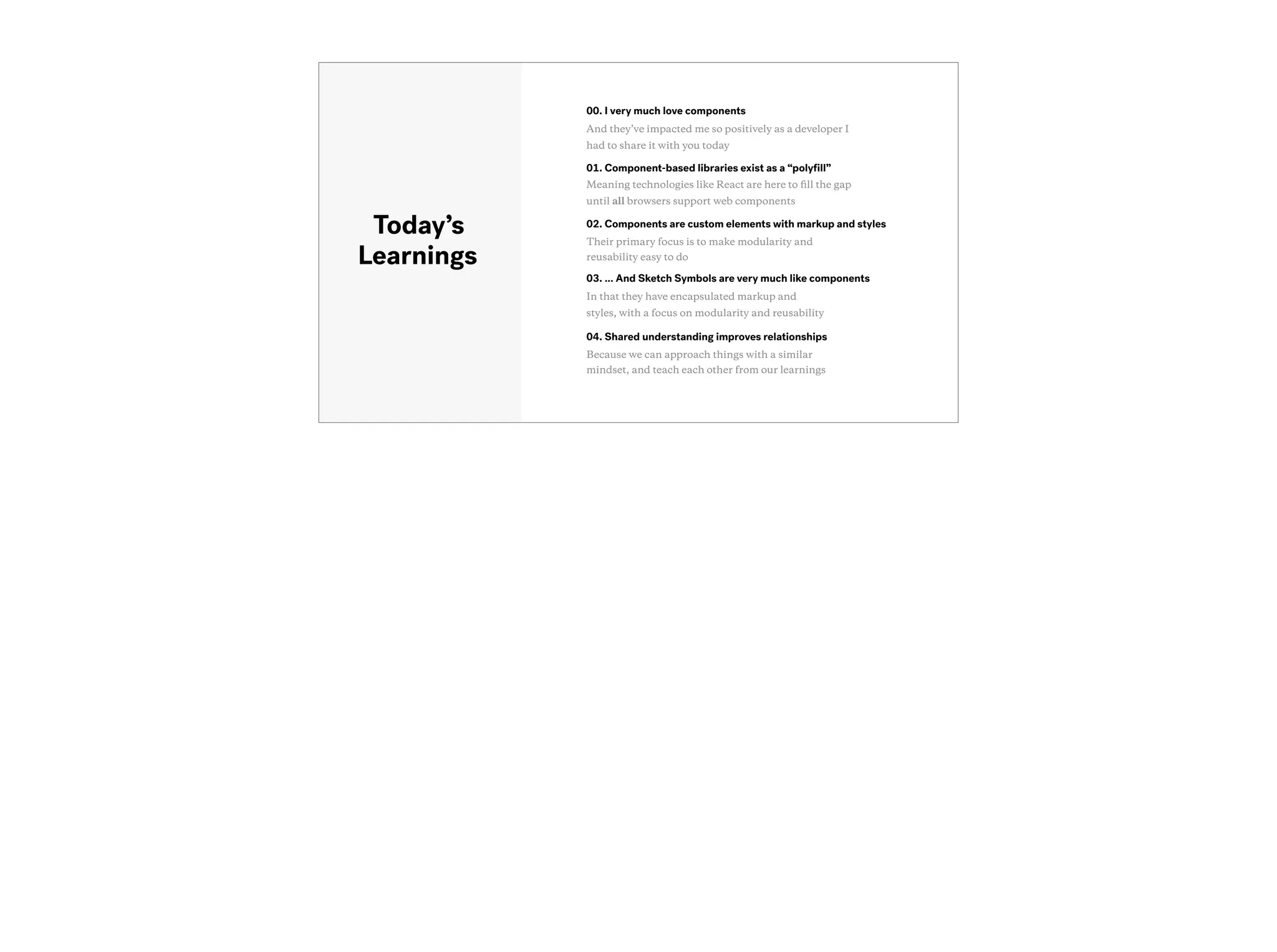
03. … And Sketch Symbols are very much like components
In that they have encapsulated markup and
styles, with a focus on modularity and reusability
Today’s
Learnings
01. Component-based libraries exist as a “polyfill”
Meaning technologies like React are here to fill the gap
until all browsers support web components
04. Shared understanding improves relationships
Because we can approach things with a similar
mindset, and teach each other from our learnings
00. I very much love components
And they’ve impacted me so positively as a developer I
had to share it with you today
02. Components are custom elements with markup and styles
Their primary focus is to make modularity and
reusability easy to do
Thank You
🙏
Thank you!

Go forth and make wonderful things together.
Any questions?
🙋
Browser’s Castle
further tools for collaborating as
developers and designers
2:30pm @ The B-Side
🤝
If you enjoyed this,

and want to hear even more about working together better as developers and designers,

I’ll be discussing how to defend “Browser’s” Castle at 2:30 in The B-Side

with my good pal and Creative Director of TWG, Liam Thurston.

Thinking in Components

  • 1.
    Thinking in Components 🤔📥 🏗 Good morning y’all! Let’s learn about how to think in components! ✨ ✨ ✨
  • 2.
    Creating a sharedunderstanding between designers and developers to do our best work together Thinking in Components 🤔 📥 🏗 The goal of this talk it to create a shared understanding between designers and developers around component-based web frameworks to enable us to do our best work together. Show of hands —
 How many people in the room are designers?
 How many people in the room are developers?
  • 3.
    Inspiration ✨ The inspiration forthis talk came from me wanting to share the amazing experience I had with developing component-based web apps with my design peers.
  • 4.
    Efficiency 🏎 As a developer,component-based frameworks enabled me to build and assemble UI quickly and efficiently, buying me time to delve deeper into functionality, interactions, new user flows — you name it.
  • 5.
    Everyone Wins! 👯 So asa developer, if I was afforded all these wins, could I pass on my learning and thinking to designers, so that they too could benefit from this approach and workflow?
  • 6.
    Ksenija @kseninja 👋 So hey y’all— I’m Ksenija. I’m a web developer I spend most of my time building web apps
  • 7.
    @twg At a softwareagency in Toronto called TWG 
 And coming from an agency, our teams are in constant flux — so it’s important to me I figure out how to work best with each of my peers on my new teams.
  • 8.
    React And, in thelast year, I’ve spent the majority of it building web apps with component-based libraries, specifically React
  • 9.
    ❓ Component-Based So I’ll betalking through my learnings and experience with React as my “component framework” anchor, but know that approach is applicable with any component- based framework or library.
  • 10.
    Web Components™ And knowthat this approach is here to stay — at least for as long as things stay on the web — as web components are now a part of future browser spec.
  • 11.
    03. How canI apply this approach to my design workflow? How can a web framework impact my design workflow for the better? Today’s Agenda 01. What makes a framework or library “component-based”? And why is everyone* suddenly using them? *intended as hyperbole 04. How can this improve handoff? And more importantly — the working relationship between designers and developers? 00. What inspired you to do this talk? Because my life changed for the better once I introduced a component-based approach! 02. Most importantly — what is a component? And why should I care*?! *because knowledge is power
  • 12.
    “ ” What makes alibrary or framework “component- based”? Why are libraries like React all the rage? Okay so the first major question —
  • 13.
    First — let’stalk about the ecosystem these libraries live in. Web Development Ecosystem Static Web vs. Dynamic Web vs. Web Applications So before we dive deep into what makes a library or framework specifically “web-component”-based, let’s first understand the ecosystem of the general kinds of tools we have to at our disposal when building for the web.
  • 14.
    Web Development Ecosystem First— let’s talk about the ecosystem these libraries live in. Static Web vs. Dynamic Web vs. Web Applications When making websites, we can opt to make static websites. A static website is a site that serves / sends the end user a final file of what each page is meant to show. The only communication with the backend is to send a final HTML, CSS and sometimes JS file for each view. Sometimes, we’ll generate static sites — so we may be building in a framework like React, but by the time we put it on our server, we’ll have generated final static files of it, to optimize load times for users.
 
 As another example, my personal website is a static site — I have a couple of HTML files up there, and any time I need to make a change, I have to edit an HMTL or CSS file, and re-upload them to my server.
  • 15.
    Web Development Ecosystem First— let’s talk about the ecosystem these libraries live in. Static Web vs. Dynamic Web vs. Web Applications Dynamic sites, on the other hand, are usually sites paired with a CMS that allows an admin to create and control content. Wordpress sites are great examples of this — these sites have specified templates per view, but through an admin view, we’re able to populate all of the content that’s going to be actually displayed. Generally, in this environment, the admins have access to high functional admin areas, but the end users generally do a lot of reading of content, and interact mainly with forms.
  • 16.
    Web Development Ecosystem First— let’s talk about the ecosystem these libraries live in. Static Web vs. Dynamic Web vs. Web Applications And then we have web applications — web apps offer the end user a highly-interactive experience on the web. As web applications generally have many flows and screens, and are generally continuously growing, the goal is to minimize repeating work, and find ways to modularize and reuse existing elements. This is where web component-based libraries really shine. Often you’ll hear these referred to as “SPAs” — “Single Page Applications”.
  • 17.
    Web Development Ecosystem First— let’s talk about the ecosystem these libraries live in. Use the right tool And the last thing I wanted to touch on is — no one type of output is better than the next. It’s about using the right tool for the solution.
 

  • 18.
    Next — let’stalk about the web app ecosystem. Web Application Ecosystem So many to choose from! So, for the case of web applications — some of the best tools available to use are component-based libraries and frameworks. Component-based frameworks and libraries are frameworks and libraries like React, Preact, Angular 2 and Vue.js.
  • 19.
    Next — let’stalk about the web app ecosystem. Web Application Ecosystem No Browser Left Behind And again, the reason more and more people are picking them is because this has proven to be a useful and successful approach to building web applications — and this approach is part of future browser spec! Until then — frameworks like React really help to fill the gaps in what current, modern browsers are capable of.
  • 20.
    “ ” Okay that’s allvery nice but I still don’t know what a web component is? If you’re thinking …
 Yes — you’re right — comin’ right up!
  • 21.
    https://en.wikipedia.org/wiki/Web_Components A custom elementthat allows for reusability and modularity. Web Component A web component is an element that is completely self contained — all the markup, styles and logic are all bundled into one component.
 
 “Web Components are a set of features currently[1] being added by the W3C to the HTML and DOM specifications that allow for the creation of reusable widgets or components in web documents and web applications.”
  • 22.
    https://facebook.github.io/react/docs/react-component.html A custom elementthat allows for reusability and modularity. React Component Bringing this back to what I know, I have the most amount of experience with React components. From the React docs: “a React component lets you split the UI into independent, reusable pieces, and think about each piece in isolation.”
  • 23.
    “ ” Cool. That’s great.Now, tell me how this going to impact my design work? And so now you might be thinking…
  • 24.
    A custom elementthat allows for reusability and modularity. Sketch Symbol https://www.sketchapp.com/learn/documentation/symbols/ PLOT TWIST! This functionality exists outside the browser! In fact — Sketch Symbols do a fantastic job of instilling the same way of work as React might! 
 From the Sketch docs: “Symbols is a powerful feature in Sketch that allows you to reuse elements easily across Artboards and Pages.”
  • 26.
    Components: In theWild So that should be our mantra — reuse and modularize, reuse and modularize, reuse and modularize. And the easiest way to do identify what we can reuse and good candidates for modularity is to look for patterns of repetition.
 
 So here’s something I built a few months ago (thank you, thank you) — it’s a section where we’re introducing users to a series of curriculum. Right away, we can see a bunch of repetition — right?
  • 27.
    Components: In theWild I have a bunch of these curriculum card elements repeated — so I can create this kinda “curriculum card” element that I can then repeat to my heart’s content.
  • 28.
    Components: In theWild But even in just this section alone, I can identify another element that’s repeated — this button. So when I’m creating my Curriculum Card component, I don’t want to just create a single-use, specific layout element — it would be best if I could assemble a “Button” into my Curriculum Card — so I only have to worry about writing the code once.
  • 29.
    Components: In theWild So if we have repetition in that “View 2017 Curriculum” Section — we can be pretty sure we’ve got loads of repetition elsewhere in this view alone, as well as across the entire app.
  • 30.
    Identify and create allyour smallest components. Development Sprint One We’ll call these “core components” And so to help understand how we start developing and assembling (cause that’s what it really should be) these greater views, it’s important to note that we start with creating all the smallest, repeated elements so that we can start building out our bigger and bigger ones.
  • 31.
    Identify and create allyour smallest components. Development Sprint One Outcome As Seen On VSCode™ Which will result in something like this.
  • 32.
    Create all ofyour smallest, reusable symbols (Potential) Design Sprint One We’ll call these “core symbols” And perhaps something that design can adapt from a component-based development mindset is the order of operations in which we created our design system?
  • 33.
    Create all ofyour smallest, reusable symbols (Potential) Design Sprint One etc. We’ll call these “core symbols” And so what I’m suggesting is — just like developers begin with creating all of our smallest, reusable pieces — I’m suggesting designers may benefit from doing the same. So start by creating your often repeated elements — buttons, cards, headings, avatars — whatever makes sense for the project.
  • 34.
    Components: Assembled withother Components! And just to give you an idea, once we have all those small components (module number, heading, button, card), we can just “compose” a new component — our Curriculum Card component!
  • 35.
    Components: Assembled withother Components! And just to prove it to you, here’s what that might look like in code As you can see — all of the yellow elements — those are my custom defined components. So in this Card component, I’m using a Heading, Contact, Link and Button element. The other divs are there either because elements (like that fraction element) aren’t repeated anywhere, so it wasn’t necessary to modularize it, or for small flow / width control.
  • 36.
    Assemble all symbols* thatwill be repeated (Potential) Design Sprint One *From other symbols! Symbolception! etc. And so, if we began with designing all of our smallest pieces — those buttons, cards, headings, avatars — you now have the building blocks to start assembling larger and larger pieces of “Design UI.”
  • 37.
    Components: Assembled withother Components! And then check this out — this “collection of cards” — that’s just a CardCollection component.
  • 38.
    Components: Assembled withother Components! And just to prove it to you, here’s what that might look like in code!
  • 39.
    Components: Assembled withother Components! And here’s what that looks like in the even greater context of code!
  • 40.
    Components: Establishing Modifiers Nowlet’s talk modifiers. Just in this screenshot, we can already see a hierarchy of sorts / difference in our button styles — something that I know there’s consideration around in design — but as a dev, without a clear understanding of intent, I might misinterpret these buttons — are the outlined ones secondary? Are they inactive? What’s the jazz here!
  • 41.
    s (Potential) Design SprintOne etc. Establish all potential variants of a symbol Primary / Secondary / Tertiary / Quaternary So the next activity I may undertake as a developer is making variants of all my elements. This may be an incredible helpful exercise early on in design — this enriches the symbol library you have to choose from!
  • 42.
    Establish all potential variants ofa symbol (Potential) Design Workflow And stick to them! And perhaps something that design can adapt from a component-based development mindset is the order of operations in which we created our design system.
  • 43.
    Components: Establishing Modifiers Andhere’s what that looks like in the even greater context of code!
  • 44.
    Exhaust all possibleexisting variants of a symbol before making the case for a custom instance. Stick to Your Symbols: - A proverb I came up with in like July when I presented a version of this at work You can imagine, if we have this existing library of core components / symbols, we can make new views, new components and whole new user flows much faster if we just stick to existing variants of established symbols / components.
  • 45.
    One — Identify patternsof repetition and establish a symbol Workflow Mantras
  • 46.
    Two — Composeand assemble symbols from smaller symbols Workflow Mantras
  • 47.
    Three — Avoidcustom component modifiers for single-context uses Workflow Mantras
  • 48.
    “ ” How can thisimprove the design handoff? And our working relationship?
  • 49.
    Shared awareness around yourcustom components Better Design Handoff You both know what elements exist, and in what contexts You’ve now both done the exercise of nominating components / symbols. You’re pretty aware of what exists now. So, design handoff becomes a lot easier given that we’re aligned on what kinds of elements make sense to include in that first handoff — all those smallest, most repeated pieces done ASAP lead to quicker UI assembly time for devs.
  • 50.
    Shared vocabulary around yourcustom components Better Design Handoff You both can speak to your component taxonomy ⚡ You may have also created a shared language around them. This is something that the whole team can benefit from — if we can all use the same nomenclature around our UI, we can smoothly be on the same page in discussions. This even benefits the team from a client or outside perspective — we can quickly onboard and present our work consistently.
  • 51.
    Shared understanding around yourcustom components Better Design Handoff You both “signed” a verbal contract And you can both share that mindset of reuse and modularity.
 
 This benefits the team well beyond the design handoff — you both can have an understanding of what it means to create a new component — can we reuse an existing one? Can we find a way for 3 different contexts the share the exact same one with minimal tweaks?
  • 52.
    Shared activity around nominatingand naming components Better Relationships Knowledge transfer forever and ever And perhaps — this can be an activity shared between design and development? As a developer, I have to do this — I have to thinking in reusable, modular components when I’m building a web app. And it’s always my pleasure to work with a designer, walk them through how to think in components, and share my approach and context with them. It’s made for better, collaborative working relationship built on mutual understanding, respect, and collaboration.
  • 53.
    03. … AndSketch Symbols are very much like components In that they have encapsulated markup and styles, with a focus on modularity and reusability Today’s Learnings 01. Component-based libraries exist as a “polyfill” Meaning technologies like React are here to fill the gap until all browsers support web components 04. Shared understanding improves relationships Because we can approach things with a similar mindset, and teach each other from our learnings 00. I very much love components And they’ve impacted me so positively as a developer I had to share it with you today 02. Components are custom elements with markup and styles Their primary focus is to make modularity and reusability easy to do
  • 54.
    Thank You 🙏 Thank you! Goforth and make wonderful things together.
  • 55.
  • 56.
    Browser’s Castle further toolsfor collaborating as developers and designers 2:30pm @ The B-Side 🤝 If you enjoyed this,
 and want to hear even more about working together better as developers and designers,
 I’ll be discussing how to defend “Browser’s” Castle at 2:30 in The B-Side
 with my good pal and Creative Director of TWG, Liam Thurston.