ULTIMATE BEGINNERS’ GUIDE
TO CPANEL CONTROL PANEL
INTRODUCTION
You've completed the grunt work of designing your internet business by obtaining
your domain name.


You've even decided on the finest hosting solution for your website.
But what now?


How can you manage the new cPanel learning curve when you have no concept what
it means?
Don't be concerned!


In our comprehensive beginners' guide to utilising a cPanel control panel and getting
the most out of your hosting package, we've got you covered.
cPanel is a web hosting interface and control panel
that runs on Linux.


Installation of cPanel is included with hosting options
that employ Linux as the operating system of choice.
Because cPanel is such a powerful control panel, it
offers many advantages, but it also has disadvantages.


Regardless of the drawbacks, cPanel works flawlessly to
assist you in running and managing your hosting and
website.
What is cPanel?
An easy learning curve
User-friendly
Keeps hosting inexpensive
Efficient
Tried and tested
Includes software auto-installers like
Softaculous
Plenty of tutorials/support available online
Pros of cPanel:
So many features can become overwhelming
It’s easy to accidentally change important
settings
Some hosts run outdated software leaving a
security vulnerability
Cons of cPanel:
Although different cPanel installations have different capabilities, it's still
simple to look around and understand the various parts.
When you initially log into your cPanel hosting, the first area normally
displays metrics that track your website's resource utilisation; they
include, but are not limited to, CPU usage, storage space, and memory
usage.
Consider the following monitoring measures to keep an eye on how your
website is working. They do not, however, eliminate the necessity for
monitoring tools.
After you've had a good look around and been acquainted with your
website's general performance indicators, let's dive into the various
modules of cPanel. We've included cPanel screenshots to assist you
navigate each component below.
How to Make Use of cPanel
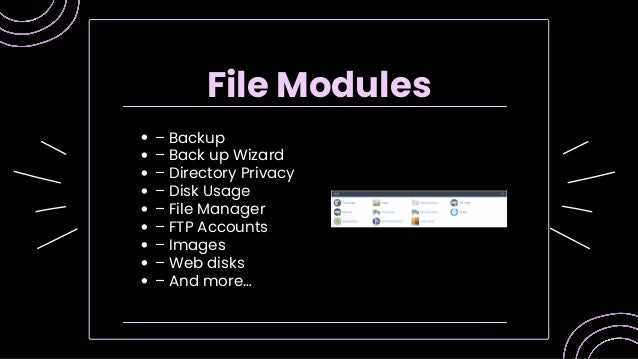
– Backup
– Back up Wizard
– Directory Privacy
– Disk Usage
– File Manager
– FTP Accounts
– Images
– Web disks
– And more…
File Modules
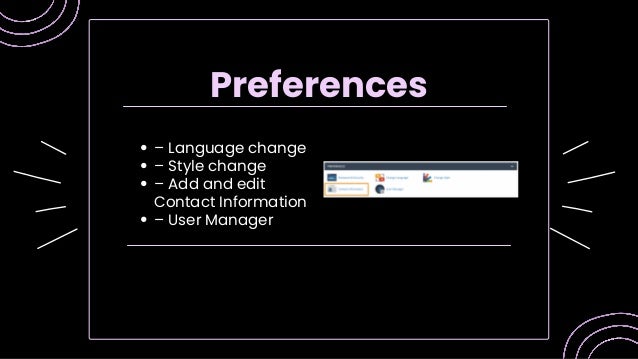
– Language change
– Style change
– Add and edit
Contact Information
– User Manager
Preferences
– MySQL Database Wizard
– MySQL Databases
– phpMyAdmin
– Remote MySQL
Databases
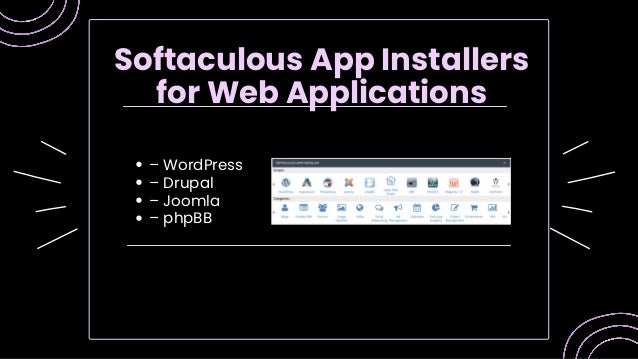
– WordPress
– Drupal
– Joomla
– phpBB
Softaculous App Installers
for Web Applications
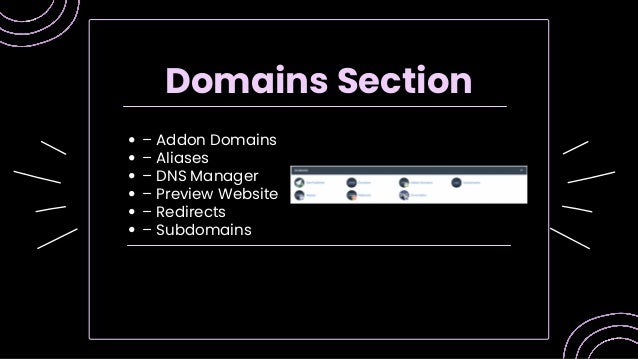
– Addon Domains
– Aliases
– DNS Manager
– Preview Website
– Redirects
– Subdomains
Domains Section
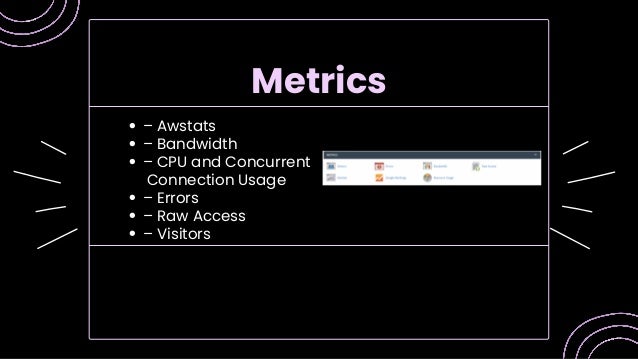
– Awstats
– Bandwidth
– CPU and Concurrent
Connection Usage
– Errors
– Raw Access
– Visitors
Metrics
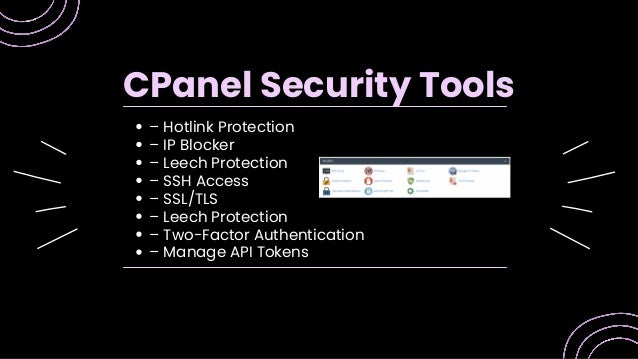
– Hotlink Protection
– IP Blocker
– Leech Protection
– SSH Access
– SSL/TLS
– Leech Protection
– Two-Factor Authentication
– Manage API Tokens
CPanel Security Tools
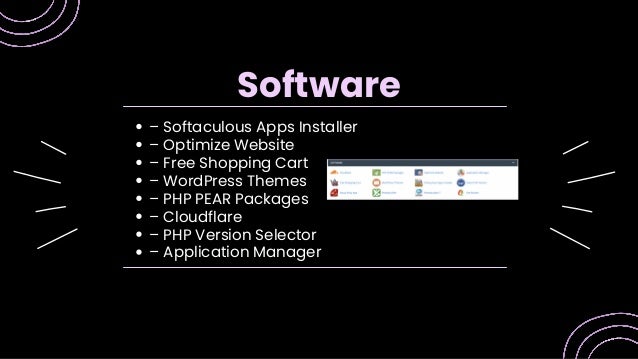
– Softaculous Apps Installer
– Optimize Website
– Free Shopping Cart
– WordPress Themes
– PHP PEAR Packages
– Cloudflare
– PHP Version Selector
– Application Manager
Software
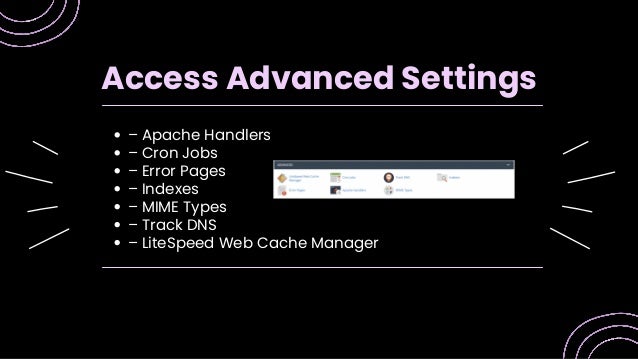
– Apache Handlers
– Cron Jobs
– Error Pages
– Indexes
– MIME Types
– Track DNS
– LiteSpeed Web Cache Manager
Access Advanced Settings
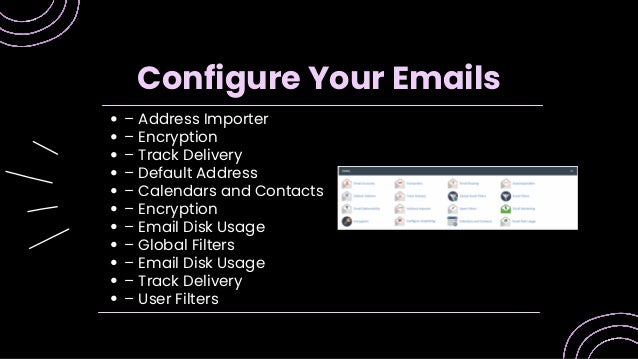
– Address Importer
– Encryption
– Track Delivery
– Default Address
– Calendars and Contacts
– Encryption
– Email Disk Usage
– Global Filters
– Email Disk Usage
– Track Delivery
– User Filters
Configure Your Emails
Contact us
MAILING ADDRESS
Plot NO F-353, Phase - 8B, IND Area, Near Quark City
EMAIL ADDRESS
Info@hostingseekers.com
PHONE NUMBER
9988871456

The Ultimate Beginners’ Guide To CPanel Control Panel.pdf

  • 1.
    ULTIMATE BEGINNERS’ GUIDE TOCPANEL CONTROL PANEL
  • 2.
    INTRODUCTION You've completed thegrunt work of designing your internet business by obtaining your domain name. You've even decided on the finest hosting solution for your website. But what now? How can you manage the new cPanel learning curve when you have no concept what it means? Don't be concerned! In our comprehensive beginners' guide to utilising a cPanel control panel and getting the most out of your hosting package, we've got you covered.
  • 3.
    cPanel is aweb hosting interface and control panel that runs on Linux. Installation of cPanel is included with hosting options that employ Linux as the operating system of choice. Because cPanel is such a powerful control panel, it offers many advantages, but it also has disadvantages. Regardless of the drawbacks, cPanel works flawlessly to assist you in running and managing your hosting and website. What is cPanel?
  • 4.
    An easy learningcurve User-friendly Keeps hosting inexpensive Efficient Tried and tested Includes software auto-installers like Softaculous Plenty of tutorials/support available online Pros of cPanel:
  • 5.
    So many featurescan become overwhelming It’s easy to accidentally change important settings Some hosts run outdated software leaving a security vulnerability Cons of cPanel:
  • 6.
    Although different cPanelinstallations have different capabilities, it's still simple to look around and understand the various parts. When you initially log into your cPanel hosting, the first area normally displays metrics that track your website's resource utilisation; they include, but are not limited to, CPU usage, storage space, and memory usage. Consider the following monitoring measures to keep an eye on how your website is working. They do not, however, eliminate the necessity for monitoring tools. After you've had a good look around and been acquainted with your website's general performance indicators, let's dive into the various modules of cPanel. We've included cPanel screenshots to assist you navigate each component below. How to Make Use of cPanel
  • 7.
    – Backup – Backup Wizard – Directory Privacy – Disk Usage – File Manager – FTP Accounts – Images – Web disks – And more… File Modules
  • 8.
    – Language change –Style change – Add and edit Contact Information – User Manager Preferences
  • 9.
    – MySQL DatabaseWizard – MySQL Databases – phpMyAdmin – Remote MySQL Databases
  • 10.
    – WordPress – Drupal –Joomla – phpBB Softaculous App Installers for Web Applications
  • 11.
    – Addon Domains –Aliases – DNS Manager – Preview Website – Redirects – Subdomains Domains Section
  • 12.
    – Awstats – Bandwidth –CPU and Concurrent Connection Usage – Errors – Raw Access – Visitors Metrics
  • 13.
    – Hotlink Protection –IP Blocker – Leech Protection – SSH Access – SSL/TLS – Leech Protection – Two-Factor Authentication – Manage API Tokens CPanel Security Tools
  • 14.
    – Softaculous AppsInstaller – Optimize Website – Free Shopping Cart – WordPress Themes – PHP PEAR Packages – Cloudflare – PHP Version Selector – Application Manager Software
  • 15.
    – Apache Handlers –Cron Jobs – Error Pages – Indexes – MIME Types – Track DNS – LiteSpeed Web Cache Manager Access Advanced Settings
  • 16.
    – Address Importer –Encryption – Track Delivery – Default Address – Calendars and Contacts – Encryption – Email Disk Usage – Global Filters – Email Disk Usage – Track Delivery – User Filters Configure Your Emails
  • 17.
    Contact us MAILING ADDRESS PlotNO F-353, Phase - 8B, IND Area, Near Quark City EMAIL ADDRESS Info@hostingseekers.com PHONE NUMBER 9988871456