The document discusses for loops in Python. It explains that for loops are used to iterate over sequences like lists, tuples, and strings.
1.
Repeating code
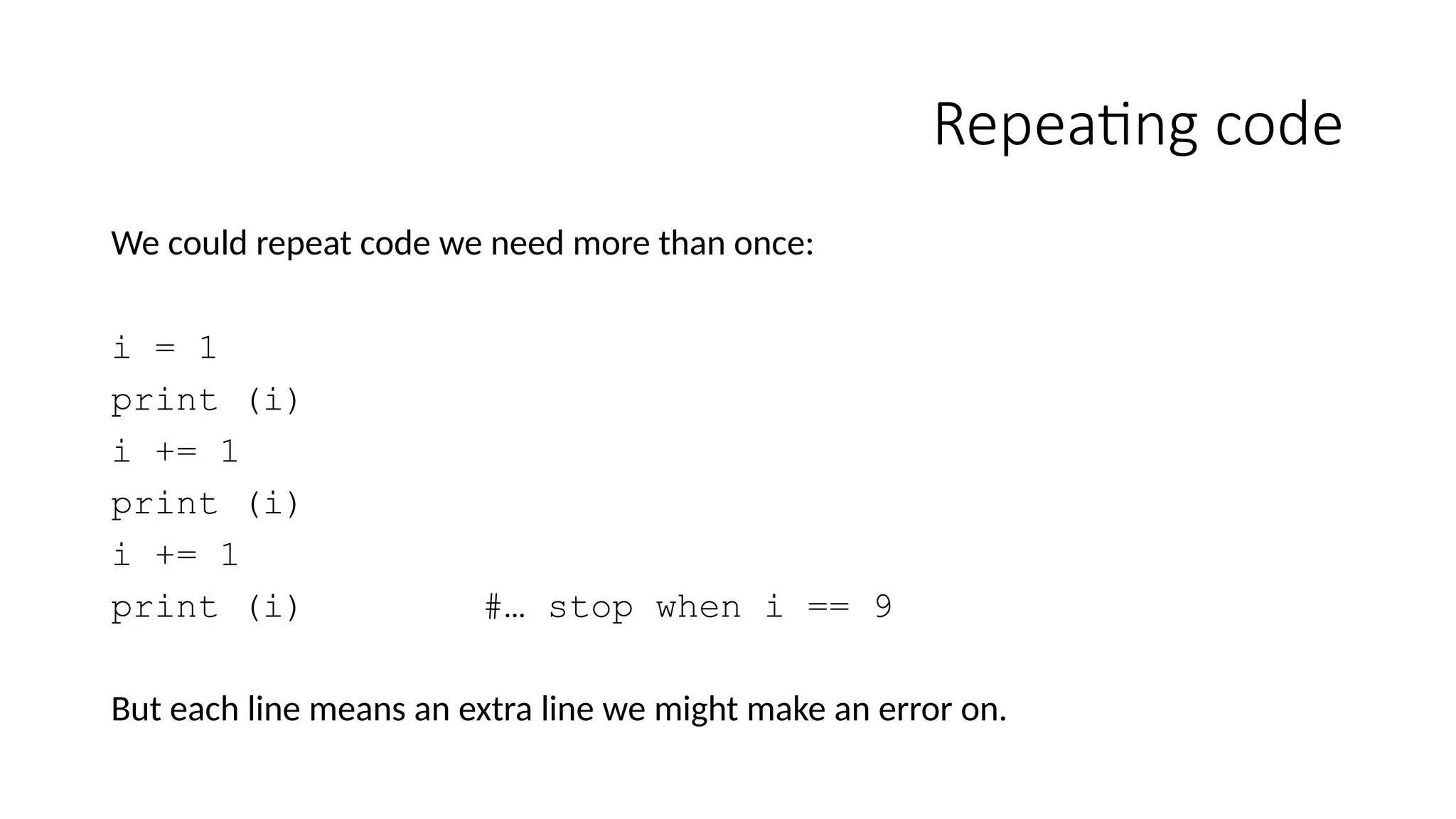
We couldrepeat code we need more than once:
i = 1
print (i)
i += 1
print (i)
i += 1
print (i) #… stop when i == 9
But each line means an extra line we might make an error on.
2.
while loops
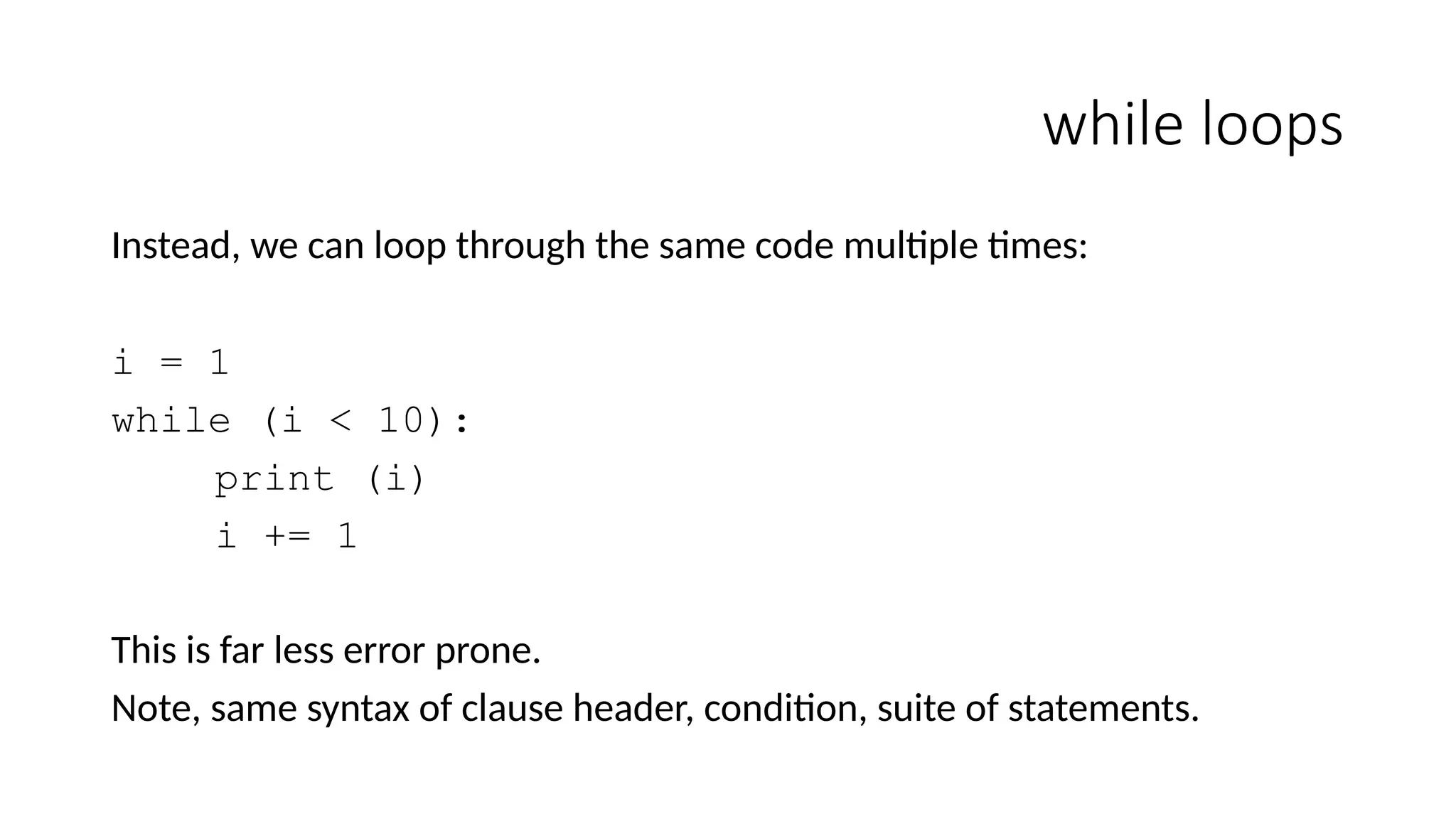
Instead, wecan loop through the same code multiple times:
i = 1
while (i < 10):
print (i)
i += 1
This is far less error prone.
Note, same syntax of clause header, condition, suite of statements.
3.
Infinite loops
Watch youdon't do this:
i = 1
while (i < 10):
print(i)
i += 1
Note that sometimes you want an infinite loop:
while (True):
# Check for user interaction.
To break out of an infinite loop, use CTRL-C or equivalent.
4.
Break
A bit likethe evil goto, but cleaner.
Break ends looping entirely:
# Fine largest number in 1 million divisible by 17
i = 1000000
while (i != 0):
if (i % 17 == 0):
break
i -= 1
print (i)
Firstly we don't want to keep counting down, and secondly we don't want to do "a -= 1" before
printing.
5.
Continue
A bit likethe evil goto, but cleaner.
Continue ends current loop and starts next:
# Sum all even numbers in 1 million
i = 1000001
sum = 0
while (i != 0):
i -= 1
if (i % 2 == 1):
continue
sum += i
print (sum)
This often goes some way to making the code easier to read when the alternative is complicated nested if statements.
6.
while-else
It isn't commonlyused, but you can put an "else" statement after while. This
happens when the loop ends (which may be the first time), but not when the loop is
broken out of.
Essentially, it mashes up a loop and an if statement.
while (current_count < estimate_file_count):
if file_not_found(current_count + ".txt"):
print ("less files than expected")
break
current_count += 1
else:
print (estimate_file_count + "files read")
7.
Counting loops
What ifwe want to count? We could do this:
i = 0
while (i < 10):
print(i)
i += 1
However, there are lots of mistakes we could make here.
ii = 0
while (i <= 10):
print(a)
j += 1
8.
for loops
Because ofthis, lots of languages have a 'for loop' construction, which
places all these elements in one area, where they are clearly related and
can't be lost.
for (int i = 0; i < 10; i++) { // Java
example
9.
for-loop
Python takes adifferent approach. Python works with sequences, that
is, you give it an object containing the numbers, and it works through
them one at a time.
for loop_control_target_variable in sequence:
# do this
for i in (1,2,3,4,5,6,7,8,9):
print(i)
10.
for loop
This mayseem strangely verbose, but it is very powerful. It means you can do this:
for name in ("Dale", "Albert", "Gordon", "Tamara")
print(name)
Moreover, the syntax will take a sequence object:
names = ("Dale", "Albert", "Gordon", "Tamara")
for name in names:
print(name)
You can imagine, for example, reading the names in from a file.
11.
iterators
In fact, whatis happening is that for loops work with a type of construct called an iterator.
Pretty much all sequences are iterable (that is, there's a "next" object) and have a function to
get an iterator object representing themselves.
The iterator has a function that gives the for loop the next object in the sequence when asked.
This doesn't especially matter here, but the terminology is used a lot in the documentation and
examples.
You can generate an iterator from a sequence yourself with:
a = iter(sequence)
12.
Range and slices
Asboth ranges and slices can be treated as sequences, we can do this:
for i in range(10): # i = 0,1,2,3,4,5,6,7,8,9
for i in range(5,10): # i = 5,6,7,8,9
for i in range(5,10,2): # i = 5,7,9
names = ("Dale","Albert","Gordon","Tamara","Philip","Chester","Windom")
for name in names[1:5:2]: # name = "Albert", "Tamara"
13.
Indices
To combine havinga number and an object it indexes, we can do this:
names = ("Dale","Albert","Gordon","Tamara","Philip","Chester","Windom")
for i in range(len(names)):
print(i, names[i])
However, you cannot change i during this to skip objects:
for i in range(len(names)):
print(i, names[i])
i += 1
Assignment creates a new temporary variable, and the target variable resets to its next
value at the top of the loop - it is coming from the iterator. This creates some issues…
14.
Efficiency
Slices copy containers,while ranges are iterators that actually generate the values
one at a time.
It is better, therefore, with long sequences to do:
names = ("Dale","Albert","Gordon","Tamara","Philip","Chester","Windom")
for i in range(2,len(names),2):
print(names[i])
Than
for name in names[2::2]:
print(name)
15.
Modifying loop sequences
Theone disadvantage of not having an index counter is that it makes it hard to
remove items from a list.
Usually, if you add or remove something, you'd increase or decrease the loop
counter to accommodate the change.
As you can't adjust the loop control target variable, you can't do this.
16.
Example
names = ["Dale","Albert","Gordon","Tamara","Philip",
"Chester","Windom"]# Mutable list
for name in names:
names.remove(name)
print(names)
May think this removes all names, but infact, this happens:
i) internal index 0, Dale removed; Albert goes to position 0, Gordon to position 1, etc.
ii) internal index goes to 1, now references Gordon, Gordon removed not Albert,
Tamara moves to position 1…
Output is: Albert, Tamara, Chester, not nothing
17.
Solution
For Python, itis recommended you loop through a copy of the list; you can copy a list
with a complete slice.
names = ["Dale","Albert","Gordon","Tamara","Philip",
"Chester","Windom"] # Mutable list
for name in names[:]: # Note full slice
names.remove(name)
print(names)
This way you traverse every object in the copy, without missing any, because you're
removing from a different list.
18.
Break
If a forloop is terminated by break, the loop control target keeps its
current value.
Again, you can add an extra else clause not visited when break acts.
for target in sequence:
else:
Editor's Notes
#11 The use of the term iterator can be a little informal in the documentation. For example, it the documentation for loops are described both as iterators and as using them.
"We say such an object is iterable, that is, suitable as a target for functions and constructs that expect something from which they can obtain successive items until the supply is exhausted. We have seen that the for statement is such an iterator."
"The use of iterators pervades and unifies Python. Behind the scenes, the for statement calls iter() on the container object. The function returns an iterator object that defines the method __next__() which accesses elements in the container one at a time. When there are no more elements, __next__() raises a StopIteration exception which tells the for loop to terminate. You can call the __next__() method using the next() built-in function"


![Range and slices
As both ranges and slices can be treated as sequences, we can do this:
for i in range(10): # i = 0,1,2,3,4,5,6,7,8,9
for i in range(5,10): # i = 5,6,7,8,9
for i in range(5,10,2): # i = 5,7,9
names = ("Dale","Albert","Gordon","Tamara","Philip","Chester","Windom")
for name in names[1:5:2]: # name = "Albert", "Tamara"](https://image.slidesharecdn.com/loops-250417182710-b1f3f4f8/75/The-document-discusses-for-loops-in-Python-It-explains-that-for-loops-are-used-to-iterate-over-sequences-like-lists-tuples-and-strings-12-2048.jpg)
![Indices
To combine having a number and an object it indexes, we can do this:
names = ("Dale","Albert","Gordon","Tamara","Philip","Chester","Windom")
for i in range(len(names)):
print(i, names[i])
However, you cannot change i during this to skip objects:
for i in range(len(names)):
print(i, names[i])
i += 1
Assignment creates a new temporary variable, and the target variable resets to its next
value at the top of the loop - it is coming from the iterator. This creates some issues…](https://image.slidesharecdn.com/loops-250417182710-b1f3f4f8/75/The-document-discusses-for-loops-in-Python-It-explains-that-for-loops-are-used-to-iterate-over-sequences-like-lists-tuples-and-strings-13-2048.jpg)
![Efficiency
Slices copy containers, while ranges are iterators that actually generate the values
one at a time.
It is better, therefore, with long sequences to do:
names = ("Dale","Albert","Gordon","Tamara","Philip","Chester","Windom")
for i in range(2,len(names),2):
print(names[i])
Than
for name in names[2::2]:
print(name)](https://image.slidesharecdn.com/loops-250417182710-b1f3f4f8/75/The-document-discusses-for-loops-in-Python-It-explains-that-for-loops-are-used-to-iterate-over-sequences-like-lists-tuples-and-strings-14-2048.jpg)

![Example
names = ["Dale","Albert","Gordon","Tamara","Philip",
"Chester","Windom"] # Mutable list
for name in names:
names.remove(name)
print(names)
May think this removes all names, but infact, this happens:
i) internal index 0, Dale removed; Albert goes to position 0, Gordon to position 1, etc.
ii) internal index goes to 1, now references Gordon, Gordon removed not Albert,
Tamara moves to position 1…
Output is: Albert, Tamara, Chester, not nothing](https://image.slidesharecdn.com/loops-250417182710-b1f3f4f8/75/The-document-discusses-for-loops-in-Python-It-explains-that-for-loops-are-used-to-iterate-over-sequences-like-lists-tuples-and-strings-16-2048.jpg)
![Solution
For Python, it is recommended you loop through a copy of the list; you can copy a list
with a complete slice.
names = ["Dale","Albert","Gordon","Tamara","Philip",
"Chester","Windom"] # Mutable list
for name in names[:]: # Note full slice
names.remove(name)
print(names)
This way you traverse every object in the copy, without missing any, because you're
removing from a different list.](https://image.slidesharecdn.com/loops-250417182710-b1f3f4f8/75/The-document-discusses-for-loops-in-Python-It-explains-that-for-loops-are-used-to-iterate-over-sequences-like-lists-tuples-and-strings-17-2048.jpg)


