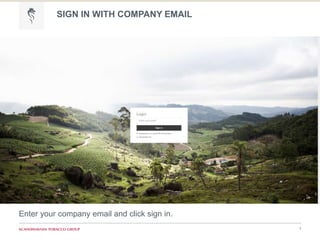
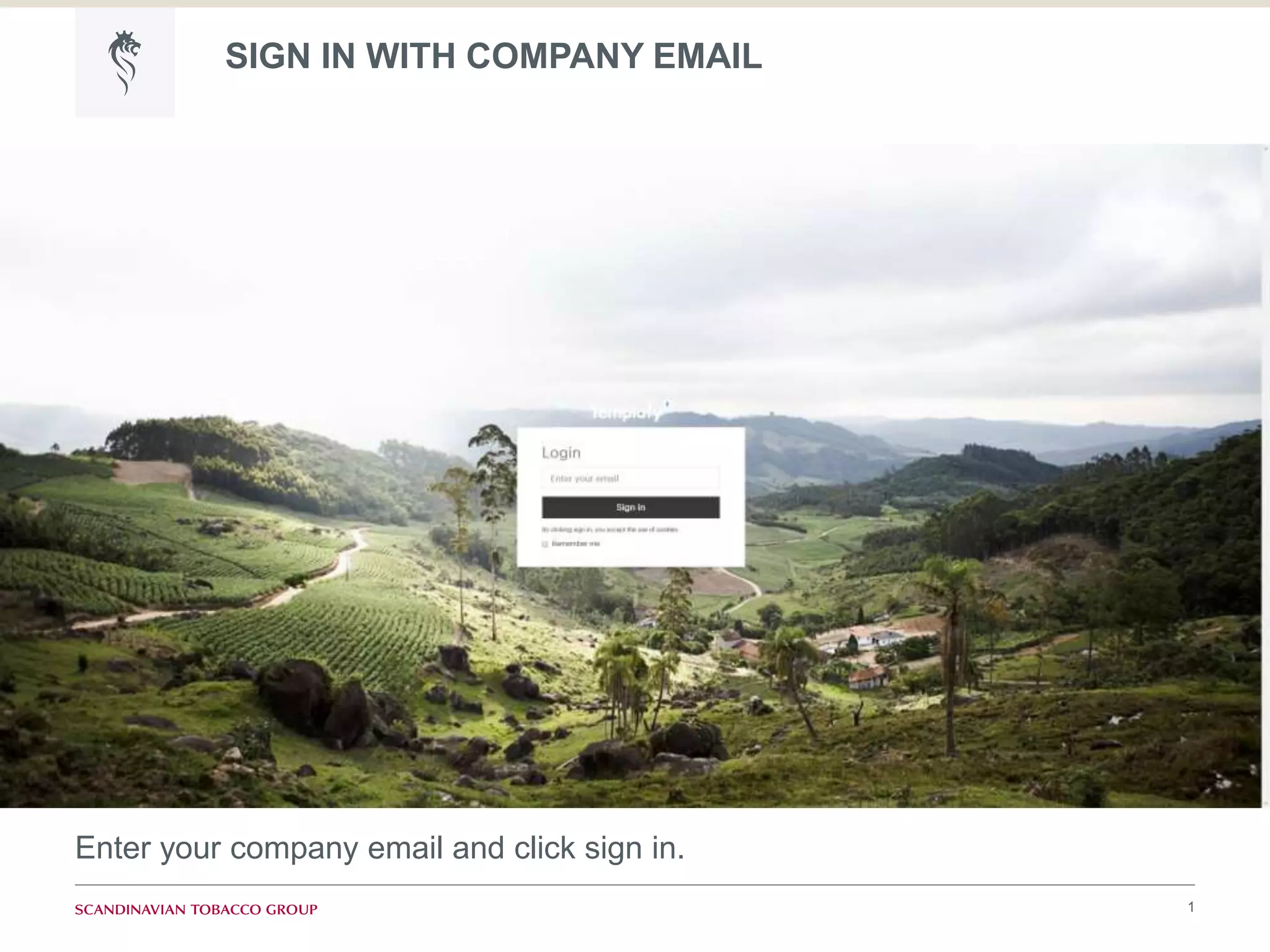
SIGN IN WITH COMPANY EMAIL
1
Enter your company email and click sign in.
ACTIVATION EMAIL
2
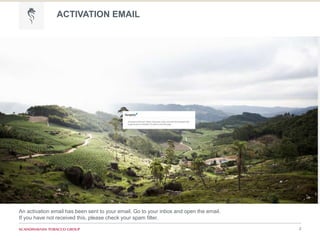
An activation email has been sent to your email. Go to your inbox and open the email.
If you have not received this, please check your spam filter.
VERIFY EMAIL
3
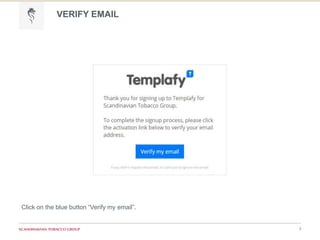
Click on the blue button “Verify my email”.
USERNAME AND PASSWORD
4
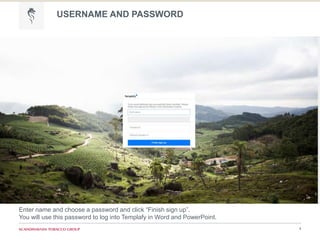
Enter name and choose a password and click “Finish sign up”.
You will use this password to log into Templafy in Word and PowerPoint.
CREATE PROFILE
5
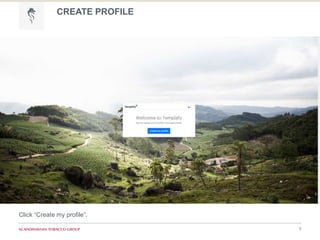
Click “Create my profile”.
CREATE PROFILE
6
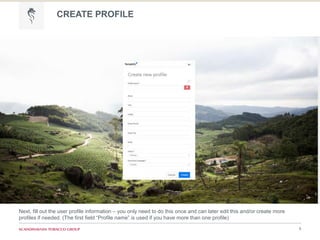
Next, fill out the user profile information – you only need to do this once and can later edit this and/or create more
profiles if needed. (The first field “Profile name” is used if you have more than one profile)

Templafy Sign In