

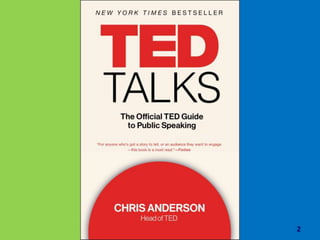










TED TALKS : The Official TED
Guide to Public Speaking
2
These slides are just samples.
You can download full version of
these PPT files at :
www.HR-management-slides.com
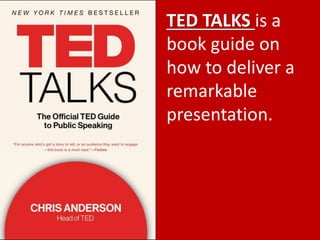
TED TALKS is a
book guide on
how to deliver a
remarkable
presentation.
5
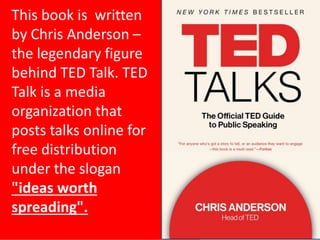
This book is written
by Chris Anderson –
the legendary figure
behind TED Talk. TED
Talk is a media
organization that
posts talks online for
free distribution
under the slogan
"ideas worth
spreading".
6
The book outlined various tips to
deliver the stunning session of
presentation, consisting of the 3
element main, which are: interesting
content, cool design presentation,
and memorable presentation
delivery method.
Great Content + Great Design + Great
Delivery = AMAZING PRESENTATION
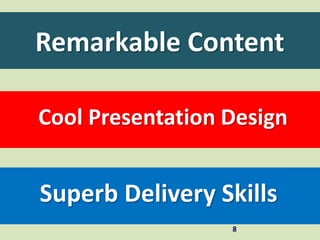
Remarkable Content
8
Cool Presentation Design
Superb Delivery Skills
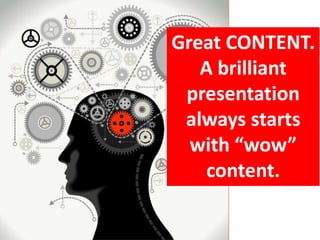
Great CONTENT.
A brilliant
presentation
always starts
with “wow”
content.
10
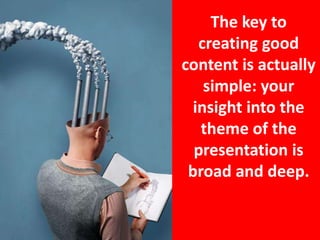
The key to
creating good
content is actually
simple: your
insight into the
theme of the
presentation is
broad and deep.
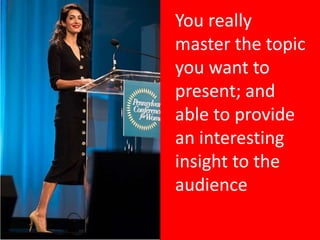
You really
master the topic
you want to
present; and
able to provide
an interesting
insight to the
audience
Presentation content style options:
• Problems and Solutions : the
presentation begins with an
explanation of the problem; then
describe the solution
• Explanation : a presentation
explains a topic in a coherent and
systematic way, covering the key
points of the topic presented
Presentation content style options:
• Story telling: the presentation is
delivered through an evocative story
(story); and then convey the lesson
(moral story) of the story.
• Fact-finding : the presentation is
delivered by explaining facts, research
findings and insightful data about a
topic being discussed
Presentation content style options:
• Persuasive Style: a presentation
outlining the reasons why an
idea/product is better; and its
advantages and benefits.
• Tips and Tricks : the presentation
conveys a number of applicable tips
and tricks, along with examples of their
application
Choose the style of presentation
content that best suits the
purpose of your presentation
15
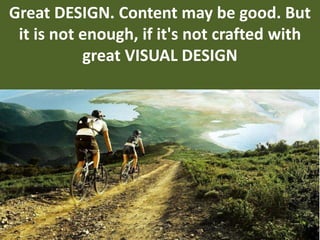
Great DESIGN. Content may be good. But
it is not enough, if it's not crafted with
great VISUAL DESIGN
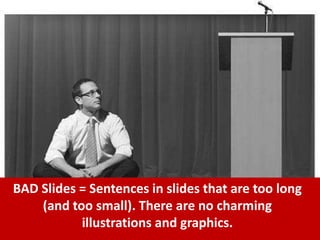
BAD Slides = Sentences in slides that are too long
(and too small). There are no charming
illustrations and graphics.
18
Slides should be designed with good visual
sensitivity. Every sentence and image in the
slides must be designed artistically.
If needed, display attractive images
prominently
19
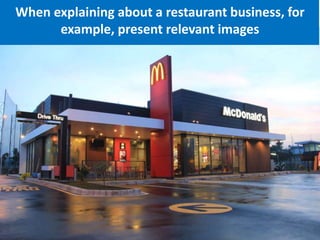
When explaining about a restaurant business, for
example, present relevant images
When conveying the advantages of a
product, display an attractive image
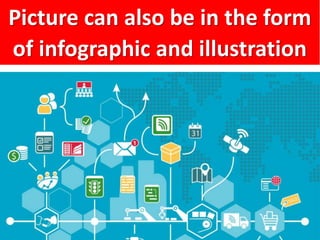
Picture can also be in the form
of infographic and illustration
The key : don't
make slides that
are boring.
Always include
eye-catching
images to explain
the content of
your presentation.
24
Great DELIVERY.
Presentation is great because of
remarkable delivery method.
Great Delivery Formula:
• The intonation of the voice must
reflects confidence and clarity.
• Displays intonation variations to
emphasize important points. So it's
not flat during all sessins of your
presentation.
Great Delivery Formula:
• Optimal speaking speed when
delivering presentation material –
not too fast, and not too slow
• Eyes that are proportional to the
audience (eyes don't stare at just
one point monotonously).
Great Delivery Formula:
• Interactive body moves (but
also not too many motions, that
can reduce the viewers focus)
28
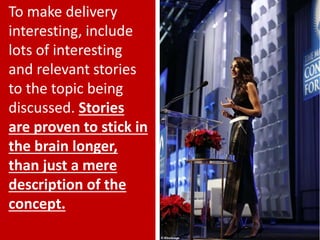
To make delivery
interesting, include
lots of interesting
and relevant stories
to the topic being
discussed. Stories
are proven to stick in
the brain longer,
than just a mere
description of the
concept.
Ddon't forget to include
storytelling in each of your
presentations.
Great Content + Great Design +
Great Delivery =
AMAZING PRESENTATION.
3 Fatal Mistakes in Making
Presentation Slides
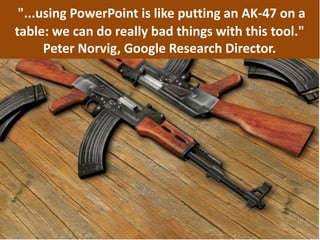
"...using PowerPoint is like putting an AK-47 on a
table: we can do really bad things with this tool."
Peter Norvig, Google Research Director.
Ugly Presentation
MAKE Viewers Sleepy
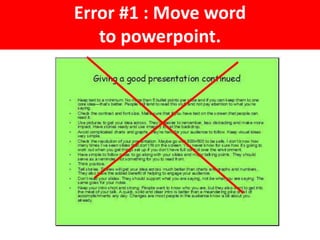
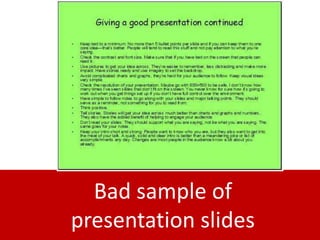
Error #1 : Move word
to powerpoint.
Bad sample of
presentation slides
The solution:
just write
key points of
your presentation.
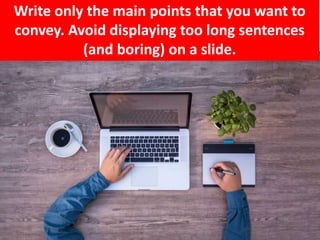
Write only the main points that you want to
convey. Avoid displaying too long sentences
(and boring) on a slide.
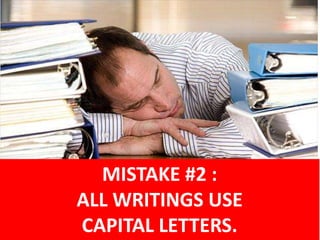
MISTAKE #2 :
ALL WRITINGS USE
CAPITAL LETTERS.
Because long sentences that all use
CAPITAL LETTERS prove to be difficult
to read.
In digital mediums such as
computer screens, typefaces
such as Arial and Calibri are
easier to read than
Times New Roman.
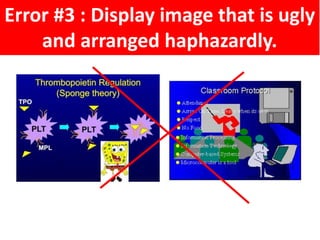
Error #3 : Display image that is ugly
and arranged haphazardly.
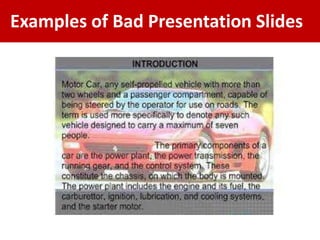
Examples of Bad Presentation Slides
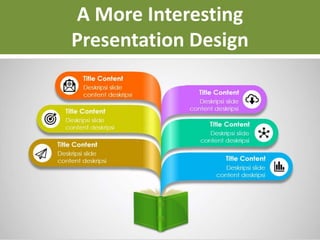
A More Interesting
Presentation Design
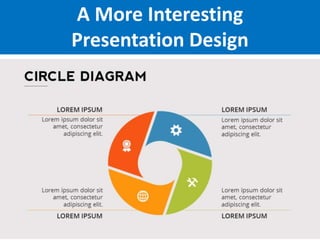
A More Interesting
Presentation Design
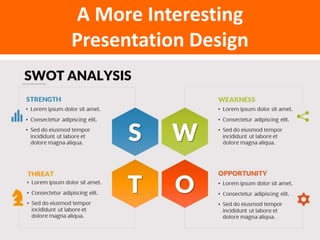
A More Interesting
Presentation Design
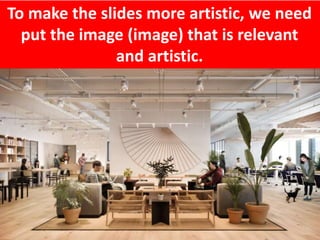
To make the slides more artistic, we need
put the image (image) that is relevant
and artistic.
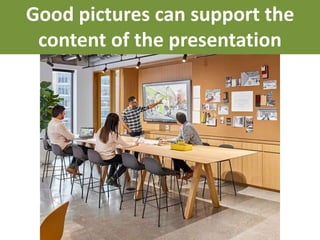
Good pictures can support the
content of the presentation
As a recap, the three fatal mistakes
that we should avoid when we want to
make presentation slides :
1. Move word text to slides
2. ALL TEXT USE CAPITAL LETTERS
3. Don't have a good image design
49
FINISH

Ted talks ppt

  • 1.
    TED TALKS :The Official TED Guide to Public Speaking
  • 2.
  • 3.
    These slides arejust samples. You can download full version of these PPT files at : www.HR-management-slides.com
  • 4.
    TED TALKS isa book guide on how to deliver a remarkable presentation.
  • 5.
    5 This book iswritten by Chris Anderson – the legendary figure behind TED Talk. TED Talk is a media organization that posts talks online for free distribution under the slogan "ideas worth spreading".
  • 6.
    6 The book outlinedvarious tips to deliver the stunning session of presentation, consisting of the 3 element main, which are: interesting content, cool design presentation, and memorable presentation delivery method.
  • 7.
    Great Content +Great Design + Great Delivery = AMAZING PRESENTATION
  • 8.
    Remarkable Content 8 Cool PresentationDesign Superb Delivery Skills
  • 9.
    Great CONTENT. A brilliant presentation alwaysstarts with “wow” content.
  • 10.
    10 The key to creatinggood content is actually simple: your insight into the theme of the presentation is broad and deep.
  • 11.
    You really master thetopic you want to present; and able to provide an interesting insight to the audience
  • 12.
    Presentation content styleoptions: • Problems and Solutions : the presentation begins with an explanation of the problem; then describe the solution • Explanation : a presentation explains a topic in a coherent and systematic way, covering the key points of the topic presented
  • 13.
    Presentation content styleoptions: • Story telling: the presentation is delivered through an evocative story (story); and then convey the lesson (moral story) of the story. • Fact-finding : the presentation is delivered by explaining facts, research findings and insightful data about a topic being discussed
  • 14.
    Presentation content styleoptions: • Persuasive Style: a presentation outlining the reasons why an idea/product is better; and its advantages and benefits. • Tips and Tricks : the presentation conveys a number of applicable tips and tricks, along with examples of their application
  • 15.
    Choose the styleof presentation content that best suits the purpose of your presentation 15
  • 16.
    Great DESIGN. Contentmay be good. But it is not enough, if it's not crafted with great VISUAL DESIGN
  • 17.
    BAD Slides =Sentences in slides that are too long (and too small). There are no charming illustrations and graphics.
  • 18.
    18 Slides should bedesigned with good visual sensitivity. Every sentence and image in the slides must be designed artistically.
  • 19.
    If needed, displayattractive images prominently 19
  • 20.
    When explaining abouta restaurant business, for example, present relevant images
  • 21.
    When conveying theadvantages of a product, display an attractive image
  • 22.
    Picture can alsobe in the form of infographic and illustration
  • 23.
    The key :don't make slides that are boring. Always include eye-catching images to explain the content of your presentation.
  • 24.
    24 Great DELIVERY. Presentation isgreat because of remarkable delivery method.
  • 25.
    Great Delivery Formula: •The intonation of the voice must reflects confidence and clarity. • Displays intonation variations to emphasize important points. So it's not flat during all sessins of your presentation.
  • 26.
    Great Delivery Formula: •Optimal speaking speed when delivering presentation material – not too fast, and not too slow • Eyes that are proportional to the audience (eyes don't stare at just one point monotonously).
  • 27.
    Great Delivery Formula: •Interactive body moves (but also not too many motions, that can reduce the viewers focus)
  • 28.
    28 To make delivery interesting,include lots of interesting and relevant stories to the topic being discussed. Stories are proven to stick in the brain longer, than just a mere description of the concept.
  • 29.
    Ddon't forget toinclude storytelling in each of your presentations.
  • 30.
    Great Content +Great Design + Great Delivery = AMAZING PRESENTATION.
  • 31.
    3 Fatal Mistakesin Making Presentation Slides
  • 32.
    "...using PowerPoint islike putting an AK-47 on a table: we can do really bad things with this tool." Peter Norvig, Google Research Director.
  • 33.
  • 34.
    Error #1 :Move word to powerpoint.
  • 35.
  • 36.
    The solution: just write keypoints of your presentation.
  • 37.
    Write only themain points that you want to convey. Avoid displaying too long sentences (and boring) on a slide.
  • 38.
    MISTAKE #2 : ALLWRITINGS USE CAPITAL LETTERS.
  • 39.
    Because long sentencesthat all use CAPITAL LETTERS prove to be difficult to read.
  • 40.
    In digital mediumssuch as computer screens, typefaces such as Arial and Calibri are easier to read than Times New Roman.
  • 41.
    Error #3 :Display image that is ugly and arranged haphazardly.
  • 42.
    Examples of BadPresentation Slides
  • 43.
  • 44.
  • 45.
  • 46.
    To make theslides more artistic, we need put the image (image) that is relevant and artistic.
  • 47.
    Good pictures cansupport the content of the presentation
  • 48.
    As a recap,the three fatal mistakes that we should avoid when we want to make presentation slides : 1. Move word text to slides 2. ALL TEXT USE CAPITAL LETTERS 3. Don't have a good image design
  • 49.