R E A C T
F O R B E G I N N E R S
W H O A M I
• Derek Stavis
• Software Engineer @ Healfies
• Coding stuff since 2000
• High level stuff
• Low level stuff
• Design stuff
• github.com/derekstavis
• github.com/oh-my-fish
• Why React?
• Components
• Tooling
• How not to start
• Step by step demo
W H Y R E A C T ?
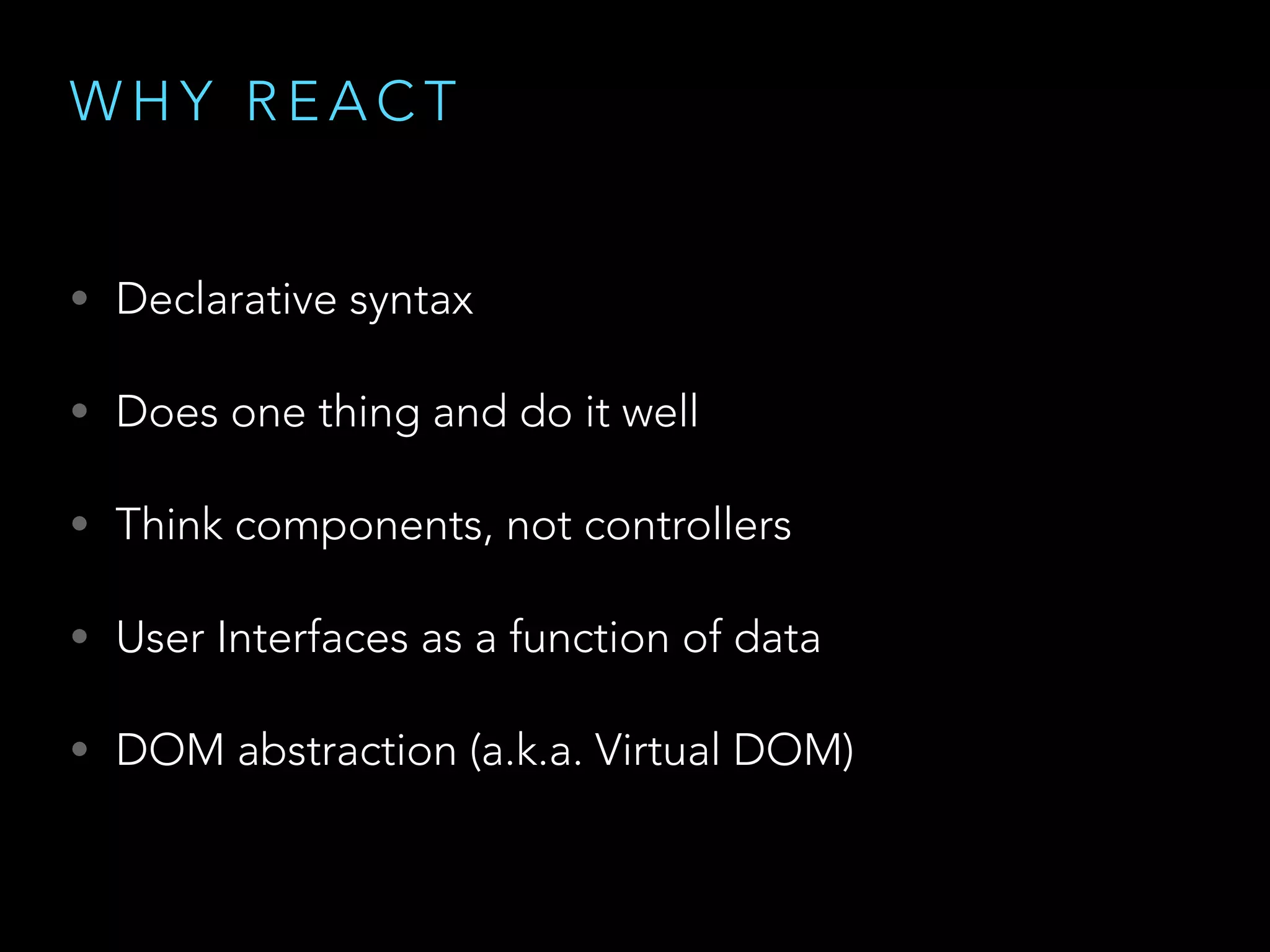
W H Y R E A C T
• Declarative syntax
• Does one thing and do it well
• Think components, not controllers
• User Interfaces as a function of data
• DOM abstraction (a.k.a. Virtual DOM)
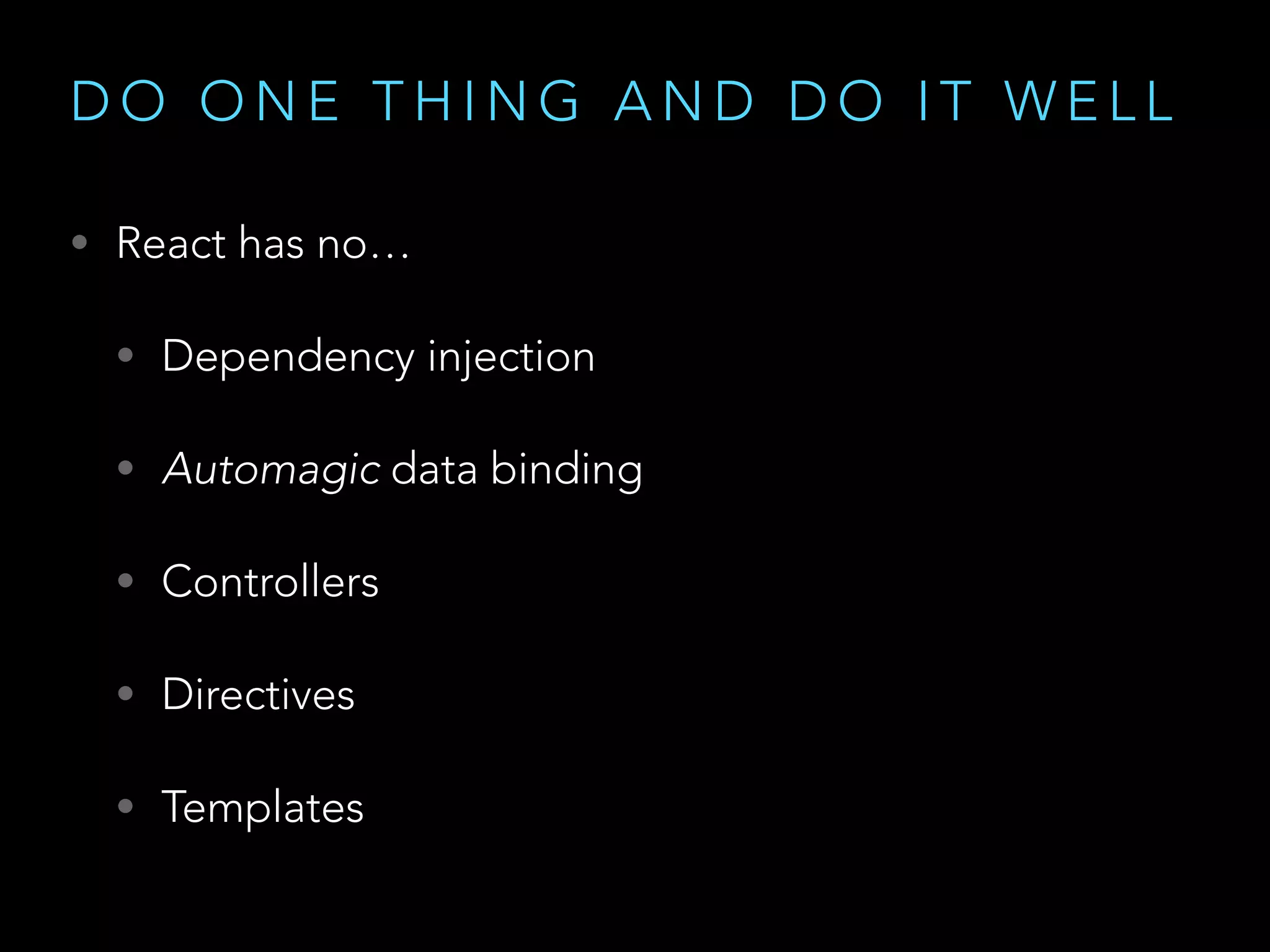
D O O N E T H I N G A N D D O I T W E L L
• React has no…
• Dependency injection
• Automagic data binding
• Controllers
• Directives
• Templates
T H I N K C O M P O N E N T S ,
N O T C O N T R O L L E R S
• Everything is a component
• Application
• Router
• Data Store
• Widgets
T H I N K C O M P O N E N T S ,
N O T C O N T R O L L E R S
• Well designed components are
• Composable
• Reusable
• Maintainable
• Testable
U I A S A F U N C T I O N O F D ATA
• Element tree is a result of function application
• Never operate on global, shared state
• Data flow is unidirectional
V I R T U A L D O M
• Abstraction
• Performance
• Reconciliation
• Isomorphism
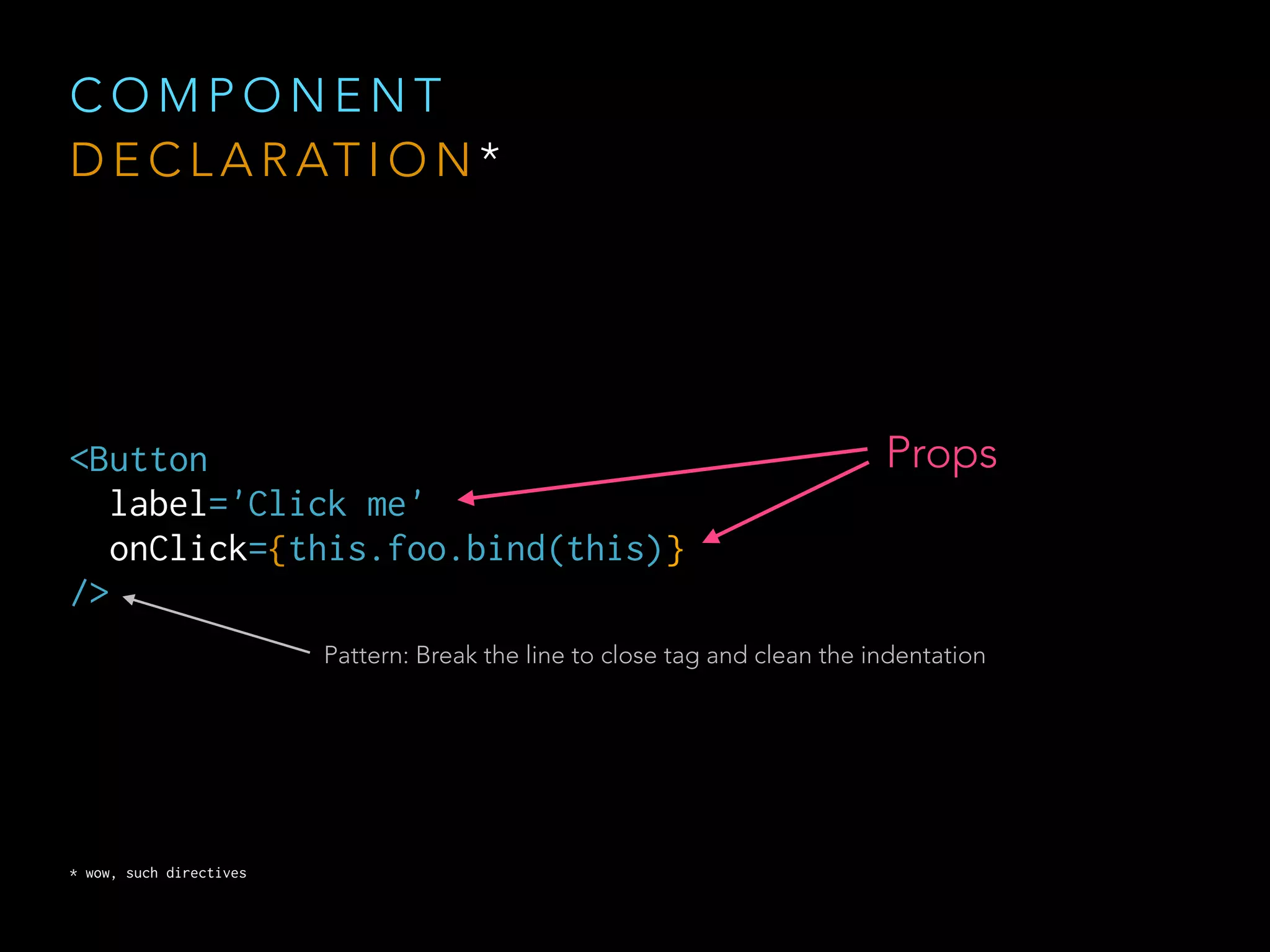
C O M P O N E N T
S P E C S A N D L I F E C Y C L E
C O M P O N E N T
D E C L A R AT I O N *
<Button

label='Click me'

onClick={this.foo.bind(this)}

/>
Props
* wow, such directives
Pattern: Break the line to close tag and clean the indentation
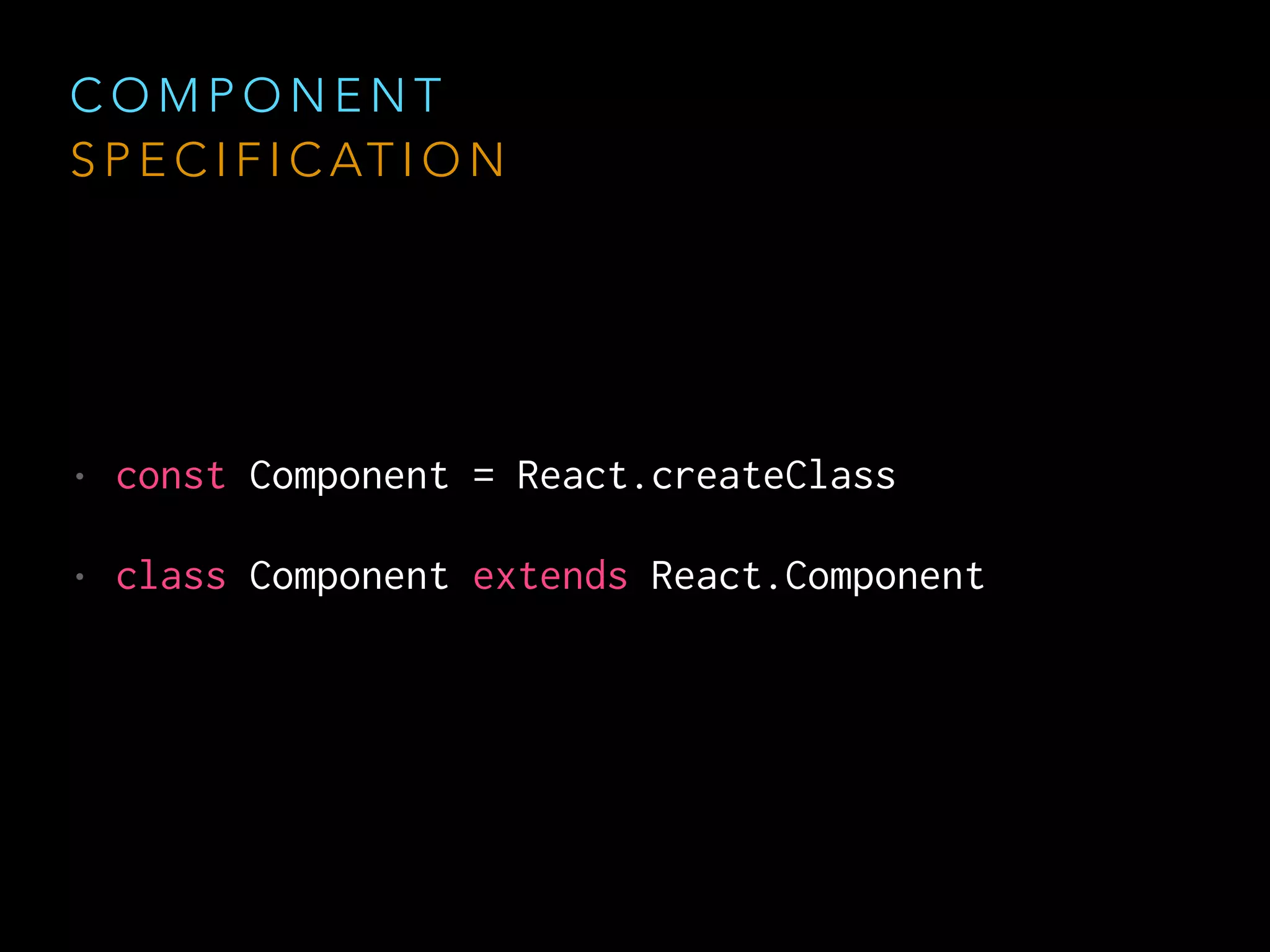
C O M P O N E N T
S P E C I F I C AT I O N
• const Component = React.createClass
• class Component extends React.Component
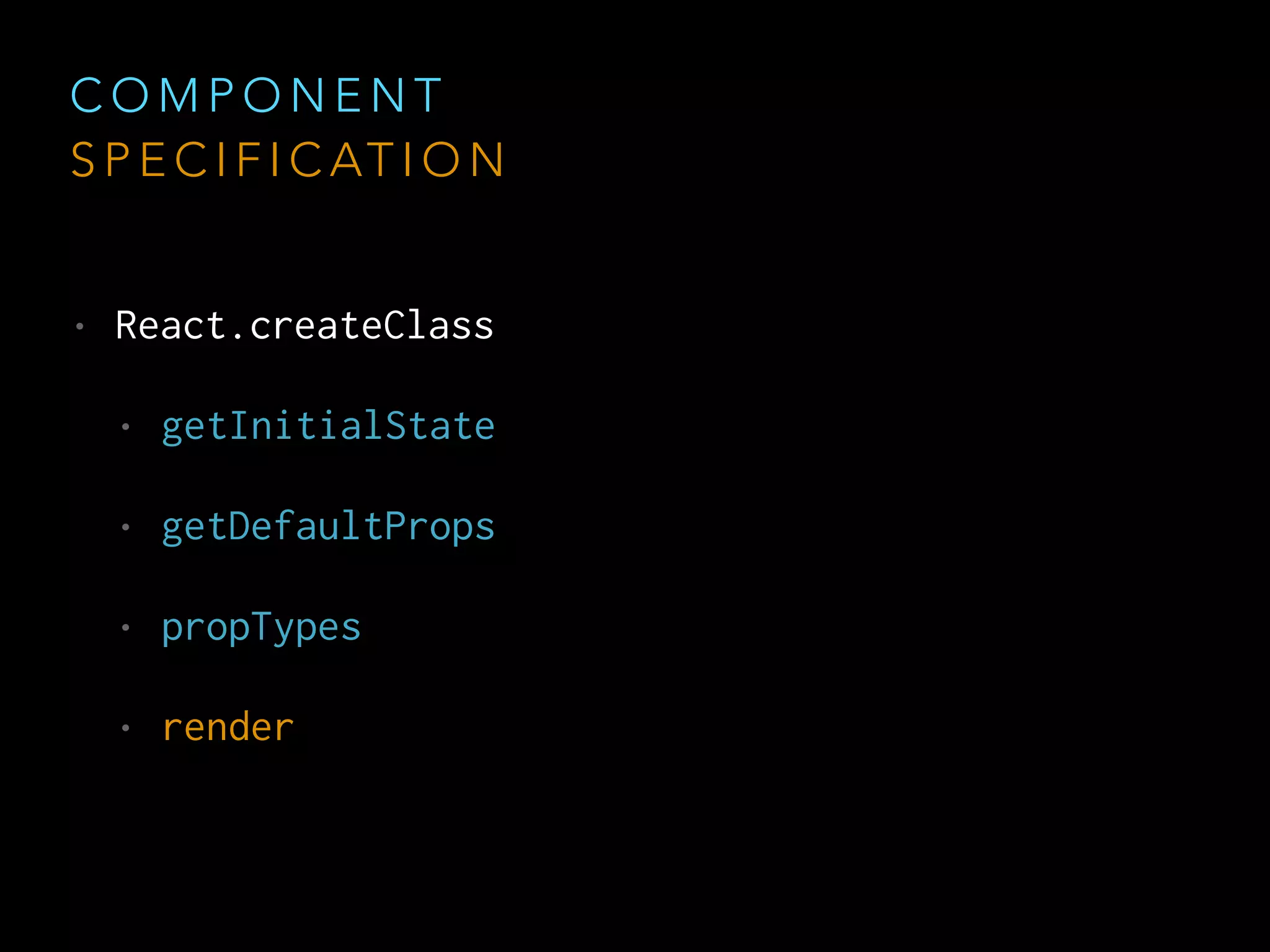
C O M P O N E N T
S P E C I F I C AT I O N
• React.createClass
• getInitialState
• getDefaultProps
• propTypes
• render
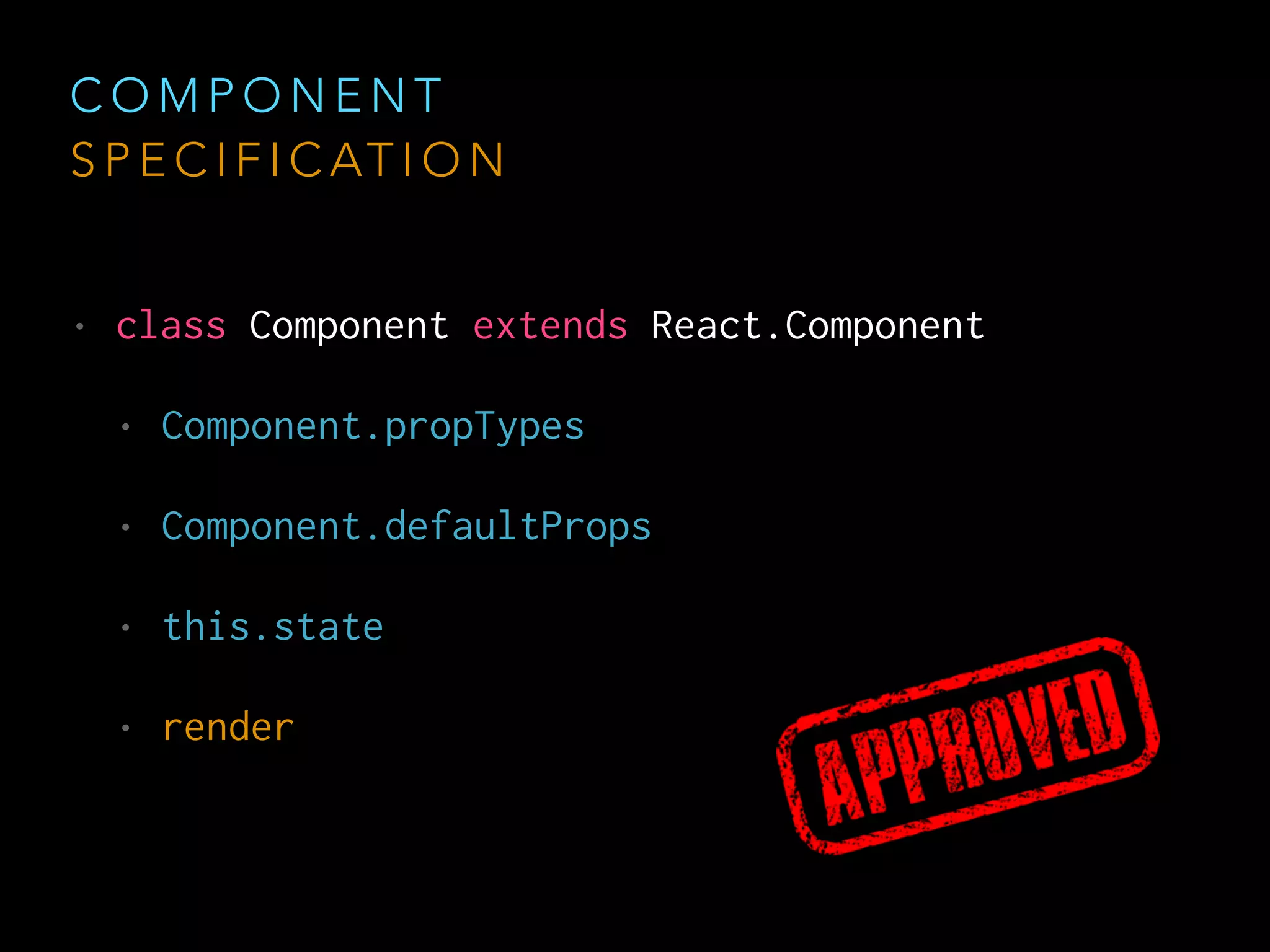
C O M P O N E N T
S P E C I F I C AT I O N
• class Component extends React.Component
• Component.propTypes
• Component.defaultProps
• this.state
• render
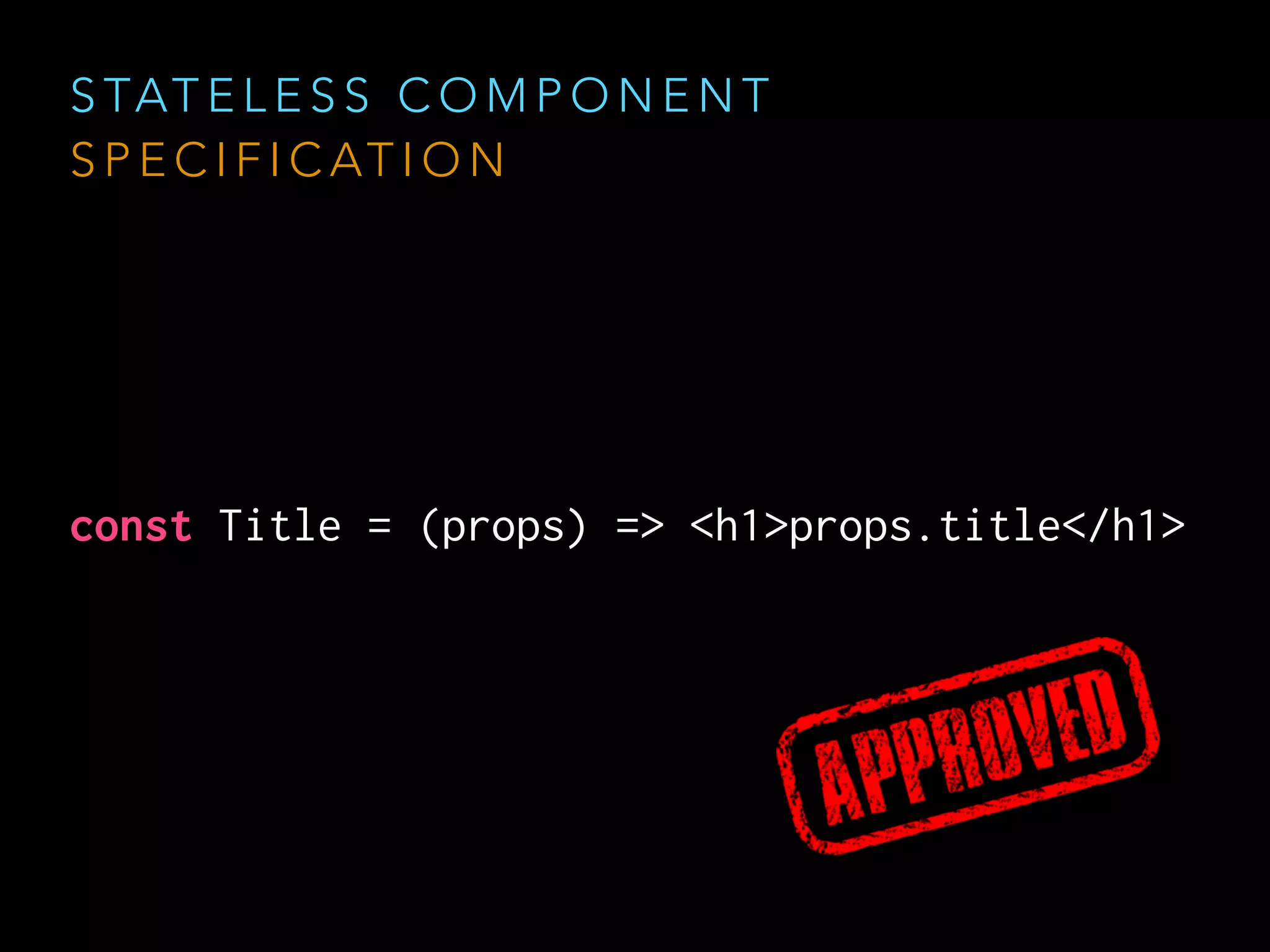
const Title = (props) => <h1>props.title</h1>
S TAT E L E S S C O M P O N E N T
S P E C I F I C AT I O N
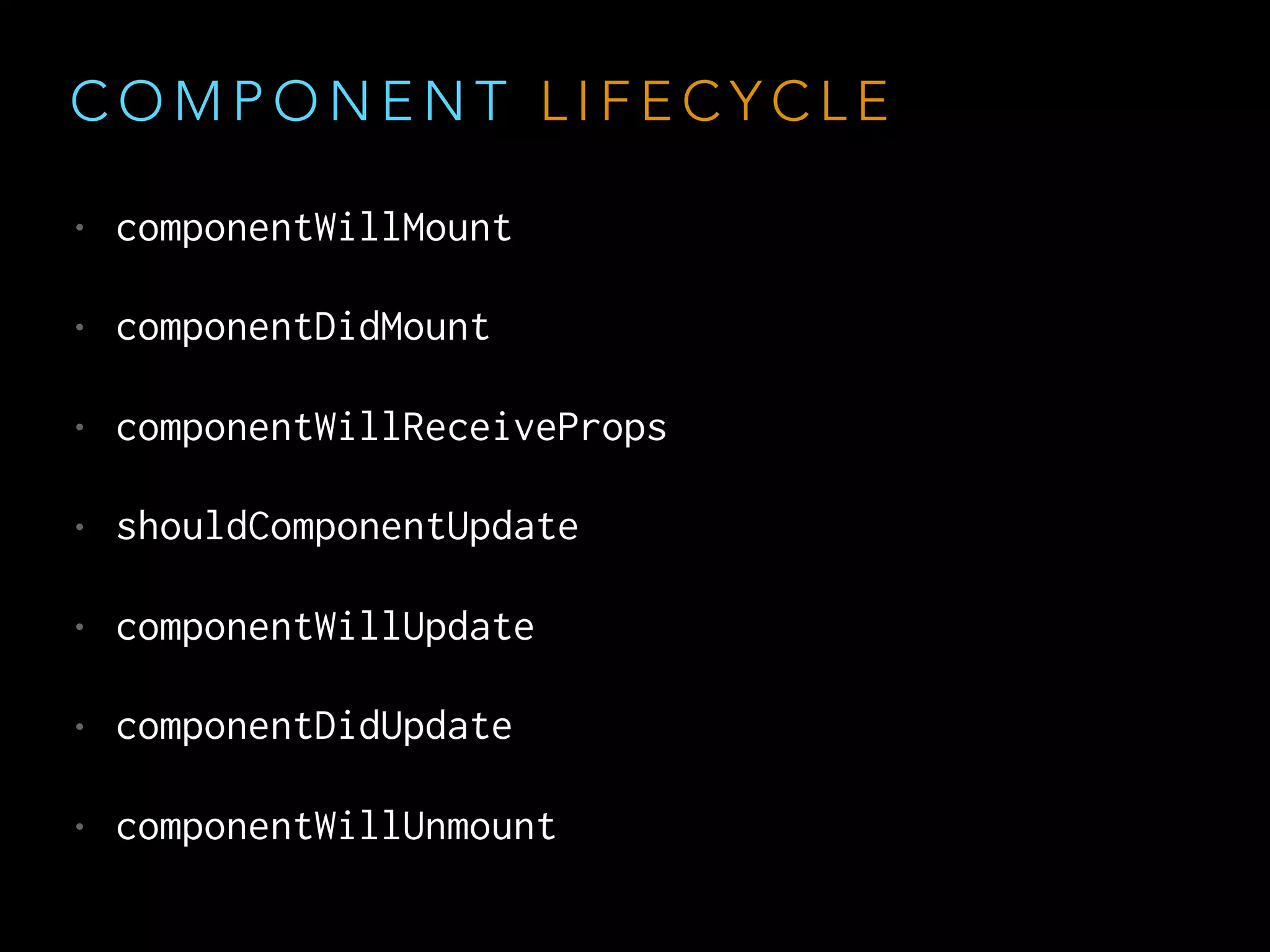
C O M P O N E N T L I F E C Y C L E
• componentWillMount
• componentDidMount
• componentWillReceiveProps
• shouldComponentUpdate
• componentWillUpdate
• componentDidUpdate
• componentWillUnmount
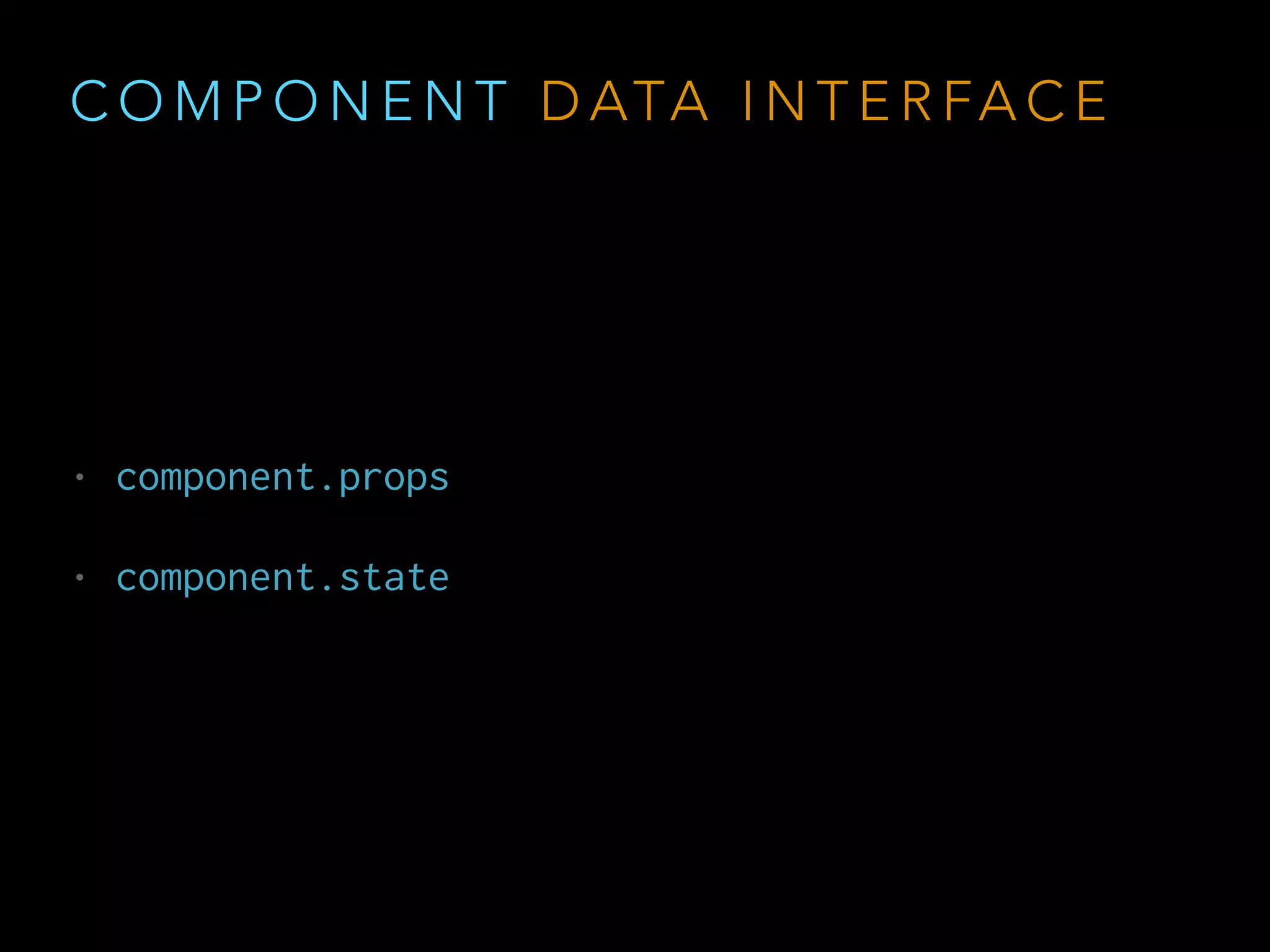
C O M P O N E N T D ATA I N T E R FA C E
• component.props
• component.state
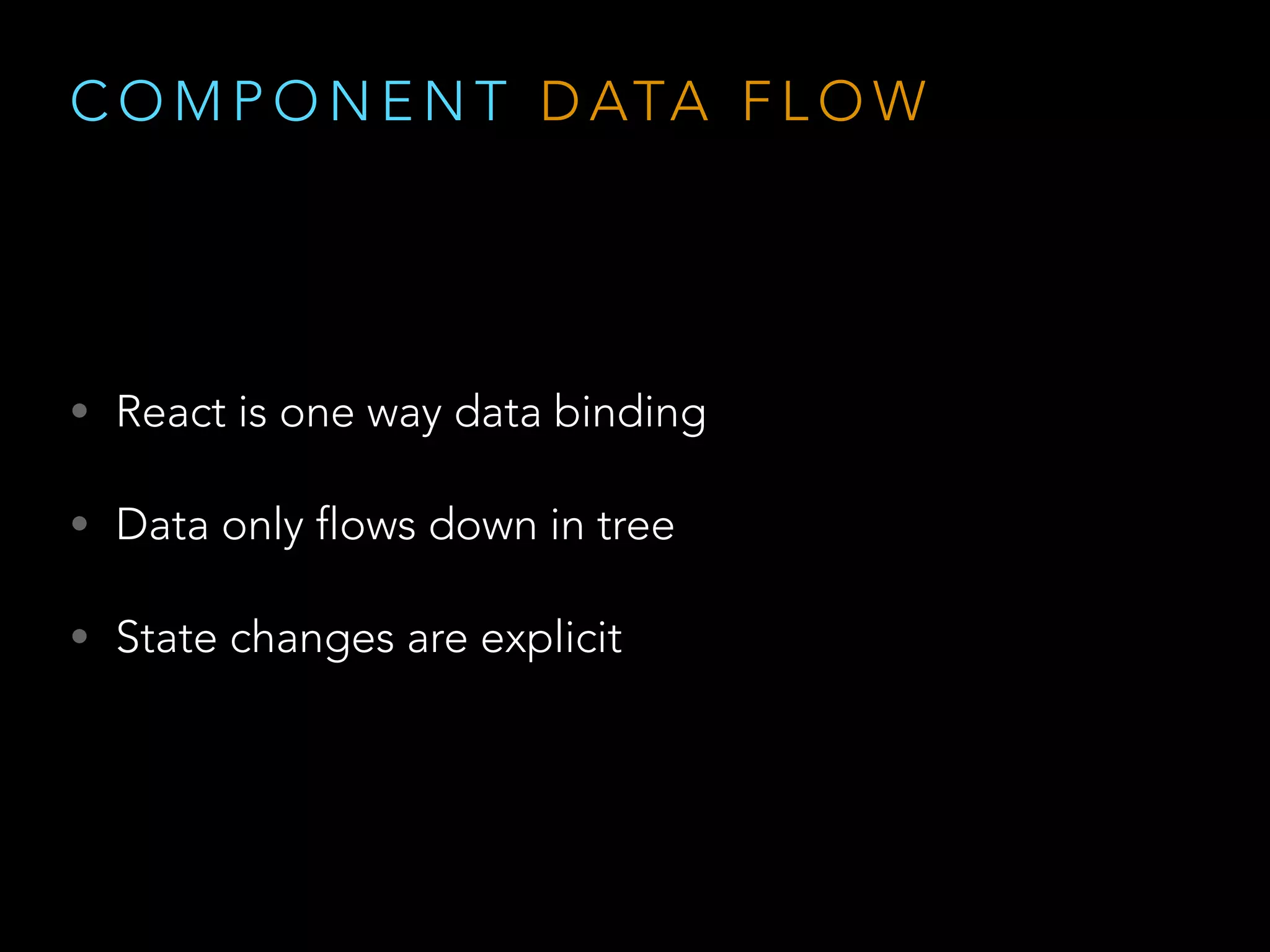
C O M P O N E N T D ATA F L O W
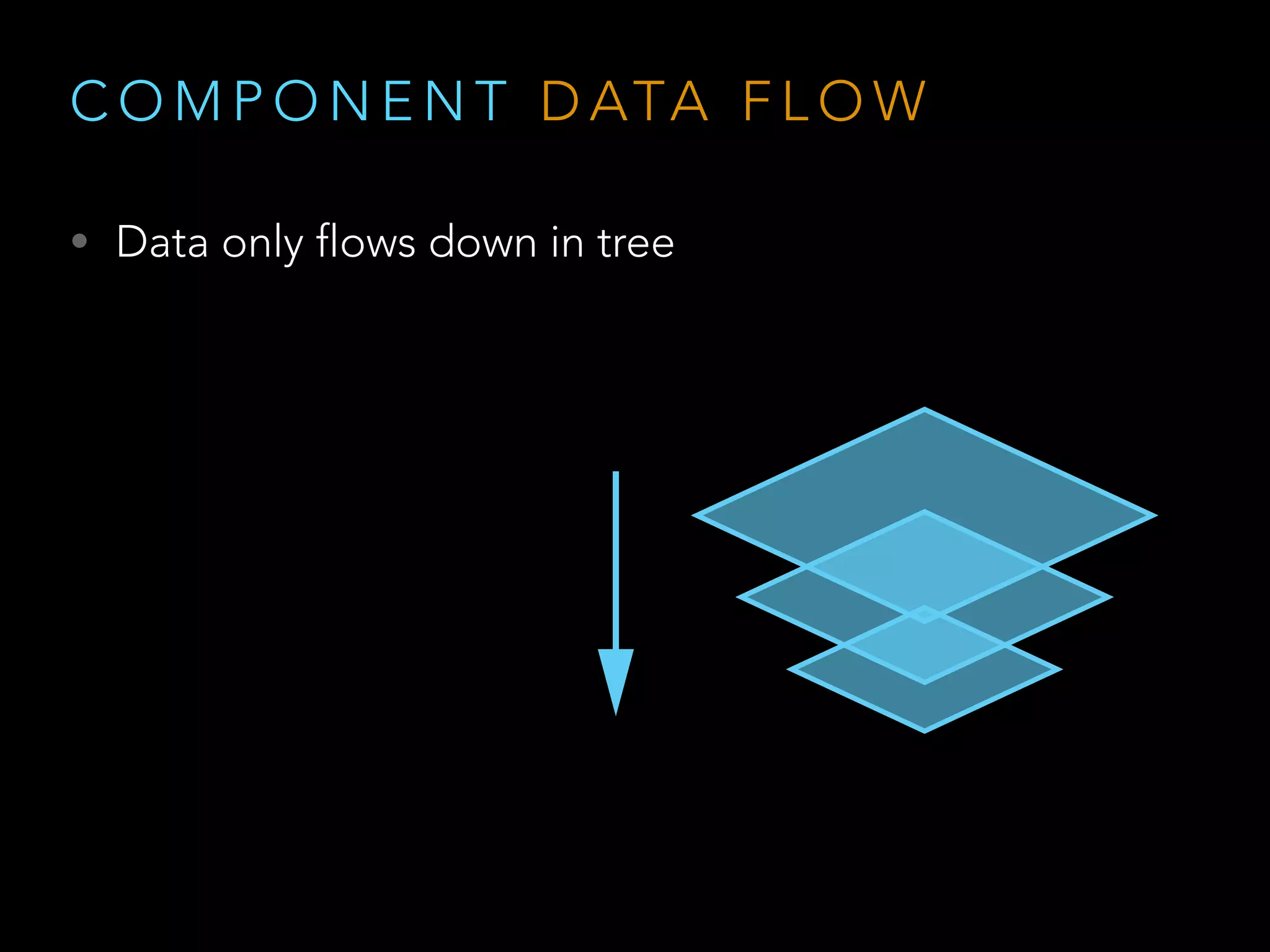
• React is one way data binding
• Data only flows down in tree
• State changes are explicit
C O M P O N E N T D ATA F L O W
• Data only flows down in tree
C O M P O N E N T D ATA F L O W
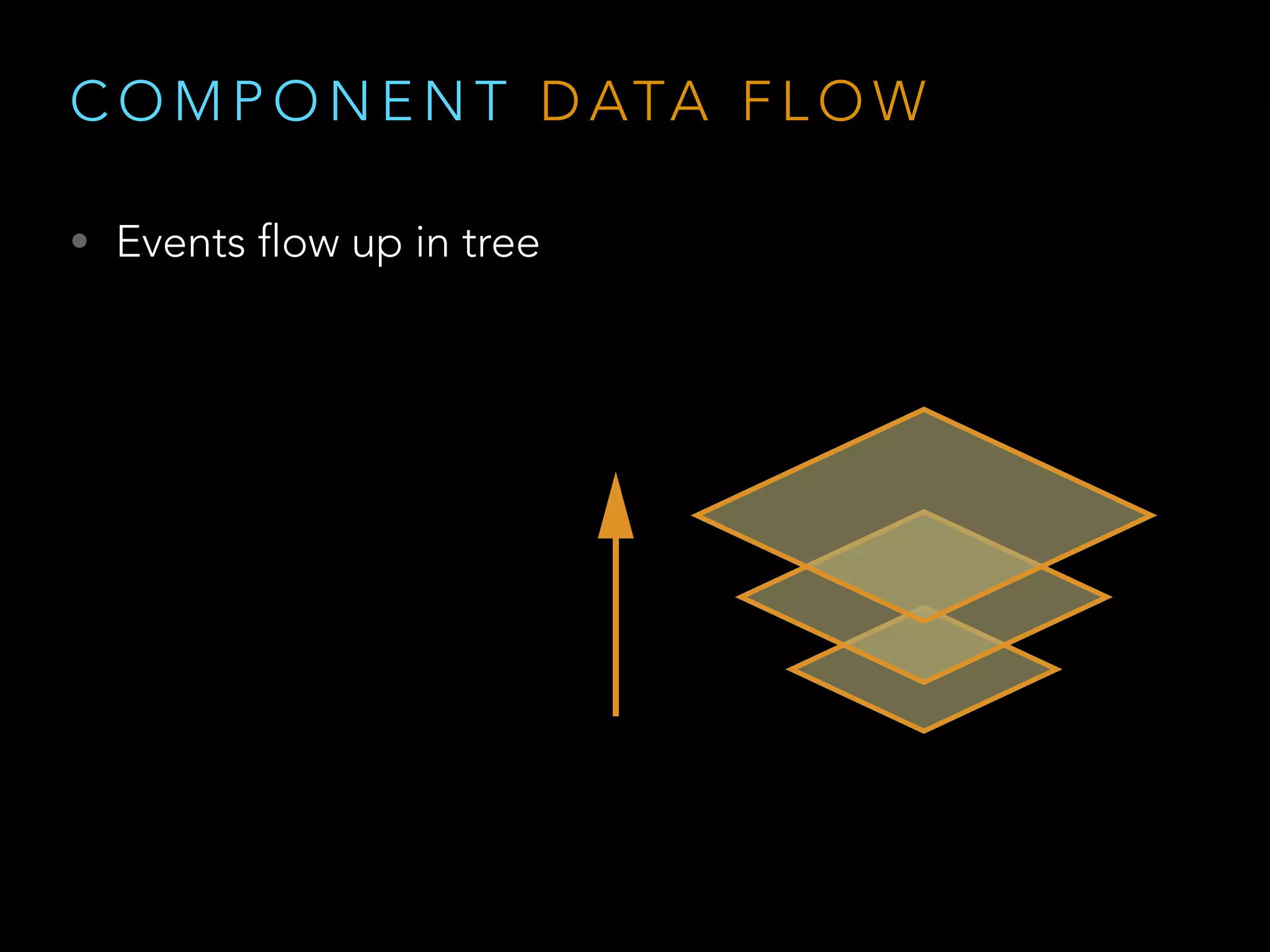
• Events flow up in tree
T O O L I N G
W H A T M A K E S R E A C T A W E S O M E
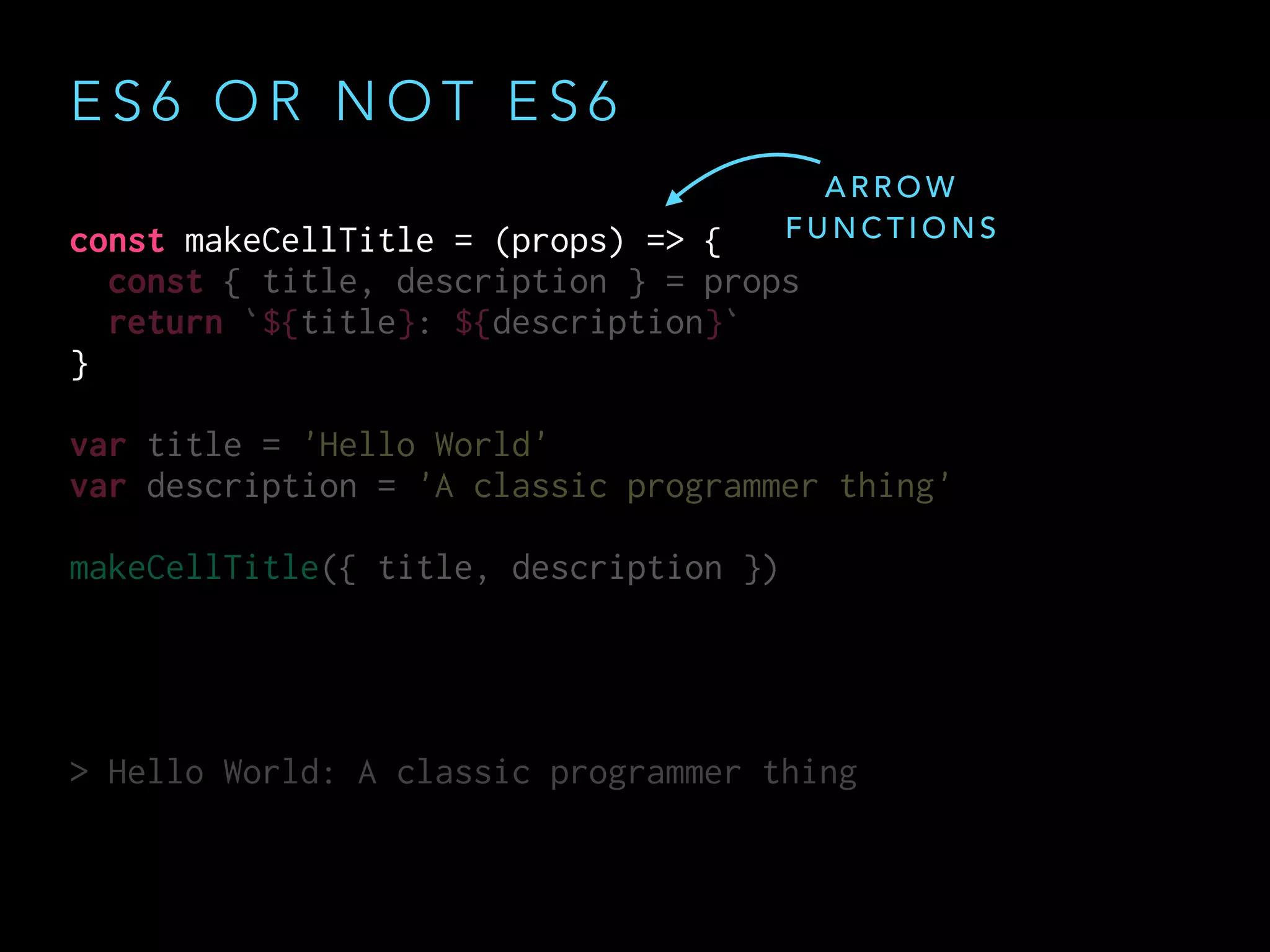
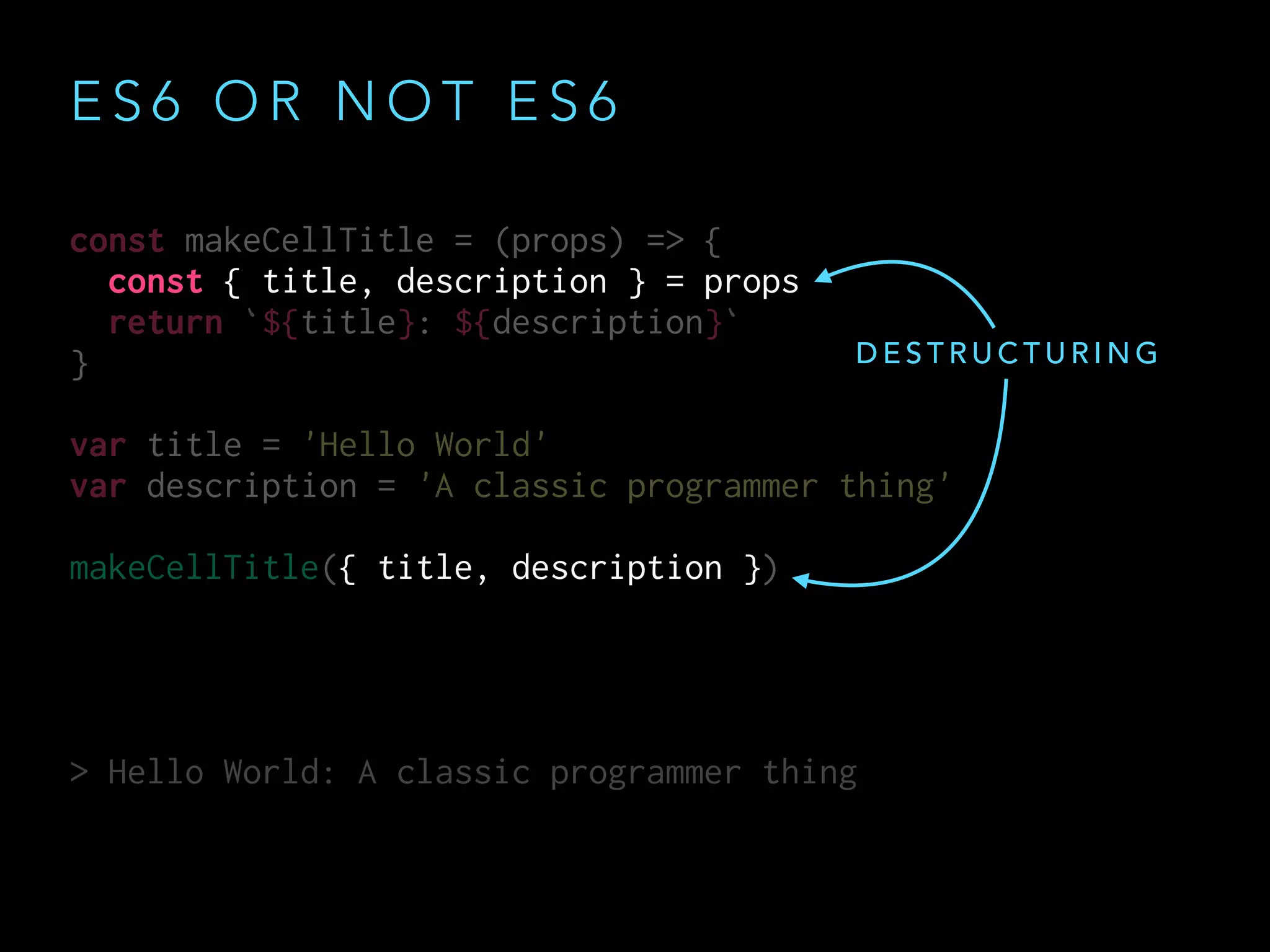
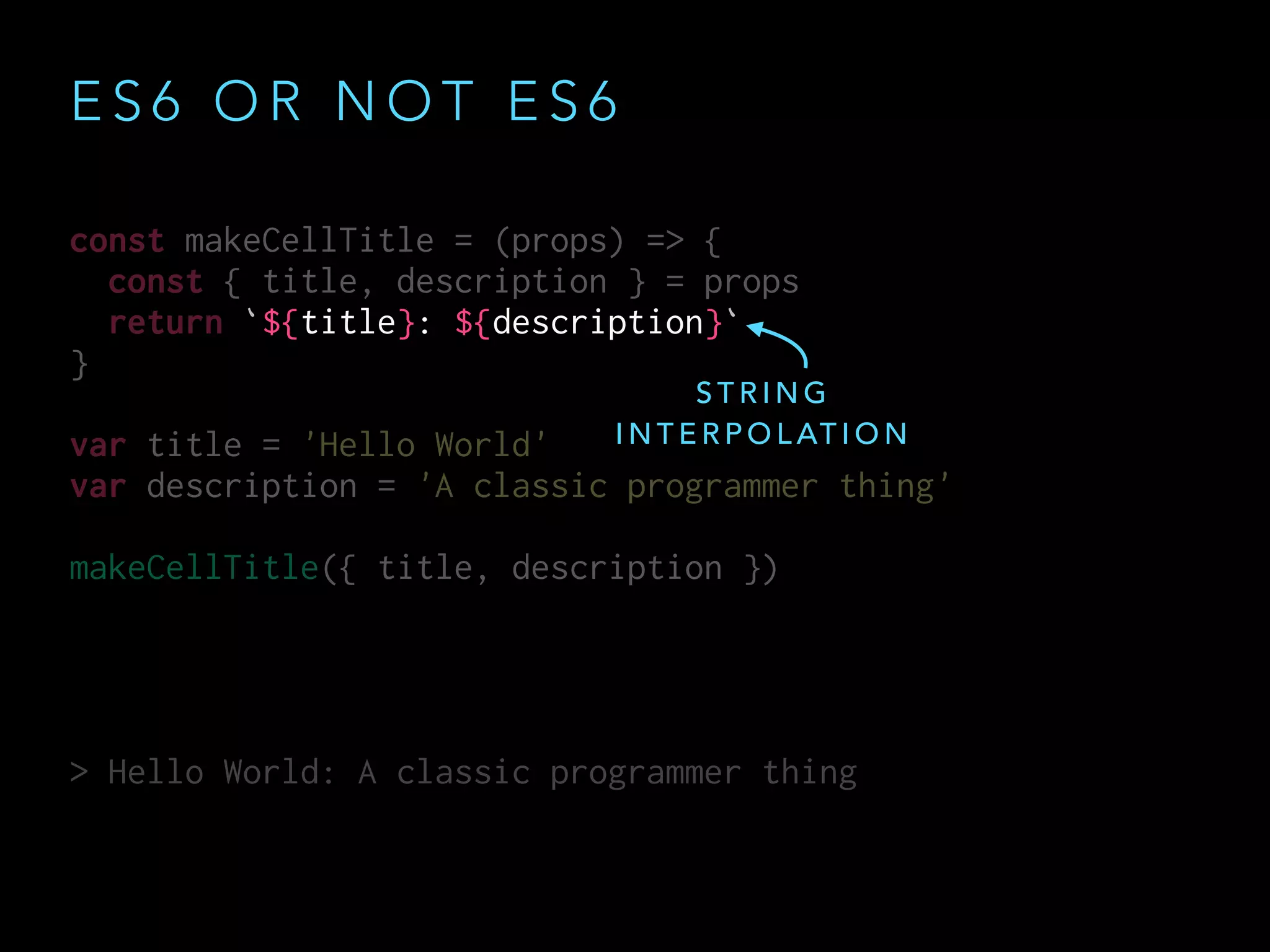
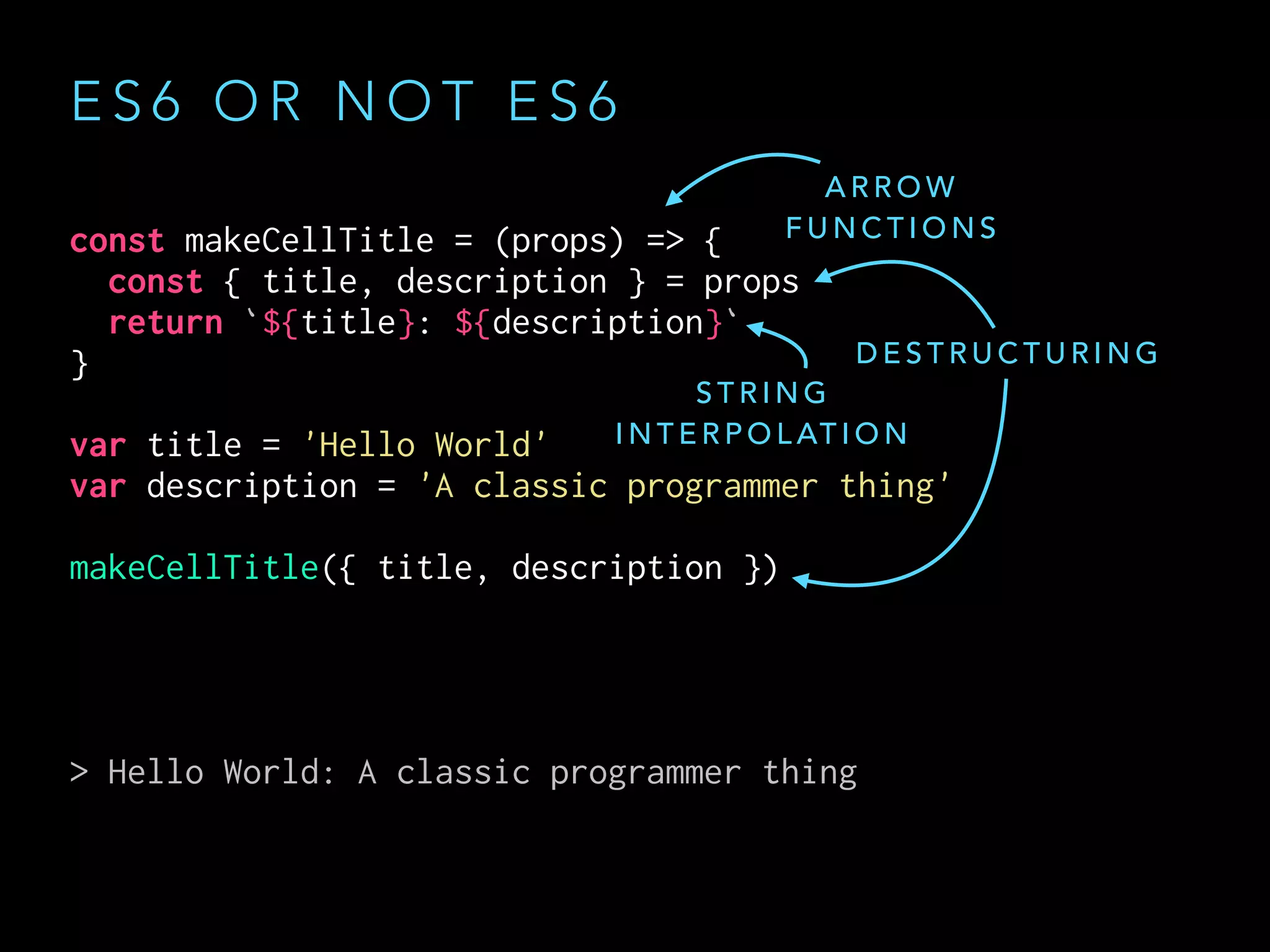
E S 6 O R N O T E S 6
React encourages ES6
E S 6 O R N O T E S 6
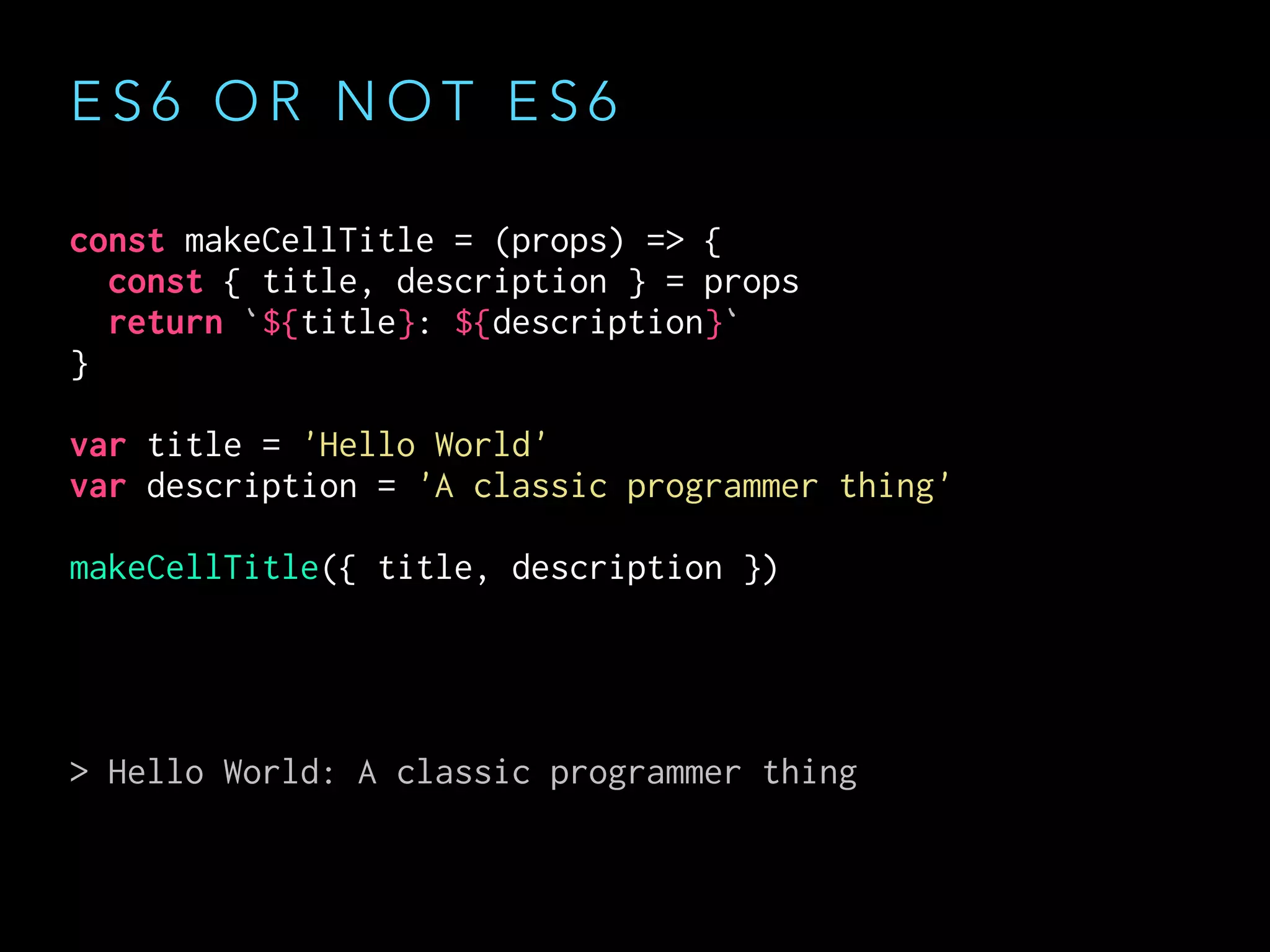
const makeCellTitle = (props) => {
const { title, description } = props
return `${title}: ${description}`
}
var title = 'Hello World'
var description = 'A classic programmer thing'
makeCellTitle({ title, description })
> Hello World: A classic programmer thing
const makeCellTitle = (props) => {
const { title, description } = props
return `${title}: ${description}`
}
var title = 'Hello World'
var description = 'A classic programmer thing'
makeCellTitle({ title, description })
> Hello World: A classic programmer thing
const makeCellTitle = (props) => {
const { title, description } = props
return `${title}: ${description}`
}
var title = 'Hello World'
var description = 'A classic programmer thing'
makeCellTitle({ title, description })
> Hello World: A classic programmer thing
E S 6 O R N O T E S 6
A R R O W
F U N C T I O N S
const makeCellTitle = (props) => {
const { title, description } = props
return `${title}: ${description}`
}
var title = 'Hello World'
var description = 'A classic programmer thing'
makeCellTitle({ title, description })
> Hello World: A classic programmer thing
const makeCellTitle = (props) => {
const { title, description } = props
return `${title}: ${description}`
}
var title = 'Hello World'
var description = 'A classic programmer thing'
makeCellTitle({ title, description })
> Hello World: A classic programmer thing
E S 6 O R N O T E S 6
D E S T R U C T U R I N G
E S 6 O R N O T E S 6
const makeCellTitle = (props) => {
const { title, description } = props
return `${title}: ${description}`
}
var title = 'Hello World'
var description = 'A classic programmer thing'
makeCellTitle({ title, description })
> Hello World: A classic programmer thing
const makeCellTitle = (props) => {
const { title, description } = props
return `${title}: ${description}`
}
var title = 'Hello World'
var description = 'A classic programmer thing'
makeCellTitle({ title, description })
> Hello World: A classic programmer thing
S T R I N G
I N T E R P O L AT I O N
const makeCellTitle = (props) => {
const { title, description } = props
return `${title}: ${description}`
}
var title = 'Hello World'
var description = 'A classic programmer thing'
makeCellTitle({ title, description })
> Hello World: A classic programmer thing
E S 6 O R N O T E S 6
A R R O W
F U N C T I O N S
S T R I N G
I N T E R P O L AT I O N
D E S T R U C T U R I N G
E S 6 O R N O T E S 6
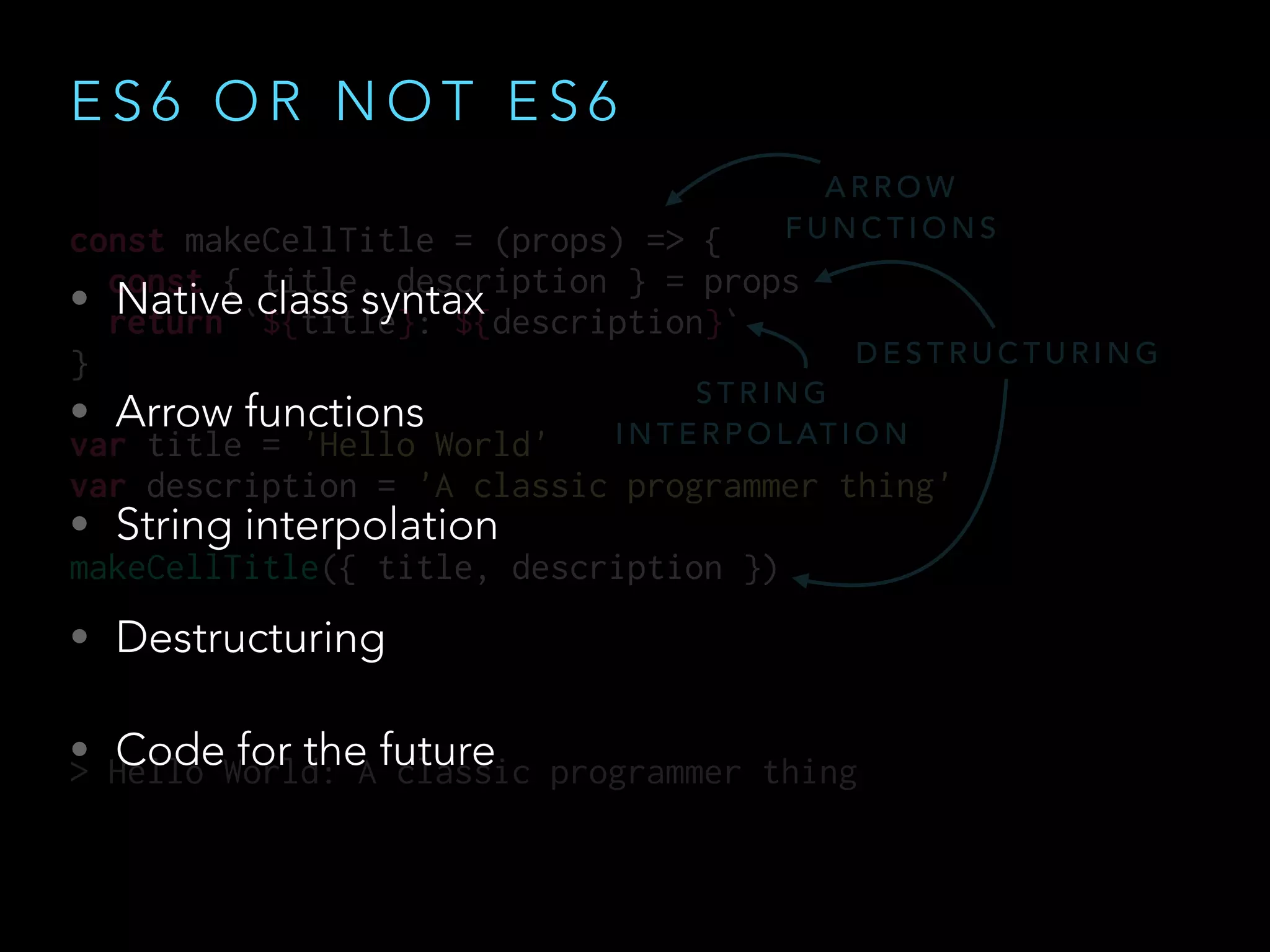
• Native class syntax
• Arrow functions
• String interpolation
• Destructuring
• Code for the future
const makeCellTitle = (props) => {
const { title, description } = props
return `${title}: ${description}`
}
var title = 'Hello World'
var description = 'A classic programmer thing'
makeCellTitle({ title, description })
> Hello World: A classic programmer thing
A R R O W
F U N C T I O N S
S T R I N G
I N T E R P O L AT I O N
D E S T R U C T U R I N G
J S X O R N O T J S X
React encourages JSX
J S X O R N O T J S X
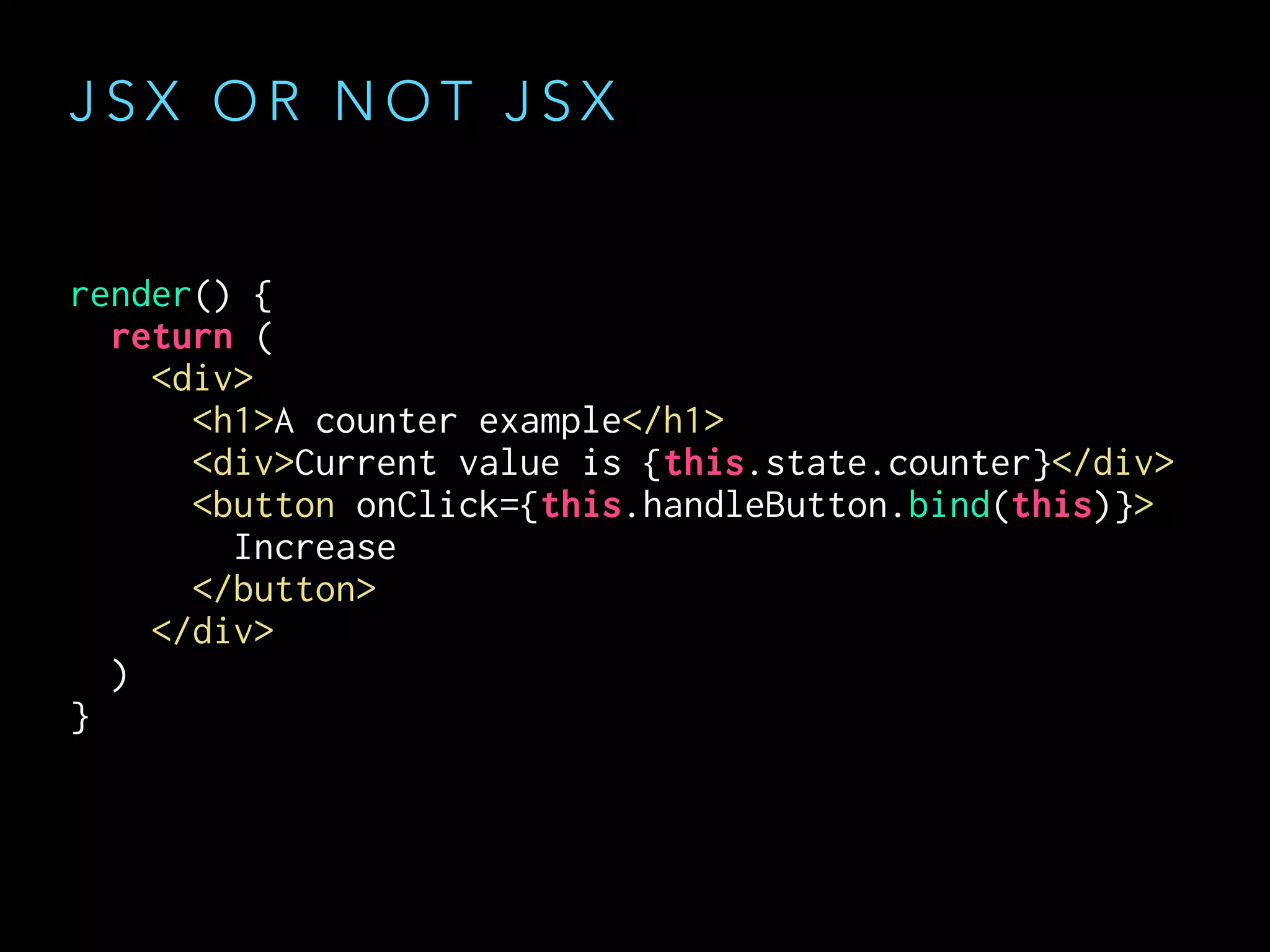
render() {
return (
<div>
<h1>A counter example</h1>
<div>Current value is {this.state.counter}</div>
<button onClick={this.handleButton.bind(this)}>
Increase
</button>
</div>
)
}
render() {
return (
<div>
<h1>A counter example</h1>
<div>Current value is {this.state.counter}</div>
<button onClick={this.handleButton.bind(this)}>
Increase
</button>
</div>
)
}
J S X O R N O T J S X
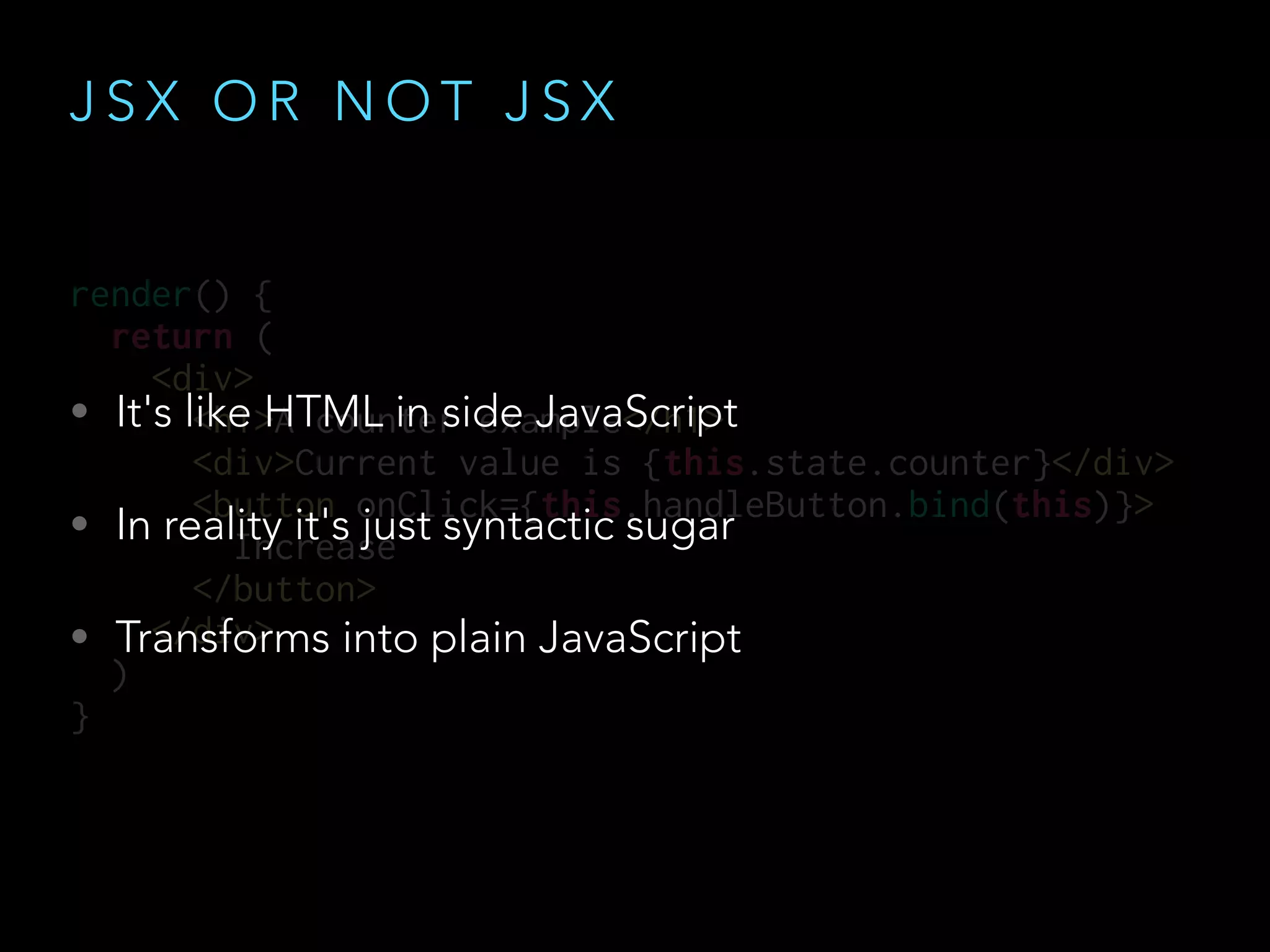
• It's like HTML in side JavaScript
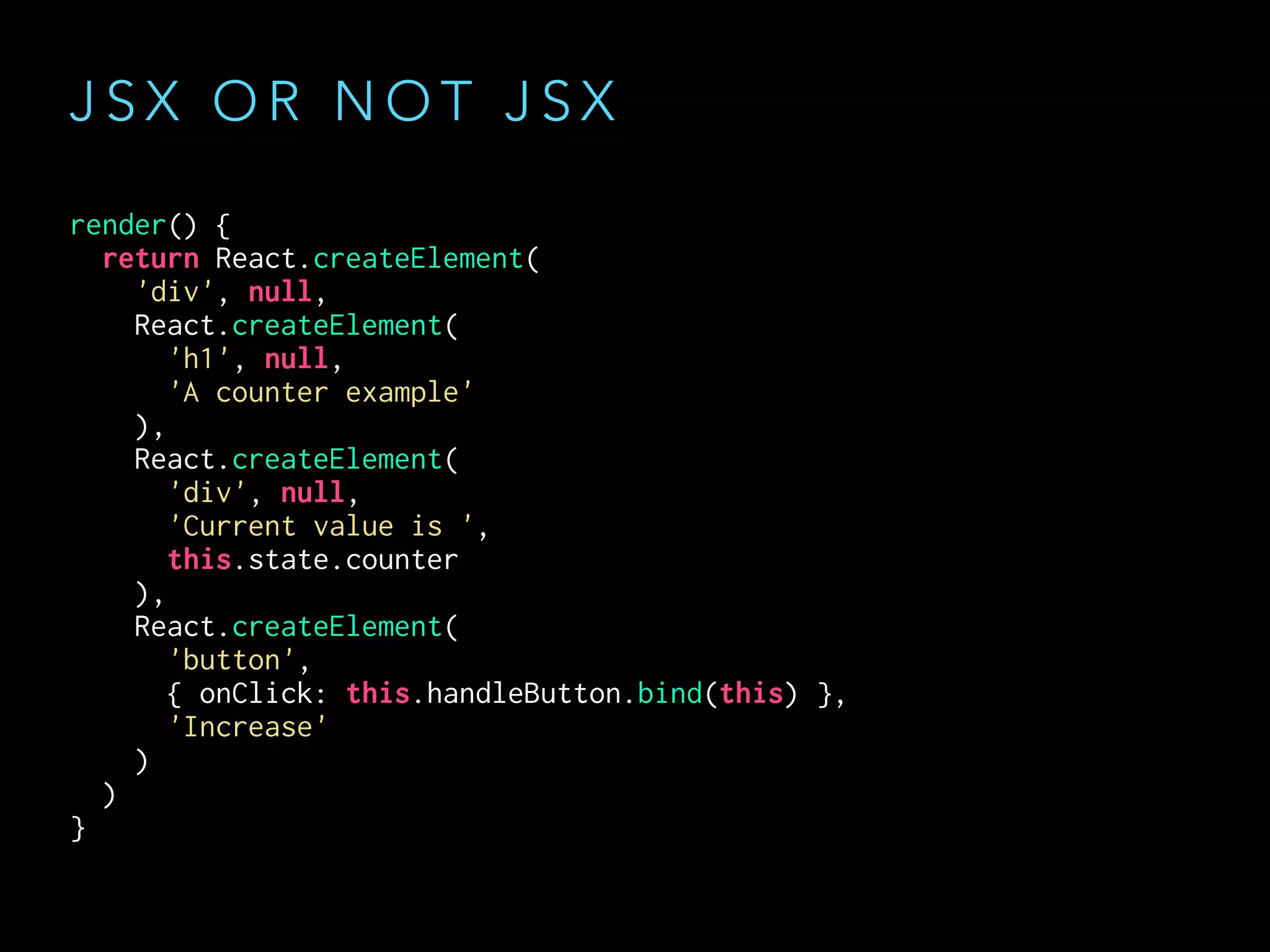
• In reality it's just syntactic sugar
• Transforms into plain JavaScript
J S X O R N O T J S X
render() {
return React.createElement(
'div', null,
React.createElement(
'h1', null,
'A counter example'
),
React.createElement(
'div', null,
'Current value is ',
this.state.counter
),
React.createElement(
'button',
{ onClick: this.handleButton.bind(this) },
'Increase'
)
)
}
J S X O R N O T J S X
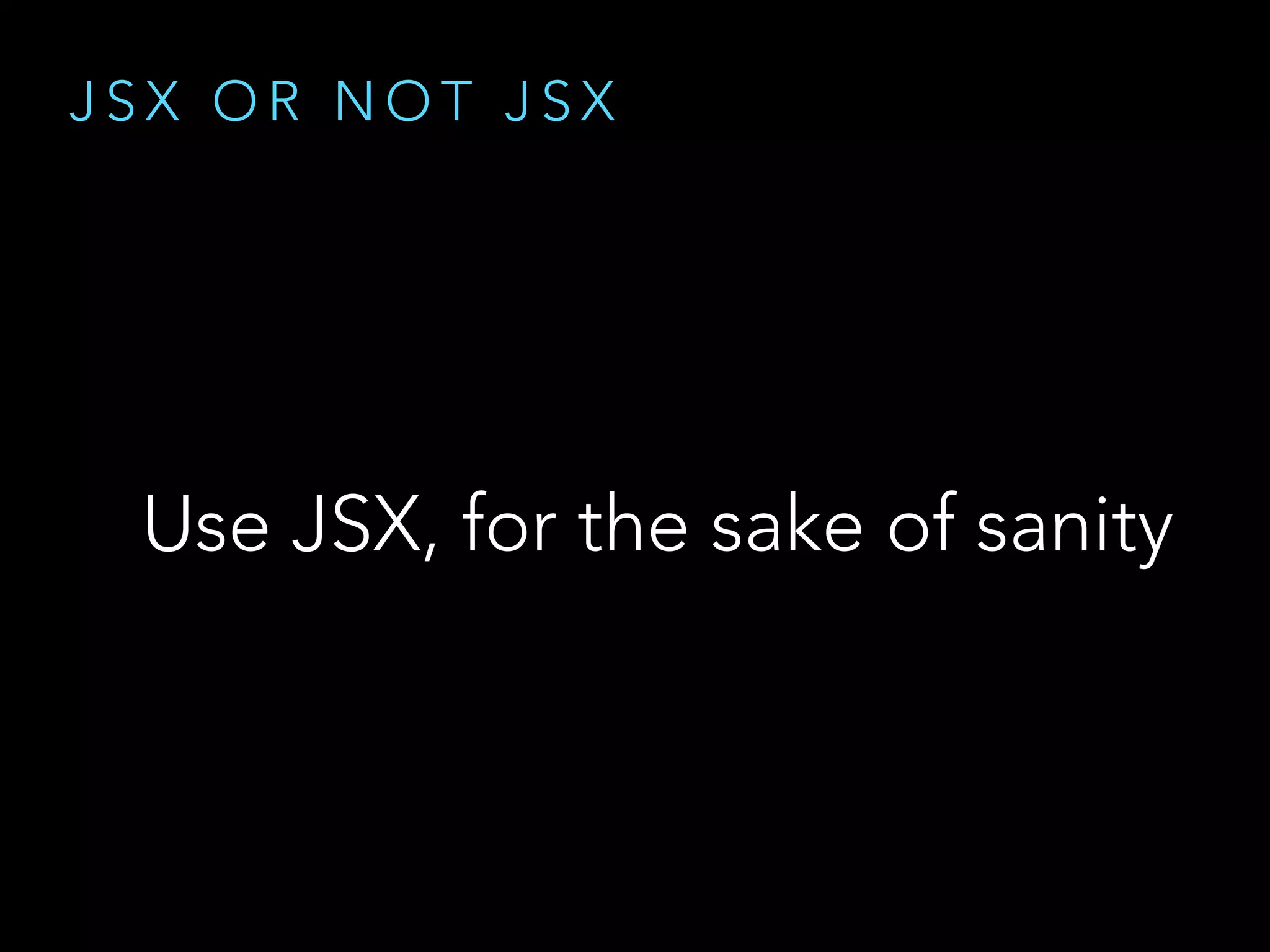
Use JSX, for the sake of sanity
T R A N S F O R M I N G J S X
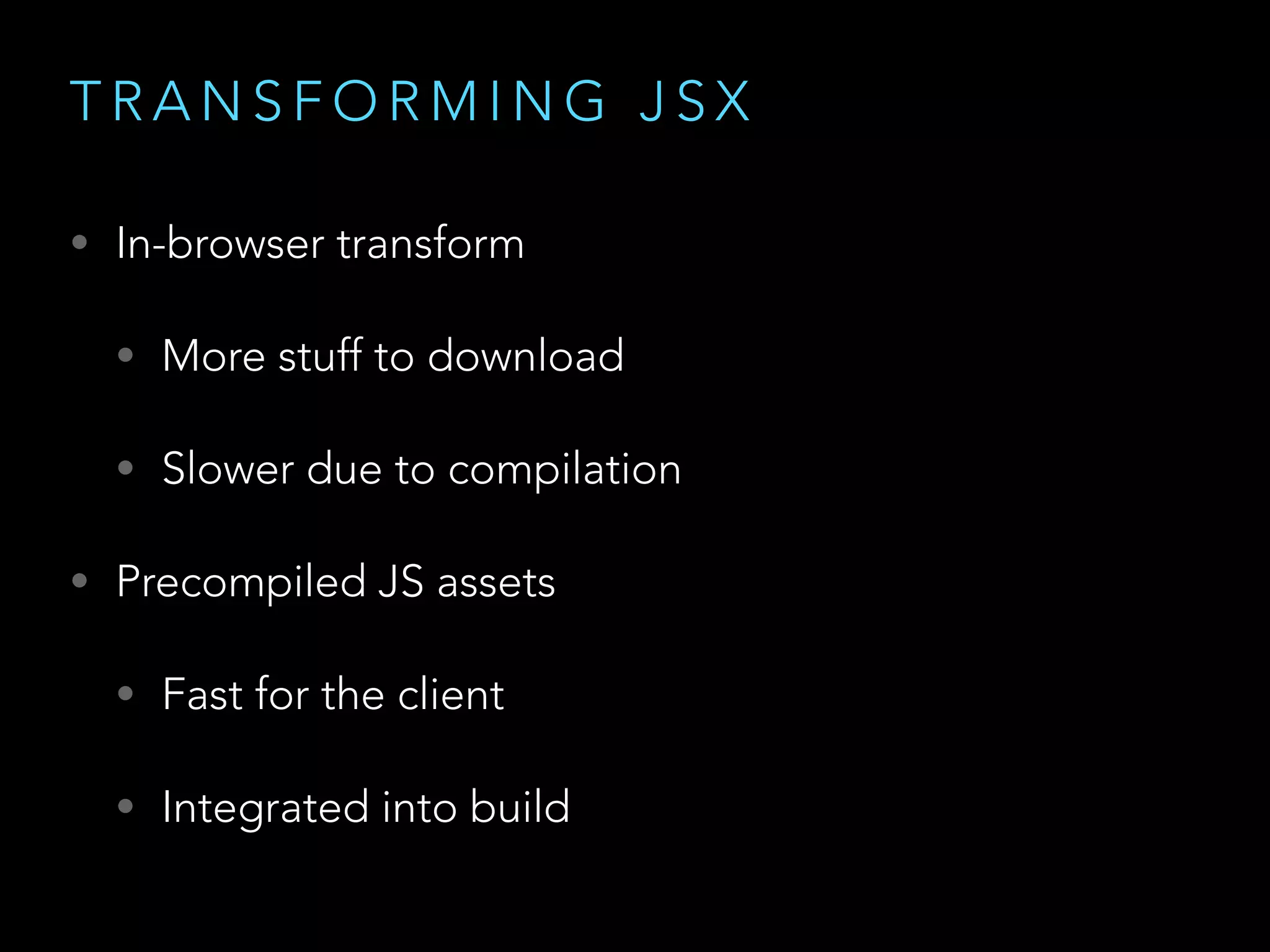
• In-browser transform
• More stuff to download
• Slower due to compilation
• Precompiled JS assets
• Fast for the client
• Integrated into build
M A I N S T R E A M T O O L I N G
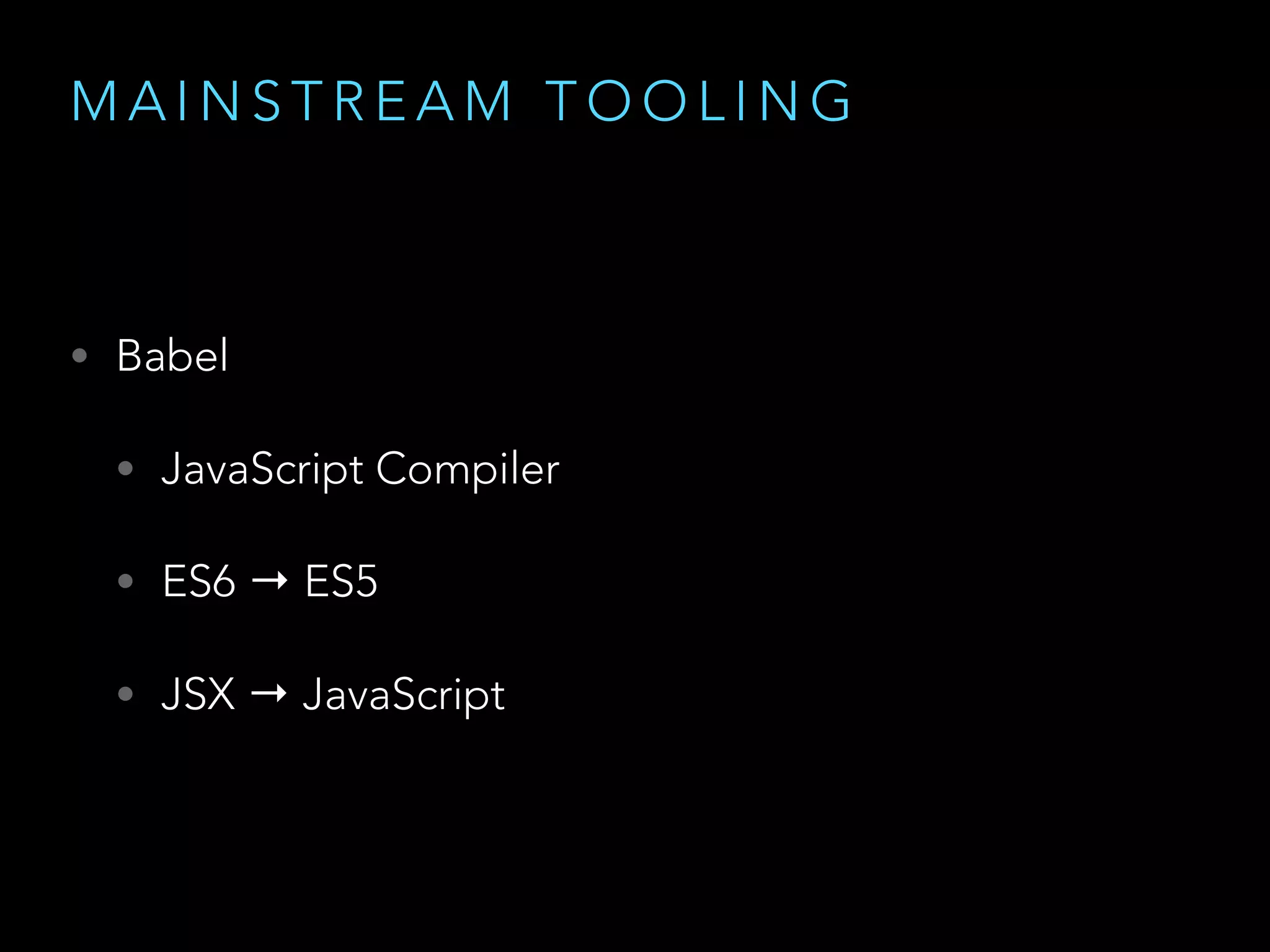
• Babel
• JavaScript Compiler
• ES6 → ES5
• JSX → JavaScript
M A I N S T R E A M T O O L I N G
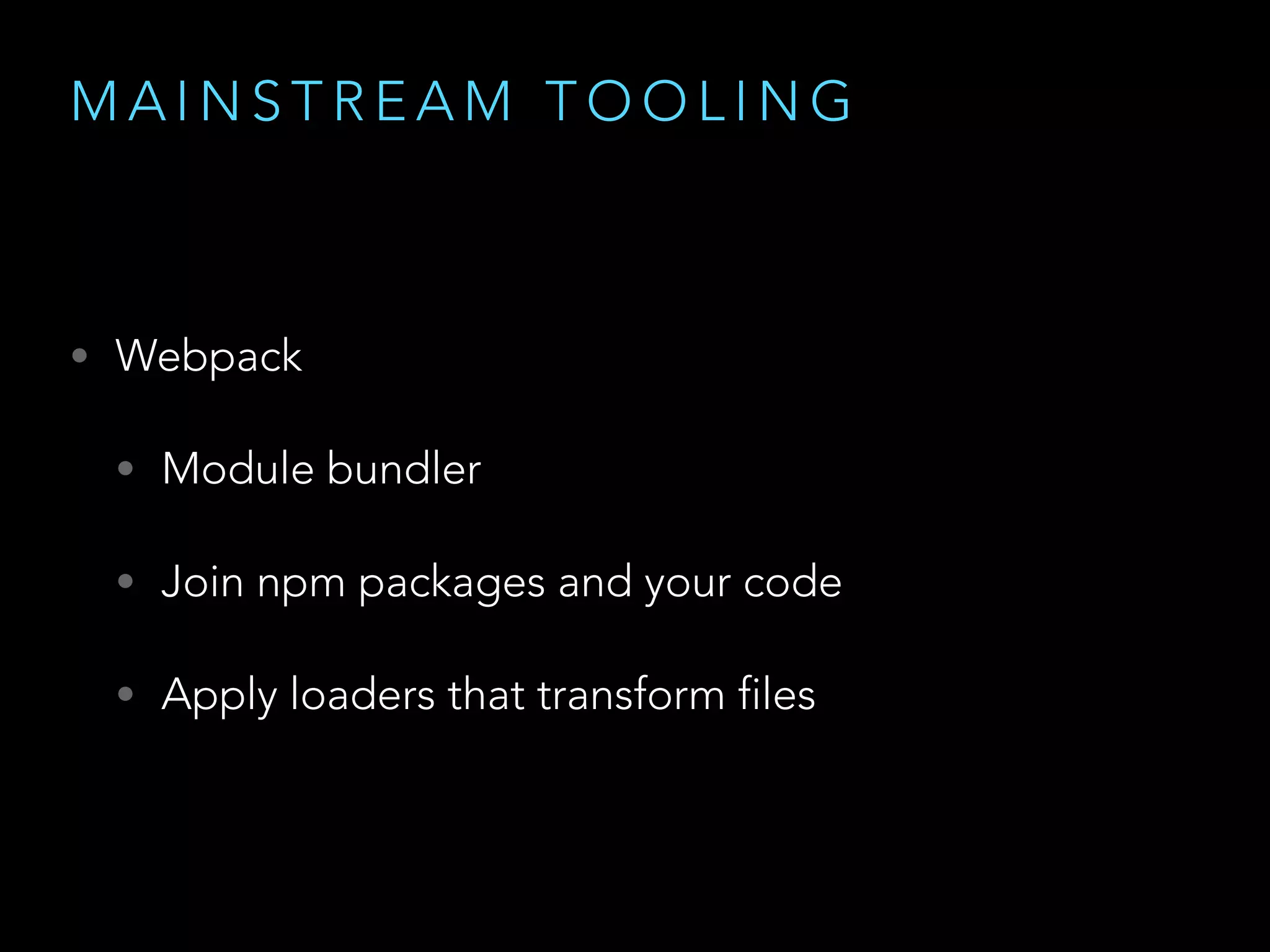
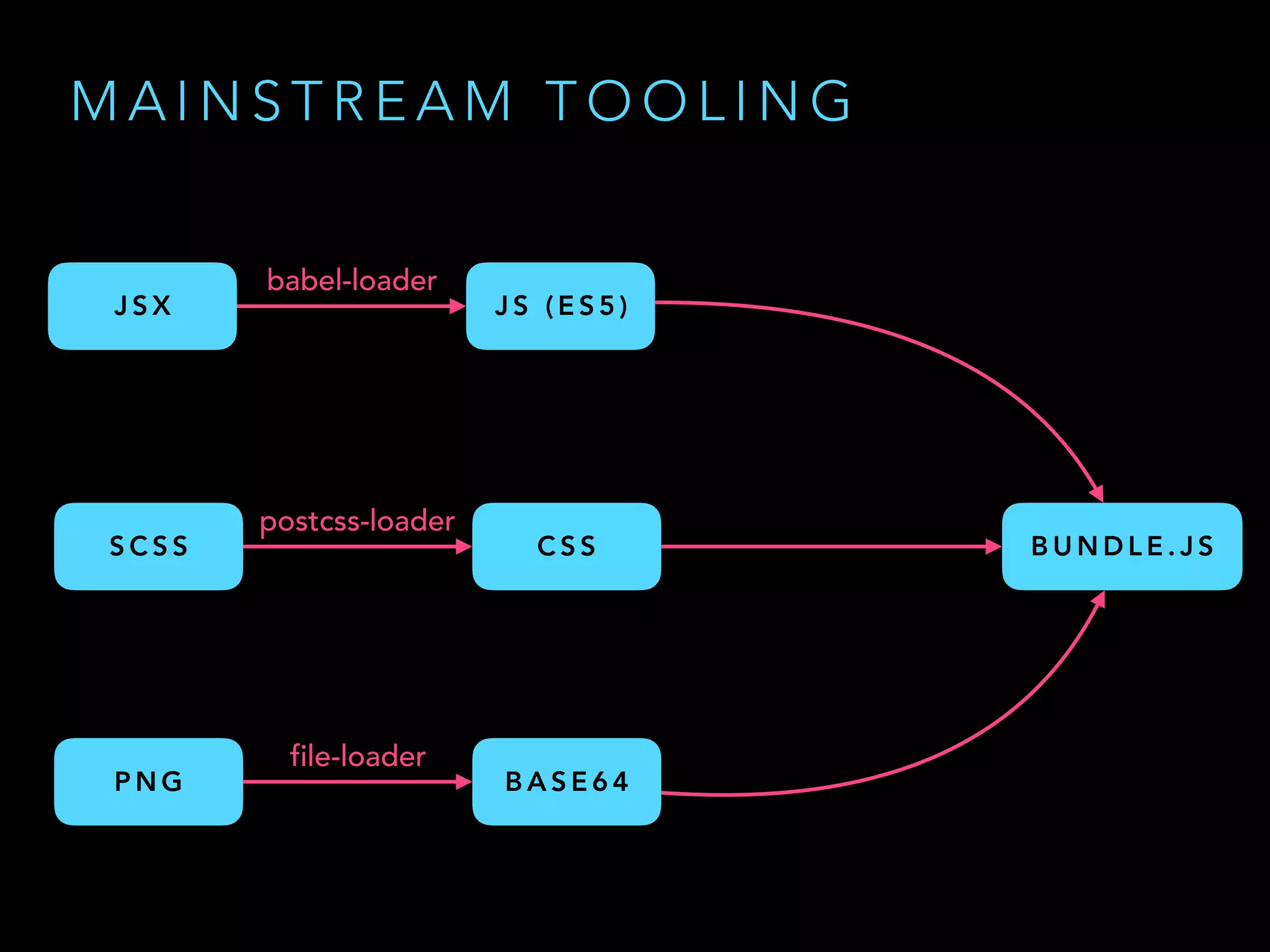
• Webpack
• Module bundler
• Join npm packages and your code
• Apply loaders that transform files
M A I N S T R E A M T O O L I N G
J S X J S ( E S 5 )
babel-loader
S C S S C S S
postcss-loader
P N G B A S E 6 4
file-loader
B U N D L E . J S
T O O L I N G
The stack looks complicated
T O O L I N G
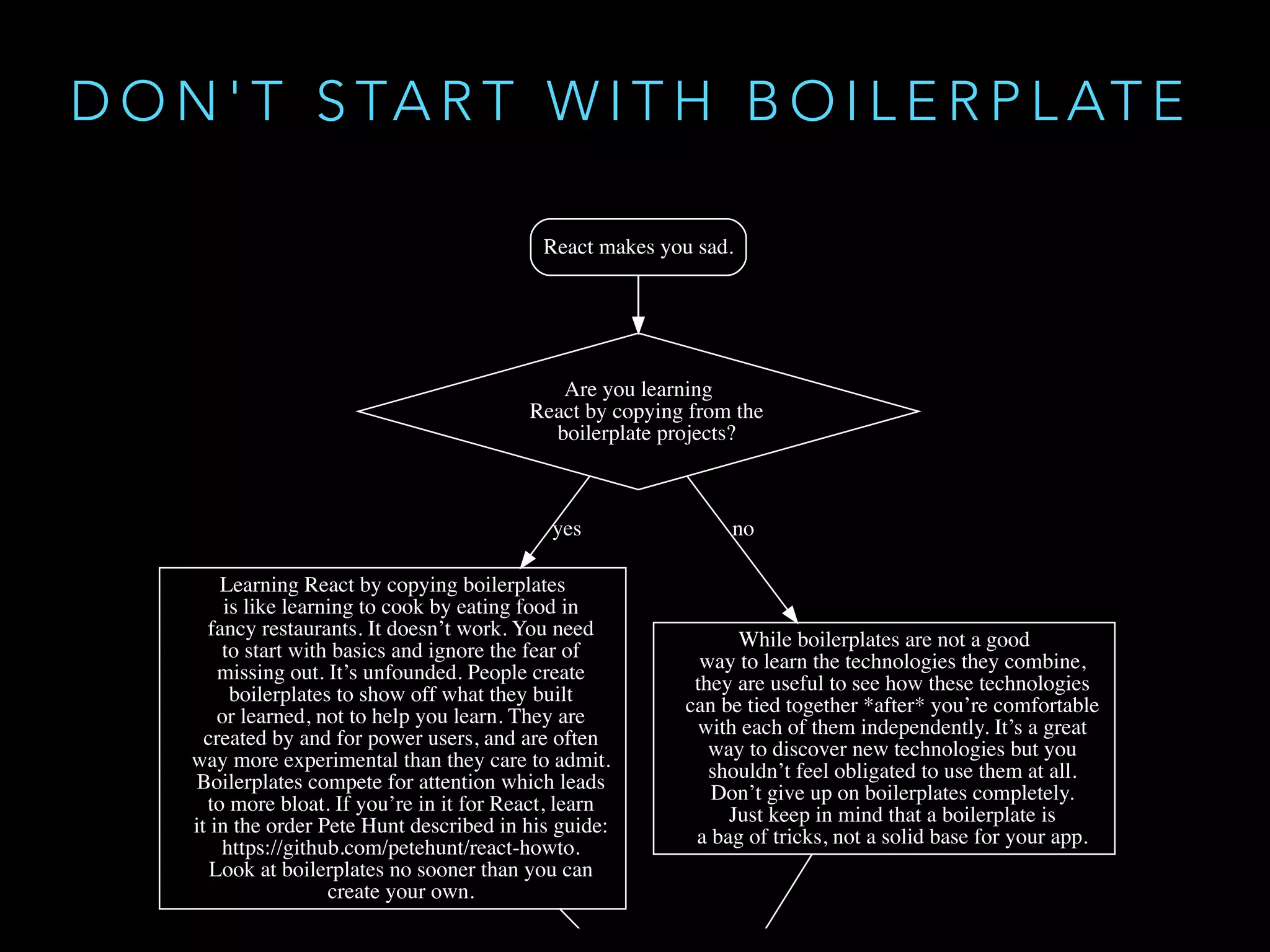
• Don't start with a boilerplate
• github.com/gaearon/react-makes-you-sad
D O N ' T S TA R T W I T H B O I L E R P L AT E
T O O L I N G
Understand the parts first
D E M O T I M E
S T E P B Y S T E P R E A C T P R O J E C T
U S I N G B A B E L A N D W E B PA C K
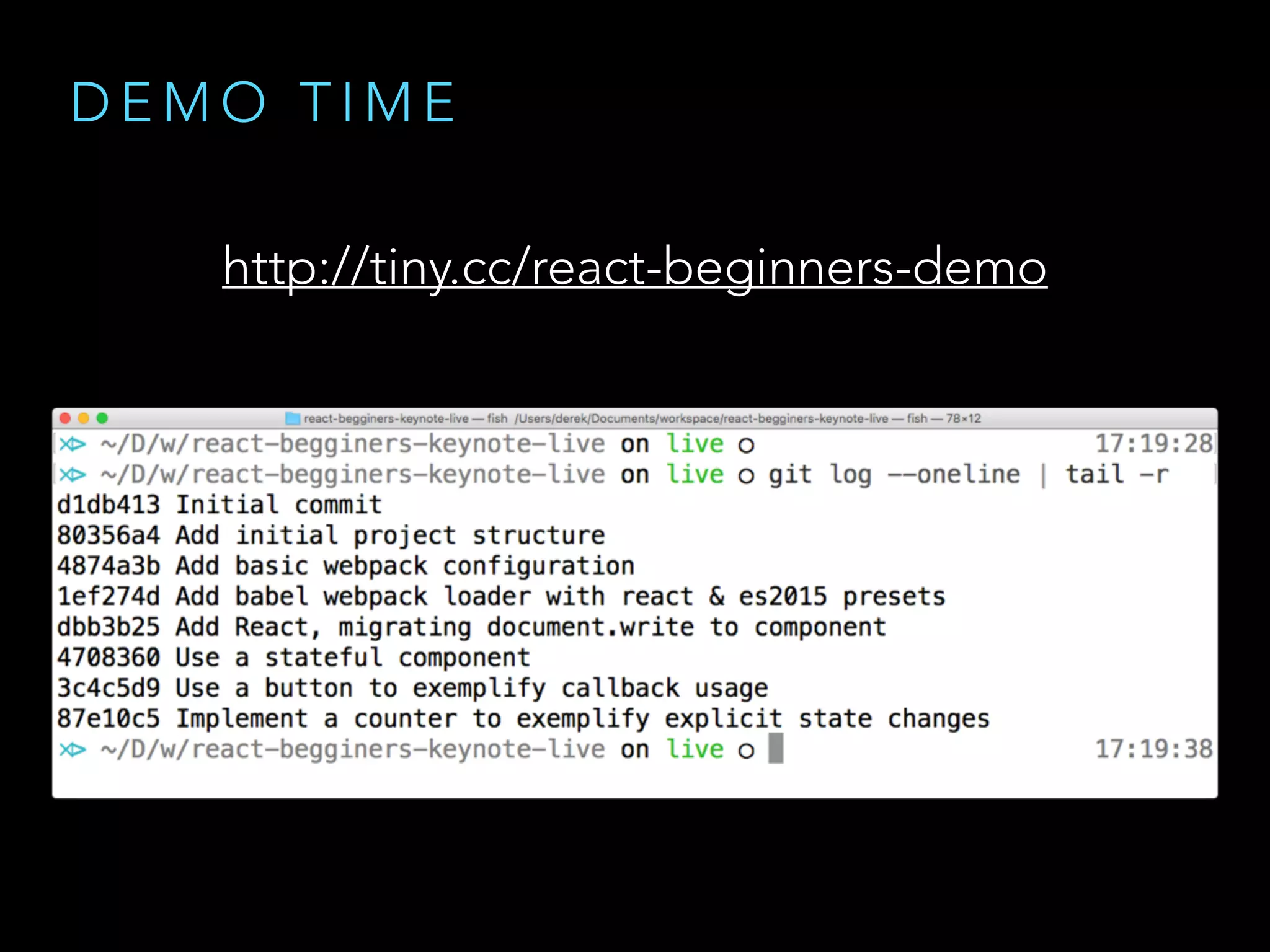
D E M O T I M E
http://tiny.cc/react-beginners-demo
R E F E R E N C E S
• facebook.github.io/react/docs/component-api.html
• facebook.github.io/react/docs/component-specs.html
T H A N K S
Q U E S T I O N S ?
L I C E N S E
• Copyright 2016 © Derek W. Stavis
• Attribution-ShareAlike 4.0 International

TDC2016SP - Trilha Frameworks JavaScript

  • 1.
    R E AC T F O R B E G I N N E R S
  • 2.
    W H OA M I • Derek Stavis • Software Engineer @ Healfies • Coding stuff since 2000 • High level stuff • Low level stuff • Design stuff • github.com/derekstavis • github.com/oh-my-fish
  • 3.
    • Why React? •Components • Tooling • How not to start • Step by step demo
  • 4.
    W H YR E A C T ?
  • 5.
    W H YR E A C T • Declarative syntax • Does one thing and do it well • Think components, not controllers • User Interfaces as a function of data • DOM abstraction (a.k.a. Virtual DOM)
  • 6.
    D O ON E T H I N G A N D D O I T W E L L • React has no… • Dependency injection • Automagic data binding • Controllers • Directives • Templates
  • 7.
    T H IN K C O M P O N E N T S , N O T C O N T R O L L E R S • Everything is a component • Application • Router • Data Store • Widgets
  • 8.
    T H IN K C O M P O N E N T S , N O T C O N T R O L L E R S • Well designed components are • Composable • Reusable • Maintainable • Testable
  • 9.
    U I AS A F U N C T I O N O F D ATA • Element tree is a result of function application • Never operate on global, shared state • Data flow is unidirectional
  • 10.
    V I RT U A L D O M • Abstraction • Performance • Reconciliation • Isomorphism
  • 11.
    C O MP O N E N T S P E C S A N D L I F E C Y C L E
  • 12.
    C O MP O N E N T D E C L A R AT I O N * <Button
 label='Click me'
 onClick={this.foo.bind(this)}
 /> Props * wow, such directives Pattern: Break the line to close tag and clean the indentation
  • 13.
    C O MP O N E N T S P E C I F I C AT I O N • const Component = React.createClass • class Component extends React.Component
  • 14.
    C O MP O N E N T S P E C I F I C AT I O N • React.createClass • getInitialState • getDefaultProps • propTypes • render
  • 15.
    C O MP O N E N T S P E C I F I C AT I O N • class Component extends React.Component • Component.propTypes • Component.defaultProps • this.state • render
  • 16.
    const Title =(props) => <h1>props.title</h1> S TAT E L E S S C O M P O N E N T S P E C I F I C AT I O N
  • 17.
    C O MP O N E N T L I F E C Y C L E • componentWillMount • componentDidMount • componentWillReceiveProps • shouldComponentUpdate • componentWillUpdate • componentDidUpdate • componentWillUnmount
  • 18.
    C O MP O N E N T D ATA I N T E R FA C E • component.props • component.state
  • 19.
    C O MP O N E N T D ATA F L O W • React is one way data binding • Data only flows down in tree • State changes are explicit
  • 20.
    C O MP O N E N T D ATA F L O W • Data only flows down in tree
  • 21.
    C O MP O N E N T D ATA F L O W • Events flow up in tree
  • 22.
    T O OL I N G W H A T M A K E S R E A C T A W E S O M E
  • 23.
    E S 6O R N O T E S 6 React encourages ES6
  • 24.
    E S 6O R N O T E S 6 const makeCellTitle = (props) => { const { title, description } = props return `${title}: ${description}` } var title = 'Hello World' var description = 'A classic programmer thing' makeCellTitle({ title, description }) > Hello World: A classic programmer thing
  • 25.
    const makeCellTitle =(props) => { const { title, description } = props return `${title}: ${description}` } var title = 'Hello World' var description = 'A classic programmer thing' makeCellTitle({ title, description }) > Hello World: A classic programmer thing const makeCellTitle = (props) => { const { title, description } = props return `${title}: ${description}` } var title = 'Hello World' var description = 'A classic programmer thing' makeCellTitle({ title, description }) > Hello World: A classic programmer thing E S 6 O R N O T E S 6 A R R O W F U N C T I O N S
  • 26.
    const makeCellTitle =(props) => { const { title, description } = props return `${title}: ${description}` } var title = 'Hello World' var description = 'A classic programmer thing' makeCellTitle({ title, description }) > Hello World: A classic programmer thing const makeCellTitle = (props) => { const { title, description } = props return `${title}: ${description}` } var title = 'Hello World' var description = 'A classic programmer thing' makeCellTitle({ title, description }) > Hello World: A classic programmer thing E S 6 O R N O T E S 6 D E S T R U C T U R I N G
  • 27.
    E S 6O R N O T E S 6 const makeCellTitle = (props) => { const { title, description } = props return `${title}: ${description}` } var title = 'Hello World' var description = 'A classic programmer thing' makeCellTitle({ title, description }) > Hello World: A classic programmer thing const makeCellTitle = (props) => { const { title, description } = props return `${title}: ${description}` } var title = 'Hello World' var description = 'A classic programmer thing' makeCellTitle({ title, description }) > Hello World: A classic programmer thing S T R I N G I N T E R P O L AT I O N
  • 28.
    const makeCellTitle =(props) => { const { title, description } = props return `${title}: ${description}` } var title = 'Hello World' var description = 'A classic programmer thing' makeCellTitle({ title, description }) > Hello World: A classic programmer thing E S 6 O R N O T E S 6 A R R O W F U N C T I O N S S T R I N G I N T E R P O L AT I O N D E S T R U C T U R I N G
  • 29.
    E S 6O R N O T E S 6 • Native class syntax • Arrow functions • String interpolation • Destructuring • Code for the future const makeCellTitle = (props) => { const { title, description } = props return `${title}: ${description}` } var title = 'Hello World' var description = 'A classic programmer thing' makeCellTitle({ title, description }) > Hello World: A classic programmer thing A R R O W F U N C T I O N S S T R I N G I N T E R P O L AT I O N D E S T R U C T U R I N G
  • 30.
    J S XO R N O T J S X React encourages JSX
  • 31.
    J S XO R N O T J S X render() { return ( <div> <h1>A counter example</h1> <div>Current value is {this.state.counter}</div> <button onClick={this.handleButton.bind(this)}> Increase </button> </div> ) }
  • 32.
    render() { return ( <div> <h1>Acounter example</h1> <div>Current value is {this.state.counter}</div> <button onClick={this.handleButton.bind(this)}> Increase </button> </div> ) } J S X O R N O T J S X • It's like HTML in side JavaScript • In reality it's just syntactic sugar • Transforms into plain JavaScript
  • 33.
    J S XO R N O T J S X render() { return React.createElement( 'div', null, React.createElement( 'h1', null, 'A counter example' ), React.createElement( 'div', null, 'Current value is ', this.state.counter ), React.createElement( 'button', { onClick: this.handleButton.bind(this) }, 'Increase' ) ) }
  • 34.
    J S XO R N O T J S X Use JSX, for the sake of sanity
  • 35.
    T R AN S F O R M I N G J S X • In-browser transform • More stuff to download • Slower due to compilation • Precompiled JS assets • Fast for the client • Integrated into build
  • 36.
    M A IN S T R E A M T O O L I N G • Babel • JavaScript Compiler • ES6 → ES5 • JSX → JavaScript
  • 37.
    M A IN S T R E A M T O O L I N G • Webpack • Module bundler • Join npm packages and your code • Apply loaders that transform files
  • 38.
    M A IN S T R E A M T O O L I N G J S X J S ( E S 5 ) babel-loader S C S S C S S postcss-loader P N G B A S E 6 4 file-loader B U N D L E . J S
  • 39.
    T O OL I N G The stack looks complicated
  • 40.
    T O OL I N G • Don't start with a boilerplate • github.com/gaearon/react-makes-you-sad
  • 41.
    D O N' T S TA R T W I T H B O I L E R P L AT E
  • 42.
    T O OL I N G Understand the parts first
  • 43.
    D E MO T I M E S T E P B Y S T E P R E A C T P R O J E C T U S I N G B A B E L A N D W E B PA C K
  • 44.
    D E MO T I M E http://tiny.cc/react-beginners-demo
  • 45.
    R E FE R E N C E S • facebook.github.io/react/docs/component-api.html • facebook.github.io/react/docs/component-specs.html
  • 46.
    T H AN K S Q U E S T I O N S ?
  • 47.
    L I CE N S E • Copyright 2016 © Derek W. Stavis • Attribution-ShareAlike 4.0 International