Tally4.0-DataImportNowMade
Easy
ImportingdataintoTallyPrime4.0isacrucialprocessthatallowsuserstoseamlesslytransitioninformation
fromdiversesources.
byAntraWeb
AW
DataTypesandFormats
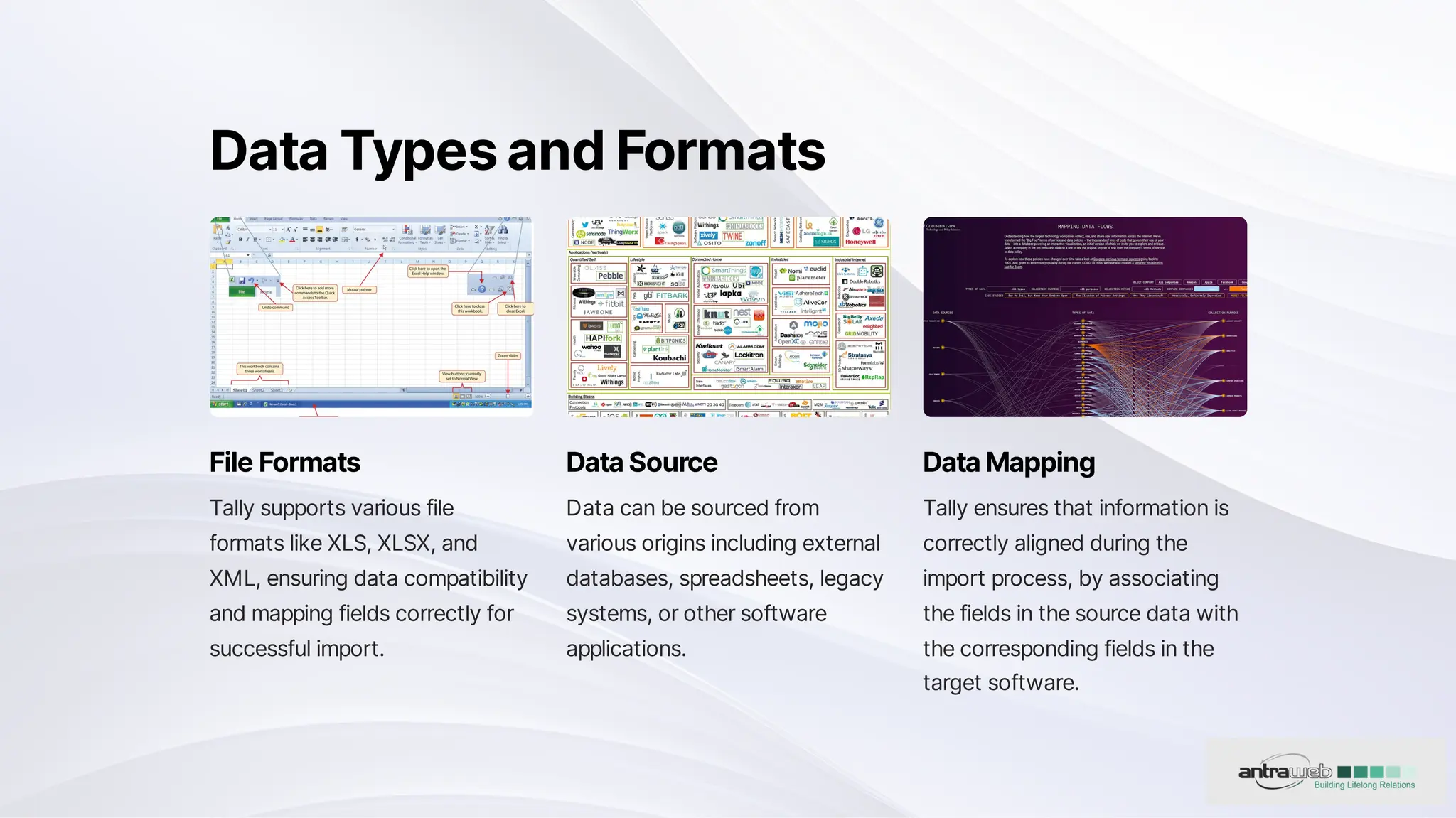
FileFormats
Tallysupportsvariousfile
formatslikeXLS,XLSX,and
XML,ensuringdatacompatibility
andmappingfieldscorrectlyfor
successfulimport.
DataSource
Datacanbesourcedfrom
variousoriginsincludingexternal
databases,spreadsheets,legacy
systems,orothersoftware
applications.
DataMapping
Tallyensuresthatinformationis
correctlyalignedduringthe
importprocess,byassociating
thefieldsinthesourcedatawith
thecorrespondingfieldsinthe
targetsoftware.
ValidationandCleaning
DataValidation
Datashouldundergo
validationtoidentifyerrorsor
inconsistencies.
DataCleaning
Cleaninginvolvesrectifying
issuessuchasmissing
values,duplicates,or
formattingerrors.
ErrorHandling
Tallyprovidesareport
showcasingthenumberof
errorsthatneedtobe
rectified.
ImportMethods
1 ManualEntry
AllowsuserstomanuallyenterthedataintoTally.
2 BatchProcessing
Enablesuserstoimportlargeamountsofdatainasinglebatch.
3 AutomatedScripts
Providestheoptiontoautomatetheimportprocessbasedonpredefinedscripts.
UserInterfaceforImport
1 User-FriendlyInterface
Guidesusersthroughtheimportprocess
withstep-by-stepinstructions.
2 WizardsandProcesses
Helpensurethatallnecessaryinformationis
providedduringtheimport.
DataTransformation
Conversion
Maybenecessarytoconvertdataintotherequiredformator
unitstomatchthesoftware'sspecifications.
Formatting
Exampleconversionofcurrency,dateformats,orunitsof
measurement.
SecurityMeasures
1 Encryption
Securityconsiderationssuchasencryption
anduseraccesscontrolsareparamount
whenimportingsensitivedata.
2 AuditTrails
Maintainingaudittrailsorlogsisessentialfor
trackingchanges,troubleshooting,and
meetingcompliancerequirements.
3 DataDuplication
Softwareshouldideallyhavemechanismstoidentifyandmanageduplicaterecordsduringthe
importprocess.
HowtoImportDatafromExcelinTally?
1 Step1
ToimportMaster’sdata,
PressAltAndO.
2 Step2
Clickon‘Manage’>
‘SampleExcelFile’>
‘Masters’.
3 Step3
Clickon‘Configure’to
changethesettingsor
simplyclickon‘Export’to
downloadtheSample
Excelfile.
4 Step4
ToimportdatapressAlt+
Othenselectthefile
name,filetype,etc,and
clickonImport.
5 Step5
Openthe‘Chartof
Accounts’toviewthe
dataimportedandverifyit
toensurecorrectdatahas
beenentered.
6 Step6
Similarlyyoucanimport
transactiondataintoTally.
Wanttoknowmoreabout
Tally4.0-DataImportNowMadeEasy
ClickontheLinkbelowforFullArticle
Tally4.0-DataImportNowMadeEasy
BestTallySoftwareSupportCustomization&SolutionsProvider

Tally Prime 4.0 - Data Import Now Made Easy