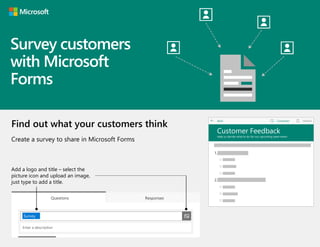
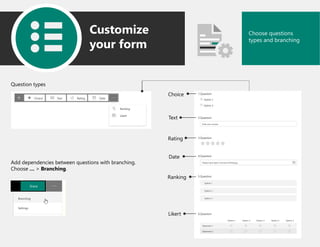
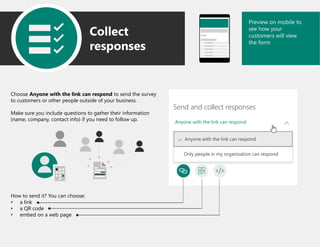
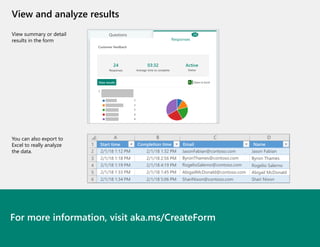
This document provides instructions for creating and distributing a survey using Microsoft Forms. It explains how to add a logo and title, choose different question types including branching questions, customize response settings, preview the form on mobile, collect responses, and view summary or detailed results that can be exported to Excel for further analysis. The steps covered include adding a title and image, choosing question types, setting response options, embedding the survey link, and analyzing response data.