Storage Management using LVM Sandeep Tyagi Persistent Systems
Agenda Q & A  What is LVM Body, Parts and Soul How to use LVM on Linux [ Some situations & LVM ] Discussion
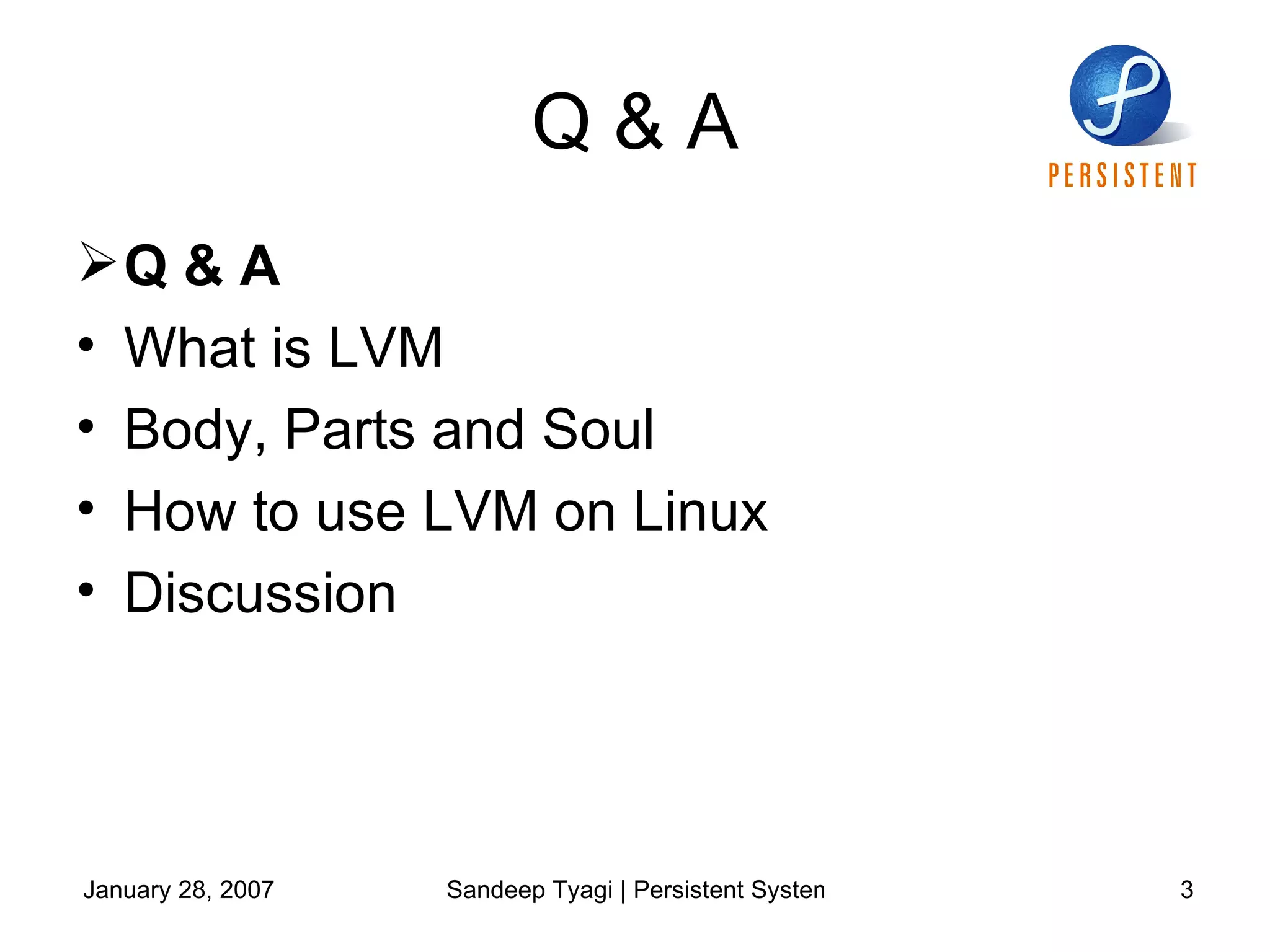
Q & A Q & A  What is LVM Body, Parts and Soul How to use LVM on Linux Discussion
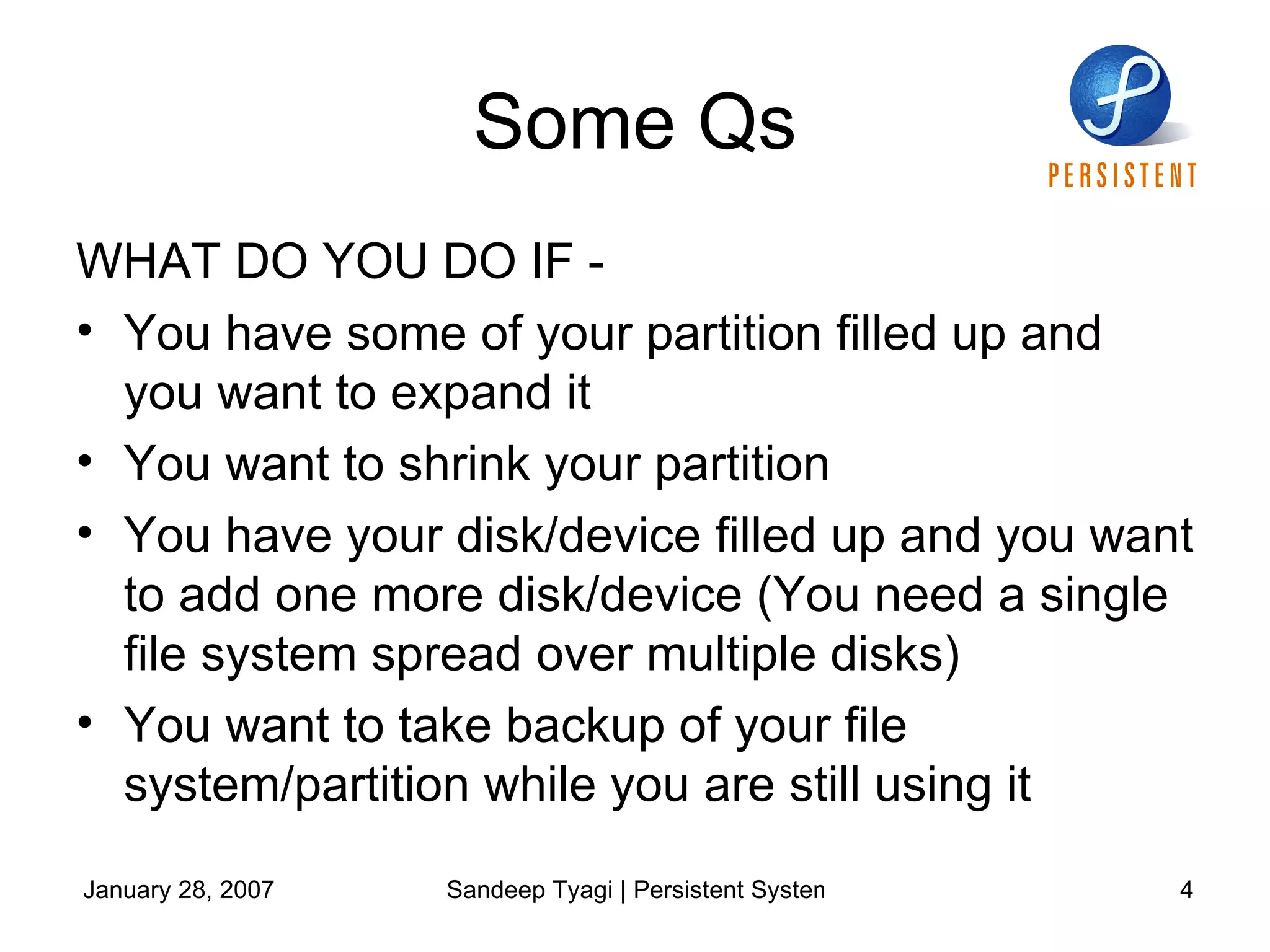
Some Qs WHAT DO YOU DO IF -  You have some of your partition filled up and you want to expand it You want to shrink your partition You have your disk/device filled up and you want to add one more disk/device (You need a single file system spread over multiple disks) You want to take backup of your file system/partition while you are still using it
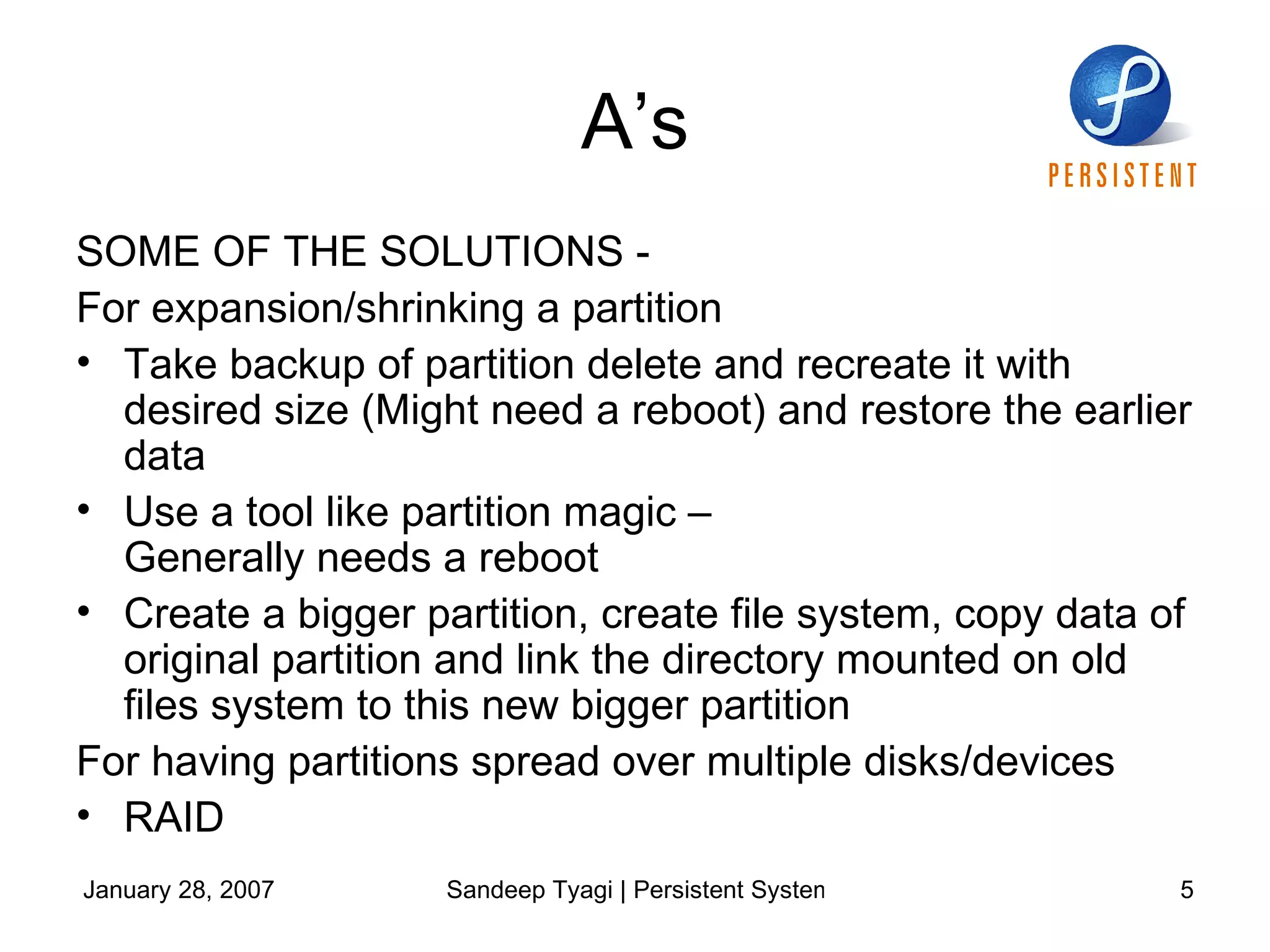
A’s SOME OF THE SOLUTIONS - For expansion/shrinking a partition  Take backup of partition delete and recreate it with desired size (Might need a reboot) and restore the earlier data Use a tool like partition magic –  Generally needs a reboot Create a bigger partition, create file system, copy data of original partition and link the directory mounted on old files system to this new bigger partition For having partitions spread over multiple disks/devices RAID
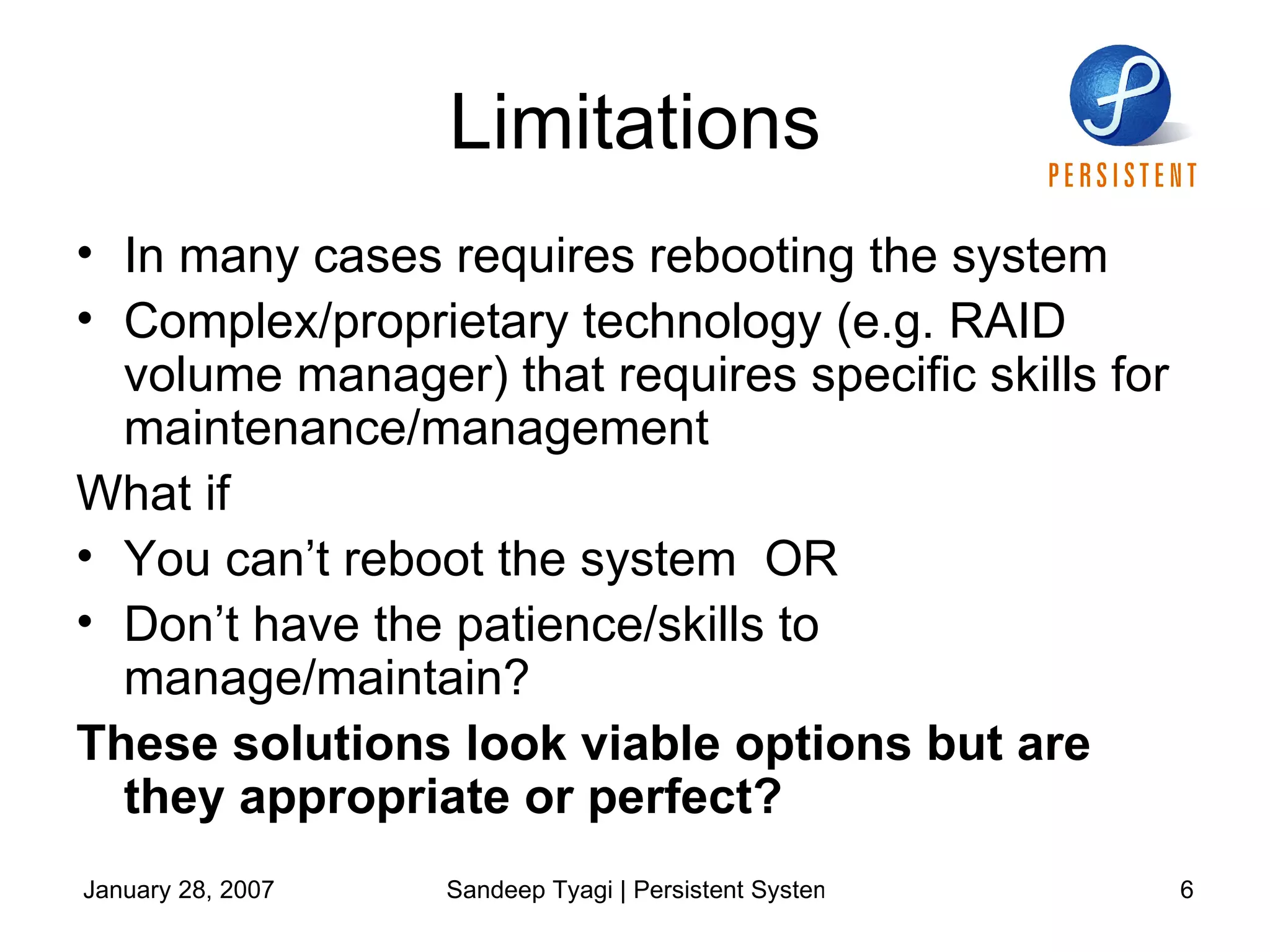
Limitations In many cases requires rebooting the system Complex/proprietary technology (e.g. RAID volume manager) that requires specific skills for maintenance/management What if  You can’t reboot the system  OR Don’t have the patience/skills to  manage/maintain? These solutions look viable options but are they appropriate or perfect?
Answer is NO  We need a solution  That solves most of our problems discussed  Doesn’t force a reboot all the time Doesn’t force a backup all the time  And so on..
What is LVM Q & A  What is LVM Body, Parts and Soul How to use LVM on Linux Discussion
Logical Volume Manager  (LVM) Presents a higher level of disk storage Provides flexibility in allocating storage Facility of resizing file system while the file systems are online (though it needs modification/addition in/of tools) Facility to manage storage based on user-defined logical groups Easy maintenance
Body, Parts and Soul Q & A  What is LVM Body, Parts and Soul How to use LVM on Linux Discussion
Body, Parts and Soul Physical Volume Volume Group Logical Volume Physical Extents Logical Extents Device mapper Snapshot
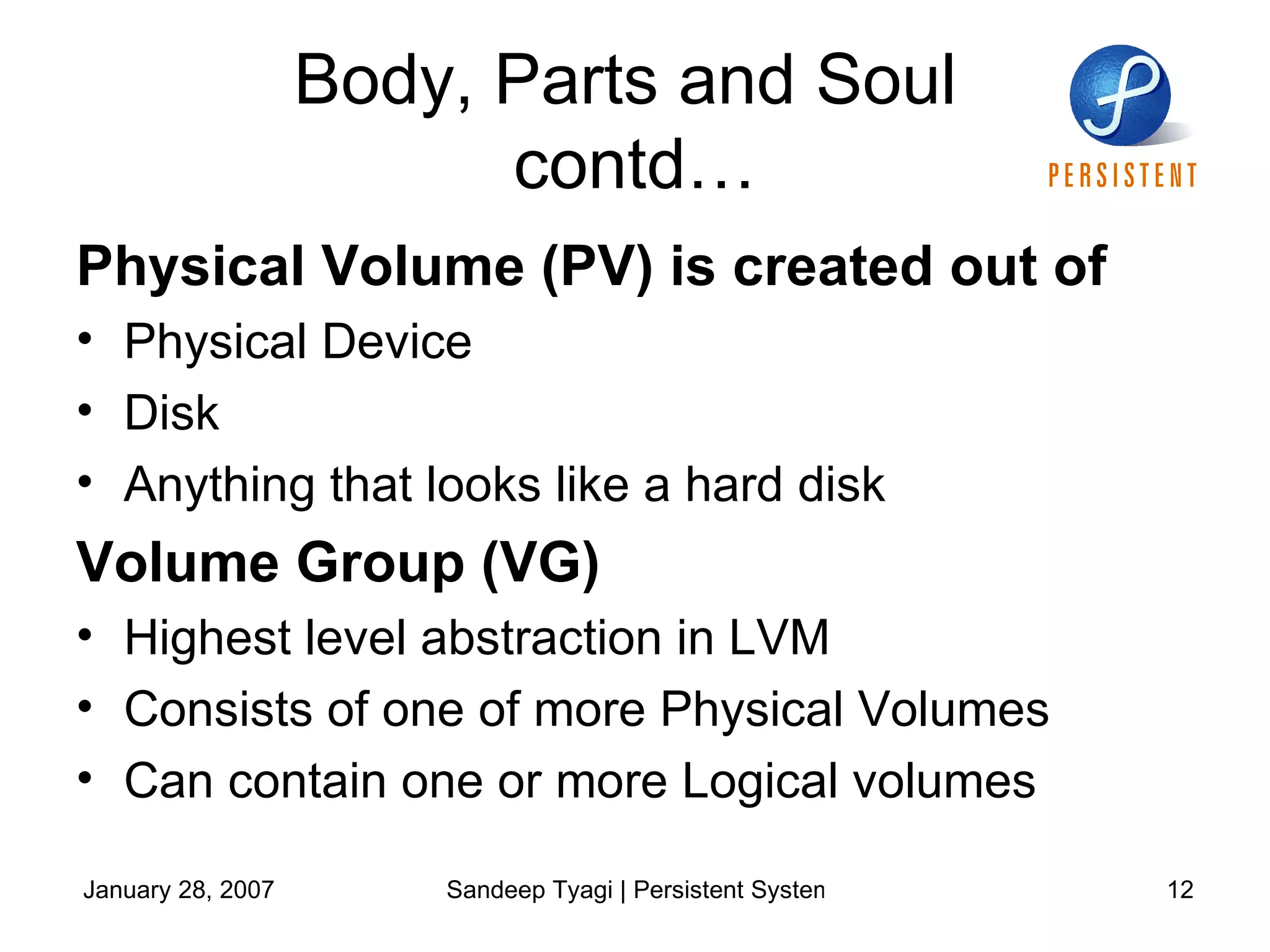
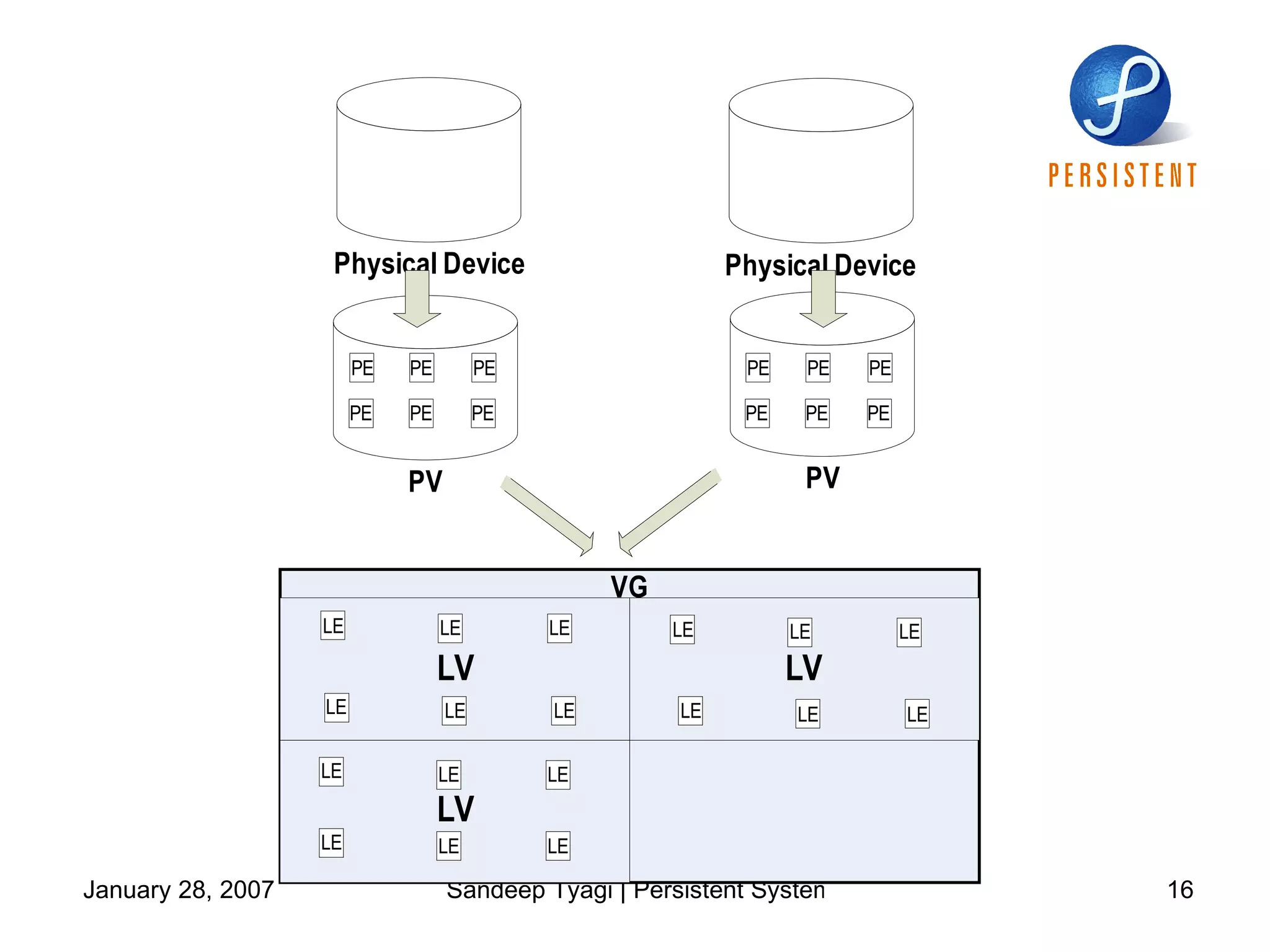
Body, Parts and Soul  contd… Physical Volume (PV) is created out of Physical Device  Disk Anything that looks like a hard disk Volume Group (VG) Highest level abstraction in LVM Consists of one of more Physical Volumes Can contain one or more Logical volumes
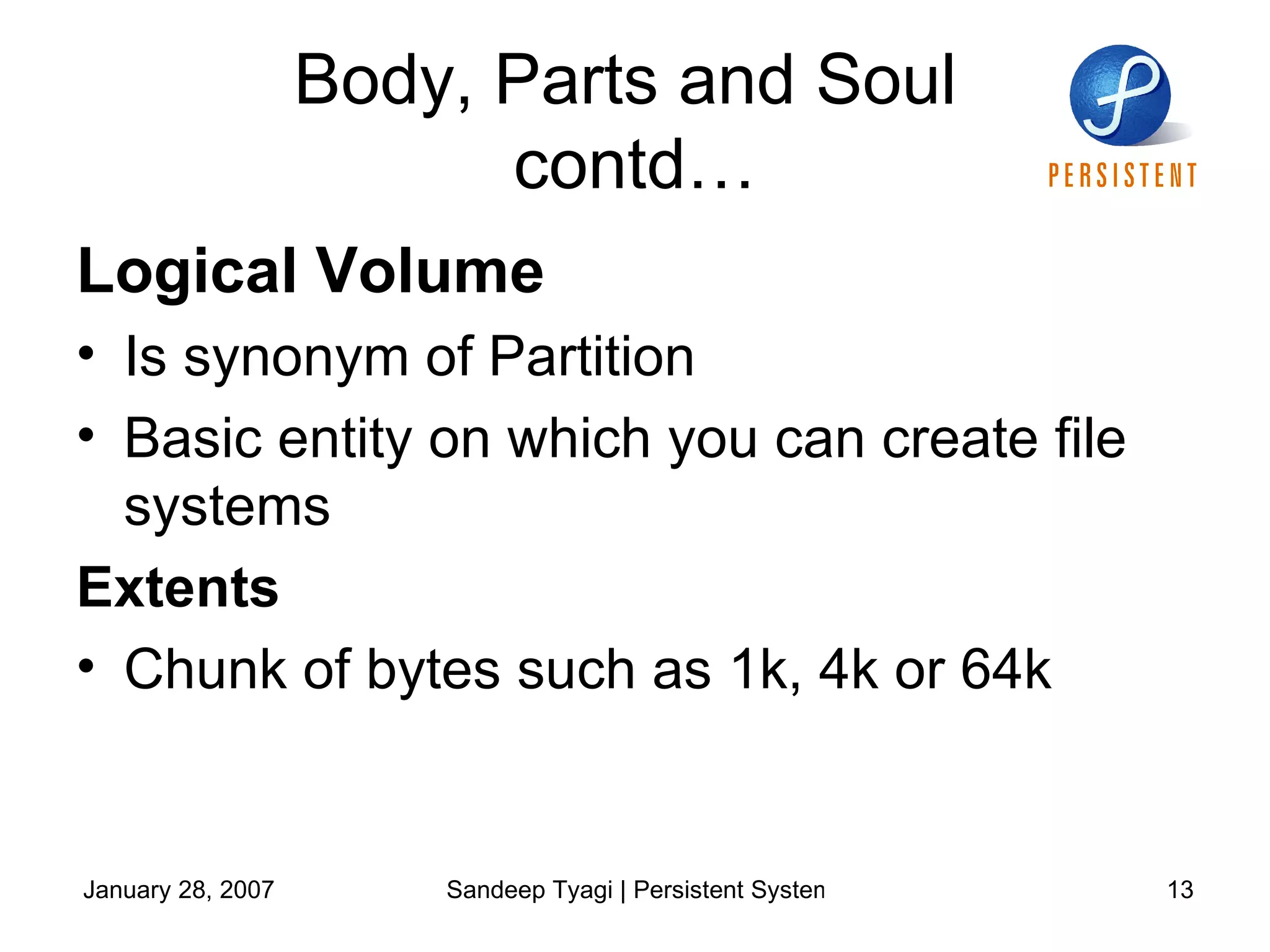
Body, Parts and Soul  contd… Logical Volume  Is synonym of Partition  Basic entity on which you can create file systems  Extents Chunk of bytes such as 1k, 4k or 64k
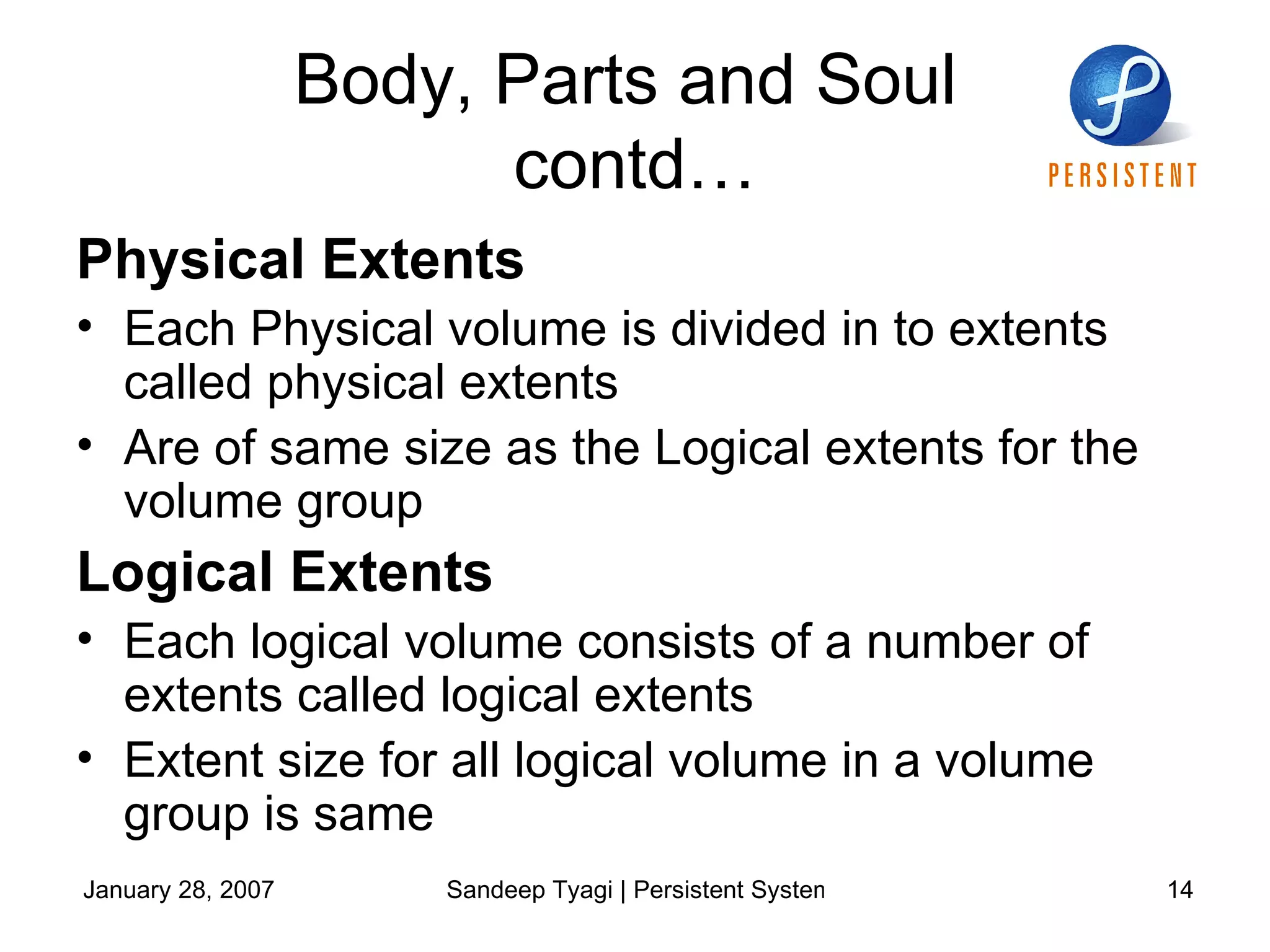
Body, Parts and Soul  contd… Physical Extents Each Physical volume is divided in to extents called physical extents Are of same size as the Logical extents for the volume group Logical Extents Each logical volume consists of a number of extents called logical extents Extent size for all logical volume in a volume group is same
Body, Parts and Soul  contd… Snapshot A Read only/Read Write image of Logical Volume Device Mapper  A new component in Linux Kernel that enables use of LVM 2
 
Body, Parts and Soul  contd… To use LVM on Linux system should have -  Device mapper in your kernel Device mapper support library (libdevmapper)  User space LVM tools
How to use LVM on Linux Q & A  What is LVM Body, Parts and Soul How to use LVM on Linux Discussion
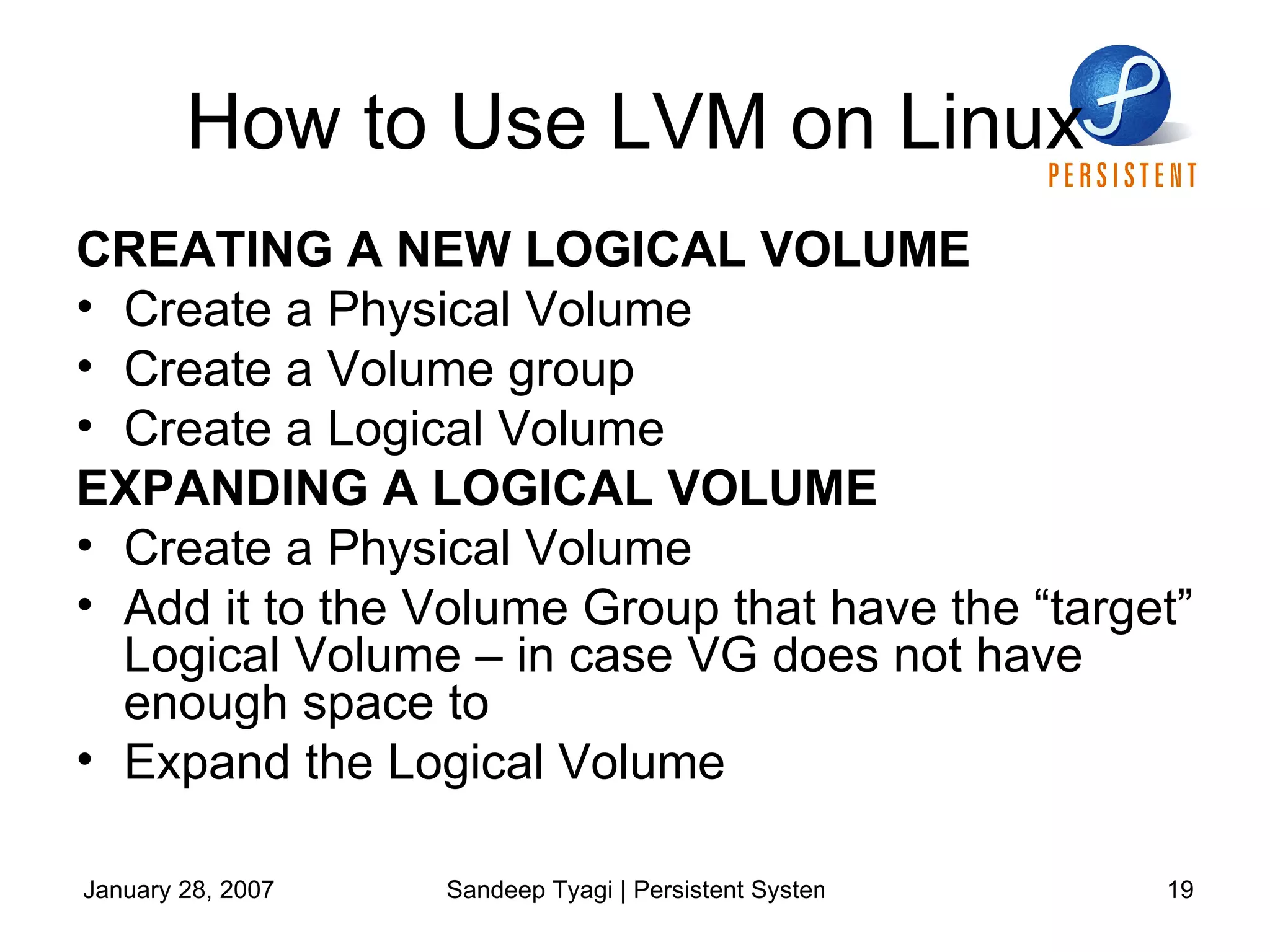
How to Use LVM on Linux CREATING A NEW LOGICAL VOLUME Create a Physical Volume Create a Volume group Create a Logical Volume EXPANDING A LOGICAL VOLUME Create a Physical Volume Add it to the Volume Group that have the “target” Logical Volume – in case VG does not have enough space to  Expand the Logical Volume
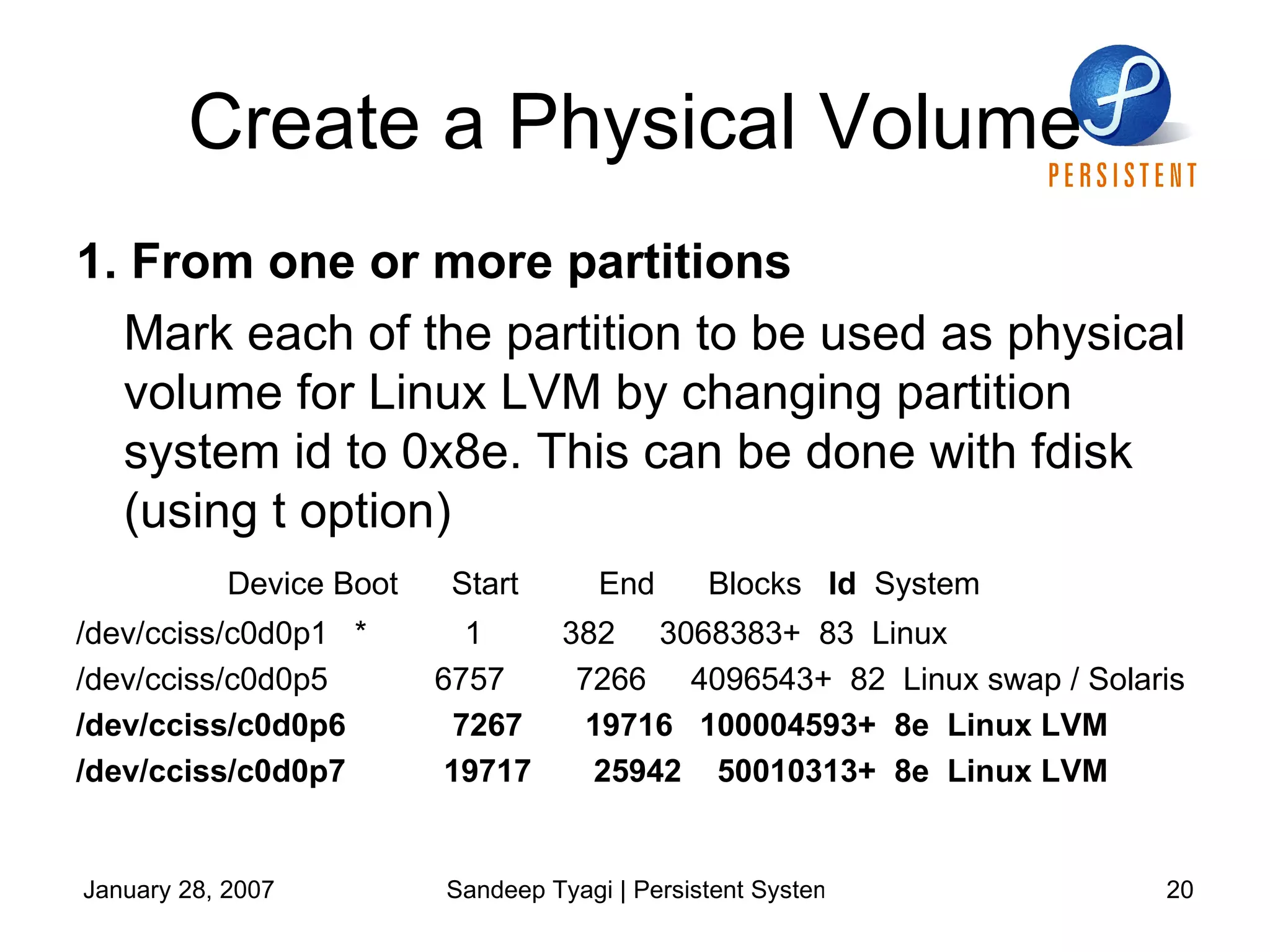
Create a Physical Volume 1. From one or more partitions Mark each of the partition to be used as physical volume for Linux LVM by changing partition system id to 0x8e. This can be done with fdisk (using t option) Device Boot  Start  End  Blocks  Id   System /dev/cciss/c0d0p1  *  1  382  3068383+  83  Linux /dev/cciss/c0d0p5  6757  7266  4096543+  82  Linux swap / Solaris /dev/cciss/c0d0p6  7267  19716  100004593+  8e  Linux LVM /dev/cciss/c0d0p7  19717  25942  50010313+  8e  Linux LVM
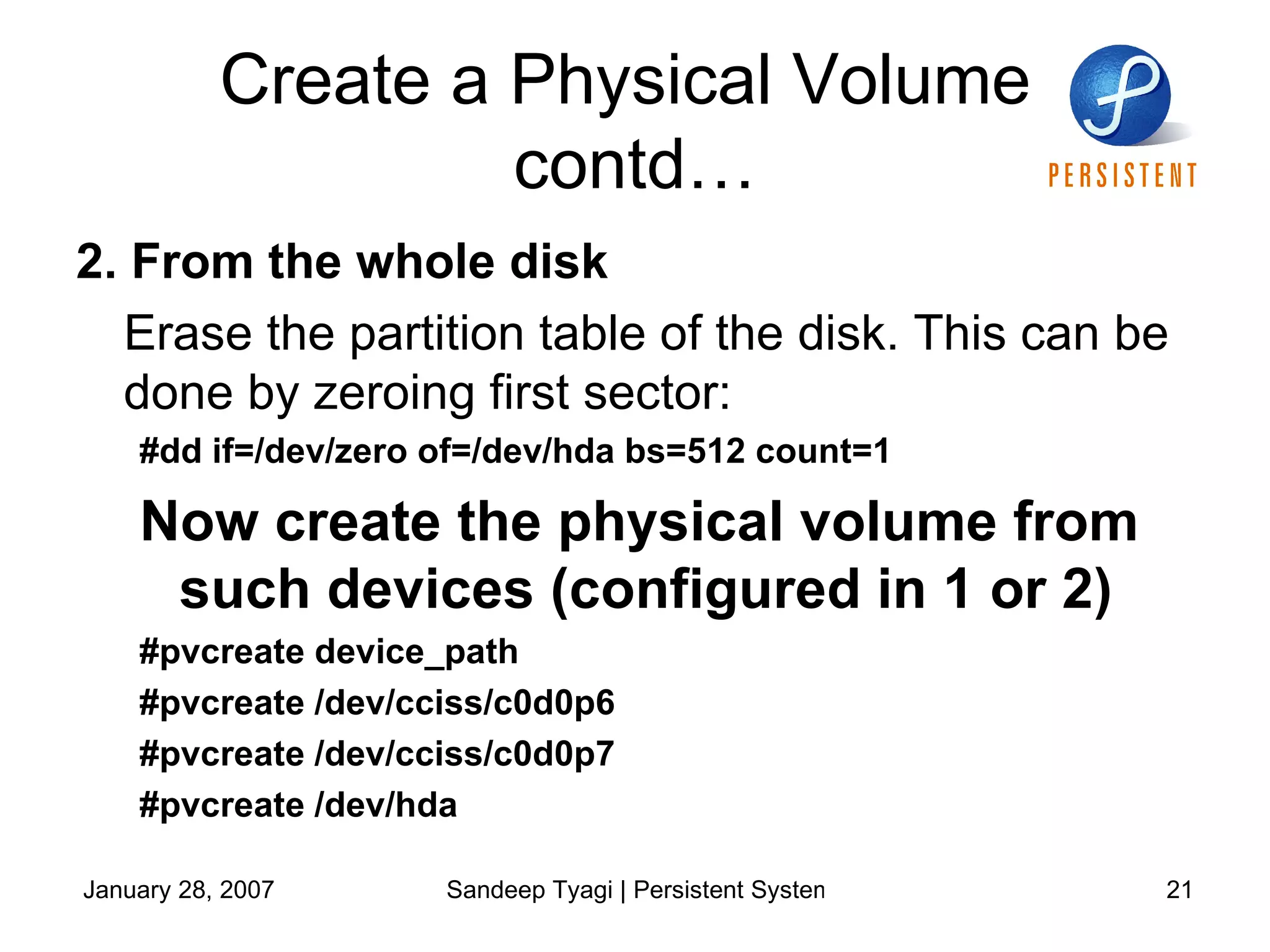
Create a Physical Volume  contd… 2. From the whole disk   Erase the partition table of the disk. This can be done by zeroing first sector: #dd if=/dev/zero of=/dev/hda bs=512 count=1 Now create the physical volume from such devices (configured in 1 or 2)  #pvcreate device_path #pvcreate /dev/cciss/c0d0p6 #pvcreate /dev/cciss/c0d0p7 #pvcreate /dev/hda
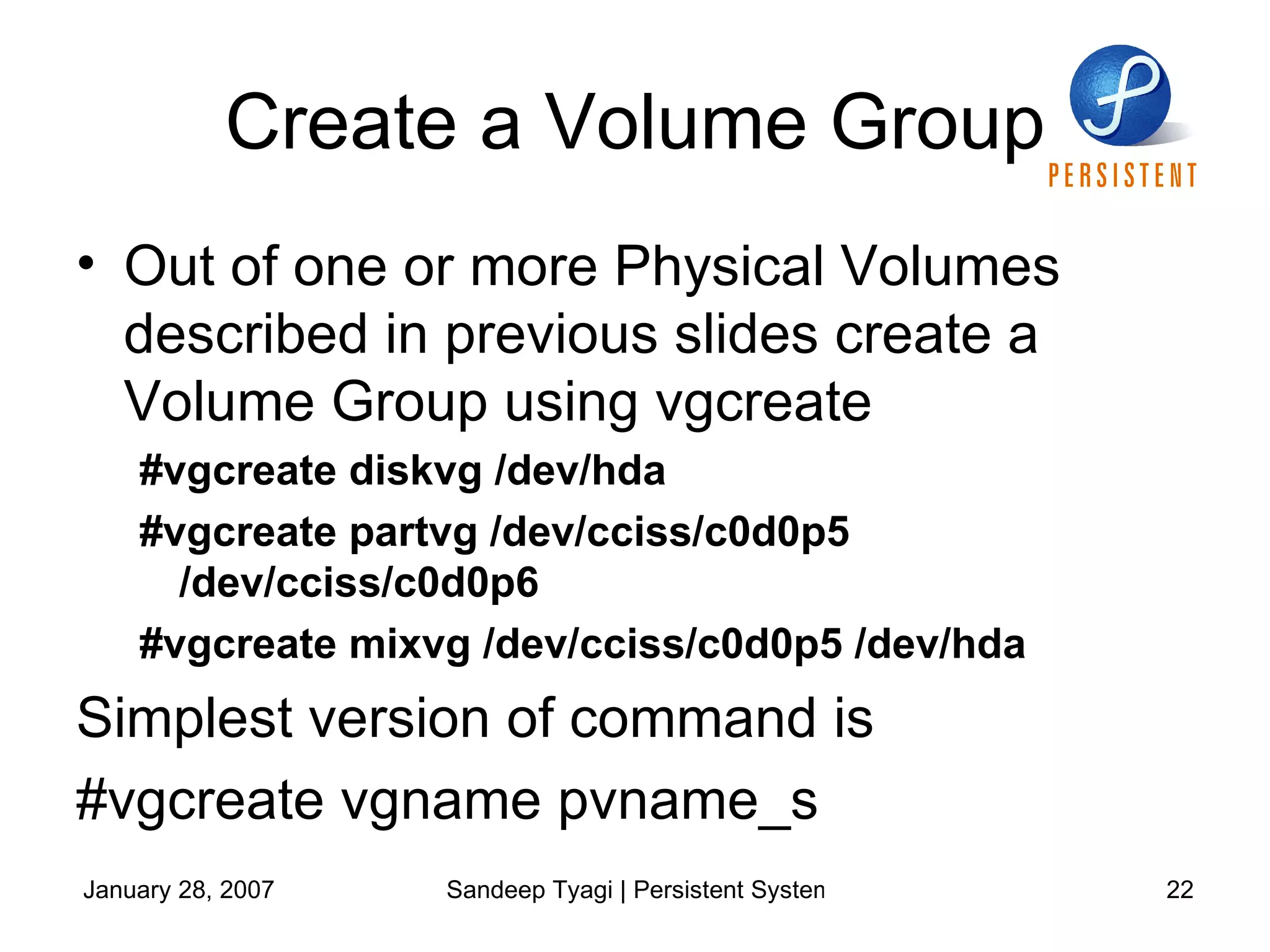
Create a Volume Group Out of one or more Physical Volumes described in previous slides create a Volume Group using vgcreate #vgcreate diskvg /dev/hda #vgcreate partvg /dev/cciss/c0d0p5 /dev/cciss/c0d0p6 #vgcreate mixvg /dev/cciss/c0d0p5 /dev/hda Simplest version of command is  #vgcreate vgname pvname_s
Create a Logical Volume Out of VG created create any no of volumes (using lvcreate) #lvcreate options [-n lv_name] vg_name LV name is optional, if you don’t provide one, LVM will choose one for you. Now you can use this logical volume for creating your file system
Other Features Extend or shrink Logical volume  Expand or shrink VG/Remove PV from VG Move LVs/PEs Create a snapshot for a read only/read write view of the LV (can be used for online backups and many more things)
Some of the useful  commands pvcreate pvremove pvmove pvdisplay pvscan vgcreate vgremove vgextend vgreduce vgdisplay vgscan lvcreate lvremove lvextend lvreduce lvresize lvdisplay lvmdiskscan
Thanks!!! Resources www.tldp.org www.google.com   Search for keywords – LVM, LVM2, Device mapper, LVM HOWTO and many other we saw in previous slides “ man” (#man lvm should get you started)
Disclaimer Views expressed in this document are of the authors and does not necessarily represent the view of Persistent Systems. Persistent Systems Private Limited (“Persistent”) logo is trademark of Persistent in India and/or other countries. Information provided in this document might change without notice. Names of products, company and services may be trademarks or service marks of others. This document is provided “AS IS” with no expressed or implied warranties. Use the information in this document at your own risk.
Next ???  EVMS !!!

Storage Management using LVM

  • 1.
    Storage Management usingLVM Sandeep Tyagi Persistent Systems
  • 2.
    Agenda Q &A What is LVM Body, Parts and Soul How to use LVM on Linux [ Some situations & LVM ] Discussion
  • 3.
    Q & AQ & A What is LVM Body, Parts and Soul How to use LVM on Linux Discussion
  • 4.
    Some Qs WHATDO YOU DO IF - You have some of your partition filled up and you want to expand it You want to shrink your partition You have your disk/device filled up and you want to add one more disk/device (You need a single file system spread over multiple disks) You want to take backup of your file system/partition while you are still using it
  • 5.
    A’s SOME OFTHE SOLUTIONS - For expansion/shrinking a partition Take backup of partition delete and recreate it with desired size (Might need a reboot) and restore the earlier data Use a tool like partition magic – Generally needs a reboot Create a bigger partition, create file system, copy data of original partition and link the directory mounted on old files system to this new bigger partition For having partitions spread over multiple disks/devices RAID
  • 6.
    Limitations In manycases requires rebooting the system Complex/proprietary technology (e.g. RAID volume manager) that requires specific skills for maintenance/management What if You can’t reboot the system OR Don’t have the patience/skills to manage/maintain? These solutions look viable options but are they appropriate or perfect?
  • 7.
    Answer is NO We need a solution That solves most of our problems discussed Doesn’t force a reboot all the time Doesn’t force a backup all the time And so on..
  • 8.
    What is LVMQ & A What is LVM Body, Parts and Soul How to use LVM on Linux Discussion
  • 9.
    Logical Volume Manager (LVM) Presents a higher level of disk storage Provides flexibility in allocating storage Facility of resizing file system while the file systems are online (though it needs modification/addition in/of tools) Facility to manage storage based on user-defined logical groups Easy maintenance
  • 10.
    Body, Parts andSoul Q & A What is LVM Body, Parts and Soul How to use LVM on Linux Discussion
  • 11.
    Body, Parts andSoul Physical Volume Volume Group Logical Volume Physical Extents Logical Extents Device mapper Snapshot
  • 12.
    Body, Parts andSoul contd… Physical Volume (PV) is created out of Physical Device Disk Anything that looks like a hard disk Volume Group (VG) Highest level abstraction in LVM Consists of one of more Physical Volumes Can contain one or more Logical volumes
  • 13.
    Body, Parts andSoul contd… Logical Volume Is synonym of Partition Basic entity on which you can create file systems Extents Chunk of bytes such as 1k, 4k or 64k
  • 14.
    Body, Parts andSoul contd… Physical Extents Each Physical volume is divided in to extents called physical extents Are of same size as the Logical extents for the volume group Logical Extents Each logical volume consists of a number of extents called logical extents Extent size for all logical volume in a volume group is same
  • 15.
    Body, Parts andSoul contd… Snapshot A Read only/Read Write image of Logical Volume Device Mapper A new component in Linux Kernel that enables use of LVM 2
  • 16.
  • 17.
    Body, Parts andSoul contd… To use LVM on Linux system should have - Device mapper in your kernel Device mapper support library (libdevmapper) User space LVM tools
  • 18.
    How to useLVM on Linux Q & A What is LVM Body, Parts and Soul How to use LVM on Linux Discussion
  • 19.
    How to UseLVM on Linux CREATING A NEW LOGICAL VOLUME Create a Physical Volume Create a Volume group Create a Logical Volume EXPANDING A LOGICAL VOLUME Create a Physical Volume Add it to the Volume Group that have the “target” Logical Volume – in case VG does not have enough space to Expand the Logical Volume
  • 20.
    Create a PhysicalVolume 1. From one or more partitions Mark each of the partition to be used as physical volume for Linux LVM by changing partition system id to 0x8e. This can be done with fdisk (using t option) Device Boot Start End Blocks Id System /dev/cciss/c0d0p1 * 1 382 3068383+ 83 Linux /dev/cciss/c0d0p5 6757 7266 4096543+ 82 Linux swap / Solaris /dev/cciss/c0d0p6 7267 19716 100004593+ 8e Linux LVM /dev/cciss/c0d0p7 19717 25942 50010313+ 8e Linux LVM
  • 21.
    Create a PhysicalVolume contd… 2. From the whole disk Erase the partition table of the disk. This can be done by zeroing first sector: #dd if=/dev/zero of=/dev/hda bs=512 count=1 Now create the physical volume from such devices (configured in 1 or 2) #pvcreate device_path #pvcreate /dev/cciss/c0d0p6 #pvcreate /dev/cciss/c0d0p7 #pvcreate /dev/hda
  • 22.
    Create a VolumeGroup Out of one or more Physical Volumes described in previous slides create a Volume Group using vgcreate #vgcreate diskvg /dev/hda #vgcreate partvg /dev/cciss/c0d0p5 /dev/cciss/c0d0p6 #vgcreate mixvg /dev/cciss/c0d0p5 /dev/hda Simplest version of command is #vgcreate vgname pvname_s
  • 23.
    Create a LogicalVolume Out of VG created create any no of volumes (using lvcreate) #lvcreate options [-n lv_name] vg_name LV name is optional, if you don’t provide one, LVM will choose one for you. Now you can use this logical volume for creating your file system
  • 24.
    Other Features Extendor shrink Logical volume Expand or shrink VG/Remove PV from VG Move LVs/PEs Create a snapshot for a read only/read write view of the LV (can be used for online backups and many more things)
  • 25.
    Some of theuseful commands pvcreate pvremove pvmove pvdisplay pvscan vgcreate vgremove vgextend vgreduce vgdisplay vgscan lvcreate lvremove lvextend lvreduce lvresize lvdisplay lvmdiskscan
  • 26.
    Thanks!!! Resources www.tldp.orgwww.google.com Search for keywords – LVM, LVM2, Device mapper, LVM HOWTO and many other we saw in previous slides “ man” (#man lvm should get you started)
  • 27.
    Disclaimer Views expressedin this document are of the authors and does not necessarily represent the view of Persistent Systems. Persistent Systems Private Limited (“Persistent”) logo is trademark of Persistent in India and/or other countries. Information provided in this document might change without notice. Names of products, company and services may be trademarks or service marks of others. This document is provided “AS IS” with no expressed or implied warranties. Use the information in this document at your own risk.
  • 28.
    Next ??? EVMS !!!