Download to read offline

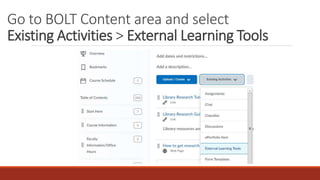
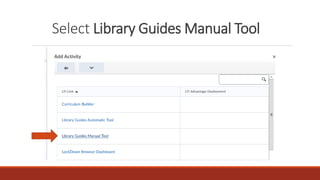
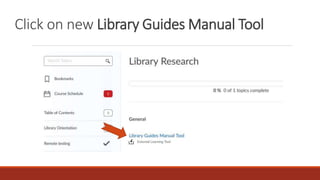
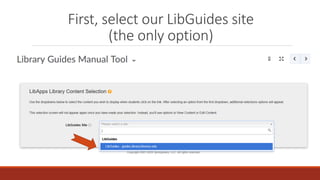
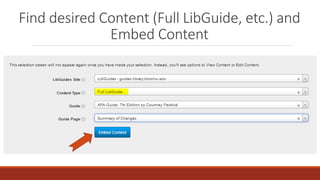
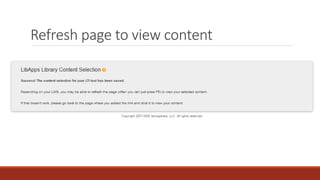
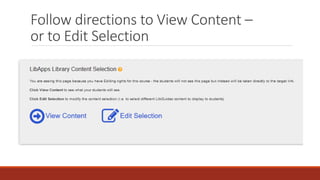
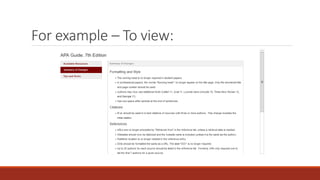
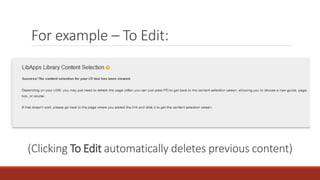
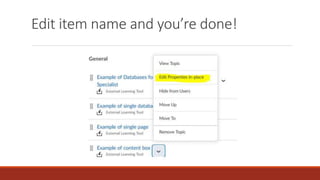

This document provides steps for using a manual tool to add content from the library's LibGuides site into the BOLT content area. The steps are to go to the BOLT Content area, select the Library Guides Manual Tool, click new, select the LibGuides site, find and embed desired content like a full LibGuide, then refresh the page to view or edit the embedded content.


