Download to read offline
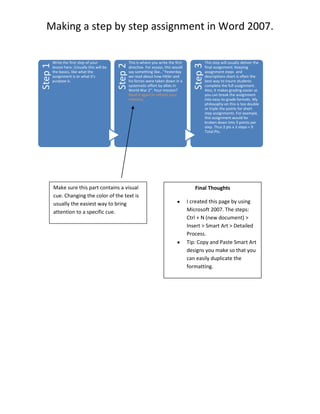
This 3 sentence summary provides the key details from the document: The document describes the steps taken to create a new page in Microsoft 2007 using Smart Art to layout a detailed process. It suggests copying and pasting Smart Art designs for easy formatting duplication. The final sentence notes that changing text color is a simple visual cue to draw attention to a specific part of the document.


