Solving Salesforce File Storage Challenges : The Smarter Way
Discover intelligent strategies to overcome Salesforce file storage limitations. Learn best practices, optimization tips, and smart tools to manage and reduce file storage costs in Salesforce.
Understanding Salesforce FileStorage
● Salesforce offers a very limited file storage capacity
● Storage fills up quickly with documents & attachments
● Buying additional storage space is an expensive choice
● It’s a common issue for file-heavy teams (sales, service, & legal)
3.
When the LimitedStorage Becomes a Problem
● Limited file storage impacts the team's performance
● Inefficient file access slows down productivity
● Document collaboration becomes a challenge
● Compliance & document retention get complicated
4.
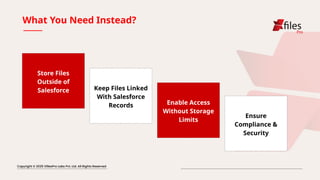
What You NeedInstead?
Store Files
Outside of
Salesforce Keep Files Linked
With Salesforce
Records Enable Access
Without Storage
Limits
Ensure
Compliance &
Security
5.
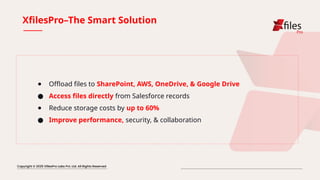
XfilesPro–The Smart Solution
●Offload files to SharePoint, AWS, OneDrive, & Google Drive
● Access files directly from Salesforce records
● Reduce storage costs by up to 60%
● Improve performance, security, & collaboration
6.
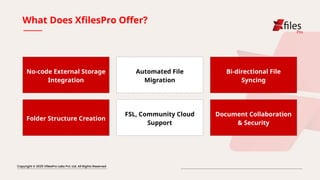
What Does XfilesProOffer?
No-code External Storage
Integration
Automated File
Migration
Bi-directional File
Syncing
Folder Structure Creation
FSL, Community Cloud
Support
Document Collaboration
& Security
7.
★ Web :www.xfilespro.com
★ Email : sales@xfilespro.com
THANK
YOU




![谷歌留痕技术教程[ 𝙩𝙤𝙥 𝟮𝟯𝟯. 𝙘 𝙤𝙢 ]](https://cdn.slidesharecdn.com/ss_thumbnails/top233-260130173900-2eb784f9-thumbnail.jpg?width=640&height=640&fit=bounds)


