Using SLIDESHARE To Deliver
       Online Presentations
      and WikiBook Chapters

1. Using PowerPoint create a mini
presentation (approx. 3 slides)
for a topic in your teaching area. If
possible use images from
Flickr and Google image search.

2. Go to Slideshare.net and register for
a free account.

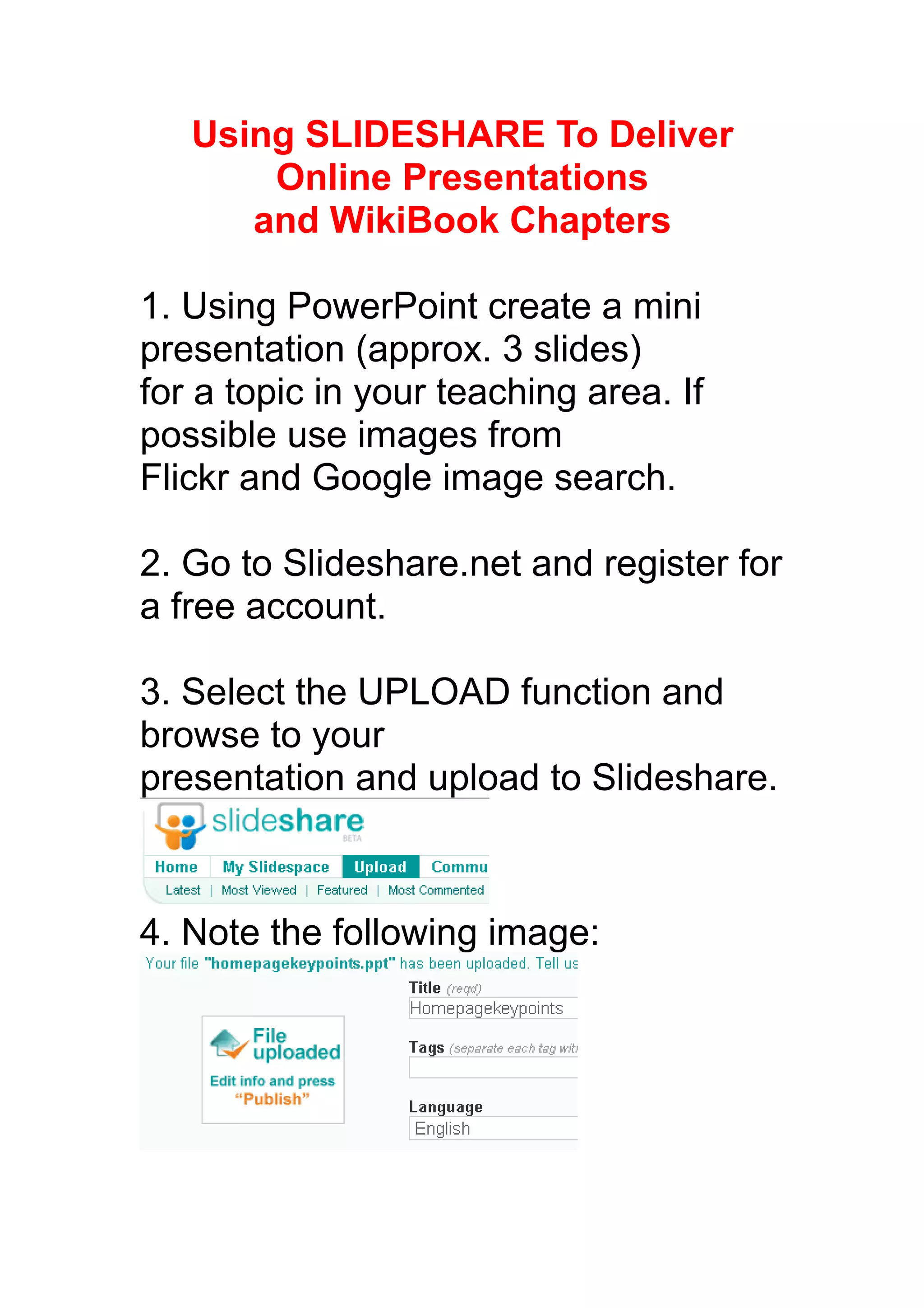
3. Select the UPLOAD function and
browse to your
presentation and upload to Slideshare.


4. Note the following image:
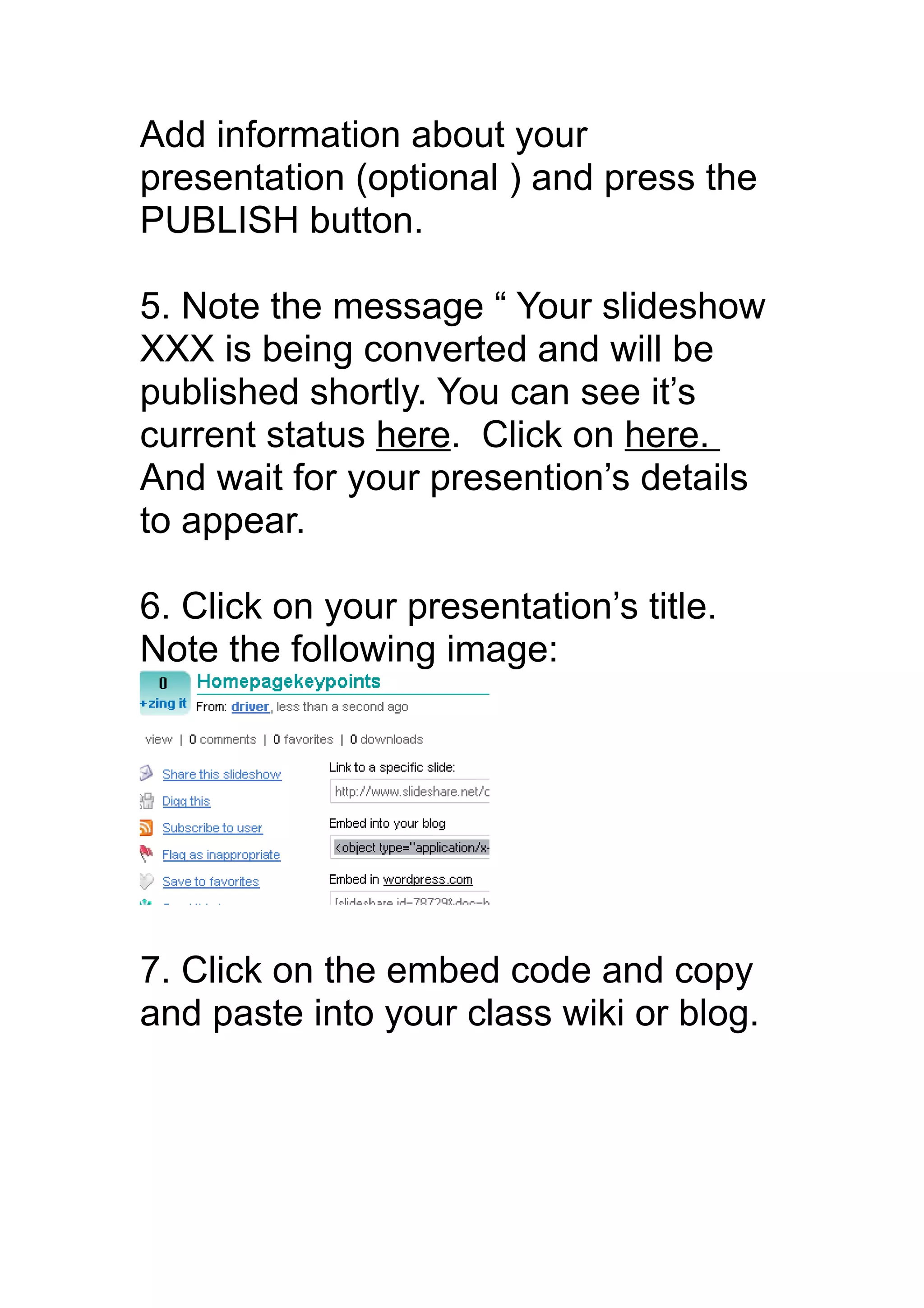
Add information about your
presentation (optional ) and press the
PUBLISH button.

5. Note the message “ Your slideshow
XXX is being converted and will be
published shortly. You can see it’s
current status here. Click on here.
And wait for your presention’s details
to appear.

6. Click on your presentation’s title.
Note the following image:


7. Click on the embed code and copy
and paste into your class wiki or blog.

slideshare

  • 1.
    Using SLIDESHARE ToDeliver Online Presentations and WikiBook Chapters 1. Using PowerPoint create a mini presentation (approx. 3 slides) for a topic in your teaching area. If possible use images from Flickr and Google image search. 2. Go to Slideshare.net and register for a free account. 3. Select the UPLOAD function and browse to your presentation and upload to Slideshare. 4. Note the following image:
  • 2.
    Add information aboutyour presentation (optional ) and press the PUBLISH button. 5. Note the message “ Your slideshow XXX is being converted and will be published shortly. You can see it’s current status here. Click on here. And wait for your presention’s details to appear. 6. Click on your presentation’s title. Note the following image: 7. Click on the embed code and copy and paste into your class wiki or blog.