
ColdFusion and AngularJS
Applications
Mike Collins
SupportObjective
cfObjective
May 2014
Agenda
Quick Understanding about AngularJS
Walk thru key features and main components of an
AngularJS Application
Learn about using ColdFusion RESTful Services with
Angular
Walk thru a demo application
Learning about Angular
About AngularJS
• Adapts and extends HTML
• Some of the key features:
– two-way data-binding
– synchronizes model data and views
– Filters for client side data
– http  ajax call features
• Follows a MVC pattern
– loose coupling between presentation, data,
and logic components.
• A complete client-side JavaScript solution
• Managed by a developer team at Google
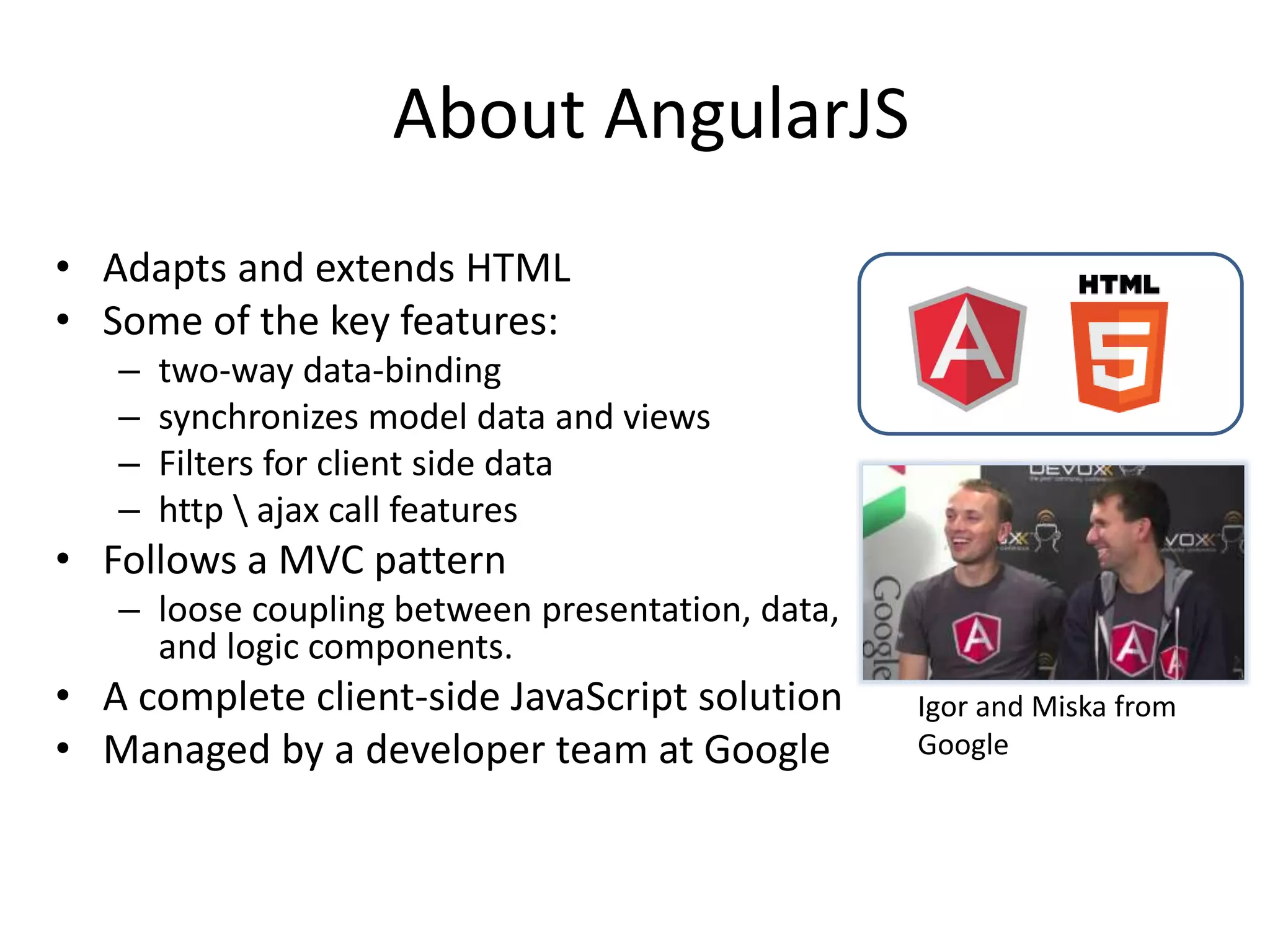
Igor and Miska from
Google
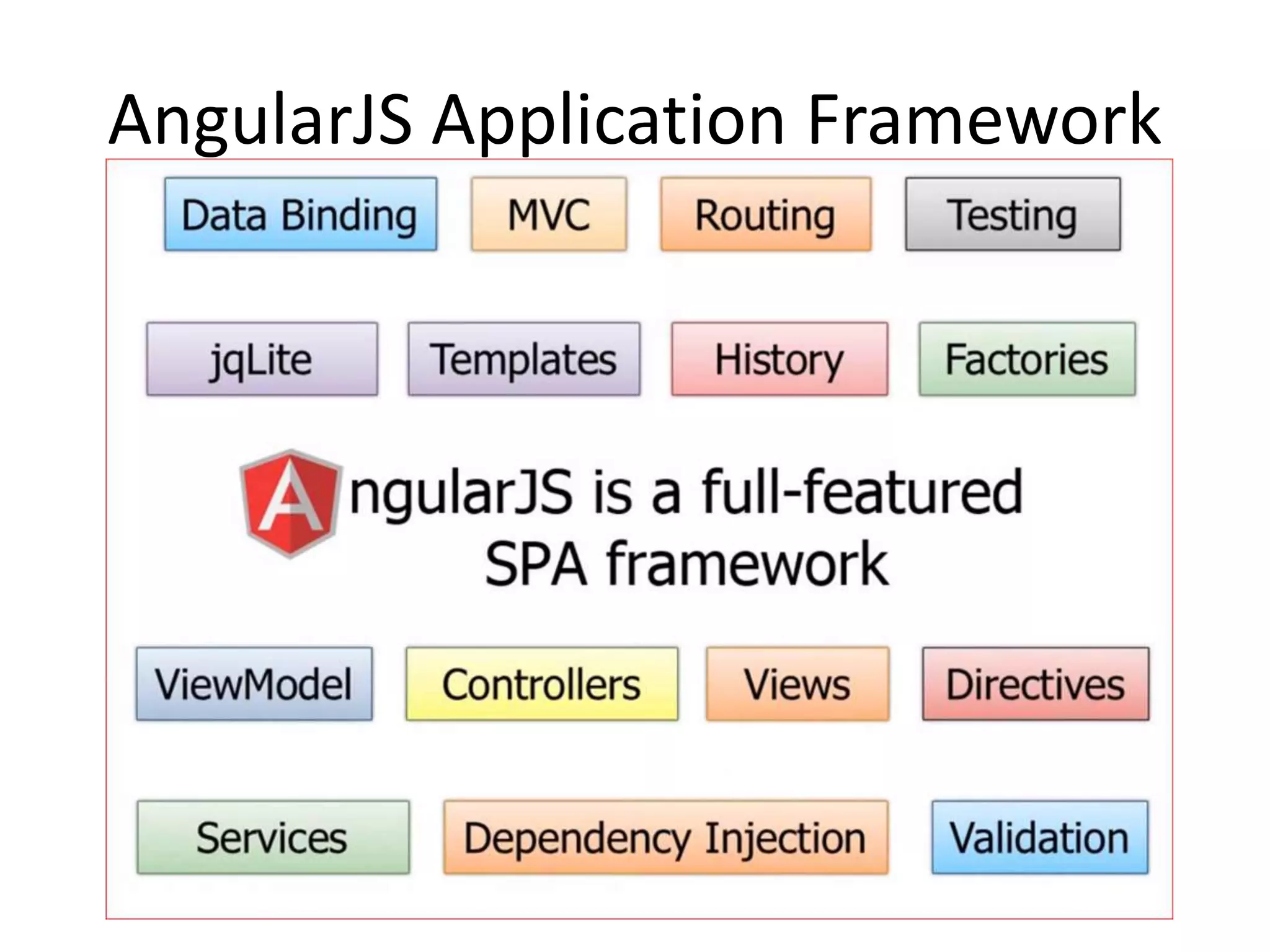
AngularJS Application Framework
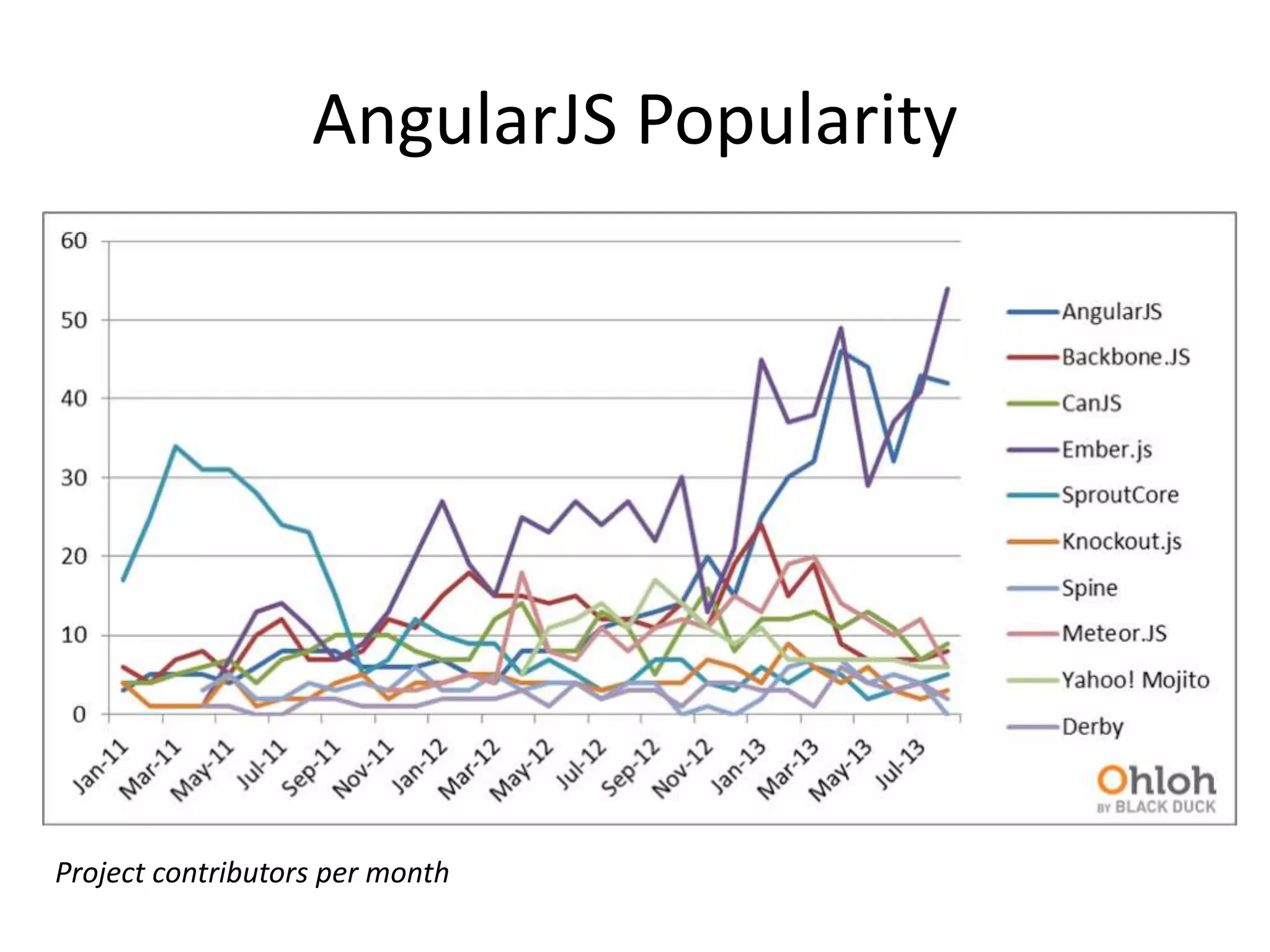
AngularJS Popularity
Project contributors per month
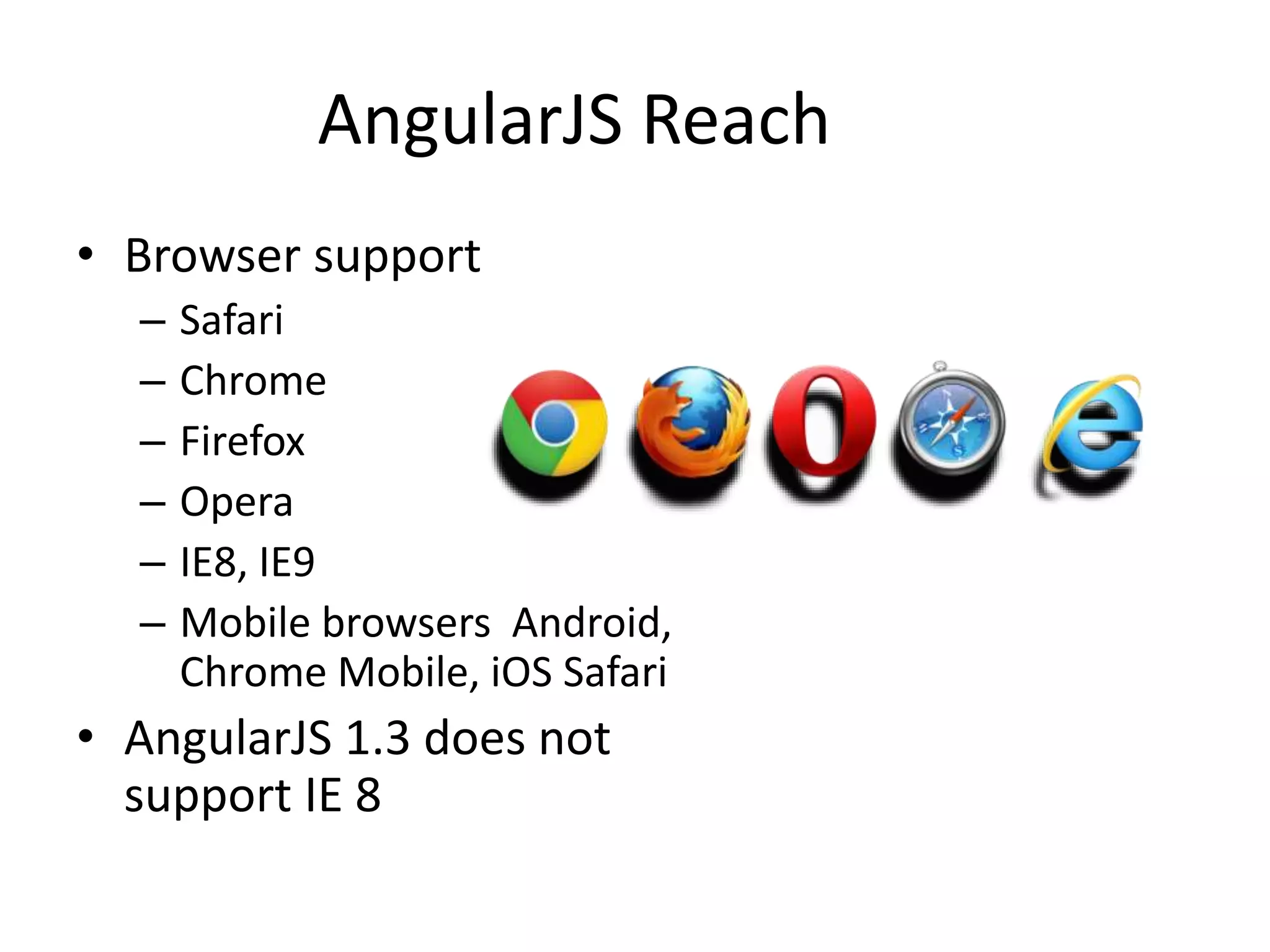
AngularJS Reach
• Browser support
– Safari
– Chrome
– Firefox
– Opera
– IE8, IE9
– Mobile browsers Android,
Chrome Mobile, iOS Safari
• AngularJS 1.3 does not
support IE 8
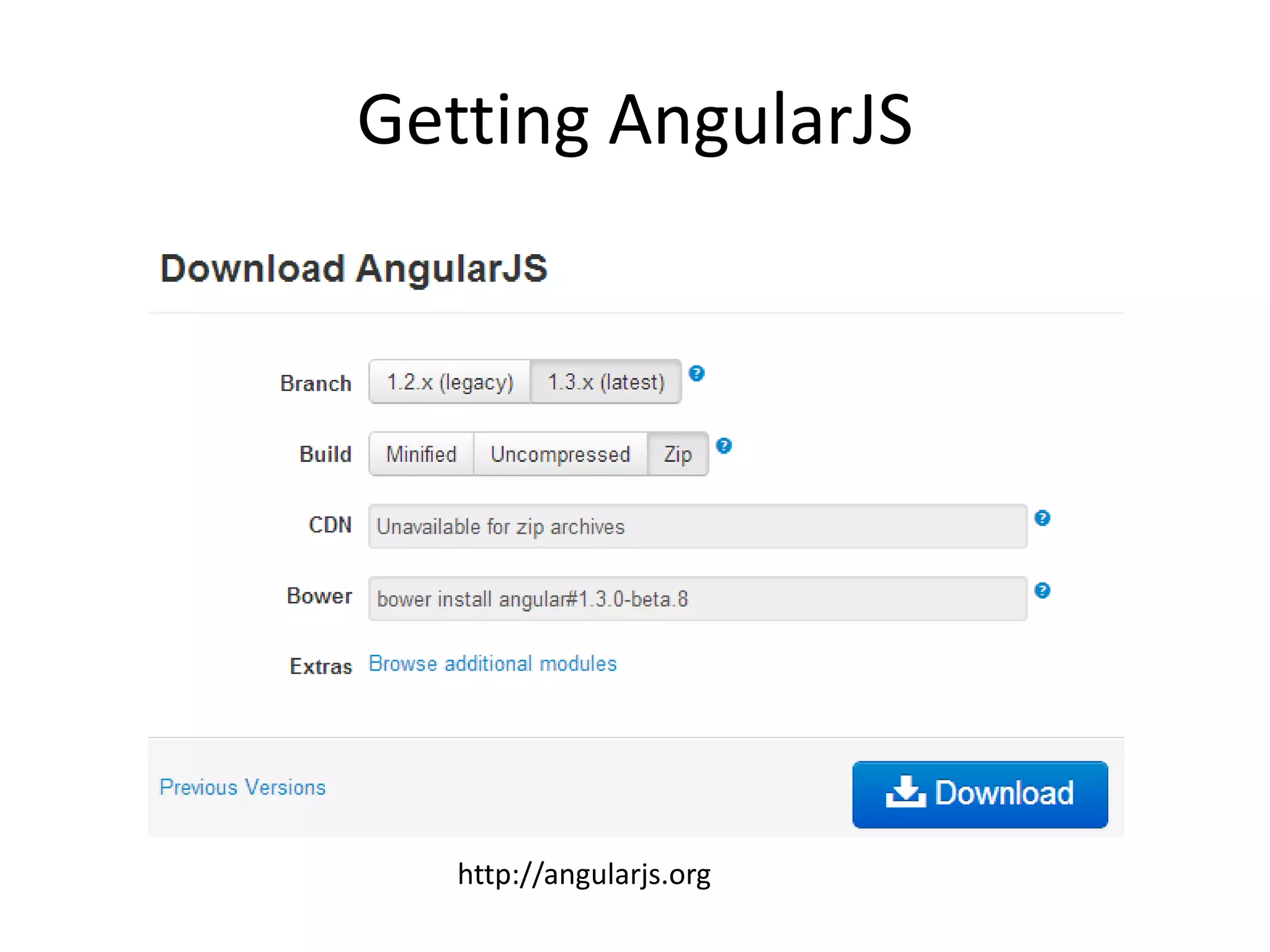
Getting AngularJS
http://angularjs.org
Optional Add-on Modules
• Loaded after the coreangular.js file:
– angular-animate.js - Enable animation support
– angular-cookies.js - A convenient wrapper for reading and
writing browser cookies
– angular-resource.js - Interaction support with RESTful
services via the $resource service
– angular-route.js - Routing and deep linking services and
directives for angular apps
– angular-sanitize.js - Functionality to sanitize HTML
– angular-touch.js - Touch events and other helpers for
touch-enabled devices
– New angular-messages.js – helps with displaying
informative error messages with forms
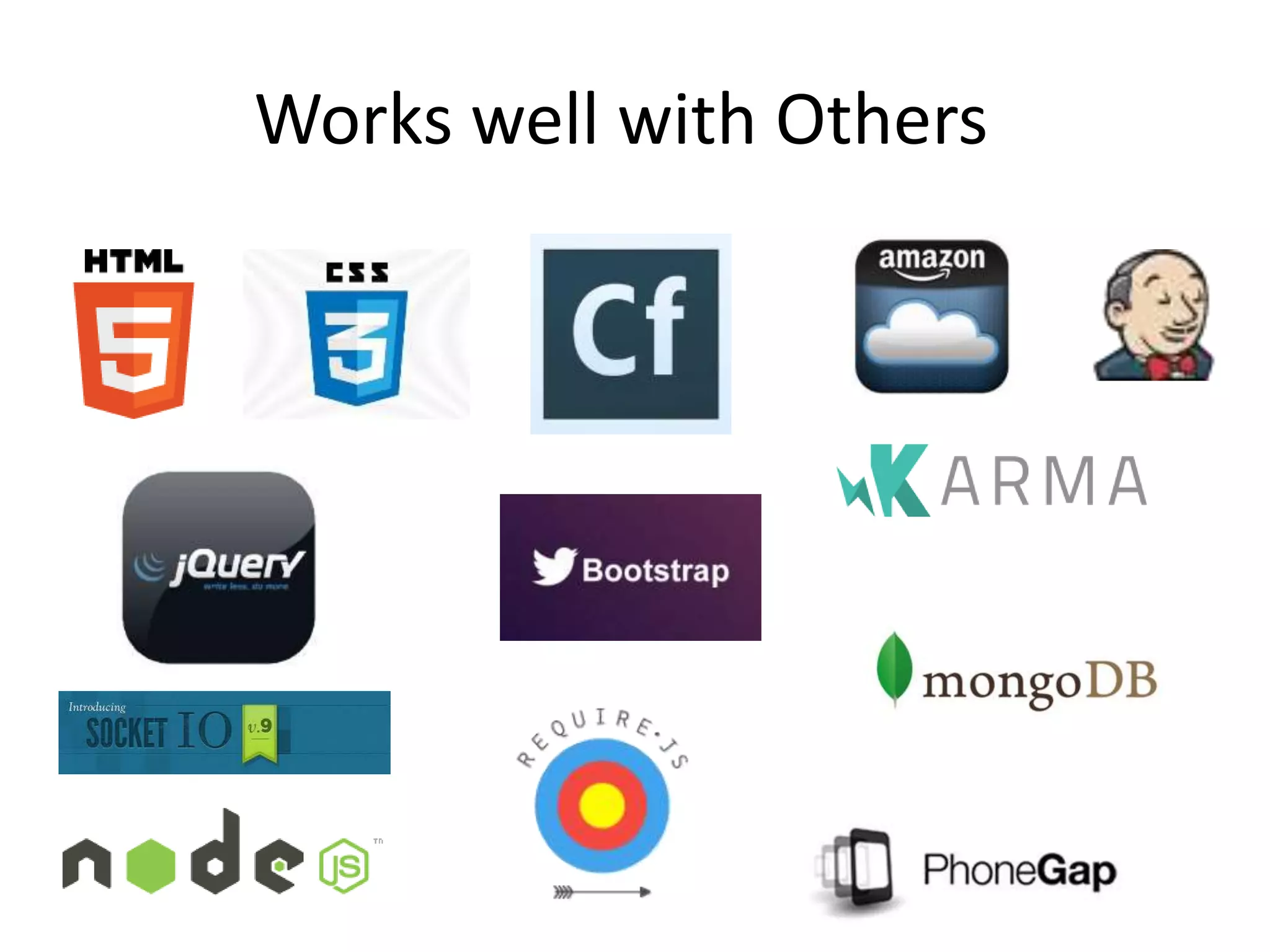
Works well with Others
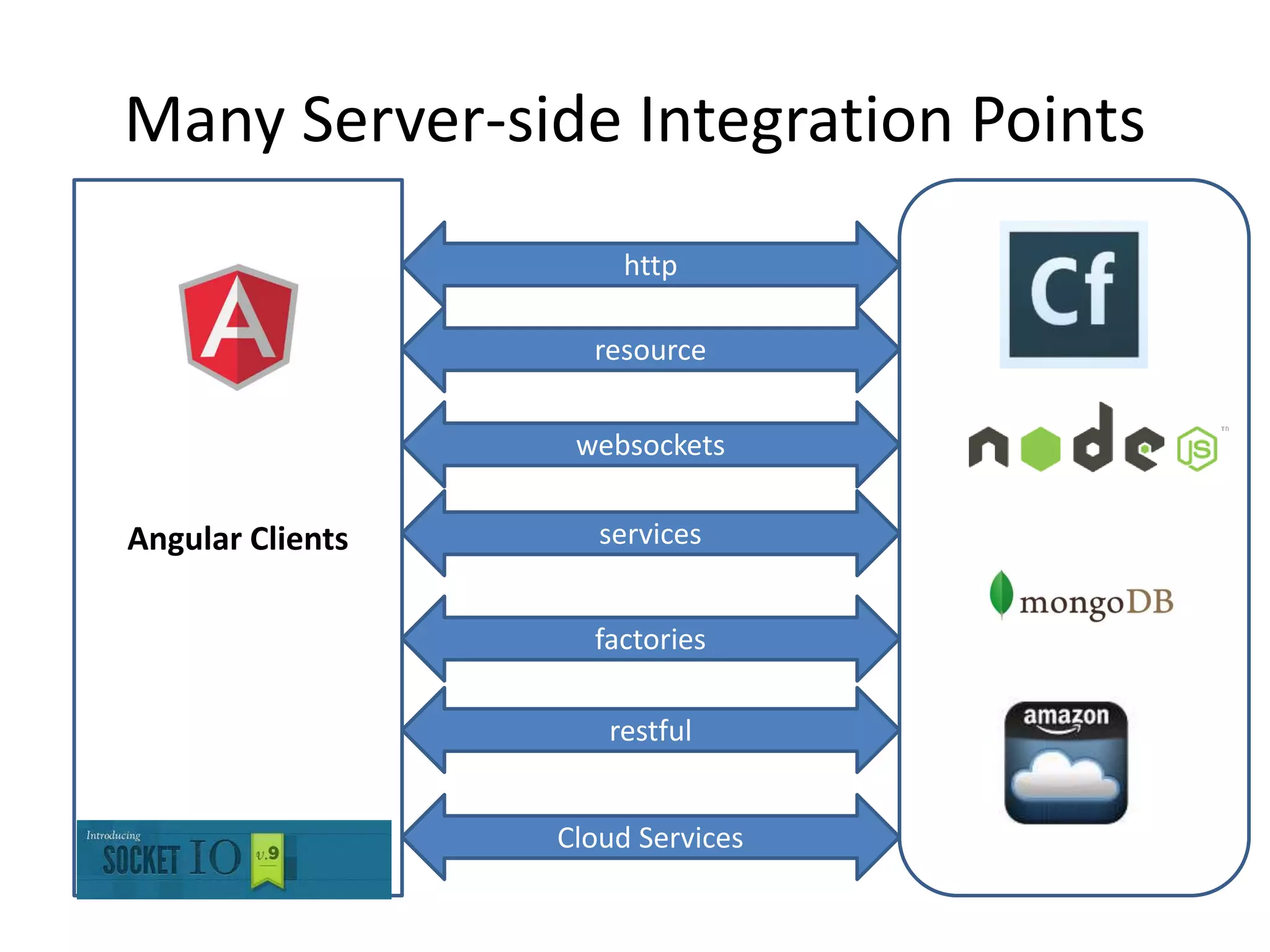
Many Server-side Integration Points
Angular Clients
http
resource
websockets
services
factories
restful
Cloud Services
Getting Started Resources
• Dan Wahlin – AngularJS in 60ish Minutes
– https://www.youtube.com/watch?v=i9MHigUZKEM
• All the ng-conf sessions
– https://www.youtube.com/results?search_query=ng-conf
• AngularJS FAQ
– https://docs.angularjs.org/misc/faq
Building AngularJS Applications
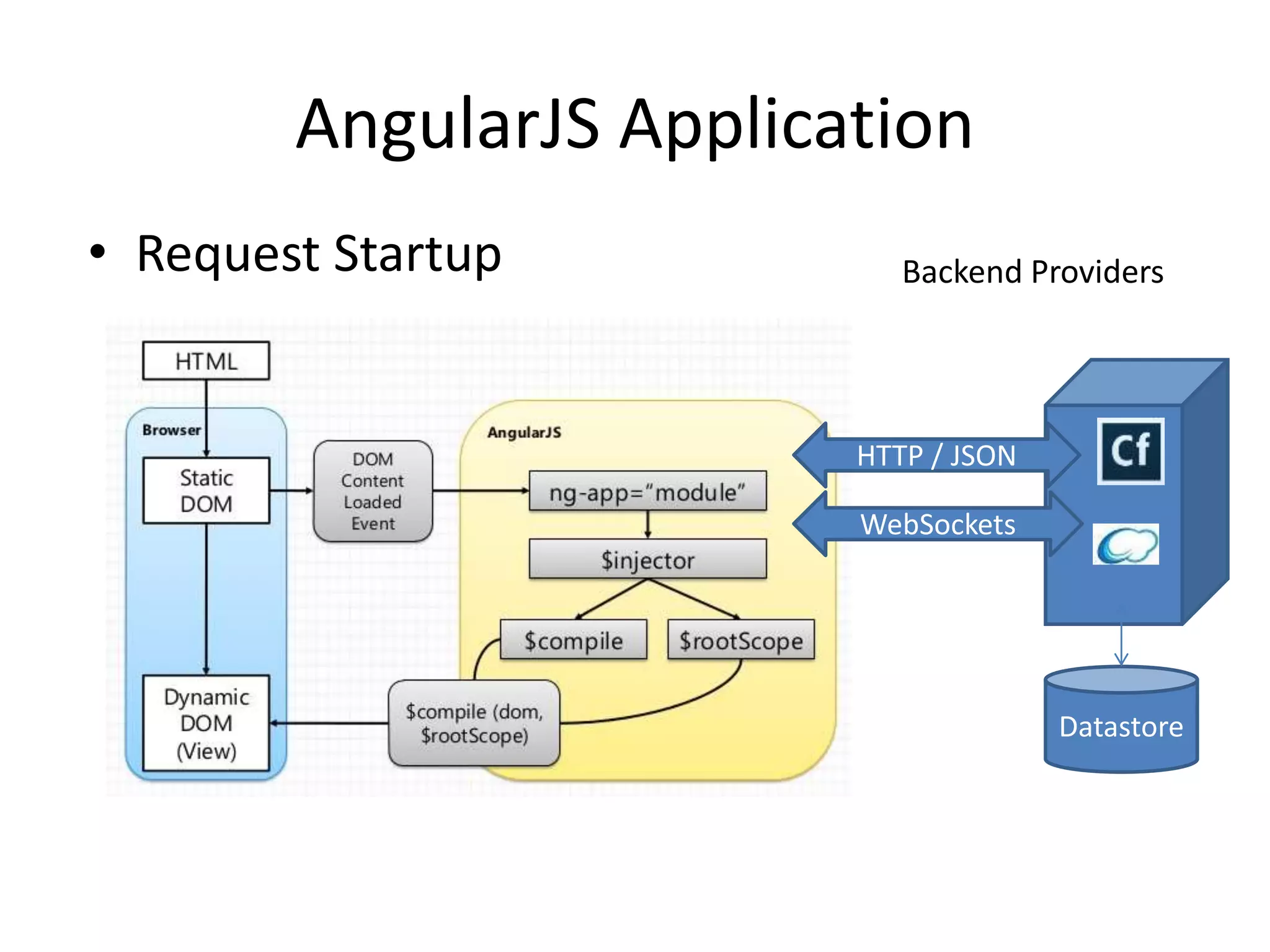
AngularJS Application
• Request Startup Backend Providers
HTTP / JSON
WebSockets
Datastore
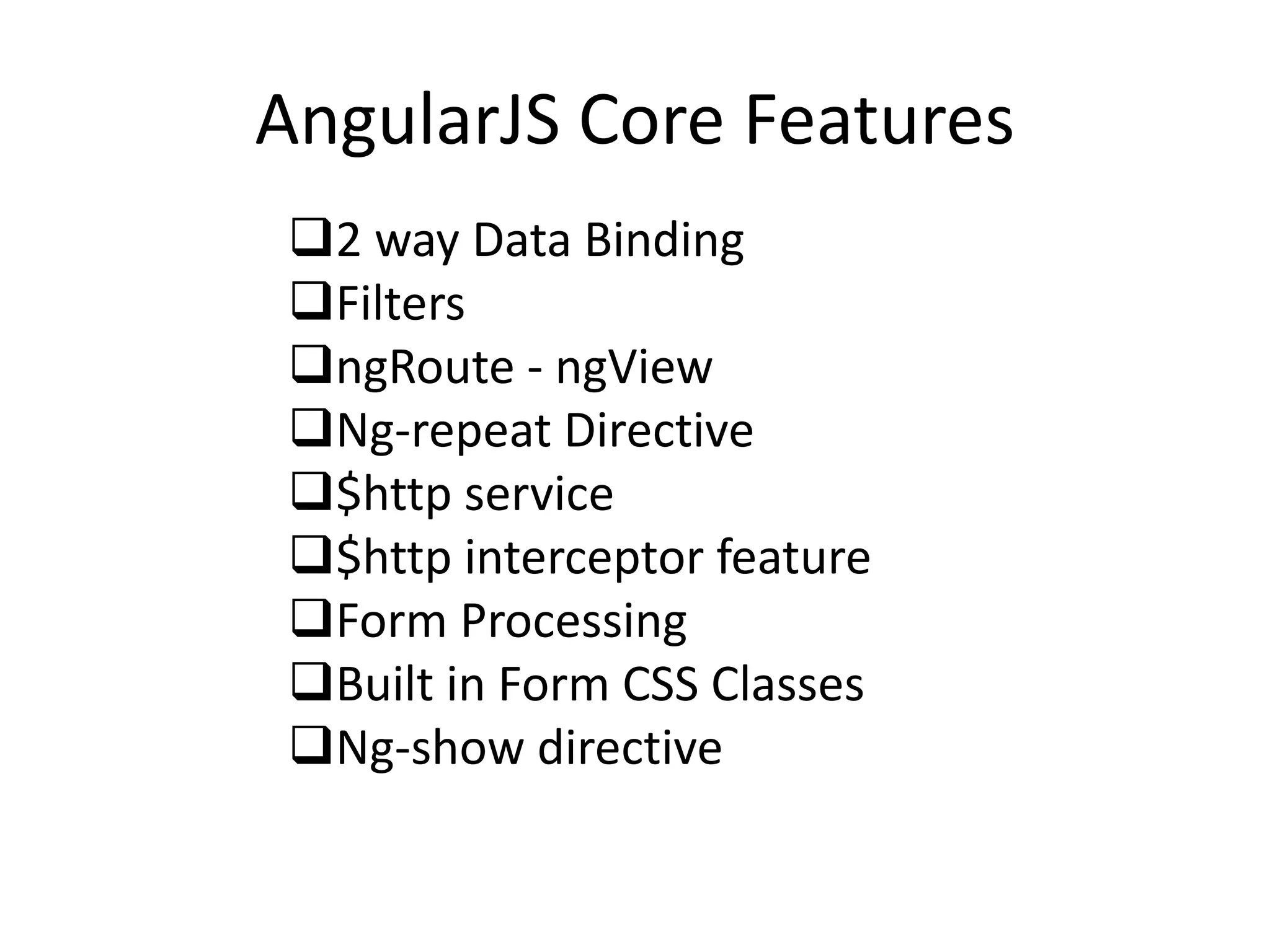
AngularJS Core Features
2 way Data Binding
Filters
ngRoute - ngView
Ng-repeat Directive
$http service
$http interceptor feature
Form Processing
Built in Form CSS Classes
Ng-show directive
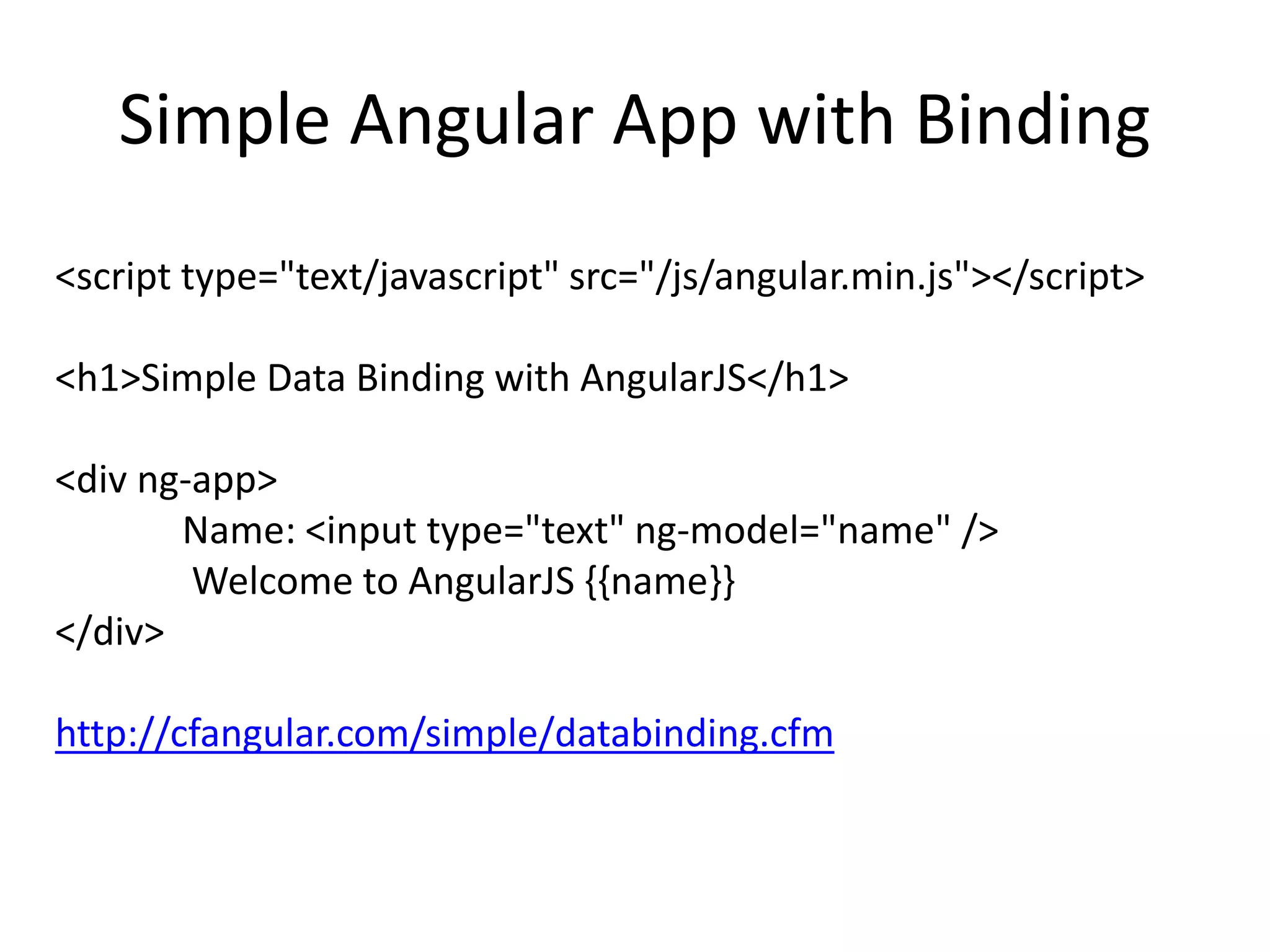
Simple Angular App with Binding
<script type="text/javascript" src="/js/angular.min.js"></script>
<h1>Simple Data Binding with AngularJS</h1>
<div ng-app>
Name: <input type="text" ng-model="name" />
Welcome to AngularJS {{name}}
</div>
http://cfangular.com/simple/databinding.cfm
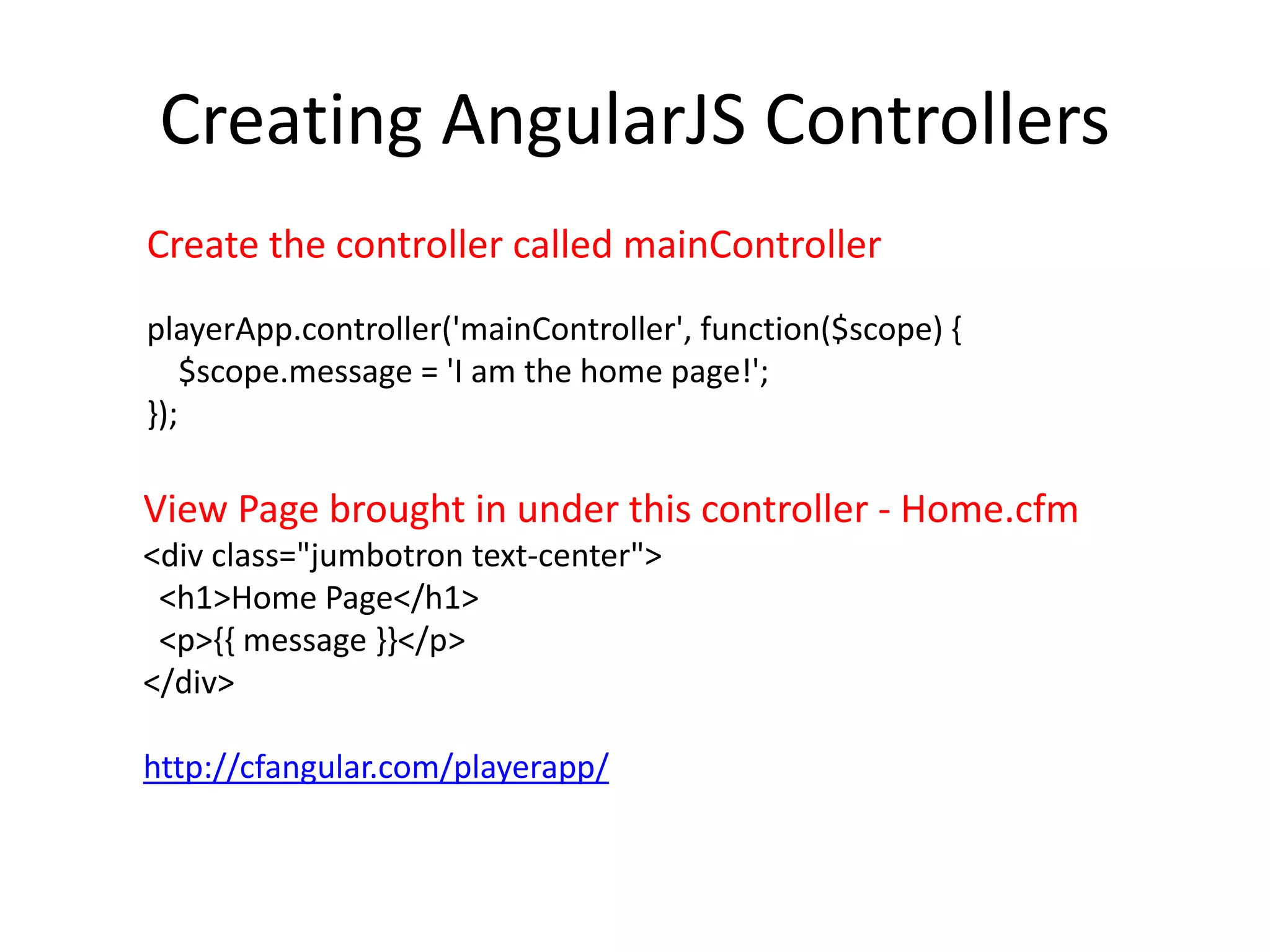
Creating AngularJS Controllers
Create the controller called mainController
playerApp.controller('mainController', function($scope) {
$scope.message = 'I am the home page!';
});
View Page brought in under this controller - Home.cfm
<div class="jumbotron text-center">
<h1>Home Page</h1>
<p>{{ message }}</p>
</div>
http://cfangular.com/playerapp/
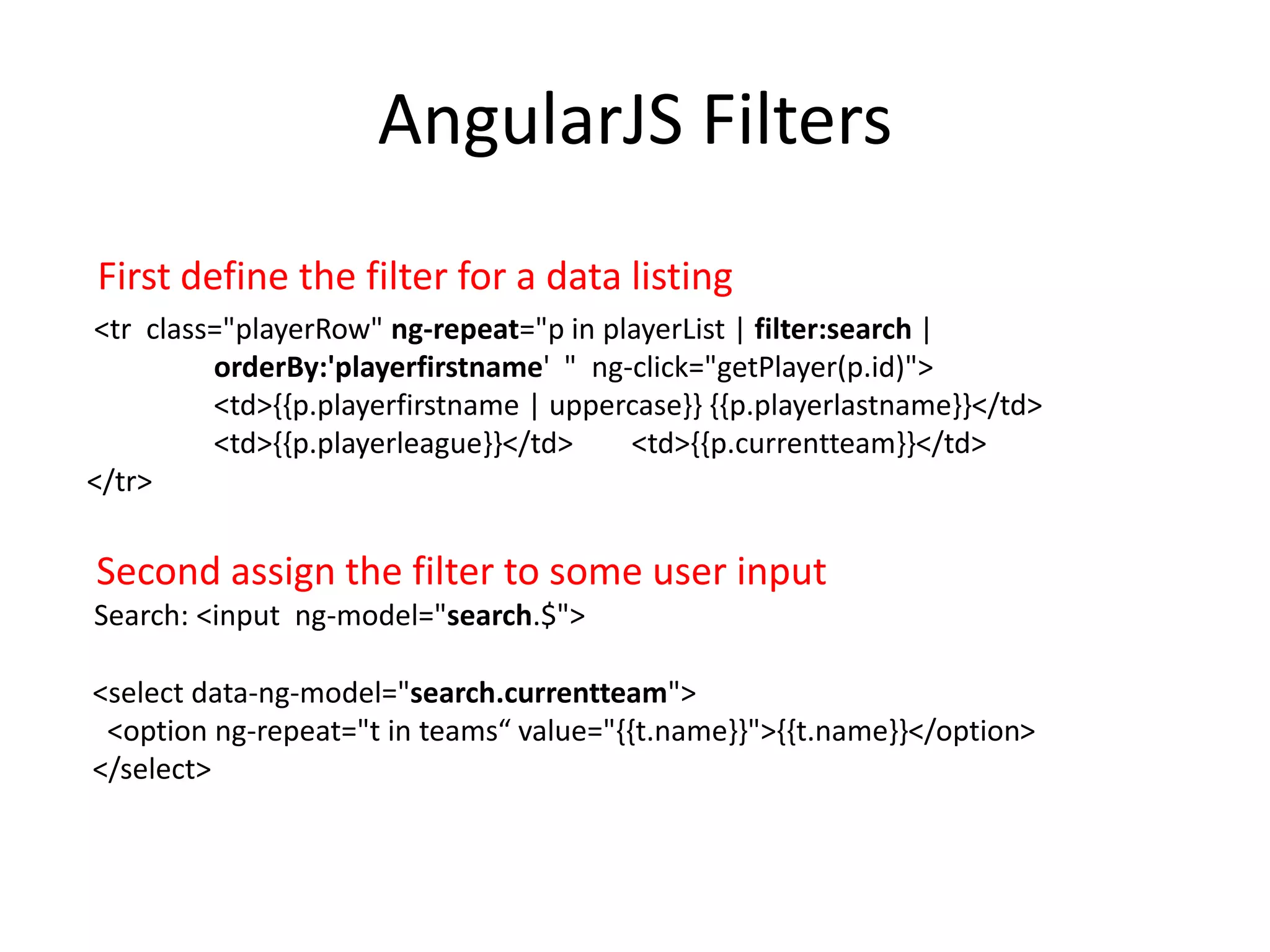
AngularJS Filters
<tr class="playerRow" ng-repeat="p in playerList | filter:search |
orderBy:'playerfirstname' " ng-click="getPlayer(p.id)">
<td>{{p.playerfirstname | uppercase}} {{p.playerlastname}}</td>
<td>{{p.playerleague}}</td> <td>{{p.currentteam}}</td>
</tr>
Second assign the filter to some user input
Search: <input ng-model="search.$">
<select data-ng-model="search.currentteam">
<option ng-repeat="t in teams“ value="{{t.name}}">{{t.name}}</option>
</select>
First define the filter for a data listing
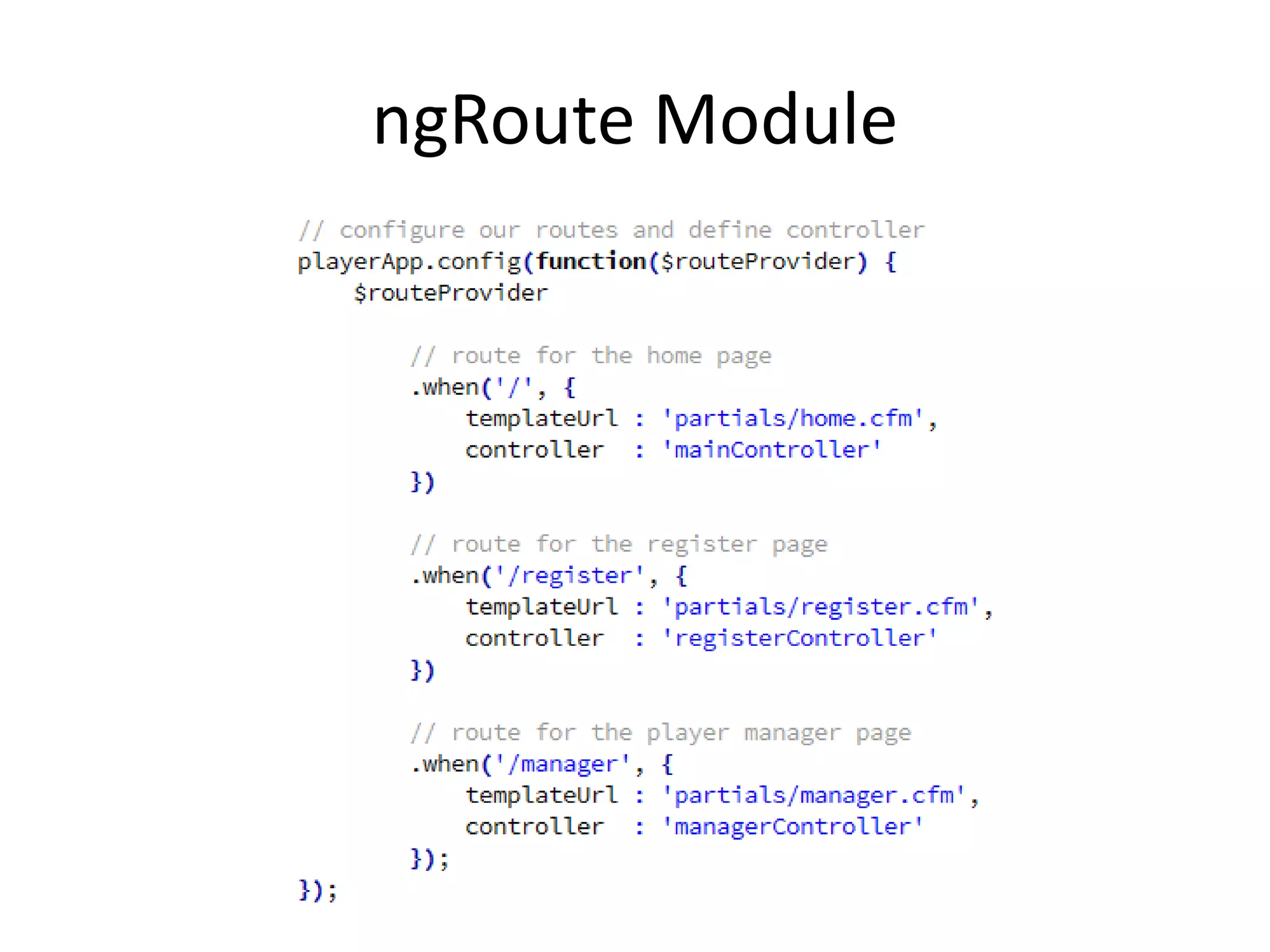
ngRoute Module
ngModel Sample
$scope.search = '';
$scope.player = {};
$scope.player['securitytoken'] = '' ;
$scope.player['playerfirstname'] = 'Mike';
$scope.player['playerlastname'] = 'Smith';
$scope.player['playerdob'] = '10/10/2001';
$scope.player['playergender'] = 'Boy';
$scope.player['playerleague'] = '';
$scope.player['playershirtsize'] = 'YM';
$scope.player['playernameonjersey'] = '';
$scope.player['playernumberrequest'] = '';
$scope.player['playerpantsize'] = '';
$scope.player['playerrequests'] = '';
$scope.player['playerlastteam'] = '';
$scope.player['playercurrentteam'] = '';
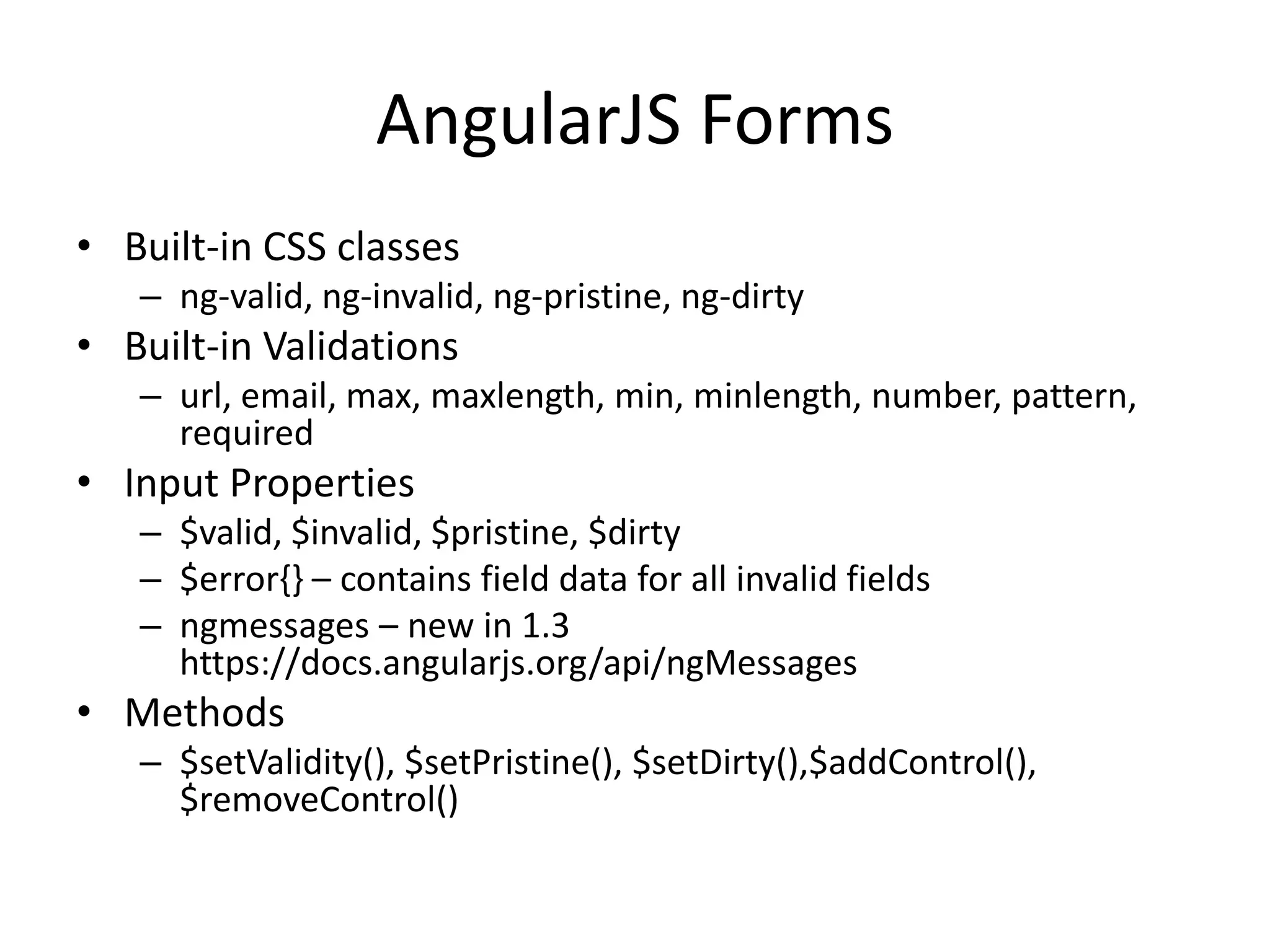
AngularJS Forms
• Built-in CSS classes
– ng-valid, ng-invalid, ng-pristine, ng-dirty
• Built-in Validations
– url, email, max, maxlength, min, minlength, number, pattern,
required
• Input Properties
– $valid, $invalid, $pristine, $dirty
– $error{} – contains field data for all invalid fields
– ngmessages – new in 1.3
https://docs.angularjs.org/api/ngMessages
• Methods
– $setValidity(), $setPristine(), $setDirty(),$addControl(),
$removeControl()
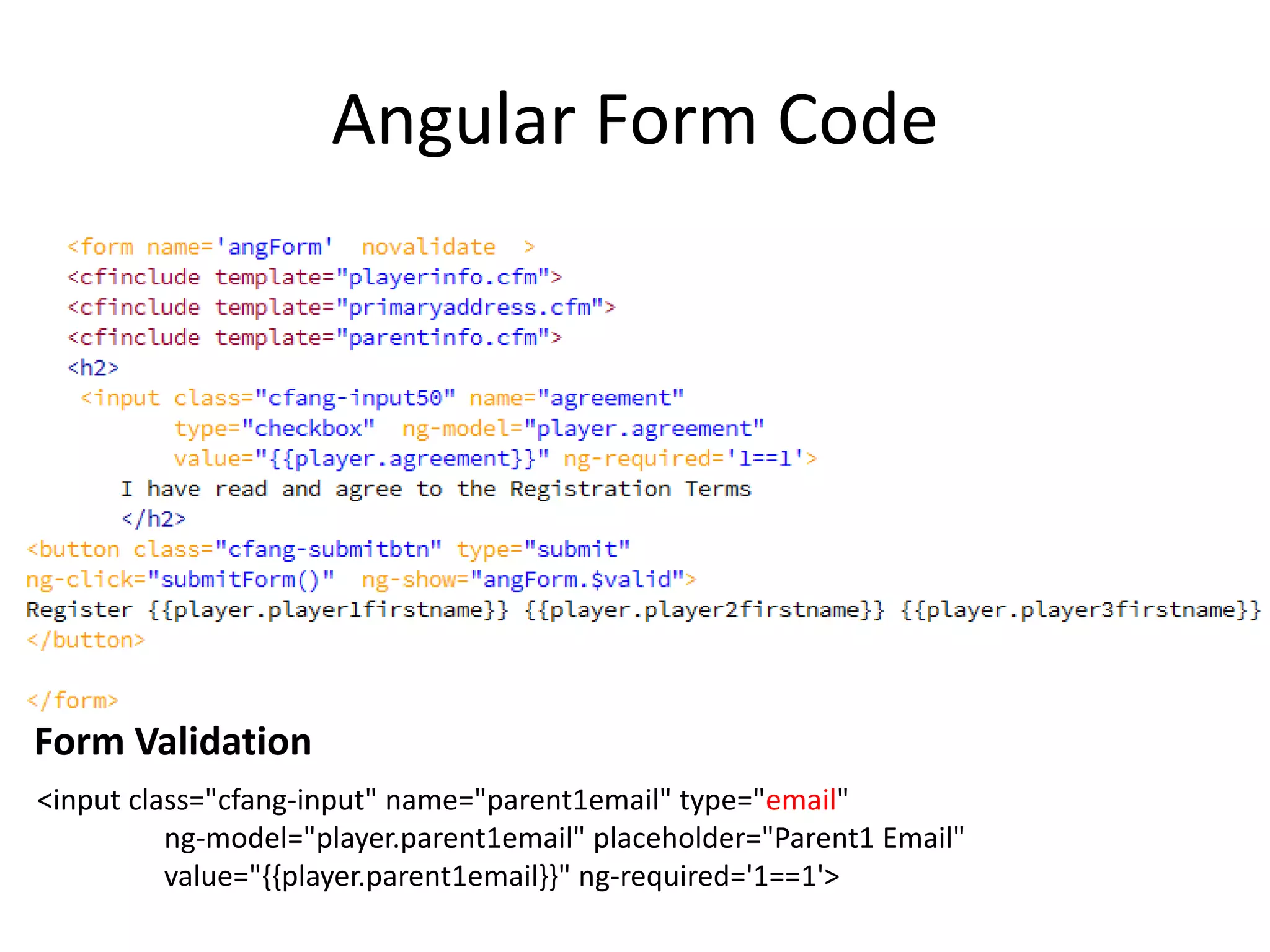
Angular Form Code
<input class="cfang-input" name="parent1email" type="email"
ng-model="player.parent1email" placeholder="Parent1 Email"
value="{{player.parent1email}}" ng-required='1==1'>
Form Validation
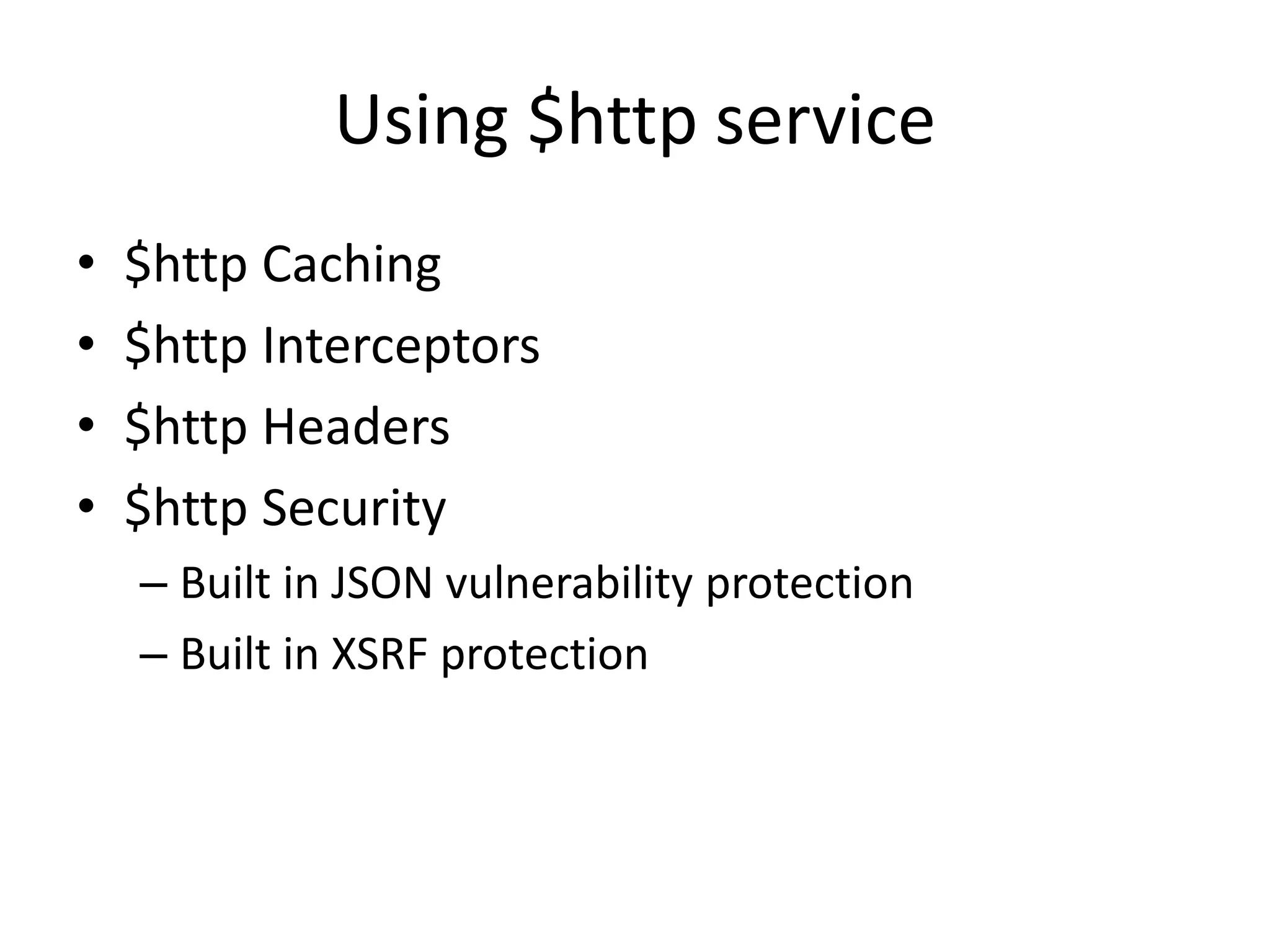
Using $http service
• $http Caching
• $http Interceptors
• $http Headers
• $http Security
– Built in JSON vulnerability protection
– Built in XSRF protection
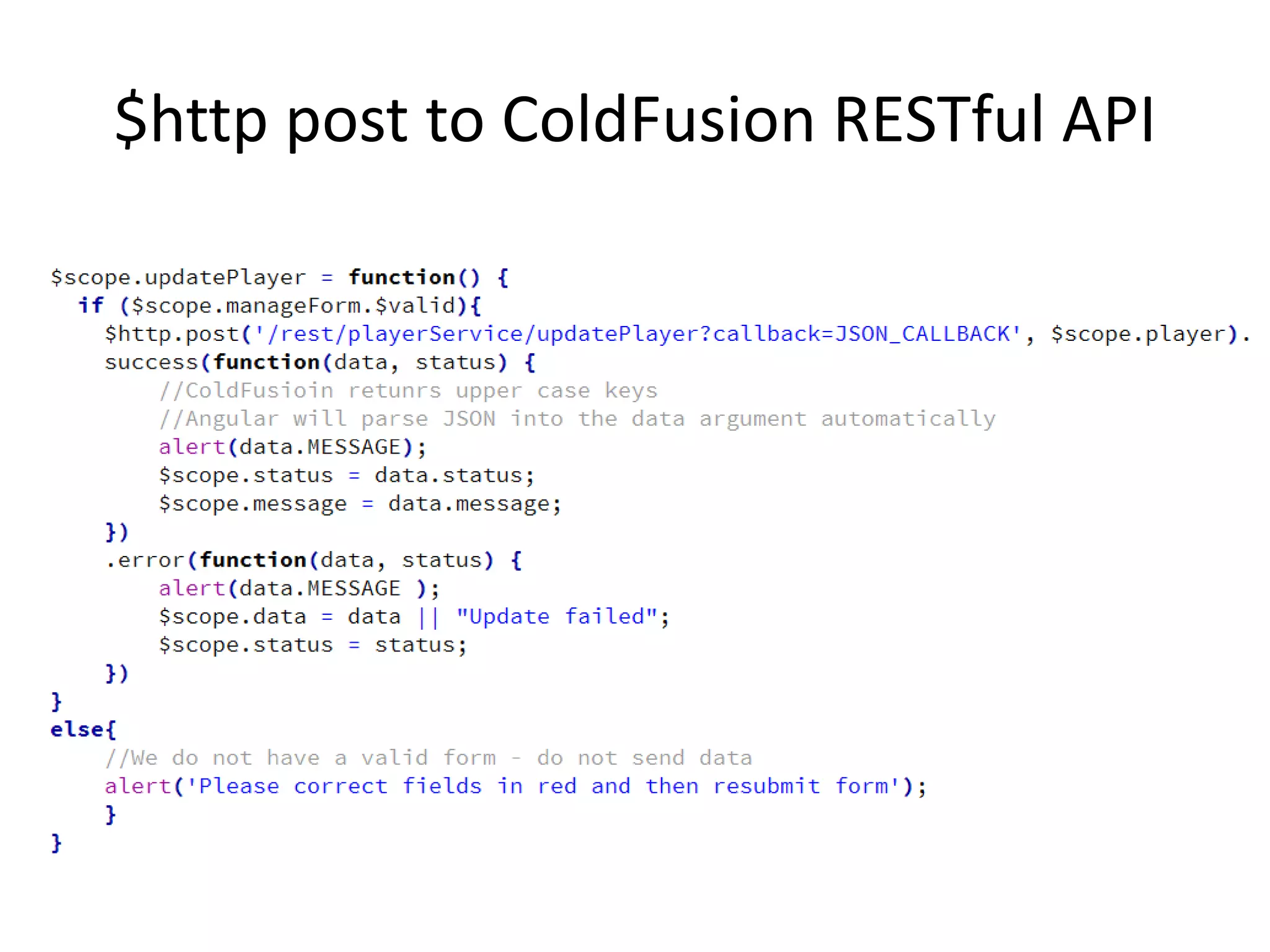
$http post to ColdFusion RESTful API
AngularJS and ColdFusion
Working Together
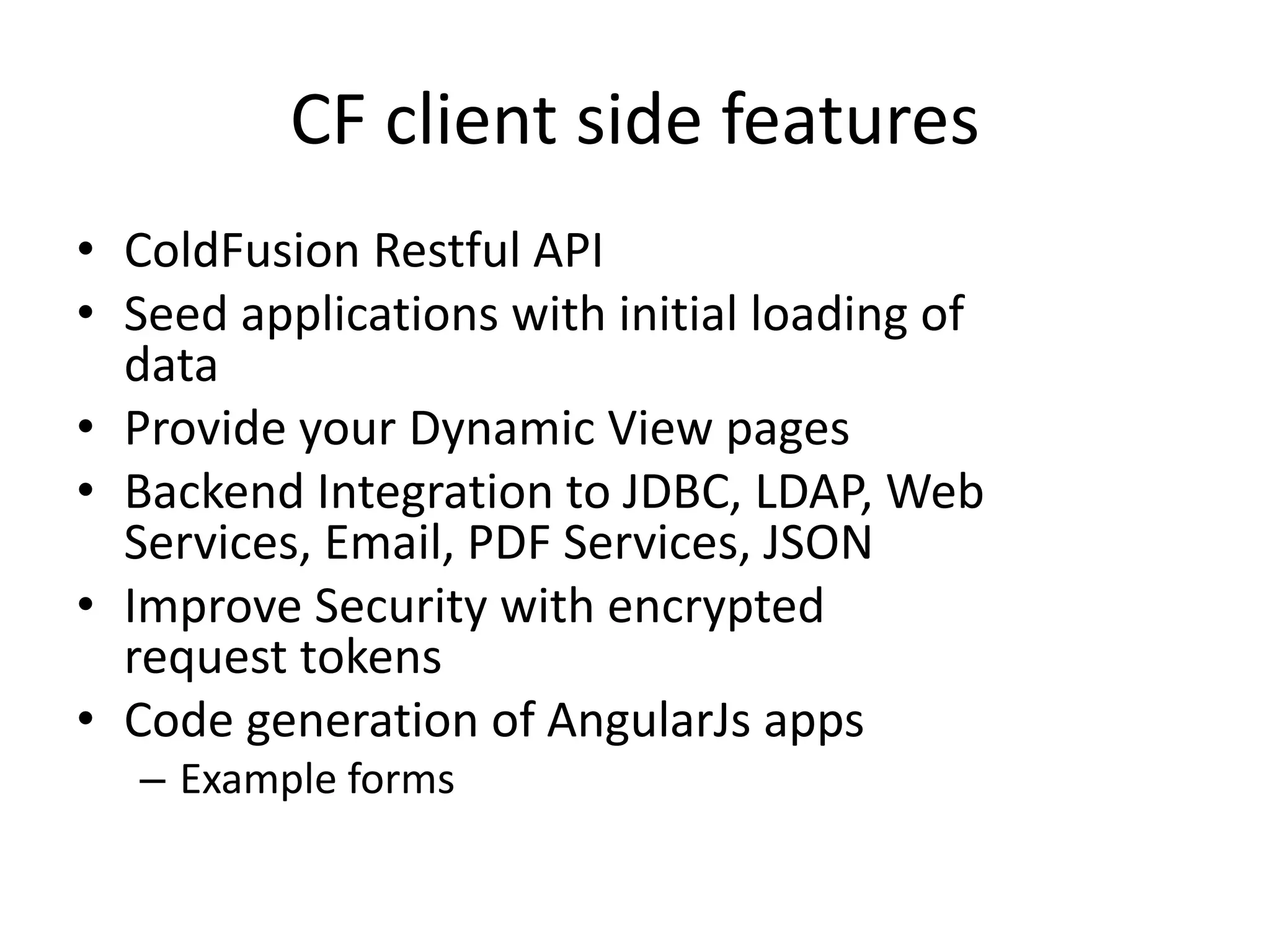
CF client side features
• ColdFusion Restful API
• Seed applications with initial loading of
data
• Provide your Dynamic View pages
• Backend Integration to JDBC, LDAP, Web
Services, Email, PDF Services, JSON
• Improve Security with encrypted
request tokens
• Code generation of AngularJs apps
– Example forms
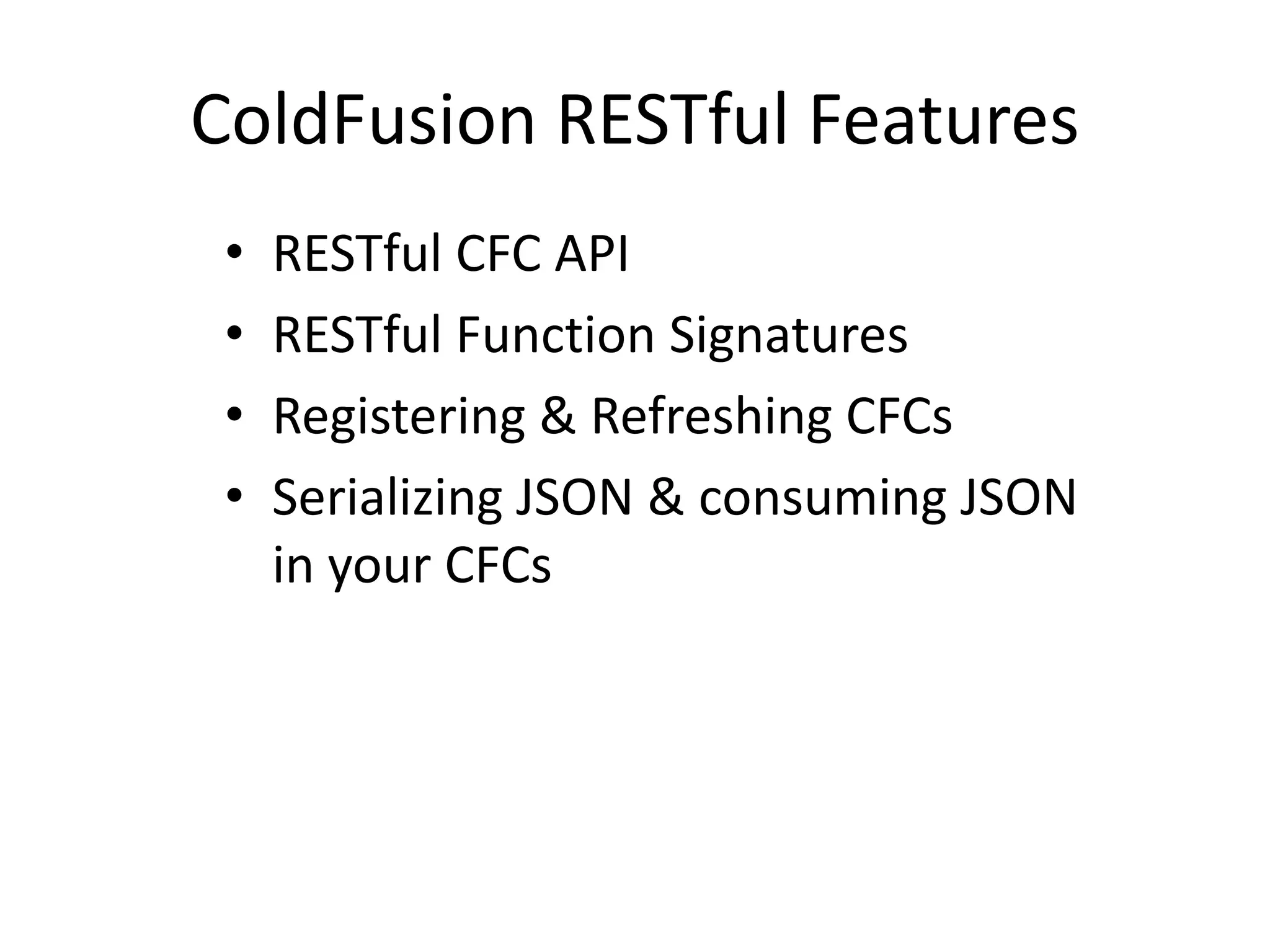
ColdFusion RESTful Features
• RESTful CFC API
• RESTful Function Signatures
• Registering & Refreshing CFCs
• Serializing JSON & consuming JSON
in your CFCs
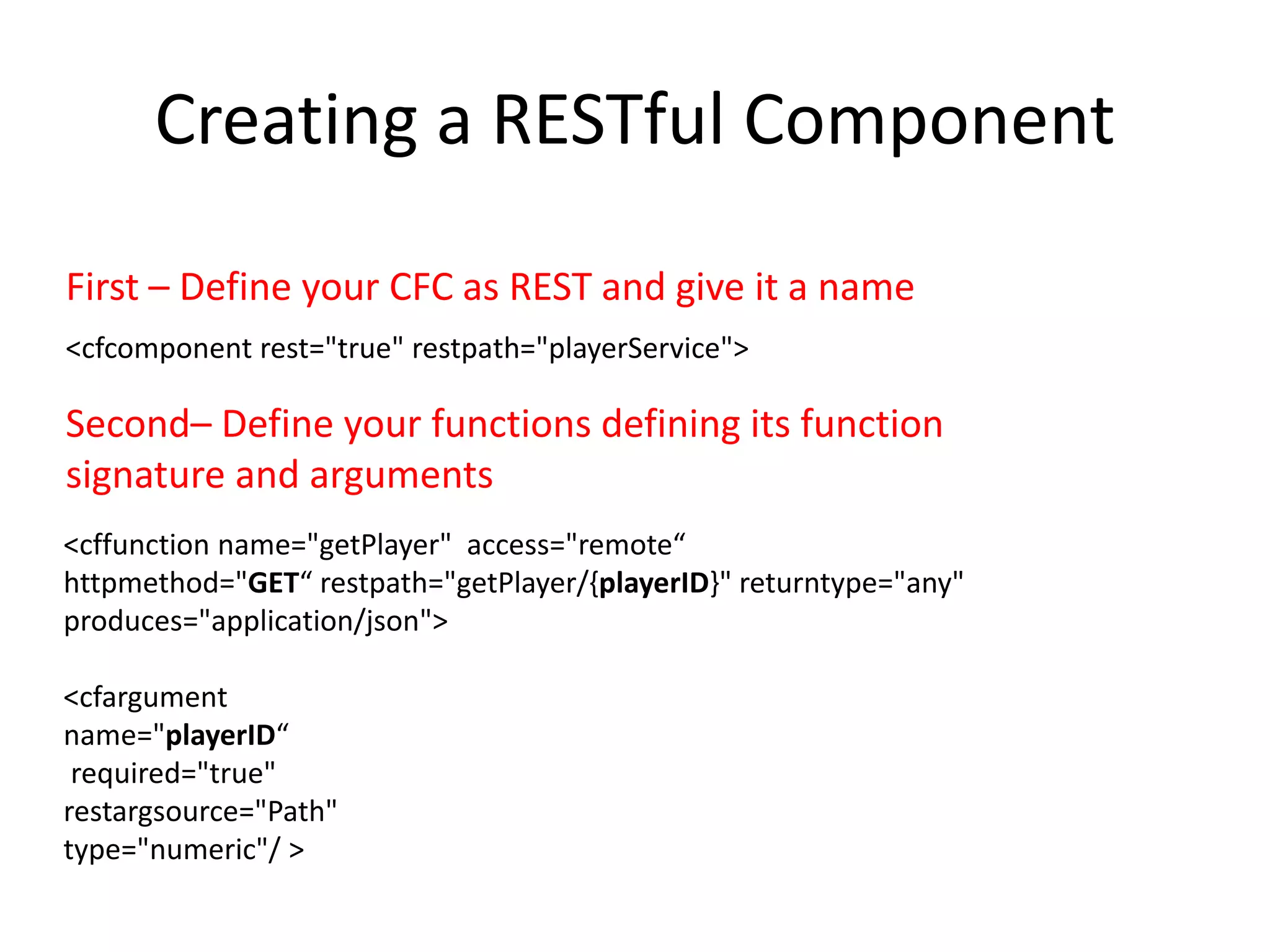
Creating a RESTful Component
<cfcomponent rest="true" restpath="playerService">
<cffunction name="getPlayer" access="remote“
httpmethod="GET“ restpath="getPlayer/{playerID}" returntype="any"
produces="application/json">
<cfargument
name="playerID“
required="true"
restargsource="Path"
type="numeric"/ >
First – Define your CFC as REST and give it a name
Second– Define your functions defining its function
signature and arguments
Using RestArgPath
• CFFunction aguments can be retrieved from
multiple places
• Path, Query String, Form, Cookie, Header
REST Components
• Application.cfc
– OnRequestStart will see request
– OnRequest will not see request
– OnError is not called (bug entered)
– OnCFCRequest will not see request
REST Component Registration
• Need to register your REST CFCs
• CFAdmin, CFAdmin API
• Using 2 new settings in Application.cfc
– <cfset this.restsettings.cfclocation = “./, ./rest">
– <cfset this.restsettings.skipcfcwitherror = true>
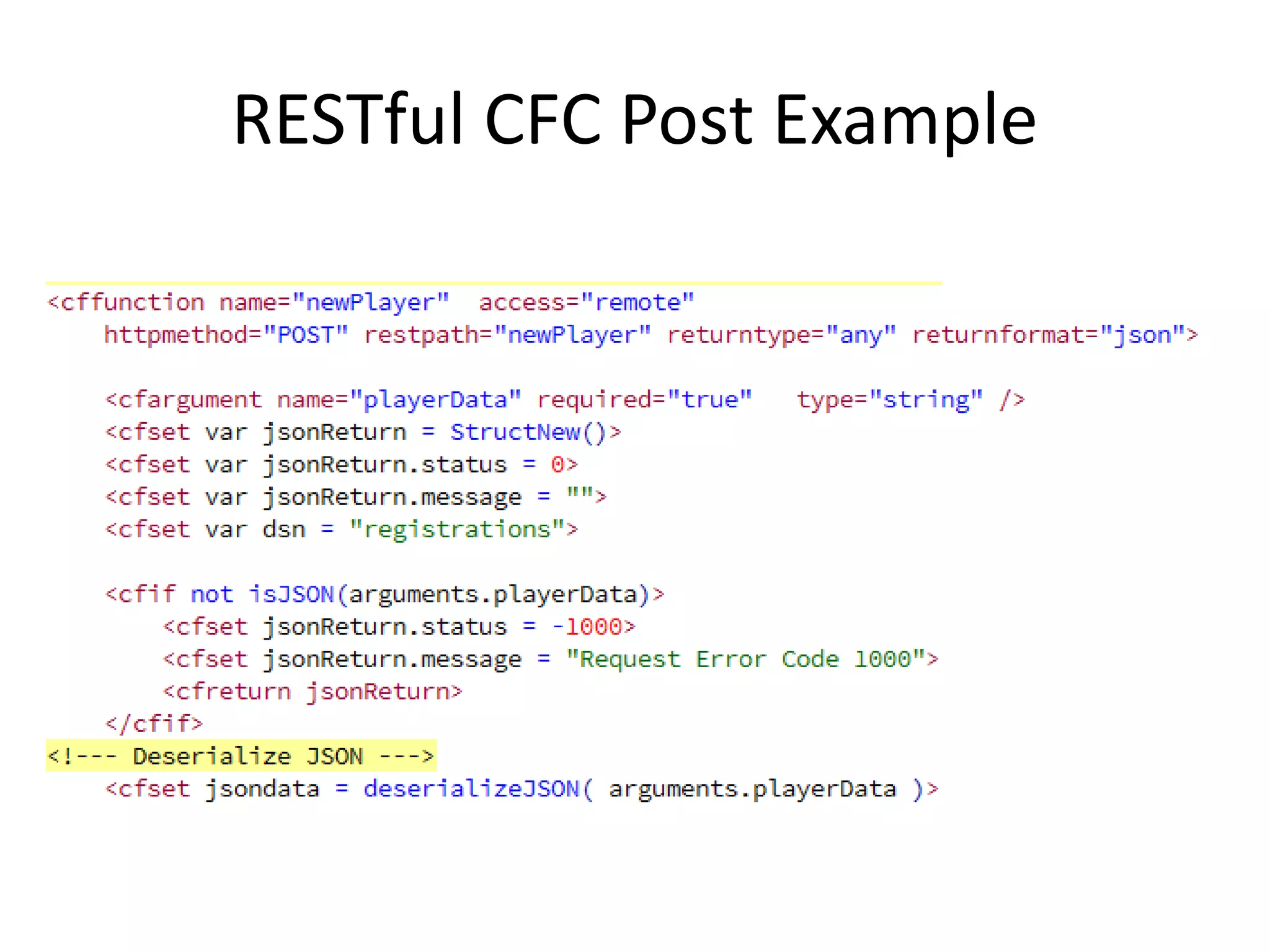
RESTful CFC Post Example
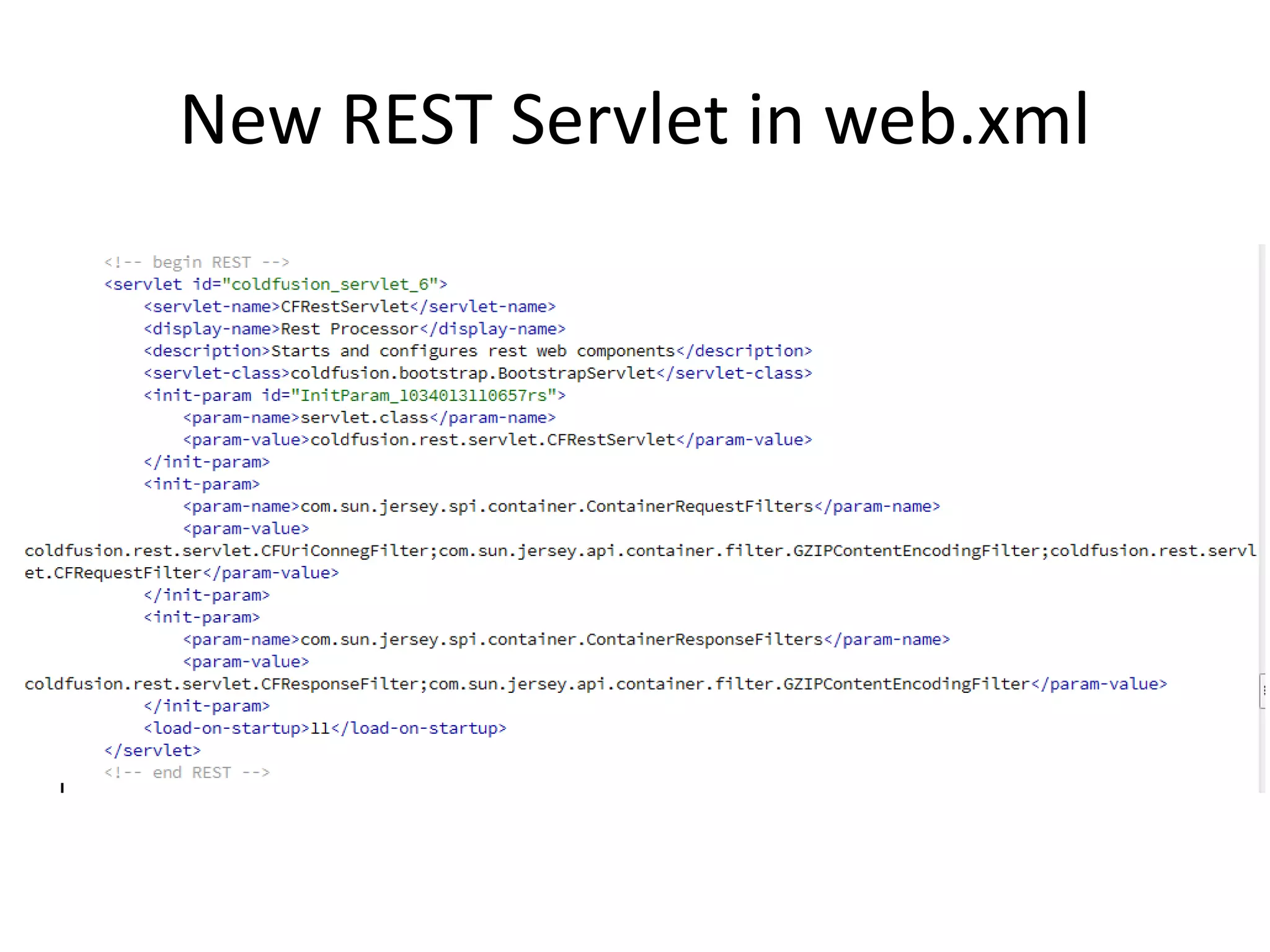
New REST Servlet in web.xml
ColdFusion 11 JSON Improvements
• JSON improvements
– Data type preservation for Query and CFC
– Case preservation of struct keys
– Added "Struct" as new QueryFormat
– Custom serializer
http://blogs.coldfusion.com/post.cfm/language-enhancements-in-coldfusion-splendor-improved-json-serialization-2
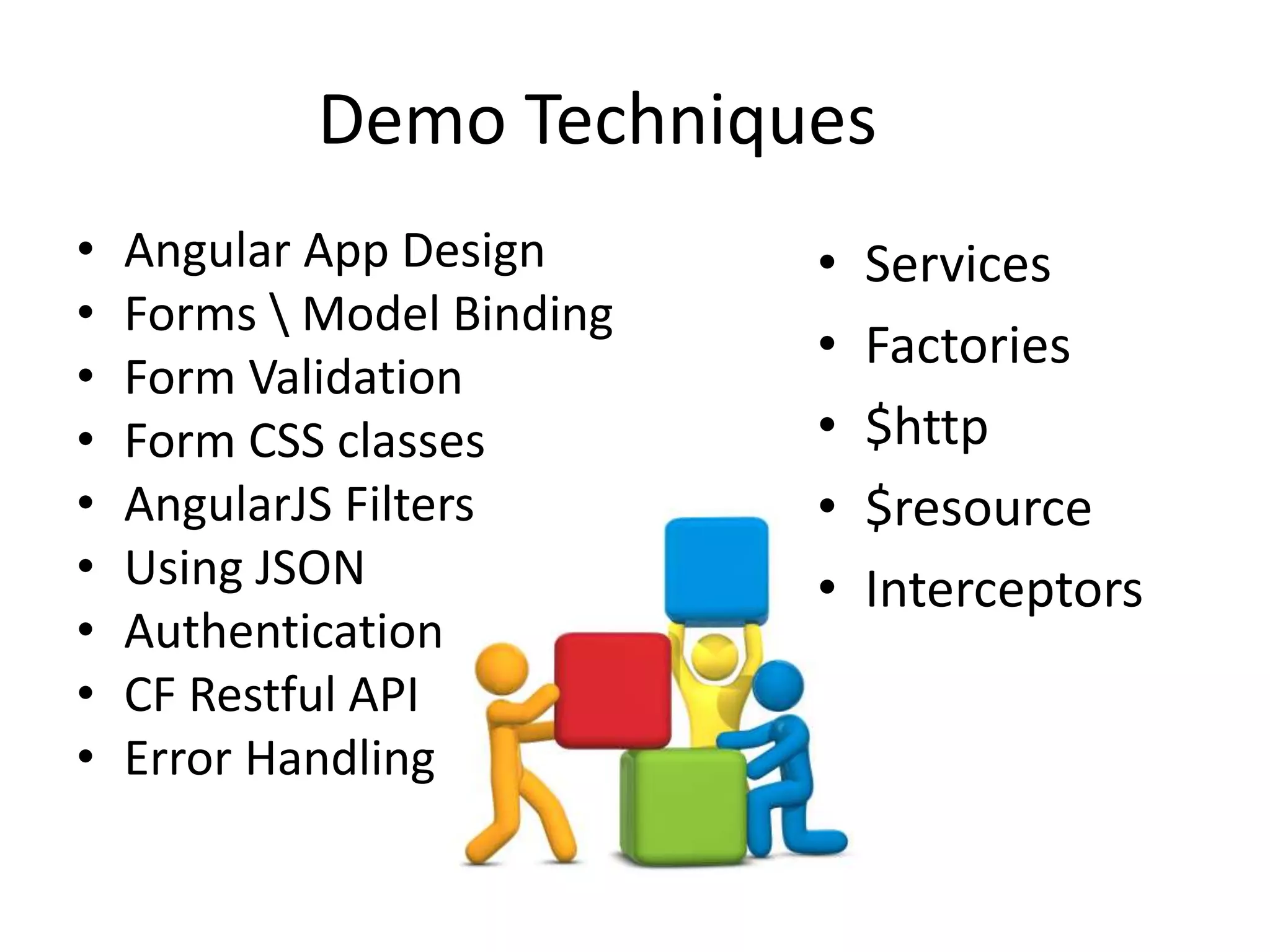
Demo Techniques
• Angular App Design
• Forms  Model Binding
• Form Validation
• Form CSS classes
• AngularJS Filters
• Using JSON
• Authentication
• CF Restful API
• Error Handling
• Services
• Factories
• $http
• $resource
• Interceptors
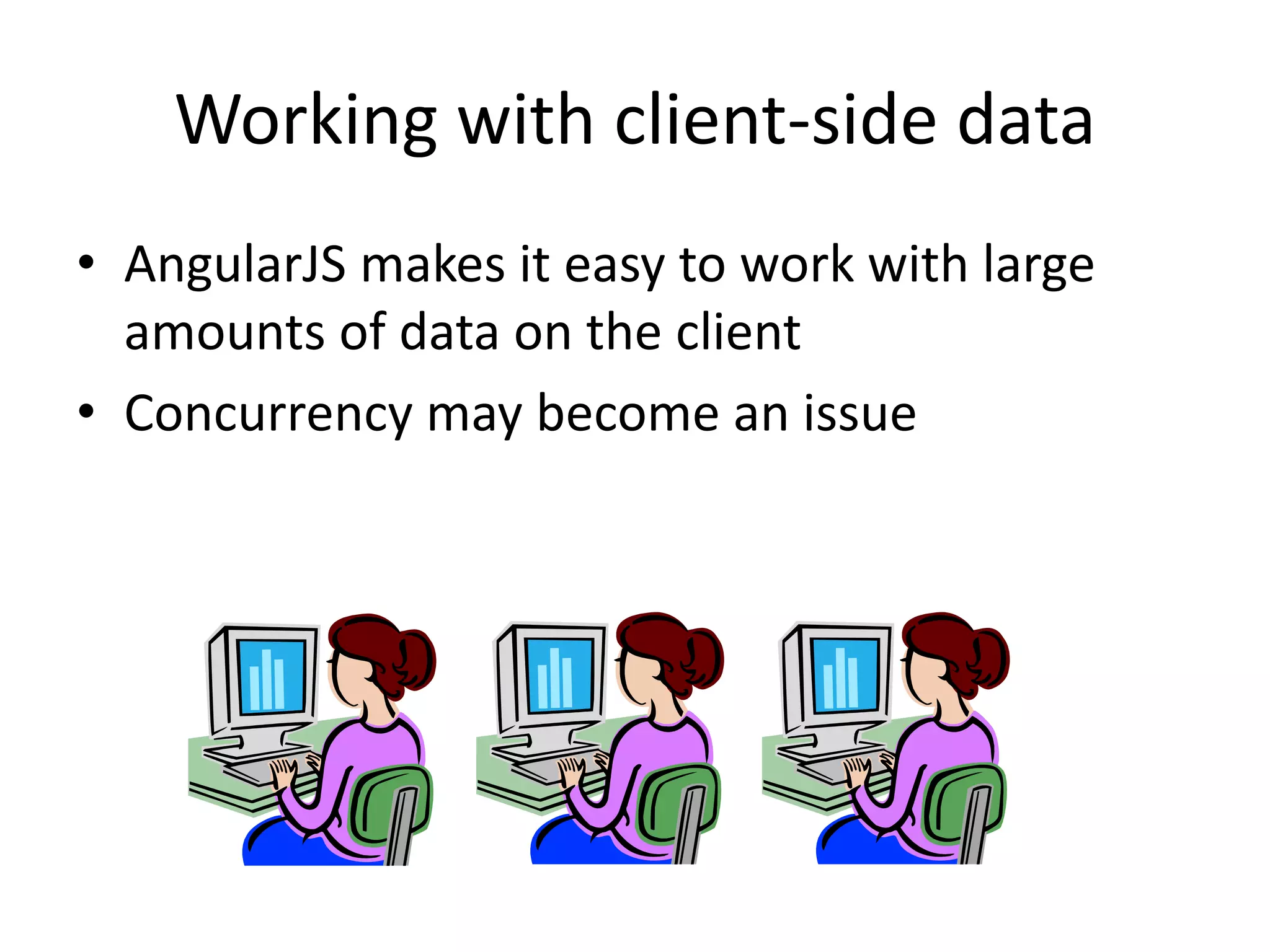
Working with client-side data
• AngularJS makes it easy to work with large
amounts of data on the client
• Concurrency may become an issue
Real Time Features
• Services are out there
– Firebase, GoInstant
• Sockets
– Socket.io, HTML5 web sockets
• Would love to see cfwebsocket integration
Building in Security
• Custom request tokens
• AngularJS $http interceptors
• Check out some other sessions dealing with
security
– ZAP Application to test your RESTful api
– SecureAPIs
– Using Custom Security Headers
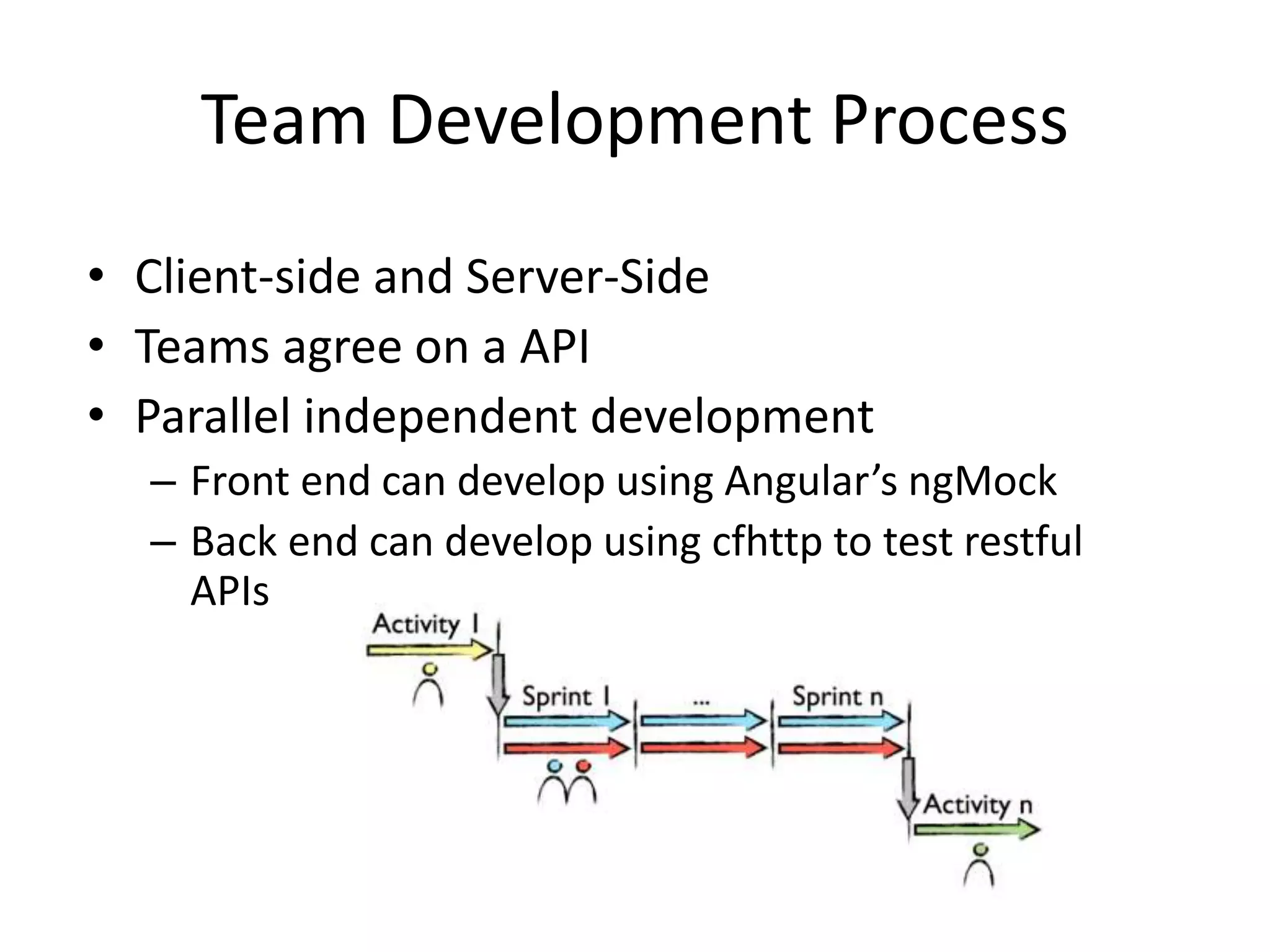
Team Development Process
• Client-side and Server-Side
• Teams agree on a API
• Parallel independent development
– Front end can develop using Angular’s ngMock
– Back end can develop using cfhttp to test restful
APIs
Testing and Tools
• Using Google Chrome Batarang
– View data in controller scopes
– View performance metrics
• ngMock
– AngulerJS module to mock backend
communication
• CFHTTP
– Create scripts to test restful all function signatures
inside each service
Q&A
Mike Collins
SupportObjective
cfObjective
May 2014

Single page apps_with_cf_and_angular[1]

  • 1.
    ColdFusion and AngularJS Applications MikeCollins SupportObjective cfObjective May 2014
  • 2.
    Agenda Quick Understanding aboutAngularJS Walk thru key features and main components of an AngularJS Application Learn about using ColdFusion RESTful Services with Angular Walk thru a demo application
  • 3.
  • 4.
    About AngularJS • Adaptsand extends HTML • Some of the key features: – two-way data-binding – synchronizes model data and views – Filters for client side data – http ajax call features • Follows a MVC pattern – loose coupling between presentation, data, and logic components. • A complete client-side JavaScript solution • Managed by a developer team at Google Igor and Miska from Google
  • 5.
  • 6.
  • 7.
    AngularJS Reach • Browsersupport – Safari – Chrome – Firefox – Opera – IE8, IE9 – Mobile browsers Android, Chrome Mobile, iOS Safari • AngularJS 1.3 does not support IE 8
  • 8.
  • 9.
    Optional Add-on Modules •Loaded after the coreangular.js file: – angular-animate.js - Enable animation support – angular-cookies.js - A convenient wrapper for reading and writing browser cookies – angular-resource.js - Interaction support with RESTful services via the $resource service – angular-route.js - Routing and deep linking services and directives for angular apps – angular-sanitize.js - Functionality to sanitize HTML – angular-touch.js - Touch events and other helpers for touch-enabled devices – New angular-messages.js – helps with displaying informative error messages with forms
  • 10.
  • 11.
    Many Server-side IntegrationPoints Angular Clients http resource websockets services factories restful Cloud Services
  • 12.
    Getting Started Resources •Dan Wahlin – AngularJS in 60ish Minutes – https://www.youtube.com/watch?v=i9MHigUZKEM • All the ng-conf sessions – https://www.youtube.com/results?search_query=ng-conf • AngularJS FAQ – https://docs.angularjs.org/misc/faq
  • 13.
  • 14.
    AngularJS Application • RequestStartup Backend Providers HTTP / JSON WebSockets Datastore
  • 15.
    AngularJS Core Features 2way Data Binding Filters ngRoute - ngView Ng-repeat Directive $http service $http interceptor feature Form Processing Built in Form CSS Classes Ng-show directive
  • 16.
    Simple Angular Appwith Binding <script type="text/javascript" src="/js/angular.min.js"></script> <h1>Simple Data Binding with AngularJS</h1> <div ng-app> Name: <input type="text" ng-model="name" /> Welcome to AngularJS {{name}} </div> http://cfangular.com/simple/databinding.cfm
  • 17.
    Creating AngularJS Controllers Createthe controller called mainController playerApp.controller('mainController', function($scope) { $scope.message = 'I am the home page!'; }); View Page brought in under this controller - Home.cfm <div class="jumbotron text-center"> <h1>Home Page</h1> <p>{{ message }}</p> </div> http://cfangular.com/playerapp/
  • 18.
    AngularJS Filters <tr class="playerRow"ng-repeat="p in playerList | filter:search | orderBy:'playerfirstname' " ng-click="getPlayer(p.id)"> <td>{{p.playerfirstname | uppercase}} {{p.playerlastname}}</td> <td>{{p.playerleague}}</td> <td>{{p.currentteam}}</td> </tr> Second assign the filter to some user input Search: <input ng-model="search.$"> <select data-ng-model="search.currentteam"> <option ng-repeat="t in teams“ value="{{t.name}}">{{t.name}}</option> </select> First define the filter for a data listing
  • 19.
  • 20.
    ngModel Sample $scope.search =''; $scope.player = {}; $scope.player['securitytoken'] = '' ; $scope.player['playerfirstname'] = 'Mike'; $scope.player['playerlastname'] = 'Smith'; $scope.player['playerdob'] = '10/10/2001'; $scope.player['playergender'] = 'Boy'; $scope.player['playerleague'] = ''; $scope.player['playershirtsize'] = 'YM'; $scope.player['playernameonjersey'] = ''; $scope.player['playernumberrequest'] = ''; $scope.player['playerpantsize'] = ''; $scope.player['playerrequests'] = ''; $scope.player['playerlastteam'] = ''; $scope.player['playercurrentteam'] = '';
  • 21.
    AngularJS Forms • Built-inCSS classes – ng-valid, ng-invalid, ng-pristine, ng-dirty • Built-in Validations – url, email, max, maxlength, min, minlength, number, pattern, required • Input Properties – $valid, $invalid, $pristine, $dirty – $error{} – contains field data for all invalid fields – ngmessages – new in 1.3 https://docs.angularjs.org/api/ngMessages • Methods – $setValidity(), $setPristine(), $setDirty(),$addControl(), $removeControl()
  • 22.
    Angular Form Code <inputclass="cfang-input" name="parent1email" type="email" ng-model="player.parent1email" placeholder="Parent1 Email" value="{{player.parent1email}}" ng-required='1==1'> Form Validation
  • 23.
    Using $http service •$http Caching • $http Interceptors • $http Headers • $http Security – Built in JSON vulnerability protection – Built in XSRF protection
  • 24.
    $http post toColdFusion RESTful API
  • 25.
  • 26.
    CF client sidefeatures • ColdFusion Restful API • Seed applications with initial loading of data • Provide your Dynamic View pages • Backend Integration to JDBC, LDAP, Web Services, Email, PDF Services, JSON • Improve Security with encrypted request tokens • Code generation of AngularJs apps – Example forms
  • 27.
    ColdFusion RESTful Features •RESTful CFC API • RESTful Function Signatures • Registering & Refreshing CFCs • Serializing JSON & consuming JSON in your CFCs
  • 28.
    Creating a RESTfulComponent <cfcomponent rest="true" restpath="playerService"> <cffunction name="getPlayer" access="remote“ httpmethod="GET“ restpath="getPlayer/{playerID}" returntype="any" produces="application/json"> <cfargument name="playerID“ required="true" restargsource="Path" type="numeric"/ > First – Define your CFC as REST and give it a name Second– Define your functions defining its function signature and arguments
  • 29.
    Using RestArgPath • CFFunctionaguments can be retrieved from multiple places • Path, Query String, Form, Cookie, Header
  • 30.
    REST Components • Application.cfc –OnRequestStart will see request – OnRequest will not see request – OnError is not called (bug entered) – OnCFCRequest will not see request
  • 31.
    REST Component Registration •Need to register your REST CFCs • CFAdmin, CFAdmin API • Using 2 new settings in Application.cfc – <cfset this.restsettings.cfclocation = “./, ./rest"> – <cfset this.restsettings.skipcfcwitherror = true>
  • 32.
  • 33.
    New REST Servletin web.xml
  • 34.
    ColdFusion 11 JSONImprovements • JSON improvements – Data type preservation for Query and CFC – Case preservation of struct keys – Added "Struct" as new QueryFormat – Custom serializer http://blogs.coldfusion.com/post.cfm/language-enhancements-in-coldfusion-splendor-improved-json-serialization-2
  • 35.
    Demo Techniques • AngularApp Design • Forms Model Binding • Form Validation • Form CSS classes • AngularJS Filters • Using JSON • Authentication • CF Restful API • Error Handling • Services • Factories • $http • $resource • Interceptors
  • 36.
    Working with client-sidedata • AngularJS makes it easy to work with large amounts of data on the client • Concurrency may become an issue
  • 37.
    Real Time Features •Services are out there – Firebase, GoInstant • Sockets – Socket.io, HTML5 web sockets • Would love to see cfwebsocket integration
  • 38.
    Building in Security •Custom request tokens • AngularJS $http interceptors • Check out some other sessions dealing with security – ZAP Application to test your RESTful api – SecureAPIs – Using Custom Security Headers
  • 39.
    Team Development Process •Client-side and Server-Side • Teams agree on a API • Parallel independent development – Front end can develop using Angular’s ngMock – Back end can develop using cfhttp to test restful APIs
  • 40.
    Testing and Tools •Using Google Chrome Batarang – View data in controller scopes – View performance metrics • ngMock – AngulerJS module to mock backend communication • CFHTTP – Create scripts to test restful all function signatures inside each service
  • 41.