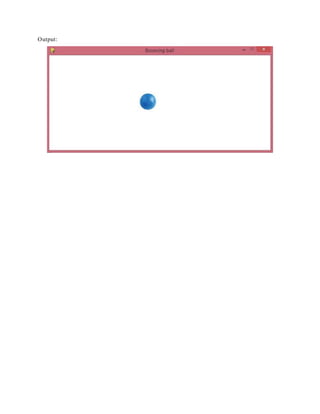
The document provides a Python script using Pygame to simulate a bouncing ball on the screen. It initializes the Pygame library, sets up the display size, and creates a loop to move the ball while reversing direction upon hitting the edges. The script includes handling events to quit the application.
![#Simulate bouncing ball in pygame
# Bouncing ball
import sys, pygame
pygame.init()
size = width, height = 700, 300
speed = [1, 1]
background = 255, 255, 255
screen = pygame.display.se t_mode(size)
pygame.display.set_ca ption("Bounc ing ball")
ball = pygame.image.loa d("ba ll.jpg")
ballrect = ball.get_rect()
while 1:
for event in pygame.event.get():
if event.type == pygame.QUIT: sys.exit()
ballrect = ballrect.move(speed)
if ballrect.left < 0 or ballrect.right > width:
speed[0] = -speed[0]
if ballrect.top < 0 or ballrect.bottom > height:
speed[1] = -speed[1]
screen.fill(background)
screen.blit(ba ll, ballrect)
pygame.display.flip()
Ball.jpg](https://image.slidesharecdn.com/simulatebouncingballinpygame-171025111327/85/Simulate-bouncing-ball-in-pygame-1-320.jpg)