Eclipse e4

                                 DI, services,
                                 CSS and the
                                  modeled
                                 Workbench
Lars Vogel
http://www.vogella.de
http://www.twitter.com/vogella
Mini-Agenda
Eclipse e4 Scope

Targets development for Eclipse
(plugins) or based on Eclipse
(Eclipse RCP).
Eclipse e4 Targets

Make Eclipse development more effective and the
result more visual appealing.
So, what’s wrong with
Eclipse 3.X?
Problems with the Eclipse 3.x programming
                    model
• Complex
• Lots of API
• Platform functionality via
  singletons
• Not easy to test
• Not a consistent way to
  define the UI
• UI makes assumptions, e.g.
  Editors / Views
If only Eclipse development
would be easier and the UI
would be more flexible.


                          7
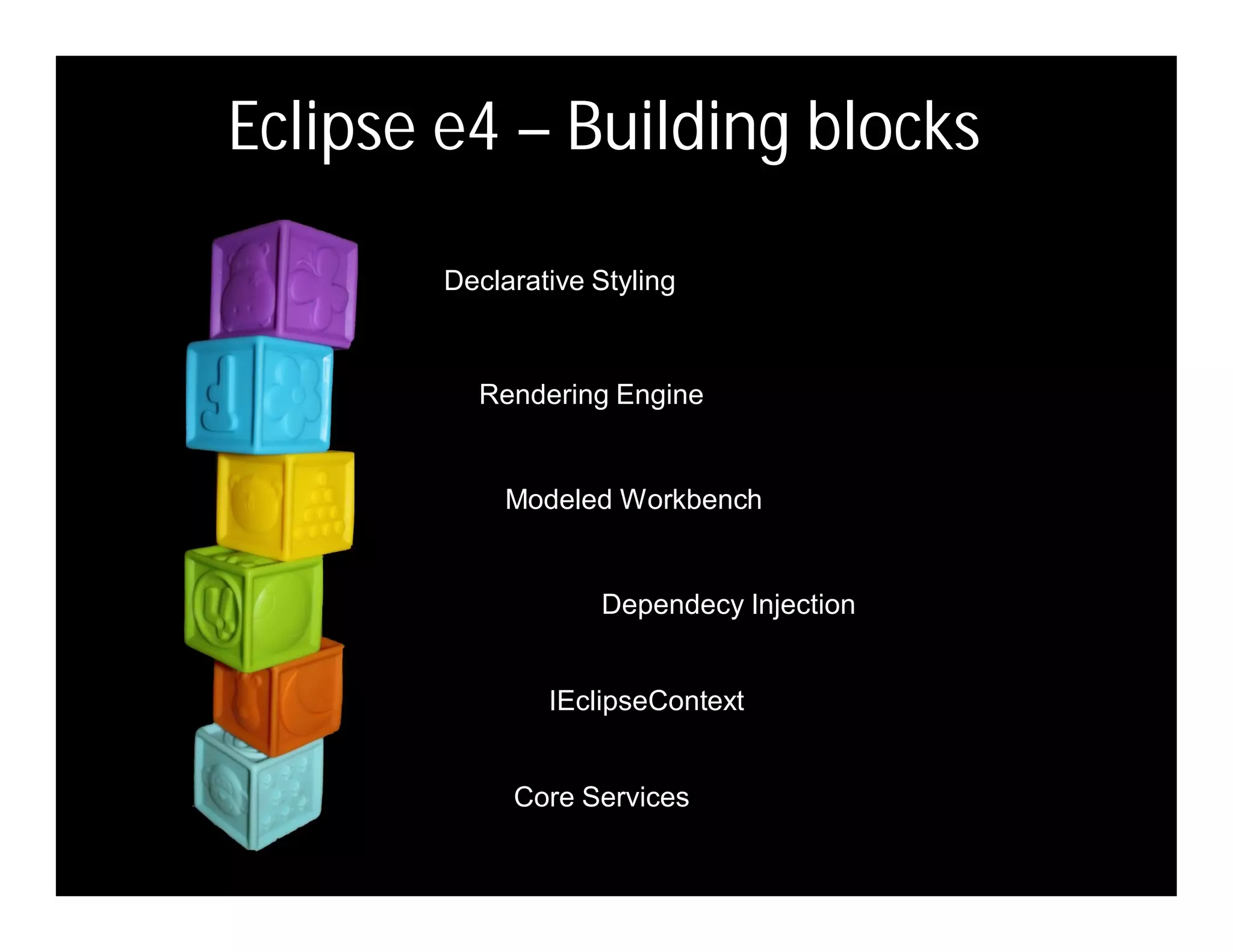
Eclipse e4 – Building blocks

        Declarative Styling


          Rendering Engine


             Modeled Workbench


                    Dependecy Injection


                IEclipseContext


             Core Services
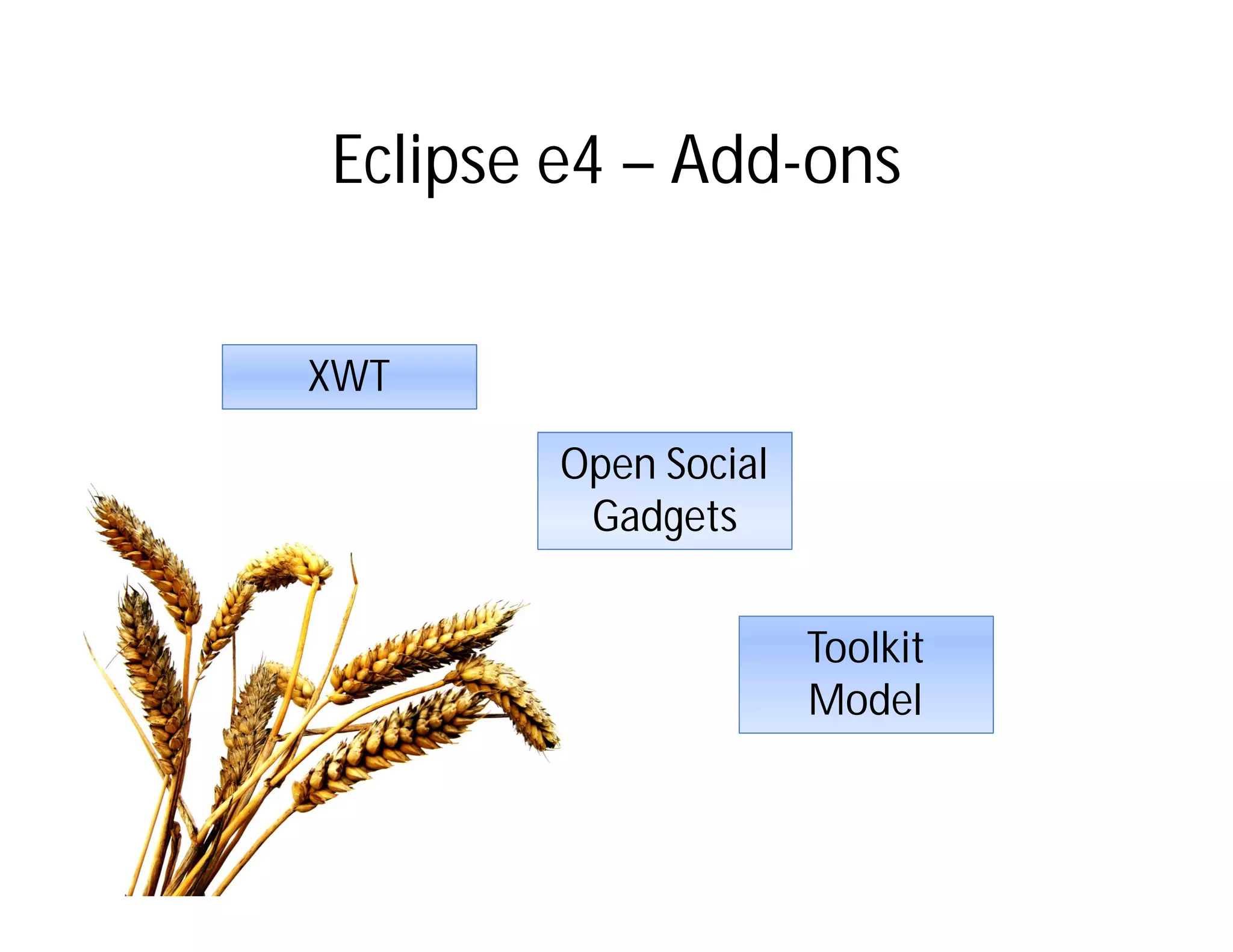
Eclipse e4 – Add-ons


XWT

        Open Social
         Gadgets


                      Toolkit
                      Model
The Modeled Workbench
The e4 Workbench Model
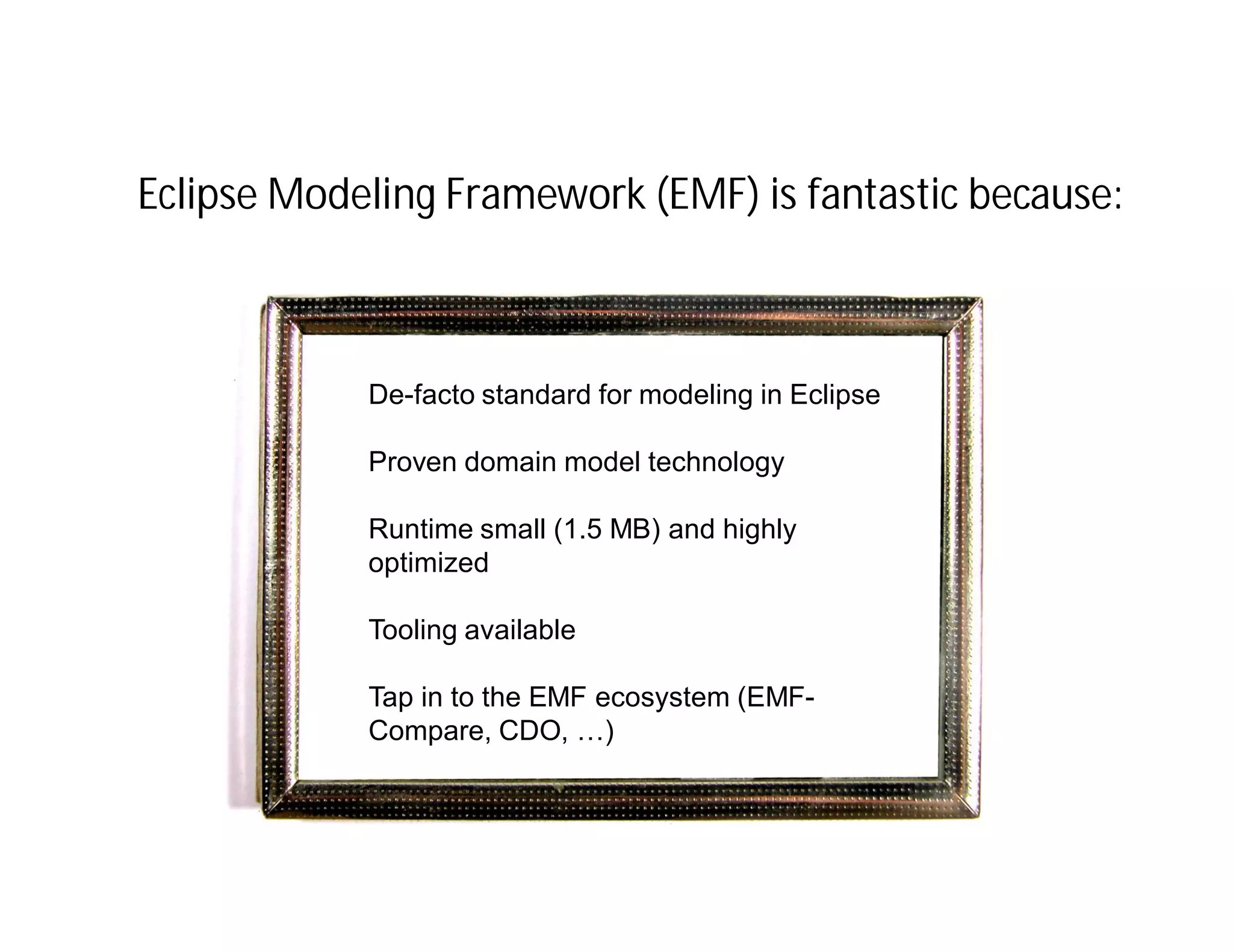
Eclipse Modeling Framework (EMF) is fantastic because:


              De-facto standard for modeling in Eclipse
 IfIf I only had a consistent
    I only had a consistent
 view and behavior of the
               Proven domain model technology
   view and behavior of the
 Eclipse workbenchsmall (1.5 MB) and highly
   Eclipse workbench
               Runtime
              optimized

              Tooling available

              Tap in to the EMF ecosystem (EMF-
              Compare, CDO, …)
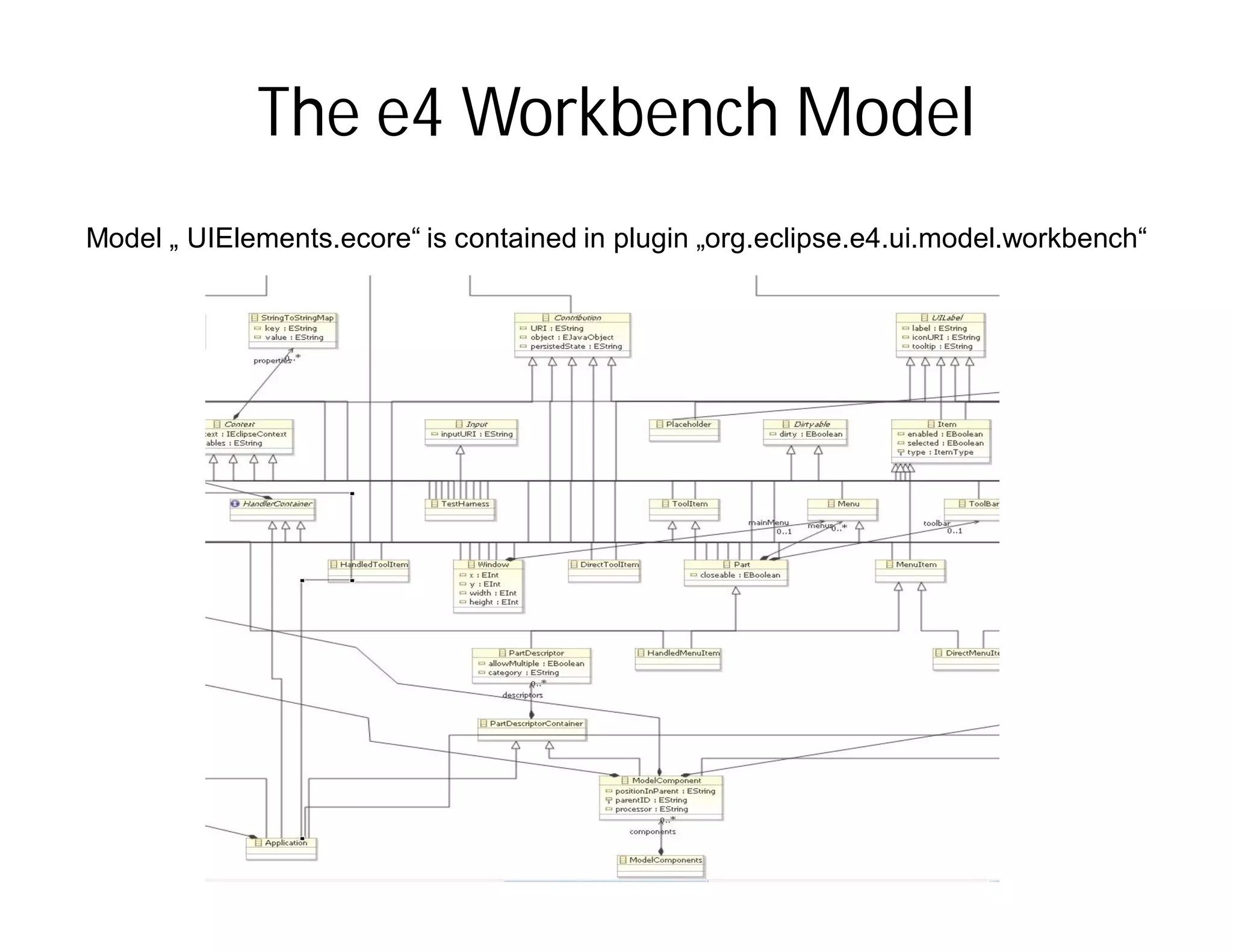
The e4 Workbench Model
Model „ UIElements.ecore“ is contained in plugin „org.eclipse.e4.ui.model.workbench“
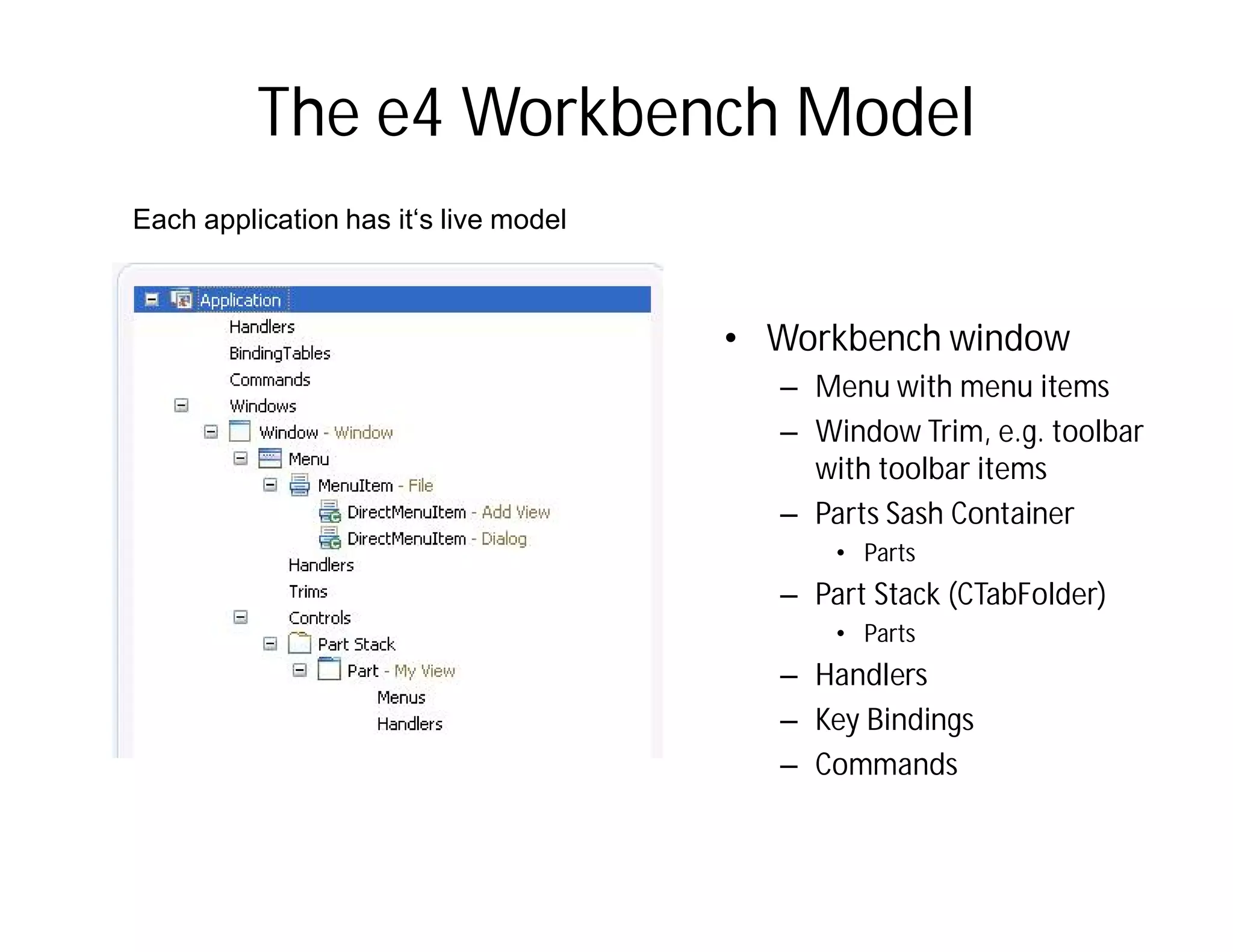
The e4 Workbench Model
Each application has it‘s live model


                                       • Workbench window
                                         – Menu with menu items
                                         – Window Trim, e.g. toolbar
                                           with toolbar items
                                         – Parts Sash Container
                                             • Parts
                                         – Part Stack (CTabFolder)
                                             • Parts
                                         – Handlers
                                         – Key Bindings
                                         – Commands
Model is Flexible
No distinction between View and
Editor

Perspectives are optional

Stack / Sash are optional

Several windows easily possible

Flexible Toolbars
Attention:

  IfIf I only had a consistent
     I only had a consistent
Inview and behaviorofofe4 a
    the context of theView and an Editor
    view and behavior the
  Eclipse workbench
are both so called “Parts”. Don’t get
    Eclipse workbench

confused if I speak about “Parts”.
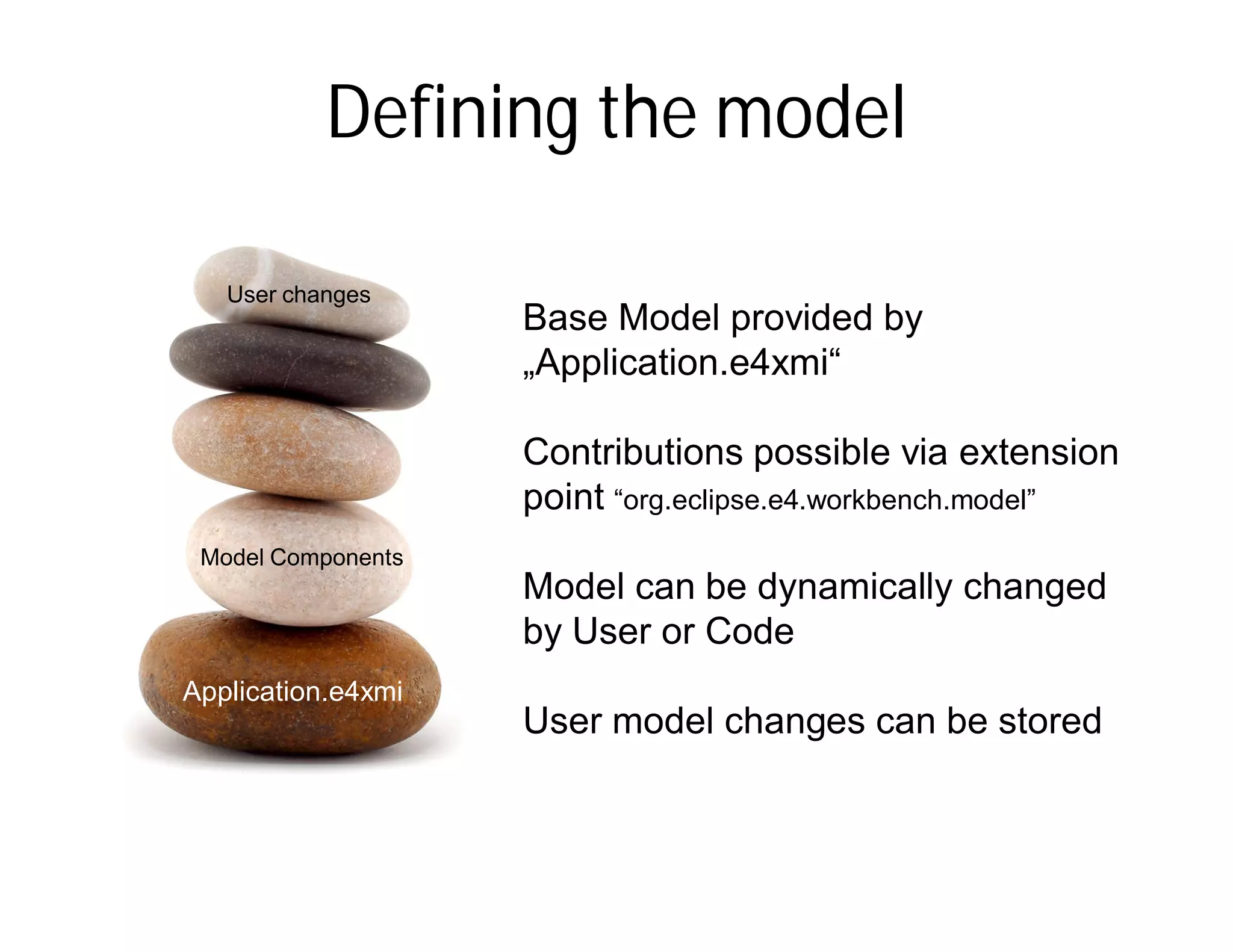
Defining the model

   User changes
                      Base Model provided by
                      „Application.e4xmi“

                      Contributions possible via extension
                      point “org.eclipse.e4.workbench.model”
 Model Components
                      Model can be dynamically changed
                      by User or Code
Application.e4xmi
  Application.e4xmi   User model changes can be stored
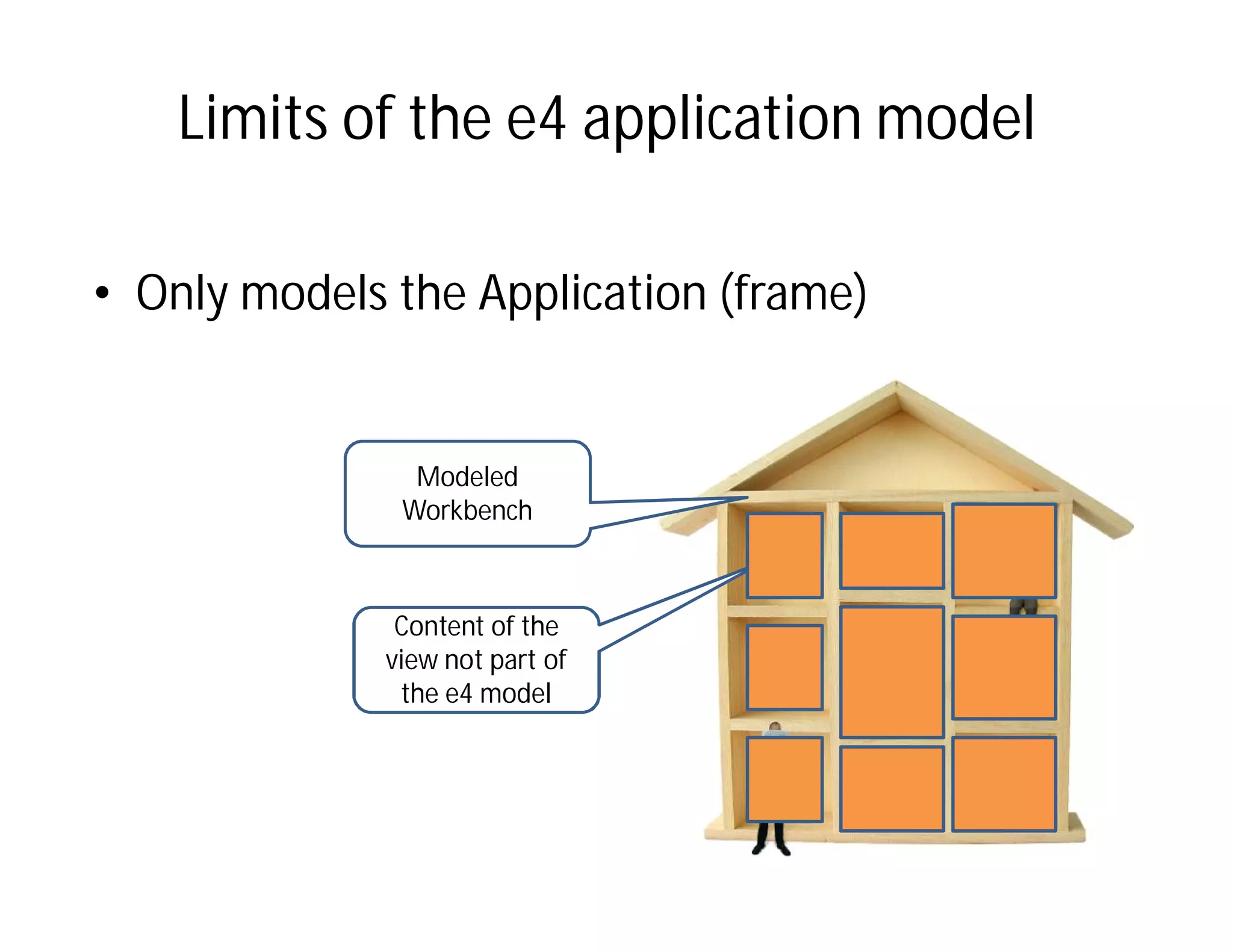
Limits of the e4 application model

• Only models the Application (frame)


               Modeled
              Workbench


              Content of the
             view not part of
              the e4 model
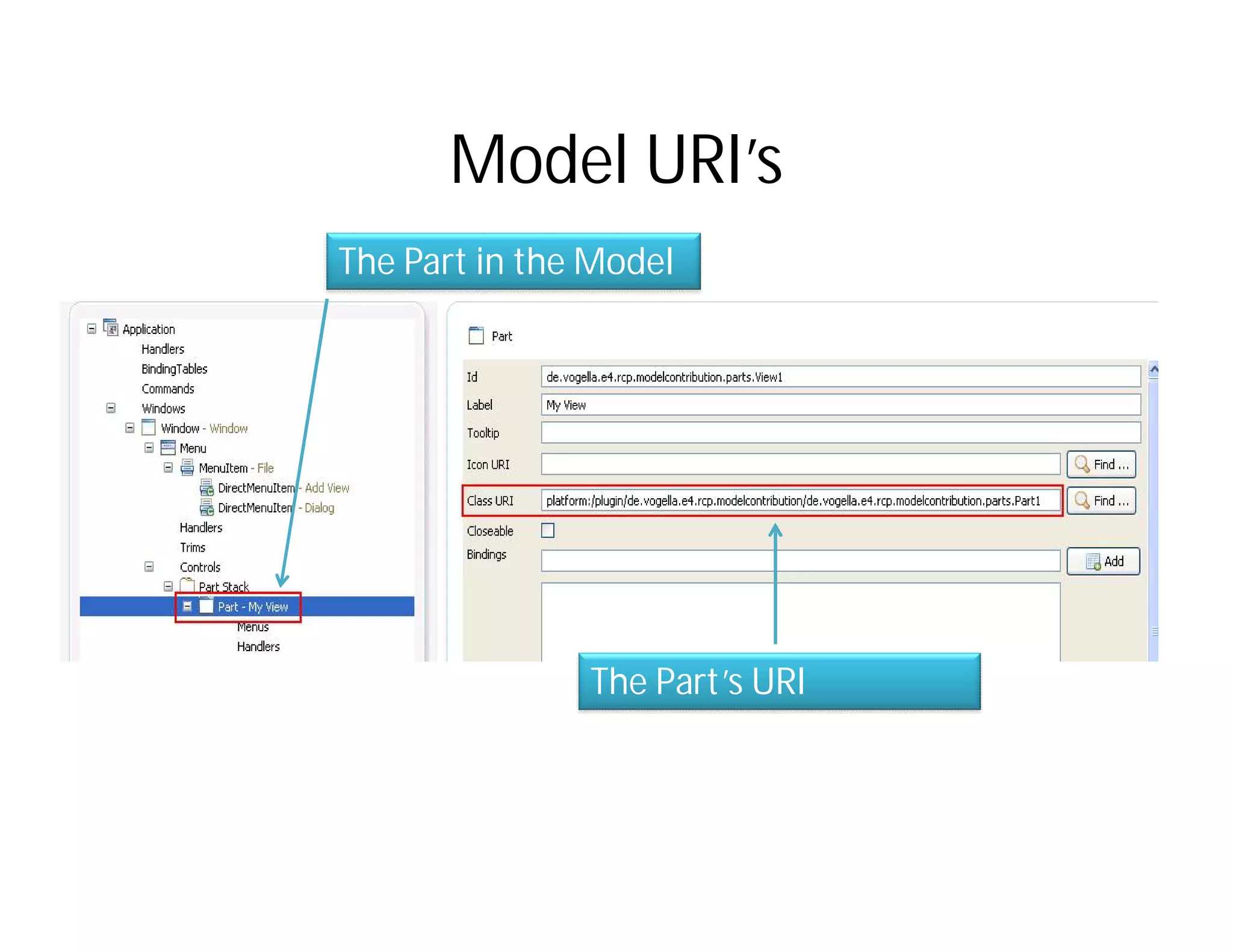
Model URI’s
The Part in the Model


               The Part’s URI
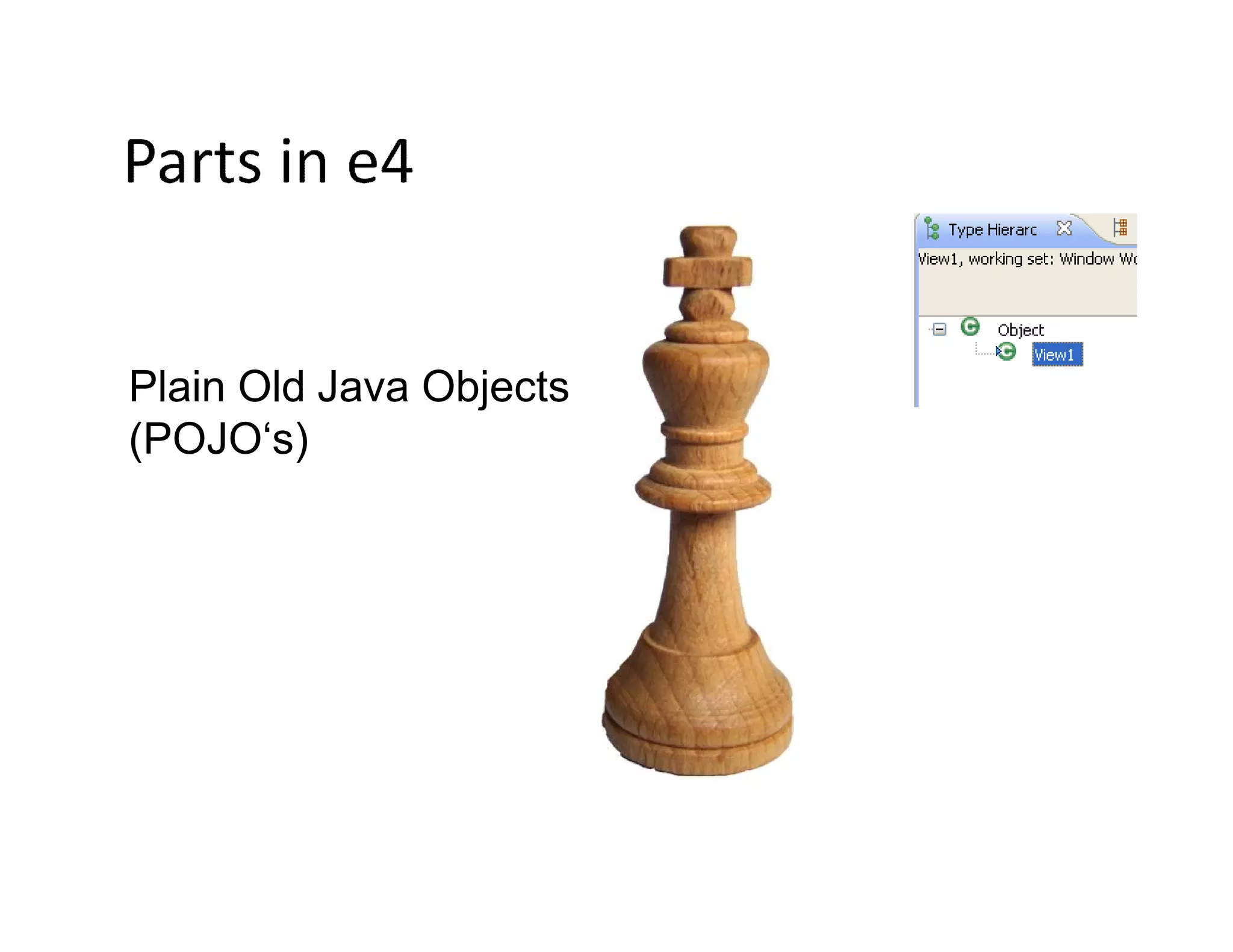
Plain Old Java Objects
(POJO‘s)
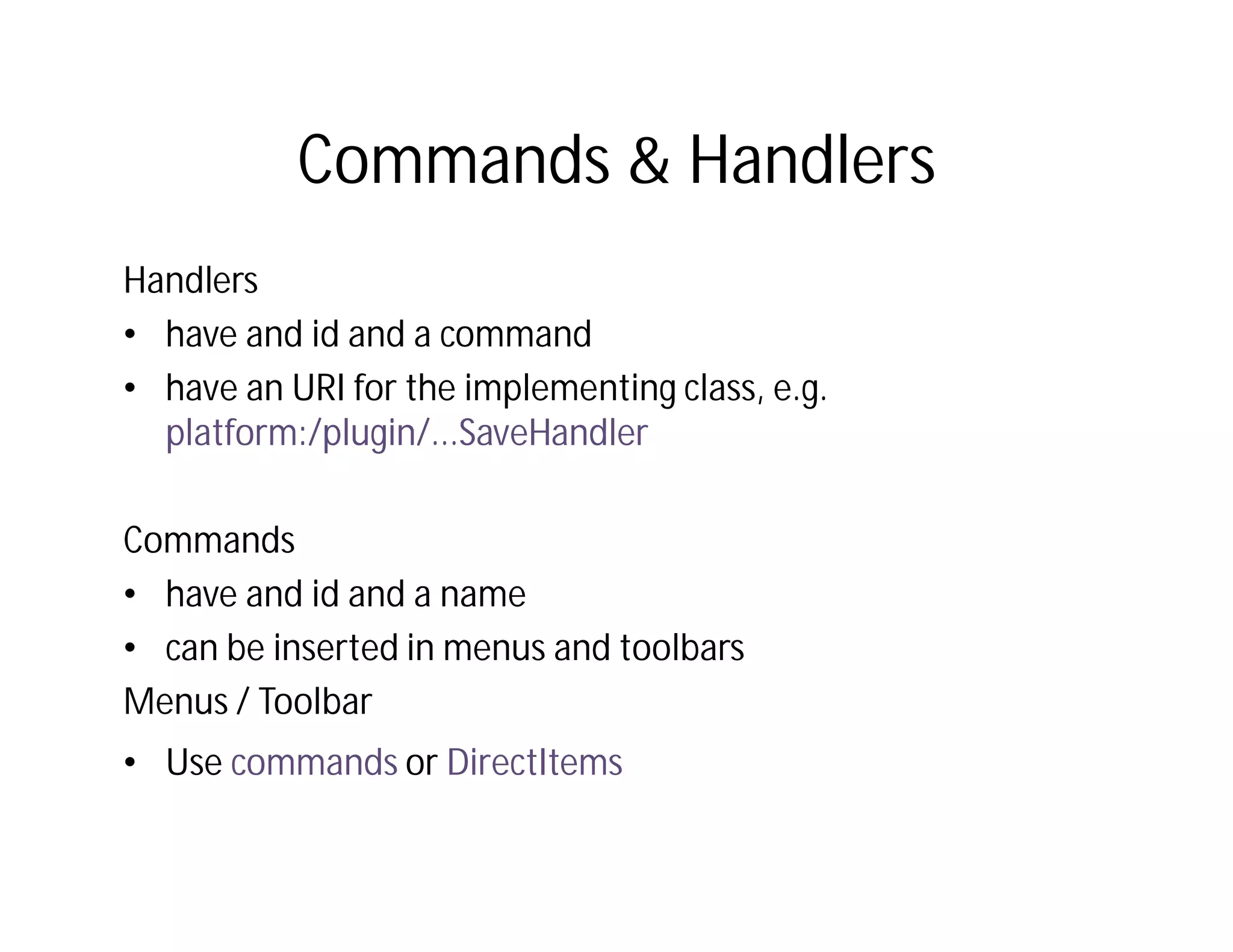
Commands & Handlers
Handlers
• have and id and a command
• have an URI for the implementing class, e.g.
  platform:/plugin/...SaveHandler

Commands
• have and id and a name
• can be inserted in menus and toolbars
Menus / Toolbar
• Use commands or DirectItems
Model available at runtime
How is this model
translated into UI
components?


              © Lars Vogel and others, Licensed under Creative Commons by-nc-nd-3.0 (de)
Model and UI Renderers
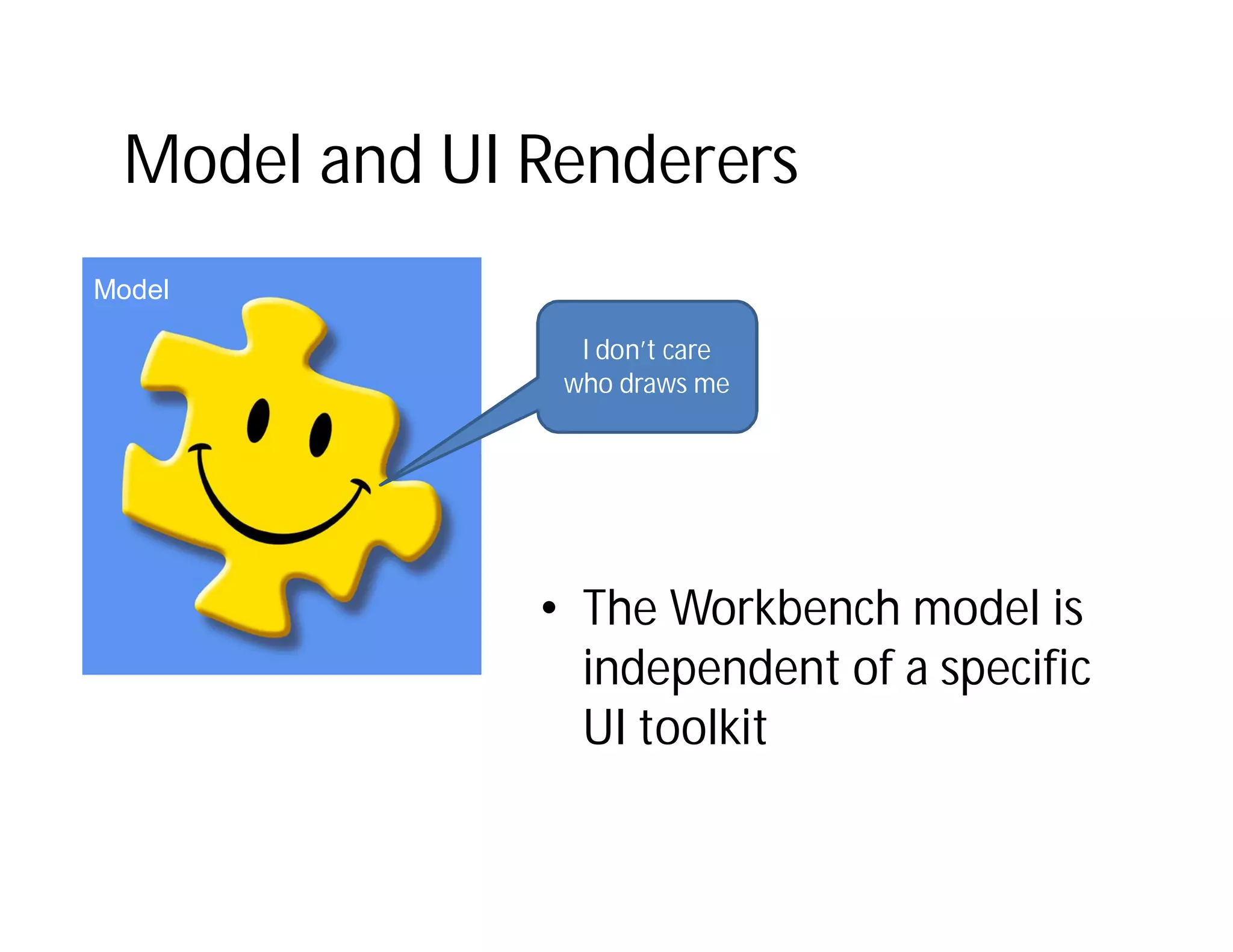
Model

                I don’t care
               who draws me


              • The Workbench model is
                independent of a specific
                UI toolkit
Renderers
Renderer Factory

Eclipse default is the
SWT Renderer

Can be selected at
Startup via parameter
Renderers
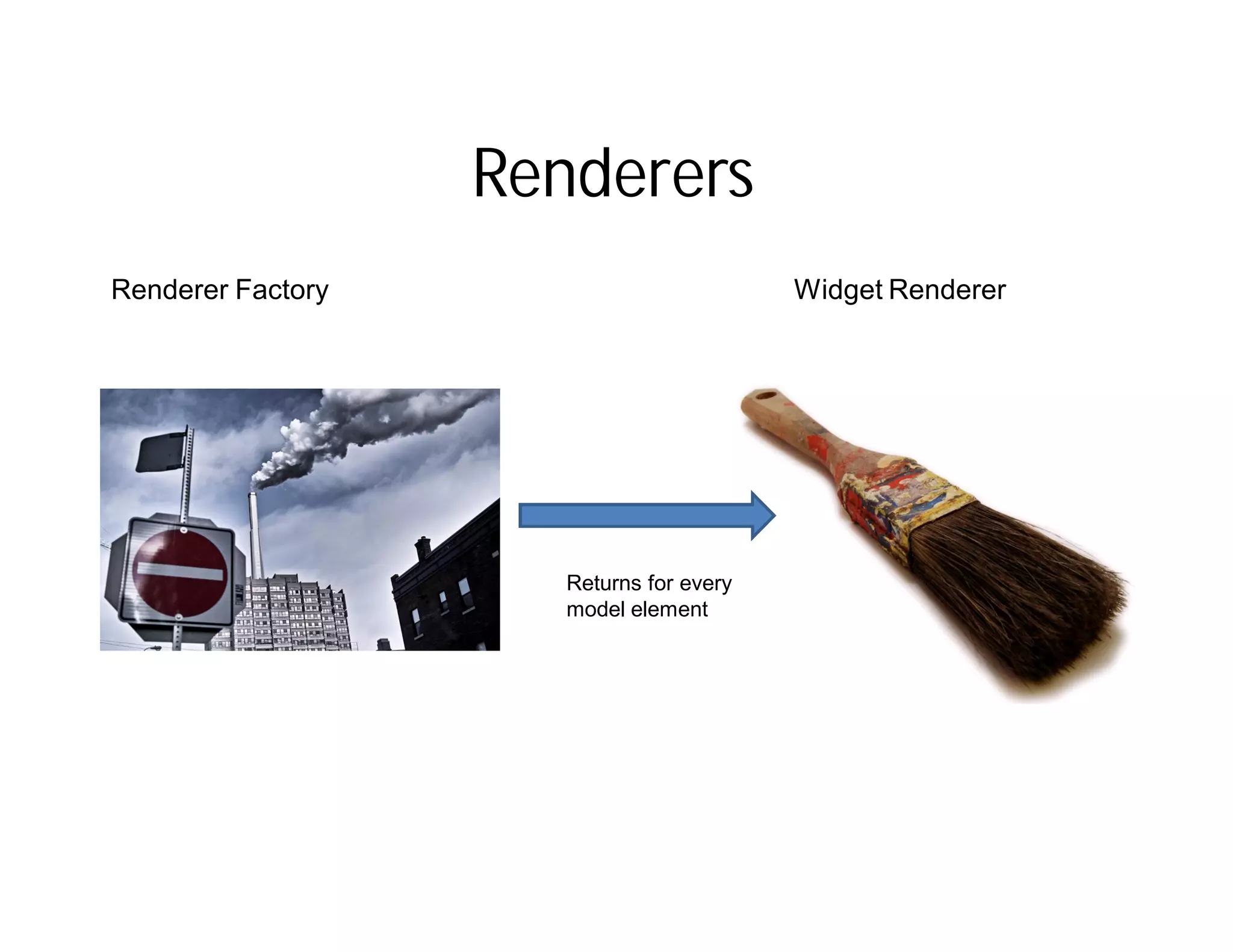
Renderer Factory                          Widget Renderer


                      Returns for every
                      model element
Widget Renderer
• Each UI elements gets a renderer
• Renderer manage Lifecycle of the UI-Element
  – Creation
  – Model to widget binding
  – Rendering
  – Disposal
Renderer: flexible but complex
e4 CSS Styling
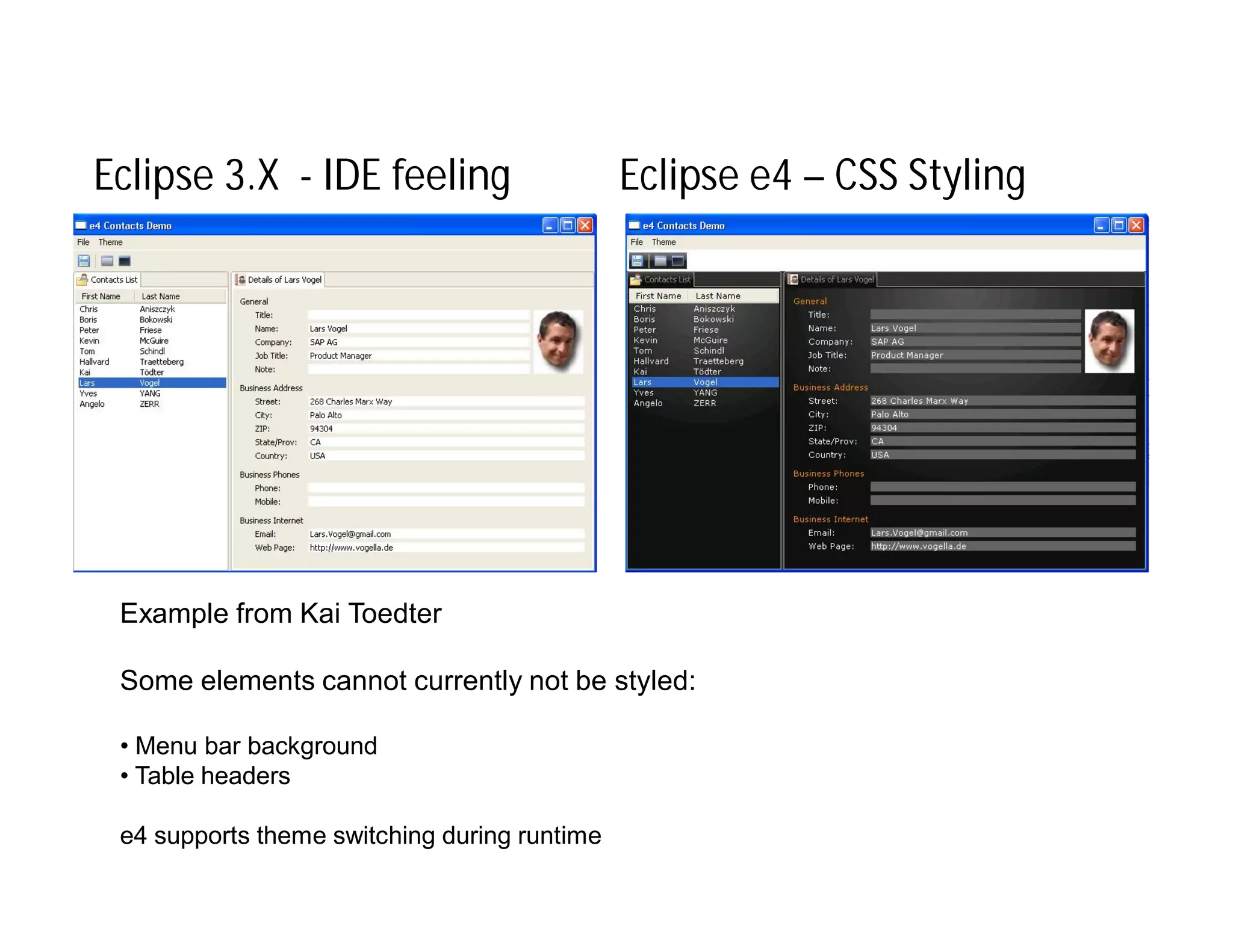
Eclipse 3.X - Styling the User Interface

• UI styling via
   – The Presentation API
   – Custom Widgets
• Very limited
In reality all RCP
apps look like the
      an IDE
Eclipse 3.X - IDE feeling                     Eclipse e4 – CSS Styling


 Example from Kai Toedter

 Some elements cannot currently not be styled:

 • Menu bar background
 • Table headers

 e4 supports theme switching during runtime
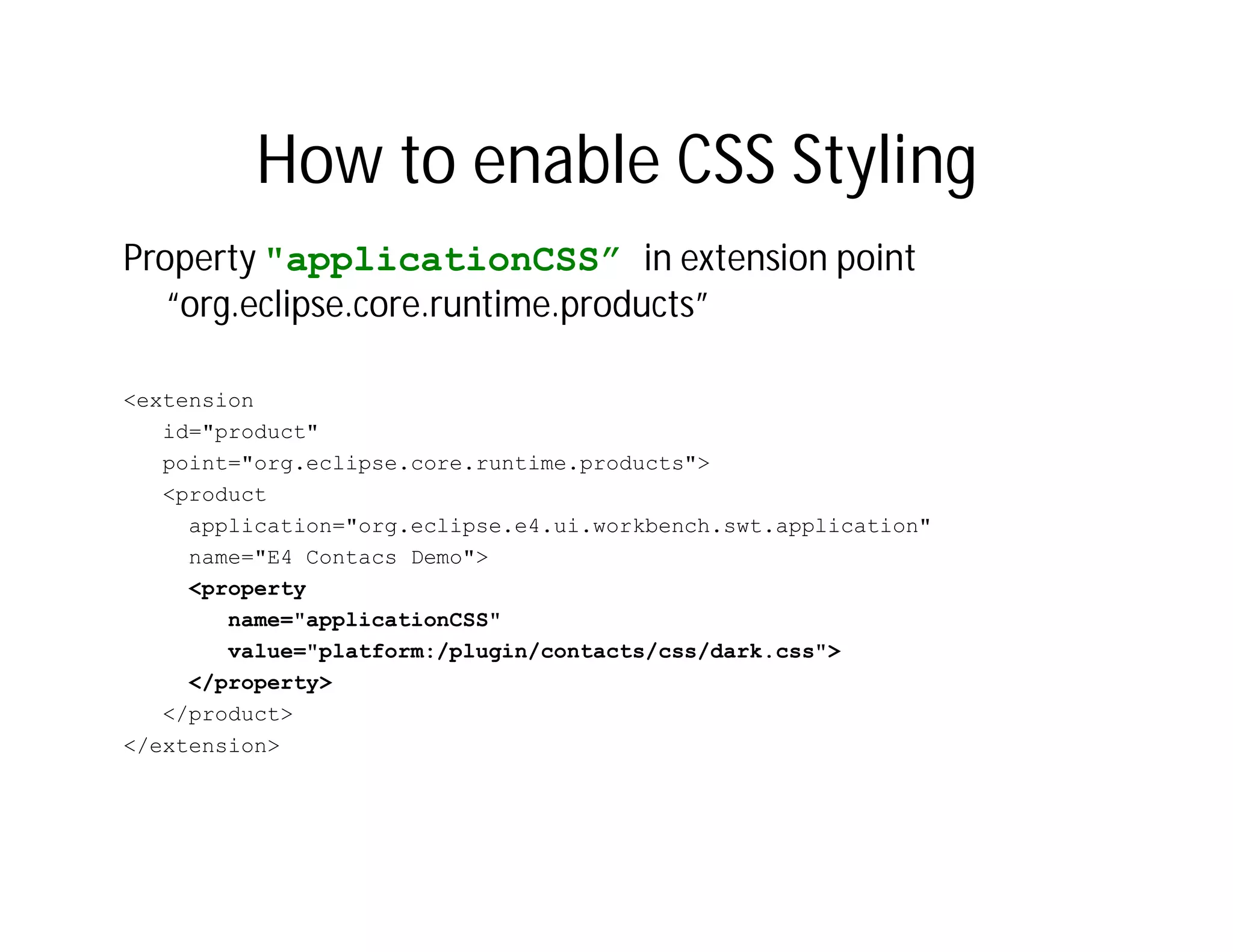
How to enable CSS Styling
Property "applicationCSS” in extension point
   “org.eclipse.core.runtime.products”

<extension
   id="product"
   point="org.eclipse.core.runtime.products">
   <product
     application="org.eclipse.e4.ui.workbench.swt.application"
     name="E4 Contacs Demo">
     <property
        name="applicationCSS"
        value="platform:/plugin/contacts/css/dark.css">
     </property>
   </product>
</extension>
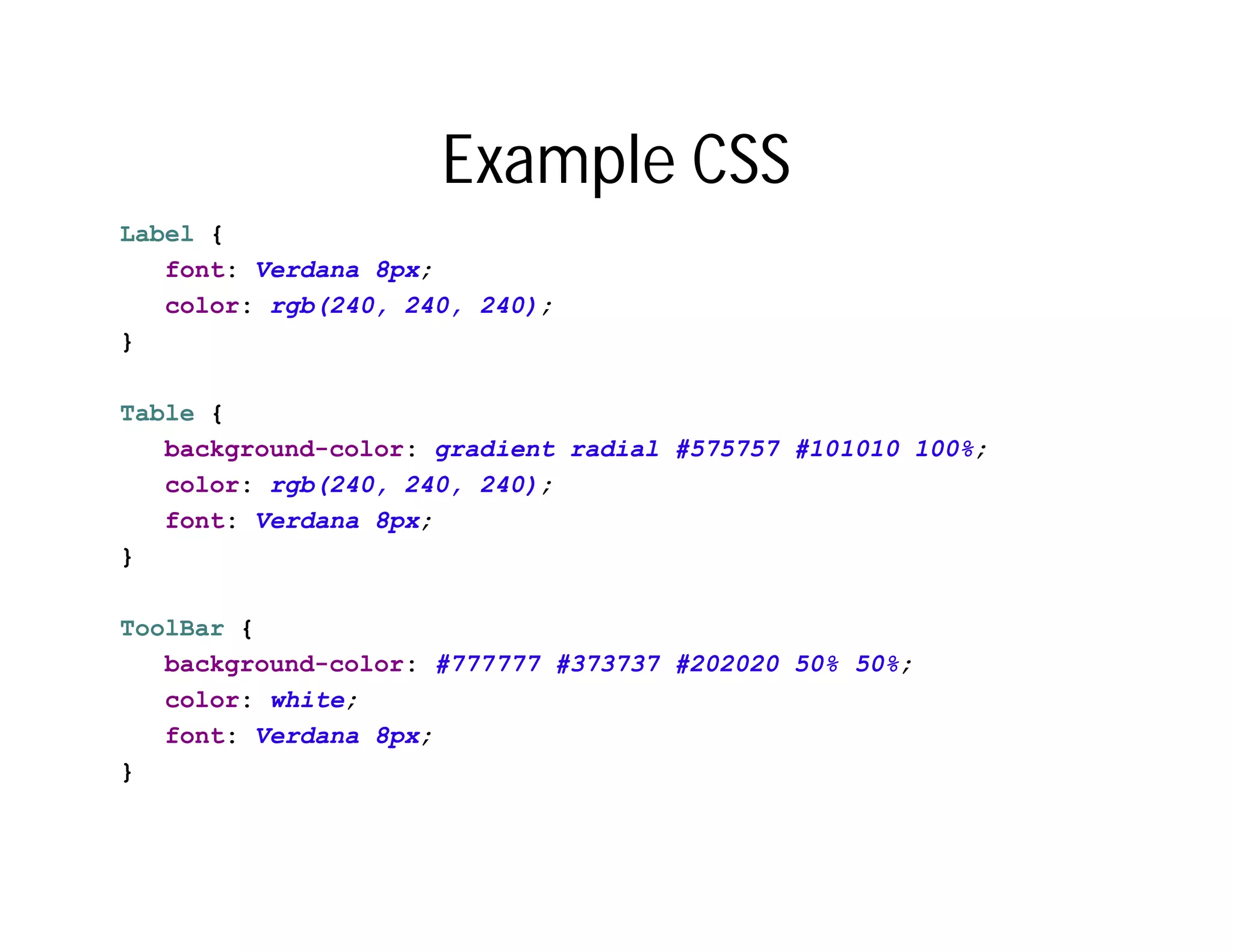
Example CSS
Label {
   font: Verdana 8px;
   color: rgb(240, 240, 240);
}

Table {
   background-color: gradient radial #575757 #101010 100%;
   color: rgb(240, 240, 240);
   font: Verdana 8px;
}

ToolBar {
   background-color: #777777 #373737 #202020 50% 50%;
   color: white;
   font: Verdana 8px;
}
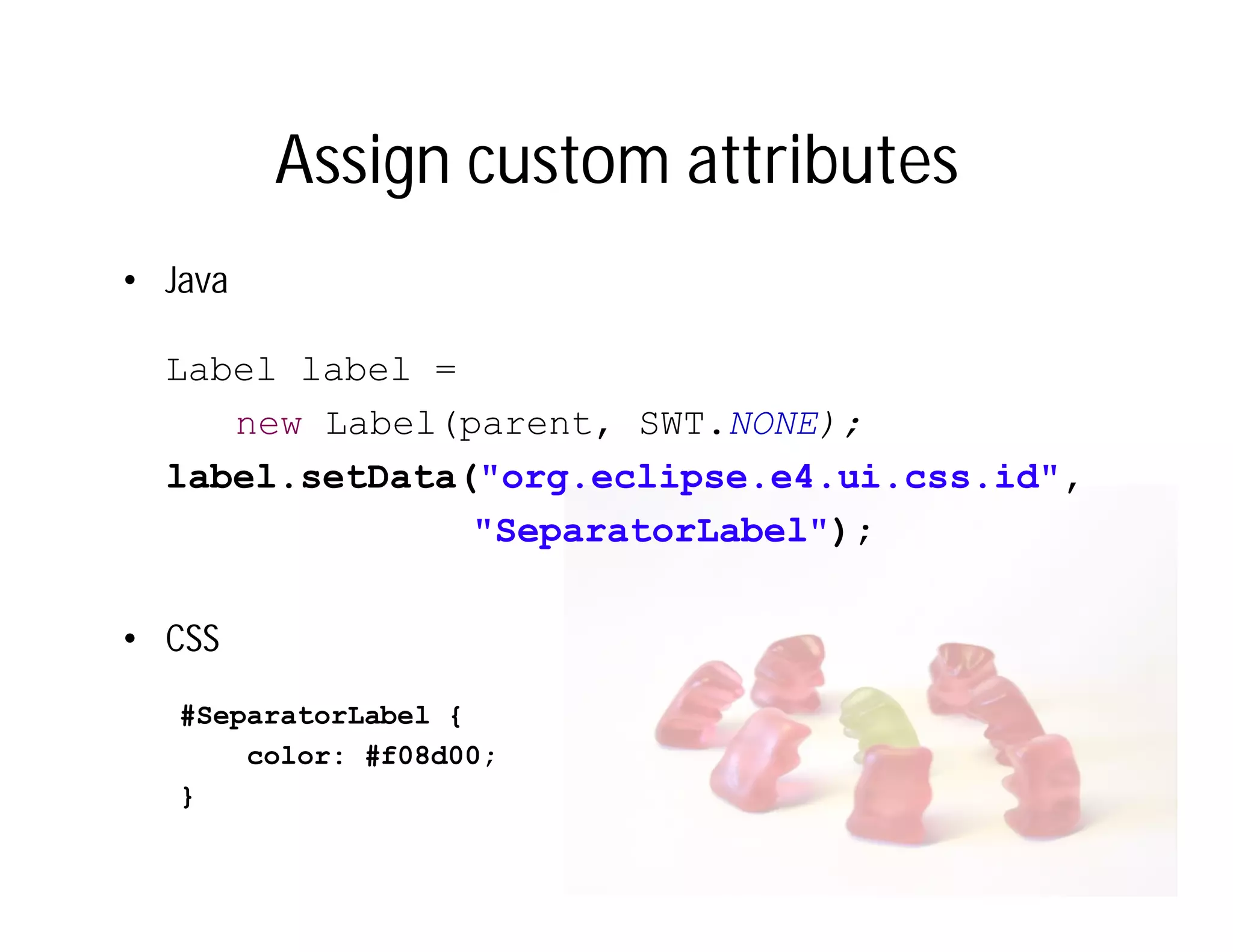
Assign custom attributes
• Java

  Label label =
     new Label(parent, SWT.NONE);
  label.setData("org.eclipse.e4.ui.css.id",
                "SeparatorLabel");

• CSS
   #SeparatorLabel {
       color: #f08d00;
   }
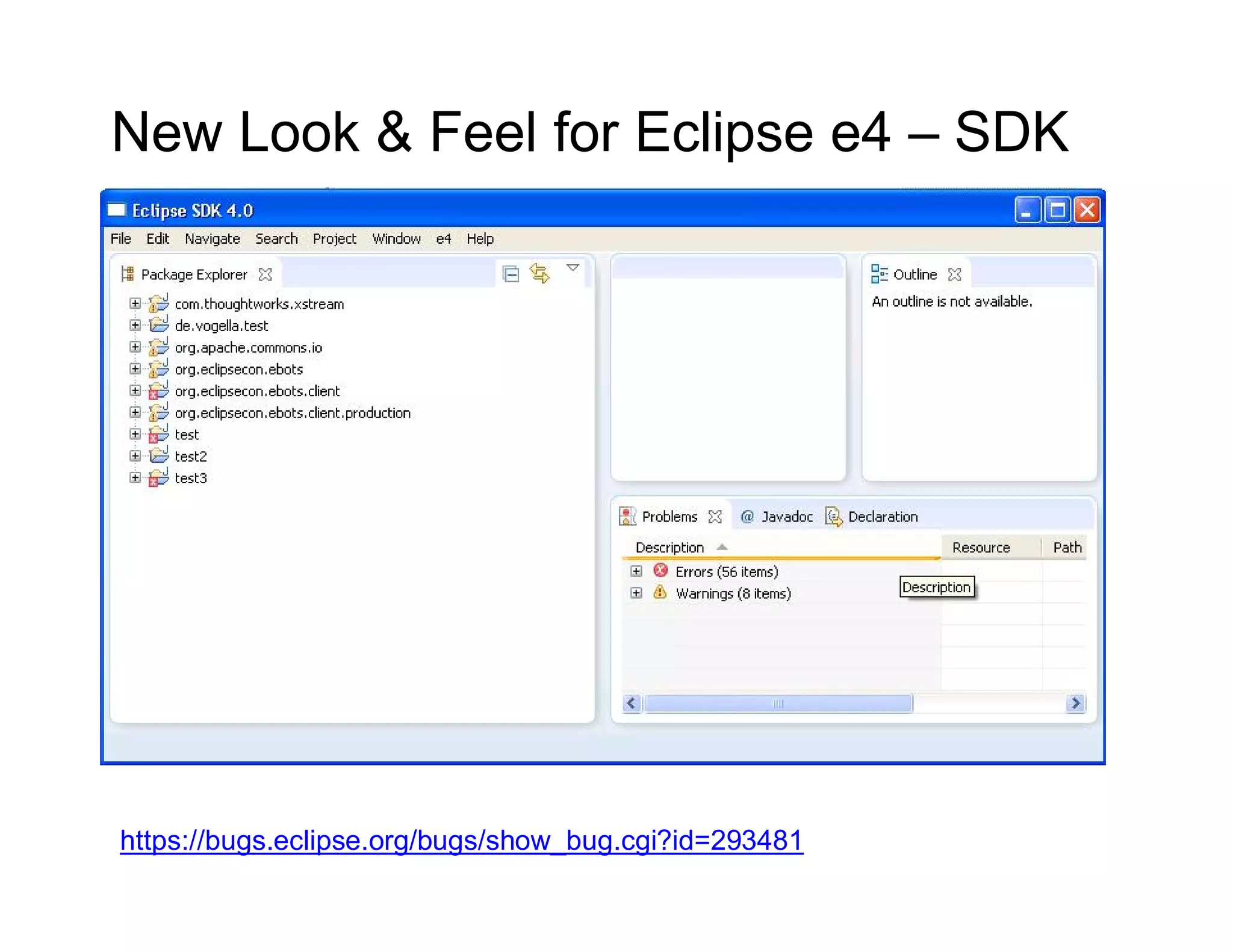
New Look & Feel for Eclipse e4 – SDK


https://bugs.eclipse.org/bugs/show_bug.cgi?id=293481
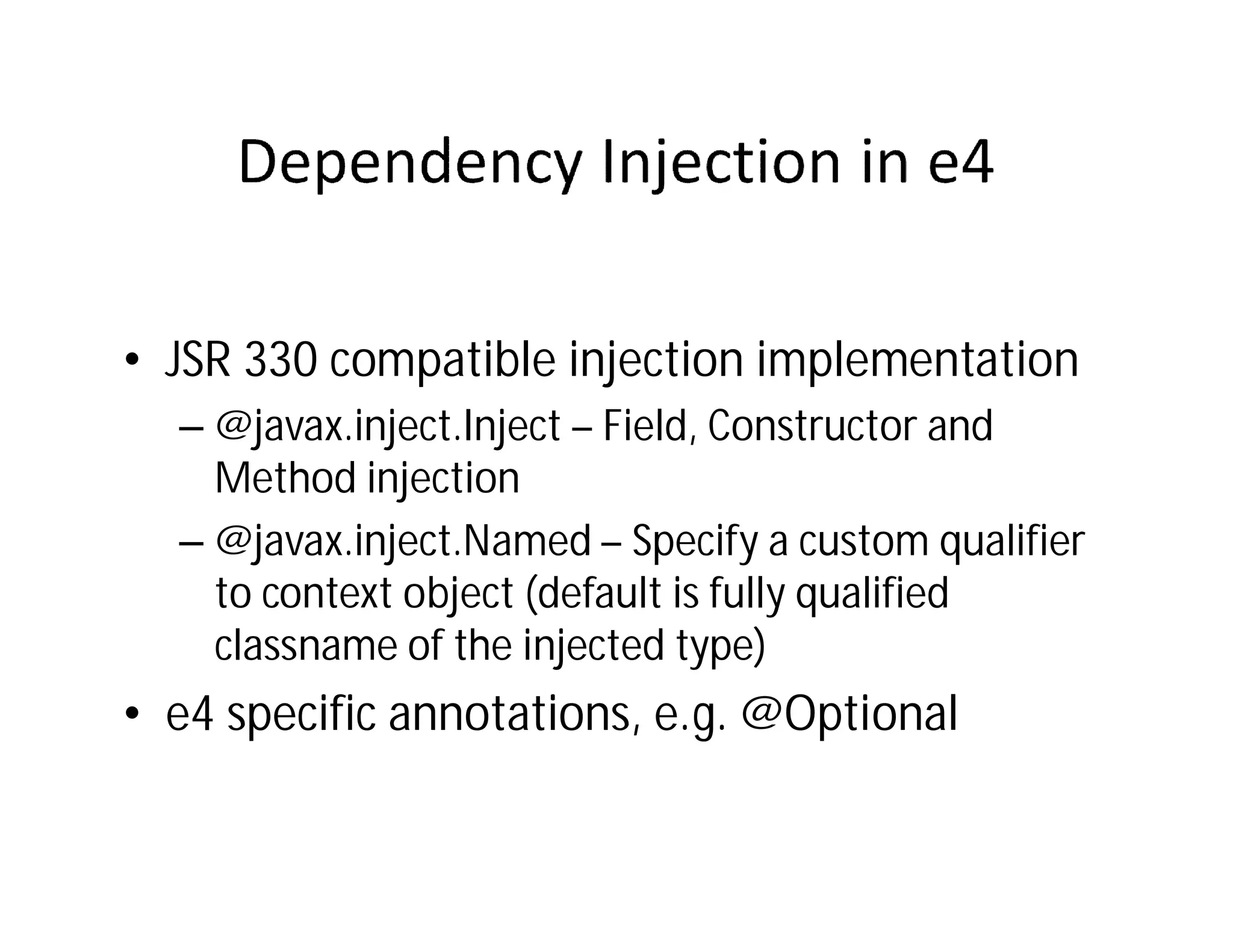
The e4 Programming
       Model
• Inversion of control: The necessary
  functionality is injected into the class
• JSR 330 compatible injection implementation
  – @javax.inject.Inject – Field, Constructor and
    Method injection
  – @javax.inject.Named – Specify a custom qualifier
    to context object (default is fully qualified
    classname of the injected type)
• e4 specific annotations, e.g. @Optional
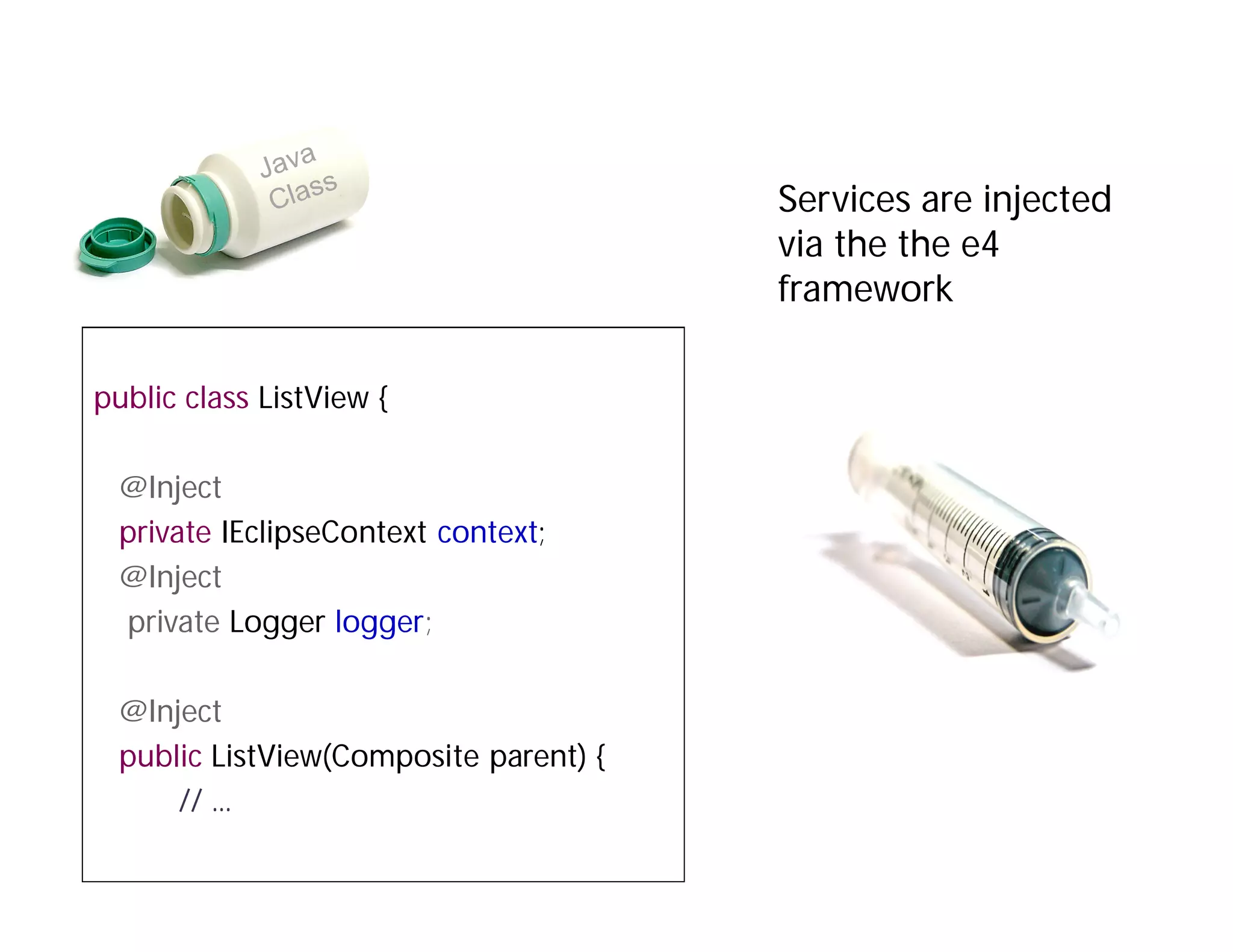
Services are injected
                                       via the the e4
                                       framework

public class ListView {

 @Inject
 private IEclipseContext context;
 @Inject
 private Logger logger;

 @Inject
 public ListView(Composite parent) {
     // ...
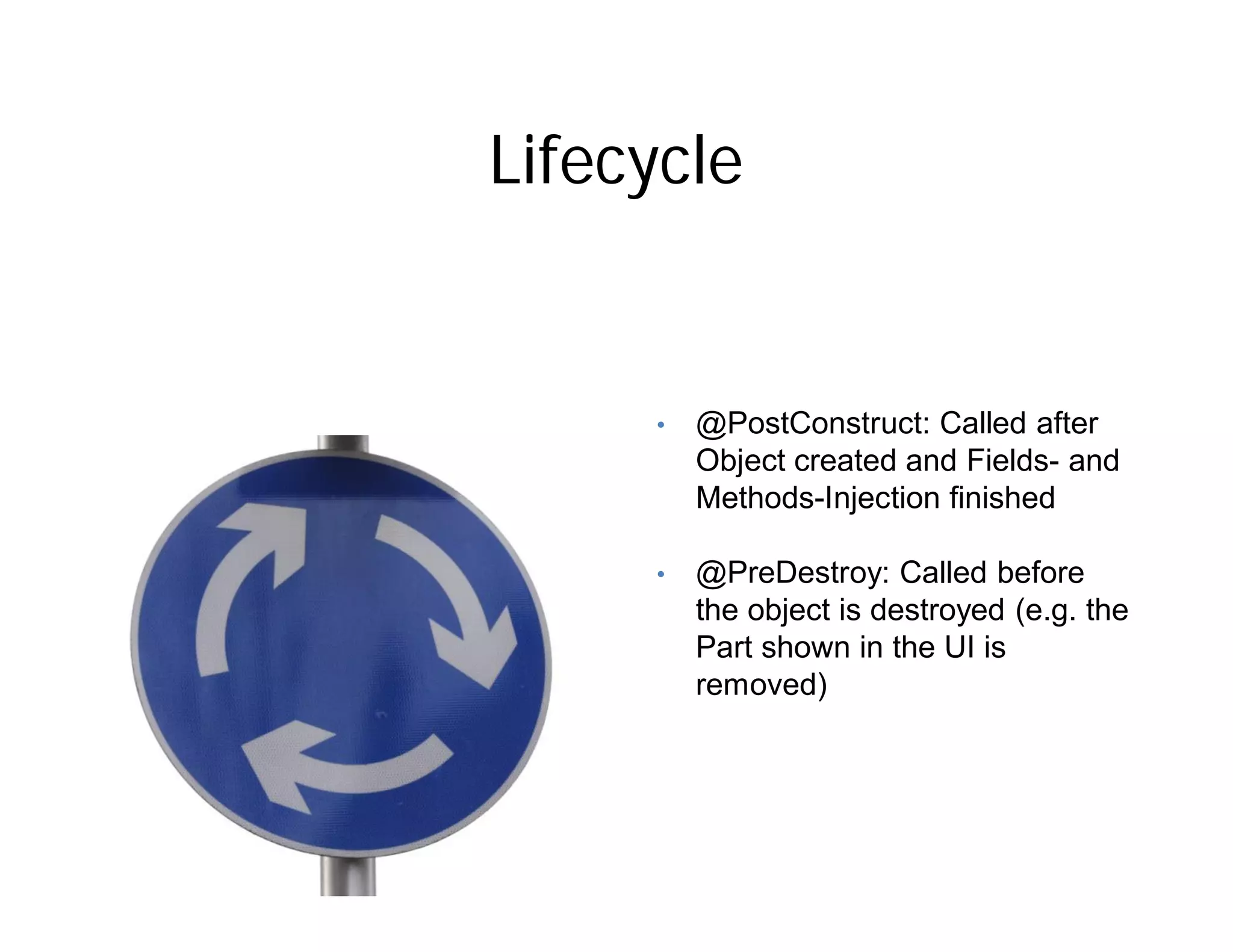
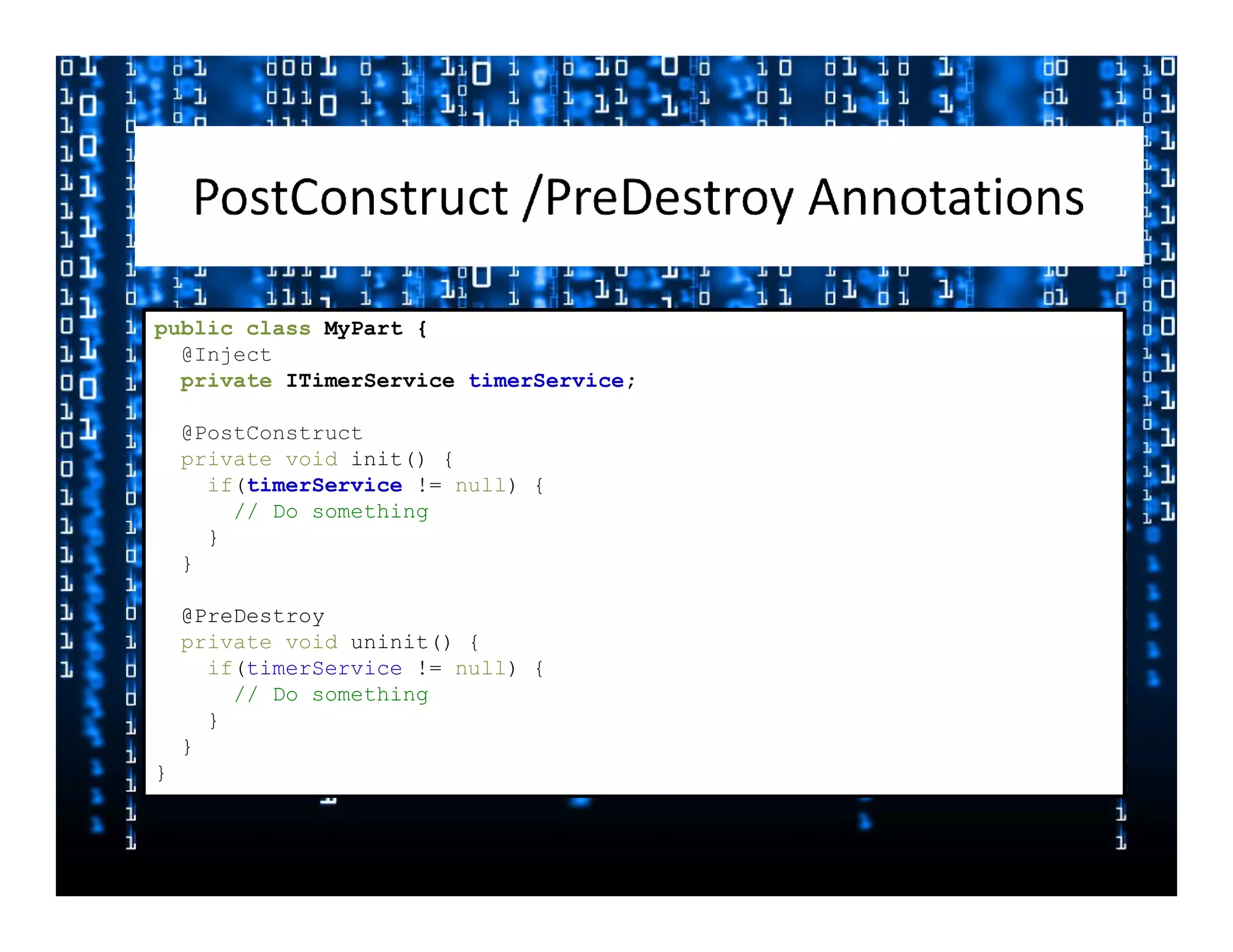
Lifecycle


     •   @PostConstruct: Called after
         Object created and Fields- and
         Methods-Injection finished

     •   @PreDestroy: Called before
         the object is destroyed (e.g. the
         Part shown in the UI is
         removed)
public class MyPart {
  @Inject
  private ITimerService timerService;

    @PostConstruct
    private void init() {
      if(timerService != null) {
        // Do something
      }
    }

    @PreDestroy
    private void uninit() {
      if(timerService != null) {
        // Do something
      }
    }
}
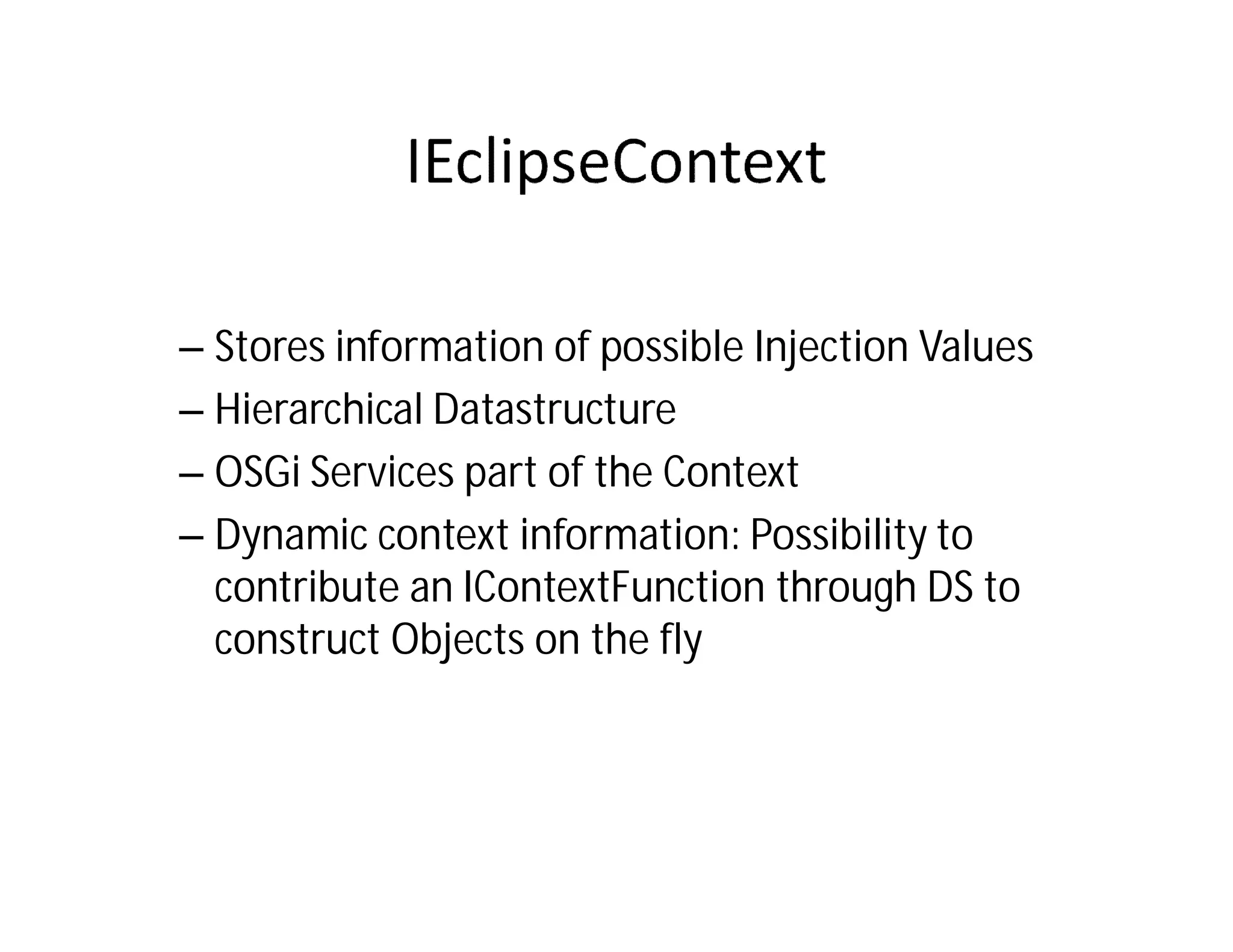
– Stores information of possible Injection Values
– Hierarchical Datastructure
– OSGi Services part of the Context
– Dynamic context information: Possibility to
  contribute an IContextFunction through DS to
  construct Objects on the fly
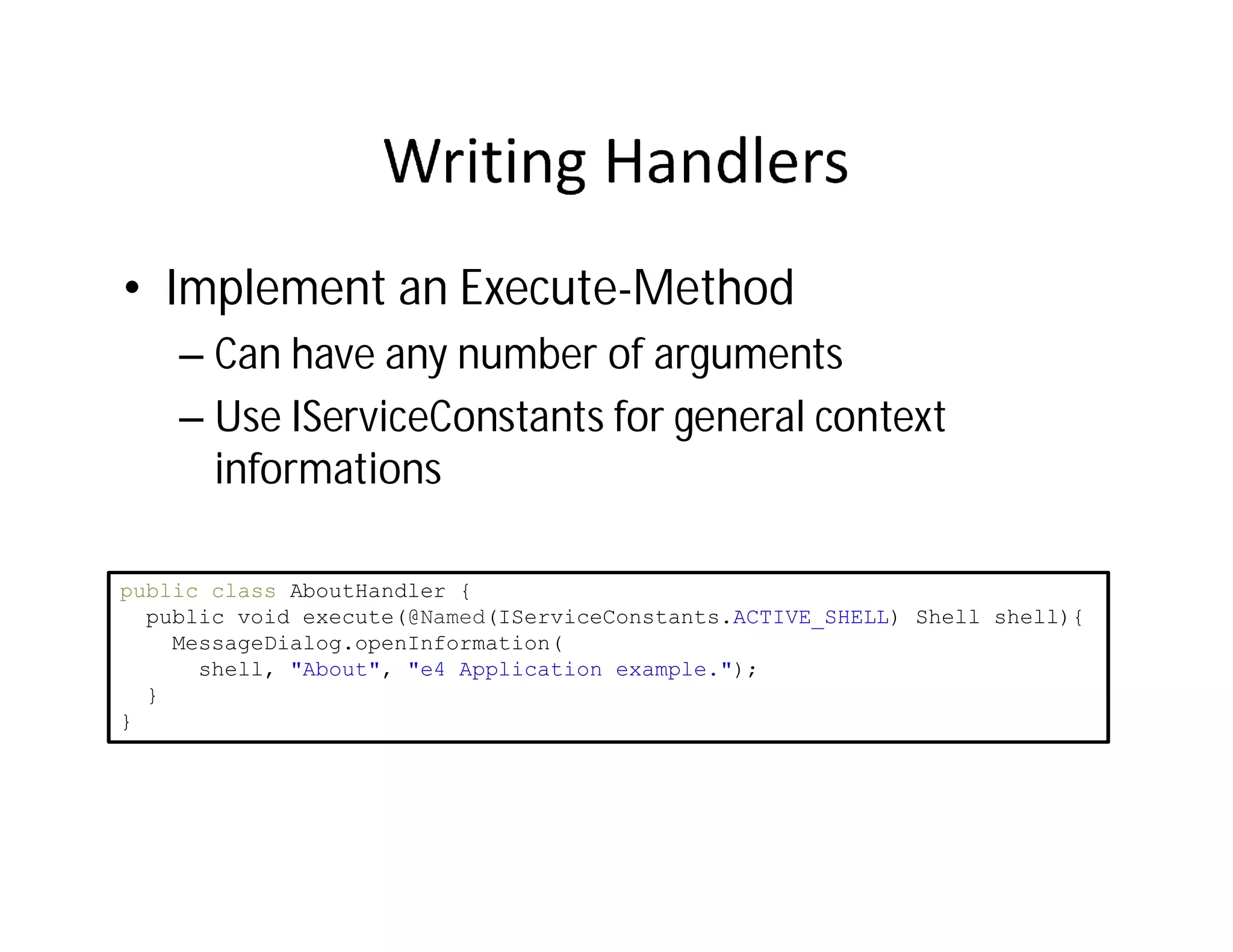
• Implement an Execute-Method
    – Can have any number of arguments
    – Use IServiceConstants for general context
      informations

public class AboutHandler {
  public void execute(@Named(IServiceConstants.ACTIVE_SHELL) Shell shell){
    MessageDialog.openInformation(
      shell, "About", "e4 Application example.");
  }
}
© Lars Vogel and others, Licensed under Creative Commons by-nc-nd-3.0 (de)
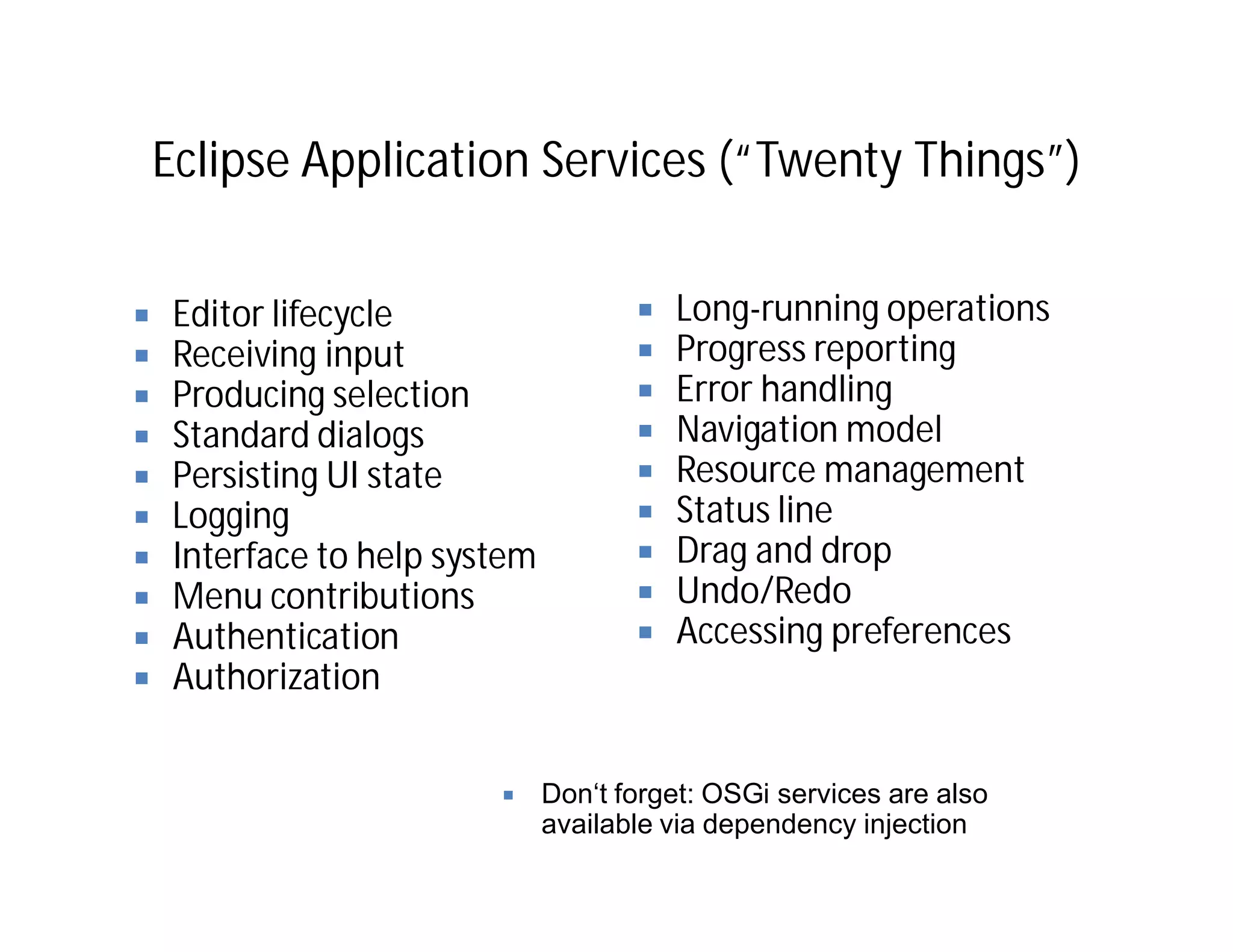
Eclipse Application Services (“Twenty Things”)


 Editor lifecycle                     Long-running operations
 Receiving input                      Progress reporting
 Producing selection                  Error handling
 Standard dialogs                     Navigation model
 Persisting UI state                  Resource management
 Logging                              Status line
 Interface to help system             Drag and drop
 Menu contributions                   Undo/Redo
 Authentication                       Accessing preferences
 Authorization


                            Don‘t forget: OSGi services are also
                            available via dependency injection
Photo credits
•   Hammer http://www.sxc.hu/photo/ 604247       •   Thank you picture http://www.sxc.hu/photo/
•   Open Door                                        986313
    http://www.sxc.hu/photo/1228296              •   Gummibaerchen 191472
•   Corn http://www.sxc.hu/photo/ 939151         •   Runtime model http://www.sxc.hu/photo/
•   Thinking man http://www.sxc.hu/photo/            765733
    324541                                       •   Binder: http://www.sxc.hu/photo/443042
•   Chess http://www.sxc.hu/photo/ 958410        •   Praying Girl
•   Pill box http://www.sxc.hu/photo/ 510413         http://www.sxc.hu/photo/646227
•   Under construction                           •   Box: http://www.sxc.hu/photo/502457
    http://www.sxc.hu/photo/ 1268302             •   Screws http://www.sxc.hu/photo/1148064
•   Singleton: http://www.sxc.hu/photo/ 988381   •   House with compartments
•   Frame for EMF reasons                            http://www.sxc.hu/photo/494103
    http://www.sxc.hu/photo/ 461975              •   Stacked stones
•   Syringe / Injection:                             http://www.sxc.hu/photo/998524
    http://www.sxc.hu/photo/ 468493              •   Thinking Guy
•   Smiley http://www.sxc.hu/photo/ 1211480          http://www.sxc.hu/photo/130484
•   Lock http://www.sxc.hu/photo/ 352344         •   Drawing Hand
•   Life Cycle http://www.sxc.hu/photo/              http://www.sxc.hu/photo/264208
    1265027                                      •   Waiter http://www.sxc.hu/photo/157966
Thank you
For further questions:

Lars.Vogel@gmail.com
http://www.vogella.de
http://www.twitter.com/vogella
e4: Where to go from here:
Eclipse e4 Tutorial
   http://www.vogella.de/articles/EclipseE4/article.html
Eclipse e4 Wiki
   http://wiki.eclipse.org/E4
Eclipse e4 Whitepaper
   http://www.eclipse.org/e4/resources/e4-whitepaper.php
License & Acknowledgements
• This work is licensed under the Creative Commons
  Attribution-Noncommercial-No Derivative Works 3.0
  Germany License

   – See http://creativecommons.org/licenses/by-nc-
     nd/3.0/de/deed.en_US


• Many slides are based on the work of: Tom Schindl
  and Kai Tödter
   – Tom Schindl, BestSolution, see http://www.bestsolution.at
   – Kai Tödter, Siemens AG

Learn about Eclipse e4 from Lars Vogel at SF-JUG

  • 1.
    Eclipse e4 DI, services, CSS and the modeled Workbench Lars Vogel http://www.vogella.de http://www.twitter.com/vogella
  • 2.
  • 3.
    Eclipse e4 Scope Targetsdevelopment for Eclipse (plugins) or based on Eclipse (Eclipse RCP).
  • 4.
    Eclipse e4 Targets MakeEclipse development more effective and the result more visual appealing.
  • 5.
    So, what’s wrongwith Eclipse 3.X?
  • 6.
    Problems with theEclipse 3.x programming model • Complex • Lots of API • Platform functionality via singletons • Not easy to test • Not a consistent way to define the UI • UI makes assumptions, e.g. Editors / Views
  • 7.
    If only Eclipsedevelopment would be easier and the UI would be more flexible. 7
  • 8.
    Eclipse e4 –Building blocks Declarative Styling Rendering Engine Modeled Workbench Dependecy Injection IEclipseContext Core Services
  • 9.
    Eclipse e4 –Add-ons XWT Open Social Gadgets Toolkit Model
  • 10.
  • 11.
  • 12.
    Eclipse Modeling Framework(EMF) is fantastic because: De-facto standard for modeling in Eclipse IfIf I only had a consistent I only had a consistent view and behavior of the Proven domain model technology view and behavior of the Eclipse workbenchsmall (1.5 MB) and highly Eclipse workbench Runtime optimized Tooling available Tap in to the EMF ecosystem (EMF- Compare, CDO, …)
  • 13.
    The e4 WorkbenchModel Model „ UIElements.ecore“ is contained in plugin „org.eclipse.e4.ui.model.workbench“
  • 14.
    The e4 WorkbenchModel Each application has it‘s live model • Workbench window – Menu with menu items – Window Trim, e.g. toolbar with toolbar items – Parts Sash Container • Parts – Part Stack (CTabFolder) • Parts – Handlers – Key Bindings – Commands
  • 15.
    Model is Flexible Nodistinction between View and Editor Perspectives are optional Stack / Sash are optional Several windows easily possible Flexible Toolbars
  • 16.
    Attention: IfIfI only had a consistent I only had a consistent Inview and behaviorofofe4 a the context of theView and an Editor view and behavior the Eclipse workbench are both so called “Parts”. Don’t get Eclipse workbench confused if I speak about “Parts”.
  • 17.
    Defining the model User changes Base Model provided by „Application.e4xmi“ Contributions possible via extension point “org.eclipse.e4.workbench.model” Model Components Model can be dynamically changed by User or Code Application.e4xmi Application.e4xmi User model changes can be stored
  • 18.
    Limits of thee4 application model • Only models the Application (frame) Modeled Workbench Content of the view not part of the e4 model
  • 19.
    Model URI’s The Partin the Model The Part’s URI
  • 20.
    Plain Old JavaObjects (POJO‘s)
  • 22.
    Commands & Handlers Handlers •have and id and a command • have an URI for the implementing class, e.g. platform:/plugin/...SaveHandler Commands • have and id and a name • can be inserted in menus and toolbars Menus / Toolbar • Use commands or DirectItems
  • 23.
  • 24.
    How is thismodel translated into UI components? © Lars Vogel and others, Licensed under Creative Commons by-nc-nd-3.0 (de)
  • 25.
    Model and UIRenderers Model I don’t care who draws me • The Workbench model is independent of a specific UI toolkit
  • 26.
    Renderers Renderer Factory Eclipse defaultis the SWT Renderer Can be selected at Startup via parameter
  • 27.
    Renderers Renderer Factory Widget Renderer Returns for every model element
  • 28.
    Widget Renderer • EachUI elements gets a renderer • Renderer manage Lifecycle of the UI-Element – Creation – Model to widget binding – Rendering – Disposal
  • 29.
  • 30.
  • 31.
    Eclipse 3.X -Styling the User Interface • UI styling via – The Presentation API – Custom Widgets • Very limited
  • 32.
    In reality allRCP apps look like the an IDE
  • 33.
    Eclipse 3.X -IDE feeling Eclipse e4 – CSS Styling Example from Kai Toedter Some elements cannot currently not be styled: • Menu bar background • Table headers e4 supports theme switching during runtime
  • 34.
    How to enableCSS Styling Property "applicationCSS” in extension point “org.eclipse.core.runtime.products” <extension id="product" point="org.eclipse.core.runtime.products"> <product application="org.eclipse.e4.ui.workbench.swt.application" name="E4 Contacs Demo"> <property name="applicationCSS" value="platform:/plugin/contacts/css/dark.css"> </property> </product> </extension>
  • 35.
    Example CSS Label { font: Verdana 8px; color: rgb(240, 240, 240); } Table { background-color: gradient radial #575757 #101010 100%; color: rgb(240, 240, 240); font: Verdana 8px; } ToolBar { background-color: #777777 #373737 #202020 50% 50%; color: white; font: Verdana 8px; }
  • 36.
    Assign custom attributes •Java Label label = new Label(parent, SWT.NONE); label.setData("org.eclipse.e4.ui.css.id", "SeparatorLabel"); • CSS #SeparatorLabel { color: #f08d00; }
  • 37.
    New Look &Feel for Eclipse e4 – SDK https://bugs.eclipse.org/bugs/show_bug.cgi?id=293481
  • 38.
  • 39.
    • Inversion ofcontrol: The necessary functionality is injected into the class
  • 40.
    • JSR 330compatible injection implementation – @javax.inject.Inject – Field, Constructor and Method injection – @javax.inject.Named – Specify a custom qualifier to context object (default is fully qualified classname of the injected type) • e4 specific annotations, e.g. @Optional
  • 41.
    Services are injected via the the e4 framework public class ListView { @Inject private IEclipseContext context; @Inject private Logger logger; @Inject public ListView(Composite parent) { // ...
  • 42.
    Lifecycle • @PostConstruct: Called after Object created and Fields- and Methods-Injection finished • @PreDestroy: Called before the object is destroyed (e.g. the Part shown in the UI is removed)
  • 43.
    public class MyPart{ @Inject private ITimerService timerService; @PostConstruct private void init() { if(timerService != null) { // Do something } } @PreDestroy private void uninit() { if(timerService != null) { // Do something } } }
  • 45.
    – Stores informationof possible Injection Values – Hierarchical Datastructure – OSGi Services part of the Context – Dynamic context information: Possibility to contribute an IContextFunction through DS to construct Objects on the fly
  • 46.
    • Implement anExecute-Method – Can have any number of arguments – Use IServiceConstants for general context informations public class AboutHandler { public void execute(@Named(IServiceConstants.ACTIVE_SHELL) Shell shell){ MessageDialog.openInformation( shell, "About", "e4 Application example."); } }
  • 47.
    © Lars Vogeland others, Licensed under Creative Commons by-nc-nd-3.0 (de)
  • 48.
    Eclipse Application Services(“Twenty Things”) Editor lifecycle Long-running operations Receiving input Progress reporting Producing selection Error handling Standard dialogs Navigation model Persisting UI state Resource management Logging Status line Interface to help system Drag and drop Menu contributions Undo/Redo Authentication Accessing preferences Authorization Don‘t forget: OSGi services are also available via dependency injection
  • 49.
    Photo credits • Hammer http://www.sxc.hu/photo/ 604247 • Thank you picture http://www.sxc.hu/photo/ • Open Door 986313 http://www.sxc.hu/photo/1228296 • Gummibaerchen 191472 • Corn http://www.sxc.hu/photo/ 939151 • Runtime model http://www.sxc.hu/photo/ • Thinking man http://www.sxc.hu/photo/ 765733 324541 • Binder: http://www.sxc.hu/photo/443042 • Chess http://www.sxc.hu/photo/ 958410 • Praying Girl • Pill box http://www.sxc.hu/photo/ 510413 http://www.sxc.hu/photo/646227 • Under construction • Box: http://www.sxc.hu/photo/502457 http://www.sxc.hu/photo/ 1268302 • Screws http://www.sxc.hu/photo/1148064 • Singleton: http://www.sxc.hu/photo/ 988381 • House with compartments • Frame for EMF reasons http://www.sxc.hu/photo/494103 http://www.sxc.hu/photo/ 461975 • Stacked stones • Syringe / Injection: http://www.sxc.hu/photo/998524 http://www.sxc.hu/photo/ 468493 • Thinking Guy • Smiley http://www.sxc.hu/photo/ 1211480 http://www.sxc.hu/photo/130484 • Lock http://www.sxc.hu/photo/ 352344 • Drawing Hand • Life Cycle http://www.sxc.hu/photo/ http://www.sxc.hu/photo/264208 1265027 • Waiter http://www.sxc.hu/photo/157966
  • 51.
    Thank you For furtherquestions: Lars.Vogel@gmail.com http://www.vogella.de http://www.twitter.com/vogella
  • 52.
    e4: Where togo from here: Eclipse e4 Tutorial http://www.vogella.de/articles/EclipseE4/article.html Eclipse e4 Wiki http://wiki.eclipse.org/E4 Eclipse e4 Whitepaper http://www.eclipse.org/e4/resources/e4-whitepaper.php
  • 53.
    License & Acknowledgements •This work is licensed under the Creative Commons Attribution-Noncommercial-No Derivative Works 3.0 Germany License – See http://creativecommons.org/licenses/by-nc- nd/3.0/de/deed.en_US • Many slides are based on the work of: Tom Schindl and Kai Tödter – Tom Schindl, BestSolution, see http://www.bestsolution.at – Kai Tödter, Siemens AG