1
SET DATATYPE
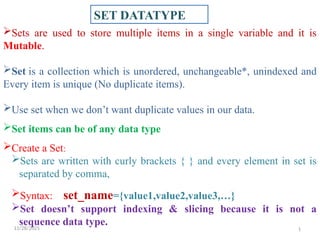
Sets areused to store multiple items in a single variable and it is
Mutable.
Set is a collection which is unordered, unchangeable*, unindexed and
Every item is unique (No duplicate items).
Use set when we don’t want duplicate values in our data.
Set items can be of any data type
Create a Set:
Sets are written with curly brackets { } and every element in set is
separated by comma,
Syntax: set_name={value1,value2,value3,…}
Set doesn’t support indexing & slicing because it is not a
sequence data type.
11/28/2025
2.
11/28/2025 2
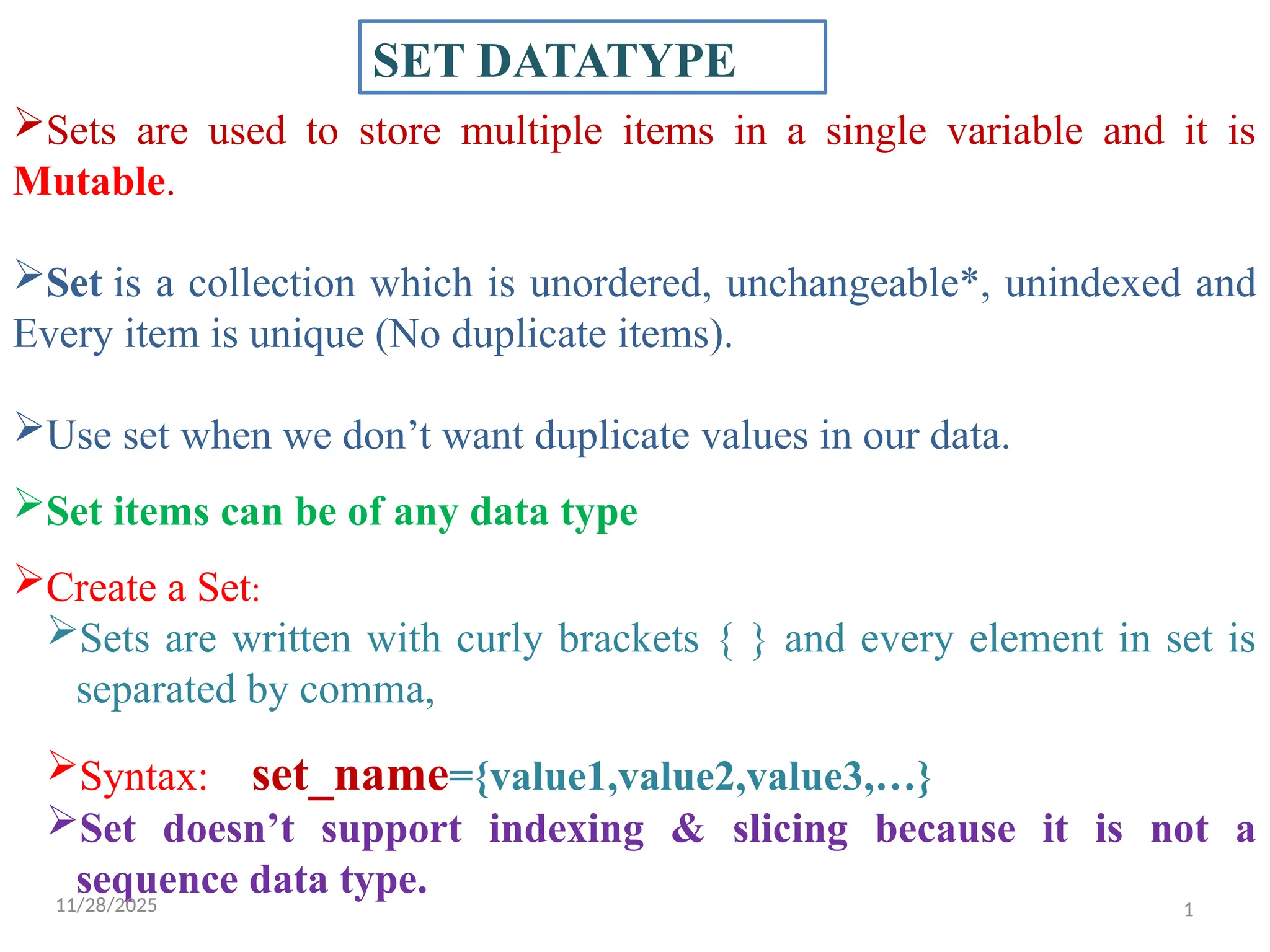
Sets areunordered, so you cannot be sure in which order the
items will appear.
Set items can appear in a different order every time you use
them, and cannot be referred to by index or key.
Set items are unchangeable, meaning that we cannot change
the items after the set has been created.
Once a set is created, you cannot change its items, but you can
remove items and add new items.
Sets cannot have two items with the same value.
Set stores only immutable datatypes.
Sets can be used to perform mathematical set operations like
union ,intersection , difference etc
3.
11/28/2025 3
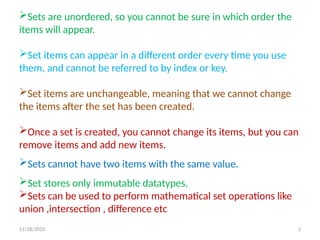
General-purpose built-infunctions that are commonly used with sets:
1. len(s): Returns the number of elements in sets.
2. max(s): Returns the largest element in sets.
3. min(s): Returns the smallest element in sets.
4. sorted(s): Returns a new sorted list from the elements in sets.
5. sum(s): Returns the sum of all elements in set s, if they are
numbers.
6. any(s): Returns True if any element in the set s is true. If the set
is empty, returns False.
7. all(s): Returns True if all elements in the set s are true or if the
set is empty.
8. Set() : To create a set
4.
11/28/2025 4
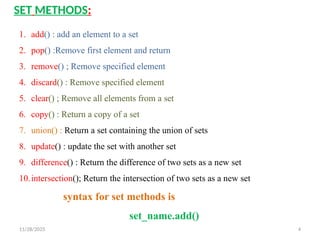
SET METHODS:
1.add() : add an element to a set
2. pop() :Remove first element and return
3. remove() ; Remove specified element
4. discard() : Remove specified element
5. clear() ; Remove all elements from a set
6. copy() : Return a copy of a set
7. union() : Return a set containing the union of sets
8. update() : update the set with another set
9. difference() : Return the difference of two sets as a new set
10.intersection(); Return the intersection of two sets as a new set
syntax for set methods is
set_name.add()
5.
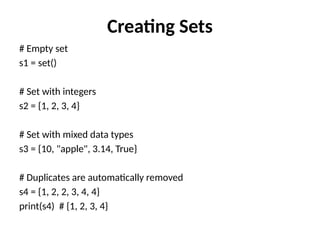
Creating Sets
# Emptyset
s1 = set()
# Set with integers
s2 = {1, 2, 3, 4}
# Set with mixed data types
s3 = {10, "apple", 3.14, True}
# Duplicates are automatically removed
s4 = {1, 2, 2, 3, 4, 4}
print(s4) # {1, 2, 3, 4}
Adding & RemovingElements
s = {1, 2, 3}
# Add element
s.add(4)
print(s) # {1, 2, 3, 4}
# Add multiple elements
s.update([5, 6])
print(s) # {1, 2, 3, 4, 5, 6}
# Remove element (gives error if not found)
s.remove(2)
print(s) # {1, 3, 4, 5, 6}
8.
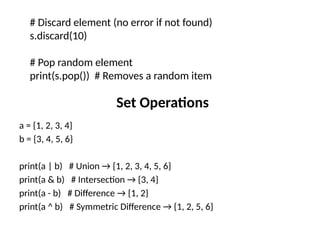
Set Operations
a ={1, 2, 3, 4}
b = {3, 4, 5, 6}
print(a | b) # Union → {1, 2, 3, 4, 5, 6}
print(a & b) # Intersection → {3, 4}
print(a - b) # Difference → {1, 2}
print(a ^ b) # Symmetric Difference → {1, 2, 5, 6}
# Discard element (no error if not found)
s.discard(10)
# Pop random element
print(s.pop()) # Removes a random item
9.
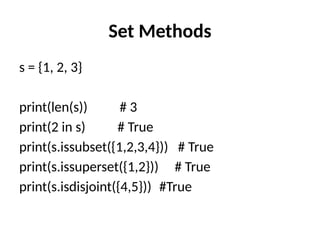
Set Methods
s ={1, 2, 3}
print(len(s)) # 3
print(2 in s) # True
print(s.issubset({1,2,3,4})) # True
print(s.issuperset({1,2})) # True
print(s.isdisjoint({4,5})) #True
![Adding & Removing Elements
s = {1, 2, 3}
# Add element
s.add(4)
print(s) # {1, 2, 3, 4}
# Add multiple elements
s.update([5, 6])
print(s) # {1, 2, 3, 4, 5, 6}
# Remove element (gives error if not found)
s.remove(2)
print(s) # {1, 3, 4, 5, 6}](https://image.slidesharecdn.com/setdatatype-251128164117-9d255501/85/SET-DATATYPE-in-python-programming-syntax-7-320.jpg)
![Real-Life Example – Removing Duplicates
nums = [1, 2, 2, 3, 4, 4, 5]
unique_nums = set(nums)
print(unique_nums) # {1, 2, 3, 4, 5}](https://image.slidesharecdn.com/setdatatype-251128164117-9d255501/85/SET-DATATYPE-in-python-programming-syntax-10-320.jpg)


