Downloaded 12 times

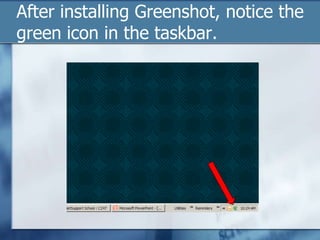
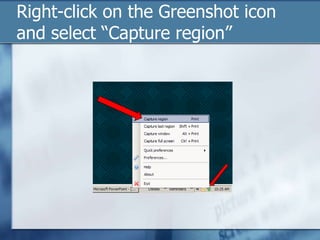
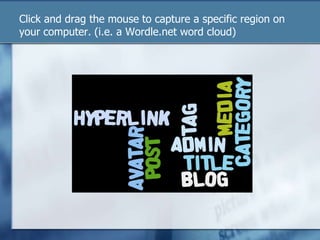
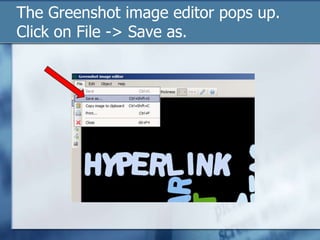
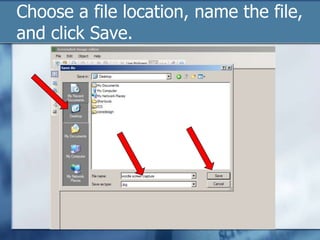

Greenshot is a free and open-source screenshot tool for Windows that allows users to easily take screenshots of a selected screen region or window. The document explains how to install Greenshot, use its capture region feature to select and save a screenshot of a specific part of the screen by right-clicking its taskbar icon. It also provides links to download Greenshot and visit the Wordle.net website used in the example.


