Introduction and ProblemStatement
• Overview: The project tackles food waste by
collecting leftovers from venues and distributing
them to needy communities via Salesforce CRM.
• Key Issue: One-third of global food is wasted, while
poverty causes hunger; this initiative bridges the gap
in Udumalpet and beyond.
• Purpose: Use technology for efficient, scalable aid
delivery to reduce waste and support the poor.
3.
Project Objectives
• PrimaryGoals: Streamline food collection from
donors, manage logistics, and track distributions to
minimize waste.
• Efficiency Targets: Centralize
donor/volunteer/recipient data, automate tasks, and
ensure food safety standards.
• Broader Vision: Expand to promote sustainability and
community engagement through real-time reporting.
4.
Salesforce Overview
• Definition:Cloud-based CRM platform for managing
relationships, processes, and services in nonprofits.
• Relevance: Enables data tracking, automation, and
mobile access for charitable operations like food
distribution.
• Core Advantages: Scalable, real-time insights, and
tools for stakeholder coordination.
5.
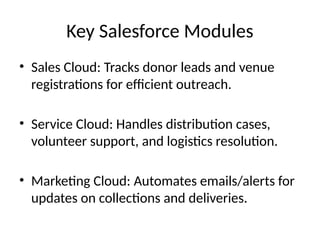
Key Salesforce Modules
•Sales Cloud: Tracks donor leads and venue
registrations for efficient outreach.
• Service Cloud: Handles distribution cases,
volunteer support, and logistics resolution.
• Marketing Cloud: Automates emails/alerts for
updates on collections and deliveries.
6.
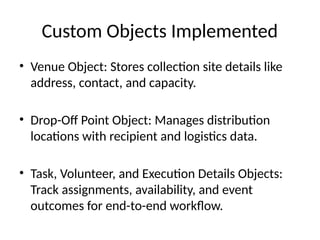
Custom Objects Implemented
•Venue Object: Stores collection site details like
address, contact, and capacity.
• Drop-Off Point Object: Manages distribution
locations with recipient and logistics data.
• Task, Volunteer, and Execution Details Objects:
Track assignments, availability, and event
outcomes for end-to-end workflow.
7.
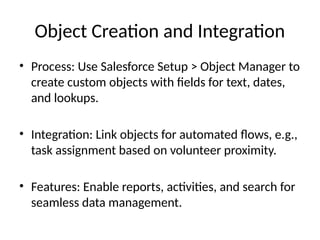
Object Creation andIntegration
• Process: Use Salesforce Setup > Object Manager to
create custom objects with fields for text, dates,
and lookups.
• Integration: Link objects for automated flows, e.g.,
task assignment based on volunteer proximity.
• Features: Enable reports, activities, and search for
seamless data management.
8.
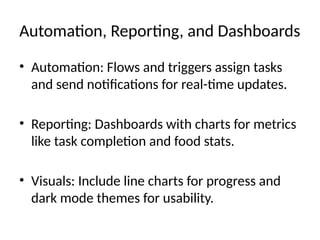
Automation, Reporting, andDashboards
• Automation: Flows and triggers assign tasks
and send notifications for real-time updates.
• Reporting: Dashboards with charts for metrics
like task completion and food stats.
• Visuals: Include line charts for progress and
dark mode themes for usability.
9.
Benefits, Challenges, andEnhancements
• Benefits: Faster deliveries, waste reduction, and
volunteer efficiency through centralized tracking.
• Challenges: Data accuracy and coordination;
Solutions: Mobile updates and automated
assignments.
• Future Plans: Add GPS integration, AI forecasting, and
NGO partnerships for scalability.

![Salesforce_Food_Disttribution_Project-new[1].pptx](https://cdn.slidesharecdn.com/ss_thumbnails/salesforcefooddistributionproject-new1-251206215547-7069b23a-thumbnail.jpg?width=640&height=640&fit=bounds)


