

Removable Storage: From Paper Tape to Thumb Drives and Beyond A Presentation by Joel May
Removable Storage Paper Tape Punched Cards Cassette Tapes 8” Floppy Disks 5¼” Floppy Disks 3½” Floppy Disks Portable Hard Drives Zip Drives Optical Storage (CD, DVD, etc.) Flash Memory USB Thumb Drives
Removable Storage Paper Tape (1725 – 1970s) Punched Cards Cassette Tapes 8” Floppy Disks 5¼” Floppy Disks 3½” Floppy Disks Portable Hard Drives Zip Drives Optical Storage (CD, DVD, etc.) Flash Memory USB Thumb Drives
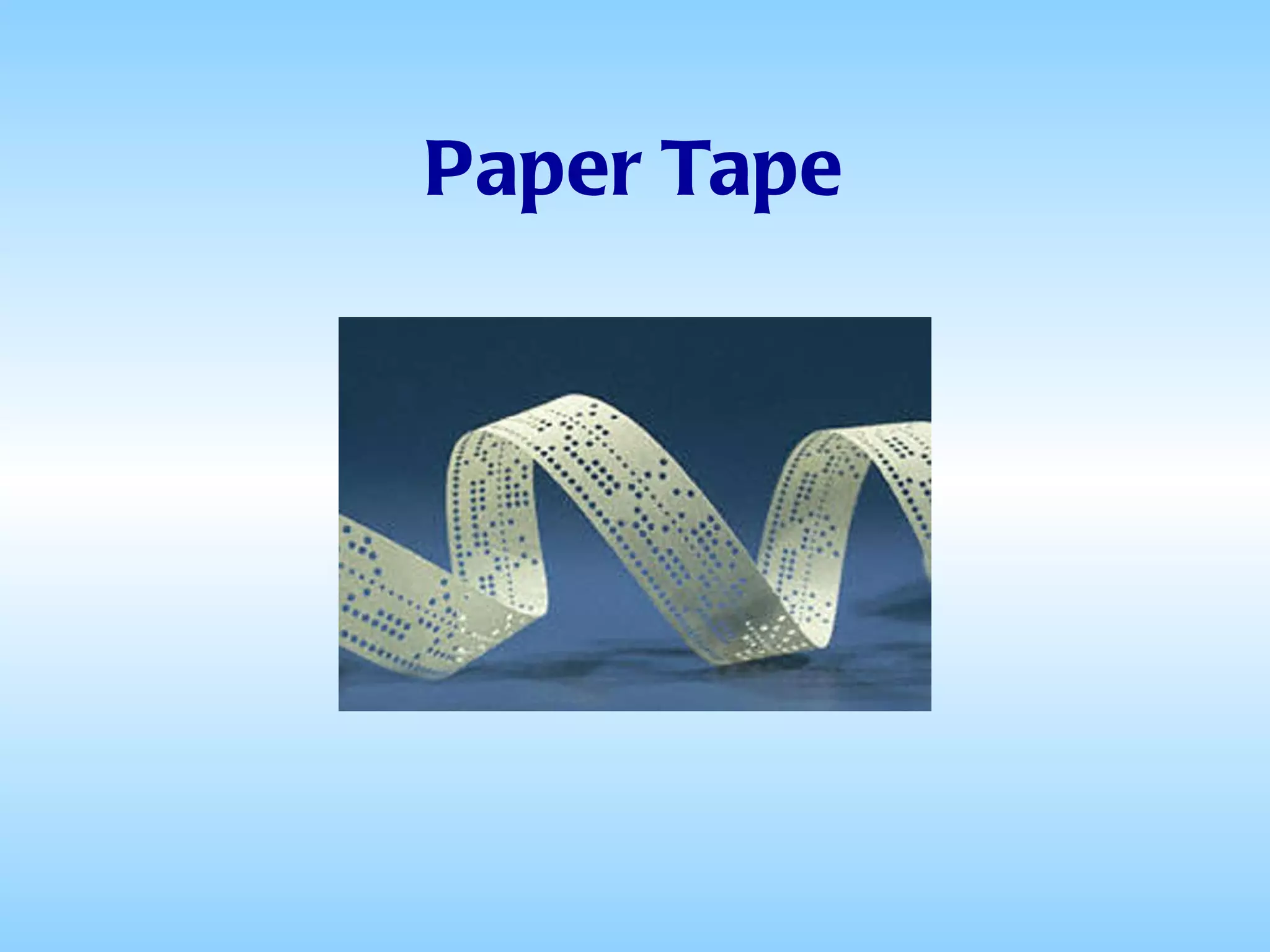
Paper Tape
Paper Tape Invented in 1725 by Basile Bouchon as a medium to hold information used by looms when weaving complex-patterned fabrics Widely used during much of the twentieth century for teletypewriter communication
Paper Tape When the first minicomputers were released, most manufacturers turned to teletypewriters as a low-cost solution for keyboard input and printer output As a side effect punched tape became a popular medium for low cost storage In the ’60s and ’70s it was common to find a selection of tapes containing useful programs in most minicomputer installations.
Paper Tape Slow (75 WPM) Awkward (Difficult to recoil the tape issuing from the reader) Some applications used fan-fold tape which was an improvement Fragile (Tape tore easily and was difficult to mend) Difficulties
Removable Storage Paper Tape (1725 – 1970s) Punched Cards (1890 – Present) Cassette Tapes 8” Floppy Disks 5¼” Floppy Disks 3½” Floppy Disks Portable Hard Drives Zip Drives Optical Storage (CD, DVD, etc.) Flash Memory USB Thumb Drives
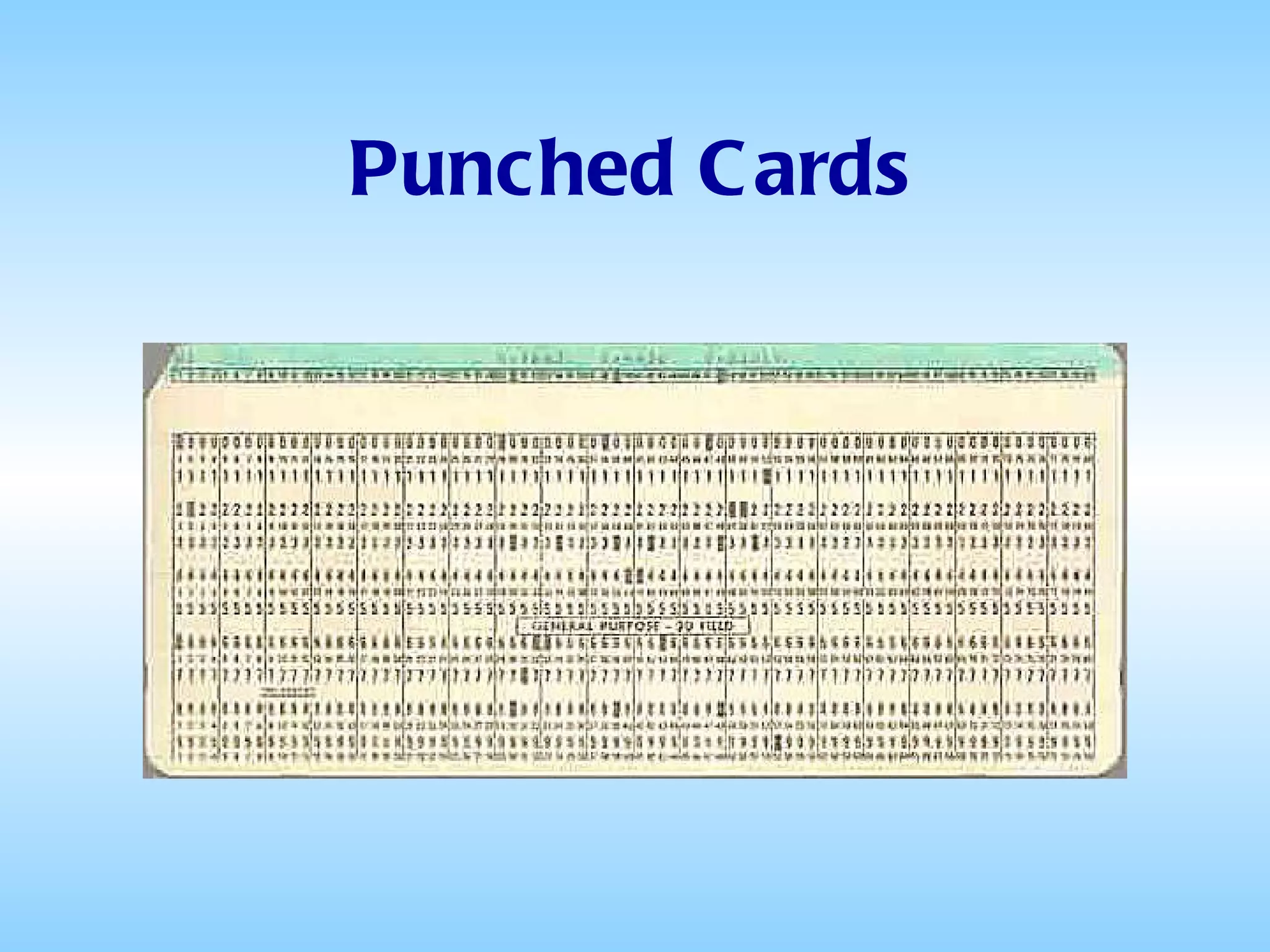
Punched Cards
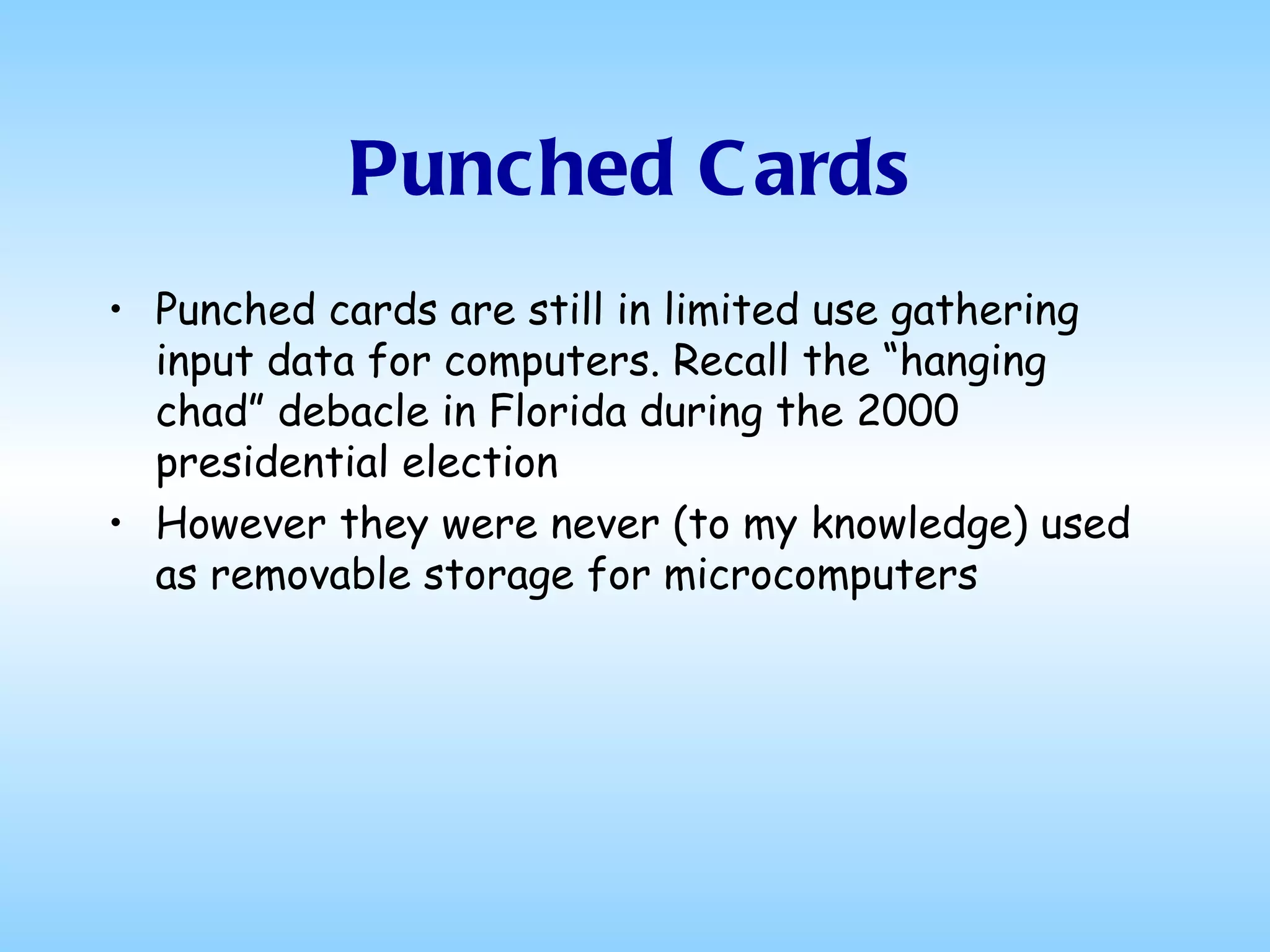
Punched Cards Herman Hollerith developed punched card data processing technology for the 1890 US census  IBM manufactured and marketed a variety of machines for creating, sorting, and tabulating punched cards, even after expanding into computers in the late 1950s
Punched Cards Punched cards are still in limited use gathering input data for computers. Recall the “hanging chad” debacle in Florida during the 2000 presidential election However they were never (to my knowledge) used as removable storage for microcomputers
Removable Storage Paper Tape (1725 – 1970s) Punched Cards (1890 – Present) Cassette Tapes (1973 – 1983) 8” Floppy Disks 5¼” Floppy Disks 3½” Floppy Disks Portable Hard Drives Zip Drives Optical Storage (CD, DVD, etc.) Flash Memory USB Thumb Drives
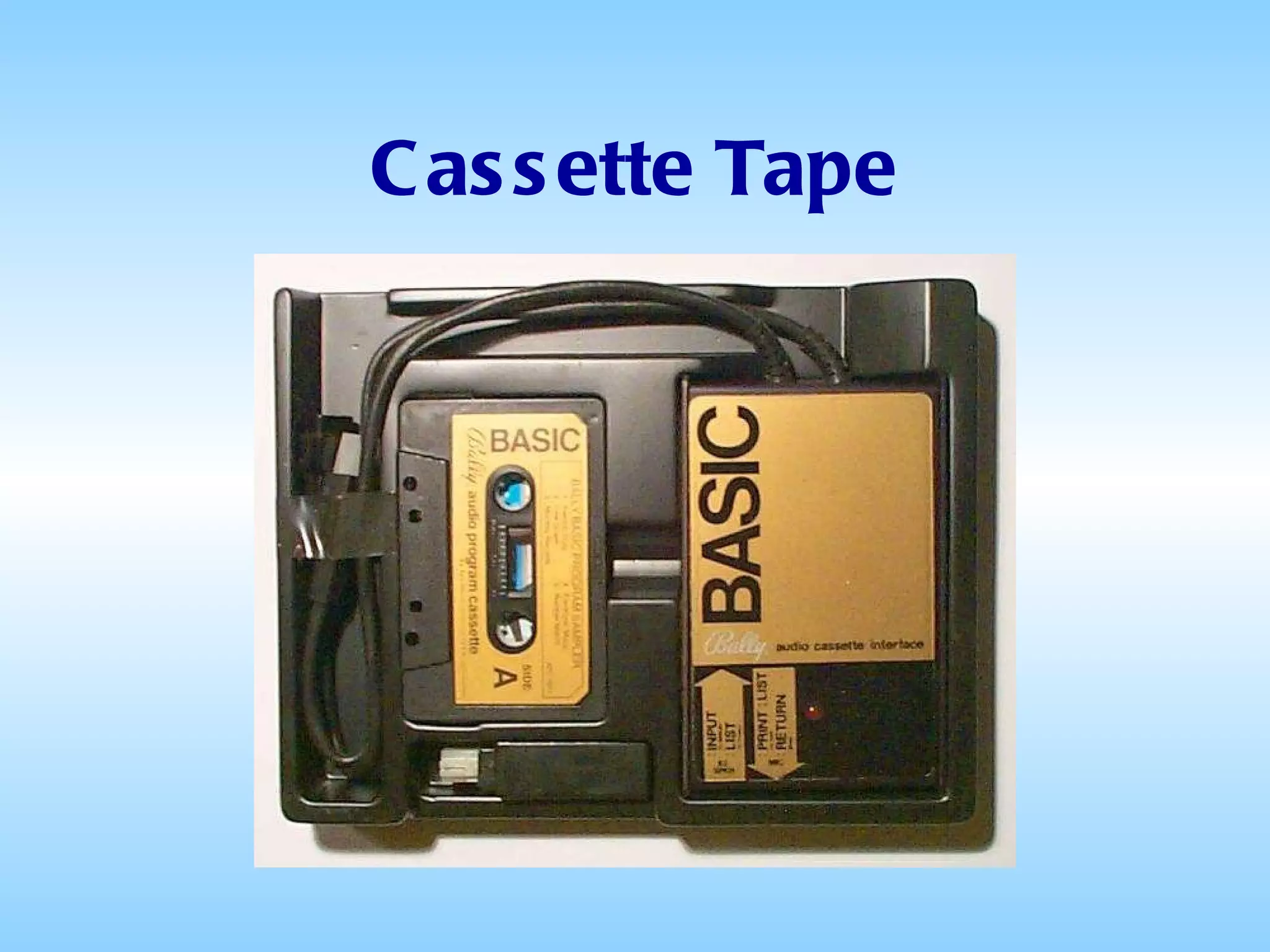
Cassette Tape
Cassette Tape Most microcomputers of the late 1970s and early 1980s used cassette tape for storage of both program software and data Tapes could be read or written at a speed of from 500 to 1000 bps A 90-minute cassette had a total capacity of approximately 330 KB per side
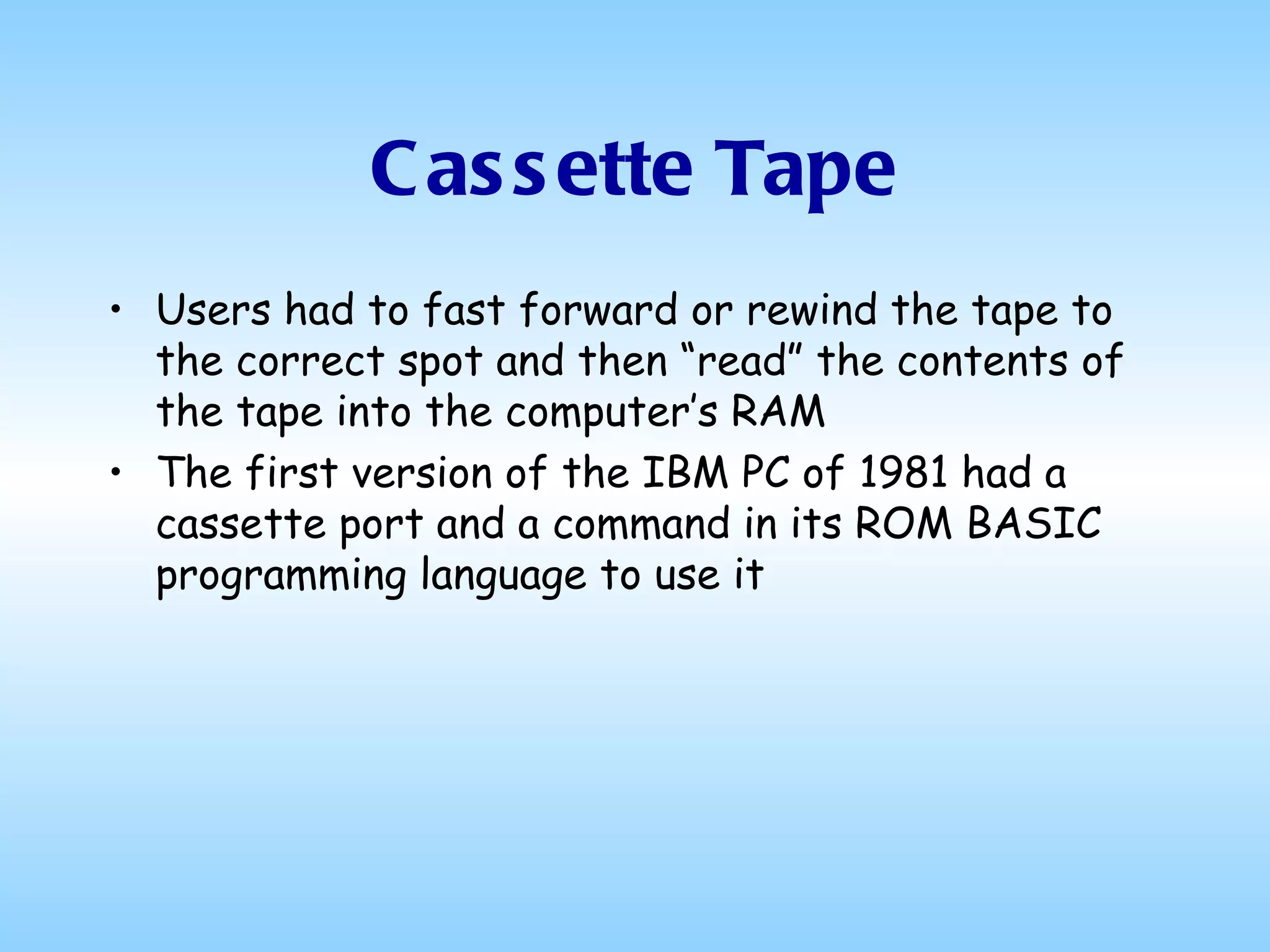
Cassette Tape Users had to fast forward or rewind the tape to the correct spot and then “read” the contents of the tape into the computer’s RAM The first version of the IBM PC of 1981 had a cassette port and a command in its ROM BASIC programming language to use it
Removable Storage Paper Tape (1725 – 1970s) Punched Cards (1890 – Present) Cassette Tapes (1973 – 1983) 8” Floppy Disks (1967 – 1980) 5¼” Floppy Disks 3½” Floppy Disks Portable Hard Drives Zip Drives Optical Storage (CD, DVD, etc.) Flash Memory USB Thumb Drives
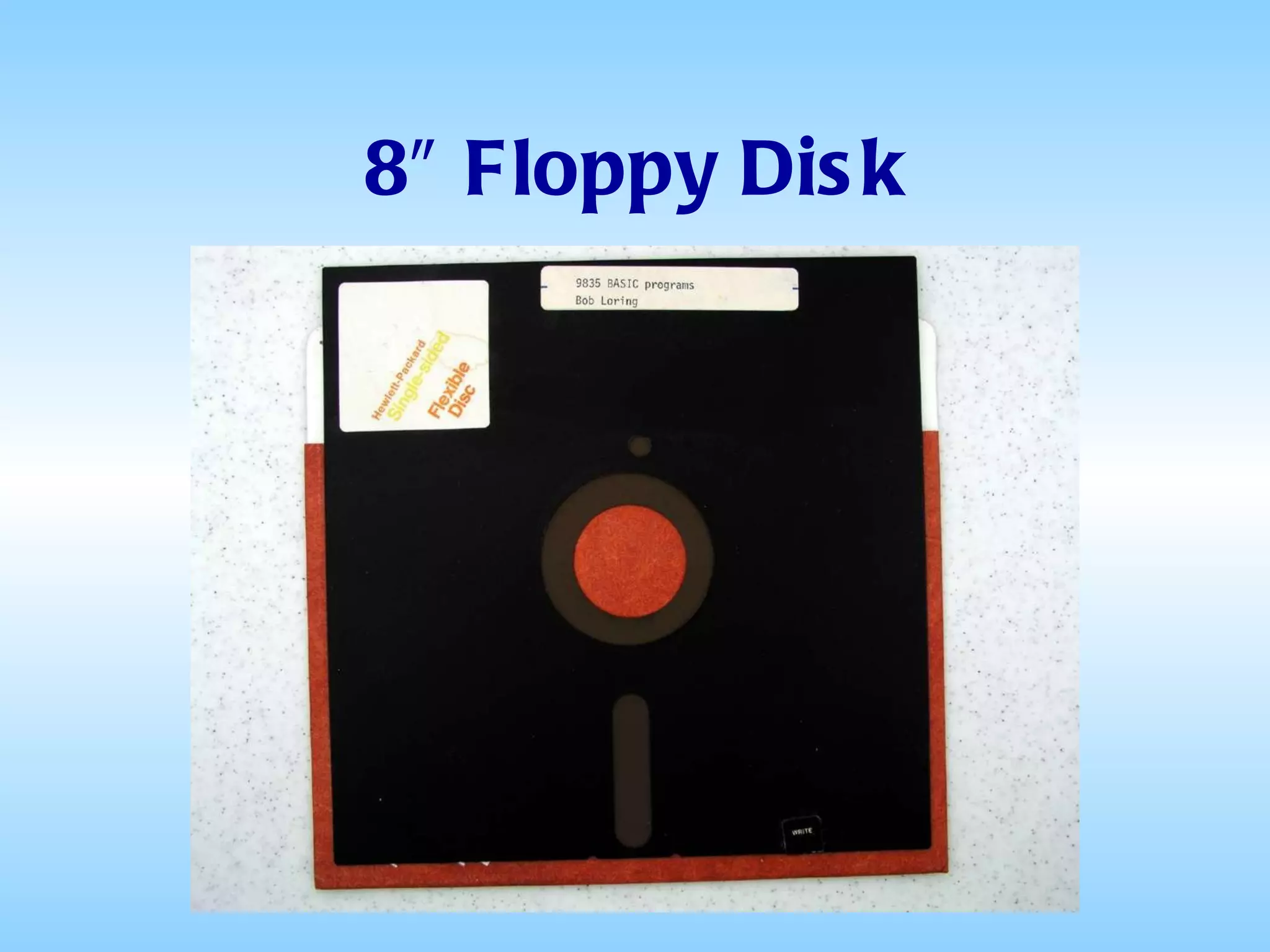
8″ Floppy Disk
8″ Floppy Disk In 1967, IBM wanted a way, faster and lighter than tape reels, to load microcode into their customers’ System/370 mainframes Their solution was a read-only 8” diameter plastic disk with a coating of magnetic material that had a storage capacity of 80 KB and cost only $5 In later versions, the storage capacity was increased to 250 KB
8″ Floppy Disk Because they featured random access to the stored data, they were considered “high speed” compared to cassette tapes But the drives were expensive, typically costing more than the computer to which they were attached The first microcomputer operating system, CP/M, originally shipped on 8″ disks
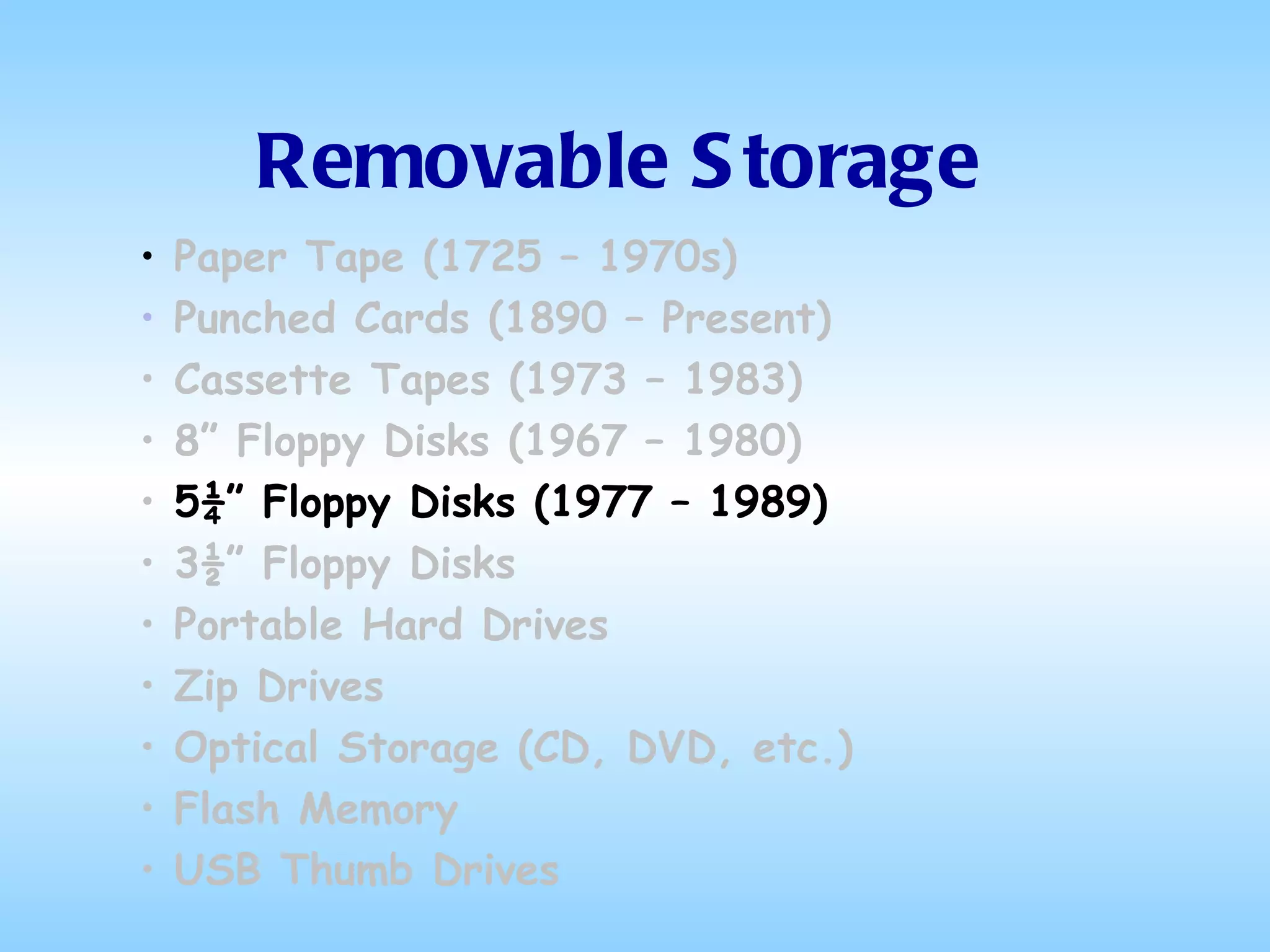
Removable Storage Paper Tape (1725 – 1970s) Punched Cards (1890 – Present) Cassette Tapes (1973 – 1983) 8” Floppy Disks (1967 – 1980) 5¼” Floppy Disks (1977 – 1989) 3½” Floppy Disks Portable Hard Drives Zip Drives Optical Storage (CD, DVD, etc.) Flash Memory USB Thumb Drives
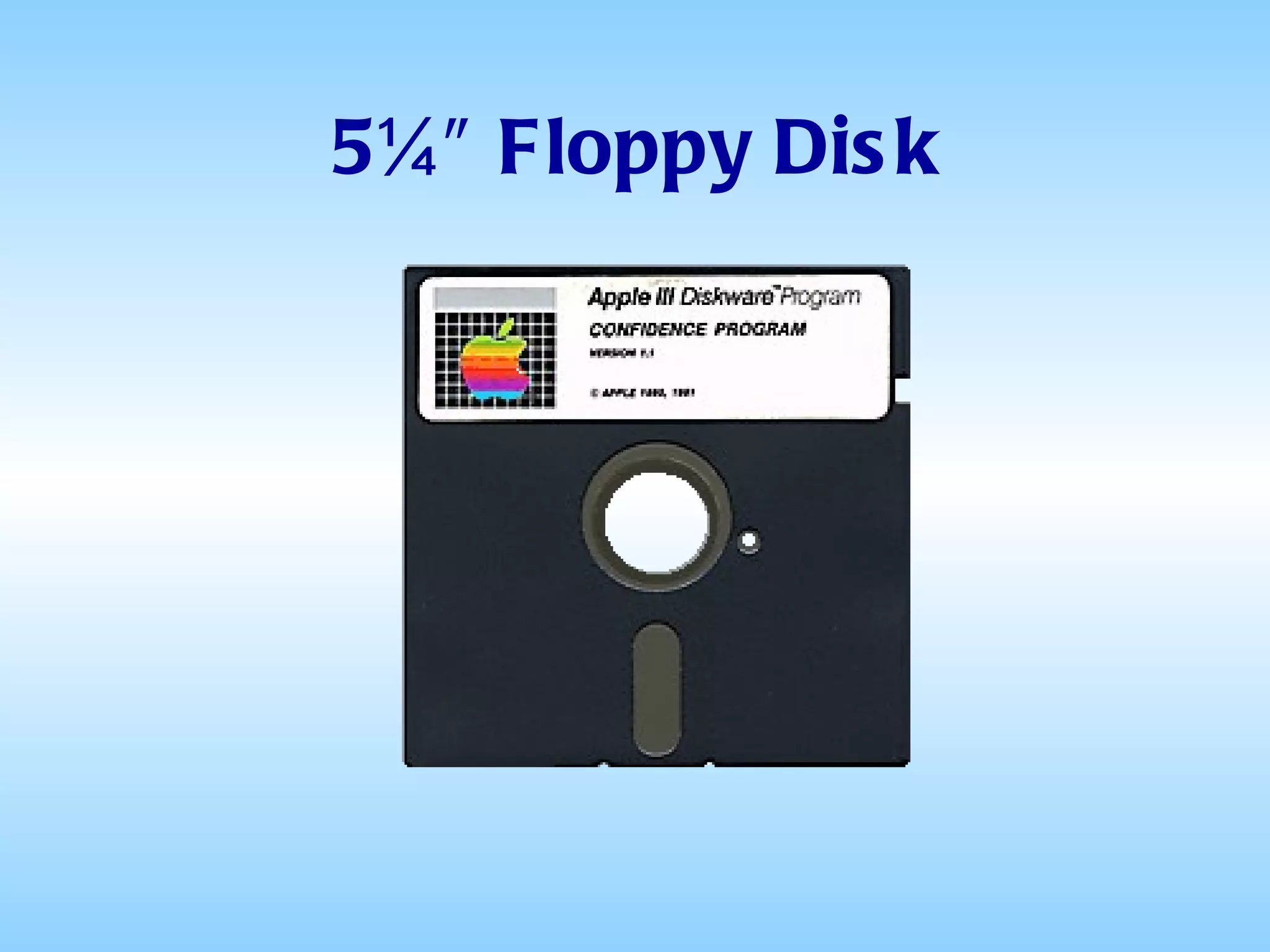
5¼″ Floppy Disk
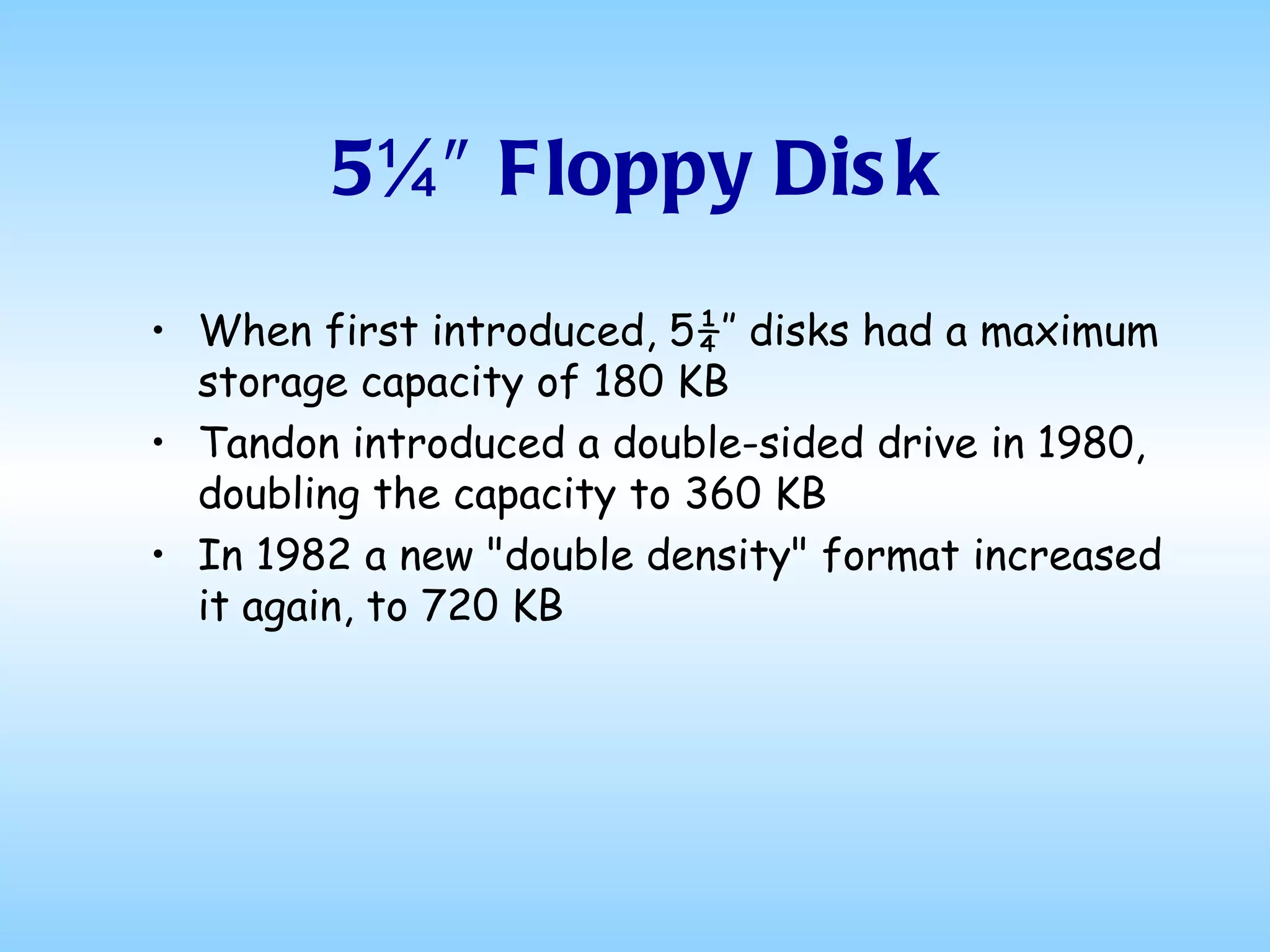
5¼″ Floppy Disk Northstar introduced the 5¼” floppy in 1977. The originals were hard sectored diskettes that had ten holes in them marking the beginning of each of the ten sectors.  The storage capacity was only 70 kilobytes. A double density controller released the following year provided 140K.
5¼″ Floppy Disk Beginning in 1979, the 5¼″ format now, thanks to Maxell, available in a soft sectored version, quickly displaced the 8″ for most applications and began to make serious incursions into the domination of cassette tapes
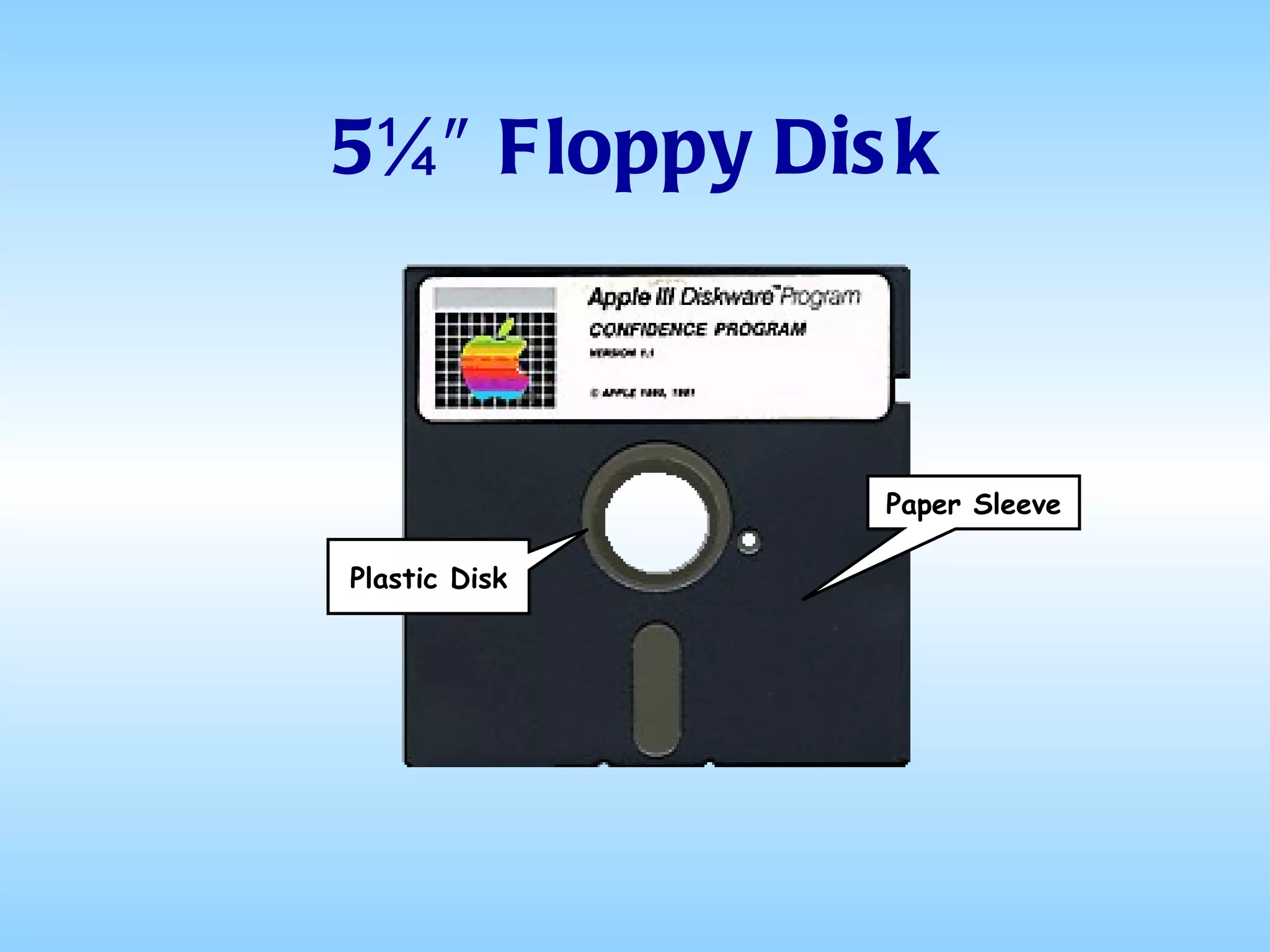
5¼″ Floppy Disk Like the 8″ Floppy, the 5¼″ version consisted of a thin metallic-coated plastic disk encased in a felt-lined paper sleeve
5¼″ Floppy Disk Plastic Disk Paper Sleeve
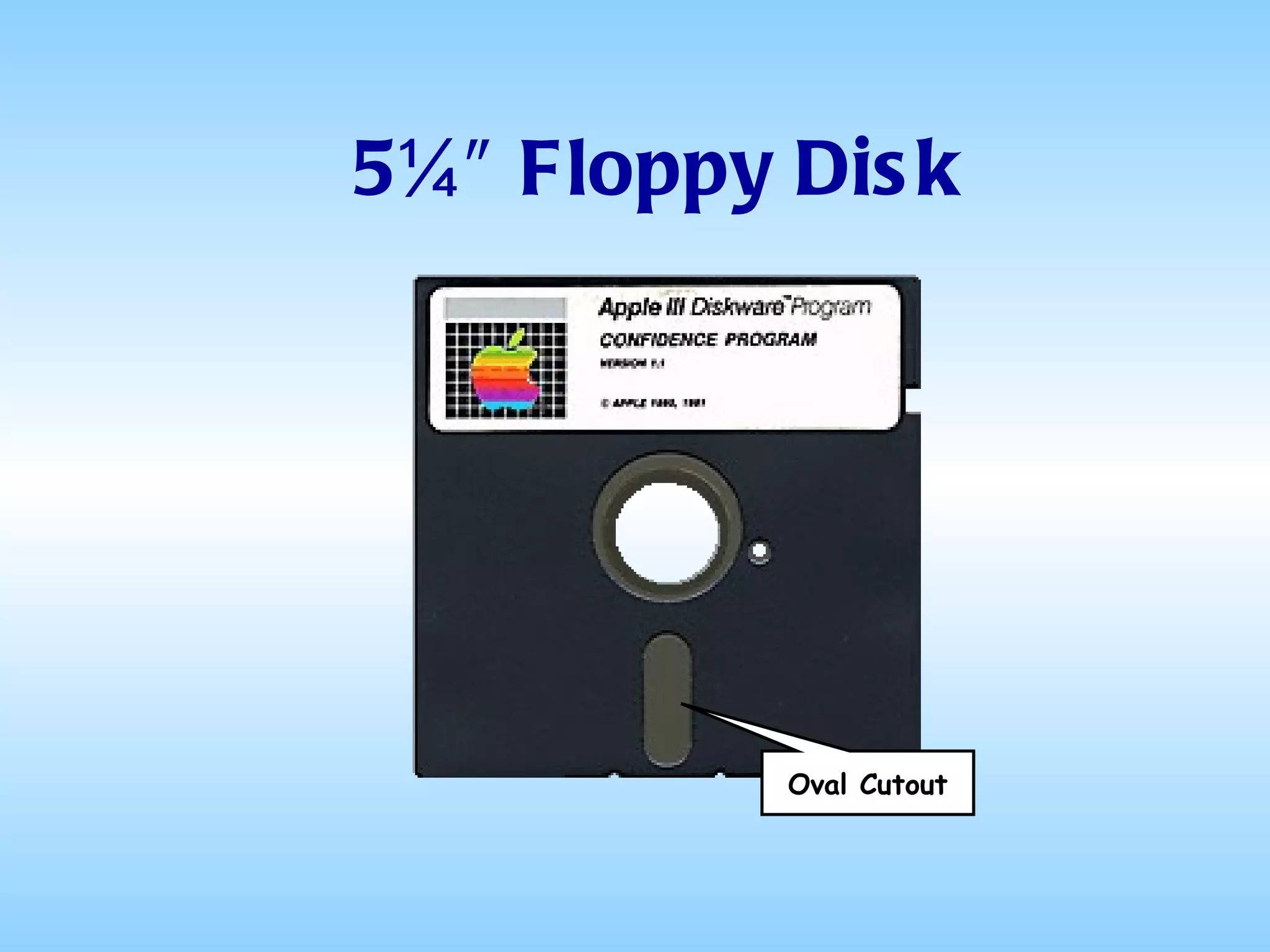
5¼″ Floppy Disk The paper sleeve had an oval cutout through which the drive head could access the information stored on the plastic disk
5¼″ Floppy Disk Oval Cutout
5¼″ Floppy Disk Because of their construction, they were very fragile, easily bent or creased They were also extremely sensitive to heat and magnetic fields Placing one on top of a computer or on the dashboard of a car on a sunny day could cause major data loss
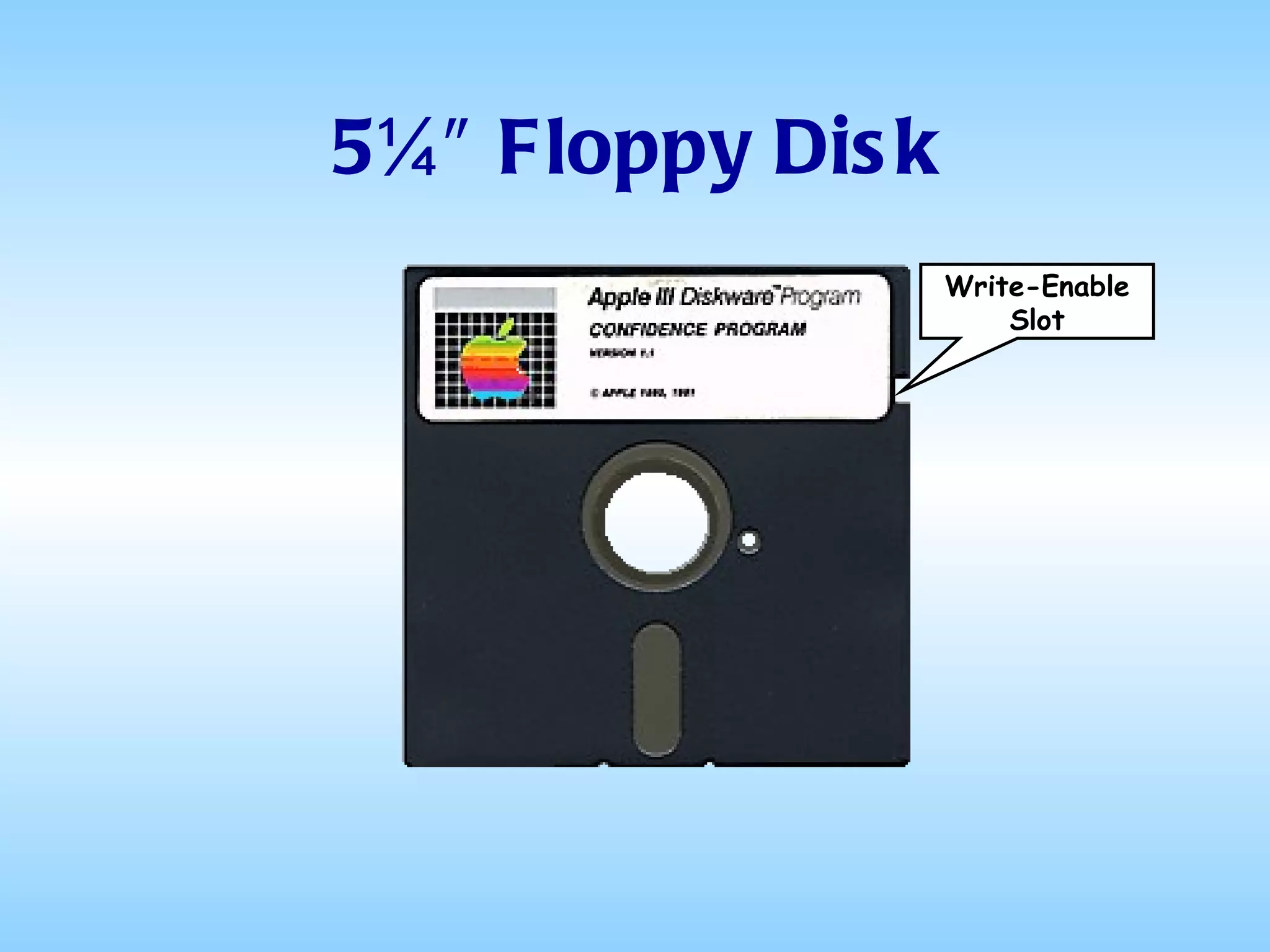
5¼″ Floppy Disk On the right side there was a notch called the “write-enable slot”
5¼″ Floppy Disk Write-Enable Slot
5¼″ Floppy Disk To make the disk read-only, one had to paste a small piece of paper over the notch
5¼″ Floppy Disk These early drives read only one side of the disk, leading to the popular budget approach of cutting a second write-enable slot and index hole on the opposite edge of the carrier envelope and flipping it over to use the other side for additional storage (thus, the "flippy disk")
5¼″ Floppy Disk When first introduced, 5¼″ disks had a maximum storage capacity of 180 KB  Tandon introduced a double-sided drive in 1980, doubling the capacity to 360 KB In 1982 a new "double density" format increased it again, to 720 KB
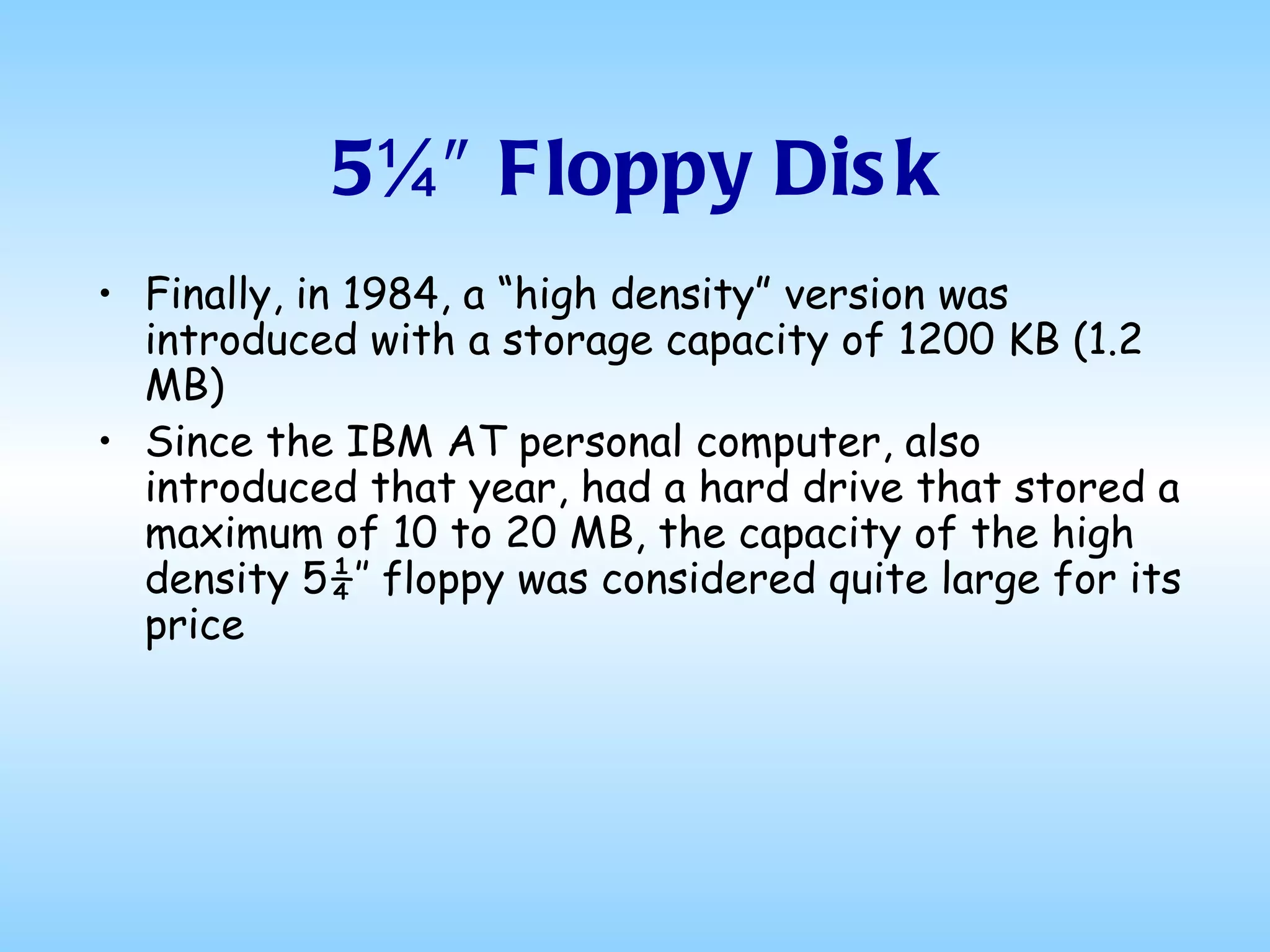
5¼″ Floppy Disk Finally, in 1984, a “high density” version was introduced with a storage capacity of 1200 KB (1.2 MB) Since the IBM AT personal computer, also introduced that year, had a hard drive that stored a maximum of 10 to 20 MB, the capacity of the high density 5¼″ floppy was considered quite large for its price
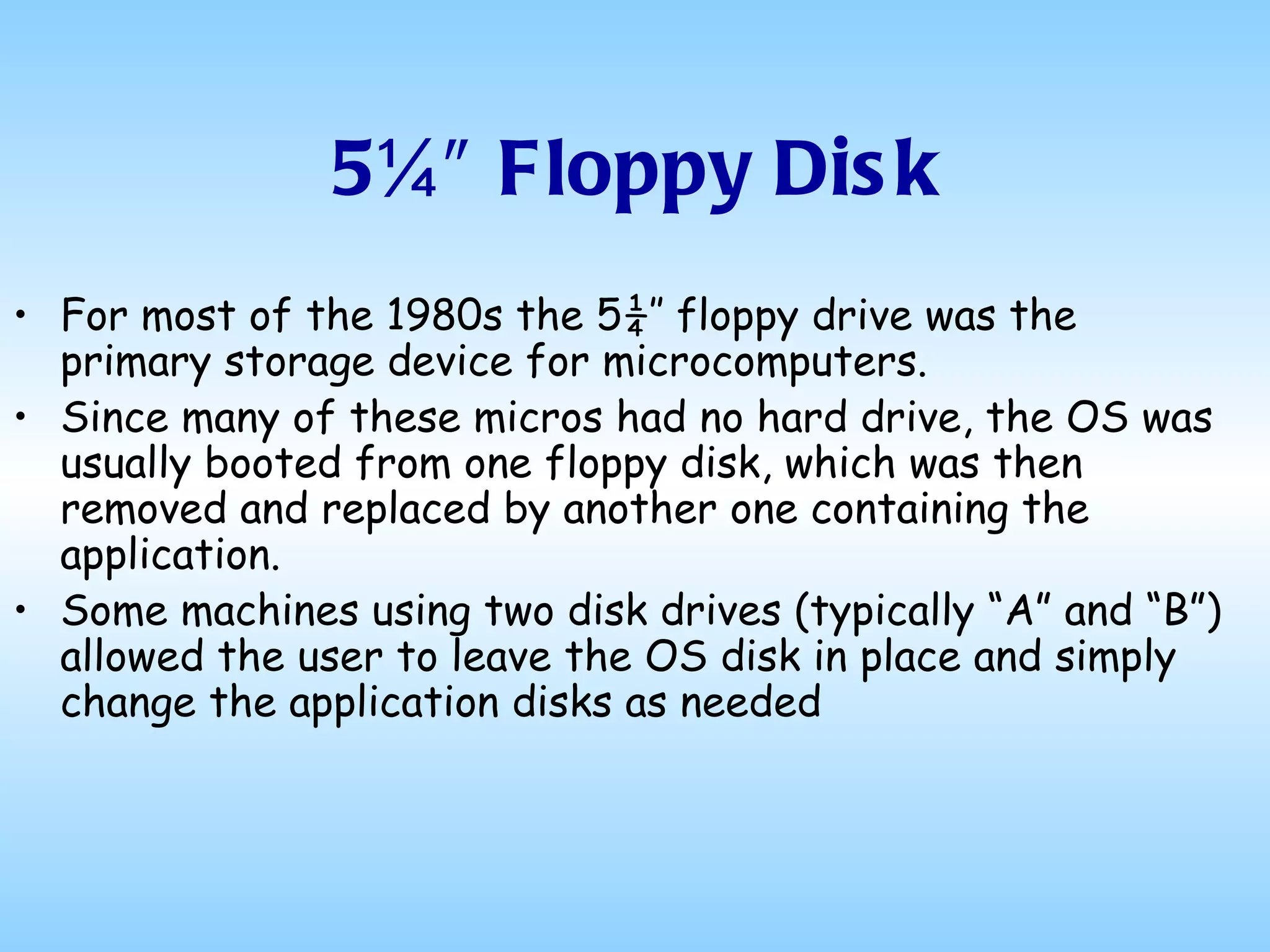
5¼″ Floppy Disk For most of the 1980s the 5¼″ floppy drive was the primary storage device for microcomputers.  Since many of these micros had no hard drive, the OS was usually booted from one floppy disk, which was then removed and replaced by another one containing the application.  Some machines using two disk drives (typically “A” and “B”) allowed the user to leave the OS disk in place and simply change the application disks as needed
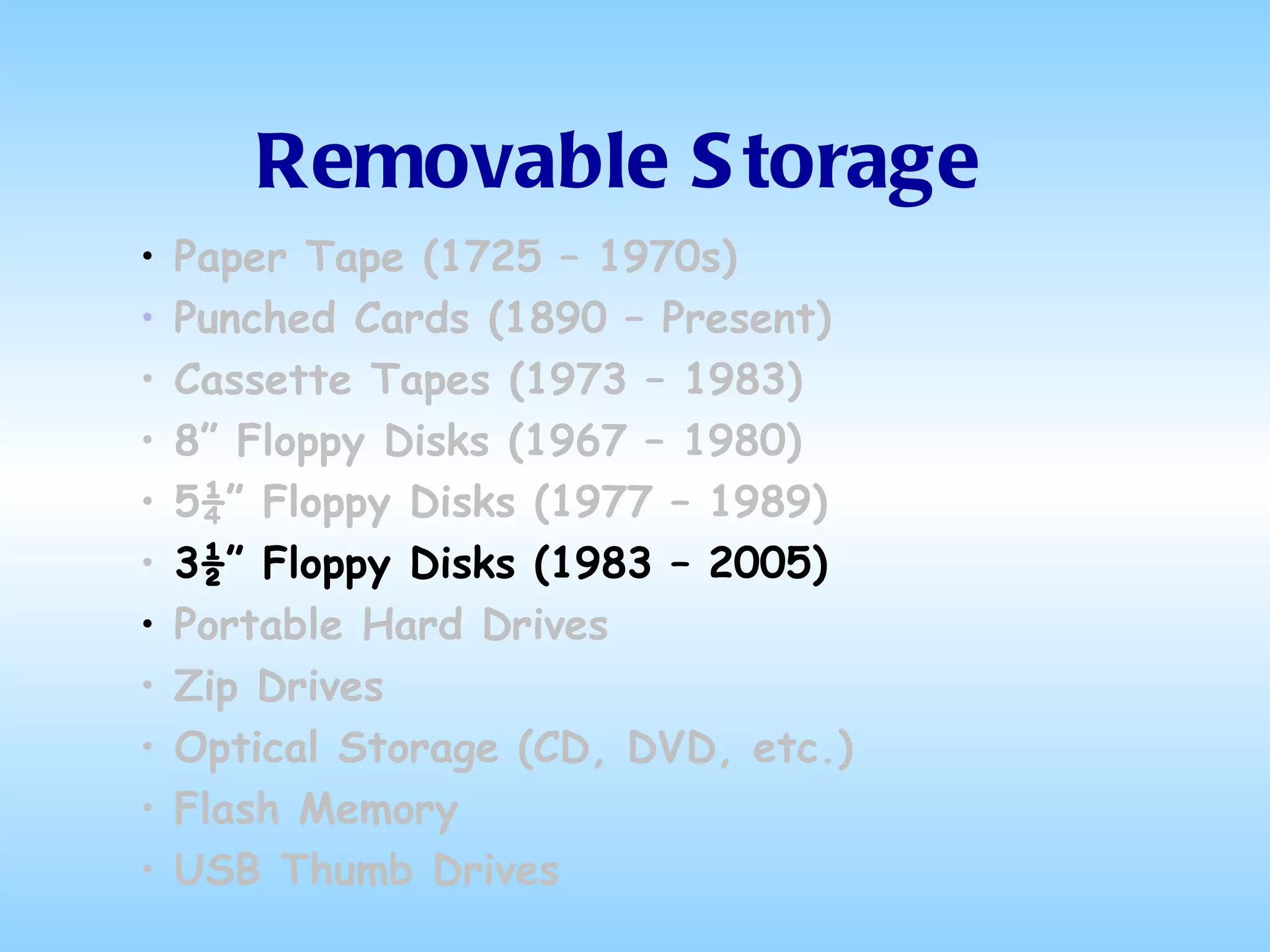
Removable Storage Paper Tape (1725 – 1970s) Punched Cards (1890 – Present) Cassette Tapes (1973 – 1983) 8” Floppy Disks (1967 – 1980) 5¼” Floppy Disks (1977 – 1989) 3½” Floppy Disks (1983 – 2005) Portable Hard Drives Zip Drives Optical Storage (CD, DVD, etc.) Flash Memory USB Thumb Drives
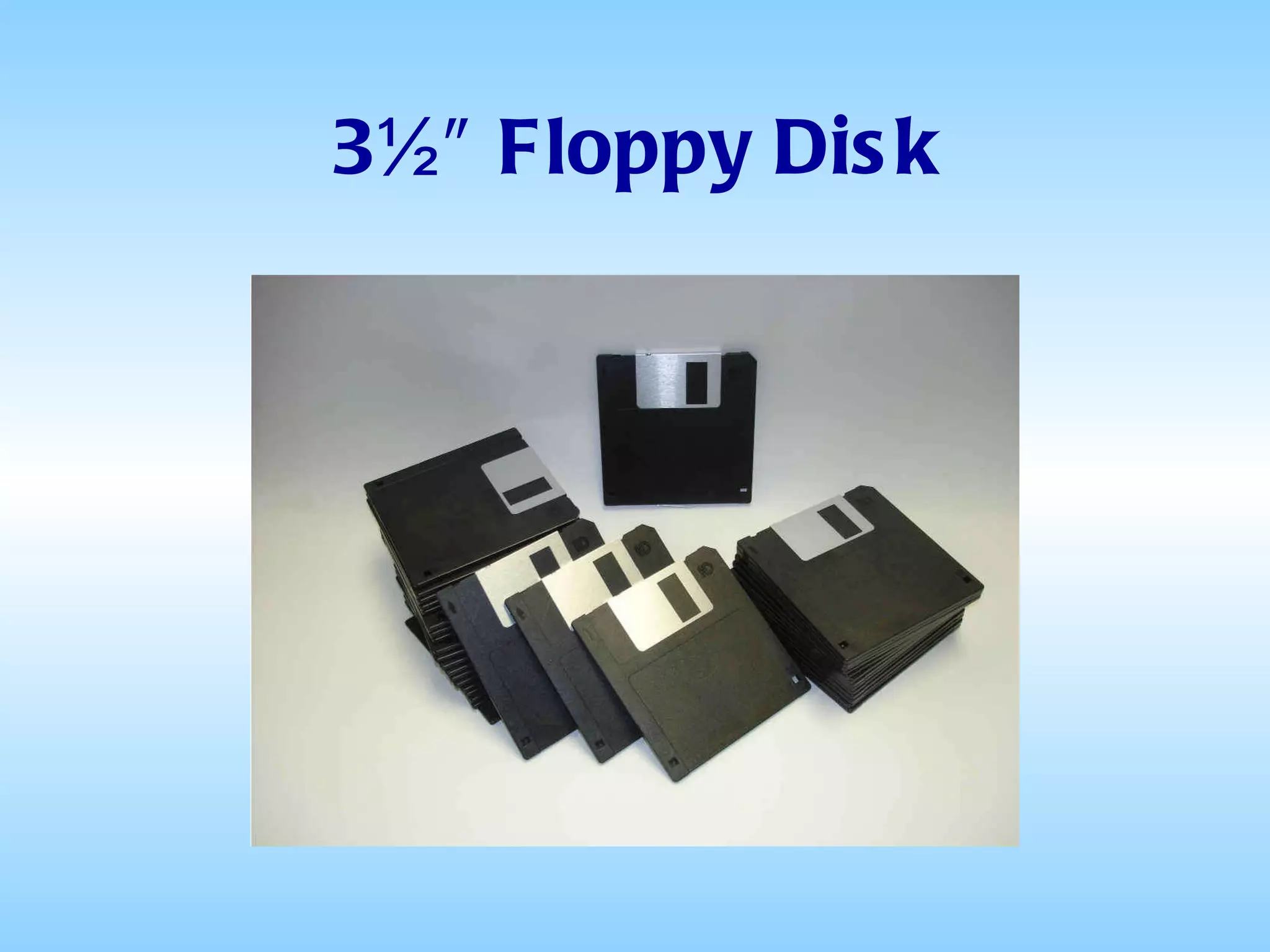
3½″ Floppy Disk
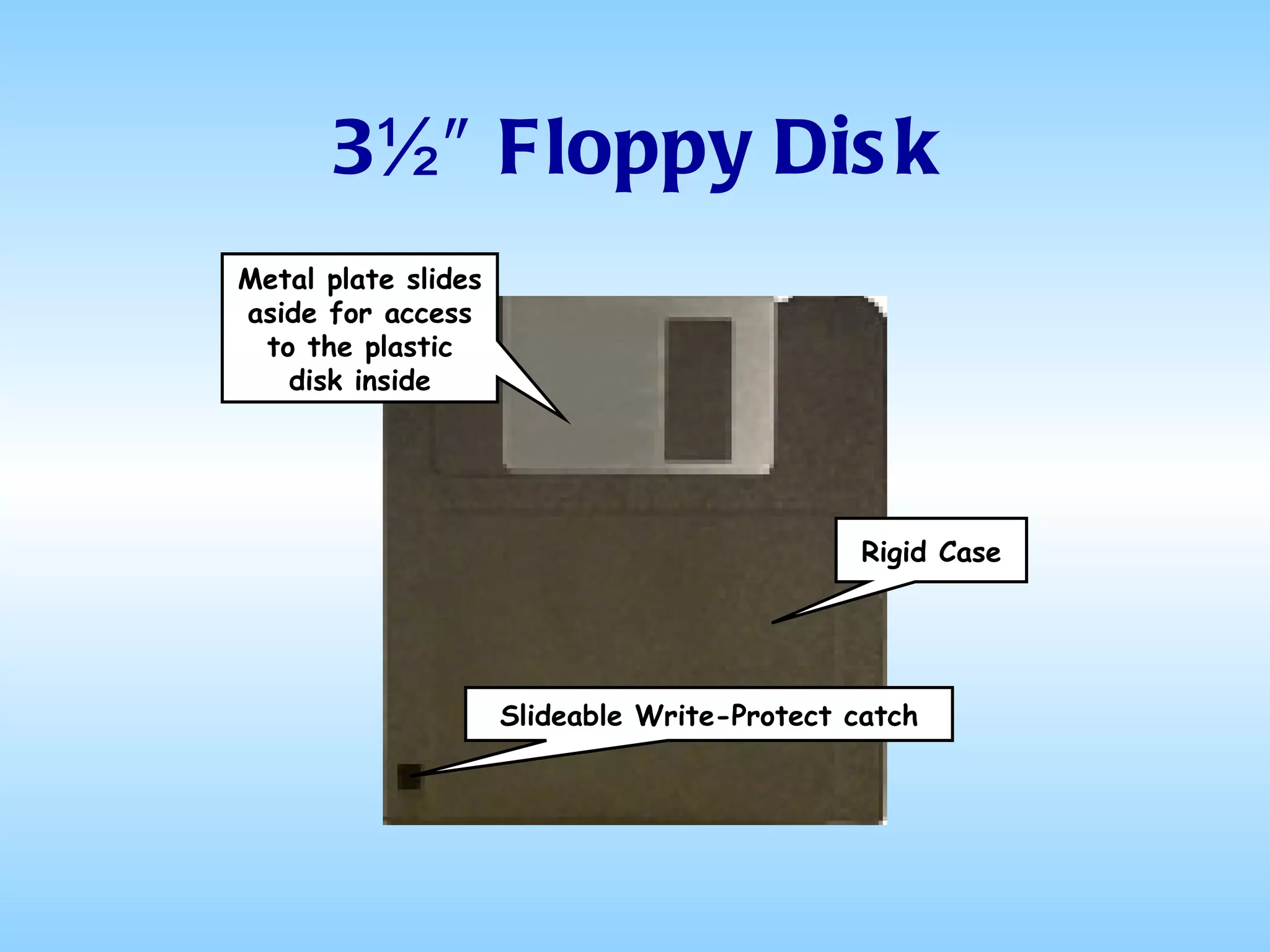
3½″ Floppy Disk By the end of the 1980s, the 5¼″ disks had been superseded by the 3½″ disks The latter had a number of advantages over the older format, including a small form factor and a rigid case with a slideable write protect catch
3½″ Floppy Disk Rigid Case Slideable Write-Protect catch Metal plate slides aside for access to the plastic disk inside
3½″ Floppy Disk The standard version was released by Sony in 1983 with a capacity of 360 KB (the same capacity as the 5¼″ disks of the time) In 1986, a 720 KB version was introduced A newer "high-density" format, displaying an "HD" on the disks themselves and storing 1440 KB (1.44 MB) of data, was introduced in 1987
3½″ Floppy Disk By 1988, they were outselling the 5¼″ version The 1.44 MB High Density floppy drive soon became universal on virtually all PC and Macintosh hardware and remained so for 16 years - until 2004 In 2004, Dell became the first major personal computer supplier to make the 3½″ floppy drive an optional extra
Removable Storage Paper Tape (1725 – 1970s) Punched Cards (1890 – Present) Cassette Tapes (1973 – 1983) 8” Floppy Disks (1967 – 1980) 5¼” Floppy Disks (1977 – 1989) 3½” Floppy Disks (1983 – 2005) Portable Hard Drives (1991 – Present) Zip Drives  Optical Storage  Flash Memory USB Thumb Drives
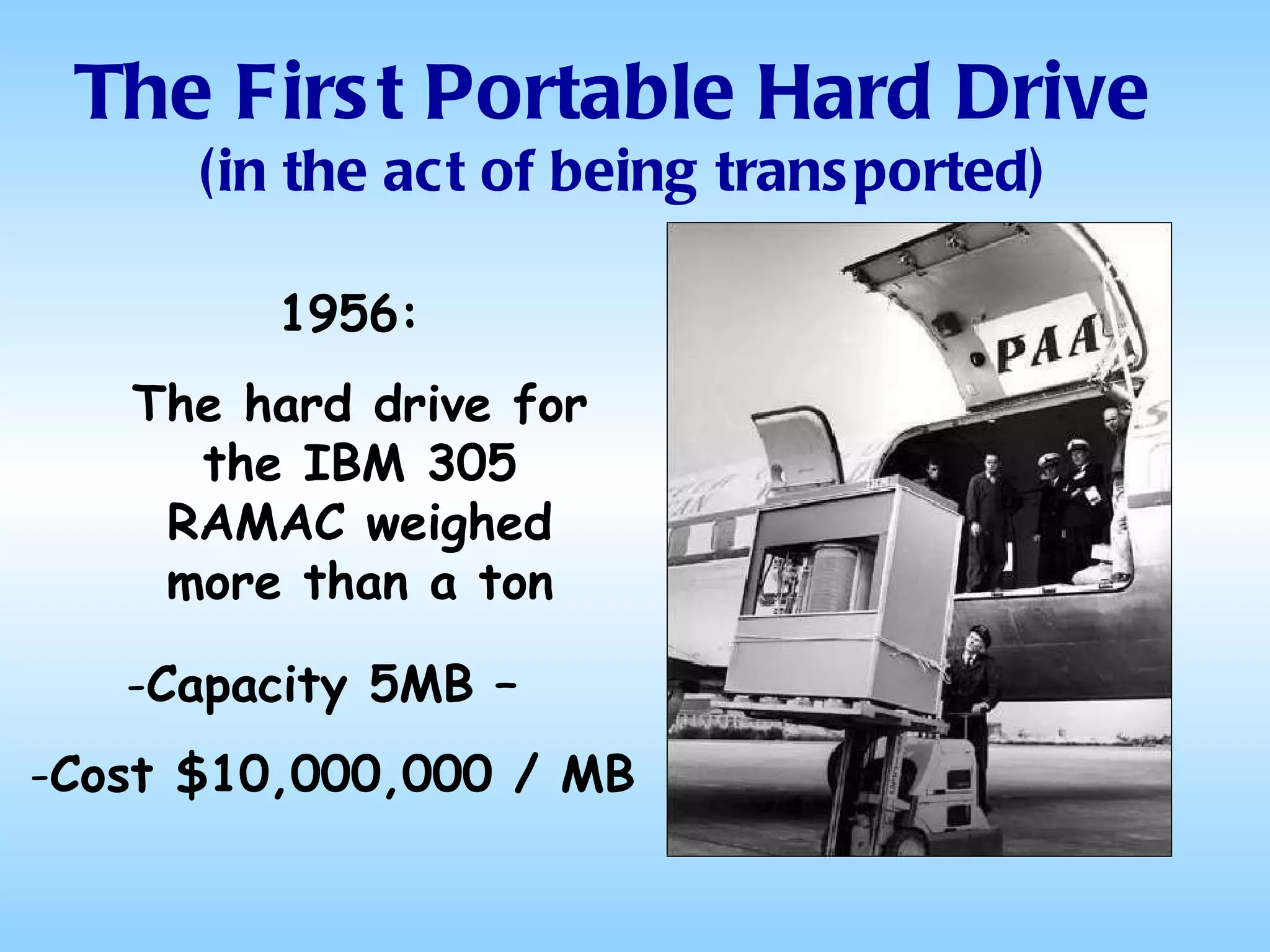
The First Portable Hard Drive  (in the act of being transported) 1956:  The hard drive for the IBM 305 RAMAC weighed more than a ton Capacity 5MB –  Cost $10,000,000 / MB
Portable Hard Drives
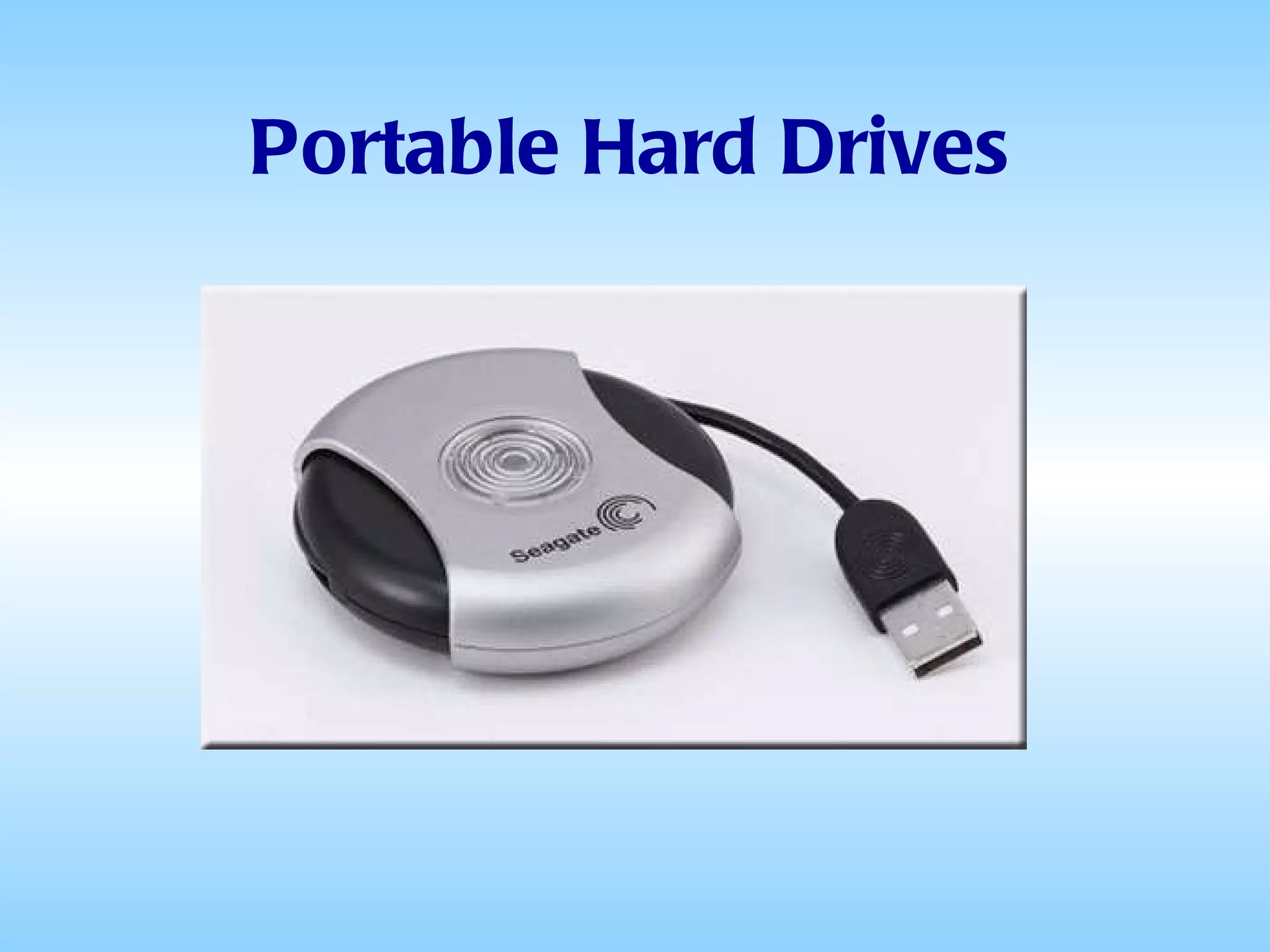
Portable Hard Drives No different in basic technology from ordinary hard drives, just easier to move around Capacities range from 20GB to 1TB Prices range from $15 to $150 Typically powered by the USB port on the host computer
Portable Hard Drives The most common are those based on 1” Microdrives They aren't much larger than the drive they contain, and often have retractable USB plugs
Portable Hard Drives They are meant to have the same practicality and ease of use of flash drives (discussed later) But they are still based on an actual (albeit micro-sized) hard disk with moving heads and spinning platters, so they are much less tolerant of abuse
Portable Hard Drives Their principal advantage is that they are transportable, plugging into any computer via a USB port Their principal disadvantages are their fragility and the fact that they are noticeably slower than an internal hard drive
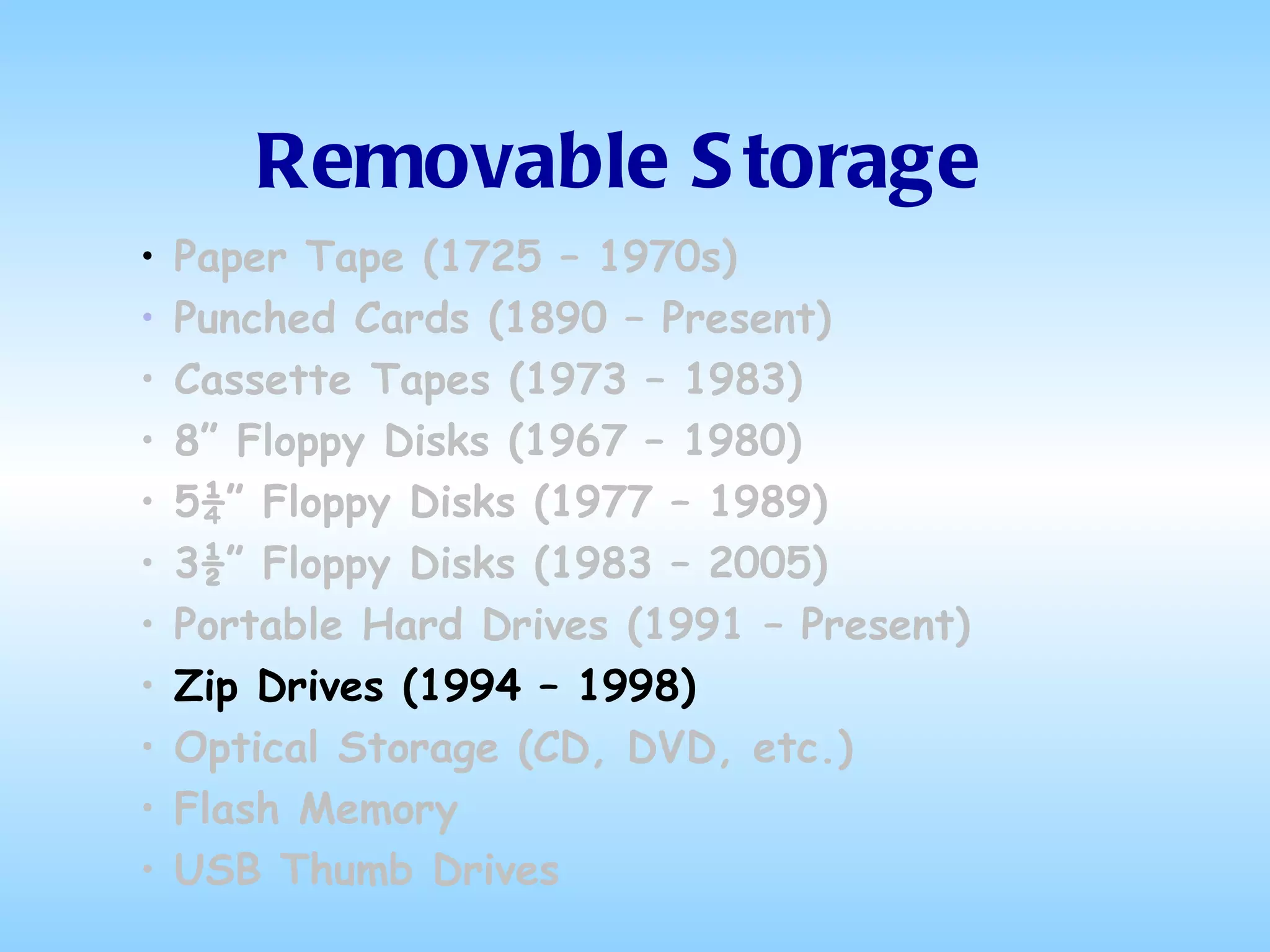
Removable Storage Paper Tape (1725 – 1970s) Punched Cards (1890 – Present) Cassette Tapes (1973 – 1983) 8” Floppy Disks (1967 – 1980) 5¼” Floppy Disks (1977 – 1989) 3½” Floppy Disks (1983 – 2005) Portable Hard Drives (1991 – Present) Zip Drives (1994 – 1998) Optical Storage (CD, DVD, etc.) Flash Memory USB Thumb Drives
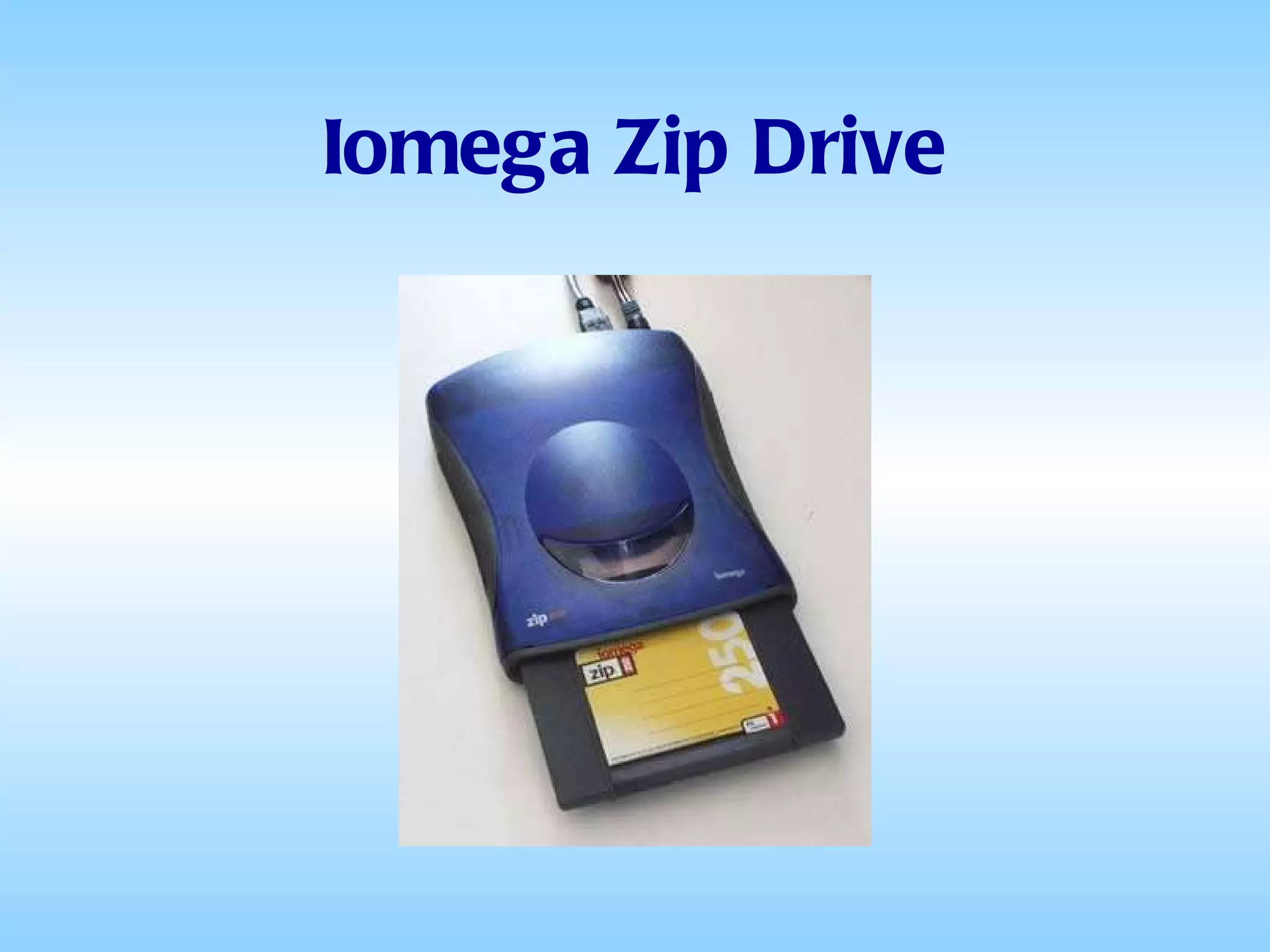
Iomega Zip Drive
Beyond Floppies The Zip drive was a large-capacity removable disk storage system, introduced by Iomega in late 1994  Originally it had a capacity of 100 MB, but later versions increased this to 250 MB and then 750 MB  The drive was initially sold for just under $200 with one cartridge included, and additional 100 MB cartridges sold for $20
Beyond Floppies There were many competitors: Jaz drive  Bernoulli Box  Ditto drive  LS-120 drive  EZ 135 Drive  Orb Drive All very similar in construction, cost and capacity
Beyond Floppies They sold well at first because they were seen a relatively inexpensive substitutes for the hard drives of the day But by 1998 these disks had a relatively high cost per megabyte compared to the falling costs of both hard drives and optical storage media (CD-RW and DVD±RW)
Beyond Floppies There was also the problem of: The Click of Death Without warning, the Zip drive would sound a loud click and both drive and data would be lost forever.
Removable Storage Paper Tape (1725 – 1970s) Punched Cards (1890 – Present) Cassette Tapes (1973 – 1983) 8” Floppy Disks (1967 – 1980) 5¼” Floppy Disks (1977 – 1989) 3½” Floppy Disks (1983 – 2005) Portable Hard Drives (1991 – Present) Zip Drives (1994 – 1998) Optical Storage (1995 – Present)   Flash Memory USB Thumb Drives
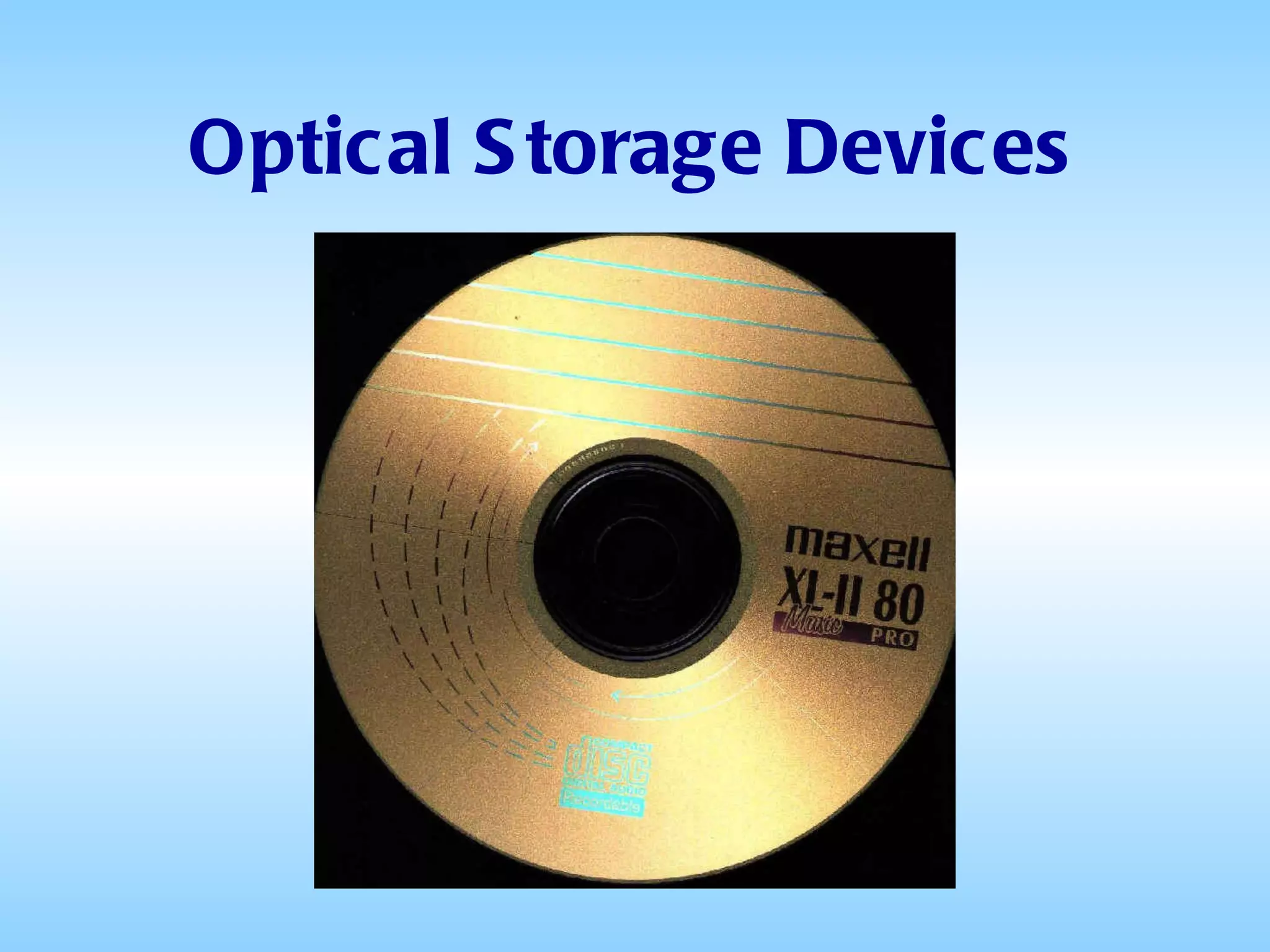
Optical Storage Devices
Optical Storage All the storage devices we’ve talked about so far, since the punched cards, are  Magnetic  storage devices That is, they store the information on a metallic surface in the form of magnetic “dots”
Optical Storage On  Optical  drives, when data are recorded, a laser burns tiny “pits” in a reflective material on the disk The data are read by detecting variations in the intensity of the reflected light from the media surface
Optical Storage Optical recording systems potentially have much greater reliability  There is a much larger distance between the read/write element and the moving media and therefore no wear associated with repeated use of the optical systems
Optical Storage The main disadvantages of optical storage when compared to magnetic is slower  random  data access.  This partially comes from the design of the relatively large and heavy optical heads
Optical Storage Forms of Optical Storage CD-R, CD-RW (Introduced 1995) DVD-RAM,  DVD-R, DVD-RW,  (Introduced 1998-2001) DVD+R, DVD+RW - Blu-ray and HD DVD (Introduced 2003)
CD-R (Compact Disk – Read Only) First introduced in 1997, CD-Rs have a capacity of 645 to 700MB They can be written to only once Used primarily for music and video Also sometimes used to transfer files between users
CD-RW (Compact Disk-Rewritable) Also introduced in 1997, CD-RWs have the same capacity as CDRs (645 to 700 MB) but they can be written to approximately 1,000 times They have a “shelf life” of 3 to 5 years Despite their relatively low cost, they have not been adopted for wide-spread use as removable storage devices
CD-RW (Compact Disk-Rewritable) The process of transferring data to them is much slower than to other storage devices It requires specialized software CD-RW disks need to be re-formatted either entirely or "on the fly" before recording new data They are most useful for temporary short or mid-term backups
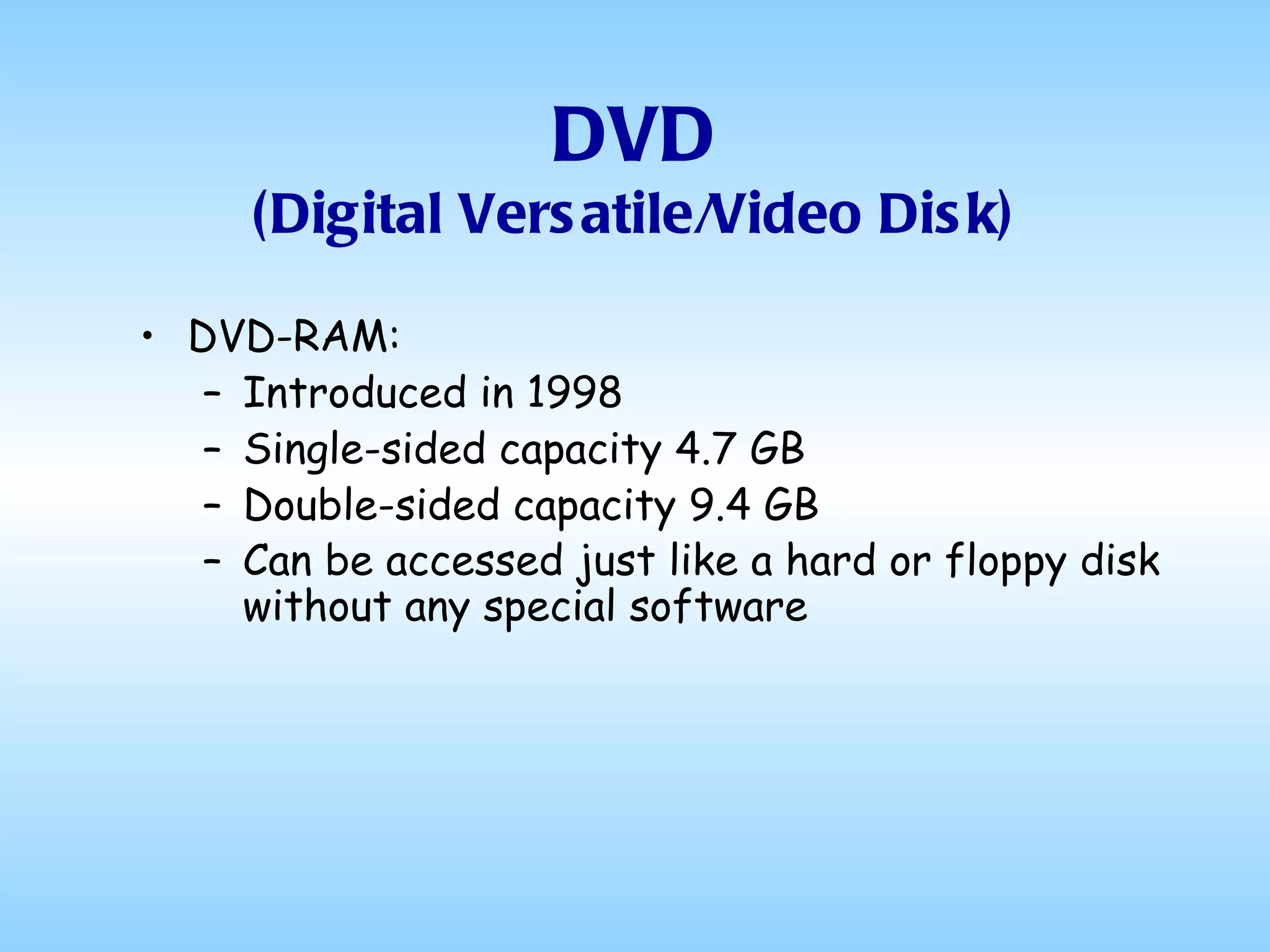
DVD (Digital Versatile/Video Disk) DVD-RAM: Introduced in 1998 Single-sided capacity 4.7 GB Double-sided capacity 9.4 GB Can be accessed just like a hard or floppy disk without any special software
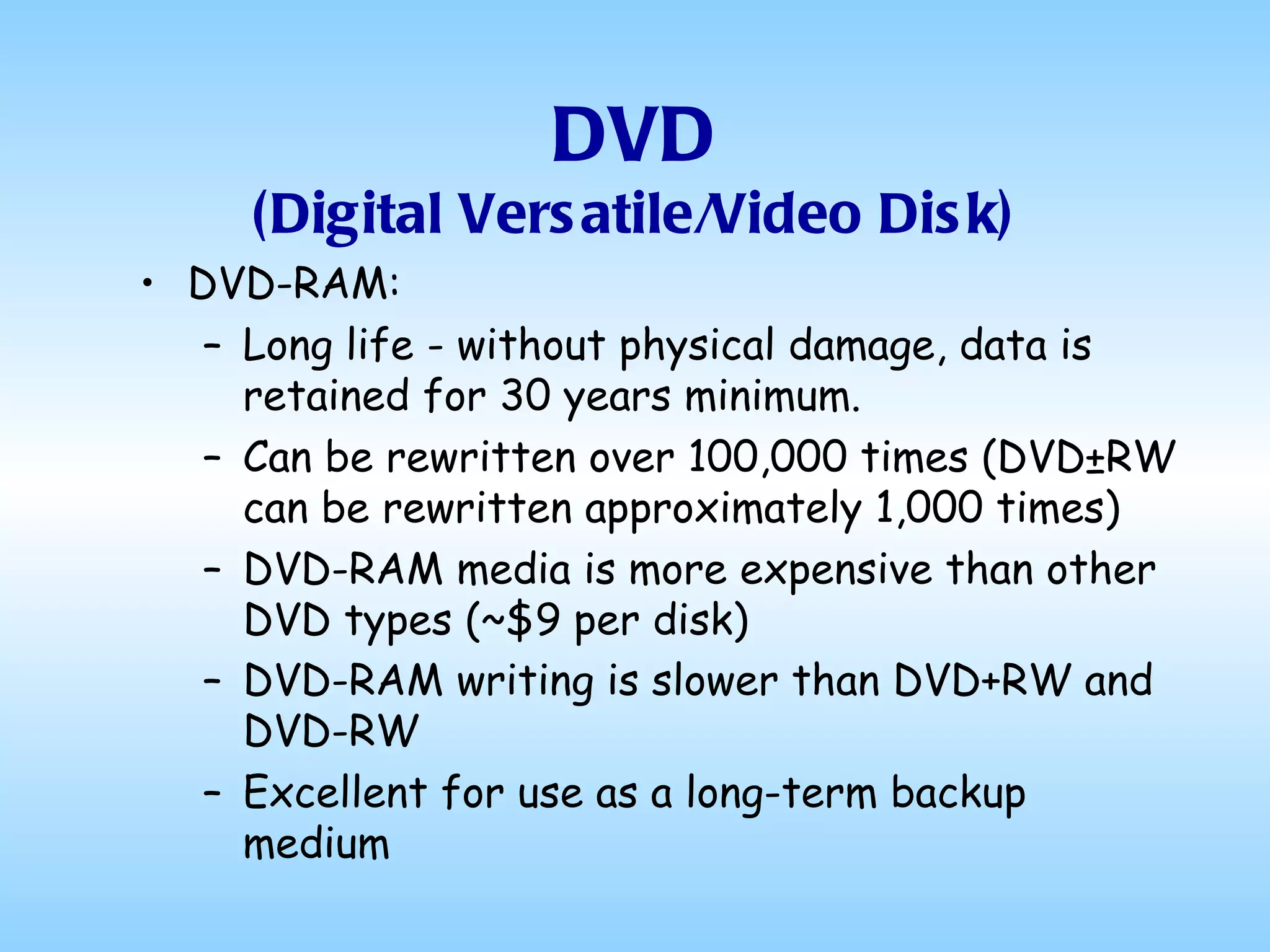
DVD (Digital Versatile/Video Disk) DVD-RAM: Long life - without physical damage, data is retained for 30 years minimum.  Can be rewritten over 100,000 times (DVD±RW can be rewritten approximately 1,000 times)  DVD-RAM media is more expensive than other DVD types (~$9 per disk)  DVD-RAM writing is slower than DVD+RW and DVD-RW   Excellent for use as a long-term backup medium
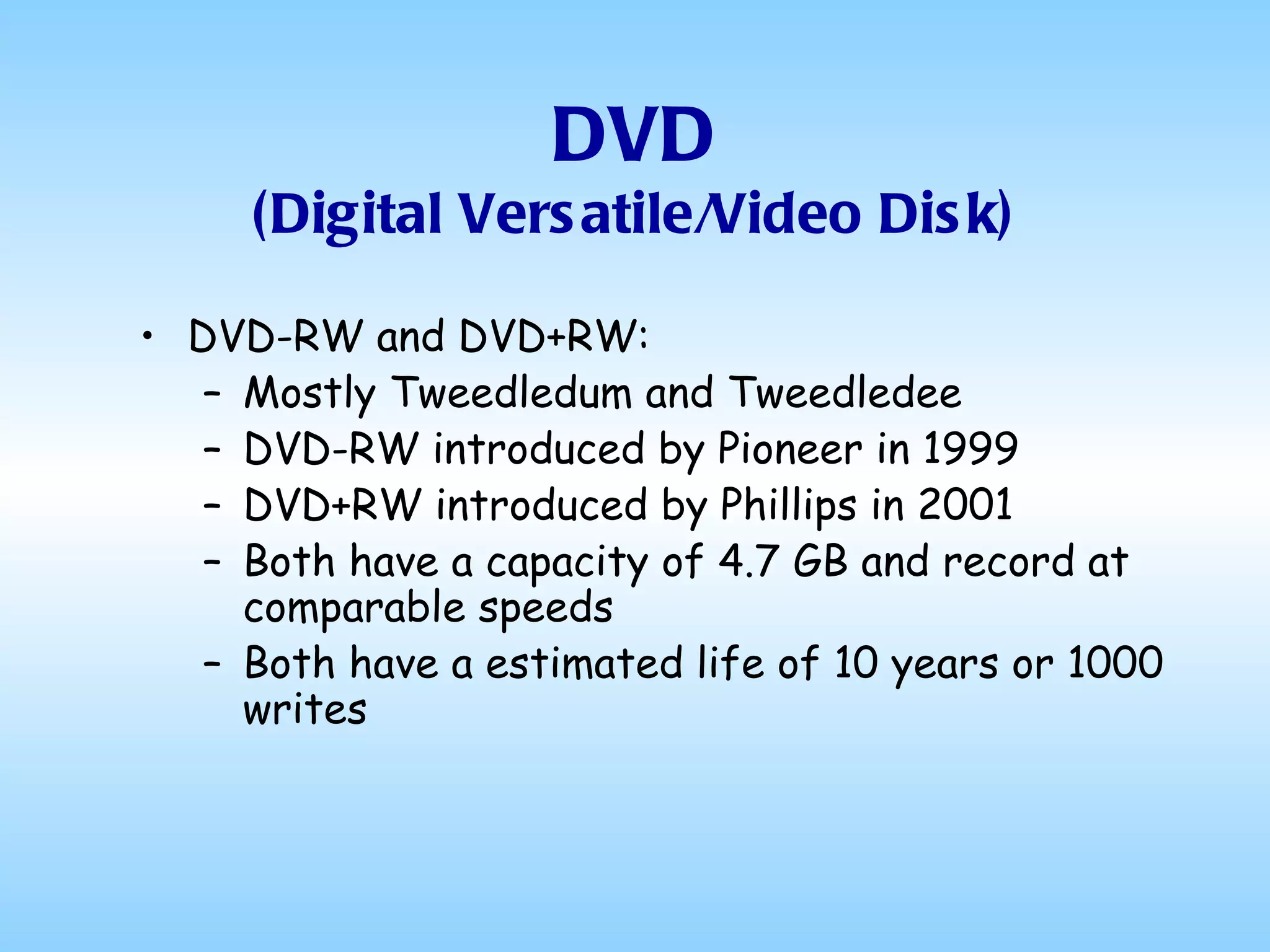
DVD (Digital Versatile/Video Disk) DVD-RW and DVD+RW: Mostly Tweedledum and Tweedledee DVD-RW introduced by Pioneer in 1999 DVD+RW introduced by Phillips in 2001 Both have a capacity of 4.7 GB and record at comparable speeds Both have a estimated life of 10 years or 1000 writes
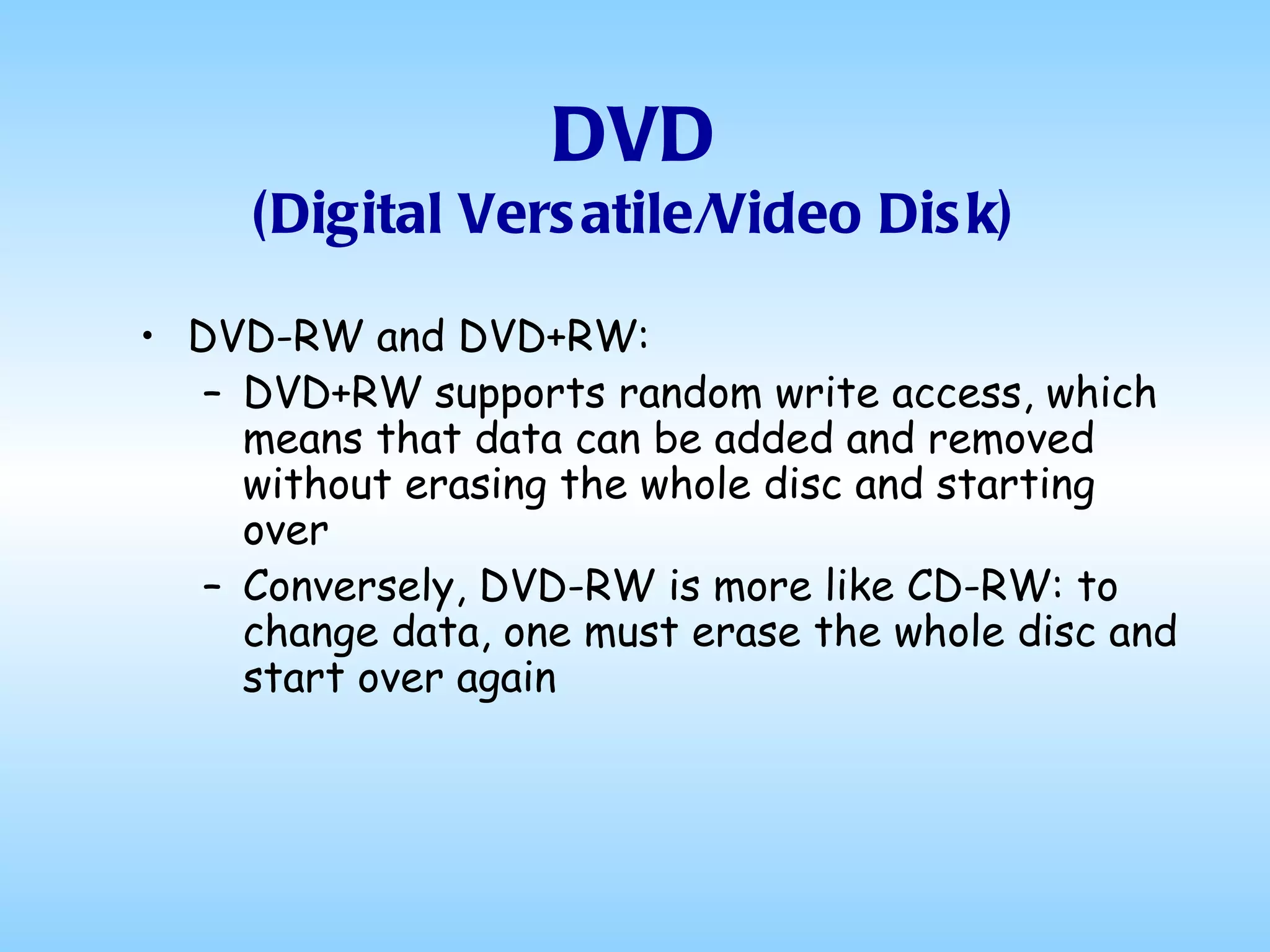
DVD (Digital Versatile/Video Disk) DVD-RW and DVD+RW: DVD+RW supports random write access, which means that data can be added and removed without erasing the whole disc and starting over  Conversely, DVD-RW is more like CD-RW: to change data, one must erase the whole disc and start over again
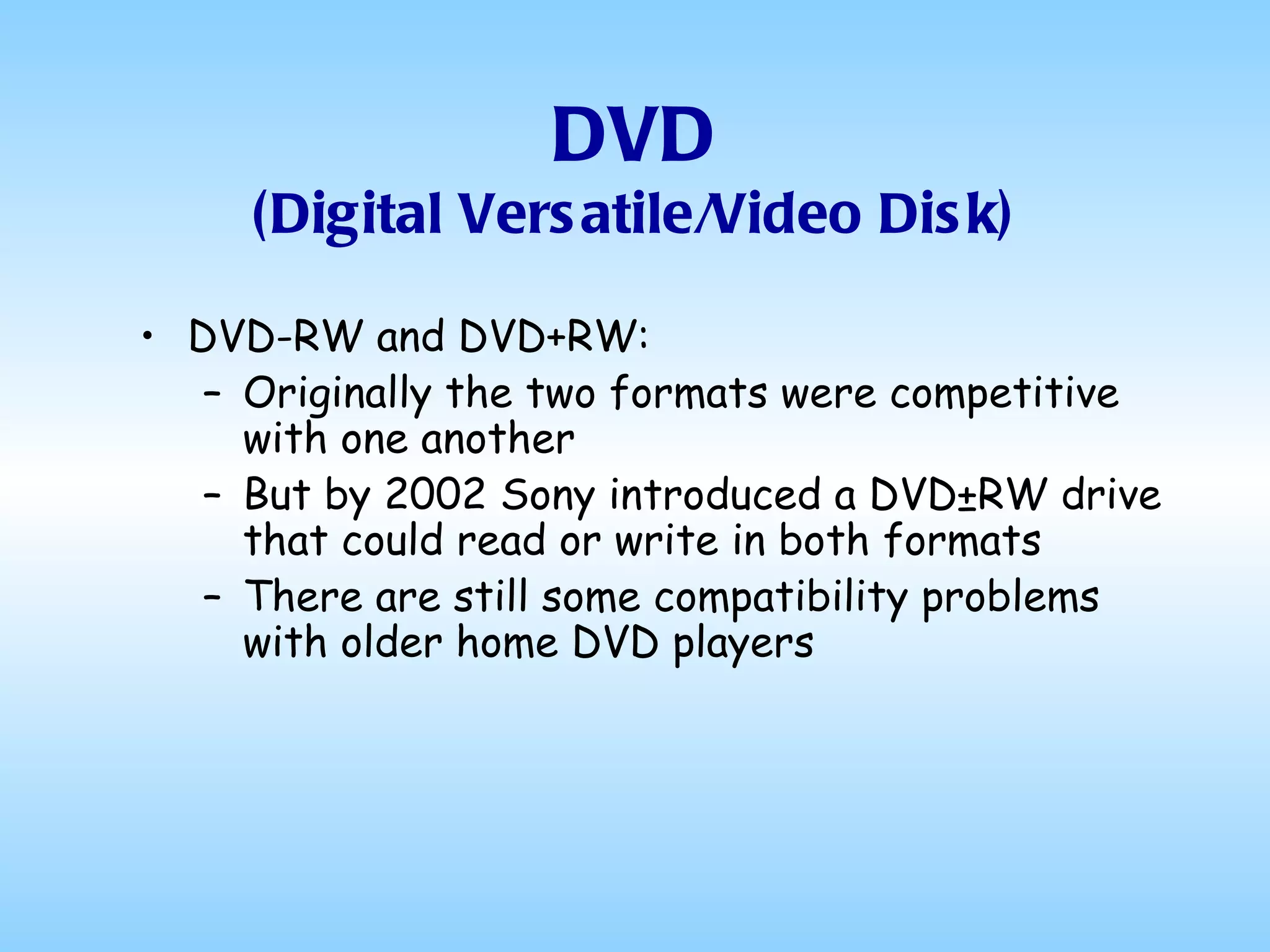
DVD (Digital Versatile/Video Disk) DVD-RW and DVD+RW: Originally the two formats were competitive with one another But by 2002 Sony introduced a DVD±RW drive that could read or write in both formats There are still some compatibility problems with older home DVD players
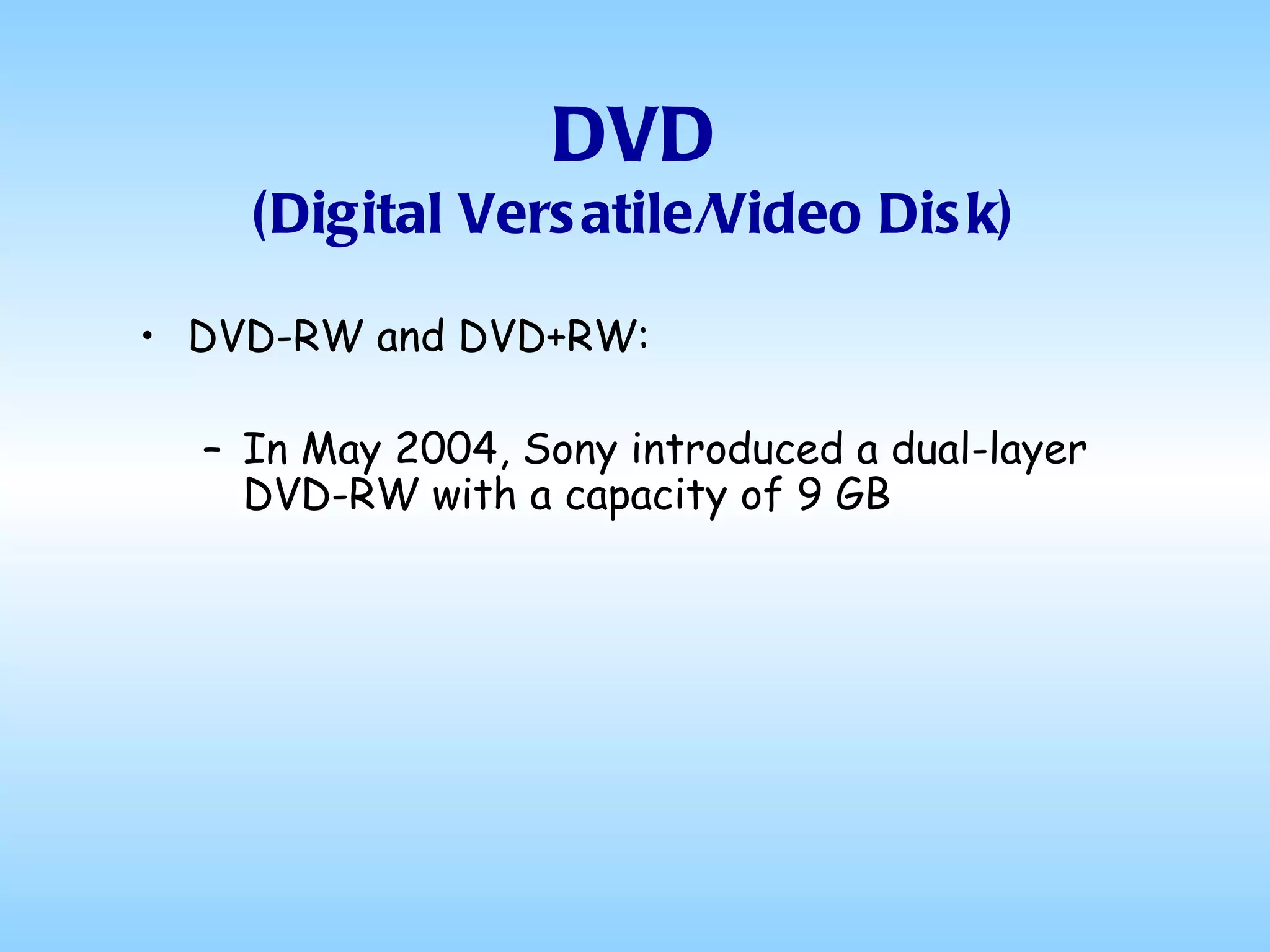
DVD (Digital Versatile/Video Disk) DVD-RW and DVD+RW: In May 2004, Sony introduced a dual-layer DVD-RW with a capacity of 9 GB
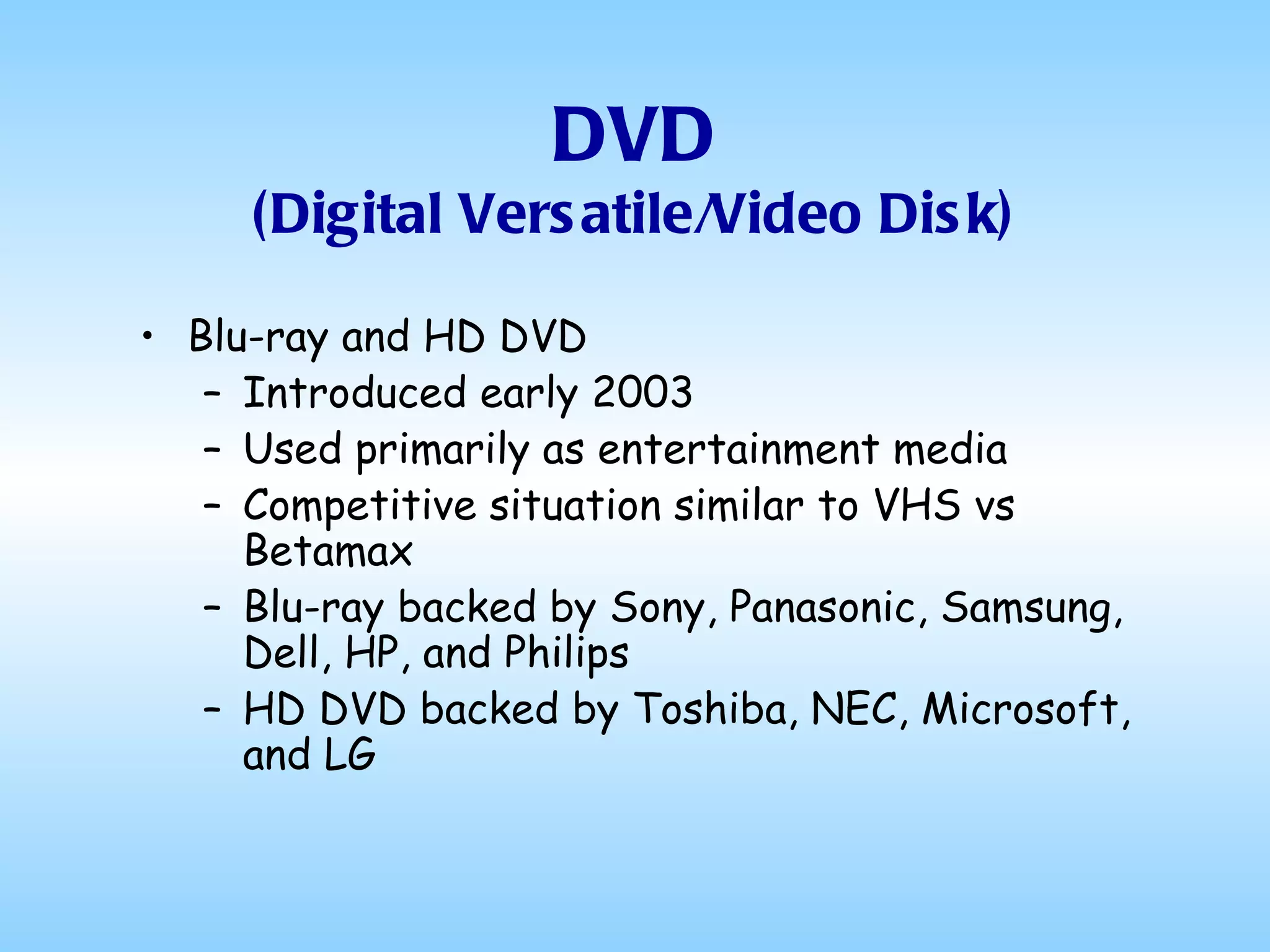
DVD (Digital Versatile/Video Disk) Blu-ray and HD DVD Introduced early 2003 Used primarily as entertainment media Competitive situation similar to VHS vs Betamax Blu-ray backed by Sony, Panasonic, Samsung, Dell, HP, and Philips HD DVD backed by Toshiba, NEC, Microsoft, and LG
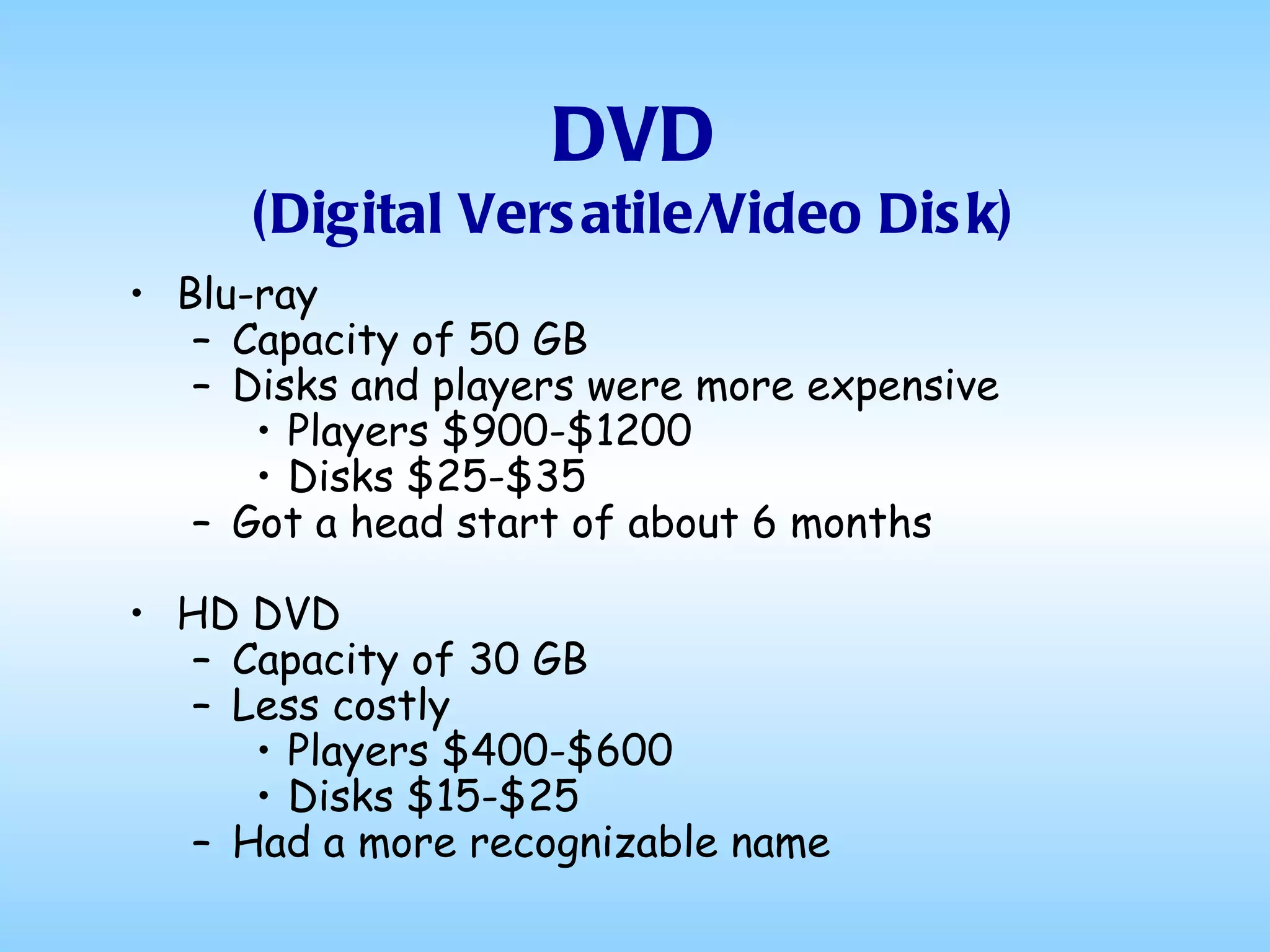
DVD (Digital Versatile/Video Disk) Blu-ray Capacity of 50 GB Disks and players were more expensive Players $900-$1200 Disks $25-$35 Got a head start of about 6 months HD DVD Capacity of 30 GB Less costly Players $400-$600 Disks $15-$25 Had a more recognizable name
Blu-ray Won! In February, 2008, Toshiba abandoned the format, announcing it would no longer develop or manufacture HD DVD players or drives and major content manufacturers and key retailers began withdrawing their support for the format  Today a Blu-ray player can be bought for anywhere from $75 to $200 Blu-ray 3D players go for $200 to $400
Now let’s turn back to Magnetic memory...
Removable Storage Paper Tape (1725 – 1970s) Punched Cards (1890 – Present) Cassette Tapes (1973 – 1983) 8” Floppy Disks (1967 – 1980) 5¼” Floppy Disks (1977 – 1989) 3½” Floppy Disks (1983 – 2005) Portable Hard Drives (1991 – Present) Zip Drives (1994 – 1998) Optical Storage (1995 – Present)  Flash Memory (1995 – Present) USB Thumb Drives
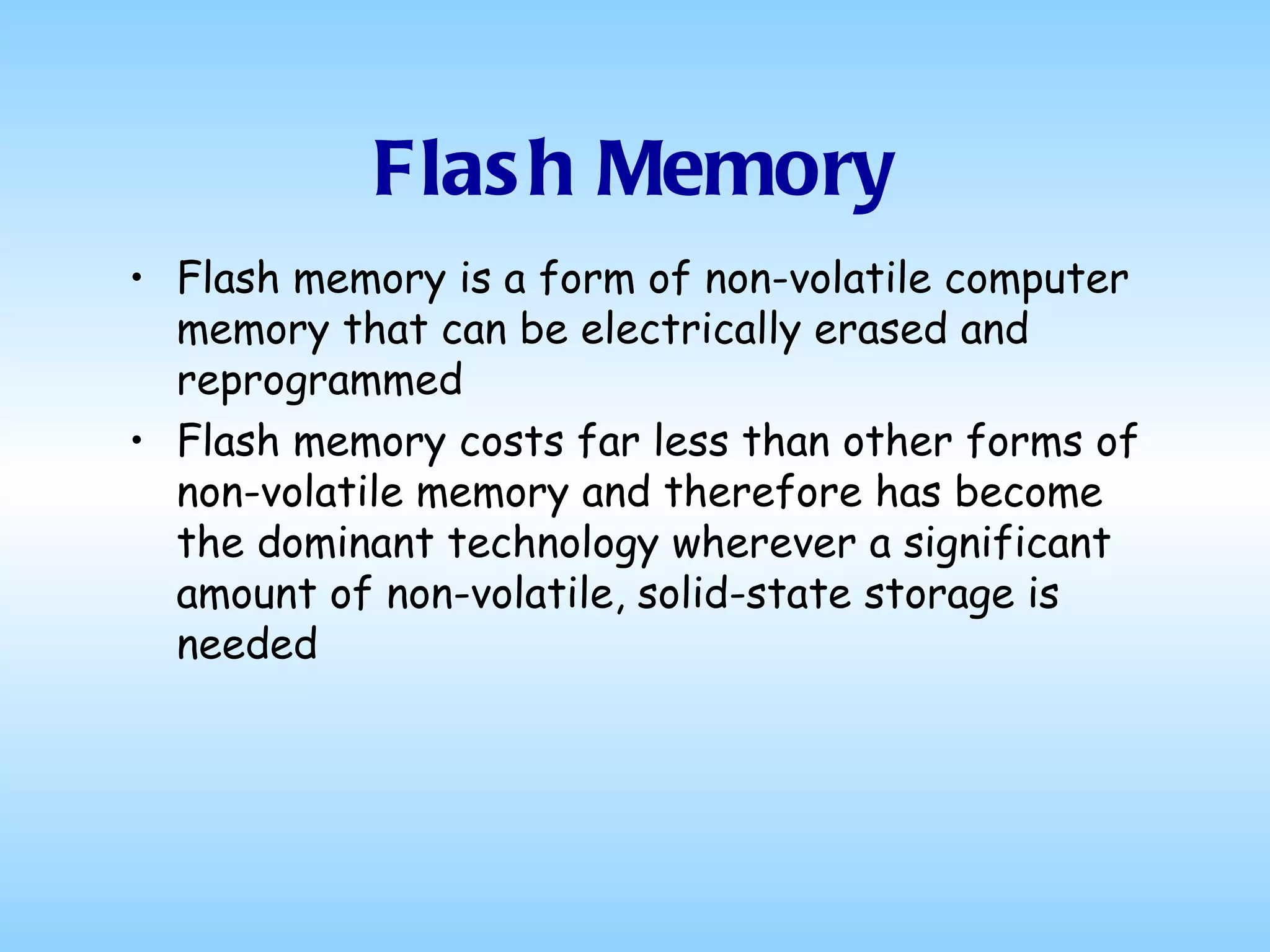
Flash Memory Flash memory is a form of non-volatile computer memory that can be electrically erased and reprogrammed Flash memory costs far less than other forms of non-volatile memory and therefore has become the dominant technology wherever a significant amount of non-volatile, solid-state storage is needed
Flash Memory Flash memory offers faster read access times and better kinetic shock resistance than hard disks Another allure of flash memory is that when packaged in a “memory card” it is nearly indestructible by ordinary physical means, being able to withstand intense pressure and boiling water
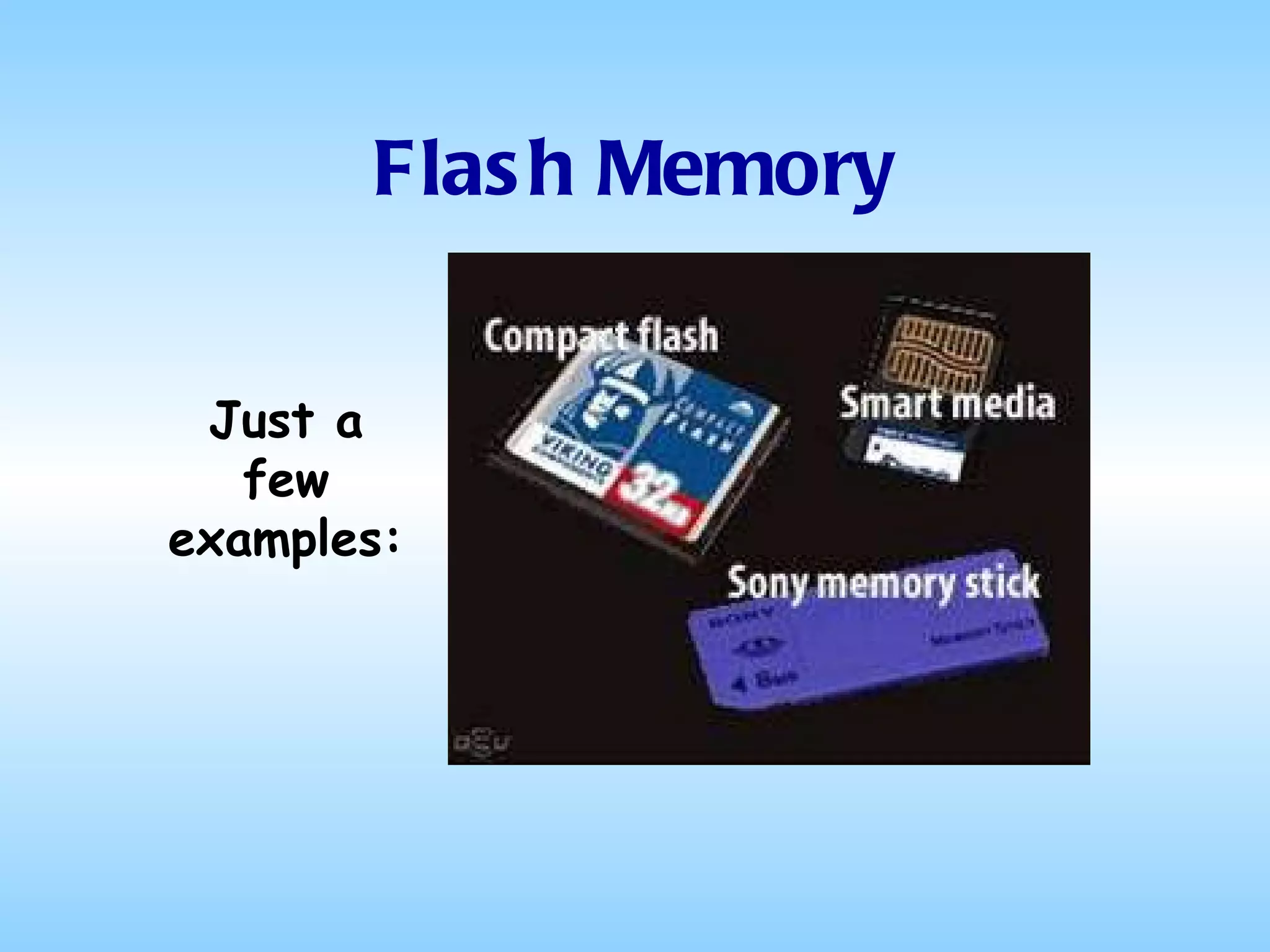
Flash Memory Examples of applications include digital audio players, digital cameras, GPS devices and cell phones.  There are many manufacturers of flash memory devices and almost as many shapes, sizes and capacities
Flash Memory Just a few examples:
Flash Memory Flash memory can be accessed by the device in which it is contained Storing pictures on a digital camera Playing music on a MP3 player or iPod Displaying maps in a GPS device Playing saved messages or downloading ringtones on a cell phone
Flash Memory Flash memory can also be accessed by a desktop or laptop computer or by a printer Directly, by connecting the device containing the flash memory to a computer or printer using a USB connection Or indirectly, via...
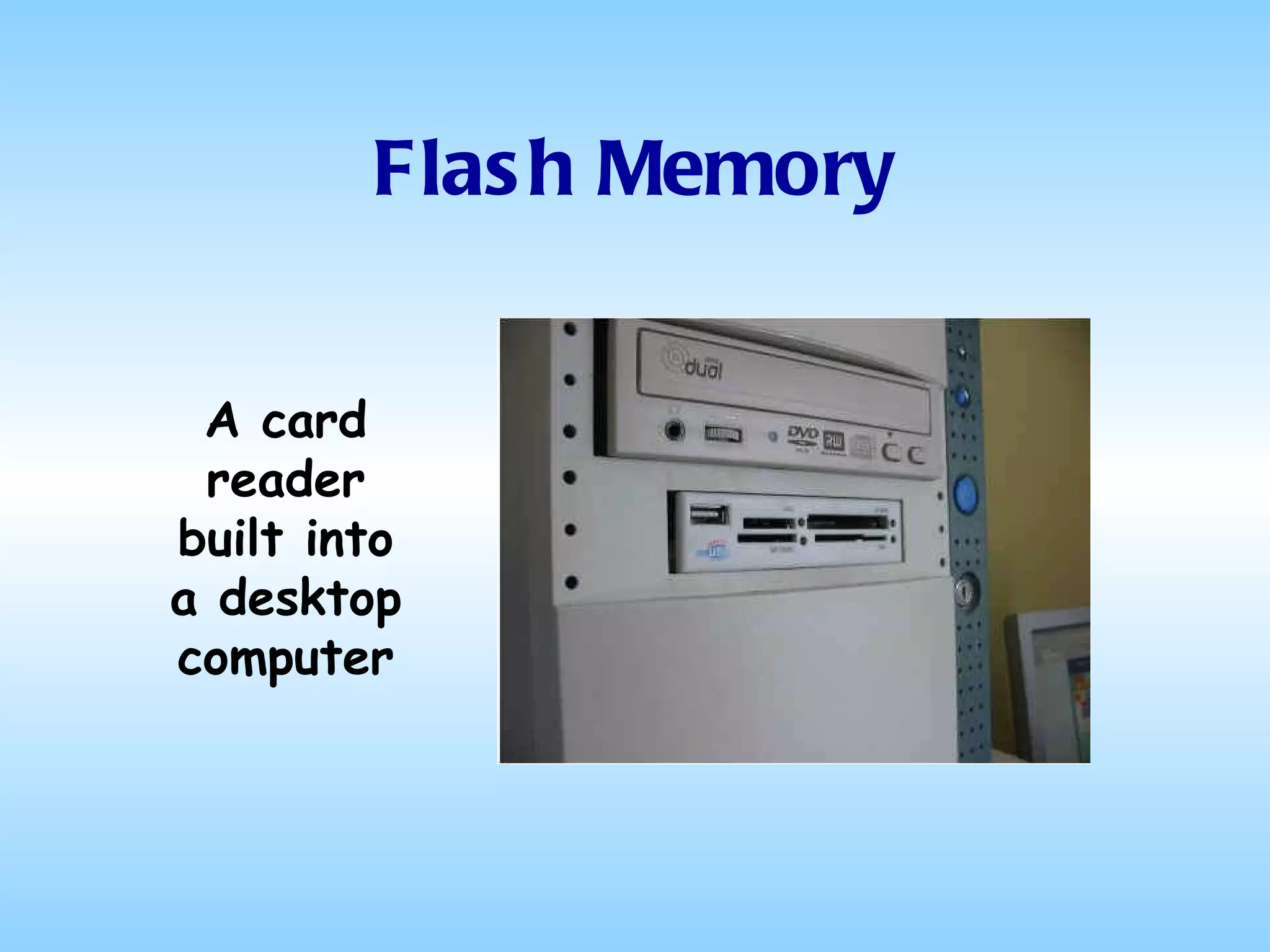
Flash Memory A card reader built into a desktop computer
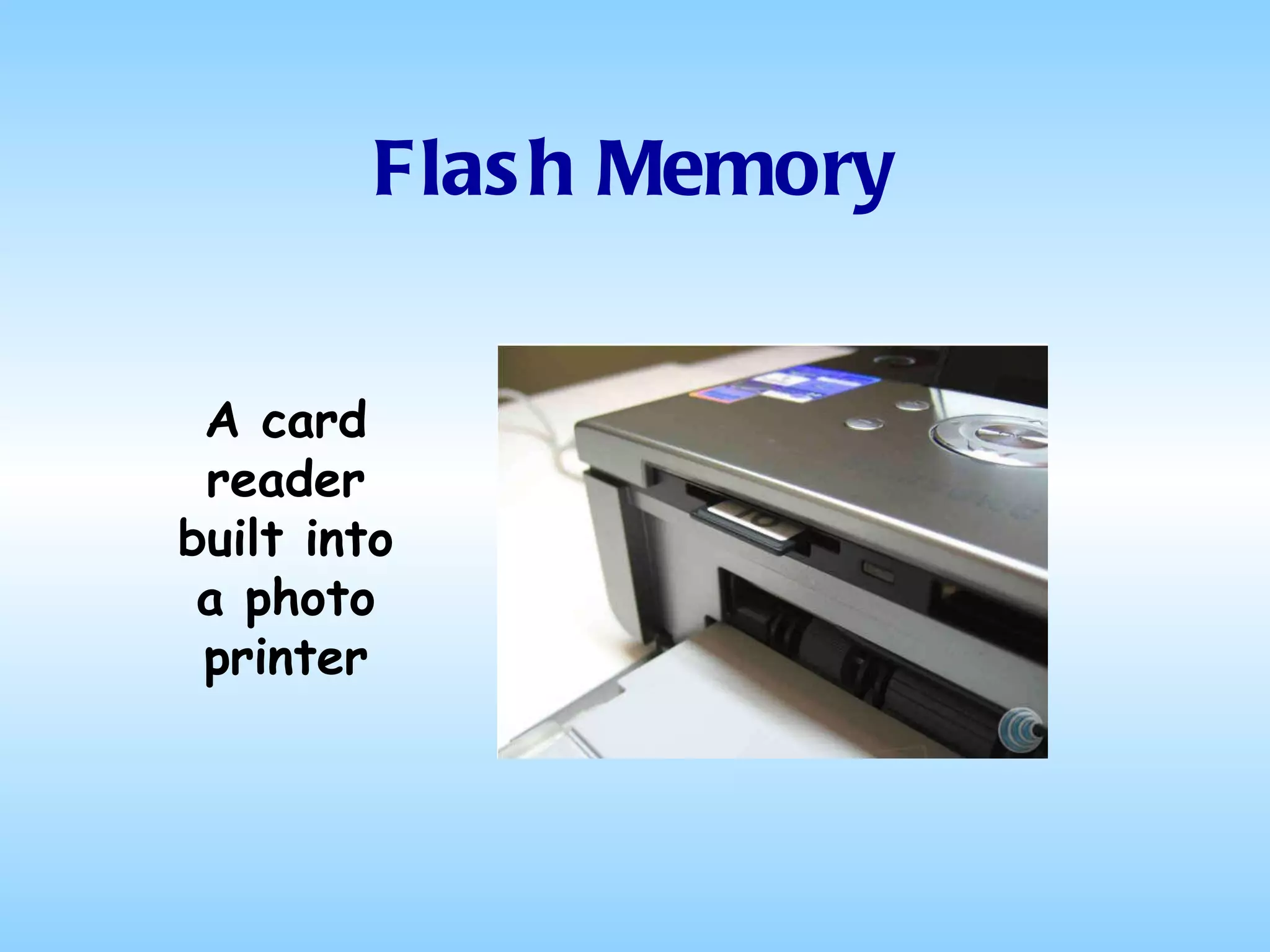
Flash Memory A card reader built into a photo printer
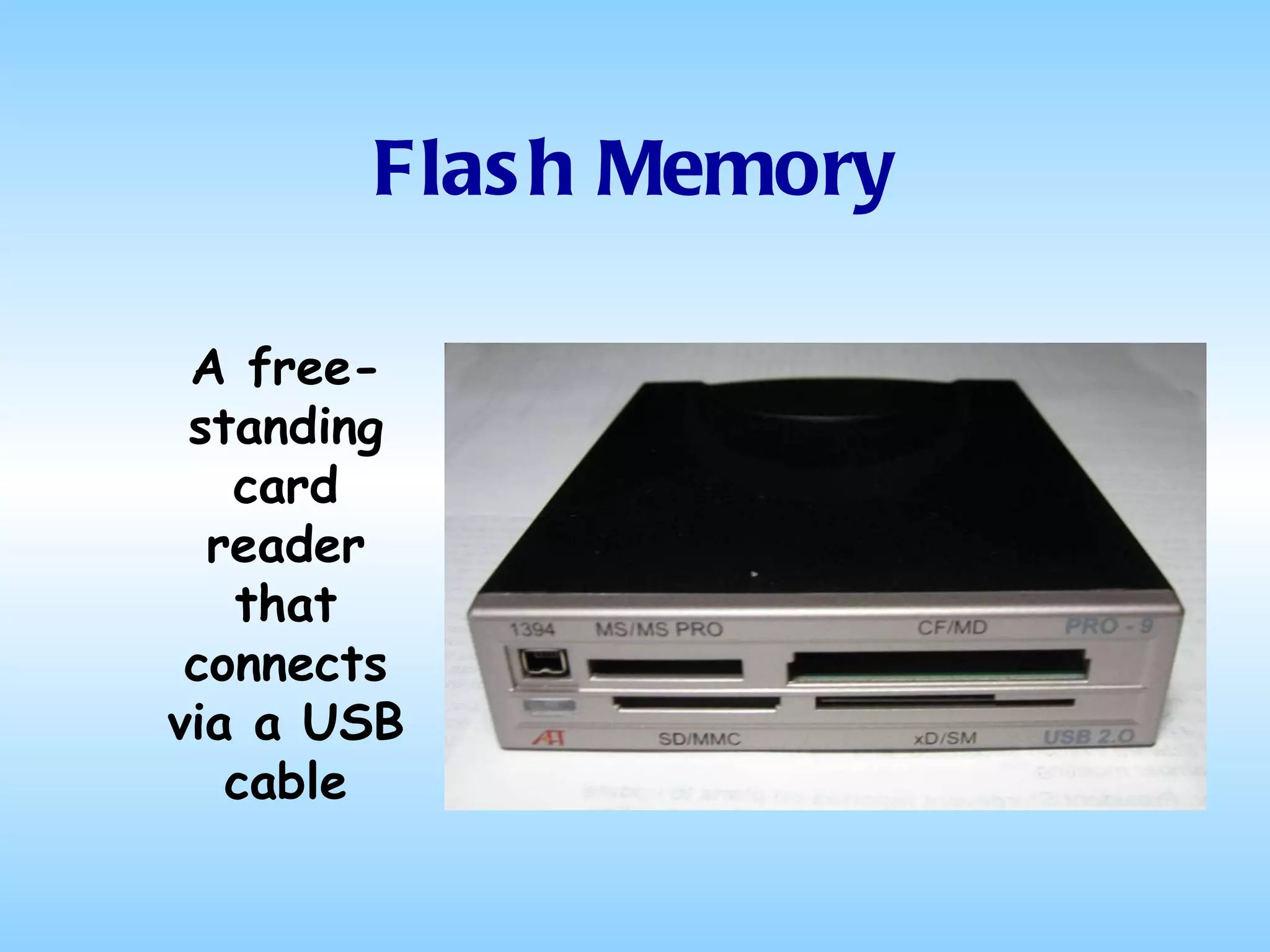
Flash Memory A free-standing card reader that connects via a USB cable
Flash Memory But the really important thing to remember is All Flash Memory Devices are the Same Inside Whether they be: MP3 Players Compact Flash Cards Memory Sticks Secure Digital Cards Smart Media Cards or whatever
Flash Memory Among other things, this means you can: Take a bunch of pictures with your digital camera Remove the memory card from your camera and put it in your pocket Come over to my house Plug the memory card into my computer Show me the pictures
Flash Memory Among other things, this means you can: Show up at my house with your mp3 player See a new program on my computer of which you’d like to have a copy Copy the installation software from my computer to your mp3 player Return home and copy the software from your mp3 player to your hard drive Install it on your computer
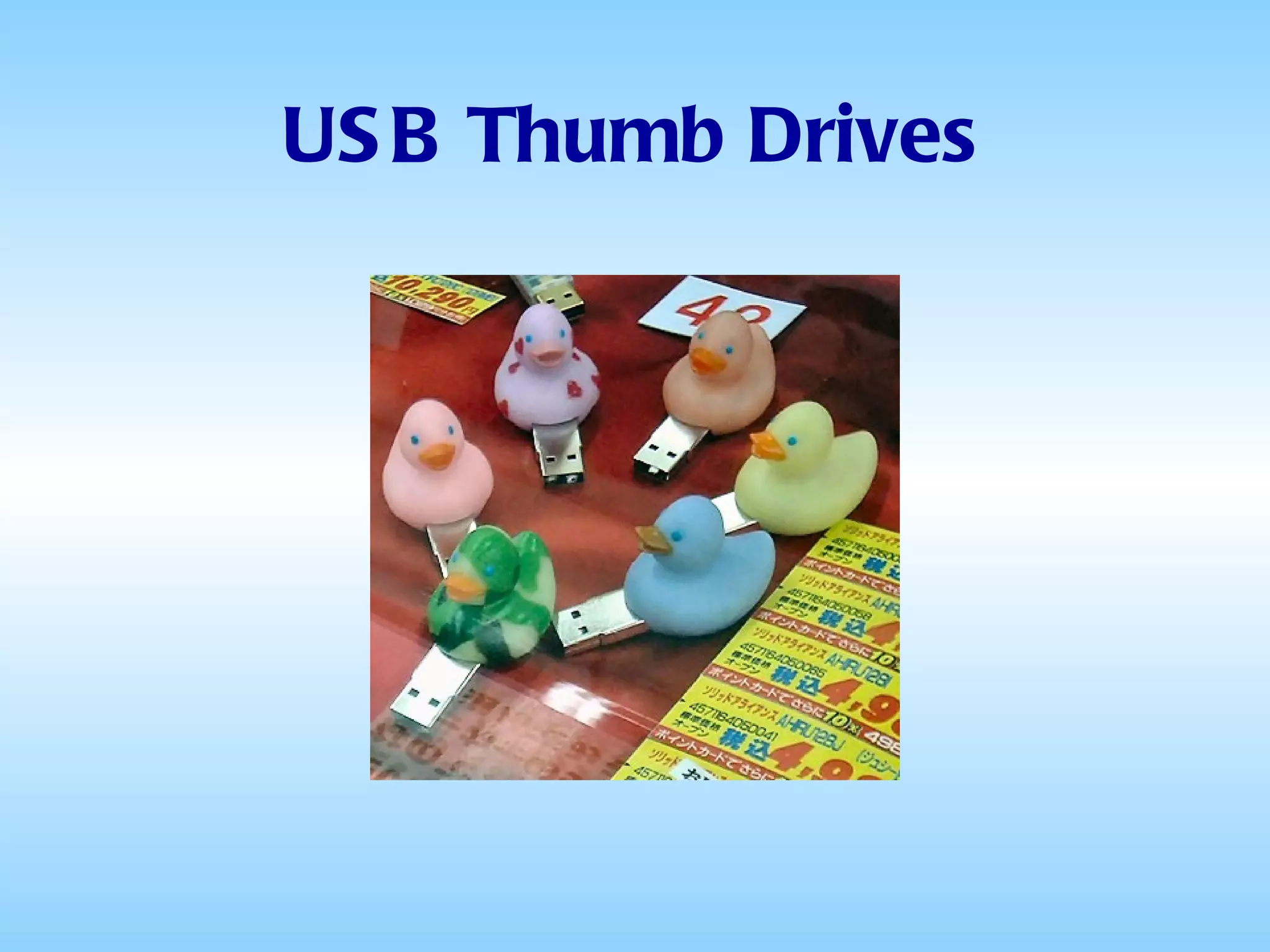
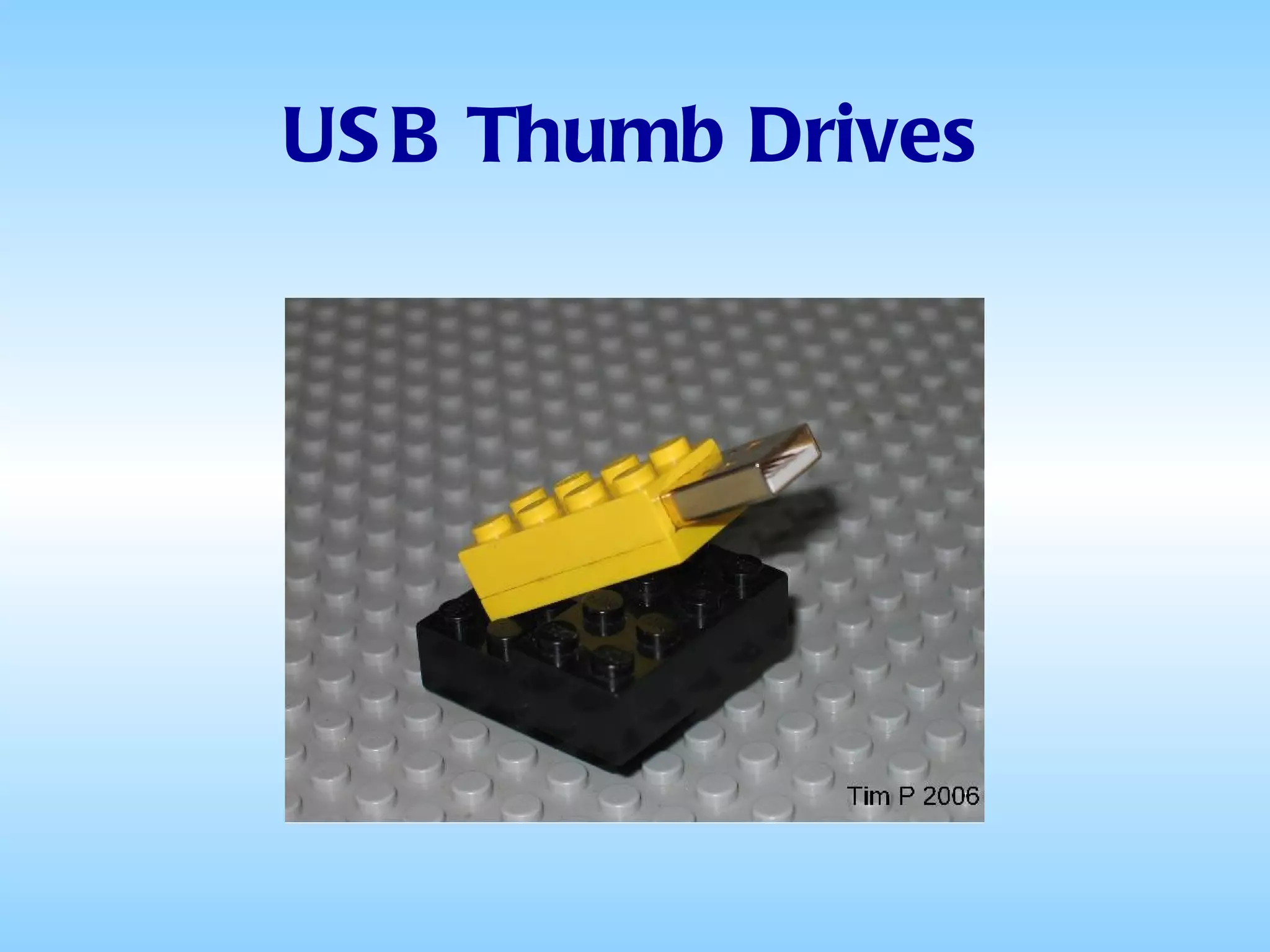
Flash Memory Flash memory is also used in USB thumb drives (also called flash drives, jump drives, pocket drives, handy drives, stick drives, etc), which are used for general storage and transfer of data between computers.
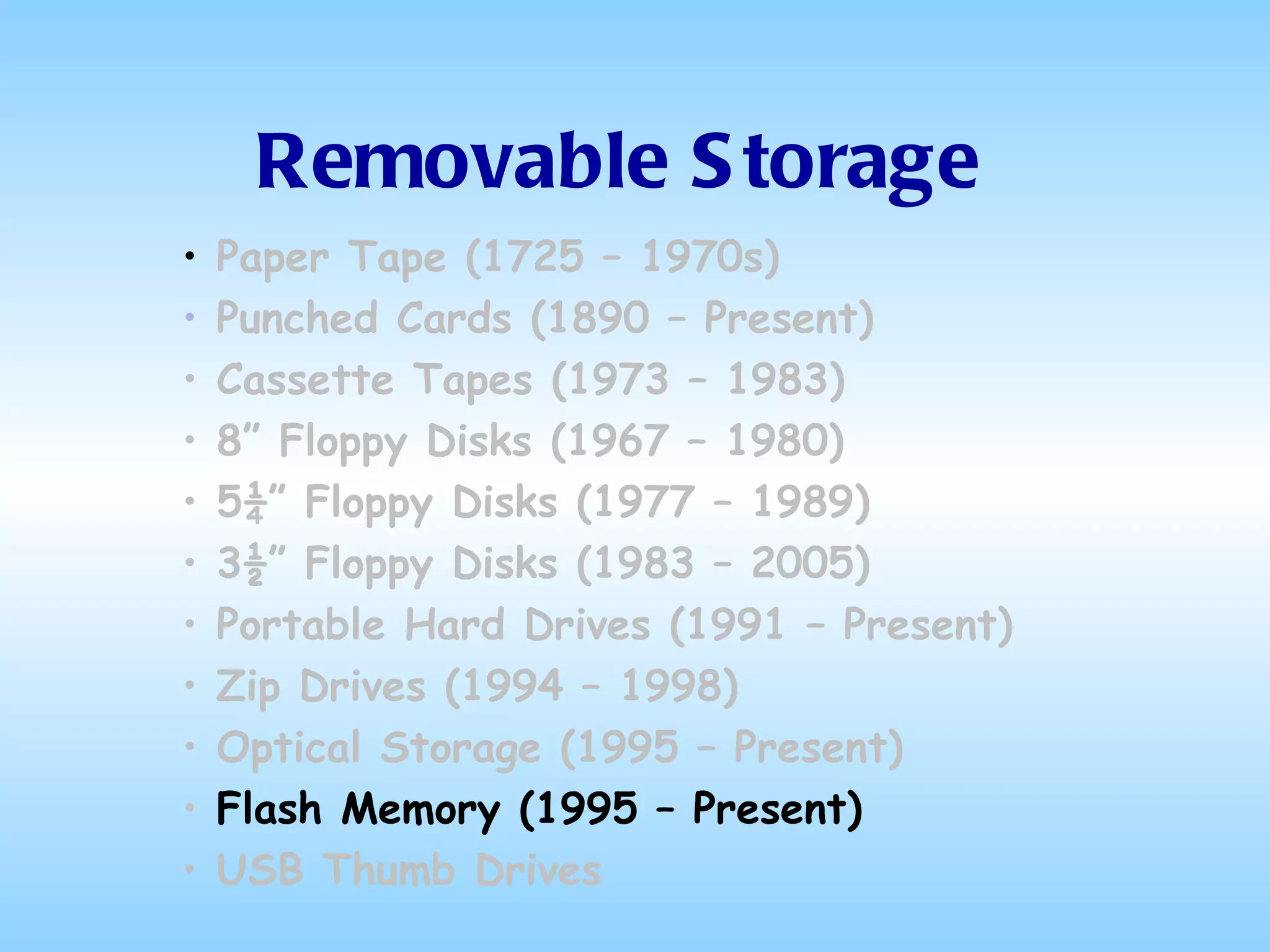
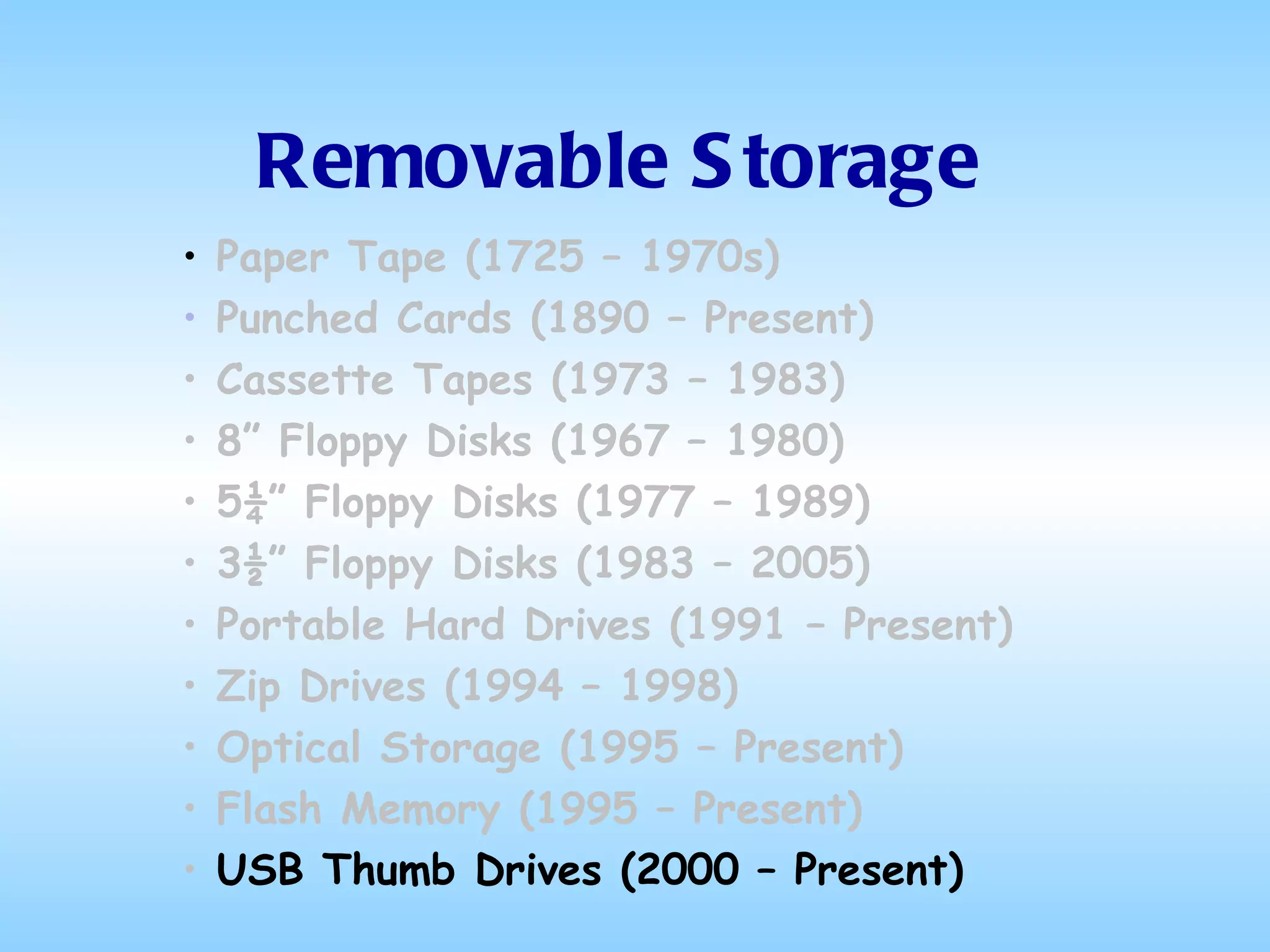
Removable Storage Paper Tape (1725 – 1970s) Punched Cards (1890 – Present) Cassette Tapes (1973 – 1983) 8” Floppy Disks (1967 – 1980) 5¼” Floppy Disks (1977 – 1989) 3½” Floppy Disks (1983 – 2005) Portable Hard Drives (1991 – Present) Zip Drives (1994 – 1998) Optical Storage (1995 – Present)  Flash Memory (1995 – Present) USB Thumb Drives (2000 – Present)
USB Thumb Drives
USB Thumb Drives
USB Thumb Drives
USB Thumb Drives
USB Thumb Drives
USB Thumb Drives
USB Thumb Drives
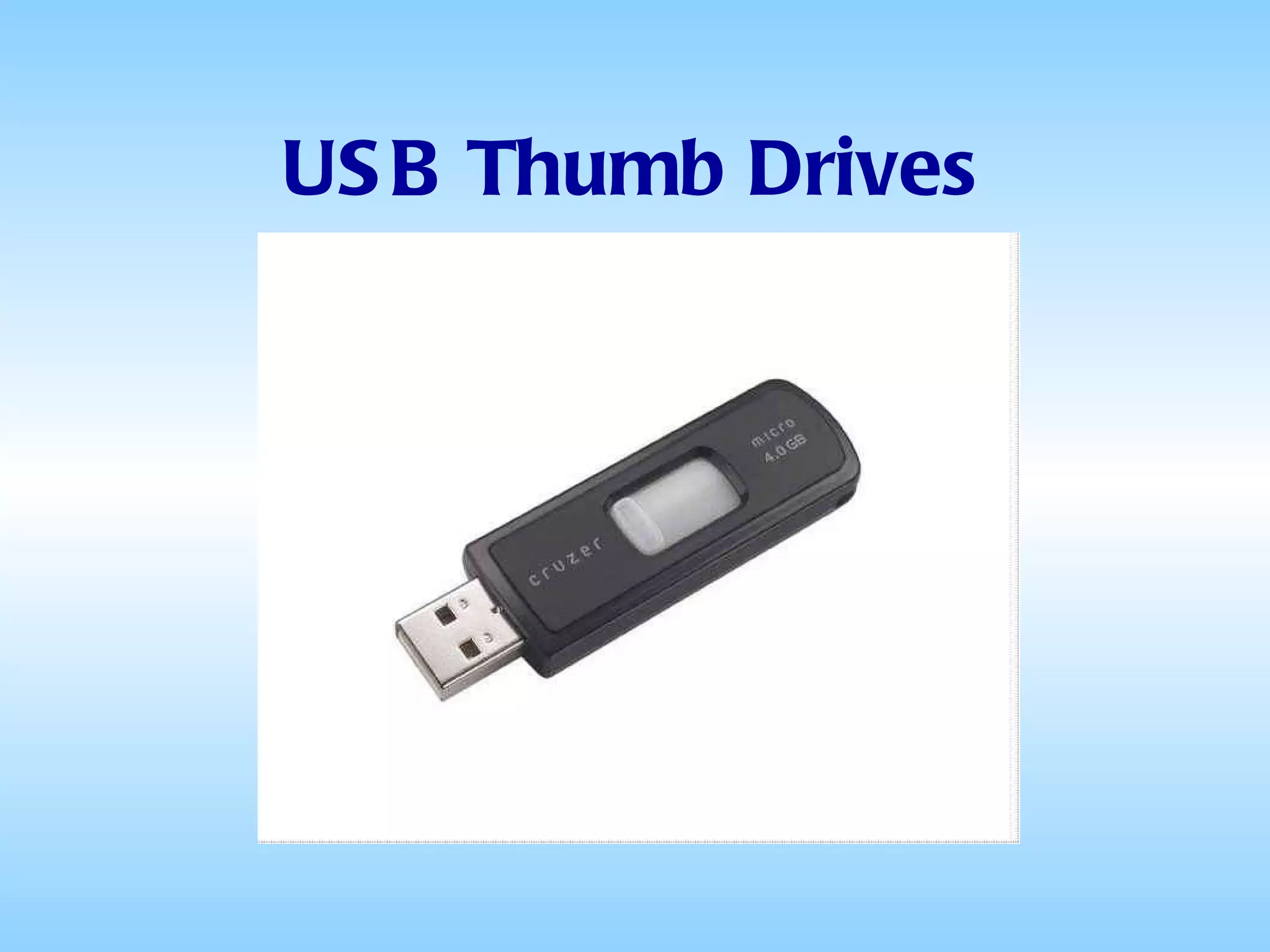
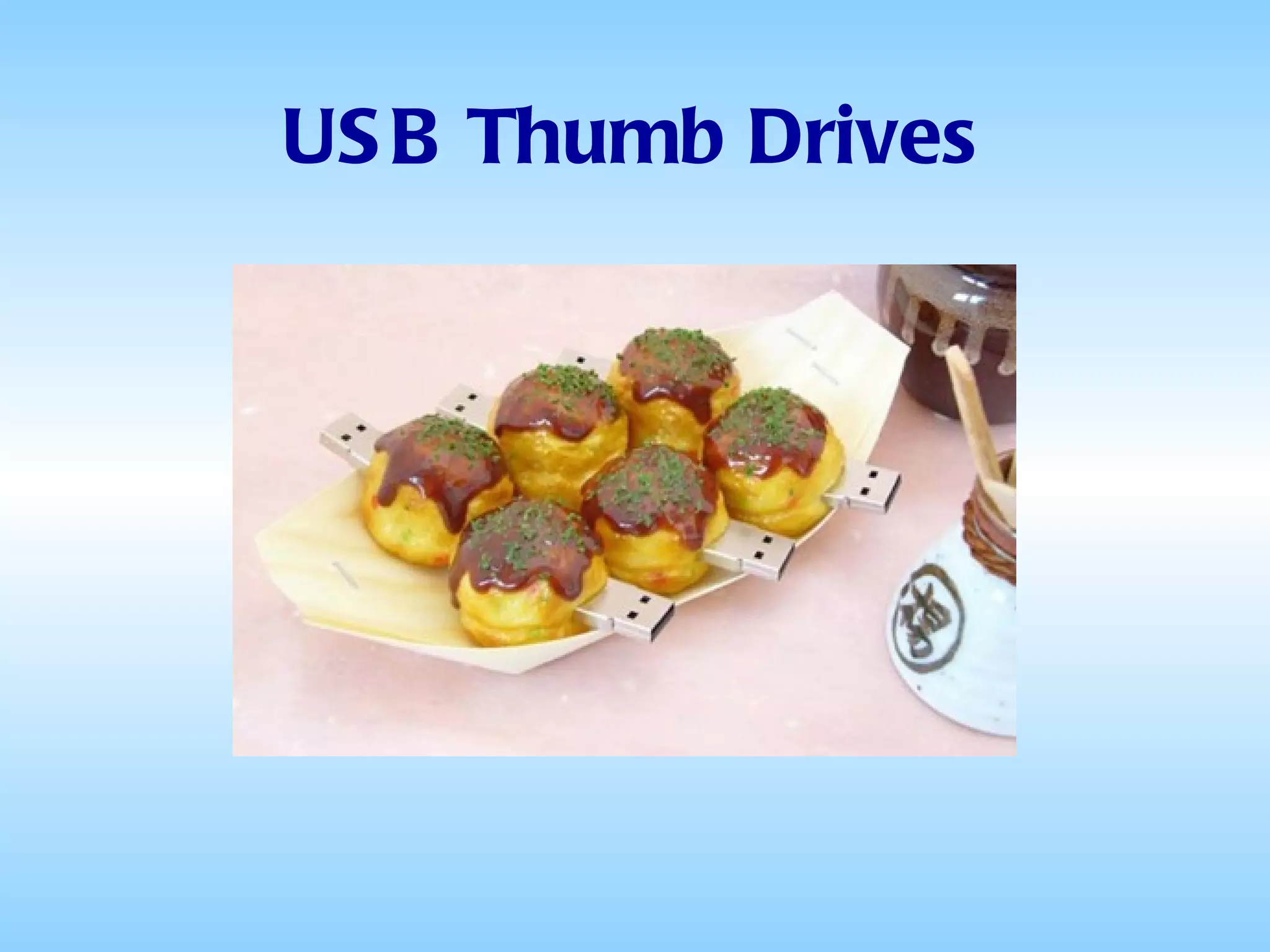
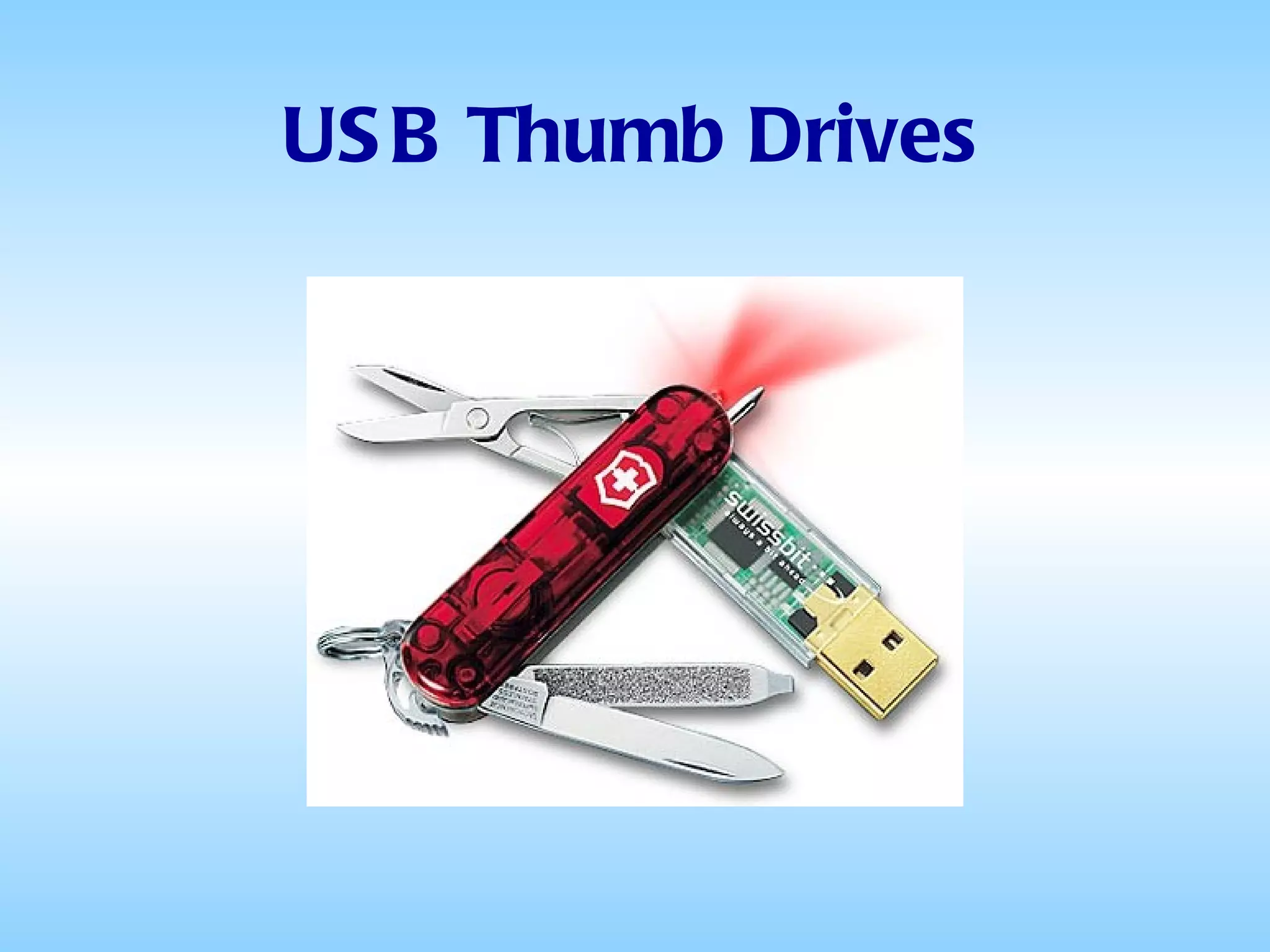
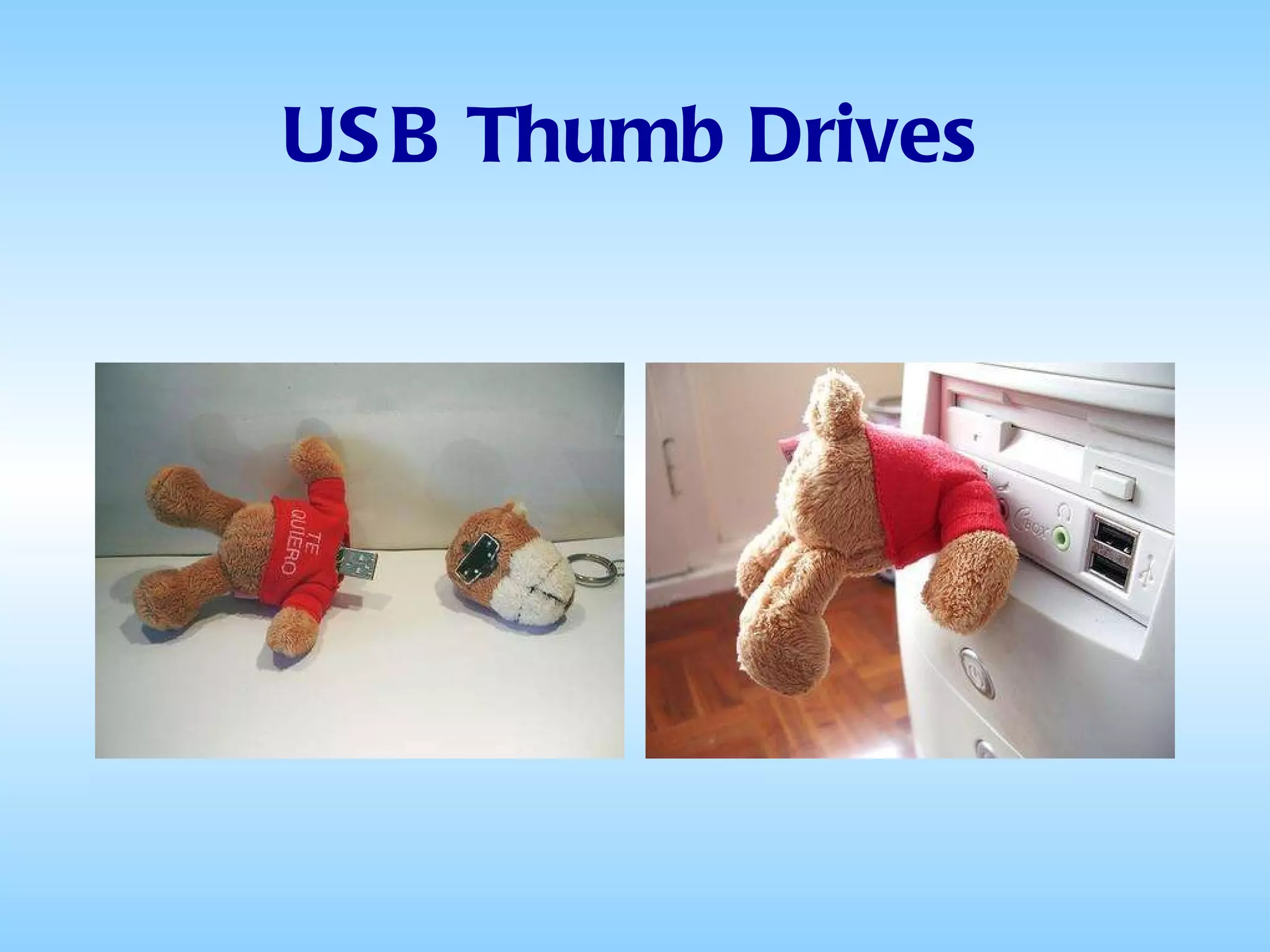
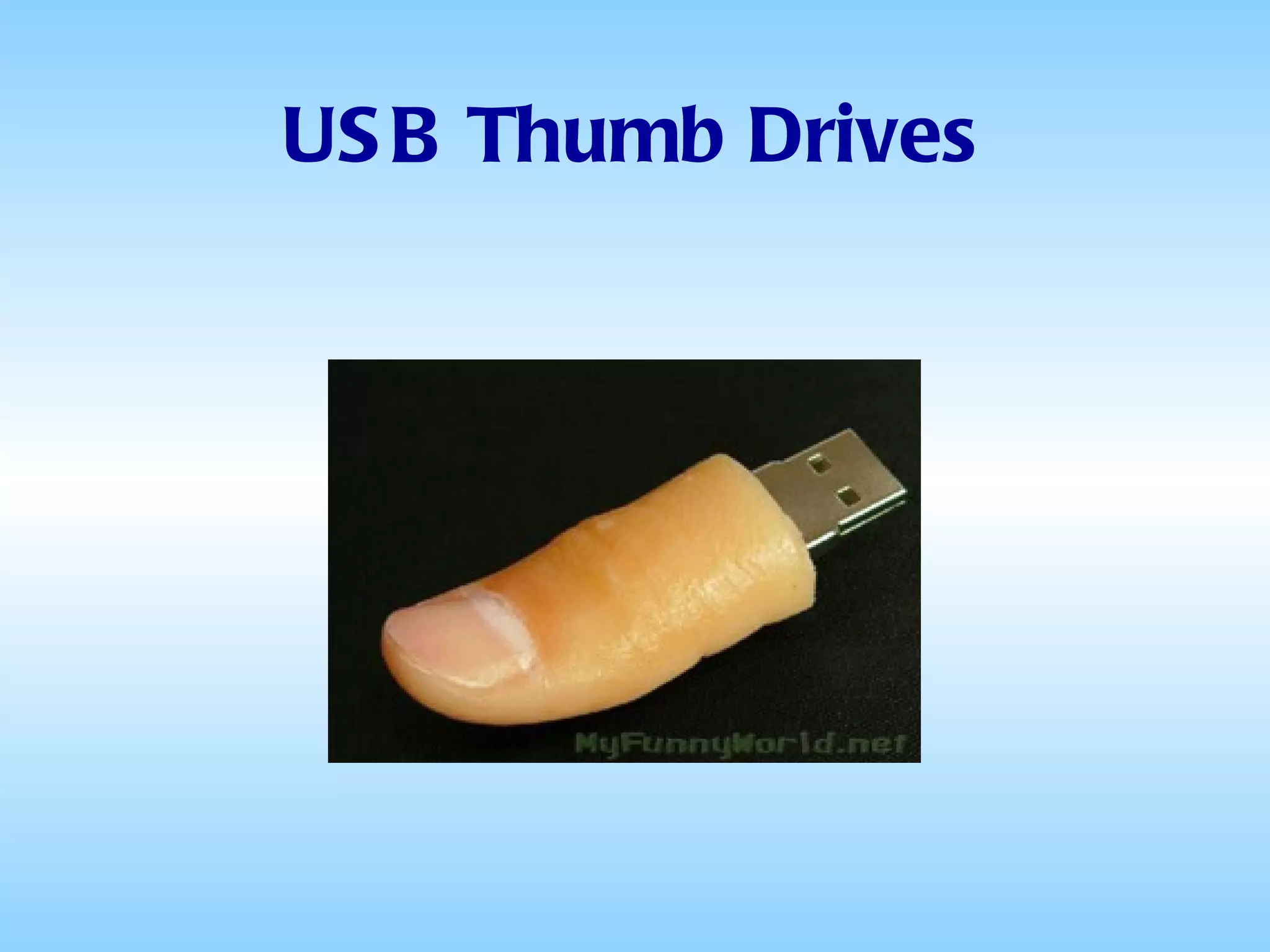
USB Thumb Drives USB thumb drives are compact and easy-to-use devices that are similar in function to a computer hard drive  USB thumb drives slip into your pocket, on a lanyard around your neck or on a keychain for ultimate portable storage
USB Thumb Drives A thumb drive consists of a small printed circuit board encased in a robust plastic or metal casing Only the USB connector protrudes from this protection, and is usually retractable or covered by a removable cap Thumb drives use a standard type-A USB connection allowing them to be connected directly to a port of a personal computer
USB Thumb Drives To access the data stored in a thumb drive, the drive must be connected to the computer's USB port Thumb drives are active only when powered by a USB computer connection, and require no other external power source or battery power source They are powered using the limited supply afforded by the USB connection.
USB Thumb Drives Currently, memory capacity ranges from 4GB up to 256GB, limited only by flash memory densities USB Thumb Drives are relatively inexpensive although cost per megabyte increases rapidly at higher capacities due to the expensive components
USB Thumb Drives Based on a recent price check, thumb drives were available in retail stores and online at $5 for 4GB, $11 for 16GB, and $65 for 64GB (or about $1 per GB) A 128GB drive could be had for about $230 and a 256GB version was priced around $700
They can be used for transporting personal files (just like floppies, but a lot more capacious) Data Music  Pictures Video Some Things You can Do With a USB Thumb Drive
Trek With Books, Not a Backache load up your thumb drive with some of the thousands of free e-books (in text format) available from Project Gutenberg (www.gutenberg.org)   Tunes on Wheels - A thumb drive is great for carting music around, and if you're in your car, with the right hardware you can play the tunes right from it too—no software required Some Things You can Do With a USB Thumb Drive
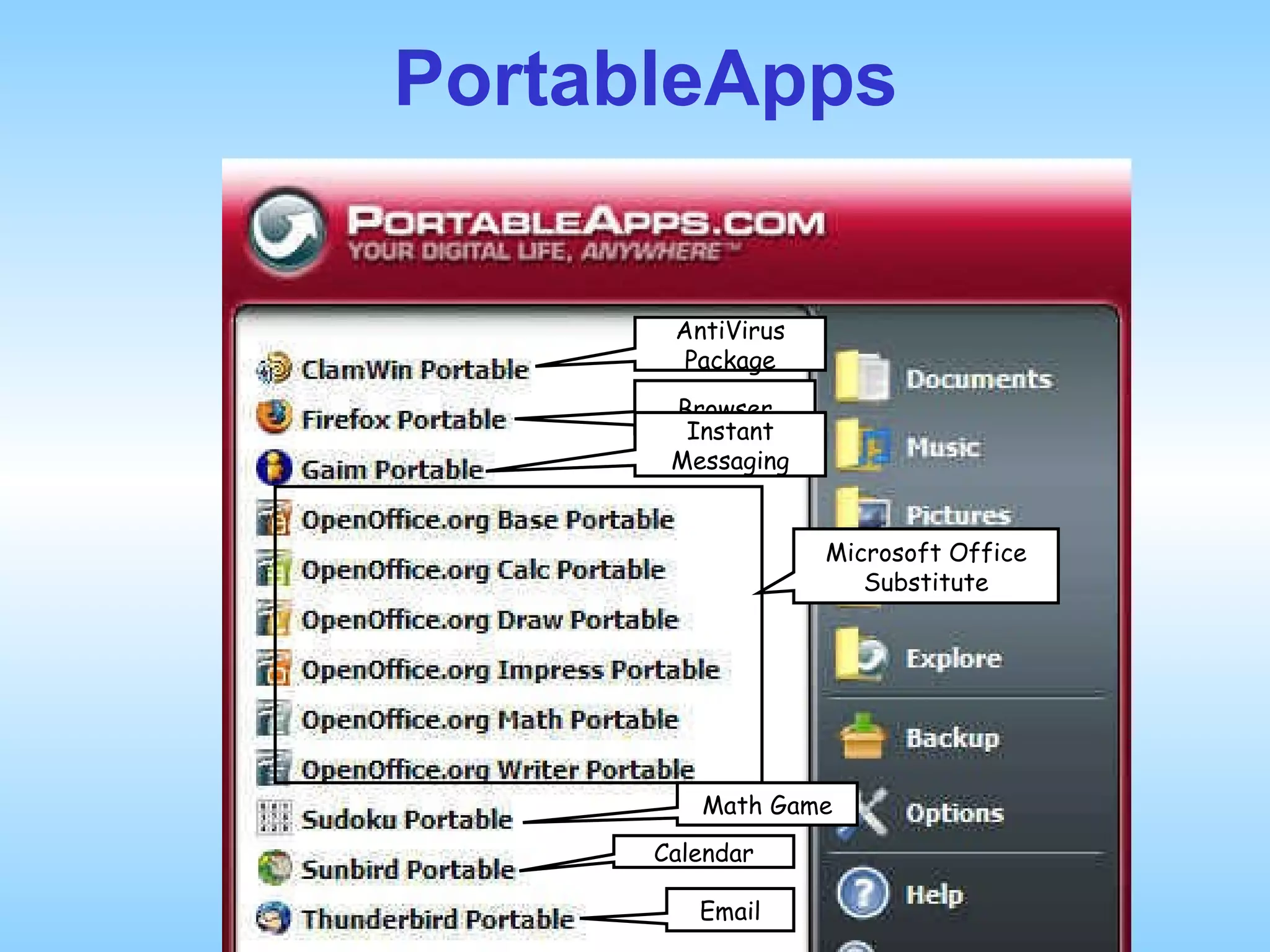
Run preinstalled programs from a specially formatted thumb drive Some Things You can Do With a USB Thumb Drive PortableApps Download and install on any thumb drive from  www.portableapps.com  (no preformatting required)   Requires ~370MB of space on the thumb drive (plus space for additional programs and document storage)
PortableApps AntiVirus Package Browser Instant Messaging Microsoft Office Substitute Math Game Calendar Email
With PortableApps, you can: Plug your UTD into the USB port of any computer anywhere – a friend’s house, an Internet Café, a hotel business center, an office – anywhere, and see your own familiar desktop, programs, and data Run Portable Firefox to surf the Web or Portable Thunderbird to pick up email; put the final touches on your document or slide show presentation with Writer or Impress; play your favorite music or watch videos Some Things You can Do With a USB Thumb Drive
Some Things You can Do With a USB Thumb Drive Then: Remove the UTD at the end of the session and no record of your session or anything else personal remains on the host computer
Removable Storage: What Does the Future Hold? Today's storage devices are based on magnetic or optical technology. They may be sufficient for today's need but are fast hurtling toward obsolescence as the power of the silicon processors increases.  To meet this need for faster and more efficient storage devices, there are many promising products on the horizon.
Holographic Memory An advanced form of optical storage (like CD and DVD) It is three dimensional, instead of two dimensional, and offers much better data density and transfer speed A holographic disk would be the shape and size of a DVD but have a capacity 27 times greater. This would translate to about 1 terabyte of data per disk. In addition, the holographic storage device would have a data transfer rate 25 times greater than today's DVDs It is estimated that holographic storage devices may become commonplace in another four or five years or so
Molecular Memory Individual molecules and nanowires are used to create large arrays of memory bits. Each molecule acts like a switch that can be either in the off or on state, thus representing digital data With this technology, up to 50 times more data (65 GB/sq in) can be crammed into the same storage space as today's magnetic storage devices such as hard disks  Molecular memory is still in the realm of research and practical applications are still a decade or so away
And More… Carbon  Nanoballs Interest is growing in the use of metallofullerenes - carbon "cages" with embedded metallic compounds - as materials for miniature data storage devices Researchers at The Swiss Federal Laboratories for Materials Science and Technology   have discovered that metallofullerenes are capable of forming ordered supramolecular structures with different orientations By specifically manipulating these orientations it might be possible to store and subsequently read out information
And More… Bacteria Trust your data with tiny bugs? Artificial DNA with encoded information can be added to the genome of common bacteria, thus preserving the data According to researchers, up to 100 bits of data can be attached to each organism Scientists have successfully encoded and attached the phrase "e=mc2 1905" to the DNA of bacillus subtilis, a common soil bacteria
Summary We are reaching the point where we can finally fulfill the real promise of the digital age:  Complete freedom and mobility
The End Removable Storage: From Paper Tape to Thumb Drives and Beyond This presentation is available for viewing at www.joelmay.org/presentations

Removeable Storage

  • 1.
    Removable Storage: FromPaper Tape to Thumb Drives and Beyond A Presentation by Joel May
  • 2.
    Removable Storage PaperTape Punched Cards Cassette Tapes 8” Floppy Disks 5¼” Floppy Disks 3½” Floppy Disks Portable Hard Drives Zip Drives Optical Storage (CD, DVD, etc.) Flash Memory USB Thumb Drives
  • 3.
    Removable Storage PaperTape (1725 – 1970s) Punched Cards Cassette Tapes 8” Floppy Disks 5¼” Floppy Disks 3½” Floppy Disks Portable Hard Drives Zip Drives Optical Storage (CD, DVD, etc.) Flash Memory USB Thumb Drives
  • 4.
  • 5.
    Paper Tape Inventedin 1725 by Basile Bouchon as a medium to hold information used by looms when weaving complex-patterned fabrics Widely used during much of the twentieth century for teletypewriter communication
  • 6.
    Paper Tape Whenthe first minicomputers were released, most manufacturers turned to teletypewriters as a low-cost solution for keyboard input and printer output As a side effect punched tape became a popular medium for low cost storage In the ’60s and ’70s it was common to find a selection of tapes containing useful programs in most minicomputer installations.
  • 7.
    Paper Tape Slow(75 WPM) Awkward (Difficult to recoil the tape issuing from the reader) Some applications used fan-fold tape which was an improvement Fragile (Tape tore easily and was difficult to mend) Difficulties
  • 8.
    Removable Storage PaperTape (1725 – 1970s) Punched Cards (1890 – Present) Cassette Tapes 8” Floppy Disks 5¼” Floppy Disks 3½” Floppy Disks Portable Hard Drives Zip Drives Optical Storage (CD, DVD, etc.) Flash Memory USB Thumb Drives
  • 9.
  • 10.
    Punched Cards HermanHollerith developed punched card data processing technology for the 1890 US census IBM manufactured and marketed a variety of machines for creating, sorting, and tabulating punched cards, even after expanding into computers in the late 1950s
  • 11.
    Punched Cards Punchedcards are still in limited use gathering input data for computers. Recall the “hanging chad” debacle in Florida during the 2000 presidential election However they were never (to my knowledge) used as removable storage for microcomputers
  • 12.
    Removable Storage PaperTape (1725 – 1970s) Punched Cards (1890 – Present) Cassette Tapes (1973 – 1983) 8” Floppy Disks 5¼” Floppy Disks 3½” Floppy Disks Portable Hard Drives Zip Drives Optical Storage (CD, DVD, etc.) Flash Memory USB Thumb Drives
  • 13.
  • 14.
    Cassette Tape Mostmicrocomputers of the late 1970s and early 1980s used cassette tape for storage of both program software and data Tapes could be read or written at a speed of from 500 to 1000 bps A 90-minute cassette had a total capacity of approximately 330 KB per side
  • 15.
    Cassette Tape Usershad to fast forward or rewind the tape to the correct spot and then “read” the contents of the tape into the computer’s RAM The first version of the IBM PC of 1981 had a cassette port and a command in its ROM BASIC programming language to use it
  • 16.
    Removable Storage PaperTape (1725 – 1970s) Punched Cards (1890 – Present) Cassette Tapes (1973 – 1983) 8” Floppy Disks (1967 – 1980) 5¼” Floppy Disks 3½” Floppy Disks Portable Hard Drives Zip Drives Optical Storage (CD, DVD, etc.) Flash Memory USB Thumb Drives
  • 17.
  • 18.
    8″ Floppy DiskIn 1967, IBM wanted a way, faster and lighter than tape reels, to load microcode into their customers’ System/370 mainframes Their solution was a read-only 8” diameter plastic disk with a coating of magnetic material that had a storage capacity of 80 KB and cost only $5 In later versions, the storage capacity was increased to 250 KB
  • 19.
    8″ Floppy DiskBecause they featured random access to the stored data, they were considered “high speed” compared to cassette tapes But the drives were expensive, typically costing more than the computer to which they were attached The first microcomputer operating system, CP/M, originally shipped on 8″ disks
  • 20.
    Removable Storage PaperTape (1725 – 1970s) Punched Cards (1890 – Present) Cassette Tapes (1973 – 1983) 8” Floppy Disks (1967 – 1980) 5¼” Floppy Disks (1977 – 1989) 3½” Floppy Disks Portable Hard Drives Zip Drives Optical Storage (CD, DVD, etc.) Flash Memory USB Thumb Drives
  • 21.
  • 22.
    5¼″ Floppy DiskNorthstar introduced the 5¼” floppy in 1977. The originals were hard sectored diskettes that had ten holes in them marking the beginning of each of the ten sectors. The storage capacity was only 70 kilobytes. A double density controller released the following year provided 140K.
  • 23.
    5¼″ Floppy DiskBeginning in 1979, the 5¼″ format now, thanks to Maxell, available in a soft sectored version, quickly displaced the 8″ for most applications and began to make serious incursions into the domination of cassette tapes
  • 24.
    5¼″ Floppy DiskLike the 8″ Floppy, the 5¼″ version consisted of a thin metallic-coated plastic disk encased in a felt-lined paper sleeve
  • 25.
    5¼″ Floppy DiskPlastic Disk Paper Sleeve
  • 26.
    5¼″ Floppy DiskThe paper sleeve had an oval cutout through which the drive head could access the information stored on the plastic disk
  • 27.
    5¼″ Floppy DiskOval Cutout
  • 28.
    5¼″ Floppy DiskBecause of their construction, they were very fragile, easily bent or creased They were also extremely sensitive to heat and magnetic fields Placing one on top of a computer or on the dashboard of a car on a sunny day could cause major data loss
  • 29.
    5¼″ Floppy DiskOn the right side there was a notch called the “write-enable slot”
  • 30.
    5¼″ Floppy DiskWrite-Enable Slot
  • 31.
    5¼″ Floppy DiskTo make the disk read-only, one had to paste a small piece of paper over the notch
  • 32.
    5¼″ Floppy DiskThese early drives read only one side of the disk, leading to the popular budget approach of cutting a second write-enable slot and index hole on the opposite edge of the carrier envelope and flipping it over to use the other side for additional storage (thus, the "flippy disk")
  • 33.
    5¼″ Floppy DiskWhen first introduced, 5¼″ disks had a maximum storage capacity of 180 KB Tandon introduced a double-sided drive in 1980, doubling the capacity to 360 KB In 1982 a new "double density" format increased it again, to 720 KB
  • 34.
    5¼″ Floppy DiskFinally, in 1984, a “high density” version was introduced with a storage capacity of 1200 KB (1.2 MB) Since the IBM AT personal computer, also introduced that year, had a hard drive that stored a maximum of 10 to 20 MB, the capacity of the high density 5¼″ floppy was considered quite large for its price
  • 35.
    5¼″ Floppy DiskFor most of the 1980s the 5¼″ floppy drive was the primary storage device for microcomputers. Since many of these micros had no hard drive, the OS was usually booted from one floppy disk, which was then removed and replaced by another one containing the application. Some machines using two disk drives (typically “A” and “B”) allowed the user to leave the OS disk in place and simply change the application disks as needed
  • 36.
    Removable Storage PaperTape (1725 – 1970s) Punched Cards (1890 – Present) Cassette Tapes (1973 – 1983) 8” Floppy Disks (1967 – 1980) 5¼” Floppy Disks (1977 – 1989) 3½” Floppy Disks (1983 – 2005) Portable Hard Drives Zip Drives Optical Storage (CD, DVD, etc.) Flash Memory USB Thumb Drives
  • 37.
  • 38.
    3½″ Floppy DiskBy the end of the 1980s, the 5¼″ disks had been superseded by the 3½″ disks The latter had a number of advantages over the older format, including a small form factor and a rigid case with a slideable write protect catch
  • 39.
    3½″ Floppy DiskRigid Case Slideable Write-Protect catch Metal plate slides aside for access to the plastic disk inside
  • 40.
    3½″ Floppy DiskThe standard version was released by Sony in 1983 with a capacity of 360 KB (the same capacity as the 5¼″ disks of the time) In 1986, a 720 KB version was introduced A newer "high-density" format, displaying an "HD" on the disks themselves and storing 1440 KB (1.44 MB) of data, was introduced in 1987
  • 41.
    3½″ Floppy DiskBy 1988, they were outselling the 5¼″ version The 1.44 MB High Density floppy drive soon became universal on virtually all PC and Macintosh hardware and remained so for 16 years - until 2004 In 2004, Dell became the first major personal computer supplier to make the 3½″ floppy drive an optional extra
  • 42.
    Removable Storage PaperTape (1725 – 1970s) Punched Cards (1890 – Present) Cassette Tapes (1973 – 1983) 8” Floppy Disks (1967 – 1980) 5¼” Floppy Disks (1977 – 1989) 3½” Floppy Disks (1983 – 2005) Portable Hard Drives (1991 – Present) Zip Drives Optical Storage Flash Memory USB Thumb Drives
  • 43.
    The First PortableHard Drive (in the act of being transported) 1956: The hard drive for the IBM 305 RAMAC weighed more than a ton Capacity 5MB – Cost $10,000,000 / MB
  • 44.
  • 45.
    Portable Hard DrivesNo different in basic technology from ordinary hard drives, just easier to move around Capacities range from 20GB to 1TB Prices range from $15 to $150 Typically powered by the USB port on the host computer
  • 46.
    Portable Hard DrivesThe most common are those based on 1” Microdrives They aren't much larger than the drive they contain, and often have retractable USB plugs
  • 47.
    Portable Hard DrivesThey are meant to have the same practicality and ease of use of flash drives (discussed later) But they are still based on an actual (albeit micro-sized) hard disk with moving heads and spinning platters, so they are much less tolerant of abuse
  • 48.
    Portable Hard DrivesTheir principal advantage is that they are transportable, plugging into any computer via a USB port Their principal disadvantages are their fragility and the fact that they are noticeably slower than an internal hard drive
  • 49.
    Removable Storage PaperTape (1725 – 1970s) Punched Cards (1890 – Present) Cassette Tapes (1973 – 1983) 8” Floppy Disks (1967 – 1980) 5¼” Floppy Disks (1977 – 1989) 3½” Floppy Disks (1983 – 2005) Portable Hard Drives (1991 – Present) Zip Drives (1994 – 1998) Optical Storage (CD, DVD, etc.) Flash Memory USB Thumb Drives
  • 50.
  • 51.
    Beyond Floppies TheZip drive was a large-capacity removable disk storage system, introduced by Iomega in late 1994 Originally it had a capacity of 100 MB, but later versions increased this to 250 MB and then 750 MB The drive was initially sold for just under $200 with one cartridge included, and additional 100 MB cartridges sold for $20
  • 52.
    Beyond Floppies Therewere many competitors: Jaz drive Bernoulli Box Ditto drive LS-120 drive EZ 135 Drive Orb Drive All very similar in construction, cost and capacity
  • 53.
    Beyond Floppies Theysold well at first because they were seen a relatively inexpensive substitutes for the hard drives of the day But by 1998 these disks had a relatively high cost per megabyte compared to the falling costs of both hard drives and optical storage media (CD-RW and DVD±RW)
  • 54.
    Beyond Floppies Therewas also the problem of: The Click of Death Without warning, the Zip drive would sound a loud click and both drive and data would be lost forever.
  • 55.
    Removable Storage PaperTape (1725 – 1970s) Punched Cards (1890 – Present) Cassette Tapes (1973 – 1983) 8” Floppy Disks (1967 – 1980) 5¼” Floppy Disks (1977 – 1989) 3½” Floppy Disks (1983 – 2005) Portable Hard Drives (1991 – Present) Zip Drives (1994 – 1998) Optical Storage (1995 – Present) Flash Memory USB Thumb Drives
  • 56.
  • 57.
    Optical Storage Allthe storage devices we’ve talked about so far, since the punched cards, are Magnetic storage devices That is, they store the information on a metallic surface in the form of magnetic “dots”
  • 58.
    Optical Storage On Optical drives, when data are recorded, a laser burns tiny “pits” in a reflective material on the disk The data are read by detecting variations in the intensity of the reflected light from the media surface
  • 59.
    Optical Storage Opticalrecording systems potentially have much greater reliability There is a much larger distance between the read/write element and the moving media and therefore no wear associated with repeated use of the optical systems
  • 60.
    Optical Storage Themain disadvantages of optical storage when compared to magnetic is slower random data access. This partially comes from the design of the relatively large and heavy optical heads
  • 61.
    Optical Storage Formsof Optical Storage CD-R, CD-RW (Introduced 1995) DVD-RAM, DVD-R, DVD-RW, (Introduced 1998-2001) DVD+R, DVD+RW - Blu-ray and HD DVD (Introduced 2003)
  • 62.
    CD-R (Compact Disk– Read Only) First introduced in 1997, CD-Rs have a capacity of 645 to 700MB They can be written to only once Used primarily for music and video Also sometimes used to transfer files between users
  • 63.
    CD-RW (Compact Disk-Rewritable)Also introduced in 1997, CD-RWs have the same capacity as CDRs (645 to 700 MB) but they can be written to approximately 1,000 times They have a “shelf life” of 3 to 5 years Despite their relatively low cost, they have not been adopted for wide-spread use as removable storage devices
  • 64.
    CD-RW (Compact Disk-Rewritable)The process of transferring data to them is much slower than to other storage devices It requires specialized software CD-RW disks need to be re-formatted either entirely or "on the fly" before recording new data They are most useful for temporary short or mid-term backups
  • 65.
    DVD (Digital Versatile/VideoDisk) DVD-RAM: Introduced in 1998 Single-sided capacity 4.7 GB Double-sided capacity 9.4 GB Can be accessed just like a hard or floppy disk without any special software
  • 66.
    DVD (Digital Versatile/VideoDisk) DVD-RAM: Long life - without physical damage, data is retained for 30 years minimum. Can be rewritten over 100,000 times (DVD±RW can be rewritten approximately 1,000 times) DVD-RAM media is more expensive than other DVD types (~$9 per disk) DVD-RAM writing is slower than DVD+RW and DVD-RW Excellent for use as a long-term backup medium
  • 67.
    DVD (Digital Versatile/VideoDisk) DVD-RW and DVD+RW: Mostly Tweedledum and Tweedledee DVD-RW introduced by Pioneer in 1999 DVD+RW introduced by Phillips in 2001 Both have a capacity of 4.7 GB and record at comparable speeds Both have a estimated life of 10 years or 1000 writes
  • 68.
    DVD (Digital Versatile/VideoDisk) DVD-RW and DVD+RW: DVD+RW supports random write access, which means that data can be added and removed without erasing the whole disc and starting over Conversely, DVD-RW is more like CD-RW: to change data, one must erase the whole disc and start over again
  • 69.
    DVD (Digital Versatile/VideoDisk) DVD-RW and DVD+RW: Originally the two formats were competitive with one another But by 2002 Sony introduced a DVD±RW drive that could read or write in both formats There are still some compatibility problems with older home DVD players
  • 70.
    DVD (Digital Versatile/VideoDisk) DVD-RW and DVD+RW: In May 2004, Sony introduced a dual-layer DVD-RW with a capacity of 9 GB
  • 71.
    DVD (Digital Versatile/VideoDisk) Blu-ray and HD DVD Introduced early 2003 Used primarily as entertainment media Competitive situation similar to VHS vs Betamax Blu-ray backed by Sony, Panasonic, Samsung, Dell, HP, and Philips HD DVD backed by Toshiba, NEC, Microsoft, and LG
  • 72.
    DVD (Digital Versatile/VideoDisk) Blu-ray Capacity of 50 GB Disks and players were more expensive Players $900-$1200 Disks $25-$35 Got a head start of about 6 months HD DVD Capacity of 30 GB Less costly Players $400-$600 Disks $15-$25 Had a more recognizable name
  • 73.
    Blu-ray Won! InFebruary, 2008, Toshiba abandoned the format, announcing it would no longer develop or manufacture HD DVD players or drives and major content manufacturers and key retailers began withdrawing their support for the format Today a Blu-ray player can be bought for anywhere from $75 to $200 Blu-ray 3D players go for $200 to $400
  • 74.
    Now let’s turnback to Magnetic memory...
  • 75.
    Removable Storage PaperTape (1725 – 1970s) Punched Cards (1890 – Present) Cassette Tapes (1973 – 1983) 8” Floppy Disks (1967 – 1980) 5¼” Floppy Disks (1977 – 1989) 3½” Floppy Disks (1983 – 2005) Portable Hard Drives (1991 – Present) Zip Drives (1994 – 1998) Optical Storage (1995 – Present) Flash Memory (1995 – Present) USB Thumb Drives
  • 76.
    Flash Memory Flashmemory is a form of non-volatile computer memory that can be electrically erased and reprogrammed Flash memory costs far less than other forms of non-volatile memory and therefore has become the dominant technology wherever a significant amount of non-volatile, solid-state storage is needed
  • 77.
    Flash Memory Flashmemory offers faster read access times and better kinetic shock resistance than hard disks Another allure of flash memory is that when packaged in a “memory card” it is nearly indestructible by ordinary physical means, being able to withstand intense pressure and boiling water
  • 78.
    Flash Memory Examplesof applications include digital audio players, digital cameras, GPS devices and cell phones. There are many manufacturers of flash memory devices and almost as many shapes, sizes and capacities
  • 79.
    Flash Memory Justa few examples:
  • 80.
    Flash Memory Flashmemory can be accessed by the device in which it is contained Storing pictures on a digital camera Playing music on a MP3 player or iPod Displaying maps in a GPS device Playing saved messages or downloading ringtones on a cell phone
  • 81.
    Flash Memory Flashmemory can also be accessed by a desktop or laptop computer or by a printer Directly, by connecting the device containing the flash memory to a computer or printer using a USB connection Or indirectly, via...
  • 82.
    Flash Memory Acard reader built into a desktop computer
  • 83.
    Flash Memory Acard reader built into a photo printer
  • 84.
    Flash Memory Afree-standing card reader that connects via a USB cable
  • 85.
    Flash Memory Butthe really important thing to remember is All Flash Memory Devices are the Same Inside Whether they be: MP3 Players Compact Flash Cards Memory Sticks Secure Digital Cards Smart Media Cards or whatever
  • 86.
    Flash Memory Amongother things, this means you can: Take a bunch of pictures with your digital camera Remove the memory card from your camera and put it in your pocket Come over to my house Plug the memory card into my computer Show me the pictures
  • 87.
    Flash Memory Amongother things, this means you can: Show up at my house with your mp3 player See a new program on my computer of which you’d like to have a copy Copy the installation software from my computer to your mp3 player Return home and copy the software from your mp3 player to your hard drive Install it on your computer
  • 88.
    Flash Memory Flashmemory is also used in USB thumb drives (also called flash drives, jump drives, pocket drives, handy drives, stick drives, etc), which are used for general storage and transfer of data between computers.
  • 89.
    Removable Storage PaperTape (1725 – 1970s) Punched Cards (1890 – Present) Cassette Tapes (1973 – 1983) 8” Floppy Disks (1967 – 1980) 5¼” Floppy Disks (1977 – 1989) 3½” Floppy Disks (1983 – 2005) Portable Hard Drives (1991 – Present) Zip Drives (1994 – 1998) Optical Storage (1995 – Present) Flash Memory (1995 – Present) USB Thumb Drives (2000 – Present)
  • 90.
  • 91.
  • 92.
  • 93.
  • 94.
  • 95.
  • 96.
  • 97.
    USB Thumb DrivesUSB thumb drives are compact and easy-to-use devices that are similar in function to a computer hard drive USB thumb drives slip into your pocket, on a lanyard around your neck or on a keychain for ultimate portable storage
  • 98.
    USB Thumb DrivesA thumb drive consists of a small printed circuit board encased in a robust plastic or metal casing Only the USB connector protrudes from this protection, and is usually retractable or covered by a removable cap Thumb drives use a standard type-A USB connection allowing them to be connected directly to a port of a personal computer
  • 99.
    USB Thumb DrivesTo access the data stored in a thumb drive, the drive must be connected to the computer's USB port Thumb drives are active only when powered by a USB computer connection, and require no other external power source or battery power source They are powered using the limited supply afforded by the USB connection.
  • 100.
    USB Thumb DrivesCurrently, memory capacity ranges from 4GB up to 256GB, limited only by flash memory densities USB Thumb Drives are relatively inexpensive although cost per megabyte increases rapidly at higher capacities due to the expensive components
  • 101.
    USB Thumb DrivesBased on a recent price check, thumb drives were available in retail stores and online at $5 for 4GB, $11 for 16GB, and $65 for 64GB (or about $1 per GB) A 128GB drive could be had for about $230 and a 256GB version was priced around $700
  • 102.
    They can beused for transporting personal files (just like floppies, but a lot more capacious) Data Music Pictures Video Some Things You can Do With a USB Thumb Drive
  • 103.
    Trek With Books,Not a Backache load up your thumb drive with some of the thousands of free e-books (in text format) available from Project Gutenberg (www.gutenberg.org) Tunes on Wheels - A thumb drive is great for carting music around, and if you're in your car, with the right hardware you can play the tunes right from it too—no software required Some Things You can Do With a USB Thumb Drive
  • 104.
    Run preinstalled programsfrom a specially formatted thumb drive Some Things You can Do With a USB Thumb Drive PortableApps Download and install on any thumb drive from www.portableapps.com (no preformatting required) Requires ~370MB of space on the thumb drive (plus space for additional programs and document storage)
  • 105.
    PortableApps AntiVirus PackageBrowser Instant Messaging Microsoft Office Substitute Math Game Calendar Email
  • 106.
    With PortableApps, youcan: Plug your UTD into the USB port of any computer anywhere – a friend’s house, an Internet Café, a hotel business center, an office – anywhere, and see your own familiar desktop, programs, and data Run Portable Firefox to surf the Web or Portable Thunderbird to pick up email; put the final touches on your document or slide show presentation with Writer or Impress; play your favorite music or watch videos Some Things You can Do With a USB Thumb Drive
  • 107.
    Some Things Youcan Do With a USB Thumb Drive Then: Remove the UTD at the end of the session and no record of your session or anything else personal remains on the host computer
  • 108.
    Removable Storage: WhatDoes the Future Hold? Today's storage devices are based on magnetic or optical technology. They may be sufficient for today's need but are fast hurtling toward obsolescence as the power of the silicon processors increases. To meet this need for faster and more efficient storage devices, there are many promising products on the horizon.
  • 109.
    Holographic Memory Anadvanced form of optical storage (like CD and DVD) It is three dimensional, instead of two dimensional, and offers much better data density and transfer speed A holographic disk would be the shape and size of a DVD but have a capacity 27 times greater. This would translate to about 1 terabyte of data per disk. In addition, the holographic storage device would have a data transfer rate 25 times greater than today's DVDs It is estimated that holographic storage devices may become commonplace in another four or five years or so
  • 110.
    Molecular Memory Individualmolecules and nanowires are used to create large arrays of memory bits. Each molecule acts like a switch that can be either in the off or on state, thus representing digital data With this technology, up to 50 times more data (65 GB/sq in) can be crammed into the same storage space as today's magnetic storage devices such as hard disks Molecular memory is still in the realm of research and practical applications are still a decade or so away
  • 111.
    And More… Carbon Nanoballs Interest is growing in the use of metallofullerenes - carbon "cages" with embedded metallic compounds - as materials for miniature data storage devices Researchers at The Swiss Federal Laboratories for Materials Science and Technology have discovered that metallofullerenes are capable of forming ordered supramolecular structures with different orientations By specifically manipulating these orientations it might be possible to store and subsequently read out information
  • 112.
    And More… BacteriaTrust your data with tiny bugs? Artificial DNA with encoded information can be added to the genome of common bacteria, thus preserving the data According to researchers, up to 100 bits of data can be attached to each organism Scientists have successfully encoded and attached the phrase "e=mc2 1905" to the DNA of bacillus subtilis, a common soil bacteria
  • 113.
    Summary We arereaching the point where we can finally fulfill the real promise of the digital age: Complete freedom and mobility
  • 114.
    The End RemovableStorage: From Paper Tape to Thumb Drives and Beyond This presentation is available for viewing at www.joelmay.org/presentations