PHP Data Objects Layer (PDO) Ilia Alshanetsky
What is PDO Common interface to any number of database systems. Written in C, so you know it’s FAST! Designed to make use of all the PHP 5.1 features to simplify interface.
Why is it needed? Current state of affairs: Many native database extensions that are similar but do not provide the same interface. In most cases, very old code that does not even scratch the surface of what PHP can offer. In many instances does not account for all the capabilities offered by the database. Ex. SQLite, MySQL extensions
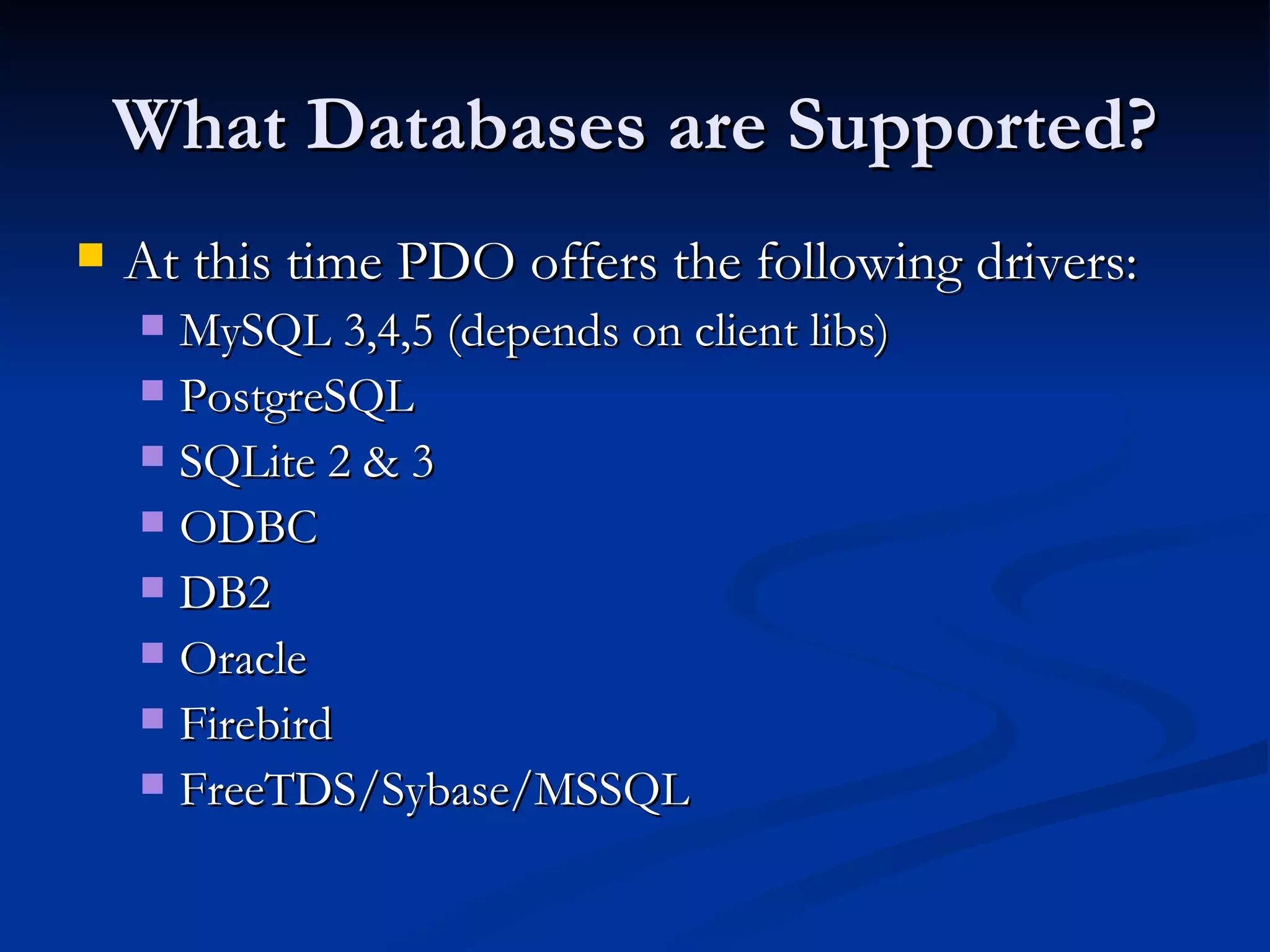
What Databases are Supported? At this time PDO offers the following drivers: MySQL 3,4,5 (depends on client libs) PostgreSQL SQLite 2 & 3 ODBC DB2 Oracle Firebird FreeTDS/Sybase/MSSQL
Installing PDO PDO is divided into two components CORE (provides the interface) DRIVERS (access to particular database) Ex. pdo_mysql The CORE is enabled by default, drivers with the exception of pdo_sqlite are not.
Actual Install Steps PECL Way pecl install pdo_[driver_name] Update php.ini and add extension=pdo_[driver_name].so (or .dll on win32) Built into PHP ./configure –with-pdo-[driver_name] For Win32 dlls for each driver are available.
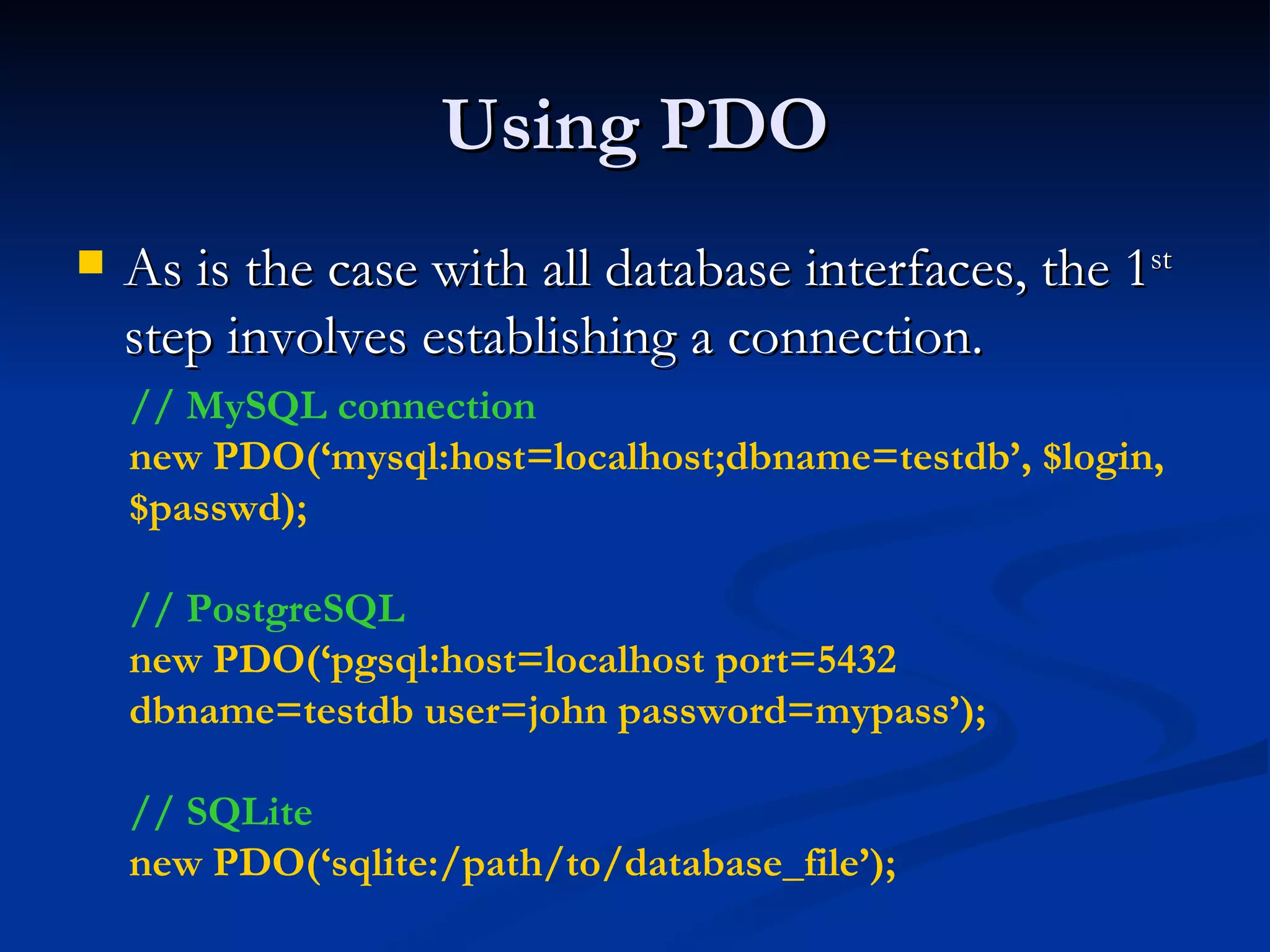
Using PDO As is the case with all database interfaces, the 1 st  step involves establishing a connection. // MySQL connection new PDO(‘mysql:host=localhost;dbname=testdb’, $login, $passwd); // PostgreSQL new PDO(‘pgsql:host=localhost port=5432 dbname=testdb user=john password=mypass’); // SQLite new PDO(‘sqlite:/path/to/database_file’);
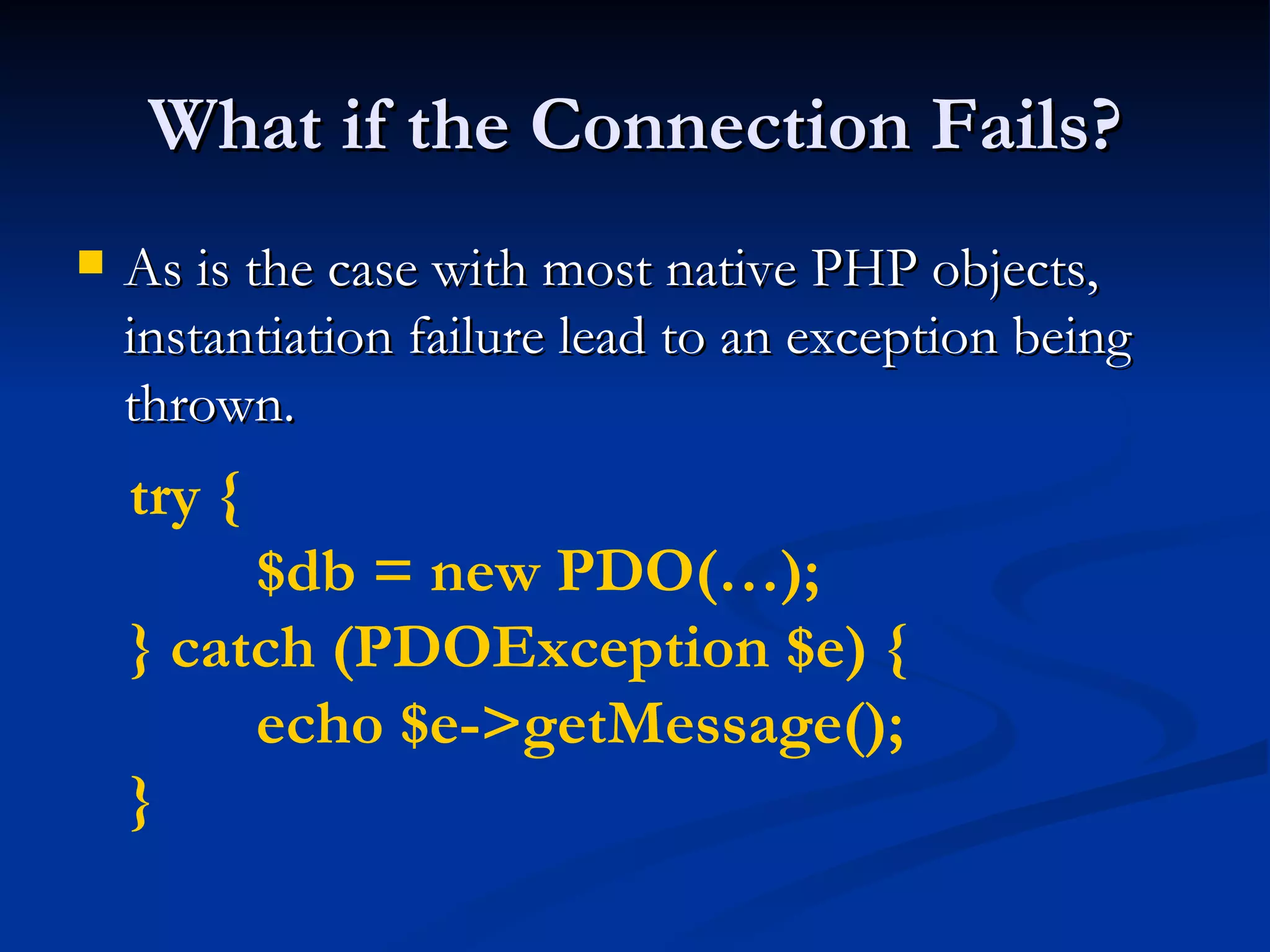
What if the Connection Fails? As is the case with most native PHP objects, instantiation failure lead to an exception being thrown. try { $db = new PDO(…); } catch (PDOException $e) { echo $e->getMessage(); }
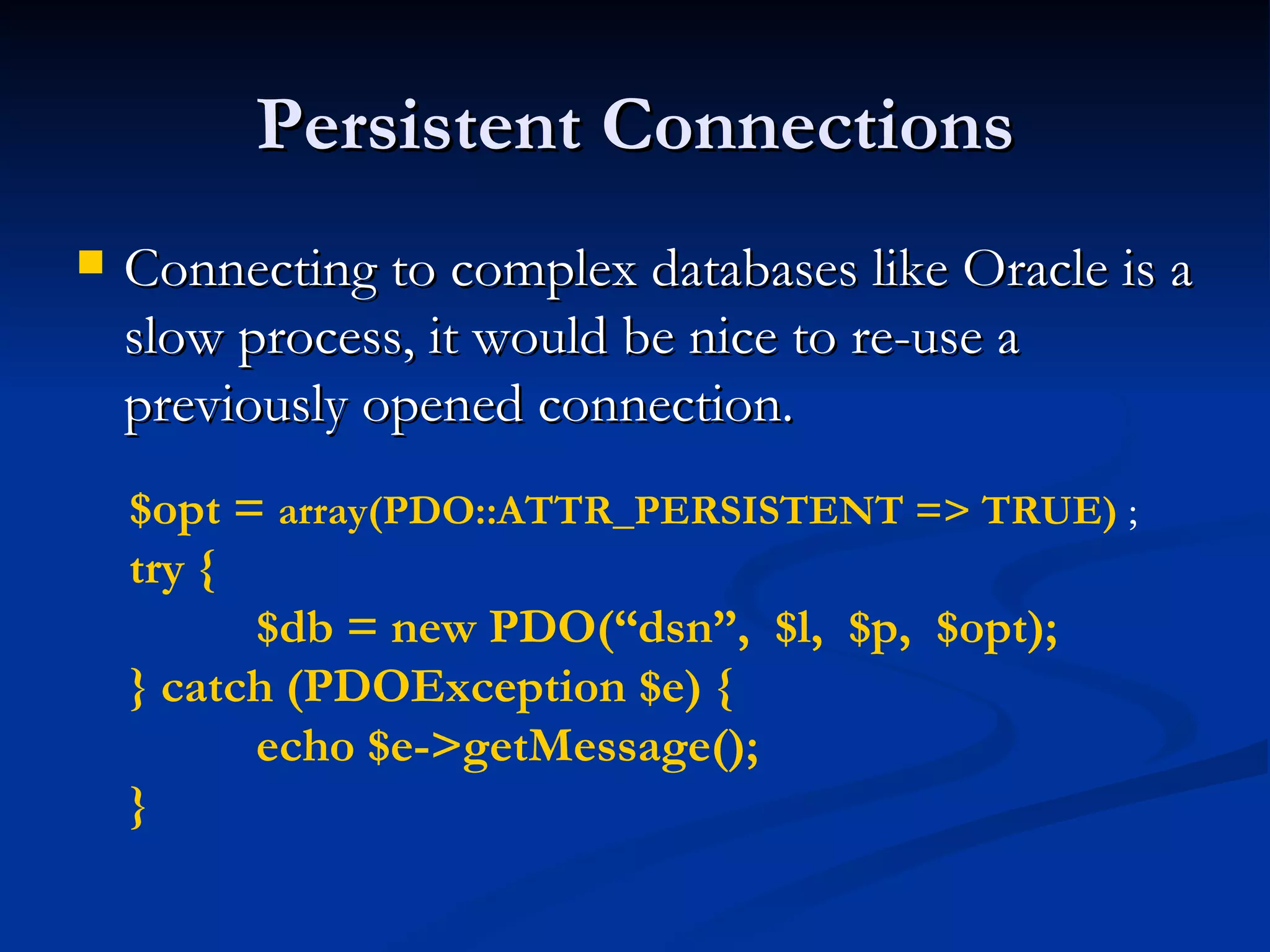
Persistent Connections Connecting to complex databases like Oracle is a slow process, it would be nice to re-use a previously opened connection. $opt =  array(PDO::ATTR_PERSISTENT => TRUE)  ; try { $db = new PDO(“dsn”,  $l,  $p,  $opt); } catch (PDOException $e) { echo $e->getMessage(); }
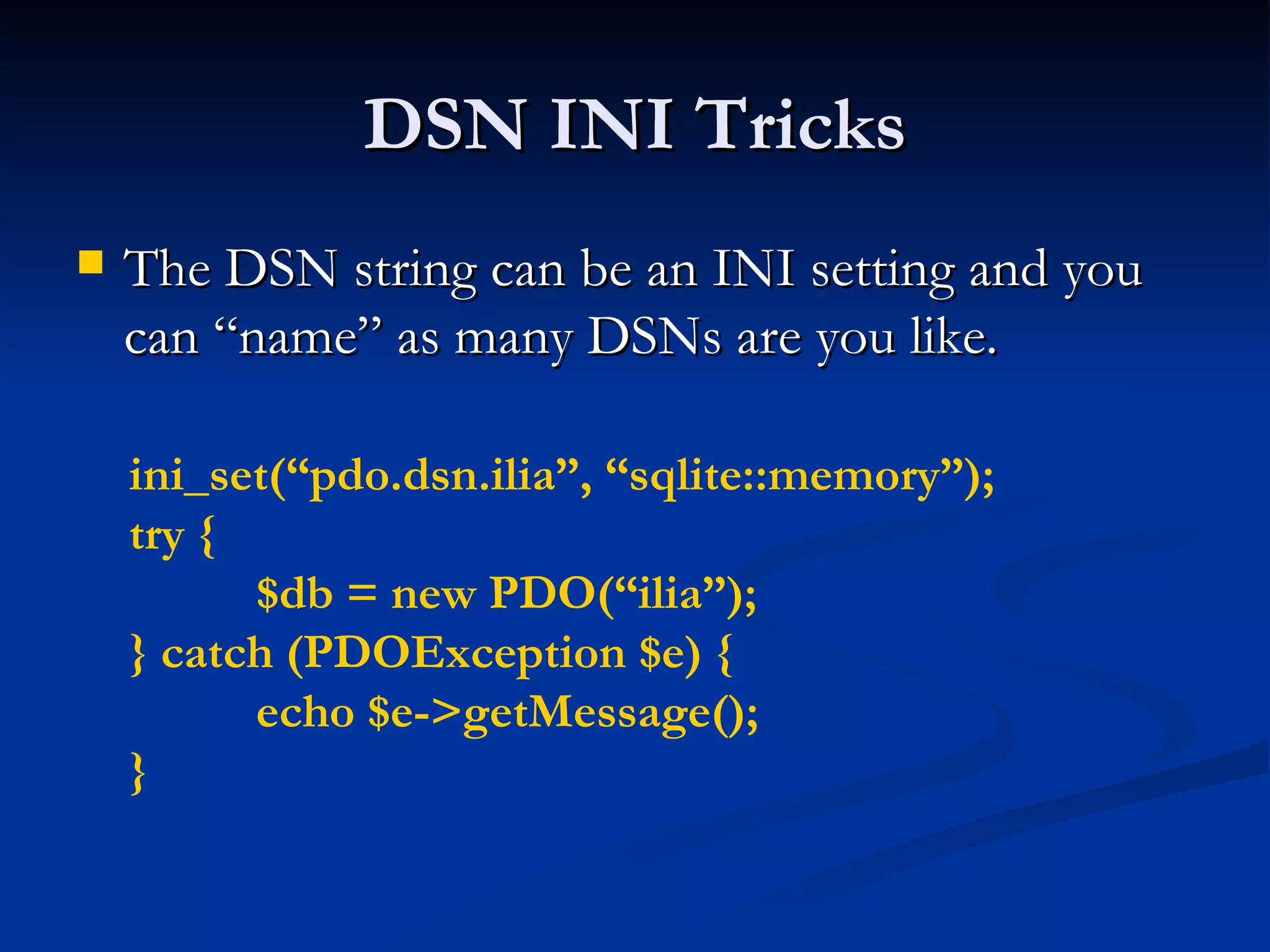
DSN INI Tricks The DSN string can be an INI setting and you can “name” as many DSNs are you like. ini_set(“pdo.dsn.ilia”, “sqlite::memory”); try { $db = new PDO(“ilia”); } catch (PDOException $e) { echo $e->getMessage(); }
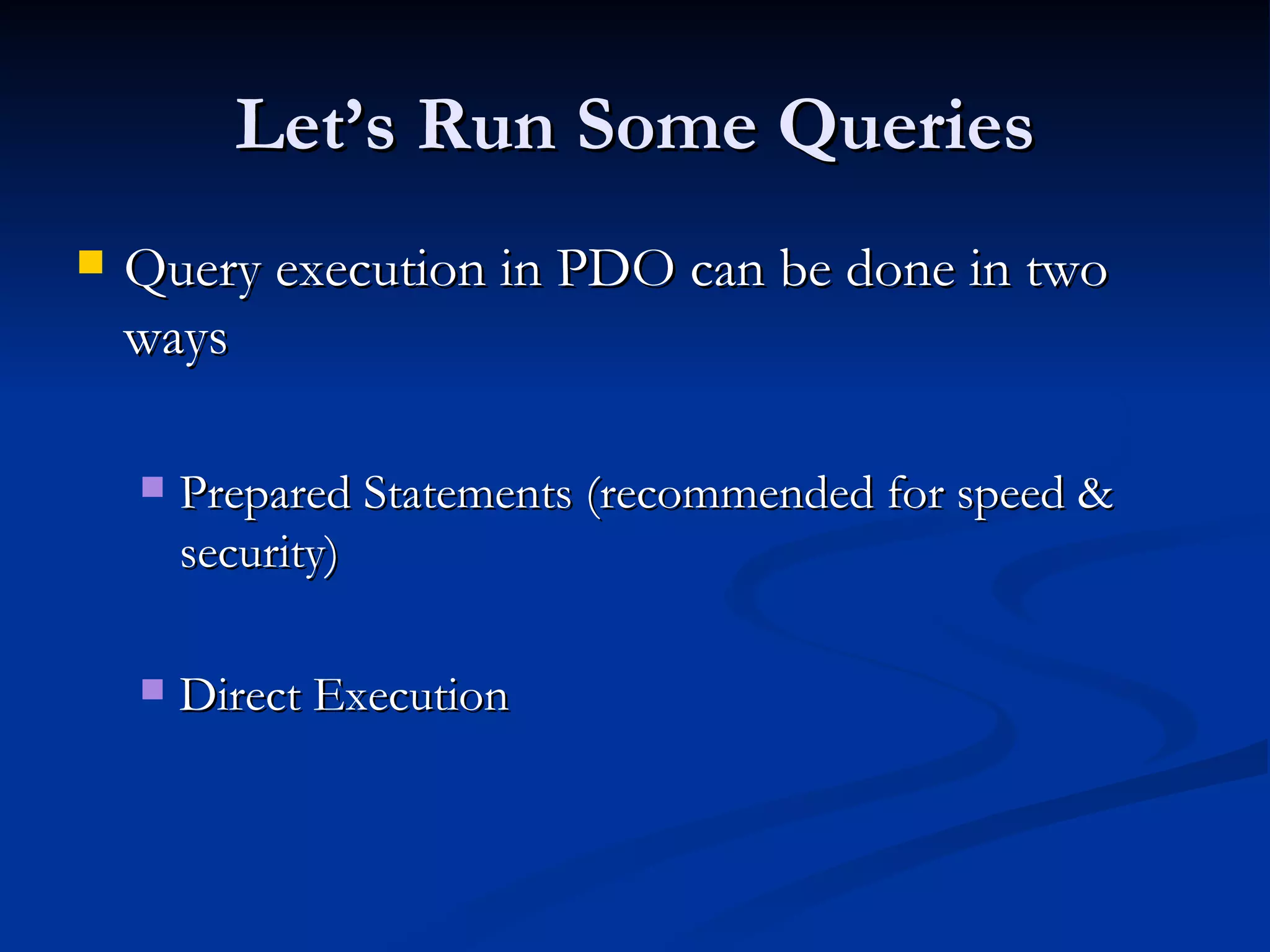
Let’s Run Some Queries Query execution in PDO can be done in two ways Prepared Statements (recommended for speed & security) Direct Execution
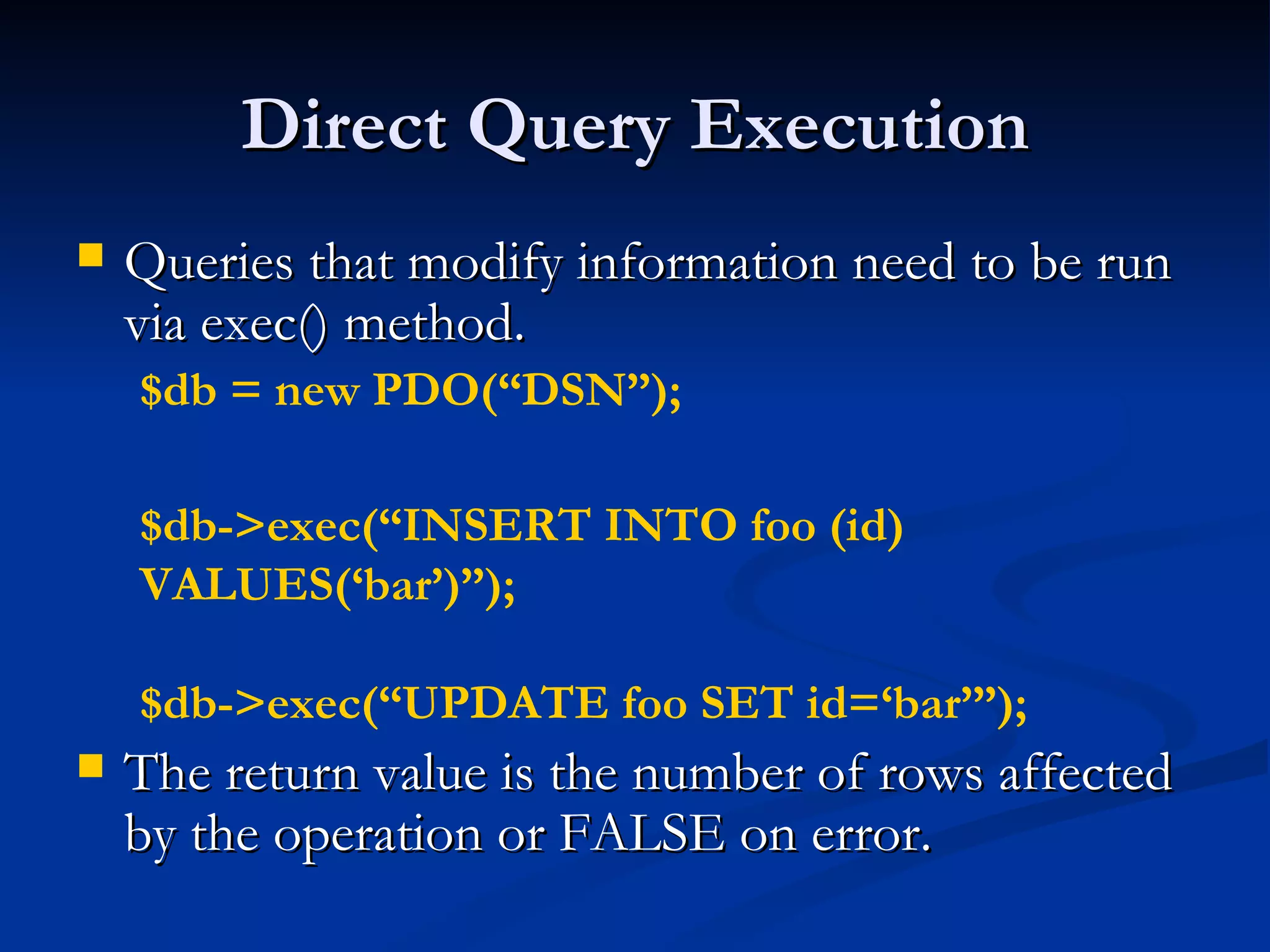
Direct Query Execution Queries that modify information need to be run via exec() method. The return value is the number of rows affected by the operation or FALSE on error. $db = new PDO(“DSN”); $db->exec(“INSERT INTO foo (id) VALUES(‘bar’)”); $db->exec(“UPDATE foo SET id=‘bar’”);
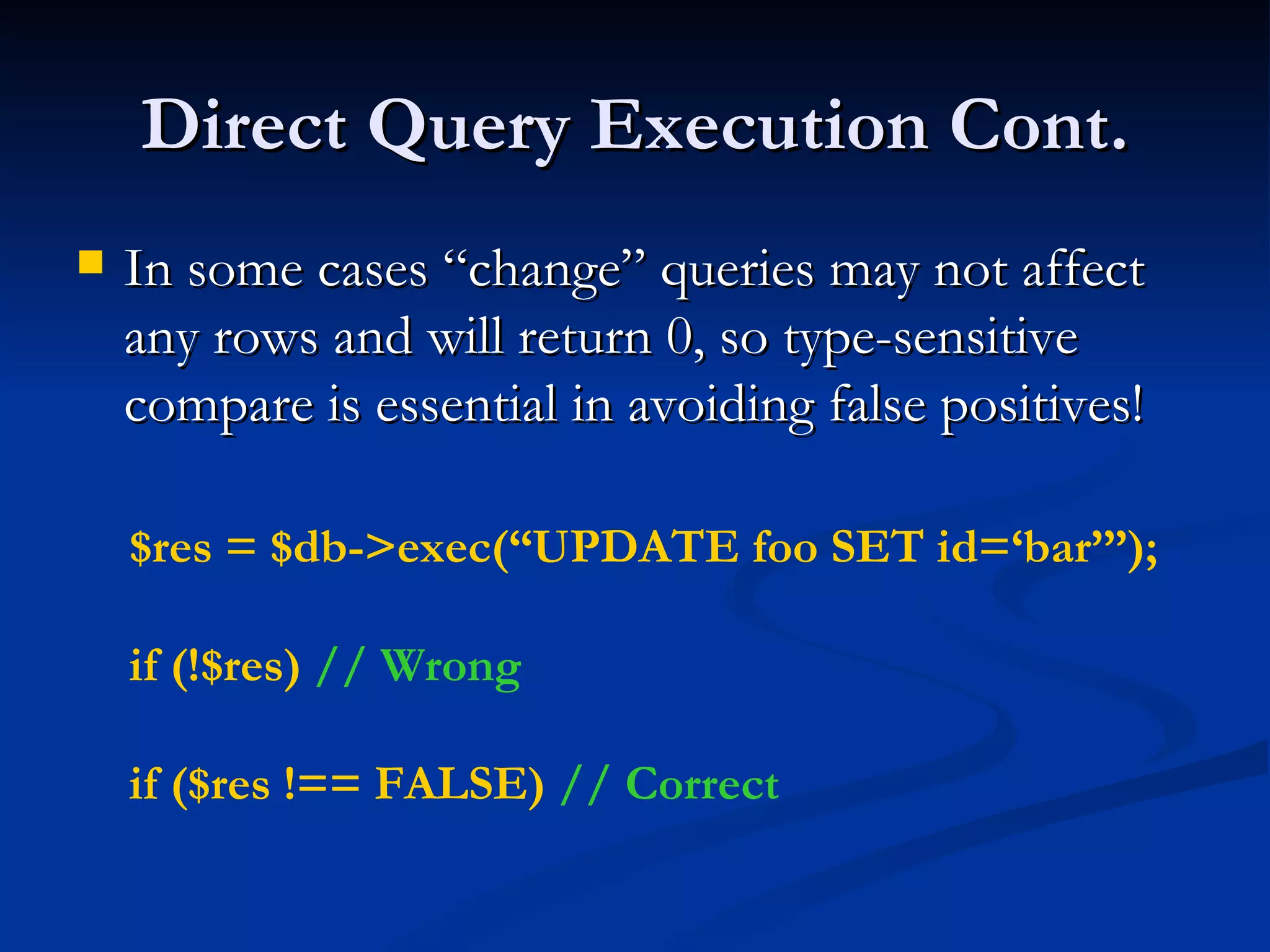
Direct Query Execution Cont. In some cases “change” queries may not affect any rows and will return 0, so type-sensitive compare is essential in avoiding false positives! $res = $db->exec(“UPDATE foo SET id=‘bar’”); if (!$res)  // Wrong if ($res !== FALSE)  // Correct
Retrieving Error Information PDO Provides 2 methods of getting error information: errorCode() – SQLSTATE  error code Ex. 42000 == Syntax Error errorInfo() – Detailed error information Ex. array( [0] => 42000, [1] => 1064 [2] => You have an error in your SQL syntax; … )
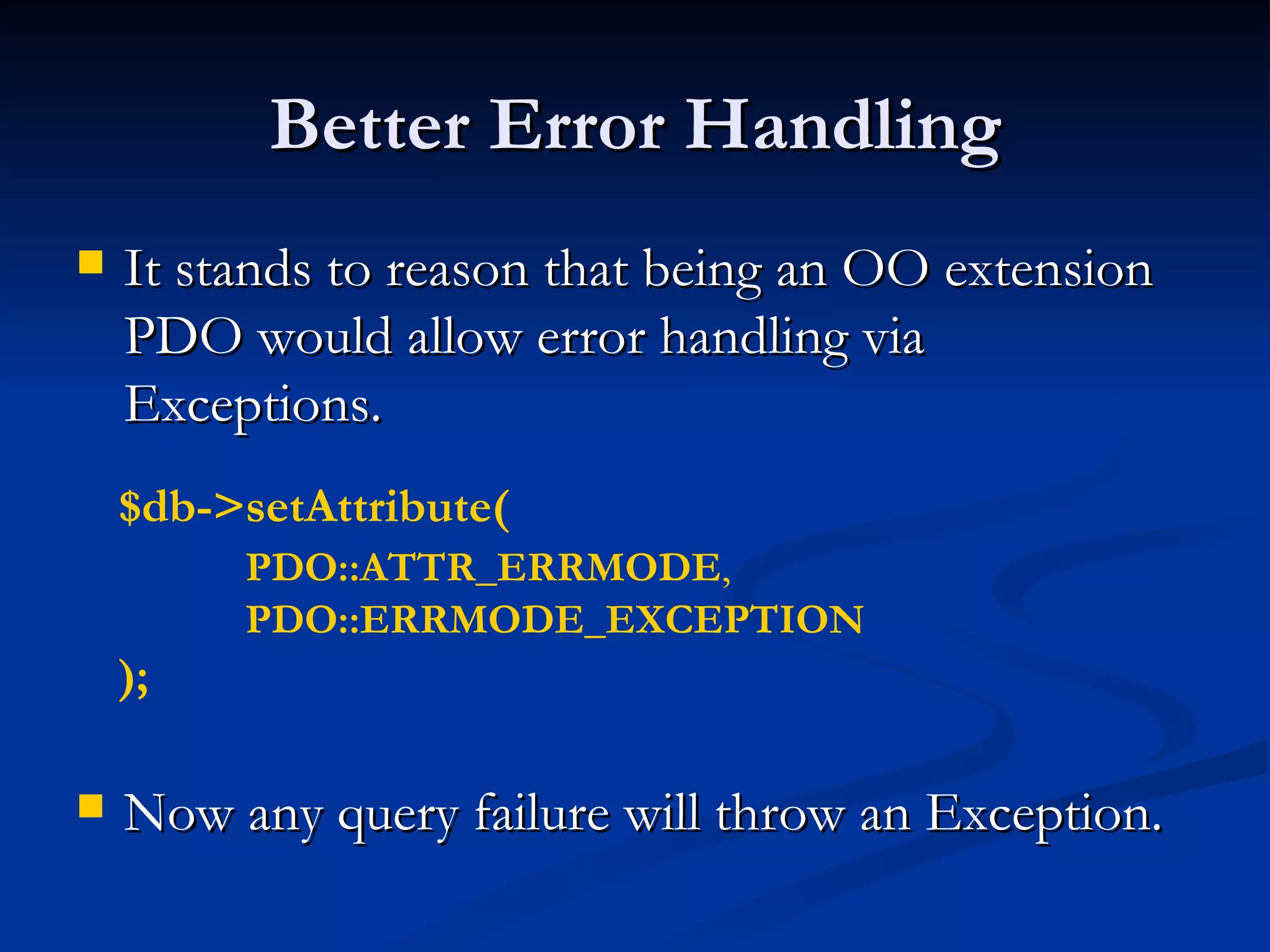
Better Error Handling It stands to reason that being an OO extension PDO would allow error handling via Exceptions. Now any query failure will throw an Exception. $db->setAttribute( PDO::ATTR_ERRMODE ,  PDO::ERRMODE_EXCEPTION   );
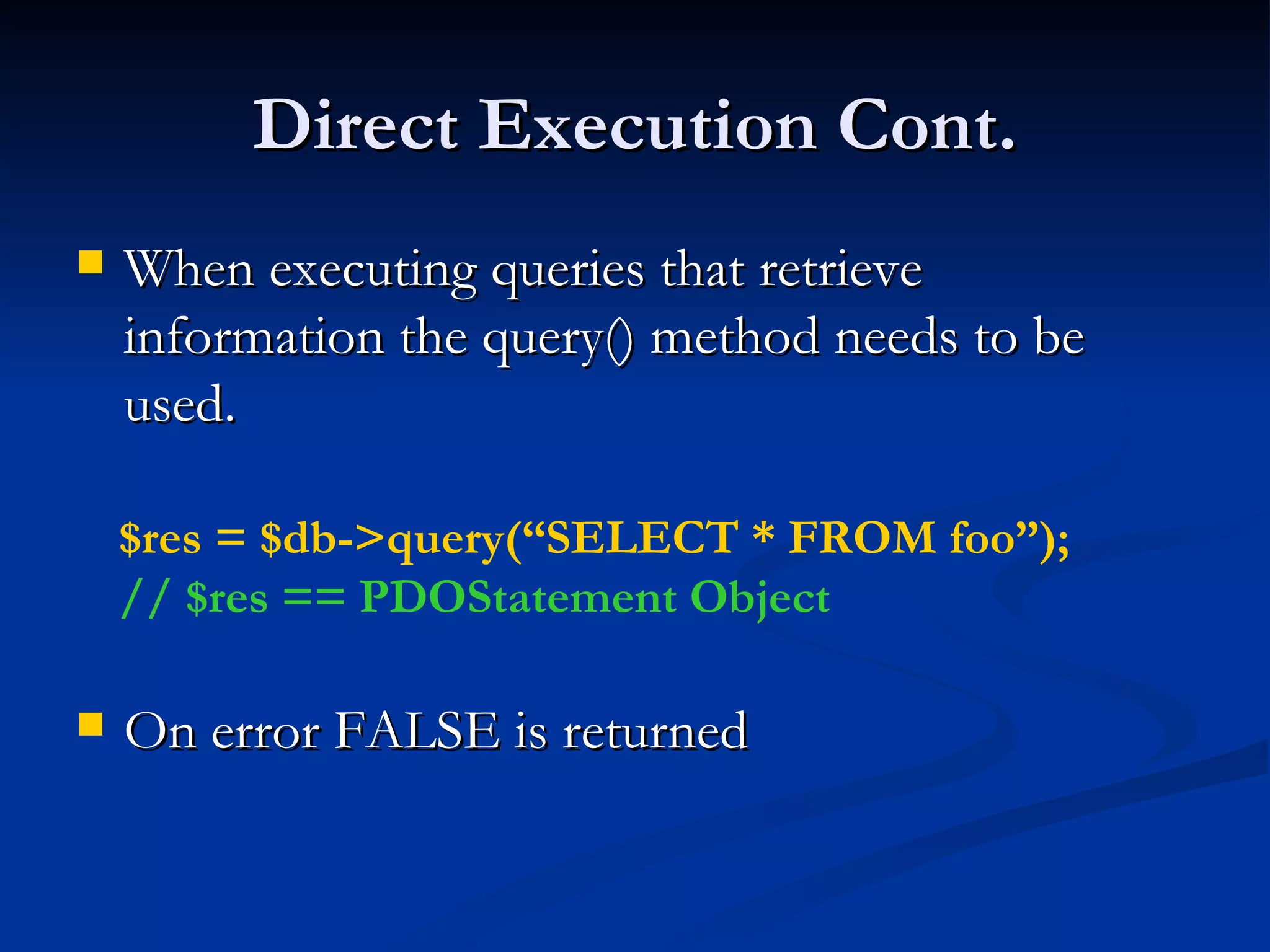
Direct Execution Cont. When executing queries that retrieve information the query() method needs to be used. On error FALSE is returned $res = $db->query(“SELECT * FROM foo”); // $res == PDOStatement Object
Fetch Query Results Perhaps one of the biggest features of PDO is its flexibility when it comes to how data is to be fetched. Array (Numeric or Associated Indexes) Strings (for single column result sets) Objects (stdClass, object of given class or into an existing object) Callback function Lazy fetching Iterators And more!
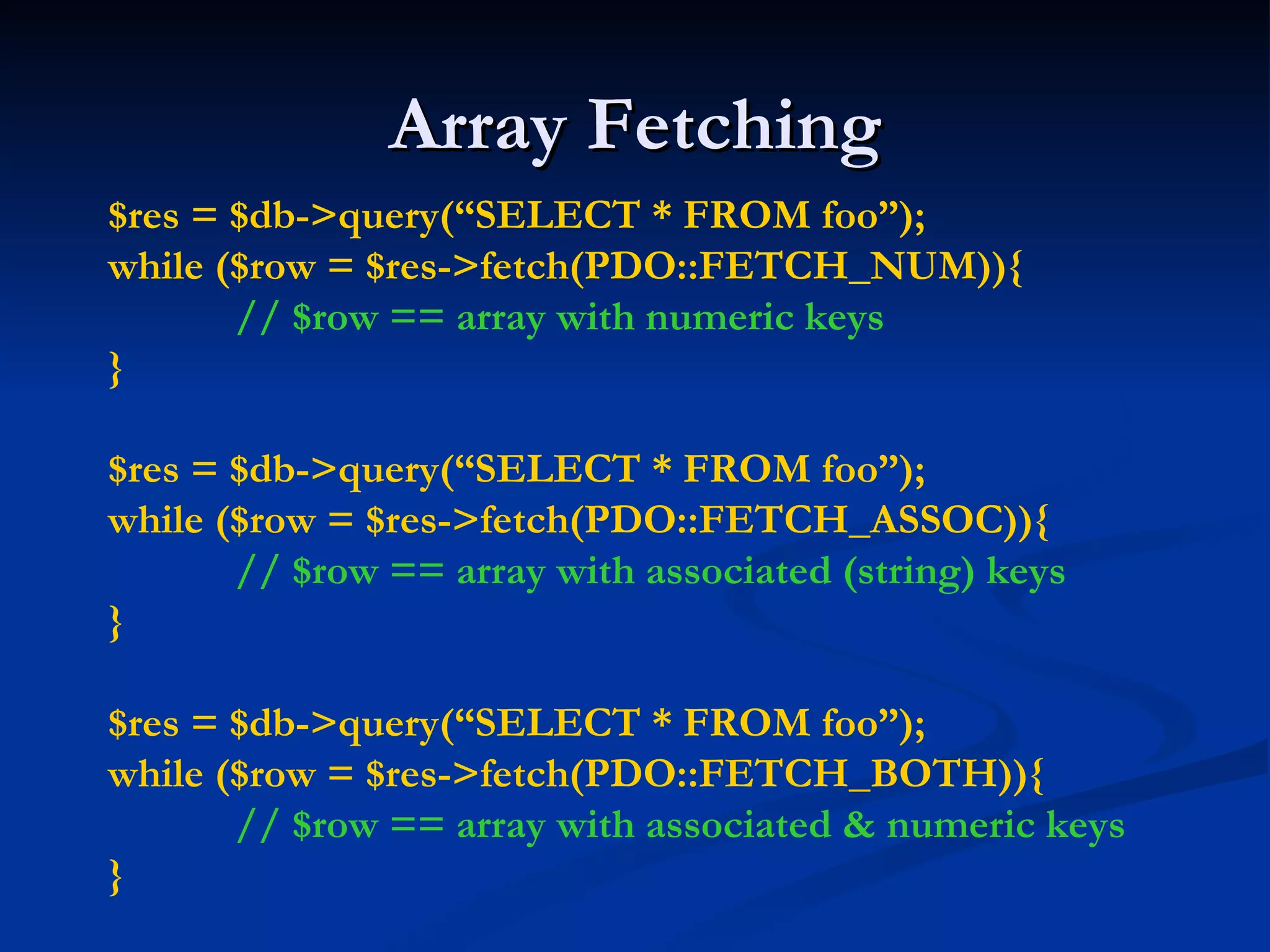
Array Fetching $res = $db->query(“SELECT * FROM foo”); while ($row = $res->fetch(PDO::FETCH_NUM)){ // $row == array with numeric keys } $res = $db->query(“SELECT * FROM foo”); while ($row = $res->fetch(PDO::FETCH_ASSOC)){ // $row == array with associated (string) keys } $res = $db->query(“SELECT * FROM foo”); while ($row = $res->fetch(PDO::FETCH_BOTH)){ // $row == array with associated & numeric keys }
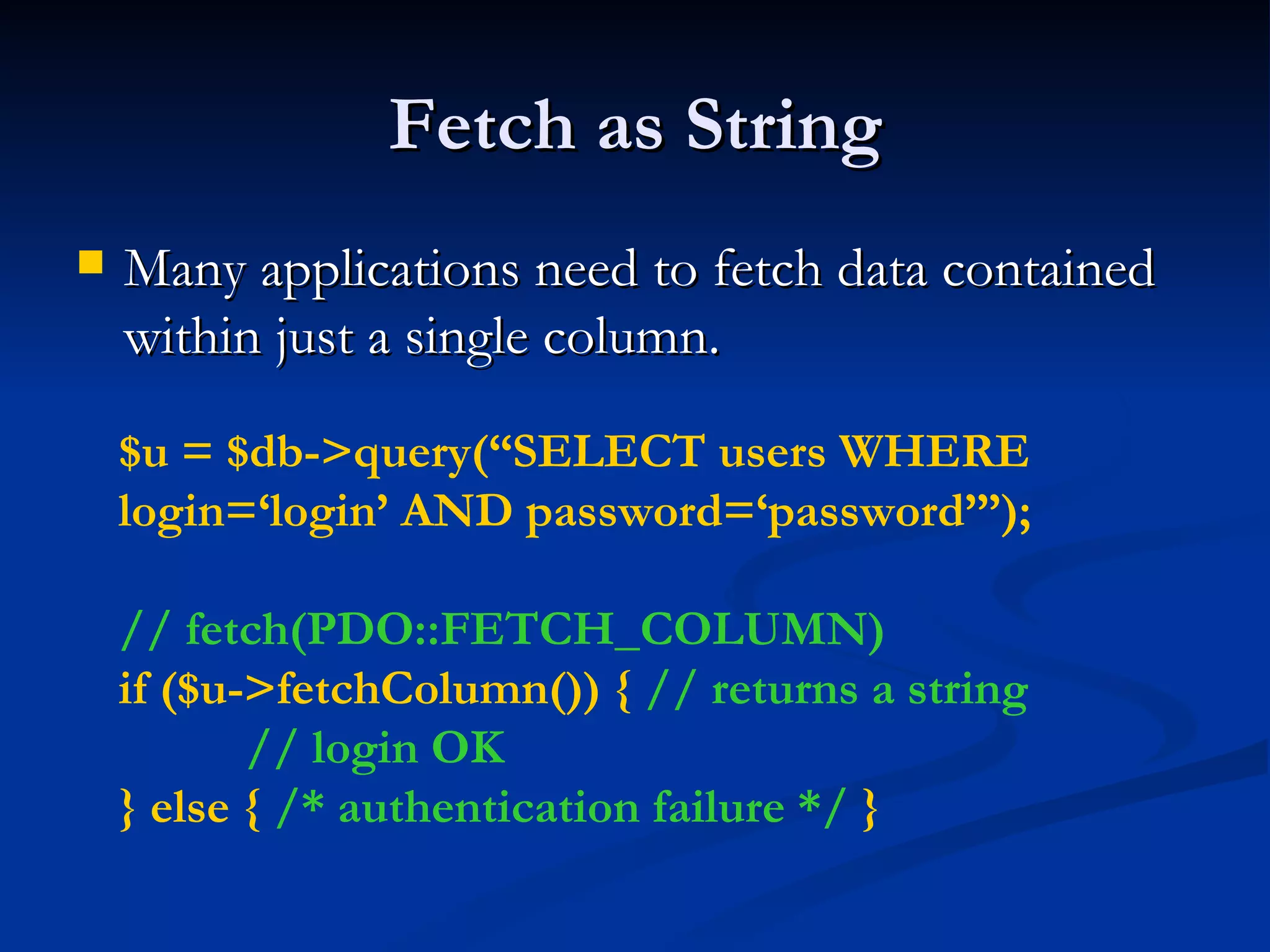
Fetch as String Many applications need to fetch data contained within just a single column. $u = $db->query(“SELECT users WHERE login=‘login’ AND password=‘password’”); // fetch(PDO::FETCH_COLUMN) if ($u->fetchColumn()) {  // returns a string // login OK } else {  /* authentication failure */  }
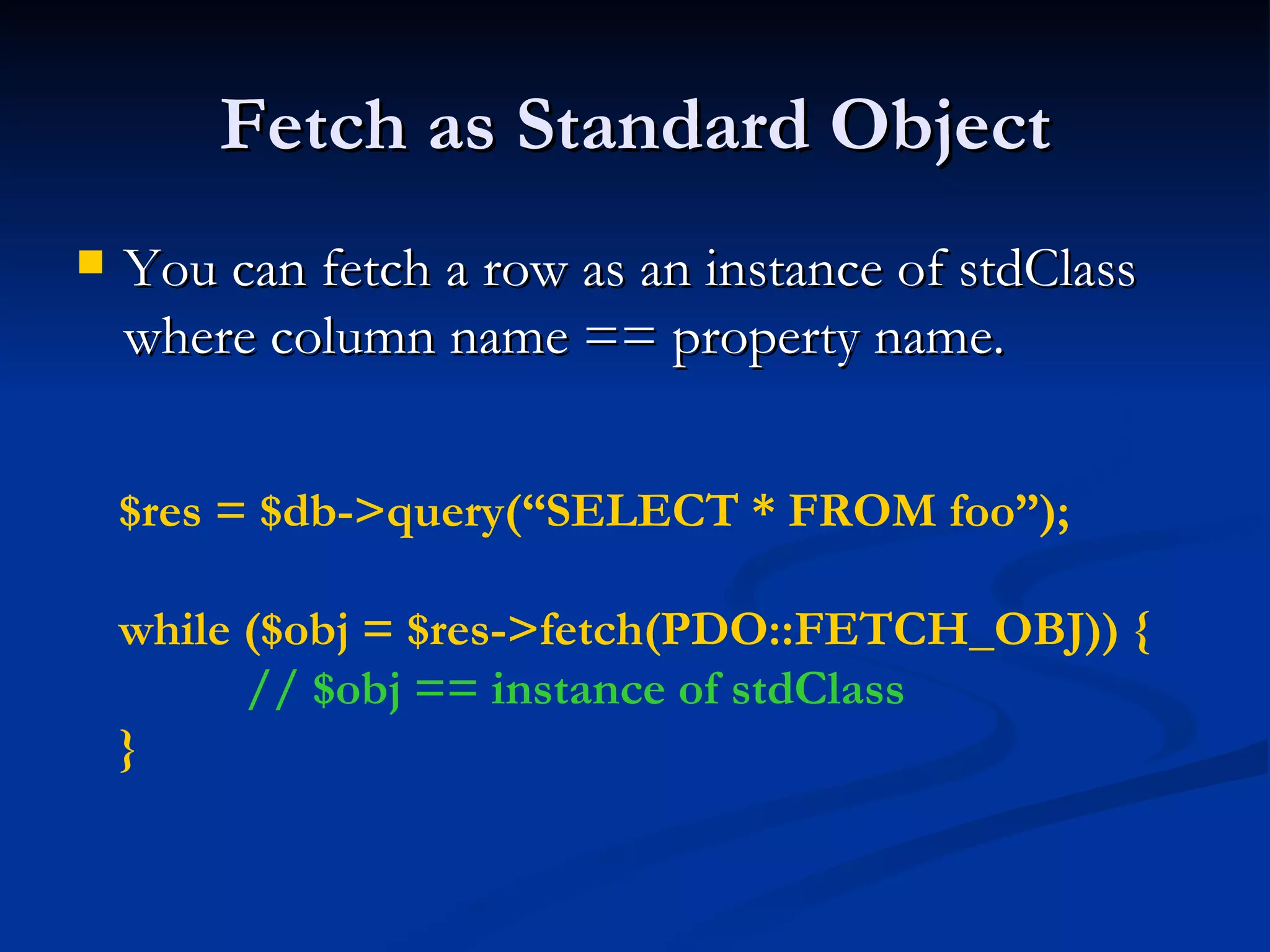
Fetch as Standard Object You can fetch a row as an instance of stdClass where column name == property name. $res = $db->query(“SELECT * FROM foo”); while ($obj = $res->fetch(PDO::FETCH_OBJ)) { // $obj == instance of stdClass }
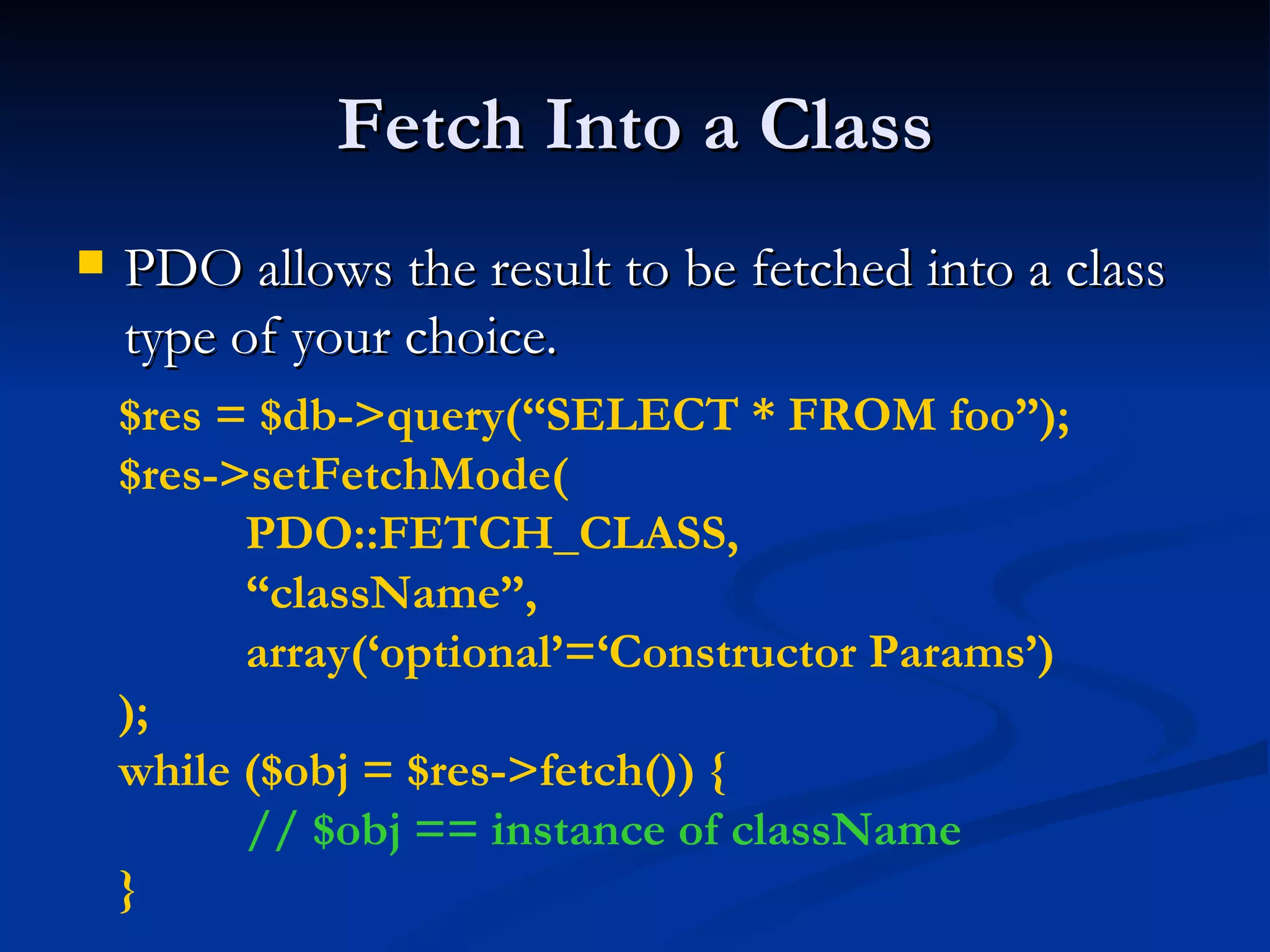
Fetch Into a Class PDO allows the result to be fetched into a class type of your choice. $res = $db->query(“SELECT * FROM foo”); $res->setFetchMode( PDO::FETCH_CLASS, “ className”, array(‘optional’=‘Constructor Params’) ); while ($obj = $res->fetch()) { // $obj == instance of className }
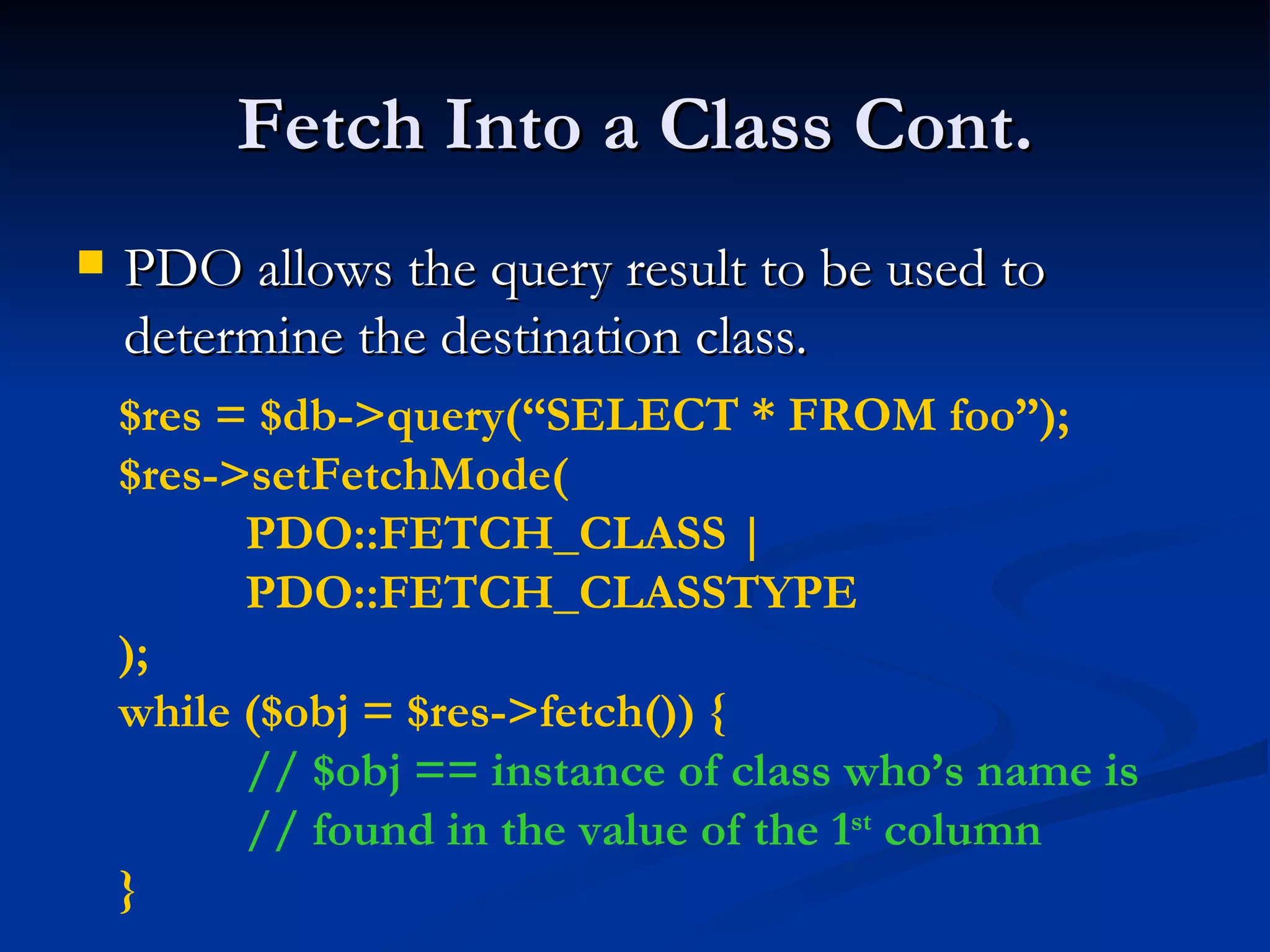
Fetch Into a Class Cont. PDO allows the query result to be used to determine the destination class. $res = $db->query(“SELECT * FROM foo”); $res->setFetchMode( PDO::FETCH_CLASS | PDO::FETCH_CLASSTYPE ); while ($obj = $res->fetch()) { // $obj == instance of class who’s name is // found in the value of the 1 st  column }
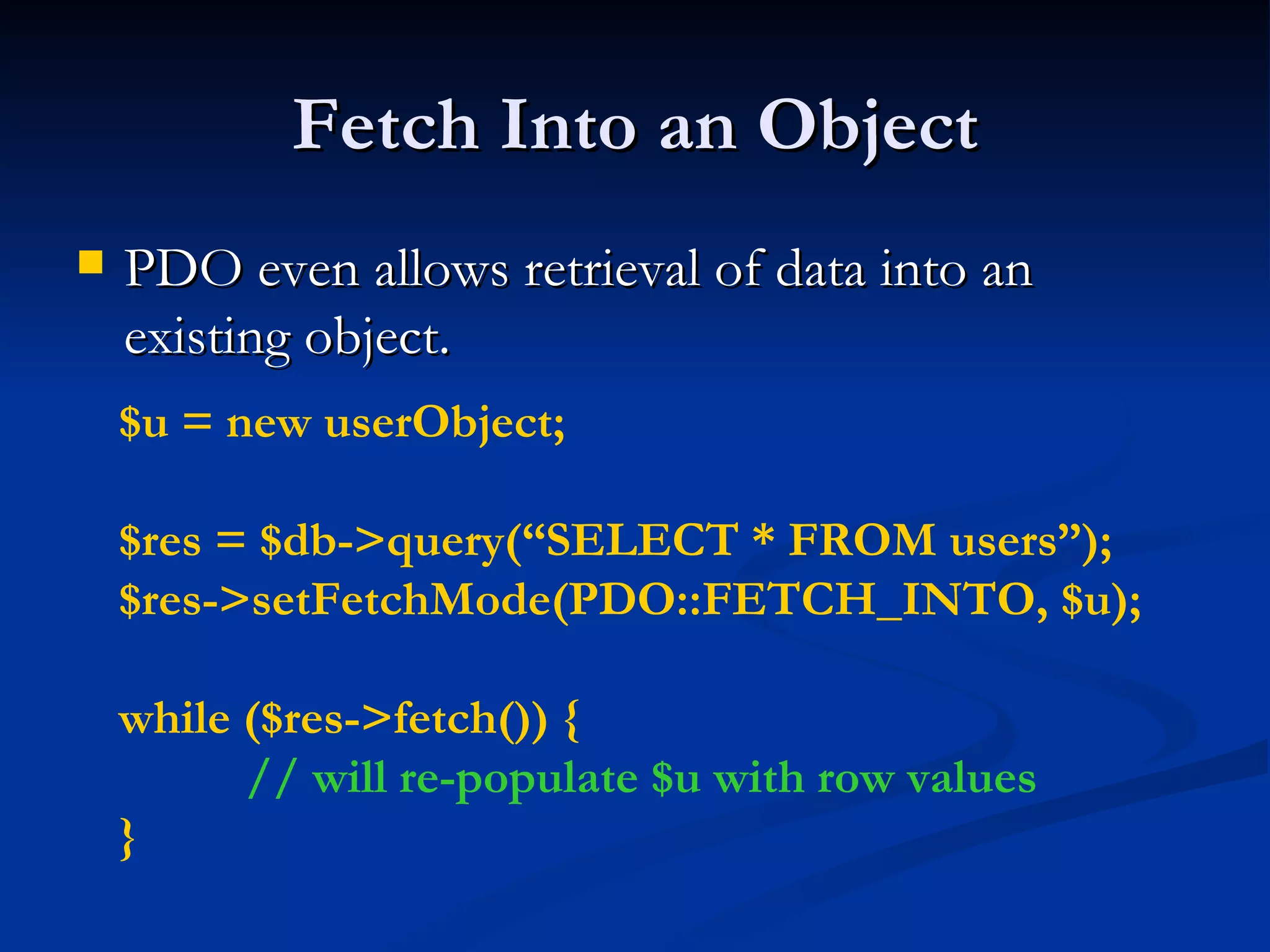
Fetch Into an Object PDO even allows retrieval of data into an existing object. $u = new userObject; $res = $db->query(“SELECT * FROM users”); $res->setFetchMode(PDO::FETCH_INTO, $u);  while ($res->fetch()) { // will re-populate $u with row values }
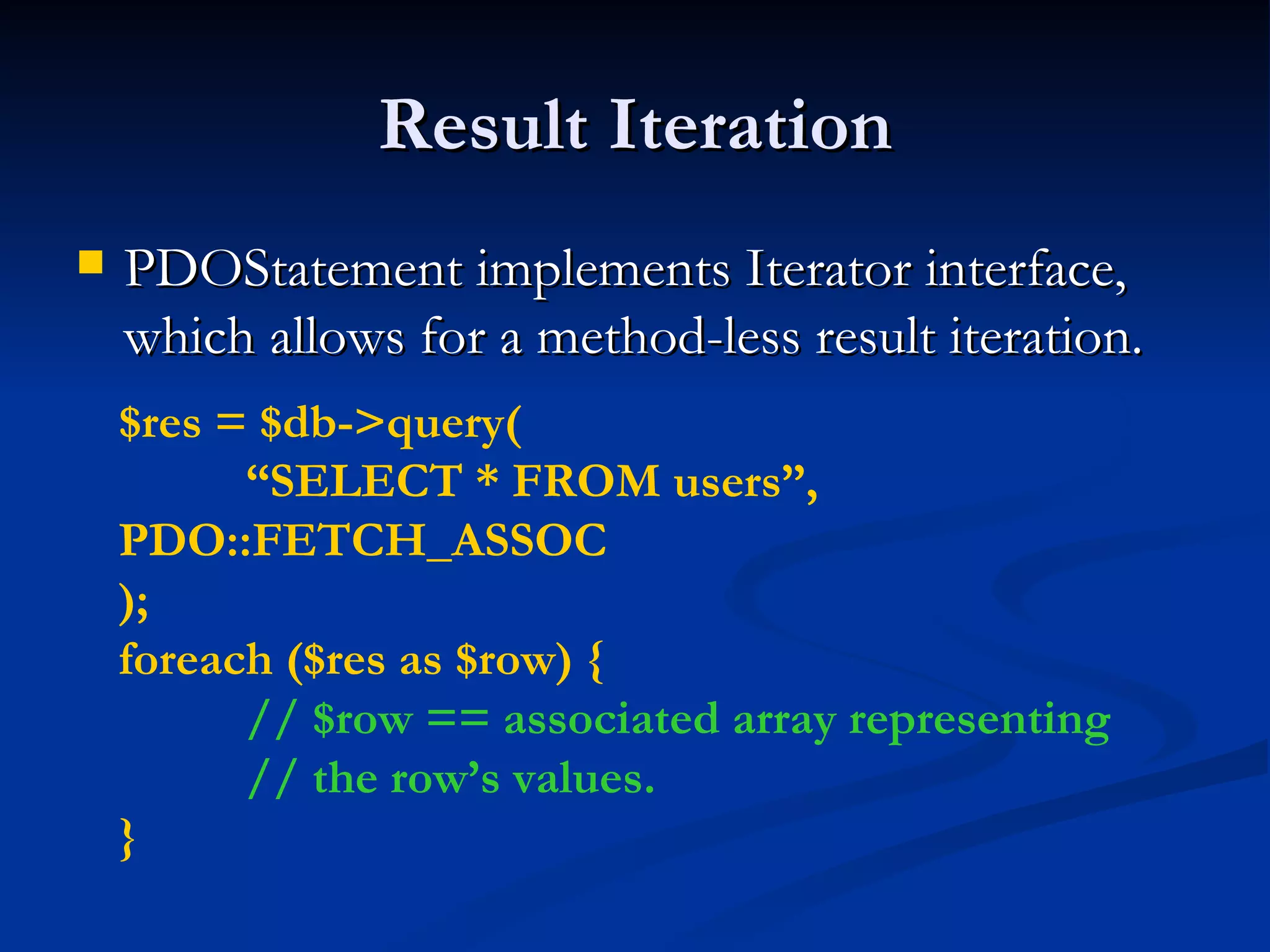
Result Iteration PDOStatement implements Iterator interface, which allows for a method-less result iteration. $res = $db->query( “ SELECT * FROM users”,  PDO::FETCH_ASSOC ); foreach ($res as $row) { // $row == associated array representing // the row’s values. }
Lazy Fetching Lazy fetches returns a result in a form object, but holds of populating properties until they are actually used. $res = $db->query( “ SELECT * FROM users”,  PDO::FETCH_LAZY ); foreach ($res as $row) { echo $row[‘name’];  // only fetch name column }
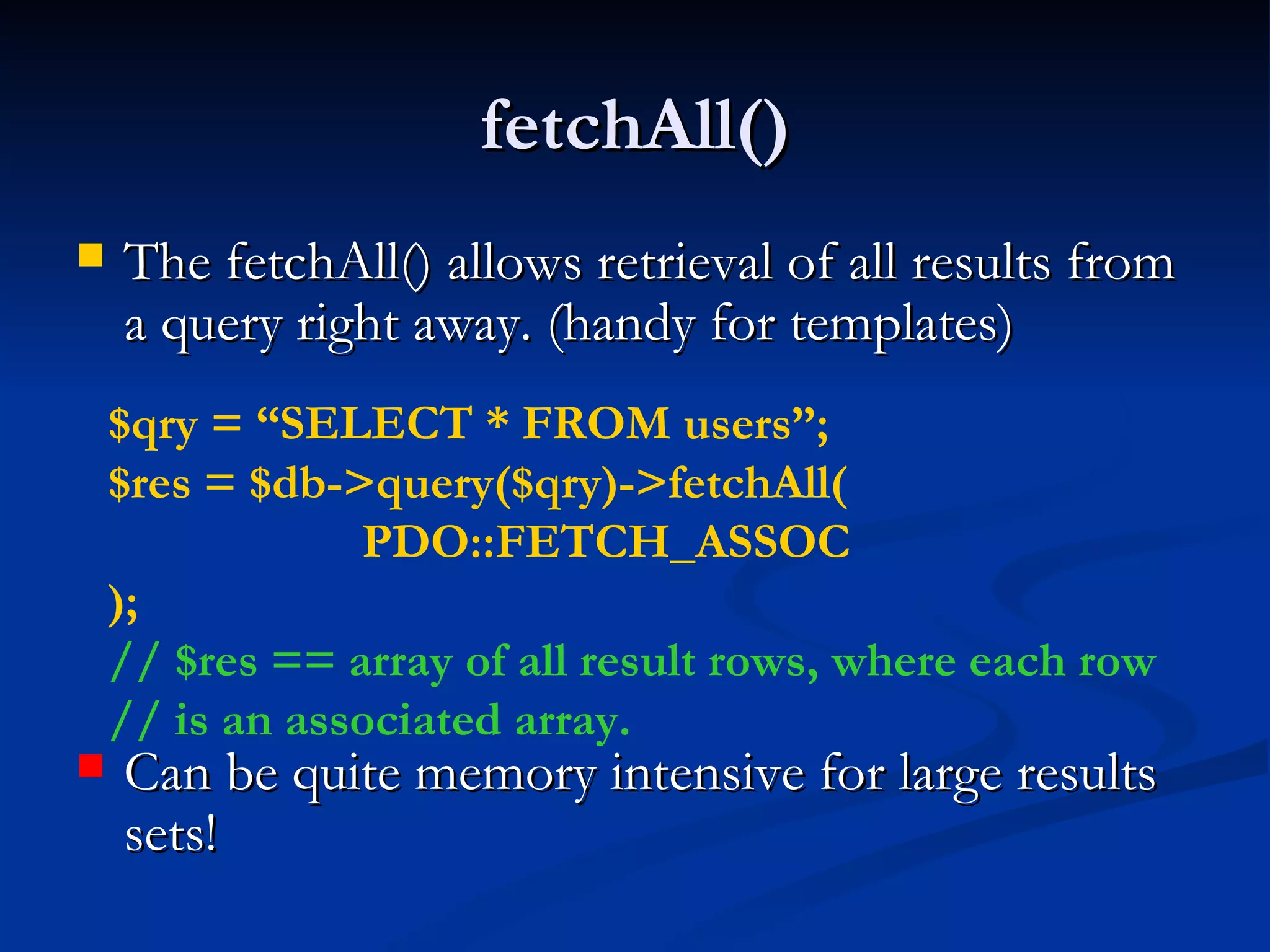
fetchAll() The fetchAll() allows retrieval of all results from a query right away. (handy for templates) Can be quite memory intensive for large results sets! $qry = “SELECT * FROM users”; $res = $db->query($qry)->fetchAll( PDO::FETCH_ASSOC ); // $res == array of all result rows, where each row // is an associated array.
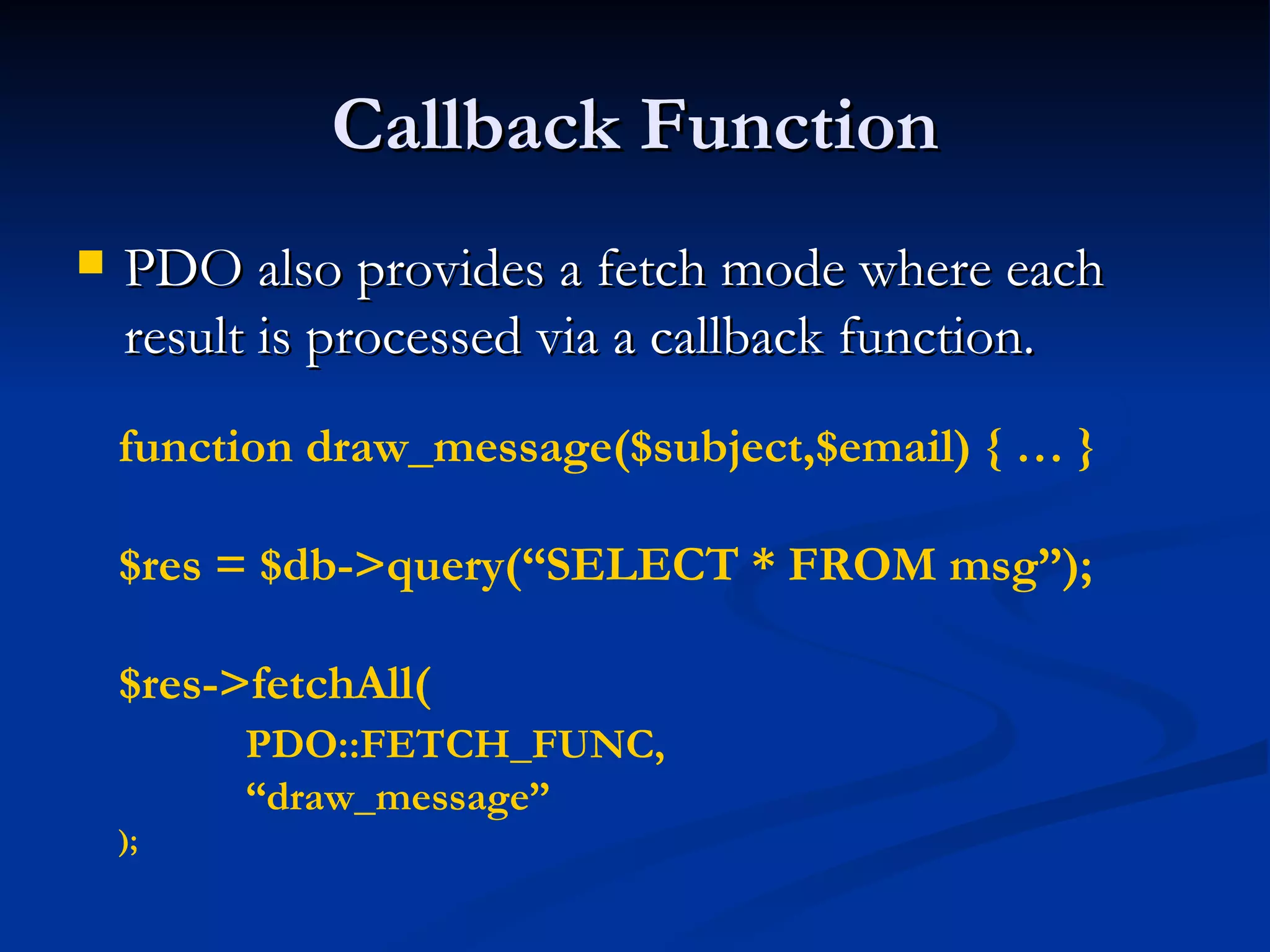
Callback Function PDO also provides a fetch mode where each result is processed via a callback function. function draw_message($subject,$email) { … } $res = $db->query(“SELECT * FROM msg”); $res->fetchAll( PDO::FETCH_FUNC,  “ draw_message” );
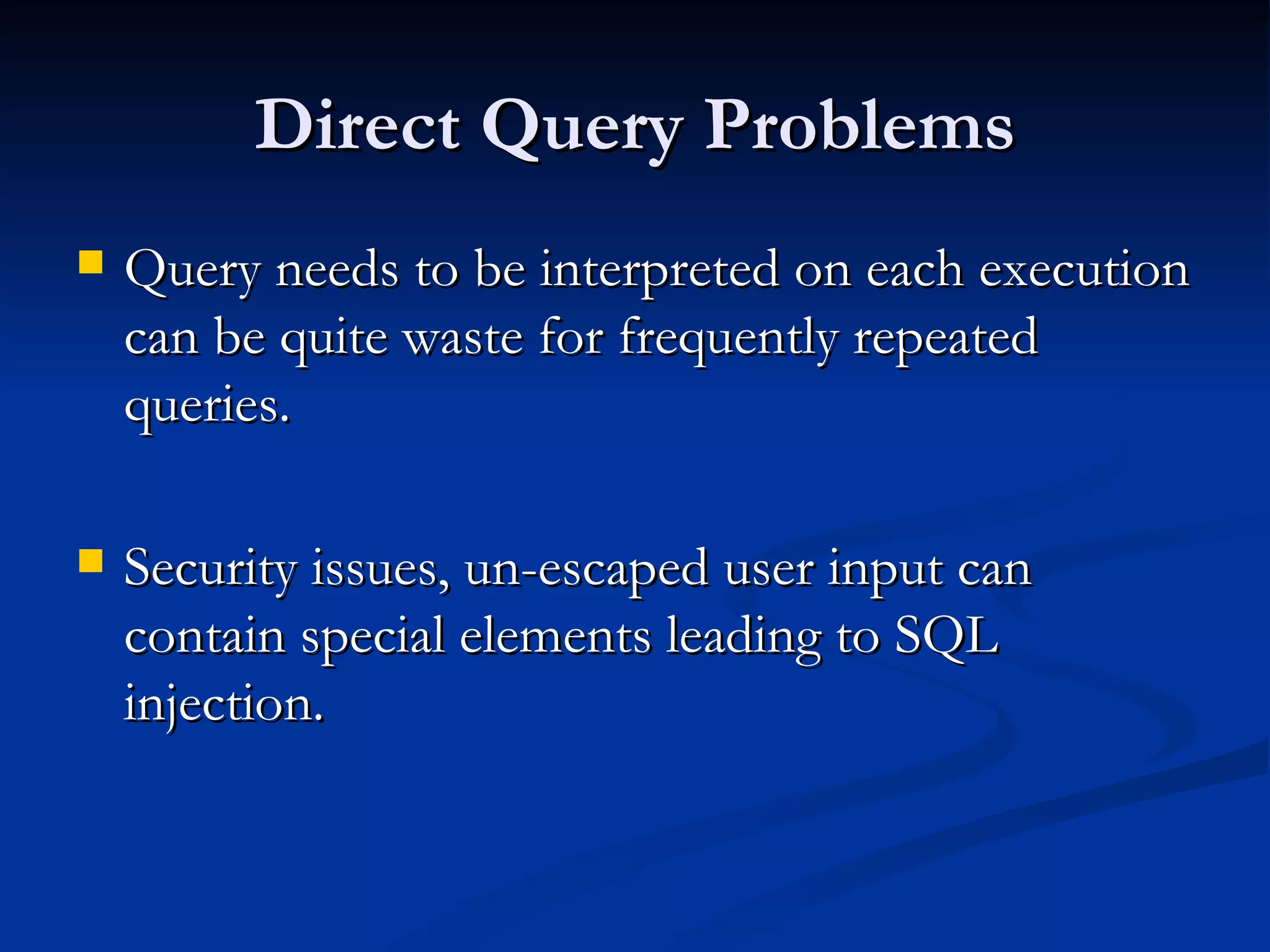
Direct Query Problems Query needs to be interpreted on each execution can be quite waste for frequently repeated queries. Security issues, un-escaped user input can contain special elements leading to SQL injection.
Escaping in PDO Escaping of special characters in PDO is handled via the quote() method. $qry = “SELECT * FROM users WHERE  login=“.$db->quote($_POST[‘login’]).” AND passwd=“.$db->quote($_POST[‘pass’]);
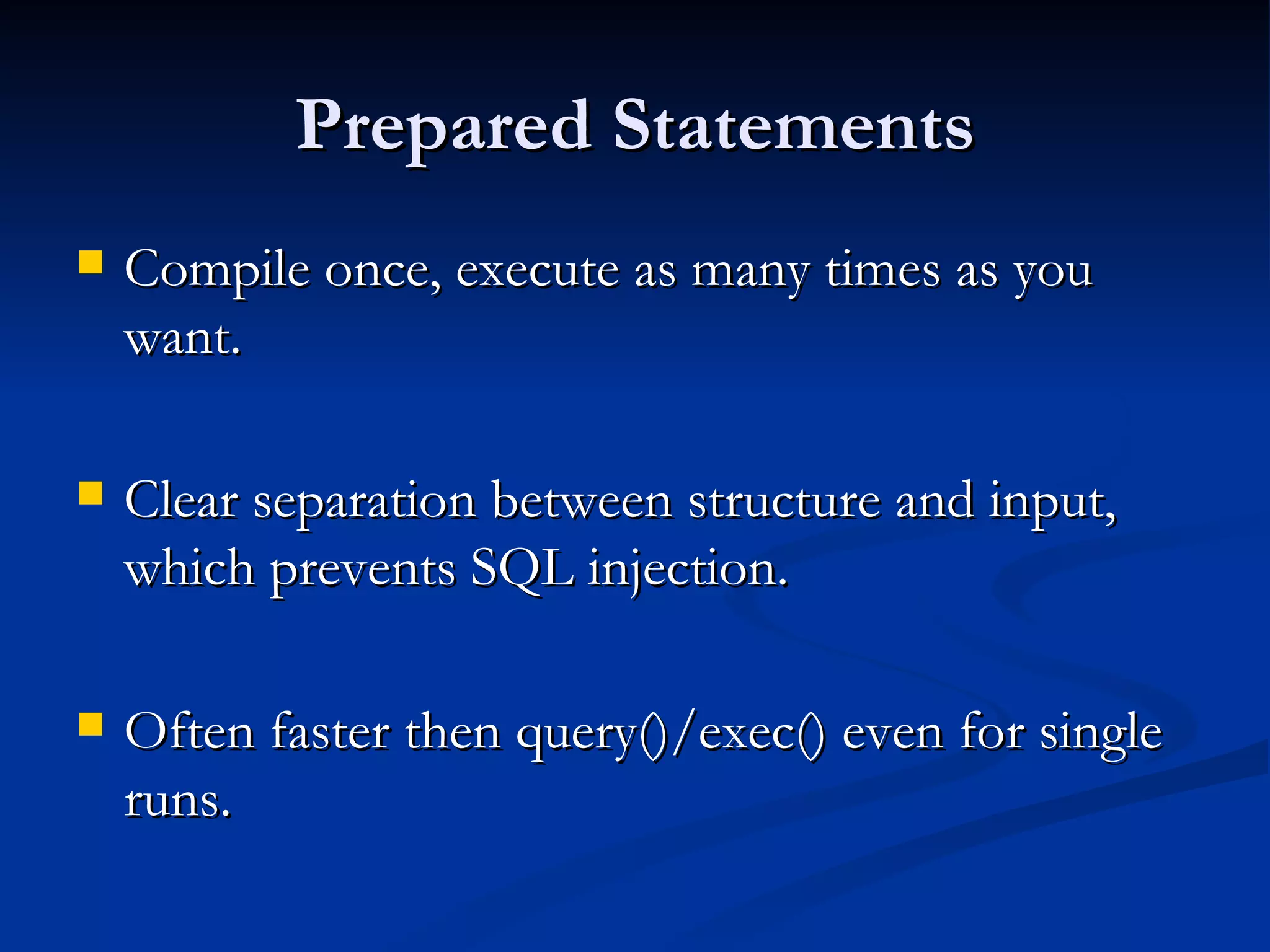
Prepared Statements Compile once, execute as many times as you want. Clear separation between structure and input, which prevents SQL injection. Often faster then query()/exec() even for single runs.
Prepared Statements in Action $stmt = $db->prepare( “ SELECT * FROM users WHERE id=?” ); $stmt->execute(array($_GET[‘id’])); $stmt->fetch(PDO::FETCH_ASSOC);
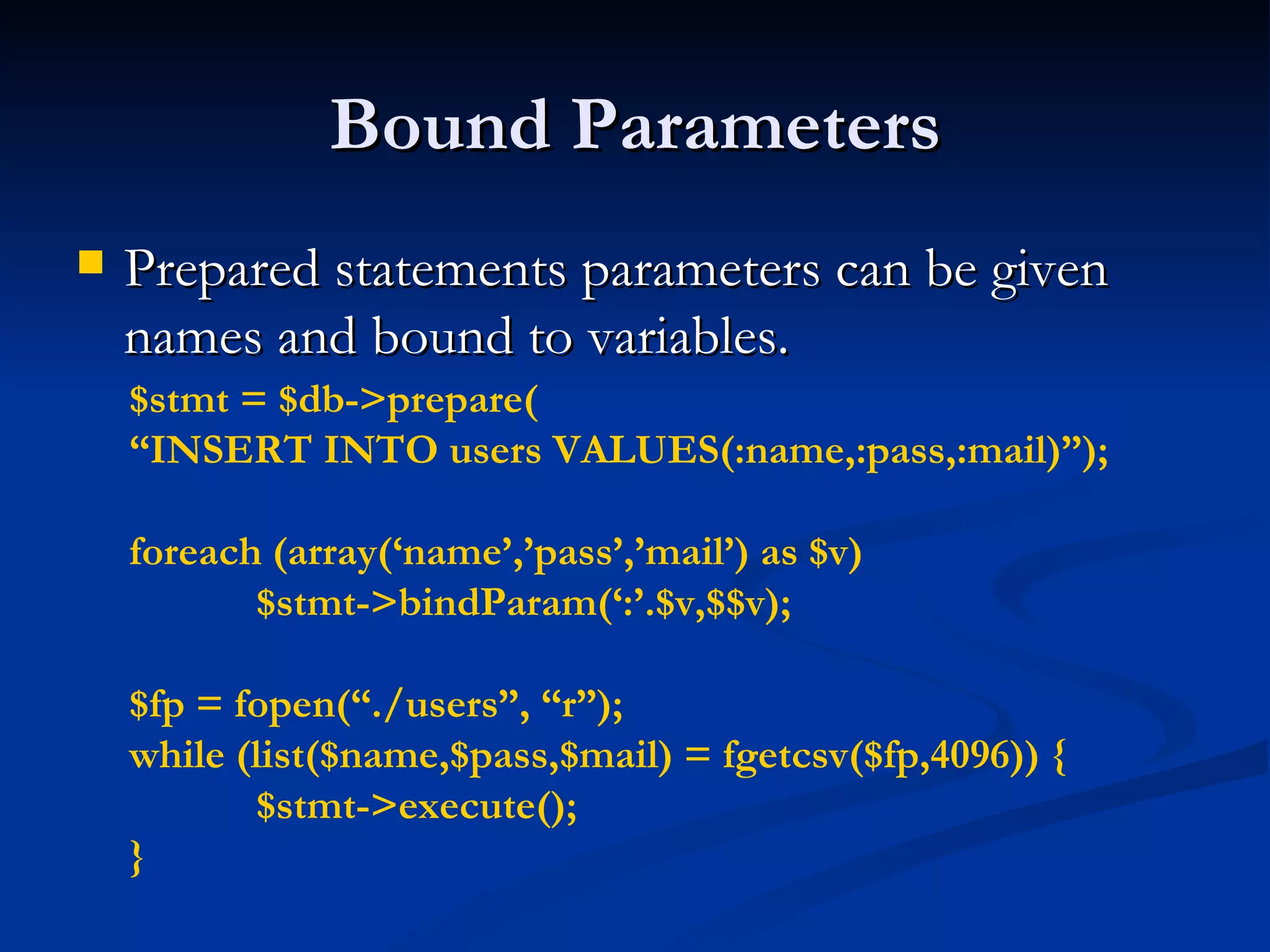
Bound Parameters Prepared statements parameters can be given names and bound to variables. $stmt = $db->prepare( “ INSERT INTO users VALUES(:name,:pass,:mail)”); foreach (array(‘name’,’pass’,’mail’) as $v)  $stmt->bindParam(‘:’.$v,$$v); $fp = fopen(“./users”, “r”); while (list($name,$pass,$mail) = fgetcsv($fp,4096)) { $stmt->execute(); }
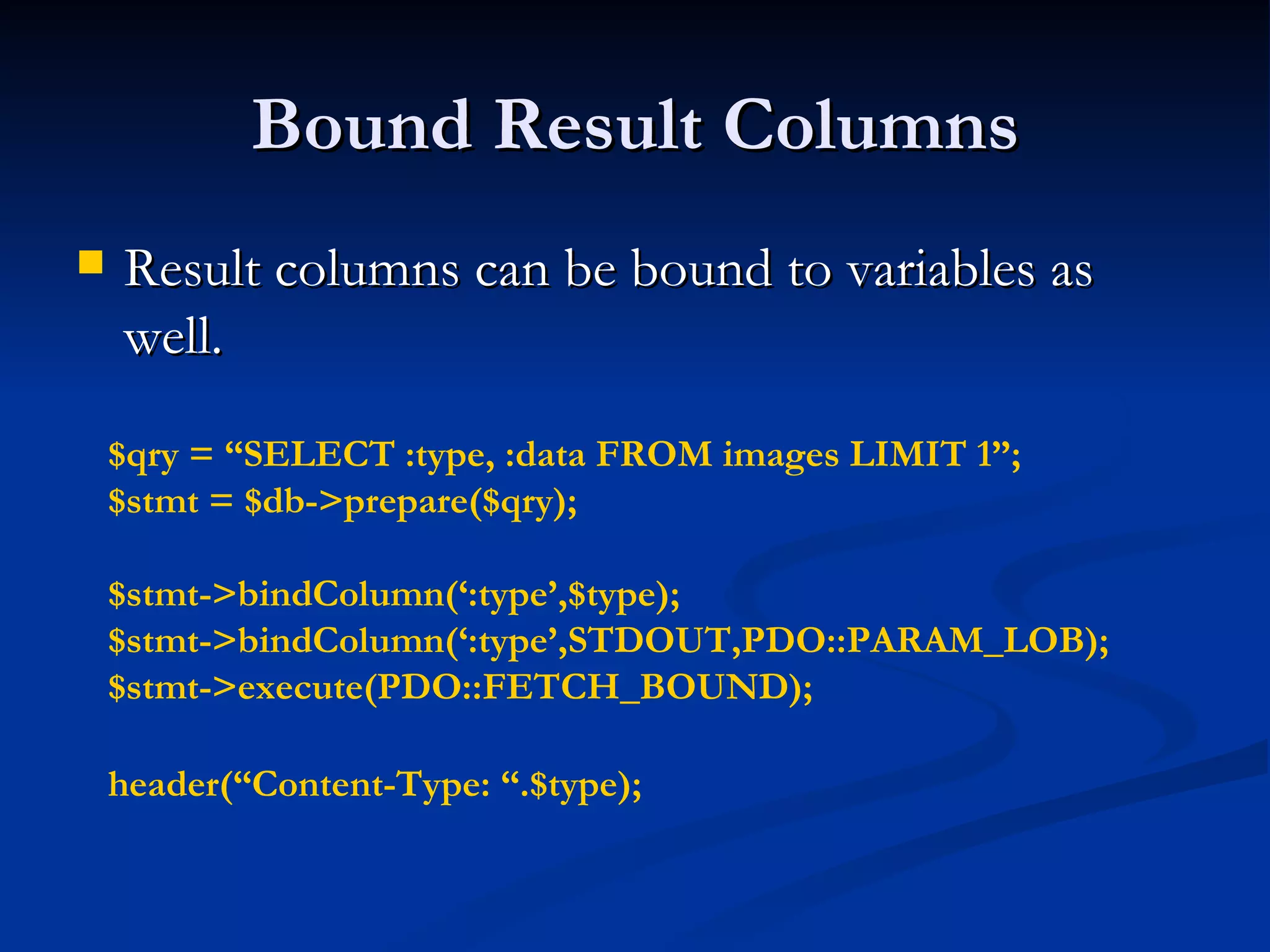
Bound Result Columns Result columns can be bound to variables as well. $qry = “SELECT :type, :data FROM images LIMIT 1”; $stmt = $db->prepare($qry); $stmt->bindColumn(‘:type’,$type); $stmt->bindColumn(‘:type’,STDOUT,PDO::PARAM_LOB); $stmt->execute(PDO::FETCH_BOUND); header(“Content-Type: “.$type);
Partial Data Retrieval In some instances you only want part of the data on the cursor. To properly end the cursor use the closeCursor() method. $res = $db->query(“SELECT * FROM users”); foreach ($res as $v) { if ($res[‘name’] == ‘end’) { $res->closeCursor(); break; } }
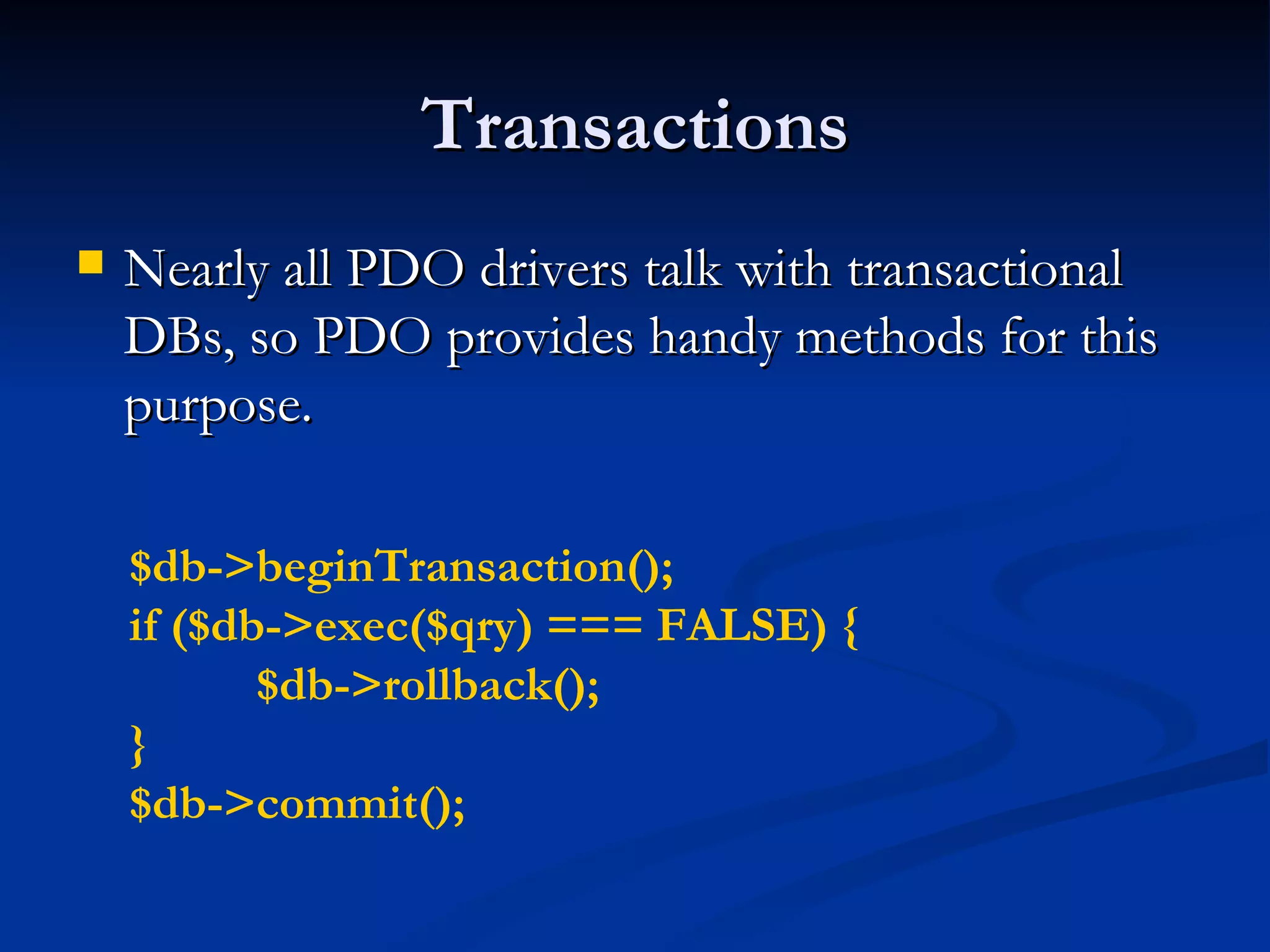
Transactions Nearly all PDO drivers talk with transactional DBs, so PDO provides handy methods for this purpose. $db->beginTransaction(); if ($db->exec($qry) === FALSE) { $db->rollback(); } $db->commit();
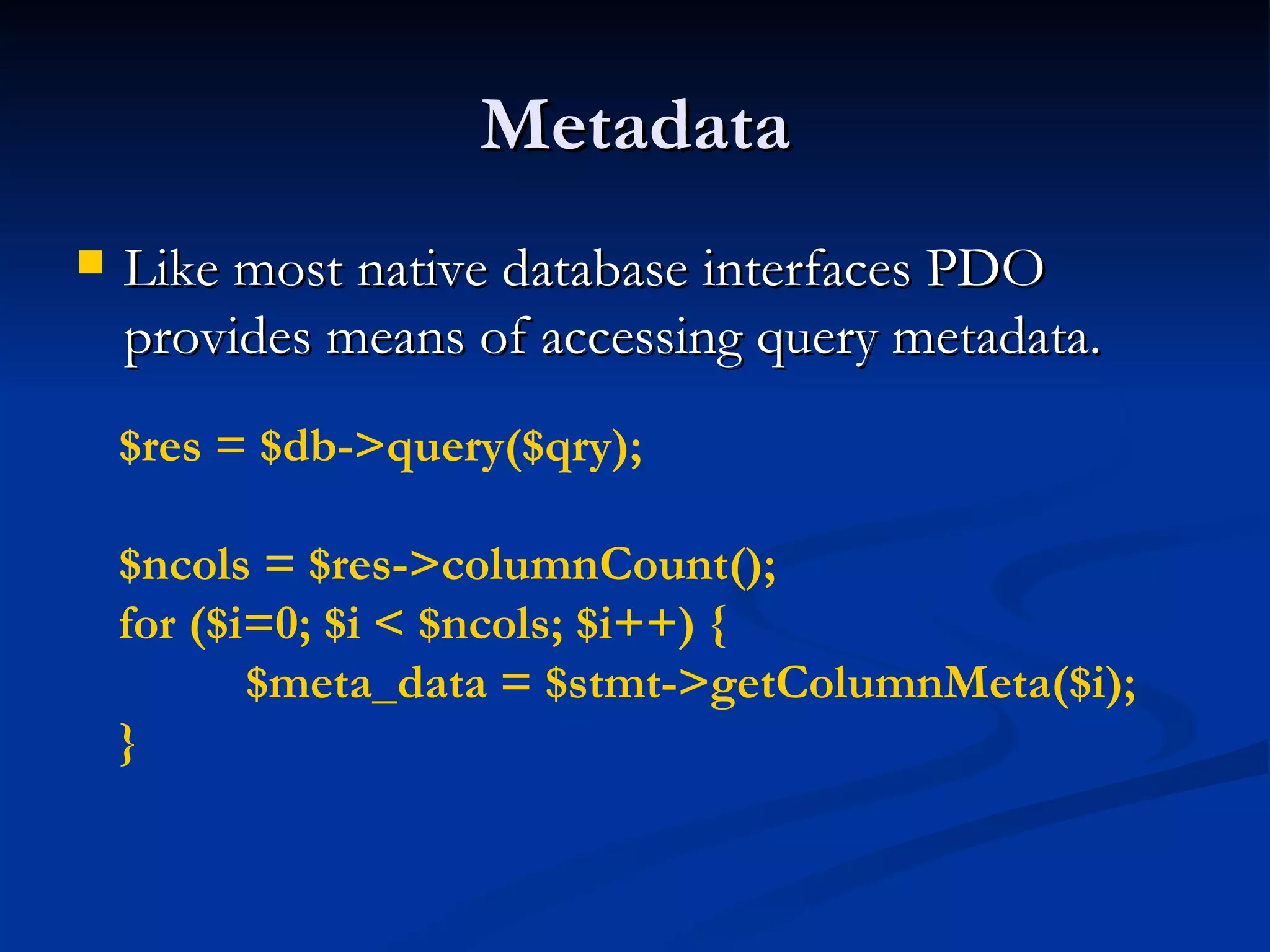
Metadata Like most native database interfaces PDO provides means of accessing query metadata. $res = $db->query($qry); $ncols = $res->columnCount(); for ($i=0; $i < $ncols; $i++) { $meta_data = $stmt->getColumnMeta($i); }
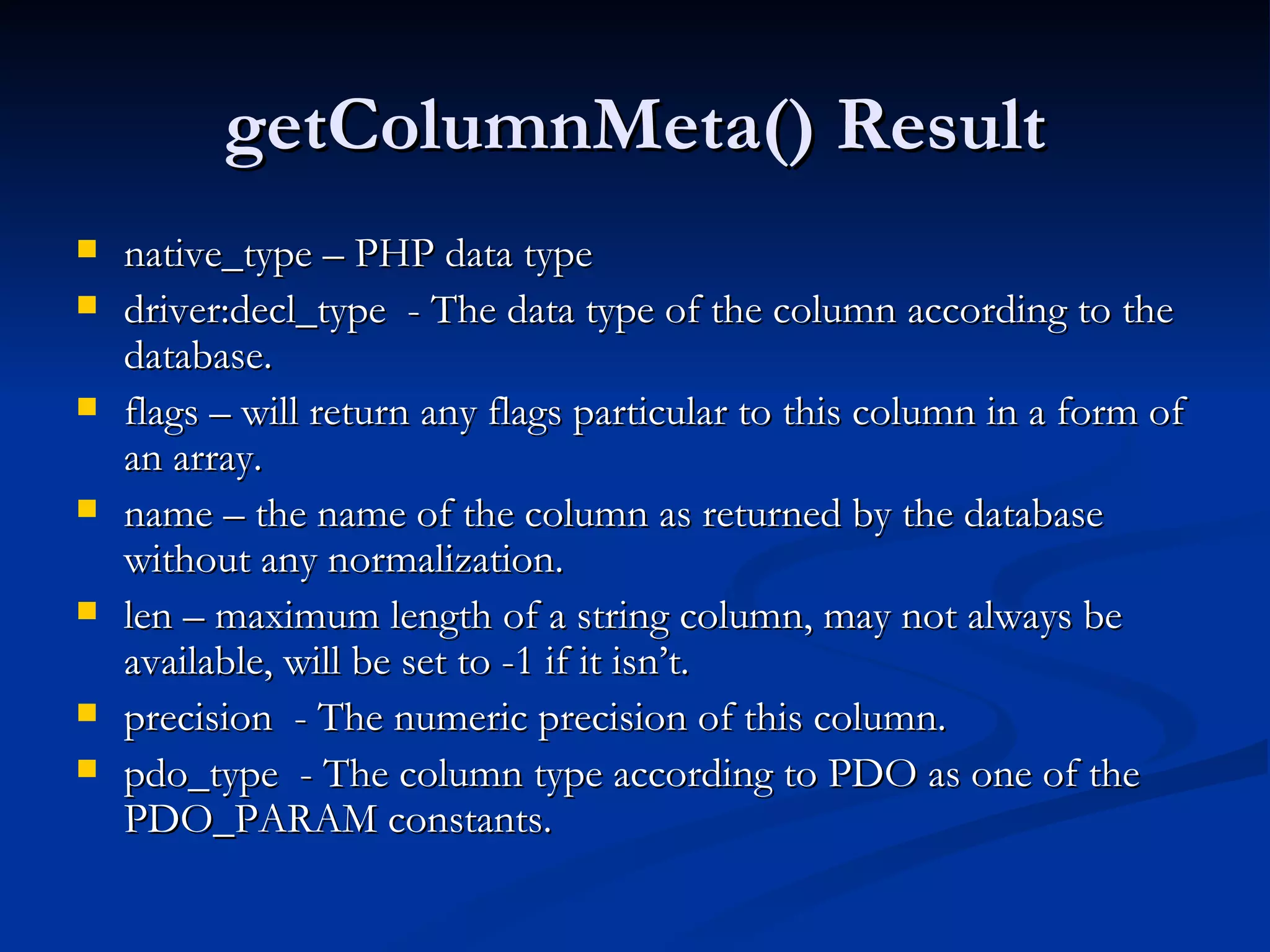
getColumnMeta() Result native_type – PHP data type driver:decl_type  - The data type of the column according to the database. flags – will return any flags particular to this column in a form of an array. name – the name of the column as returned by the database without any normalization. len – maximum length of a string column, may not always be available, will be set to -1 if it isn’t. precision  - The numeric precision of this column. pdo_type  - The column type according to PDO as one of the PDO_PARAM constants.
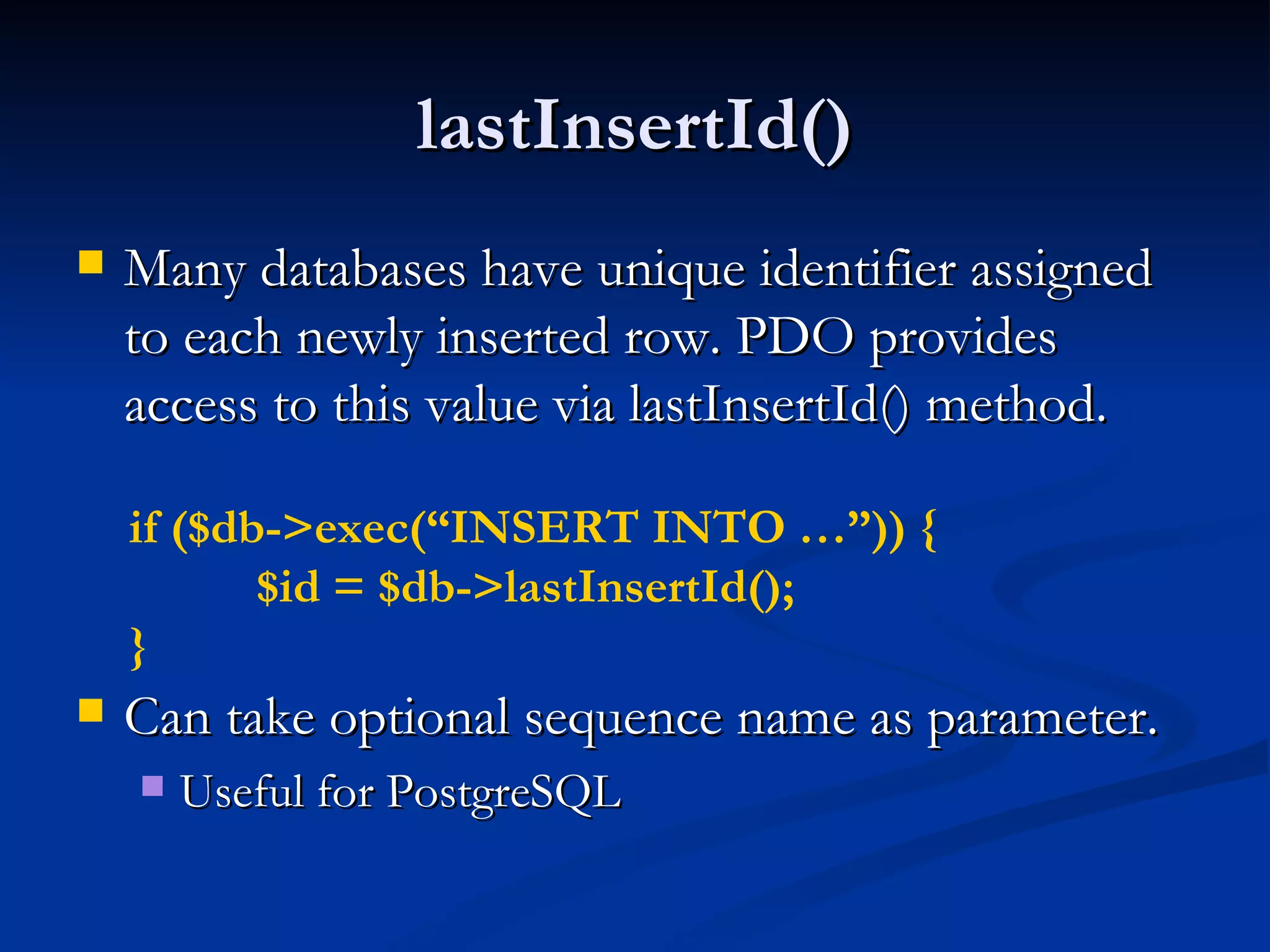
lastInsertId() Many databases have unique identifier assigned to each newly inserted row. PDO provides access to this value via lastInsertId() method. Can take optional sequence name as parameter. Useful for PostgreSQL if ($db->exec(“INSERT INTO …”)) { $id = $db->lastInsertId(); }
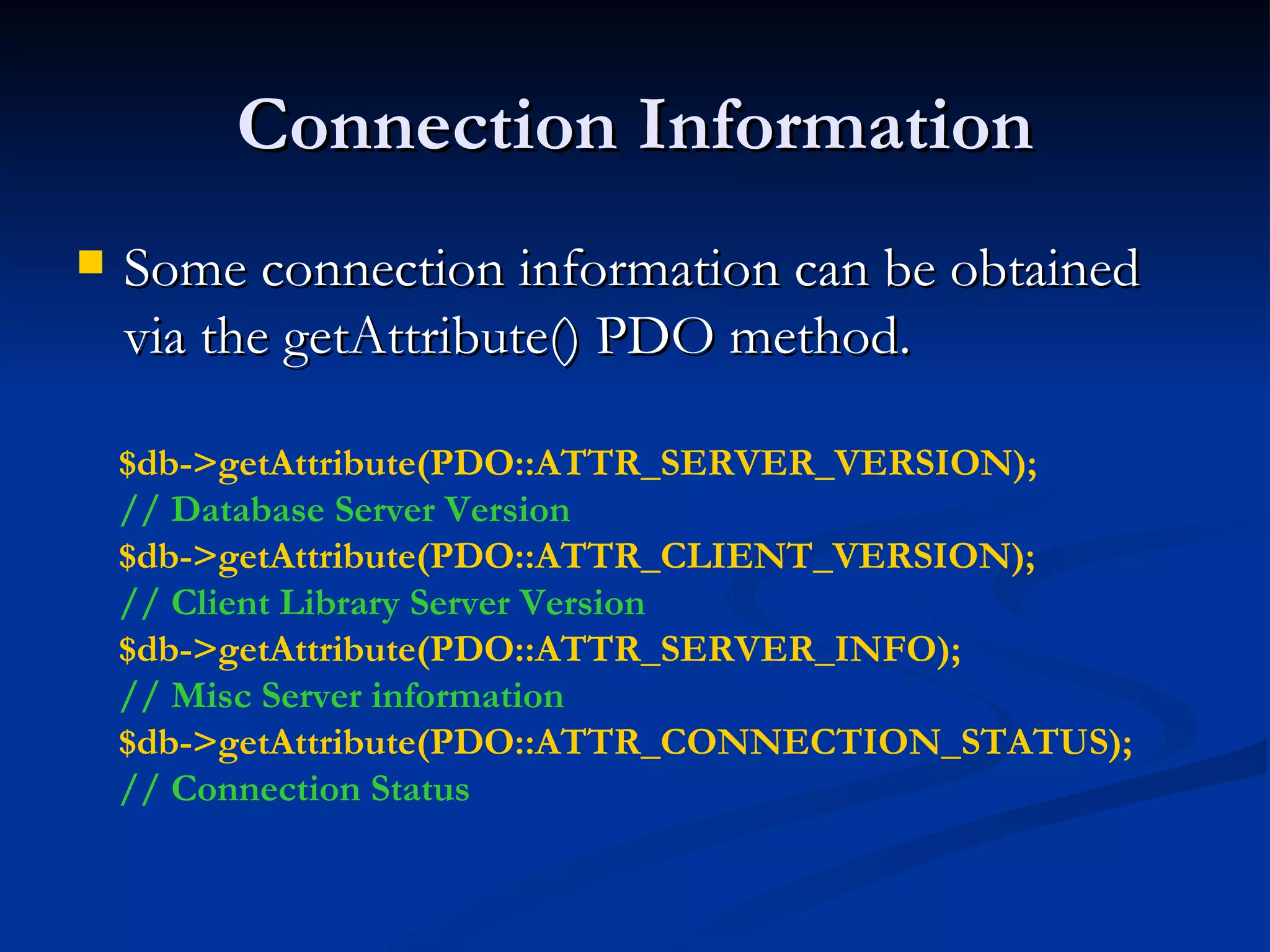
Connection Information Some connection information can be obtained via the getAttribute() PDO method. $db->getAttribute(PDO::ATTR_SERVER_VERSION); // Database Server Version $db->getAttribute(PDO::ATTR_CLIENT_VERSION); // Client Library Server Version $db->getAttribute(PDO::ATTR_SERVER_INFO); // Misc Server information $db->getAttribute(PDO::ATTR_CONNECTION_STATUS); // Connection Status
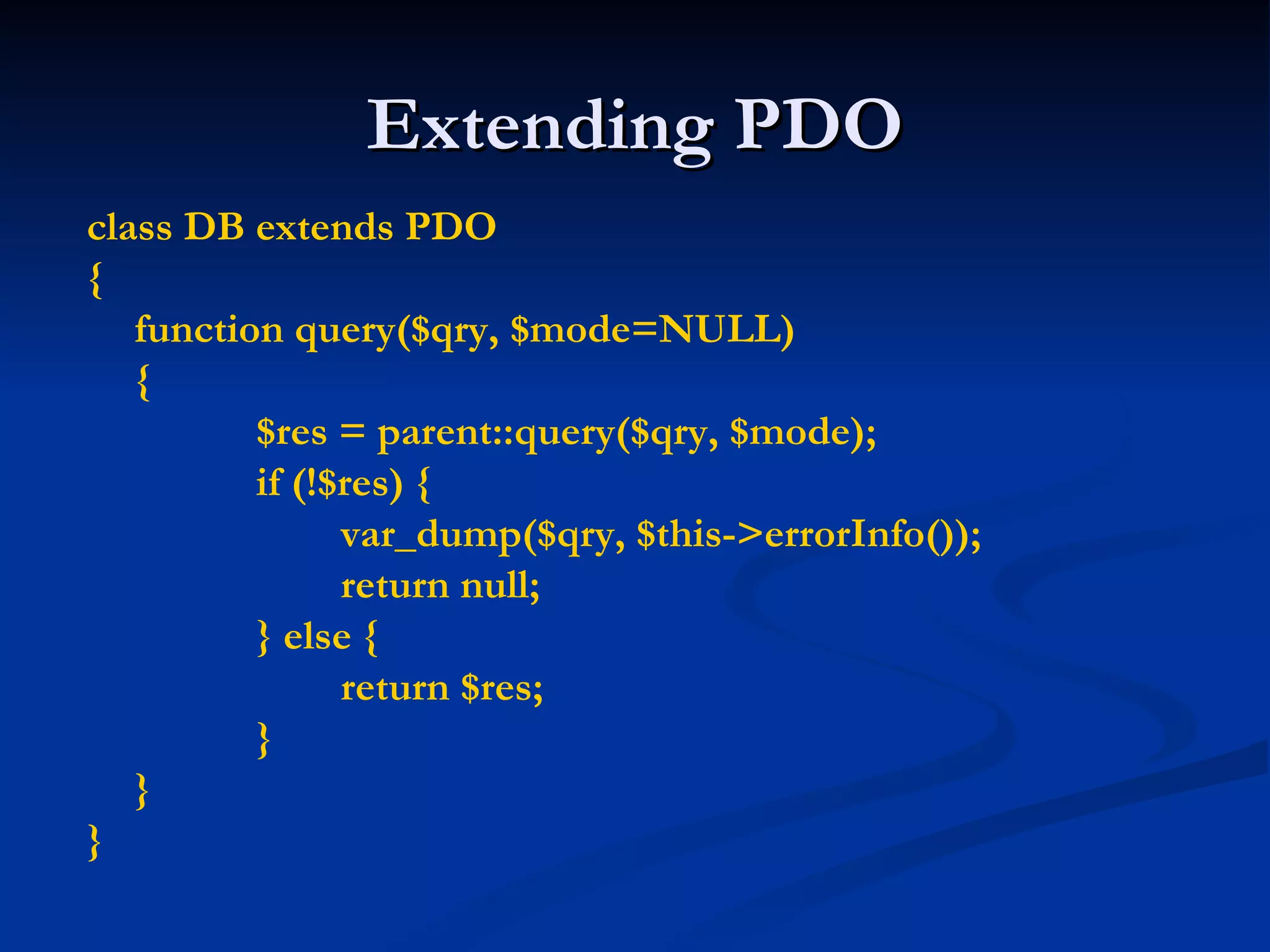
Extending PDO class DB extends PDO { function query($qry, $mode=NULL) { $res = parent::query($qry, $mode); if (!$res) { var_dump($qry, $this->errorInfo()); return null; } else { return $res; } } }
Questions

Quebec pdo

  • 1.
    PHP Data ObjectsLayer (PDO) Ilia Alshanetsky
  • 2.
    What is PDOCommon interface to any number of database systems. Written in C, so you know it’s FAST! Designed to make use of all the PHP 5.1 features to simplify interface.
  • 3.
    Why is itneeded? Current state of affairs: Many native database extensions that are similar but do not provide the same interface. In most cases, very old code that does not even scratch the surface of what PHP can offer. In many instances does not account for all the capabilities offered by the database. Ex. SQLite, MySQL extensions
  • 4.
    What Databases areSupported? At this time PDO offers the following drivers: MySQL 3,4,5 (depends on client libs) PostgreSQL SQLite 2 & 3 ODBC DB2 Oracle Firebird FreeTDS/Sybase/MSSQL
  • 5.
    Installing PDO PDOis divided into two components CORE (provides the interface) DRIVERS (access to particular database) Ex. pdo_mysql The CORE is enabled by default, drivers with the exception of pdo_sqlite are not.
  • 6.
    Actual Install StepsPECL Way pecl install pdo_[driver_name] Update php.ini and add extension=pdo_[driver_name].so (or .dll on win32) Built into PHP ./configure –with-pdo-[driver_name] For Win32 dlls for each driver are available.
  • 7.
    Using PDO Asis the case with all database interfaces, the 1 st step involves establishing a connection. // MySQL connection new PDO(‘mysql:host=localhost;dbname=testdb’, $login, $passwd); // PostgreSQL new PDO(‘pgsql:host=localhost port=5432 dbname=testdb user=john password=mypass’); // SQLite new PDO(‘sqlite:/path/to/database_file’);
  • 8.
    What if theConnection Fails? As is the case with most native PHP objects, instantiation failure lead to an exception being thrown. try { $db = new PDO(…); } catch (PDOException $e) { echo $e->getMessage(); }
  • 9.
    Persistent Connections Connectingto complex databases like Oracle is a slow process, it would be nice to re-use a previously opened connection. $opt = array(PDO::ATTR_PERSISTENT => TRUE) ; try { $db = new PDO(“dsn”, $l, $p, $opt); } catch (PDOException $e) { echo $e->getMessage(); }
  • 10.
    DSN INI TricksThe DSN string can be an INI setting and you can “name” as many DSNs are you like. ini_set(“pdo.dsn.ilia”, “sqlite::memory”); try { $db = new PDO(“ilia”); } catch (PDOException $e) { echo $e->getMessage(); }
  • 11.
    Let’s Run SomeQueries Query execution in PDO can be done in two ways Prepared Statements (recommended for speed & security) Direct Execution
  • 12.
    Direct Query ExecutionQueries that modify information need to be run via exec() method. The return value is the number of rows affected by the operation or FALSE on error. $db = new PDO(“DSN”); $db->exec(“INSERT INTO foo (id) VALUES(‘bar’)”); $db->exec(“UPDATE foo SET id=‘bar’”);
  • 13.
    Direct Query ExecutionCont. In some cases “change” queries may not affect any rows and will return 0, so type-sensitive compare is essential in avoiding false positives! $res = $db->exec(“UPDATE foo SET id=‘bar’”); if (!$res) // Wrong if ($res !== FALSE) // Correct
  • 14.
    Retrieving Error InformationPDO Provides 2 methods of getting error information: errorCode() – SQLSTATE error code Ex. 42000 == Syntax Error errorInfo() – Detailed error information Ex. array( [0] => 42000, [1] => 1064 [2] => You have an error in your SQL syntax; … )
  • 15.
    Better Error HandlingIt stands to reason that being an OO extension PDO would allow error handling via Exceptions. Now any query failure will throw an Exception. $db->setAttribute( PDO::ATTR_ERRMODE , PDO::ERRMODE_EXCEPTION );
  • 16.
    Direct Execution Cont.When executing queries that retrieve information the query() method needs to be used. On error FALSE is returned $res = $db->query(“SELECT * FROM foo”); // $res == PDOStatement Object
  • 17.
    Fetch Query ResultsPerhaps one of the biggest features of PDO is its flexibility when it comes to how data is to be fetched. Array (Numeric or Associated Indexes) Strings (for single column result sets) Objects (stdClass, object of given class or into an existing object) Callback function Lazy fetching Iterators And more!
  • 18.
    Array Fetching $res= $db->query(“SELECT * FROM foo”); while ($row = $res->fetch(PDO::FETCH_NUM)){ // $row == array with numeric keys } $res = $db->query(“SELECT * FROM foo”); while ($row = $res->fetch(PDO::FETCH_ASSOC)){ // $row == array with associated (string) keys } $res = $db->query(“SELECT * FROM foo”); while ($row = $res->fetch(PDO::FETCH_BOTH)){ // $row == array with associated & numeric keys }
  • 19.
    Fetch as StringMany applications need to fetch data contained within just a single column. $u = $db->query(“SELECT users WHERE login=‘login’ AND password=‘password’”); // fetch(PDO::FETCH_COLUMN) if ($u->fetchColumn()) { // returns a string // login OK } else { /* authentication failure */ }
  • 20.
    Fetch as StandardObject You can fetch a row as an instance of stdClass where column name == property name. $res = $db->query(“SELECT * FROM foo”); while ($obj = $res->fetch(PDO::FETCH_OBJ)) { // $obj == instance of stdClass }
  • 21.
    Fetch Into aClass PDO allows the result to be fetched into a class type of your choice. $res = $db->query(“SELECT * FROM foo”); $res->setFetchMode( PDO::FETCH_CLASS, “ className”, array(‘optional’=‘Constructor Params’) ); while ($obj = $res->fetch()) { // $obj == instance of className }
  • 22.
    Fetch Into aClass Cont. PDO allows the query result to be used to determine the destination class. $res = $db->query(“SELECT * FROM foo”); $res->setFetchMode( PDO::FETCH_CLASS | PDO::FETCH_CLASSTYPE ); while ($obj = $res->fetch()) { // $obj == instance of class who’s name is // found in the value of the 1 st column }
  • 23.
    Fetch Into anObject PDO even allows retrieval of data into an existing object. $u = new userObject; $res = $db->query(“SELECT * FROM users”); $res->setFetchMode(PDO::FETCH_INTO, $u); while ($res->fetch()) { // will re-populate $u with row values }
  • 24.
    Result Iteration PDOStatementimplements Iterator interface, which allows for a method-less result iteration. $res = $db->query( “ SELECT * FROM users”, PDO::FETCH_ASSOC ); foreach ($res as $row) { // $row == associated array representing // the row’s values. }
  • 25.
    Lazy Fetching Lazyfetches returns a result in a form object, but holds of populating properties until they are actually used. $res = $db->query( “ SELECT * FROM users”, PDO::FETCH_LAZY ); foreach ($res as $row) { echo $row[‘name’]; // only fetch name column }
  • 26.
    fetchAll() The fetchAll()allows retrieval of all results from a query right away. (handy for templates) Can be quite memory intensive for large results sets! $qry = “SELECT * FROM users”; $res = $db->query($qry)->fetchAll( PDO::FETCH_ASSOC ); // $res == array of all result rows, where each row // is an associated array.
  • 27.
    Callback Function PDOalso provides a fetch mode where each result is processed via a callback function. function draw_message($subject,$email) { … } $res = $db->query(“SELECT * FROM msg”); $res->fetchAll( PDO::FETCH_FUNC, “ draw_message” );
  • 28.
    Direct Query ProblemsQuery needs to be interpreted on each execution can be quite waste for frequently repeated queries. Security issues, un-escaped user input can contain special elements leading to SQL injection.
  • 29.
    Escaping in PDOEscaping of special characters in PDO is handled via the quote() method. $qry = “SELECT * FROM users WHERE login=“.$db->quote($_POST[‘login’]).” AND passwd=“.$db->quote($_POST[‘pass’]);
  • 30.
    Prepared Statements Compileonce, execute as many times as you want. Clear separation between structure and input, which prevents SQL injection. Often faster then query()/exec() even for single runs.
  • 31.
    Prepared Statements inAction $stmt = $db->prepare( “ SELECT * FROM users WHERE id=?” ); $stmt->execute(array($_GET[‘id’])); $stmt->fetch(PDO::FETCH_ASSOC);
  • 32.
    Bound Parameters Preparedstatements parameters can be given names and bound to variables. $stmt = $db->prepare( “ INSERT INTO users VALUES(:name,:pass,:mail)”); foreach (array(‘name’,’pass’,’mail’) as $v) $stmt->bindParam(‘:’.$v,$$v); $fp = fopen(“./users”, “r”); while (list($name,$pass,$mail) = fgetcsv($fp,4096)) { $stmt->execute(); }
  • 33.
    Bound Result ColumnsResult columns can be bound to variables as well. $qry = “SELECT :type, :data FROM images LIMIT 1”; $stmt = $db->prepare($qry); $stmt->bindColumn(‘:type’,$type); $stmt->bindColumn(‘:type’,STDOUT,PDO::PARAM_LOB); $stmt->execute(PDO::FETCH_BOUND); header(“Content-Type: “.$type);
  • 34.
    Partial Data RetrievalIn some instances you only want part of the data on the cursor. To properly end the cursor use the closeCursor() method. $res = $db->query(“SELECT * FROM users”); foreach ($res as $v) { if ($res[‘name’] == ‘end’) { $res->closeCursor(); break; } }
  • 35.
    Transactions Nearly allPDO drivers talk with transactional DBs, so PDO provides handy methods for this purpose. $db->beginTransaction(); if ($db->exec($qry) === FALSE) { $db->rollback(); } $db->commit();
  • 36.
    Metadata Like mostnative database interfaces PDO provides means of accessing query metadata. $res = $db->query($qry); $ncols = $res->columnCount(); for ($i=0; $i < $ncols; $i++) { $meta_data = $stmt->getColumnMeta($i); }
  • 37.
    getColumnMeta() Result native_type– PHP data type driver:decl_type - The data type of the column according to the database. flags – will return any flags particular to this column in a form of an array. name – the name of the column as returned by the database without any normalization. len – maximum length of a string column, may not always be available, will be set to -1 if it isn’t. precision - The numeric precision of this column. pdo_type - The column type according to PDO as one of the PDO_PARAM constants.
  • 38.
    lastInsertId() Many databaseshave unique identifier assigned to each newly inserted row. PDO provides access to this value via lastInsertId() method. Can take optional sequence name as parameter. Useful for PostgreSQL if ($db->exec(“INSERT INTO …”)) { $id = $db->lastInsertId(); }
  • 39.
    Connection Information Someconnection information can be obtained via the getAttribute() PDO method. $db->getAttribute(PDO::ATTR_SERVER_VERSION); // Database Server Version $db->getAttribute(PDO::ATTR_CLIENT_VERSION); // Client Library Server Version $db->getAttribute(PDO::ATTR_SERVER_INFO); // Misc Server information $db->getAttribute(PDO::ATTR_CONNECTION_STATUS); // Connection Status
  • 40.
    Extending PDO classDB extends PDO { function query($qry, $mode=NULL) { $res = parent::query($qry, $mode); if (!$res) { var_dump($qry, $this->errorInfo()); return null; } else { return $res; } } }
  • 41.