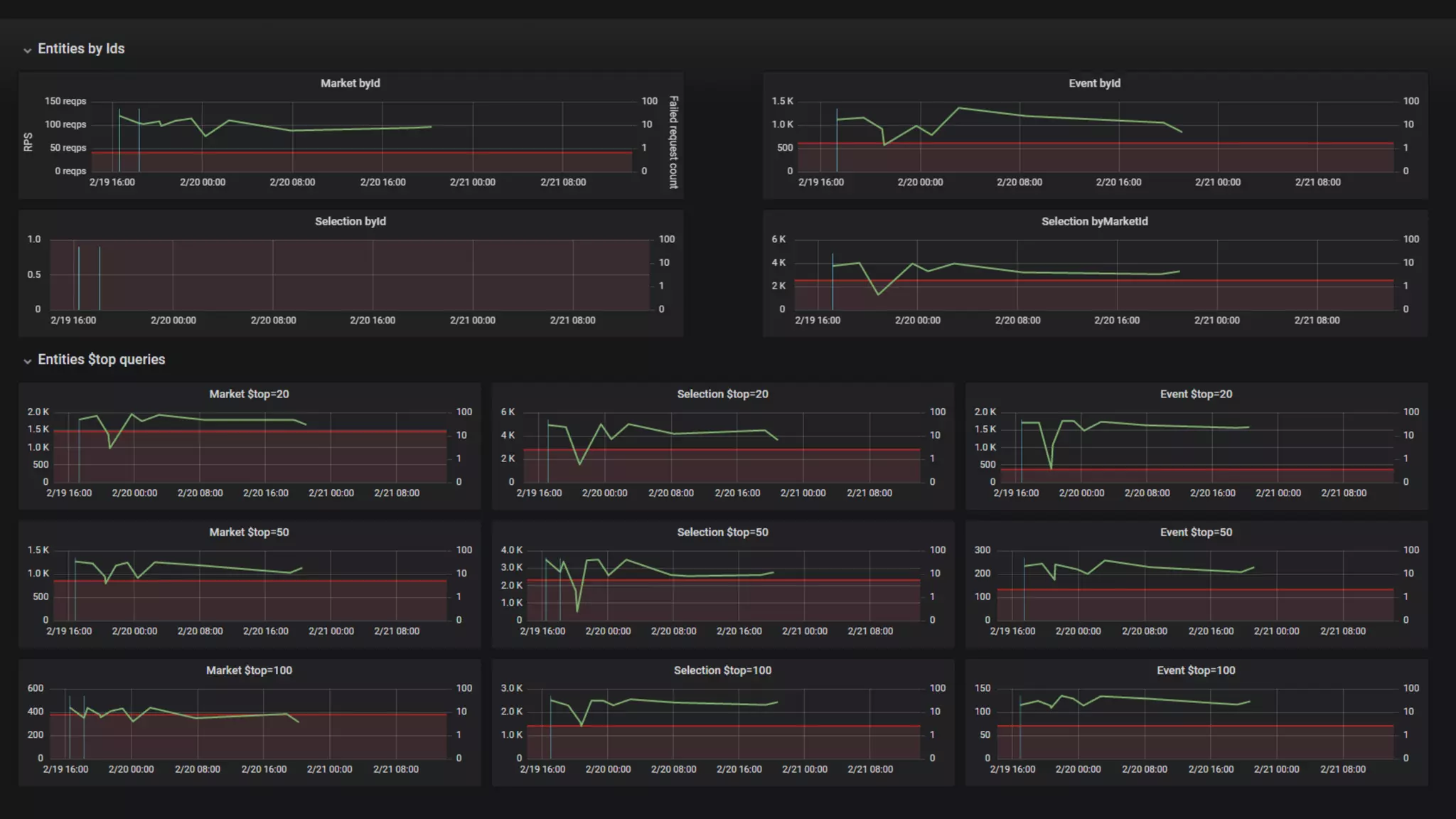
which you
always wanted
LOAD TESTING
by @antyadev
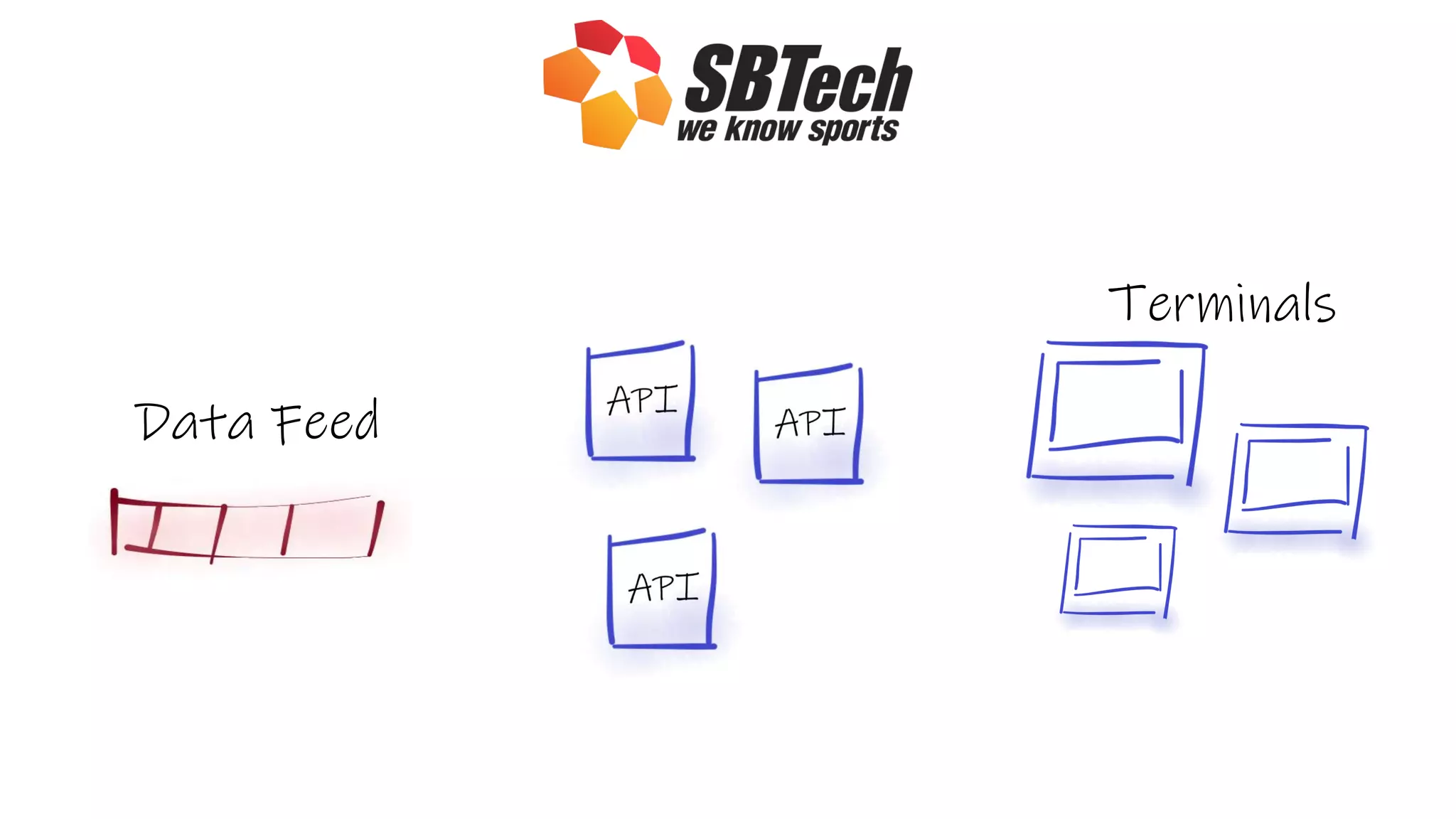
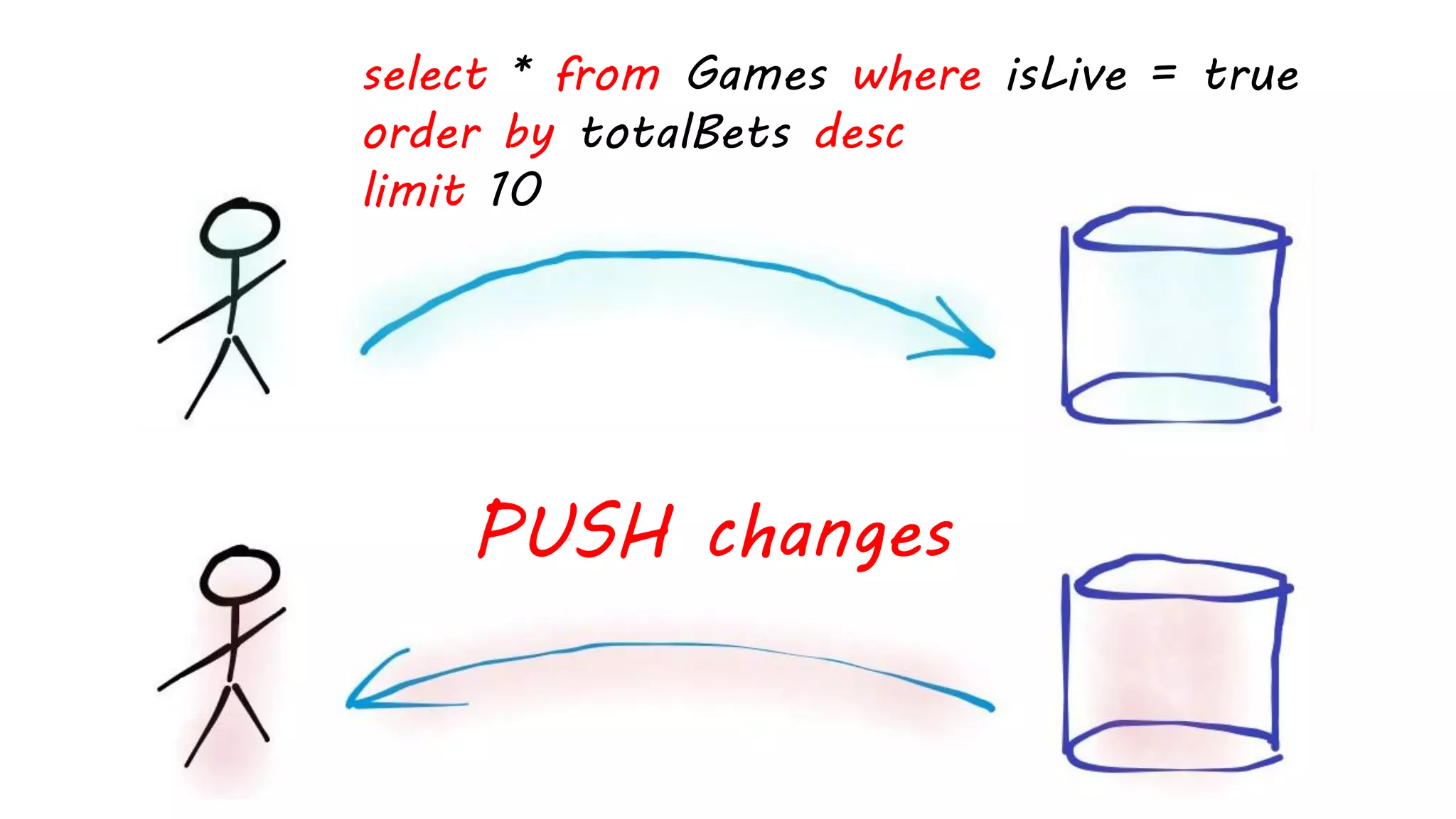
Data Feed
Terminals
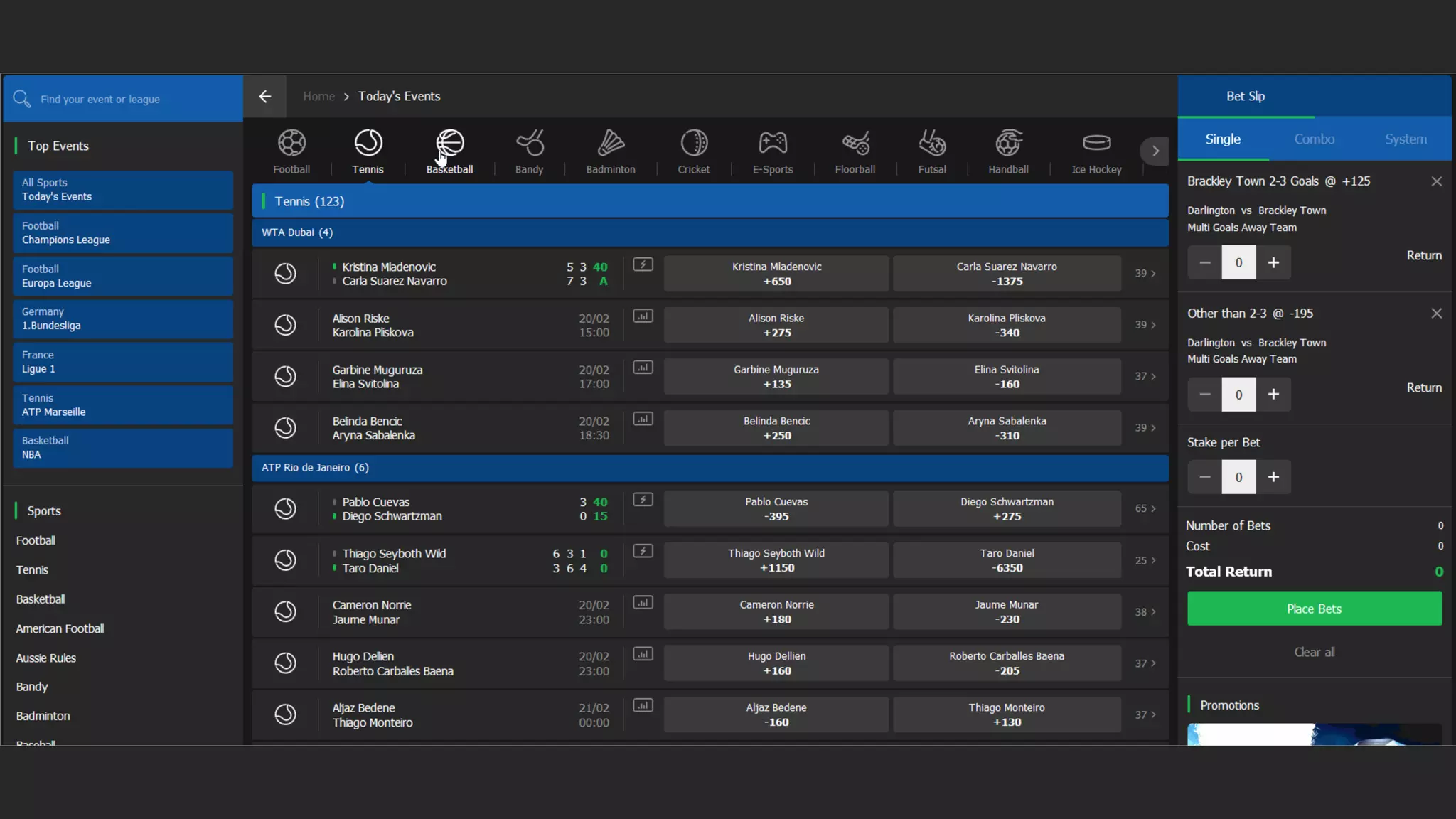
select * from Games where isLive = true
order by totalBets desc
limit 10
PUSH changes
Sports Data
API
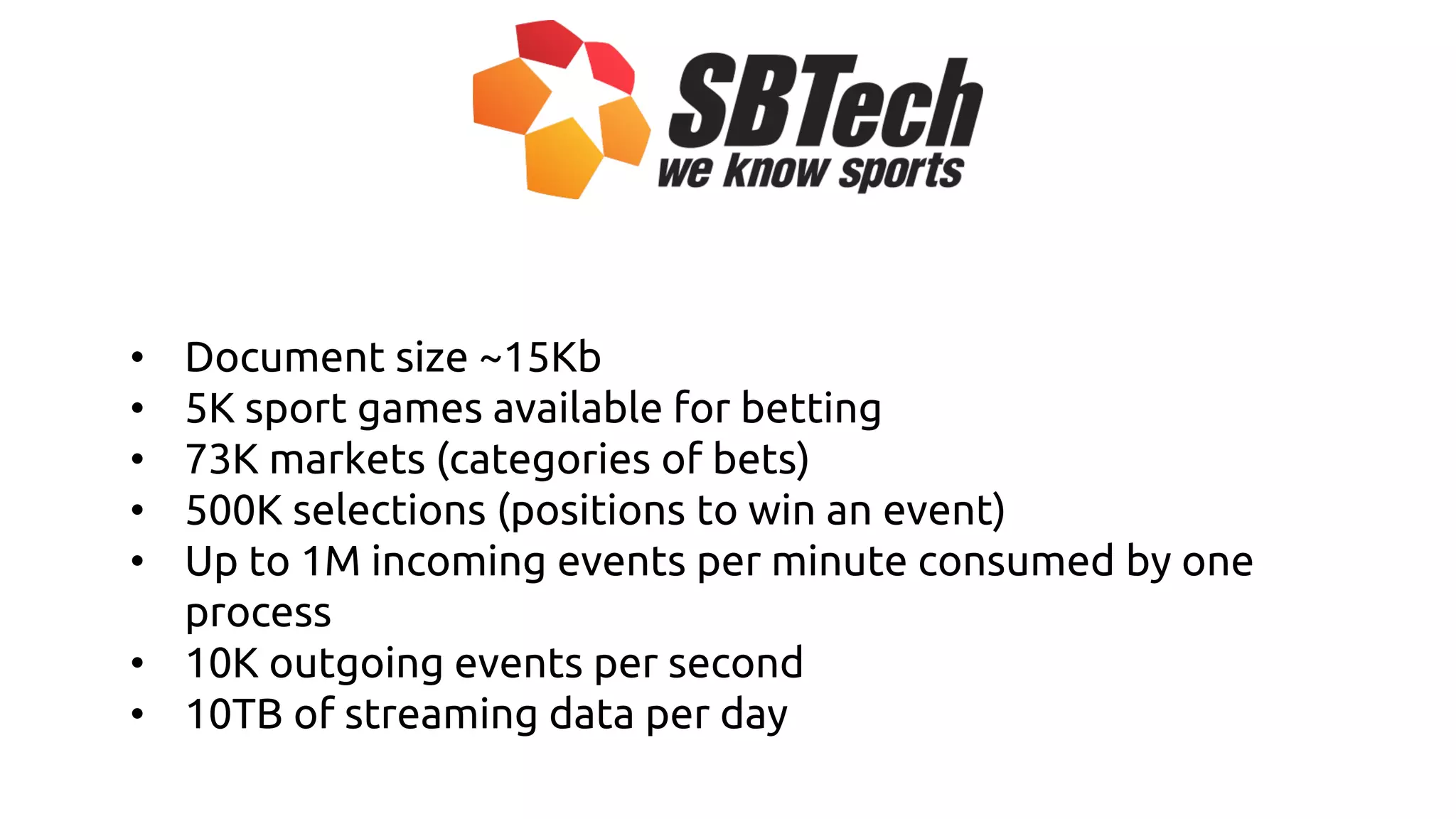
• Document size ~15Kb
• 5K sport games available for betting
• 73K markets (categories of bets)
• 500K selections (positions to win an event)
• Up to 1M incoming events per minute consumed by one
process
• 10K outgoing events per second
• 10TB of streaming data per day
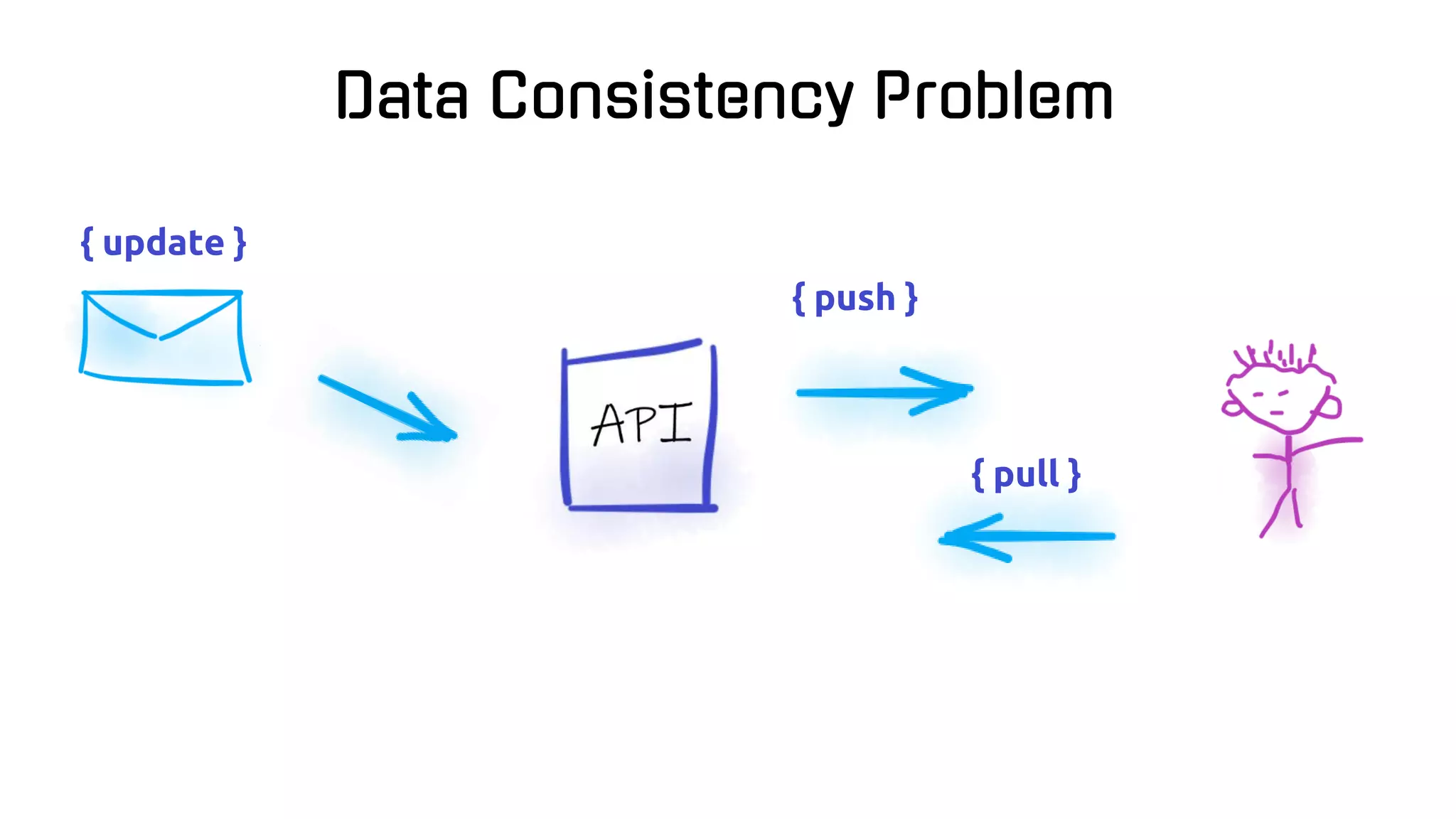
{ update }
{ push }
{ pull }
Data Consistency Problem
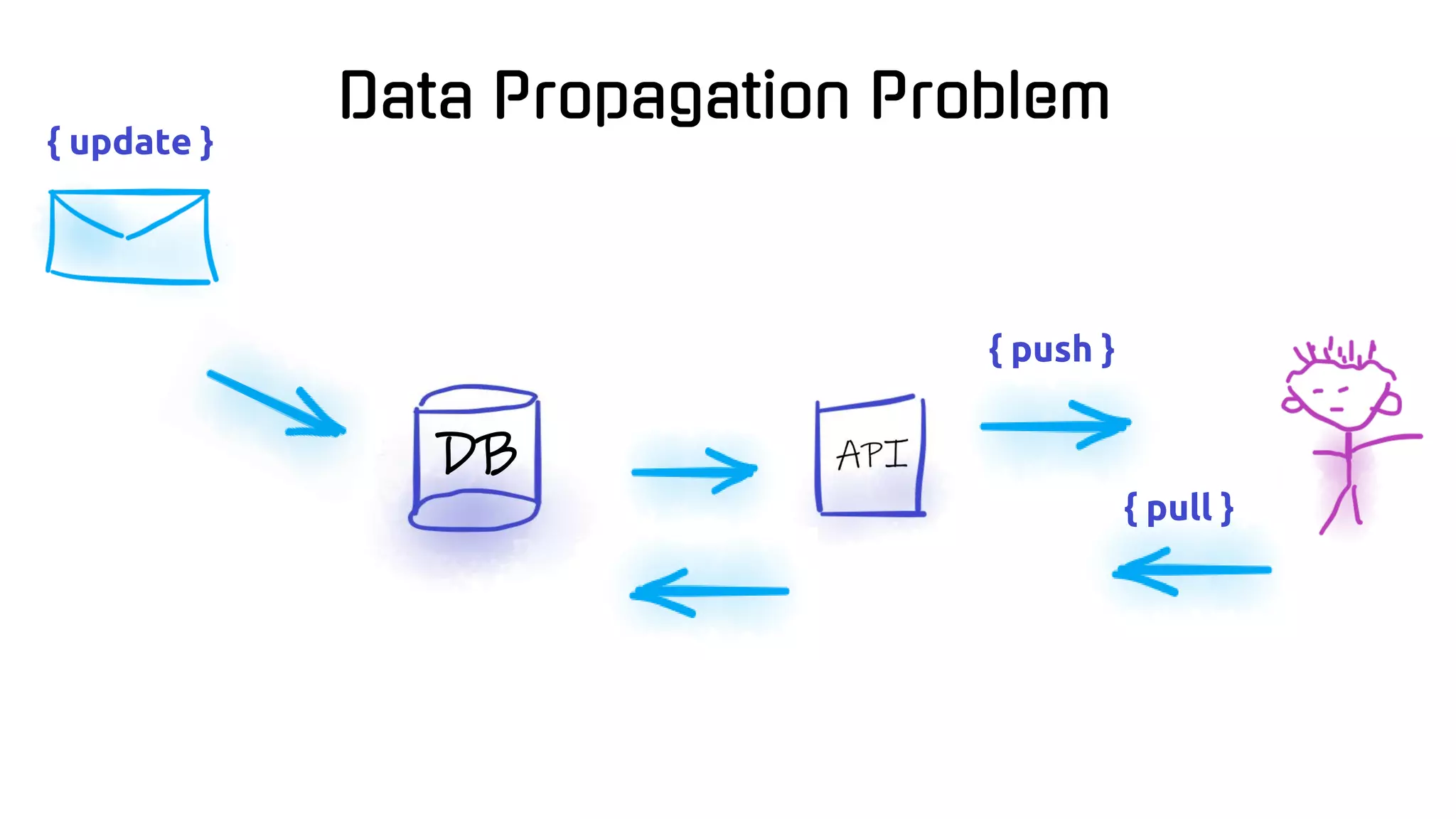
{ update }
{ push }
{ pull }
Data Propagation Problem
DB
Agenda
- The real need of load testing
- Load testing basics
- Current state of load testing on 2019
- NBomber – your drug to load testing
Do you know
how many
concurrent requests
your service
can handle?
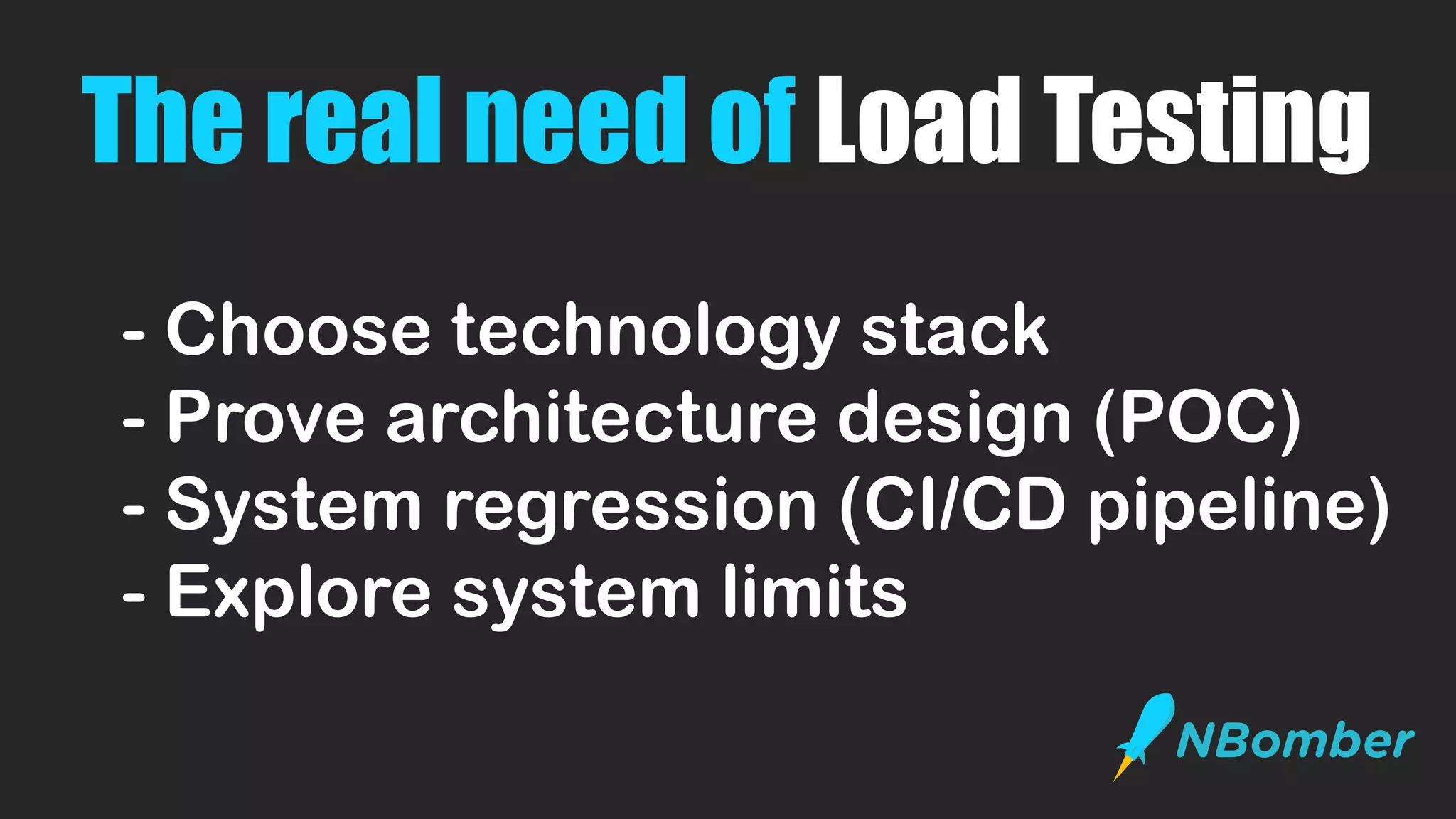
The real need of Load Testing
- Choose technology stack
- Prove architecture design (POC)
- System regression (CI/CD pipeline)
- Explore system limits
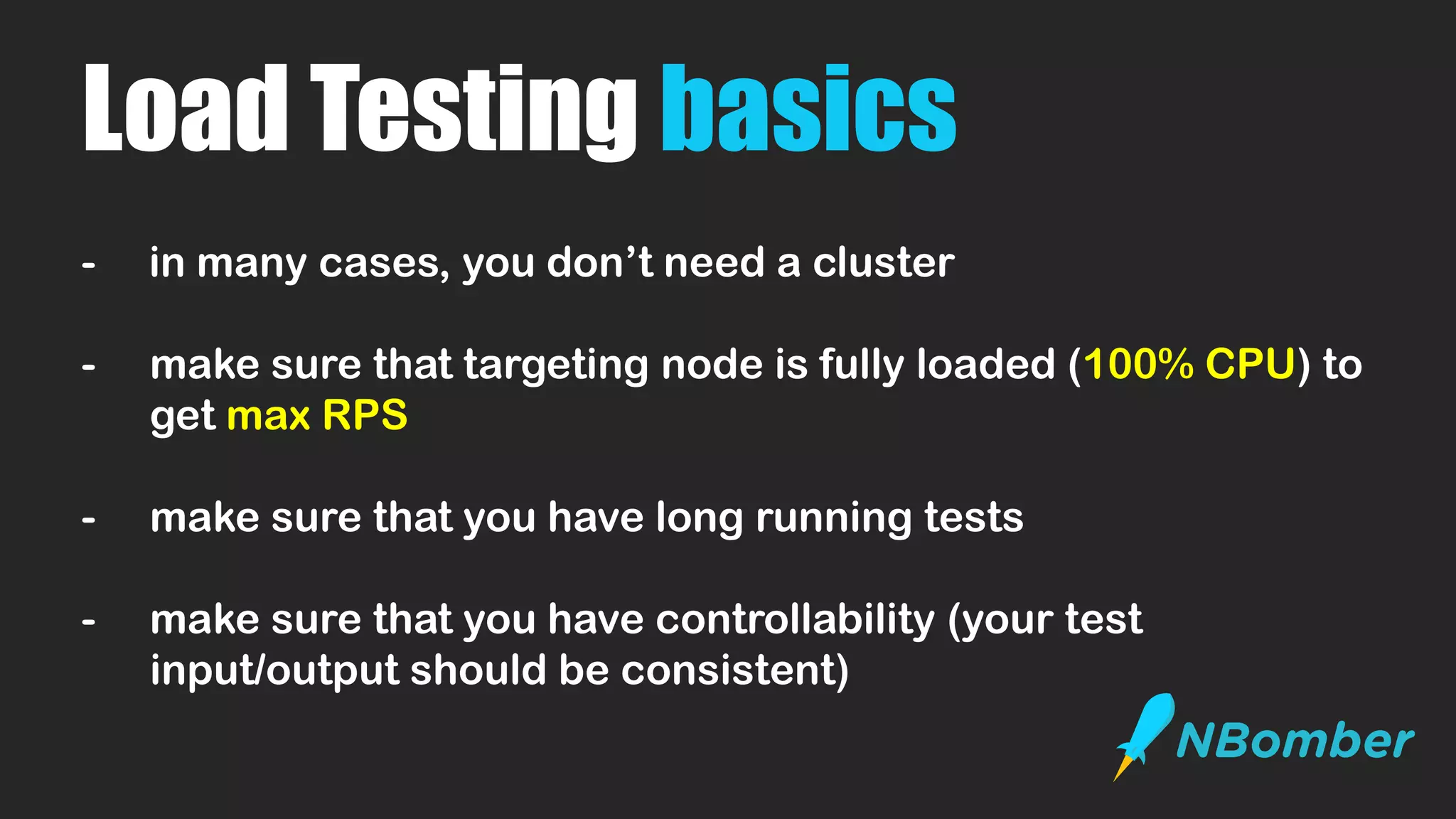
Load Testing basics
- in many cases, you don’t need a cluster
- make sure that targeting node is fully loaded (100% CPU) to
get max RPS
- make sure that you have long running tests
- make sure that you have controllability (your test
input/output should be consistent)
Current state
of
Load Testing
Load Testing
is not easy
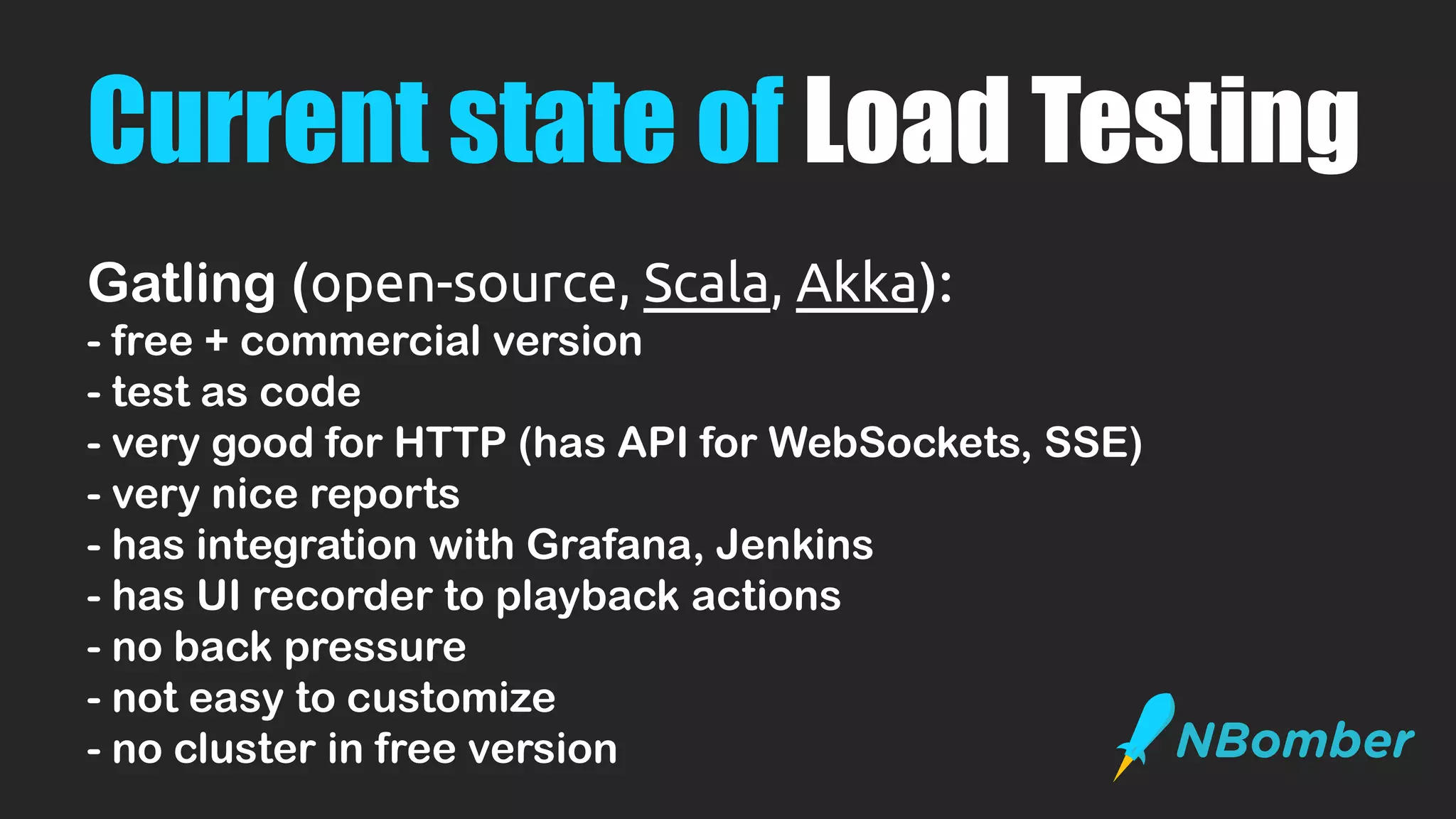
Current state of Load Testing
Gatling (open-source, Scala, Akka):
- free + commercial version
- test as code
- very good for HTTP (has API for WebSockets, SSE)
- very nice reports
- has integration with Grafana, Jenkins
- has UI recorder to playback actions
- no back pressure
- not easy to customize
- no cluster in free version
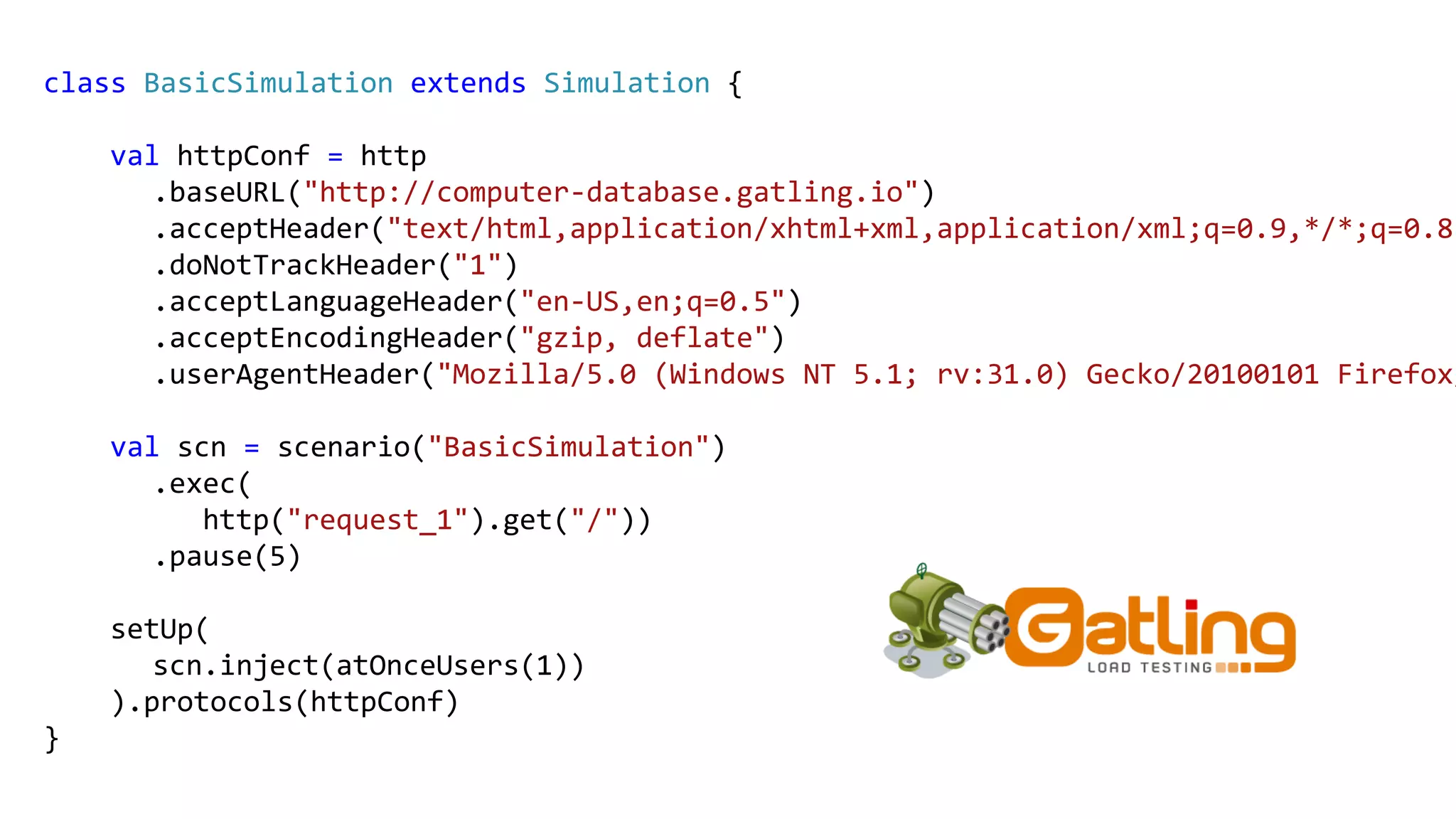
class BasicSimulation extends Simulation {
val httpConf = http
.baseURL("http://computer-database.gatling.io")
.acceptHeader("text/html,application/xhtml+xml,application/xml;q=0.9,*/*;q=0.8"
.doNotTrackHeader("1")
.acceptLanguageHeader("en-US,en;q=0.5")
.acceptEncodingHeader("gzip, deflate")
.userAgentHeader("Mozilla/5.0 (Windows NT 5.1; rv:31.0) Gecko/20100101 Firefox/
val scn = scenario("BasicSimulation")
.exec(
http("request_1").get("/"))
.pause(5)
setUp(
scn.inject(atOnceUsers(1))
).protocols(httpConf)
}
Current state of Load Testing
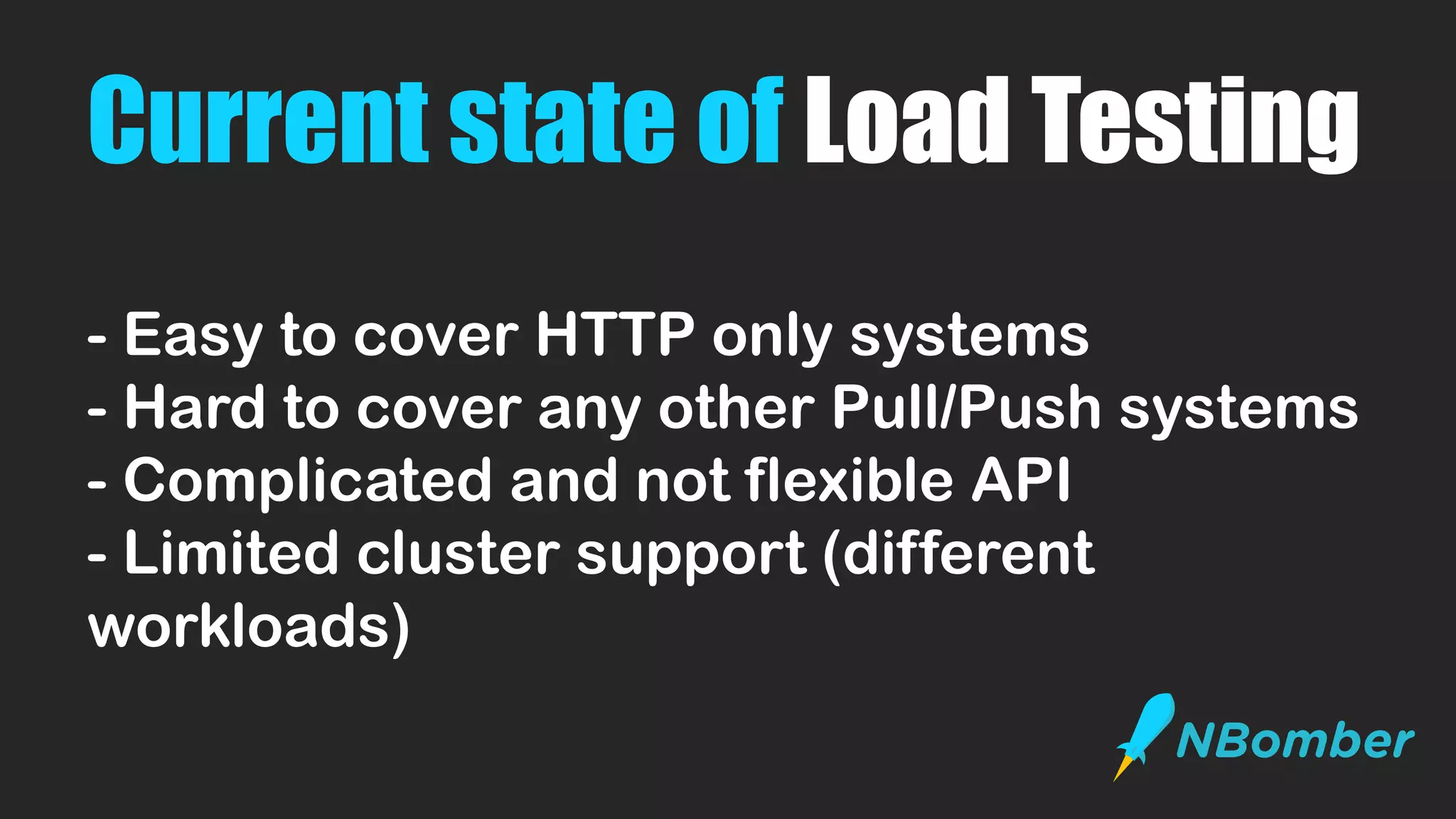
- Easy to cover HTTP only systems
- Hard to cover any other Pull/Push systems
- Complicated and not flexible API
- Limited cluster support (different
workloads)
Current state of Load Testing
- Easy to cover HTTP only systems
- Hard to cover any other Pull/Push systems
- Complicated and not flexible API
- Limited cluster support
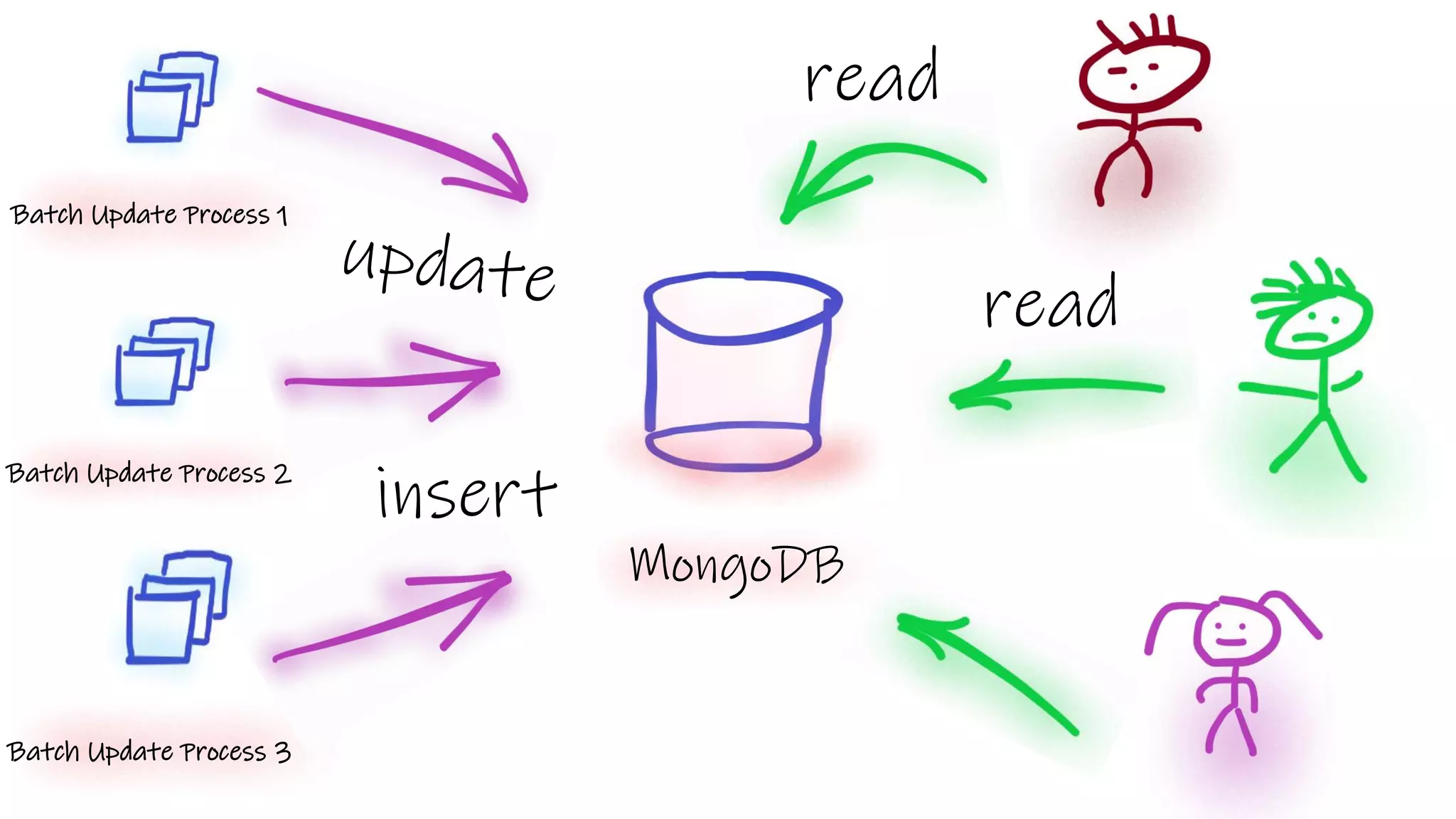
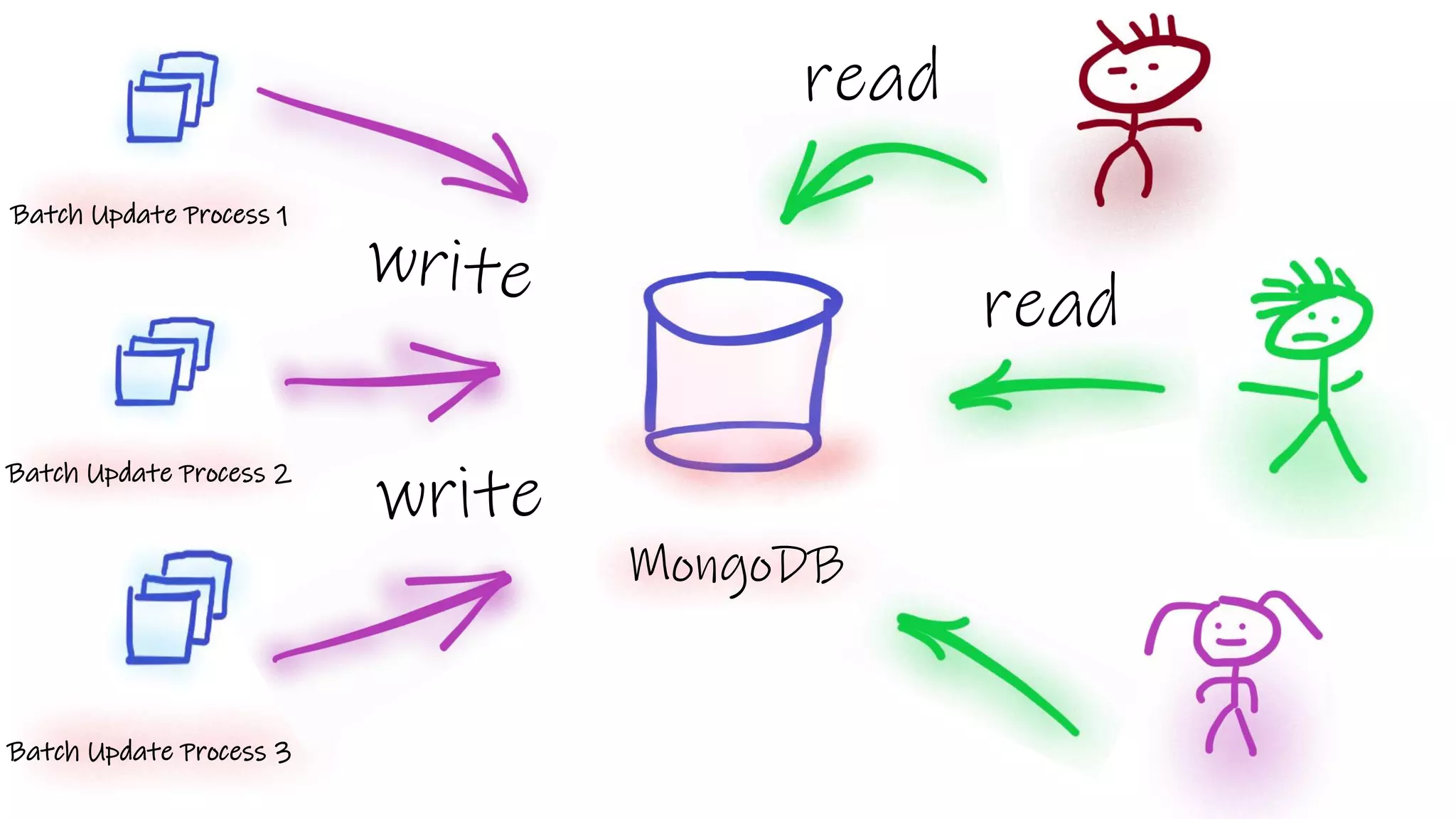
Batch Update Process 1
Batch Update Process 3
MongoDB
Batch Update Process 2
insert
read
read
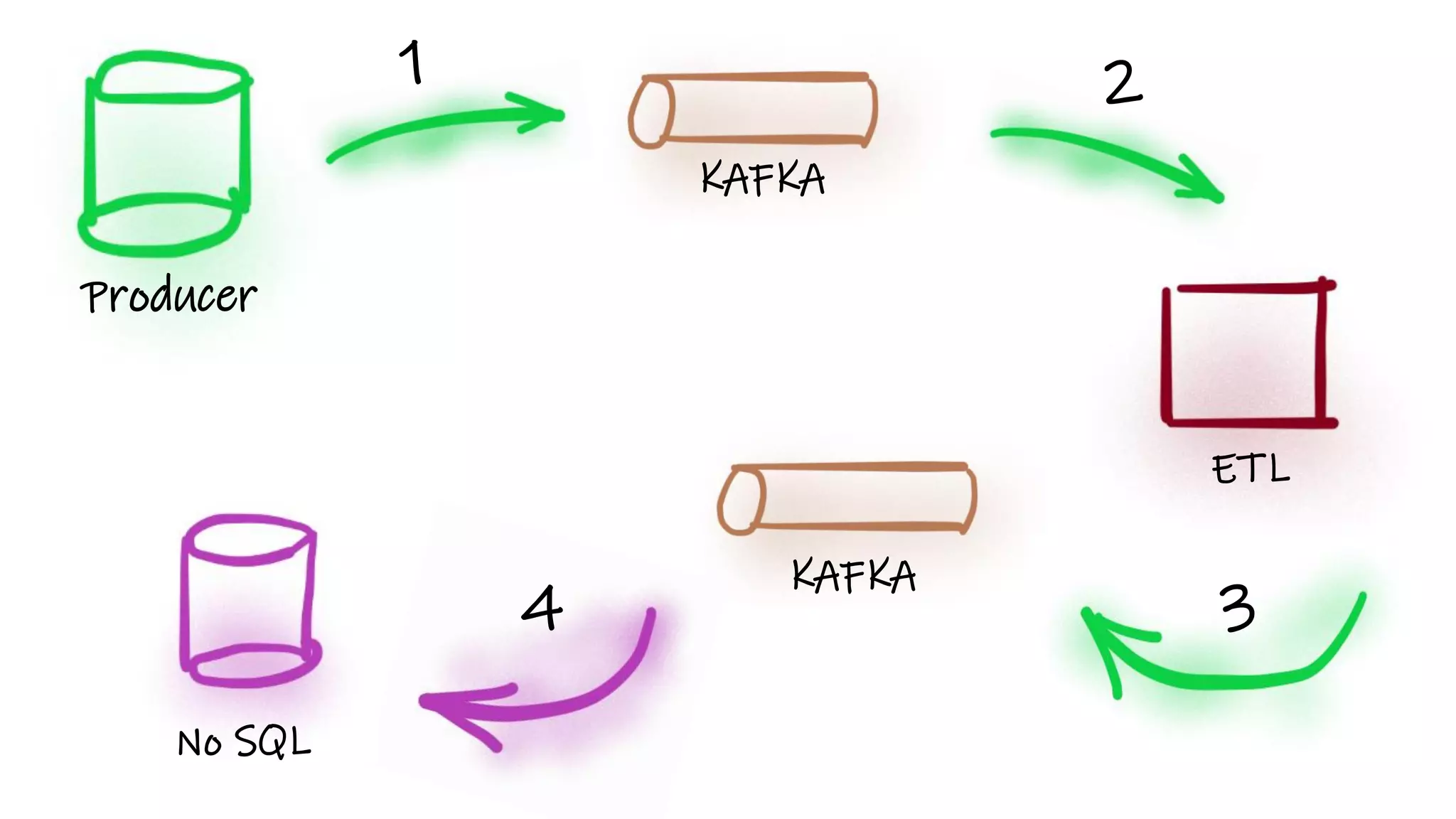
Producer
KAFKA
ETL
KAFKA
No SQL
1 2
34
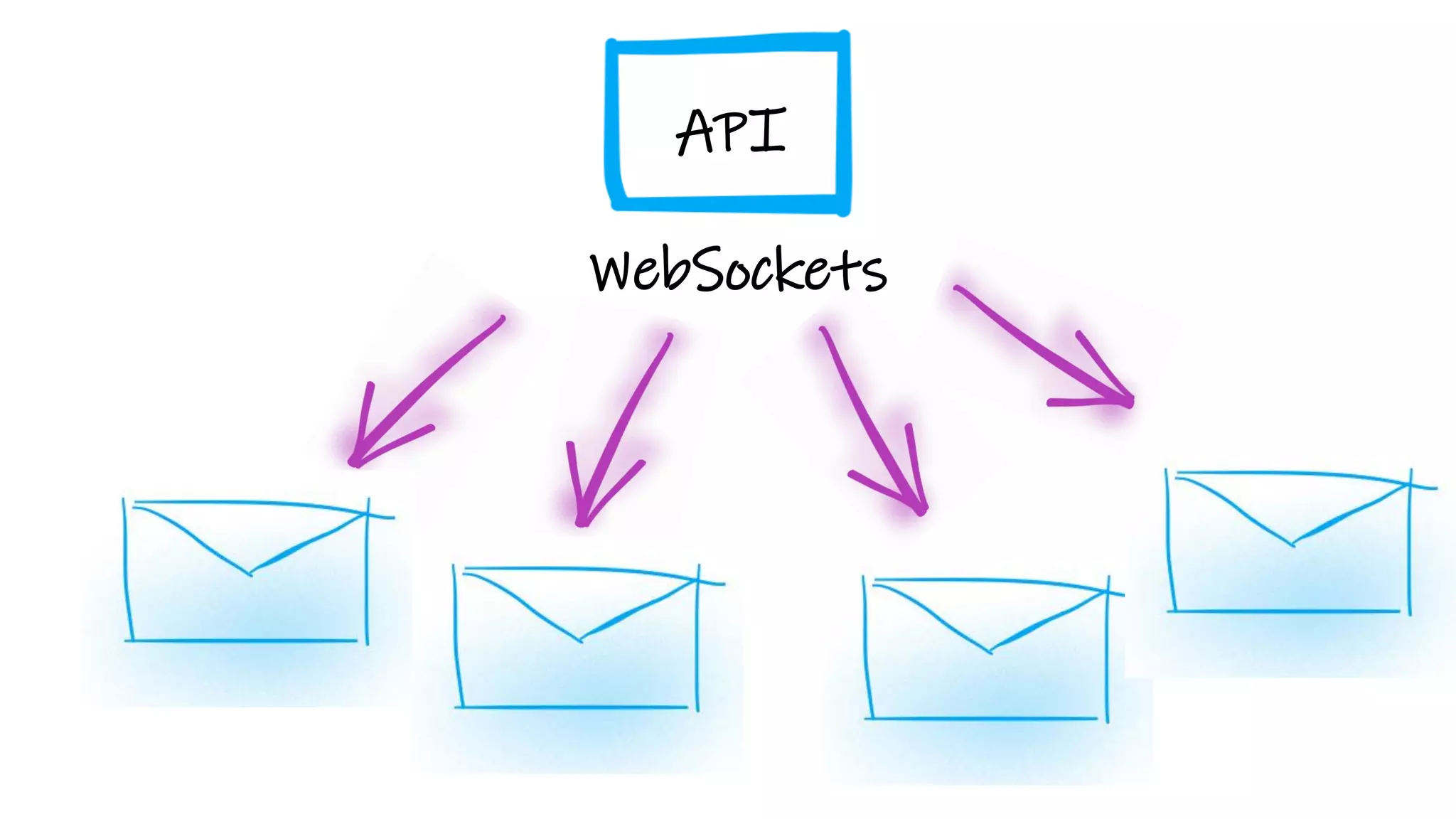
WebSockets
API
What about
1 Million
connections???
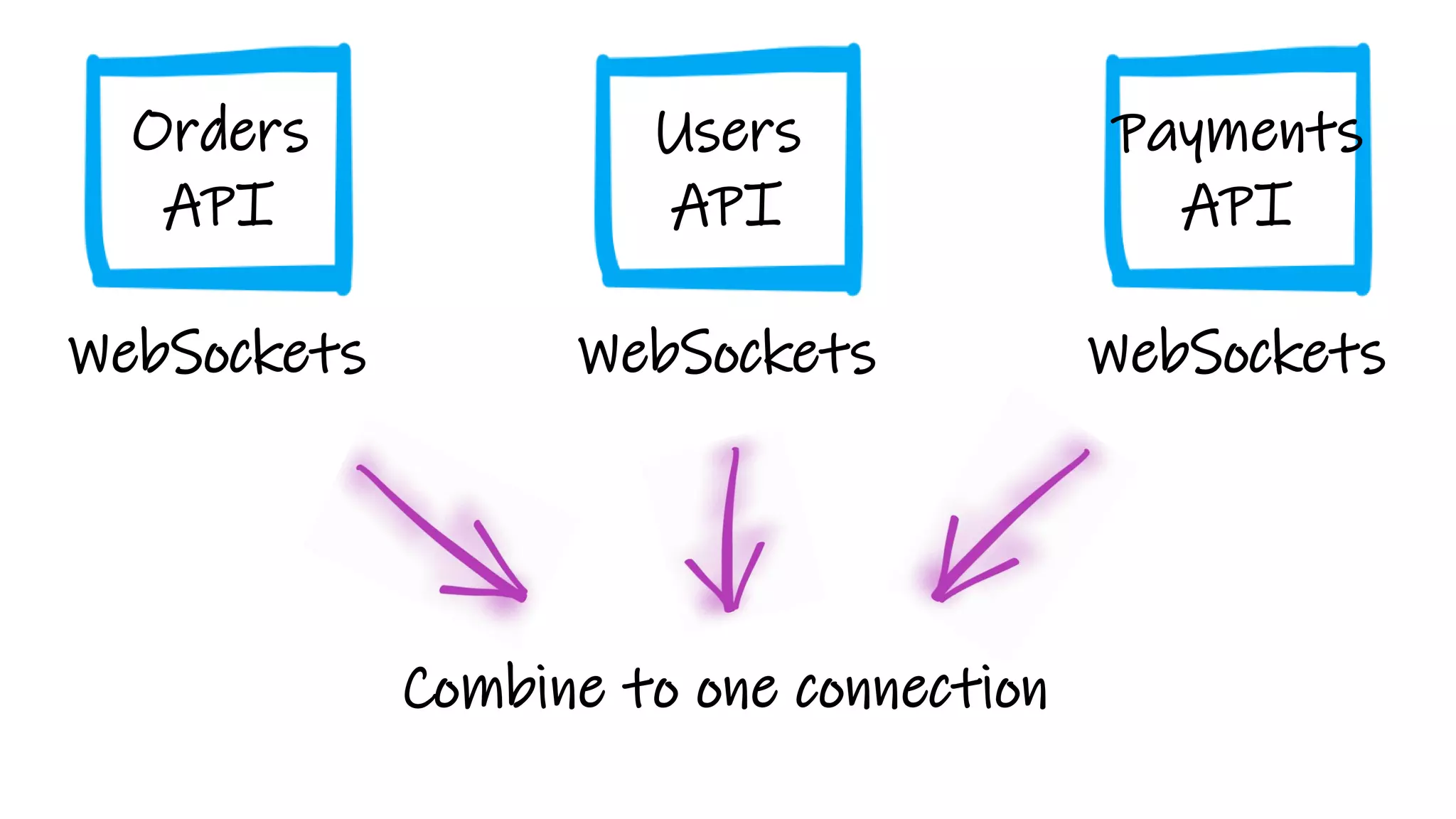
WebSockets
Users
API
WebSockets
Payments
API
WebSockets
Orders
API
Combine to one connection
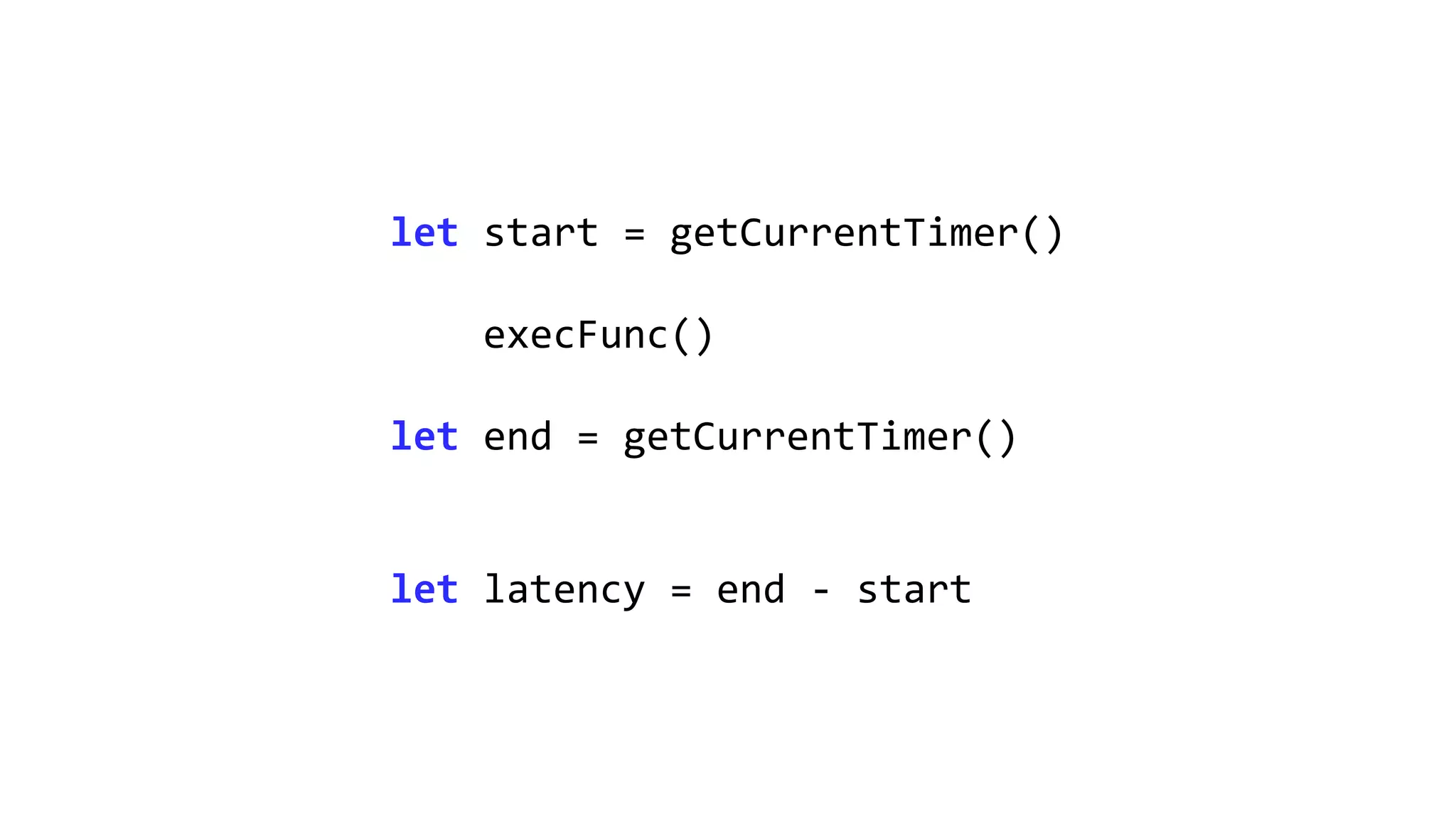
let start = getCurrentTimer()
execFunc()
let end = getCurrentTimer()
let latency = end - start
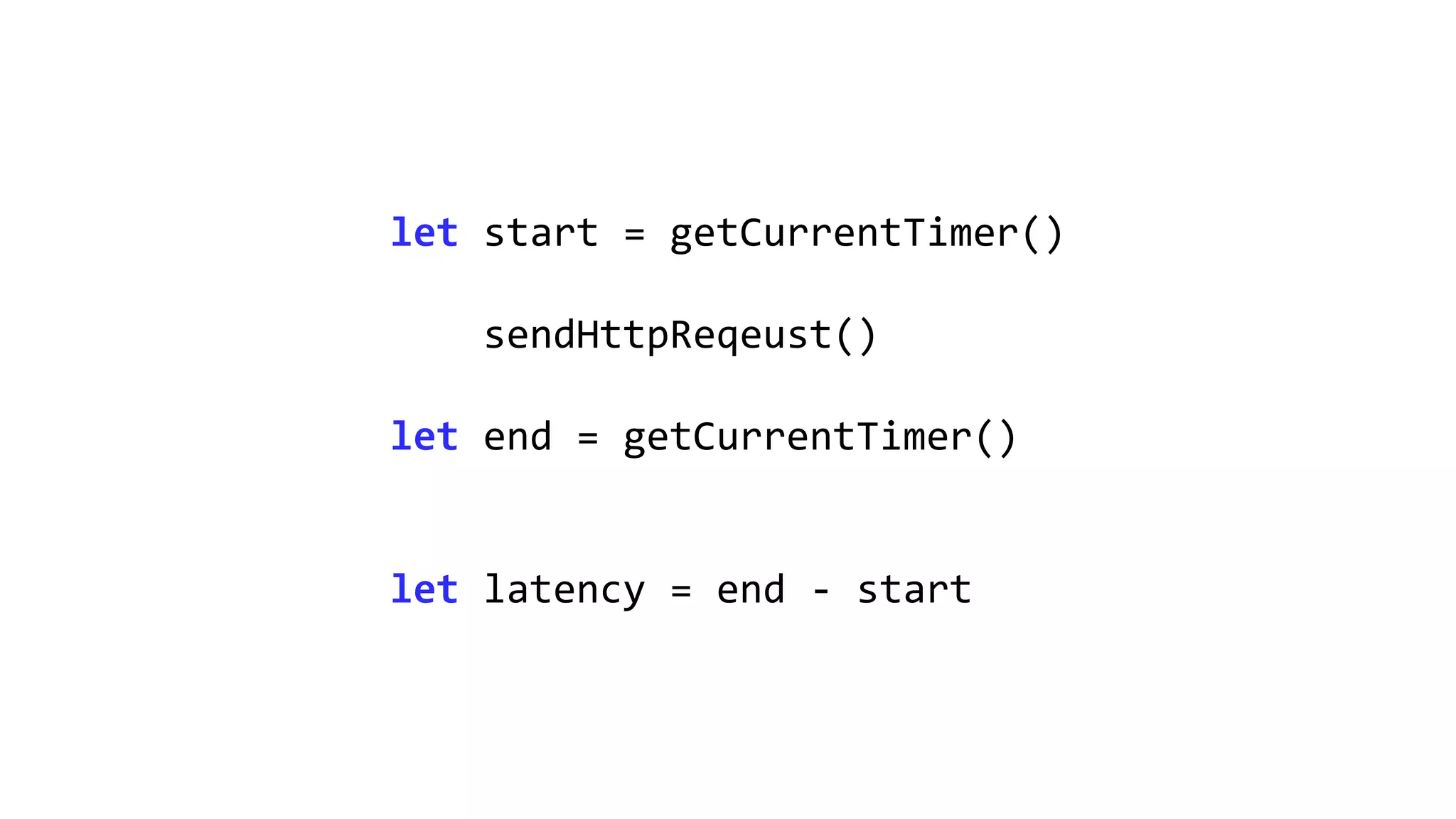
let start = getCurrentTimer()
sendHttpReqeust()
let end = getCurrentTimer()
let latency = end - start
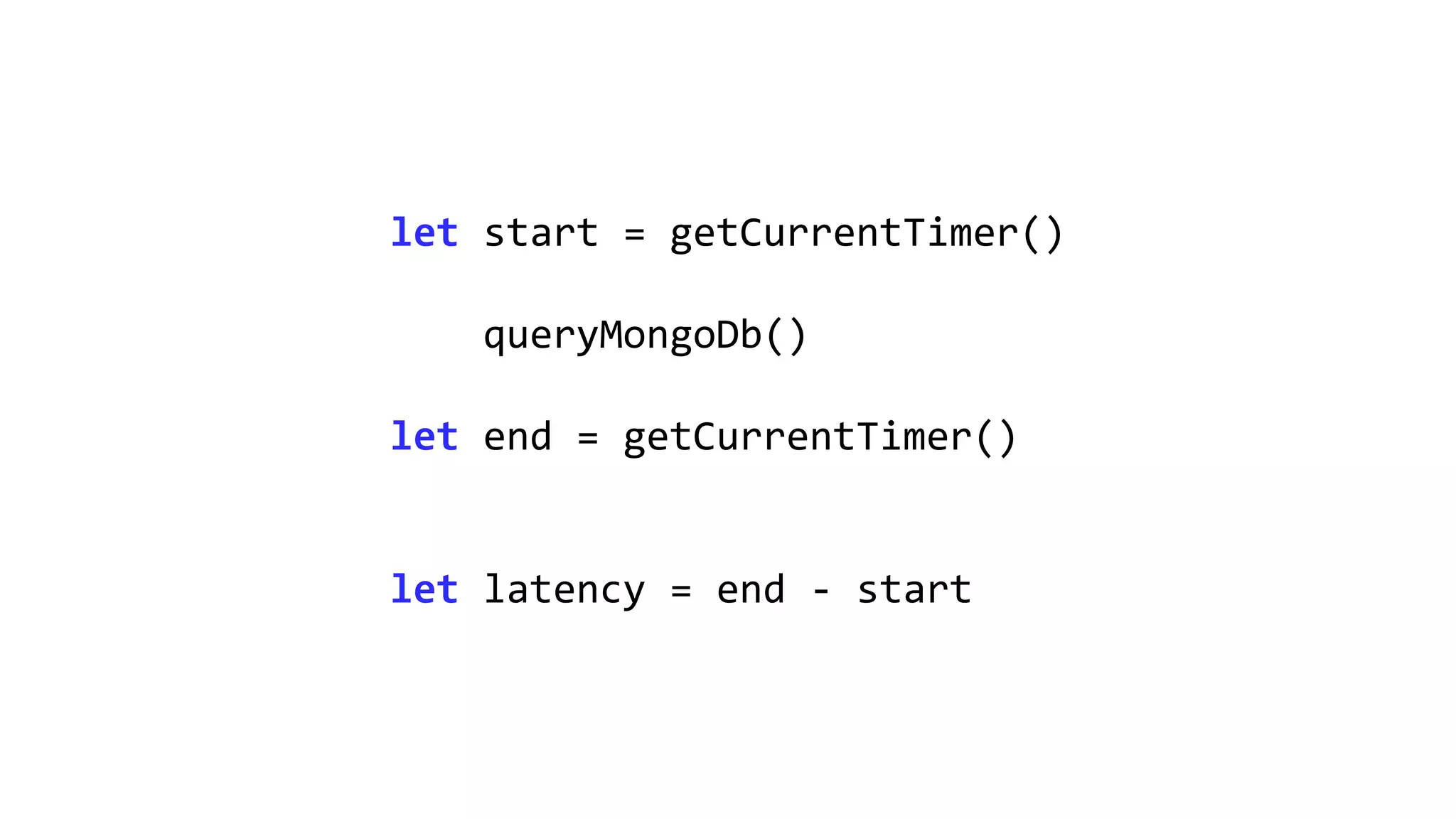
let start = getCurrentTimer()
queryMongoDb()
let end = getCurrentTimer()
let latency = end - start
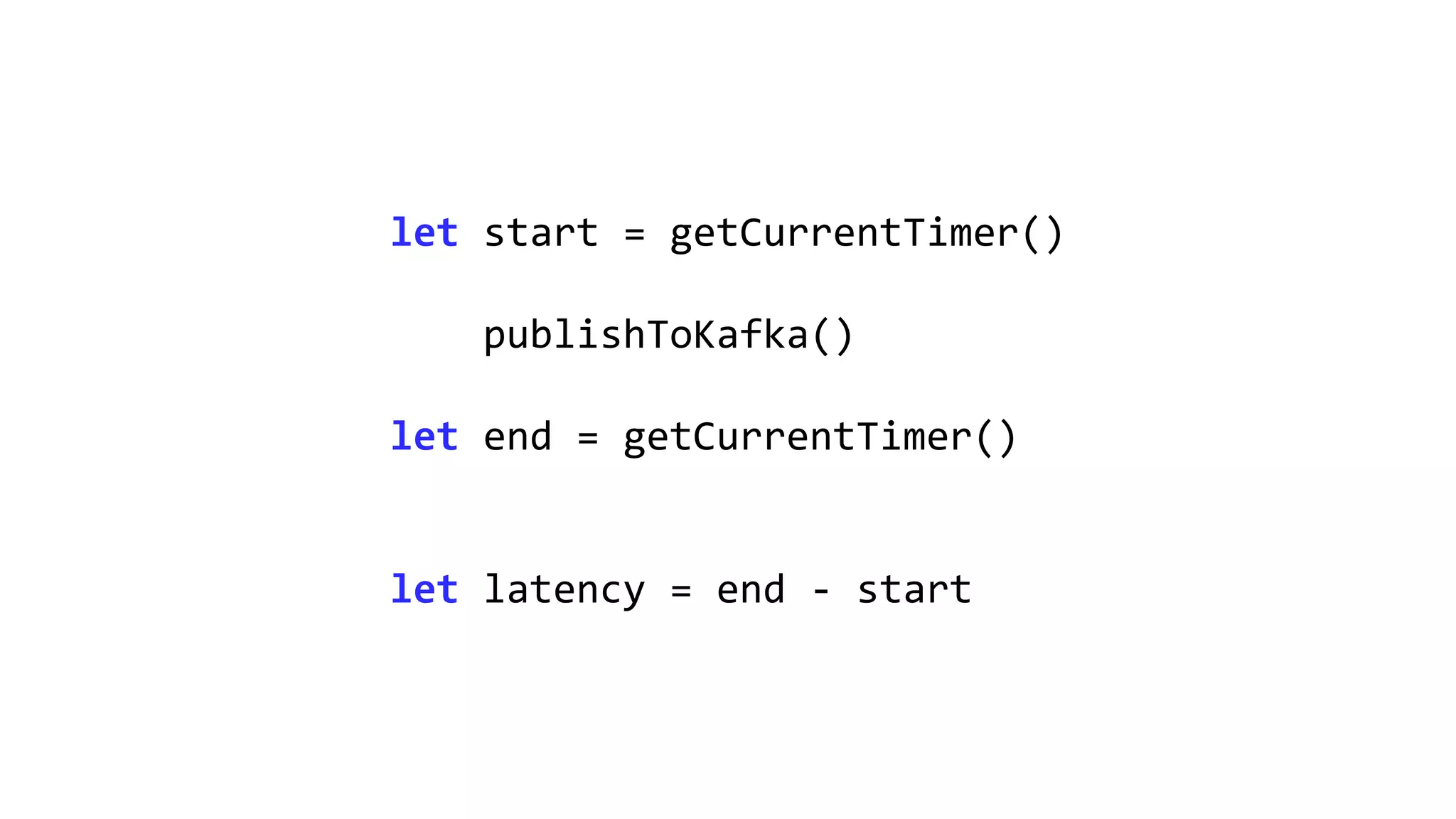
let start = getCurrentTimer()
publishToKafka()
let end = getCurrentTimer()
let latency = end - start
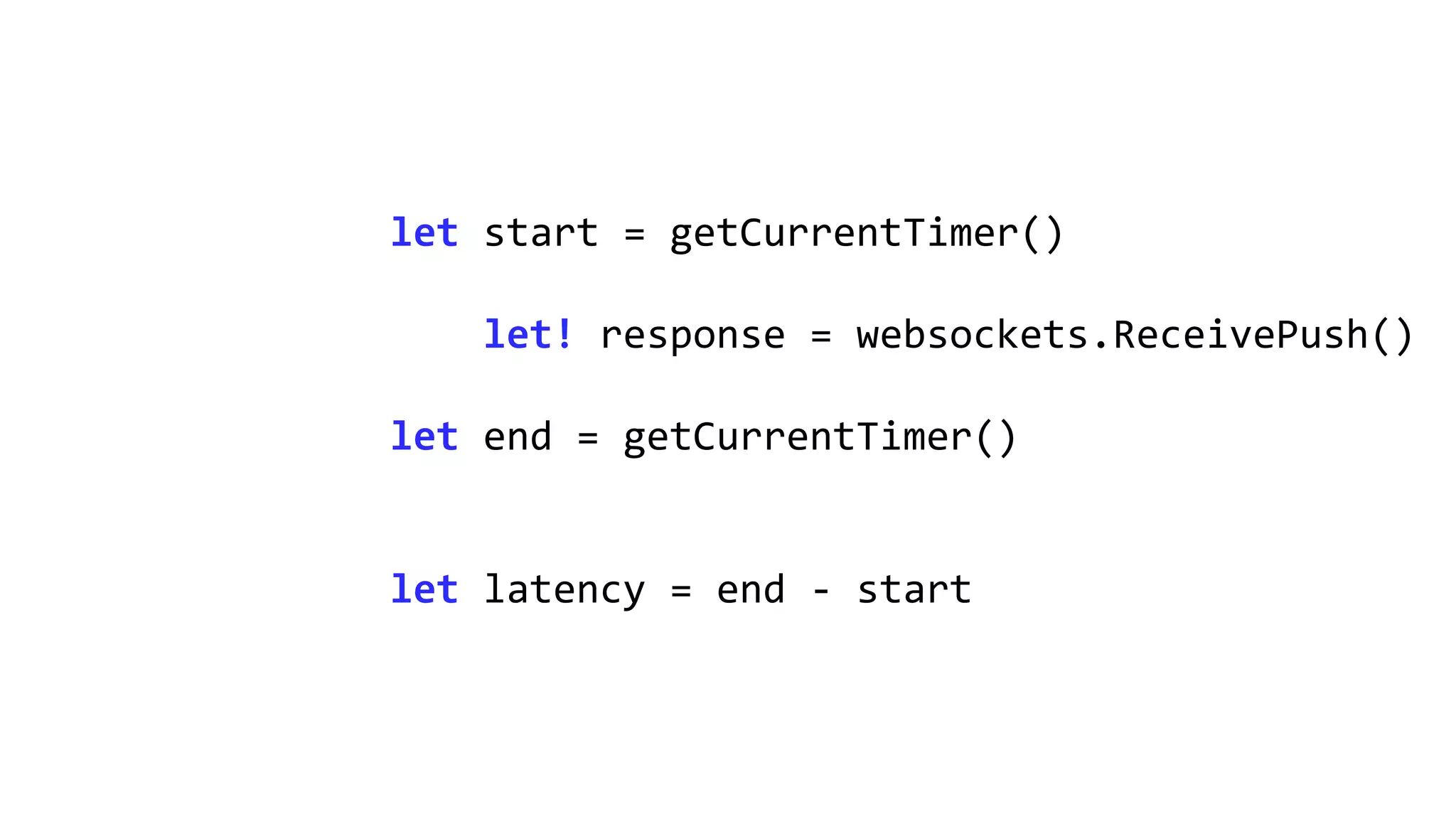
let start = getCurrentTimer()
let! response = websockets.ReceivePush()
let end = getCurrentTimer()
let latency = end - start
Load test any system
https://nbomber.com
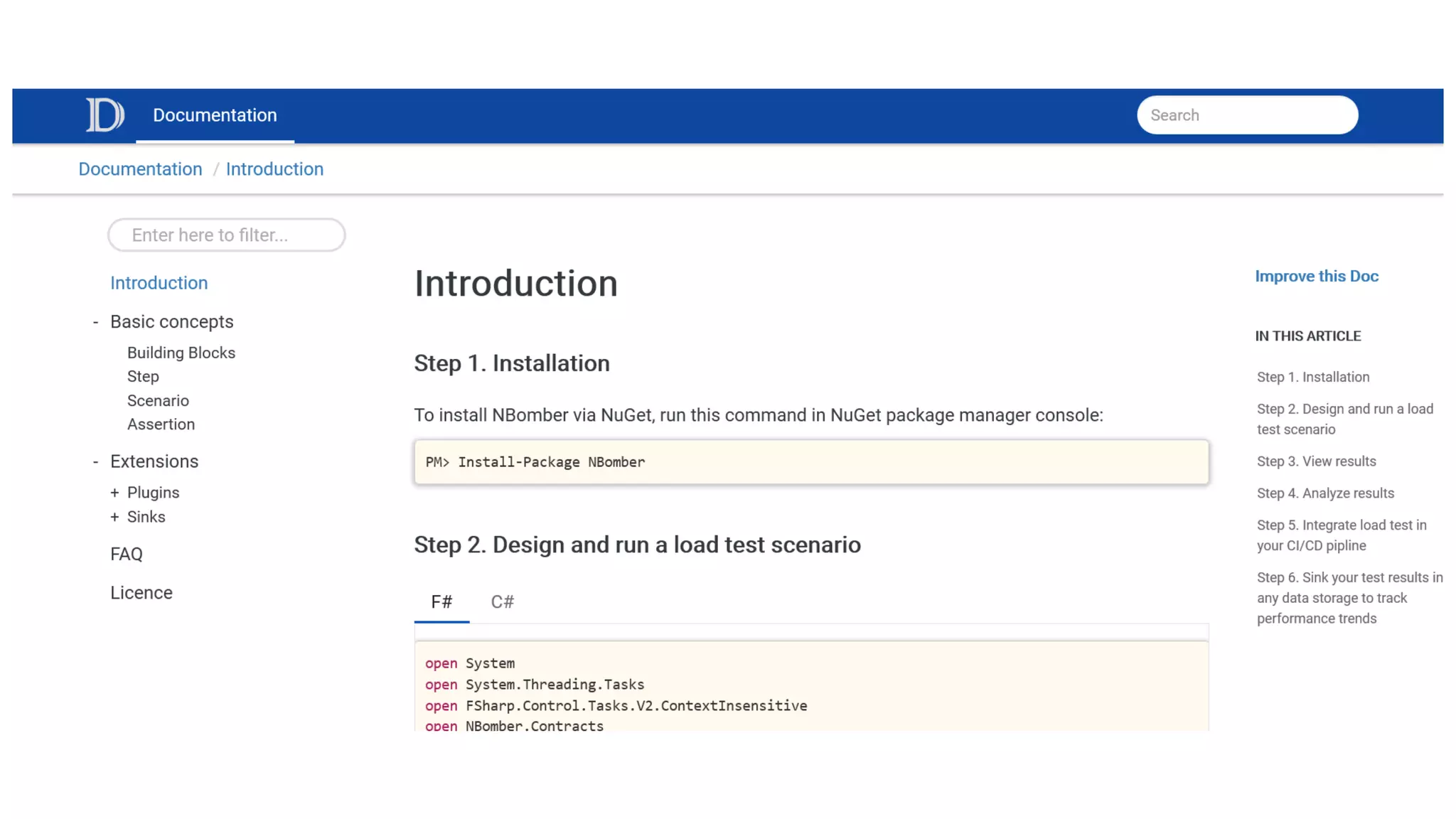
PM> Install-Package NBomber
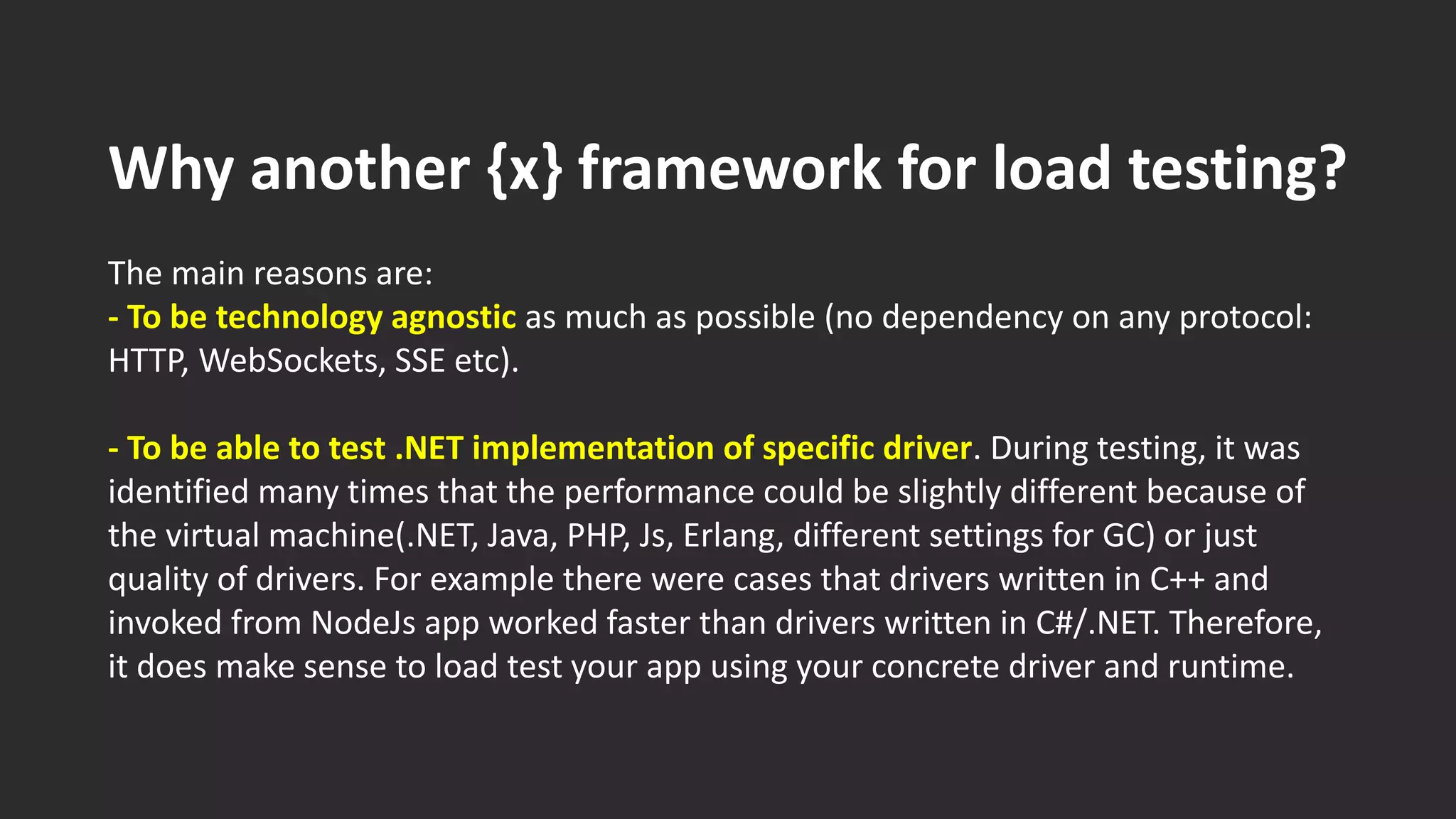
Why another {x} framework for load testing?
The main reasons are:
- To be technology agnostic as much as possible (no dependency on any protocol:
HTTP, WebSockets, SSE etc).
- To be able to test .NET implementation of specific driver. During testing, it was
identified many times that the performance could be slightly different because of
the virtual machine(.NET, Java, PHP, Js, Erlang, different settings for GC) or just
quality of drivers. For example there were cases that drivers written in C++ and
invoked from NodeJs app worked faster than drivers written in C#/.NET. Therefore,
it does make sense to load test your app using your concrete driver and runtime.
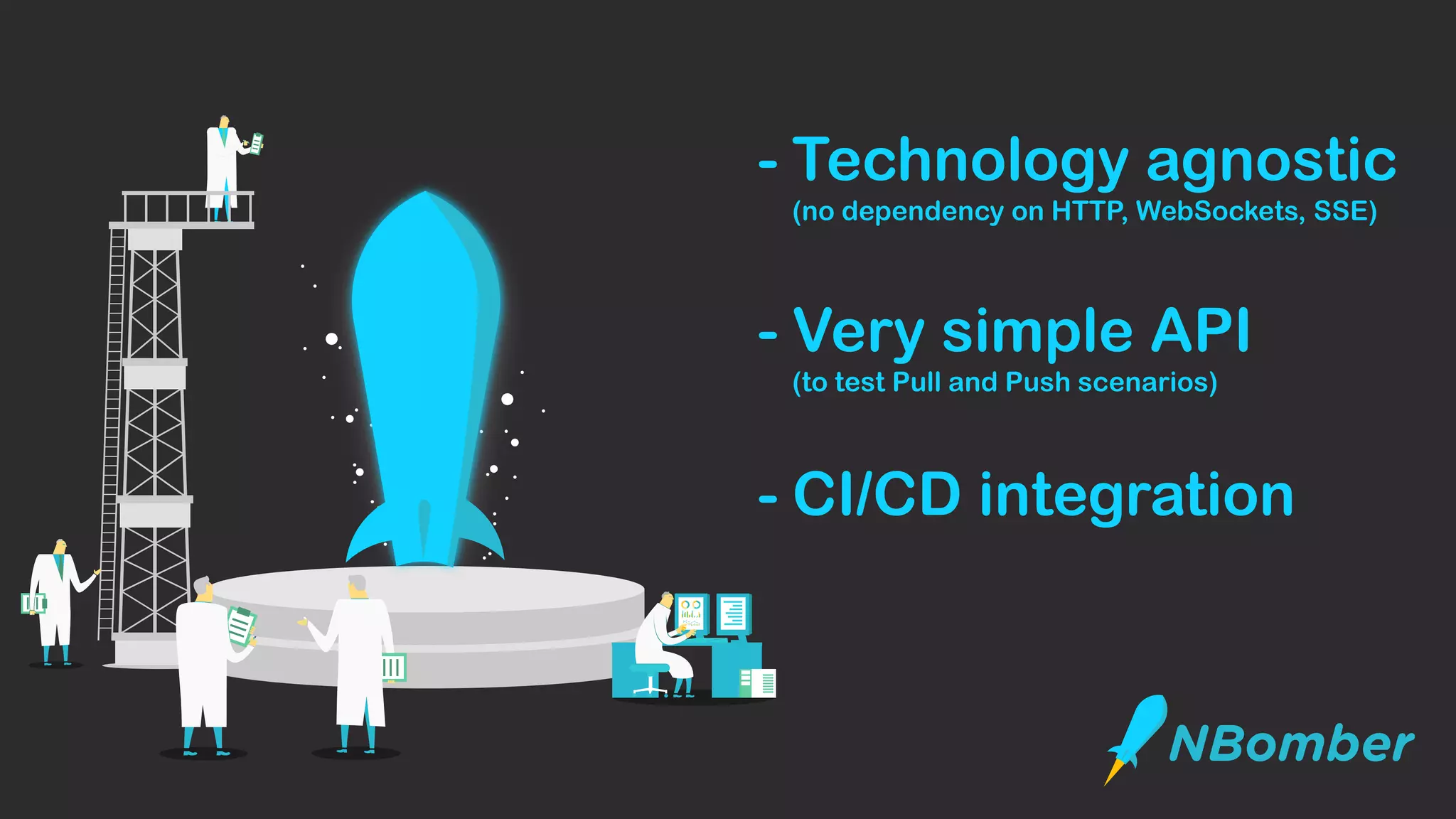
- Technology agnostic
(no dependency on HTTP, WebSockets, SSE)
- Very simple API
(to test Pull and Push scenarios)
- CI/CD integration
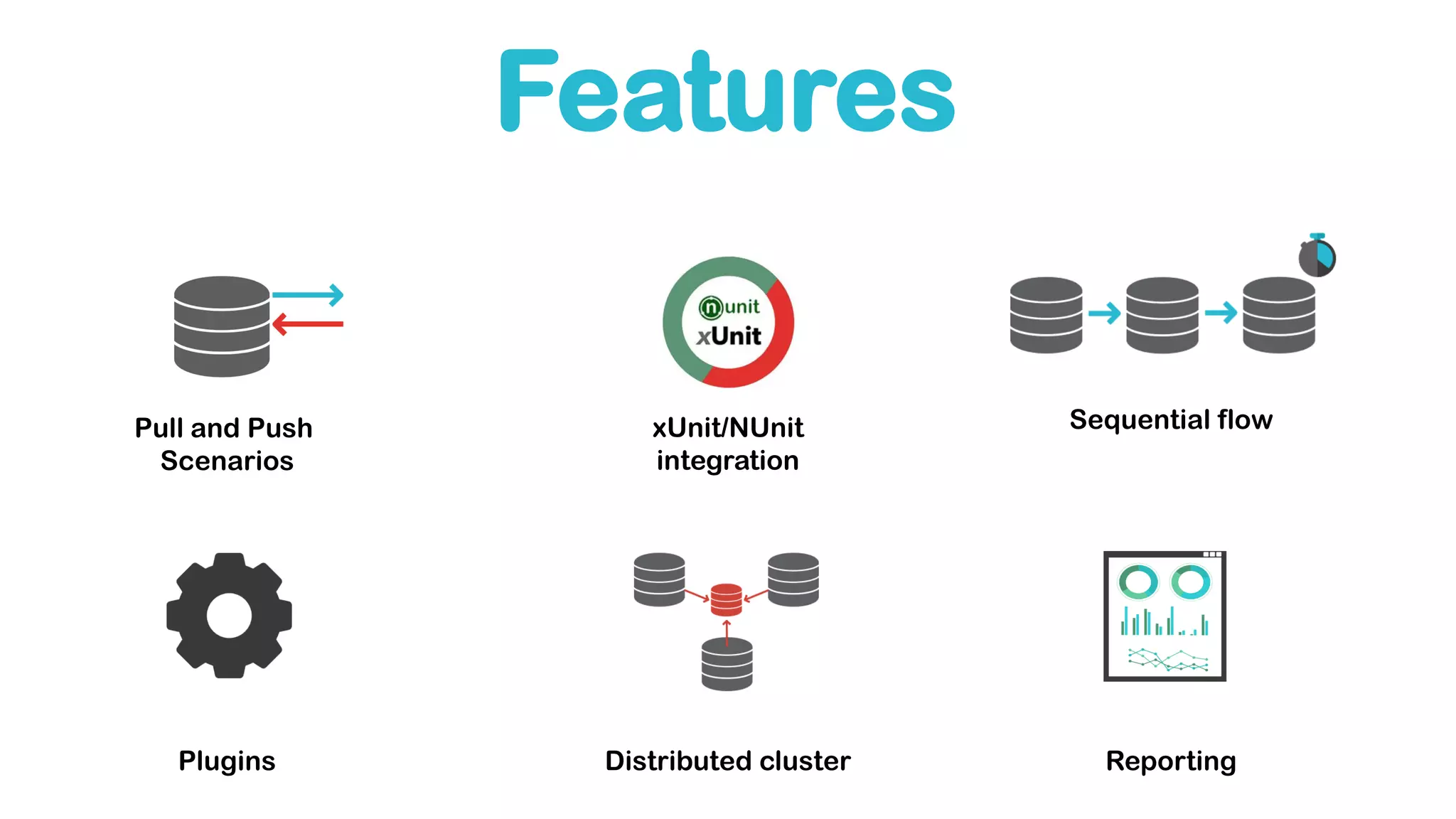
Pull and Push
Scenarios
xUnit/NUnit
integration
Sequential flow
ReportingDistributed clusterPlugins
Features
type Scenario = {
ScenarioName: string
TestInit: (ScenarioContext -> Task) option
TestClean: (ScenarioContext -> Task) option
Steps: Step[] // these steps will be executed sequentially
Assertions: Assertion[]
ConcurrentCopies: int
WarmupDuration: TimeSpan
Duration: TimeSpan
}
type Step = {
StepName: string
Execute: StepContext -> Task<Response>
}
Very simple API
Very simple API
Step.Create("step", () => {...})
ScenarioBuilder
.CreateScenario("scenario", step1, step2)
.WithConcurrentCopies(10)
.WithDuration(TimeSpan.FromSeconds(60))
NBomberRunner.RegisterScenarios(scenario)
.RunInConsole();
Step.create("step", fun () -> {...})
Scenario.create("scenario", [step1; step2])
|> Scenario.withConcurrentCopies(10)
|> Scenario.withDuration(TimeSpan.FromSeconds(60))
NBomberRunner.registerScenario(scenario)
|> NBomberRunner.runInConsole
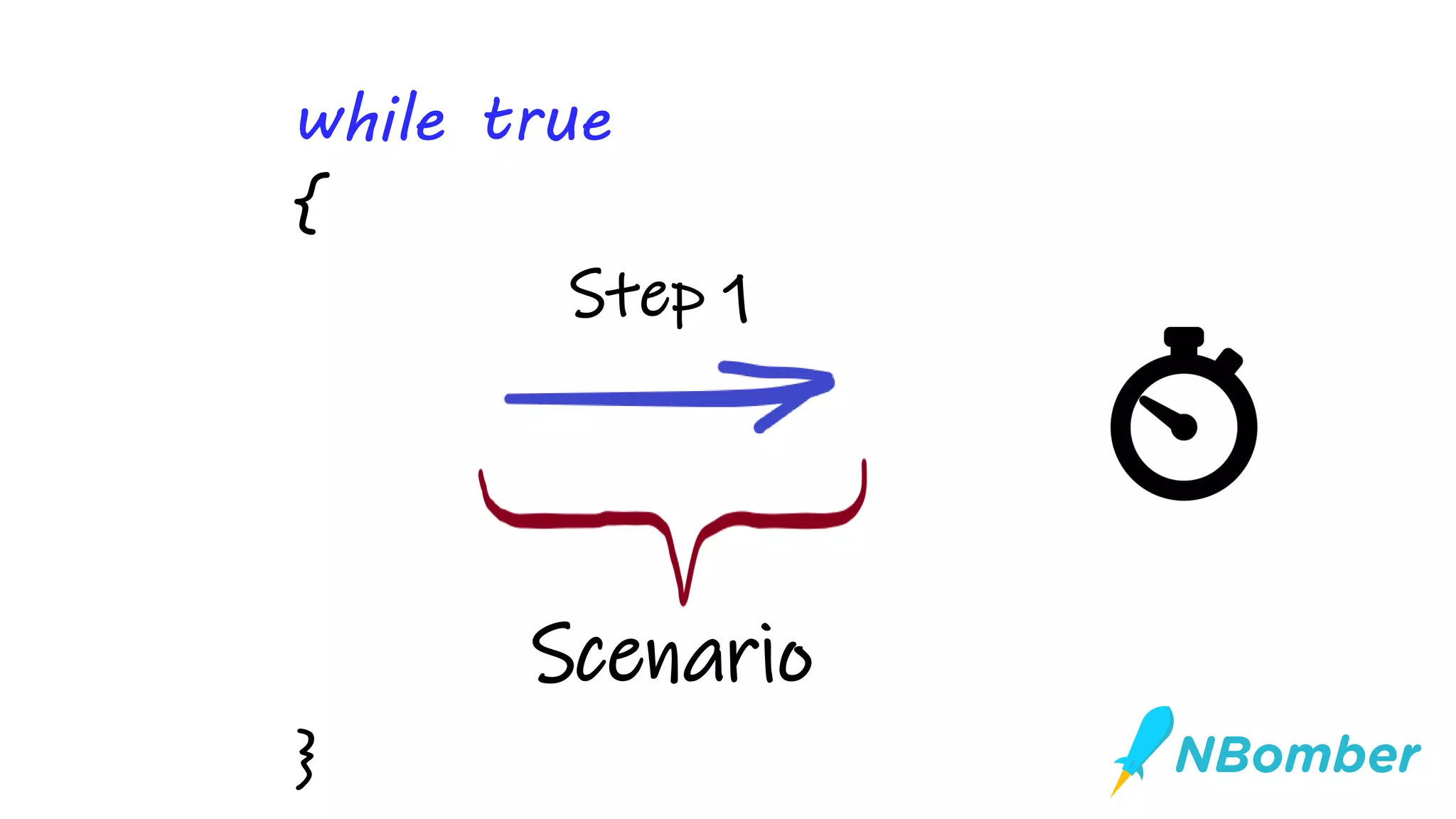
Step 1
Scenario
while true
{
}
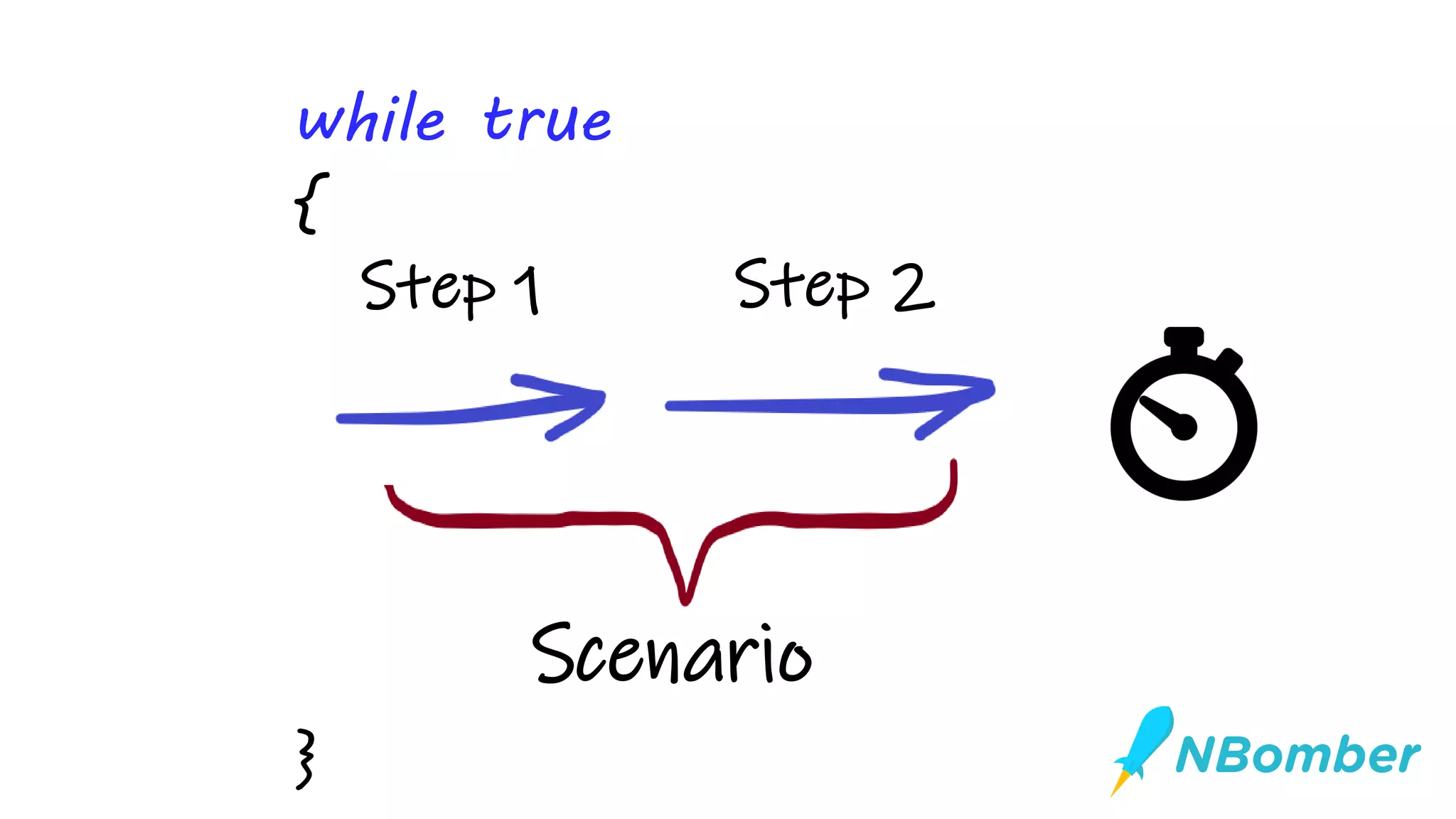
Scenario
Step 2Step 1
}
while true
{
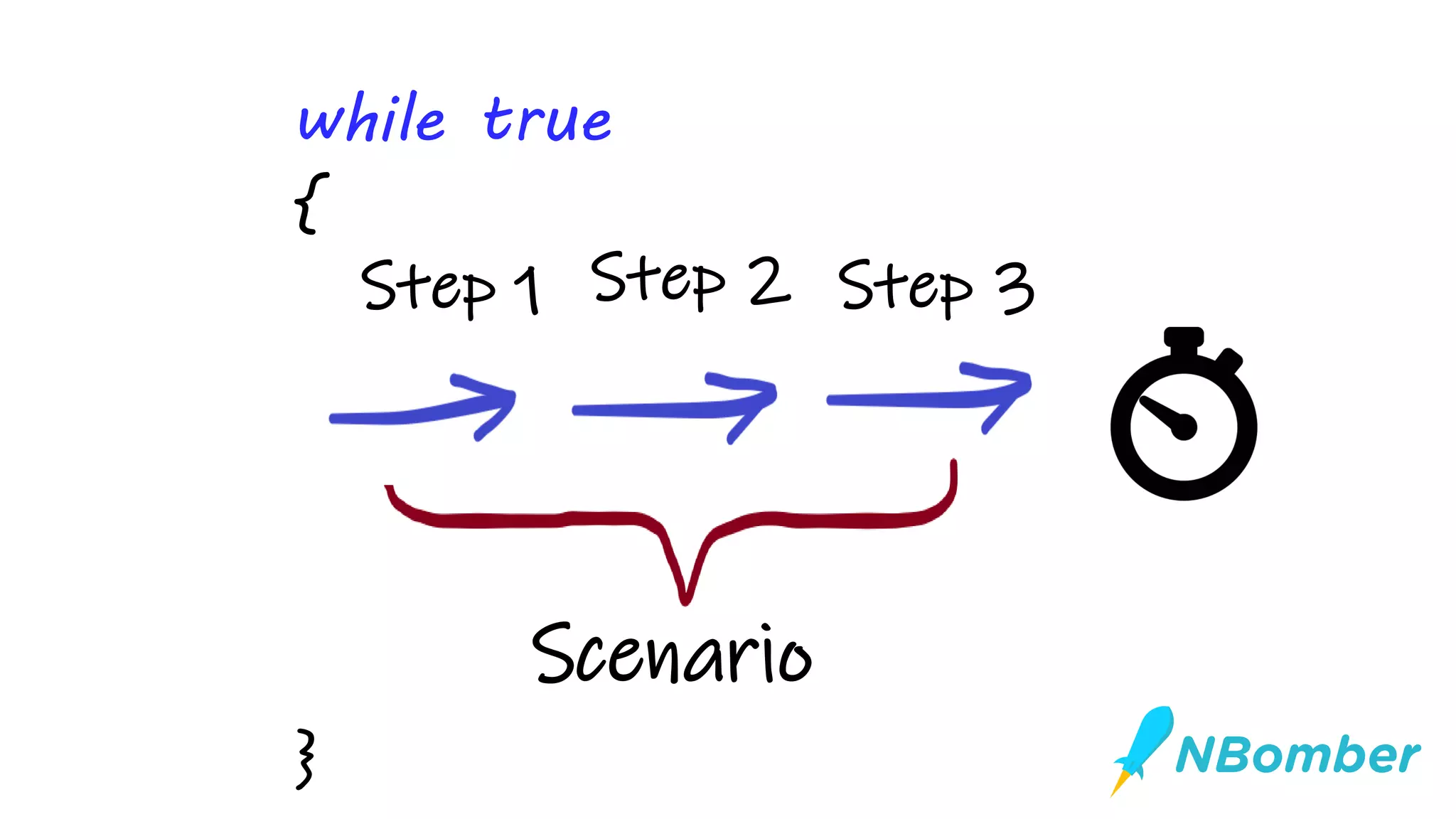
Scenario
Step 3Step 1 Step 2
}
while true
{
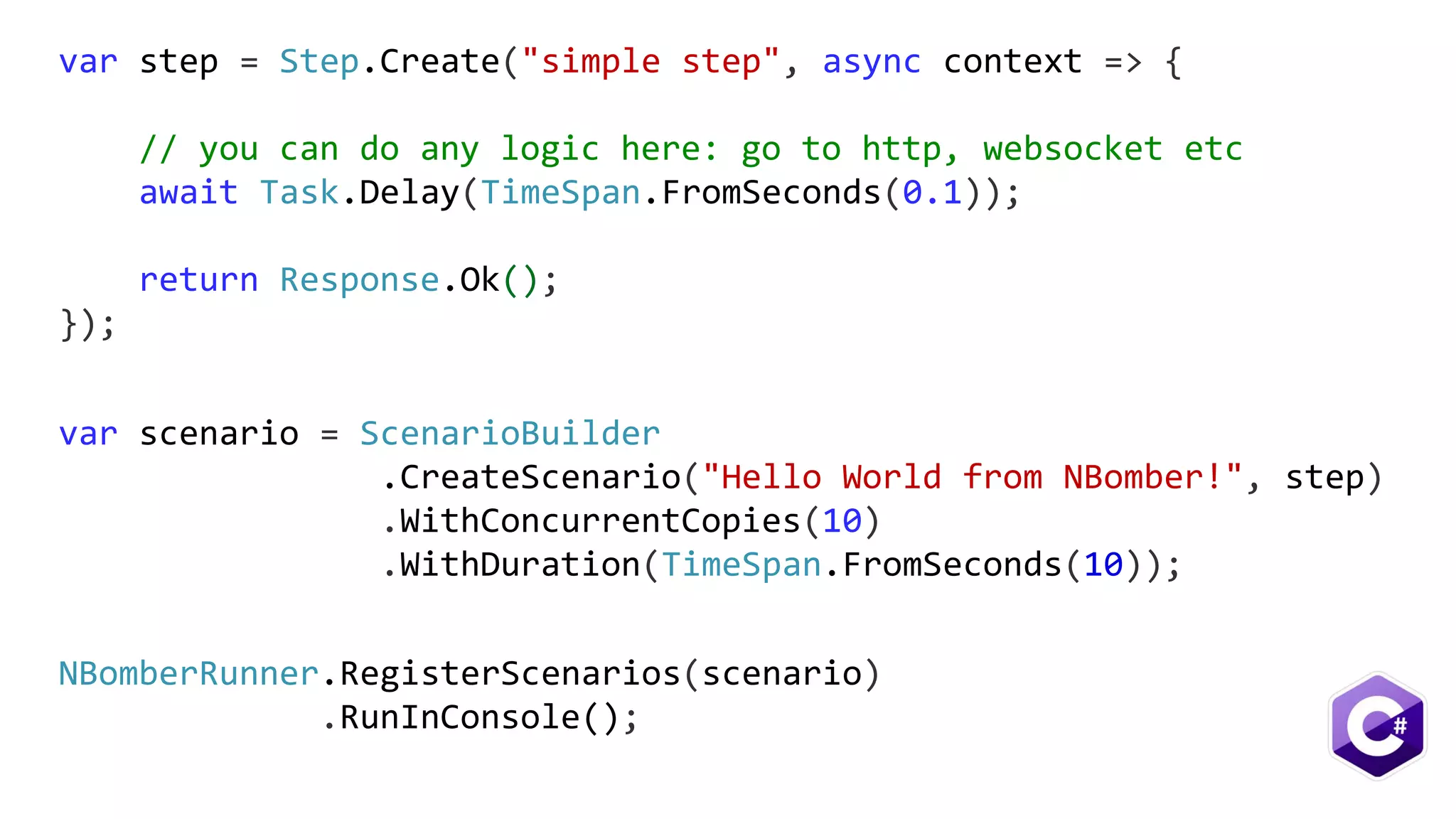
var scenario = ScenarioBuilder
.CreateScenario("Hello World from NBomber!", step)
.WithConcurrentCopies(10)
.WithDuration(TimeSpan.FromSeconds(10));
var step = Step.Create("simple step", async context => {
// you can do any logic here: go to http, websocket etc
await Task.Delay(TimeSpan.FromSeconds(0.1));
return Response.Ok();
});
NBomberRunner.RegisterScenarios(scenario)
.RunInConsole();
let step = Step.create("simple step", fun context -> task {
// you can do any logic here: go to http, websocket etc
do! Task.Delay(TimeSpan.FromSeconds(0.1))
return Response.Ok()
})
Scenario.create("Hello World from NBomber!", [step])
|> Scenario.withConcurrentCopies(10)
|> Scenario.withDuration(TimeSpan.FromSeconds(10.0))
|> NBomberRunner.registerScenario
|> NBomberRunner.runInConsole
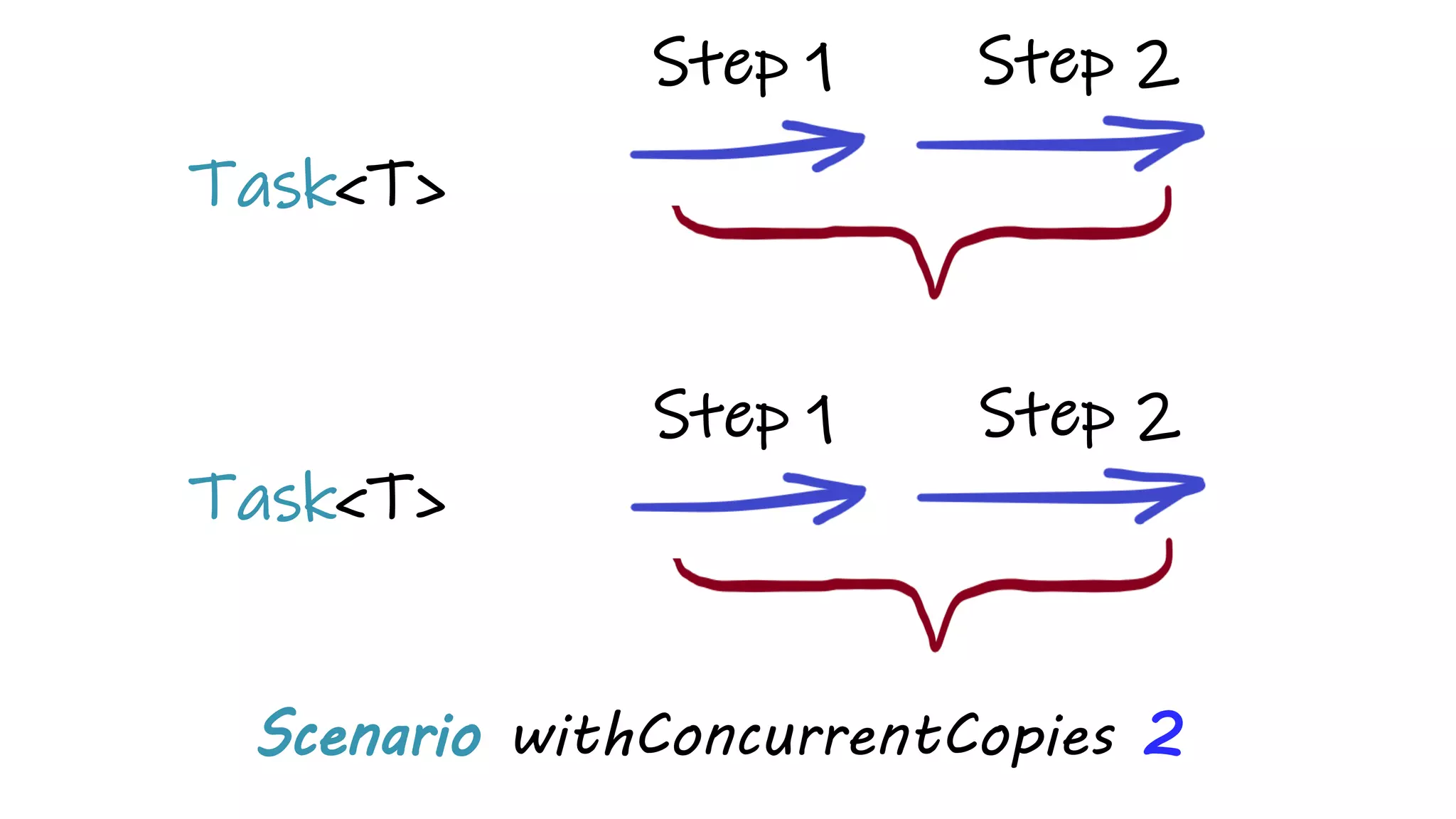
Scenario withConcurrentCopies 2
Task<T>
Task<T>
Step 2Step 1
Step 2Step 1
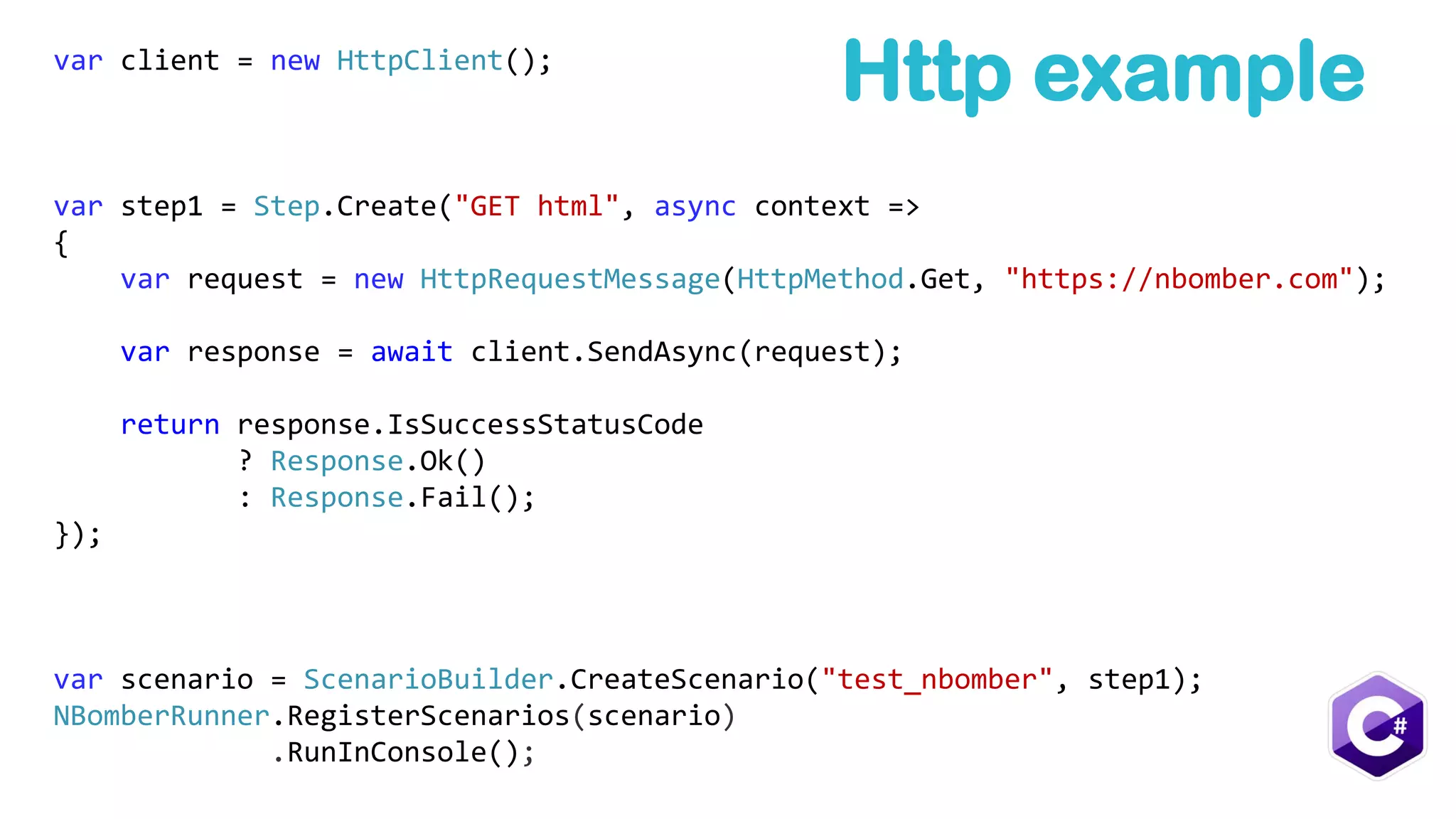
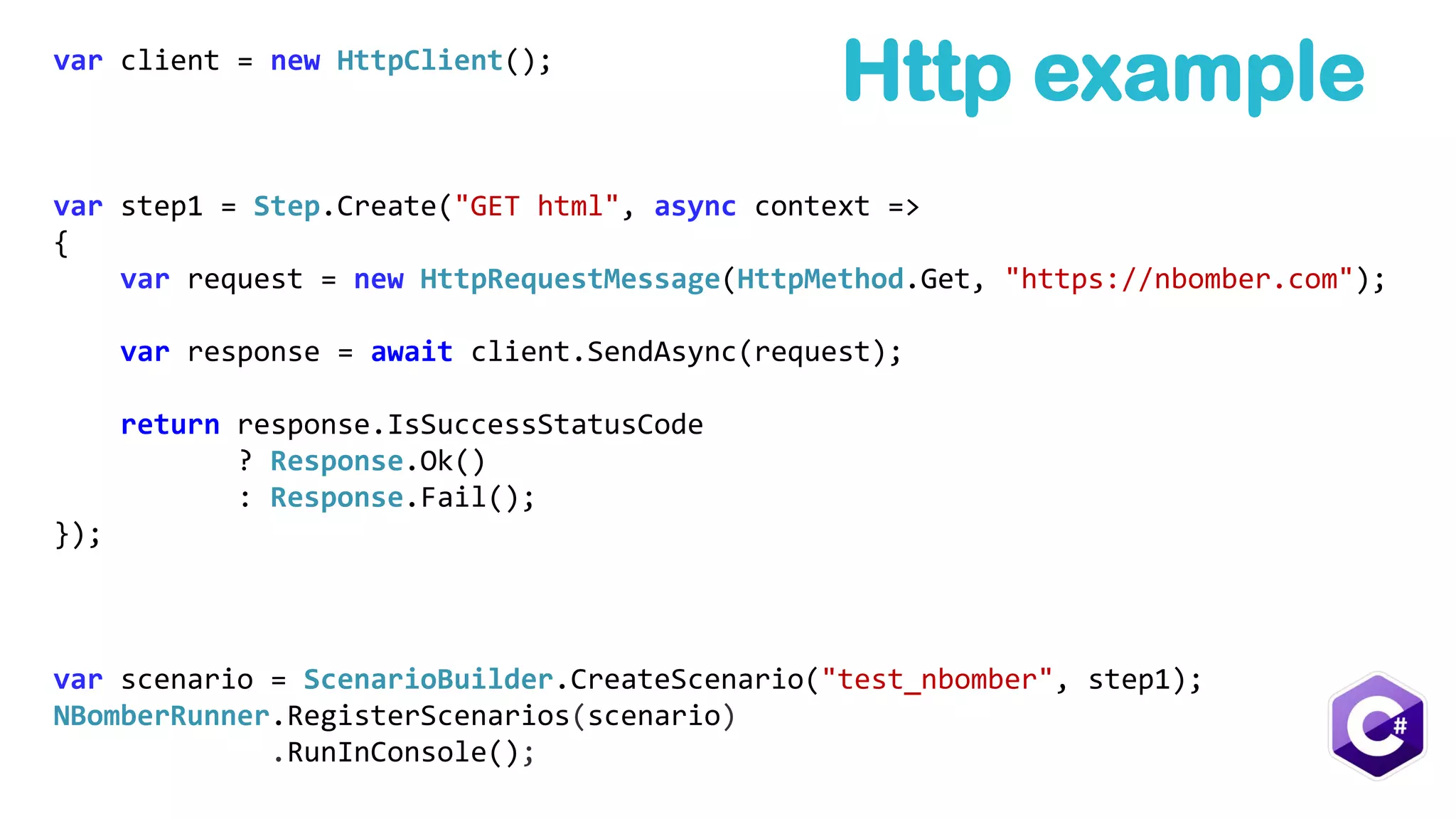
var client = new HttpClient();
var step1 = Step.Create("GET html", async context =>
{
var request = new HttpRequestMessage(HttpMethod.Get, "https://nbomber.com");
var response = await client.SendAsync(request);
return response.IsSuccessStatusCode
? Response.Ok()
: Response.Fail();
});
var scenario = ScenarioBuilder.CreateScenario("test_nbomber", step1);
NBomberRunner.RegisterScenarios(scenario)
.RunInConsole();
Http example
Assertions[Test]
public void Test()
{
var assertions = new[] {
Assertion.ForStep("simple step", stats => stats.OkCount > 2),
Assertion.ForStep("simple step", stats => stats.RPS > 8),
Assertion.ForStep("simple step", stats => stats.Min > 8),
Assertion.ForStep("simple step", stats => stats.Max > 8),
Assertion.ForStep("simple step", stats => stats.Percent95 >= 102),
Assertion.ForStep("simple step", stats => stats.DataMinKb == 1.0),
Assertion.ForStep("simple step", stats => stats.AllDataMB >= 0.01)
};
var scenario = BuildScenario()
.WithConcurrentCopies(1)
.WithWarmUpDuration(TimeSpan.FromSeconds(0))
.WithDuration(TimeSpan.FromSeconds(2))
.WithAssertions(assertions);
NBomberRunner.RegisterScenarios(scenario)
.RunTest();
}
.Http
https://nbomber.com
PM> Install-Package NBomber.Http
var client = new HttpClient();
var step1 = Step.Create("GET html", async context =>
{
var request = new HttpRequestMessage(HttpMethod.Get, "https://nbomber.com");
var response = await client.SendAsync(request);
return response.IsSuccessStatusCode
? Response.Ok()
: Response.Fail();
});
var scenario = ScenarioBuilder.CreateScenario("test_nbomber", step1);
NBomberRunner.RegisterScenarios(scenario)
.RunInConsole();
Http example
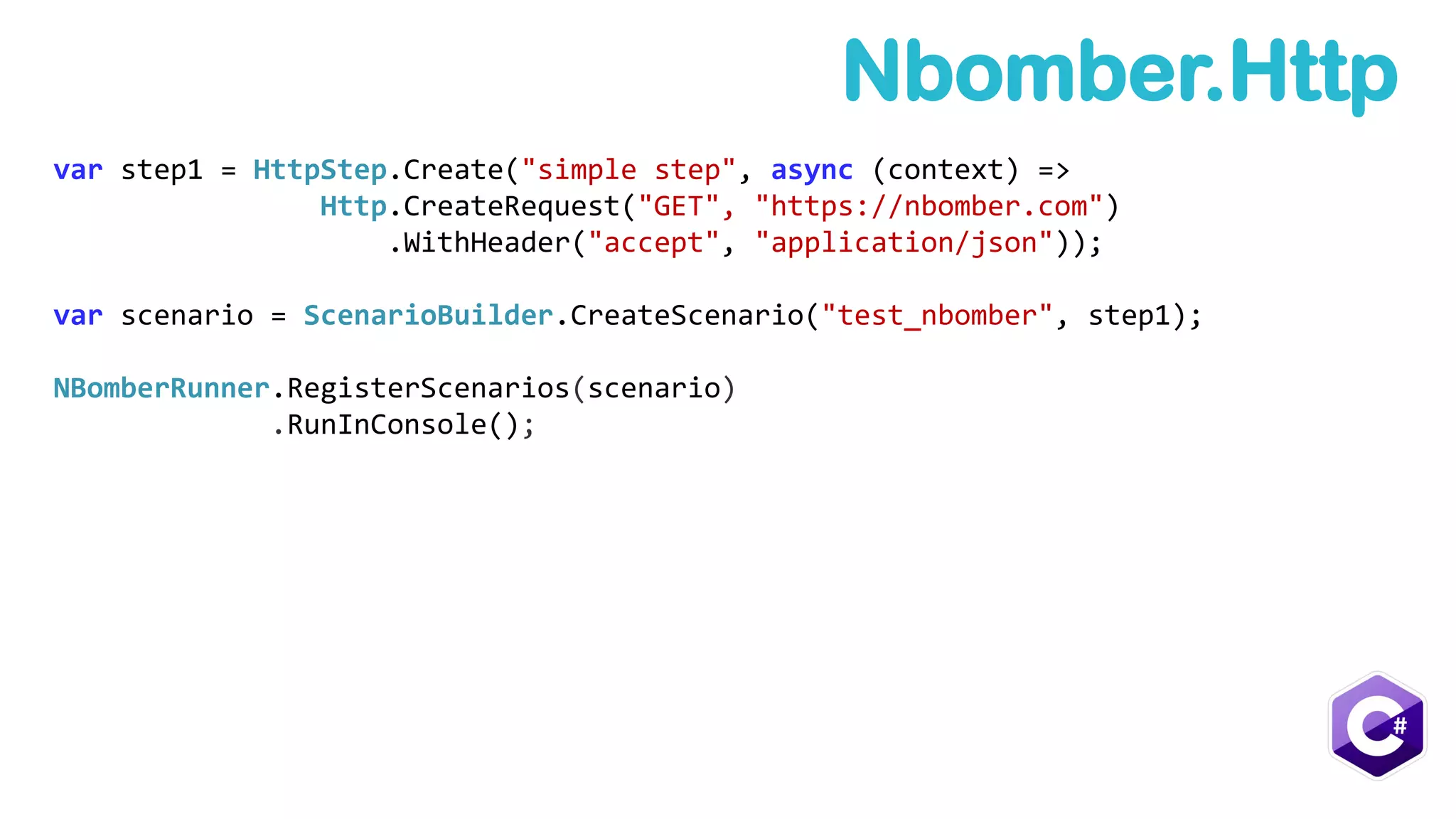
var step1 = HttpStep.Create("simple step", async (context) =>
Http.CreateRequest("GET", "https://nbomber.com")
.WithHeader("accept", "application/json"));
var scenario = ScenarioBuilder.CreateScenario("test_nbomber", step1);
NBomberRunner.RegisterScenarios(scenario)
.RunInConsole();
Nbomber.Http
Advanced
Example
Batch Update Process 1
Batch Update Process 3
MongoDB
Batch Update Process 2
write
read
read
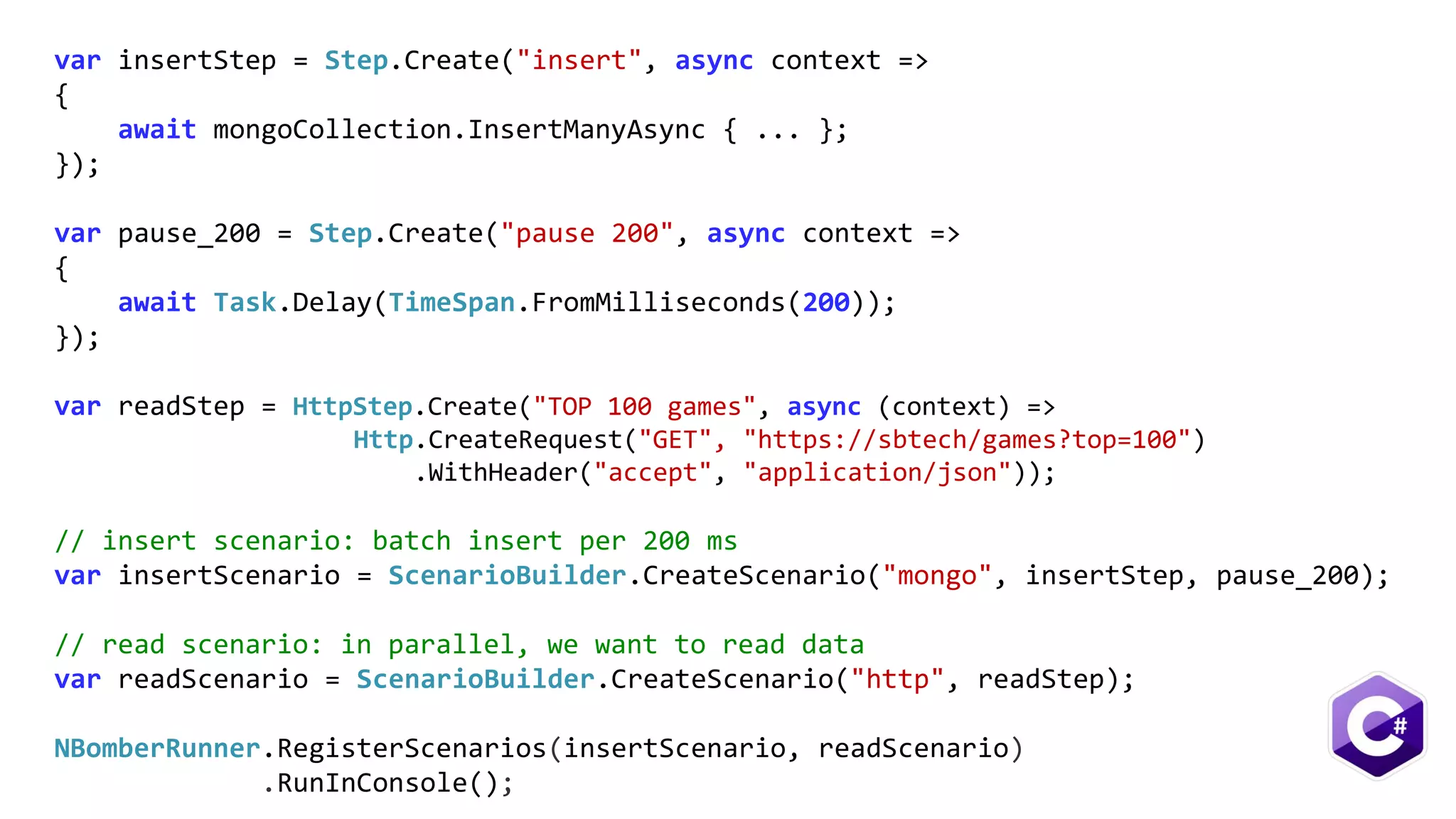
var insertStep = Step.Create("insert", async context =>
{
await mongoCollection.InsertManyAsync { ... };
});
var pause_200 = Step.Create("pause 200", async context =>
{
await Task.Delay(TimeSpan.FromMilliseconds(200));
});
var readStep = HttpStep.Create("TOP 100 games", async (context) =>
Http.CreateRequest("GET", "https://sbtech/games?top=100")
.WithHeader("accept", "application/json"));
// insert scenario: batch insert per 200 ms
var insertScenario = ScenarioBuilder.CreateScenario("mongo", insertStep, pause_200);
// read scenario: in parallel, we want to read data
var readScenario = ScenarioBuilder.CreateScenario("http", readStep);
NBomberRunner.RegisterScenarios(insertScenario, readScenario)
.RunInConsole();
The Kids
want cluster
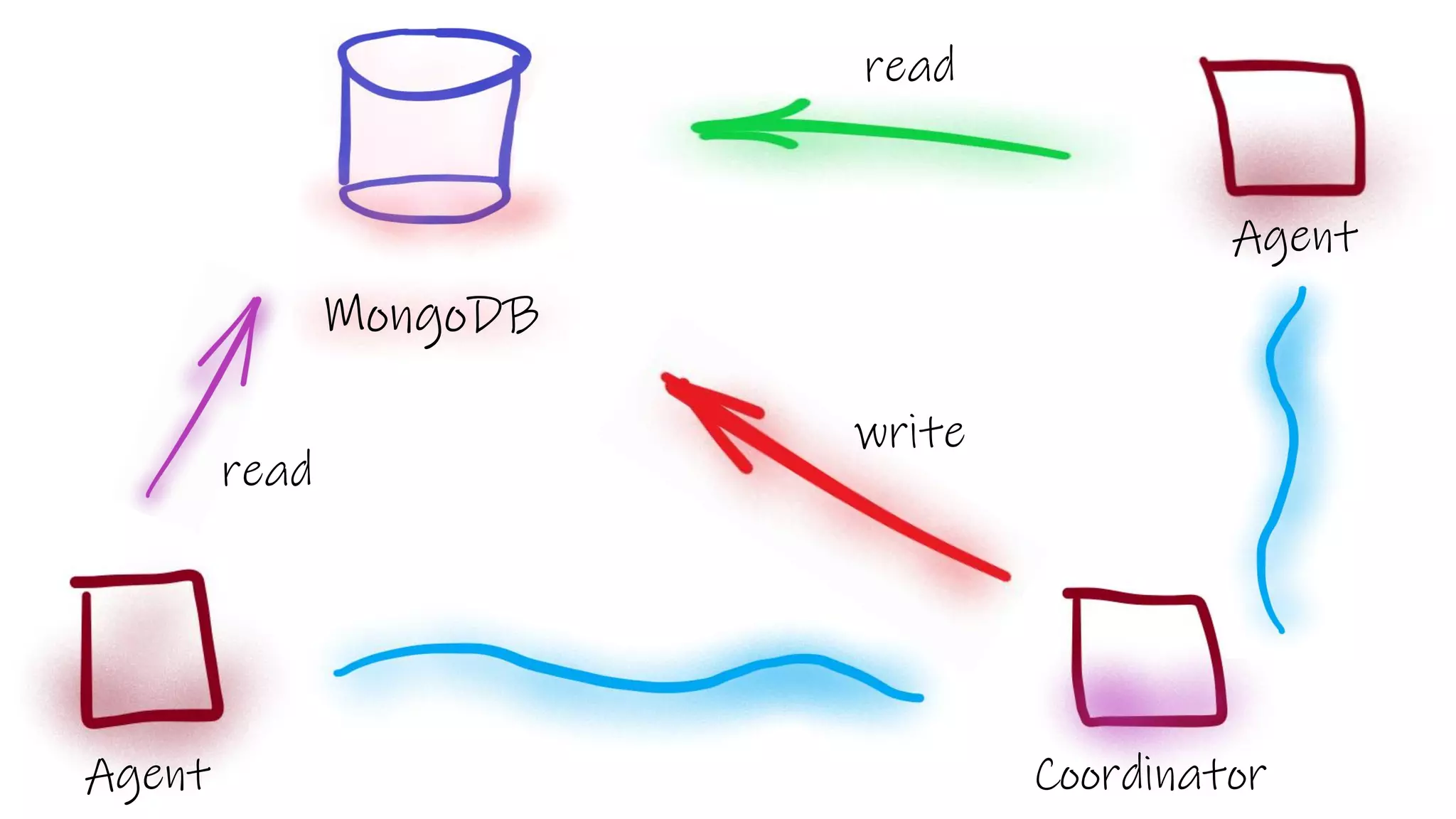
Agent
Agent
Coordinator
MongoDB
read
write
read
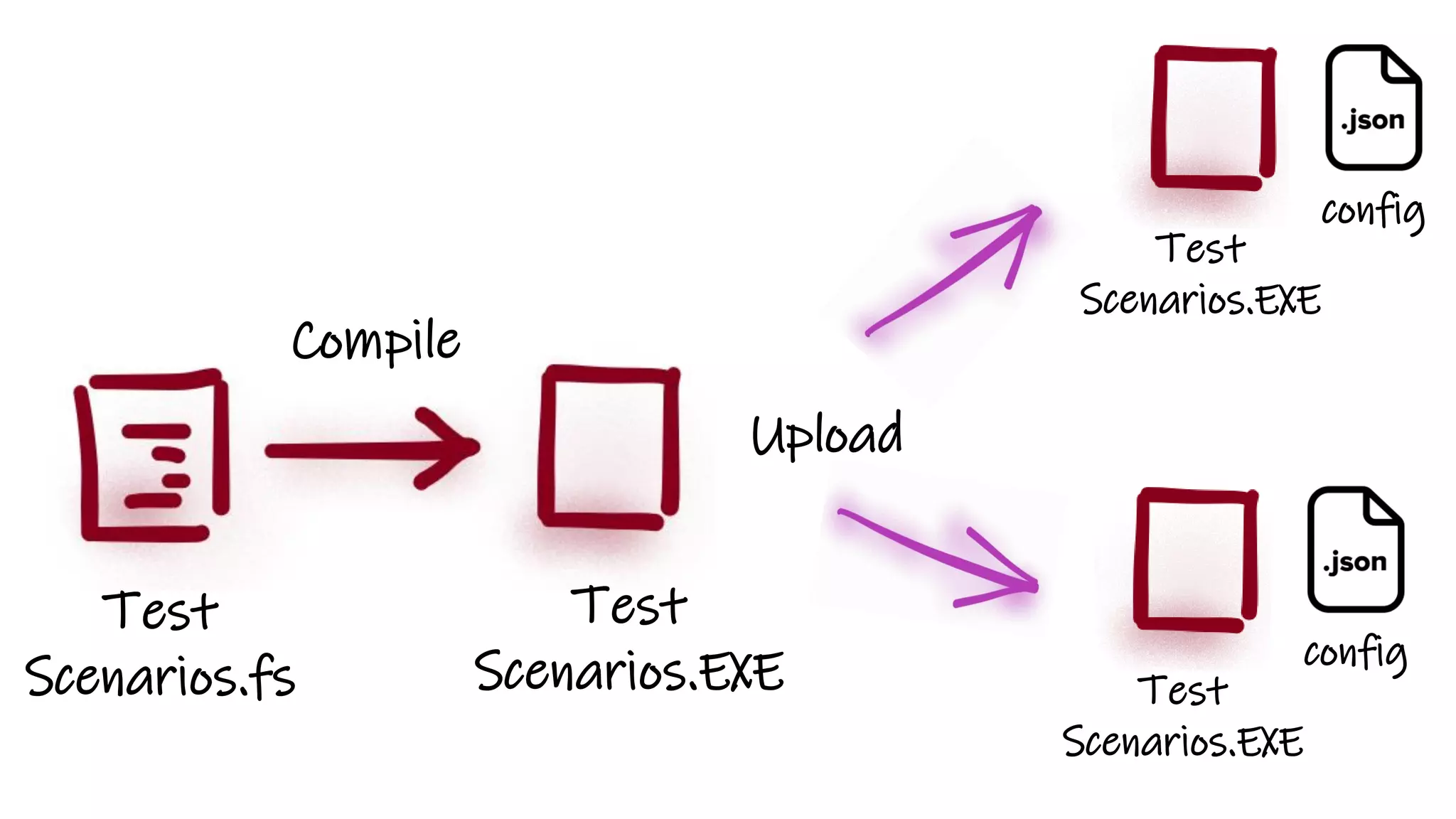
Test
Scenarios.fs
Compile
Test
Scenarios.EXE
Upload
Test
Scenarios.EXE
config
Test
Scenarios.EXE
config
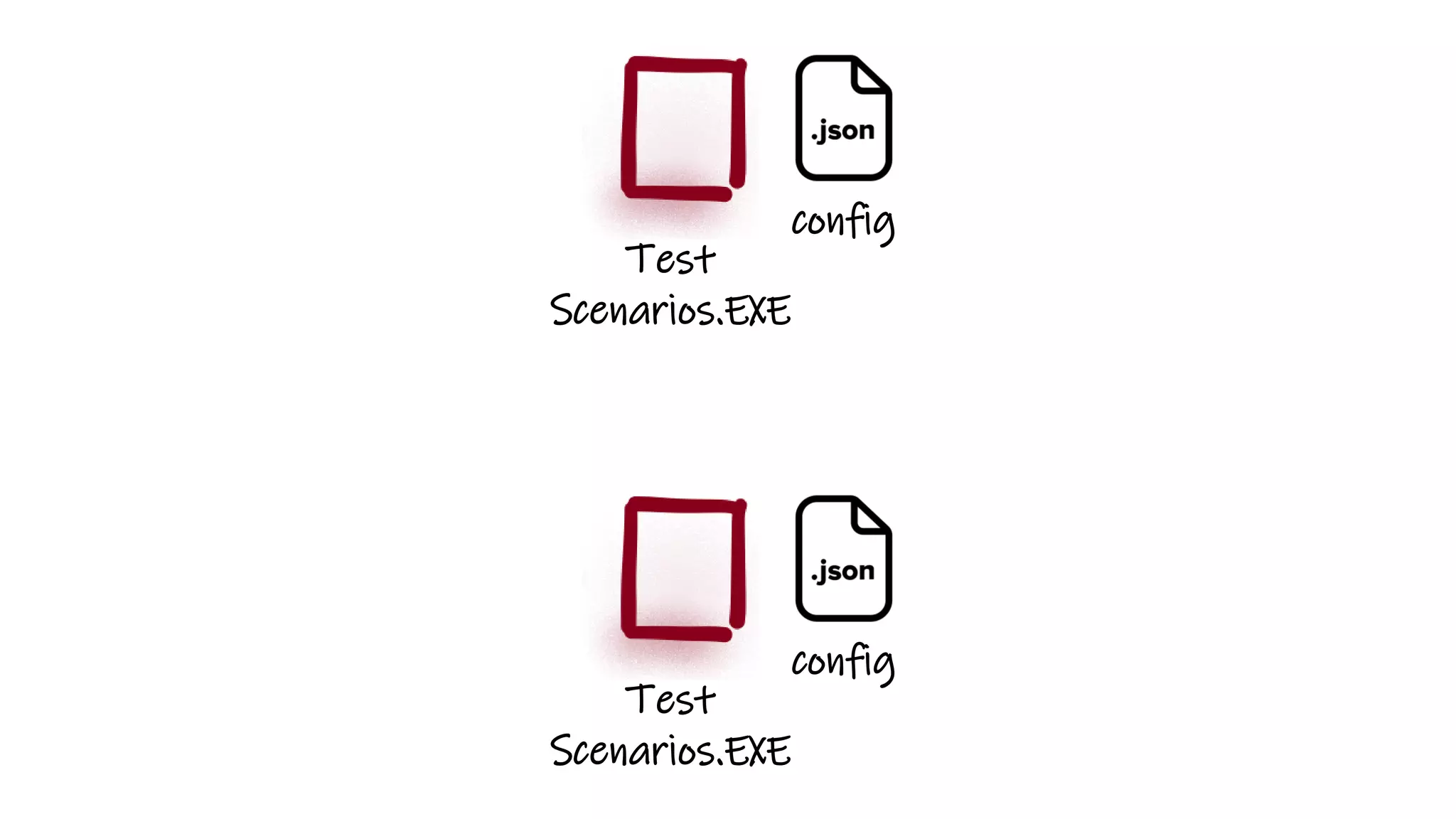
Test
Scenarios.EXE
config
Test
Scenarios.EXE
config
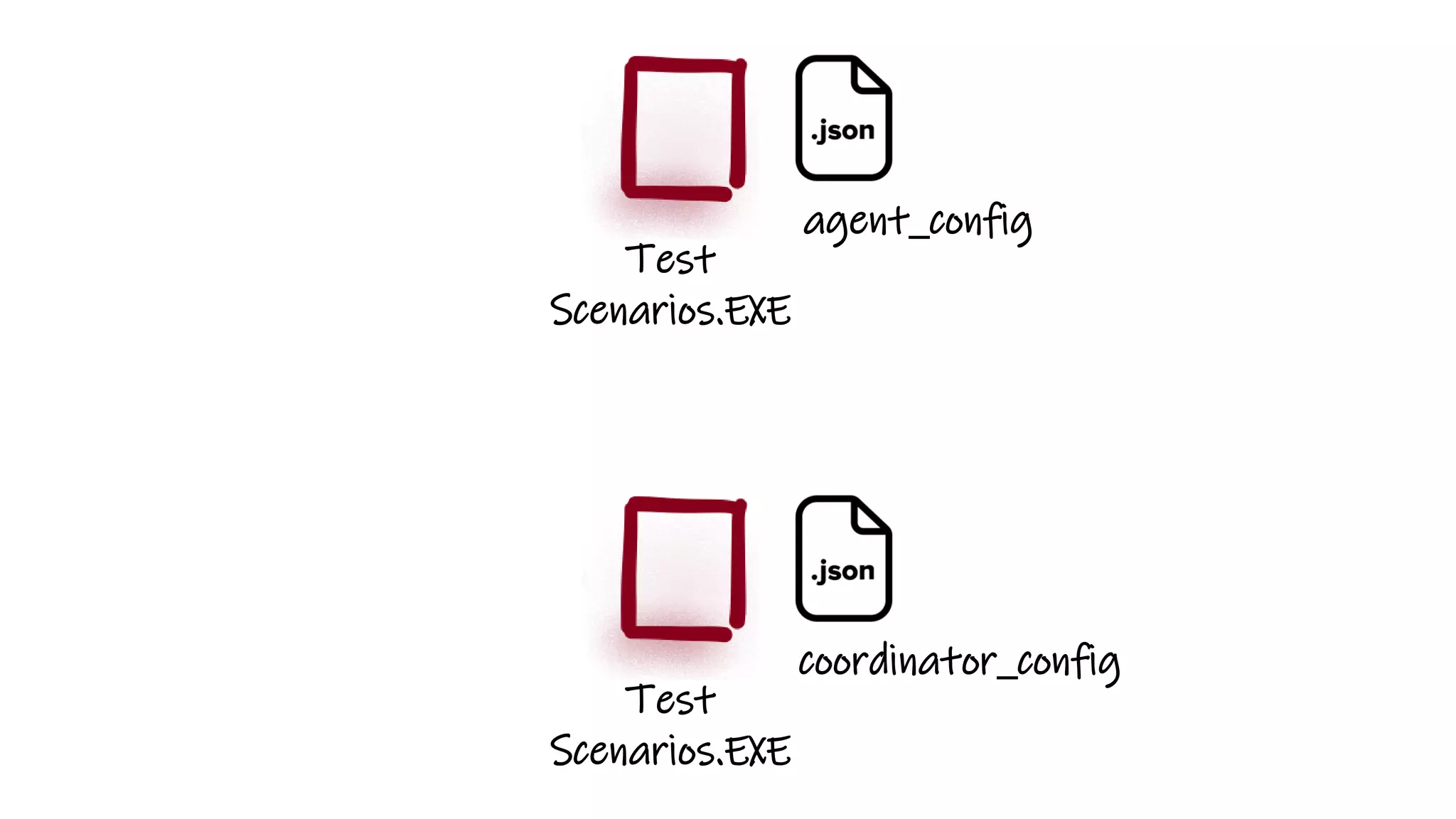
Test
Scenarios.EXE
coordinator_config
Test
Scenarios.EXE
agent_config
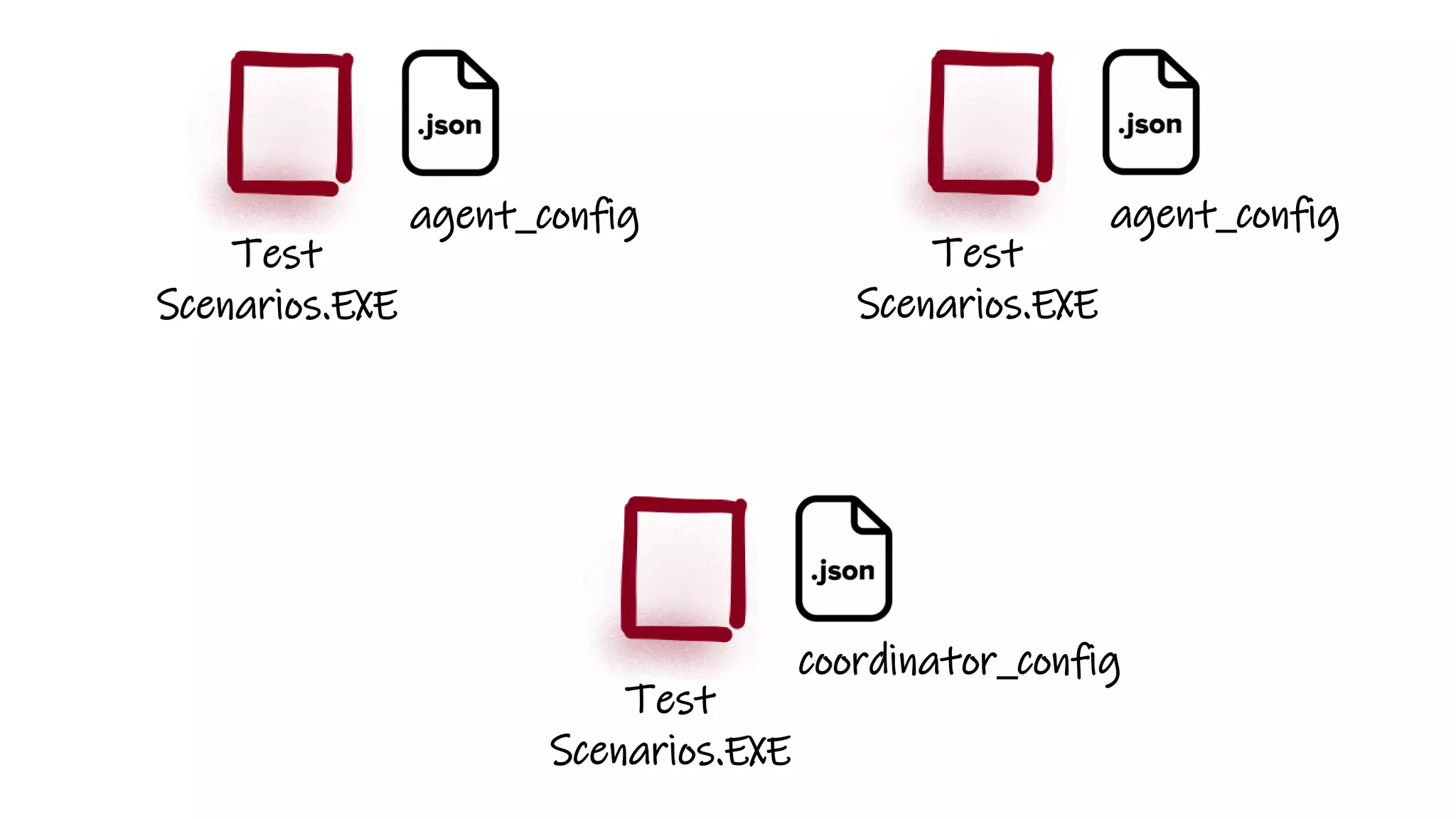
Test
Scenarios.EXE
coordinator_config
Test
Scenarios.EXE
agent_config
Test
Scenarios.EXE
agent_config
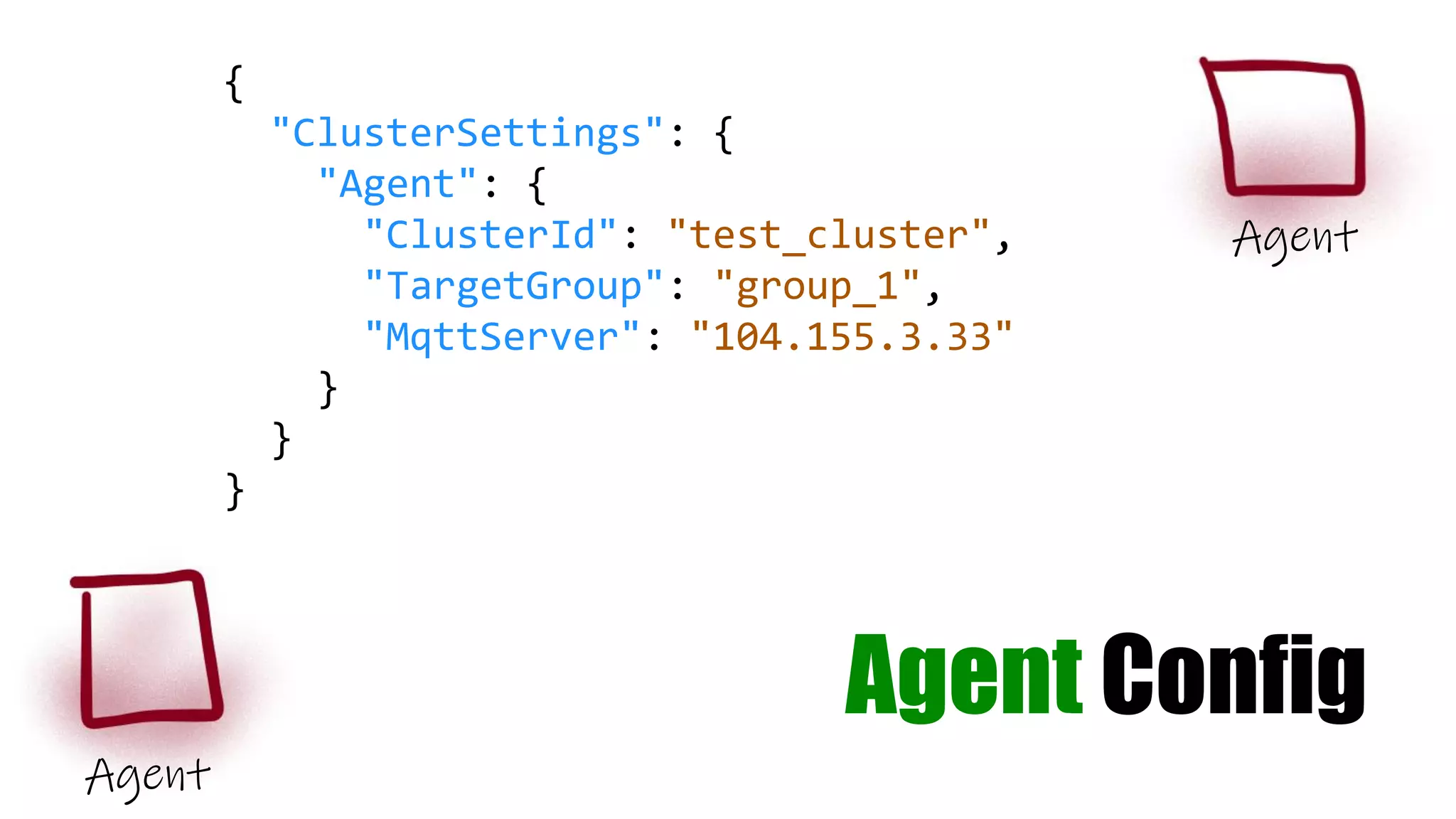
{
"ClusterSettings": {
"Agent": {
"ClusterId": "test_cluster",
"TargetGroup": "group_1",
"MqttServer": "104.155.3.33"
}
}
}
Agent
Agent
Agent Config
Coordinator
Config
{
"ClusterSettings": {
"Coordinator": {
"ClusterId": "test_cluster",
"TargetScenarios": [ "mongo_insert" ]
"Agents": [
{
"TargetGroup": "group_1",
"TargetScenarios": [ "mongo_read" ]
}
]
},
}
} Coordinator
The Kids
want PUSH
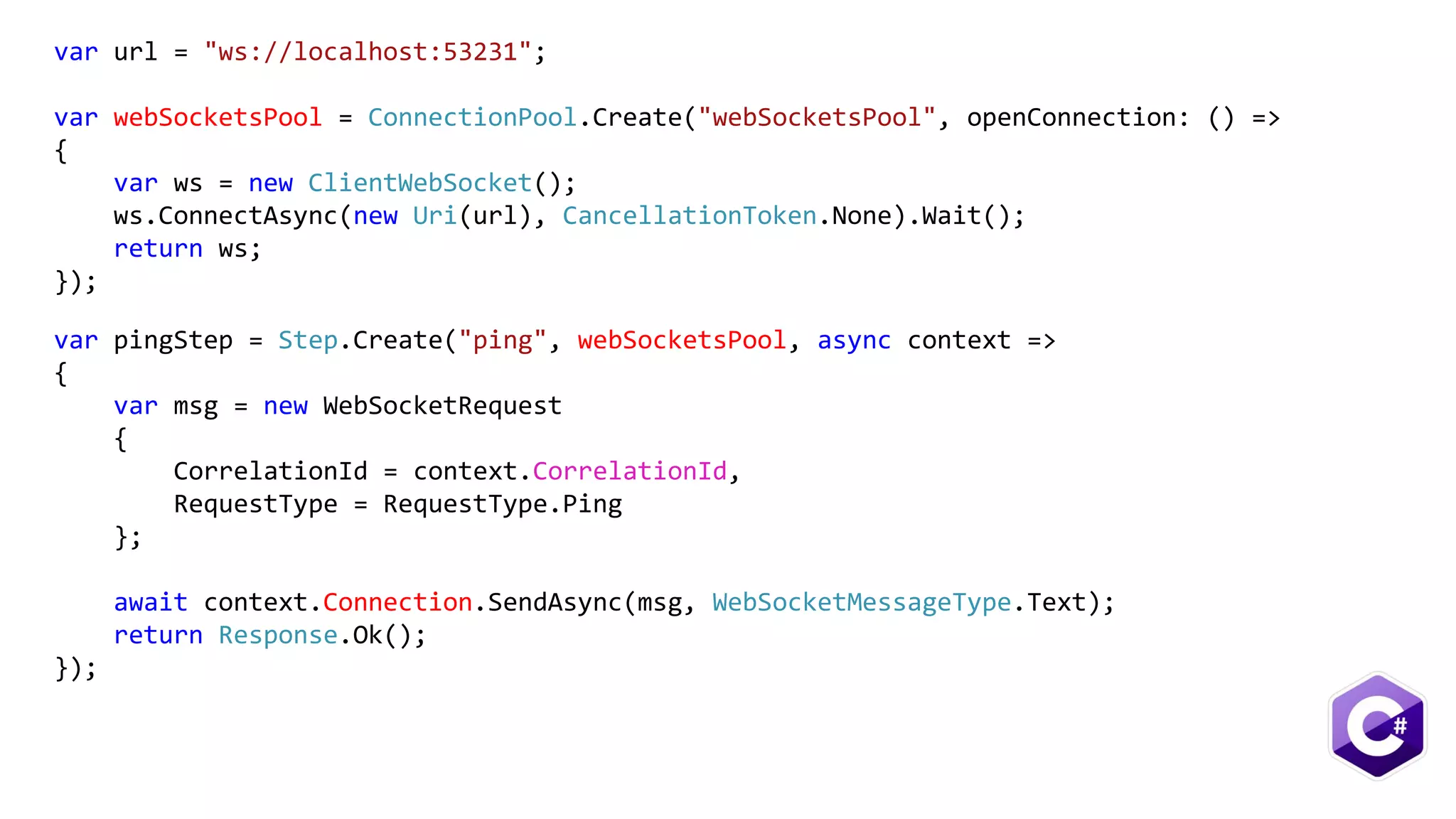
var url = "ws://localhost:53231";
var webSocketsPool = ConnectionPool.Create("webSocketsPool", openConnection: () =>
{
var ws = new ClientWebSocket();
ws.ConnectAsync(new Uri(url), CancellationToken.None).Wait();
return ws;
});
var pingStep = Step.Create("ping", webSocketsPool, async context =>
{
var msg = new WebSocketRequest
{
CorrelationId = context.CorrelationId,
RequestType = RequestType.Ping
};
await context.Connection.SendAsync(msg, WebSocketMessageType.Text);
return Response.Ok();
});
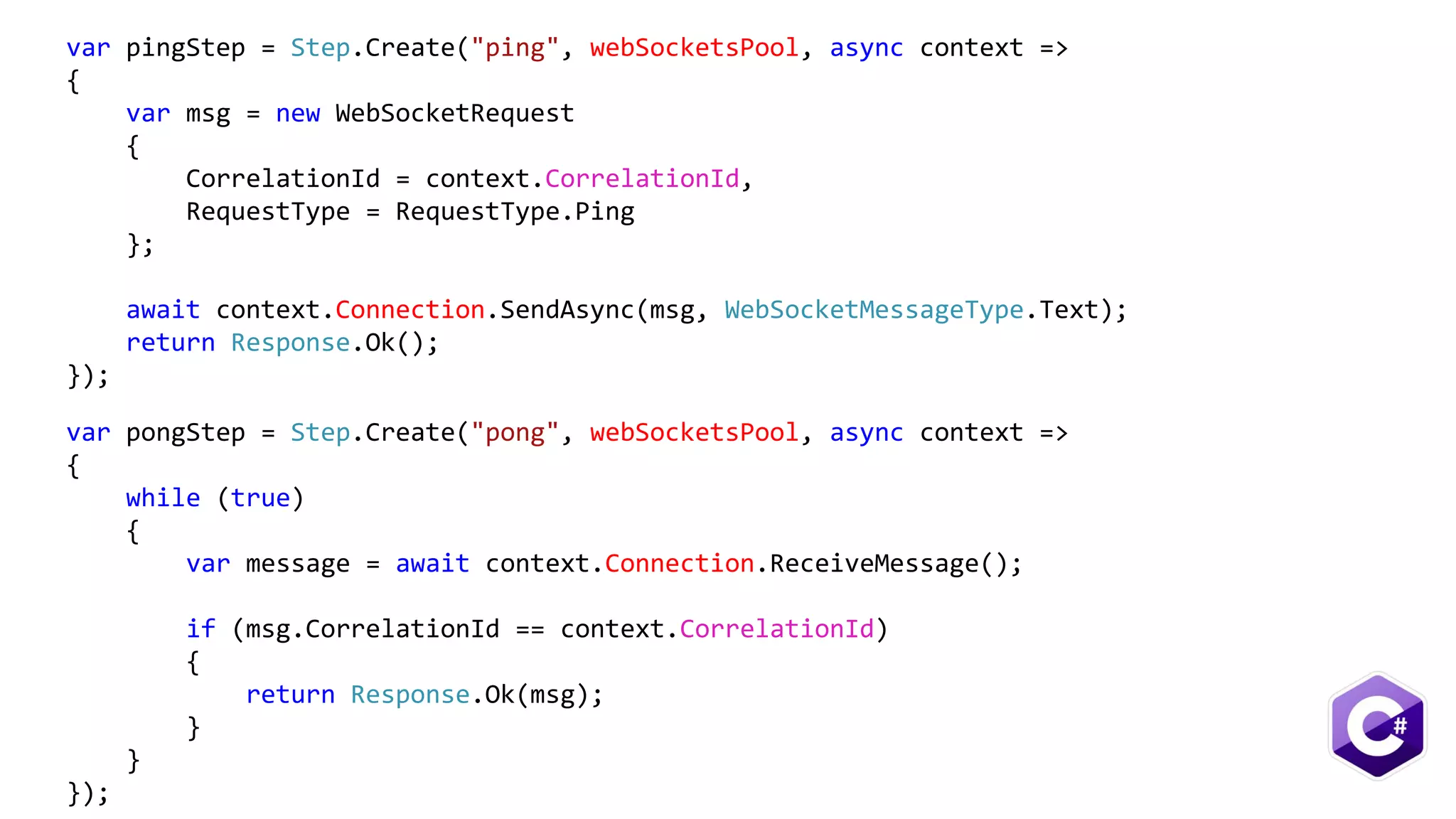
var pingStep = Step.Create("ping", webSocketsPool, async context =>
{
var msg = new WebSocketRequest
{
CorrelationId = context.CorrelationId,
RequestType = RequestType.Ping
};
await context.Connection.SendAsync(msg, WebSocketMessageType.Text);
return Response.Ok();
});
var pongStep = Step.Create("pong", webSocketsPool, async context =>
{
while (true)
{
var message = await context.Connection.ReceiveMessage();
if (msg.CorrelationId == context.CorrelationId)
{
return Response.Ok(msg);
}
}
});
Internals
NBomber
Runner
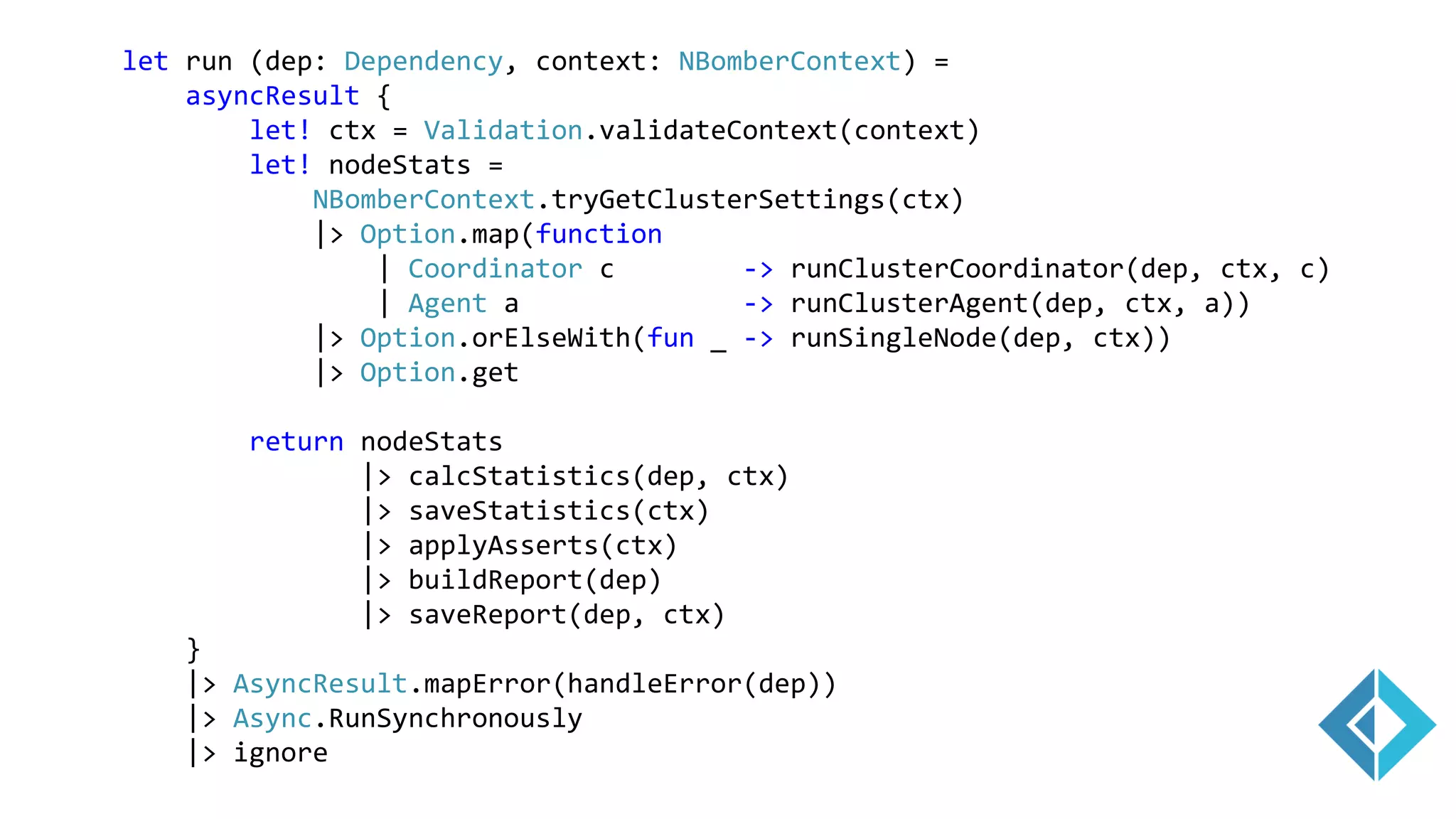
let run (dep: Dependency, context: NBomberContext) =
asyncResult {
let! ctx = Validation.validateContext(context)
let! nodeStats =
NBomberContext.tryGetClusterSettings(ctx)
|> Option.map(function
| Coordinator c -> runClusterCoordinator(dep, ctx, c)
| Agent a -> runClusterAgent(dep, ctx, a))
|> Option.orElseWith(fun _ -> runSingleNode(dep, ctx))
|> Option.get
return nodeStats
|> calcStatistics(dep, ctx)
|> saveStatistics(ctx)
|> applyAsserts(ctx)
|> buildReport(dep)
|> saveReport(dep, ctx)
}
|> AsyncResult.mapError(handleError(dep))
|> Async.RunSynchronously
|> ignore
Validation
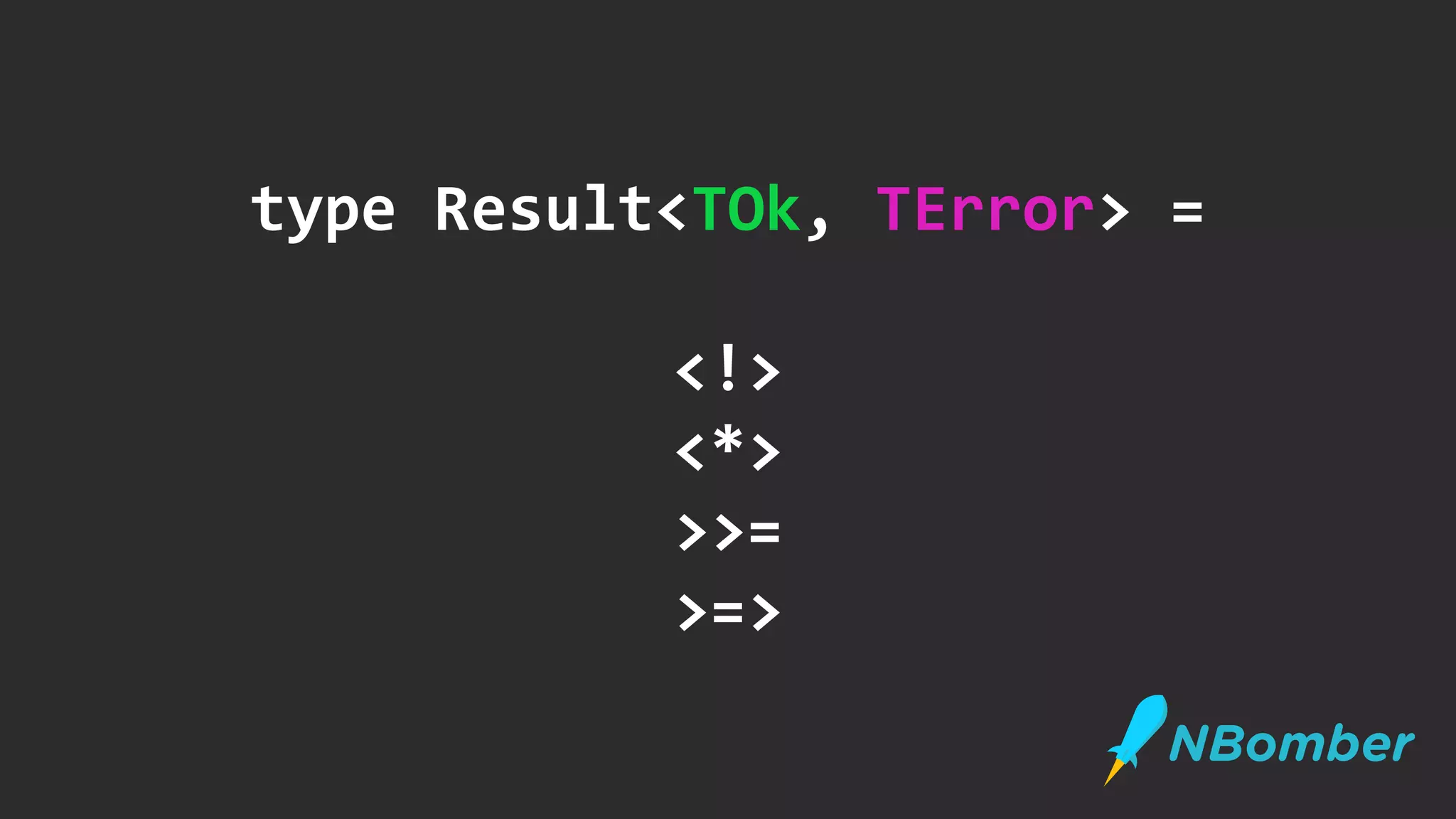
type Result<TOk, TError> =
<!>
<*>
>>=
>=>
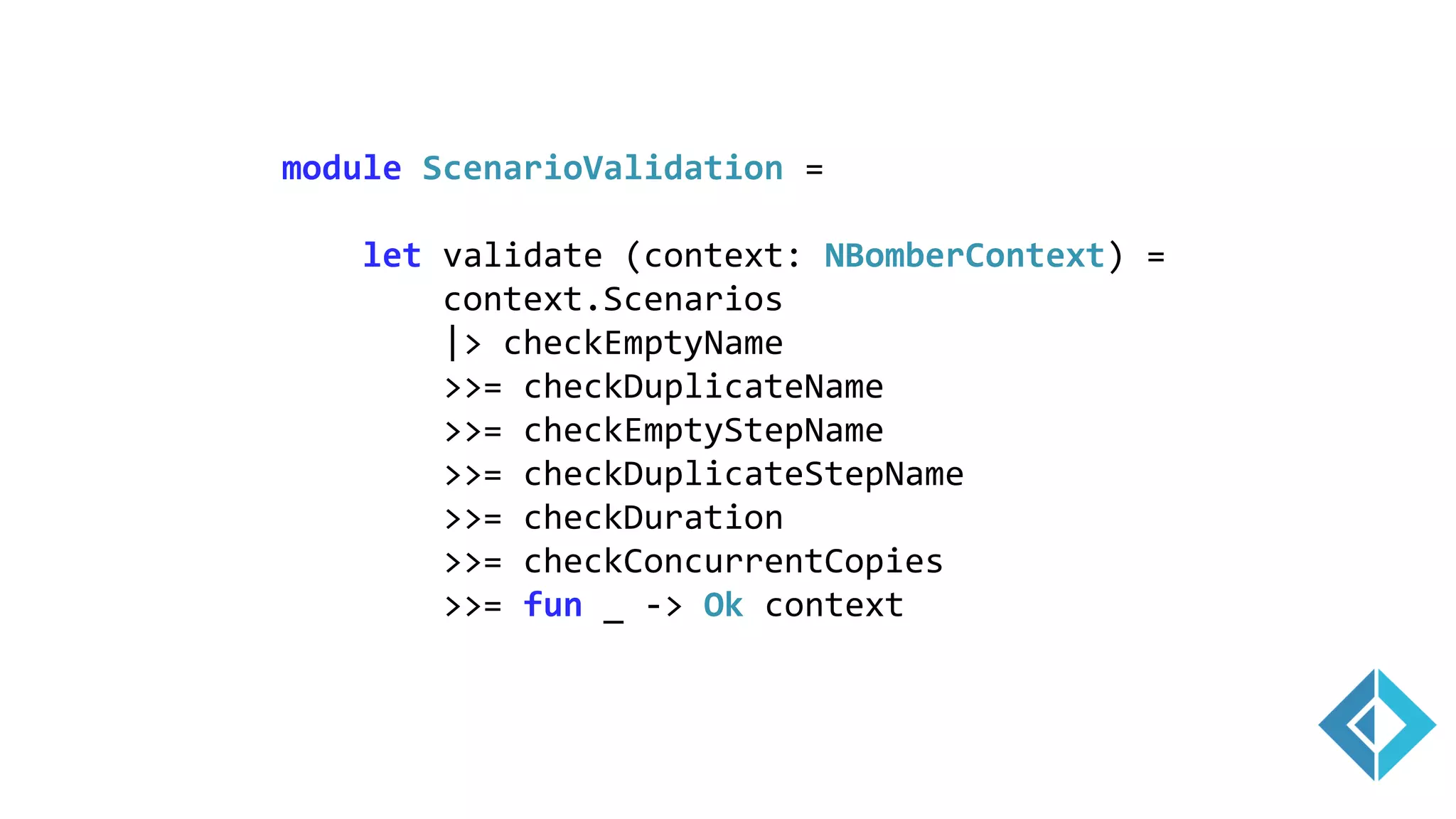
module ScenarioValidation =
let validate (context: NBomberContext) =
context.Scenarios
|> checkEmptyName
>>= checkDuplicateName
>>= checkEmptyStepName
>>= checkDuplicateStepName
>>= checkDuration
>>= checkConcurrentCopies
>>= fun _ -> Ok context
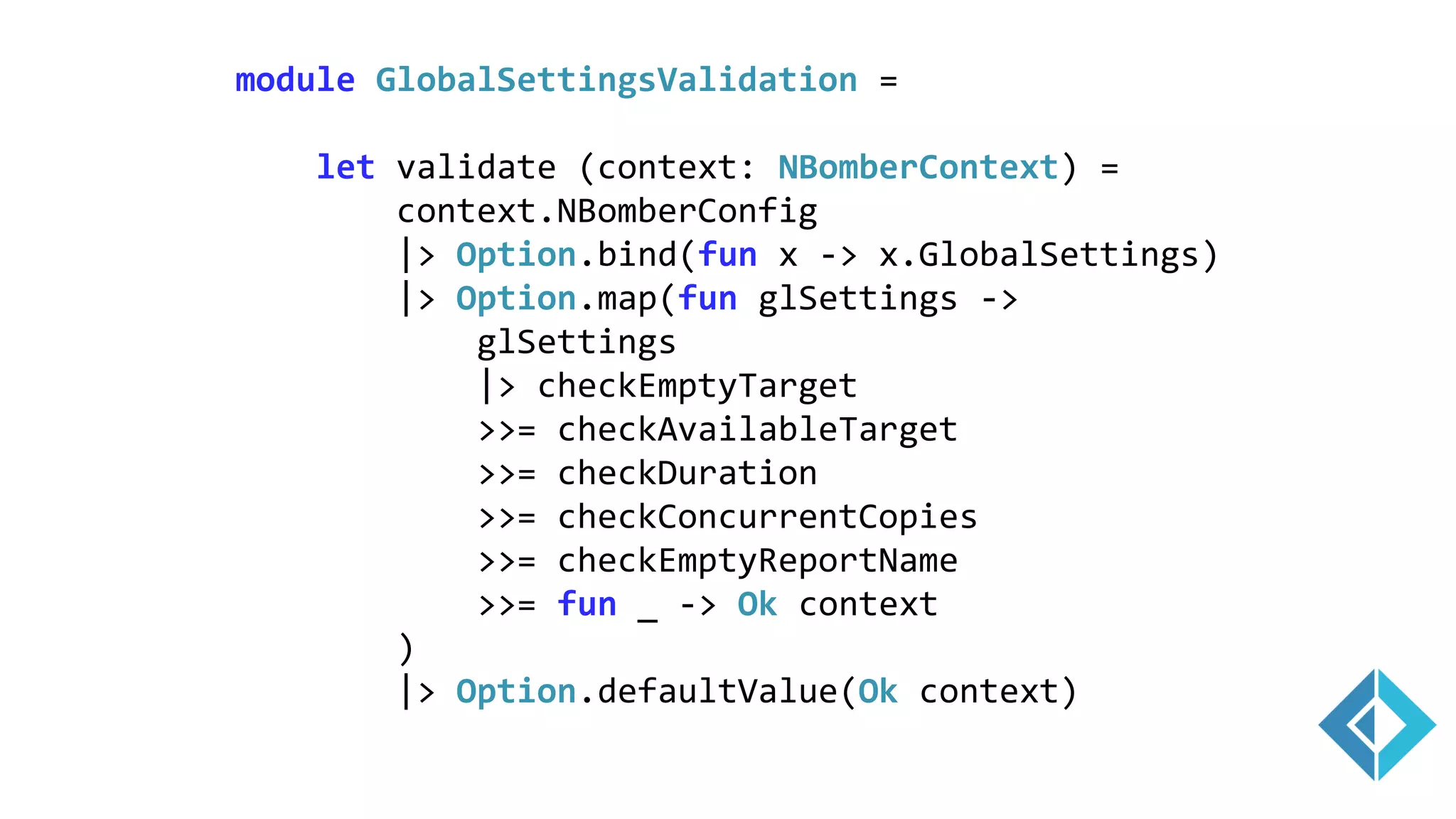
module GlobalSettingsValidation =
let validate (context: NBomberContext) =
context.NBomberConfig
|> Option.bind(fun x -> x.GlobalSettings)
|> Option.map(fun glSettings ->
glSettings
|> checkEmptyTarget
>>= checkAvailableTarget
>>= checkDuration
>>= checkConcurrentCopies
>>= checkEmptyReportName
>>= fun _ -> Ok context
)
|> Option.defaultValue(Ok context)
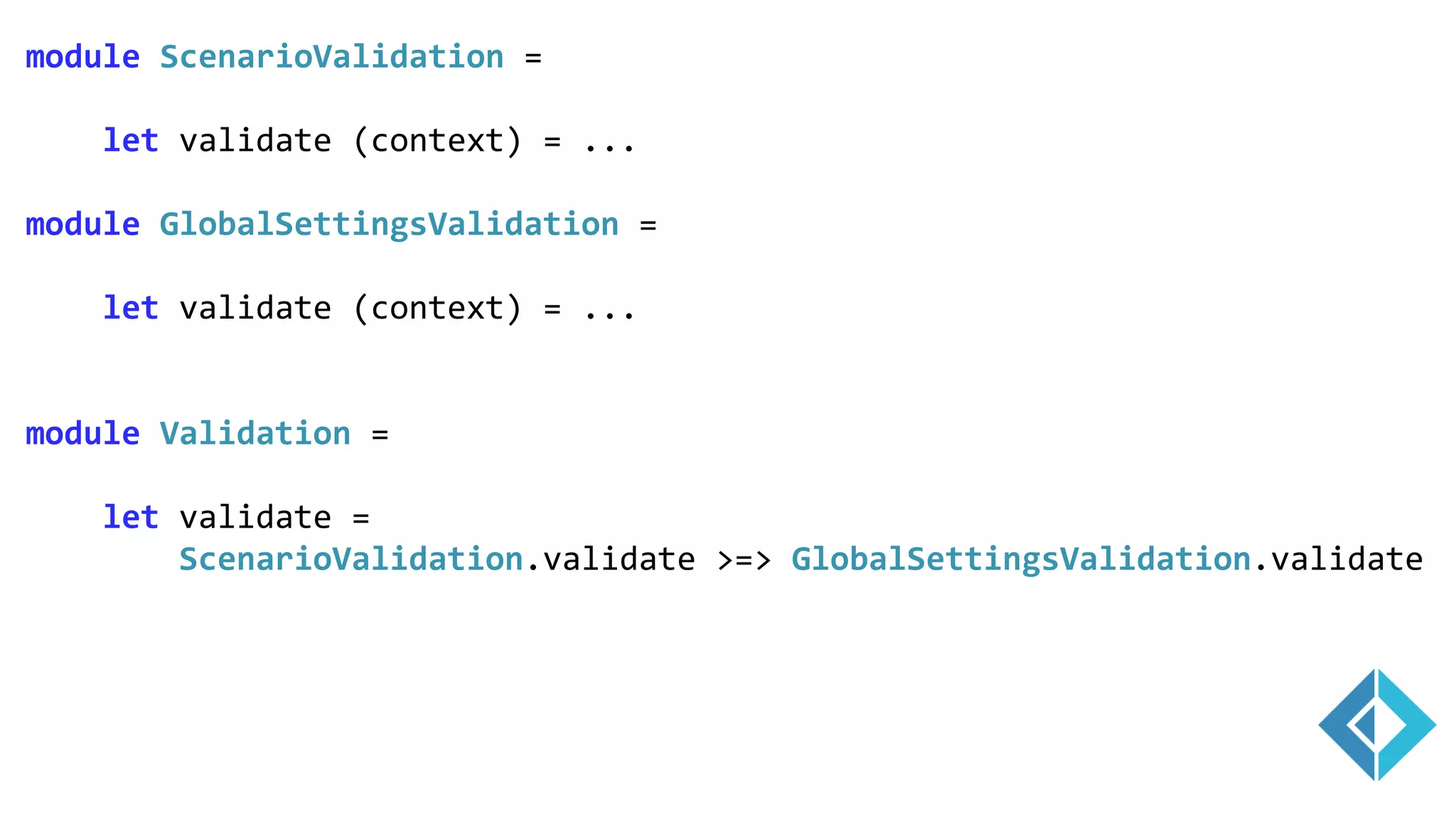
module ScenarioValidation =
let validate (context) = ...
module GlobalSettingsValidation =
let validate (context) = ...
module Validation =
let validate =
ScenarioValidation.validate >=> GlobalSettingsValidation.validate
Type Safe
Cluster
(>>=)
type IClusterCoordinator =
abstract StartNewSession: ScenarioSetting[] -> Task<Result<unit,Error>>
abstract WaitOnAllAgentsReady: unit -> Task<Result<unit,Error>>
abstract StartWarmUp: unit -> Task<Result<unit,Error>>
abstract StartBombing: unit -> Task<Result<unit,Error>>
abstract GetStatistics: unit -> Task<Result<NodeStats[],Error>>
let runCoordinator (cluster: IClusterCoordinator, localHost: IScenariosHost,
settings: ScenarioSetting[], targetScns: string[]) =
asyncResult {
do! cluster.SendStartNewSession(settings)
do! localHost.InitScenarios(settings, targetScns)
do! cluster.WaitOnAllAgentsReady()
do! cluster.SendStartWarmUp()
do! localHost.WarmUpScenarios()
do! cluster.WaitOnAllAgentsReady()
do! cluster.SendStartBombing() // Task<Result<unit,Error>>
do! localHost.StartBombing()
do! cluster.WaitOnAllAgentsReady()
let localStats = localHost.GetStatistics()
let! agentsStats = cluster.GetStatistics()
let allStats = Array.append [|localStats|] agentsStats
localHost.StopScenarios()
return allStats
}
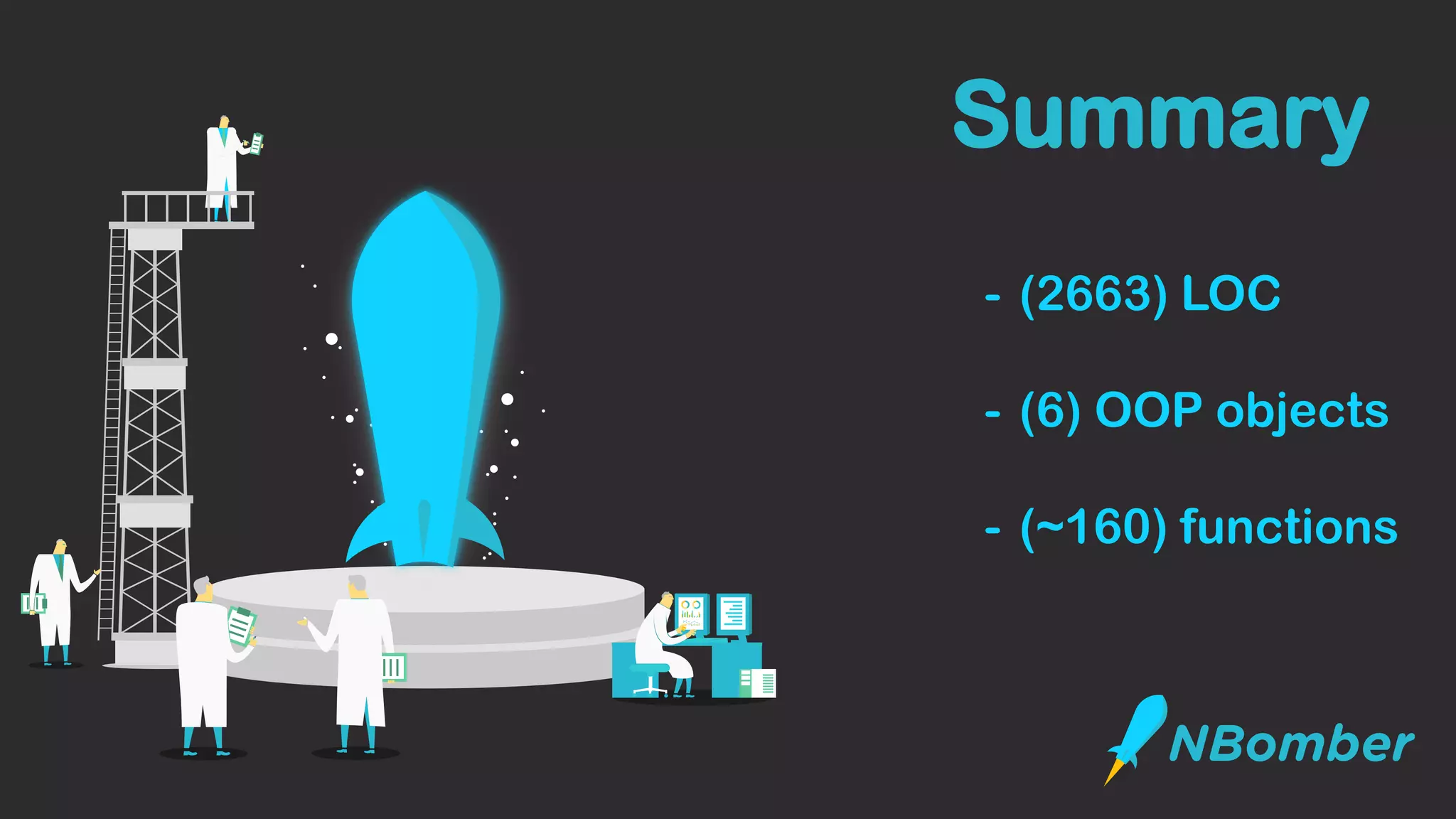
- (2663) LOC
- (6) OOP objects
- (~160) functions
Summary
THANKS
@antyadev
antyadev@gmail.com
http://nbomber.com

QA Fest 2019. Антон Молдован. Load testing which you always wanted

  • 1.
    which you always wanted LOADTESTING by @antyadev
  • 3.
  • 6.
    select * fromGames where isLive = true order by totalBets desc limit 10 PUSH changes
  • 7.
  • 8.
    • Document size~15Kb • 5K sport games available for betting • 73K markets (categories of bets) • 500K selections (positions to win an event) • Up to 1M incoming events per minute consumed by one process • 10K outgoing events per second • 10TB of streaming data per day
  • 9.
    { update } {push } { pull } Data Consistency Problem
  • 10.
    { update } {push } { pull } Data Propagation Problem DB
  • 11.
    Agenda - The realneed of load testing - Load testing basics - Current state of load testing on 2019 - NBomber – your drug to load testing
  • 12.
    Do you know howmany concurrent requests your service can handle?
  • 13.
    The real needof Load Testing - Choose technology stack - Prove architecture design (POC) - System regression (CI/CD pipeline) - Explore system limits
  • 14.
    Load Testing basics -in many cases, you don’t need a cluster - make sure that targeting node is fully loaded (100% CPU) to get max RPS - make sure that you have long running tests - make sure that you have controllability (your test input/output should be consistent)
  • 15.
  • 16.
  • 17.
    Current state ofLoad Testing Gatling (open-source, Scala, Akka): - free + commercial version - test as code - very good for HTTP (has API for WebSockets, SSE) - very nice reports - has integration with Grafana, Jenkins - has UI recorder to playback actions - no back pressure - not easy to customize - no cluster in free version
  • 18.
    class BasicSimulation extendsSimulation { val httpConf = http .baseURL("http://computer-database.gatling.io") .acceptHeader("text/html,application/xhtml+xml,application/xml;q=0.9,*/*;q=0.8" .doNotTrackHeader("1") .acceptLanguageHeader("en-US,en;q=0.5") .acceptEncodingHeader("gzip, deflate") .userAgentHeader("Mozilla/5.0 (Windows NT 5.1; rv:31.0) Gecko/20100101 Firefox/ val scn = scenario("BasicSimulation") .exec( http("request_1").get("/")) .pause(5) setUp( scn.inject(atOnceUsers(1)) ).protocols(httpConf) }
  • 19.
    Current state ofLoad Testing - Easy to cover HTTP only systems - Hard to cover any other Pull/Push systems - Complicated and not flexible API - Limited cluster support (different workloads)
  • 20.
    Current state ofLoad Testing - Easy to cover HTTP only systems - Hard to cover any other Pull/Push systems - Complicated and not flexible API - Limited cluster support
  • 21.
    Batch Update Process1 Batch Update Process 3 MongoDB Batch Update Process 2 insert read read
  • 22.
  • 23.
  • 25.
  • 26.
  • 27.
    let start =getCurrentTimer() execFunc() let end = getCurrentTimer() let latency = end - start
  • 28.
    let start =getCurrentTimer() sendHttpReqeust() let end = getCurrentTimer() let latency = end - start
  • 29.
    let start =getCurrentTimer() queryMongoDb() let end = getCurrentTimer() let latency = end - start
  • 30.
    let start =getCurrentTimer() publishToKafka() let end = getCurrentTimer() let latency = end - start
  • 31.
    let start =getCurrentTimer() let! response = websockets.ReceivePush() let end = getCurrentTimer() let latency = end - start
  • 32.
    Load test anysystem https://nbomber.com PM> Install-Package NBomber
  • 33.
    Why another {x}framework for load testing? The main reasons are: - To be technology agnostic as much as possible (no dependency on any protocol: HTTP, WebSockets, SSE etc). - To be able to test .NET implementation of specific driver. During testing, it was identified many times that the performance could be slightly different because of the virtual machine(.NET, Java, PHP, Js, Erlang, different settings for GC) or just quality of drivers. For example there were cases that drivers written in C++ and invoked from NodeJs app worked faster than drivers written in C#/.NET. Therefore, it does make sense to load test your app using your concrete driver and runtime.
  • 34.
    - Technology agnostic (nodependency on HTTP, WebSockets, SSE) - Very simple API (to test Pull and Push scenarios) - CI/CD integration
  • 35.
    Pull and Push Scenarios xUnit/NUnit integration Sequentialflow ReportingDistributed clusterPlugins Features
  • 36.
    type Scenario ={ ScenarioName: string TestInit: (ScenarioContext -> Task) option TestClean: (ScenarioContext -> Task) option Steps: Step[] // these steps will be executed sequentially Assertions: Assertion[] ConcurrentCopies: int WarmupDuration: TimeSpan Duration: TimeSpan } type Step = { StepName: string Execute: StepContext -> Task<Response> } Very simple API
  • 37.
    Very simple API Step.Create("step",() => {...}) ScenarioBuilder .CreateScenario("scenario", step1, step2) .WithConcurrentCopies(10) .WithDuration(TimeSpan.FromSeconds(60)) NBomberRunner.RegisterScenarios(scenario) .RunInConsole(); Step.create("step", fun () -> {...}) Scenario.create("scenario", [step1; step2]) |> Scenario.withConcurrentCopies(10) |> Scenario.withDuration(TimeSpan.FromSeconds(60)) NBomberRunner.registerScenario(scenario) |> NBomberRunner.runInConsole
  • 38.
  • 39.
  • 40.
    Scenario Step 3Step 1Step 2 } while true {
  • 41.
    var scenario =ScenarioBuilder .CreateScenario("Hello World from NBomber!", step) .WithConcurrentCopies(10) .WithDuration(TimeSpan.FromSeconds(10)); var step = Step.Create("simple step", async context => { // you can do any logic here: go to http, websocket etc await Task.Delay(TimeSpan.FromSeconds(0.1)); return Response.Ok(); }); NBomberRunner.RegisterScenarios(scenario) .RunInConsole();
  • 42.
    let step =Step.create("simple step", fun context -> task { // you can do any logic here: go to http, websocket etc do! Task.Delay(TimeSpan.FromSeconds(0.1)) return Response.Ok() }) Scenario.create("Hello World from NBomber!", [step]) |> Scenario.withConcurrentCopies(10) |> Scenario.withDuration(TimeSpan.FromSeconds(10.0)) |> NBomberRunner.registerScenario |> NBomberRunner.runInConsole
  • 43.
  • 44.
  • 45.
    var client =new HttpClient(); var step1 = Step.Create("GET html", async context => { var request = new HttpRequestMessage(HttpMethod.Get, "https://nbomber.com"); var response = await client.SendAsync(request); return response.IsSuccessStatusCode ? Response.Ok() : Response.Fail(); }); var scenario = ScenarioBuilder.CreateScenario("test_nbomber", step1); NBomberRunner.RegisterScenarios(scenario) .RunInConsole(); Http example
  • 46.
    Assertions[Test] public void Test() { varassertions = new[] { Assertion.ForStep("simple step", stats => stats.OkCount > 2), Assertion.ForStep("simple step", stats => stats.RPS > 8), Assertion.ForStep("simple step", stats => stats.Min > 8), Assertion.ForStep("simple step", stats => stats.Max > 8), Assertion.ForStep("simple step", stats => stats.Percent95 >= 102), Assertion.ForStep("simple step", stats => stats.DataMinKb == 1.0), Assertion.ForStep("simple step", stats => stats.AllDataMB >= 0.01) }; var scenario = BuildScenario() .WithConcurrentCopies(1) .WithWarmUpDuration(TimeSpan.FromSeconds(0)) .WithDuration(TimeSpan.FromSeconds(2)) .WithAssertions(assertions); NBomberRunner.RegisterScenarios(scenario) .RunTest(); }
  • 47.
  • 48.
    var client =new HttpClient(); var step1 = Step.Create("GET html", async context => { var request = new HttpRequestMessage(HttpMethod.Get, "https://nbomber.com"); var response = await client.SendAsync(request); return response.IsSuccessStatusCode ? Response.Ok() : Response.Fail(); }); var scenario = ScenarioBuilder.CreateScenario("test_nbomber", step1); NBomberRunner.RegisterScenarios(scenario) .RunInConsole(); Http example
  • 49.
    var step1 =HttpStep.Create("simple step", async (context) => Http.CreateRequest("GET", "https://nbomber.com") .WithHeader("accept", "application/json")); var scenario = ScenarioBuilder.CreateScenario("test_nbomber", step1); NBomberRunner.RegisterScenarios(scenario) .RunInConsole(); Nbomber.Http
  • 53.
  • 54.
    Batch Update Process1 Batch Update Process 3 MongoDB Batch Update Process 2 write read read
  • 55.
    var insertStep =Step.Create("insert", async context => { await mongoCollection.InsertManyAsync { ... }; }); var pause_200 = Step.Create("pause 200", async context => { await Task.Delay(TimeSpan.FromMilliseconds(200)); }); var readStep = HttpStep.Create("TOP 100 games", async (context) => Http.CreateRequest("GET", "https://sbtech/games?top=100") .WithHeader("accept", "application/json")); // insert scenario: batch insert per 200 ms var insertScenario = ScenarioBuilder.CreateScenario("mongo", insertStep, pause_200); // read scenario: in parallel, we want to read data var readScenario = ScenarioBuilder.CreateScenario("http", readStep); NBomberRunner.RegisterScenarios(insertScenario, readScenario) .RunInConsole();
  • 56.
  • 57.
  • 58.
  • 59.
  • 60.
  • 61.
  • 62.
    { "ClusterSettings": { "Agent": { "ClusterId":"test_cluster", "TargetGroup": "group_1", "MqttServer": "104.155.3.33" } } } Agent Agent Agent Config
  • 63.
    Coordinator Config { "ClusterSettings": { "Coordinator": { "ClusterId":"test_cluster", "TargetScenarios": [ "mongo_insert" ] "Agents": [ { "TargetGroup": "group_1", "TargetScenarios": [ "mongo_read" ] } ] }, } } Coordinator
  • 64.
  • 65.
    var url ="ws://localhost:53231"; var webSocketsPool = ConnectionPool.Create("webSocketsPool", openConnection: () => { var ws = new ClientWebSocket(); ws.ConnectAsync(new Uri(url), CancellationToken.None).Wait(); return ws; }); var pingStep = Step.Create("ping", webSocketsPool, async context => { var msg = new WebSocketRequest { CorrelationId = context.CorrelationId, RequestType = RequestType.Ping }; await context.Connection.SendAsync(msg, WebSocketMessageType.Text); return Response.Ok(); });
  • 66.
    var pingStep =Step.Create("ping", webSocketsPool, async context => { var msg = new WebSocketRequest { CorrelationId = context.CorrelationId, RequestType = RequestType.Ping }; await context.Connection.SendAsync(msg, WebSocketMessageType.Text); return Response.Ok(); }); var pongStep = Step.Create("pong", webSocketsPool, async context => { while (true) { var message = await context.Connection.ReceiveMessage(); if (msg.CorrelationId == context.CorrelationId) { return Response.Ok(msg); } } });
  • 67.
  • 68.
  • 69.
    let run (dep:Dependency, context: NBomberContext) = asyncResult { let! ctx = Validation.validateContext(context) let! nodeStats = NBomberContext.tryGetClusterSettings(ctx) |> Option.map(function | Coordinator c -> runClusterCoordinator(dep, ctx, c) | Agent a -> runClusterAgent(dep, ctx, a)) |> Option.orElseWith(fun _ -> runSingleNode(dep, ctx)) |> Option.get return nodeStats |> calcStatistics(dep, ctx) |> saveStatistics(ctx) |> applyAsserts(ctx) |> buildReport(dep) |> saveReport(dep, ctx) } |> AsyncResult.mapError(handleError(dep)) |> Async.RunSynchronously |> ignore
  • 70.
  • 71.
    type Result<TOk, TError>= <!> <*> >>= >=>
  • 72.
    module ScenarioValidation = letvalidate (context: NBomberContext) = context.Scenarios |> checkEmptyName >>= checkDuplicateName >>= checkEmptyStepName >>= checkDuplicateStepName >>= checkDuration >>= checkConcurrentCopies >>= fun _ -> Ok context
  • 73.
    module GlobalSettingsValidation = letvalidate (context: NBomberContext) = context.NBomberConfig |> Option.bind(fun x -> x.GlobalSettings) |> Option.map(fun glSettings -> glSettings |> checkEmptyTarget >>= checkAvailableTarget >>= checkDuration >>= checkConcurrentCopies >>= checkEmptyReportName >>= fun _ -> Ok context ) |> Option.defaultValue(Ok context)
  • 74.
    module ScenarioValidation = letvalidate (context) = ... module GlobalSettingsValidation = let validate (context) = ... module Validation = let validate = ScenarioValidation.validate >=> GlobalSettingsValidation.validate
  • 75.
  • 76.
    type IClusterCoordinator = abstractStartNewSession: ScenarioSetting[] -> Task<Result<unit,Error>> abstract WaitOnAllAgentsReady: unit -> Task<Result<unit,Error>> abstract StartWarmUp: unit -> Task<Result<unit,Error>> abstract StartBombing: unit -> Task<Result<unit,Error>> abstract GetStatistics: unit -> Task<Result<NodeStats[],Error>>
  • 77.
    let runCoordinator (cluster:IClusterCoordinator, localHost: IScenariosHost, settings: ScenarioSetting[], targetScns: string[]) = asyncResult { do! cluster.SendStartNewSession(settings) do! localHost.InitScenarios(settings, targetScns) do! cluster.WaitOnAllAgentsReady() do! cluster.SendStartWarmUp() do! localHost.WarmUpScenarios() do! cluster.WaitOnAllAgentsReady() do! cluster.SendStartBombing() // Task<Result<unit,Error>> do! localHost.StartBombing() do! cluster.WaitOnAllAgentsReady() let localStats = localHost.GetStatistics() let! agentsStats = cluster.GetStatistics() let allStats = Array.append [|localStats|] agentsStats localHost.StopScenarios() return allStats }
  • 78.
    - (2663) LOC -(6) OOP objects - (~160) functions Summary
  • 85.