Download as PDF, PPTX
![$ ps hf -u postgres -o cmd
/usr/pgsql-9.5/bin/postgres -D /var/lib/pgsql/9.5/data
_ postgres: logger process
_ postgres: checkpointer process
_ postgres: writer process
_ postgres: wal writer process
_ postgres: autovacuum launcher process
_ postgres: stats collector process
_ postgres: postgres pgbench [local] idle in transaction
_ postgres: postgres pgbench [local] idle
_ postgres: postgres pgbench [local] UPDATE
_ postgres: postgres pgbench [local] UPDATE waiting
_ postgres: postgres pgbench [local] UPDATE
Black box](https://image.slidesharecdn.com/deep-dive-into-postgresql-statistics-pgconf-us-2016-160413073045/75/Deep-dive-into-PostgreSQL-statistics-5-2048.jpg)
![$ select * from pg_stat_database where datname = 'shop';
-[ RECORD 1 ]--+-------------------------------------------
datid | 16414
datname | shop
numbackends | 34
xact_commit | 51167155051
xact_rollback | 44781878826
blks_read | 7978770895
blks_hit | 9683551077519
tup_returned | 12507331807583
tup_fetched | 3885840966616
tup_inserted | 2898024857
tup_updated | 3082071349
tup_deleted | 2751363323
conflicts | 0
temp_files | 377675
temp_bytes | 4783712399875
deadlocks | 151
blk_read_time | 214344118.089
blk_write_time | 1260880.747
stats_reset | 2015-05-31 11:37:52.017967+03
pg_stat_database](https://image.slidesharecdn.com/deep-dive-into-postgresql-statistics-pgconf-us-2016-160413073045/75/Deep-dive-into-PostgreSQL-statistics-12-2048.jpg)
![$ select * from pg_stat_bgwriter;
-[ RECORD 1 ]---------+------------------------------------
checkpoints_timed | 3267
checkpoints_req | 6
checkpoint_write_time | 10416478591
checkpoint_sync_time | 405039
buffers_checkpoint | 2518065526
buffers_clean | 99602799
maxwritten_clean | 157
buffers_backend | 219356924
buffers_backend_fsync | 0
buffers_alloc | 3477374822
stats_reset | 2015-05-31 11:09:48.413185+03
pg_stat_bgwriter](https://image.slidesharecdn.com/deep-dive-into-postgresql-statistics-pgconf-us-2016-160413073045/75/Deep-dive-into-PostgreSQL-statistics-17-2048.jpg)
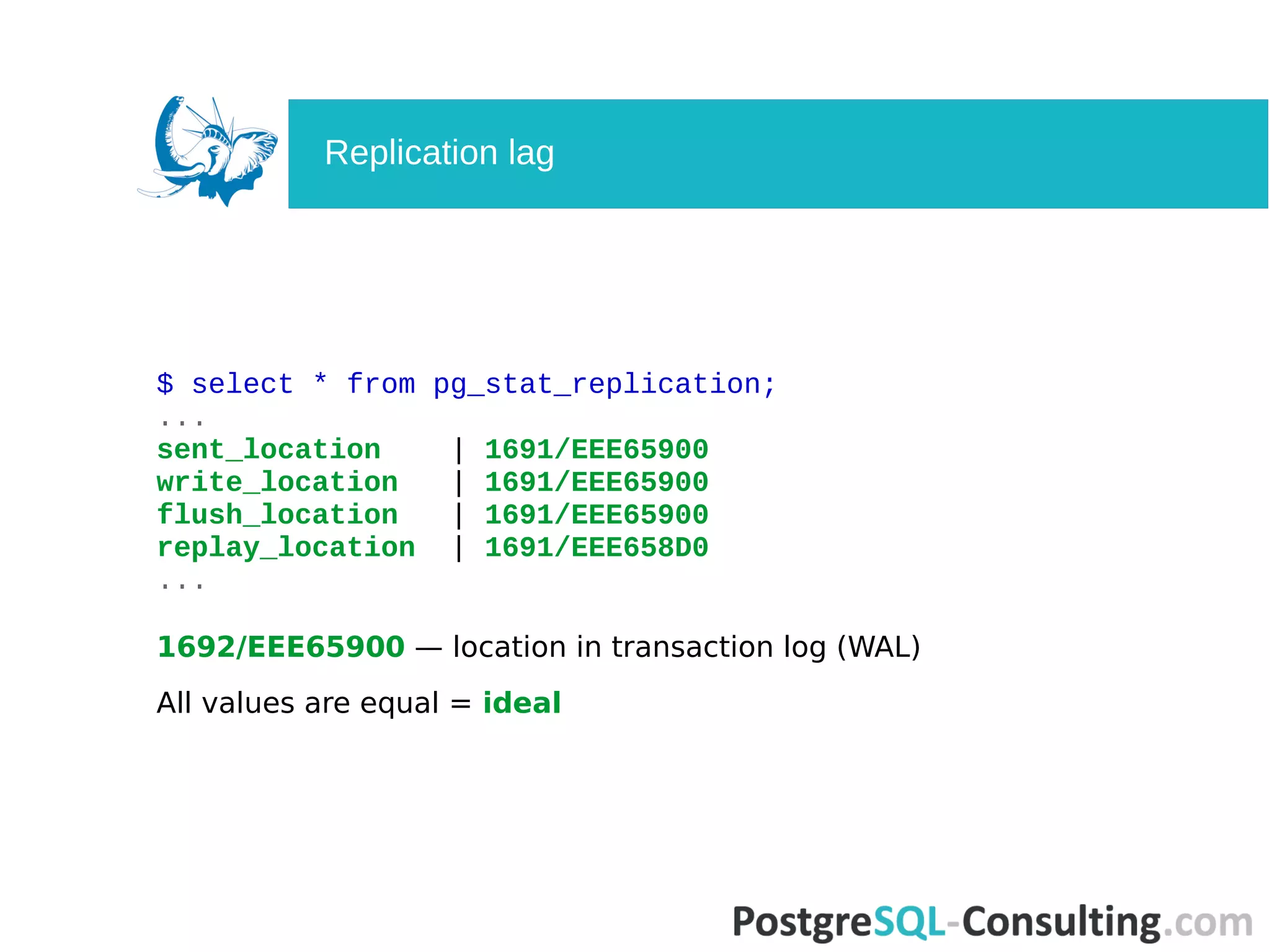
![$ select * from pg_stat_replication;
-[ RECORD 1 ]----+------------------------------------
pid | 26921
usesysid | 15588142
usename | replica
application_name | walreceiver
client_addr | 10.0.0.7
client_hostname |
client_port | 32956
backend_start | 2015-10-01 19:14:42.979377+03
backend_xmin |
state | streaming
sent_location | 1691/EEE65900
write_location | 1691/EEE65900
flush_location | 1691/EEE65900
replay_location | 1691/EEE658D0
sync_priority | 0
sync_state | async
pg_stat_replication](https://image.slidesharecdn.com/deep-dive-into-postgresql-statistics-pgconf-us-2016-160413073045/75/Deep-dive-into-PostgreSQL-statistics-20-2048.jpg)

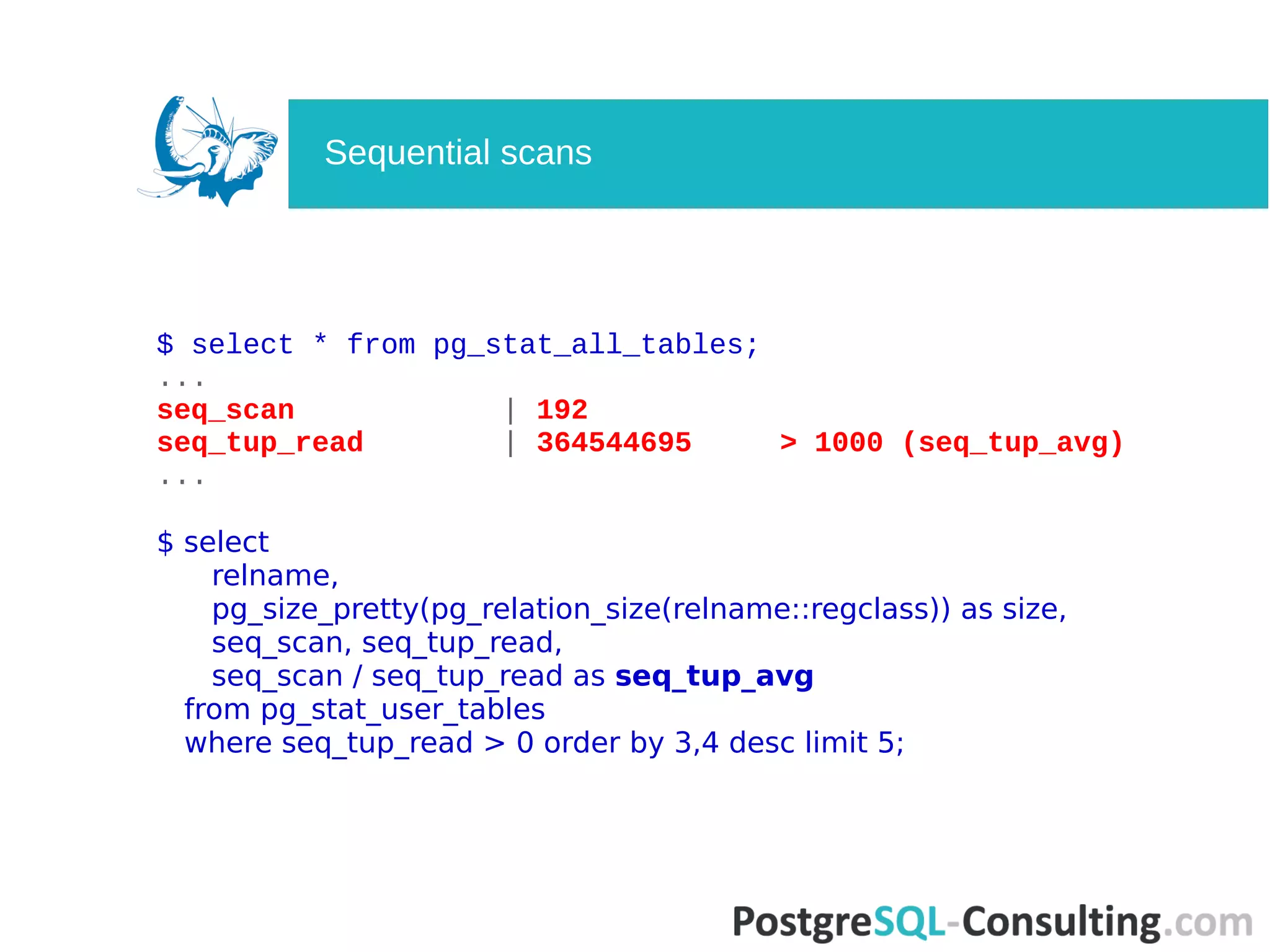
![$ select * from pg_stat_all_tables;
-[ RECORD 1 ]-------+------------------------------------
relid | 98221
schemaname | public
relname | clientsession
seq_scan | 192
seq_tup_read | 364544695
idx_scan | 2691939318
idx_tup_fetch | 2669551448
n_tup_ins | 239532851
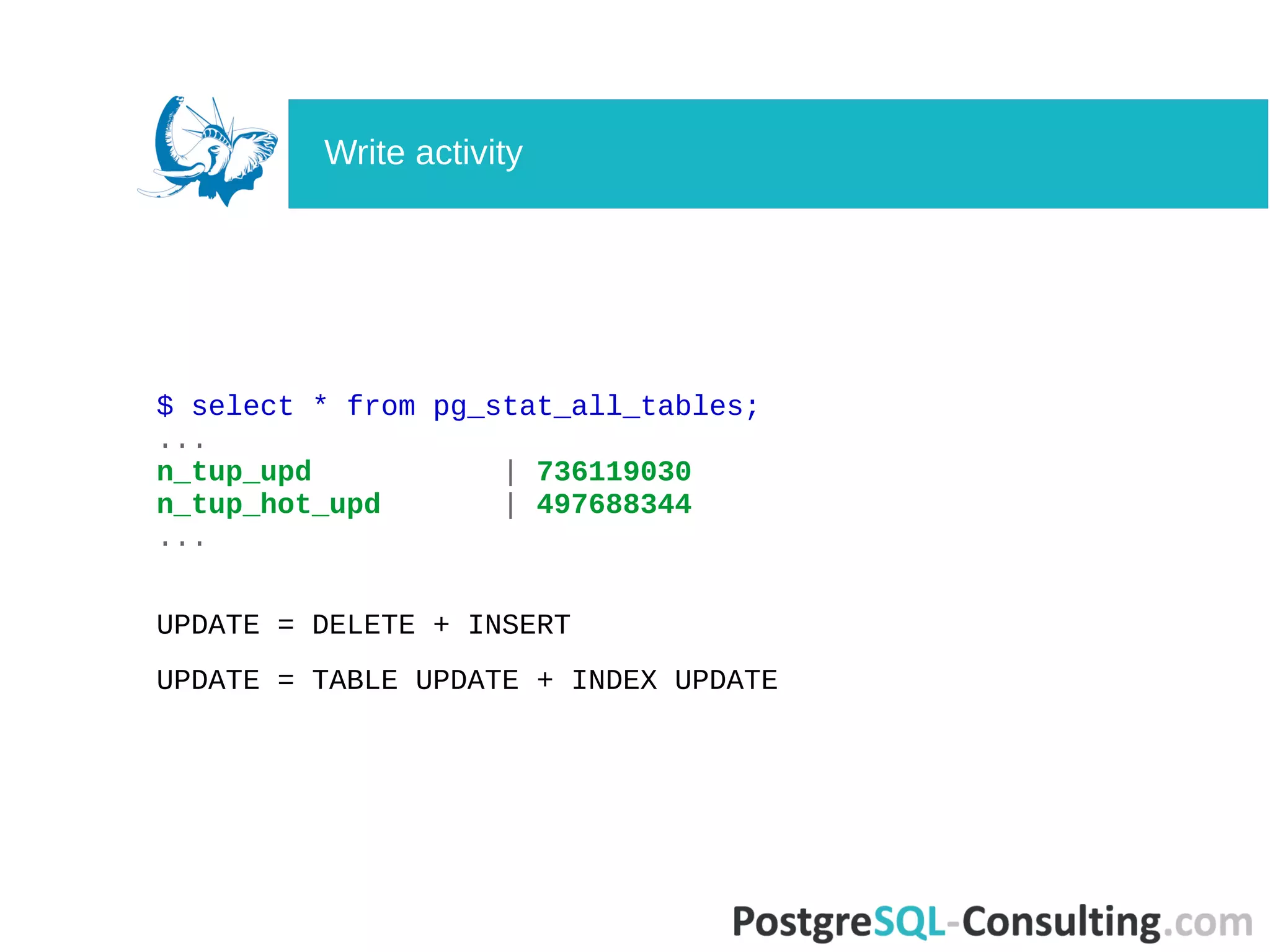
n_tup_upd | 736119030
n_tup_del | 239898968
n_tup_hot_upd | 497688344
n_live_tup | 3493472
n_dead_tup | 1606
n_mod_since_analyze | 349526
...
pg_stat_all_tables](https://image.slidesharecdn.com/deep-dive-into-postgresql-statistics-pgconf-us-2016-160413073045/75/Deep-dive-into-PostgreSQL-statistics-24-2048.jpg)
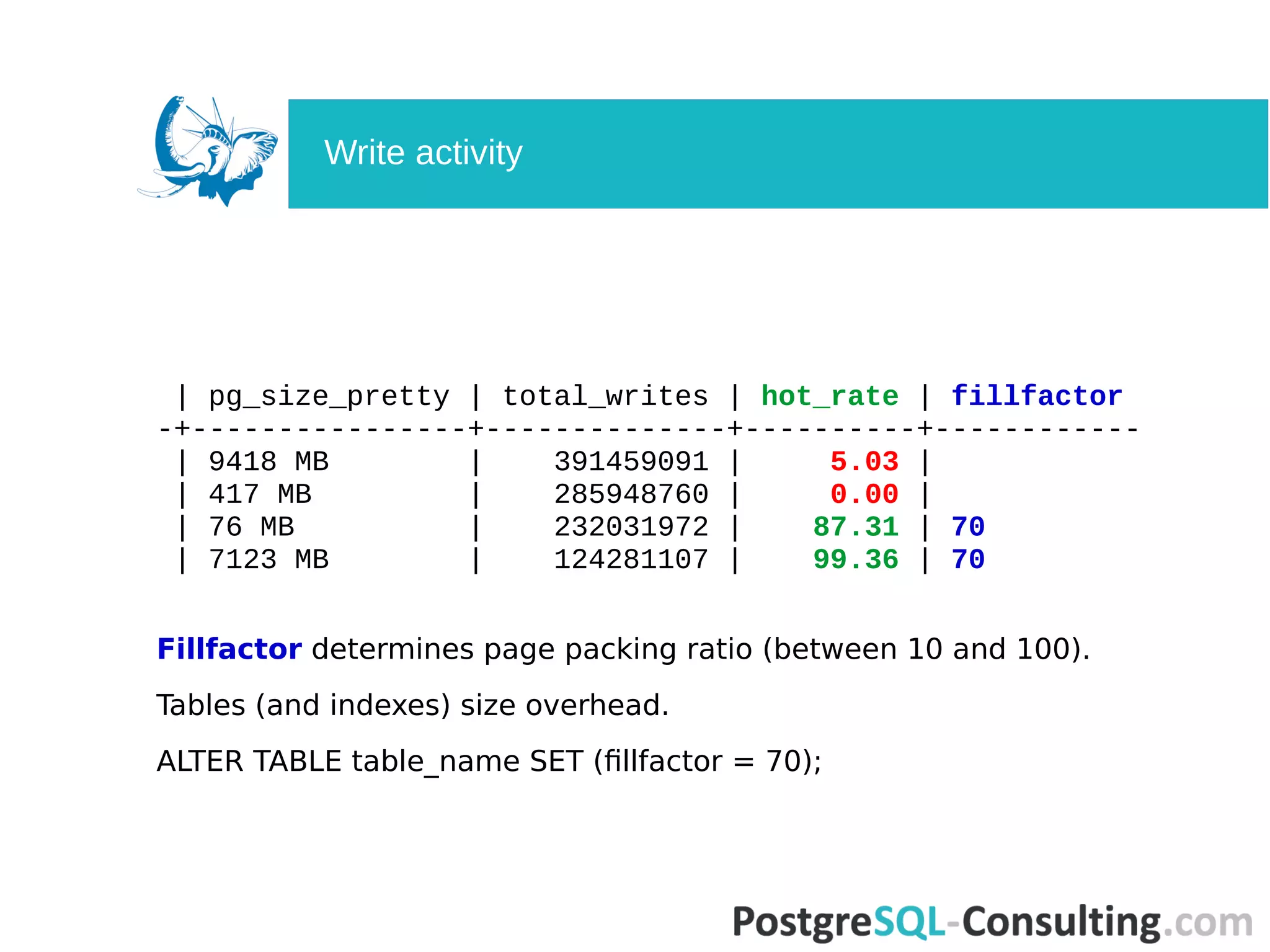
![$ select
s.relname,
pg_size_pretty(pg_relation_size(relid)),
coalesce(n_tup_ins,0) + 2 * coalesce(n_tup_upd,0) -
coalesce(n_tup_hot_upd,0) + coalesce(n_tup_del,0) AS total_writes,
(coalesce(n_tup_hot_upd,0)::float * 100 / (case when n_tup_upd > 0
then n_tup_upd else 1 end)::float)::numeric(10,2) AS hot_rate,
(select v[1] FROM regexp_matches(reloptions::text,E'fillfactor=(d+)') as
r(v) limit 1) AS fillfactor
from pg_stat_all_tables s
join pg_class c ON c.oid=relid
order by total_writes desc limit 50;
What is Heap-Only Tuples?
HOT does not cause index update.
HOT is only for non-indexed columns.
Big n_tup_hot_upd = good.
How to increase n_tup_hot_upd?
Write activity](https://image.slidesharecdn.com/deep-dive-into-postgresql-statistics-pgconf-us-2016-160413073045/75/Deep-dive-into-PostgreSQL-statistics-28-2048.jpg)
![$ select * from pg_stat_all_indexes where idx_scan = 0;
-[ RECORD 1 ]-+------------------------------------------
relid | 98242
indexrelid | 55732253
schemaname | public
relname | products
indexrelname | products_special2_idx
idx_scan | 0
idx_tup_read | 0
idx_tup_fetch | 0
pg_stat_all_indexes](https://image.slidesharecdn.com/deep-dive-into-postgresql-statistics-pgconf-us-2016-160413073045/75/Deep-dive-into-PostgreSQL-statistics-32-2048.jpg)
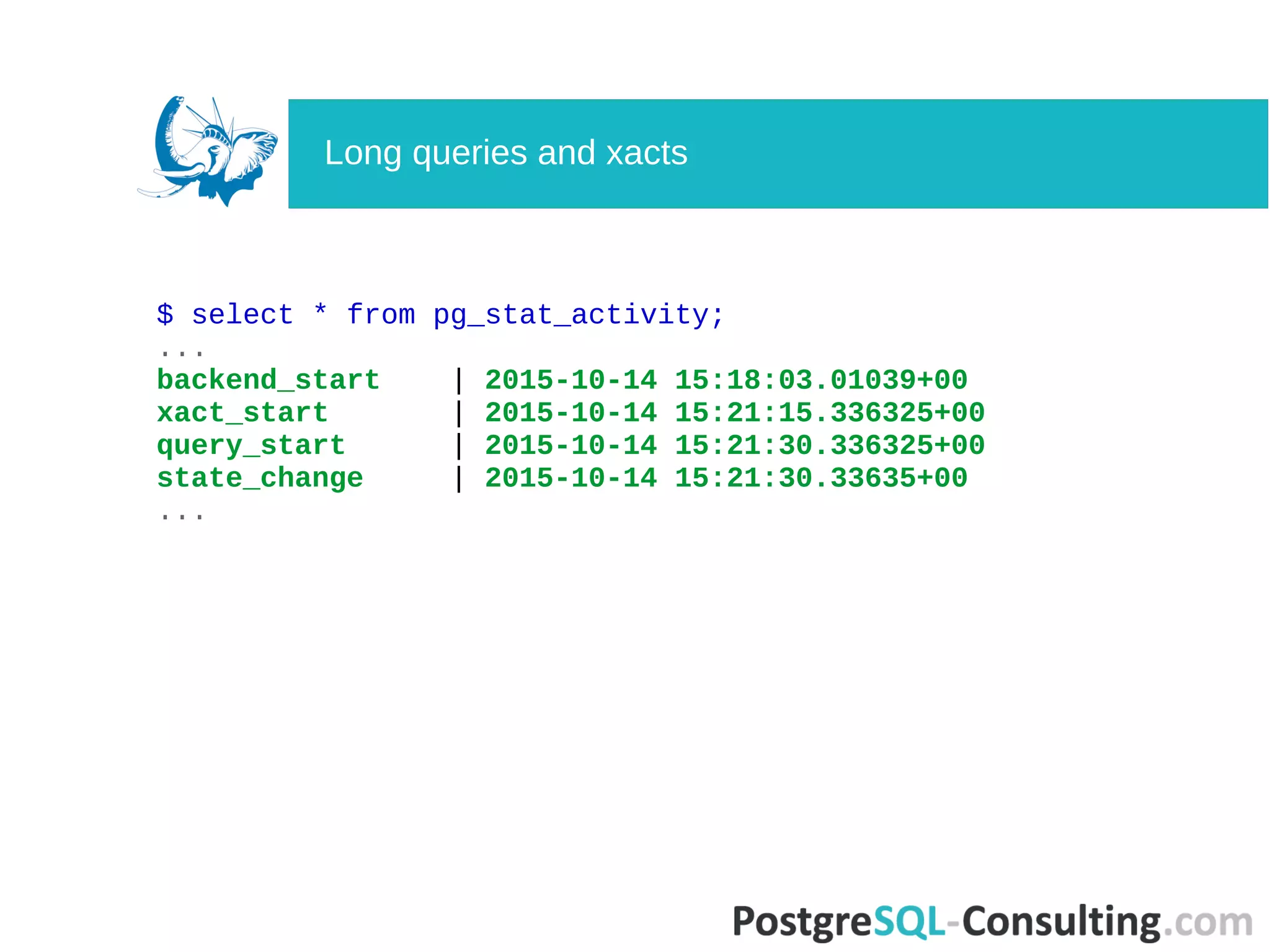
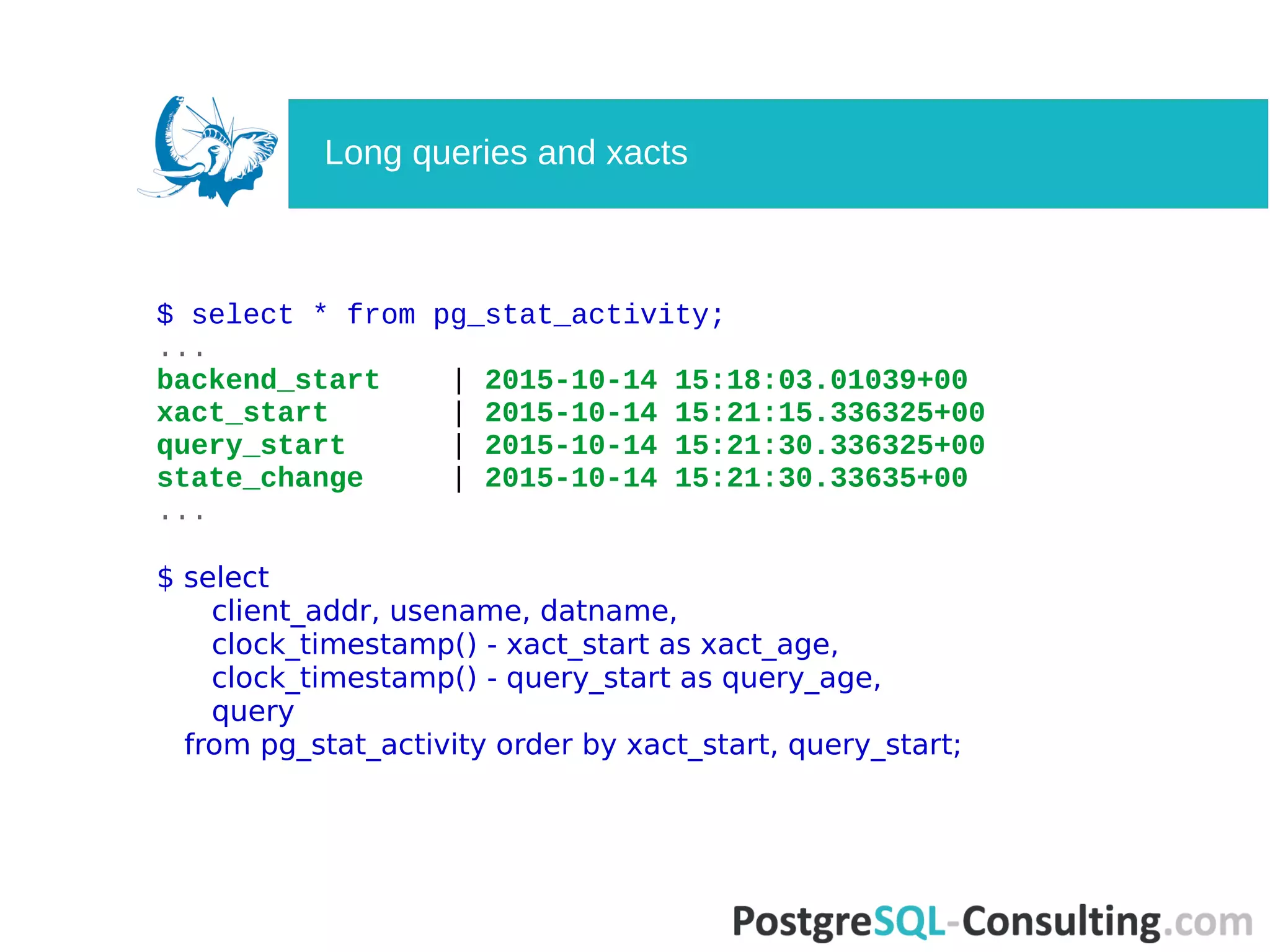
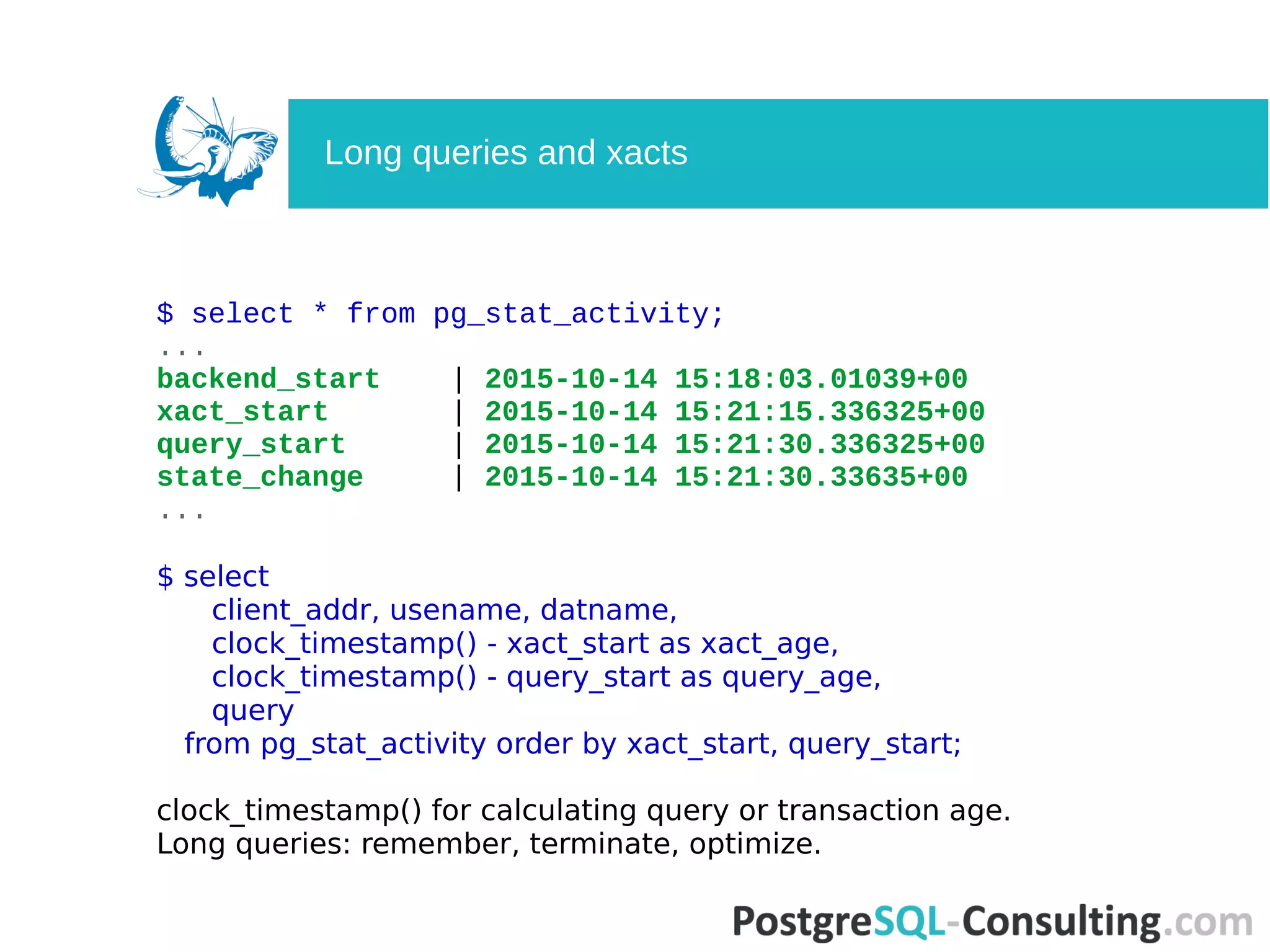
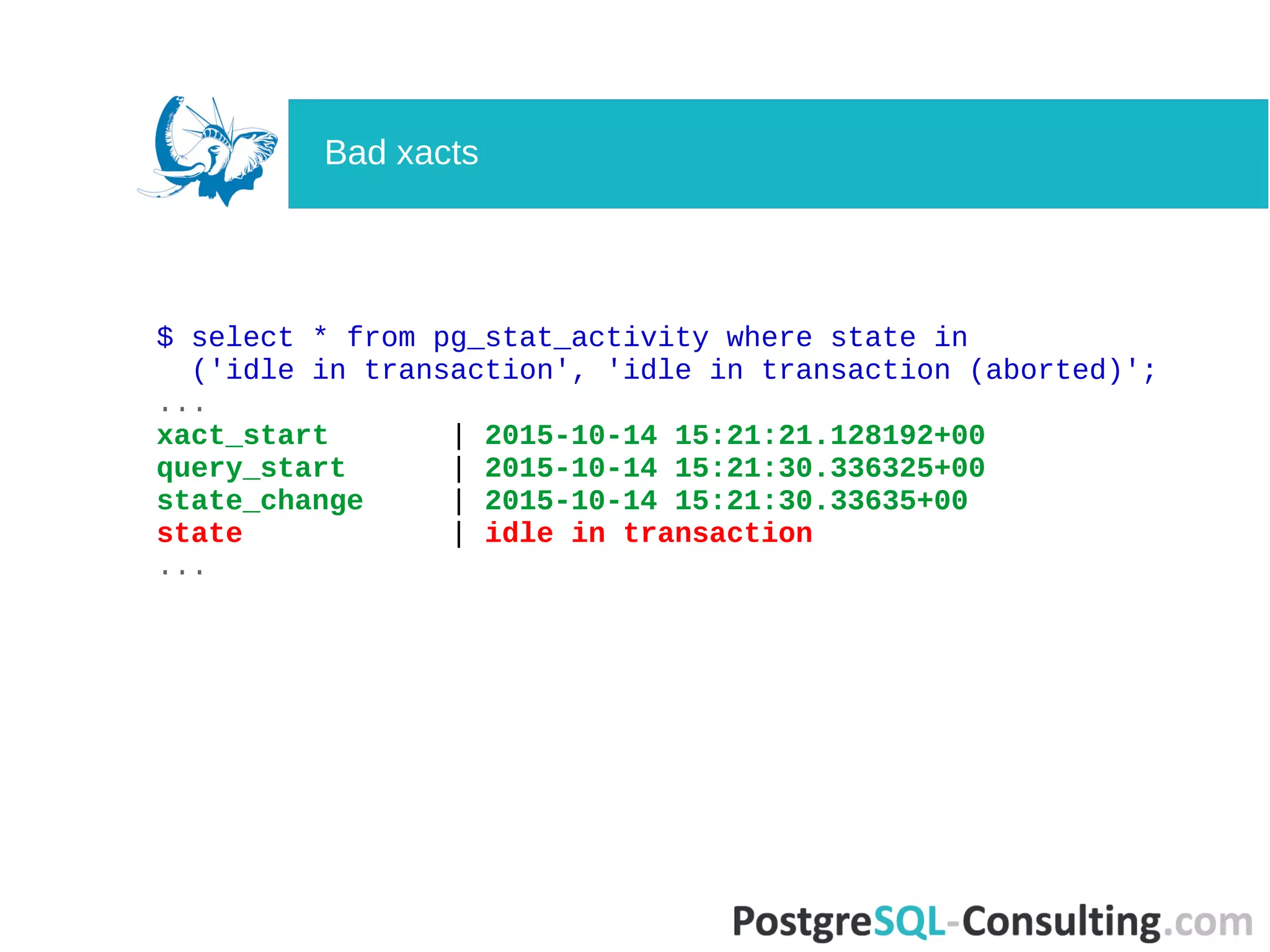
![$ select * from pg_stat_activity;
-[ RECORD 1 ]----+--------------------------------------------
datid | 16401
datname | ts
pid | 116408
usesysid | 16384
usename | tsagent
application_name | unicorn_rails worker
client_addr | 172.17.0.37
client_hostname |
client_port | 50888
backend_start | 2015-10-14 15:18:03.01039+00
xact_start |
query_start | 2015-10-14 15:21:30.336325+00
state_change | 2015-10-14 15:21:30.33635+00
waiting | f
state | idle
backend_xid |
backend_xmin |
query | COMMIT
pg_stat_activity](https://image.slidesharecdn.com/deep-dive-into-postgresql-statistics-pgconf-us-2016-160413073045/75/Deep-dive-into-PostgreSQL-statistics-35-2048.jpg)
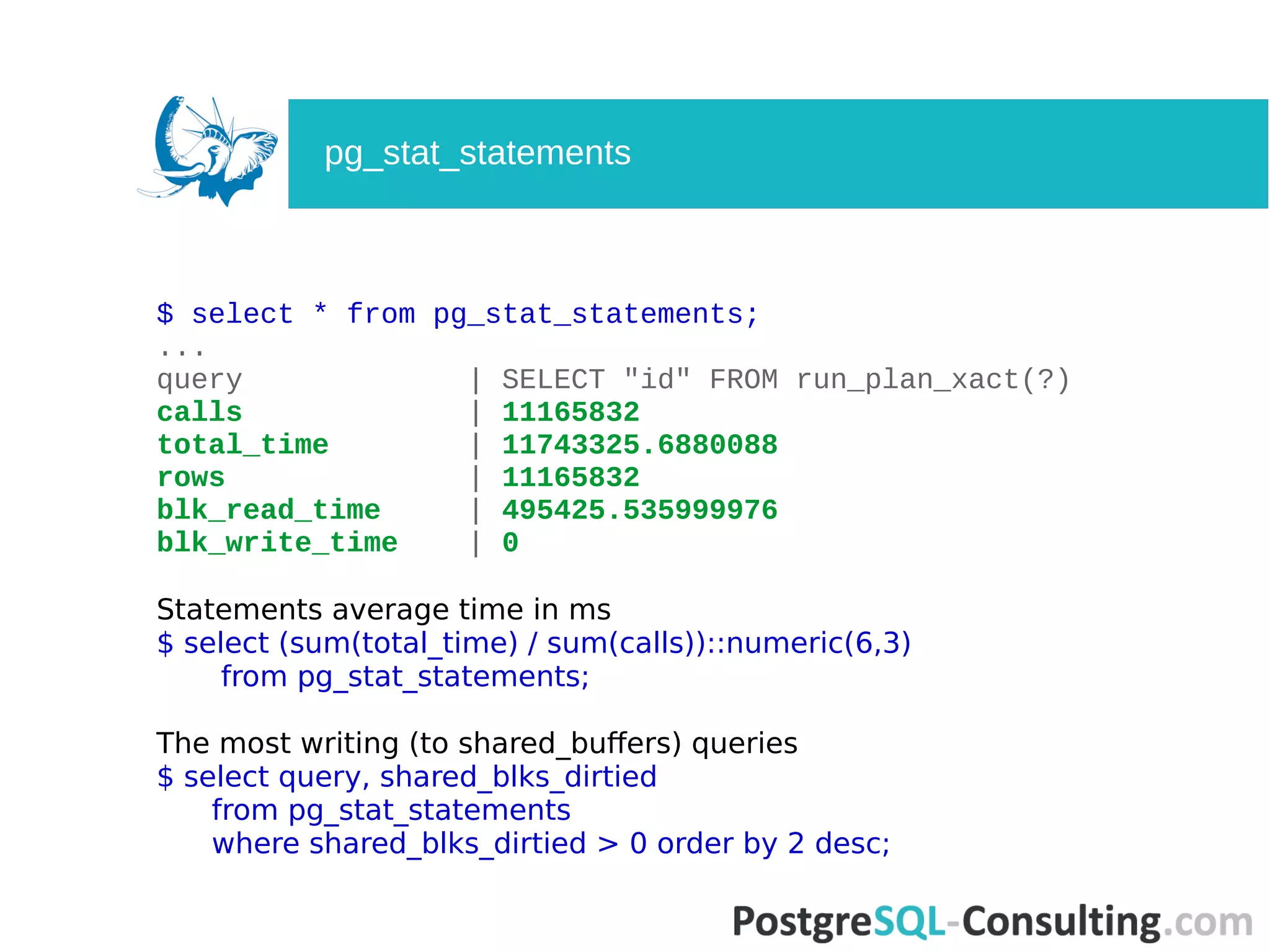
![$ select * from pg_stat_statements
where blk_read_time <> 0 order by blk_read_time desc;
-[ RECORD 1 ]-------+---------------------------------------
userid | 25078444
dbid | 16411
query | SELECT "id" FROM run_plan_xact(?)
calls | 11165832
total_time | 11743325.6880088
min_time | 0.581
max_time | 4.298
mean_time | 1.051
stddev_time | 0.142115797855129
rows | 11165832
shared_blks_hit | 351353214
shared_blks_read | 205557
shared_blks_dirtied | 256053
shared_blks_written | 0
local_blks_hit | 0
local_blks_read | 68894
local_blks_dirtied | 68894
local_blks_written | 0
temp_blks_read | 0
temp_blks_written | 0
blk_read_time | 495425.535999976
blk_write_time | 0
pg_stat_statements](https://image.slidesharecdn.com/deep-dive-into-postgresql-statistics-pgconf-us-2016-160413073045/75/Deep-dive-into-PostgreSQL-statistics-46-2048.jpg)

The document is a detailed exploration of PostgreSQL statistics covered in a presentation by Alexey Lesovsky at pgConf US 2016. It discusses the significance of PostgreSQL statistics for monitoring and performance tuning, the types of statistics available, and various methods to effectively utilize them, including queries and tools. The presentation emphasizes the importance of understanding these statistics to resolve issues and optimize database operations.
Overview of PostgreSQL statistics, presentation by Alexey Lesovsky at PGConf US 2016.
Defines PostgreSQL activity statistics, their effective use, and problem-solving goals.
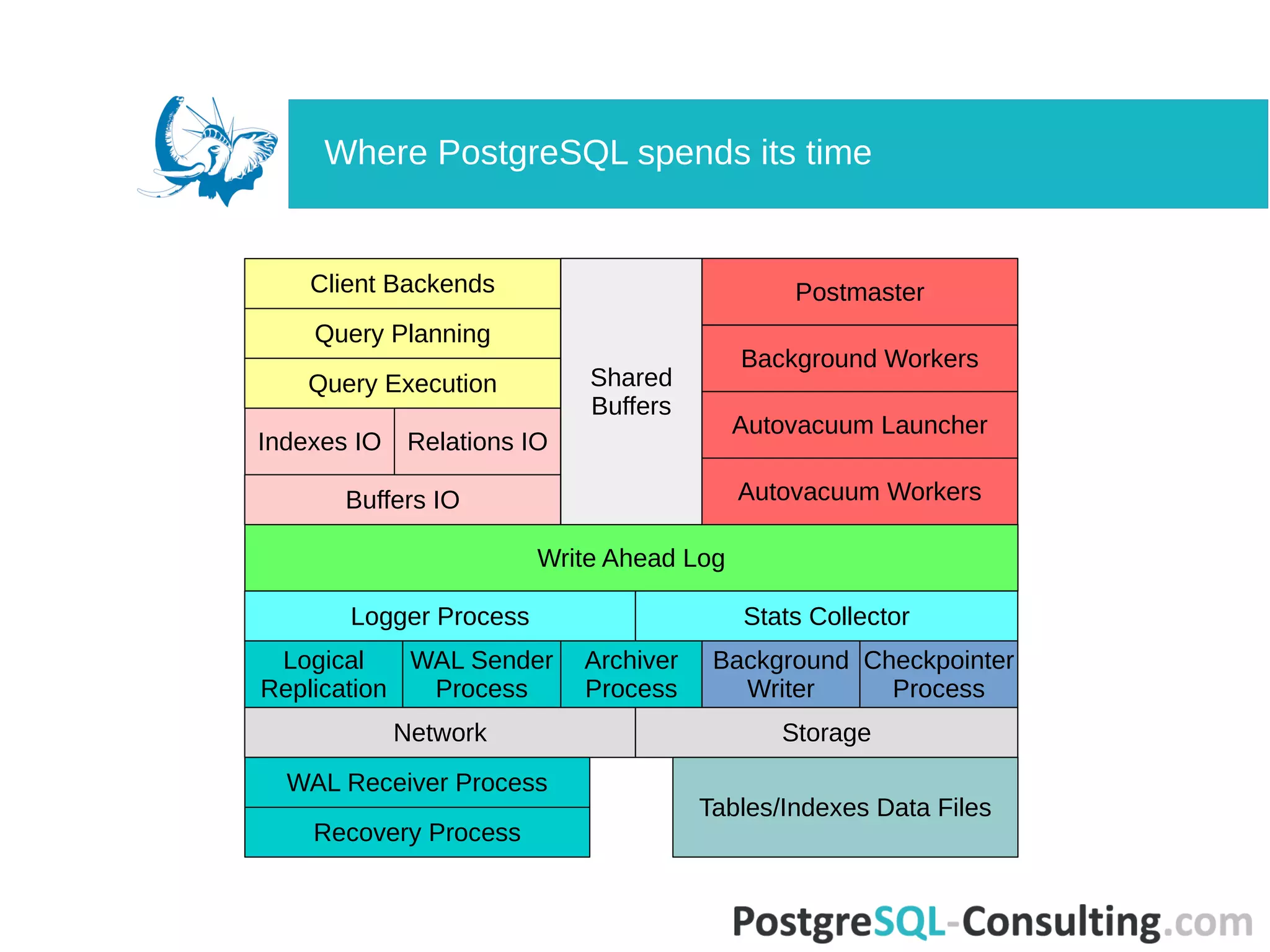
Details process information in PostgreSQL, focusing on key processes and where time is spent.
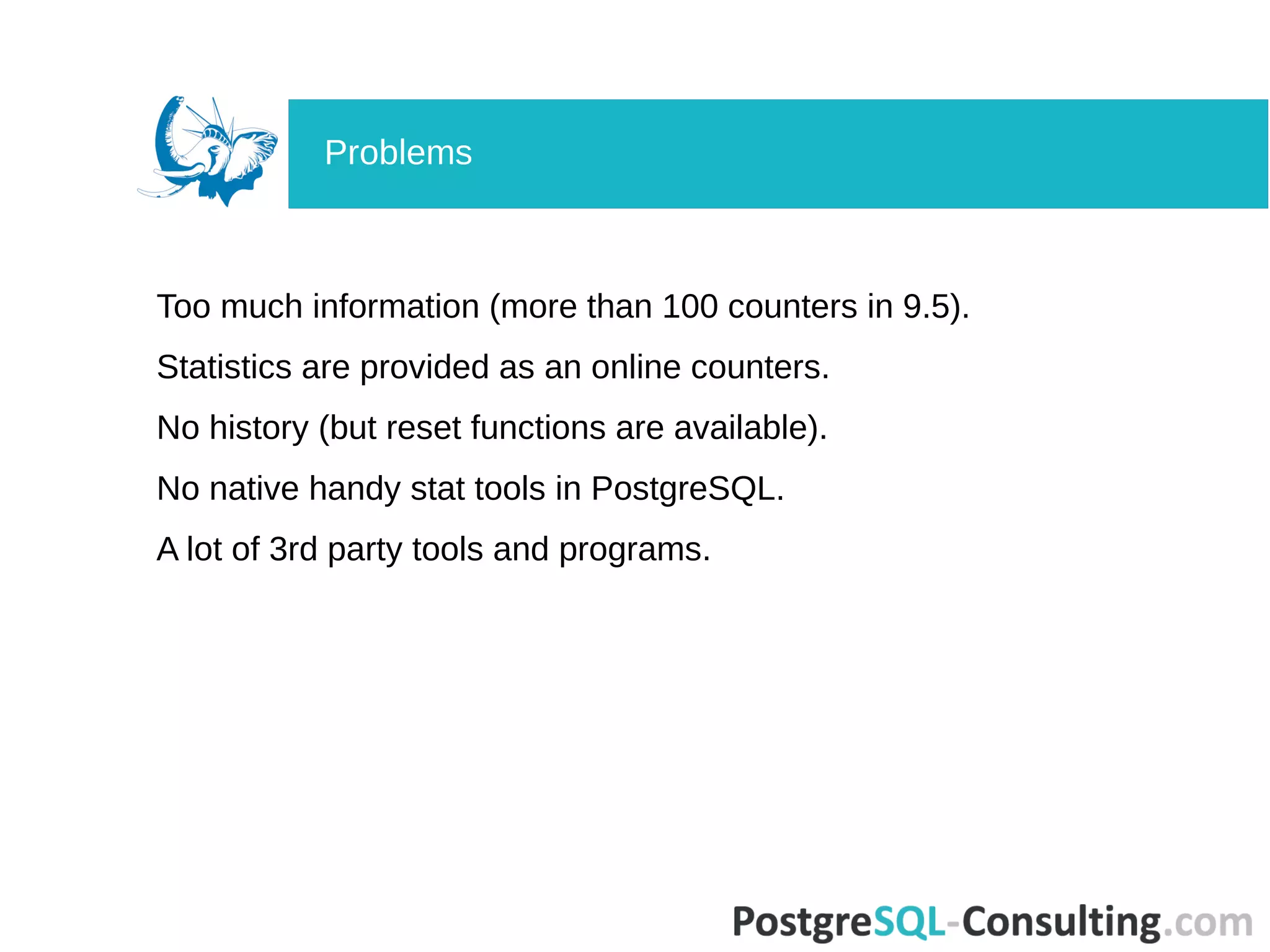
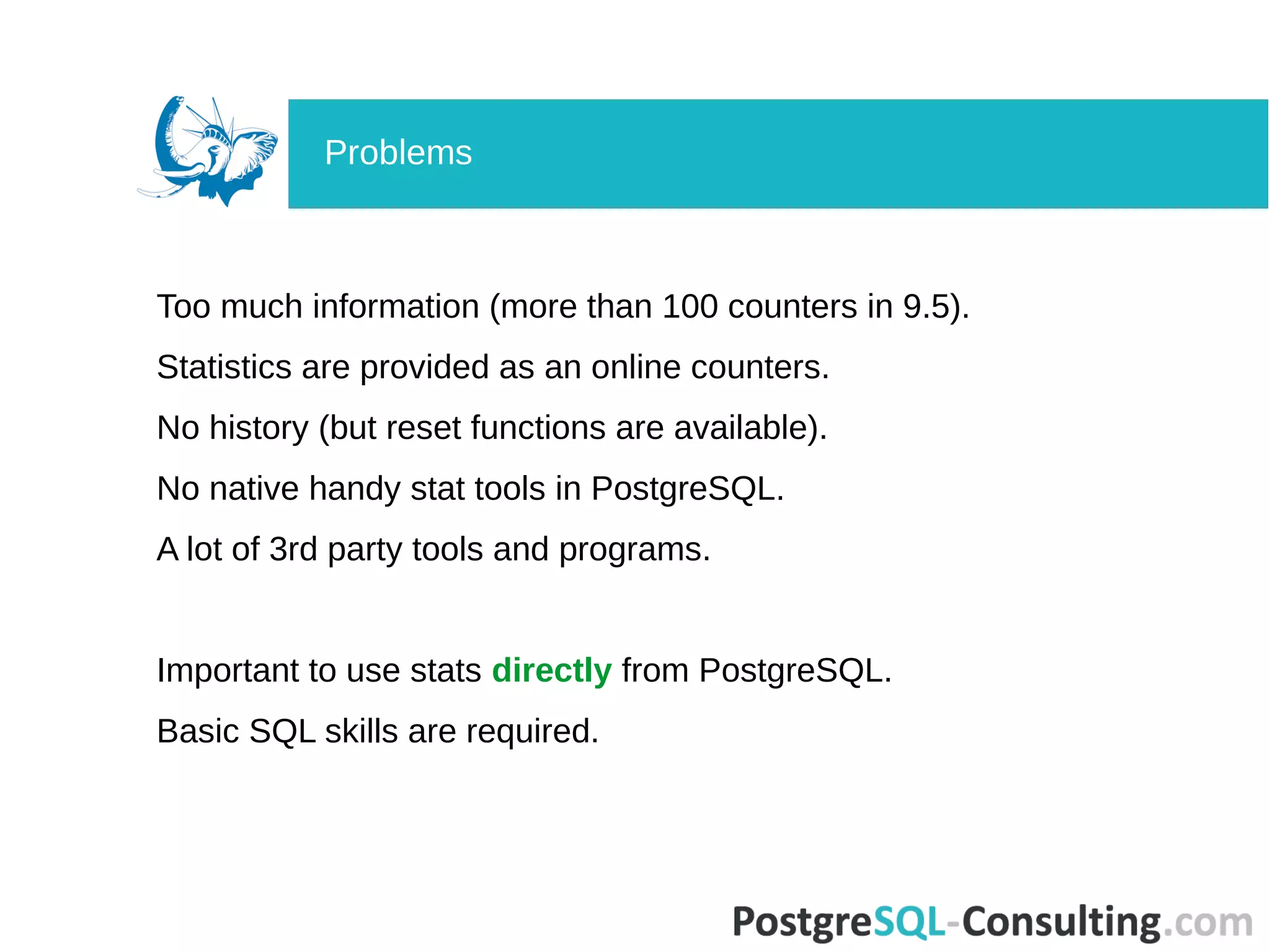
Describes the overwhelming amount of information with statistics, lack of history, and absence of native tools.
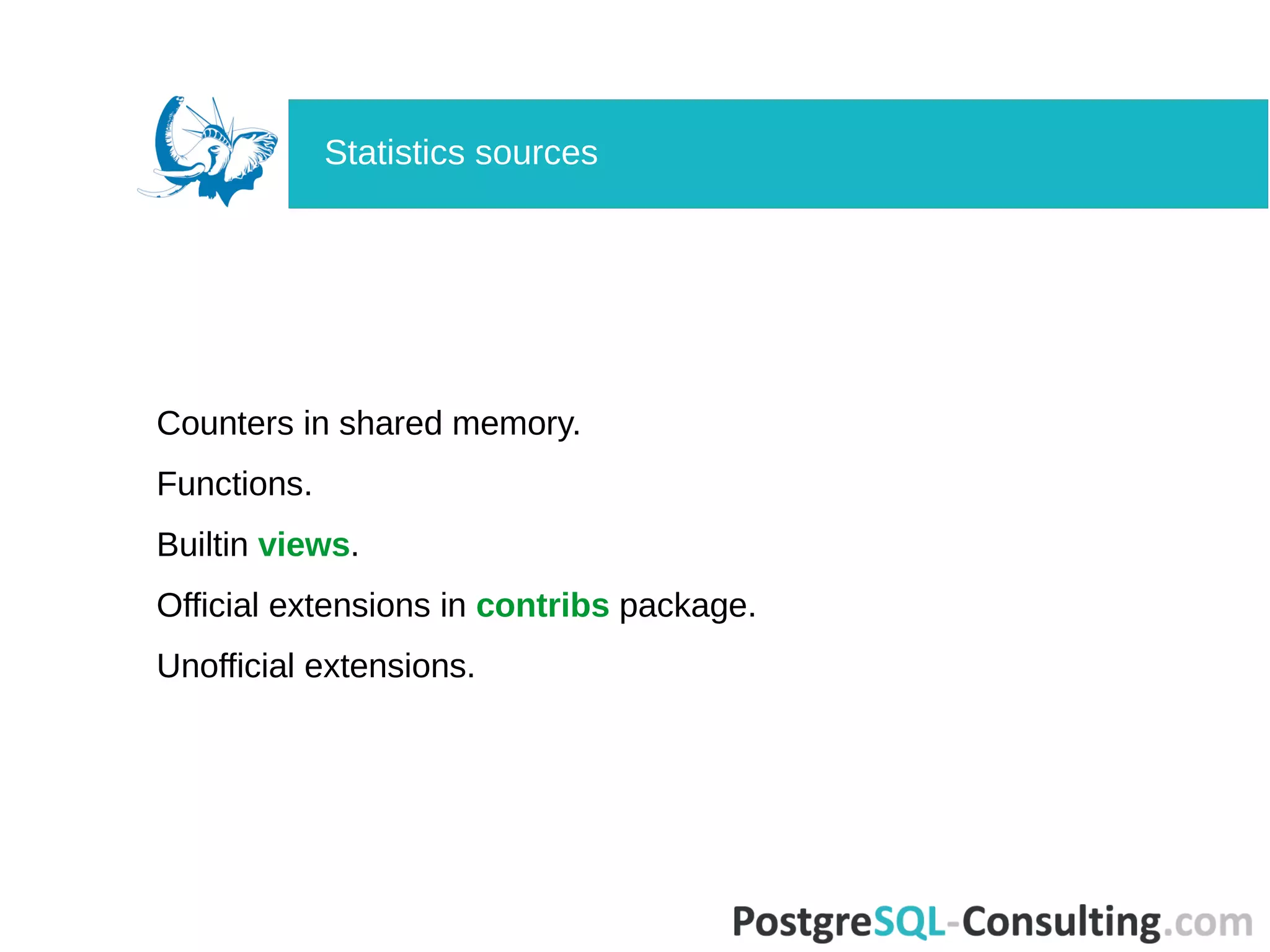
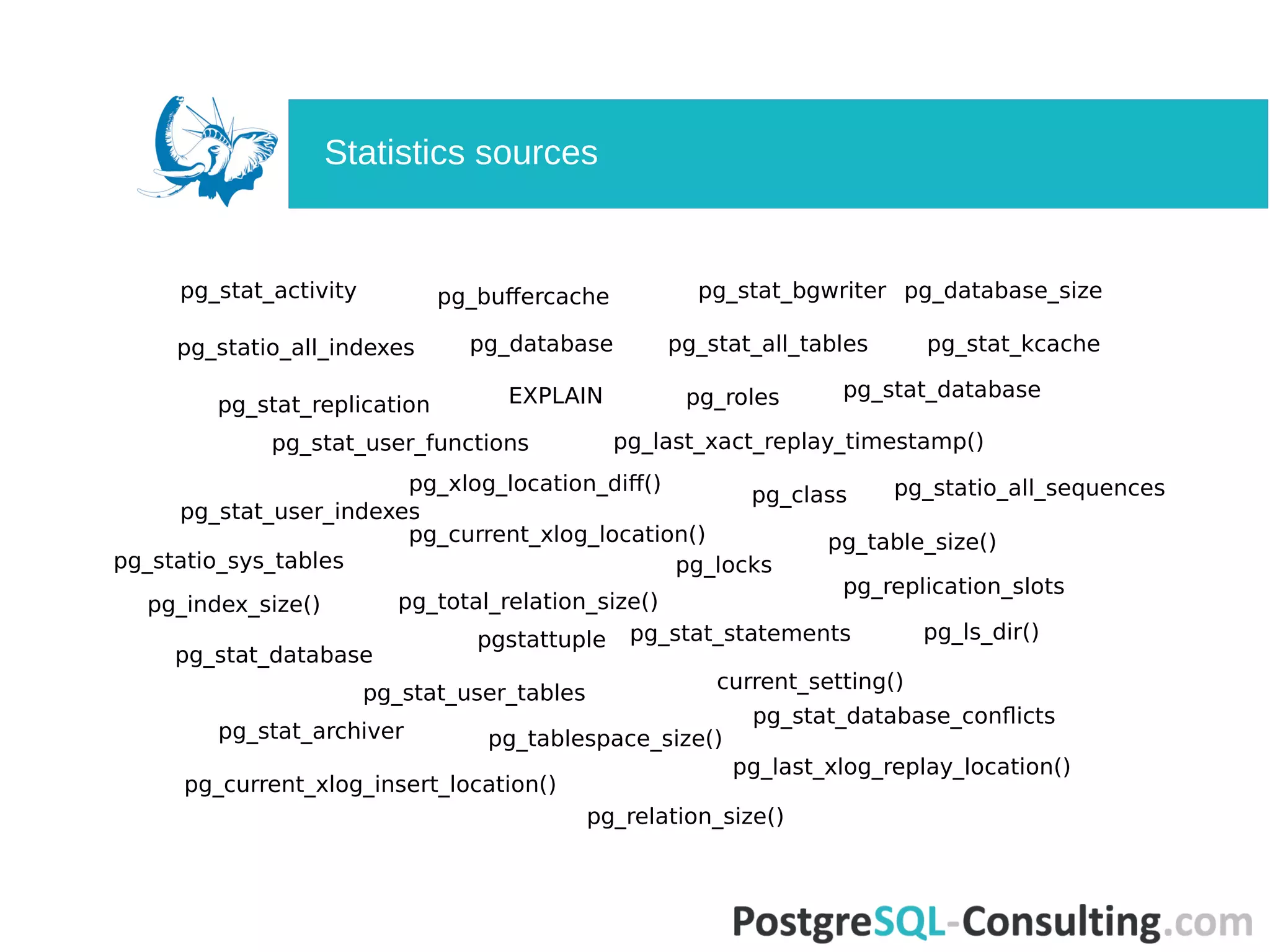
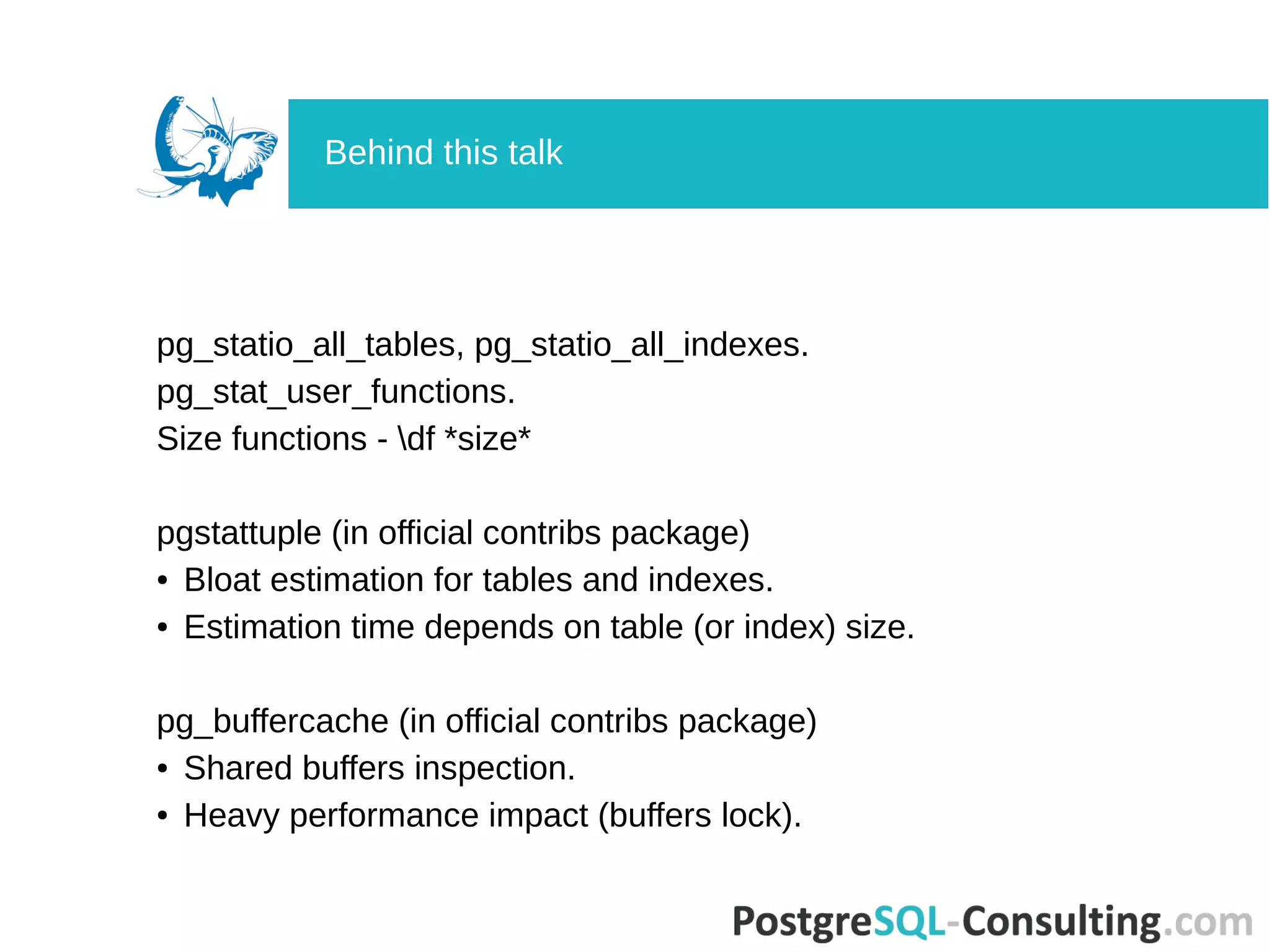
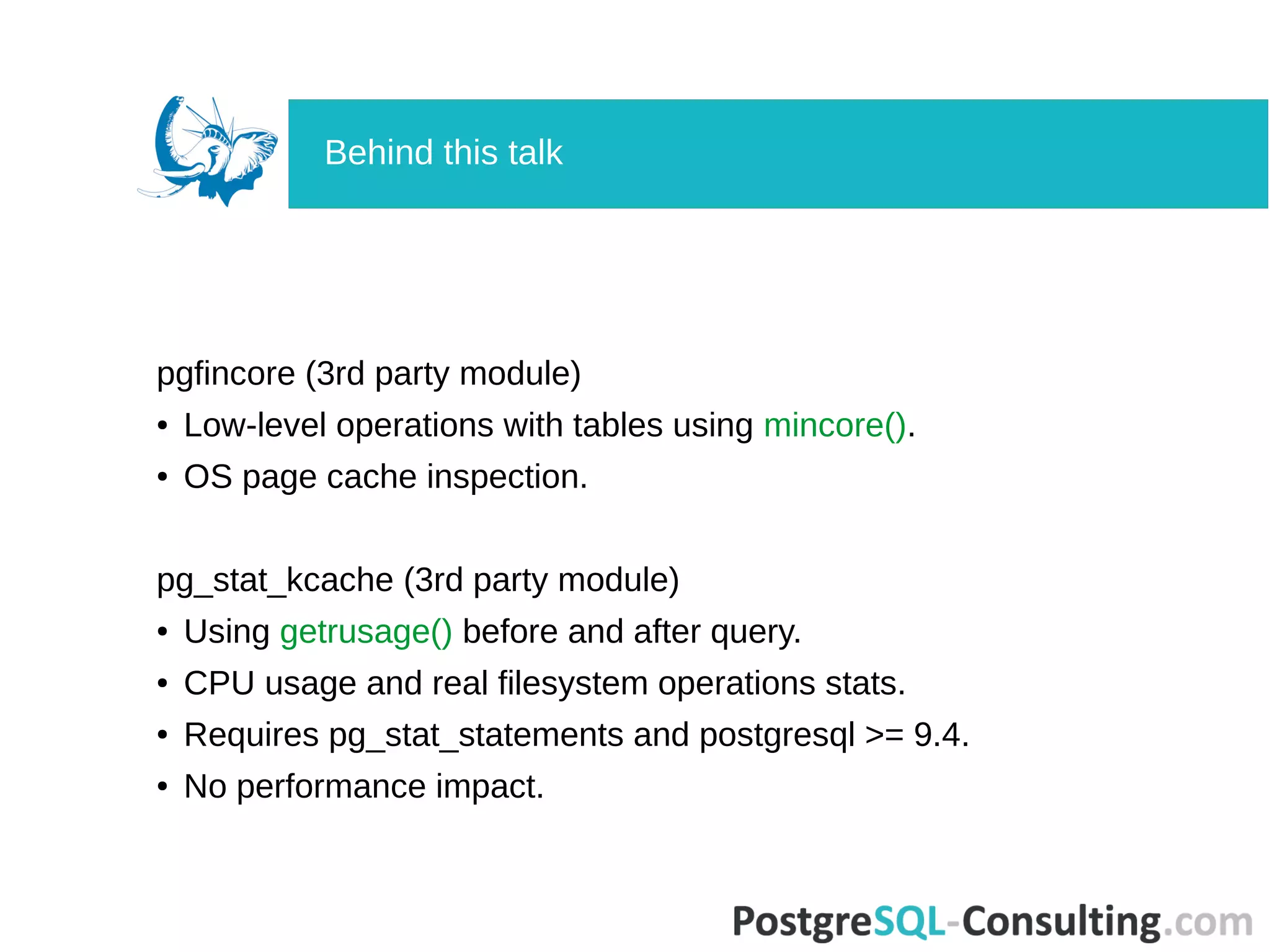
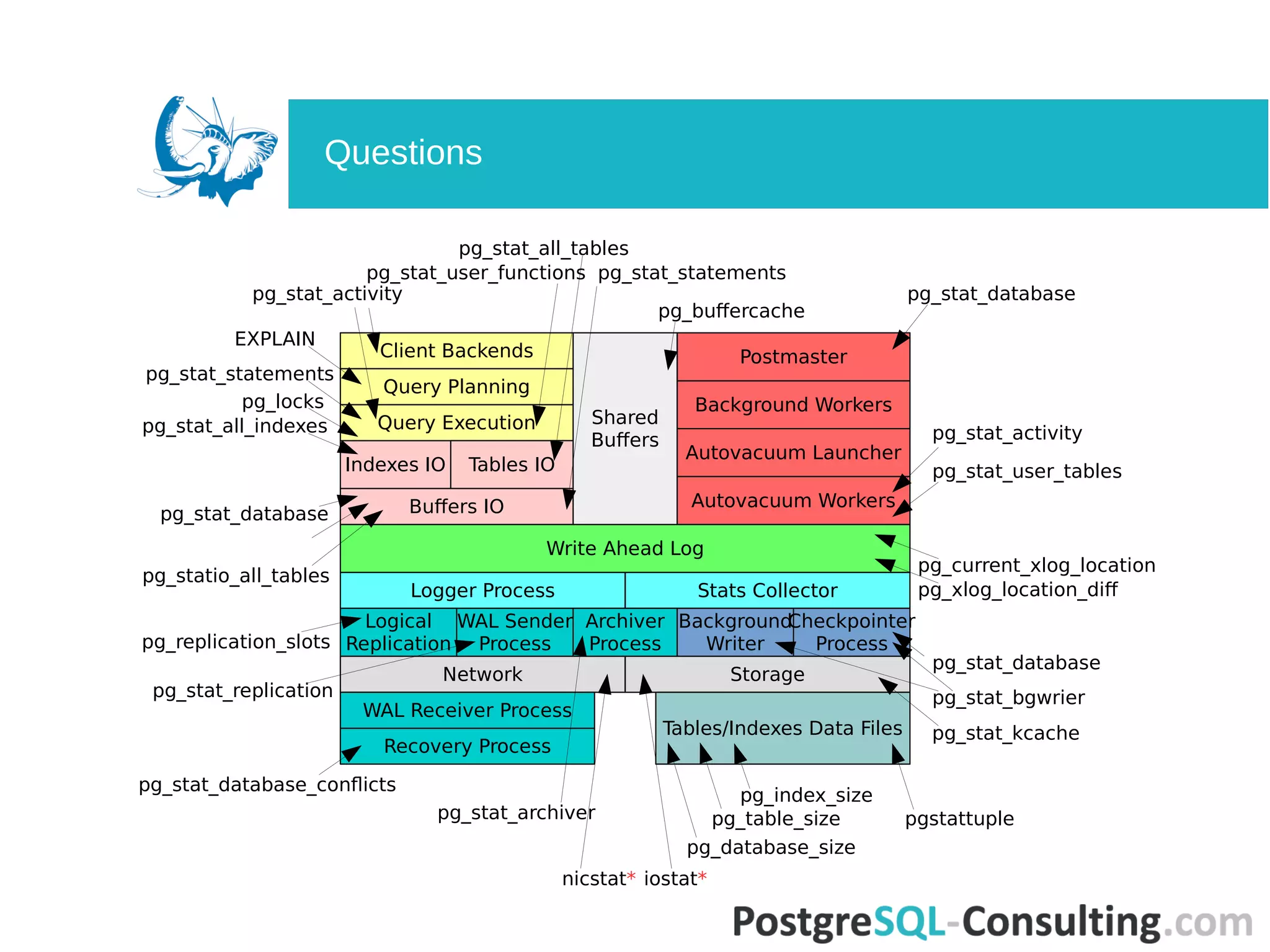
Lists various built-in views, functions, and extensions available for gathering statistics.
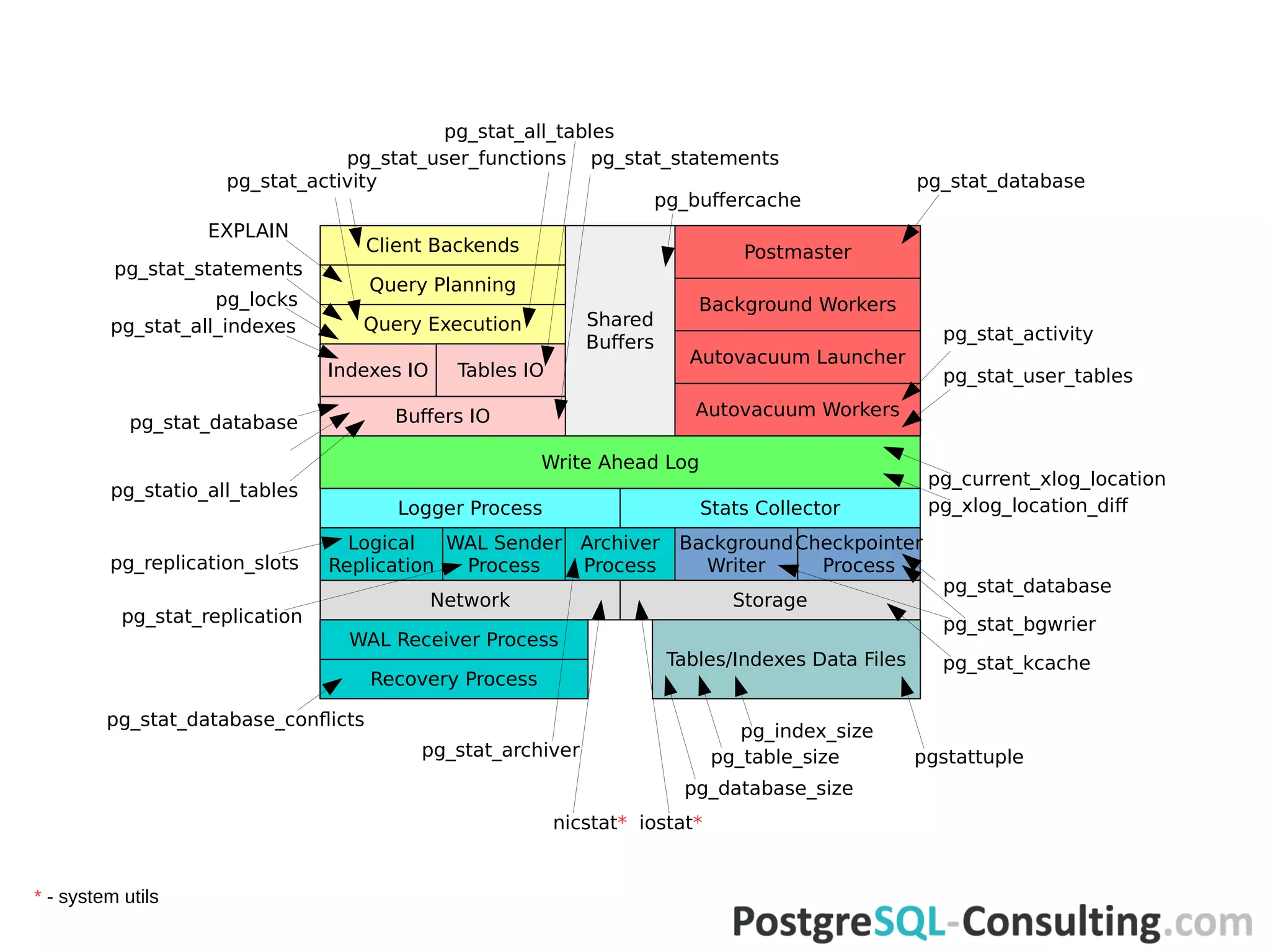
Further discusses statistics sources and their implications on database performance.
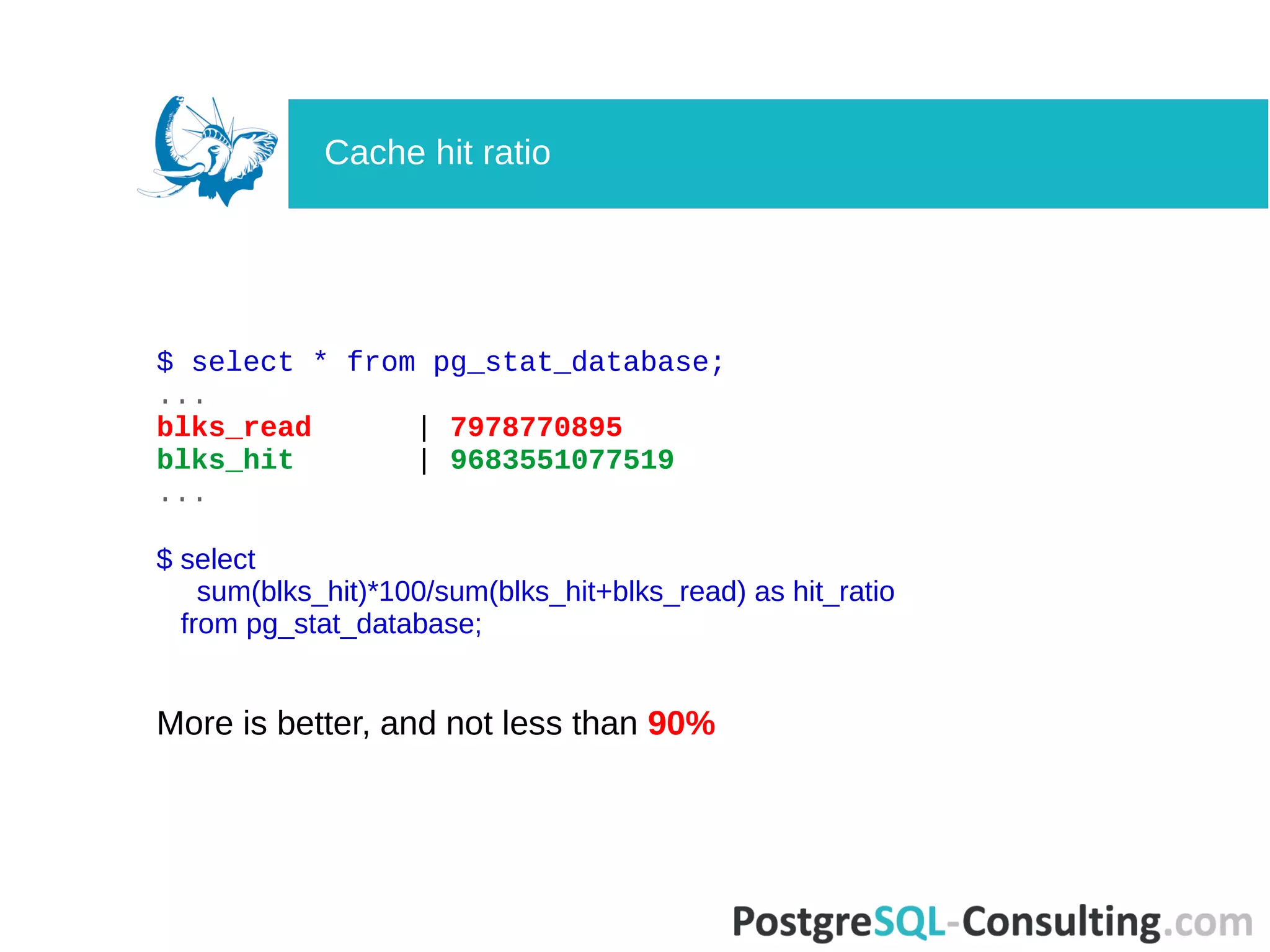
Calculates the cache hit ratio from PostgreSQL statistics, aiming for a ratio of over 90%.
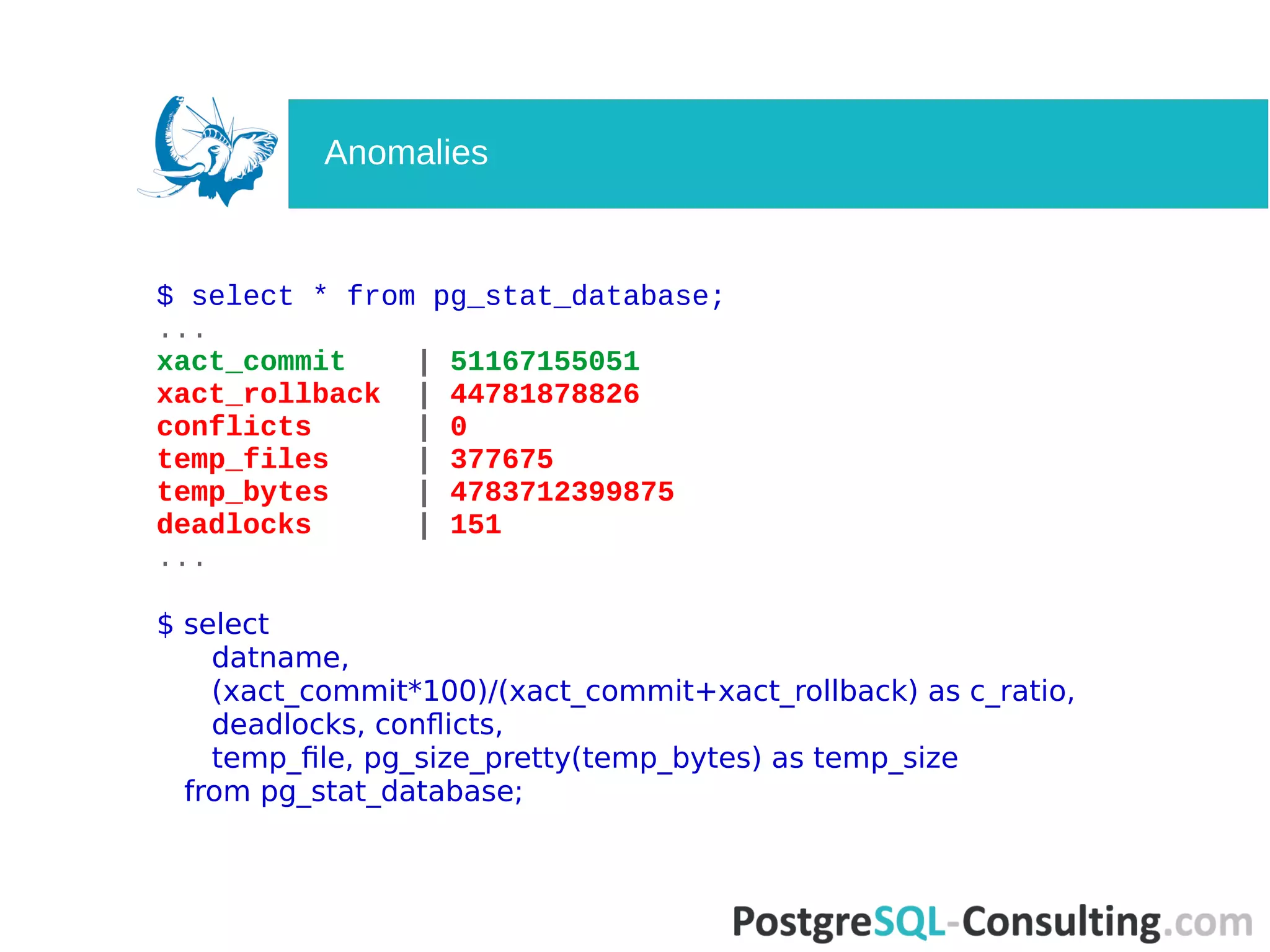
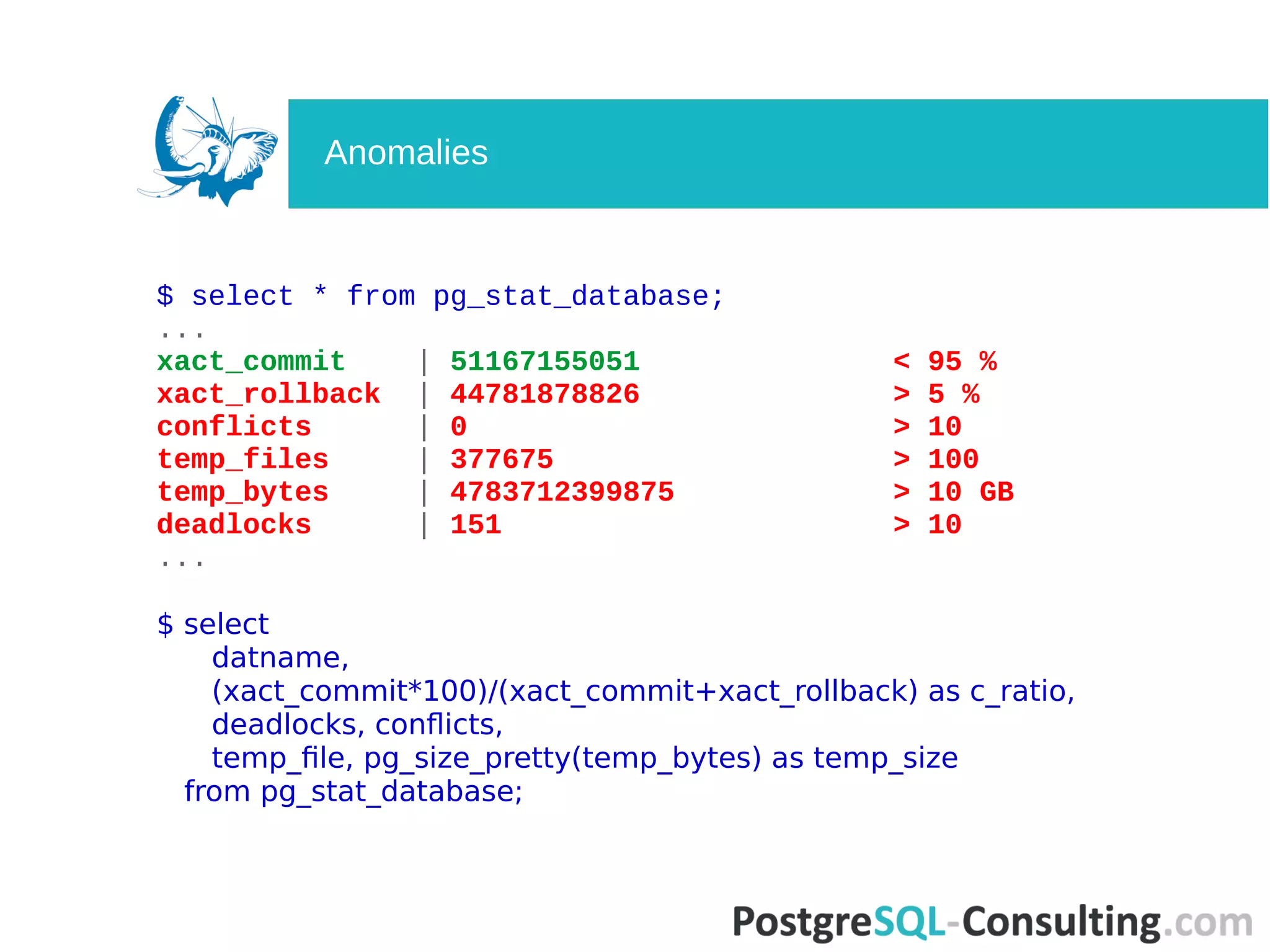
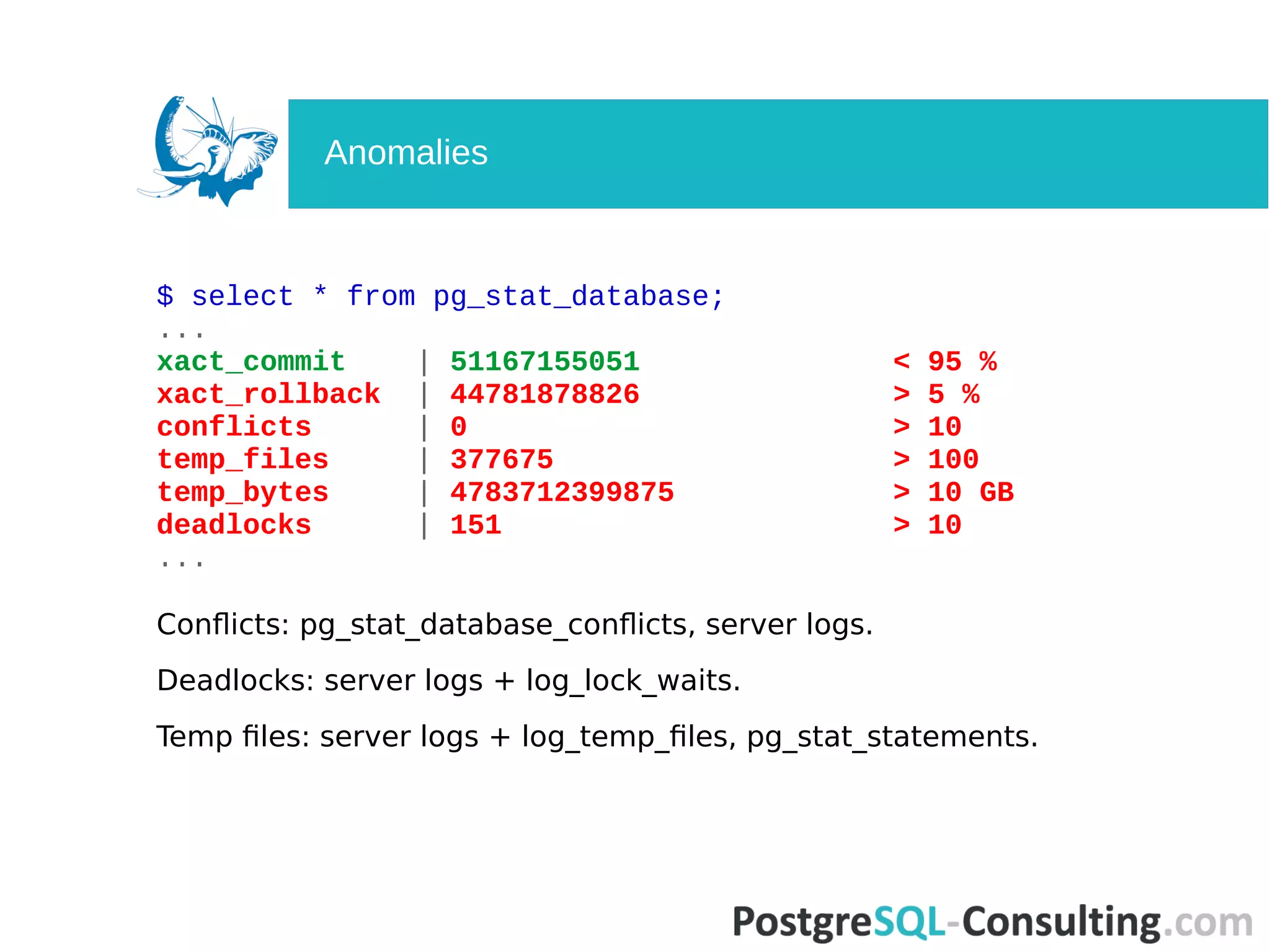
Examines database activity metrics, identifying potential anomalies in transaction statistics.
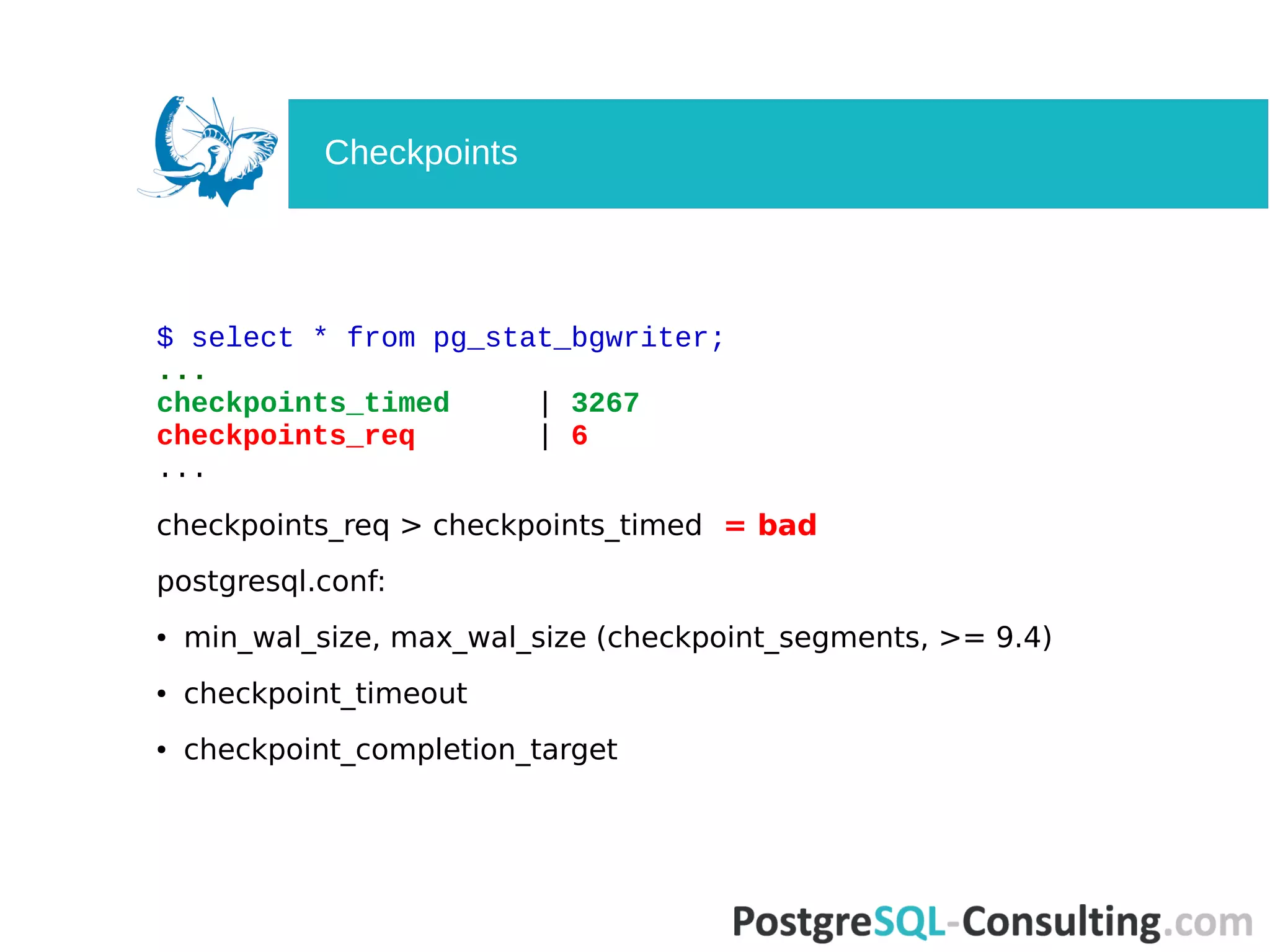
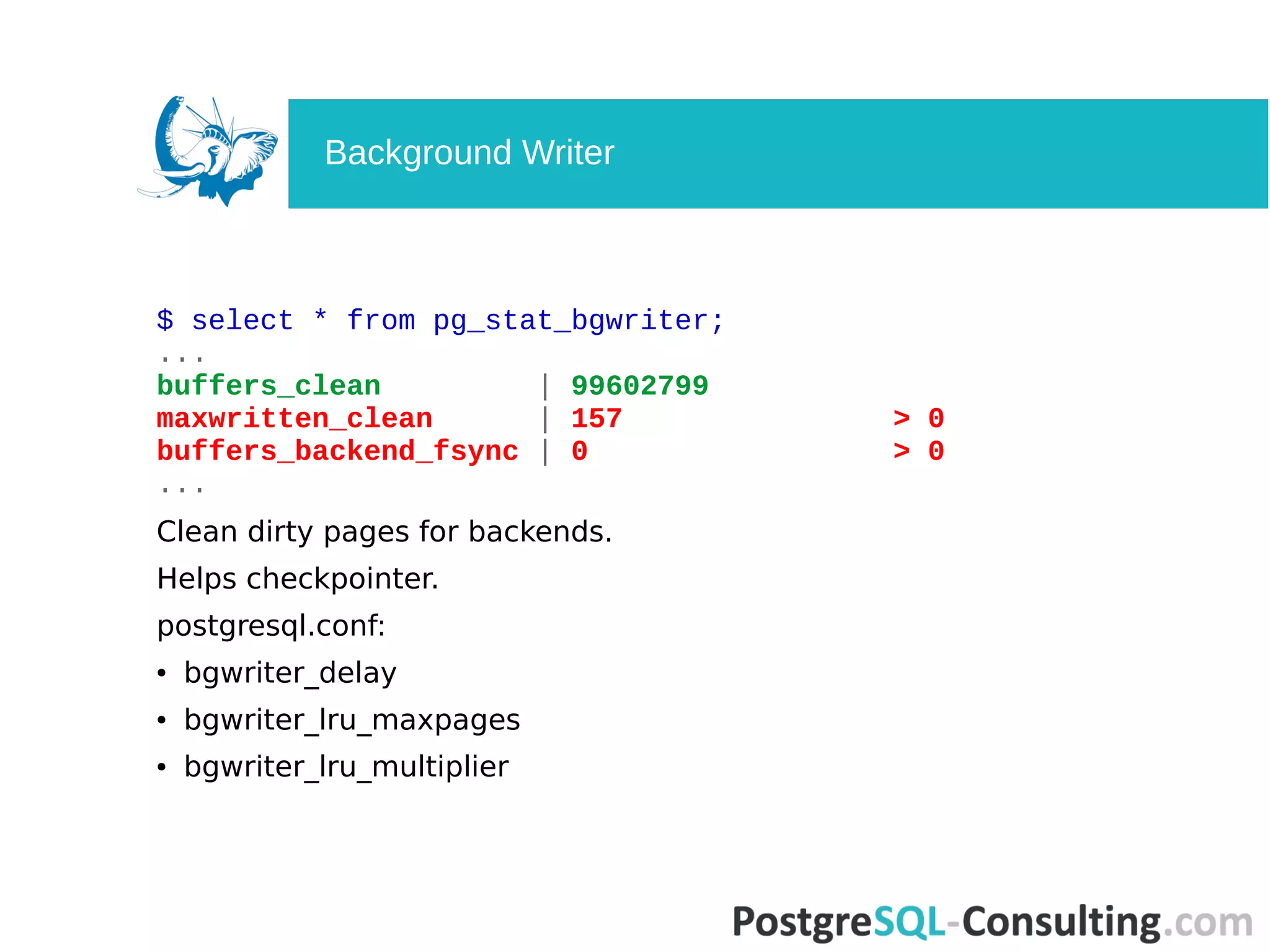
Statistics related to checkpoint activities and the role of background writers in PostgreSQL.
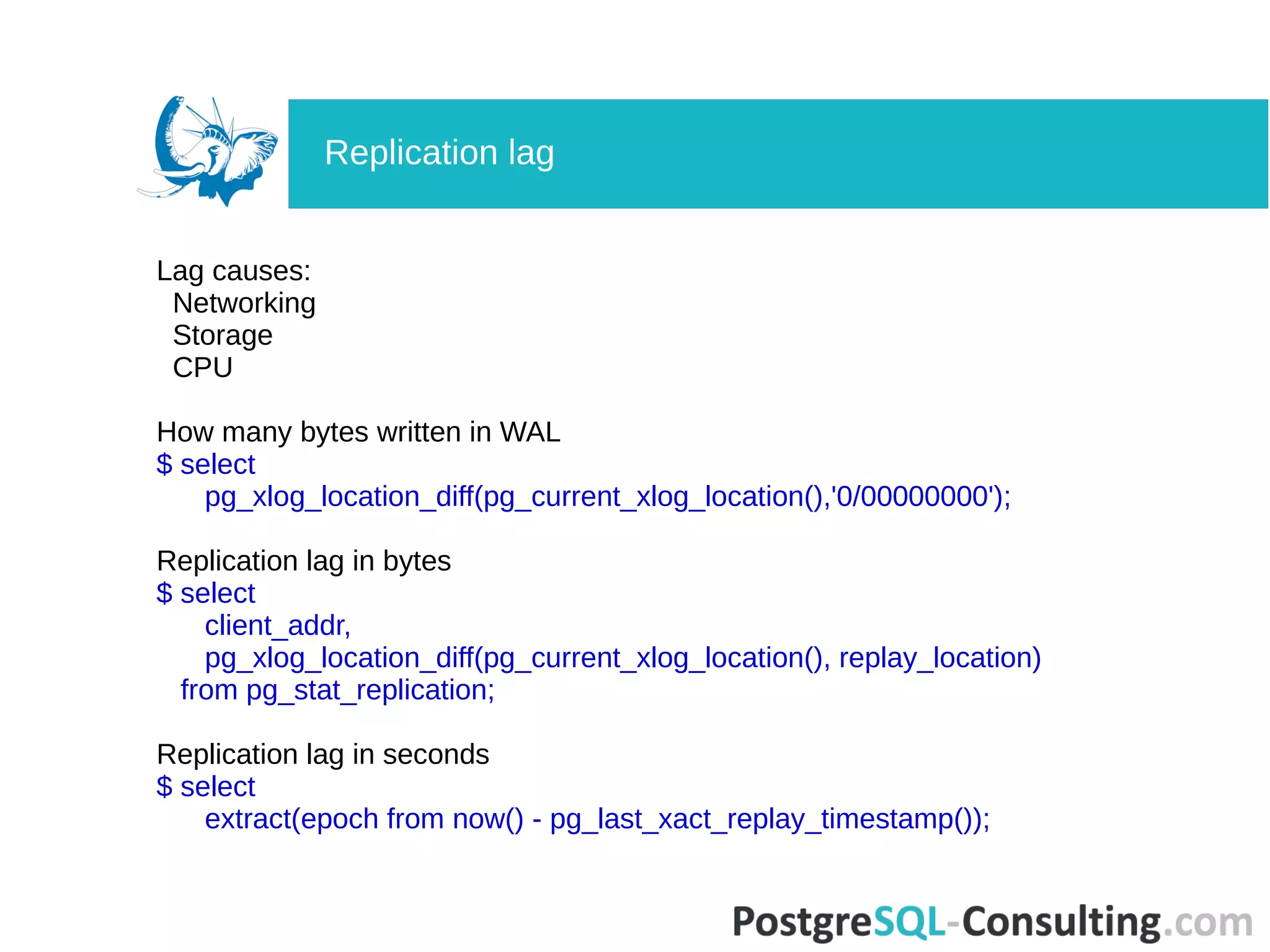
Details about PostgreSQL replication, including current states, locations, and lag analyzes.
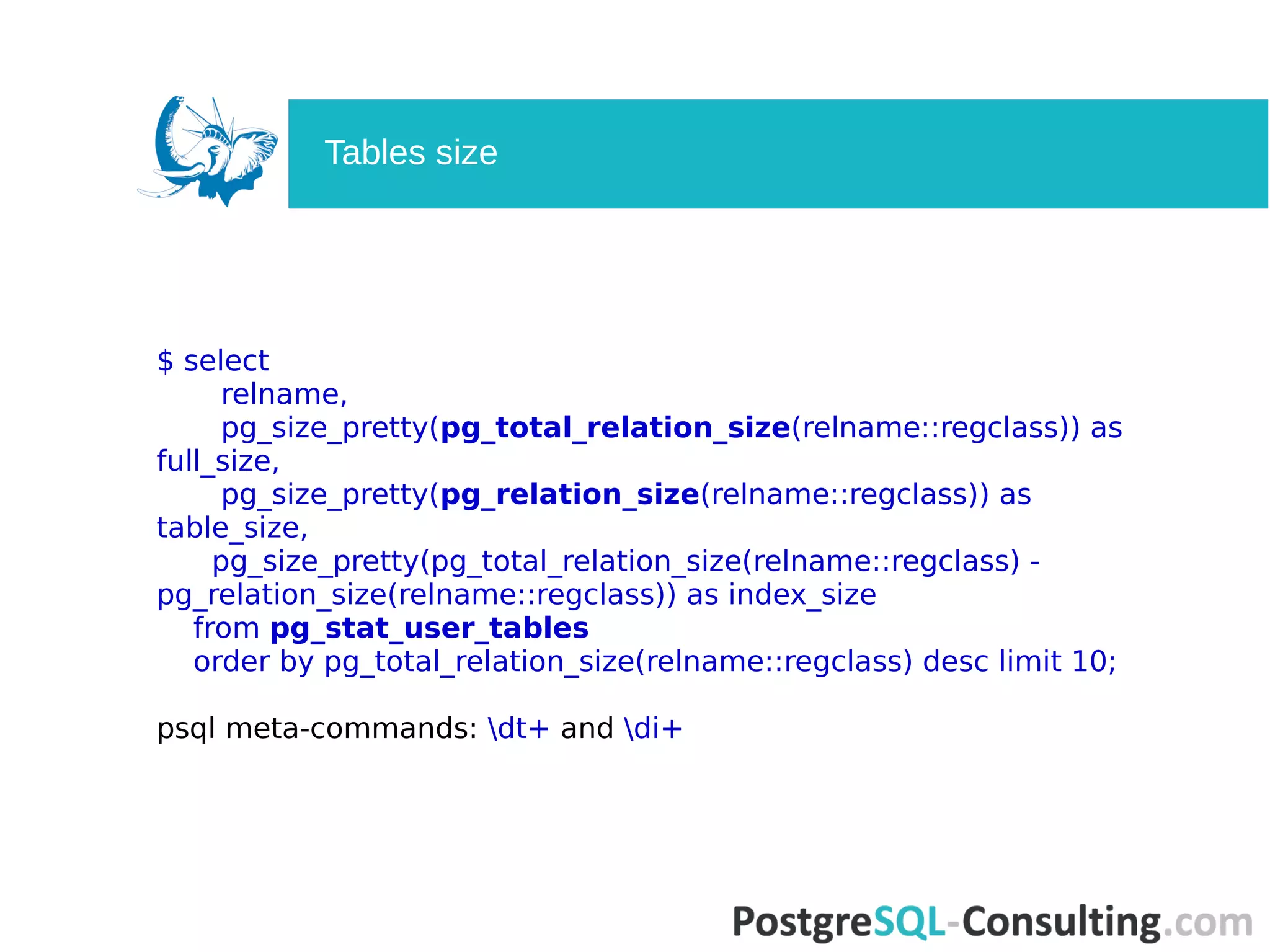
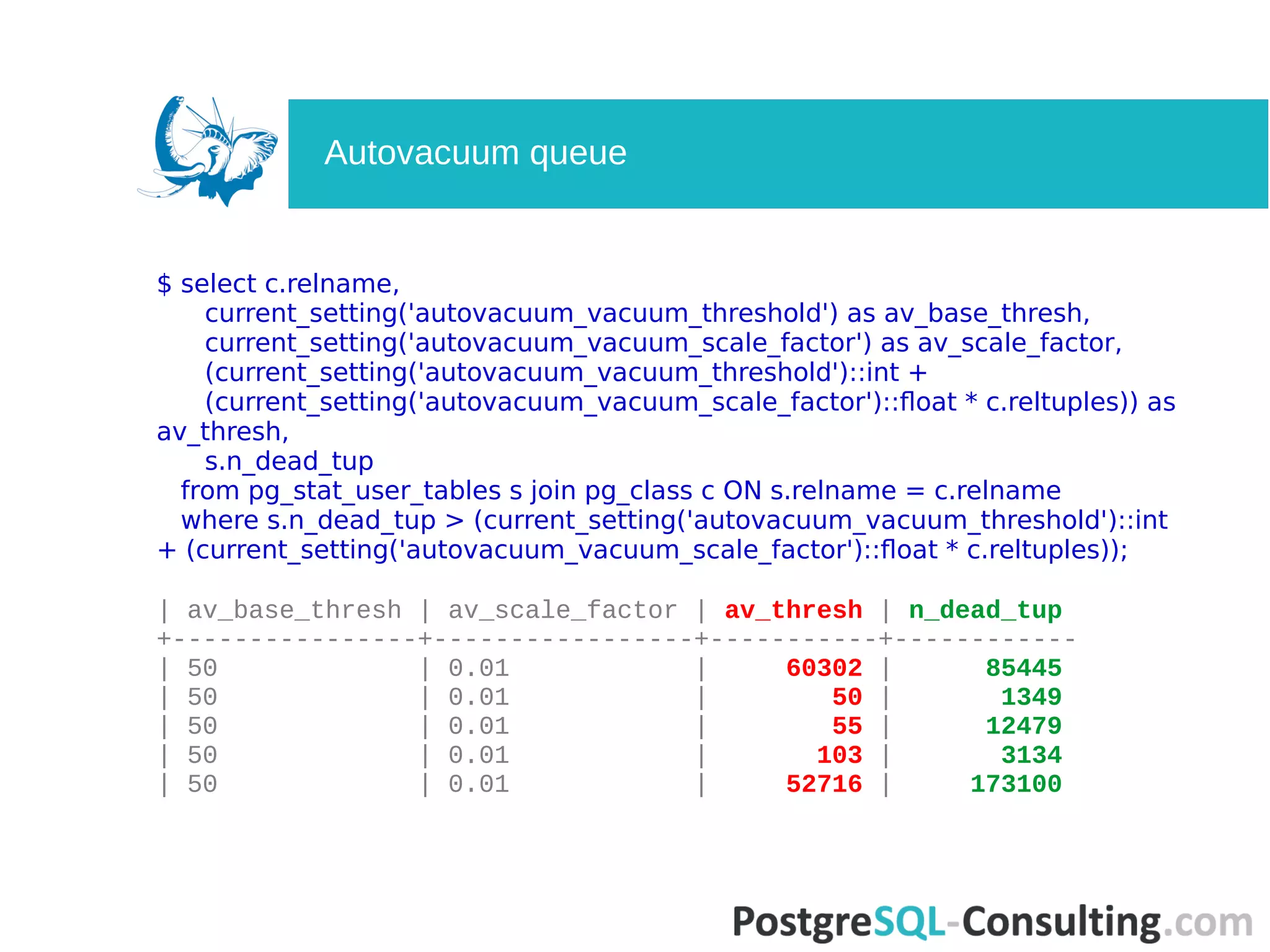
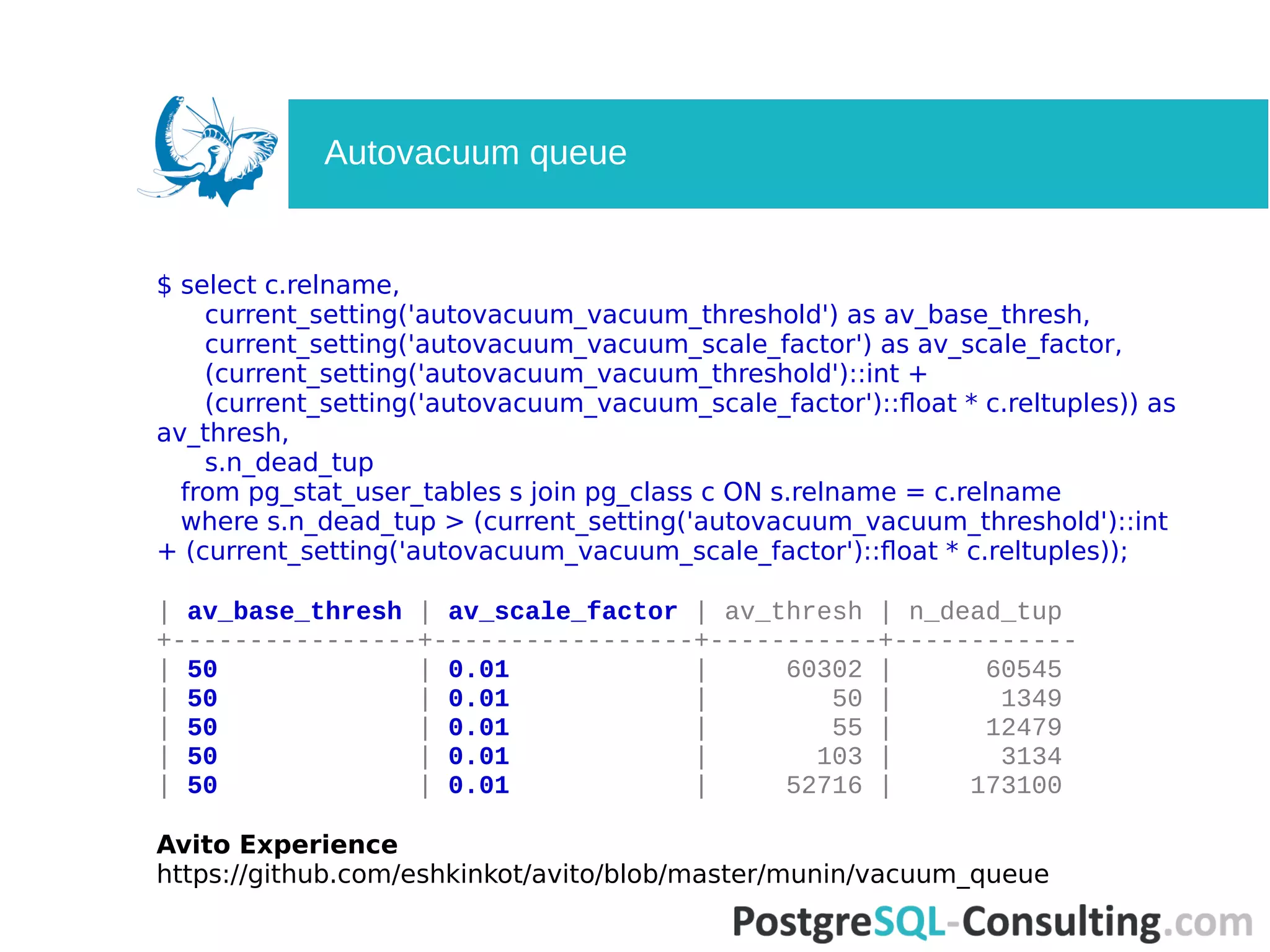
Looks into statistics related to table activity, including sequential scans and autovacuum behavior.Explains how autovacuum settings impact dead tuples and maintenance thresholds.
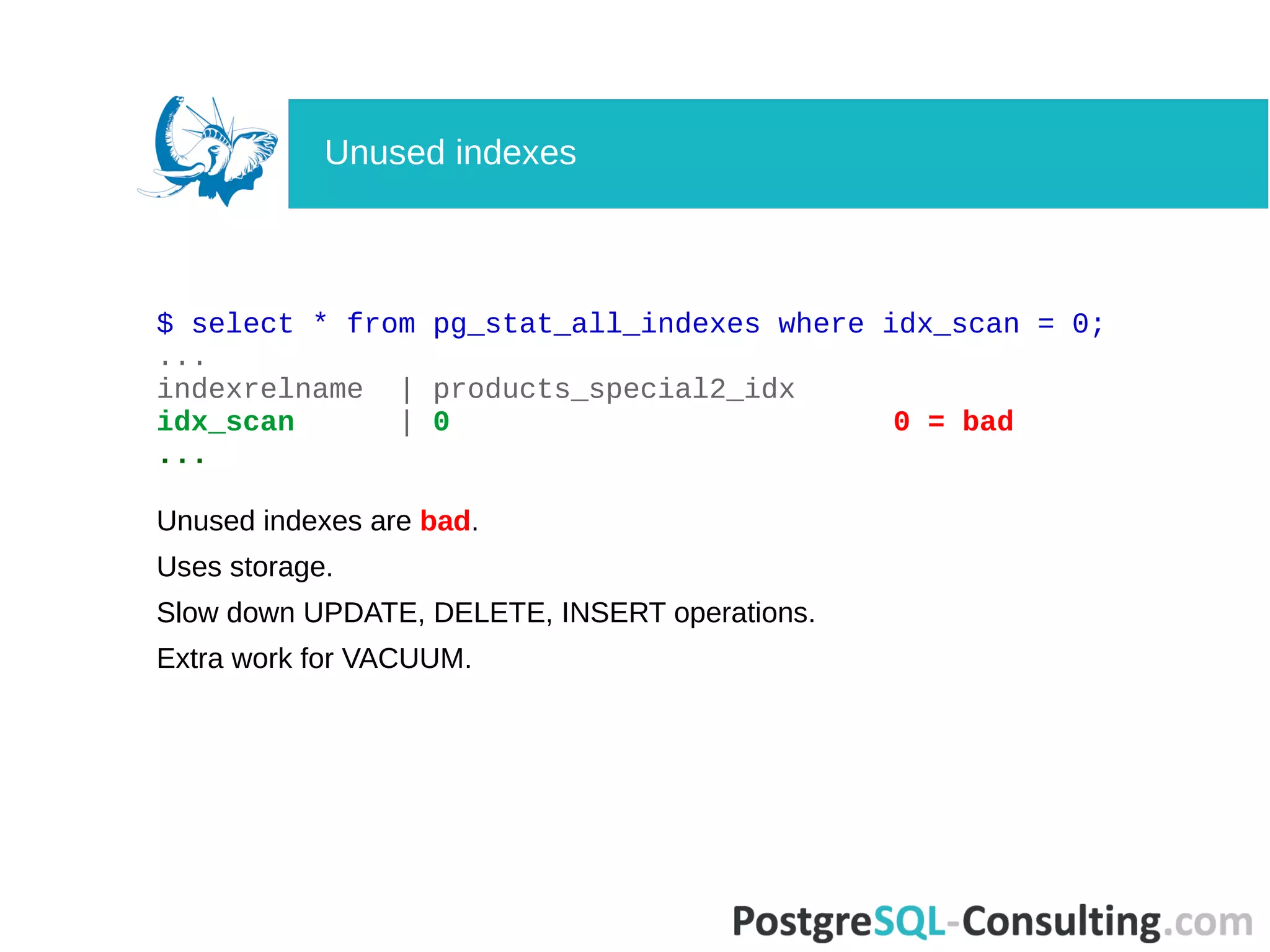
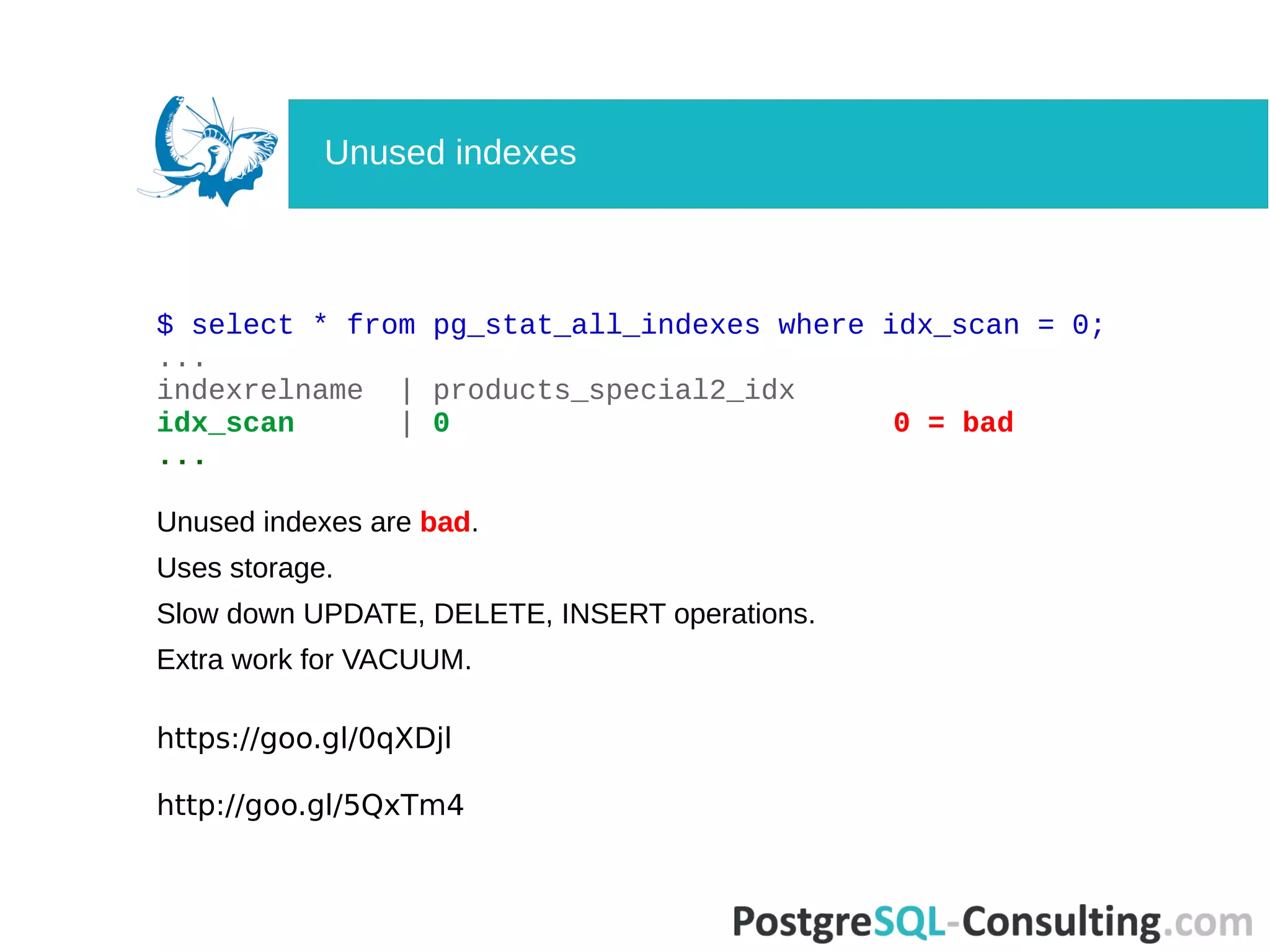
Identifies the negatives of unused indexes on storage, performance, and additional workload.
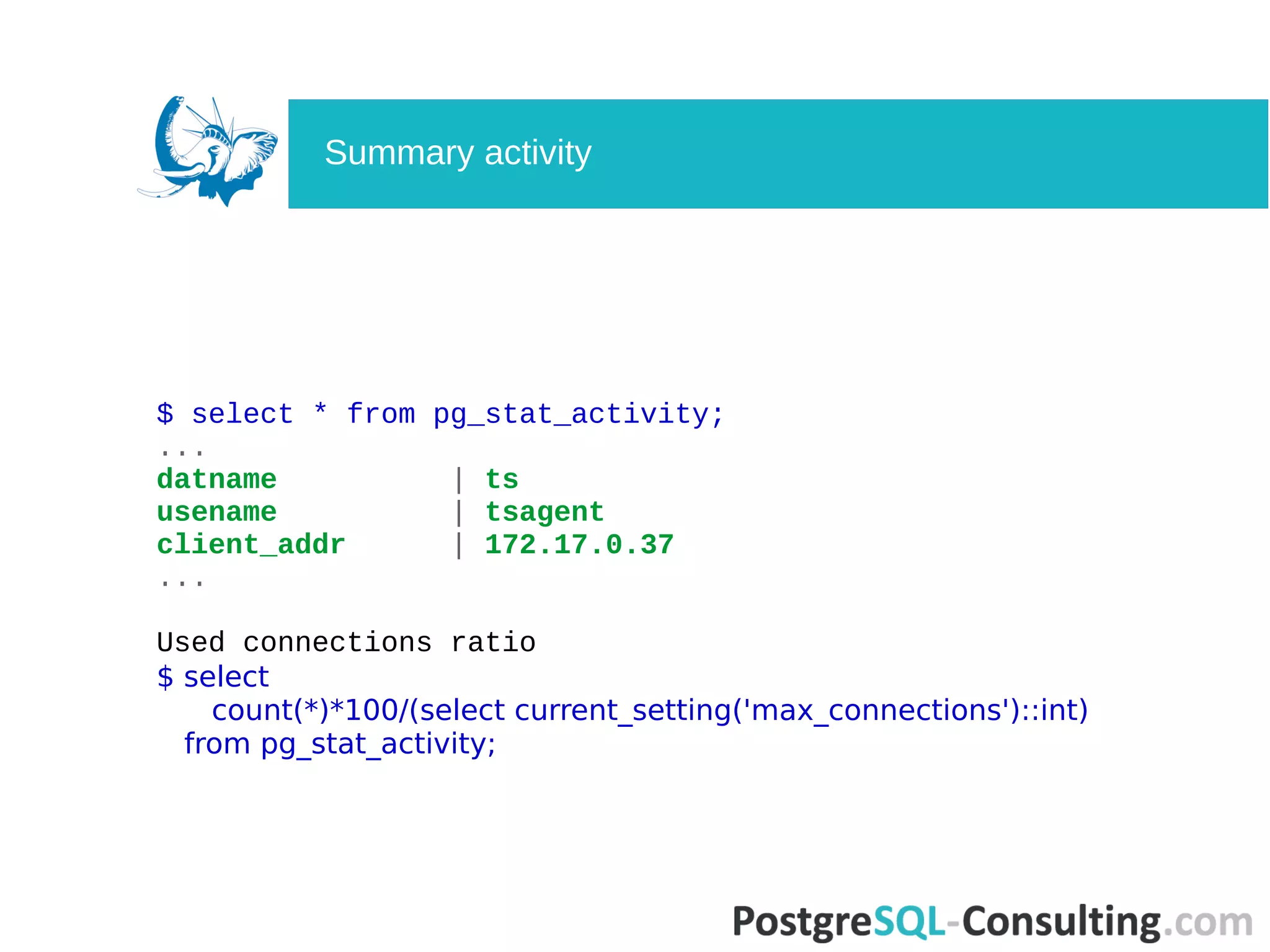
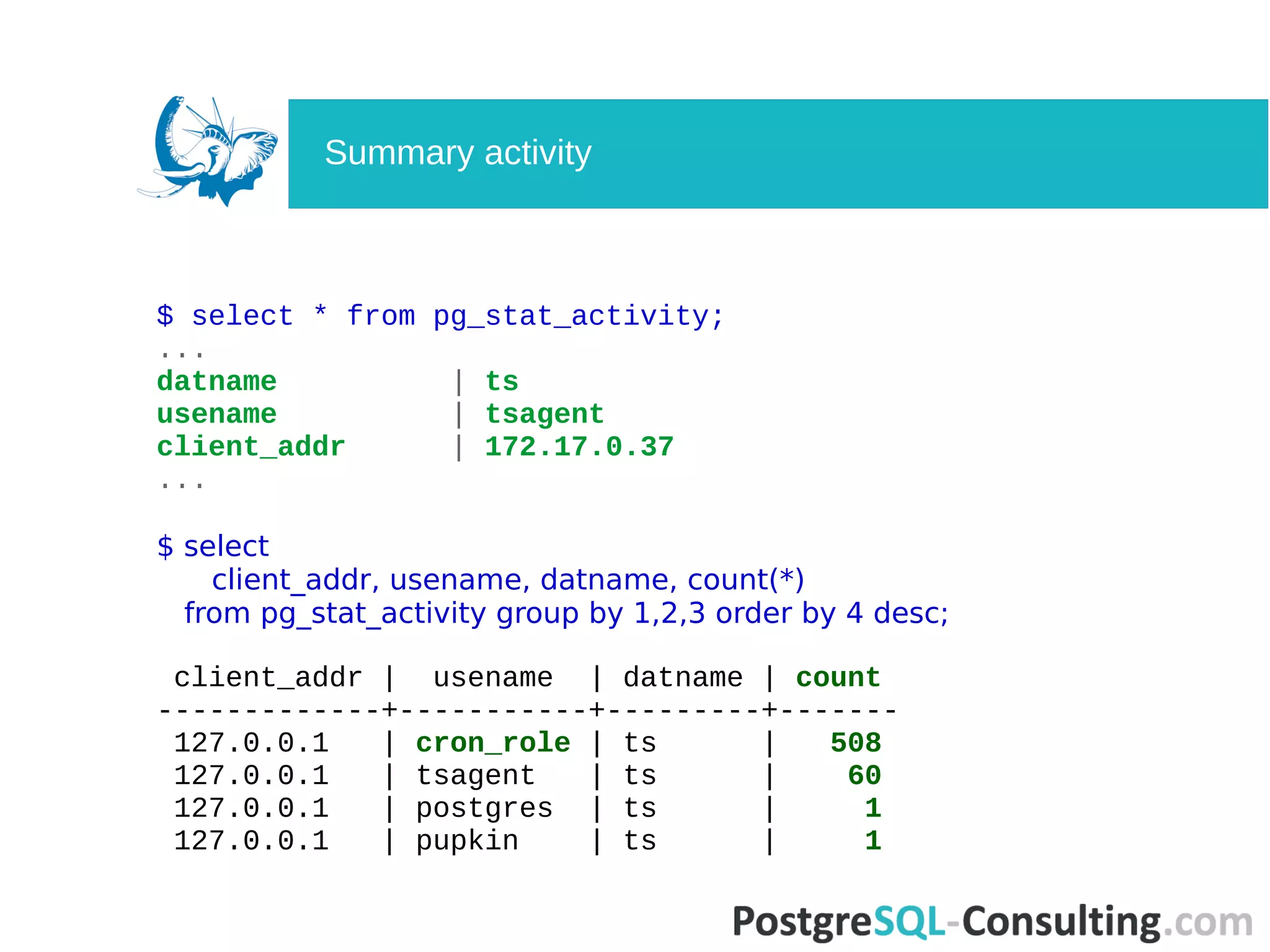
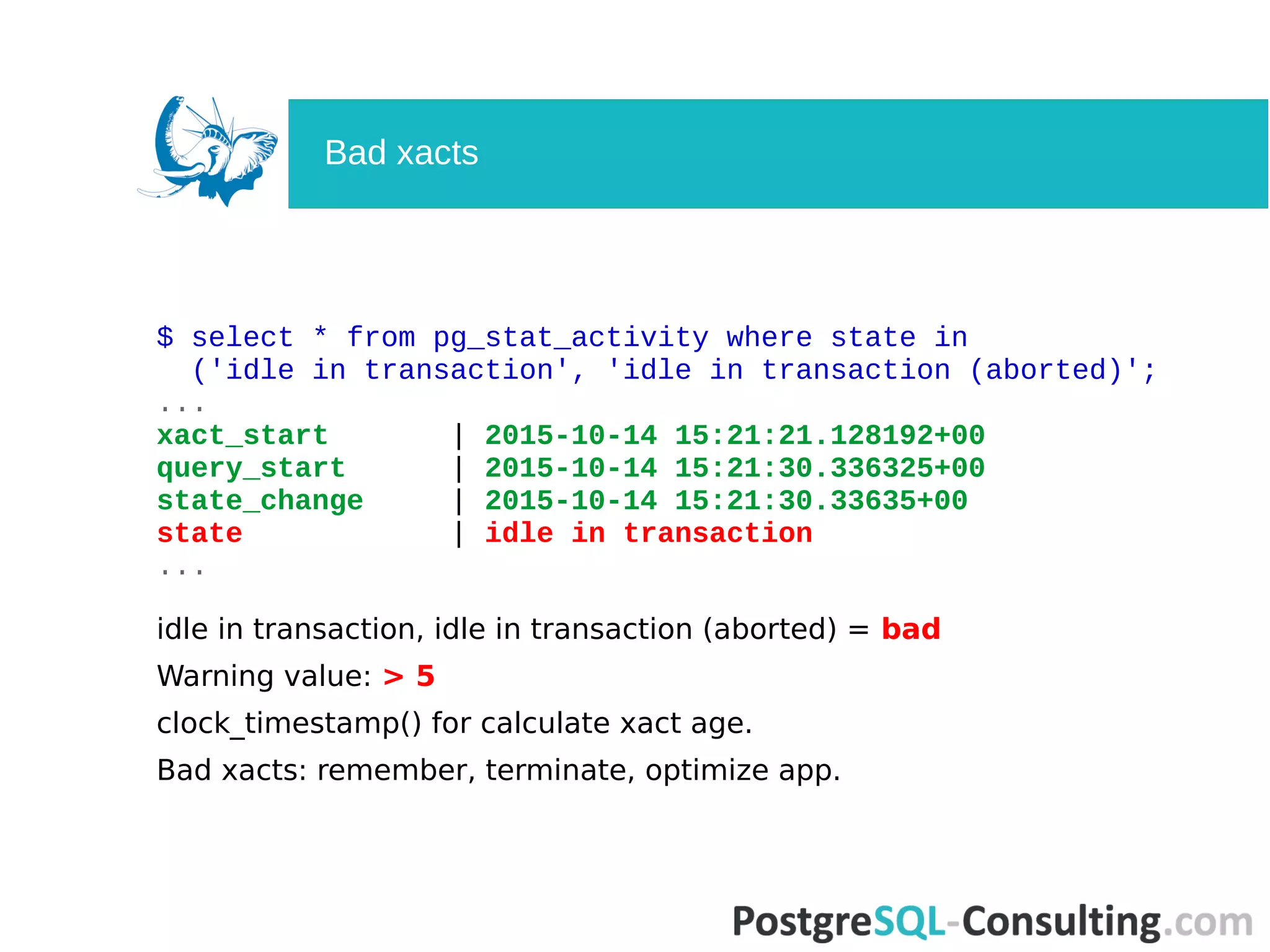
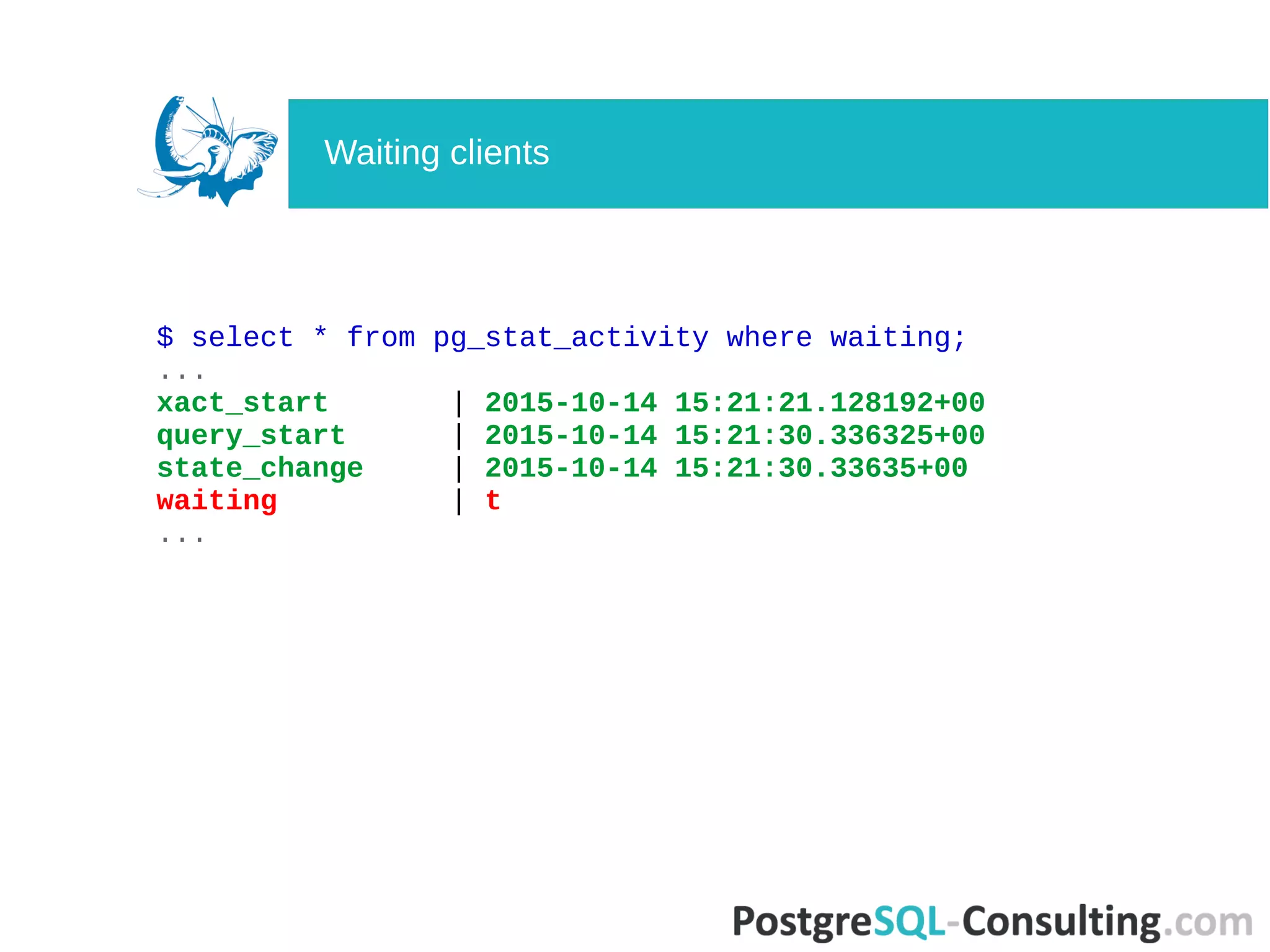
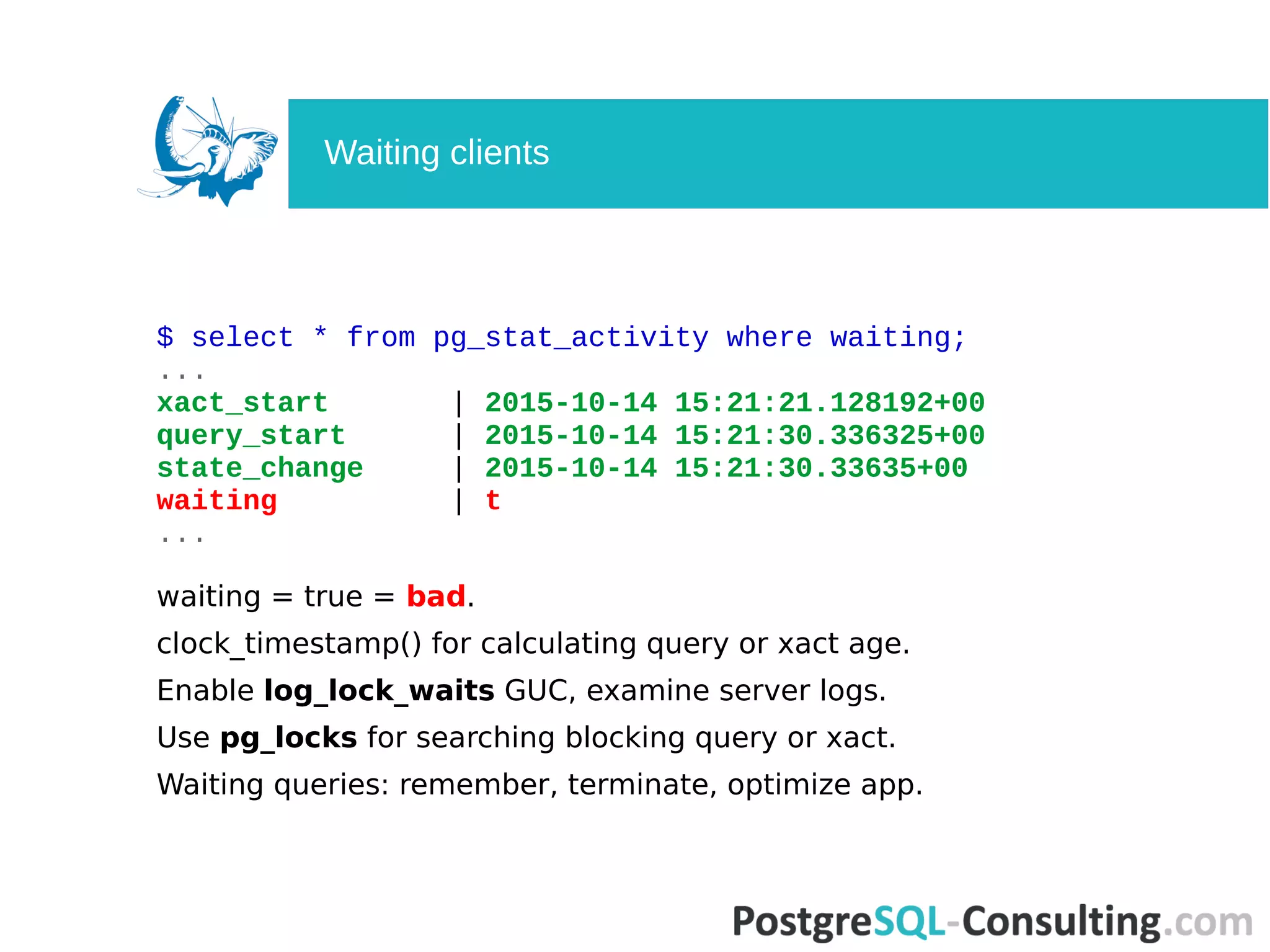
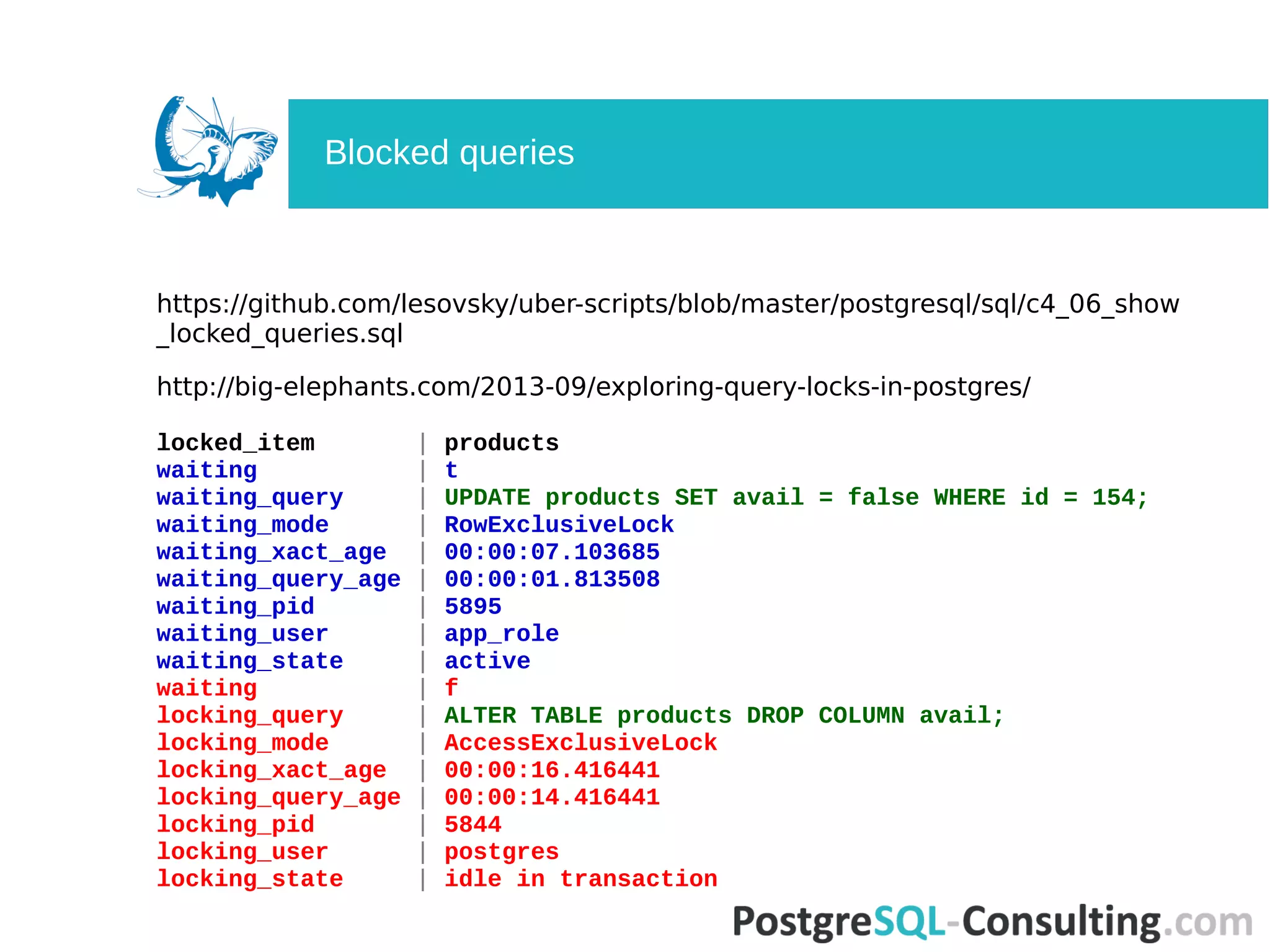
Summarizes queries and transaction states, focusing on long-running queries and waiting clients.
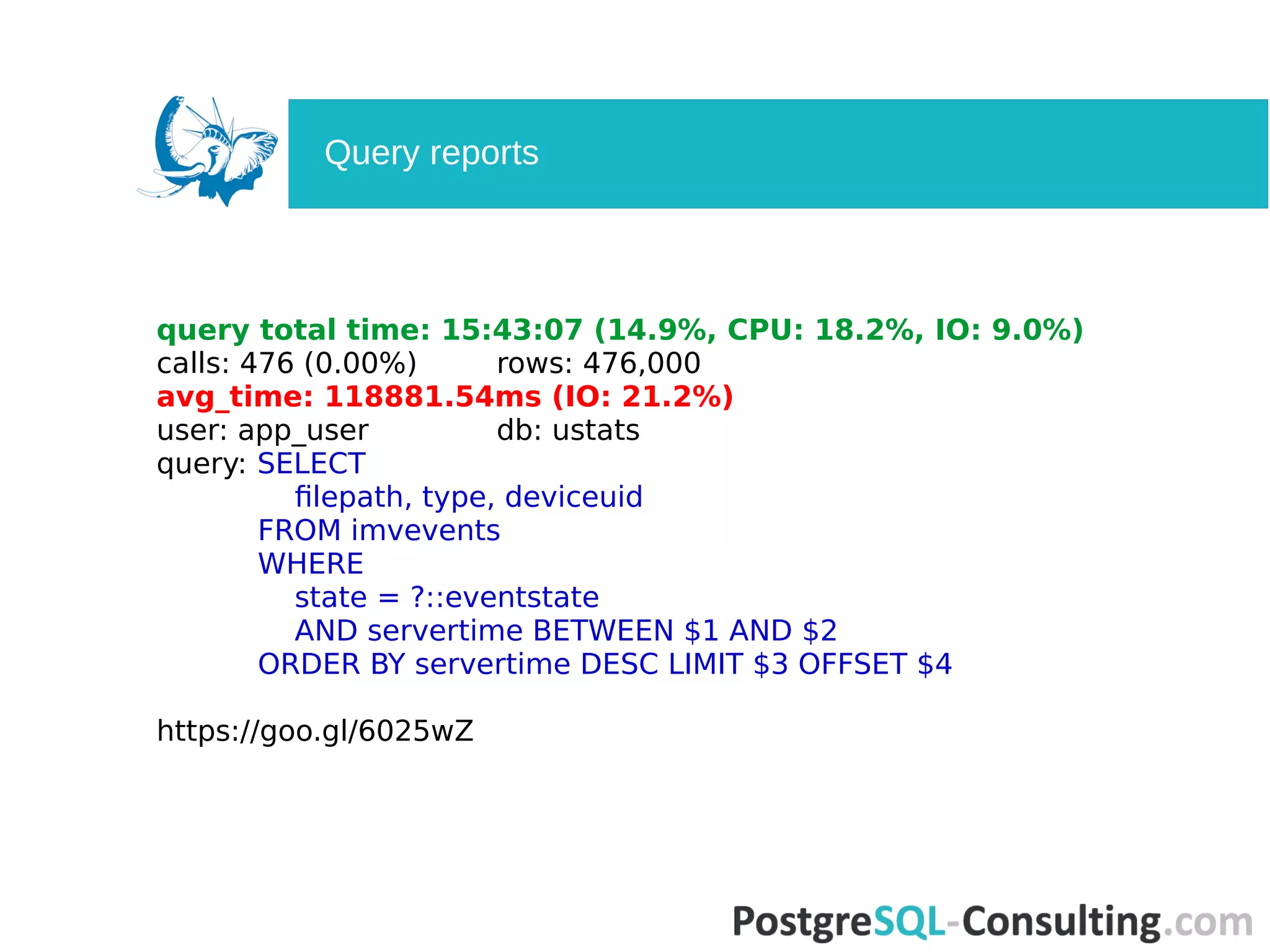
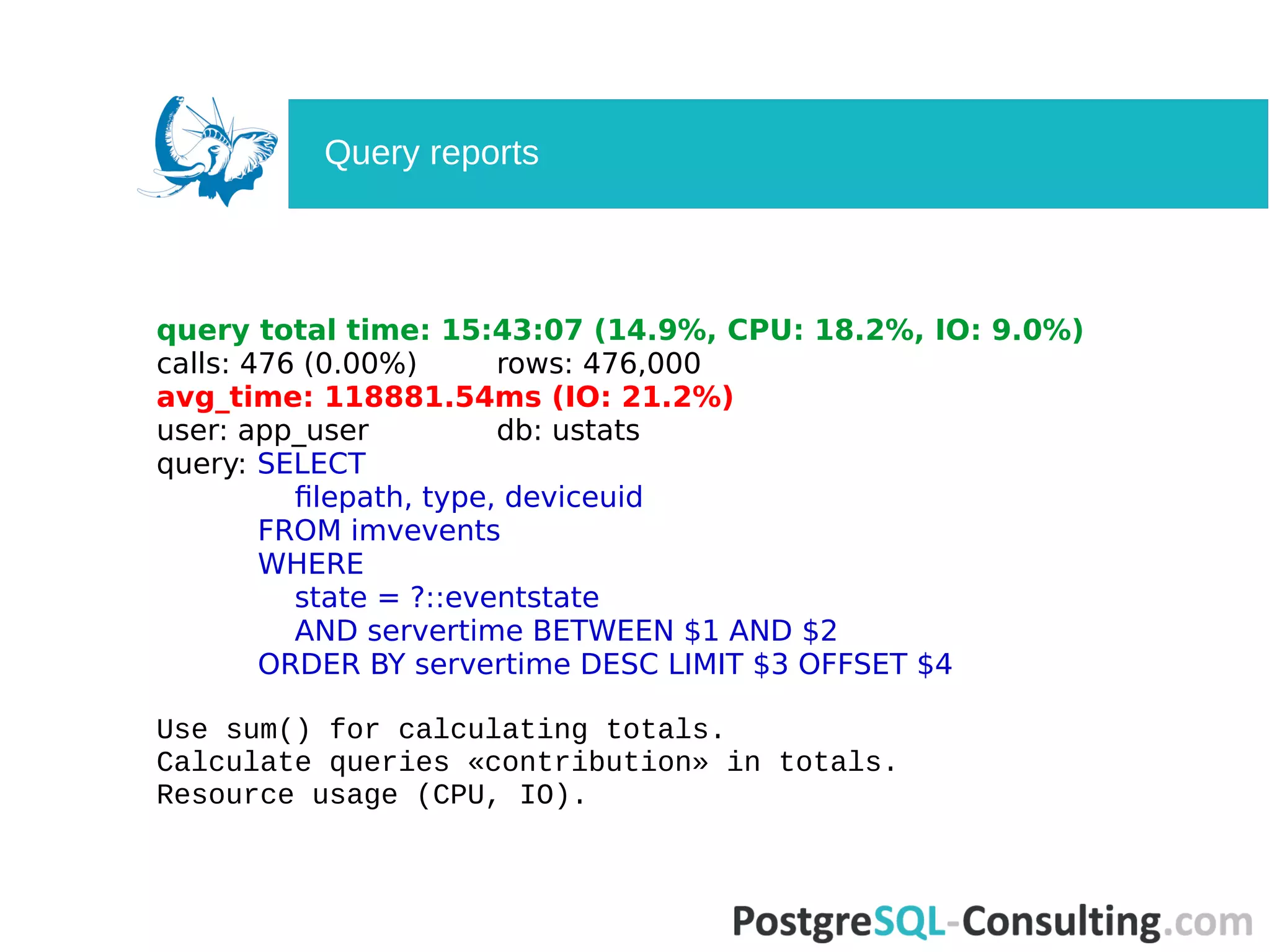
Analyzes queries using pg_stat_statements, assessing performance, usage, and averages.
Discusses additional tools that enhance PostgreSQL statistics tracking and data performance.
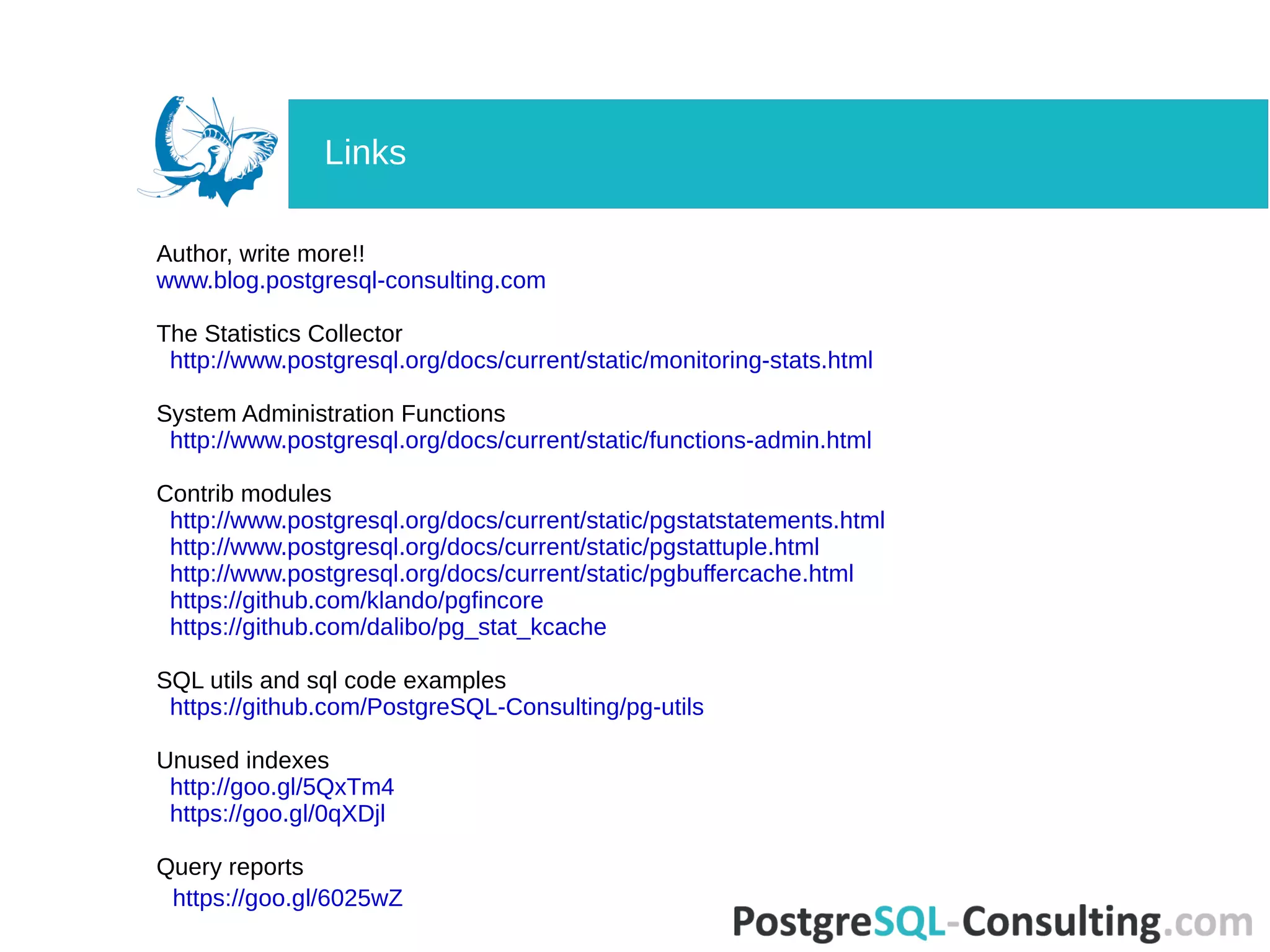
Highlights the usefulness of PostgreSQL statistics and provides links for further reading.


![[pgday.Seoul 2022] PostgreSQL구조 - 윤성재](https://cdn.slidesharecdn.com/ss_thumbnails/pgday2022-postgresql-20221112-221114014106-bbfb1955-thumbnail.jpg?width=640&height=640&fit=bounds)


