Python Installation Guide
For Engineering Students
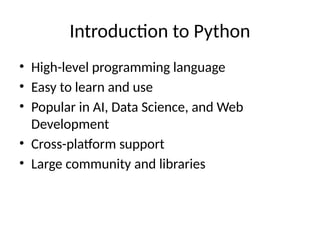
Introduction to Python
• High-level programming language
• Easy to learn and use
• Popular in AI, Data Science, and Web
Development
• Cross-platform support
• Large community and libraries
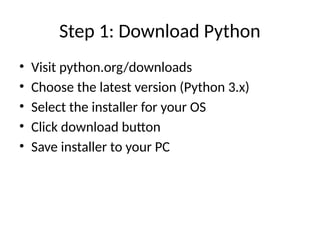
Step 1: Download Python
• Visit python.org/downloads
• Choose the latest version (Python 3.x)
• Select the installer for your OS
• Click download button
• Save installer to your PC
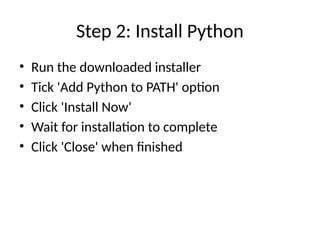
Step 2: Install Python
• Run the downloaded installer
• Tick 'Add Python to PATH' option
• Click 'Install Now'
• Wait for installation to complete
• Click 'Close' when finished
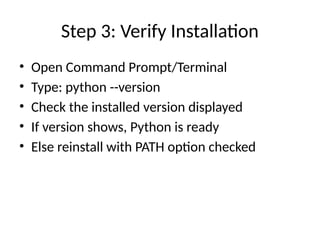
Step 3: Verify Installation
• Open Command Prompt/Terminal
• Type: python --version
• Check the installed version displayed
• If version shows, Python is ready
• Else reinstall with PATH option checked
Conclusion
• Python installation complete
• Ready to write and execute programs
• First step towards programming journey
• Encouraged for engineering students
• Start coding with Python today!
Python_Installation_Guideeeeeeeeeee.pptx

  • 1.
    Python Installation Guide ForEngineering Students
  • 2.
    Introduction to Python •High-level programming language • Easy to learn and use • Popular in AI, Data Science, and Web Development • Cross-platform support • Large community and libraries
  • 3.
    Step 1: DownloadPython • Visit python.org/downloads • Choose the latest version (Python 3.x) • Select the installer for your OS • Click download button • Save installer to your PC
  • 4.
    Step 2: InstallPython • Run the downloaded installer • Tick 'Add Python to PATH' option • Click 'Install Now' • Wait for installation to complete • Click 'Close' when finished
  • 5.
    Step 3: VerifyInstallation • Open Command Prompt/Terminal • Type: python --version • Check the installed version displayed • If version shows, Python is ready • Else reinstall with PATH option checked
  • 6.
    Conclusion • Python installationcomplete • Ready to write and execute programs • First step towards programming journey • Encouraged for engineering students • Start coding with Python today!