Introduction to the basic of
Python programming
BY TIB Academy(Tibacademy@gmail.compython.com)
A little about me
{
“Name”: “TIB Academy”,
“Origin”: {“India”: “Bangalore”, “City”:
“Lives”: [“Bangalore”, 2016],
“Marathalli”},
“Other”: [:“Trainer”, “Start a Career with Python”]
}
Why this Meetup Group?
 Promote the usage of Python
Gather people from different industries and backgrounds
Teach and Learn


What will be covered
 Recap of Parts 1 and 2
import, Modules and Packages
Python in action
Note: Links
www.tibacademy.in
www.traininginbangalore.com


A little recap
 Python is an interpreted language (CPython is the reference interpreter)
Variables are names bound to objects stored in memory
Data Types: immutable or mutable
Data Types: Numbers (int, float, bool), Sequences (str, tuple, list, bytes,
bytearray), set, dict
Control Flow: if statement, for loop, while loop
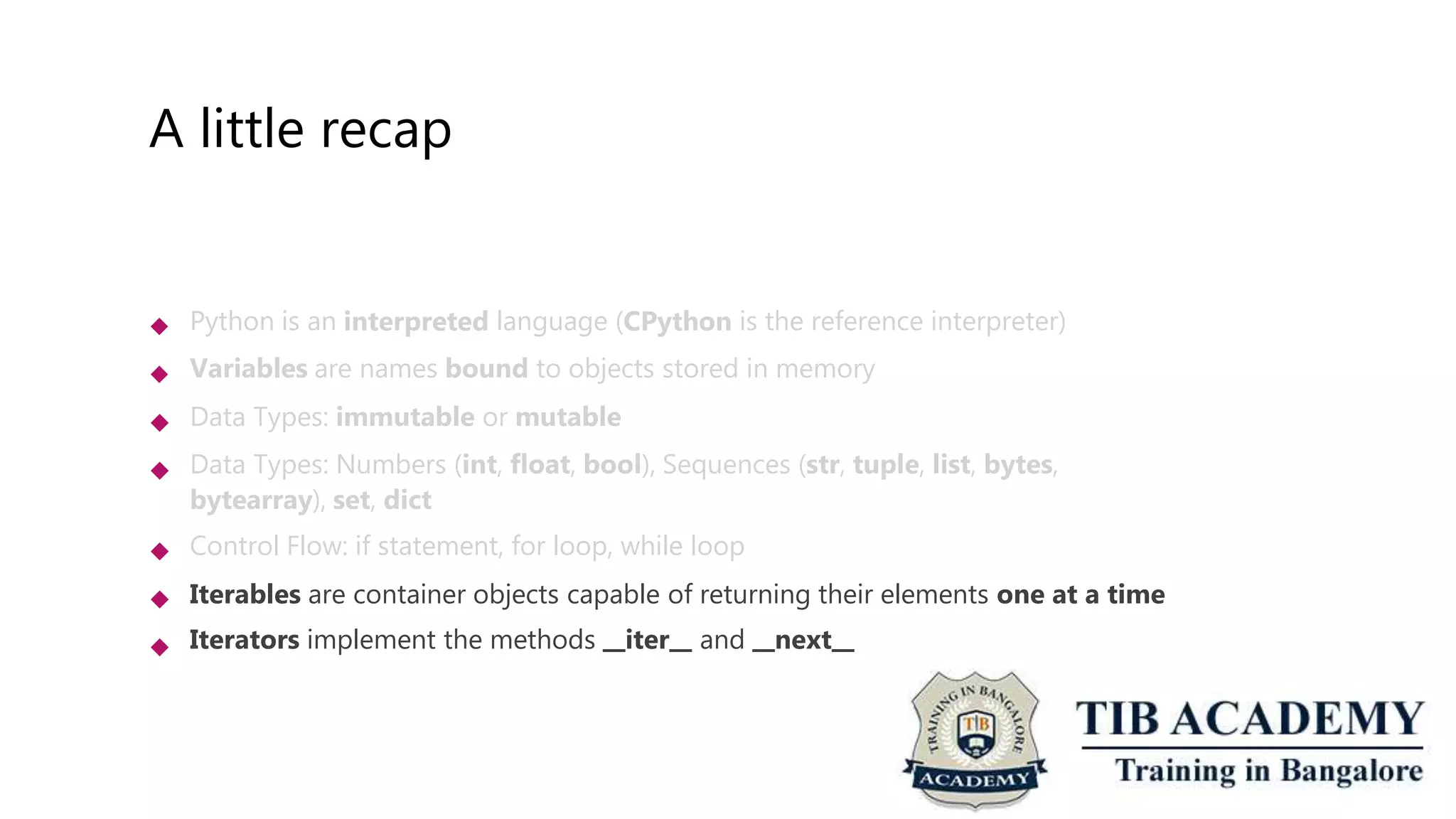
Iterables are container objects capable of returning their elements one at a time
Iterators implement the methods iter and next






A little recap
 Python is an interpreted language (CPython is the reference interpreter)
Variables are names bound to objects stored in memory
Data Types: immutable or mutable
Data Types: Numbers (int, float, bool), Sequences (str, tuple, list, bytes,
bytearray), set, dict
Control Flow: if statement, for loop, while loop
Iterables are container objects capable of returning their elements one at a time
Iterators implement the methods iter and next






A little recap
 Python is an interpreted language (CPython is the reference interpreter)
Variables are names bound to objects stored in memory
Data Types: immutable or mutable
Data Types: Numbers (int, float, bool), Sequences (str, tuple, list, bytes,
bytearray), set, dict
Control Flow: if statement, for loop, while loop
Iterables are container objects capable of returning their elements one at a time
Iterators implement the methods iter and next






A little recap
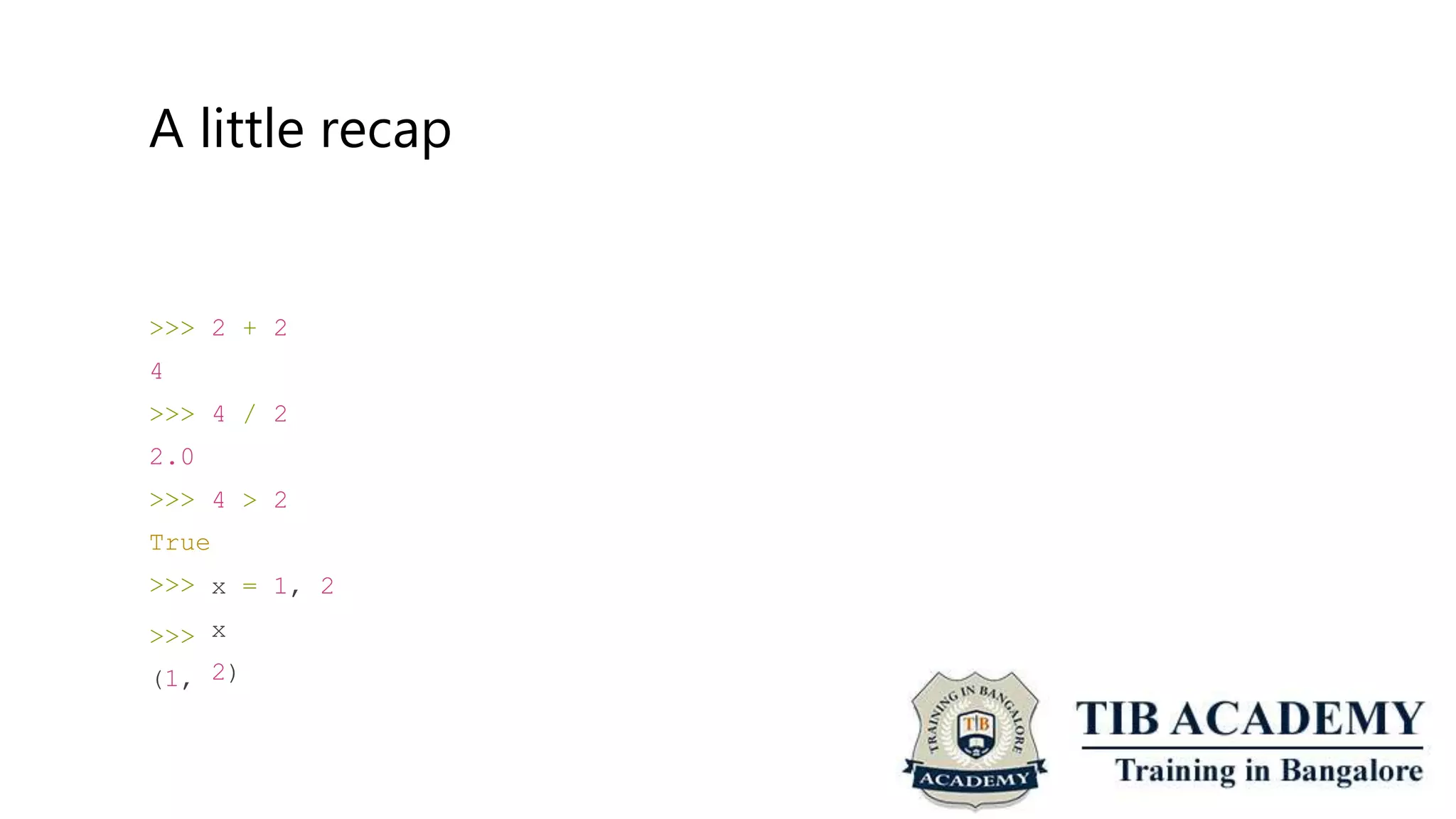
>>>
4
>>>
2.0
>>>
True
>>>
>>>
(1,
2 + 2
4 / 2
4 > 2
x
x
= 1, 2
2)
A little recap
>>>
>>>
[1,
>>>
>>>
{1,
>>>
>>>
x =
x
2]
x =
x
2}
x =
x
[1, 2]
{1, 2}
{"one": 1, "two": 2}
{'two': 2, 'one': 1}
A little recap
 Python is an interpreted language (CPython is the reference interpreter)
Variables are names bound to objects stored in memory
Data Types: immutable or mutable
Data Types: Numbers (int, float, bool), Sequences (str, tuple, list, bytes,
bytearray), set, dict
Control Flow: if statement, for loop, while loop
Iterables are container objects capable of returning their elements one at a time
Iterators implement the methods iter and next






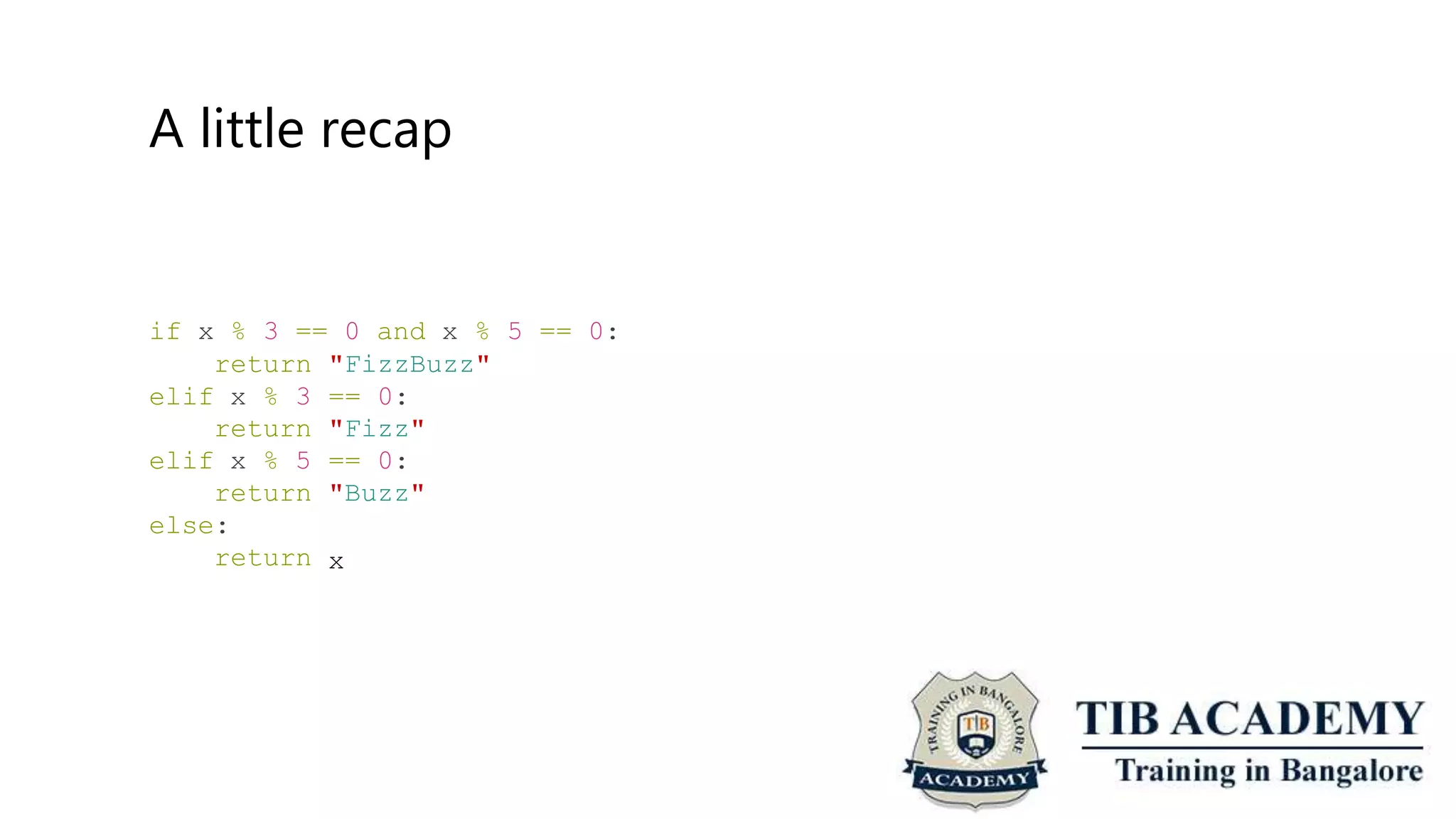
A little recap
if x % 3 == 0 and x % 5 == 0:
return
elif x % 3
return
elif x % 5
return
else:
return
"FizzBuzz"
== 0:
"Fizz"
== 0:
"Buzz"
x
A little recap
colors = ["red", "green",
for color in colors:
if len(color) > 4:
print(color)
"blue", "yellow", "purple"]
stack = [1, 2, 3]
while len(stack) > 0:
print(stack.pop())
A little recap
 Python is an interpreted language (CPython is the reference interpreter)
Variables are names bound to objects stored in memory
Data Types: immutable or mutable
Data Types: Numbers (int, float, bool), Sequences (str, tuple, list, bytes,
bytearray), set, dict
Control Flow: if statement, for loop, while loop
Iterables are container objects capable of returning their elements one at a time
Iterators implement the methods iter and next






A little recap
>>>
>>>
>>>
colors = ["red", "green", "blue",
colors_iter = colors. iter ()
"yellow", "purple"]
colors_iter
<list_iterator object at 0x100c7a160>
>>> colors_iter. next__()
'red'
…
>>> colors_iter. next__()
'purple'
>>> colors_iter. next__()
Traceback (most recent call last): File
<module>
StopIteration
"<stdin>", line 1, in
A little recap
colors = [(0, "red"), (1, "blue"), (2, "green"), (3, "yellow")]
for index, color
print(index,
in colors:
" --> ", color)
colors = ["red",
for index, color
print(index,
"blue", "green", "yellow", "purple"]
in enumerate(colors):
" --> ", color)
A little recap
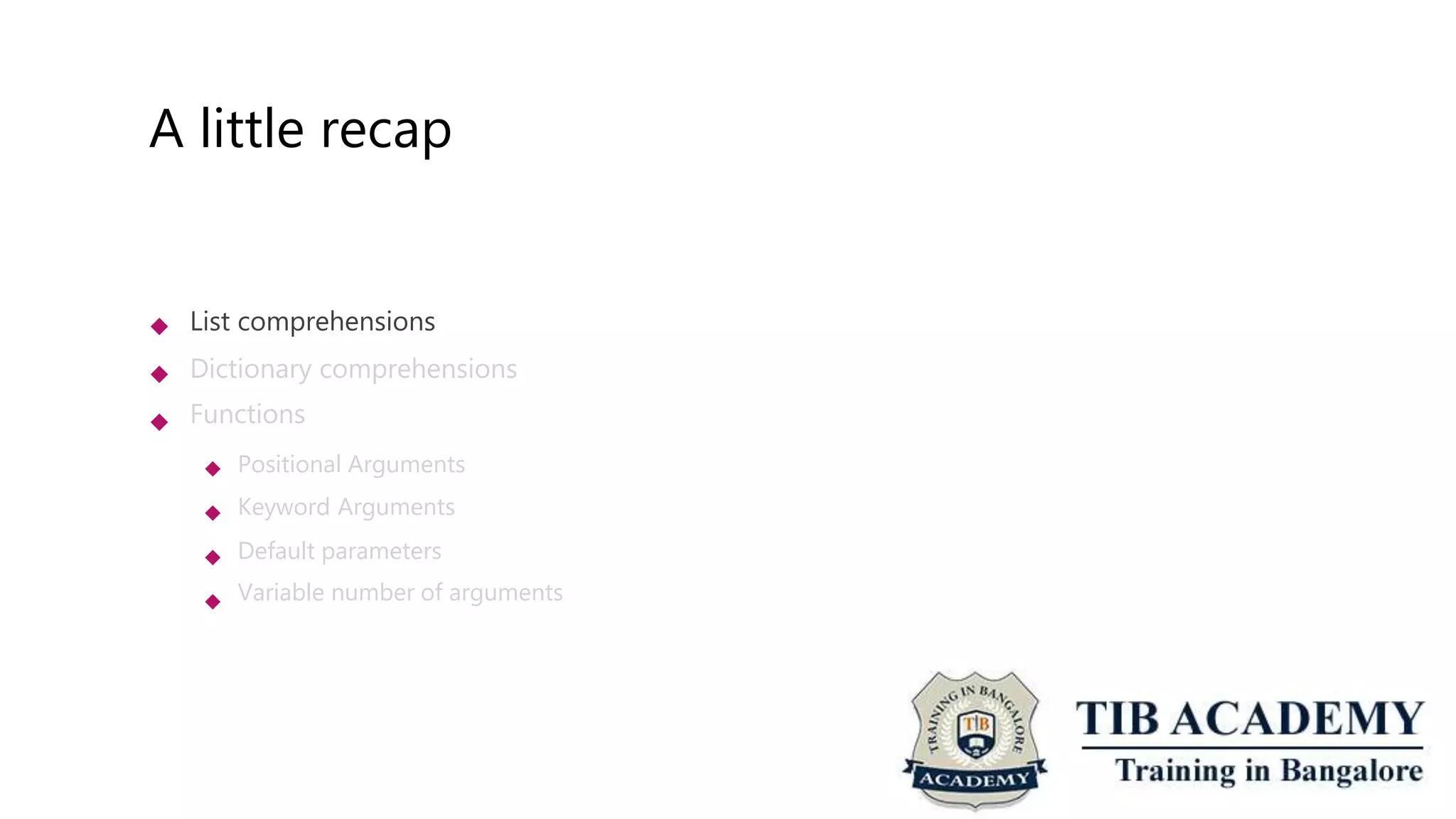
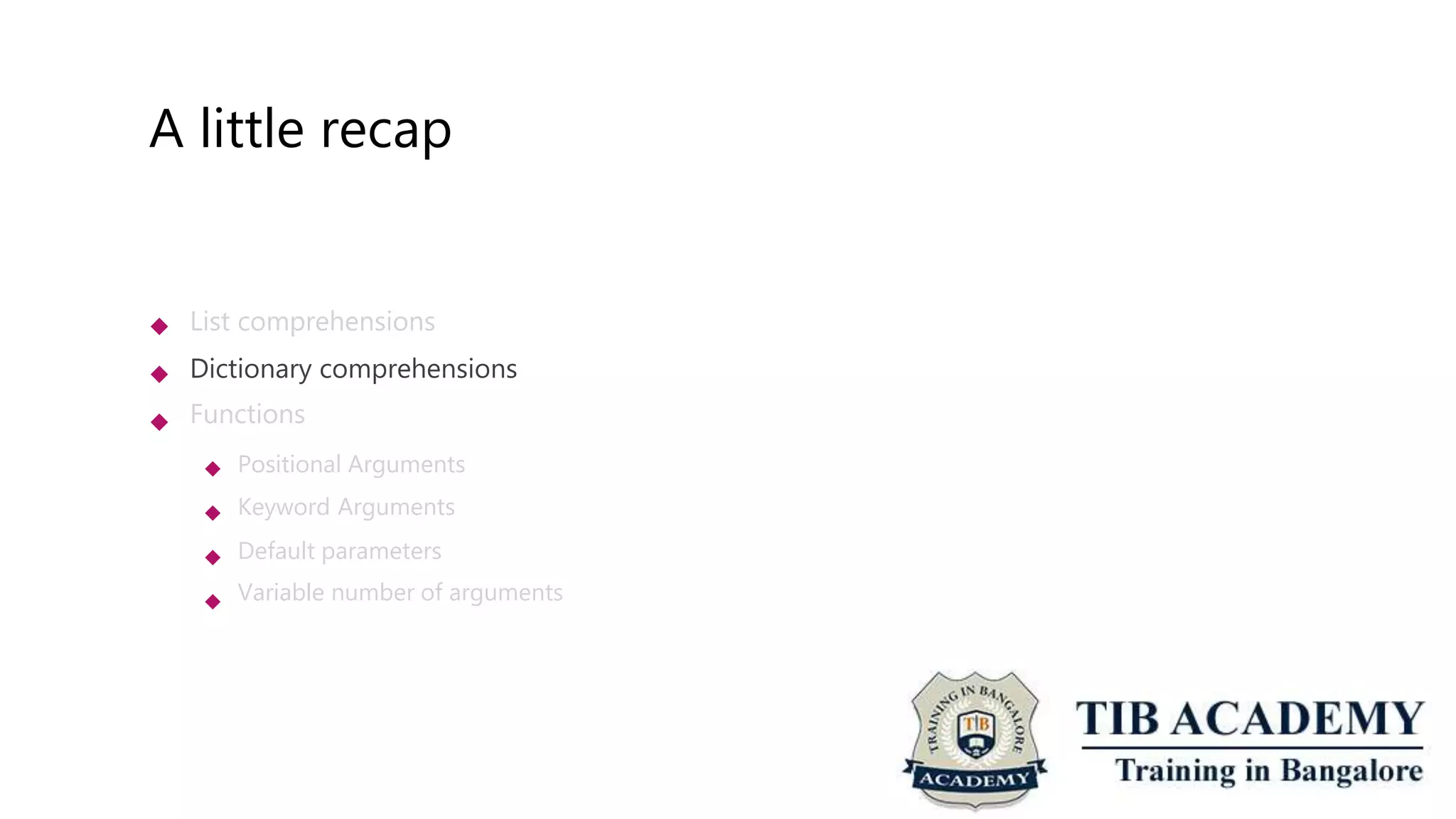
 List comprehensions
Dictionary comprehensions
Functions


 Positional Arguments
Keyword Arguments
Default parameters
Variable number of arguments



A little recap
colors = ["red", "green", "blue", "yellow", "purple"]
new_colors = []
for color in colors:
if len(color) > 4:
new_colors.append(color)
new_colors = [color for color in colors if len(color) > 4]
Challenge
 Given a list of colors, create a new list with all the colors in uppercase. Use list
comprehensions.
colors = ["red", "green", "blue", "yellow", "purple"]
upper_colors = []
for color in colors:
upper_colors.append(color.upper())
A little recap
 List comprehensions
Dictionary comprehensions
Functions


 Positional Arguments
Keyword Arguments
Default parameters
Variable number of arguments



A little recap
squares = {}
for i in range(10):
squares[i] = i**2
squares = {i:i**2 for i in range(10)}
{0: 0, 1: 1, 2: 4, 3:
81}
9, 4: 16, 5: 25, 6: 36, 7: 49, 8: 64, 9:
Challenge
 Given a list of colors, create a dictionary where each key is a color and the value is
the color written backwards. Use dict comprehensions.
colors = ["red", "green", "blue", "yellow", "purple"]
backwards_colors = {}
for color in colors:
backwards_colors[color] = color[::-1]
A little recap
 List comprehensions
Dictionary comprehensions
Functions


 Positional Arguments
Keyword Arguments
Default parameters
Variable number of arguments



A little recap
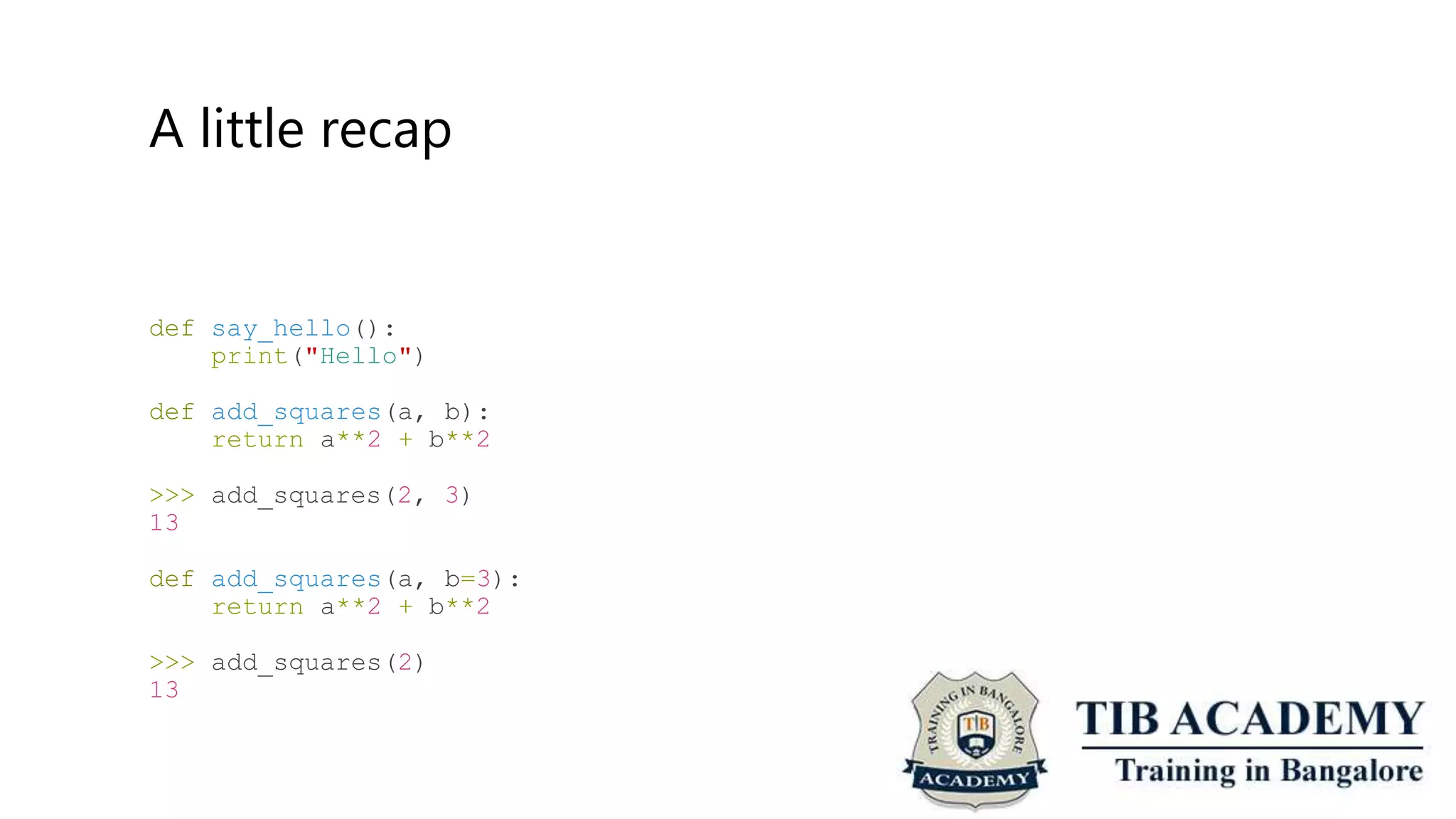
def say_hello():
print("Hello")
def add_squares(a, b):
return a**2 + b**2
>>>
13
add_squares(2, 3)
def add_squares(a, b=3):
return a**2 + b**2
>>>
13
add_squares(2)
A little recap
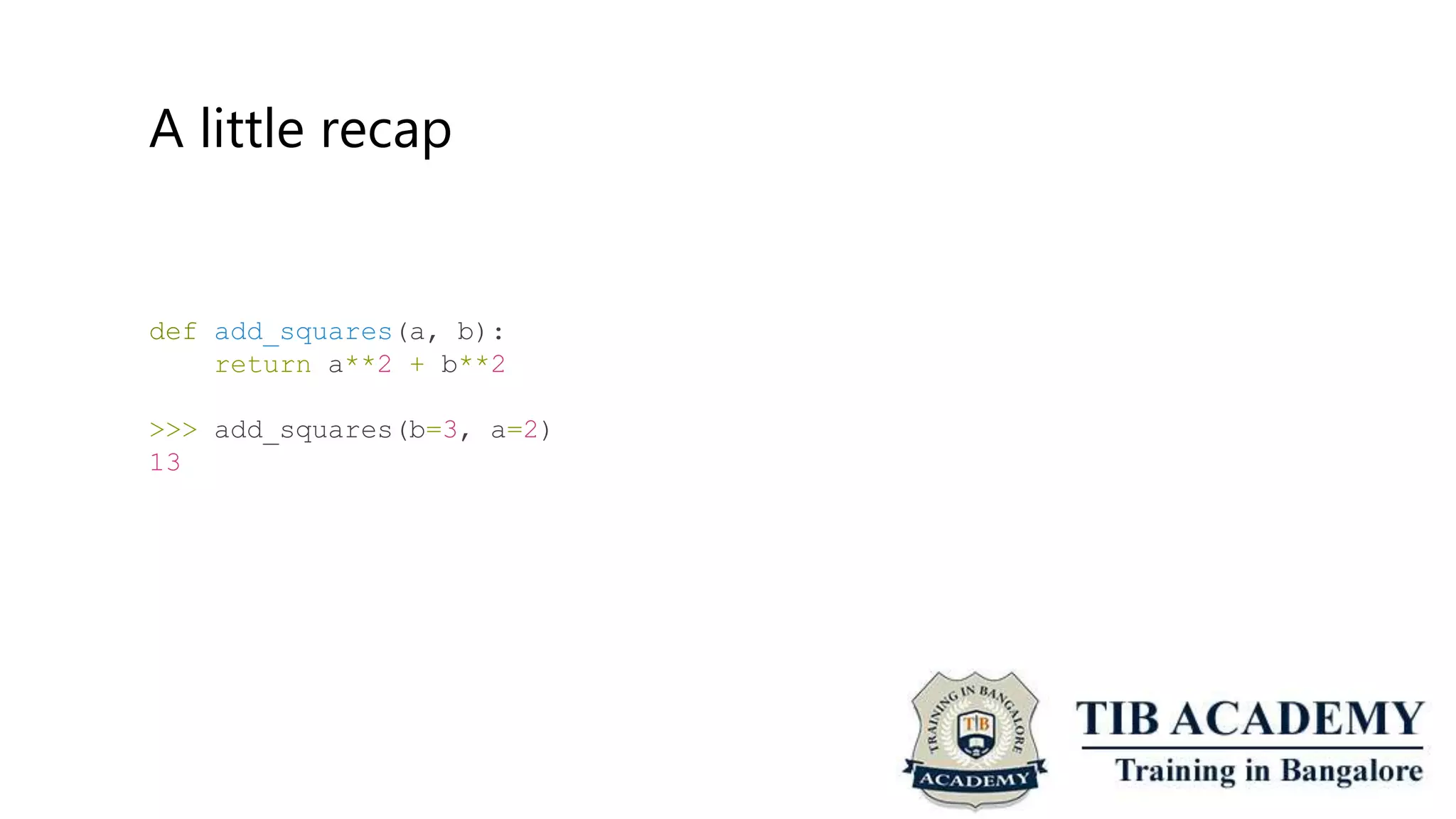
def add_squares(a, b):
return a**2 + b**2
>>> add_squares(b=3, a=2)
13
A little recap
def add_aquares(*args):
if len(args) == 2:
return args[0]**2 + args[1]**2
>>> add_squares(2, 3)
13
A little recap
def add_squares(**kwargs):
if len(kwargs) == 2:
return kwargs["a"]**2 + kwargs["b"]**2
>>> add_squares(a=2, b=3)
13
Challenge
 Define a function that turns a string into a list of int (operands) and strings (operators) and returns
the list.
>>>
[4,
>>>
[4,
_convert_expression("4
3, "+"]
_convert_expression("4
3, "+", 2, "*"]
3 +")
3 + 2 *")
 Hints:
 “a b”.split(“ “) = [“a”, “b”]
“a”.isnumeric() = False
int(“2”) = 2


 Kudos for who solves in one line using lambdas and list comprehensions.
Challenge
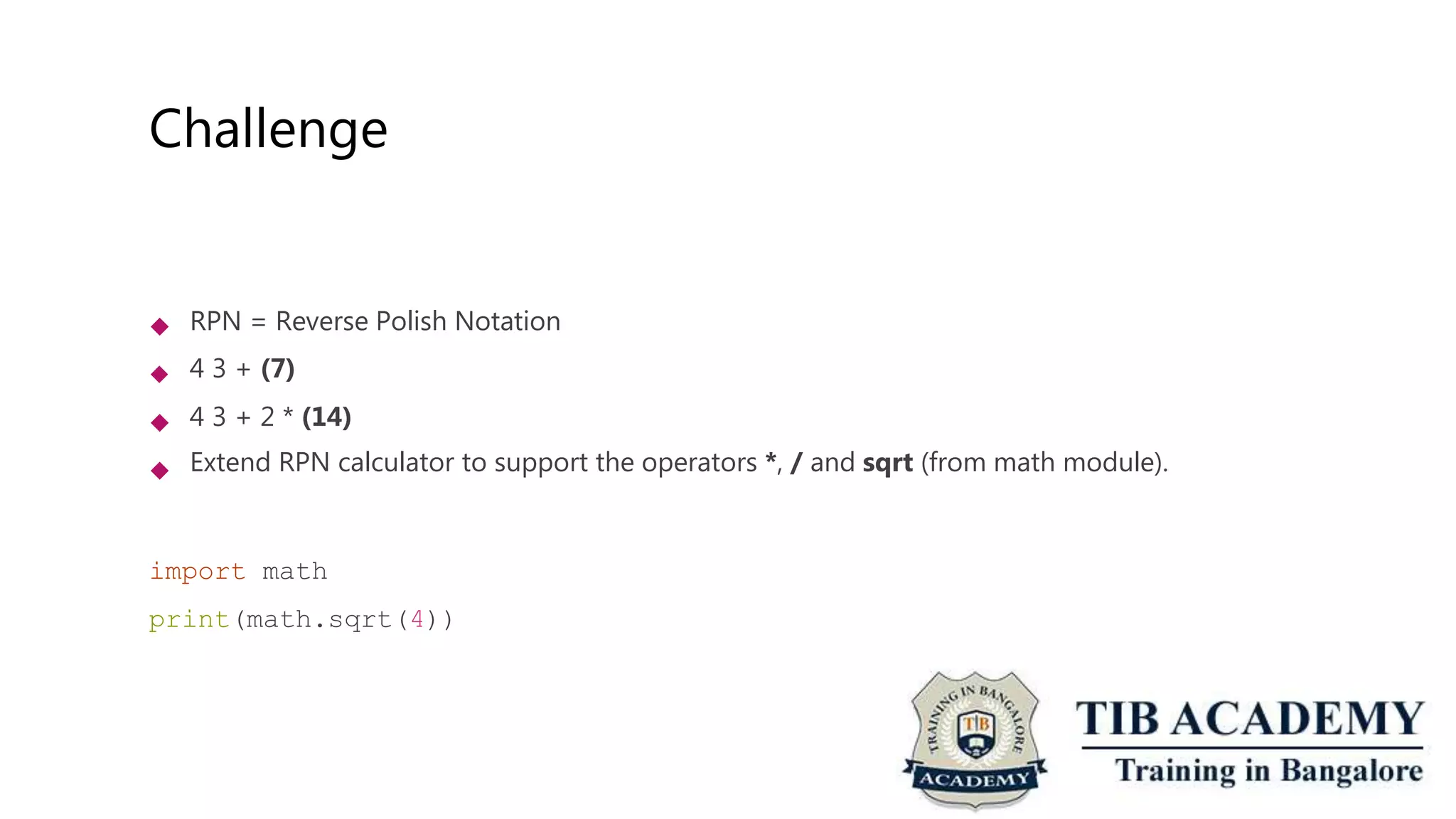
 RPN = Reverse Polish Notation
4 3 + (7)
4 3 + 2 * (14)
Extend RPN calculator to support the operators *, / and sqrt (from math module).



import math
print(math.sqrt(4))
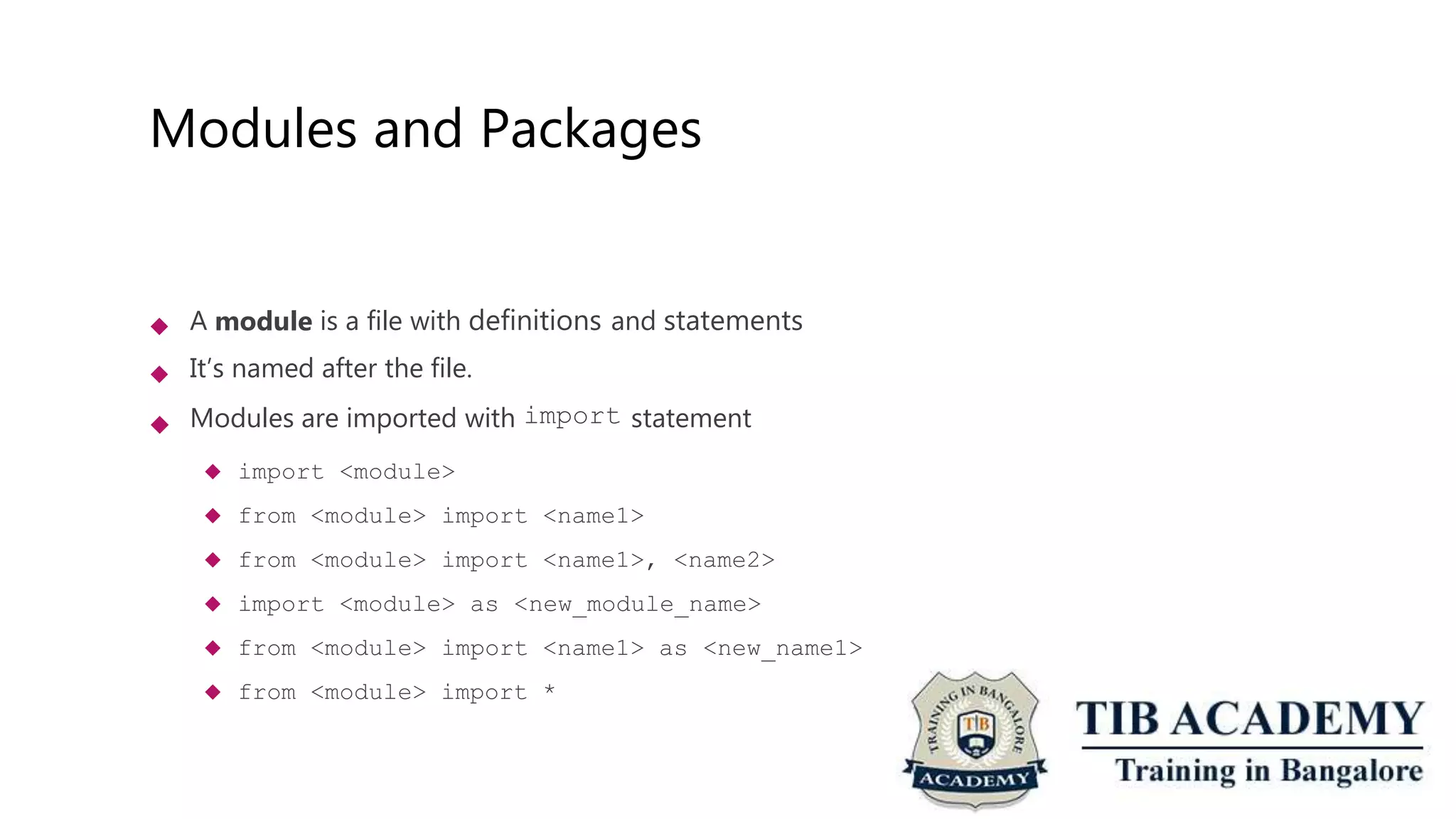
Modules and Packages
 A module is a file with definitions and statements
It’s named after the file.
Modules are imported with import statement
 import <module>
 from <module> import <name1>
 from <module> import <name1>, <name2>
 import <module> as <new_module_name>
 from <module> import <name1> as <new_name1>
 from <module> import *


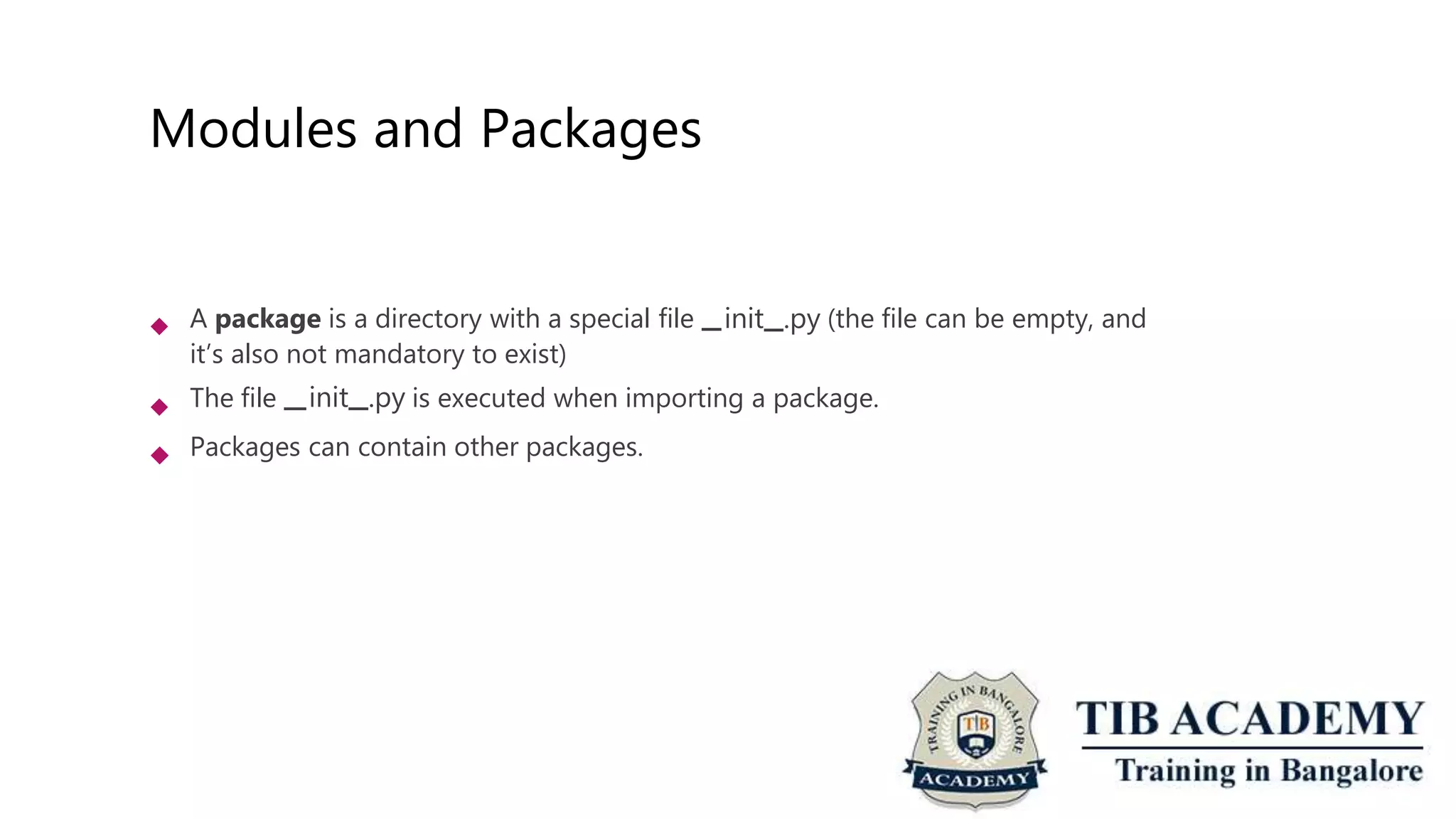
Modules and Packages
 A package is a directory with a special file init .py (the file can be empty, and
it’s also not mandatory to exist)
The file init .py is executed when importing a package.
 Packages can contain other packages.
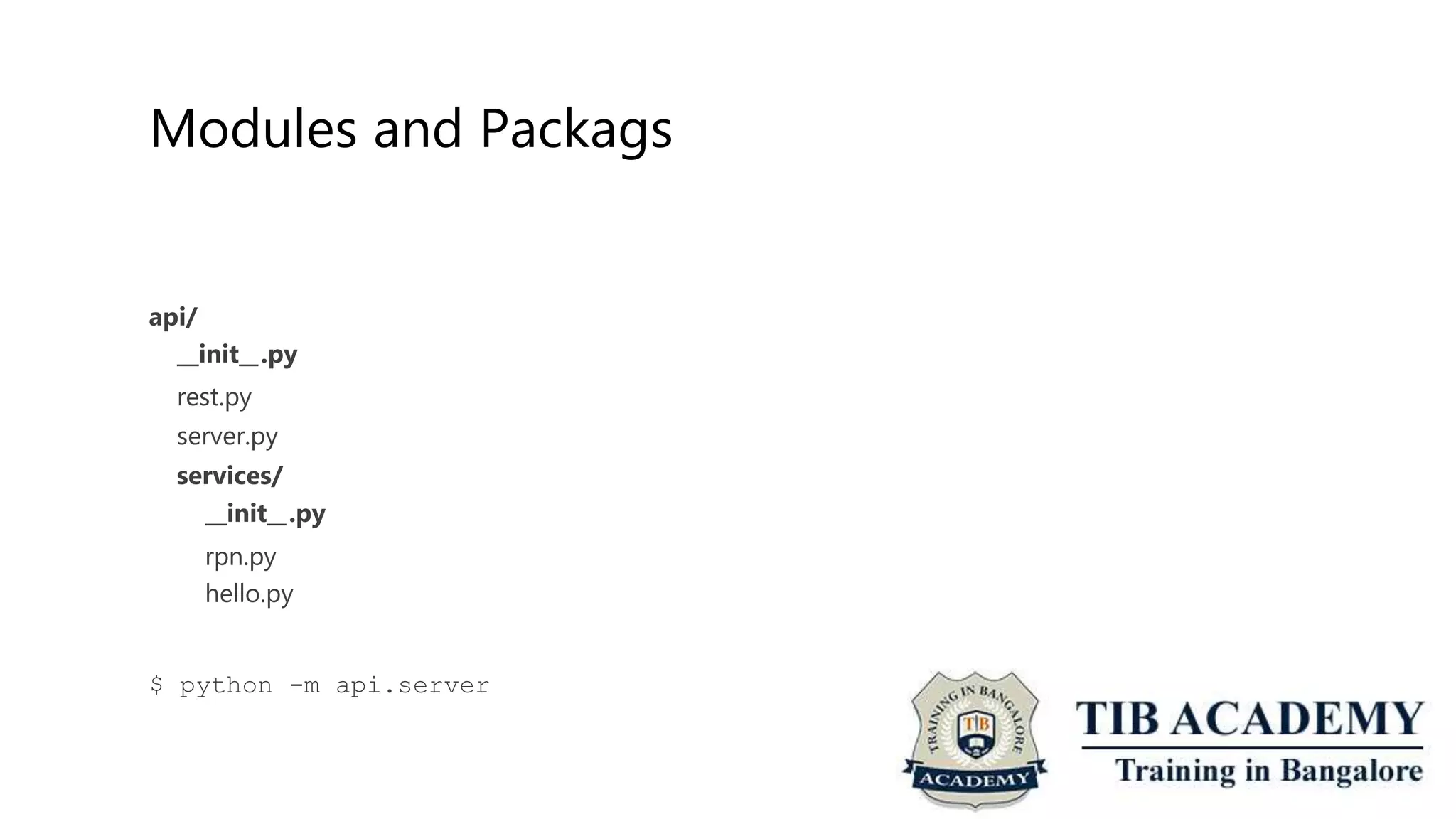
Modules and Packags
api/
init .py
rest.py
server.py
services/
init .py
rpn.py
hello.py
$ python -m api.server
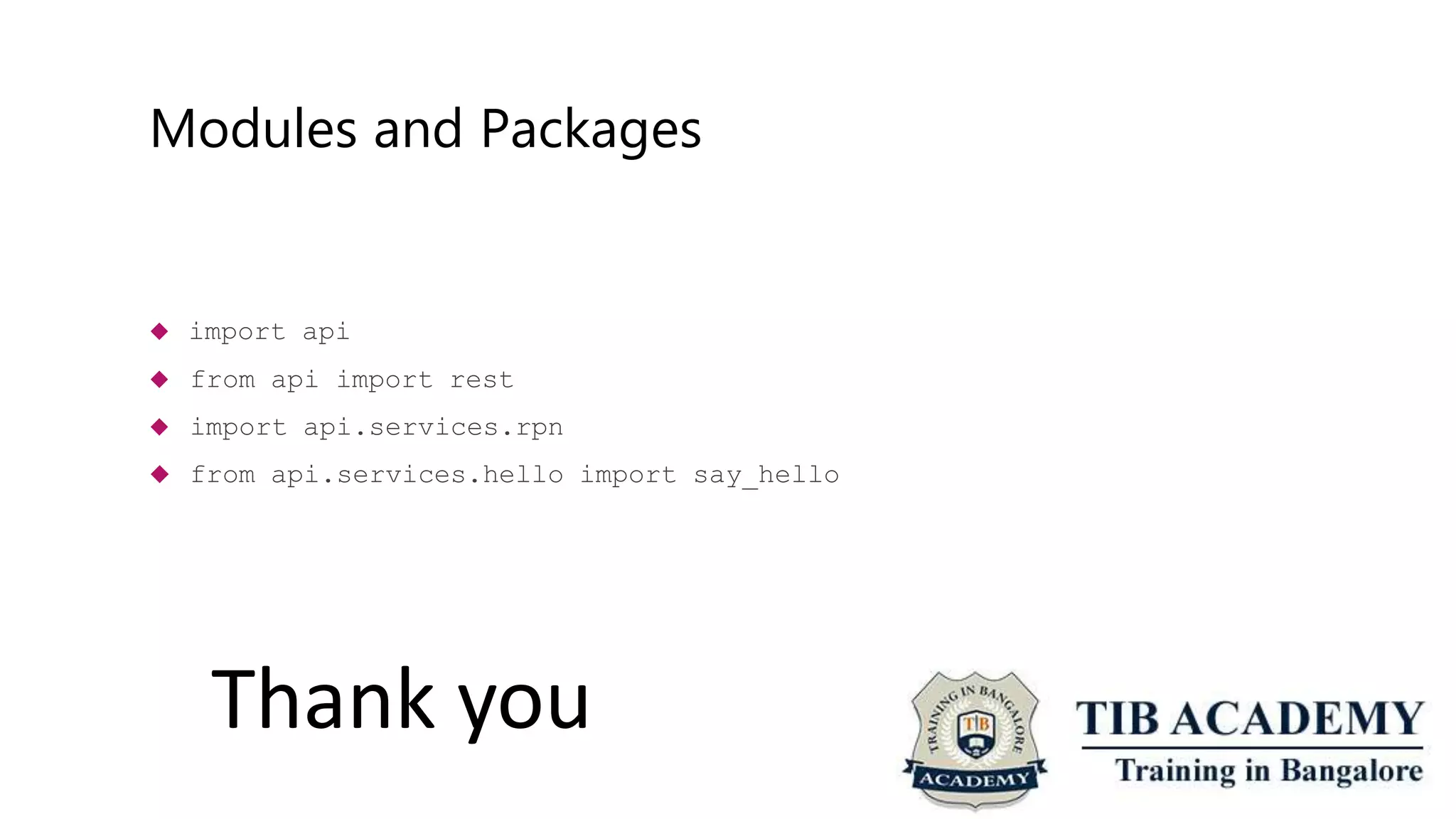
Modules and Packages
 import api
 from api import rest
 import api.services.rpn
 from api.services.hello import say_hello
Thank you

Python Training

  • 1.
    Introduction to thebasic of Python programming BY TIB Academy(Tibacademy@gmail.compython.com)
  • 2.
    A little aboutme { “Name”: “TIB Academy”, “Origin”: {“India”: “Bangalore”, “City”: “Lives”: [“Bangalore”, 2016], “Marathalli”}, “Other”: [:“Trainer”, “Start a Career with Python”] }
  • 3.
    Why this MeetupGroup?  Promote the usage of Python Gather people from different industries and backgrounds Teach and Learn  
  • 4.
    What will becovered  Recap of Parts 1 and 2 import, Modules and Packages Python in action Note: Links www.tibacademy.in www.traininginbangalore.com  
  • 5.
    A little recap Python is an interpreted language (CPython is the reference interpreter) Variables are names bound to objects stored in memory Data Types: immutable or mutable Data Types: Numbers (int, float, bool), Sequences (str, tuple, list, bytes, bytearray), set, dict Control Flow: if statement, for loop, while loop Iterables are container objects capable of returning their elements one at a time Iterators implement the methods iter and next      
  • 6.
    A little recap Python is an interpreted language (CPython is the reference interpreter) Variables are names bound to objects stored in memory Data Types: immutable or mutable Data Types: Numbers (int, float, bool), Sequences (str, tuple, list, bytes, bytearray), set, dict Control Flow: if statement, for loop, while loop Iterables are container objects capable of returning their elements one at a time Iterators implement the methods iter and next      
  • 7.
    A little recap Python is an interpreted language (CPython is the reference interpreter) Variables are names bound to objects stored in memory Data Types: immutable or mutable Data Types: Numbers (int, float, bool), Sequences (str, tuple, list, bytes, bytearray), set, dict Control Flow: if statement, for loop, while loop Iterables are container objects capable of returning their elements one at a time Iterators implement the methods iter and next      
  • 8.
  • 9.
    A little recap >>> >>> [1, >>> >>> {1, >>> >>> x= x 2] x = x 2} x = x [1, 2] {1, 2} {"one": 1, "two": 2} {'two': 2, 'one': 1}
  • 10.
    A little recap Python is an interpreted language (CPython is the reference interpreter) Variables are names bound to objects stored in memory Data Types: immutable or mutable Data Types: Numbers (int, float, bool), Sequences (str, tuple, list, bytes, bytearray), set, dict Control Flow: if statement, for loop, while loop Iterables are container objects capable of returning their elements one at a time Iterators implement the methods iter and next      
  • 11.
    A little recap ifx % 3 == 0 and x % 5 == 0: return elif x % 3 return elif x % 5 return else: return "FizzBuzz" == 0: "Fizz" == 0: "Buzz" x
  • 12.
    A little recap colors= ["red", "green", for color in colors: if len(color) > 4: print(color) "blue", "yellow", "purple"] stack = [1, 2, 3] while len(stack) > 0: print(stack.pop())
  • 13.
    A little recap Python is an interpreted language (CPython is the reference interpreter) Variables are names bound to objects stored in memory Data Types: immutable or mutable Data Types: Numbers (int, float, bool), Sequences (str, tuple, list, bytes, bytearray), set, dict Control Flow: if statement, for loop, while loop Iterables are container objects capable of returning their elements one at a time Iterators implement the methods iter and next      
  • 14.
    A little recap >>> >>> >>> colors= ["red", "green", "blue", colors_iter = colors. iter () "yellow", "purple"] colors_iter <list_iterator object at 0x100c7a160> >>> colors_iter. next__() 'red' … >>> colors_iter. next__() 'purple' >>> colors_iter. next__() Traceback (most recent call last): File <module> StopIteration "<stdin>", line 1, in
  • 15.
    A little recap colors= [(0, "red"), (1, "blue"), (2, "green"), (3, "yellow")] for index, color print(index, in colors: " --> ", color) colors = ["red", for index, color print(index, "blue", "green", "yellow", "purple"] in enumerate(colors): " --> ", color)
  • 16.
    A little recap List comprehensions Dictionary comprehensions Functions    Positional Arguments Keyword Arguments Default parameters Variable number of arguments   
  • 17.
    A little recap colors= ["red", "green", "blue", "yellow", "purple"] new_colors = [] for color in colors: if len(color) > 4: new_colors.append(color) new_colors = [color for color in colors if len(color) > 4]
  • 18.
    Challenge  Given alist of colors, create a new list with all the colors in uppercase. Use list comprehensions. colors = ["red", "green", "blue", "yellow", "purple"] upper_colors = [] for color in colors: upper_colors.append(color.upper())
  • 19.
    A little recap List comprehensions Dictionary comprehensions Functions    Positional Arguments Keyword Arguments Default parameters Variable number of arguments   
  • 20.
    A little recap squares= {} for i in range(10): squares[i] = i**2 squares = {i:i**2 for i in range(10)} {0: 0, 1: 1, 2: 4, 3: 81} 9, 4: 16, 5: 25, 6: 36, 7: 49, 8: 64, 9:
  • 21.
    Challenge  Given alist of colors, create a dictionary where each key is a color and the value is the color written backwards. Use dict comprehensions. colors = ["red", "green", "blue", "yellow", "purple"] backwards_colors = {} for color in colors: backwards_colors[color] = color[::-1]
  • 22.
    A little recap List comprehensions Dictionary comprehensions Functions    Positional Arguments Keyword Arguments Default parameters Variable number of arguments   
  • 23.
    A little recap defsay_hello(): print("Hello") def add_squares(a, b): return a**2 + b**2 >>> 13 add_squares(2, 3) def add_squares(a, b=3): return a**2 + b**2 >>> 13 add_squares(2)
  • 24.
    A little recap defadd_squares(a, b): return a**2 + b**2 >>> add_squares(b=3, a=2) 13
  • 25.
    A little recap defadd_aquares(*args): if len(args) == 2: return args[0]**2 + args[1]**2 >>> add_squares(2, 3) 13
  • 26.
    A little recap defadd_squares(**kwargs): if len(kwargs) == 2: return kwargs["a"]**2 + kwargs["b"]**2 >>> add_squares(a=2, b=3) 13
  • 27.
    Challenge  Define afunction that turns a string into a list of int (operands) and strings (operators) and returns the list. >>> [4, >>> [4, _convert_expression("4 3, "+"] _convert_expression("4 3, "+", 2, "*"] 3 +") 3 + 2 *")  Hints:  “a b”.split(“ “) = [“a”, “b”] “a”.isnumeric() = False int(“2”) = 2    Kudos for who solves in one line using lambdas and list comprehensions.
  • 28.
    Challenge  RPN =Reverse Polish Notation 4 3 + (7) 4 3 + 2 * (14) Extend RPN calculator to support the operators *, / and sqrt (from math module).    import math print(math.sqrt(4))
  • 29.
    Modules and Packages A module is a file with definitions and statements It’s named after the file. Modules are imported with import statement  import <module>  from <module> import <name1>  from <module> import <name1>, <name2>  import <module> as <new_module_name>  from <module> import <name1> as <new_name1>  from <module> import *  
  • 30.
    Modules and Packages A package is a directory with a special file init .py (the file can be empty, and it’s also not mandatory to exist) The file init .py is executed when importing a package.  Packages can contain other packages.
  • 31.
    Modules and Packags api/ init.py rest.py server.py services/ init .py rpn.py hello.py $ python -m api.server
  • 32.
    Modules and Packages import api  from api import rest  import api.services.rpn  from api.services.hello import say_hello Thank you