Title:-Salon
Management
A PROJECT BY-:PATEL VEDANT V.
WAGH TEJAS R.
Hello,goodmorning sir
thisisapresentationforpresentingforourprojectsalonmanagementsystem.
Teammembers-:patelvedantv.,waghtejasr.
Teammemberse.no.-:206240316003,206240316063
1. INTRODUCTION
1.1 Project Summary
 Salon Management system provides proper management over the websites. In this system,
Customer schedules their appointment online. Then the Customer selected their services as per
their requirement.
 The aim of providing the objectives of this website is to create a time saver and to get easy to
manage online respectively.
 This system would help the salon systems to be better used by the customer over the world. The
unique hair art is easily available to all customers who want it.
 The Web Application would use a database to store information regarding all products and
customer information as well as other such details.
1.2 Purpose
 The salon industry is one of the most lucrative yet highly competitive industries. Every
day one finds a new salon opening up around the corner. Most women look at salon
services as a necessity rather than a luxury.
 It Saves Users Time By Providing Helpful Tidbits And Many More Other Features.
 It's not easy to manage a salon business with so much competition. Running a salon
can be complicated and overwhelming. The smallest mistake can cause a significant
dent in your business.
1.3 Scope
 Providing the facility to register regular Customers and maintain their details.
 Facilitate appointment handling.
 Facilitate admin Dashboard handling (Service List, about us, contact us, Invoice).
 Handling Salon Services along with their respective prices, hours, etc.
 Generating invoices through the system.
 Generating reports supporting the higher managerial decisions.
 Maintaining an information center (dashboard).
 Notify Appointment Status through emails.
1.4 Objective
 Today the internet and its boom have created a new economic scenario that not only stresses the
classical concept of the “product” but also the modern concept of "service".
 The main objective of the Salon management system website is to save time and complexity of work at
Cabinet hair salon is a very much effective website. It is helpful for all people because the use of this website
is easy. By this, you can see all types of services for yourself. From this website, you can books your
appointment online.
 The objectives of doing this project are to:
 Eliminate the paper-based work used at the Salon premise such as the usage of diaries to note down
appointment details, writing manual invoices for the payments done by the Customers, etc.
 Eliminate the data redundancy; keeping appointment details at several places(Diary, mobile, etc.) by
several people (Owner, Customers, etc.).
 Abolish the wastage of time, resources, efforts, and money of the Employer,
Employees, and Customers (Stakeholders).
 Improve the efficiency and effectiveness of the Salon management activities, services,
and processes like maintaining Customers Appointments and Payments, etc.
 Ease the management and decision-making while improving Salon's good name.
 Improve Client satisfaction and Employee satisfaction.
 Enhance the Stakeholder integration.
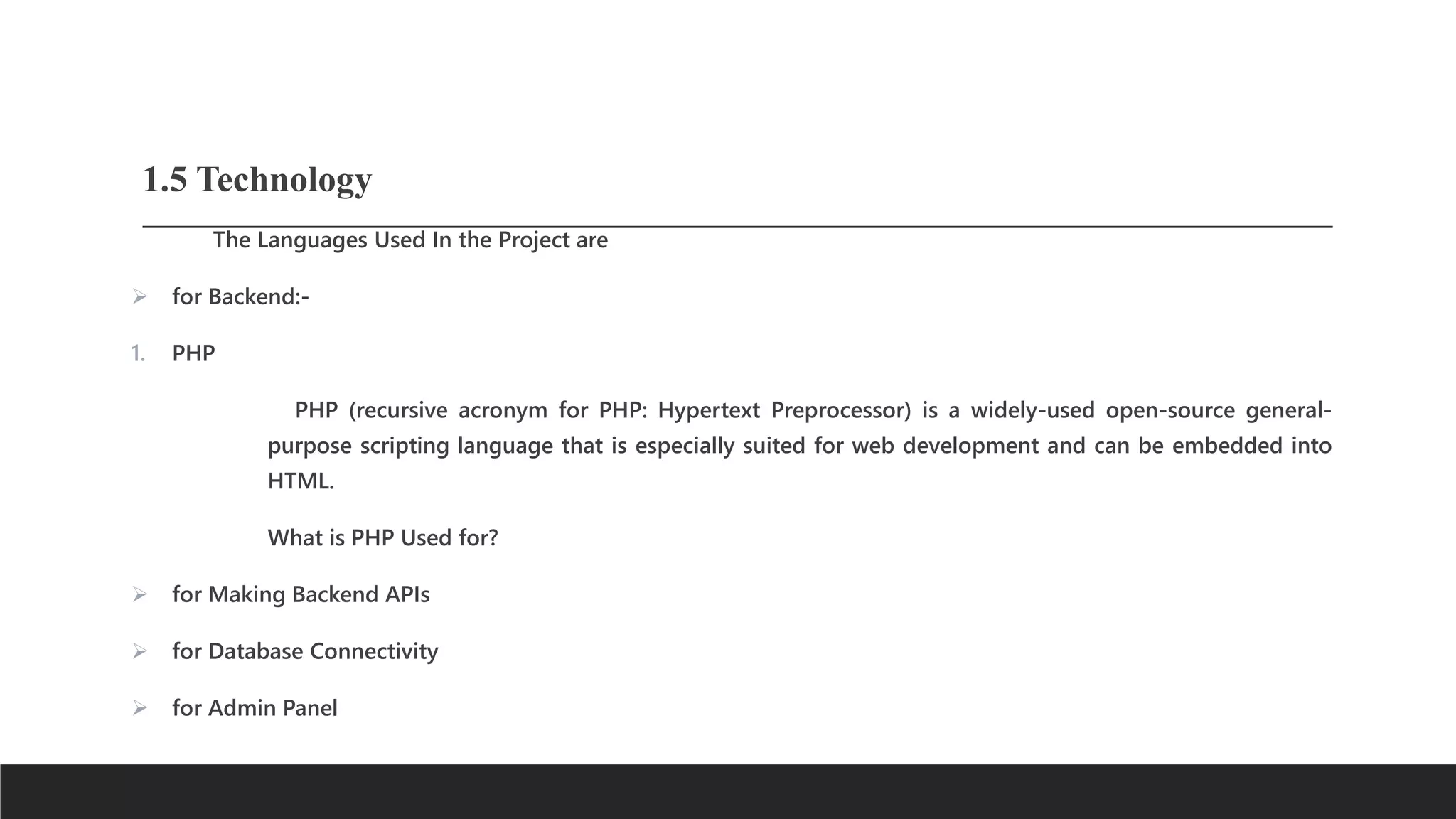
1.5 Technology
The Languages Used In the Project are
 for Backend:-
1. PHP
PHP (recursive acronym for PHP: Hypertext Preprocessor) is a widely-used open-source general-
purpose scripting language that is especially suited for web development and can be embedded into
HTML.
What is PHP Used for?
 for Making Backend APIs
 for Database Connectivity
 for Admin Panel
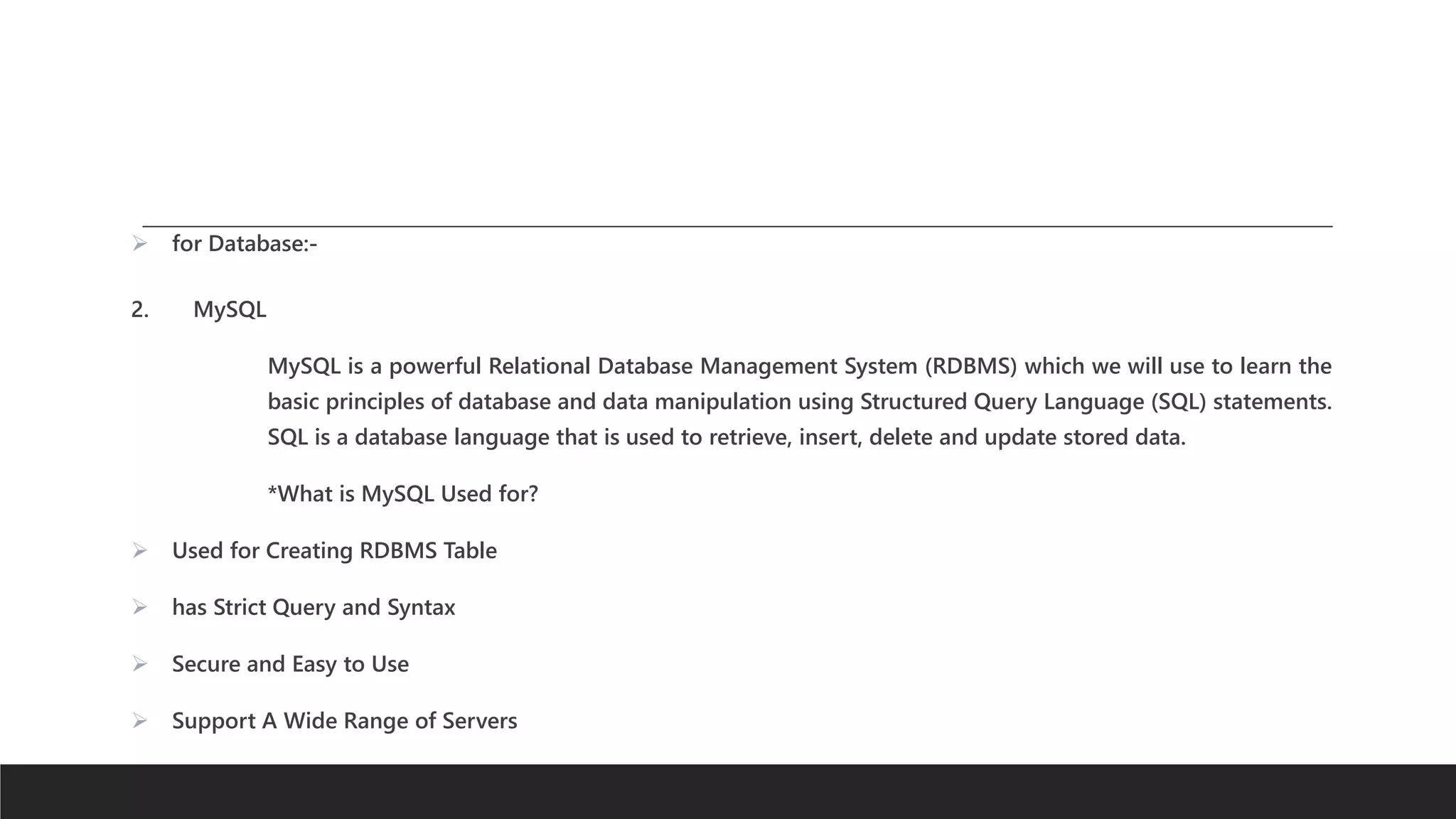
 for Database:-
2. MySQL
MySQL is a powerful Relational Database Management System (RDBMS) which we will use to learn the
basic principles of database and data manipulation using Structured Query Language (SQL) statements.
SQL is a database language that is used to retrieve, insert, delete and update stored data.
*What is MySQL Used for?
 Used for Creating RDBMS Table
 has Strict Query and Syntax
 Secure and Easy to Use
 Support A Wide Range of Servers
2. PROJECT MANAGEMENT
2.1 Project Planning
 Project planning is one of the major tasks that are performed during the development
of the project. Using project planning, the task of finding the size of the project is done
andwith that total amount of time and cost required for the project, development is
calculated.
 The planning of this project was done using a special approach. After getting the
project definition, upper-level analysis was performed first. That analysis was confined
to thewhole project level. That analysis gave the idea about the size and the structure
of theproject and using that analysis information, the planning of the project was
done.
2.1.1 Development Model
 Development Model Used: Waterfall Model
 Waterfall Model is introduced by Royce in the year 1970. The waterfall model follows
the SDLC approach and states that "the phases are organized in a linear order and the
output of one phase becomes the input for the next phase".
 During the requirements stage, developers write down all the possible requirements of a
system in a requirements document. The document defines what the system should do,
but not necessarily how it will work. Developers will base all the software's future
development on the requirements document.
 In the next stage, analysis, developers use the requirements document to
examine and flesh out the logical or theoretical design of the system without
accounting for its hardware or software technologies.
 The project will then move onto the design stage, where developers alter the logical design of the system to
make sure it works with the system's hardware and software technologies.
 Once developers finalize the system's physical design, the project enters the coding stage.
In this stage, developers will reference the system's requirements and logical and physical
specifications to write its actual code.
 After coding the system, quality analysts, beta testers, and other testers will use the system and report
any bugs they find. Developers will patch the most pressing issues. This is known as the testing stage.
 Finally, the project enters the deployment stage, where developers release the system to their market,
support their customers, maintain the system, and upgrade it to meet their customers' evolving needs.
Advantages:-
 This model is simple and easy to understand and use.
 It is easy to manage due to the rigidity of the model – each phase has
specific deliverables and a review process.
 In this model, phases are processed and completed one at a time. Phases do
not overlap.
 The waterfall model works well for smaller projects where requirements are
clearly defined and very well understood.
Disadvantage: -
 Once an application is in the testing stage, it is very difficult to go back and change
something that was not well-thought-out in the concept stage.
 No working software is produced until late during the life cycle.
 High amounts of risk and uncertainty.
 Not a good model for complex and object-oriented projects.
 Poor model for long and ongoing projects.
 Not suitable for projects where requirements are at a moderate to high risk of changing.
2.1.2 Roles and Responsibilities:
 Our Team will be creating this Smart mirror named "AI SMART MIRROR". All the creators of the group
have their Roles and Responsibilities in creating thiswebsite.
mmm
Activities Responsibilities
Requirements gathering Vedant Patel.
Analysis Tejas Wagh.
.
Design Vedant Patel.
Documentation Tejas Wagh.
2.2 Project Scheduling
 Project Work Plan contains all the activities that are performed in the future in order
to complete the project of the system and the respective times that are required to
complete that project.
 Project Work Plan of the system will proceed as follow:
 First, The Project concept will be analyzed before implementation.
 Second, The Requirements will be gathered related to the existing system which is
working like this Project, and all their functions and information will be gathered to make a
unique and one-level ahead project.
Third, The Design Will start implementing parallel implements in order to provide the best
User Interface.
 After the deigning implementation, the project will start.
 The Above Modules like Designing, Coding, Analysis, and Requirement
Gathering can be done in parallel.
2.3 Risk Management
 Risk management is a structured approach to managing uncertainty through risk assessment,
developing strategies to manage it, and mitigation of risk using managerial resources.
 The strategies include transferring the risk to another party, avoiding the risk, reducing the
negative effect of the risk, and accepting some or all of the consequences of a particular risk.
 Some traditional risk managements are focused on risks stemming from physical or legal causes
(e.g. natural disasters or fires, accidents, death, and lawsuits). Financial risk management on the
other hand focuses on risks that can be managed using traded financial instruments.
 Risk management also faces difficulties allocating resources. This is the idea of opportunity
cost. Resources spent on risk management could have been spent on more profitable activities.
Again, ideal risk management minimizes spending while maximizing the reduction of the
negative effects of risks.
Steps in the risk management process
 Risk identification
 Risk analysis
 Risk planning
The process of risk identification involves the following steps:
 Identification of risk in a selected domain of interest.
 Planning the remainder of the process.
 Mapping out the following:
 the social scope of risk management
 the identity and objectives of stakeholders
 the basis upon which risks will be evaluated, constraints.
 Defining a framework for the activity and an agenda for identification.
 Developing an analysis of risks involved in the process.
 Mitigation of risks using available technological, human, and organizationalresources
Risk Identification
This project includes the following Risks:
 Team members leave the project
 Hardware Crashes
 Software Crashes
Risk Analysis
 Team Member leaves the project: A perfect project can be done when there where team
workingin a proper and supportive manner. So, the project is at Risk if any team members
left the project before the project deadline.
 Hardware Crashes: A project implemented on hardware. If there were good hardware
support with software, then the project was done by the deadline and run efficiently. So,
the project is at Risk if there is any problem with hardware.
 Software Crashes: A project implemented in software in other words in Workbench or an
environment. With efficient and bug-free software support a project can be doneeasily and
within provided deadline. So, the project is at Risk if there is any problem withthesoftware.
Risk Planning
 For Team Member Leave the project: - Team Leader should make a backup for Team Member, if one Team Member left
then Team Leader quickly add another Team Member in left place.
 Hardware Crashes: When Project implementation process suffers from Hardware Crashes .There are multiple solutions:
1. To troubleshoot the Hardware and Fix the issues
2. To replace defected Hardware peripheral
 For Software Crashes: When Project implementation process suffers from Software Crashes. The TeamLeader should take
back up the Project from time to time. There are some solutions toprevent or save the Project from the redevelopment
phase
1. To Update Software from time to time
2. To use both Cloud-based and Local DevelopmentEnvironment
3. Do not use an outdated workbench or development environment
3.Software Requirement Specification
3.1MODULES:-
 Salon Management System Services Module
 Salon Management System Dashboard Module
 Salon Management System Customers Module
 Salon Management System Appointments Module
 Salon Management System Products Module - User can add/edit products in this module and add details like name,
description, capital price, retail price, discount, quantity, and expiry date.
 Salon Management System Dashboard Module - This module displays the monthly sales, no. of monthly customers,
appointments, and latest post.
 Salon Management System Customers Module - Module Description: this module allows the user to
add/edit customer information such as name, contact no., address, email, gender, username and
password, and account status. This module is also used for the registration of new members or
customers of the salon.
 Salon Management System Appointments Module - Module Description: this module allows the user
to manage the appointments. The information includes the appointment date, the appointment
time, customer information, details of appointment, status of the booking if it is confirmed, cancelled
or rescheduled, remarks refers to the explanation, comments or reason of the booking.
Requirement analysis:-
 Functional Requirements: -
A functional requirement document defines the functionality of a system or one of
Its subsystems. It also depends upon the type of software, expected users, and the type of system where the
software is used.
 Create salon staff and maintain (Update/ Inactive) their details.
 Create regular customers and maintain (Update/ Inactive) their details.
 Create salon services and maintain (Update/ Delete) their details such as prices, hours, etc.
Maintain resources (Create/Update/ Delete) at the salon premise.
 Maintain holidays and staff leaves.
 Facilitate appointment handling through an event calendar by the system.
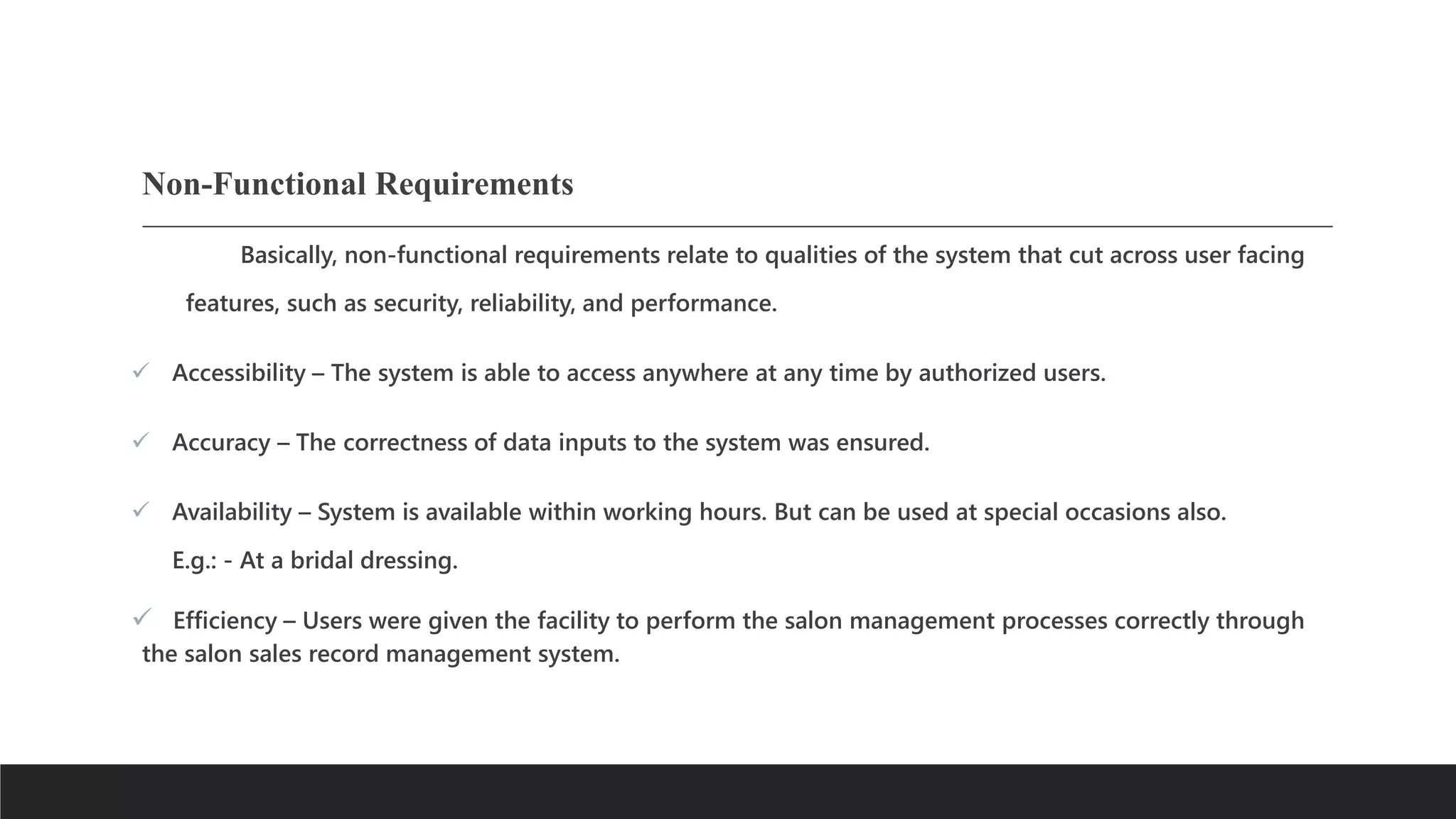
Non-Functional Requirements
Basically, non-functional requirements relate to qualities of the system that cut across user facing
features, such as security, reliability, and performance.
 Accessibility – The system is able to access anywhere at any time by authorized users.
 Accuracy – The correctness of data inputs to the system was ensured.
 Availability – System is available within working hours. But can be used at special occasions also.
E.g.: - At a bridal dressing.
 Efficiency – Users were given the facility to perform the salon management processes correctly through
the salon sales record management system.
 Effectiveness – Users were given the facility to perform correct salon management processes
via the suggesting system.
 Maintainability – This is a considerable factor, especially for a non-technical user. The
maintainability of the system is not more complex.
 Reliability – The ability of the suggested system to function under stated conditions for a
specified period of time has been assured.
User Characteristics: -
 The user can simply access the website through their id & password.
 The user can select the salon and services & schedule their appointment as
per their requirement.
 Software/hardware specifications:
As This Is a Web Based Application,
End-User System Specification Does Not Affect but Still, Why to Take
Risk at Initial!
So Here Is,
|| HARDWARE REQUIREMENT ||
 Processor Intel Pentium +
[Prefer At Least Quad Core to Support Network Connectivity]
 RAM 2 GB +
[8 GB Preferred For Large Scaled Business]
 Hard Disk 10 GB +
|| SOFTWARE REQUIREMENT ||
 Operating System Windows, Mac, Linux, UNIX, Raspberry Pi, Etc
 Front-End Tech Used HTML, CSS,
 Back-End Support PHP, MySQL

project (Salon Management).pptx

  • 1.
  • 2.
  • 3.
    1. INTRODUCTION 1.1 ProjectSummary  Salon Management system provides proper management over the websites. In this system, Customer schedules their appointment online. Then the Customer selected their services as per their requirement.  The aim of providing the objectives of this website is to create a time saver and to get easy to manage online respectively.  This system would help the salon systems to be better used by the customer over the world. The unique hair art is easily available to all customers who want it.  The Web Application would use a database to store information regarding all products and customer information as well as other such details.
  • 4.
    1.2 Purpose  Thesalon industry is one of the most lucrative yet highly competitive industries. Every day one finds a new salon opening up around the corner. Most women look at salon services as a necessity rather than a luxury.  It Saves Users Time By Providing Helpful Tidbits And Many More Other Features.  It's not easy to manage a salon business with so much competition. Running a salon can be complicated and overwhelming. The smallest mistake can cause a significant dent in your business.
  • 5.
    1.3 Scope  Providingthe facility to register regular Customers and maintain their details.  Facilitate appointment handling.  Facilitate admin Dashboard handling (Service List, about us, contact us, Invoice).  Handling Salon Services along with their respective prices, hours, etc.  Generating invoices through the system.  Generating reports supporting the higher managerial decisions.  Maintaining an information center (dashboard).  Notify Appointment Status through emails.
  • 6.
    1.4 Objective  Todaythe internet and its boom have created a new economic scenario that not only stresses the classical concept of the “product” but also the modern concept of "service".  The main objective of the Salon management system website is to save time and complexity of work at Cabinet hair salon is a very much effective website. It is helpful for all people because the use of this website is easy. By this, you can see all types of services for yourself. From this website, you can books your appointment online.  The objectives of doing this project are to:  Eliminate the paper-based work used at the Salon premise such as the usage of diaries to note down appointment details, writing manual invoices for the payments done by the Customers, etc.  Eliminate the data redundancy; keeping appointment details at several places(Diary, mobile, etc.) by several people (Owner, Customers, etc.).
  • 7.
     Abolish thewastage of time, resources, efforts, and money of the Employer, Employees, and Customers (Stakeholders).  Improve the efficiency and effectiveness of the Salon management activities, services, and processes like maintaining Customers Appointments and Payments, etc.  Ease the management and decision-making while improving Salon's good name.  Improve Client satisfaction and Employee satisfaction.  Enhance the Stakeholder integration.
  • 8.
    1.5 Technology The LanguagesUsed In the Project are  for Backend:- 1. PHP PHP (recursive acronym for PHP: Hypertext Preprocessor) is a widely-used open-source general- purpose scripting language that is especially suited for web development and can be embedded into HTML. What is PHP Used for?  for Making Backend APIs  for Database Connectivity  for Admin Panel
  • 9.
     for Database:- 2.MySQL MySQL is a powerful Relational Database Management System (RDBMS) which we will use to learn the basic principles of database and data manipulation using Structured Query Language (SQL) statements. SQL is a database language that is used to retrieve, insert, delete and update stored data. *What is MySQL Used for?  Used for Creating RDBMS Table  has Strict Query and Syntax  Secure and Easy to Use  Support A Wide Range of Servers
  • 10.
    2. PROJECT MANAGEMENT 2.1Project Planning  Project planning is one of the major tasks that are performed during the development of the project. Using project planning, the task of finding the size of the project is done andwith that total amount of time and cost required for the project, development is calculated.  The planning of this project was done using a special approach. After getting the project definition, upper-level analysis was performed first. That analysis was confined to thewhole project level. That analysis gave the idea about the size and the structure of theproject and using that analysis information, the planning of the project was done.
  • 11.
    2.1.1 Development Model Development Model Used: Waterfall Model  Waterfall Model is introduced by Royce in the year 1970. The waterfall model follows the SDLC approach and states that "the phases are organized in a linear order and the output of one phase becomes the input for the next phase".  During the requirements stage, developers write down all the possible requirements of a system in a requirements document. The document defines what the system should do, but not necessarily how it will work. Developers will base all the software's future development on the requirements document.  In the next stage, analysis, developers use the requirements document to examine and flesh out the logical or theoretical design of the system without accounting for its hardware or software technologies.
  • 12.
     The projectwill then move onto the design stage, where developers alter the logical design of the system to make sure it works with the system's hardware and software technologies.  Once developers finalize the system's physical design, the project enters the coding stage. In this stage, developers will reference the system's requirements and logical and physical specifications to write its actual code.  After coding the system, quality analysts, beta testers, and other testers will use the system and report any bugs they find. Developers will patch the most pressing issues. This is known as the testing stage.  Finally, the project enters the deployment stage, where developers release the system to their market, support their customers, maintain the system, and upgrade it to meet their customers' evolving needs.
  • 13.
    Advantages:-  This modelis simple and easy to understand and use.  It is easy to manage due to the rigidity of the model – each phase has specific deliverables and a review process.  In this model, phases are processed and completed one at a time. Phases do not overlap.  The waterfall model works well for smaller projects where requirements are clearly defined and very well understood.
  • 14.
    Disadvantage: -  Oncean application is in the testing stage, it is very difficult to go back and change something that was not well-thought-out in the concept stage.  No working software is produced until late during the life cycle.  High amounts of risk and uncertainty.  Not a good model for complex and object-oriented projects.  Poor model for long and ongoing projects.  Not suitable for projects where requirements are at a moderate to high risk of changing.
  • 16.
    2.1.2 Roles andResponsibilities:  Our Team will be creating this Smart mirror named "AI SMART MIRROR". All the creators of the group have their Roles and Responsibilities in creating thiswebsite. mmm Activities Responsibilities Requirements gathering Vedant Patel. Analysis Tejas Wagh. . Design Vedant Patel. Documentation Tejas Wagh.
  • 17.
    2.2 Project Scheduling Project Work Plan contains all the activities that are performed in the future in order to complete the project of the system and the respective times that are required to complete that project.  Project Work Plan of the system will proceed as follow:  First, The Project concept will be analyzed before implementation.  Second, The Requirements will be gathered related to the existing system which is working like this Project, and all their functions and information will be gathered to make a unique and one-level ahead project. Third, The Design Will start implementing parallel implements in order to provide the best User Interface.
  • 18.
     After thedeigning implementation, the project will start.  The Above Modules like Designing, Coding, Analysis, and Requirement Gathering can be done in parallel.
  • 19.
    2.3 Risk Management Risk management is a structured approach to managing uncertainty through risk assessment, developing strategies to manage it, and mitigation of risk using managerial resources.  The strategies include transferring the risk to another party, avoiding the risk, reducing the negative effect of the risk, and accepting some or all of the consequences of a particular risk.  Some traditional risk managements are focused on risks stemming from physical or legal causes (e.g. natural disasters or fires, accidents, death, and lawsuits). Financial risk management on the other hand focuses on risks that can be managed using traded financial instruments.
  • 20.
     Risk managementalso faces difficulties allocating resources. This is the idea of opportunity cost. Resources spent on risk management could have been spent on more profitable activities. Again, ideal risk management minimizes spending while maximizing the reduction of the negative effects of risks. Steps in the risk management process  Risk identification  Risk analysis  Risk planning
  • 21.
    The process ofrisk identification involves the following steps:  Identification of risk in a selected domain of interest.  Planning the remainder of the process.  Mapping out the following:  the social scope of risk management  the identity and objectives of stakeholders  the basis upon which risks will be evaluated, constraints.  Defining a framework for the activity and an agenda for identification.  Developing an analysis of risks involved in the process.  Mitigation of risks using available technological, human, and organizationalresources
  • 22.
    Risk Identification This projectincludes the following Risks:  Team members leave the project  Hardware Crashes  Software Crashes
  • 23.
    Risk Analysis  TeamMember leaves the project: A perfect project can be done when there where team workingin a proper and supportive manner. So, the project is at Risk if any team members left the project before the project deadline.  Hardware Crashes: A project implemented on hardware. If there were good hardware support with software, then the project was done by the deadline and run efficiently. So, the project is at Risk if there is any problem with hardware.  Software Crashes: A project implemented in software in other words in Workbench or an environment. With efficient and bug-free software support a project can be doneeasily and within provided deadline. So, the project is at Risk if there is any problem withthesoftware.
  • 24.
    Risk Planning  ForTeam Member Leave the project: - Team Leader should make a backup for Team Member, if one Team Member left then Team Leader quickly add another Team Member in left place.  Hardware Crashes: When Project implementation process suffers from Hardware Crashes .There are multiple solutions: 1. To troubleshoot the Hardware and Fix the issues 2. To replace defected Hardware peripheral  For Software Crashes: When Project implementation process suffers from Software Crashes. The TeamLeader should take back up the Project from time to time. There are some solutions toprevent or save the Project from the redevelopment phase 1. To Update Software from time to time 2. To use both Cloud-based and Local DevelopmentEnvironment 3. Do not use an outdated workbench or development environment
  • 25.
    3.Software Requirement Specification 3.1MODULES:- Salon Management System Services Module  Salon Management System Dashboard Module  Salon Management System Customers Module  Salon Management System Appointments Module  Salon Management System Products Module - User can add/edit products in this module and add details like name, description, capital price, retail price, discount, quantity, and expiry date.  Salon Management System Dashboard Module - This module displays the monthly sales, no. of monthly customers, appointments, and latest post.
  • 26.
     Salon ManagementSystem Customers Module - Module Description: this module allows the user to add/edit customer information such as name, contact no., address, email, gender, username and password, and account status. This module is also used for the registration of new members or customers of the salon.  Salon Management System Appointments Module - Module Description: this module allows the user to manage the appointments. The information includes the appointment date, the appointment time, customer information, details of appointment, status of the booking if it is confirmed, cancelled or rescheduled, remarks refers to the explanation, comments or reason of the booking.
  • 27.
    Requirement analysis:-  FunctionalRequirements: - A functional requirement document defines the functionality of a system or one of Its subsystems. It also depends upon the type of software, expected users, and the type of system where the software is used.  Create salon staff and maintain (Update/ Inactive) their details.  Create regular customers and maintain (Update/ Inactive) their details.  Create salon services and maintain (Update/ Delete) their details such as prices, hours, etc. Maintain resources (Create/Update/ Delete) at the salon premise.  Maintain holidays and staff leaves.  Facilitate appointment handling through an event calendar by the system.
  • 28.
    Non-Functional Requirements Basically, non-functionalrequirements relate to qualities of the system that cut across user facing features, such as security, reliability, and performance.  Accessibility – The system is able to access anywhere at any time by authorized users.  Accuracy – The correctness of data inputs to the system was ensured.  Availability – System is available within working hours. But can be used at special occasions also. E.g.: - At a bridal dressing.  Efficiency – Users were given the facility to perform the salon management processes correctly through the salon sales record management system.
  • 29.
     Effectiveness –Users were given the facility to perform correct salon management processes via the suggesting system.  Maintainability – This is a considerable factor, especially for a non-technical user. The maintainability of the system is not more complex.  Reliability – The ability of the suggested system to function under stated conditions for a specified period of time has been assured.
  • 30.
    User Characteristics: - The user can simply access the website through their id & password.  The user can select the salon and services & schedule their appointment as per their requirement.
  • 31.
     Software/hardware specifications: AsThis Is a Web Based Application, End-User System Specification Does Not Affect but Still, Why to Take Risk at Initial! So Here Is,
  • 32.
    || HARDWARE REQUIREMENT||  Processor Intel Pentium + [Prefer At Least Quad Core to Support Network Connectivity]  RAM 2 GB + [8 GB Preferred For Large Scaled Business]  Hard Disk 10 GB +
  • 33.
    || SOFTWARE REQUIREMENT||  Operating System Windows, Mac, Linux, UNIX, Raspberry Pi, Etc  Front-End Tech Used HTML, CSS,  Back-End Support PHP, MySQL