Variables
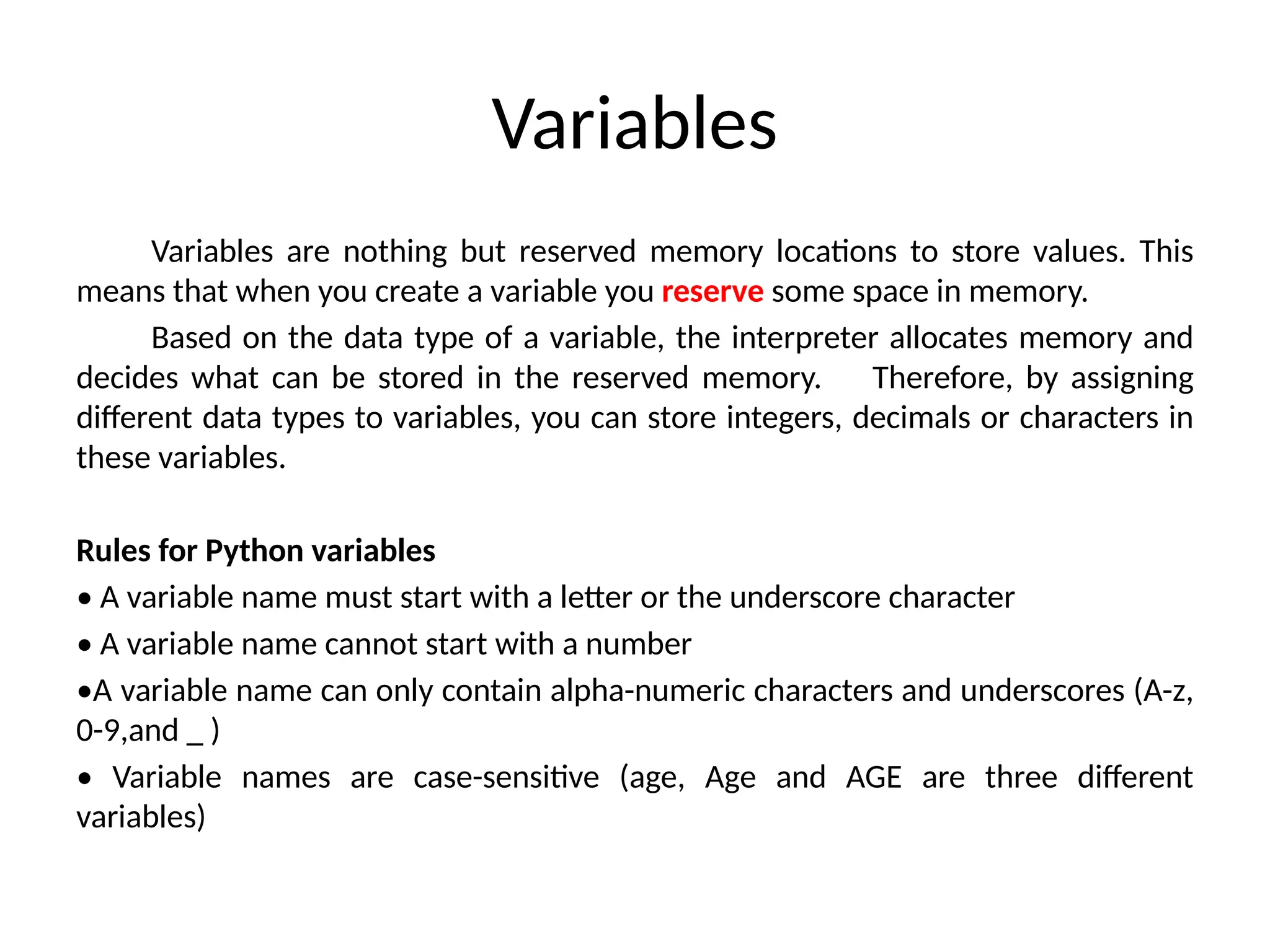
Variables are nothingbut reserved memory locations to store values. This
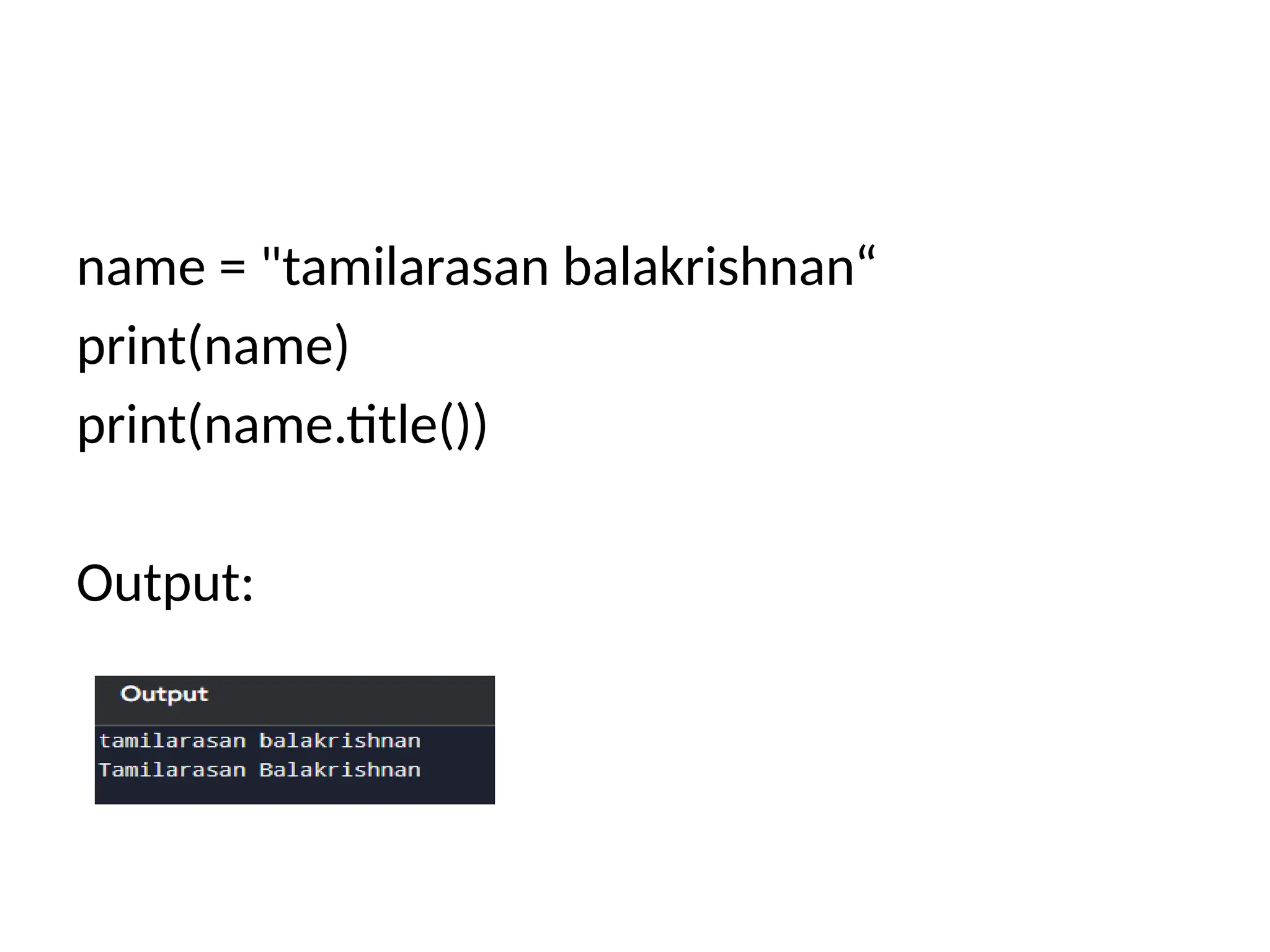
means that when you create a variable you reserve some space in memory.
Based on the data type of a variable, the interpreter allocates memory and
decides what can be stored in the reserved memory. Therefore, by assigning
different data types to variables, you can store integers, decimals or characters in
these variables.
Rules for Python variables
• A variable name must start with a letter or the underscore character
• A variable name cannot start with a number
•A variable name can only contain alpha-numeric characters and underscores (A-z,
0-9,and _ )
• Variable names are case-sensitive (age, Age and AGE are three different
variables)
2.
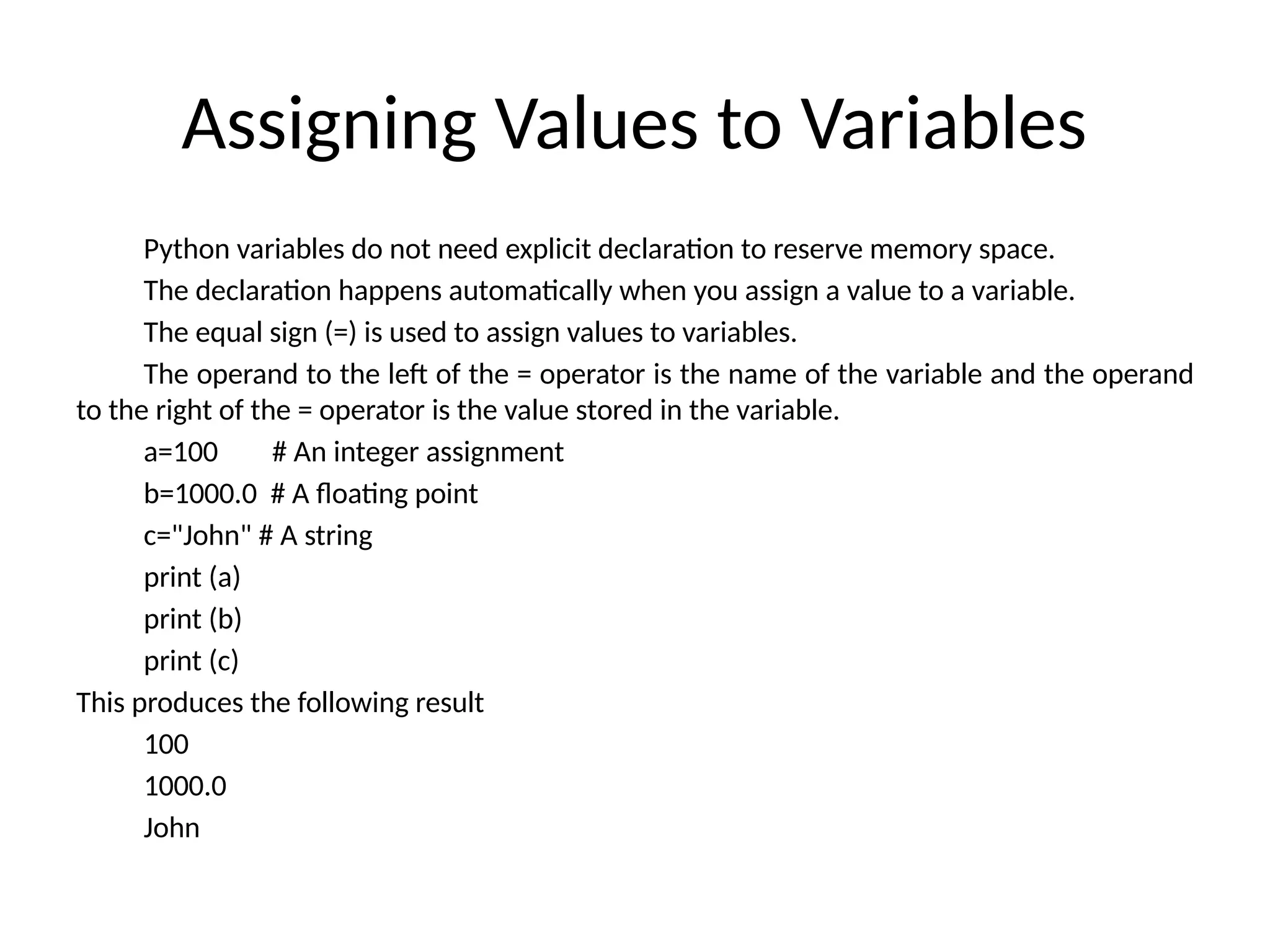
Assigning Values toVariables
Python variables do not need explicit declaration to reserve memory space.
The declaration happens automatically when you assign a value to a variable.
The equal sign (=) is used to assign values to variables.
The operand to the left of the = operator is the name of the variable and the operand
to the right of the = operator is the value stored in the variable.
a=100 # An integer assignment
b=1000.0 # A floating point
c="John" # A string
print (a)
print (b)
print (c)
This produces the following result
100
1000.0
John
3.
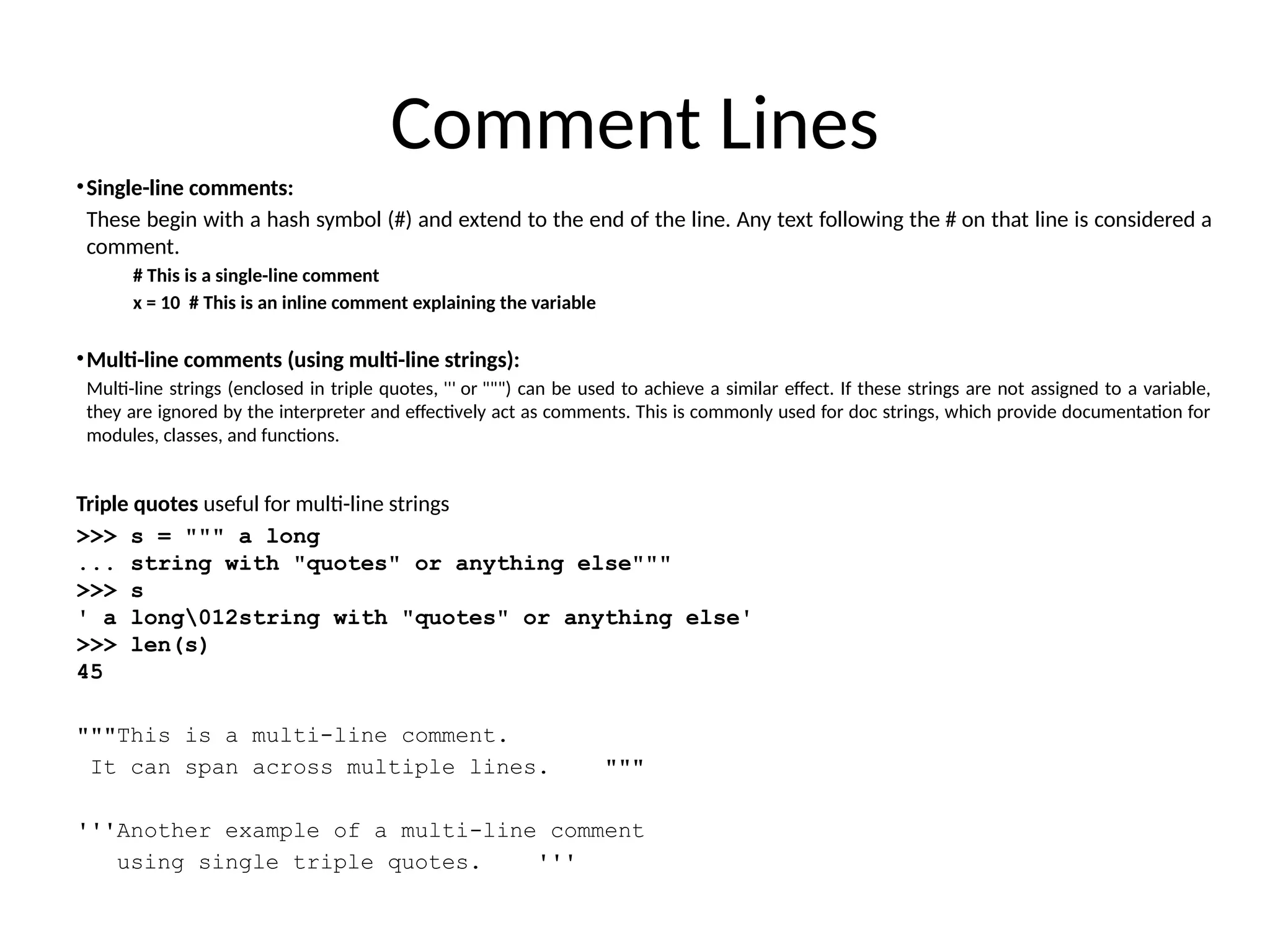
Comment Lines
•Single-line comments:
Thesebegin with a hash symbol (#) and extend to the end of the line. Any text following the # on that line is considered a
comment.
# This is a single-line comment
x = 10 # This is an inline comment explaining the variable
•Multi-line comments (using multi-line strings):
Multi-line strings (enclosed in triple quotes, ''' or """) can be used to achieve a similar effect. If these strings are not assigned to a variable,
they are ignored by the interpreter and effectively act as comments. This is commonly used for doc strings, which provide documentation for
modules, classes, and functions.
Triple quotes useful for multi-line strings
>>> s = """ a long
... string with "quotes" or anything else"""
>>> s
' a long012string with "quotes" or anything else'
>>> len(s)
45
"""This is a multi-line comment.
It can span across multiple lines. """
'''Another example of a multi-line comment
using single triple quotes. '''
4.
Multiple Assignment
• Pythonallows to assign a single value to several variables
simultaneously.
• For example :a = b = c = 1
• Here, an integer object is created with the value 1, and all
three variables are assigned to the same memory location.
You can also assign multiple objects to multiple variables.
• For example :
a,b,c = 1,2,"mrcet”
Here, two integer objects with values 1 and 2 are assigned
to variables a and b respectively, and one string object with the
value "john" is assigned to the variable c.
5.
Data Types
• Integers:2323, 3234L
• Floating Point: 32.3, 3.1E2
• Complex: 3 + 2j, 1j
• Lists:
l = [ 1,2,3]
• Tuples:
t = (1,2,3)
• Dictionaries:
d = {‘hello’ : ‘there’, 2 : 15}
• Lists, Tuples, and Dictionaries can store any type (including other lists,
tuples, and dictionaries!)
• Only lists and dictionaries are mutable
• All variables are references
6.
Keyword Description
and Alogical operator
as To create an alias
assert For debugging
break To break out of a loop
class To define a class
continue To continue to the next iteration of a loop
def To define a function
del To delete an object
elif Used in conditional statements, same as else if
else Used in conditional statements
except Used with exceptions, what to do when an exception occurs
False Boolean value, result of comparison operations
finally Used with exceptions, a block of code that will be executed no
matter if there is an exception or not
for To create a for loop
from To import specific parts of a module
global To declare a global variable
7.
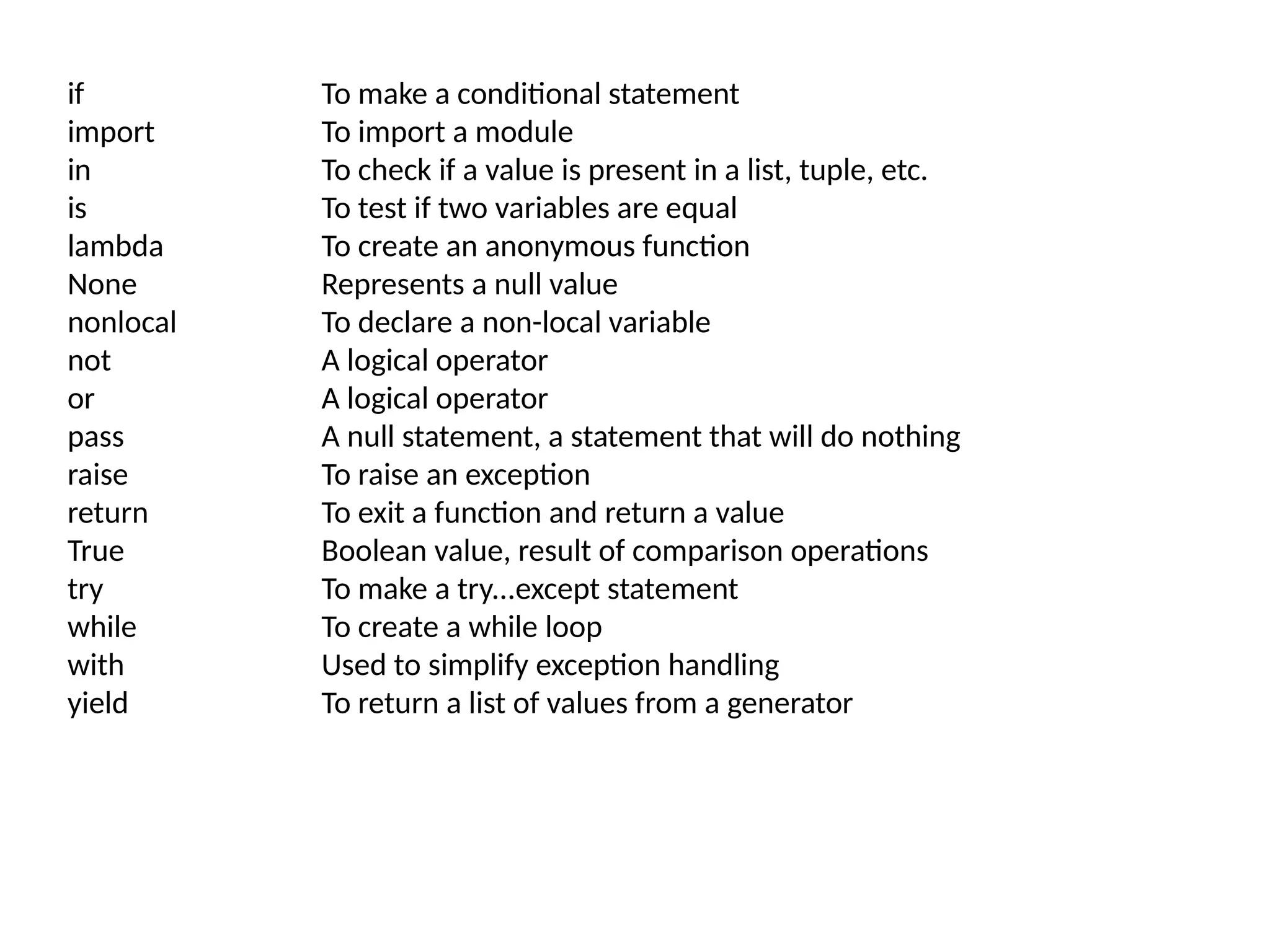
if To makea conditional statement
import To import a module
in To check if a value is present in a list, tuple, etc.
is To test if two variables are equal
lambda To create an anonymous function
None Represents a null value
nonlocal To declare a non-local variable
not A logical operator
or A logical operator
pass A null statement, a statement that will do nothing
raise To raise an exception
return To exit a function and return a value
True Boolean value, result of comparison operations
try To make a try...except statement
while To create a while loop
with Used to simplify exception handling
yield To return a list of values from a generator
8.
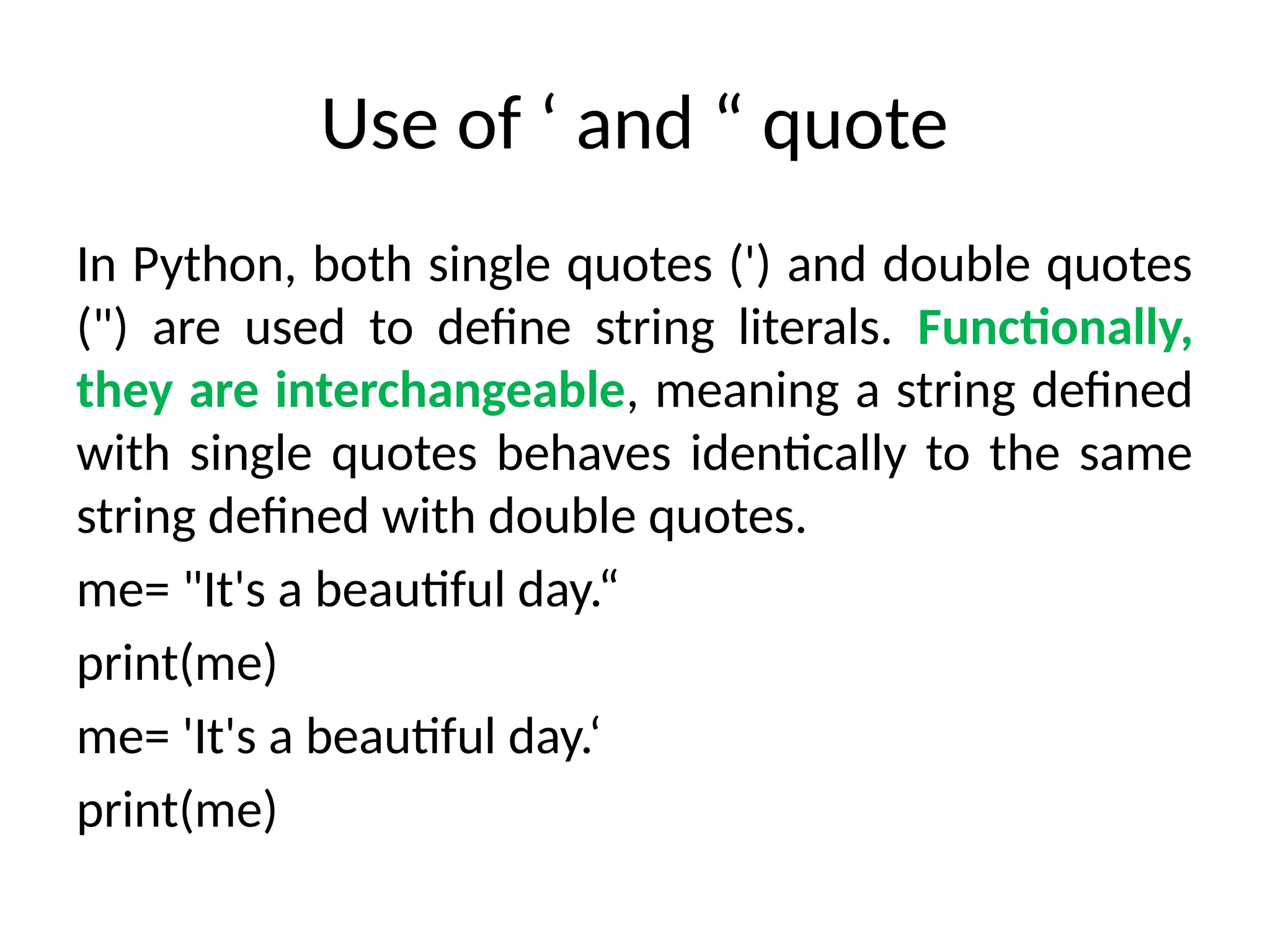
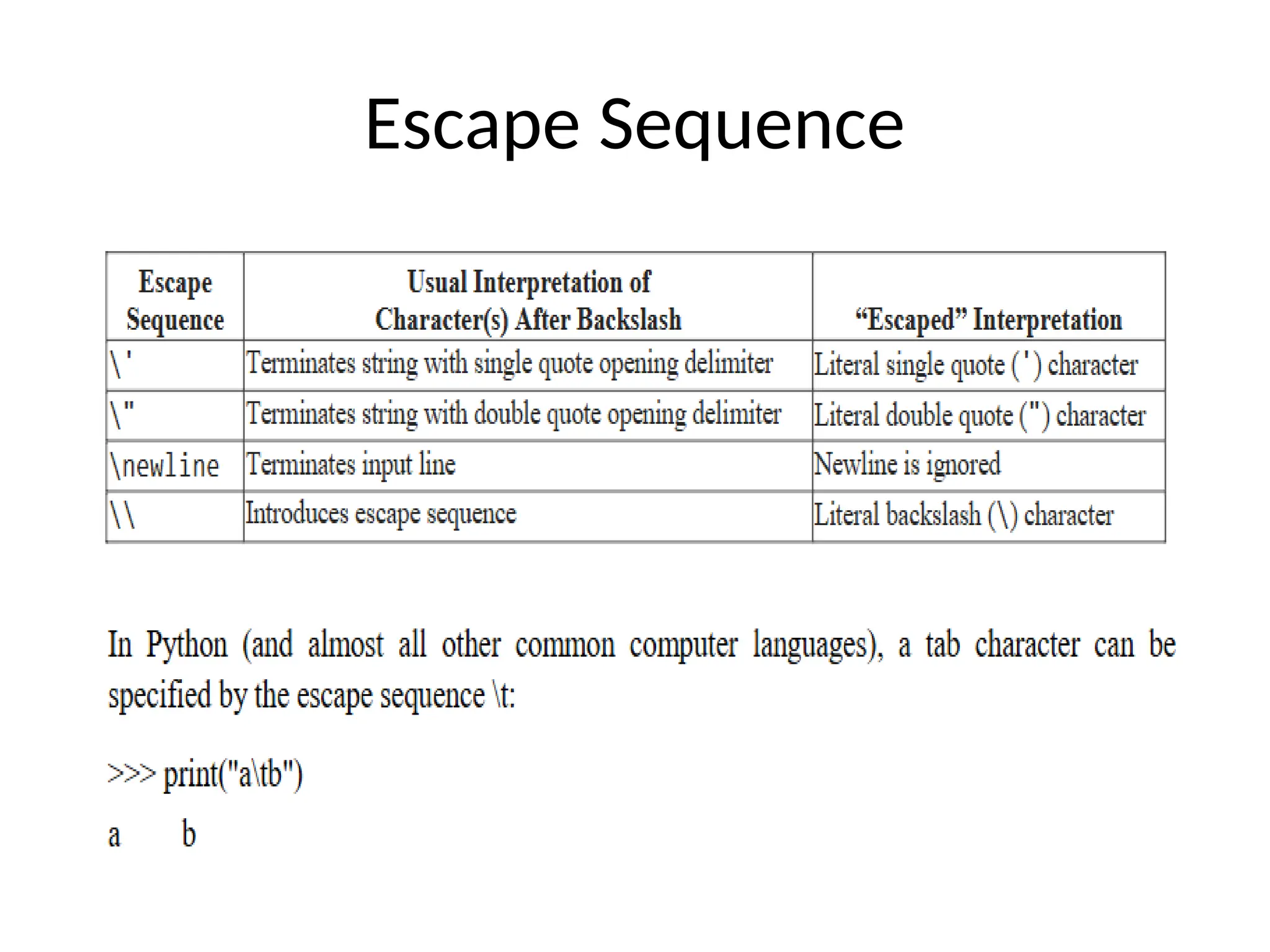
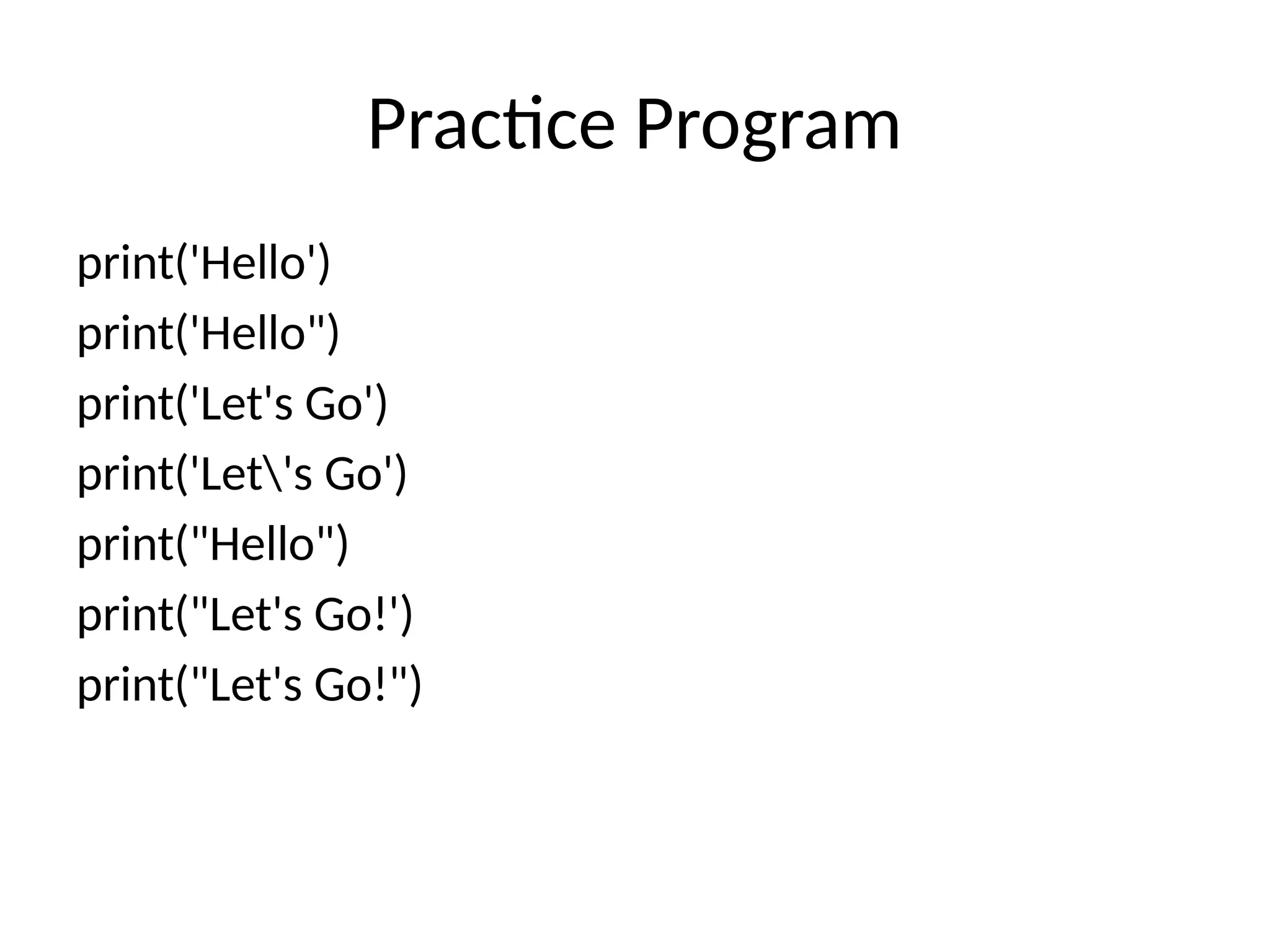
Use of ‘and “ quote
In Python, both single quotes (') and double quotes
(") are used to define string literals. Functionally,
they are interchangeable, meaning a string defined
with single quotes behaves identically to the same
string defined with double quotes.
me= "It's a beautiful day.“
print(me)
me= 'It's a beautiful day.‘
print(me)
9.
Input
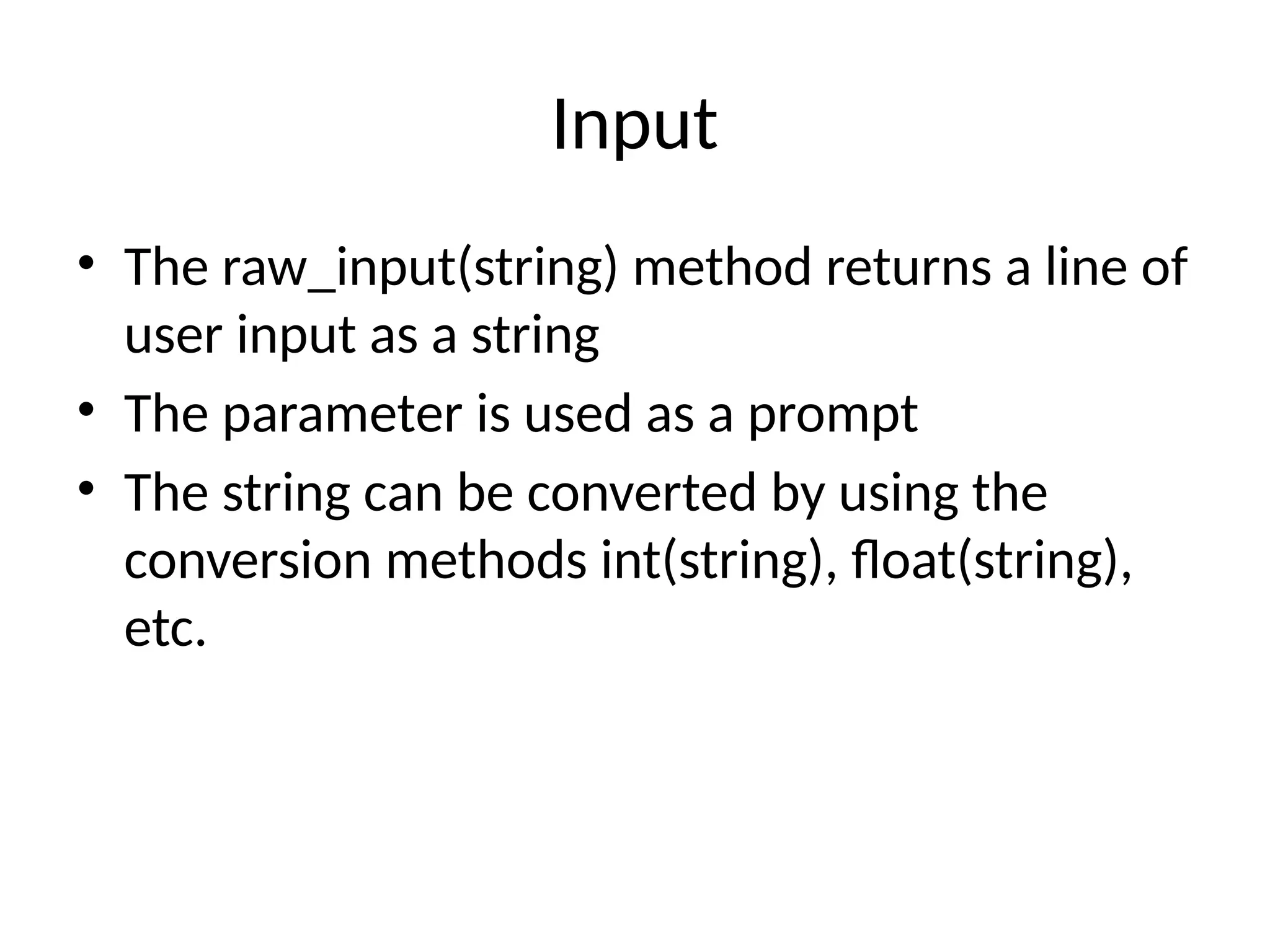
• The raw_input(string)method returns a line of
user input as a string
• The parameter is used as a prompt
• The string can be converted by using the
conversion methods int(string), float(string),
etc.
10.
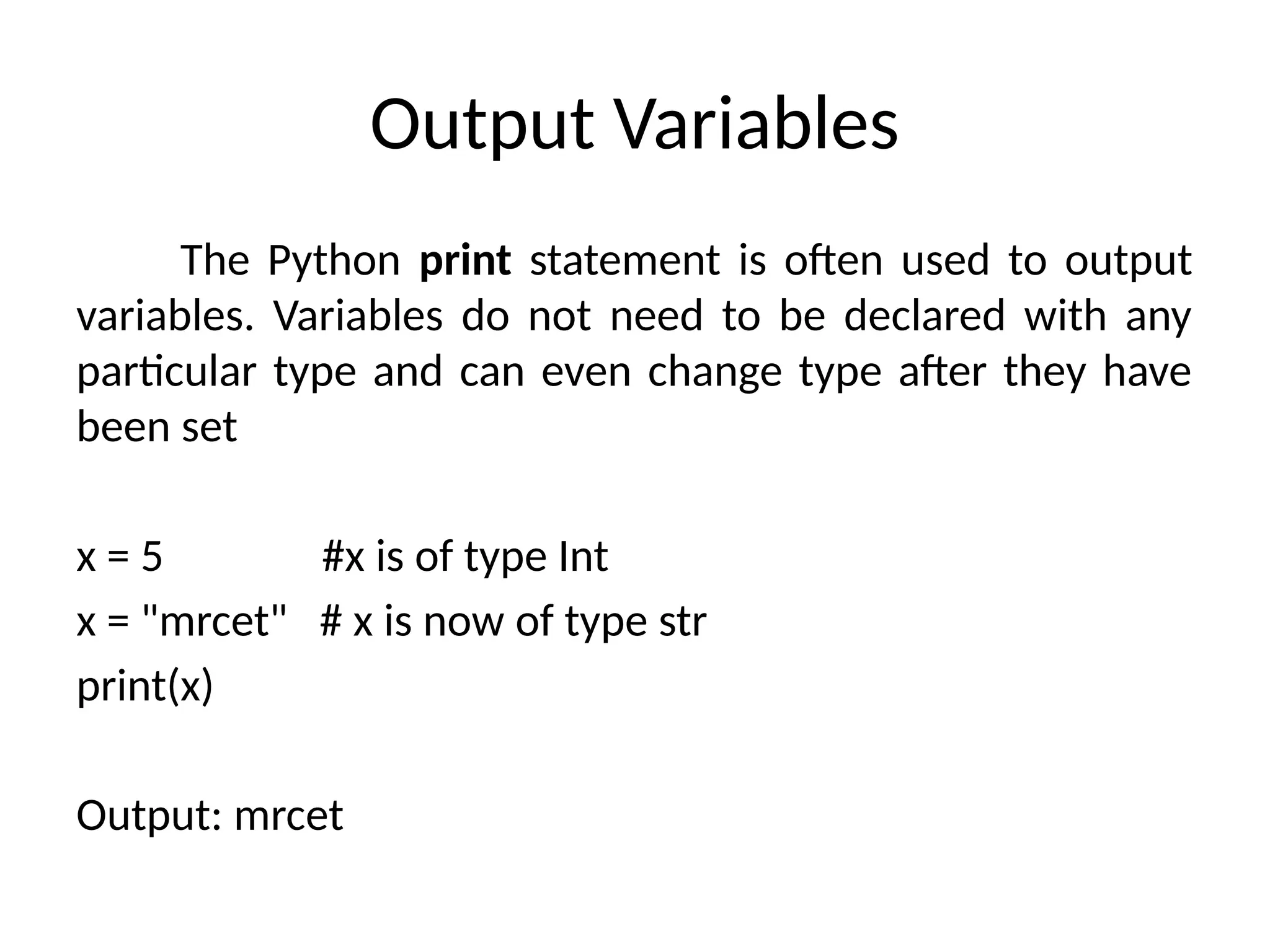
Output Variables
The Pythonprint statement is often used to output
variables. Variables do not need to be declared with any
particular type and can even change type after they have
been set
x = 5 #x is of type Int
x = "mrcet" # x is now of type str
print(x)
Output: mrcet
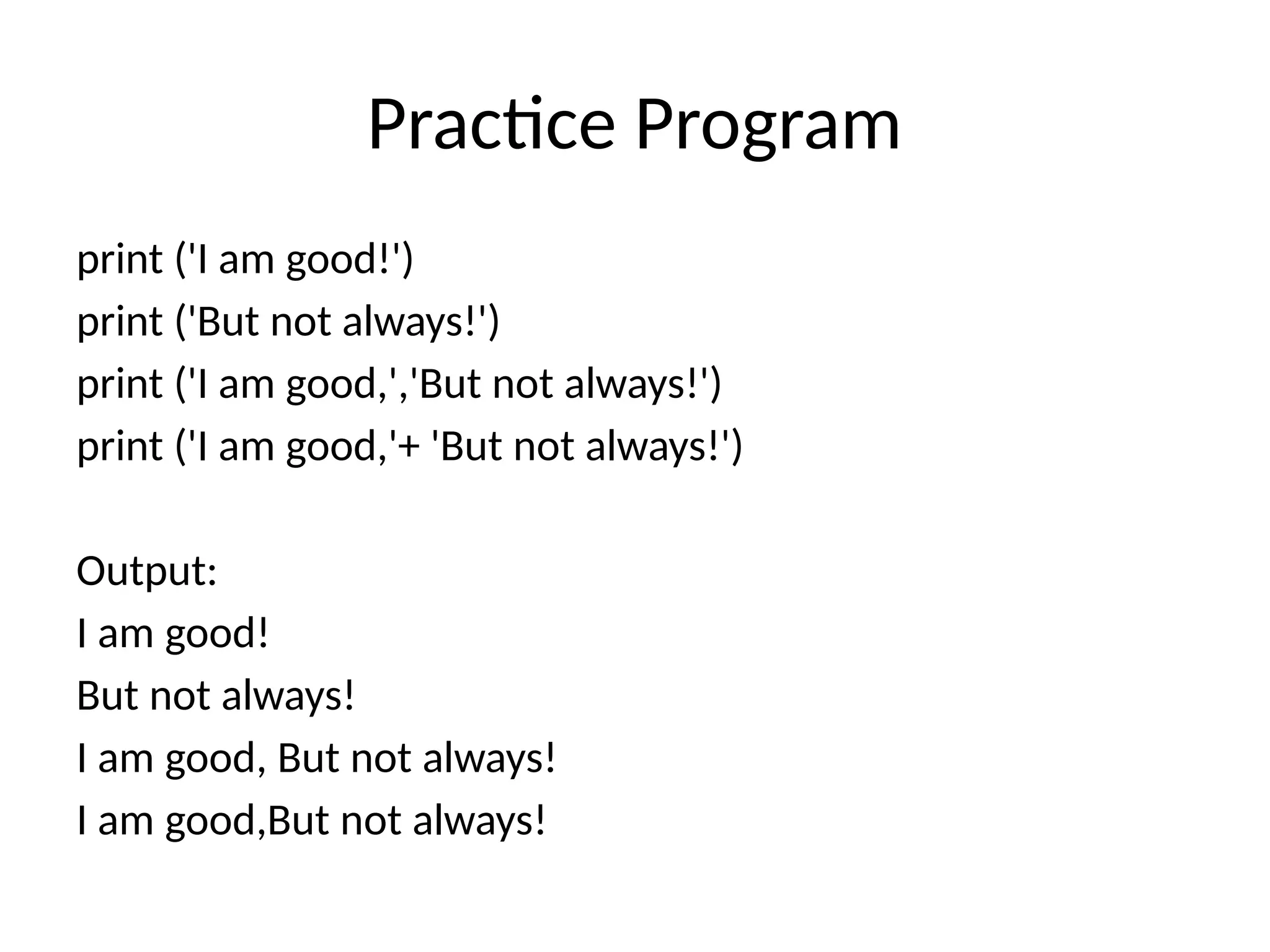
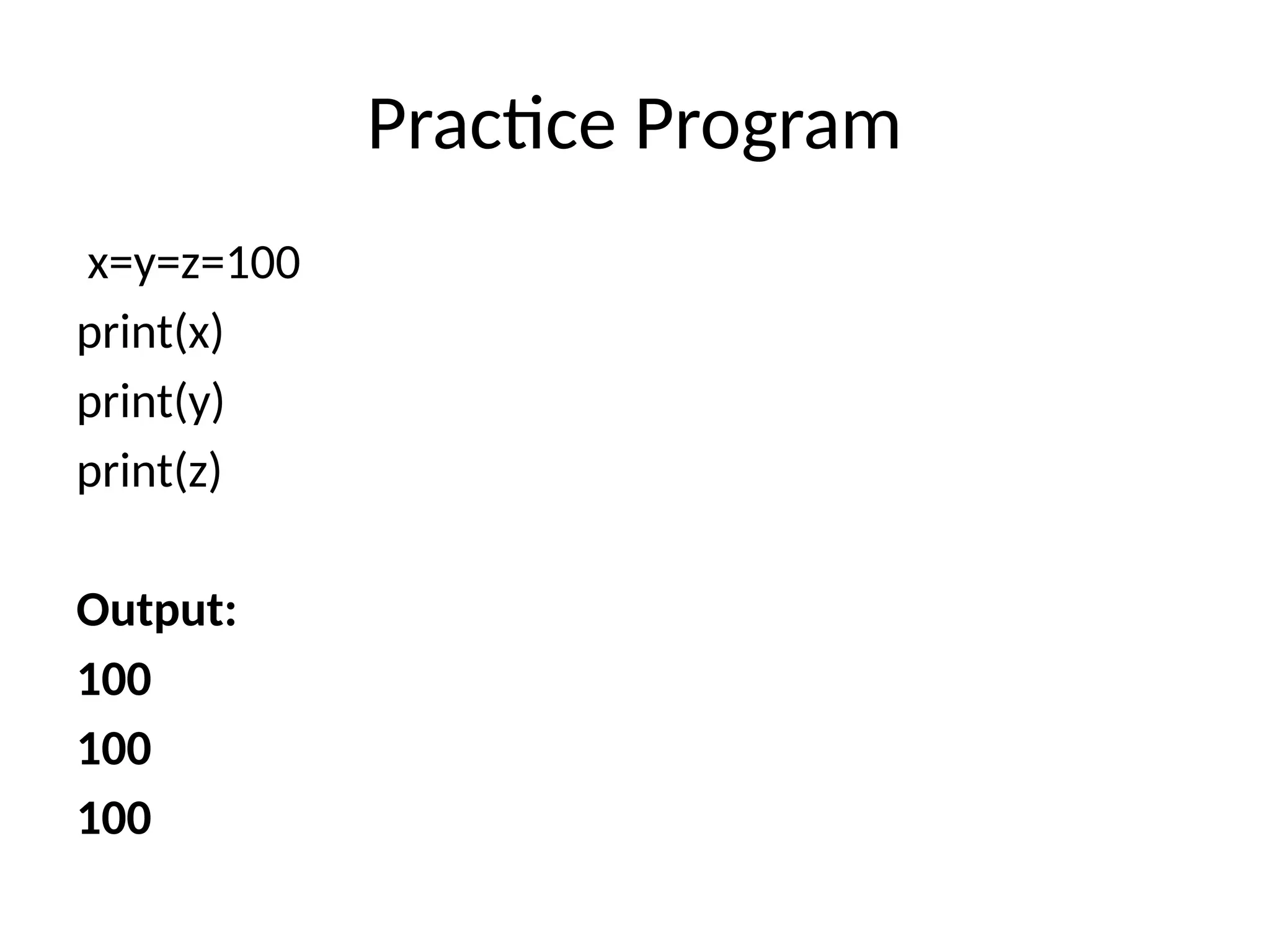
Practice Program
print ('Iam good!')
print ('But not always!')
print ('I am good,','But not always!')
print ('I am good,'+ 'But not always!')
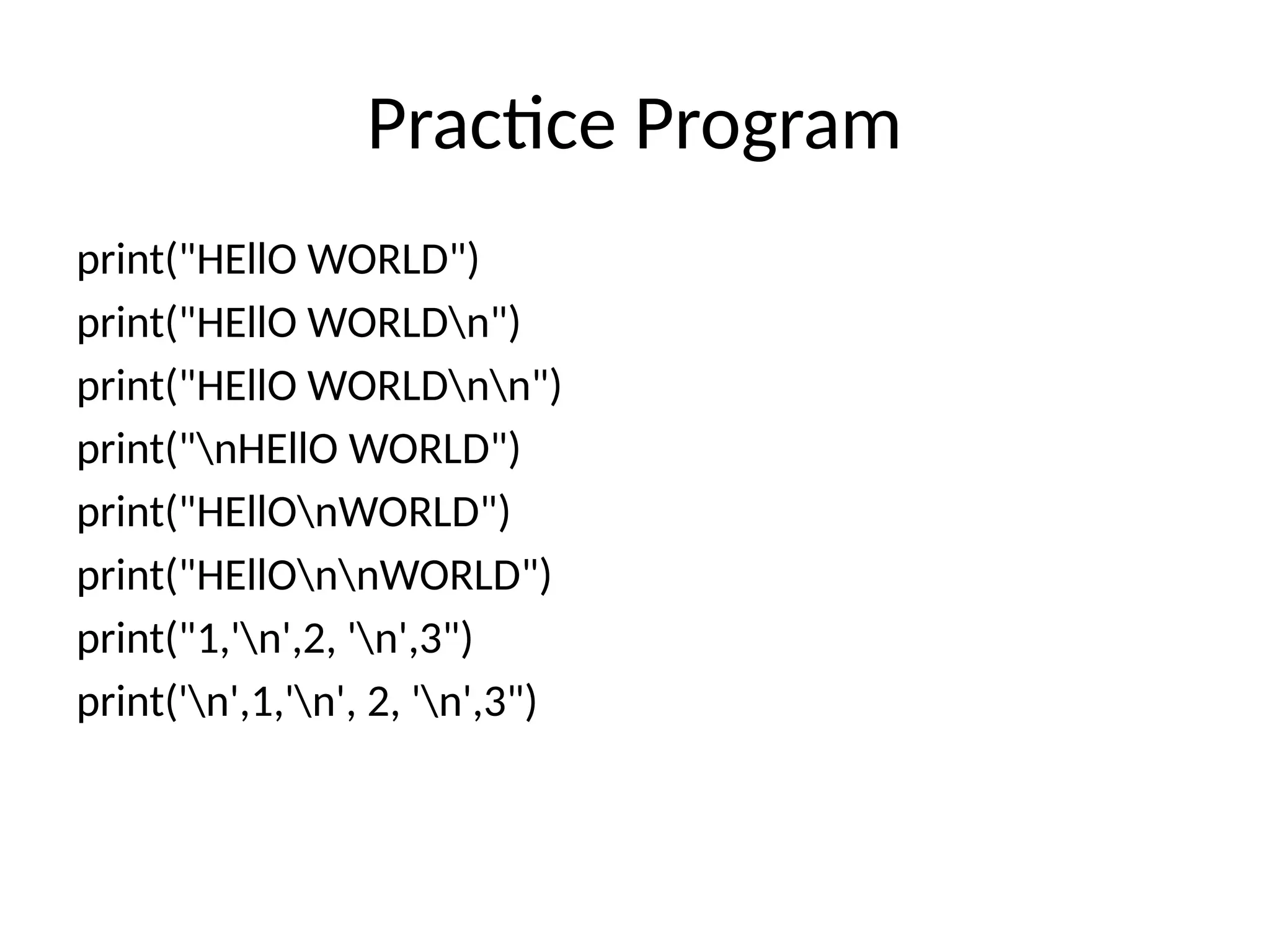
Output:
I am good!
But not always!
I am good, But not always!
I am good,But not always!
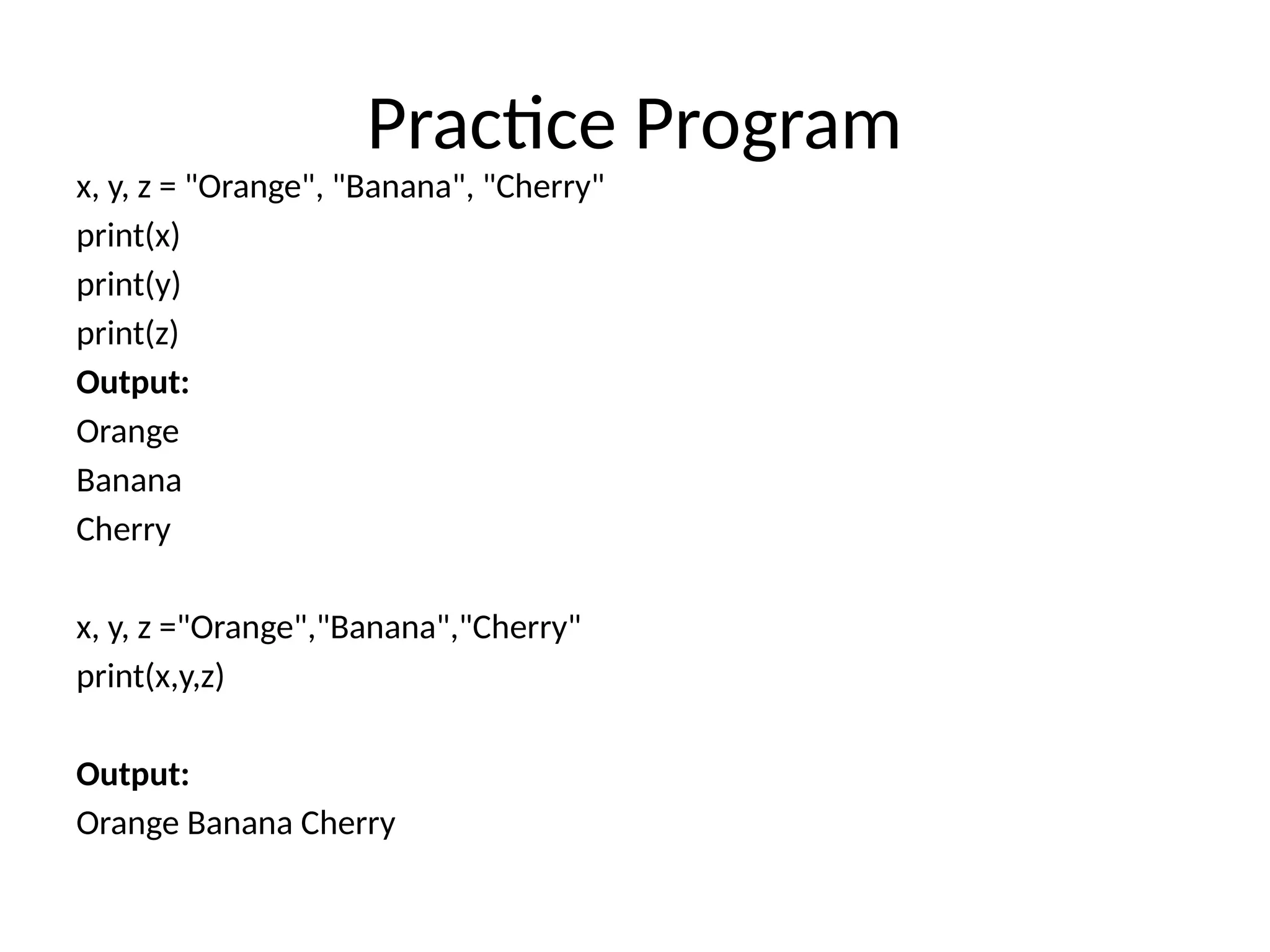
Practice Program
x, y,z = "Orange", "Banana", "Cherry"
print(x)
print(y)
print(z)
Output:
Orange
Banana
Cherry
x, y, z ="Orange","Banana","Cherry"
print(x,y,z)
Output:
Orange Banana Cherry
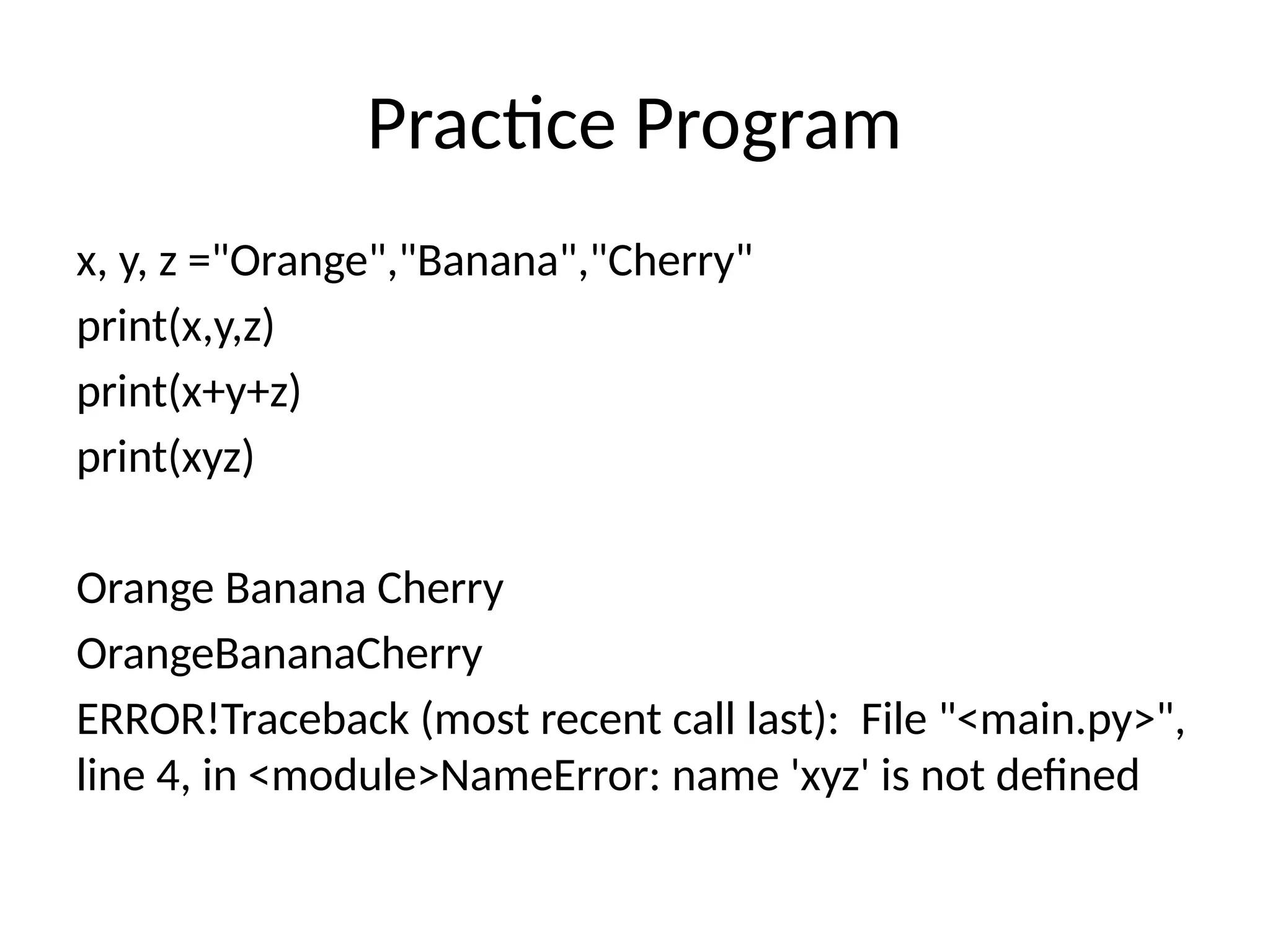
18.
Practice Program
x, y,z ="Orange","Banana","Cherry"
print(x,y,z)
print(x+y+z)
print(xyz)
Orange Banana Cherry
OrangeBananaCherry
ERROR!Traceback (most recent call last): File "<main.py>",
line 4, in <module>NameError: name 'xyz' is not defined
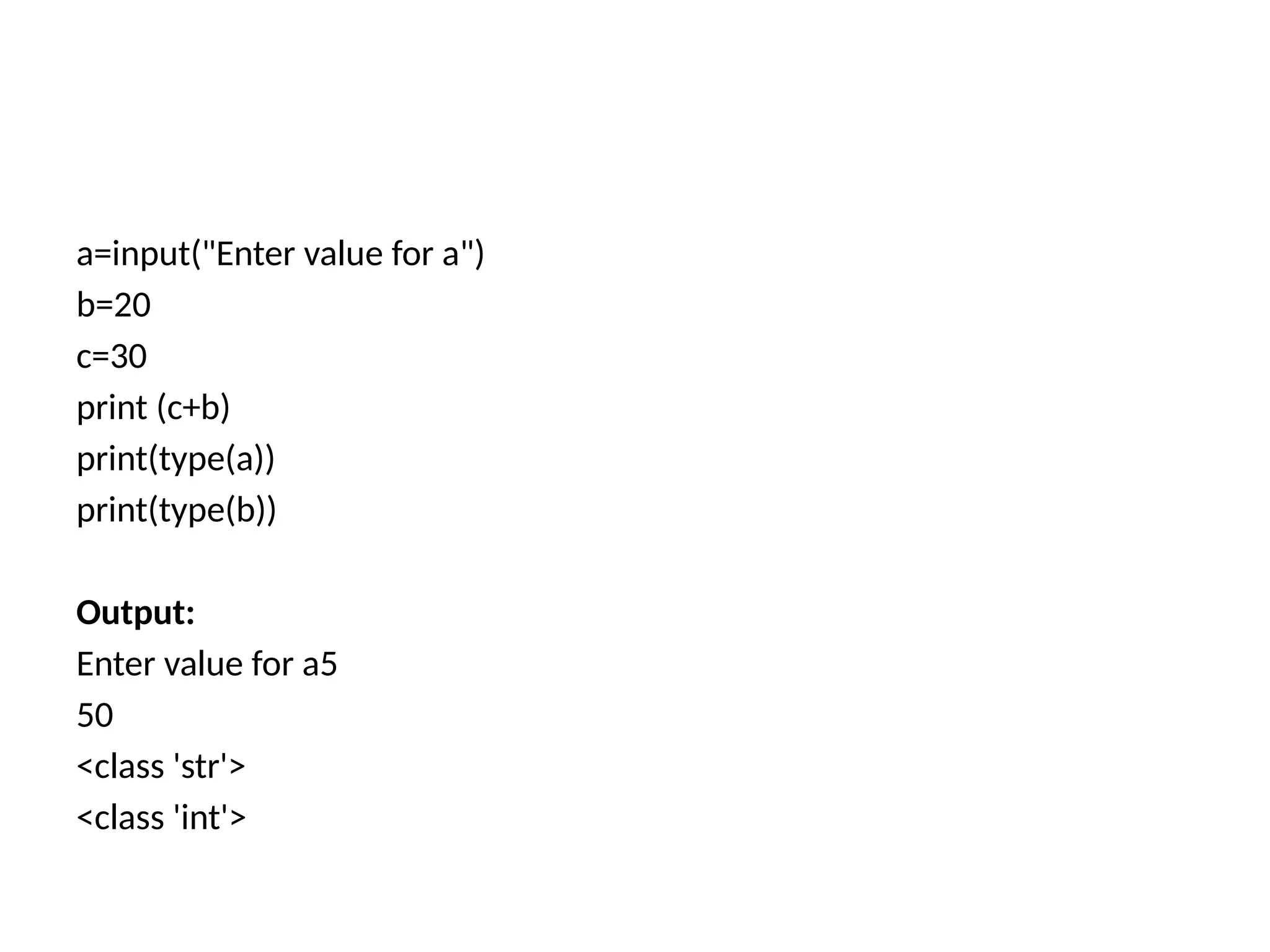
a=input("Enter value fora")
b=20
c=30
print (c+b)
print(type(a))
print(type(b))
Output:
Enter value for a5
50
<class 'str'>
<class 'int'>
21.
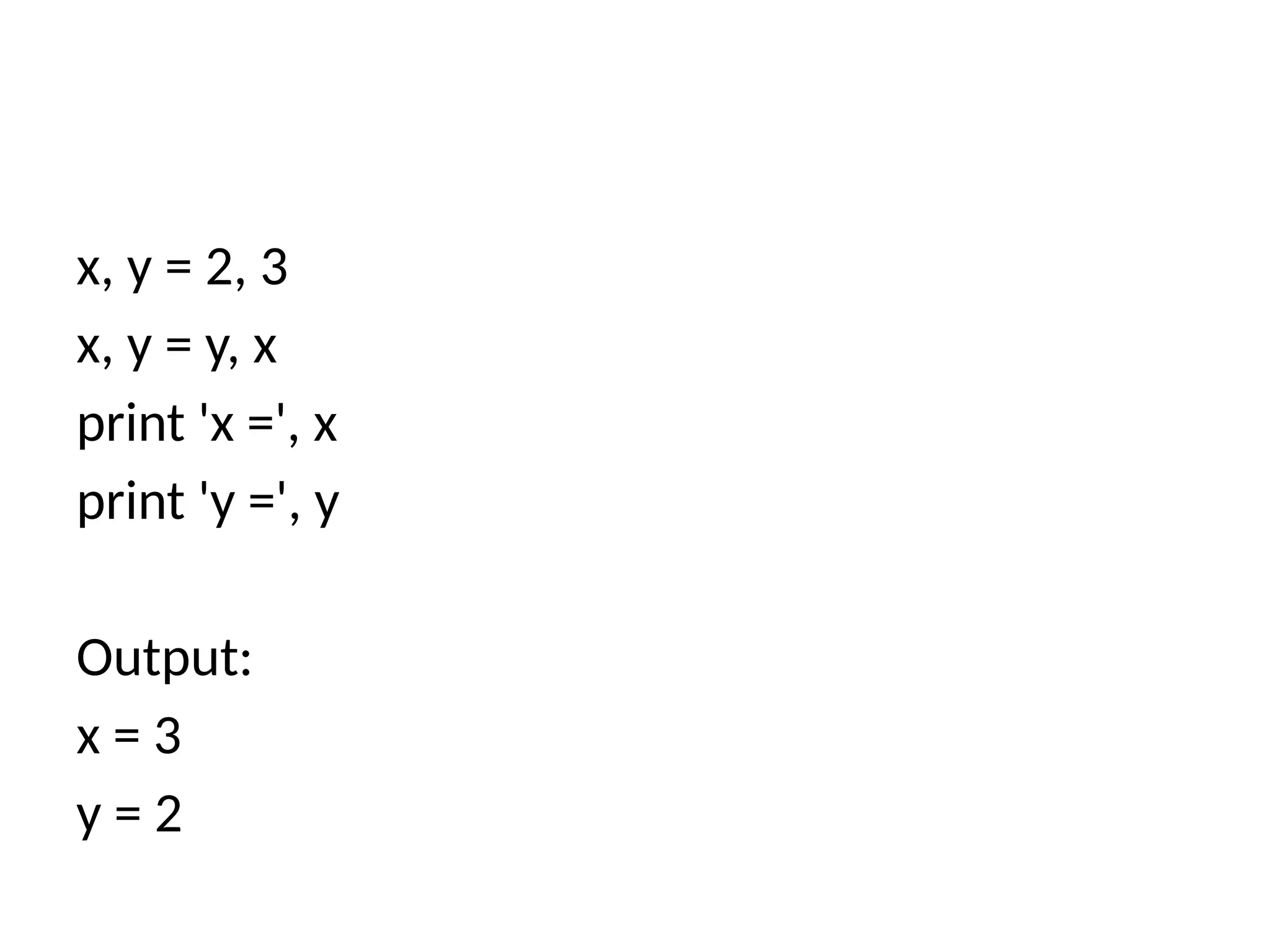
x, y =2, 3
x, y = y, x
print 'x =', x
print 'y =', y
Output:
x = 3
y = 2
22.
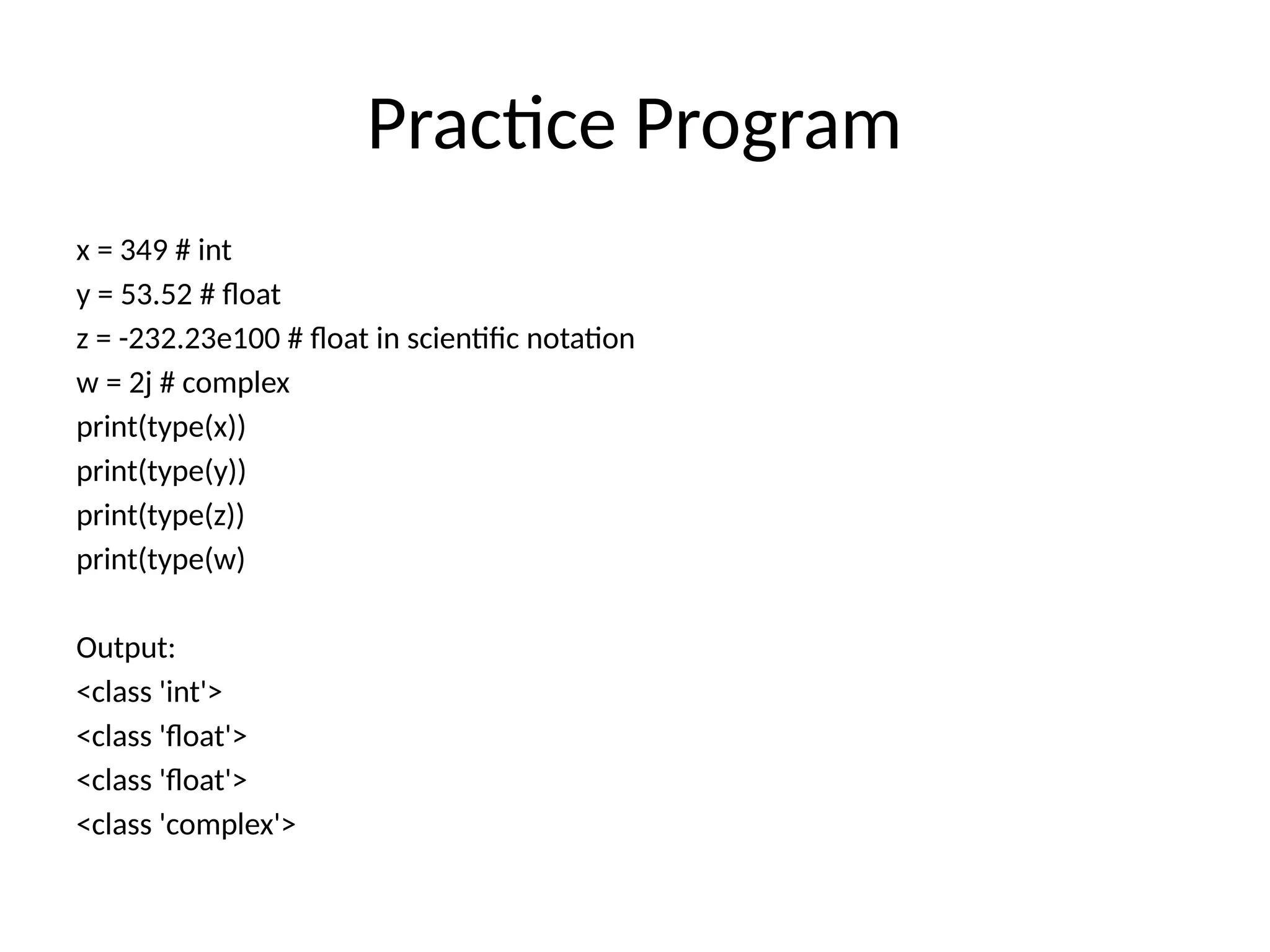
Practice Program
x =349 # int
y = 53.52 # float
z = -232.23e100 # float in scientific notation
w = 2j # complex
print(type(x))
print(type(y))
print(type(z))
print(type(w)
Output:
<class 'int'>
<class 'float'>
<class 'float'>
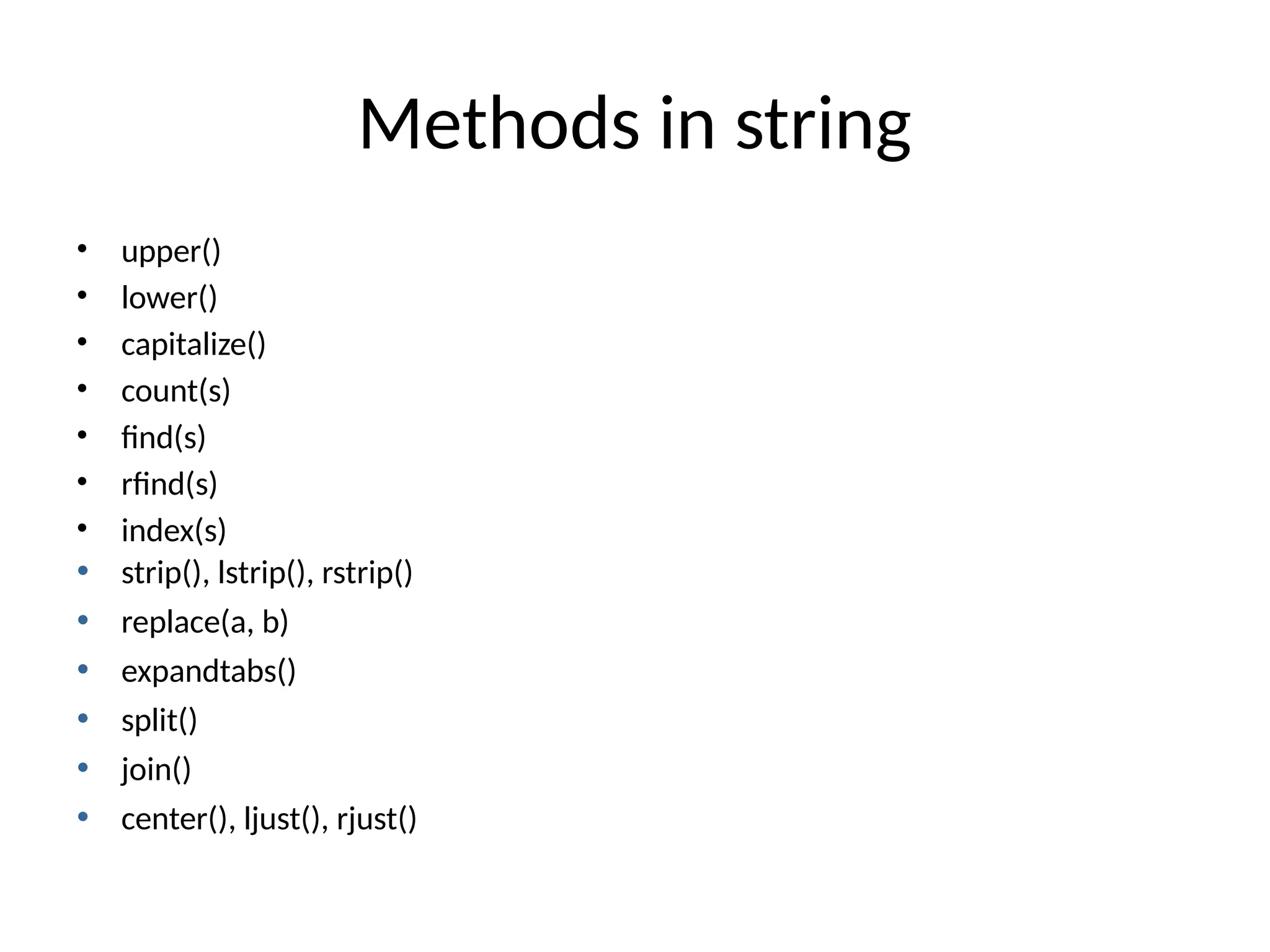
<class 'complex'>
Practice Program
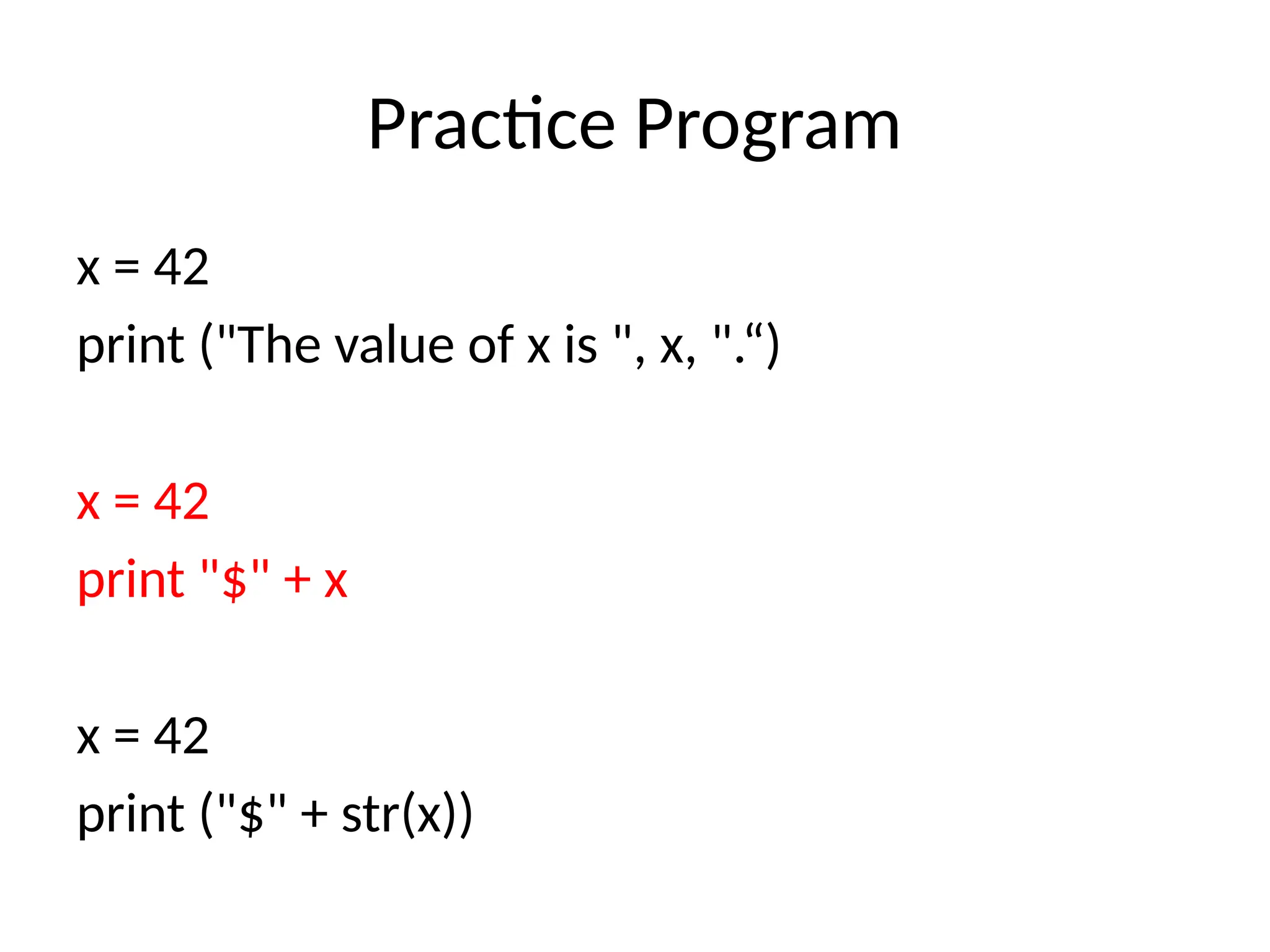
x =42
print ("The value of x is ", x, ".“)
x = 42
print "$" + x
x = 42
print ("$" + str(x))
27.
Practice Program
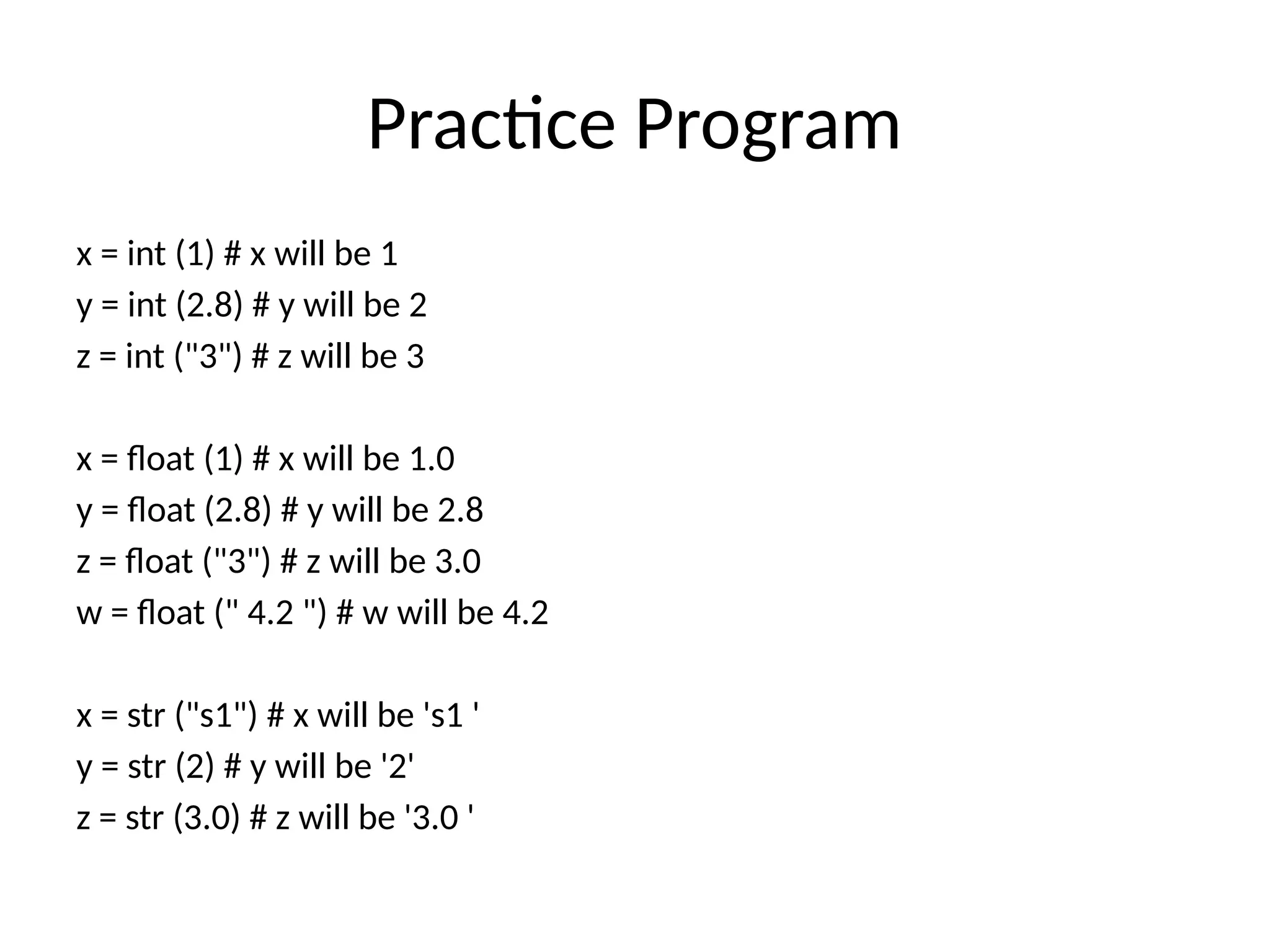
x =int (1) # x will be 1
y = int (2.8) # y will be 2
z = int ("3") # z will be 3
x = float (1) # x will be 1.0
y = float (2.8) # y will be 2.8
z = float ("3") # z will be 3.0
w = float (" 4.2 ") # w will be 4.2
x = str ("s1") # x will be 's1 '
y = str (2) # y will be '2'
z = str (3.0) # z will be '3.0 '
Indexing
s = "Hello "
print (s)
# Multiline strings
s1 = """ This is the example line .
Example of a Python strings
with multiple lines
This is the fourth line . """
print (s1)
s2 = "Hello , World !"
print (s2 [1])
print (s2 [2:5])
31.
Negative Indexing
# NegativeIndexing - To start the slice from the end of
the string :
s2 = " Hello World !"
print (s2 [ -5: -2])
s = " Hello World !"
print (s. len ()) # Length of a string
print (s. lower ()) # Convert the string into lower case
print (s. upper ()) # Convert the string into upper case
print (s. strip ()) # Remove the white spaces in the string
32.
Practice Program
# NegativeIndexing - To start the slice from the end of
the string :
s2 = " Hello World !"
print (s2 [ -5: -2])
s = " Hello World !"
print (s. len ()) # Length of a string
print (s. lower ()) # Convert the string into lower case
print (s. upper ()) # Convert the string into upper case
print (s. strip ()) # Remove the white spaces in the string
36.
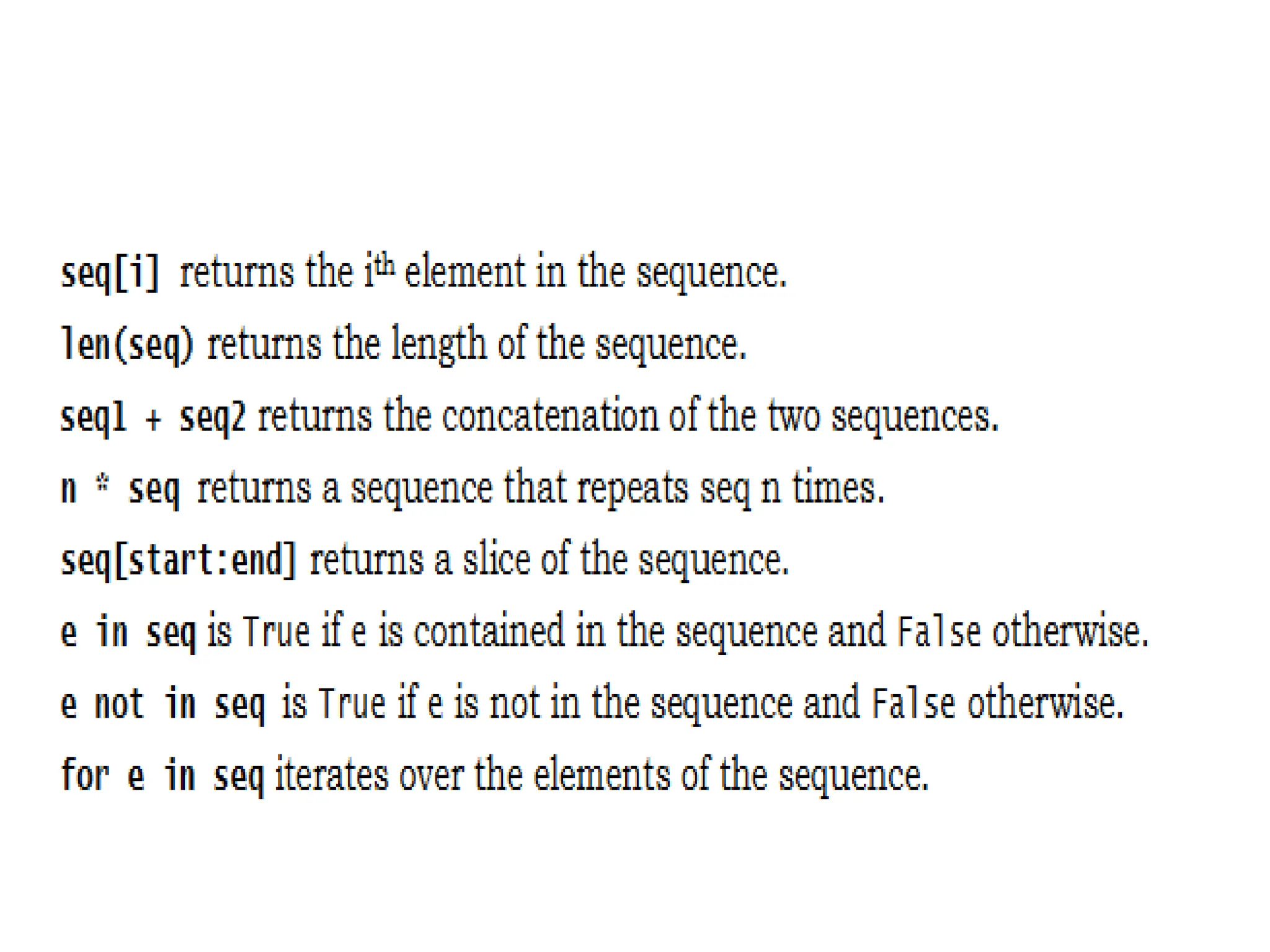
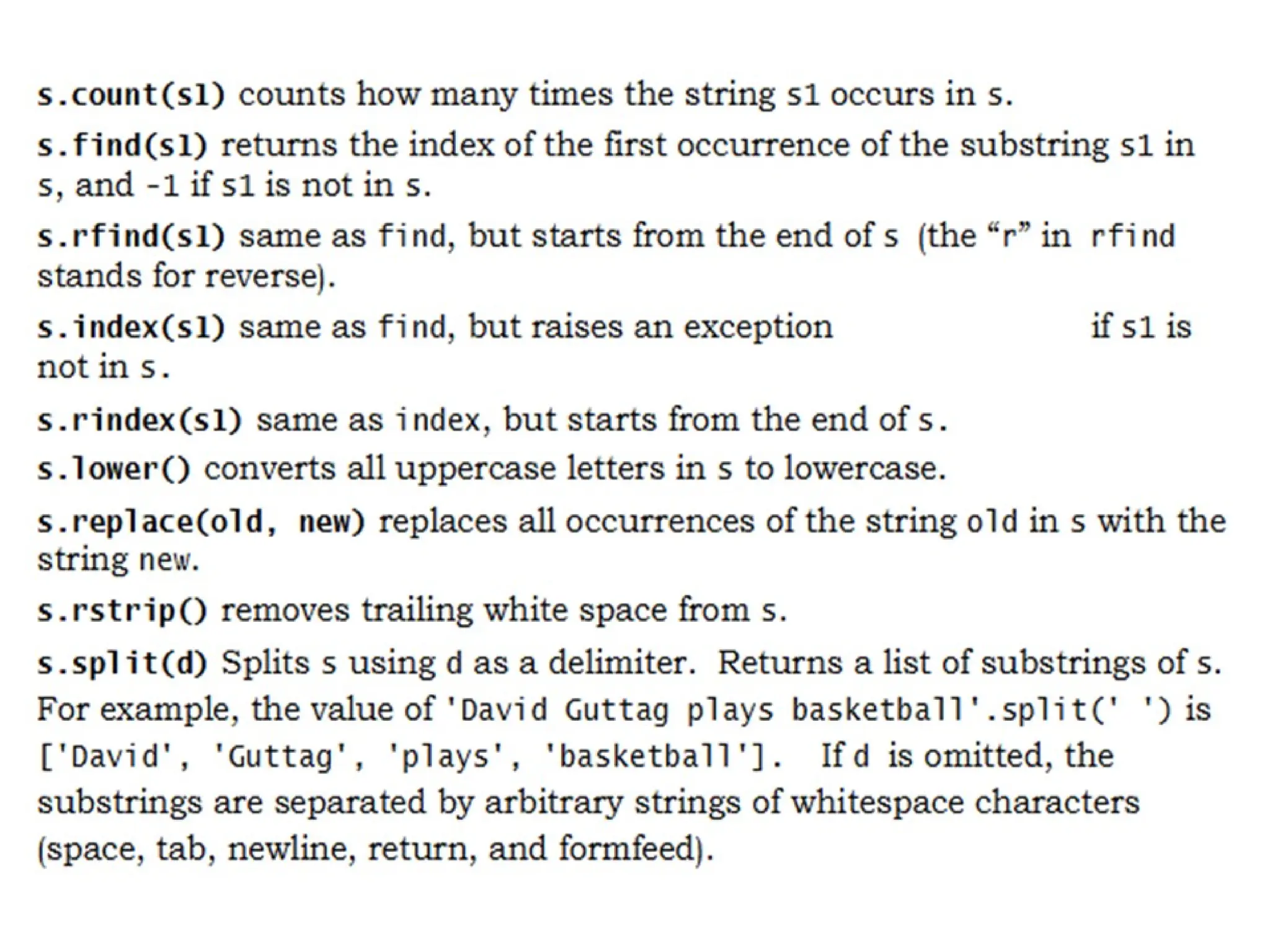
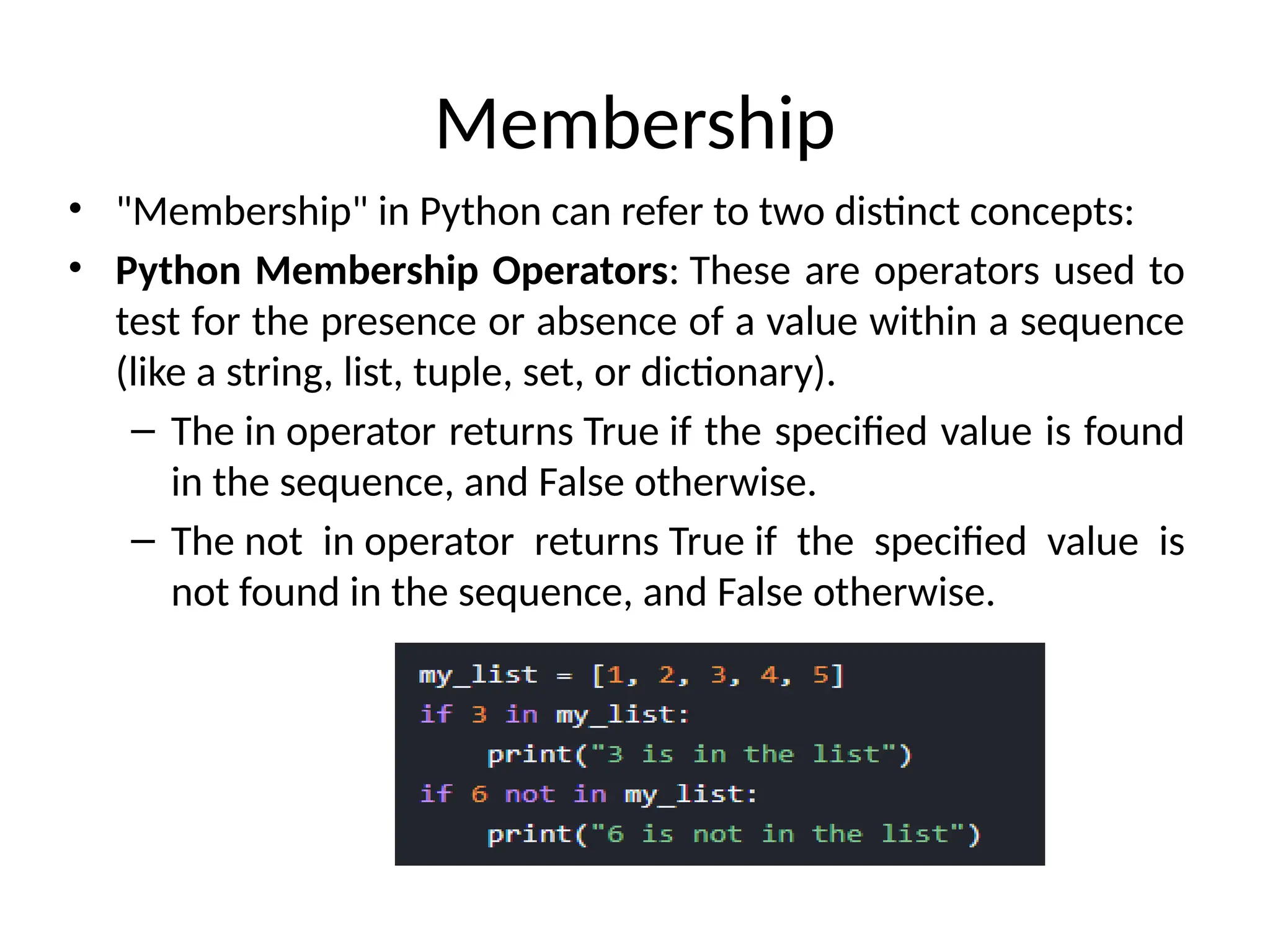
Membership
• "Membership" inPython can refer to two distinct concepts:
• Python Membership Operators: These are operators used to
test for the presence or absence of a value within a sequence
(like a string, list, tuple, set, or dictionary).
– The in operator returns True if the specified value is found
in the sequence, and False otherwise.
– The not in operator returns True if the specified value is
not found in the sequence, and False otherwise.
37.
List
It isa general purpose most widely used in data structures
List is a collection which is ordered and changeable and allows
duplicate members.(Grow and shrink as needed, sequence type,
sortable).
To use a list, you must declare it first. Do this using square
brackets and separate values with commas.We can construct /
create list in many ways.
Ex:>>> list1=[1,2,3,'A','B',7,8,[10,11]]
>>> print(list1)
Output:
[1, 2, 3, 'A', 'B', 7, 8, [10, 11]]
38.
List
– A containerthat holds a number of other objects, in a
given order
– Defined in square brackets
a = [1, 2, 3, 4, 5]
print a[1] # number 2
some_list = []
some_list.append("foo")
some_list.append(12)
print len(some_list) # 2
39.
• a =[98, "bottles of beer", ["on", "the", "wall"]]
• Flexible arrays
• Same operators as for strings
• a+b, a*3, a[0], a[-1], a[1:], len(a)
• Item and slice assignment
• a[0] = 98
• a[1:2] = ["bottles", "of", "beer"]
-> [98, "bottles", "of", "beer", ["on", "the", "wall"]]
• del a[-1] # -> [98, "bottles", "of", "beer"]
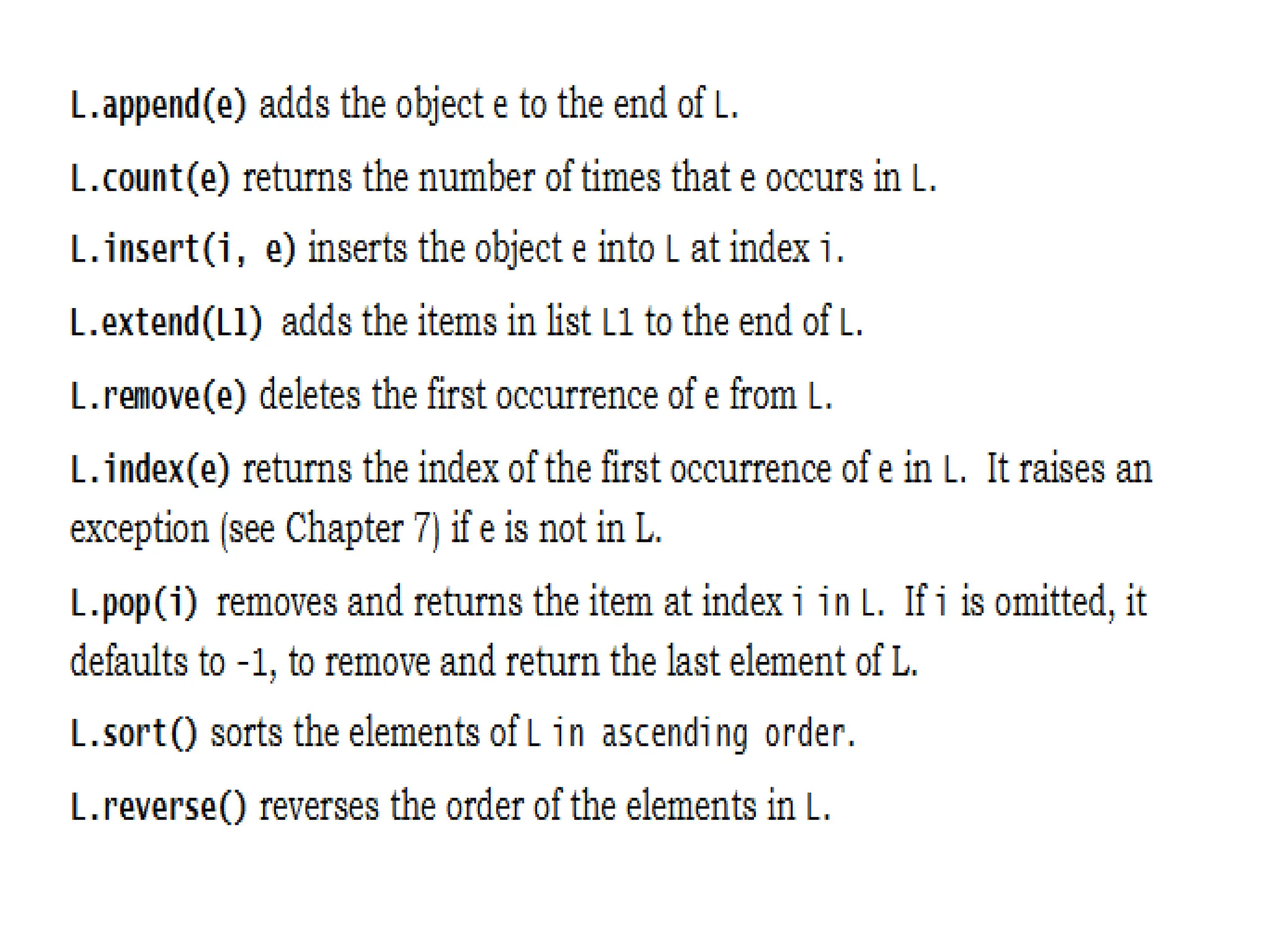
Operations on Lists
Listshave many methods, including index, count,
remove, reverse, sort
>>> li = [‘a’, ‘b’, ‘c’, ‘b’]
>>> li.index(‘b’) # index of 1st
occurrence
1
>>> li.count(‘b’) # number of occurrences
2
>>> li.remove(‘b’) # remove 1st
occurrence
>>> li
[‘a’, ‘c’, ‘b’]
46.
Operations on Lists
>>>li = [5, 2, 6, 8]
>>> li.reverse() # reverse the list *in place*
>>> li
[8, 6, 2, 5]
>>> li.sort() # sort the list *in place*
>>> li
[2, 5, 6, 8]
>>> li.sort(some_function)
# sort in place using user-defined comparison
47.
The extend methodvs +
• + creates a fresh list with a new memory ref
• extend operates on list li in place.
>>> li.extend([9, 8, 7])
>>> li
[1, 2, ‘i’, 3, 4, 5, ‘a’, 9, 8, 7]
• Potentially confusing:
– extend takes a list as an argument.
– append takes a singleton as an argument.
>>> li.append([10, 11, 12])
>>> li
[1, 2, ‘i’, 3, 4, 5, ‘a’, 9, 8, 7, [10, 11, 12]]
48.
Iterating over thelist
list = ['M','R','C','E','T']
i = 1 #Iterating over the list
for a in list:
print ('college ',i,' is ',a)
i = i+1
Output:
college 1 is M
college 2 is R
college 3 is C
college 4 is E
college 5 is T
49.
Tuple
• What isa tuple?
– A tuple is an ordered collection which cannot
be modified once it has been created.
– In other words, it's a special array, a read-only array.
• How to make a tuple? In round brackets
– E.g.,
>>> t = ()
>>> t = (1, 2, 3)
>>> t = (1, )
>>> t = 1,
>>> a = (1, 2, 3, 4, 5)
>>> print a[1] # 2
50.
• Access individualmembers of a tuple, list, or string using
square bracket “array” notation
• Note that all are 0 based…
>>> tu = (23, ‘abc’, 4.56, (2,3), ‘def’)
>>> tu[1] # Second item in the tuple.
‘abc’
>>> li = [“abc”, 34, 4.34, 23]
>>> li[1] # Second item in the list.
34
>>> st = “Hello World”
>>> st[1] # Second character in string.
‘e’
51.
>>> t =(23, ‘abc’, 4.56, (2,3),
‘def’)
Positive index: count from the left, starting with 0
>>> t[1]
‘abc’
Negative index: count from right, starting with –1
>>> t[-3]
4.56
52.
>>> t =(23, ‘abc’, 4.56, (2,3),
‘def’)
Return a copy of the container with a subset of the
original members. Start copying at the first index, and
stop copying before second.
>>> t[1:4]
(‘abc’, 4.56, (2,3))
Negative indices count from end
>>> t[1:-1]
(‘abc’, 4.56, (2,3))
53.
>>> t =(23, ‘abc’, 4.56, (2,3),
‘def’)
Omit first index to make copy starting from beginning
of the container
>>> t[:2]
(23, ‘abc’)
Omit second index to make copy starting at first index
and going to end
>>> t[2:]
(4.56, (2,3), ‘def’)
54.
• [ :] makes a copy of an entire sequence
>>> t[:]
(23, ‘abc’, 4.56, (2,3), ‘def’)
• Note the difference between these two lines for
mutable sequences
>>> l2 = l1 # Both refer to 1 ref,
# changing one affects both
>>> l2 = l1[:] # Independent copies,
two refs
55.
‘in’ operator
• Booleantest whether a value is inside a container:
>>> t = [1, 2, 4, 5]
>>> 3 in t
False
>>> 4 in t
True
>>> 4 not in t
False
• For strings, tests for substrings
>>> a = 'abcde'
>>> 'c' in a
True
>>> 'cd' in a
True
>>> 'ac' in a
False
• Be careful: the in keyword is also used in the syntax of
for loops and list comprehensions
56.
The + Operator
The+ operator produces a new tuple, list, or string
whose value is the concatenation of its arguments.
>>> (1, 2, 3) + (4, 5, 6)
(1, 2, 3, 4, 5, 6)
>>> [1, 2, 3] + [4, 5, 6]
[1, 2, 3, 4, 5, 6]
>>> “Hello” + “ ” + “World”
‘Hello World’
57.
The * Operator
•The * operator produces a new tuple, list, or
string that “repeats” the original content.
>>> (1, 2, 3) * 3
(1, 2, 3, 1, 2, 3, 1, 2, 3)
>>> [1, 2, 3] * 3
[1, 2, 3, 1, 2, 3, 1, 2, 3]
>>> “Hello” * 3
‘HelloHelloHello’
58.
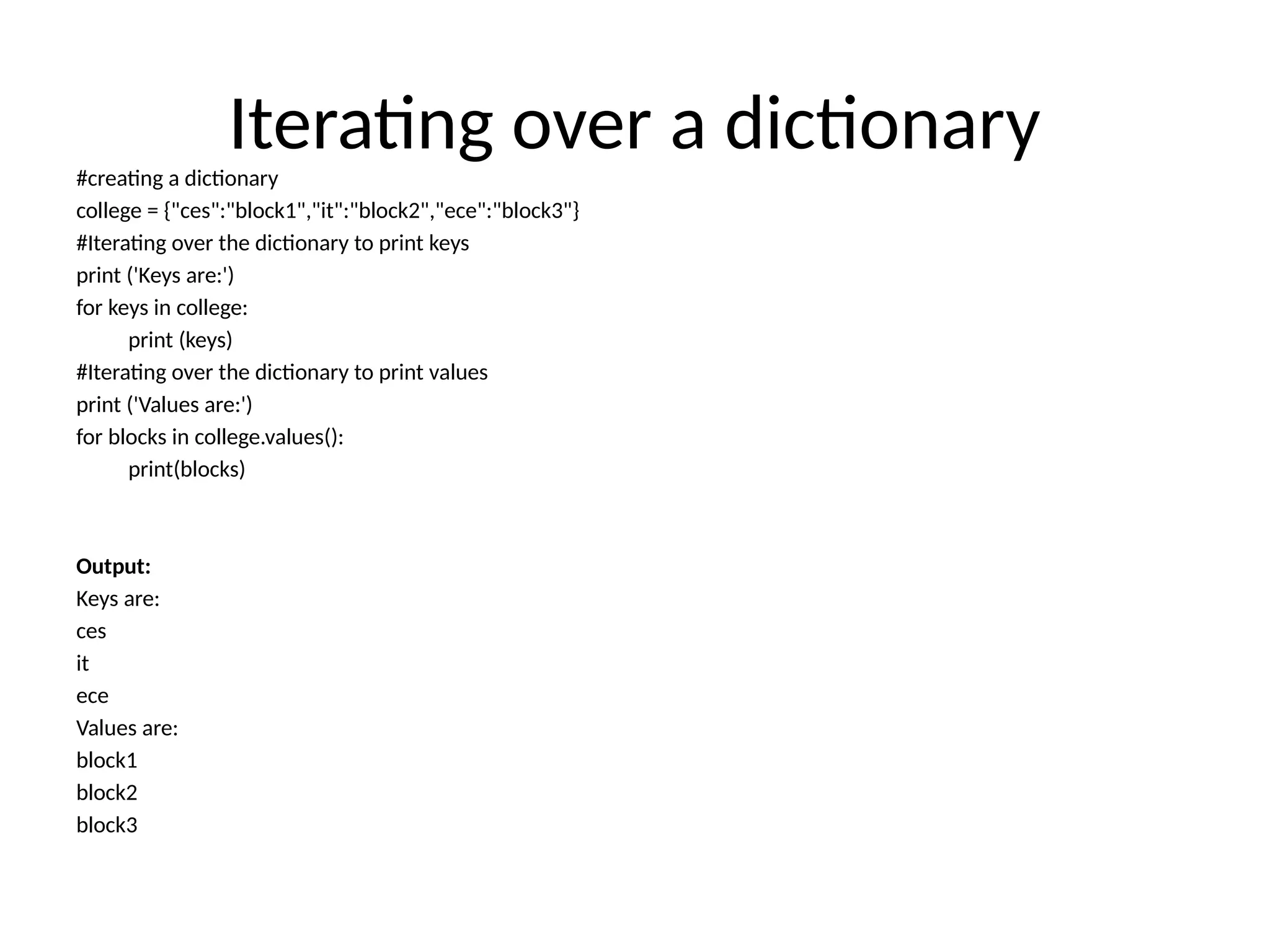
Iterating over adictionary
#creating a dictionary
college = {"ces":"block1","it":"block2","ece":"block3"}
#Iterating over the dictionary to print keys
print ('Keys are:')
for keys in college:
print (keys)
#Iterating over the dictionary to print values
print ('Values are:')
for blocks in college.values():
print(blocks)
Output:
Keys are:
ces
it
ece
Values are:
block1
block2
block3
59.
Operations on Tuple
•Indexing e.g., T[i]
• Slicing e.g., T[1:5]
• Concatenation e.g., T + T
• Repetition e.g., T * 5
• Membership test e.g., ‘a’ in T
• Length e.g., len(T)
60.
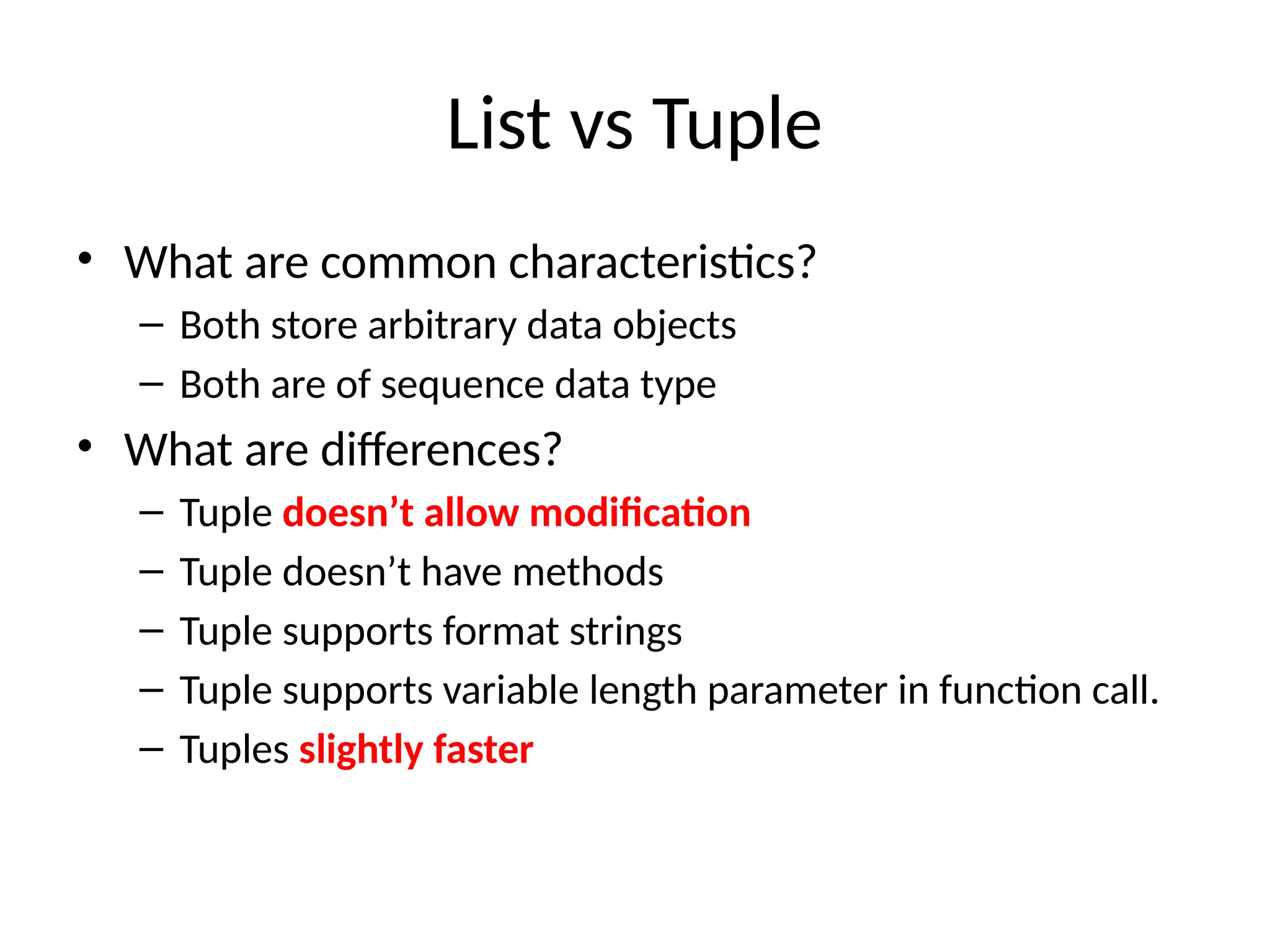
List vs Tuple
•What are common characteristics?
– Both store arbitrary data objects
– Both are of sequence data type
• What are differences?
– Tuple doesn’t allow modification
– Tuple doesn’t have methods
– Tuple supports format strings
– Tuple supports variable length parameter in function call.
– Tuples slightly faster
61.
Lists are mutable
>>>li = [‘abc’, 23, 4.34, 23]
>>> li[1] = 45
>>> li
[‘abc’, 45, 4.34, 23]
• We can change lists in place.
• Name li still points to the same memory
reference when we’re done.
62.
Tuples are immutable
>>>t = (23, ‘abc’, 4.56, (2,3), ‘def’)
>>> t[2] = 3.14
Traceback (most recent call last):
File "<pyshell#75>", line 1, in -toplevel-
tu[2] = 3.14
TypeError: object doesn't support item assignment
• You can’t change a tuple.
• You can make a fresh tuple and assign its reference to a
previously used name.
>>> t = (23, ‘abc’, 3.14, (2,3), ‘def’)
• The immutability of tuples means they’re faster than lists.
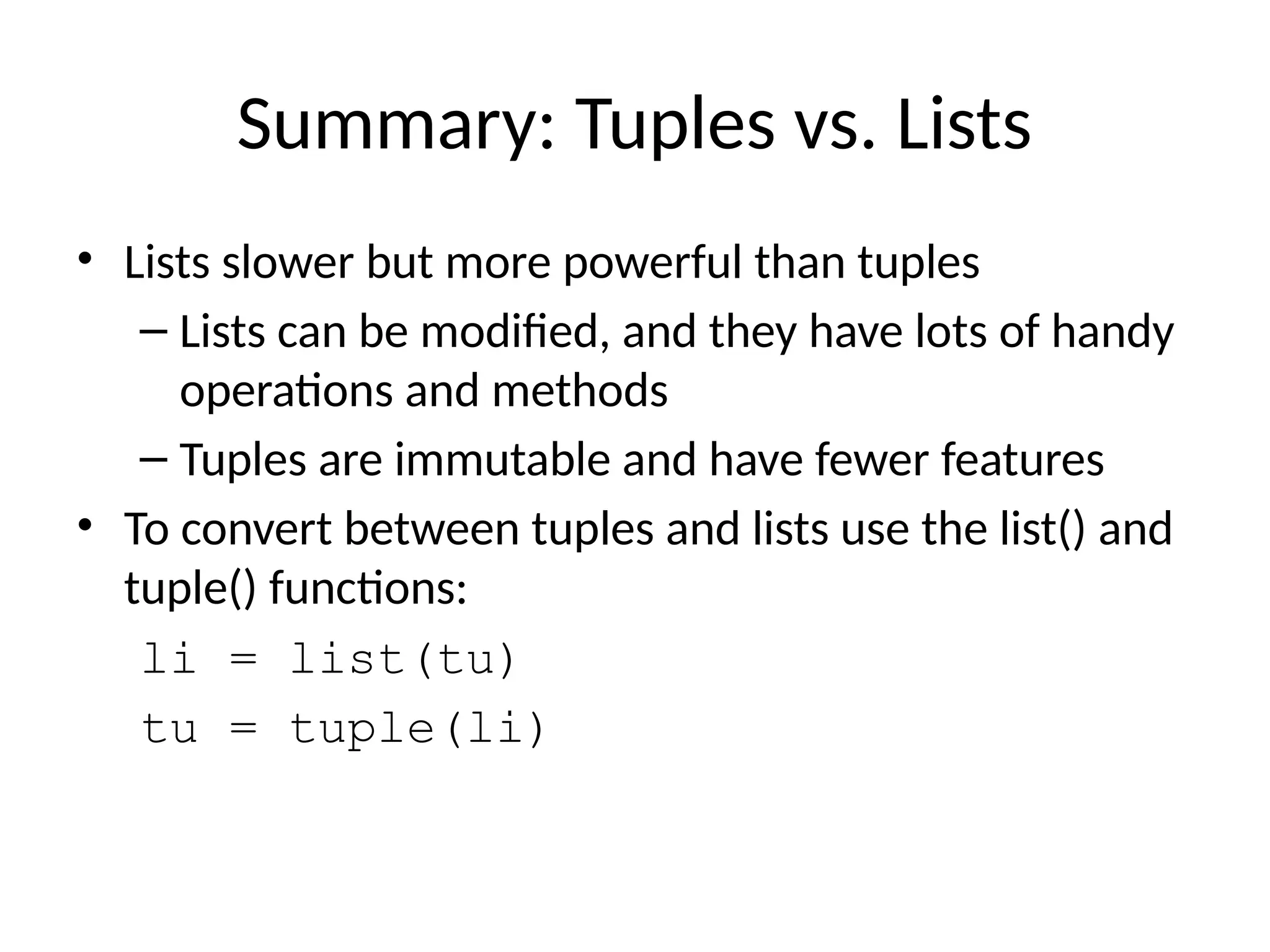
63.
Summary: Tuples vs.Lists
• Lists slower but more powerful than tuples
– Lists can be modified, and they have lots of handy
operations and methods
– Tuples are immutable and have fewer features
• To convert between tuples and lists use the list() and
tuple() functions:
li = list(tu)
tu = tuple(li)
64.
Dictionaries
• Dictionaries: curlybrackets
– What is dictionary?
• Refer value through key; “associative arrays”
– Like an array indexed by a string
– An unordered set of key: value pairs
– Values of any type; keys of almost any type
• {"name":"Guido", "age":43, ("hello","world"):1,
42:"yes", "flag": ["red","white","blue"]}
d = { "foo" : 1, "bar" : 2 }
print d["bar"] # 2
some_dict = {}
some_dict["foo"] = "yow!"
print some_dict.keys() # ["foo"]
65.
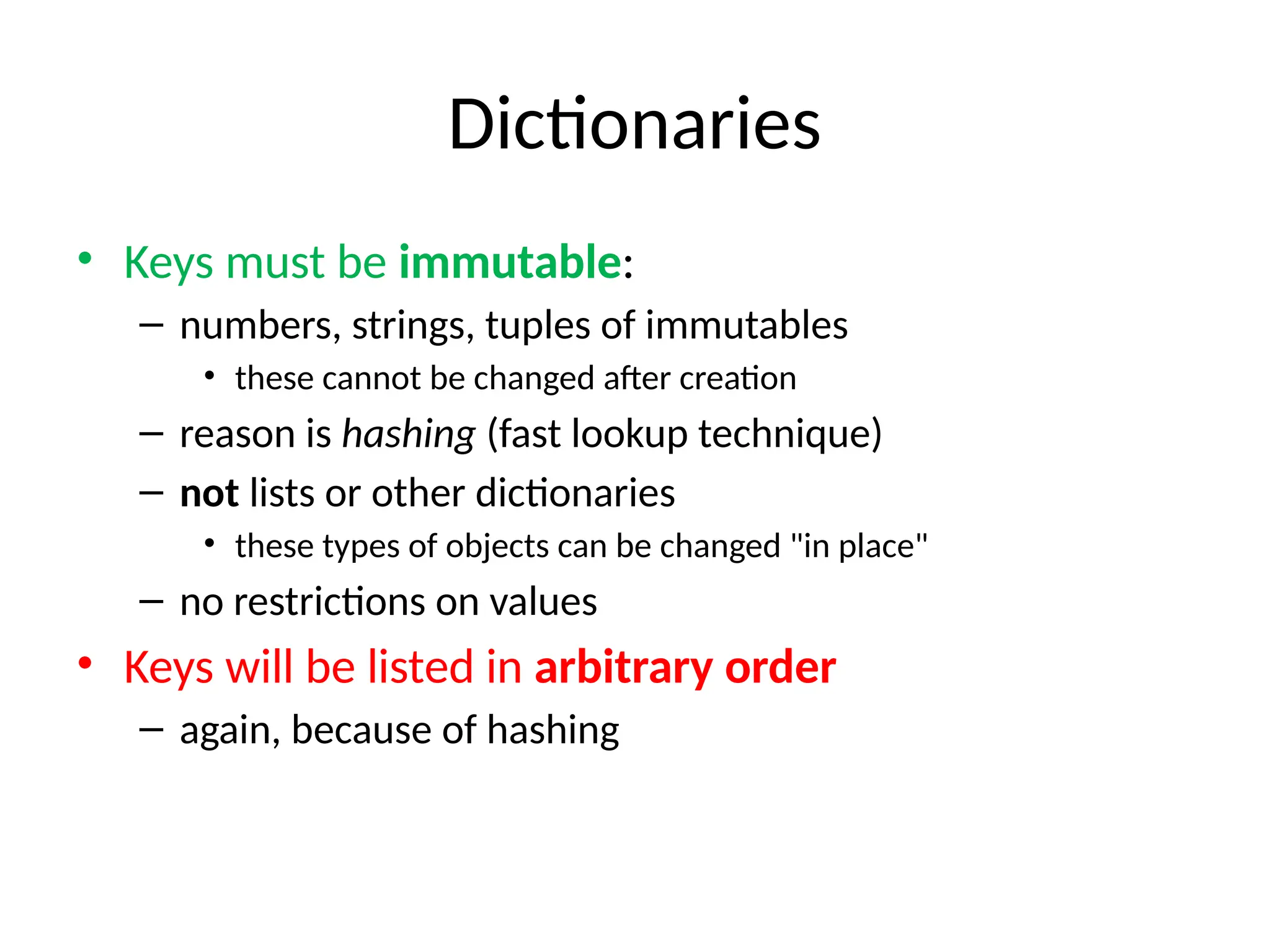
Dictionaries
• Keys mustbe immutable:
– numbers, strings, tuples of immutables
• these cannot be changed after creation
– reason is hashing (fast lookup technique)
– not lists or other dictionaries
• these types of objects can be changed "in place"
– no restrictions on values
• Keys will be listed in arbitrary order
– again, because of hashing
CONTROL FLOW, LOOPS
•Boolean values and operators
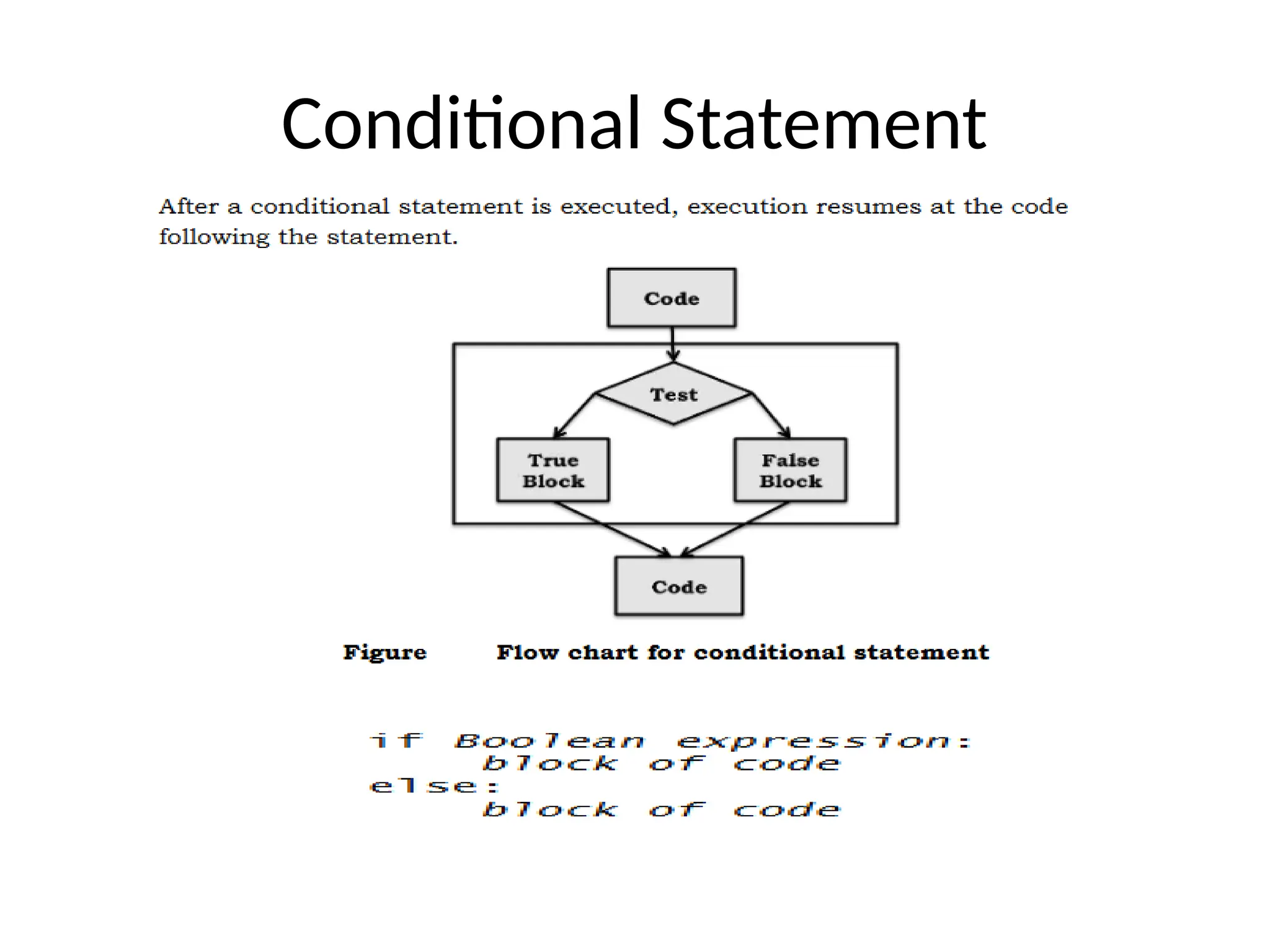
• Conditional (if)
• Alternative (if-else)
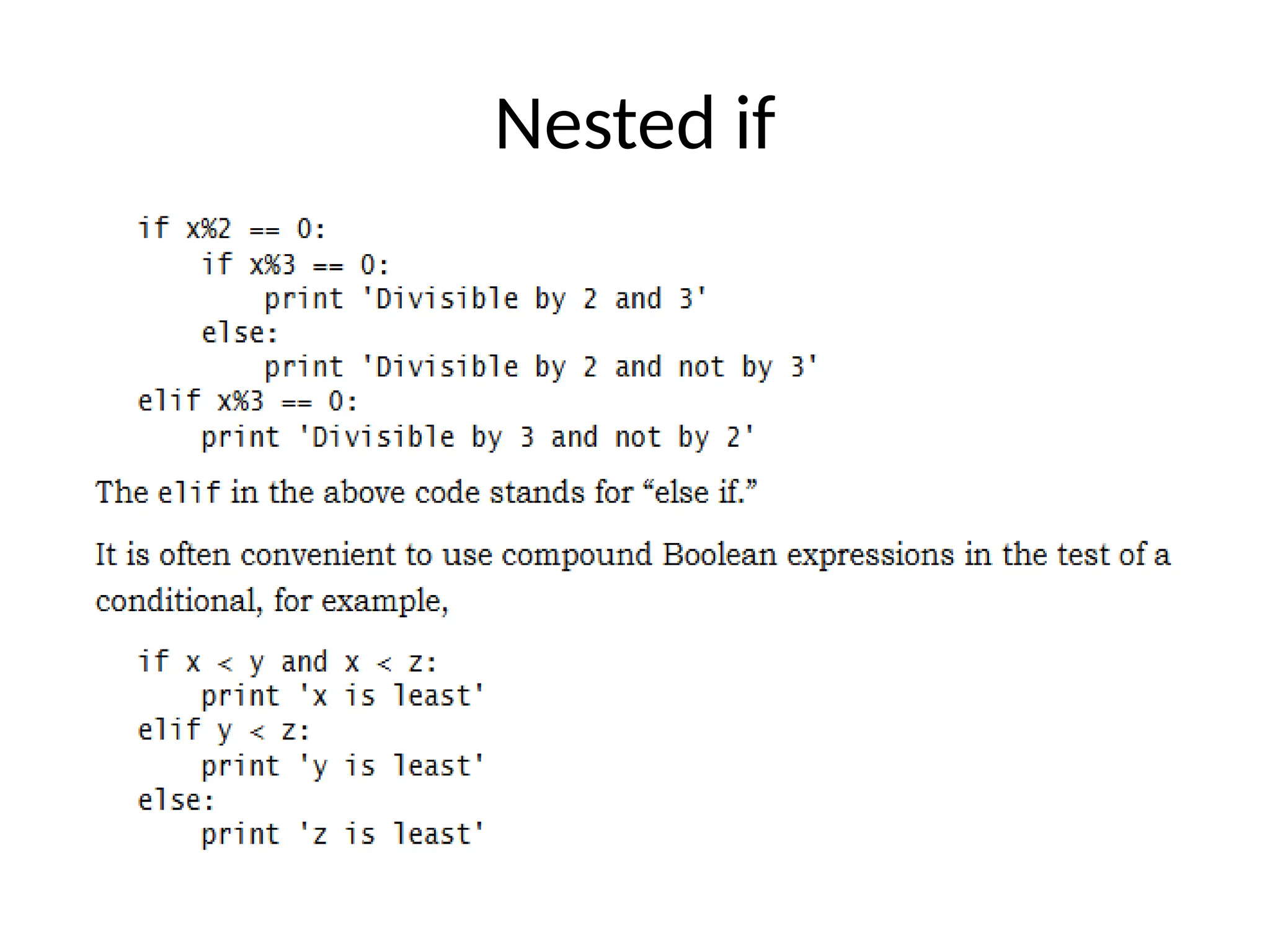
• Chained conditional (if-elif-else)
• Iteration: while, for, break, continue.
69.
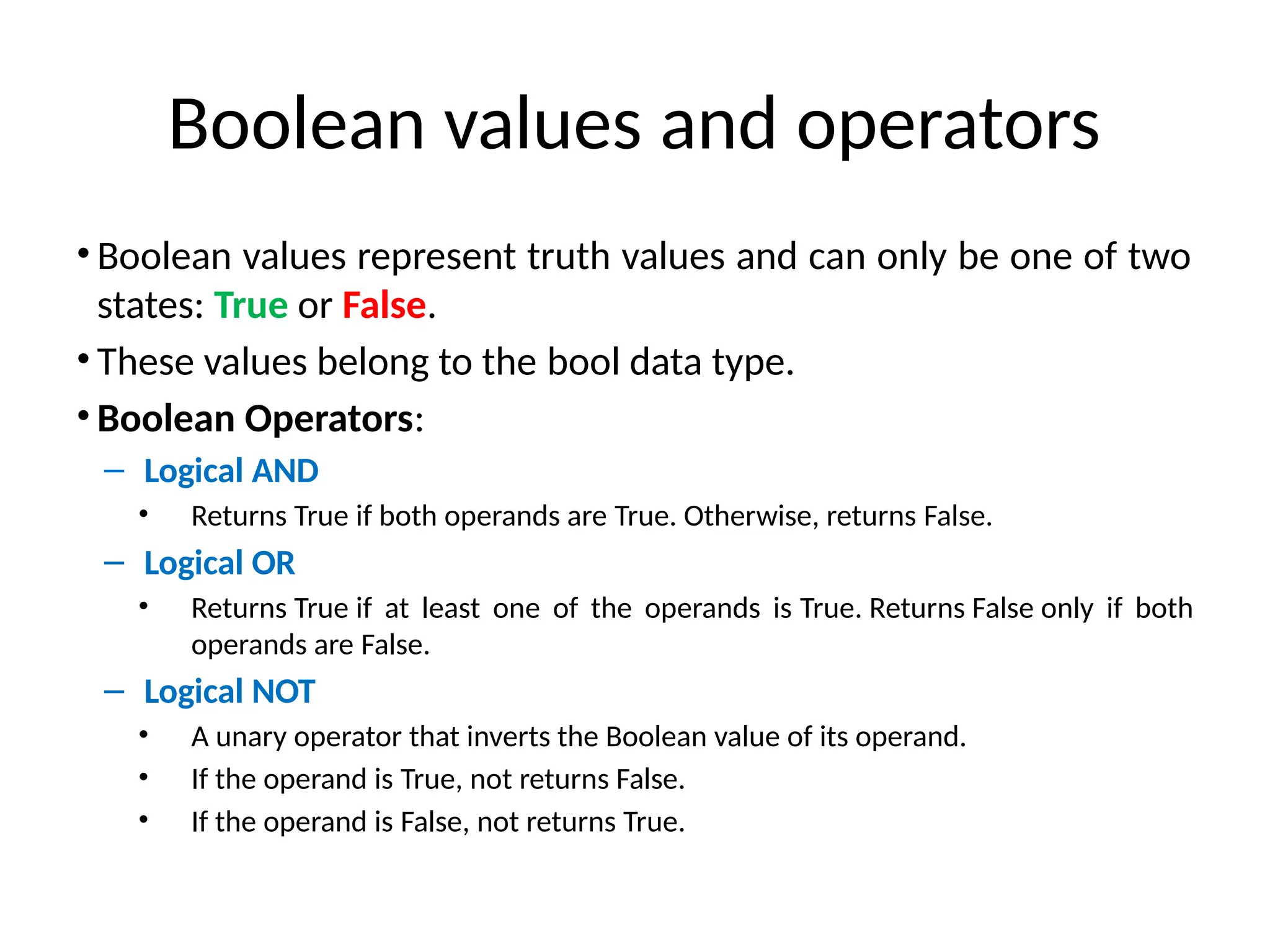
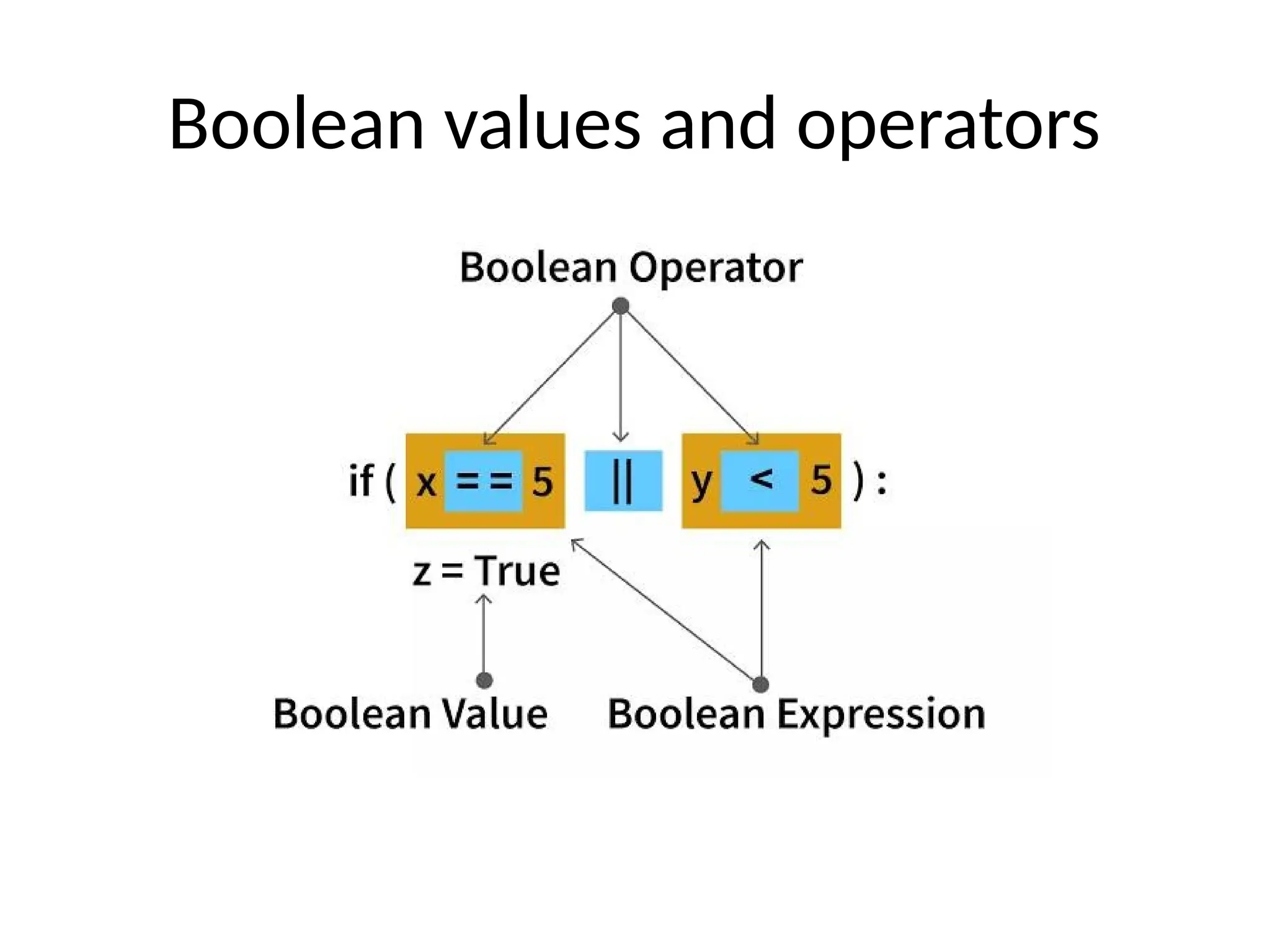
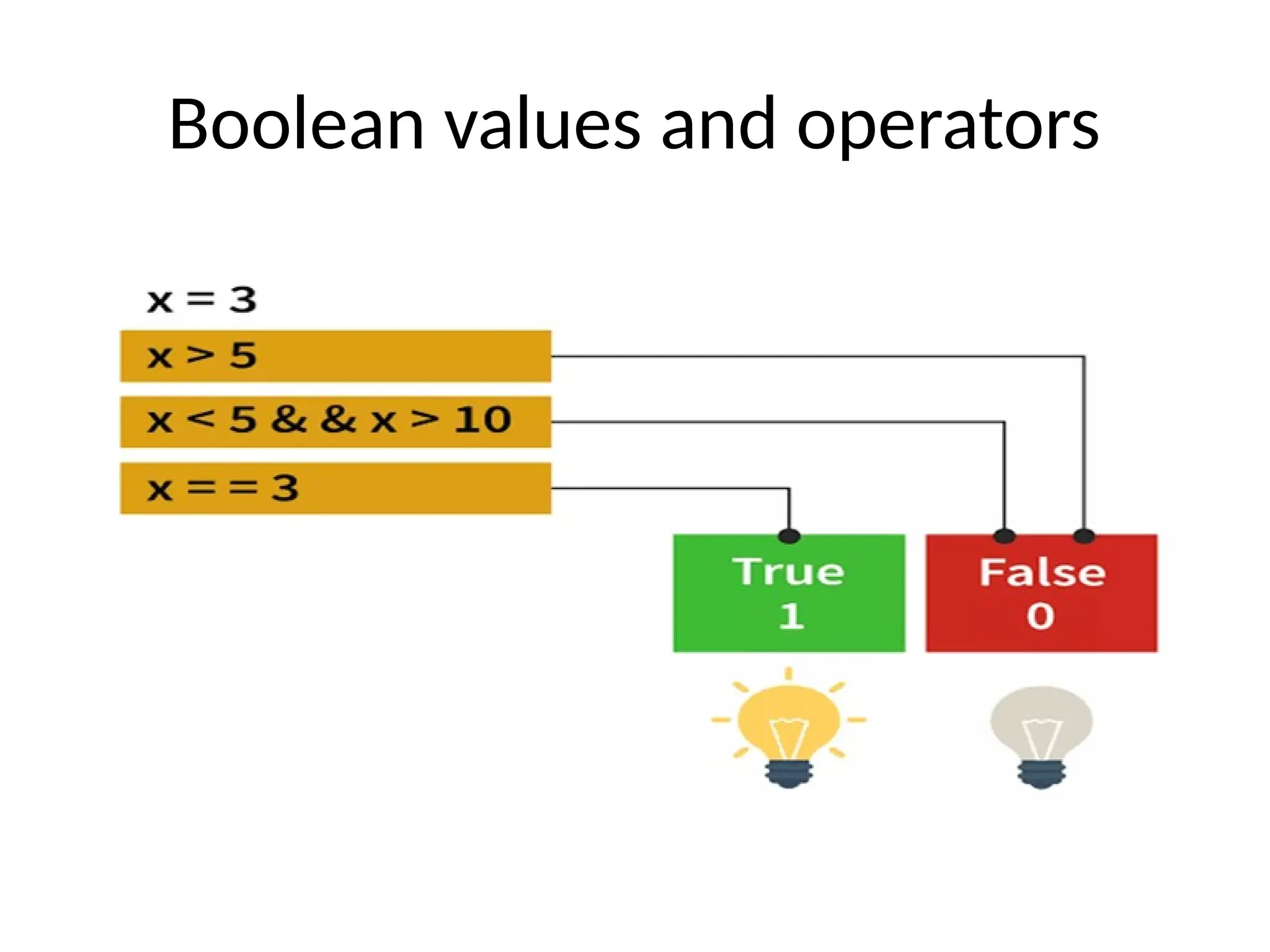
Boolean values andoperators
• Boolean values represent truth values and can only be one of two
states: True or False.
• These values belong to the bool data type.
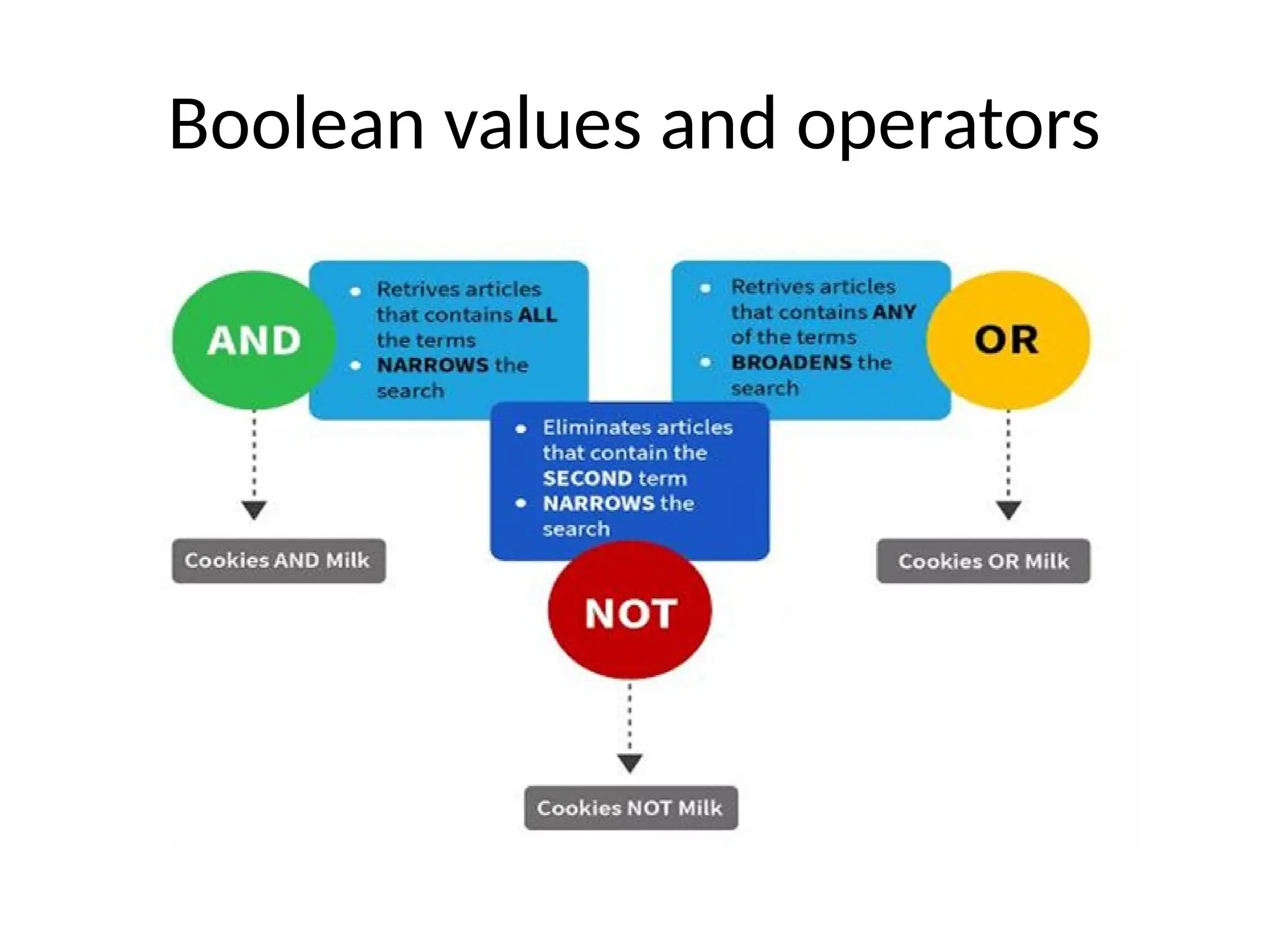
• Boolean Operators:
– Logical AND
• Returns True if both operands are True. Otherwise, returns False.
– Logical OR
• Returns True if at least one of the operands is True. Returns False only if both
operands are False.
– Logical NOT
• A unary operator that inverts the Boolean value of its operand.
• If the operand is True, not returns False.
• If the operand is False, not returns True.
70.
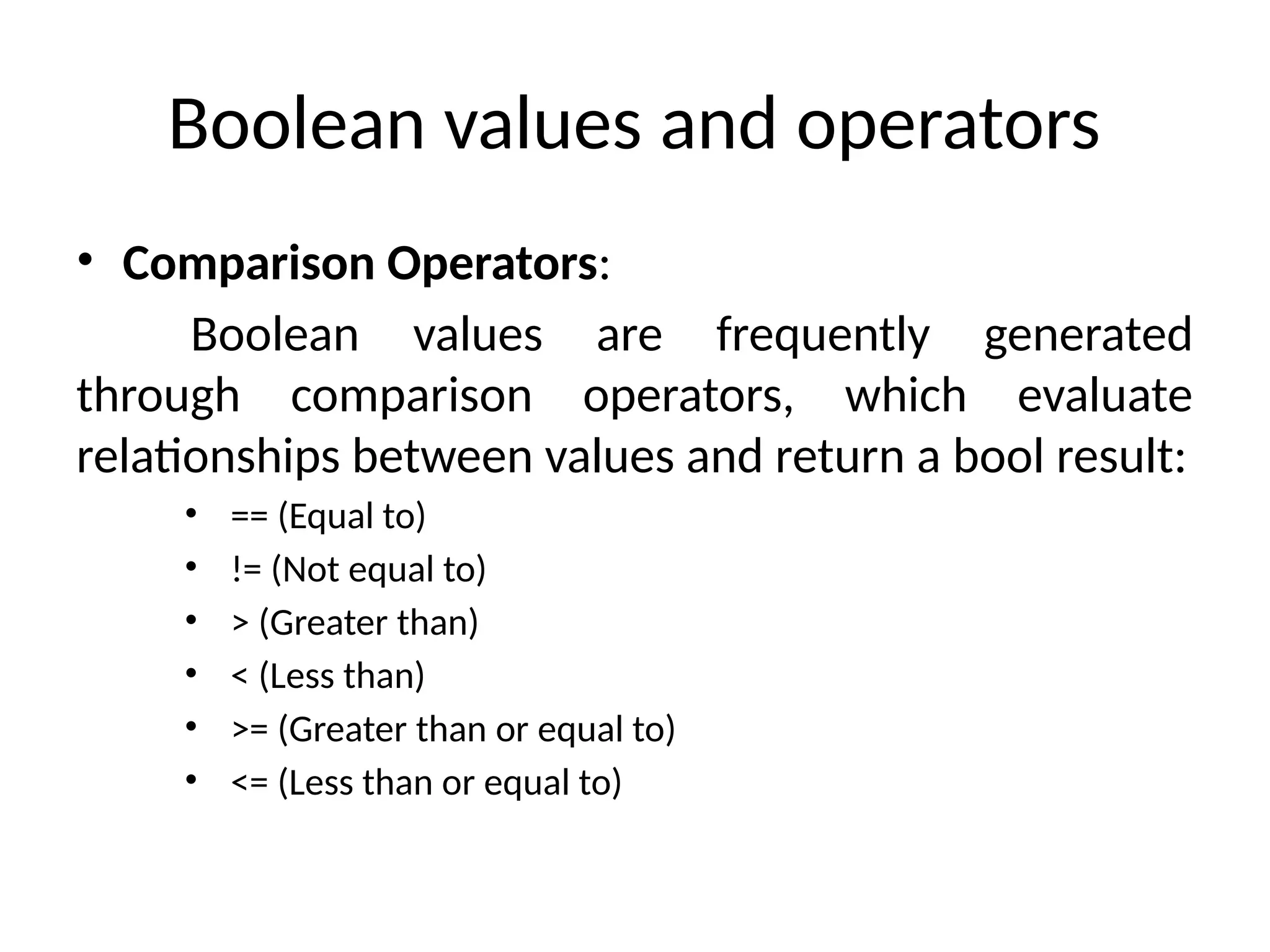
Boolean values andoperators
• Comparison Operators:
Boolean values are frequently generated
through comparison operators, which evaluate
relationships between values and return a bool result:
• == (Equal to)
• != (Not equal to)
• > (Greater than)
• < (Less than)
• >= (Greater than or equal to)
• <= (Less than or equal to)
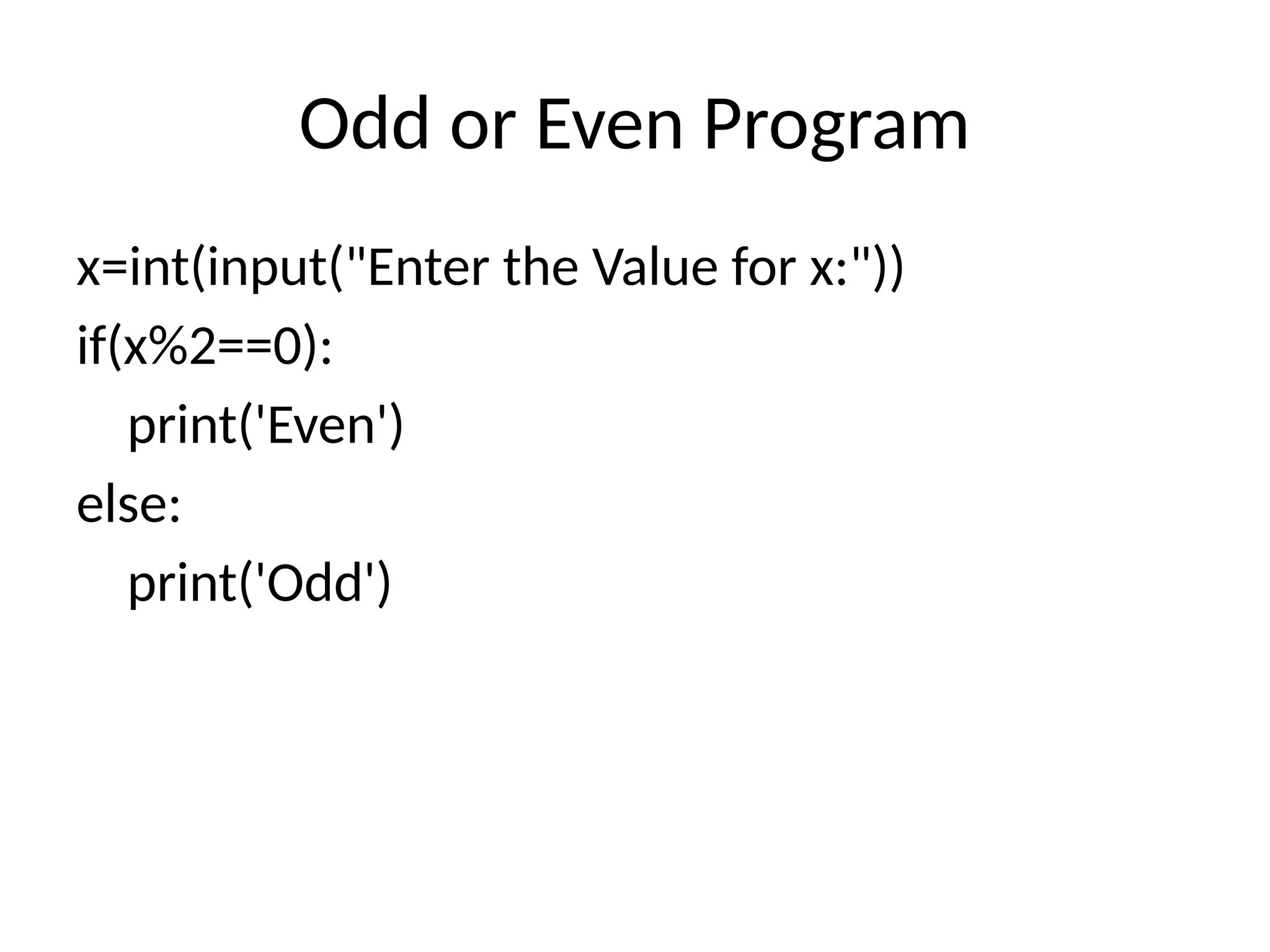
Odd or EvenProgram
x=int(input("Enter the Value for x:"))
if(x%2==0):
print('Even')
else:
print('Odd')
77.
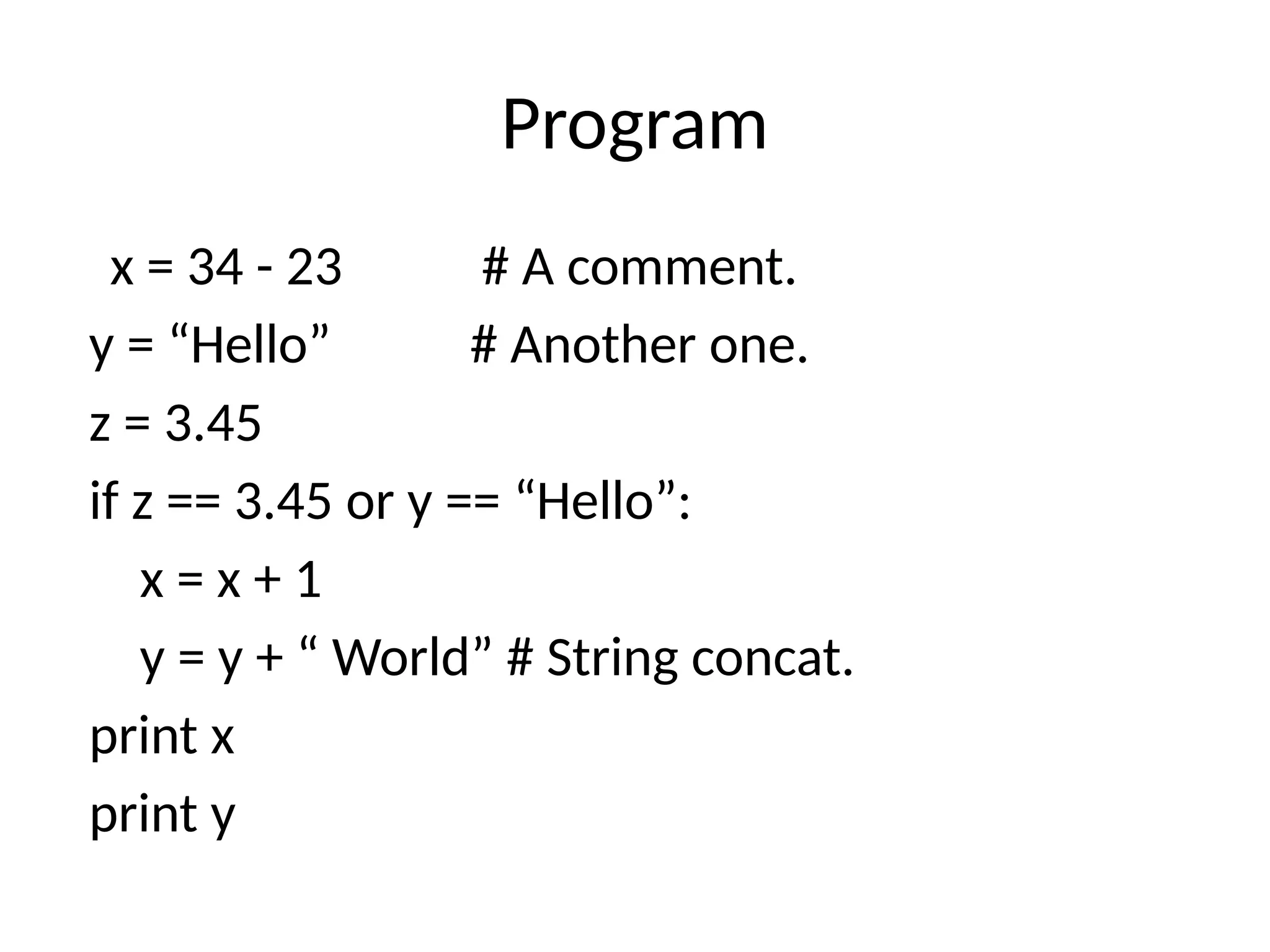
Program
x = 34- 23 # A comment.
y = “Hello” # Another one.
z = 3.45
if z == 3.45 or y == “Hello”:
x = x + 1
y = y + “ World” # String concat.
print x
print y
78.
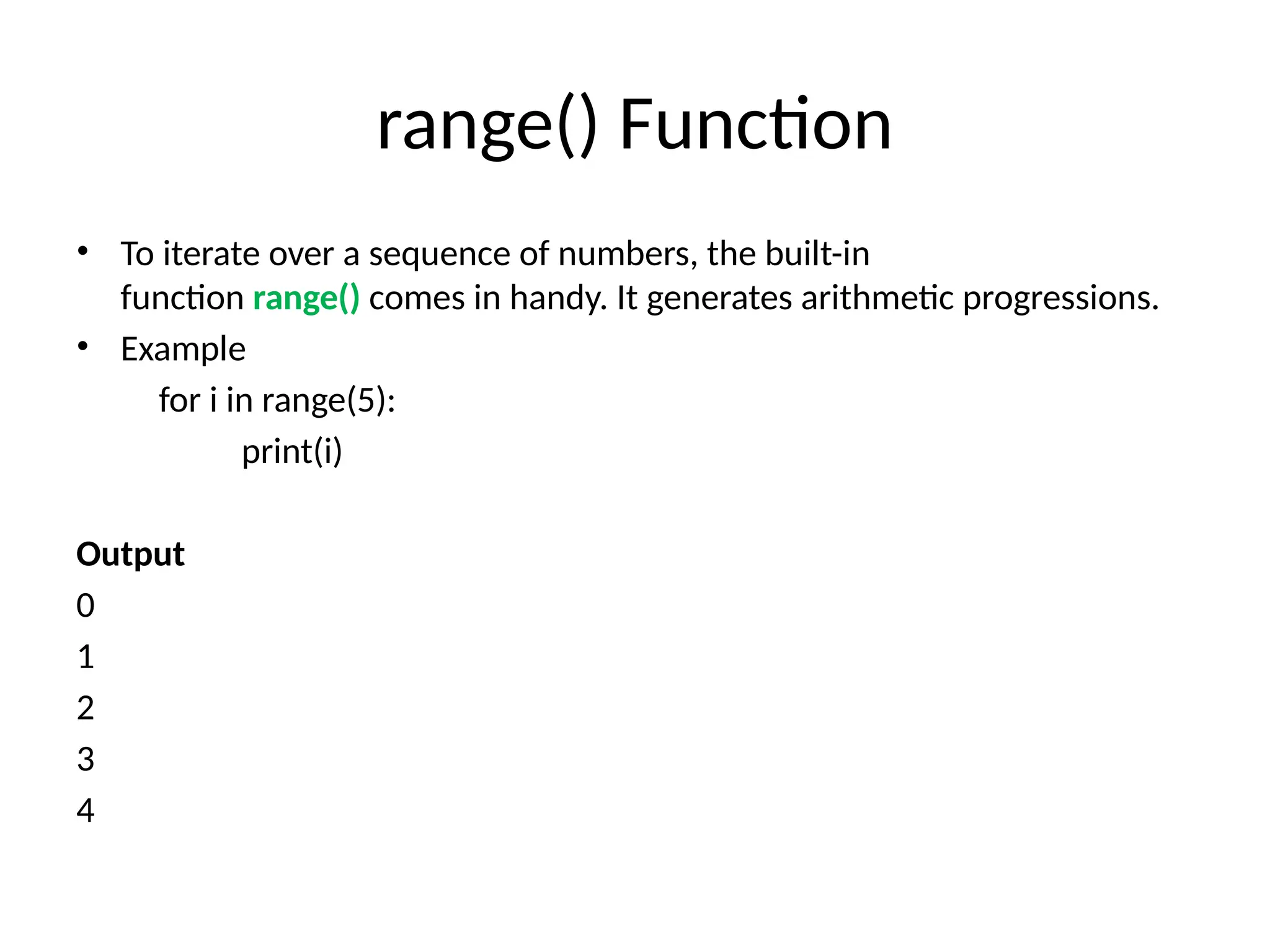
range() Function
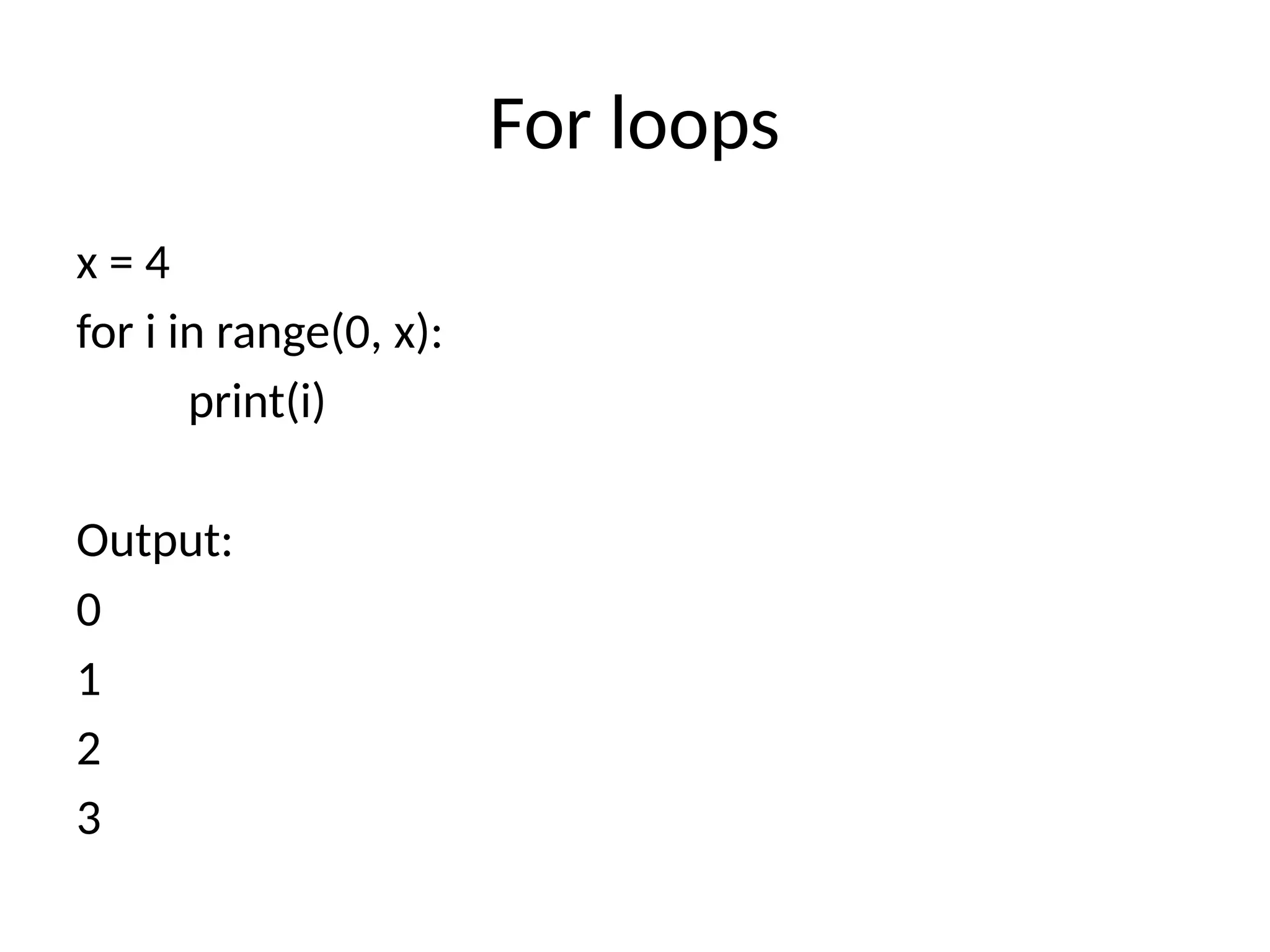
• Toiterate over a sequence of numbers, the built-in
function range() comes in handy. It generates arithmetic progressions.
• Example
for i in range(5):
print(i)
Output
0
1
2
3
4
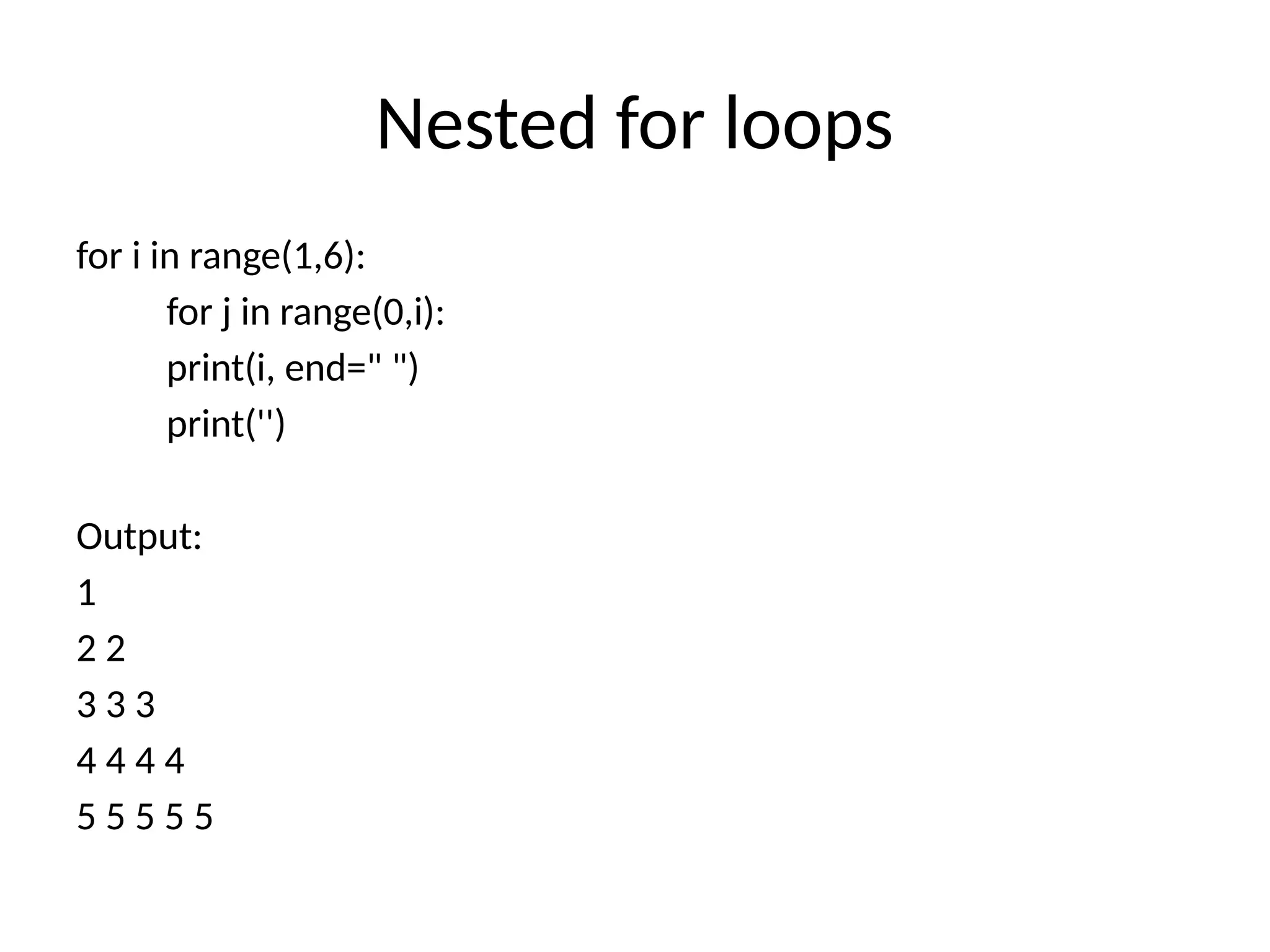
Nested for loops
fori in range(1,6):
for j in range(0,i):
print(i, end=" ")
print('')
Output:
1
2 2
3 3 3
4 4 4 4
5 5 5 5 5
86.
Practice Program
# Programto display all the elements before number 88
for num in [11, 9, 88, 10, 90, 3, 19]:
print(num)
if(num==88):
print(“Number 88 found") print("Terminating the loop")
break
Output:
11
9
88
The number 88 is found
87.
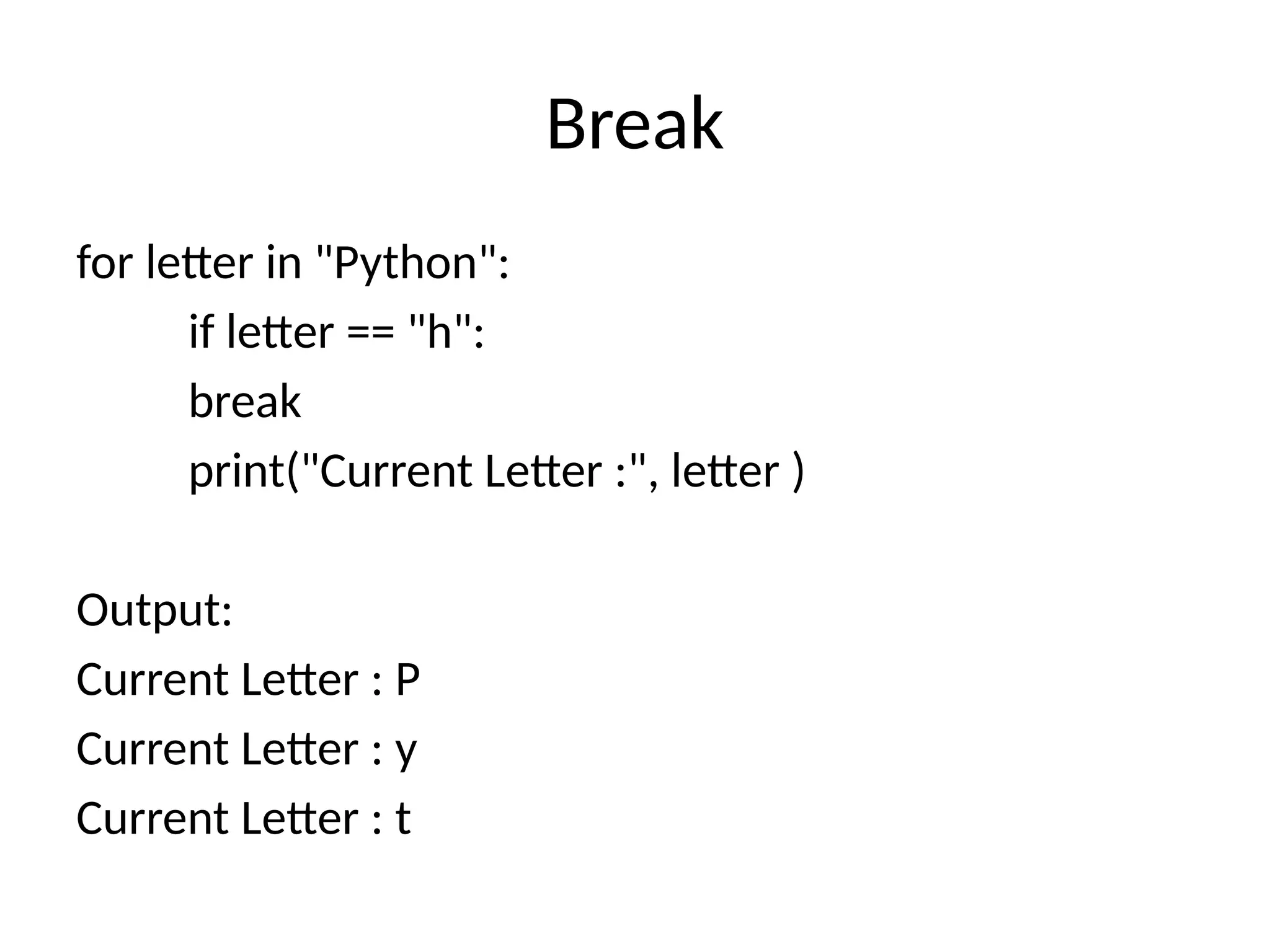
Break
for letter in"Python":
if letter == "h":
break
print("Current Letter :", letter )
Output:
Current Letter : P
Current Letter : y
Current Letter : t
88.
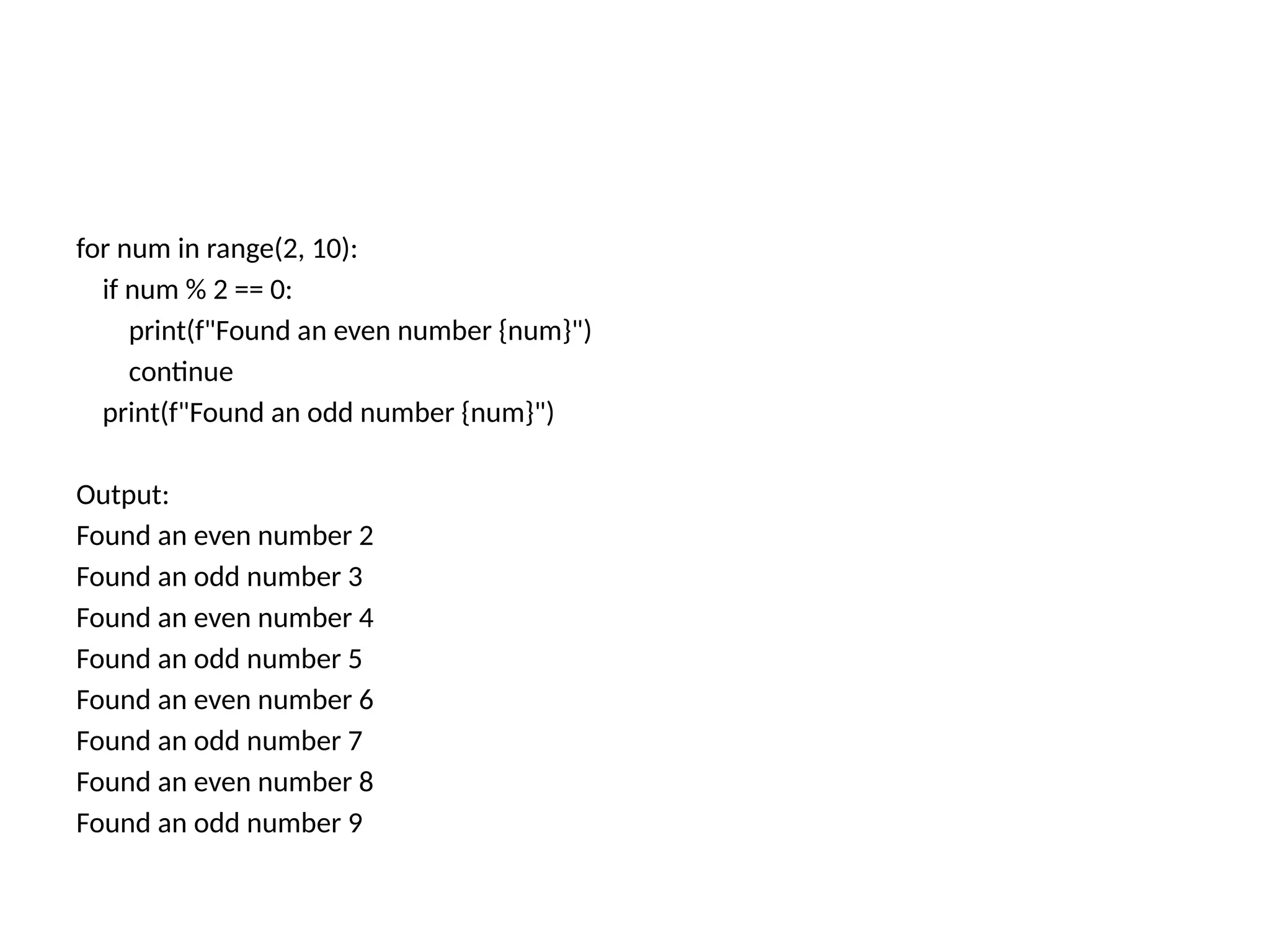
for num inrange(2, 10):
if num % 2 == 0:
print(f"Found an even number {num}")
continue
print(f"Found an odd number {num}")
Output:
Found an even number 2
Found an odd number 3
Found an even number 4
Found an odd number 5
Found an even number 6
Found an odd number 7
Found an even number 8
Found an odd number 9
89.
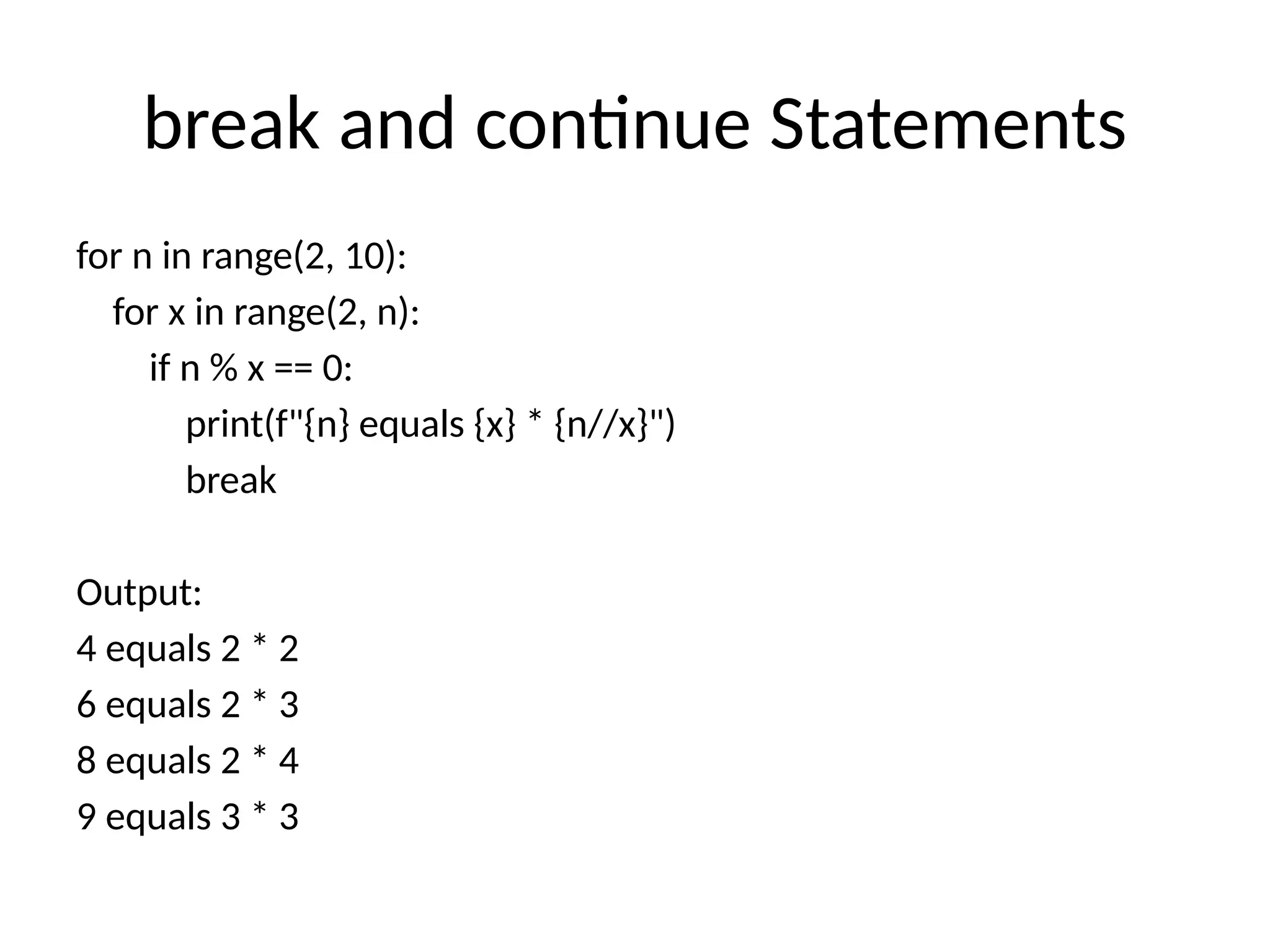
break and continueStatements
for n in range(2, 10):
for x in range(2, n):
if n % x == 0:
print(f"{n} equals {x} * {n//x}")
break
Output:
4 equals 2 * 2
6 equals 2 * 3
8 equals 2 * 4
9 equals 3 * 3
90.
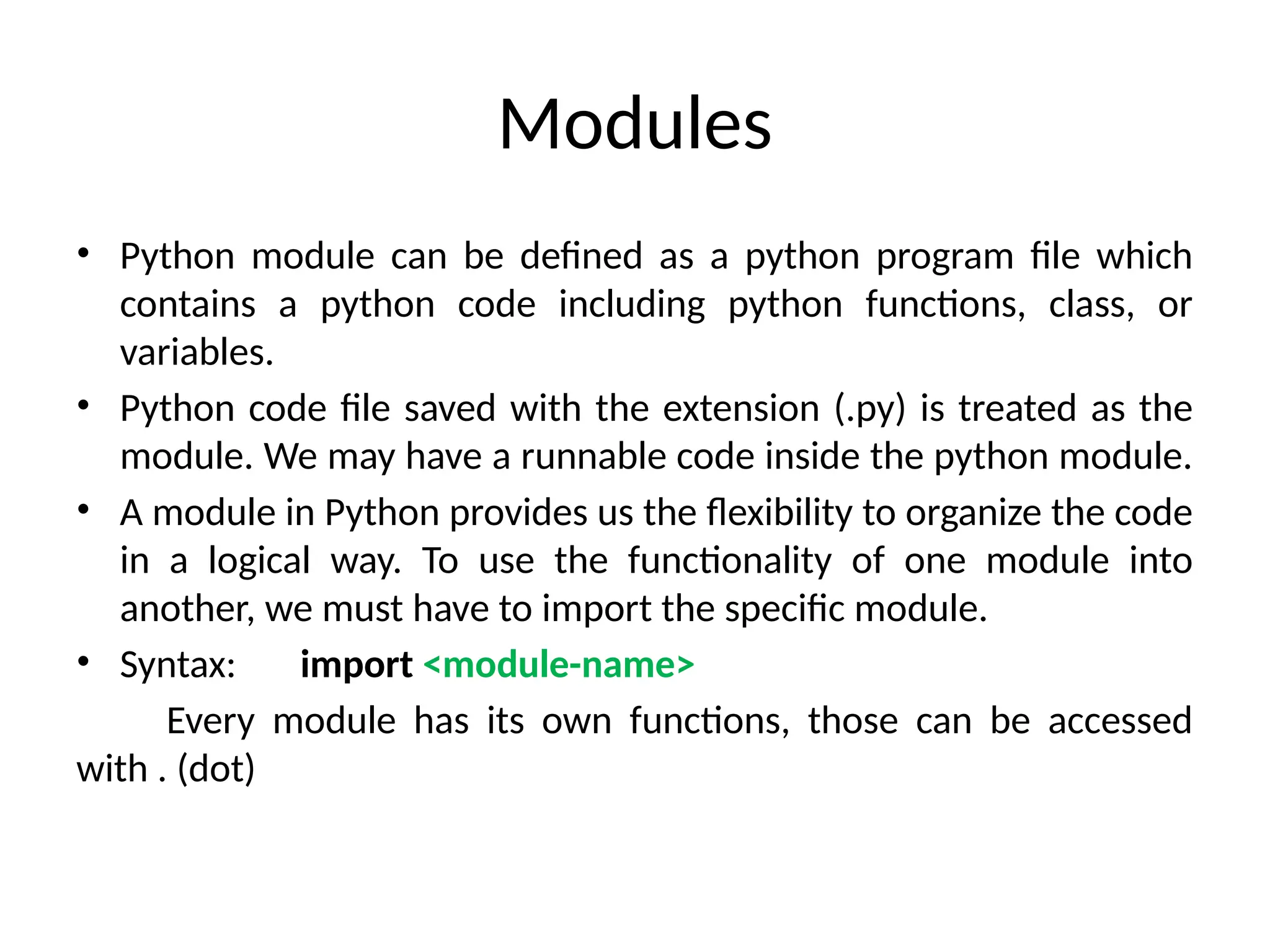
Modules
• Python modulecan be defined as a python program file which
contains a python code including python functions, class, or
variables.
• Python code file saved with the extension (.py) is treated as the
module. We may have a runnable code inside the python module.
• A module in Python provides us the flexibility to organize the code
in a logical way. To use the functionality of one module into
another, we must have to import the specific module.
• Syntax: import <module-name>
Every module has its own functions, those can be accessed
with . (dot)
91.
Modules
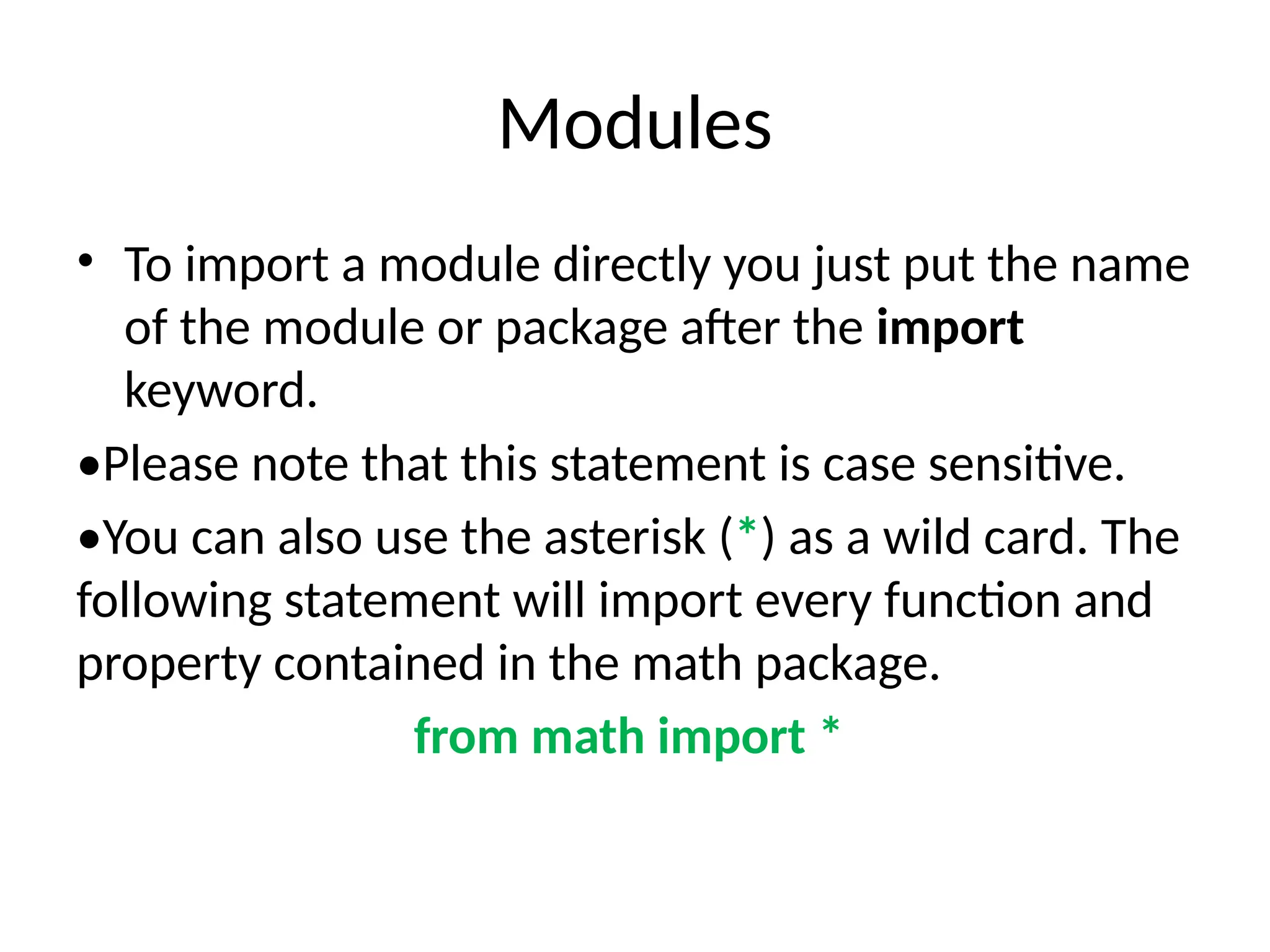
• To importa module directly you just put the name
of the module or package after the import
keyword.
•Please note that this statement is case sensitive.
•You can also use the asterisk (*) as a wild card. The
following statement will import every function and
property contained in the math package.
from math import *
92.
Why use modules?
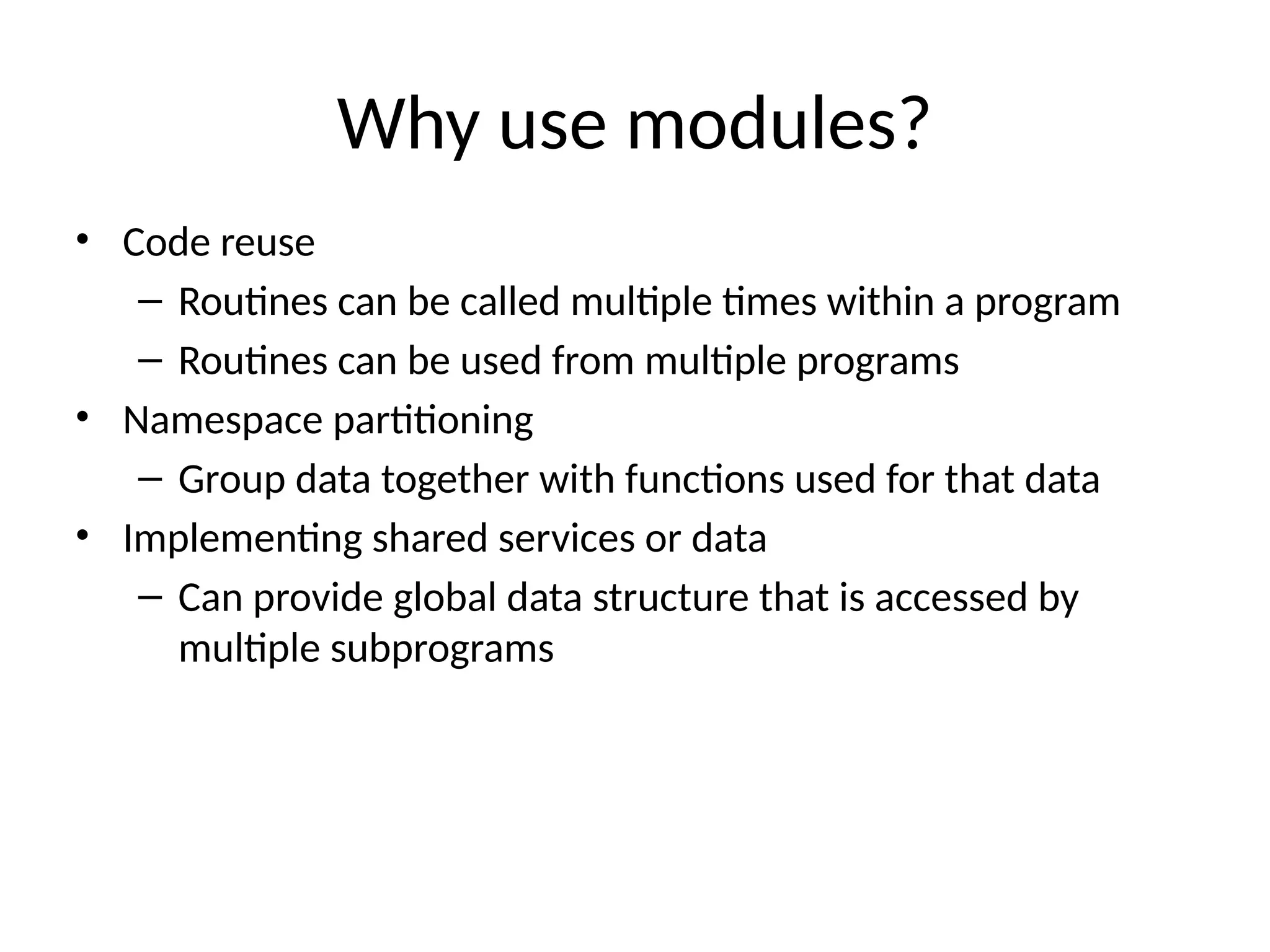
•Code reuse
– Routines can be called multiple times within a program
– Routines can be used from multiple programs
• Namespace partitioning
– Group data together with functions used for that data
• Implementing shared services or data
– Can provide global data structure that is accessed by
multiple subprograms
93.
Modules
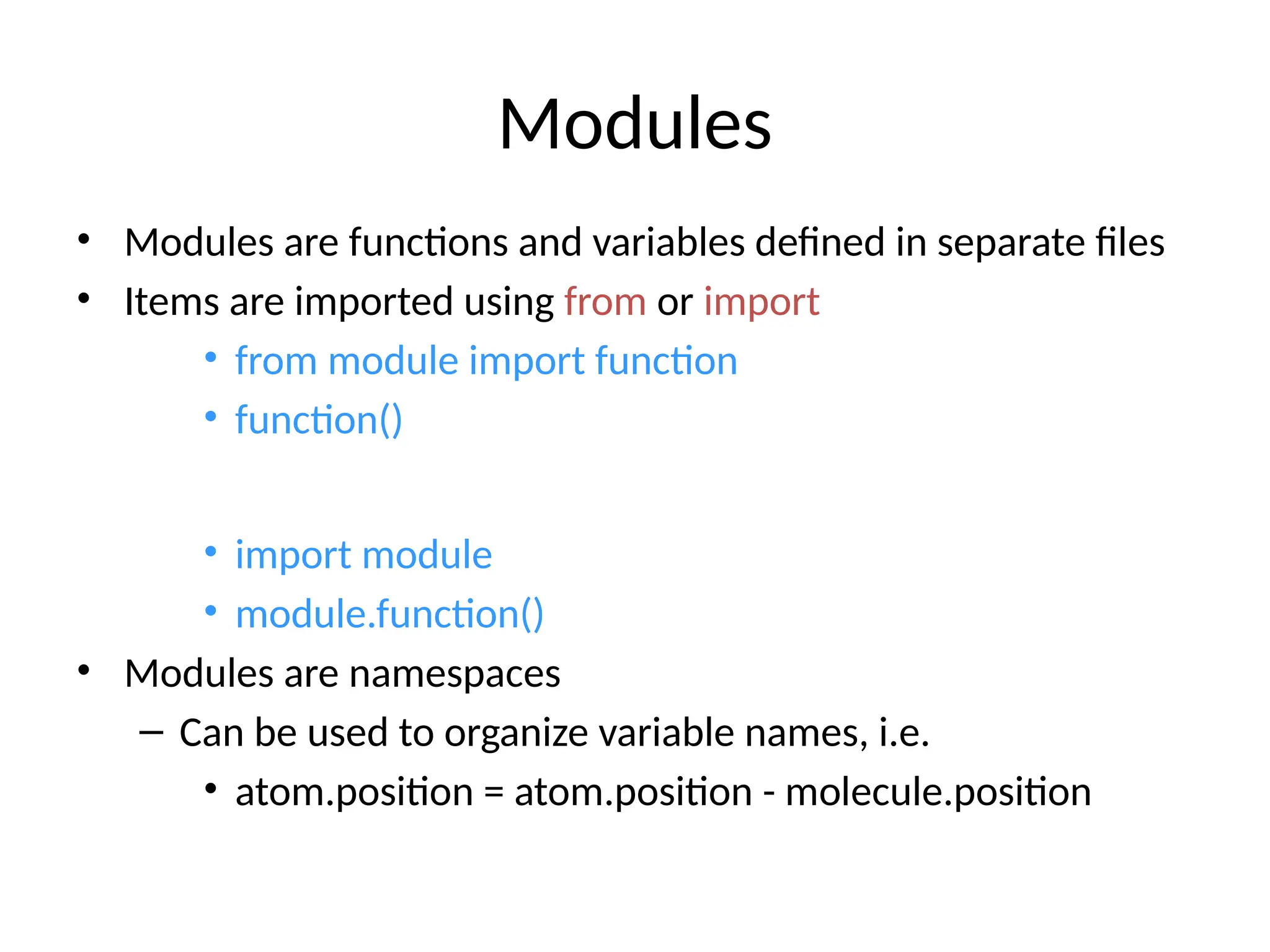
• Modules arefunctions and variables defined in separate files
• Items are imported using from or import
• from module import function
• function()
• import module
• module.function()
• Modules are namespaces
– Can be used to organize variable names, i.e.
• atom.position = atom.position - molecule.position
94.
Modules
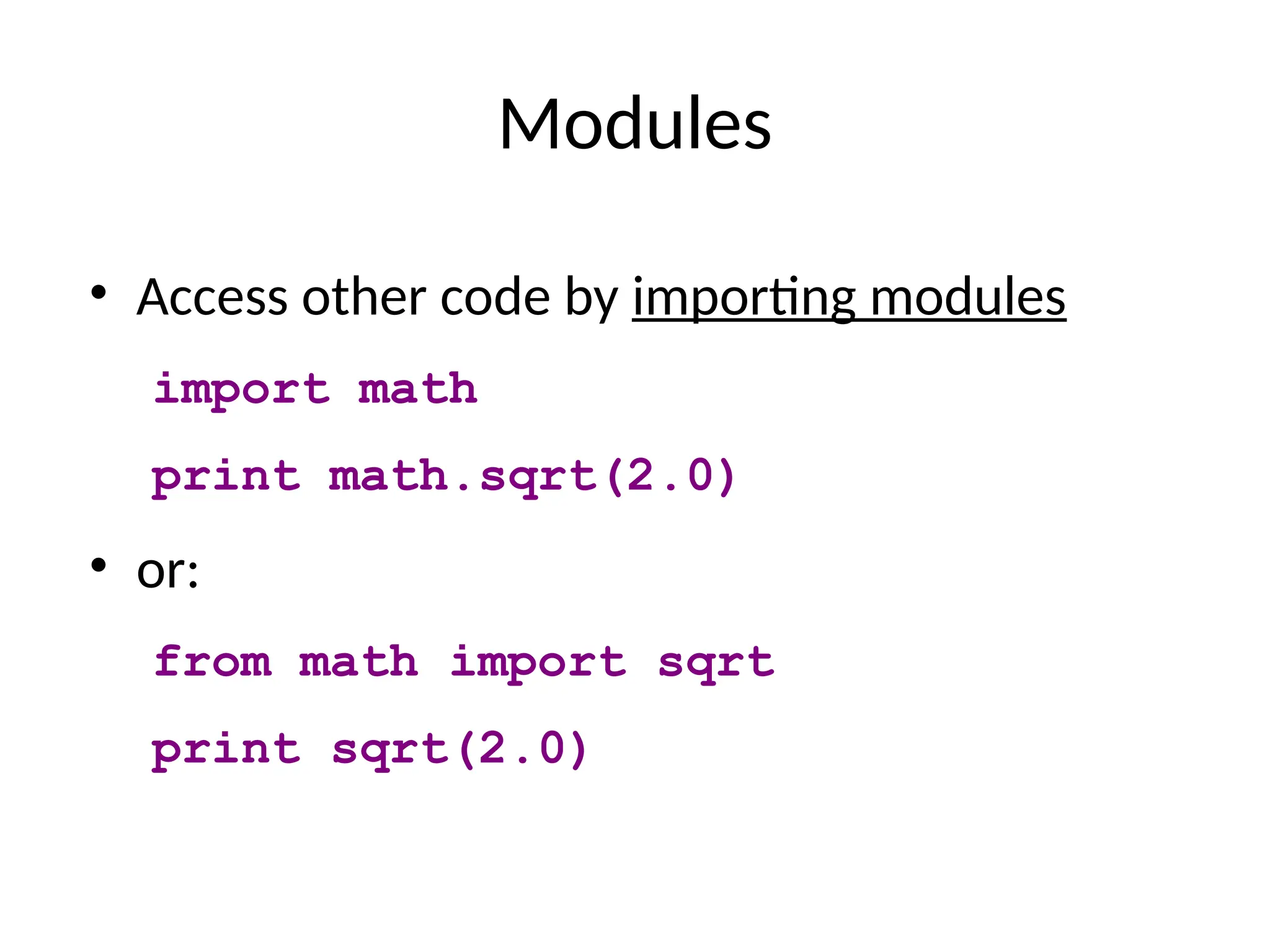
• Access othercode by importing modules
import math
print math.sqrt(2.0)
• or:
from math import sqrt
print sqrt(2.0)
95.
Modules
• or:
from mathimport *
print sqrt(2.0)
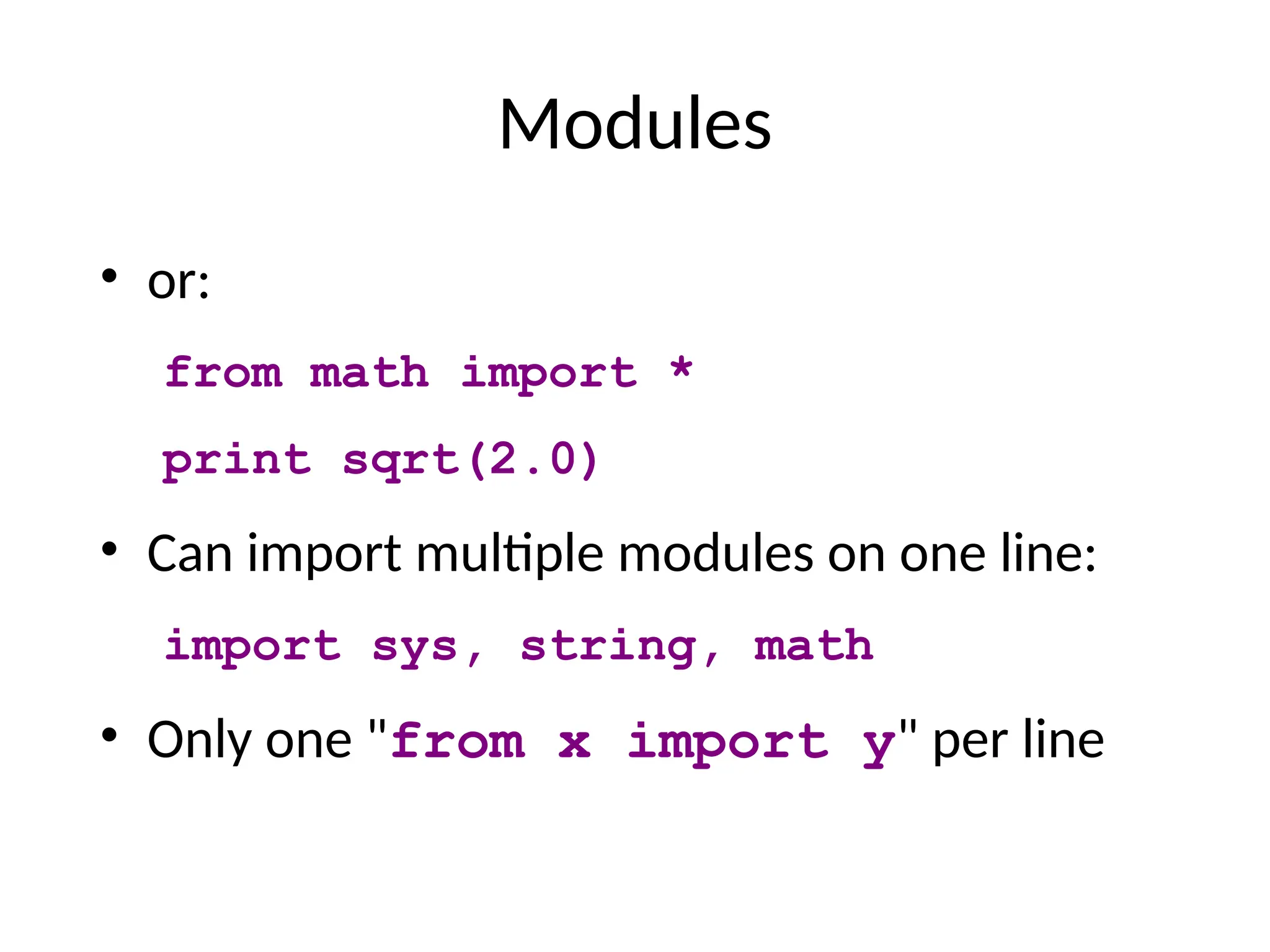
• Can import multiple modules on one line:
import sys, string, math
• Only one "from x import y" per line
96.
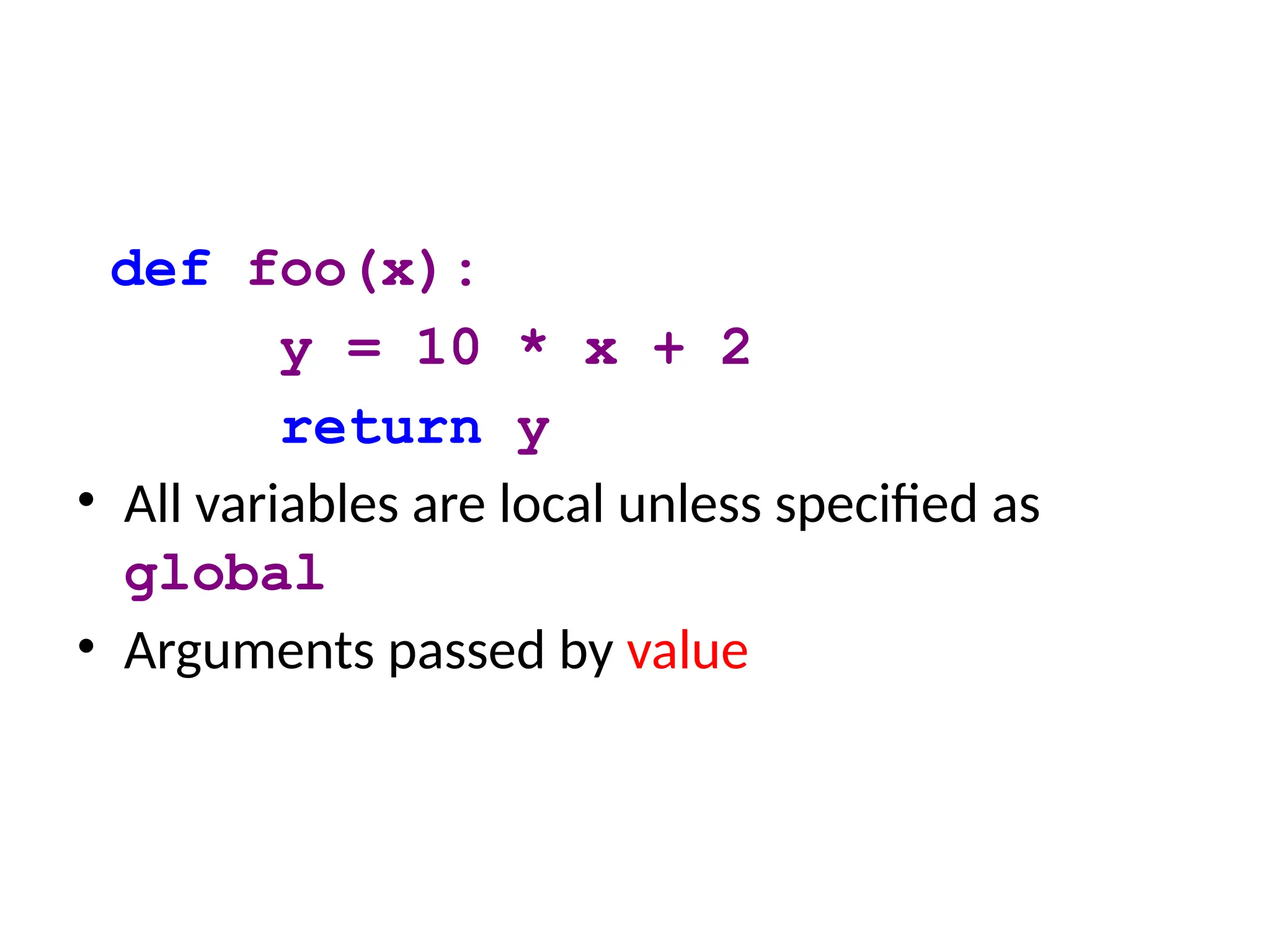
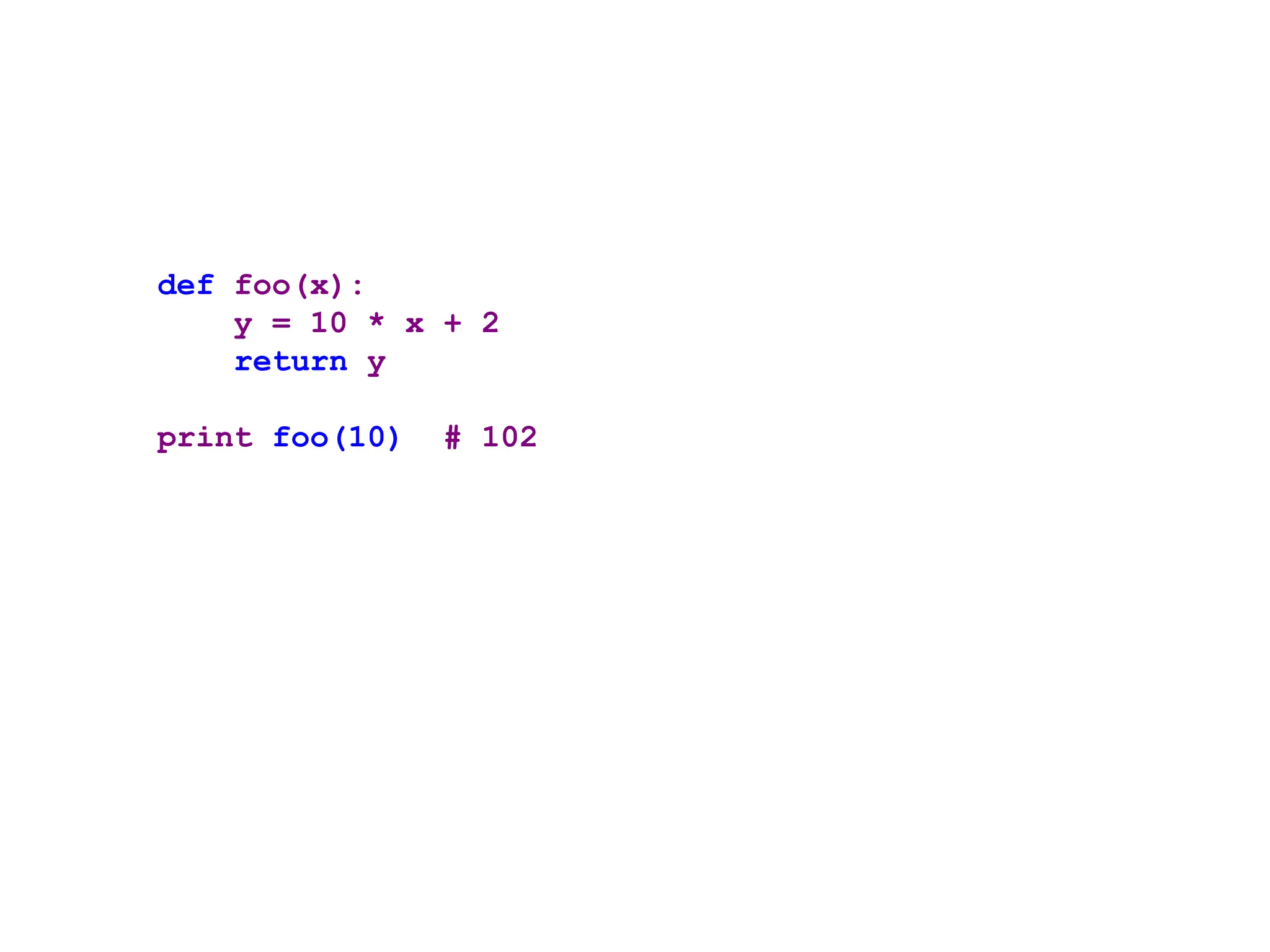
def foo(x):
y =10 * x + 2
return y
• All variables are local unless specified as
global
• Arguments passed by value
![Data Types
• Integers: 2323, 3234L
• Floating Point: 32.3, 3.1E2
• Complex: 3 + 2j, 1j
• Lists:
l = [ 1,2,3]
• Tuples:
t = (1,2,3)
• Dictionaries:
d = {‘hello’ : ‘there’, 2 : 15}
• Lists, Tuples, and Dictionaries can store any type (including other lists,
tuples, and dictionaries!)
• Only lists and dictionaries are mutable
• All variables are references](https://image.slidesharecdn.com/practiceprogram-1-250914044514-7df2dbe3/75/Practice-Python-Program-1-pptx-5-2048.jpg)
![Strings
•hello"+"world" "helloworld" # concatenation
•"hello"*3 "hellohellohello“ # repetition
•"hello"[0] "h" # indexing
•"hello"[-1] "o" # (from end)
•"hello"[1:4] "ell" # slicing
•len("hello") 5 # size
•"hello" < "jello" 1 # comparison
•"e" in "hello" 1 # search
•New line: "escapes: n "
•Line continuation: triple quotes ’’’
•Quotes: ‘single quotes’, "raw strings"](https://image.slidesharecdn.com/practiceprogram-1-250914044514-7df2dbe3/75/Practice-Python-Program-1-pptx-28-2048.jpg)
![Indexing
s = " Hello "
print (s)
# Multiline strings
s1 = """ This is the example line .
Example of a Python strings
with multiple lines
This is the fourth line . """
print (s1)
s2 = "Hello , World !"
print (s2 [1])
print (s2 [2:5])](https://image.slidesharecdn.com/practiceprogram-1-250914044514-7df2dbe3/75/Practice-Python-Program-1-pptx-30-2048.jpg)
![Negative Indexing
# Negative Indexing - To start the slice from the end of
the string :
s2 = " Hello World !"
print (s2 [ -5: -2])
s = " Hello World !"
print (s. len ()) # Length of a string
print (s. lower ()) # Convert the string into lower case
print (s. upper ()) # Convert the string into upper case
print (s. strip ()) # Remove the white spaces in the string](https://image.slidesharecdn.com/practiceprogram-1-250914044514-7df2dbe3/75/Practice-Python-Program-1-pptx-31-2048.jpg)
![Practice Program
# Negative Indexing - To start the slice from the end of
the string :
s2 = " Hello World !"
print (s2 [ -5: -2])
s = " Hello World !"
print (s. len ()) # Length of a string
print (s. lower ()) # Convert the string into lower case
print (s. upper ()) # Convert the string into upper case
print (s. strip ()) # Remove the white spaces in the string](https://image.slidesharecdn.com/practiceprogram-1-250914044514-7df2dbe3/75/Practice-Python-Program-1-pptx-32-2048.jpg)
![List
It is a general purpose most widely used in data structures
List is a collection which is ordered and changeable and allows
duplicate members.(Grow and shrink as needed, sequence type,
sortable).
To use a list, you must declare it first. Do this using square
brackets and separate values with commas.We can construct /
create list in many ways.
Ex:>>> list1=[1,2,3,'A','B',7,8,[10,11]]
>>> print(list1)
Output:
[1, 2, 3, 'A', 'B', 7, 8, [10, 11]]](https://image.slidesharecdn.com/practiceprogram-1-250914044514-7df2dbe3/75/Practice-Python-Program-1-pptx-37-2048.jpg)
![List
– A container that holds a number of other objects, in a
given order
– Defined in square brackets
a = [1, 2, 3, 4, 5]
print a[1] # number 2
some_list = []
some_list.append("foo")
some_list.append(12)
print len(some_list) # 2](https://image.slidesharecdn.com/practiceprogram-1-250914044514-7df2dbe3/75/Practice-Python-Program-1-pptx-38-2048.jpg)
![• a = [98, "bottles of beer", ["on", "the", "wall"]]
• Flexible arrays
• Same operators as for strings
• a+b, a*3, a[0], a[-1], a[1:], len(a)
• Item and slice assignment
• a[0] = 98
• a[1:2] = ["bottles", "of", "beer"]
-> [98, "bottles", "of", "beer", ["on", "the", "wall"]]
• del a[-1] # -> [98, "bottles", "of", "beer"]](https://image.slidesharecdn.com/practiceprogram-1-250914044514-7df2dbe3/75/Practice-Python-Program-1-pptx-39-2048.jpg)
![More list operations
>>> a = range(5) # [0,1,2,3,4]
>>> a.append(5) # [0,1,2,3,4,5]
>>> a.pop() # [0,1,2,3,4]
5
>>> a.insert(0, 5.5) # [5.5,0,1,2,3,4]
>>> a.pop(0) # [0,1,2,3,4]
5.5
>>> a.reverse() # [4,3,2,1,0]
>>> a.sort() # [0,1,2,3,4]](https://image.slidesharecdn.com/practiceprogram-1-250914044514-7df2dbe3/75/Practice-Python-Program-1-pptx-40-2048.jpg)
![Operations in List
• append
• insert
• index
• count
• sort
• reverse
• remove
• pop
• Extend
• Indexing e.g., L[i]
• Slicing e.g., L[1:5]
• Concatenation e.g., L + L
• Repetition e.g., L * 5
• Membership test e.g., ‘a’ in L
• Length e.g., len(L)](https://image.slidesharecdn.com/practiceprogram-1-250914044514-7df2dbe3/75/Practice-Python-Program-1-pptx-41-2048.jpg)
![Nested List
• List in a list
• E.g.,
– >>> s = [1,2,3]
– >>> t = [‘begin’, s, ‘end’]
– >>> t
– [‘begin’, [1, 2, 3], ‘end’]
– >>> t[1][1]
– 2](https://image.slidesharecdn.com/practiceprogram-1-250914044514-7df2dbe3/75/Practice-Python-Program-1-pptx-43-2048.jpg)
![Operations on Lists
>>> li = [1, 11, 3, 4, 5]
>>> li.append(‘a’) # Note the
method syntax
>>> li
[1, 11, 3, 4, 5, ‘a’]
>>> li.insert(2, ‘i’)
>>>li
[1, 11, ‘i’, 3, 4, 5, ‘a’]](https://image.slidesharecdn.com/practiceprogram-1-250914044514-7df2dbe3/75/Practice-Python-Program-1-pptx-44-2048.jpg)
![Operations on Lists
Lists have many methods, including index, count,
remove, reverse, sort
>>> li = [‘a’, ‘b’, ‘c’, ‘b’]
>>> li.index(‘b’) # index of 1st
occurrence
1
>>> li.count(‘b’) # number of occurrences
2
>>> li.remove(‘b’) # remove 1st
occurrence
>>> li
[‘a’, ‘c’, ‘b’]](https://image.slidesharecdn.com/practiceprogram-1-250914044514-7df2dbe3/75/Practice-Python-Program-1-pptx-45-2048.jpg)
![Operations on Lists
>>> li = [5, 2, 6, 8]
>>> li.reverse() # reverse the list *in place*
>>> li
[8, 6, 2, 5]
>>> li.sort() # sort the list *in place*
>>> li
[2, 5, 6, 8]
>>> li.sort(some_function)
# sort in place using user-defined comparison](https://image.slidesharecdn.com/practiceprogram-1-250914044514-7df2dbe3/75/Practice-Python-Program-1-pptx-46-2048.jpg)
![The extend method vs +
• + creates a fresh list with a new memory ref
• extend operates on list li in place.
>>> li.extend([9, 8, 7])
>>> li
[1, 2, ‘i’, 3, 4, 5, ‘a’, 9, 8, 7]
• Potentially confusing:
– extend takes a list as an argument.
– append takes a singleton as an argument.
>>> li.append([10, 11, 12])
>>> li
[1, 2, ‘i’, 3, 4, 5, ‘a’, 9, 8, 7, [10, 11, 12]]](https://image.slidesharecdn.com/practiceprogram-1-250914044514-7df2dbe3/75/Practice-Python-Program-1-pptx-47-2048.jpg)
![Iterating over the list
list = ['M','R','C','E','T']
i = 1 #Iterating over the list
for a in list:
print ('college ',i,' is ',a)
i = i+1
Output:
college 1 is M
college 2 is R
college 3 is C
college 4 is E
college 5 is T](https://image.slidesharecdn.com/practiceprogram-1-250914044514-7df2dbe3/75/Practice-Python-Program-1-pptx-48-2048.jpg)
![Tuple
• What is a tuple?
– A tuple is an ordered collection which cannot
be modified once it has been created.
– In other words, it's a special array, a read-only array.
• How to make a tuple? In round brackets
– E.g.,
>>> t = ()
>>> t = (1, 2, 3)
>>> t = (1, )
>>> t = 1,
>>> a = (1, 2, 3, 4, 5)
>>> print a[1] # 2](https://image.slidesharecdn.com/practiceprogram-1-250914044514-7df2dbe3/75/Practice-Python-Program-1-pptx-49-2048.jpg)
![• Access individual members of a tuple, list, or string using
square bracket “array” notation
• Note that all are 0 based…
>>> tu = (23, ‘abc’, 4.56, (2,3), ‘def’)
>>> tu[1] # Second item in the tuple.
‘abc’
>>> li = [“abc”, 34, 4.34, 23]
>>> li[1] # Second item in the list.
34
>>> st = “Hello World”
>>> st[1] # Second character in string.
‘e’](https://image.slidesharecdn.com/practiceprogram-1-250914044514-7df2dbe3/75/Practice-Python-Program-1-pptx-50-2048.jpg)
![>>> t = (23, ‘abc’, 4.56, (2,3),
‘def’)
Positive index: count from the left, starting with 0
>>> t[1]
‘abc’
Negative index: count from right, starting with –1
>>> t[-3]
4.56](https://image.slidesharecdn.com/practiceprogram-1-250914044514-7df2dbe3/75/Practice-Python-Program-1-pptx-51-2048.jpg)
![>>> t = (23, ‘abc’, 4.56, (2,3),
‘def’)
Return a copy of the container with a subset of the
original members. Start copying at the first index, and
stop copying before second.
>>> t[1:4]
(‘abc’, 4.56, (2,3))
Negative indices count from end
>>> t[1:-1]
(‘abc’, 4.56, (2,3))](https://image.slidesharecdn.com/practiceprogram-1-250914044514-7df2dbe3/75/Practice-Python-Program-1-pptx-52-2048.jpg)
![>>> t = (23, ‘abc’, 4.56, (2,3),
‘def’)
Omit first index to make copy starting from beginning
of the container
>>> t[:2]
(23, ‘abc’)
Omit second index to make copy starting at first index
and going to end
>>> t[2:]
(4.56, (2,3), ‘def’)](https://image.slidesharecdn.com/practiceprogram-1-250914044514-7df2dbe3/75/Practice-Python-Program-1-pptx-53-2048.jpg)
![• [ : ] makes a copy of an entire sequence
>>> t[:]
(23, ‘abc’, 4.56, (2,3), ‘def’)
• Note the difference between these two lines for
mutable sequences
>>> l2 = l1 # Both refer to 1 ref,
# changing one affects both
>>> l2 = l1[:] # Independent copies,
two refs](https://image.slidesharecdn.com/practiceprogram-1-250914044514-7df2dbe3/75/Practice-Python-Program-1-pptx-54-2048.jpg)
![‘in’ operator
• Boolean test whether a value is inside a container:
>>> t = [1, 2, 4, 5]
>>> 3 in t
False
>>> 4 in t
True
>>> 4 not in t
False
• For strings, tests for substrings
>>> a = 'abcde'
>>> 'c' in a
True
>>> 'cd' in a
True
>>> 'ac' in a
False
• Be careful: the in keyword is also used in the syntax of
for loops and list comprehensions](https://image.slidesharecdn.com/practiceprogram-1-250914044514-7df2dbe3/75/Practice-Python-Program-1-pptx-55-2048.jpg)
![The + Operator
The + operator produces a new tuple, list, or string
whose value is the concatenation of its arguments.
>>> (1, 2, 3) + (4, 5, 6)
(1, 2, 3, 4, 5, 6)
>>> [1, 2, 3] + [4, 5, 6]
[1, 2, 3, 4, 5, 6]
>>> “Hello” + “ ” + “World”
‘Hello World’](https://image.slidesharecdn.com/practiceprogram-1-250914044514-7df2dbe3/75/Practice-Python-Program-1-pptx-56-2048.jpg)
![The * Operator
• The * operator produces a new tuple, list, or
string that “repeats” the original content.
>>> (1, 2, 3) * 3
(1, 2, 3, 1, 2, 3, 1, 2, 3)
>>> [1, 2, 3] * 3
[1, 2, 3, 1, 2, 3, 1, 2, 3]
>>> “Hello” * 3
‘HelloHelloHello’](https://image.slidesharecdn.com/practiceprogram-1-250914044514-7df2dbe3/75/Practice-Python-Program-1-pptx-57-2048.jpg)
![Operations on Tuple
• Indexing e.g., T[i]
• Slicing e.g., T[1:5]
• Concatenation e.g., T + T
• Repetition e.g., T * 5
• Membership test e.g., ‘a’ in T
• Length e.g., len(T)](https://image.slidesharecdn.com/practiceprogram-1-250914044514-7df2dbe3/75/Practice-Python-Program-1-pptx-59-2048.jpg)
![Lists are mutable
>>> li = [‘abc’, 23, 4.34, 23]
>>> li[1] = 45
>>> li
[‘abc’, 45, 4.34, 23]
• We can change lists in place.
• Name li still points to the same memory
reference when we’re done.](https://image.slidesharecdn.com/practiceprogram-1-250914044514-7df2dbe3/75/Practice-Python-Program-1-pptx-61-2048.jpg)
![Tuples are immutable
>>> t = (23, ‘abc’, 4.56, (2,3), ‘def’)
>>> t[2] = 3.14
Traceback (most recent call last):
File "<pyshell#75>", line 1, in -toplevel-
tu[2] = 3.14
TypeError: object doesn't support item assignment
• You can’t change a tuple.
• You can make a fresh tuple and assign its reference to a
previously used name.
>>> t = (23, ‘abc’, 3.14, (2,3), ‘def’)
• The immutability of tuples means they’re faster than lists.](https://image.slidesharecdn.com/practiceprogram-1-250914044514-7df2dbe3/75/Practice-Python-Program-1-pptx-62-2048.jpg)
![Dictionaries
• Dictionaries: curly brackets
– What is dictionary?
• Refer value through key; “associative arrays”
– Like an array indexed by a string
– An unordered set of key: value pairs
– Values of any type; keys of almost any type
• {"name":"Guido", "age":43, ("hello","world"):1,
42:"yes", "flag": ["red","white","blue"]}
d = { "foo" : 1, "bar" : 2 }
print d["bar"] # 2
some_dict = {}
some_dict["foo"] = "yow!"
print some_dict.keys() # ["foo"]](https://image.slidesharecdn.com/practiceprogram-1-250914044514-7df2dbe3/75/Practice-Python-Program-1-pptx-64-2048.jpg)
![Methods in Dictionary
• keys()
• values()
• items()
• has_key(key)
• clear()
• copy()
• get(key[,x])
• setdefault(key[,x])
• update(D)
• popitem()](https://image.slidesharecdn.com/practiceprogram-1-250914044514-7df2dbe3/75/Practice-Python-Program-1-pptx-66-2048.jpg)
![Range values
• list(range(5, 10)) # [5, 6, 7, 8, 9]
• list(range(0, 10, 3)) # [0, 3, 6, 9]
• list(range(-10, -100, -30)) # [-10, -40, -70]
• sum(range(4)) # 0 + 1 + 2 + 3](https://image.slidesharecdn.com/practiceprogram-1-250914044514-7df2dbe3/75/Practice-Python-Program-1-pptx-79-2048.jpg)
![Program
a = ['Mary', 'had', 'a', 'little', 'lamb']
for i in range(len(a)):
print(i, a[i])
Output:
0 Mary
1 had
2 a
3 little
4 lamb](https://image.slidesharecdn.com/practiceprogram-1-250914044514-7df2dbe3/75/Practice-Python-Program-1-pptx-80-2048.jpg)
![For loop
Output:
3
1
4
1
5
9
a = [3, 1, 4, 1, 5, 9]
for i in range(len(a)):
print a[i]](https://image.slidesharecdn.com/practiceprogram-1-250914044514-7df2dbe3/75/Practice-Python-Program-1-pptx-84-2048.jpg)
![Practice Program
# Program to display all the elements before number 88
for num in [11, 9, 88, 10, 90, 3, 19]:
print(num)
if(num==88):
print(“Number 88 found") print("Terminating the loop")
break
Output:
11
9
88
The number 88 is found](https://image.slidesharecdn.com/practiceprogram-1-250914044514-7df2dbe3/75/Practice-Python-Program-1-pptx-86-2048.jpg)