Pop Up Publishing
Workshops at Hounslow, Islington & Wembley Public Libraries, May 2014
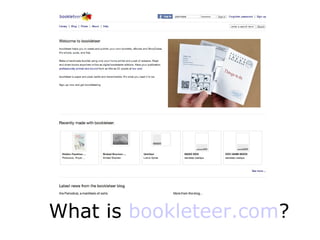
What is bookleteer.com?
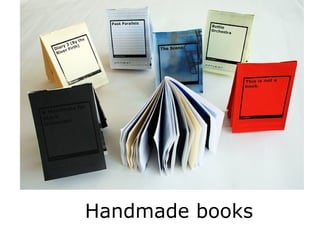
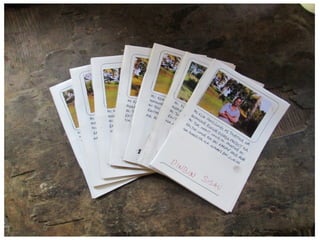
Handmade books
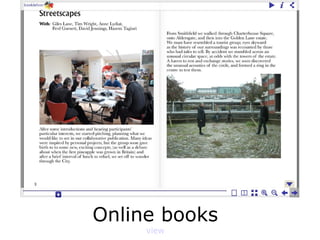
Online books
view
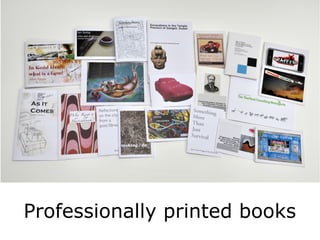
Professionally printed books
Why make hybrid
books?
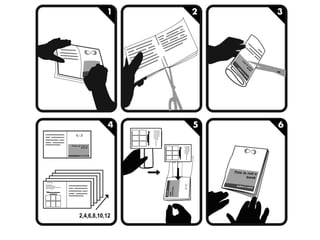
How do I cut & fold the
sheets to make a book?
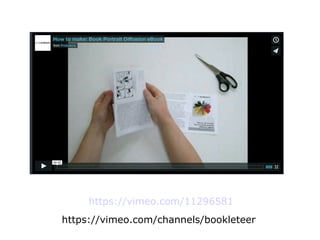
https://vimeo.com/11296581
https://vimeo.com/channels/bookleteer
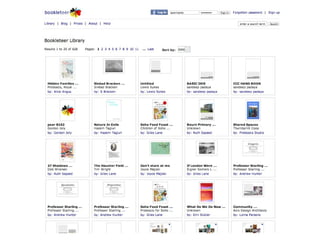
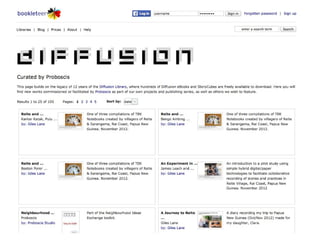
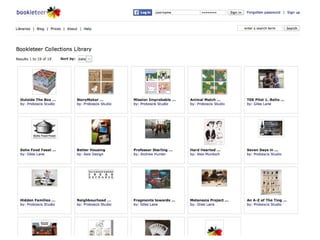
Browsing bookleteer's libraries
– explore other people's books
+ StoryCubes
– seek inspiration & ideas
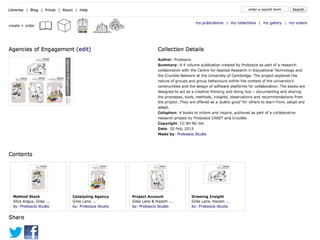
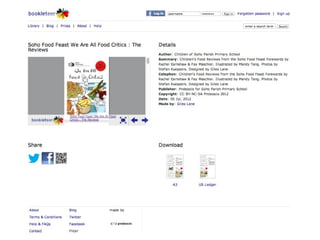
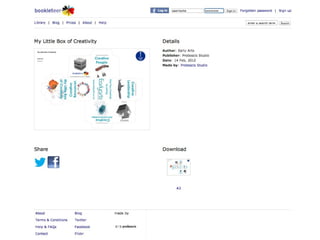
Every Publication has its
own page (if shared)
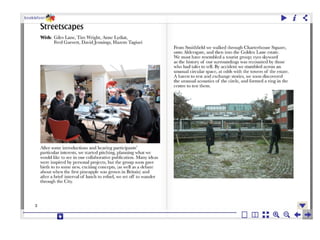
Every book has an
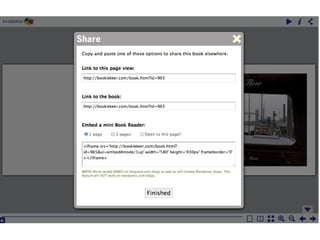
online version
(also if shared)
How do I make books
with bookleteer?
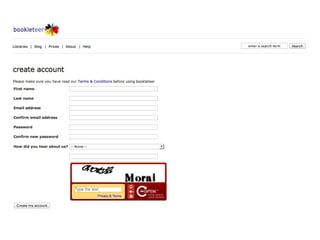
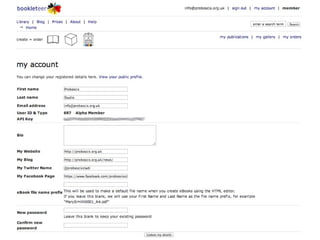
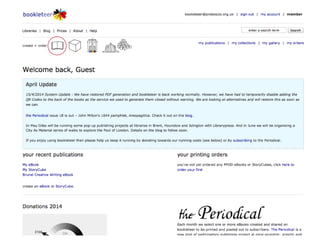
1. Create a free account
– Sign Up
– Confirm your account
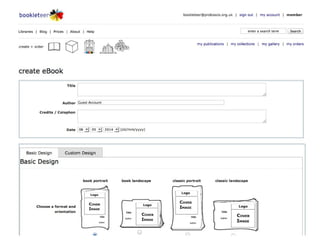
2. Creating your own
Publications
– Download the templates from the help page to
set up a blank document in OpenOffice, Word or
Adobe InDesign
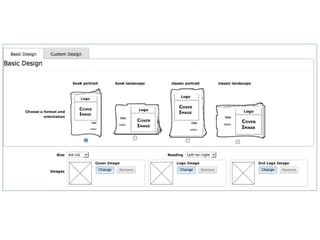
– Select your book size.
The smaller A6 books are made using sheets of
A4/US Letter size paper. The larger A5 books are
made from sheets of A3/Ledger size paper.
– Add your words and pictures, using up to 38
pages for the smaller books or up to 46 pages for
the larger books.
– Save/Export your book as a PDF file.
– Bookleteer adds Front & Back cover pages so
don't include these in your PDF.
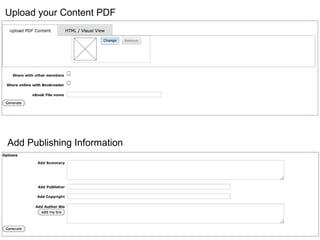
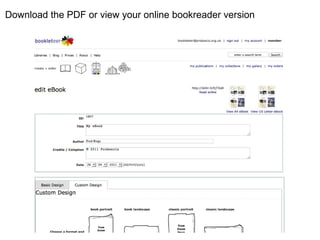
Add Publishing Information
Upload your Content PDF
Download the PDF or view your online bookreader version
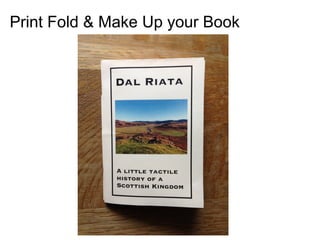
Print Fold & Make Up your Book
Pop Up Publishing with bookleteer

Pop Up Publishing with bookleteer