

Use WordPress as a CMSUse WordPress as a CMS
withwith
Pods CMSPods CMS
FrameworkFramework
by Tom Hermansby Tom Hermans
Tom HermansTom Hermans
I'm @tomhermans on Twitter
Designer/Developer/WP
Freelance & Contract
www.tomhermans.com
HanneHanne
& Kaat& Kaat
Is WP a CMS ?Is WP a CMS ?
ContentContent
ManagementManagement
SystemSystem
Yes, WP = CMSYes, WP = CMS
Good at PublishingGood at Publishing
Easy InterfaceEasy Interface
Powerful ThemingPowerful Theming
WYSIWYGWYSIWYG
Flexibility : Post MetaFlexibility : Post Meta
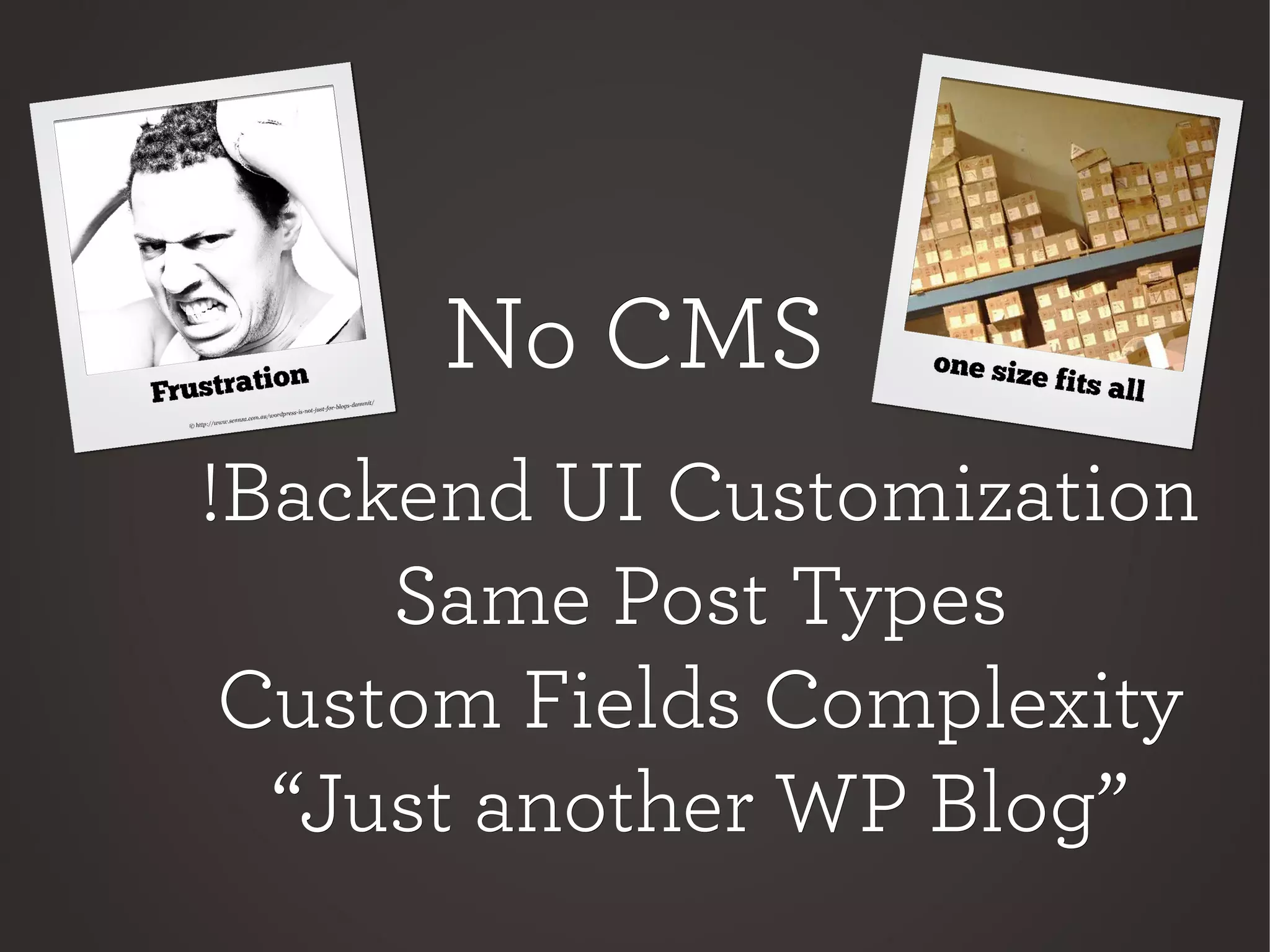
No CMSNo CMS
!Backend UI Customization!Backend UI Customization
Same Post TypesSame Post Types
Custom Fields ComplexityCustom Fields Complexity
““Just another WP Blog”Just another WP Blog”
WordPressWordPress
Content ?Content ?
ContentContent
Posts
Pages
Comments
Media
Links
Multiple PossibilitiesMultiple Possibilities
Custom FieldsCustom Fields
Custom Post TypesCustom Post Types
Plugins..Plugins..
PodsCMSPodsCMS
PODS ?PODS ?
WTF ?
SimpleSimple
ScalableScalable
CMSCMS
FlexibleFlexible
ConnectiveConnective
FrontEnd + BackEndFrontEnd + BackEnd
Customizable UICustomizable UI
POD =POD =
Piece Of DataPiece Of Data
Build Your OwnBuild Your Own
Content TypeContent Type
PodsCMSPodsCMS
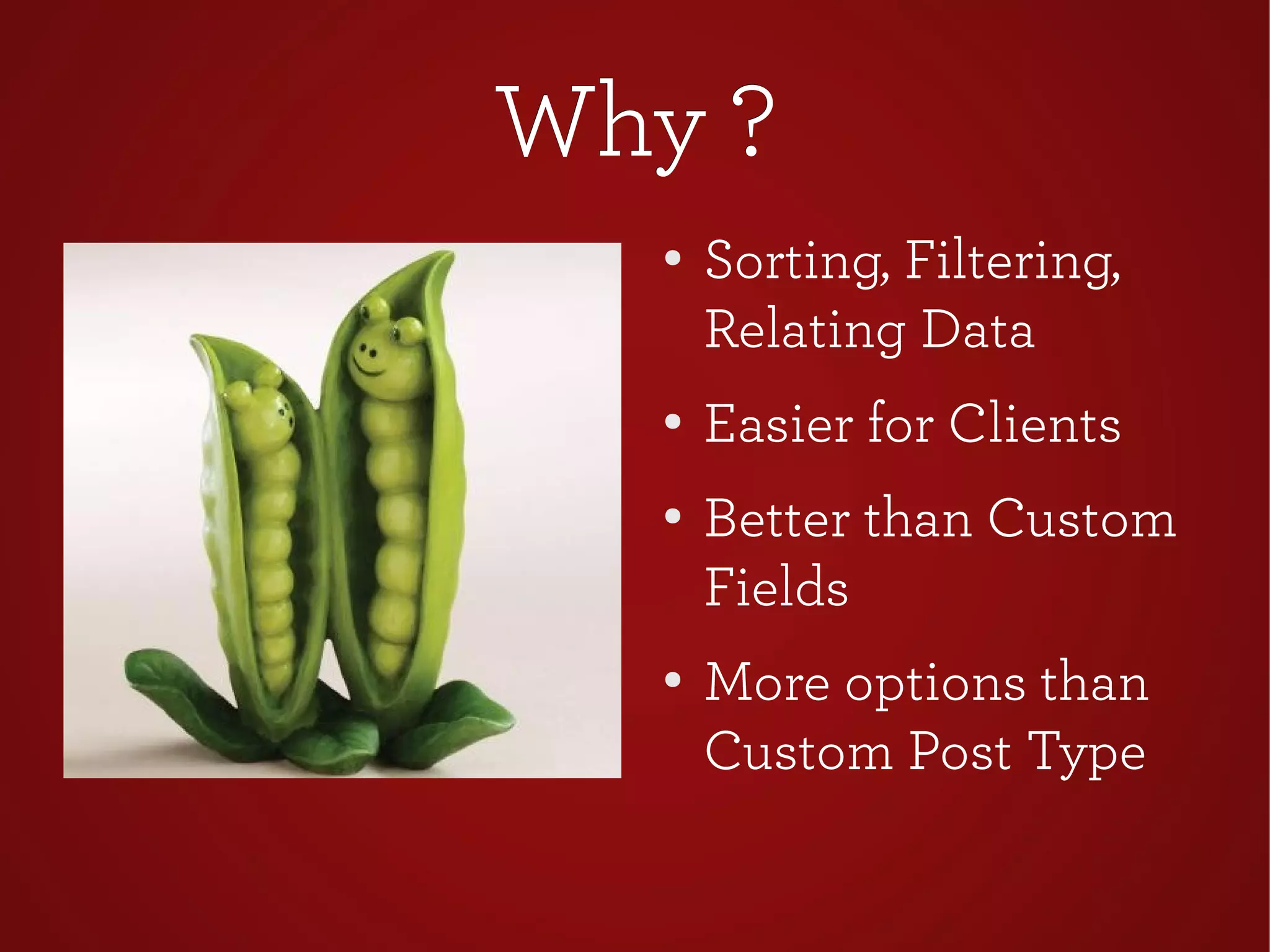
Why ?Why ?
●
Sorting, Filtering,
Relating Data
●
Easier for Clients
● Better than Custom
Fields
●
More options than
Custom Post Type
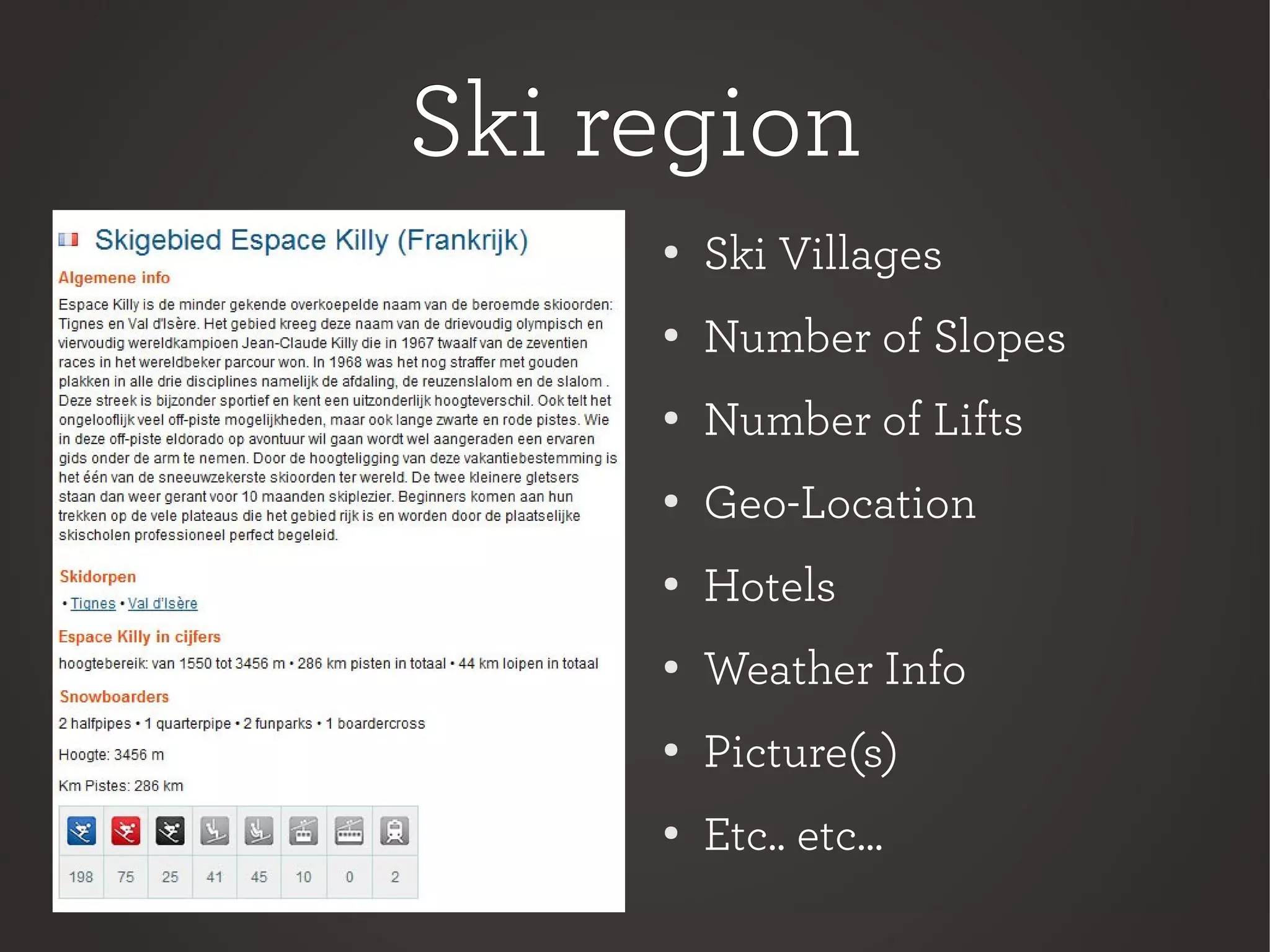
Ski regionSki region
●
Ski Villages
●
Number of Slopes
●
Number of Lifts
●
Geo-Location
●
Hotels
●
Weather Info
●
Picture(s)
●
Etc.. etc...
PodsCMS InstallPodsCMS Install
Download plugin atDownload plugin at
podscms.org orpodscms.org or
wordpress.org/extend/wordpress.org/extend/
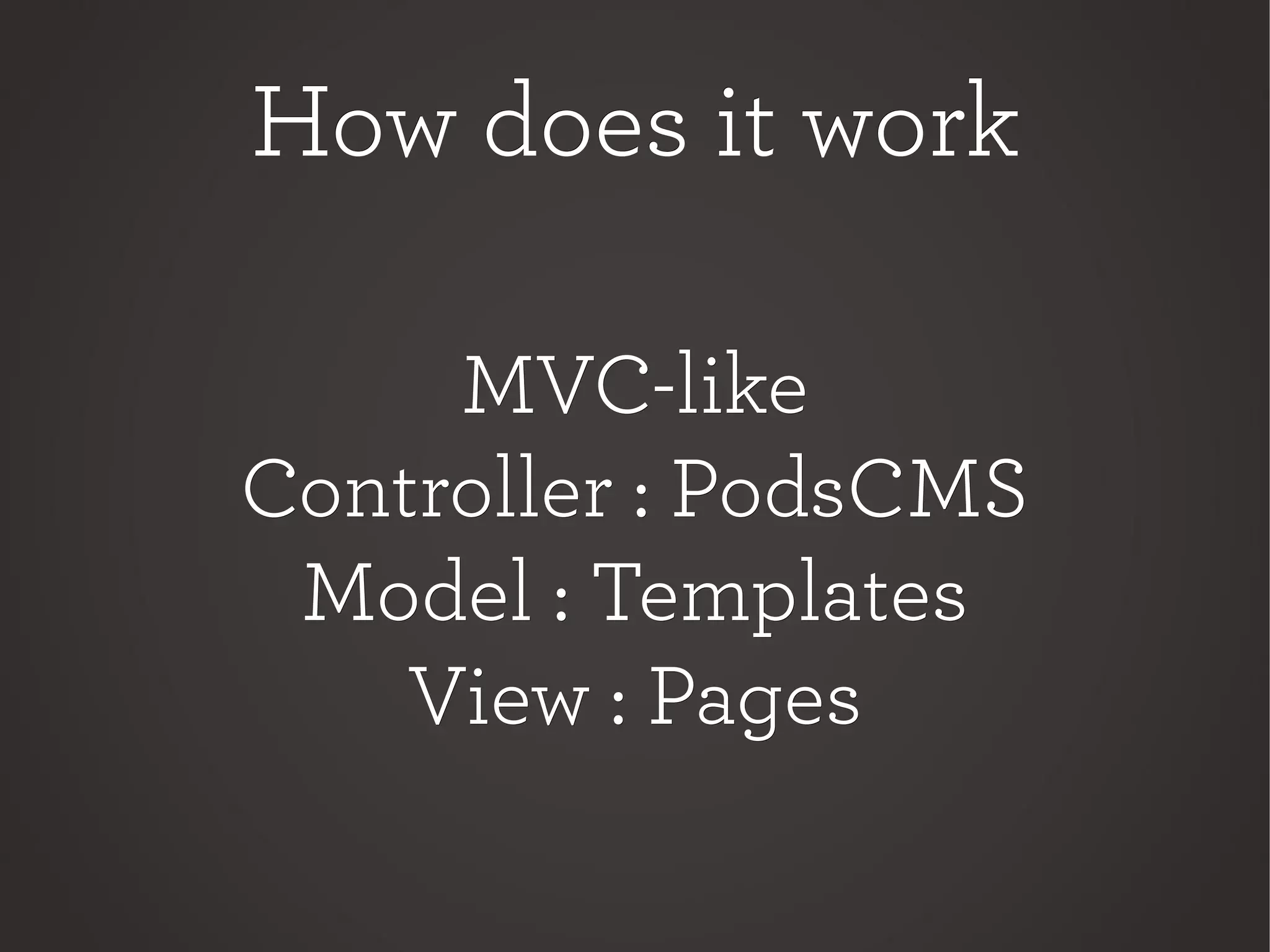
How does it workHow does it work
MVC-likeMVC-like
Controller : PodsCMSController : PodsCMS
Model : TemplatesModel : Templates
View : PagesView : Pages
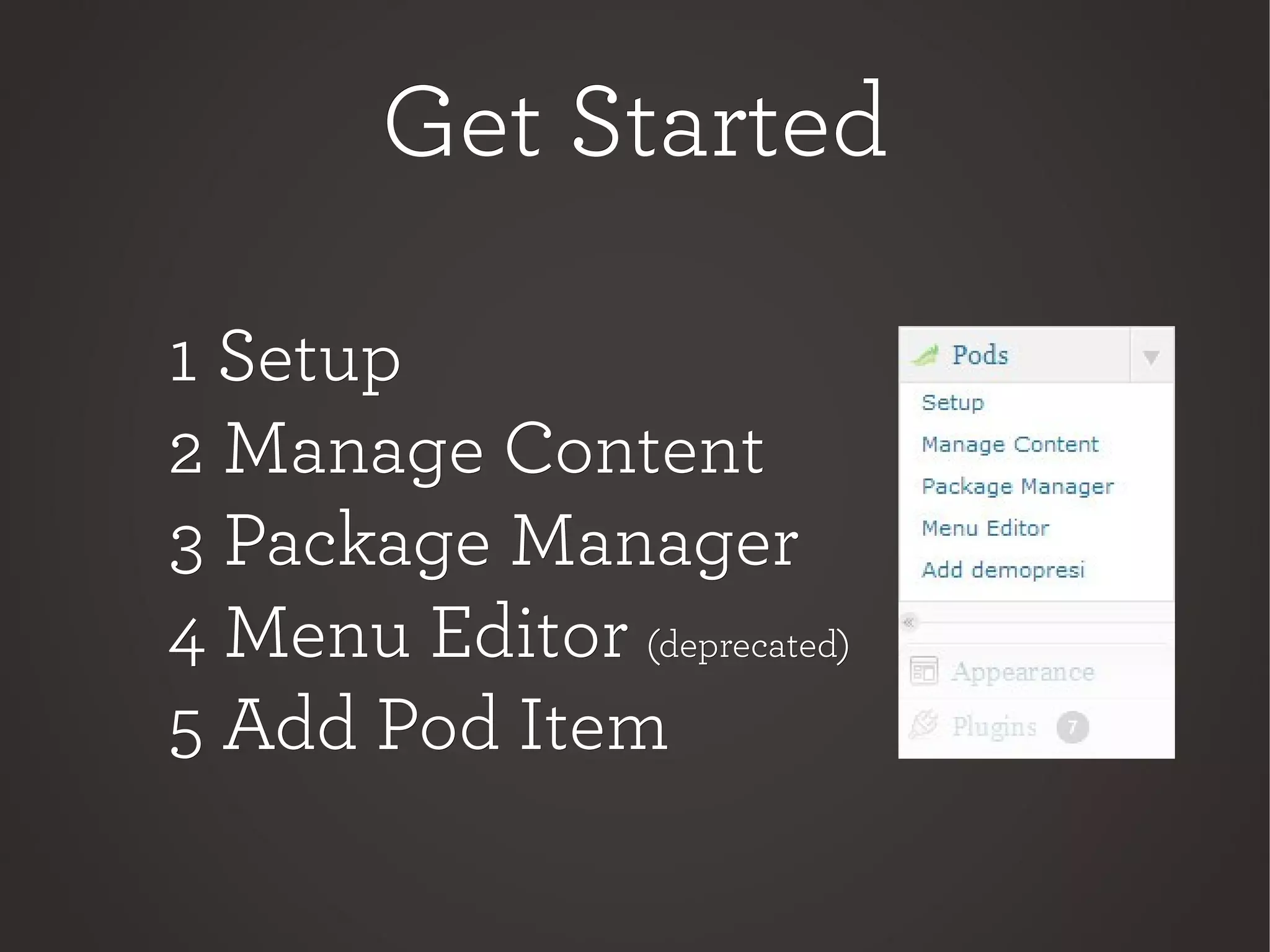
Get StartedGet Started
1 Setup1 Setup
2 Manage Content2 Manage Content
3 Package Manager3 Package Manager
4 Menu Editor4 Menu Editor (deprecated)(deprecated)
5 Add Pod Item5 Add Pod Item
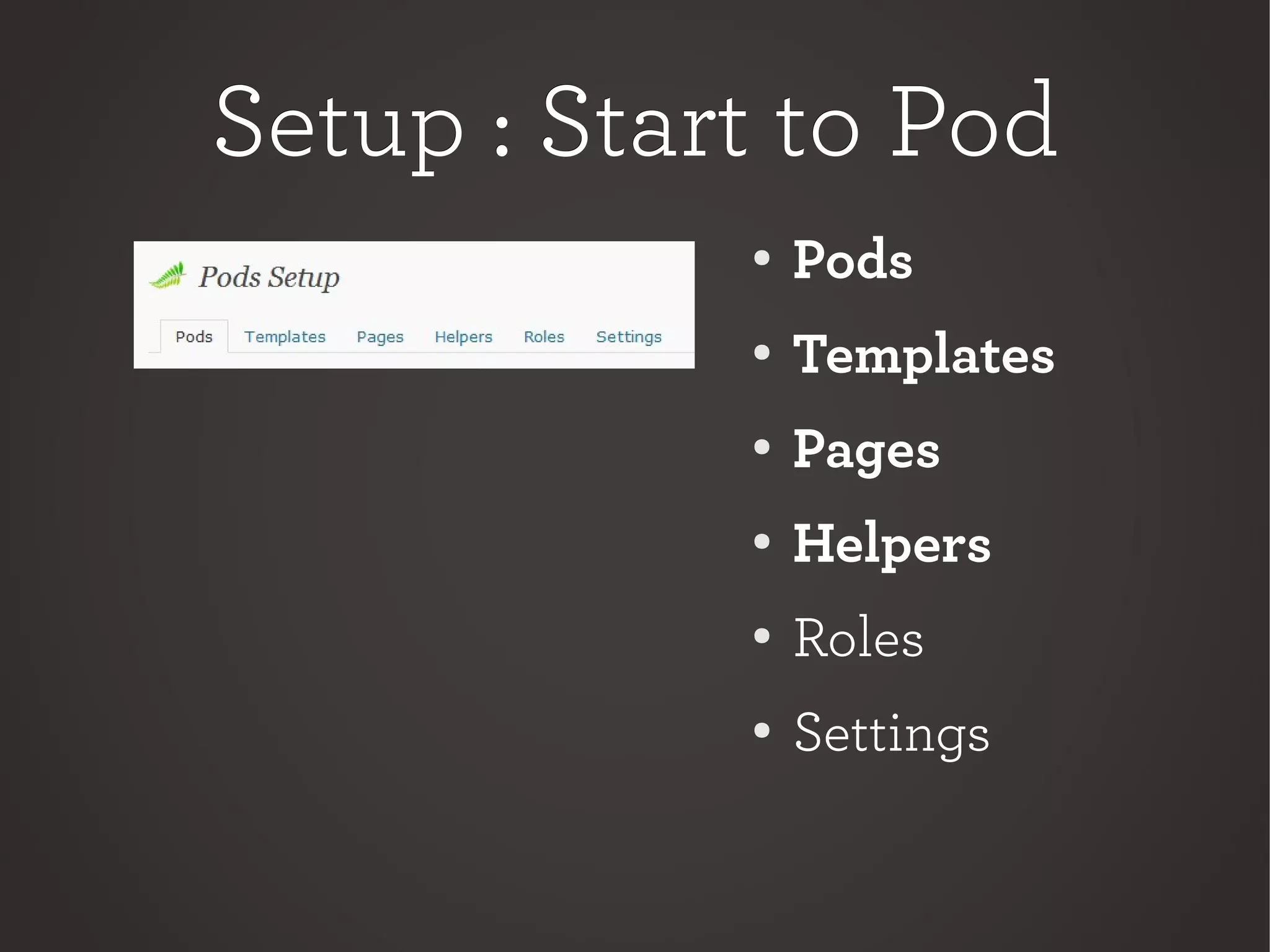
Setup : Start to PodSetup : Start to Pod
●
Pods
● Templates
●
Pages
●
Helpers
●
Roles
● Settings
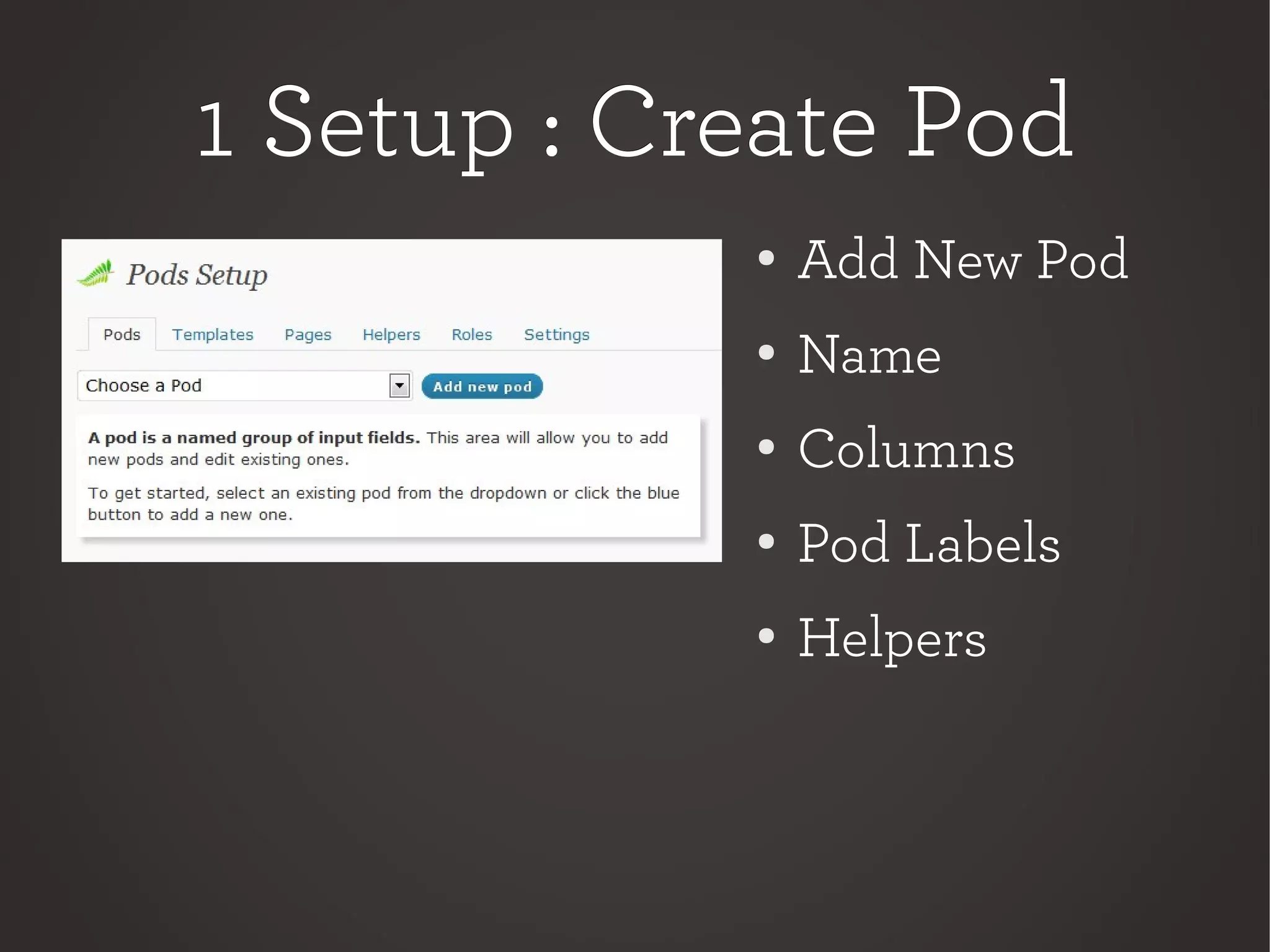
1 Setup : Create Pod1 Setup : Create Pod
●
Add New Pod
● Name
●
Columns
●
Pod Labels
●
Helpers
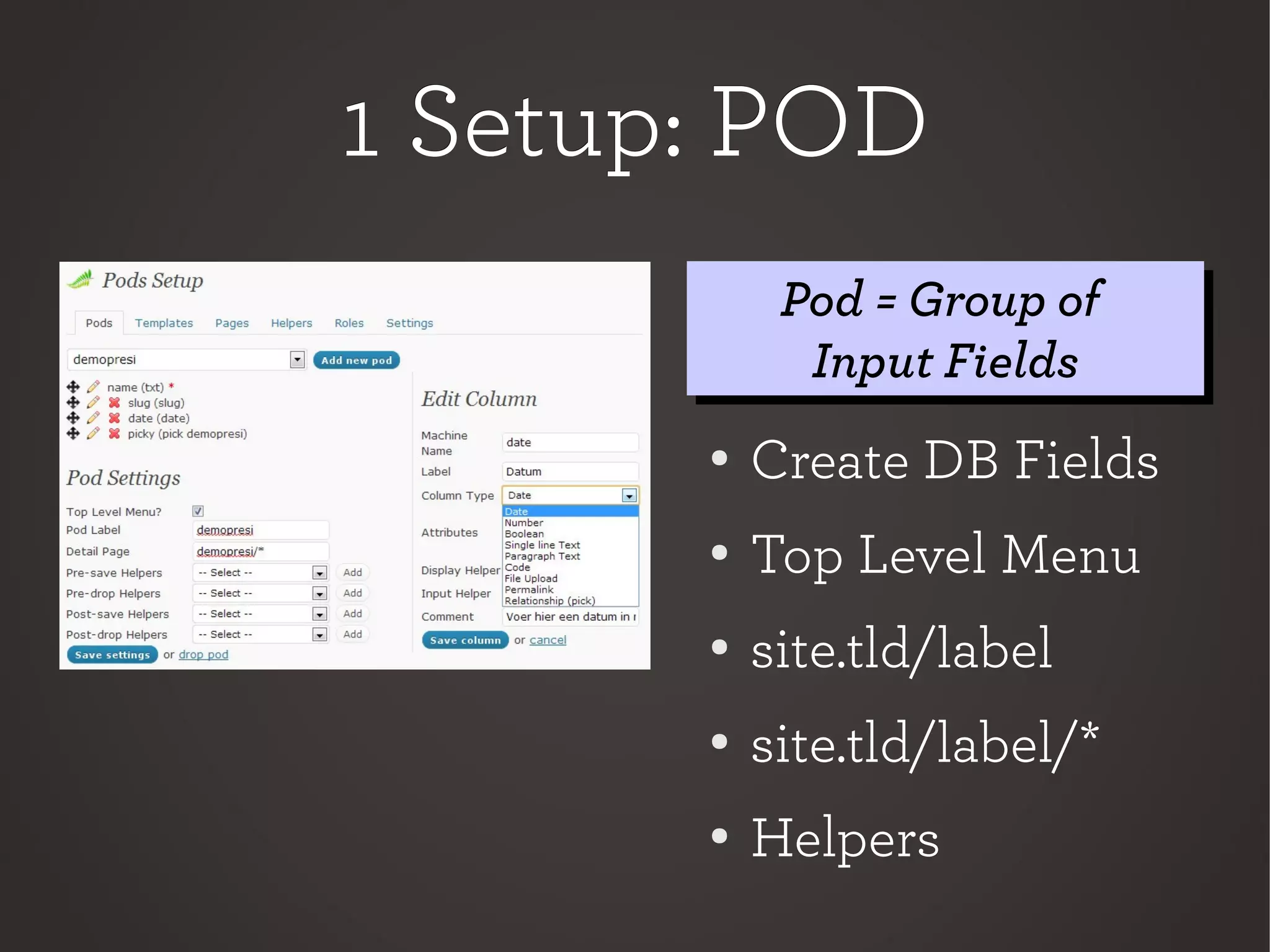
1 Setup: POD1 Setup: POD
● Create DB Fields
●
Top Level Menu
●
site.tld/label
● site.tld/label/*
●
Helpers
Pod = Group of
Input Fields
Pod = Group of
Input Fields
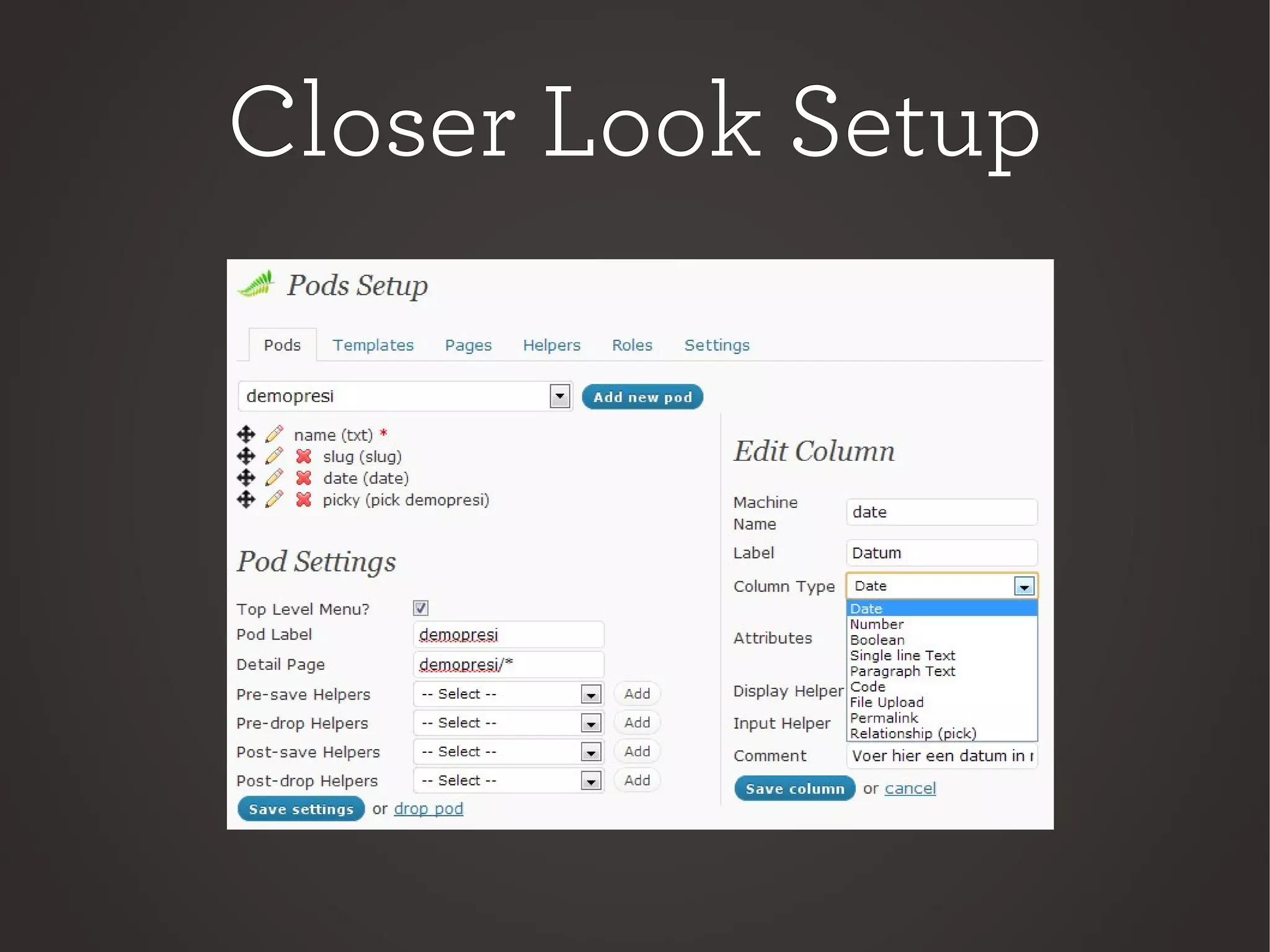
Closer Look SetupCloser Look Setup
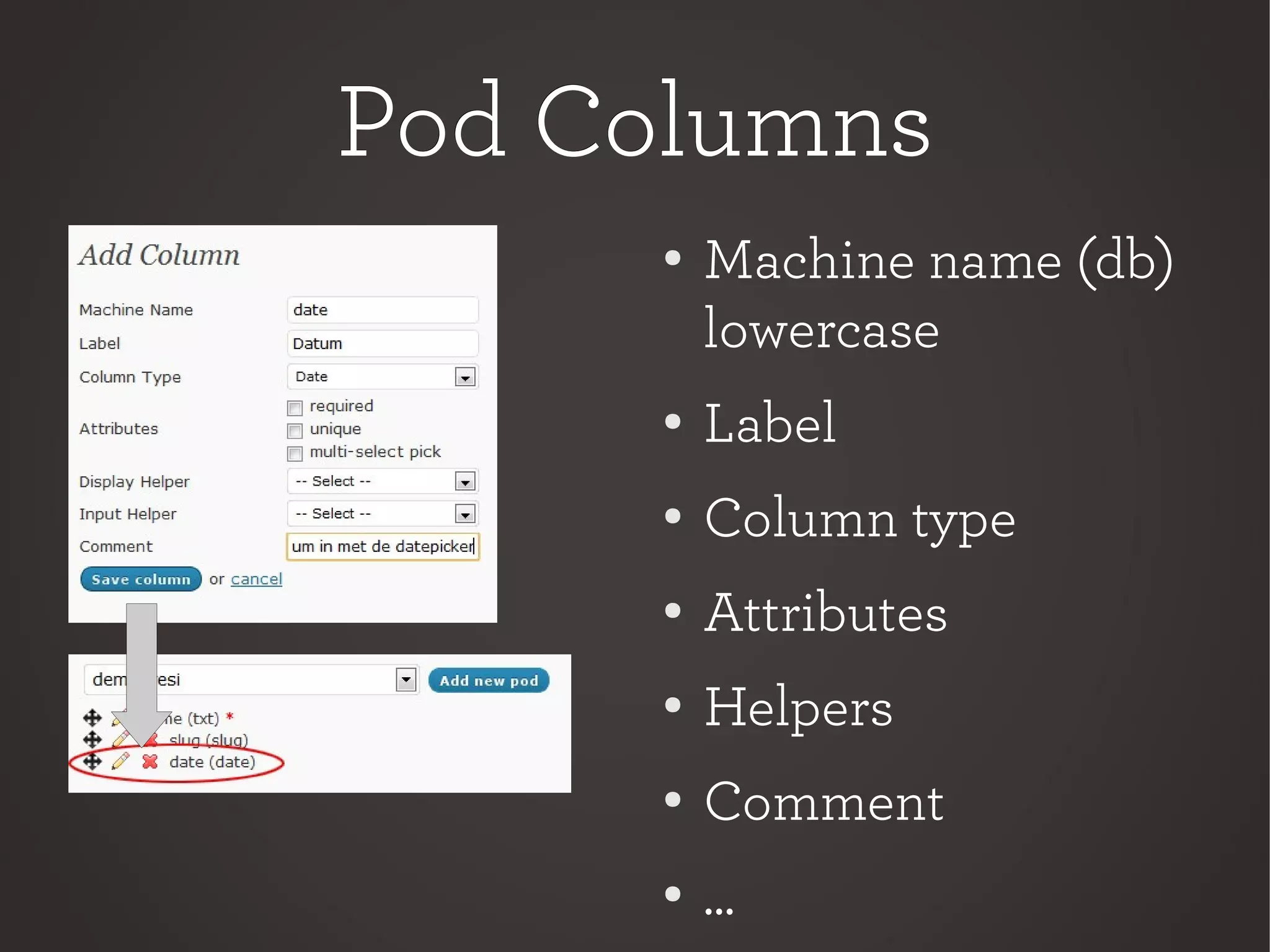
Pod ColumnsPod Columns
●
Machine name (db)
lowercase
●
Label
● Column type
●
Attributes
●
Helpers
● Comment
●
...
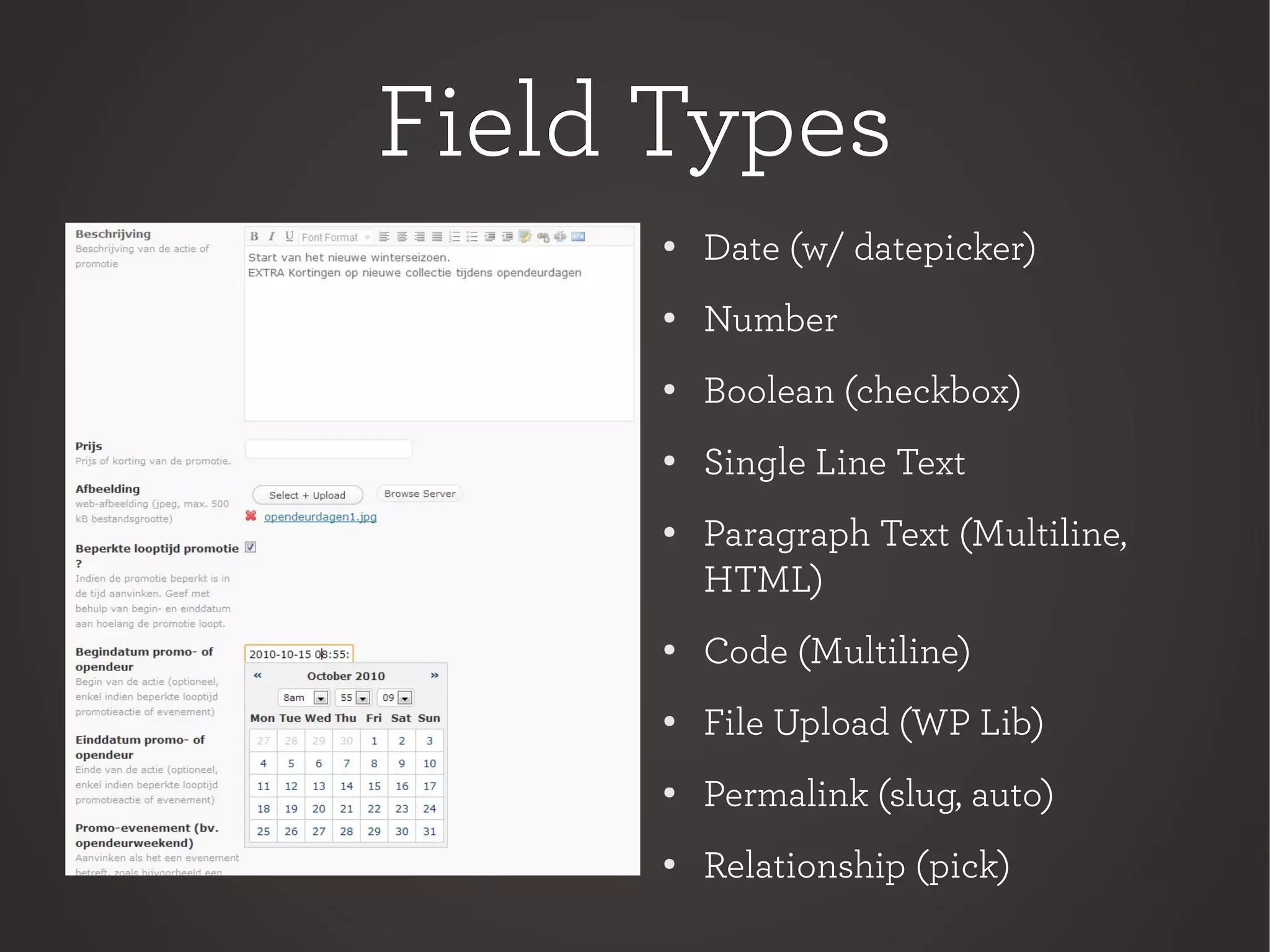
Field TypesField Types
●
Date (w/ datepicker)
● Number
● Boolean (checkbox)
●
Single Line Text
● Paragraph Text (Multiline,
HTML)
● Code (Multiline)
● File Upload (WP Lib)
●
Permalink (slug, auto)
● Relationship (pick)
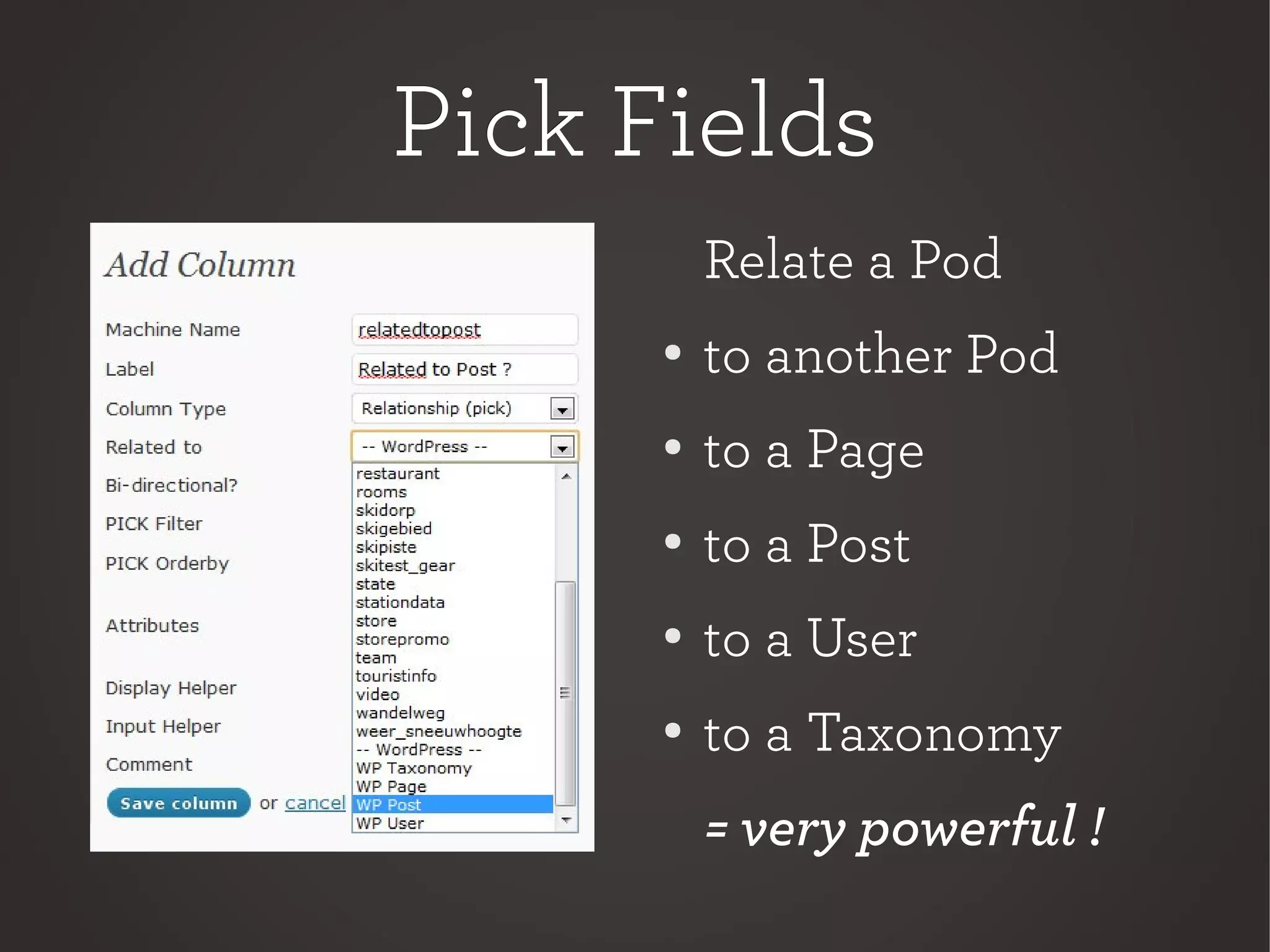
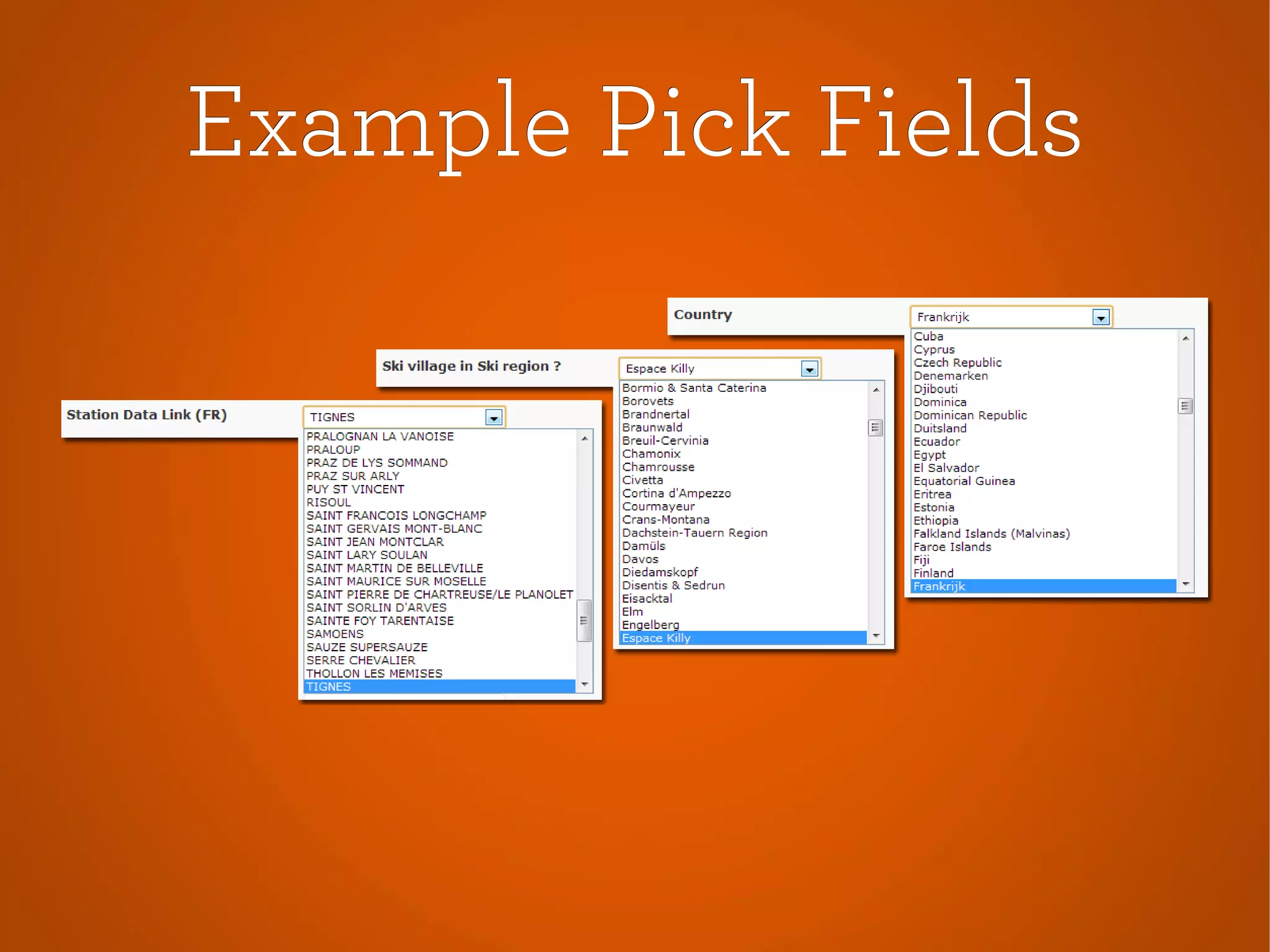
Pick FieldsPick Fields
Relate a Pod
● to another Pod
●
to a Page
●
to a Post
●
to a User
● to a Taxonomy
= very powerful !
PagesPages
Retrieve Data ?
●
Pod Page
●
WP Page Template
●
Shortcode
Pod PagePod Page
● Edit in Pods Admin
●
Supports Wildcard URLs.
● Pod Page “events” = list of events
●
Pod Page “events/*” =
default handler for all pages
beginning with "events/".
● PHP
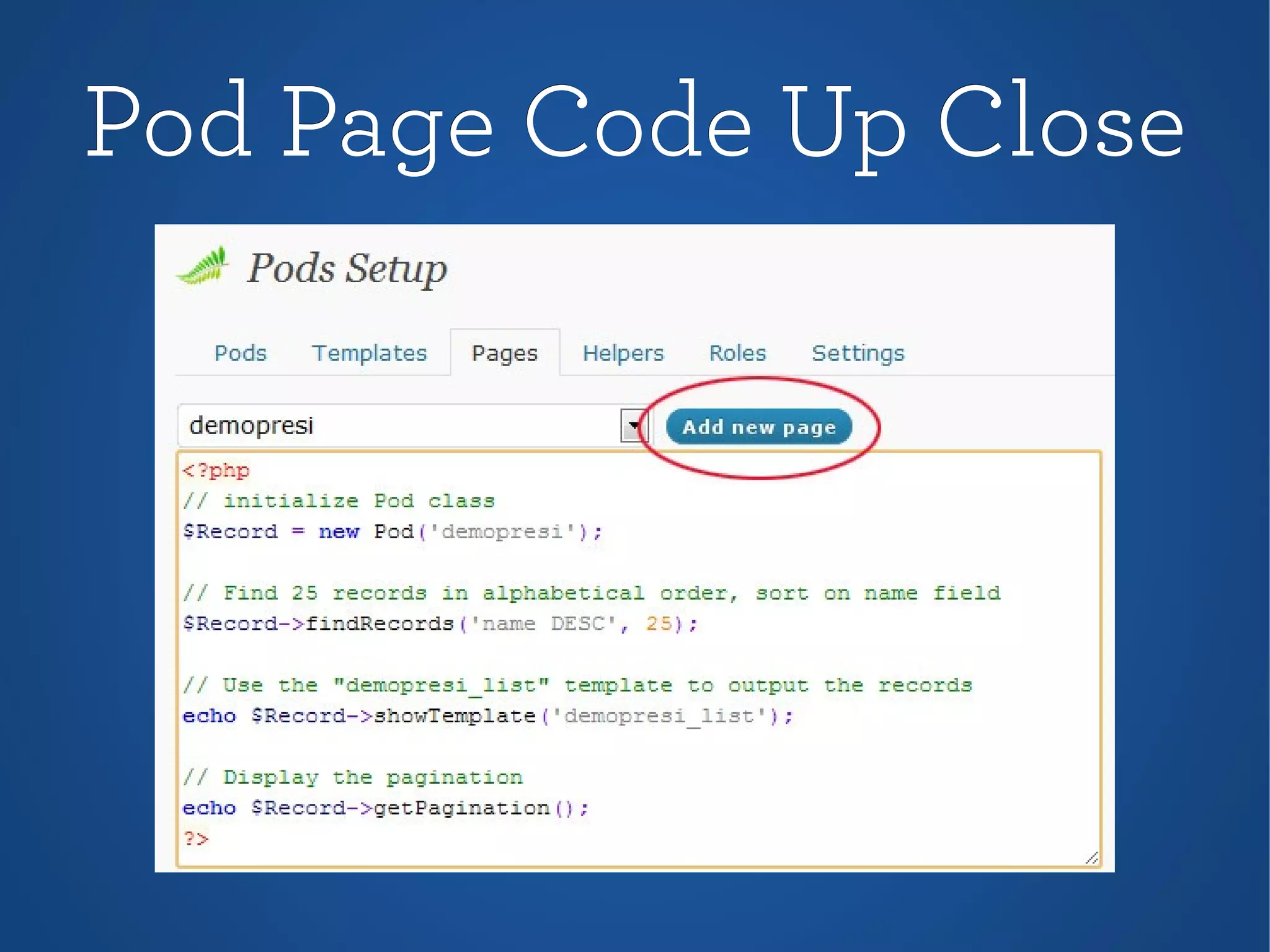
Pod Page CodePod Page Code
●
Define Pods Object
● findRecords (SQL)
●
showTemplate/loop
●
Pagination
●
Precode
● Link to Template
Pod Page Code Up ClosePod Page Code Up Close
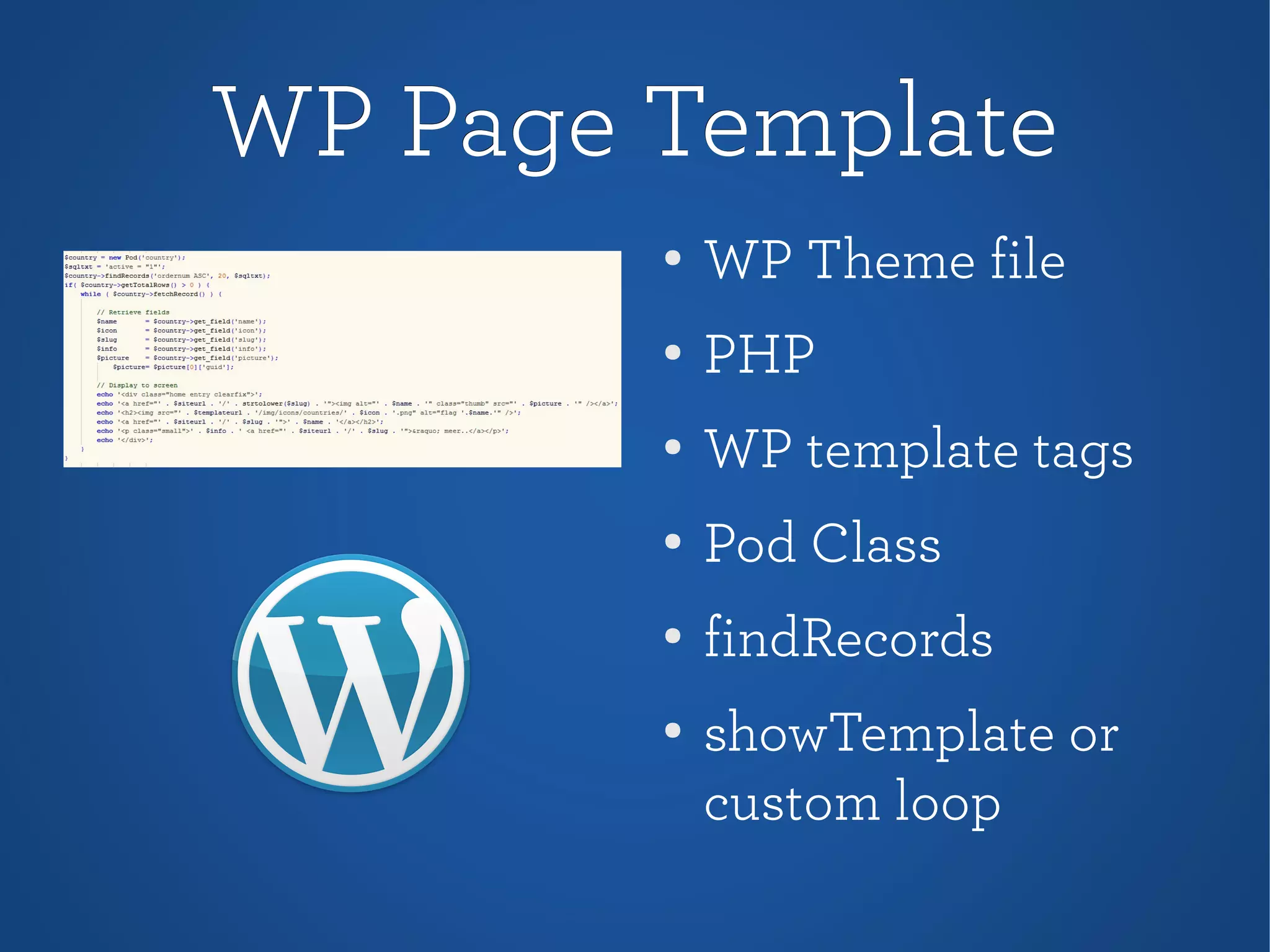
WP Page TemplateWP Page Template
●
WP Theme file
● PHP
●
WP template tags
●
Pod Class
●
findRecords
● showTemplate or
custom loop
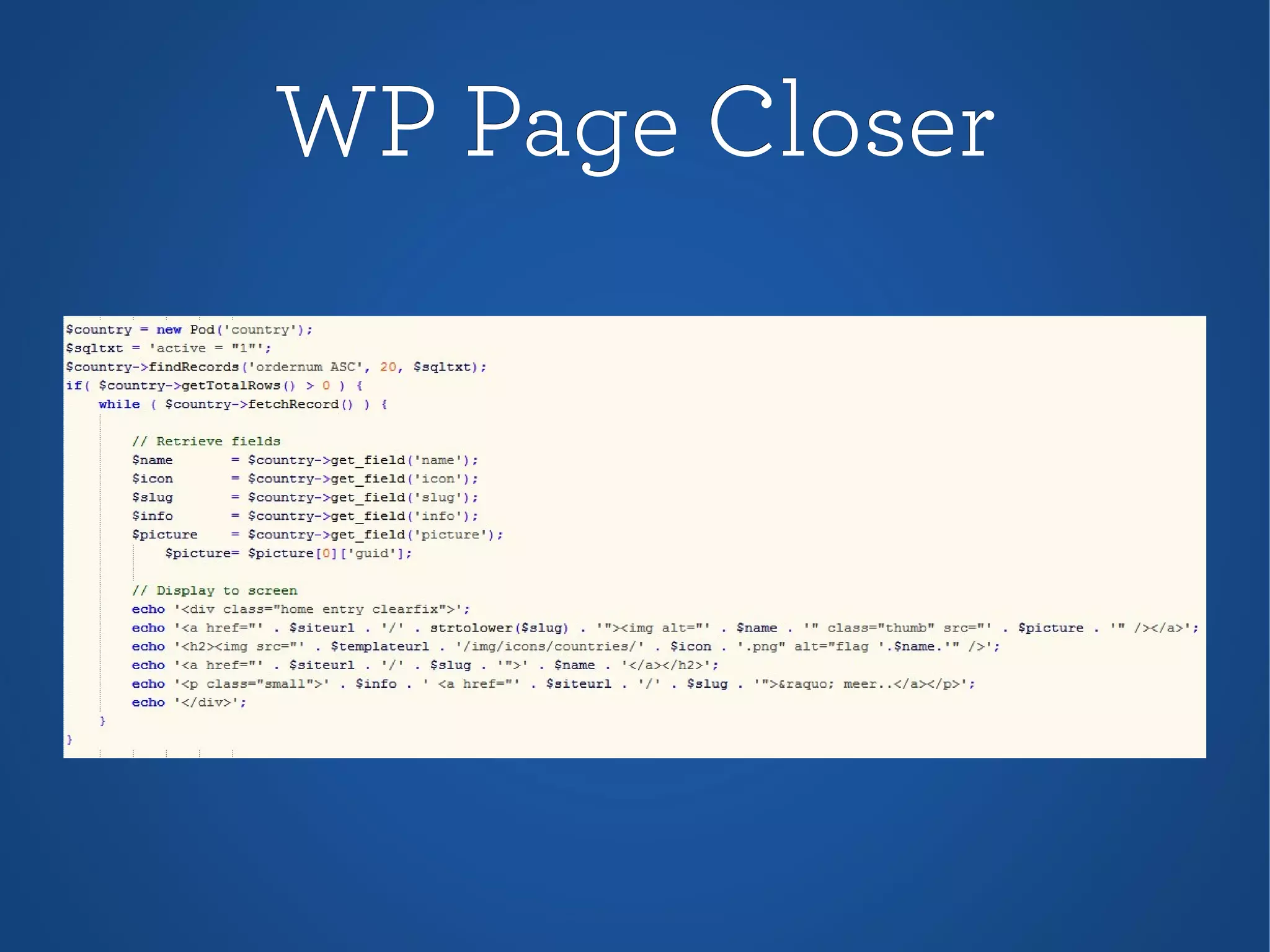
WP Page CloserWP Page Closer
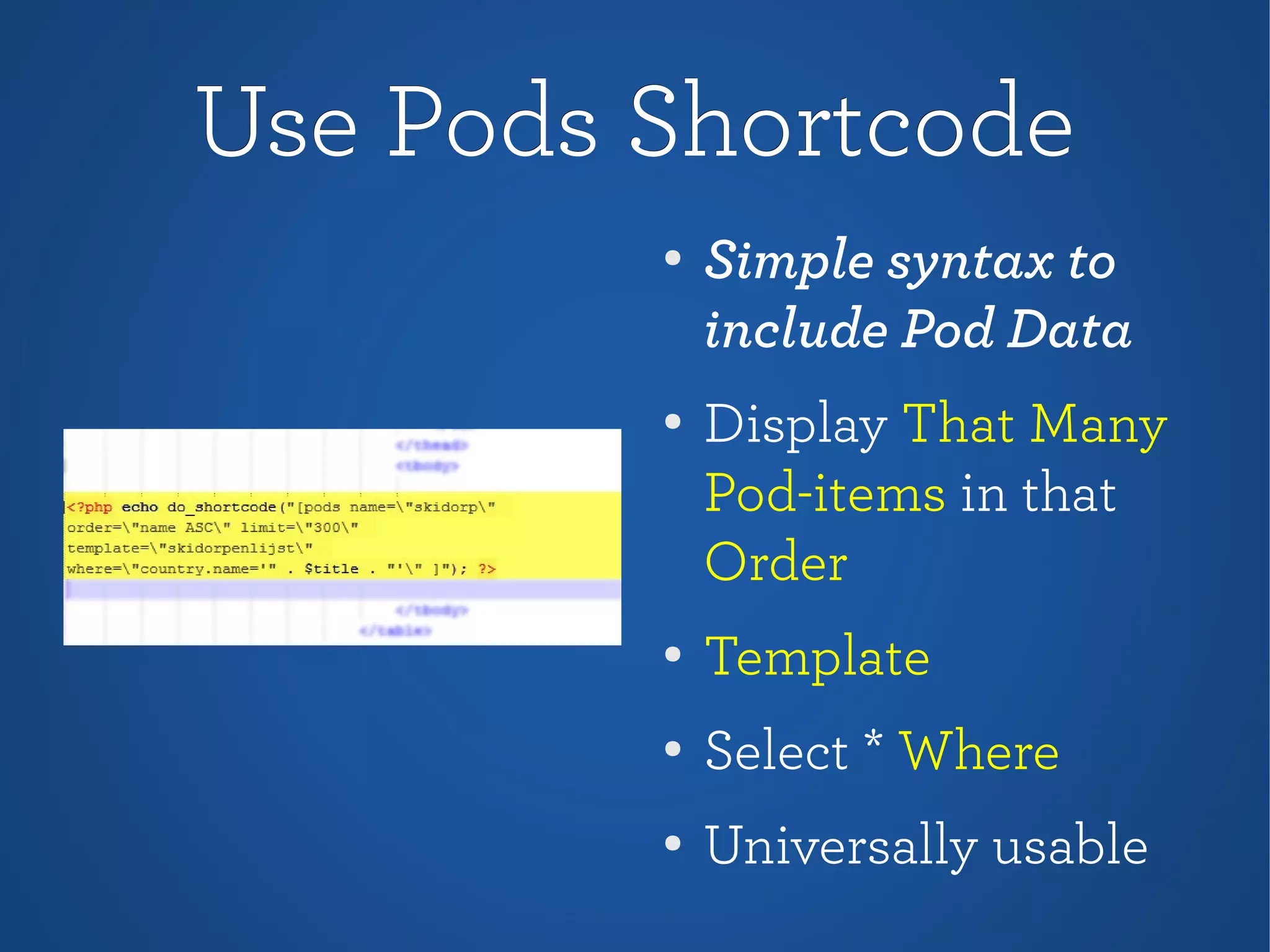
Use Pods ShortcodeUse Pods Shortcode
●
Simple syntax to
include Pod Data
●
Display That Many
Pod-items in that
Order
●
Template
● Select * Where
●
Universally usable
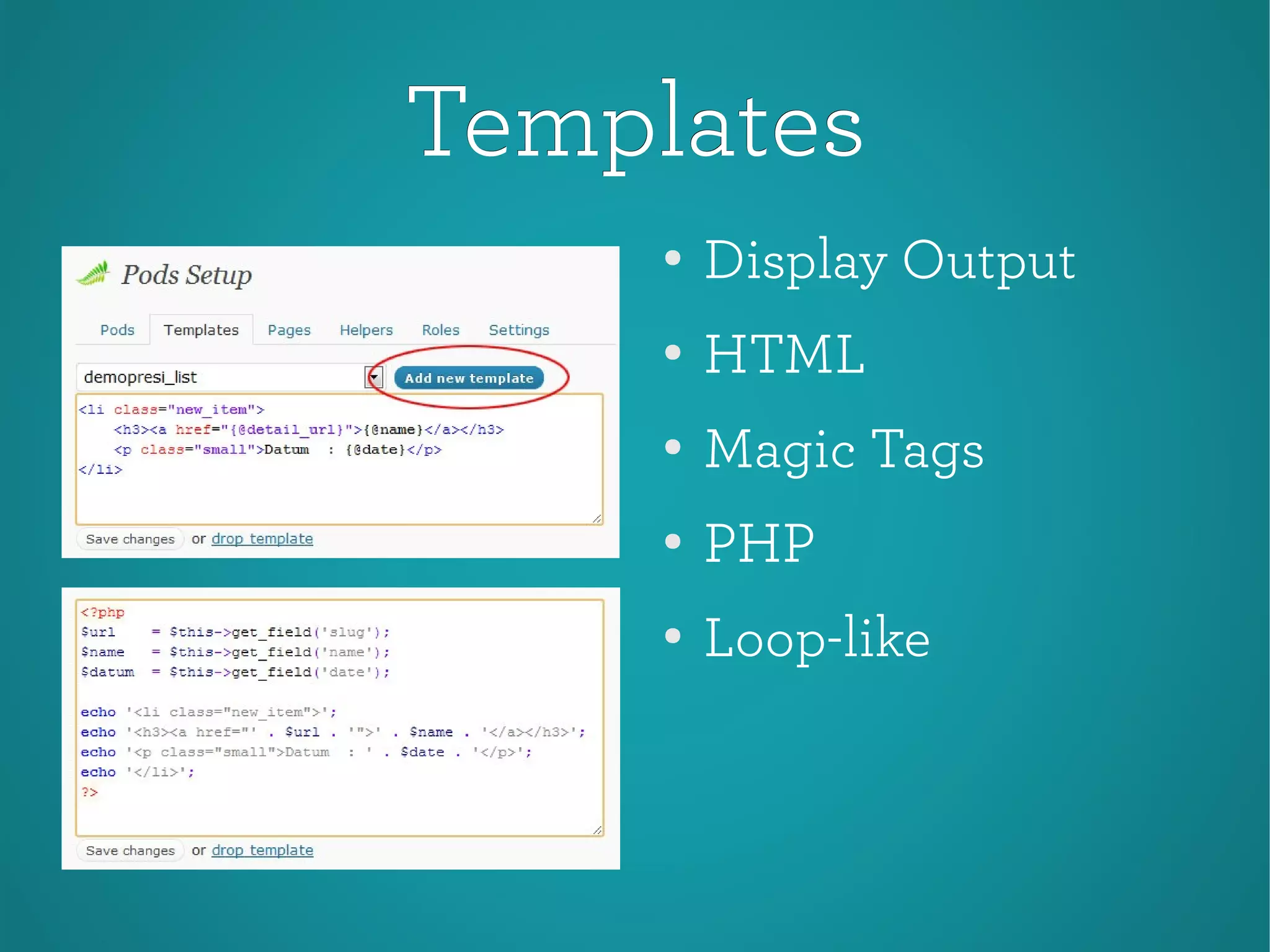
TemplatesTemplates
●
Display Output
● HTML
●
Magic Tags
●
PHP
●
Loop-like
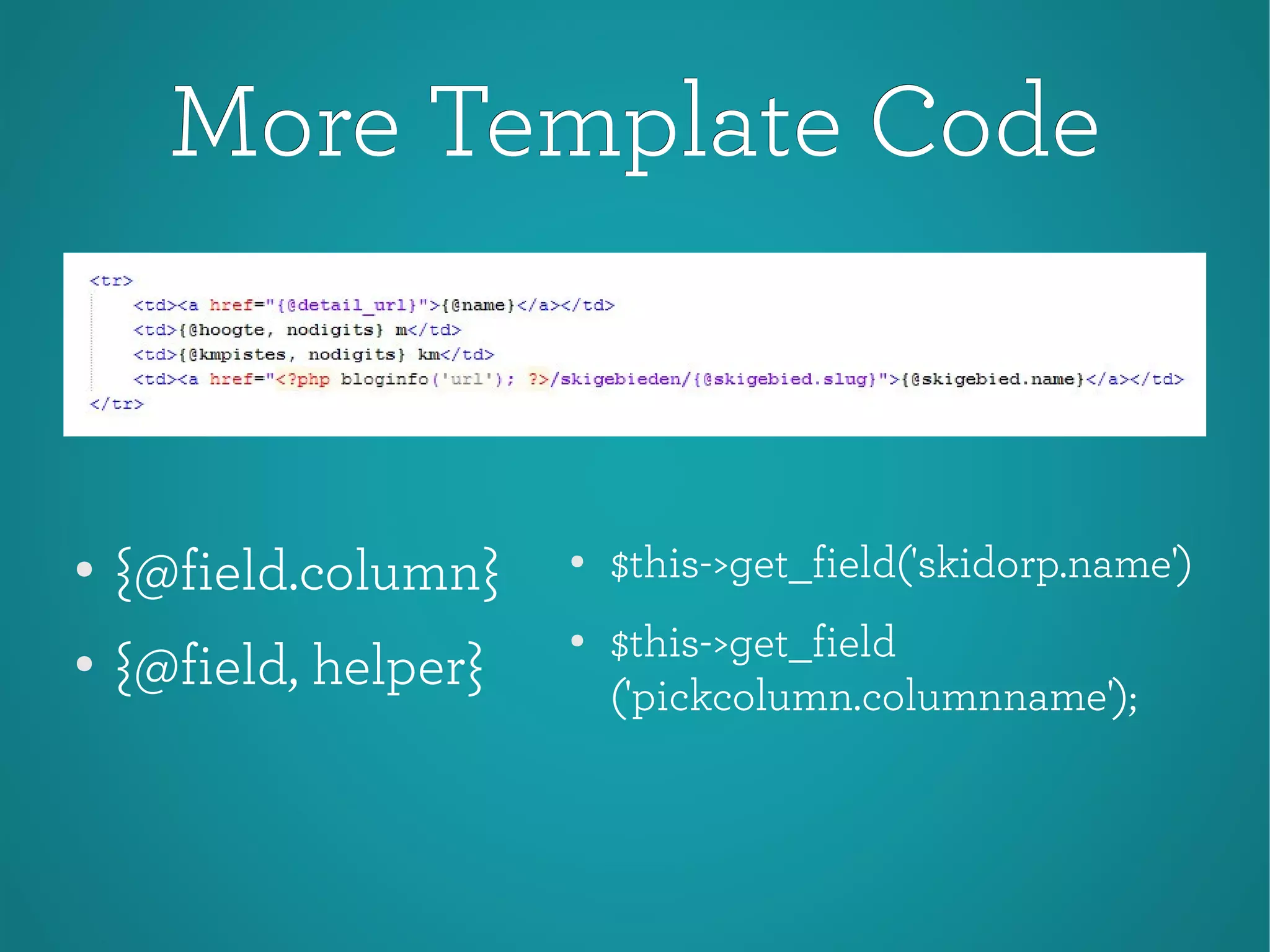
More Template CodeMore Template Code
●
$this->get_field('skidorp.name')
●
$this->get_field
('pickcolumn.columnname');
●
{@field.column}
●
{@field, helper}
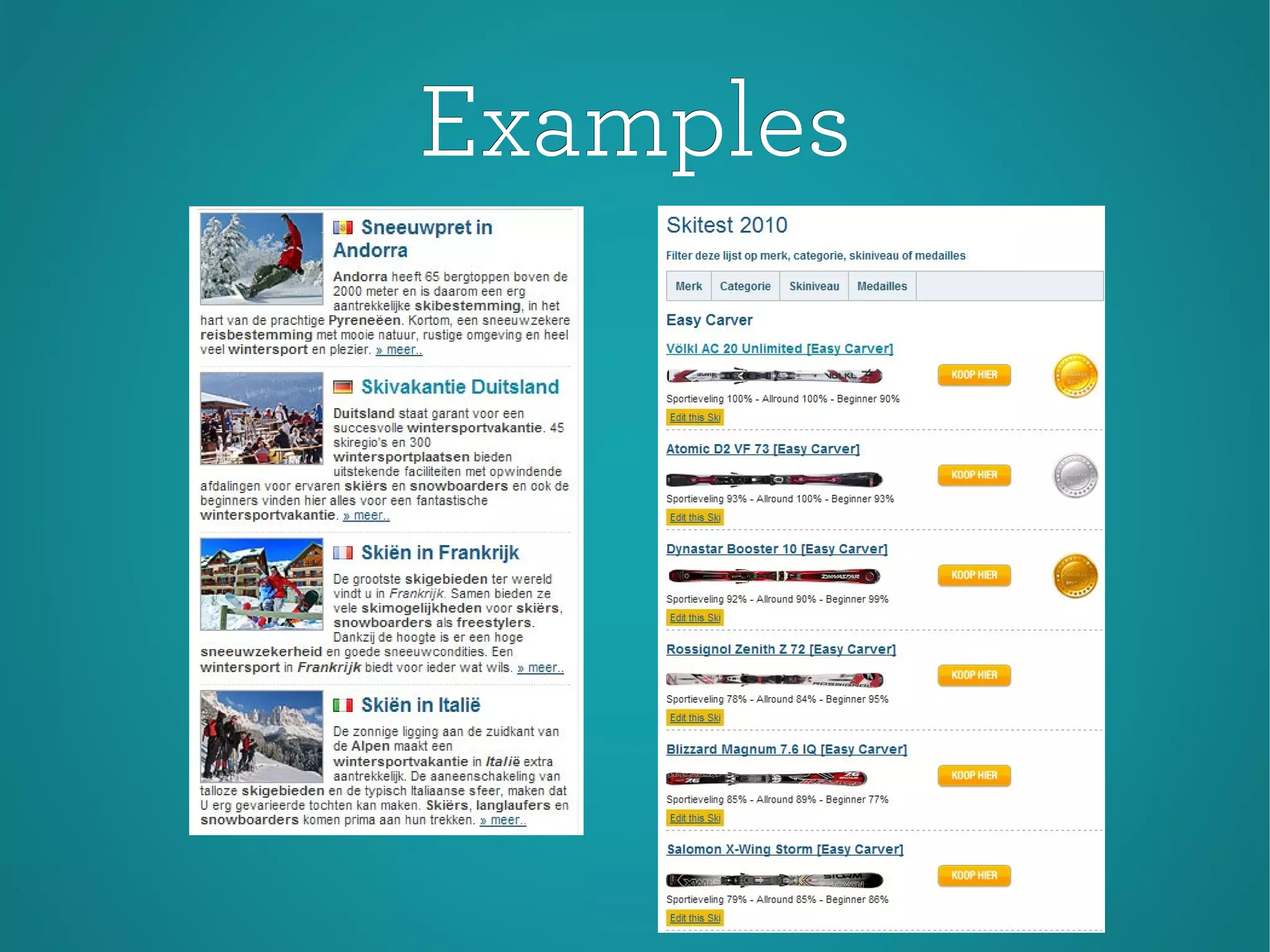
ExamplesExamples
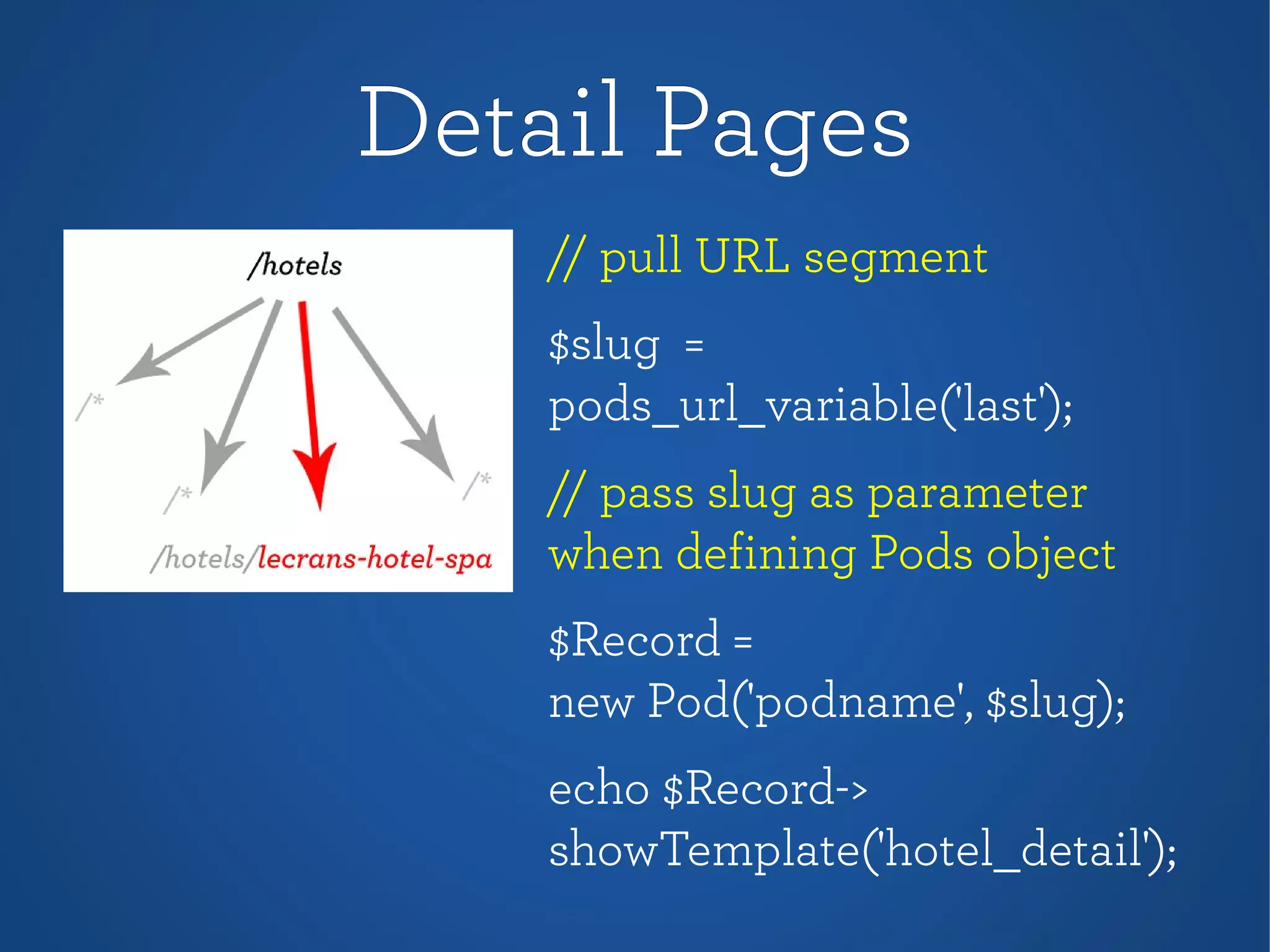
Detail PagesDetail Pages
// pull URL segment
$slug =
pods_url_variable('last');
// pass slug as parameter
when defining Pods object
$Record =
new Pod('podname', $slug);
echo $Record->
showTemplate('hotel_detail');
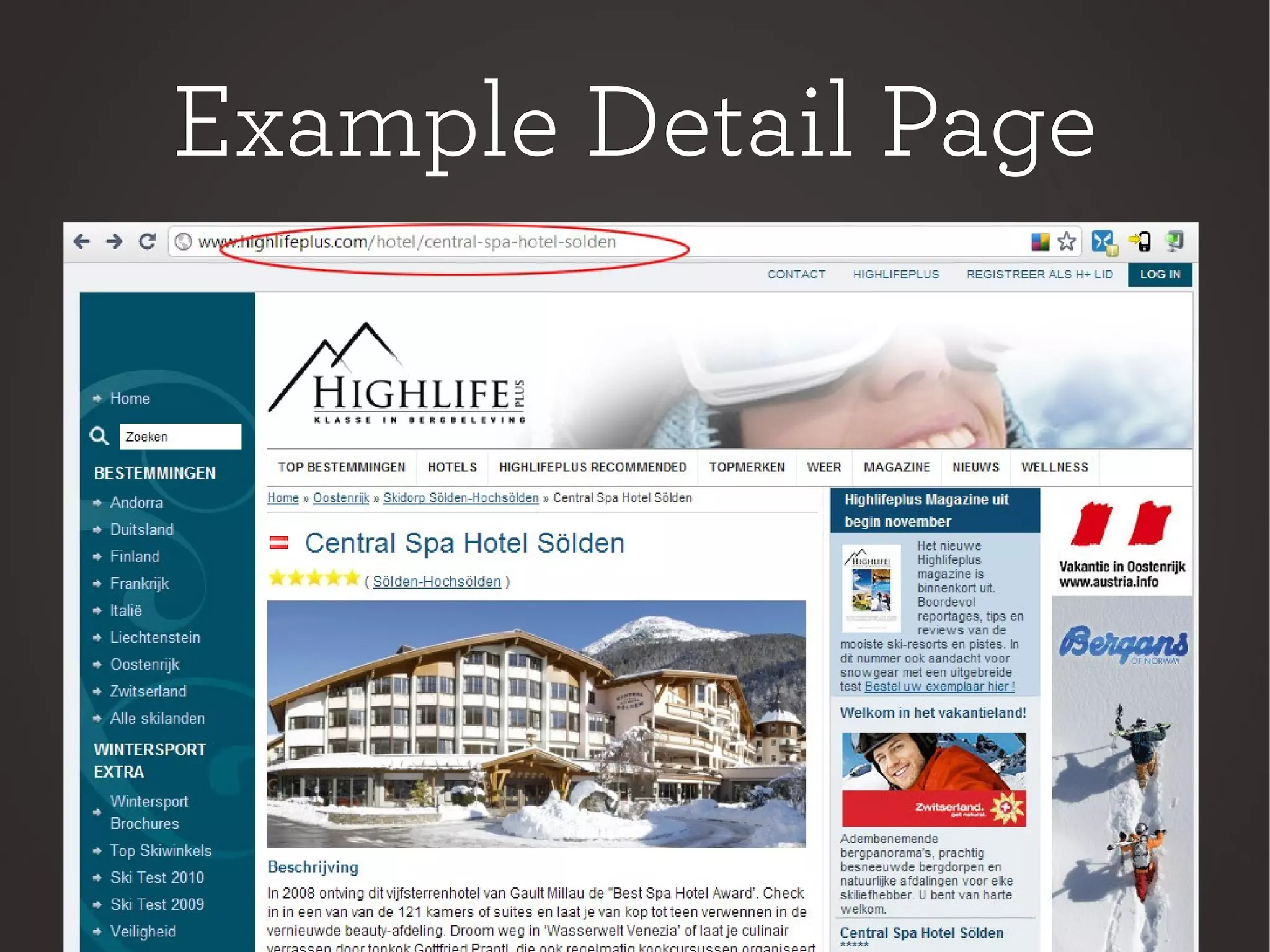
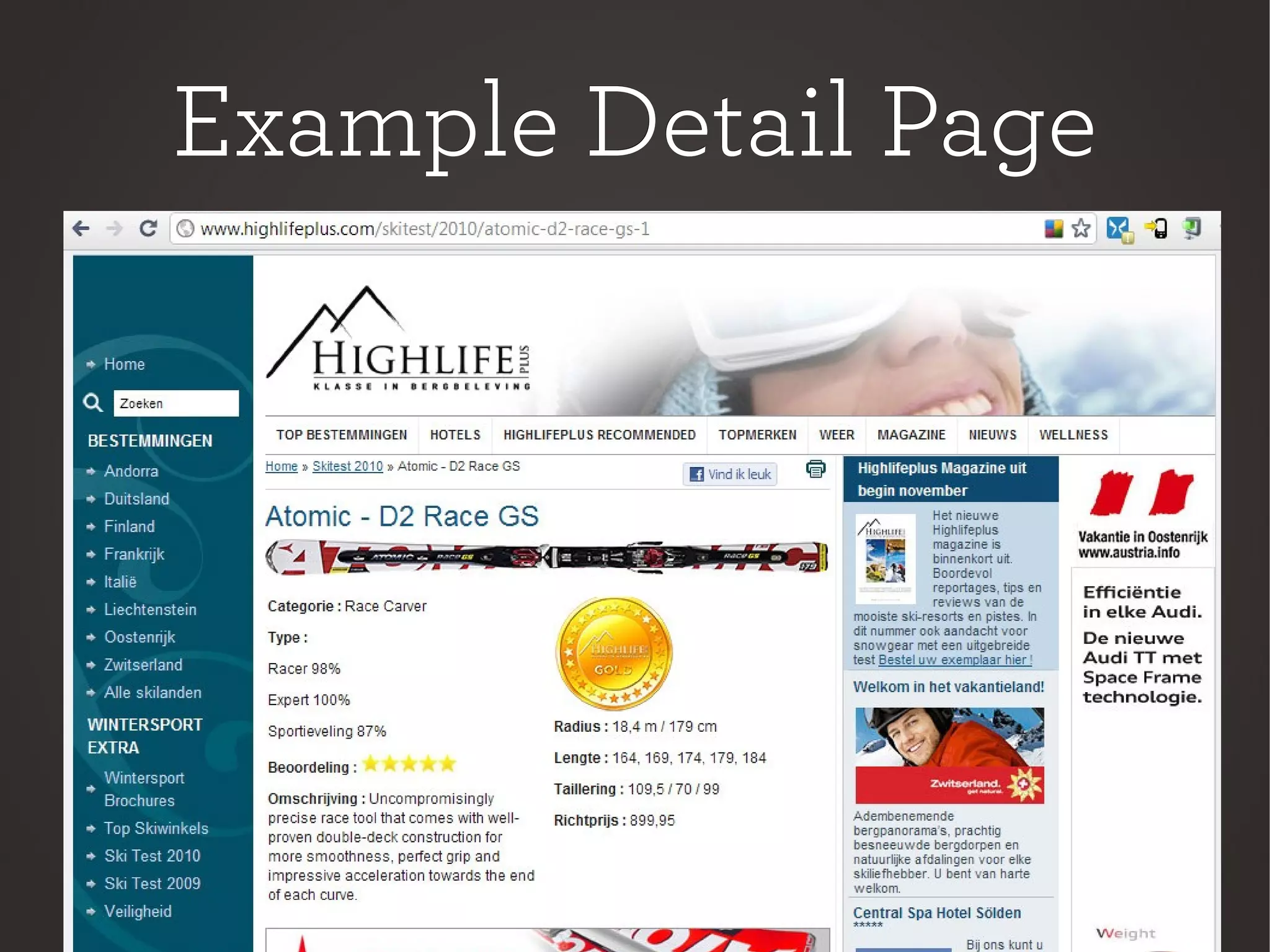
Example Detail PageExample Detail Page
HelpersHelpers
Manipulate DB DataManipulate DB Data
at Inputat Input
at Displayat Display
at Saveat Save
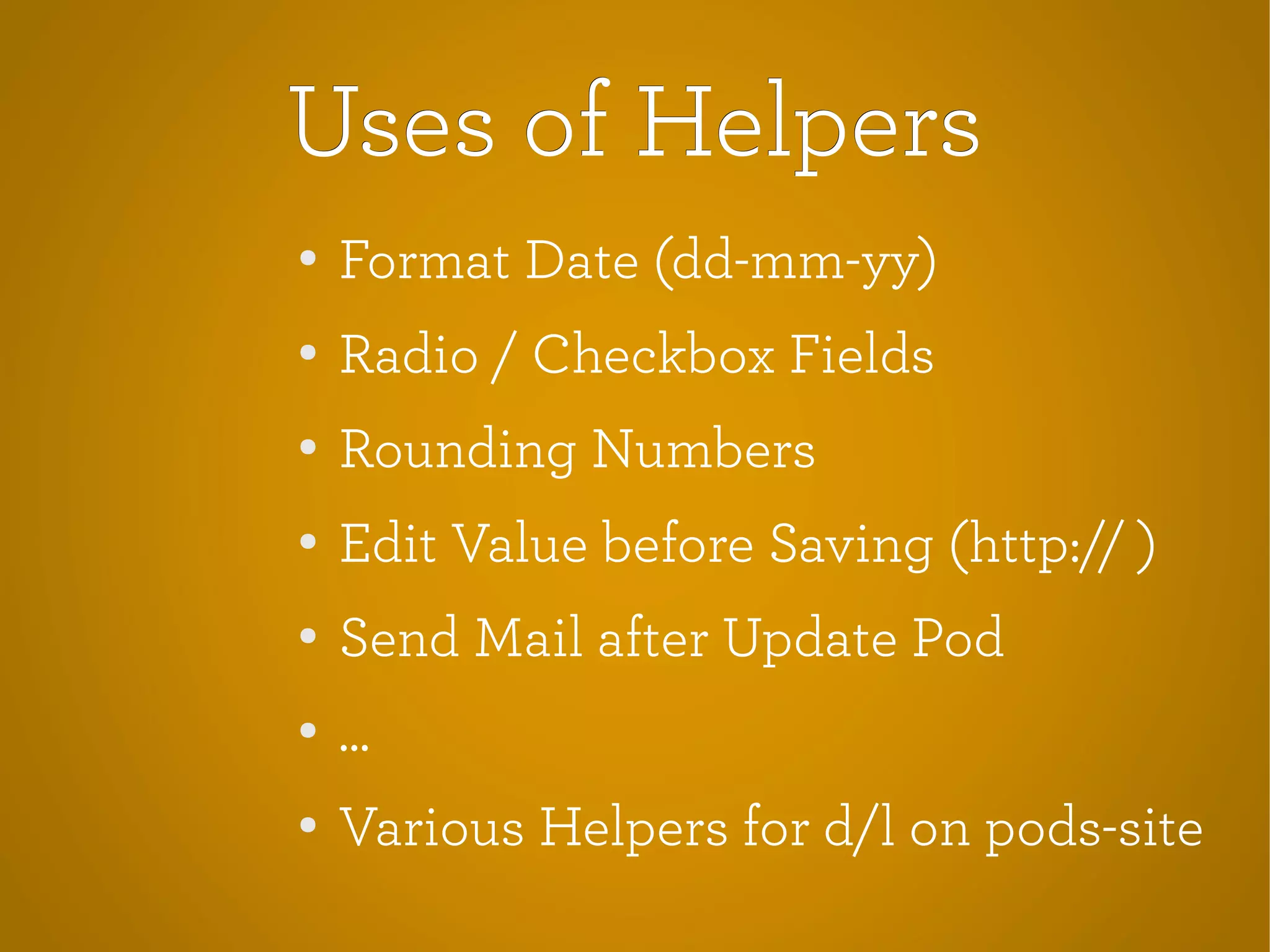
Uses of HelpersUses of Helpers
●
Format Date (dd-mm-yy)
● Radio / Checkbox Fields
●
Rounding Numbers
●
Edit Value before Saving (http:// )
●
Send Mail after Update Pod
● ...
● Various Helpers for d/l on pods-site
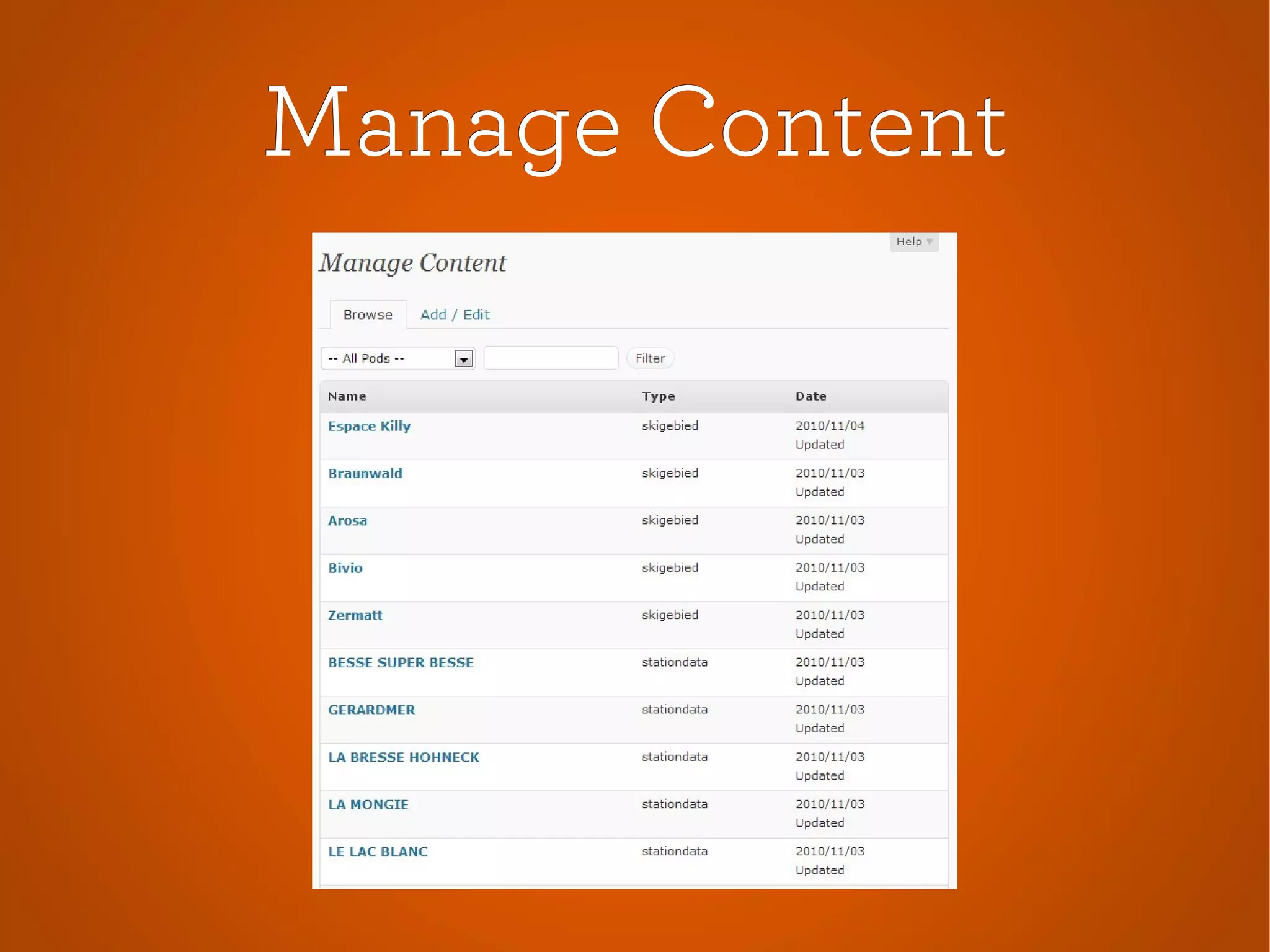
Manage ContentManage Content
Browse/edit all the content inBrowse/edit all the content in
the Pods database tables.the Pods database tables.
Manage ContentManage Content
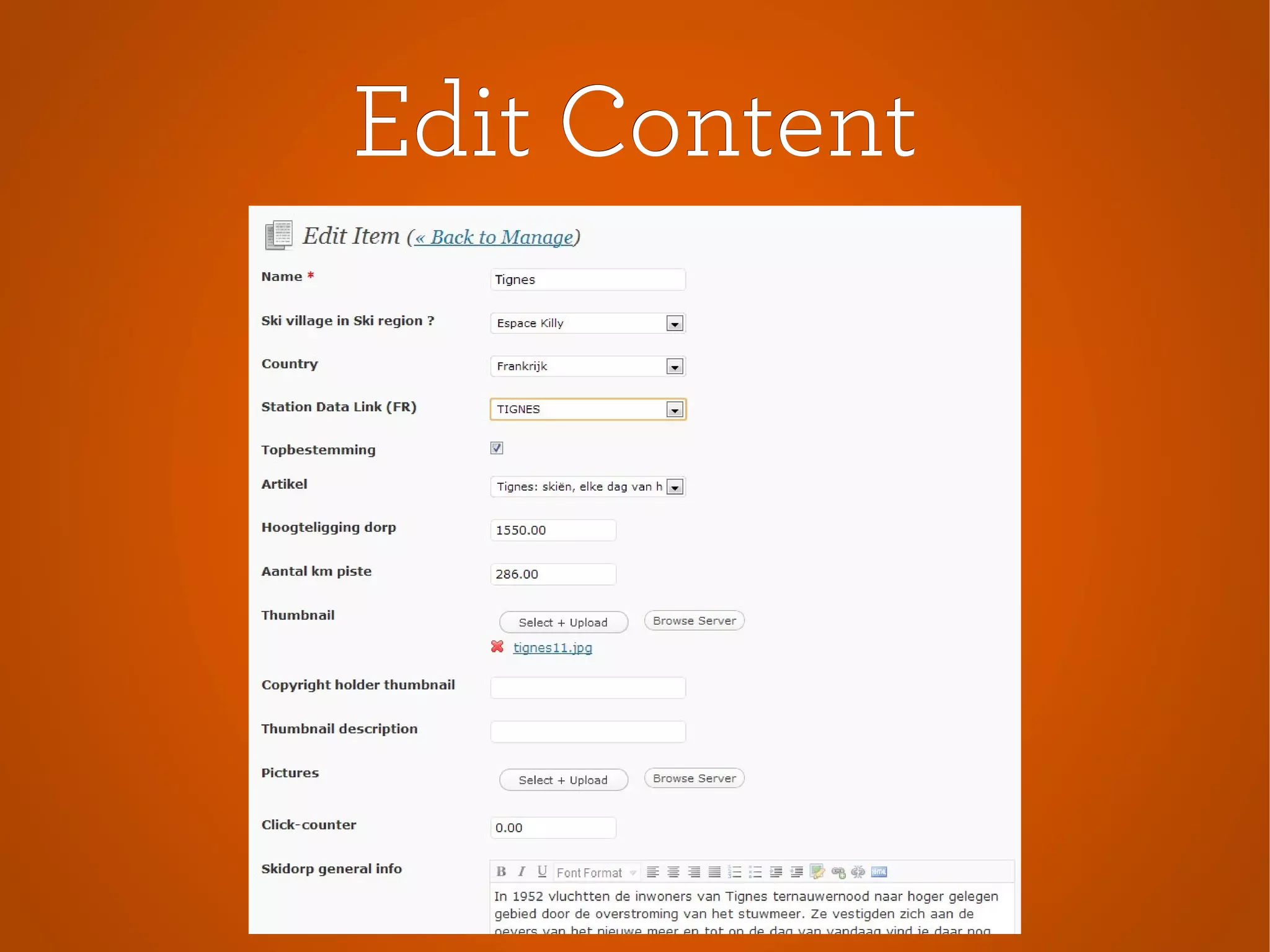
Edit ContentEdit Content
Example Pick FieldsExample Pick Fields
PackagesPackages
Built in import/export systemBuilt in import/export system
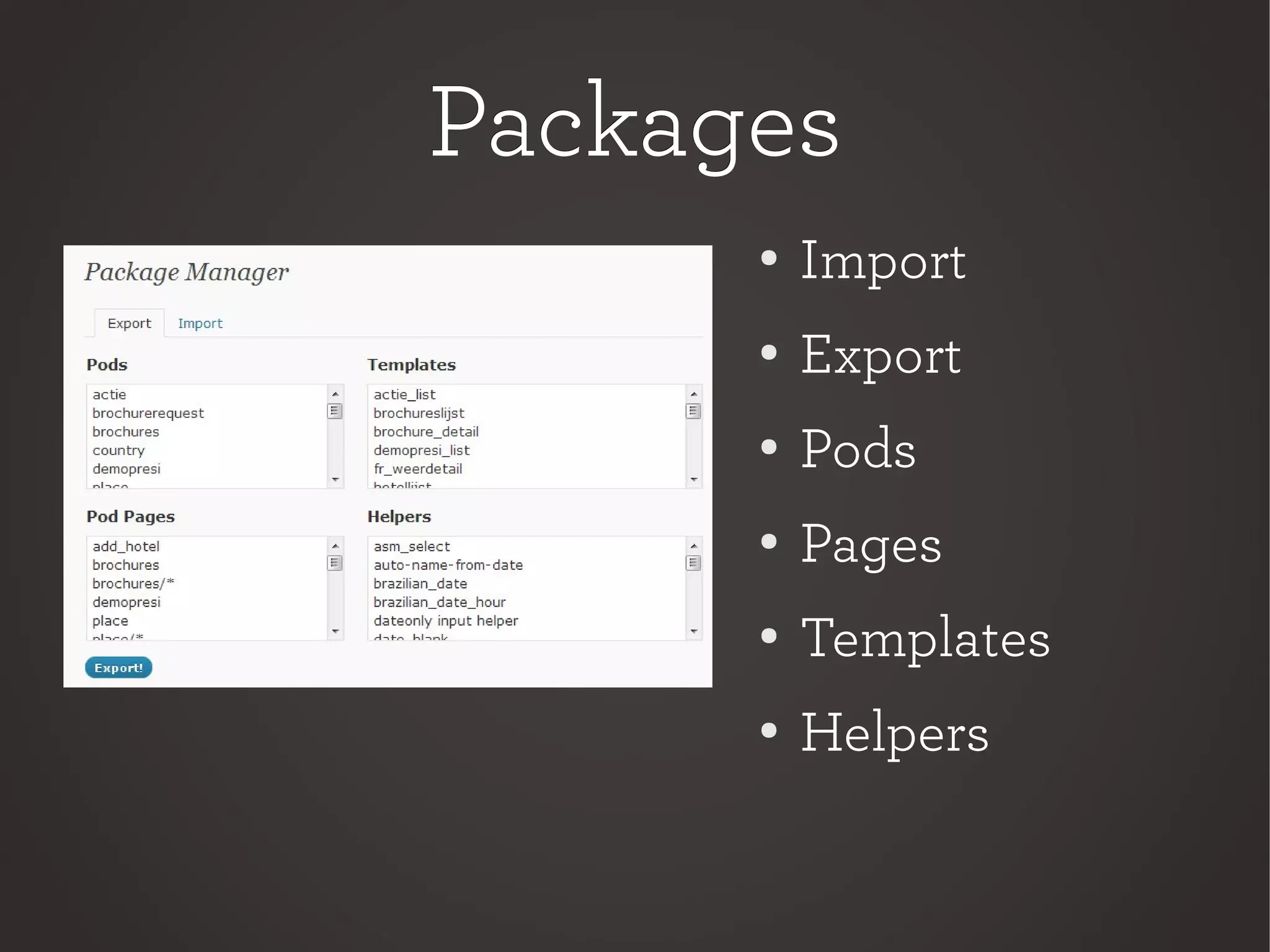
PackagesPackages
●
Import
● Export
●
Pods
●
Pages
●
Templates
● Helpers
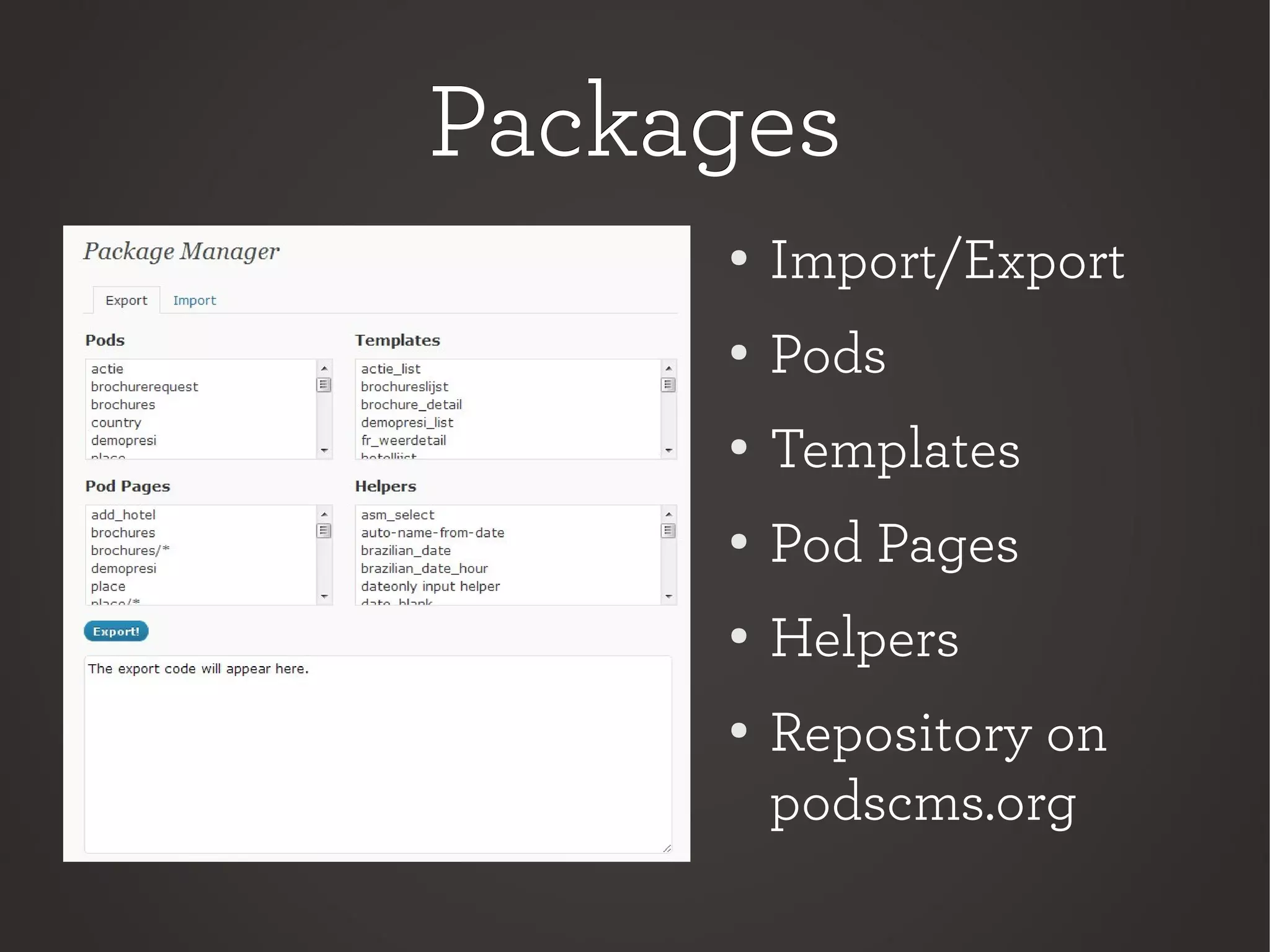
PackagesPackages
●
Import/Export
● Pods
●
Templates
●
Pod Pages
●
Helpers
● Repository on
podscms.org
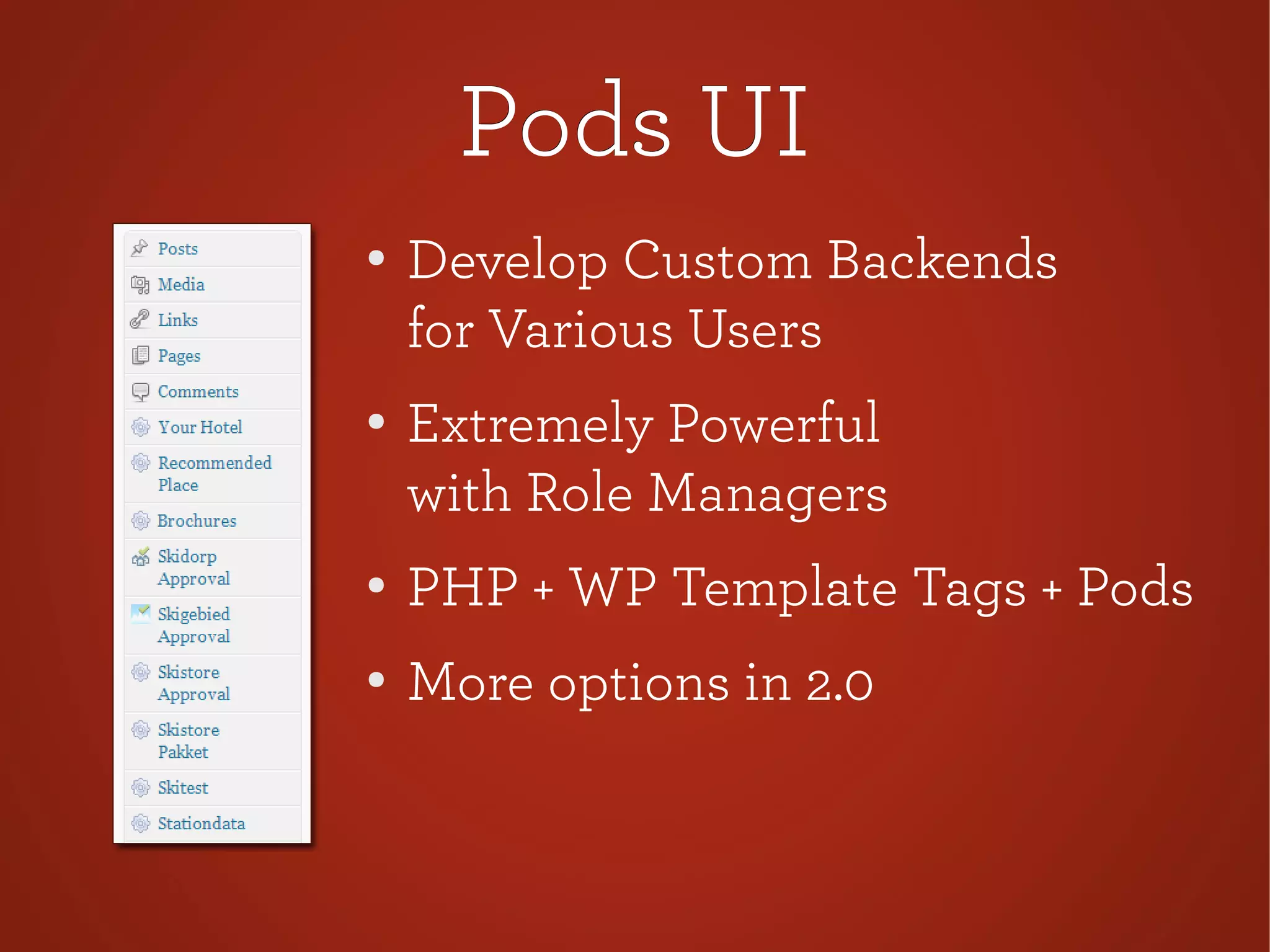
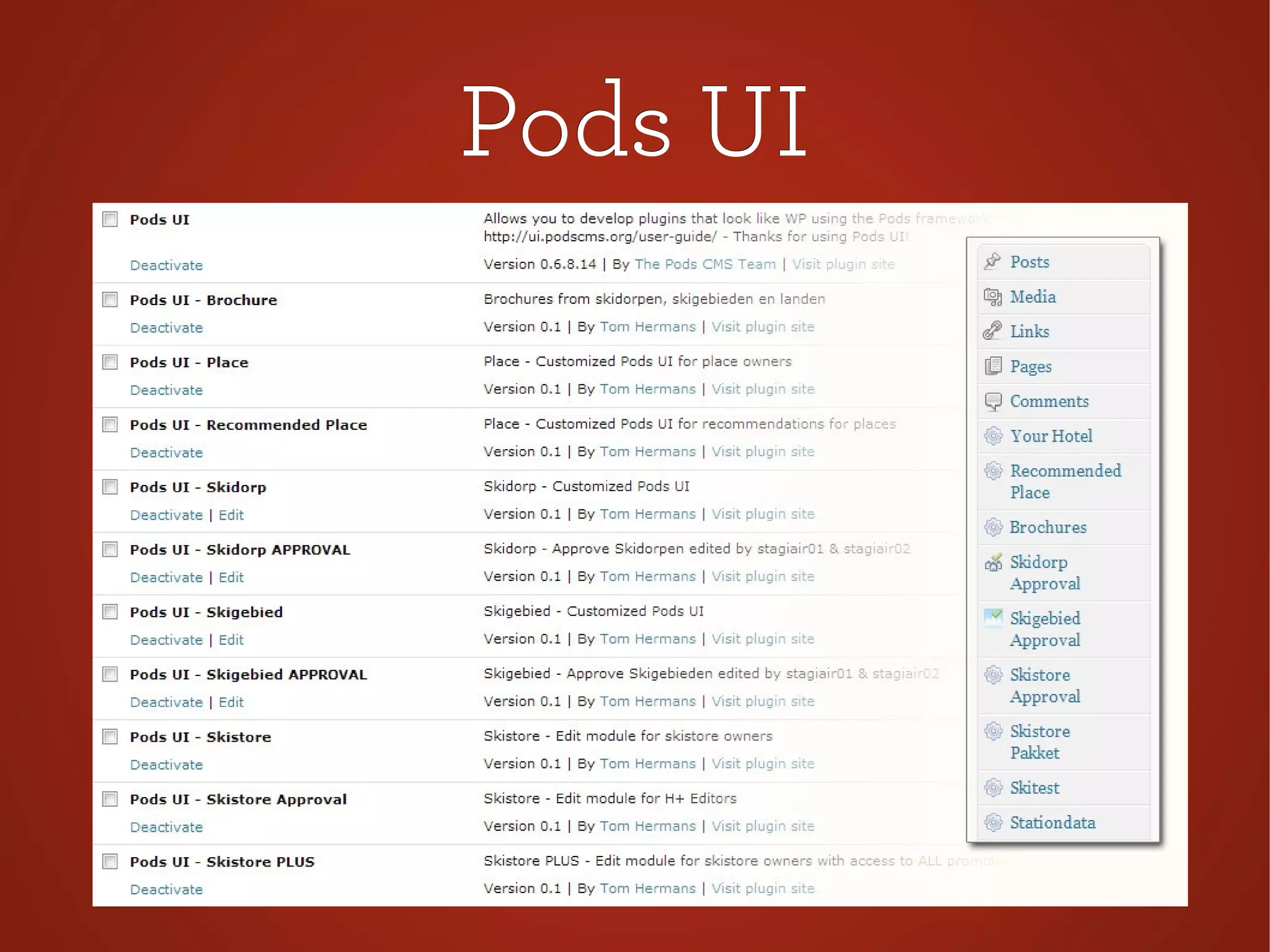
Pods UIPods UI
Develop pluginsDevelop plugins
that look like WP's ownthat look like WP's own
Pods UIPods UI
●
Develop Custom Backends
for Various Users
●
Extremely Powerful
with Role Managers
● PHP + WP Template Tags + Pods
●
More options in 2.0
Pods UIPods UI
Pods UI : ManagePods UI : Manage
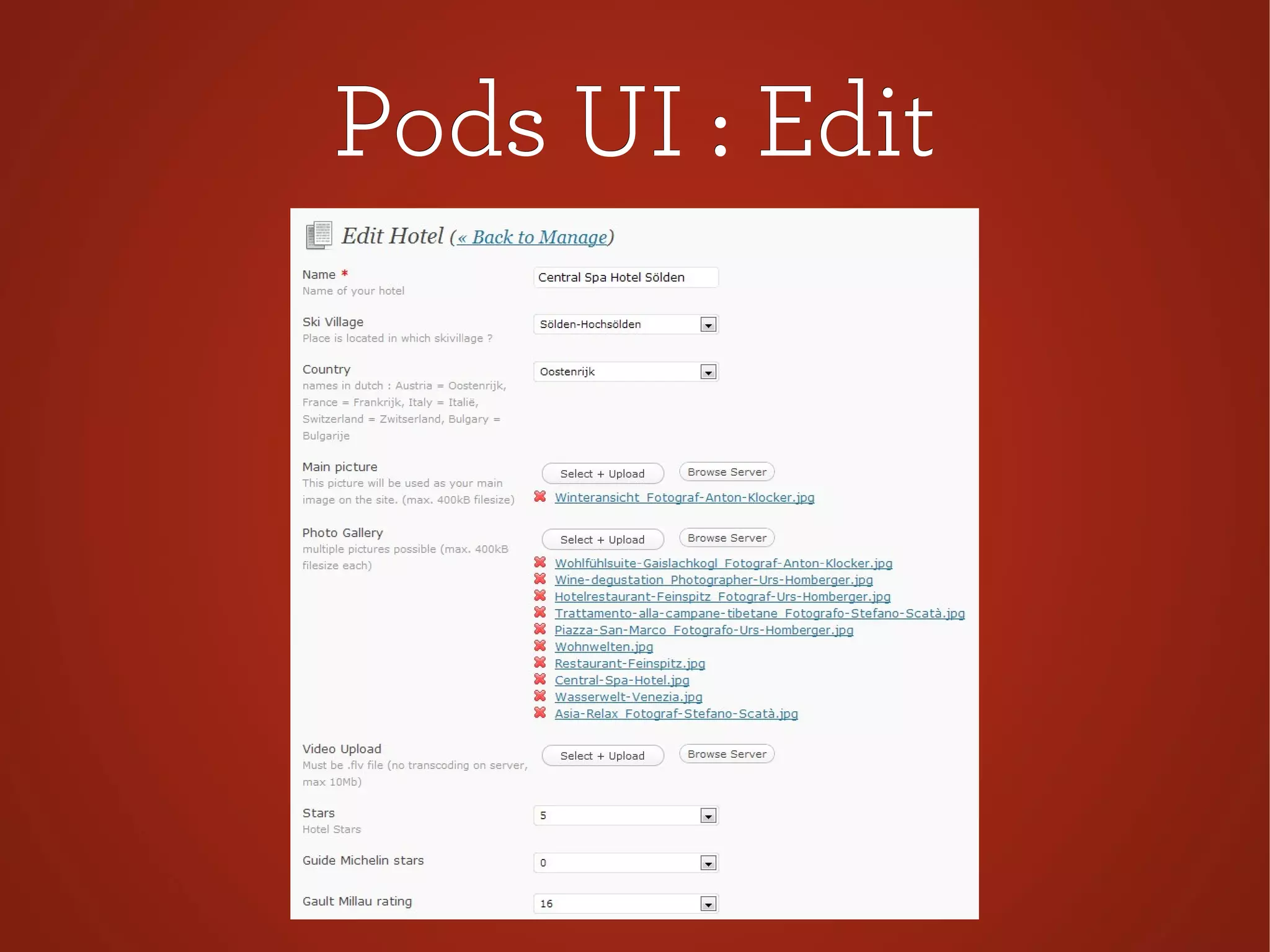
Pods UI : EditPods UI : Edit
Pods UI PossibilitiesPods UI Possibilities
Which Fields Can They See ?Which Fields Can They See ?
Which Fields Are Editable ?Which Fields Are Editable ?
Which User Can Access ?Which User Can Access ?
Can the User Add Fields ?Can the User Add Fields ?
Can the User Delete Fields ?Can the User Delete Fields ?
Duplicate Fields ?Duplicate Fields ?
Pods UI + RolesPods UI + Roles
Combine this withCombine this with
A Role Manager Plugin*A Role Manager Plugin*
=> Mega Power <==> Mega Power <=
*e.g. Members by Justin Tadlock*e.g. Members by Justin Tadlock
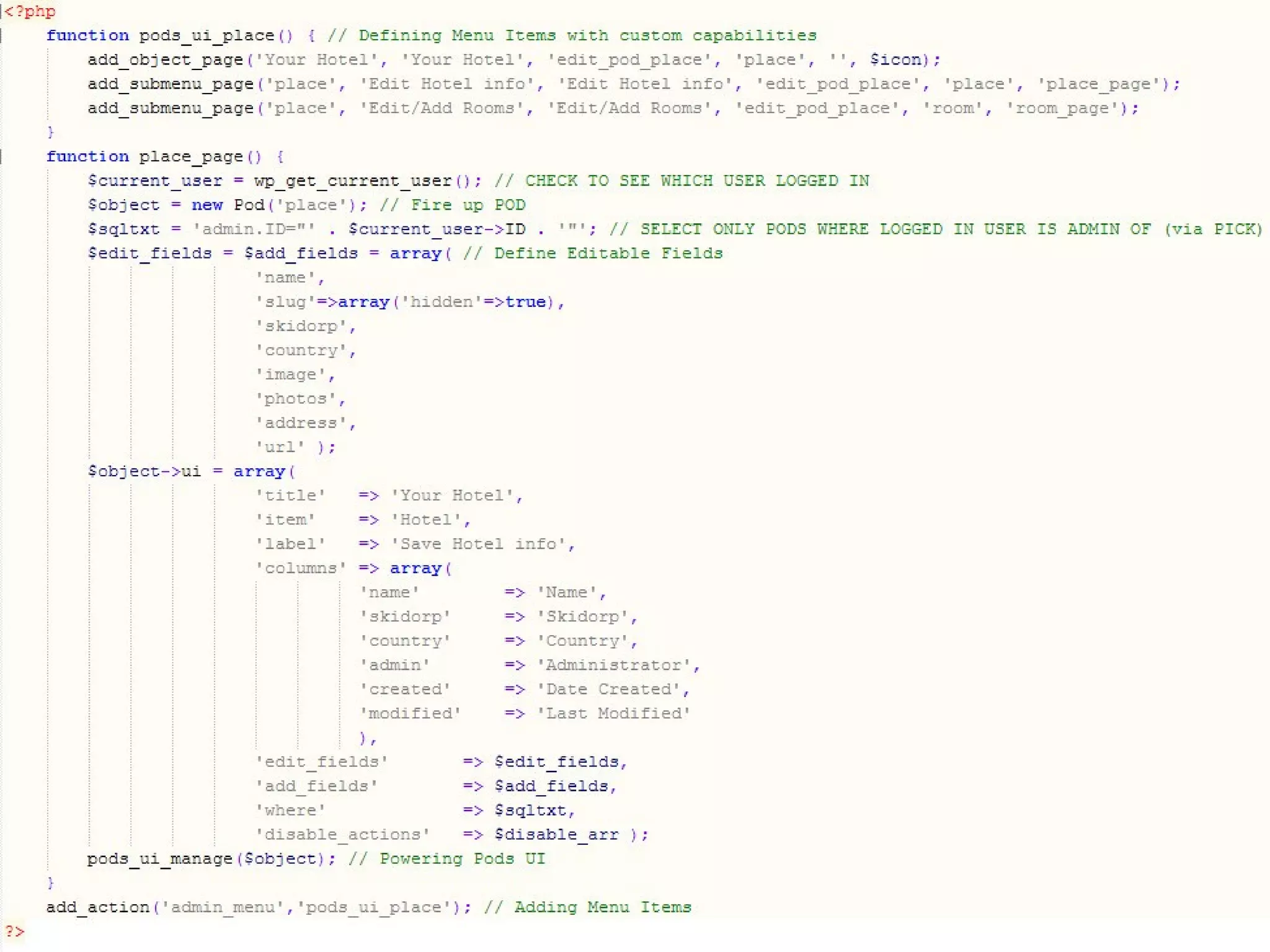
Pods UI : Short HowtoPods UI : Short Howto
Fire Up PodFire Up Pod
Define Edit/Add FieldsDefine Edit/Add Fields
pods_ui_managepods_ui_manage
Next slide : code exampleNext slide : code example
BenefitsBenefits
●
Seperate Tables
● Performance
●
Ease of Use
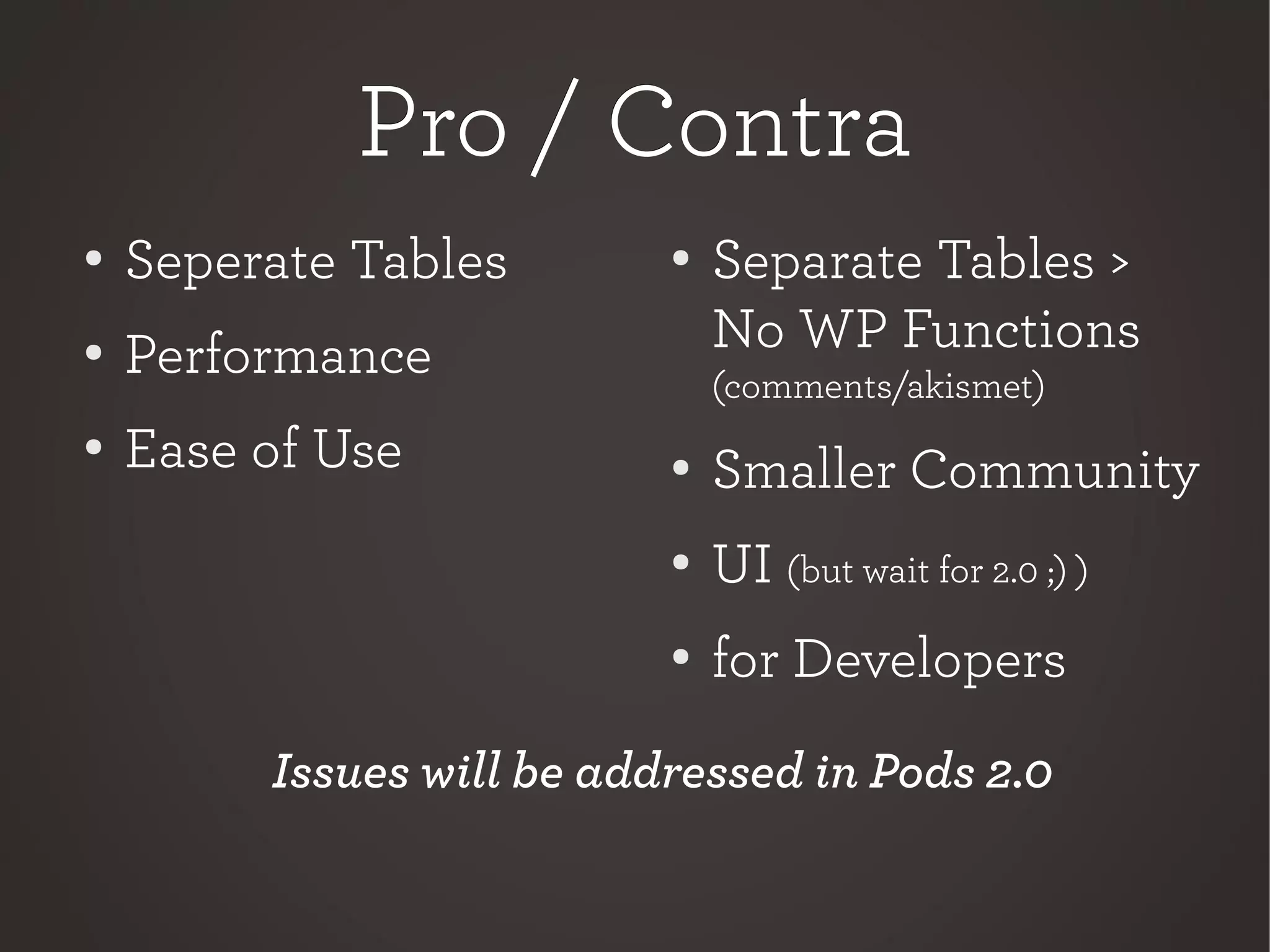
Pro / ContraPro / Contra
●
Separate Tables >
No WP Functions
(comments/akismet)
● Smaller Community
●
UI (but wait for 2.0 ;) )
●
for Developers
● Seperate Tables
●
Performance
●
Ease of Use
Issues will be addressed in Pods 2.0
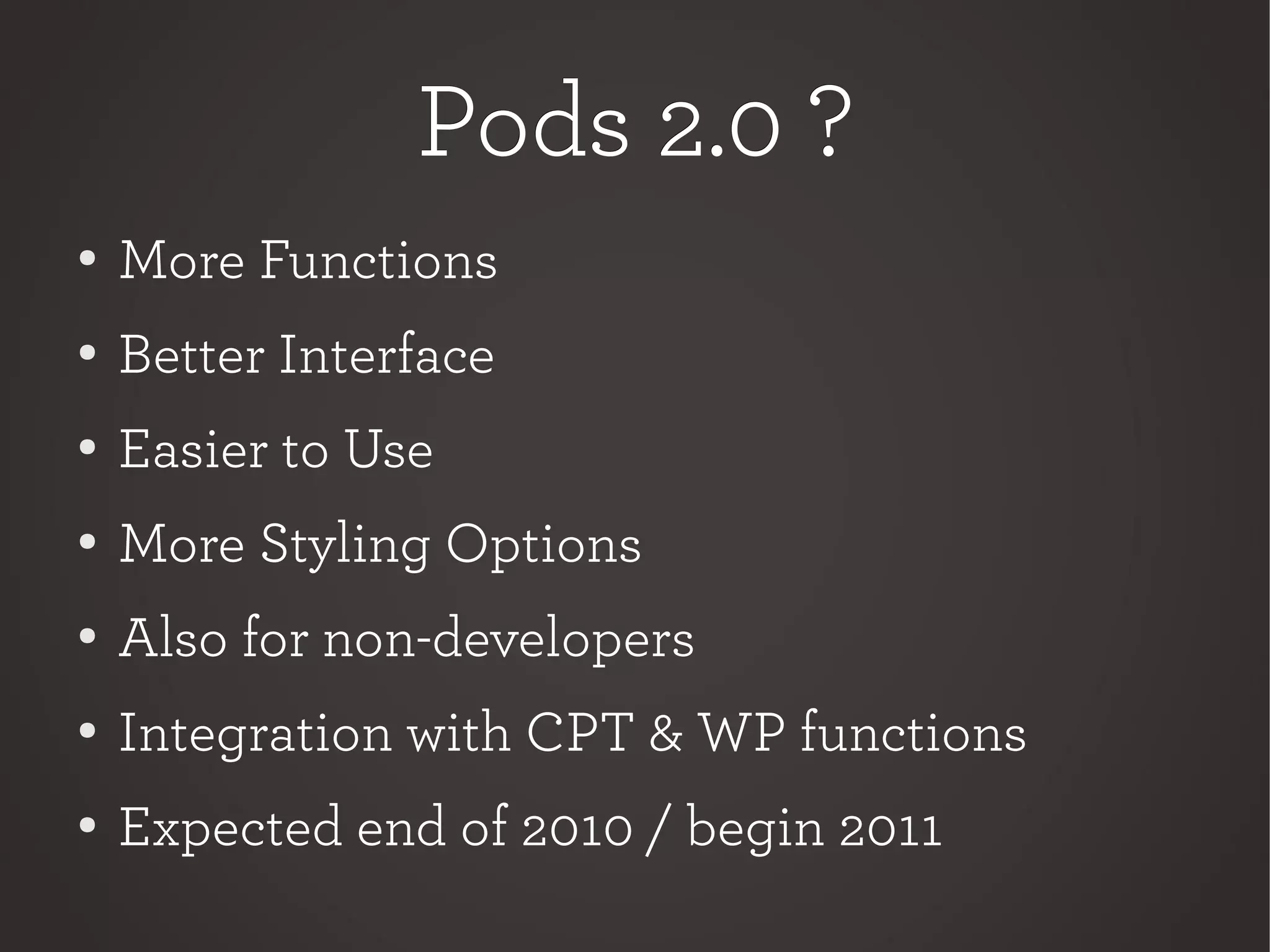
Pods 2.0 ?Pods 2.0 ?
●
More Functions
● Better Interface
●
Easier to Use
●
More Styling Options
●
Also for non-developers
● Integration with CPT & WP functions
● Expected end of 2010 / begin 2011
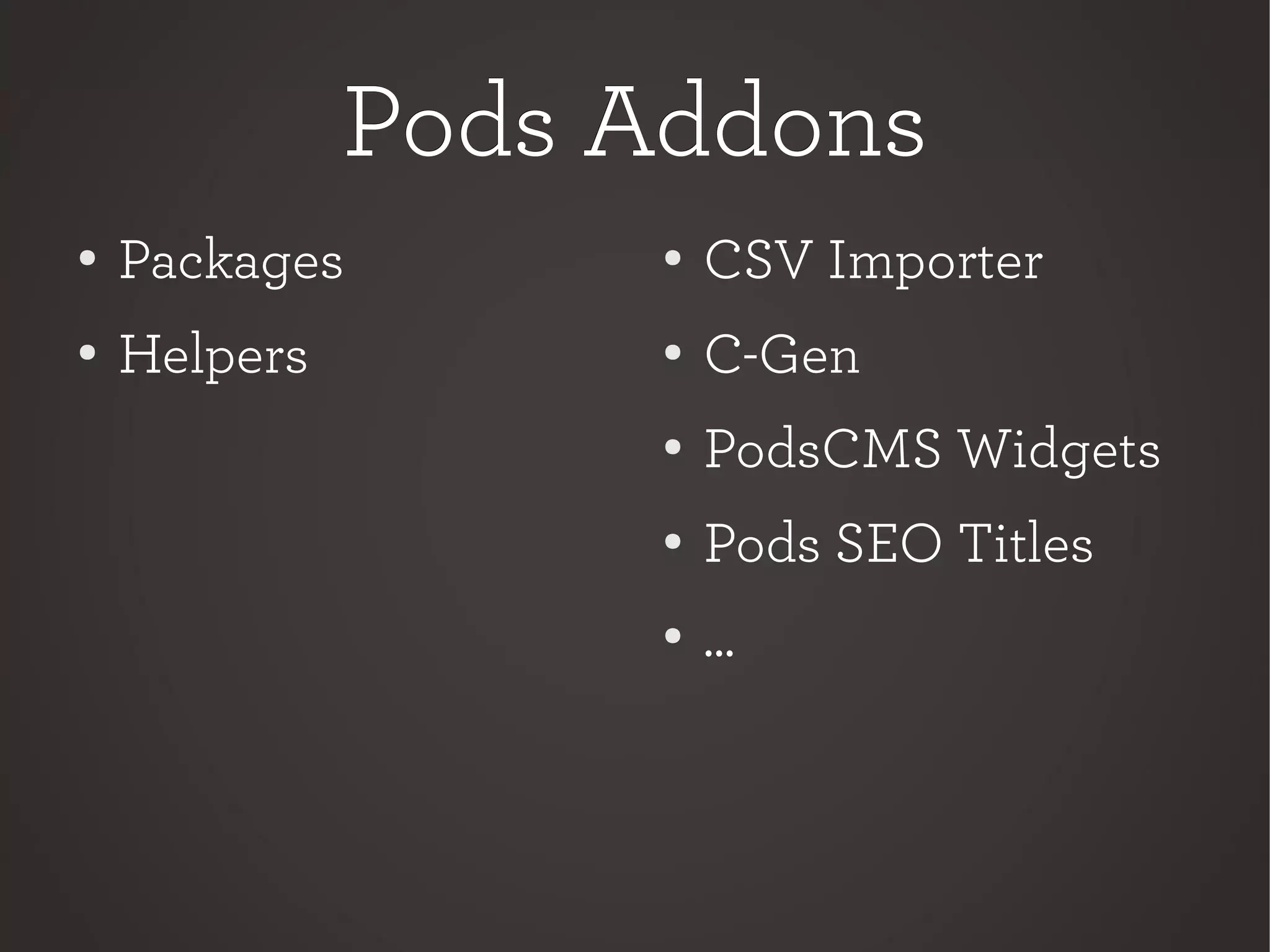
Pods AddonsPods Addons
●
Packages
● Helpers
●
CSV Importer
● C-Gen
●
PodsCMS Widgets
●
Pods SEO Titles
●
...
More ?More ?
PublicFormsPublicForms
PodsAPIPodsAPI
SQLSQL
Tutorials & HelpTutorials & Help
●
podscms.org
● ui.podscms.org
●
mondaybynoon.com
test
Tom HermansTom Hermans
●
www.tomhermans.com
● @tomhermans
●
tom@tomhermans.com
Thank you.Thank you.

PodsCMS Framework by Tom Hermans (WordCampNL)