What is Rule in Pega?
 Rules arethe building blocks of applications
 A Rule type is a concrete class derived from the Rule- baseclass.
 A Rule is a named object that defines the behavior of part of an application
 A Rule is a single instance of a class derived fromthe Rule- class
 Example: Rule-Obj-Property is a Rule Typeand a Property named User
Name is Rule
What is Case?
 A business transaction thatis initiated, processed, and resolved
 A case typically consists of assignments, processes, businesspolicies, and
potentially other cases
 A case is a instanceof a concrete class (Case Type) derived fromWork-
Cover- class
Example: Purchaserequest
What is Process?
 Process is represented as Flow in PRPC
 Process or Flow defines:
– How work items are created
– How they progress through oneor moreflow executions
– How they become resolved (completed)
 Example: Loan lending process
What is Class?
 Class is a container of Rules like Properties, Sections, Flow actions, Data
Transformand many other rules
 Many Rules apply to a specific class, and potentially to subclasses of that
Class
 Classes can be Abstract or Concrete
– AbstractClass is only a container of rules and data and cannot be
persisted in database
– Concrete Class contain rules and data and it can be instantiated and
persisted in database
– Concrete Classes may inherit froman AbstractClass
Class Hierarchy is a hierarchy for storing Rules and Data in PRPC
What is Rule Resolution?
 Rule resolution is internal search algorithm that the systemuses to find the
best or most appropriaterule
 This algorithm uses many factors like Rule Name, Applies To Class, Rule set
etc.,
Example: A property named FullAddress is present in Person Class and Location
Class. While capturing a person’s address information, systemwilluse FullAddress
property fromPerson Class.
What is Inheritance inPega:
 Inheritancedefines the association between classes
– Parent Class
– Sub-Class/Class
 Pega provides two types of Inheritance – Pattern and Directed
– Directed Inheritanceis defined by User
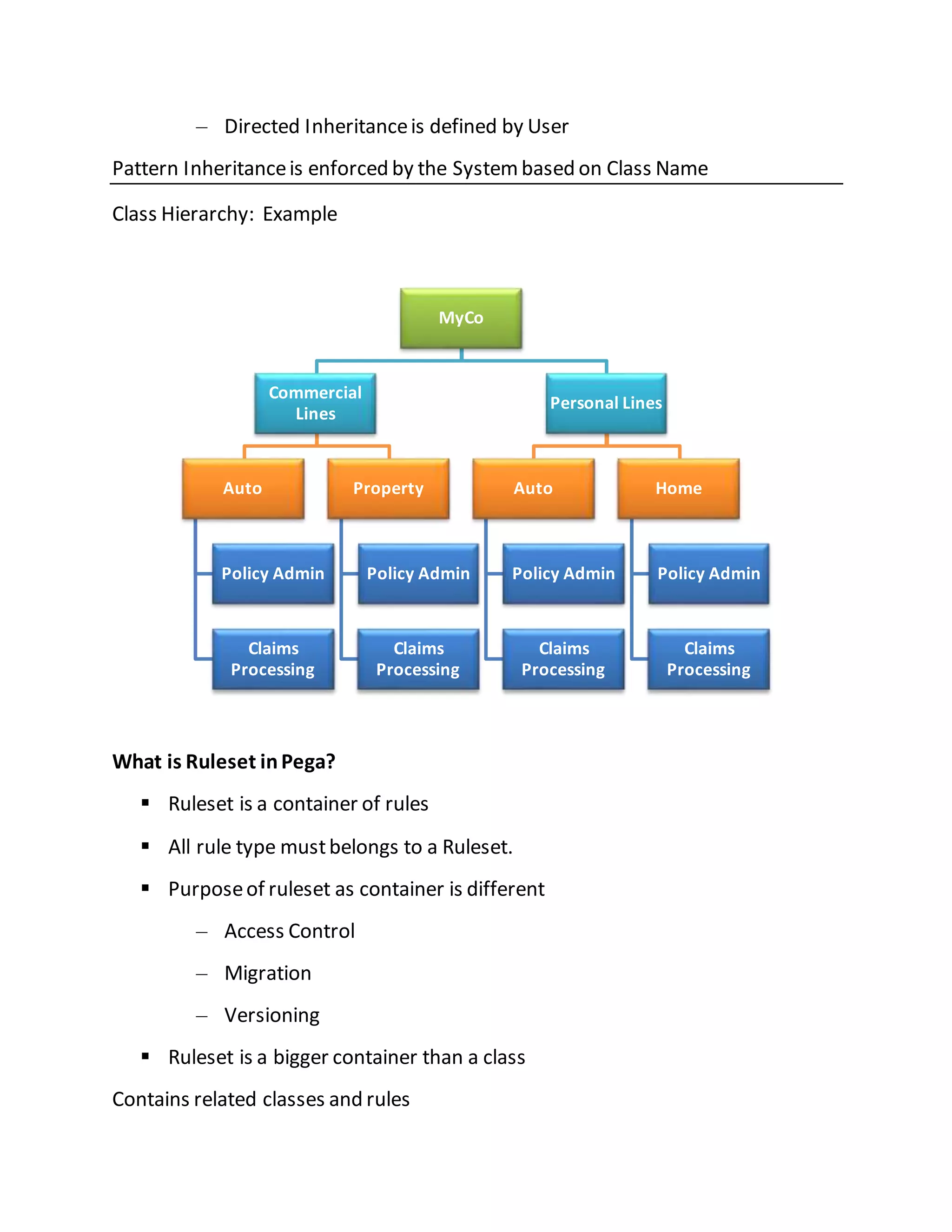
Pattern Inheritanceis enforced by the Systembased on Class Name
Class Hierarchy: Example
What is Ruleset inPega?
 Ruleset is a container of rules
 All rule type mustbelongs to a Ruleset.
 Purposeof ruleset as container is different
– Access Control
– Migration
– Versioning
 Ruleset is a bigger container than a class
Contains related classes and rules
MyCo
Commercial
Lines
Auto
Policy Admin
Claims
Processing
Property
Policy Admin
Claims
Processing
Personal Lines
Auto
Policy Admin
Claims
Processing
Home
Policy Admin
Claims
Processing
Ruleset Name &Ruleset Version:
 Ruleset has 2 parts – Ruleset Name & Ruleset Version
 Ruleset Name
– Maximum 64 characters
– Ex. PolicyAdmin
 Ruleset Version
– Has 3 parts separated by a hyphen – Major, Minor & Patch
– Ex. 01-05-07
What are Components in Pega Designer Studio?
 Designer Studio
– Header
– Explorer Panel
– Work Area
– Developer Toolbar
What is Designer Studio:
 High-productivity portalfor application designers
 Launched from any browser
 Steps to view Designer studio :
1.Launch the Pega server URL
2. ProvideUsername and Password
3.Launches Designer Studio with features based on access group
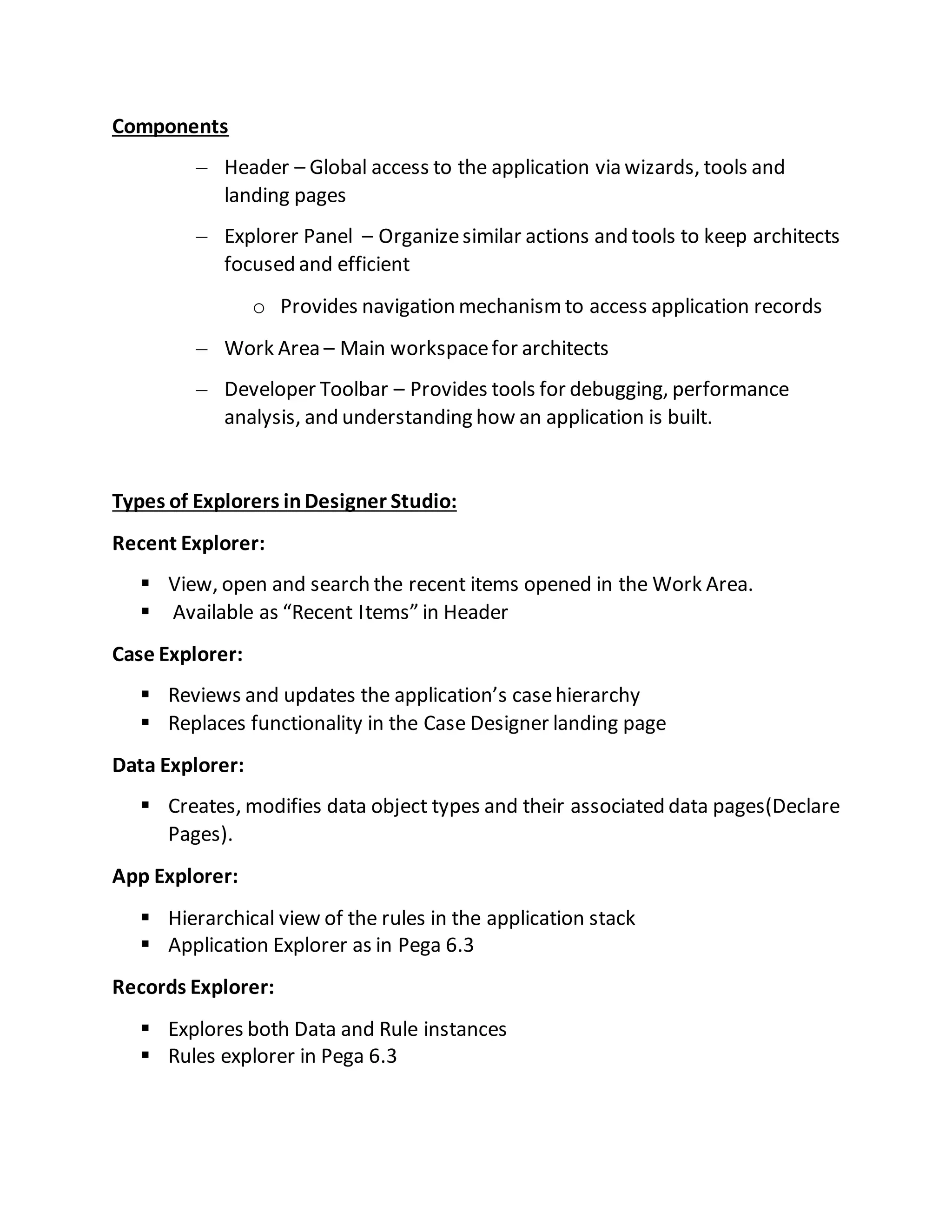
Components
– Header – Global access to the application via wizards, tools and
landing pages
– Explorer Panel – Organizesimilar actions and tools to keep architects
focused and efficient
o Provides navigation mechanismto access application records
– Work Area – Main workspacefor architects
– Developer Toolbar – Provides tools for debugging, performance
analysis, and understanding how an application is built.
Types of Explorers inDesigner Studio:
Recent Explorer:
 View, open and search the recent items opened in the Work Area.
 Available as “Recent Items” in Header
Case Explorer:
 Reviews and updates the application’s casehierarchy
 Replaces functionality in the Case Designer landing page
Data Explorer:
 Creates, modifies data object types and their associated data pages(Declare
Pages).
App Explorer:
 Hierarchical view of the rules in the application stack
 Application Explorer as in Pega 6.3
Records Explorer:
 Explores both Data and Rule instances
 Rules explorer in Pega 6.3
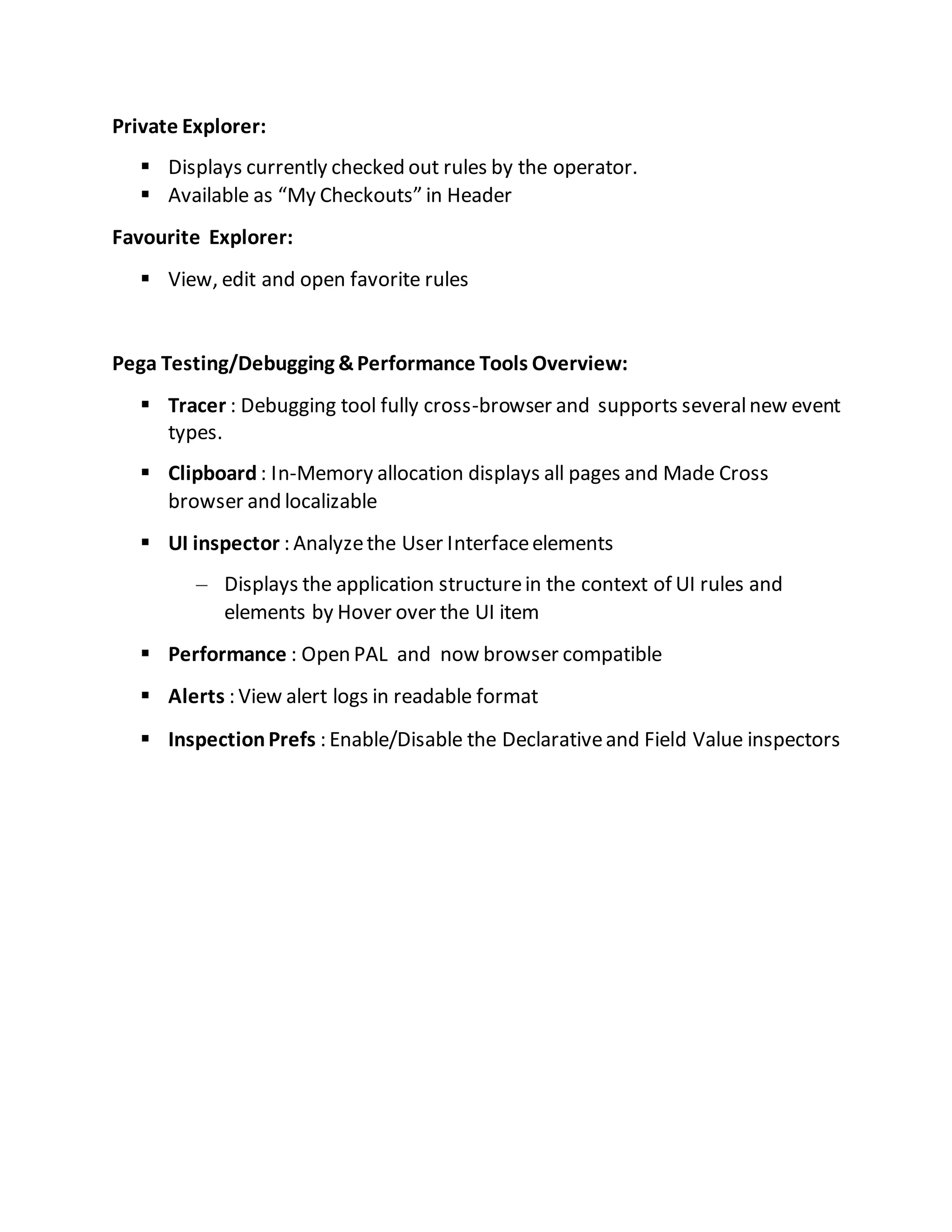
Private Explorer:
 Displays currently checked out rules by the operator.
 Available as “My Checkouts” in Header
Favourite Explorer:
 View, edit and open favorite rules
Pega Testing/Debugging &Performance Tools Overview:
 Tracer : Debugging tool fully cross-browser and supports severalnew event
types.
 Clipboard : In-Memory allocation displays all pages and Made Cross
browser and localizable
 UI inspector : Analyzethe User Interfaceelements
– Displays the application structurein the context of UI rules and
elements by Hover over the UI item
 Performance : Open PAL and now browser compatible
 Alerts : View alert logs in readable format
 InspectionPrefs : Enable/Disable the Declarativeand Field Value inspectors

Pega overview

  • 1.
    What is Rulein Pega?  Rules arethe building blocks of applications  A Rule type is a concrete class derived from the Rule- baseclass.  A Rule is a named object that defines the behavior of part of an application  A Rule is a single instance of a class derived fromthe Rule- class  Example: Rule-Obj-Property is a Rule Typeand a Property named User Name is Rule What is Case?  A business transaction thatis initiated, processed, and resolved  A case typically consists of assignments, processes, businesspolicies, and potentially other cases  A case is a instanceof a concrete class (Case Type) derived fromWork- Cover- class Example: Purchaserequest What is Process?  Process is represented as Flow in PRPC  Process or Flow defines: – How work items are created – How they progress through oneor moreflow executions – How they become resolved (completed)  Example: Loan lending process
  • 2.
    What is Class? Class is a container of Rules like Properties, Sections, Flow actions, Data Transformand many other rules  Many Rules apply to a specific class, and potentially to subclasses of that Class  Classes can be Abstract or Concrete – AbstractClass is only a container of rules and data and cannot be persisted in database – Concrete Class contain rules and data and it can be instantiated and persisted in database – Concrete Classes may inherit froman AbstractClass Class Hierarchy is a hierarchy for storing Rules and Data in PRPC What is Rule Resolution?  Rule resolution is internal search algorithm that the systemuses to find the best or most appropriaterule  This algorithm uses many factors like Rule Name, Applies To Class, Rule set etc., Example: A property named FullAddress is present in Person Class and Location Class. While capturing a person’s address information, systemwilluse FullAddress property fromPerson Class. What is Inheritance inPega:  Inheritancedefines the association between classes – Parent Class – Sub-Class/Class  Pega provides two types of Inheritance – Pattern and Directed
  • 3.
    – Directed Inheritanceisdefined by User Pattern Inheritanceis enforced by the Systembased on Class Name Class Hierarchy: Example What is Ruleset inPega?  Ruleset is a container of rules  All rule type mustbelongs to a Ruleset.  Purposeof ruleset as container is different – Access Control – Migration – Versioning  Ruleset is a bigger container than a class Contains related classes and rules MyCo Commercial Lines Auto Policy Admin Claims Processing Property Policy Admin Claims Processing Personal Lines Auto Policy Admin Claims Processing Home Policy Admin Claims Processing
  • 4.
    Ruleset Name &RulesetVersion:  Ruleset has 2 parts – Ruleset Name & Ruleset Version  Ruleset Name – Maximum 64 characters – Ex. PolicyAdmin  Ruleset Version – Has 3 parts separated by a hyphen – Major, Minor & Patch – Ex. 01-05-07 What are Components in Pega Designer Studio?  Designer Studio – Header – Explorer Panel – Work Area – Developer Toolbar What is Designer Studio:  High-productivity portalfor application designers  Launched from any browser  Steps to view Designer studio : 1.Launch the Pega server URL 2. ProvideUsername and Password 3.Launches Designer Studio with features based on access group
  • 5.
    Components – Header –Global access to the application via wizards, tools and landing pages – Explorer Panel – Organizesimilar actions and tools to keep architects focused and efficient o Provides navigation mechanismto access application records – Work Area – Main workspacefor architects – Developer Toolbar – Provides tools for debugging, performance analysis, and understanding how an application is built. Types of Explorers inDesigner Studio: Recent Explorer:  View, open and search the recent items opened in the Work Area.  Available as “Recent Items” in Header Case Explorer:  Reviews and updates the application’s casehierarchy  Replaces functionality in the Case Designer landing page Data Explorer:  Creates, modifies data object types and their associated data pages(Declare Pages). App Explorer:  Hierarchical view of the rules in the application stack  Application Explorer as in Pega 6.3 Records Explorer:  Explores both Data and Rule instances  Rules explorer in Pega 6.3
  • 6.
    Private Explorer:  Displayscurrently checked out rules by the operator.  Available as “My Checkouts” in Header Favourite Explorer:  View, edit and open favorite rules Pega Testing/Debugging &Performance Tools Overview:  Tracer : Debugging tool fully cross-browser and supports severalnew event types.  Clipboard : In-Memory allocation displays all pages and Made Cross browser and localizable  UI inspector : Analyzethe User Interfaceelements – Displays the application structurein the context of UI rules and elements by Hover over the UI item  Performance : Open PAL and now browser compatible  Alerts : View alert logs in readable format  InspectionPrefs : Enable/Disable the Declarativeand Field Value inspectors