Download to read offline

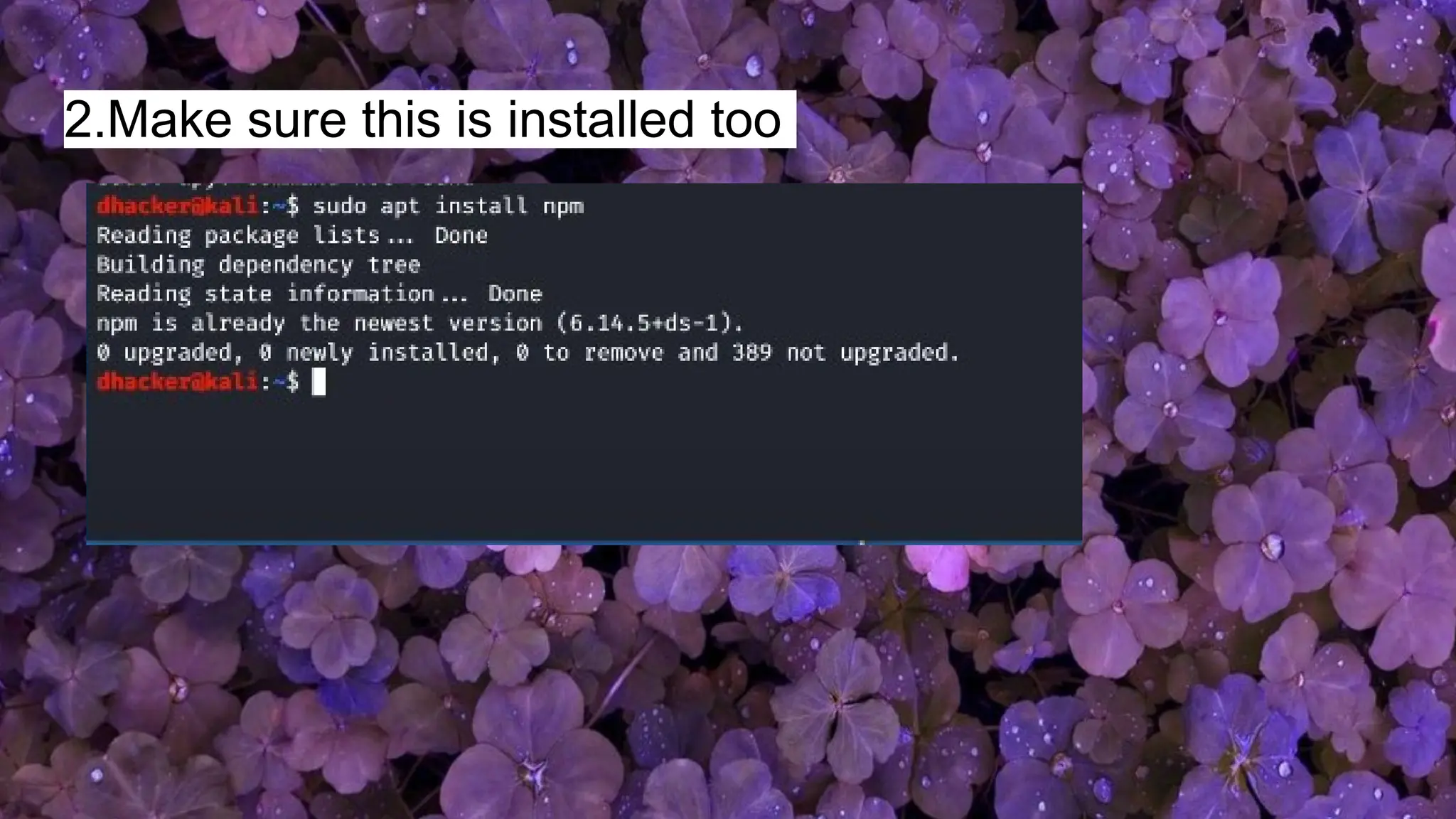
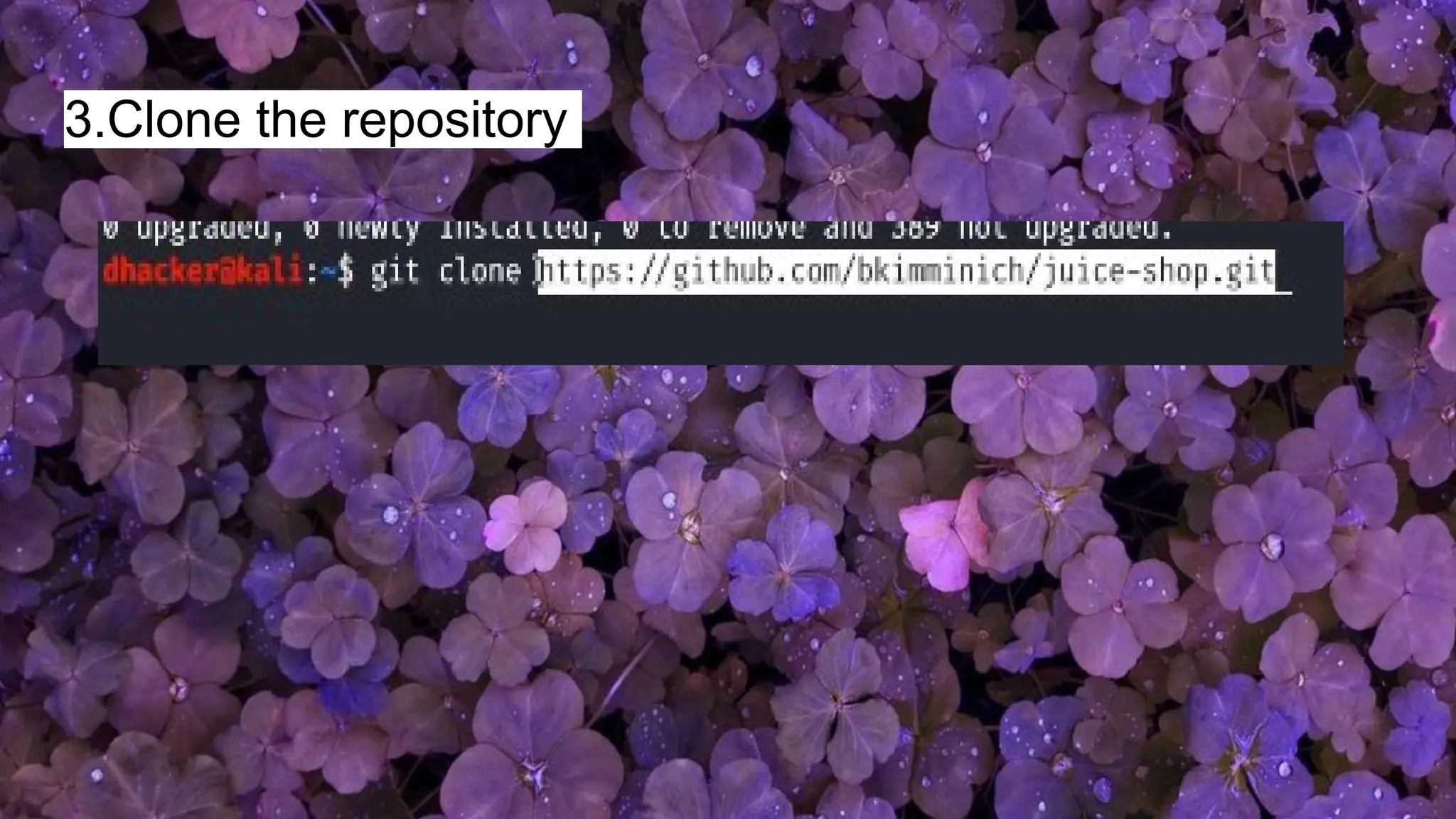
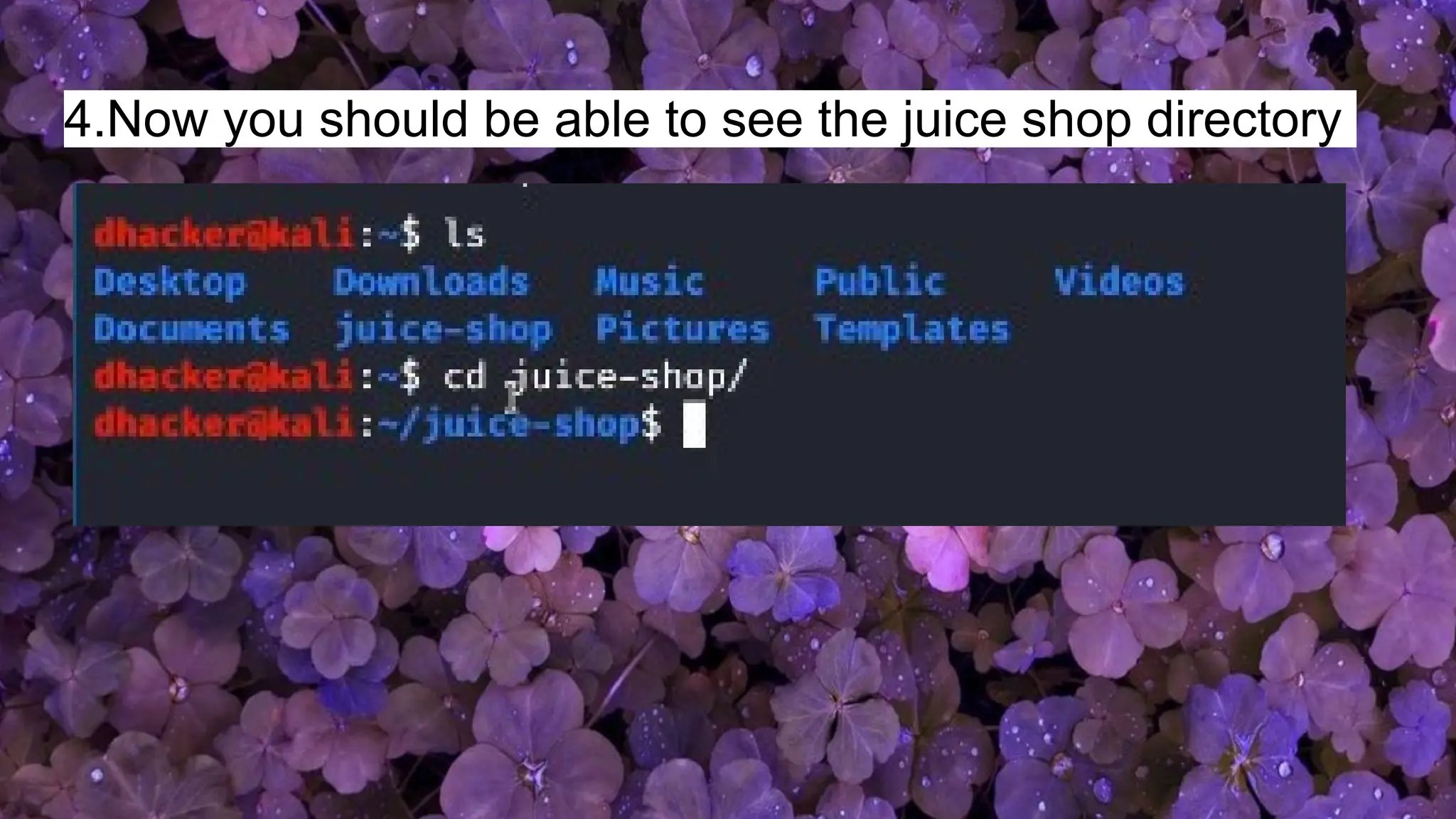
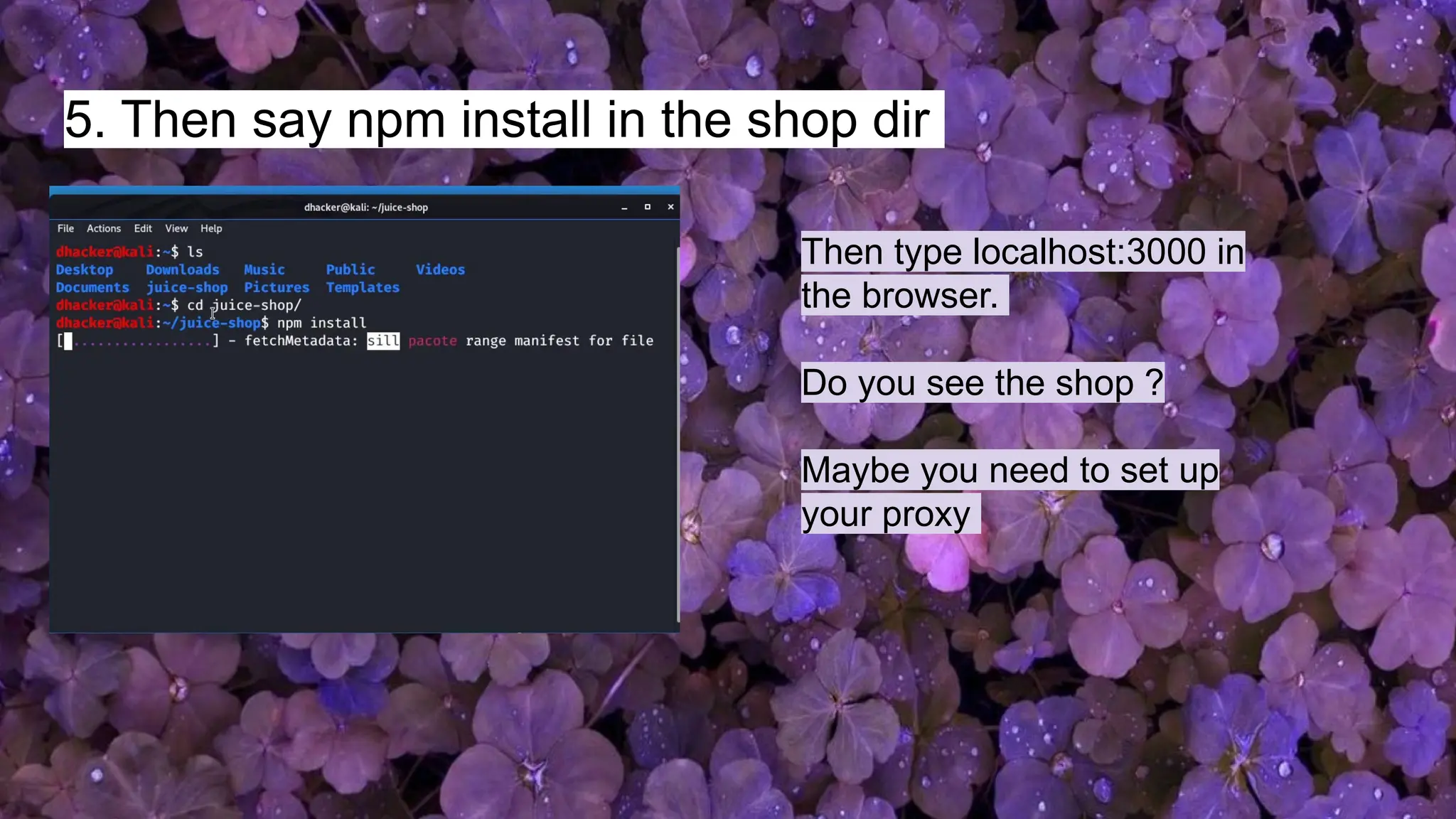
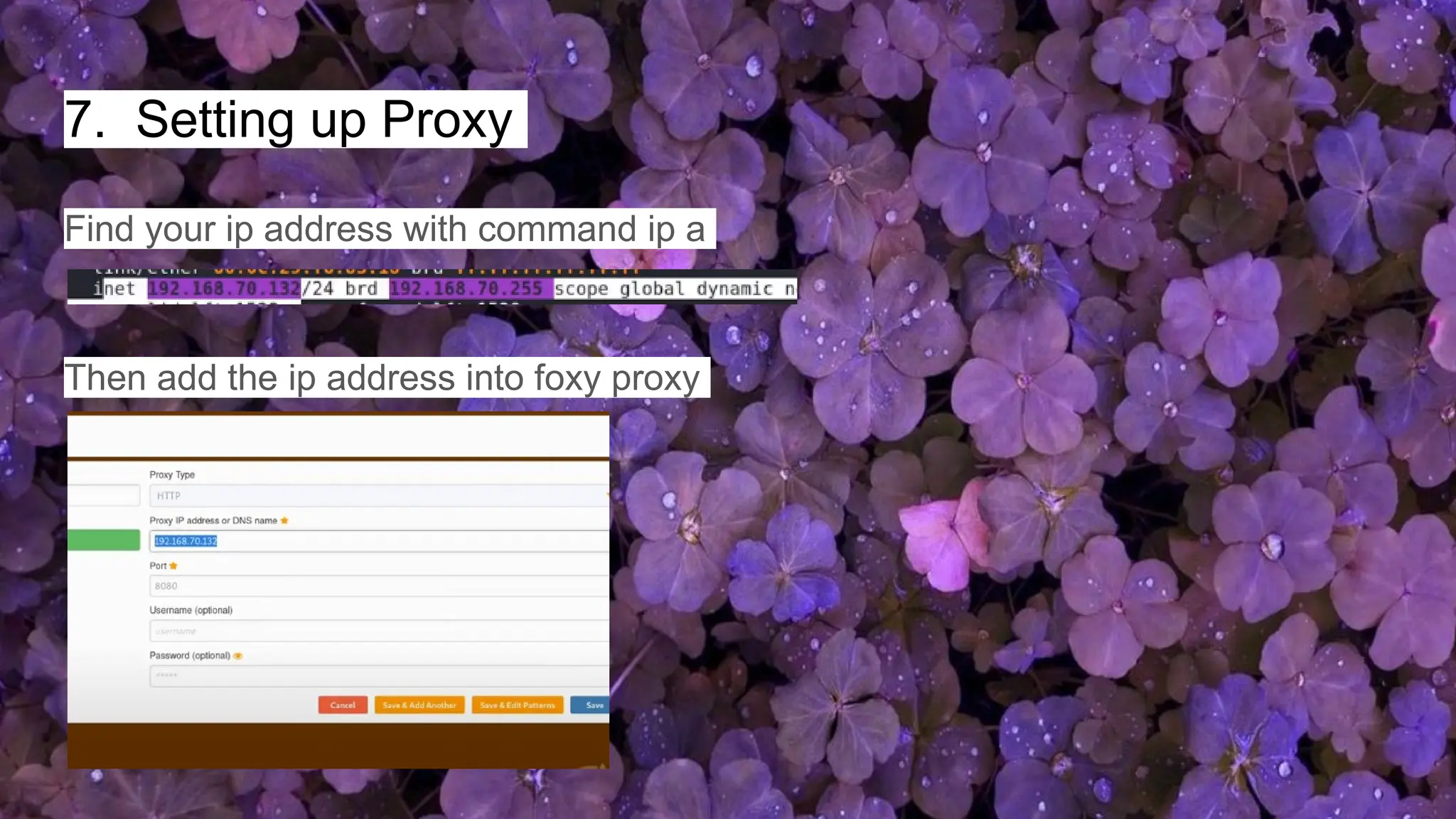
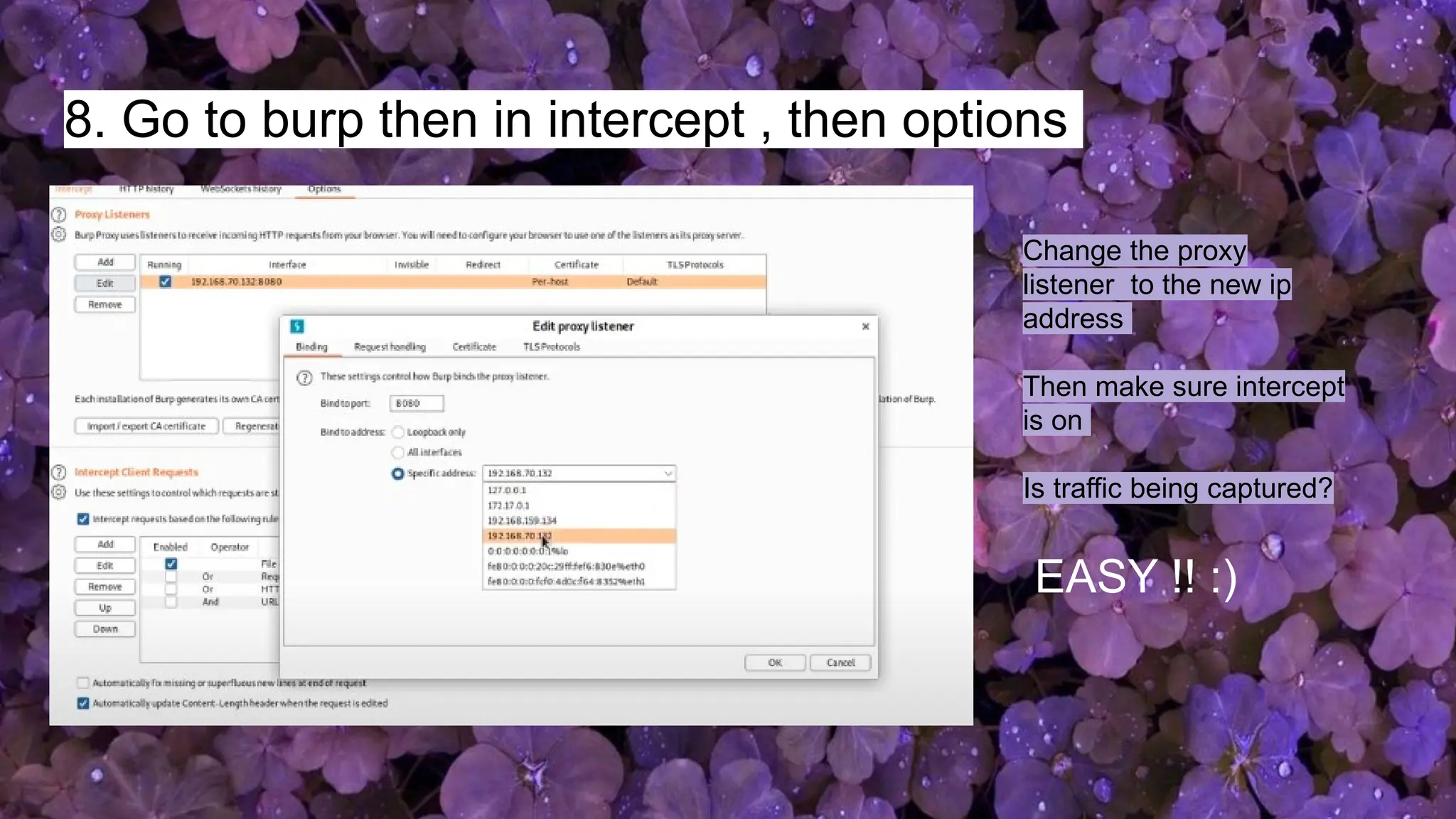
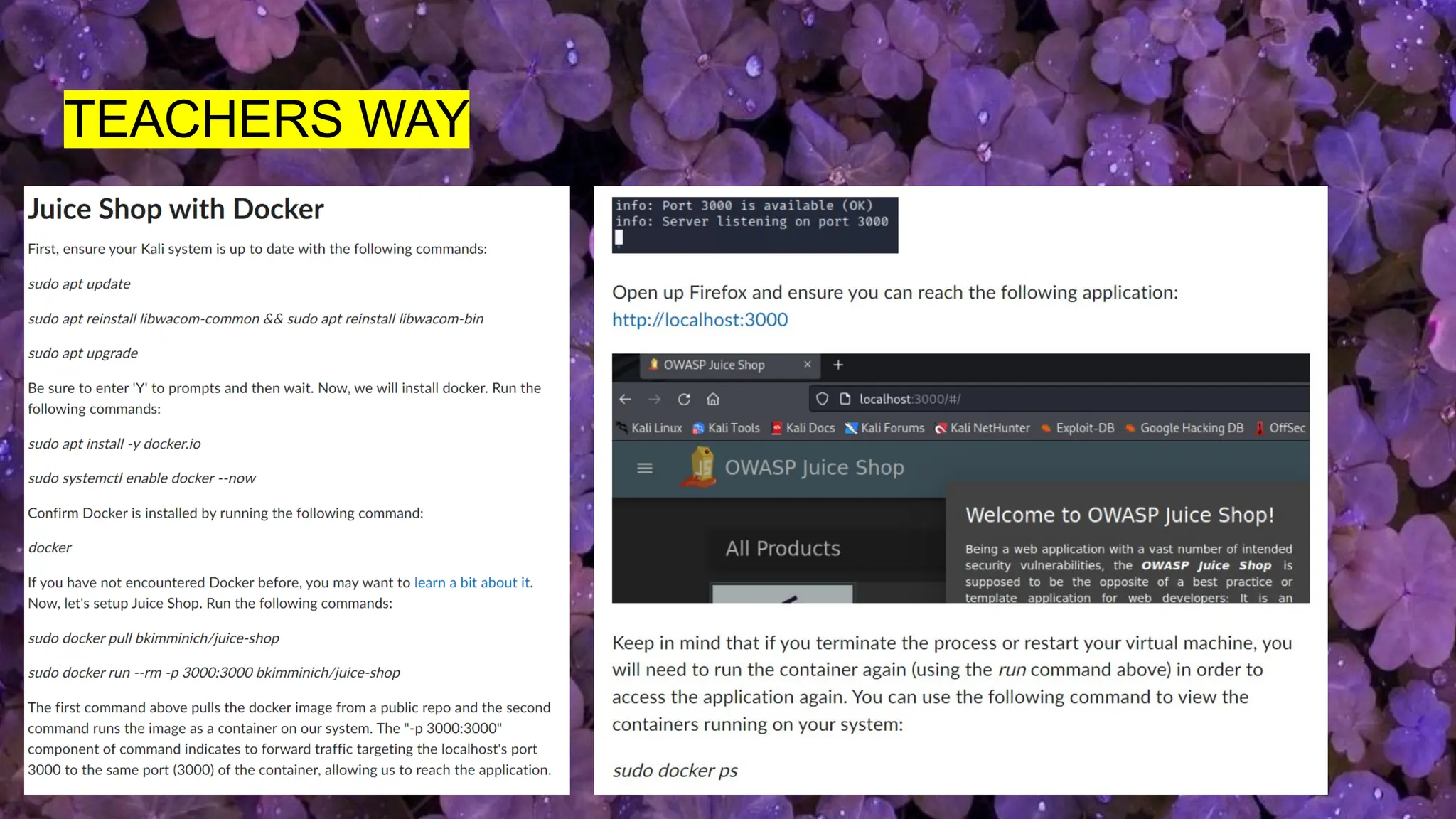
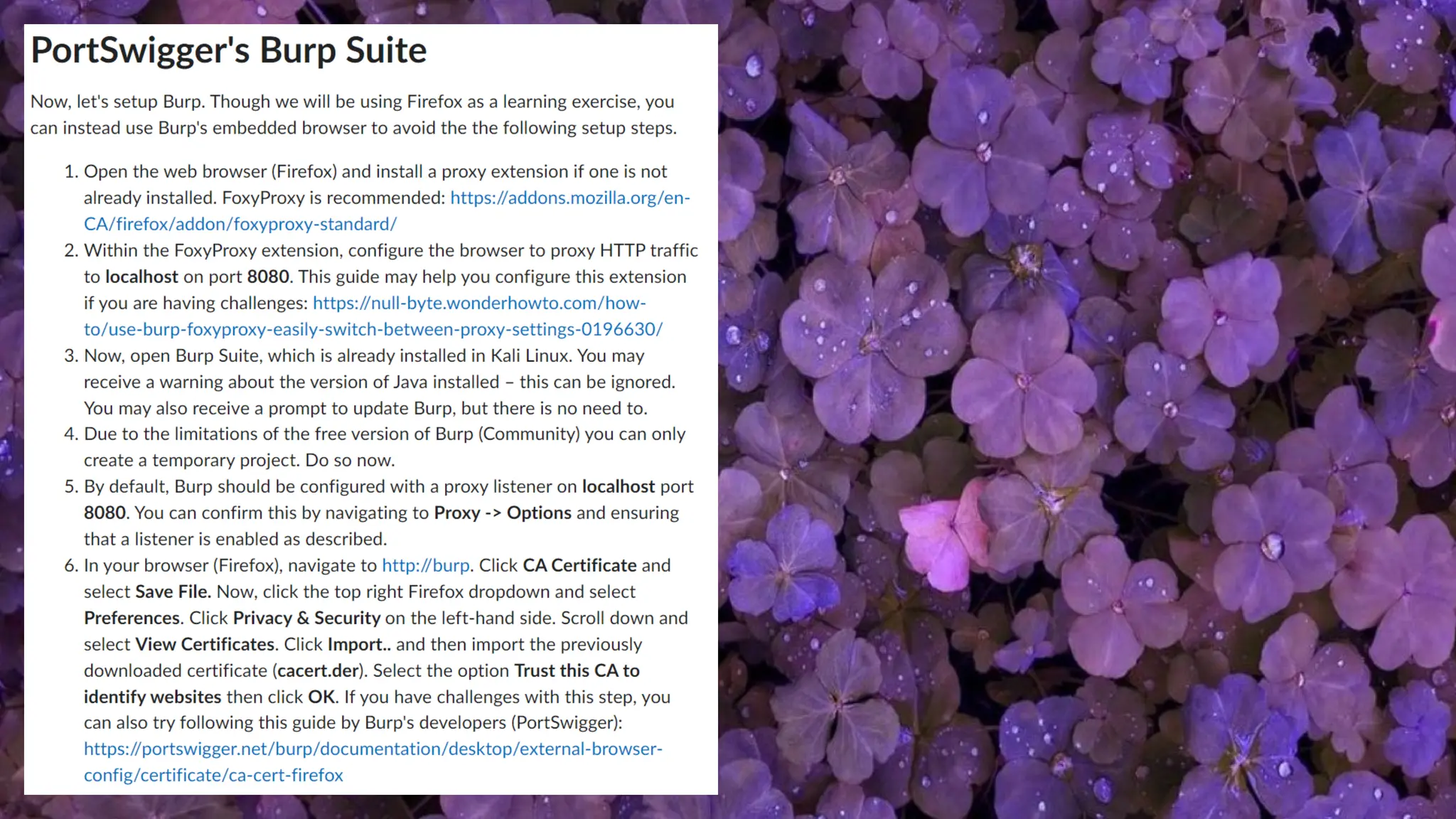
This document provides a step-by-step guide for setting up the OWASP Juice Shop on a Kali server. It includes instructions for installing Node.js, cloning the repository, and configuring a proxy with Burp. The goal is to ensure the Juice Shop is accessible through localhost after proper setup.


![Vibe Coding vs. Spec-Driven Development [Free Meetup]](https://cdn.slidesharecdn.com/ss_thumbnails/vibecodingvsspecdrivendevelopment-251209105622-43f455e7-thumbnail.jpg?width=640&height=640&fit=bounds)


