Cookie Security
Myths and Misconceptions
David Johansson - AppSec USA 2017
About Me
• David Johansson (@securitybits)
– Security consultant with 10 years in AppSec
– Helping clients design and build secure software
– Develop and deliver security training
– Based in London, working for Synopsys
Cookie Security
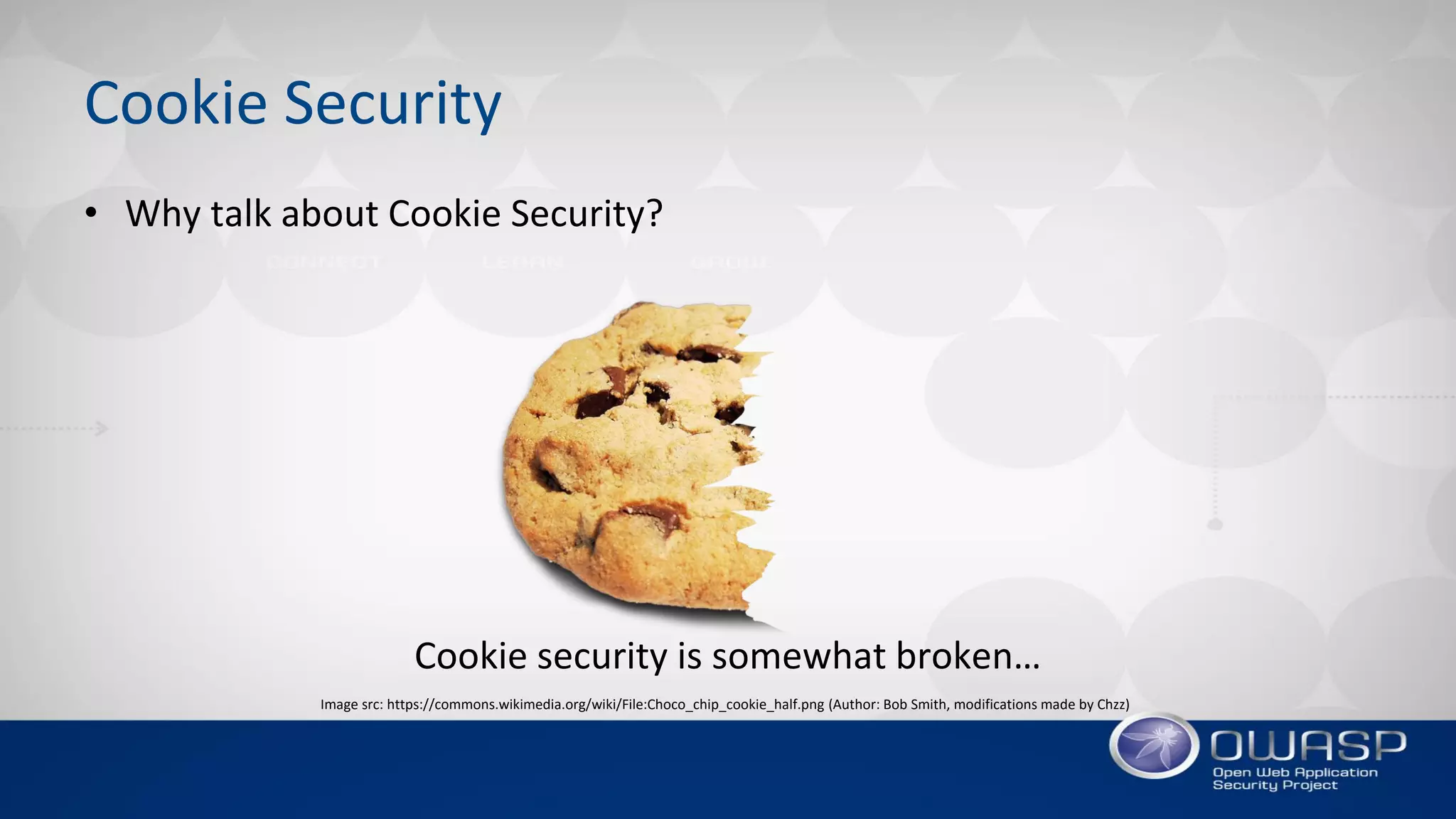
• Why talk about Cookie Security?
Cookie security is somewhat broken…
Image src: https://commons.wikimedia.org/wiki/File:Choco_chip_cookie_half.png (Author: Bob Smith, modifications made by Chzz)
Agenda
• Cookie Basics
• The ‘Secure’ Attribute
• The ‘HttpOnly’ Attribute
• The ‘Path’ Attribute
• The ‘Domain’ Attribute
• Cookie Lifetime
• Modern Cookie Protections
• Summary
COOKIE BASICS
Background
History of HTTP Cookies
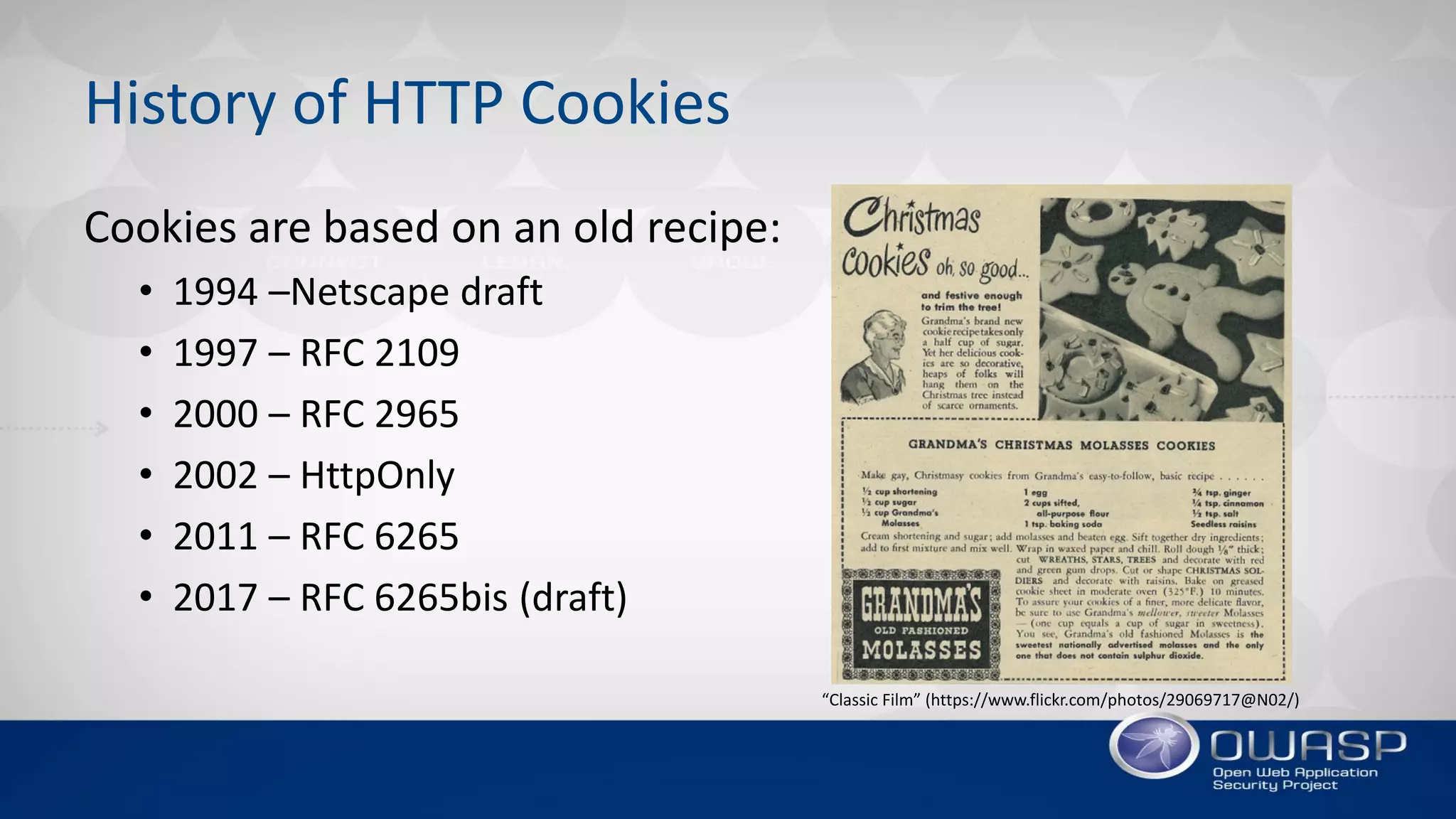
Cookies are based on an old recipe:
• 1994 –Netscape draft
• 1997 – RFC 2109
• 2000 – RFC 2965
• 2002 – HttpOnly
• 2011 – RFC 6265
• 2017 – RFC 6265bis (draft)
“Classic Film” (https://www.flickr.com/photos/29069717@N02/)
HTTP Cookies
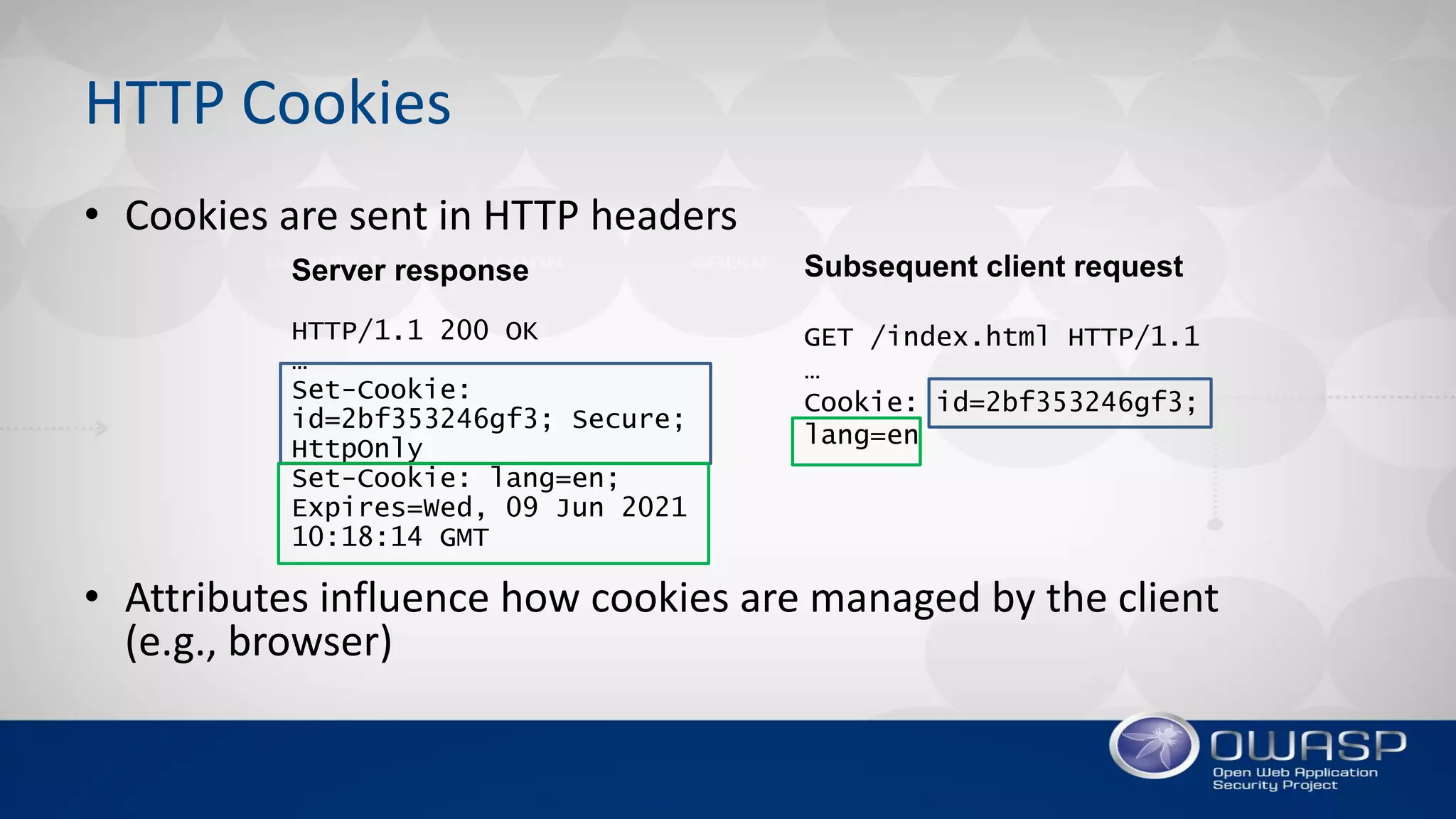
• Cookies are sent in HTTP headers
• Attributes influence how cookies are managed by the client
(e.g., browser)
Server response
HTTP/1.1 200 OK
…
Set-Cookie:
id=2bf353246gf3; Secure;
HttpOnly
Set-Cookie: lang=en;
Expires=Wed, 09 Jun 2021
10:18:14 GMT
Subsequent client request
GET /index.html HTTP/1.1
…
Cookie: id=2bf353246gf3;
lang=en
THE ‘SECURE’ ATTRIBUTE
Keeping Cookies Secure from Network-level Attackers
The ‘Secure’ Attribute
“Cookies marked with the ‘Secure’ attribute are only sent over
encrypted HTTPS connections and are therefore safe from man-
in-the-middle attacks.”
–True or false?
The ‘Secure’ Attribute
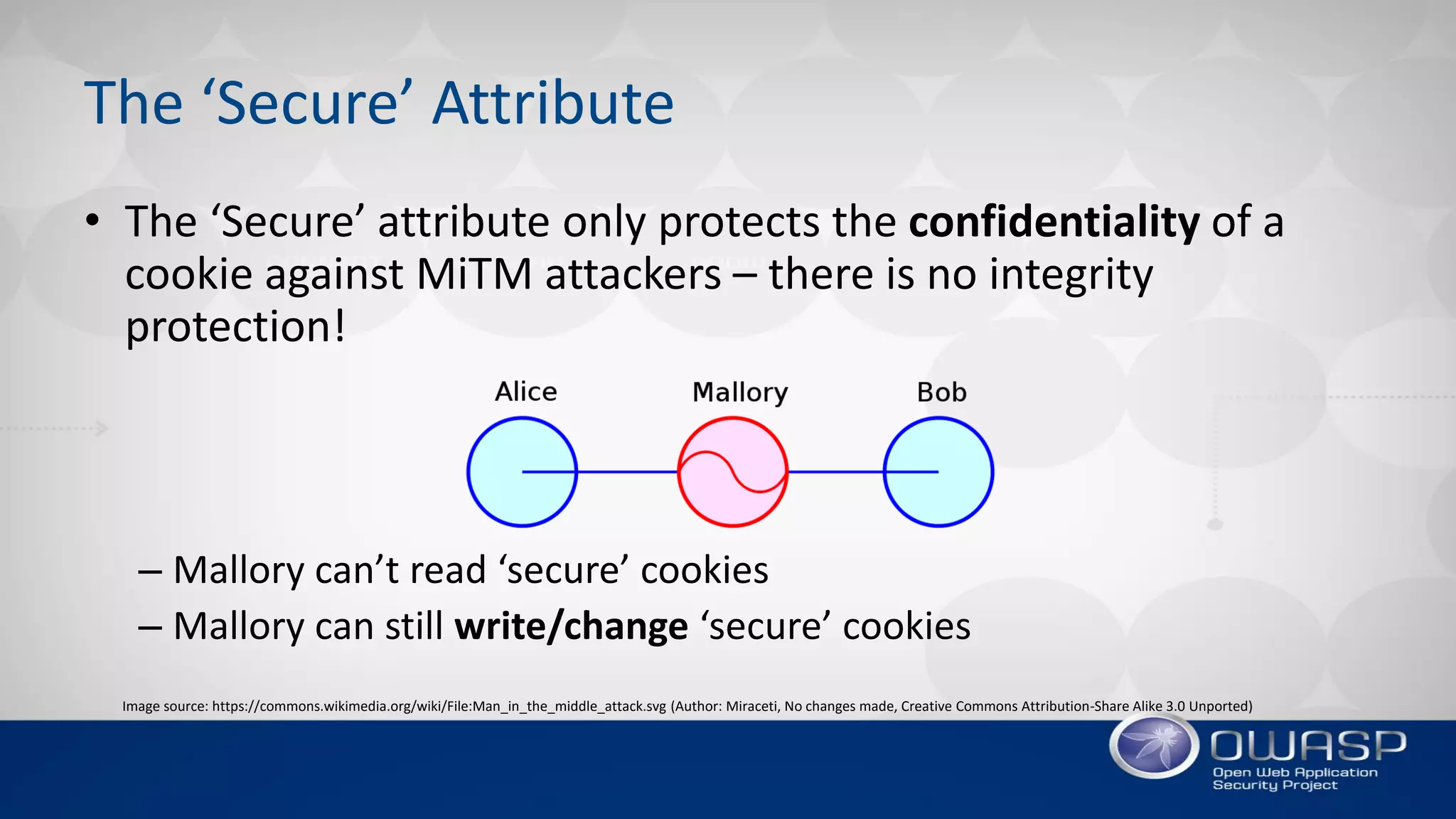
• The ‘Secure’ attribute only protects the confidentiality of a
cookie against MiTM attackers – there is no integrity
protection!
– Mallory can’t read ‘secure’ cookies
– Mallory can still write/change ‘secure’ cookies
Image source: https://commons.wikimedia.org/wiki/File:Man_in_the_middle_attack.svg (Author: Miraceti, No changes made, Creative Commons Attribution-Share Alike 3.0 Unported)
DEMO
Bypassing the ‘Double-submit Cookie Pattern’ CSRF Defense
THE ‘HTTPONLY’ ATTRIBUTE
Keeping JavaScript’s Hands Away from the Cookie Jar
The ‘HttpOnly’ Attribute
“Cookies marked with the ‘HttpOnly’ attribute
are not accessible from JavaScript and therefore
unaffected by cross-site scripting (XSS) attacks.”
–True or false?
The ‘HttpOnly’ Attribute
Picture by Greg Putrich (flickr.com)
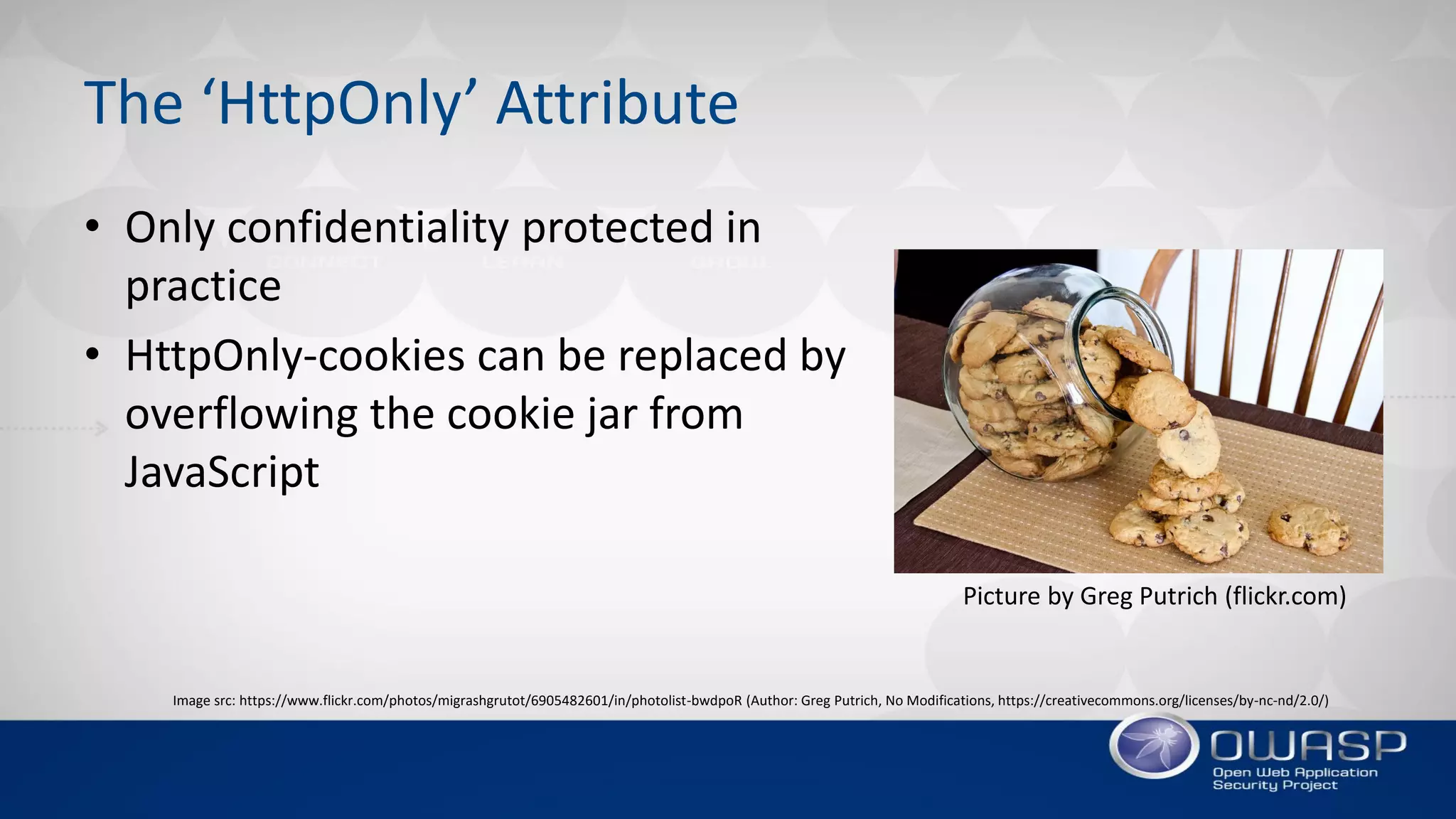
• Only confidentiality protected in
practice
• HttpOnly-cookies can be replaced by
overflowing the cookie jar from
JavaScript
Image src: https://www.flickr.com/photos/migrashgrutot/6905482601/in/photolist-bwdpoR (Author: Greg Putrich, No Modifications, https://creativecommons.org/licenses/by-nc-nd/2.0/)
DEMO
Overwriting a Cookie Marked as ‘HttpOnly’ from JavaScript
THE ‘PATH’ ATTRIBUTE
Isolating Cookies to Specific Paths
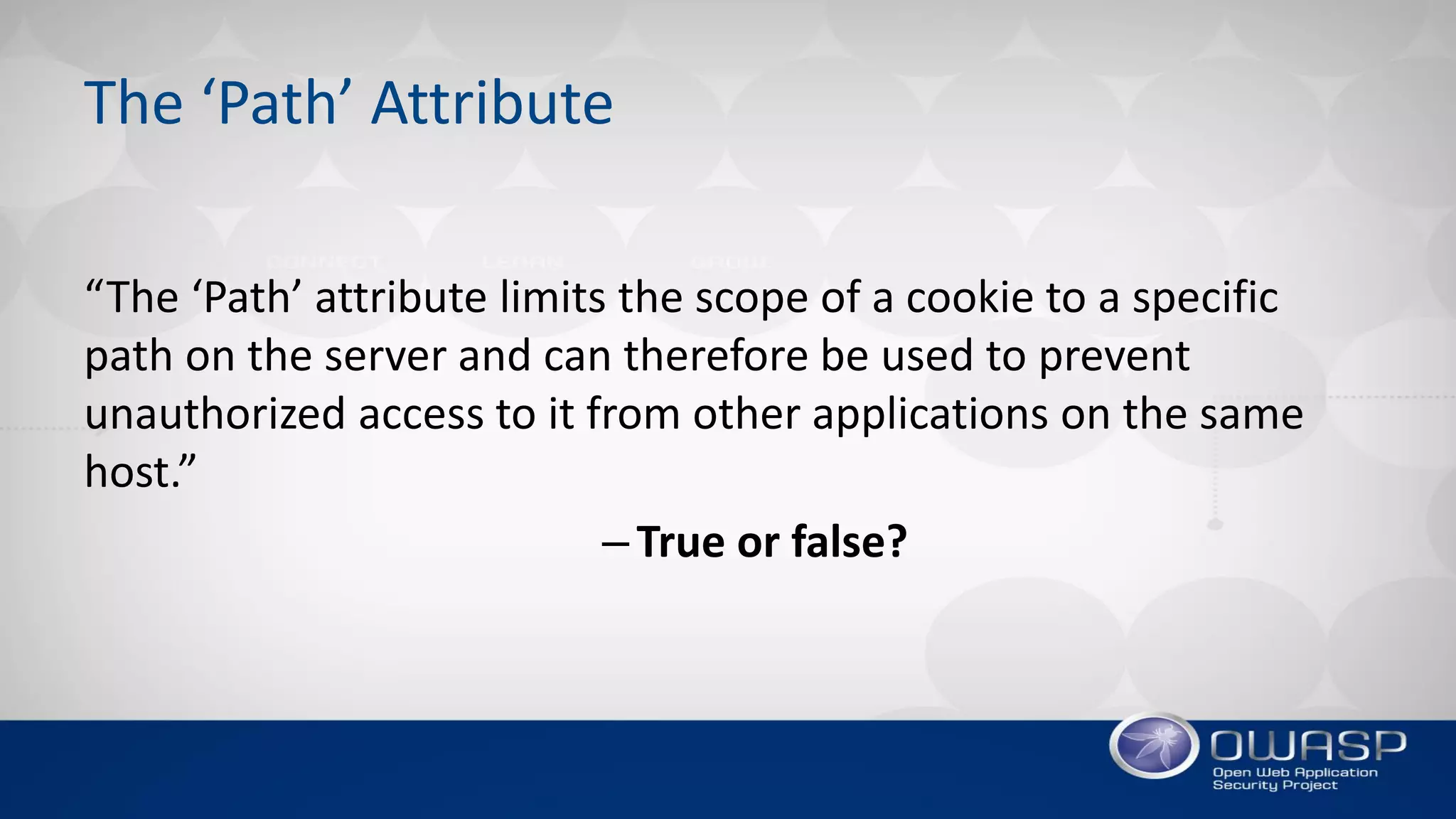
The ‘Path’ Attribute
“The ‘Path’ attribute limits the scope of a cookie to a specific
path on the server and can therefore be used to prevent
unauthorized access to it from other applications on the same
host.”
–True or false?
The ‘Path’ Attribute
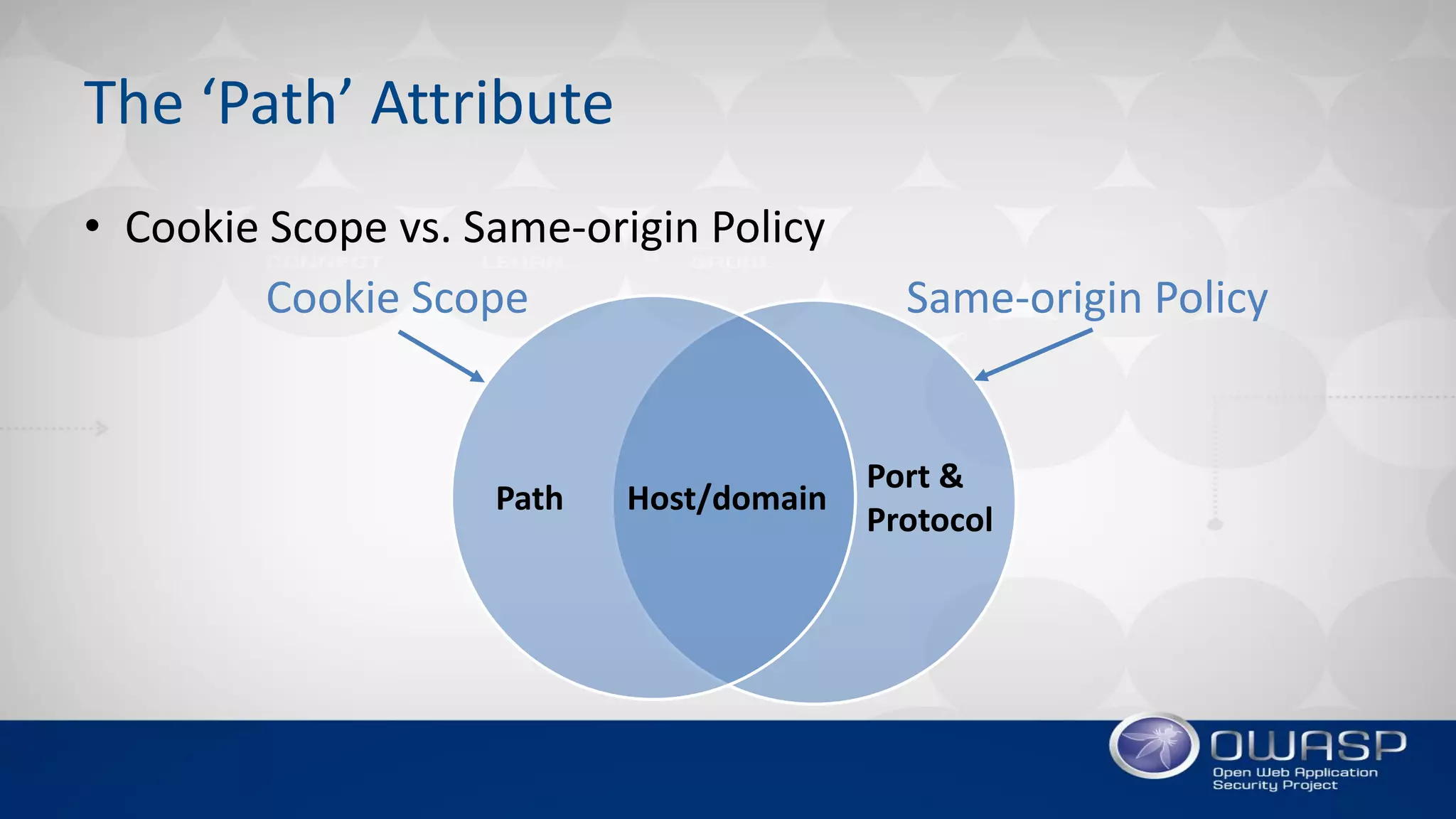
• Cookie Scope vs. Same-origin Policy
Host/domainPath
Port &
Protocol
Cookie Scope Same-origin Policy
The ‘Path’ Attribute
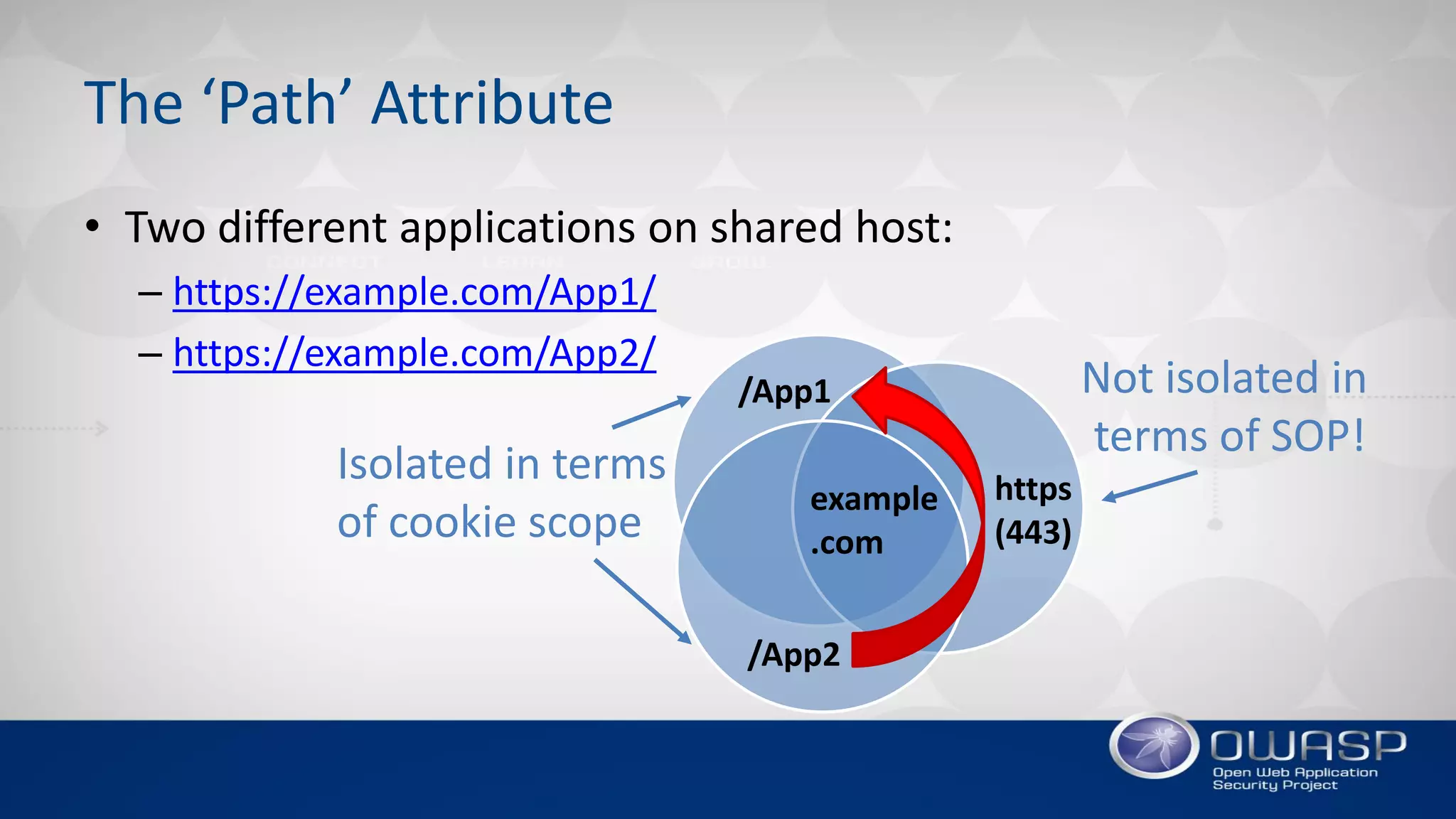
example
.com
/App1
https
(443)
Isolated in terms
of cookie scope
Not isolated in
terms of SOP!
/App2
• Two different applications on shared host:
– https://example.com/App1/
– https://example.com/App2/
THE ‘DOMAIN’ ATTRIBUTE
Only Send Cookie to Intended Host(s)
The ‘Domain’ Attribute
“The ‘Domain’ attribute should be set to the origin host to limit
the scope to that particular server. For example if the application
resides on server app.mysite.com, then it should be set to
domain=app.mysite.com”
–True or false?
The ‘Domain’ Attribute
• When domain set, cookies will be sent to that domain
and all its subdomains
• The risk with subdomains is lower than when scoped to
parent domain, but still relevant
• Remove domain attribute to limit cookie to origin host
only
– Important note: IE will always send to subdomains regardless
COOKIE LIFETIME
Limiting Exposure of Cookies
Cookie Lifetime
“A session cookie, also known as an in-memory
cookie or transient cookie, exists only in temporary memory
while the user navigates the website.” (Wikipedia)
–True or false?
Cookie Lifetime
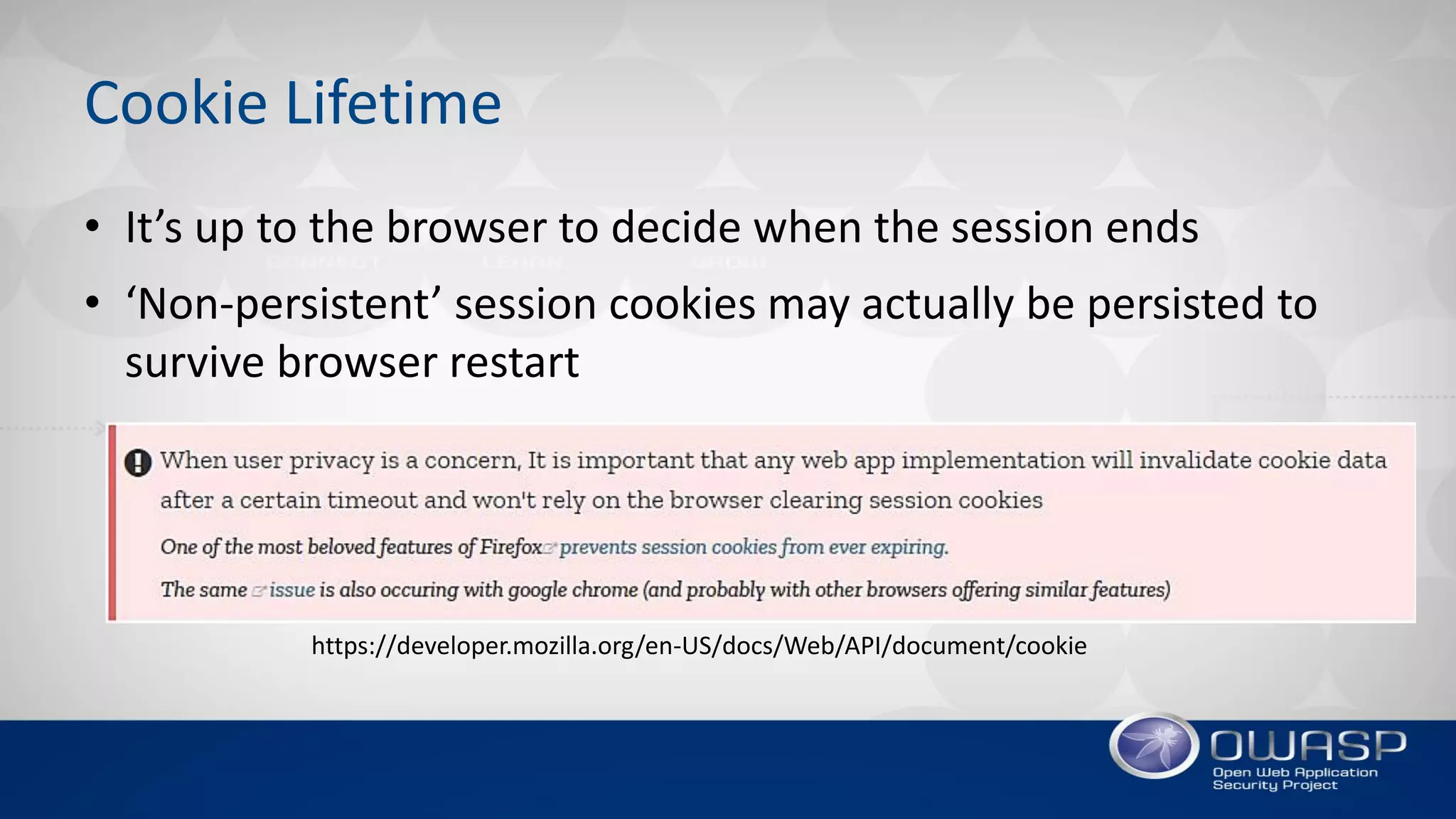
• It’s up to the browser to decide when the session ends
• ‘Non-persistent’ session cookies may actually be persisted to
survive browser restart
https://developer.mozilla.org/en-US/docs/Web/API/document/cookie
MODERN COOKIE PROTECTIONS
RFC6265bis: Making Improvements to the Cookie Recipe
Strict Secure Cookies
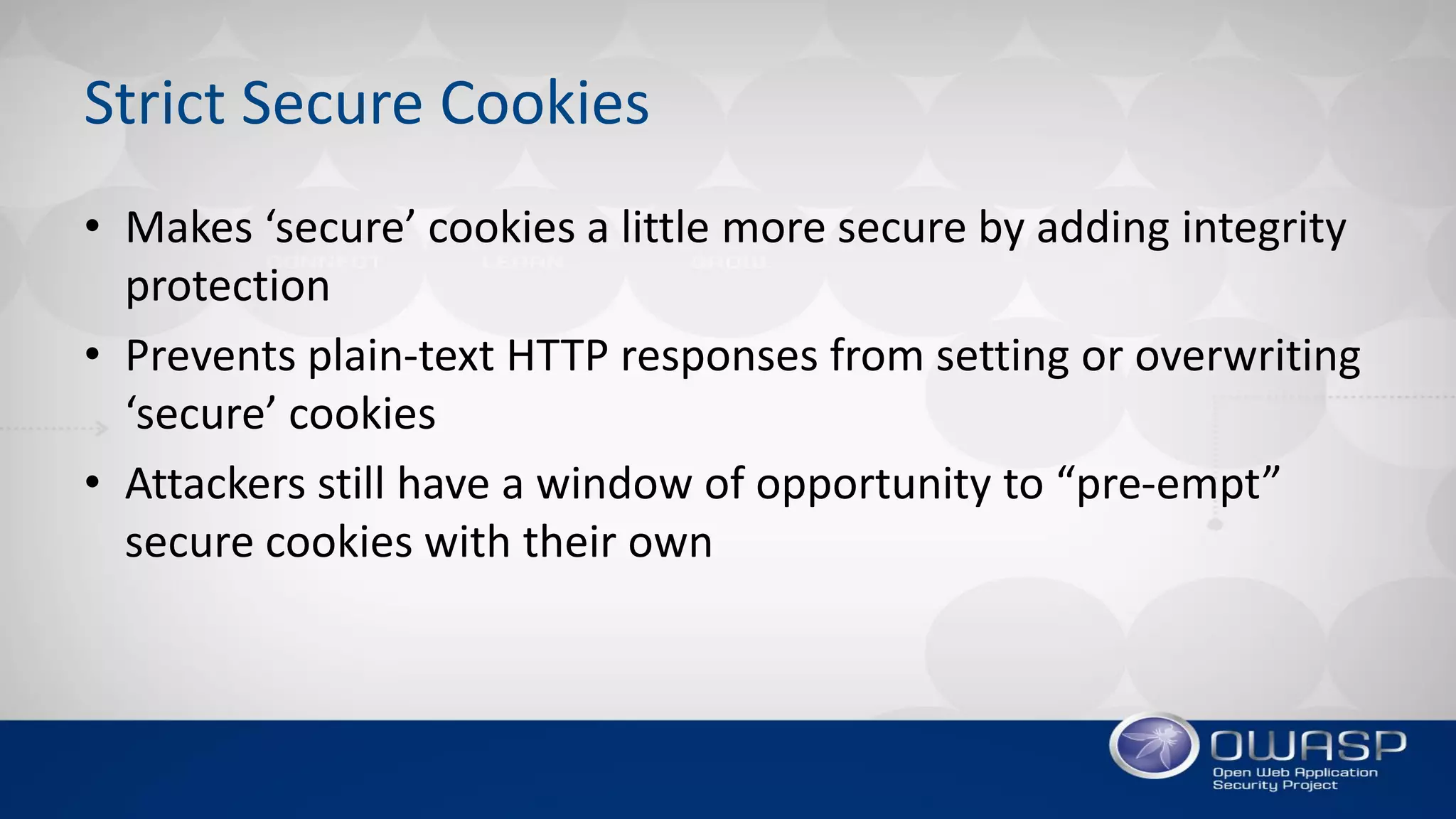
• Makes ‘secure’ cookies a little more secure by adding integrity
protection
• Prevents plain-text HTTP responses from setting or overwriting
‘secure’ cookies
• Attackers still have a window of opportunity to “pre-empt”
secure cookies with their own
Cookie Prefixes
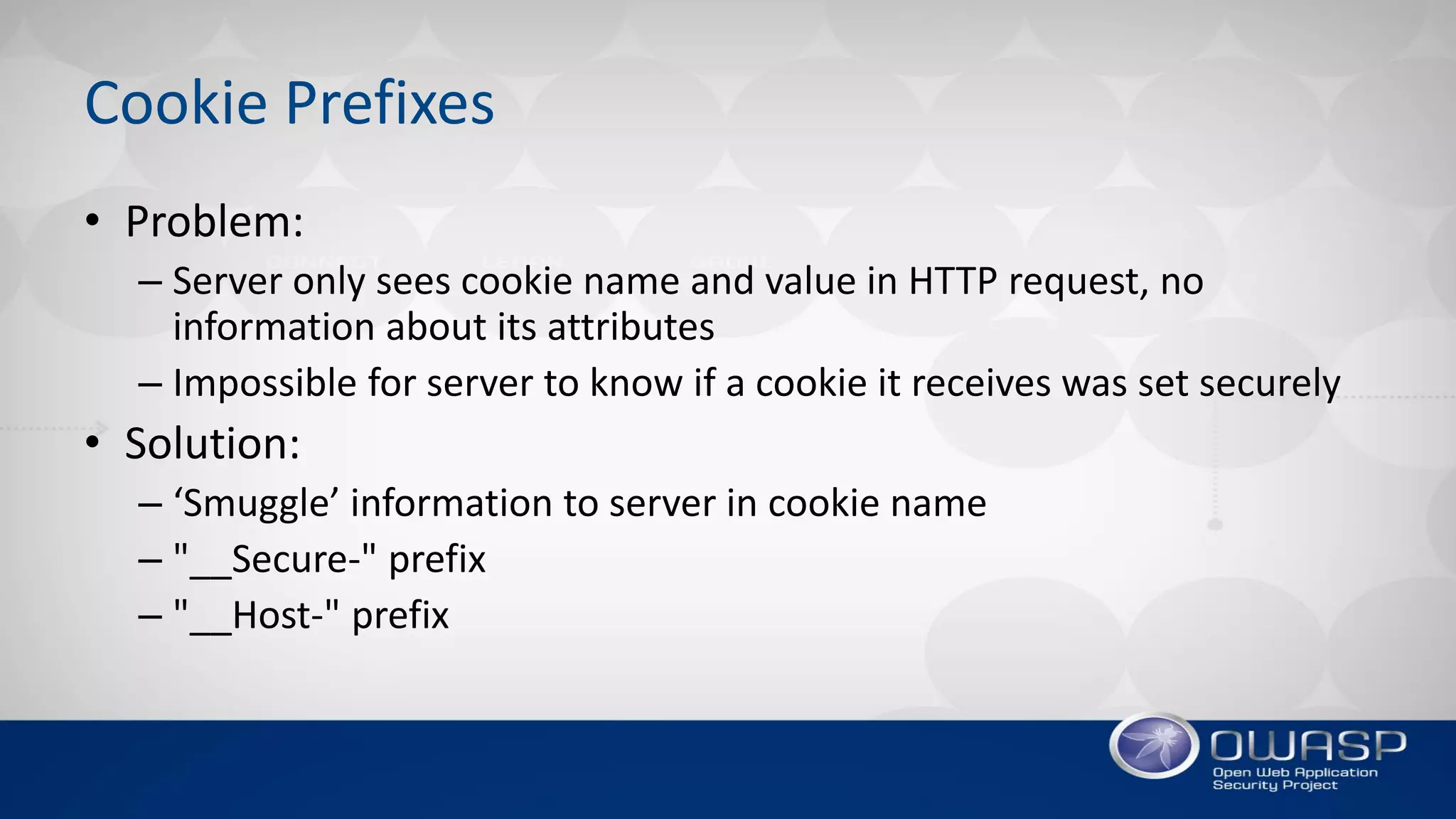
• Problem:
– Server only sees cookie name and value in HTTP request, no
information about its attributes
– Impossible for server to know if a cookie it receives was set securely
• Solution:
– ‘Smuggle’ information to server in cookie name
– "__Secure-" prefix
– "__Host-" prefix
The ‘SameSite’ Attribute
• Problem:
– Cookies are sent with all requests to a server, regardless of request
origin
– Attackers can abuse this by initiating authenticated cross-origin
requests, e.g., CSRF, XSSI, etc.
• Solution:
– New cookie attribute SameSite=[Strict|Lax]
– Prevents cookies from being attached to cross-origin requests
SUMMARY
Summary
• Key Takeaways:
– Cookies are still largely based on a draft from 1994
– The security model has many weaknesses
– Don’t build your application on false assumptions about cookie
security
– Application and framework developers should take advantage of new
improvements to cookie security
– Beware that not all browsers are using the same cookie recipe (yet)
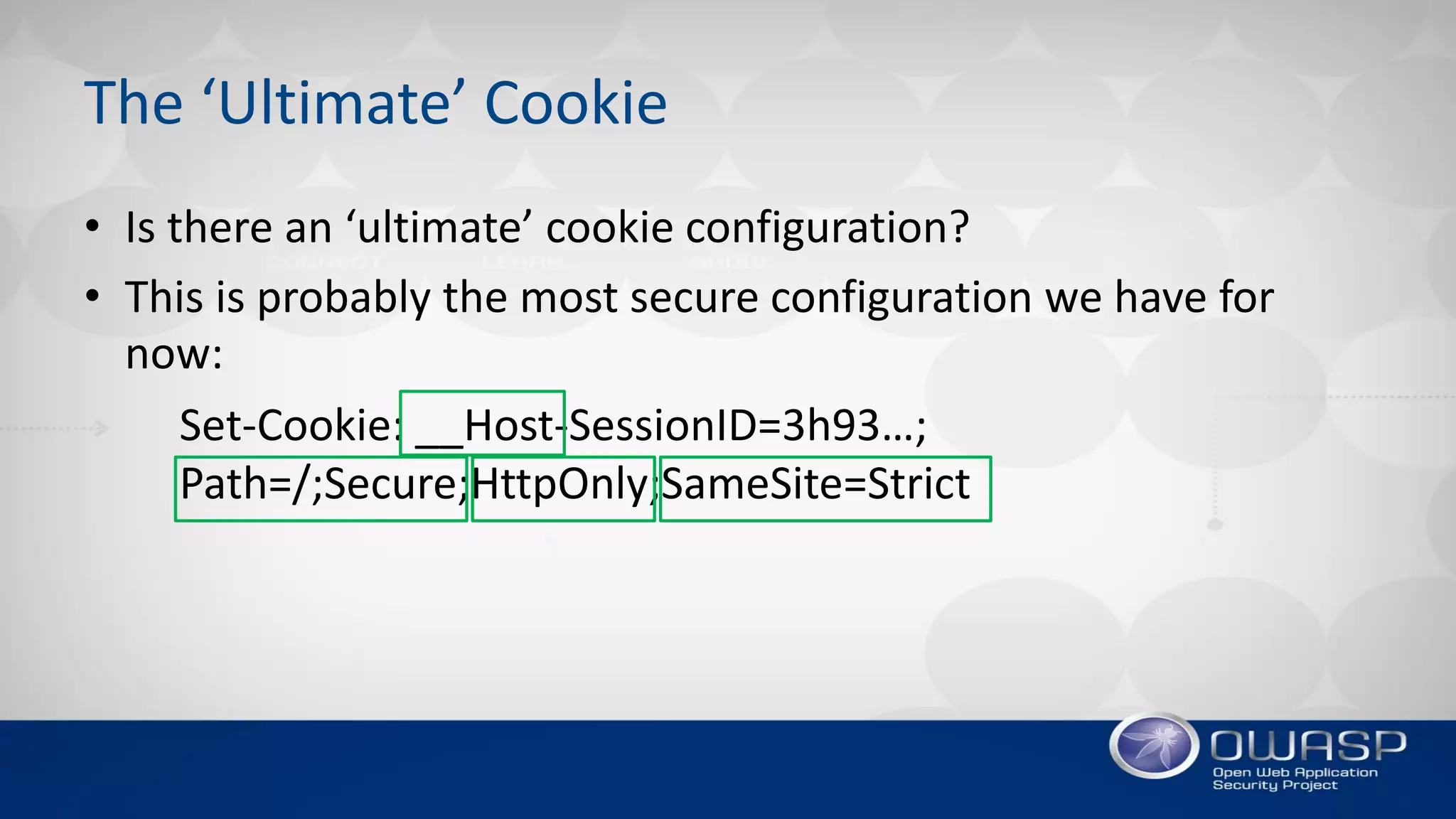
The ‘Ultimate’ Cookie
• Is there an ‘ultimate’ cookie configuration?
• This is probably the most secure configuration we have for
now:
Set-Cookie: __Host-SessionID=3h93…;
Path=/;Secure;HttpOnly;SameSite=Strict

OWASP AppSec USA 2017: Cookie Security – Myths and Misconceptions by David Johansson

  • 1.
    Cookie Security Myths andMisconceptions David Johansson - AppSec USA 2017
  • 2.
    About Me • DavidJohansson (@securitybits) – Security consultant with 10 years in AppSec – Helping clients design and build secure software – Develop and deliver security training – Based in London, working for Synopsys
  • 3.
    Cookie Security • Whytalk about Cookie Security? Cookie security is somewhat broken… Image src: https://commons.wikimedia.org/wiki/File:Choco_chip_cookie_half.png (Author: Bob Smith, modifications made by Chzz)
  • 4.
    Agenda • Cookie Basics •The ‘Secure’ Attribute • The ‘HttpOnly’ Attribute • The ‘Path’ Attribute • The ‘Domain’ Attribute • Cookie Lifetime • Modern Cookie Protections • Summary
  • 5.
  • 6.
    History of HTTPCookies Cookies are based on an old recipe: • 1994 –Netscape draft • 1997 – RFC 2109 • 2000 – RFC 2965 • 2002 – HttpOnly • 2011 – RFC 6265 • 2017 – RFC 6265bis (draft) “Classic Film” (https://www.flickr.com/photos/29069717@N02/)
  • 7.
    HTTP Cookies • Cookiesare sent in HTTP headers • Attributes influence how cookies are managed by the client (e.g., browser) Server response HTTP/1.1 200 OK … Set-Cookie: id=2bf353246gf3; Secure; HttpOnly Set-Cookie: lang=en; Expires=Wed, 09 Jun 2021 10:18:14 GMT Subsequent client request GET /index.html HTTP/1.1 … Cookie: id=2bf353246gf3; lang=en
  • 8.
    THE ‘SECURE’ ATTRIBUTE KeepingCookies Secure from Network-level Attackers
  • 9.
    The ‘Secure’ Attribute “Cookiesmarked with the ‘Secure’ attribute are only sent over encrypted HTTPS connections and are therefore safe from man- in-the-middle attacks.” –True or false?
  • 10.
    The ‘Secure’ Attribute •The ‘Secure’ attribute only protects the confidentiality of a cookie against MiTM attackers – there is no integrity protection! – Mallory can’t read ‘secure’ cookies – Mallory can still write/change ‘secure’ cookies Image source: https://commons.wikimedia.org/wiki/File:Man_in_the_middle_attack.svg (Author: Miraceti, No changes made, Creative Commons Attribution-Share Alike 3.0 Unported)
  • 11.
    DEMO Bypassing the ‘Double-submitCookie Pattern’ CSRF Defense
  • 12.
    THE ‘HTTPONLY’ ATTRIBUTE KeepingJavaScript’s Hands Away from the Cookie Jar
  • 13.
    The ‘HttpOnly’ Attribute “Cookiesmarked with the ‘HttpOnly’ attribute are not accessible from JavaScript and therefore unaffected by cross-site scripting (XSS) attacks.” –True or false?
  • 14.
    The ‘HttpOnly’ Attribute Pictureby Greg Putrich (flickr.com) • Only confidentiality protected in practice • HttpOnly-cookies can be replaced by overflowing the cookie jar from JavaScript Image src: https://www.flickr.com/photos/migrashgrutot/6905482601/in/photolist-bwdpoR (Author: Greg Putrich, No Modifications, https://creativecommons.org/licenses/by-nc-nd/2.0/)
  • 15.
    DEMO Overwriting a CookieMarked as ‘HttpOnly’ from JavaScript
  • 16.
    THE ‘PATH’ ATTRIBUTE IsolatingCookies to Specific Paths
  • 17.
    The ‘Path’ Attribute “The‘Path’ attribute limits the scope of a cookie to a specific path on the server and can therefore be used to prevent unauthorized access to it from other applications on the same host.” –True or false?
  • 18.
    The ‘Path’ Attribute •Cookie Scope vs. Same-origin Policy Host/domainPath Port & Protocol Cookie Scope Same-origin Policy
  • 19.
    The ‘Path’ Attribute example .com /App1 https (443) Isolatedin terms of cookie scope Not isolated in terms of SOP! /App2 • Two different applications on shared host: – https://example.com/App1/ – https://example.com/App2/
  • 20.
    THE ‘DOMAIN’ ATTRIBUTE OnlySend Cookie to Intended Host(s)
  • 21.
    The ‘Domain’ Attribute “The‘Domain’ attribute should be set to the origin host to limit the scope to that particular server. For example if the application resides on server app.mysite.com, then it should be set to domain=app.mysite.com” –True or false?
  • 22.
    The ‘Domain’ Attribute •When domain set, cookies will be sent to that domain and all its subdomains • The risk with subdomains is lower than when scoped to parent domain, but still relevant • Remove domain attribute to limit cookie to origin host only – Important note: IE will always send to subdomains regardless
  • 23.
  • 24.
    Cookie Lifetime “A sessioncookie, also known as an in-memory cookie or transient cookie, exists only in temporary memory while the user navigates the website.” (Wikipedia) –True or false?
  • 25.
    Cookie Lifetime • It’sup to the browser to decide when the session ends • ‘Non-persistent’ session cookies may actually be persisted to survive browser restart https://developer.mozilla.org/en-US/docs/Web/API/document/cookie
  • 26.
    MODERN COOKIE PROTECTIONS RFC6265bis:Making Improvements to the Cookie Recipe
  • 27.
    Strict Secure Cookies •Makes ‘secure’ cookies a little more secure by adding integrity protection • Prevents plain-text HTTP responses from setting or overwriting ‘secure’ cookies • Attackers still have a window of opportunity to “pre-empt” secure cookies with their own
  • 28.
    Cookie Prefixes • Problem: –Server only sees cookie name and value in HTTP request, no information about its attributes – Impossible for server to know if a cookie it receives was set securely • Solution: – ‘Smuggle’ information to server in cookie name – "__Secure-" prefix – "__Host-" prefix
  • 29.
    The ‘SameSite’ Attribute •Problem: – Cookies are sent with all requests to a server, regardless of request origin – Attackers can abuse this by initiating authenticated cross-origin requests, e.g., CSRF, XSSI, etc. • Solution: – New cookie attribute SameSite=[Strict|Lax] – Prevents cookies from being attached to cross-origin requests
  • 30.
  • 31.
    Summary • Key Takeaways: –Cookies are still largely based on a draft from 1994 – The security model has many weaknesses – Don’t build your application on false assumptions about cookie security – Application and framework developers should take advantage of new improvements to cookie security – Beware that not all browsers are using the same cookie recipe (yet)
  • 32.
    The ‘Ultimate’ Cookie •Is there an ‘ultimate’ cookie configuration? • This is probably the most secure configuration we have for now: Set-Cookie: __Host-SessionID=3h93…; Path=/;Secure;HttpOnly;SameSite=Strict