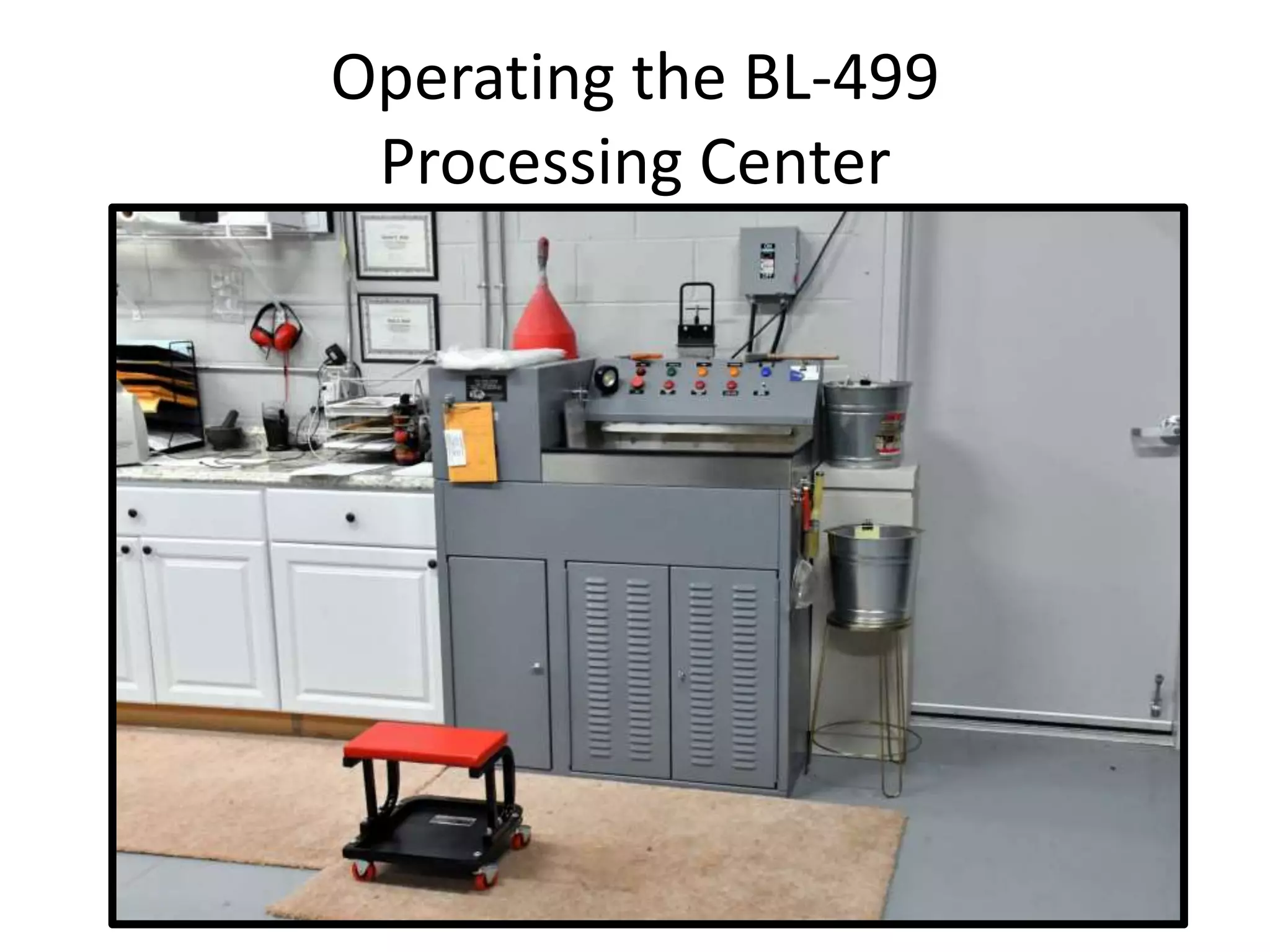
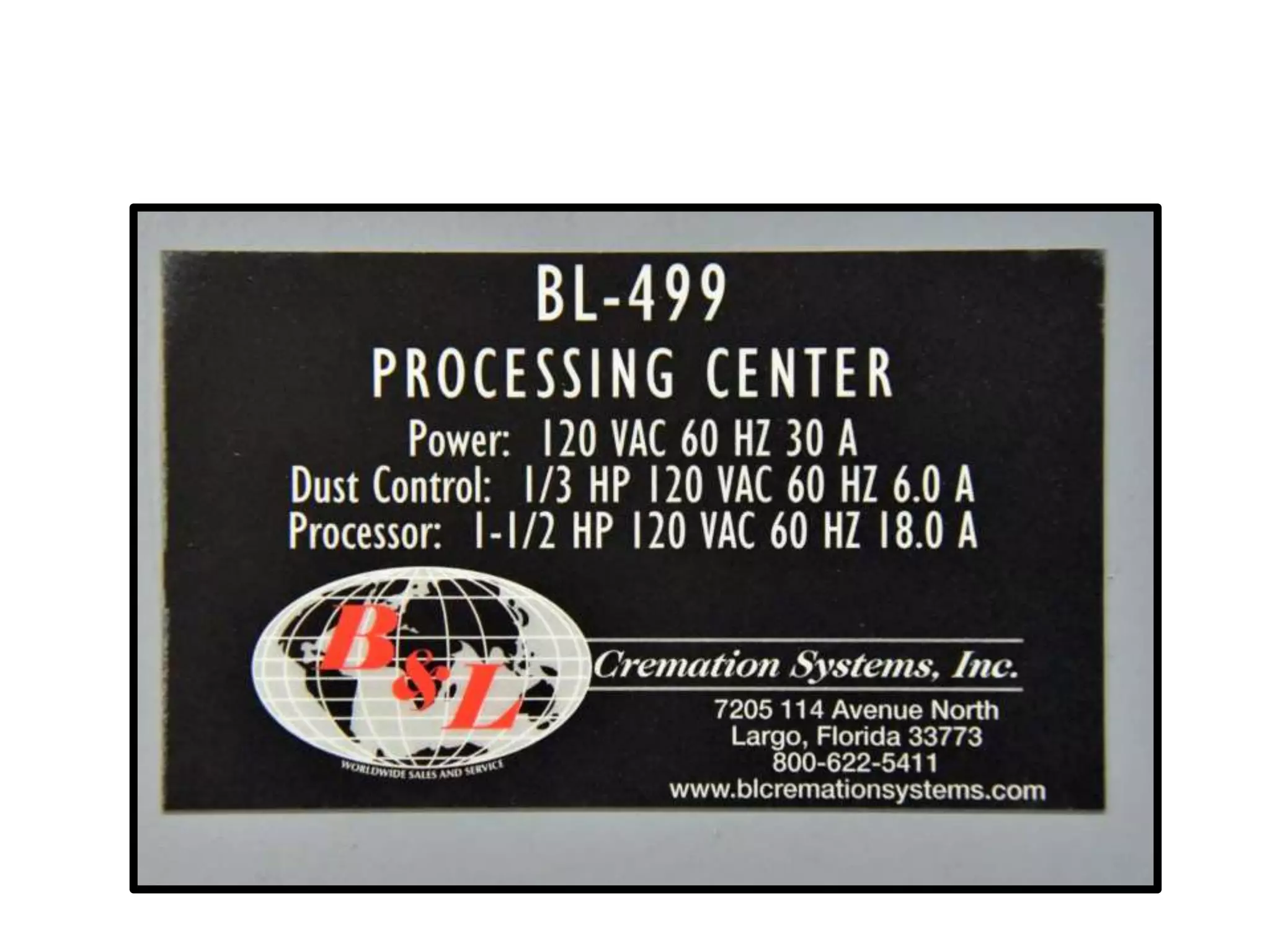
Operating the BL-499
Processing Center
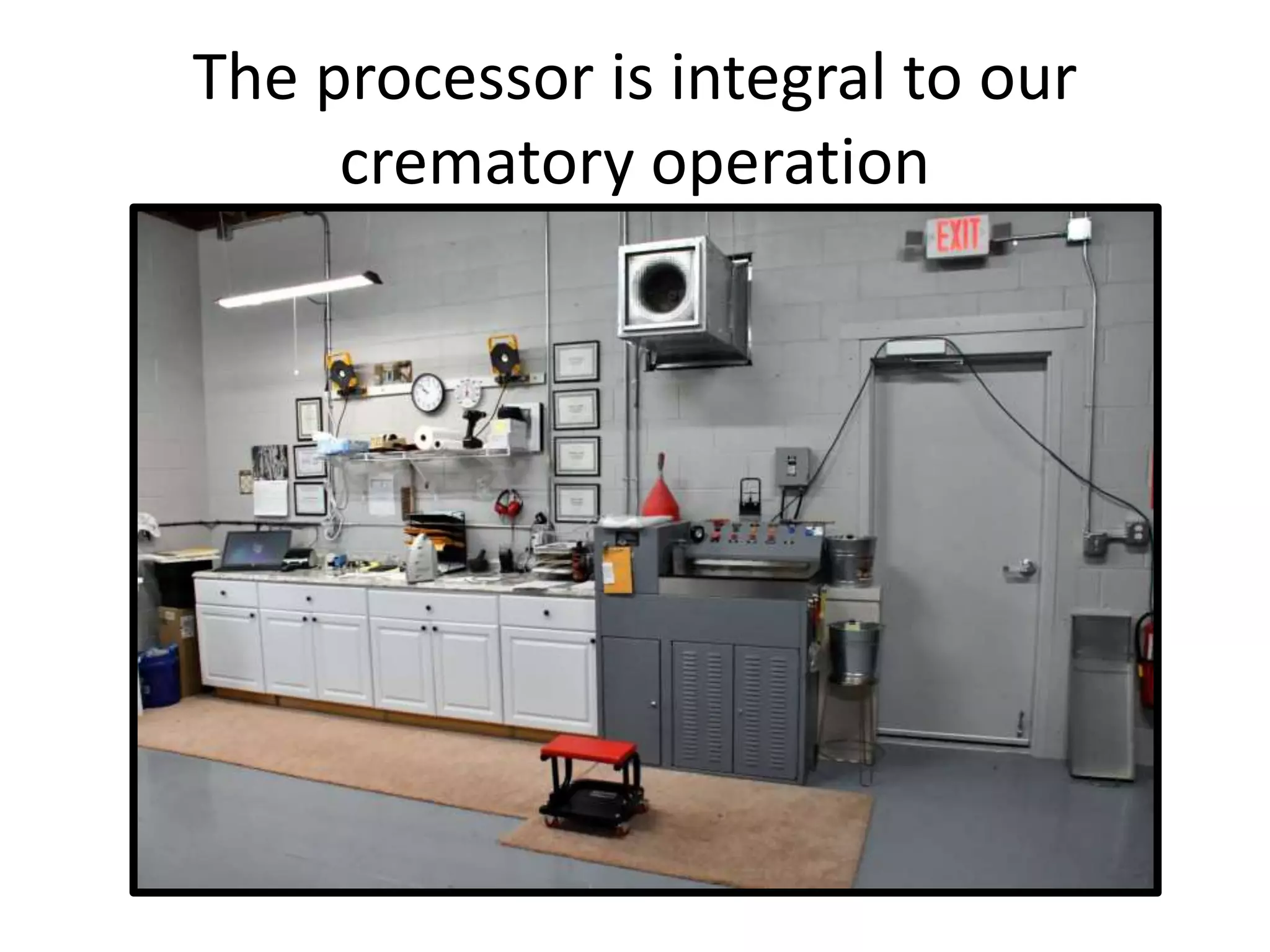
The processor is integral to our
crematory operation
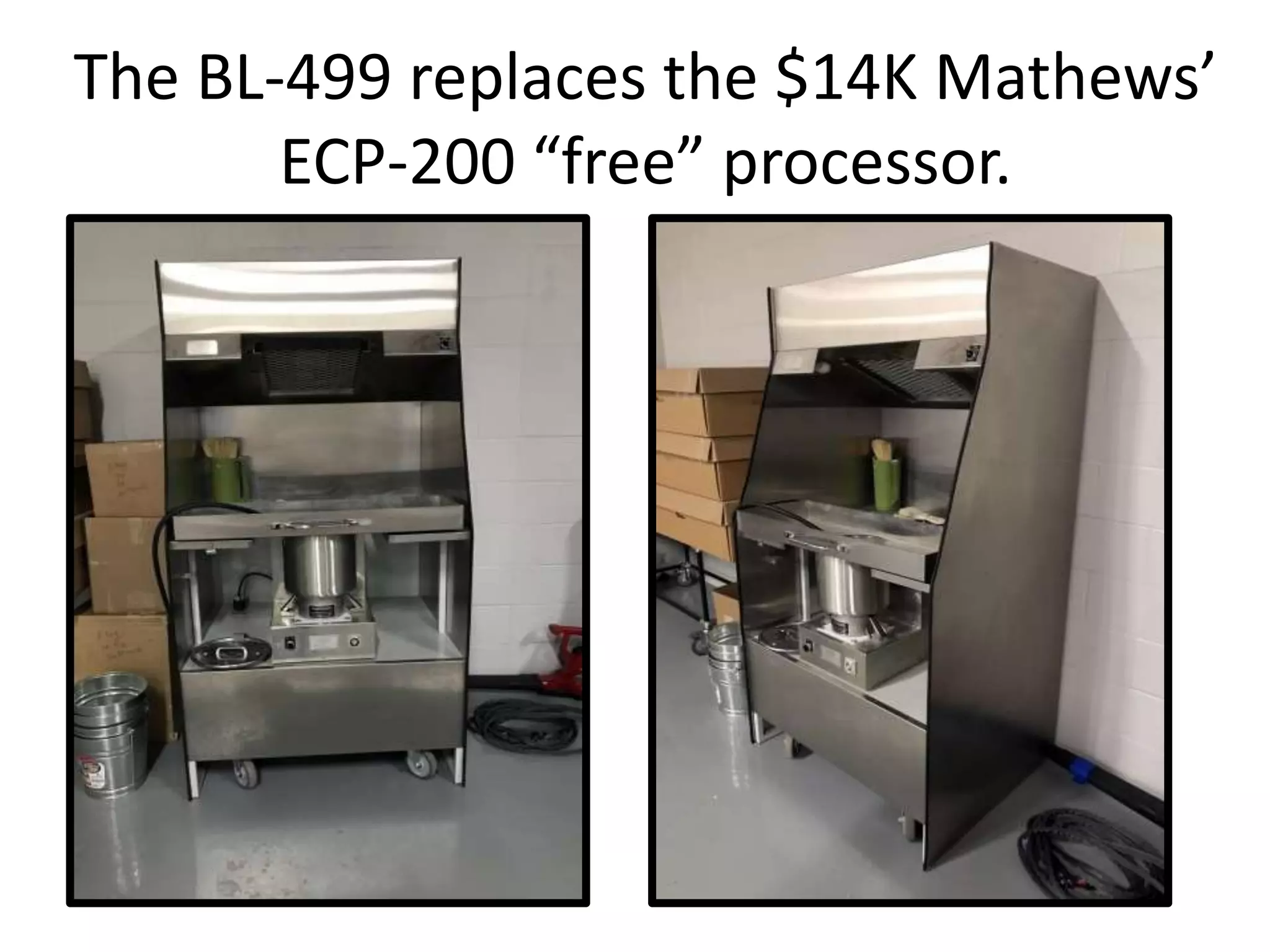
The BL-499 replaces the $14K Mathews’
ECP-200 “free” processor.

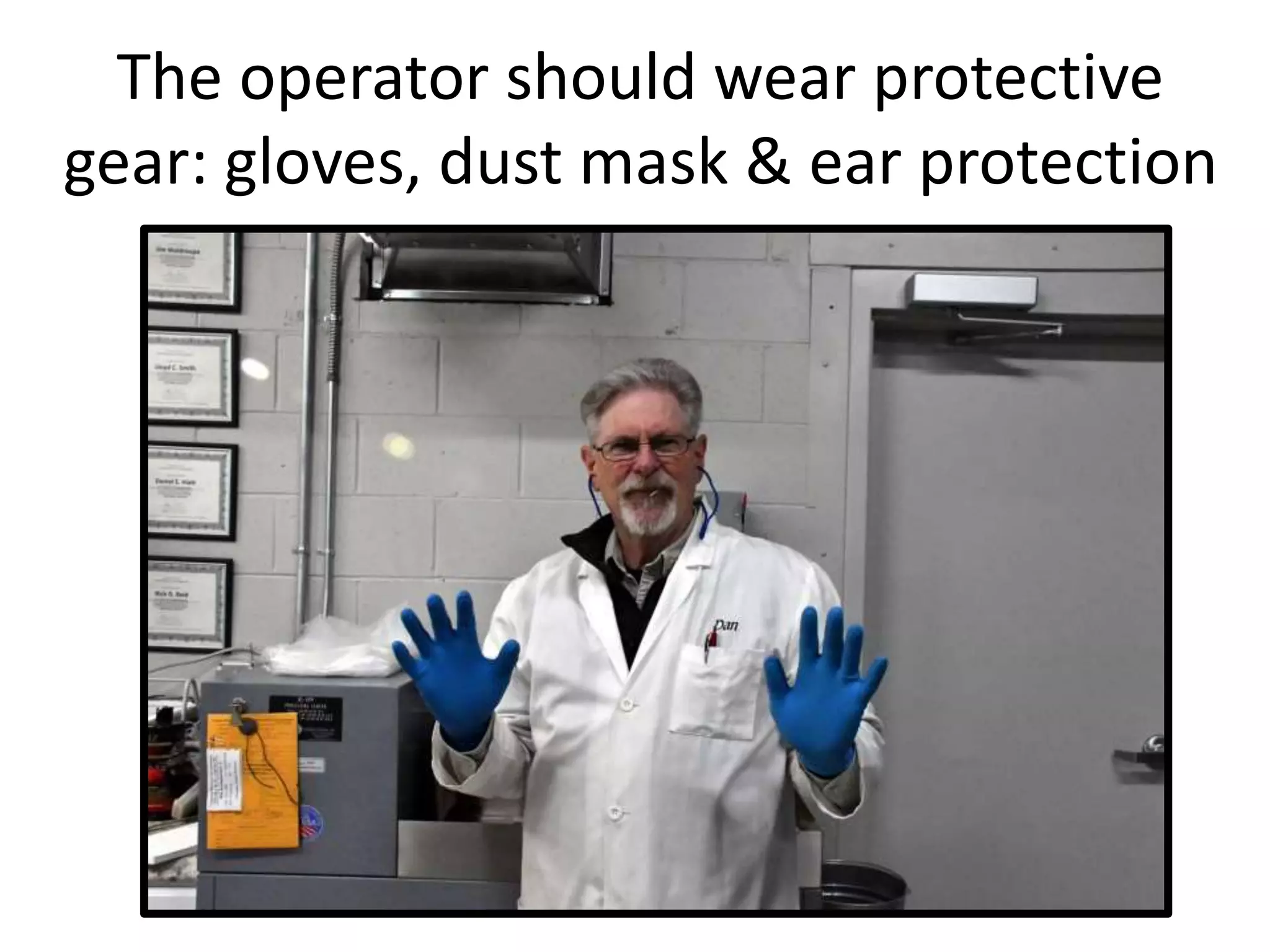
The operator should wear protective
gear: gloves, dust mask & ear protection
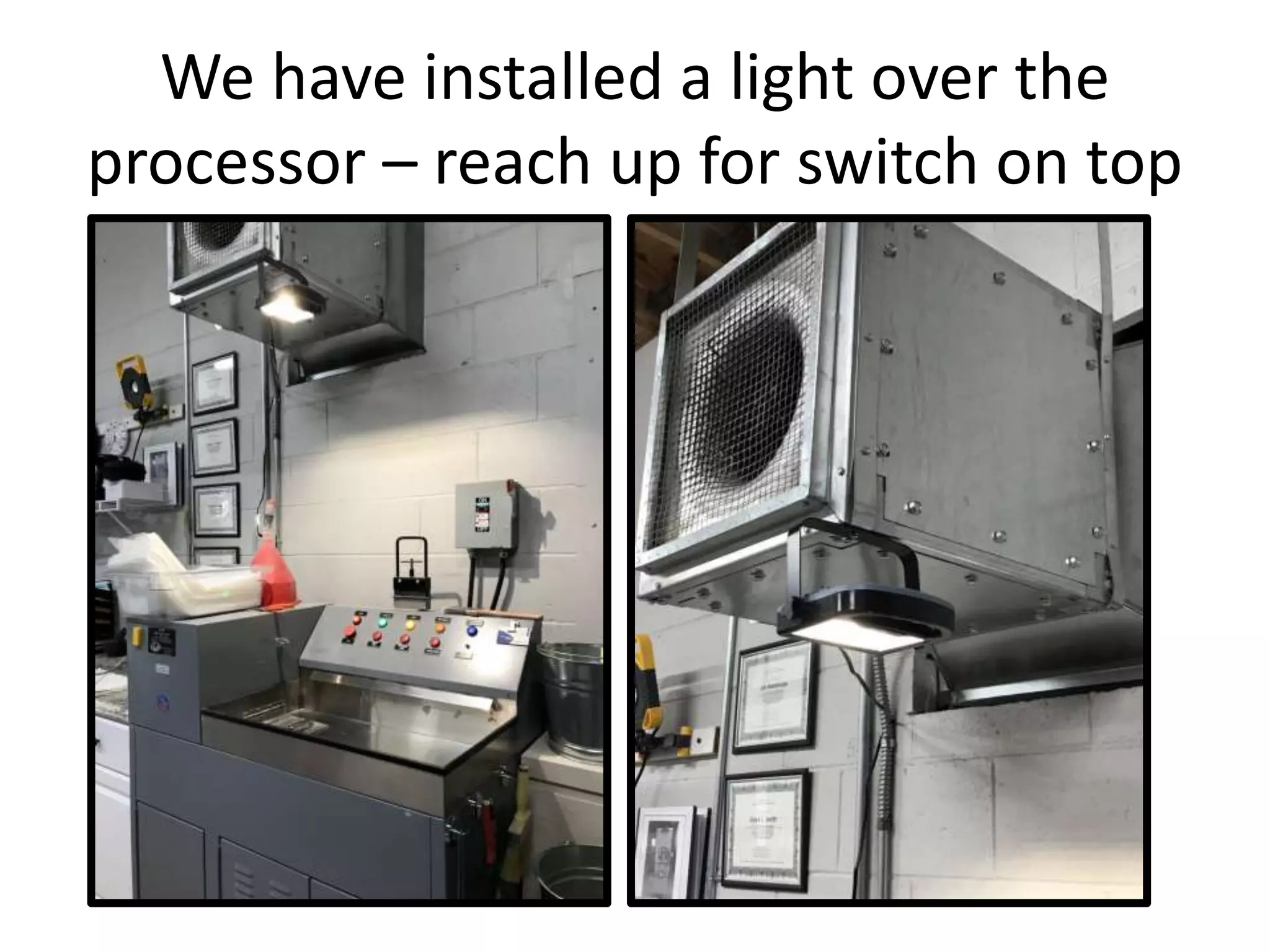
We have installed a light over the
processor – reach up for switch on top
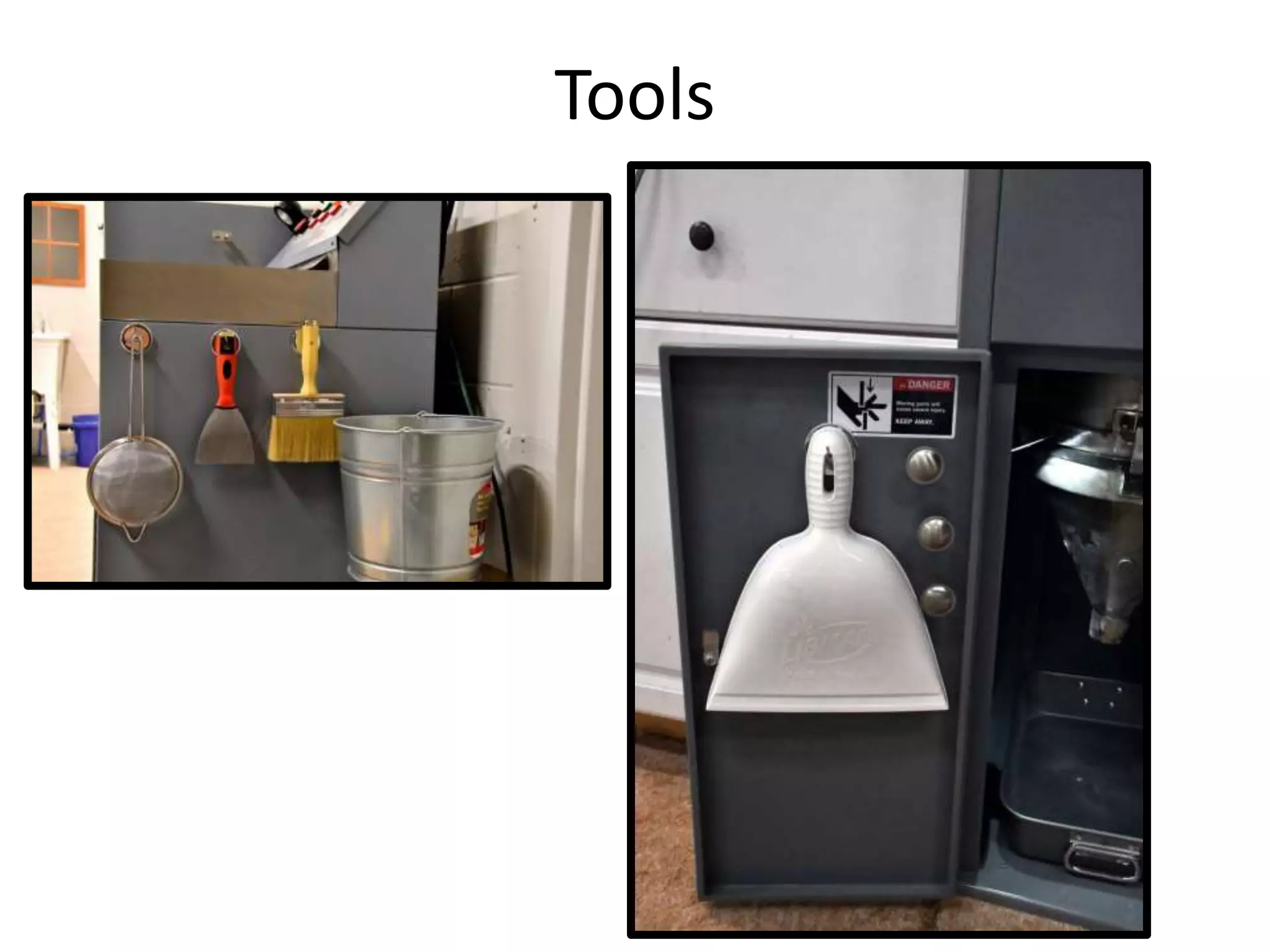
Tools
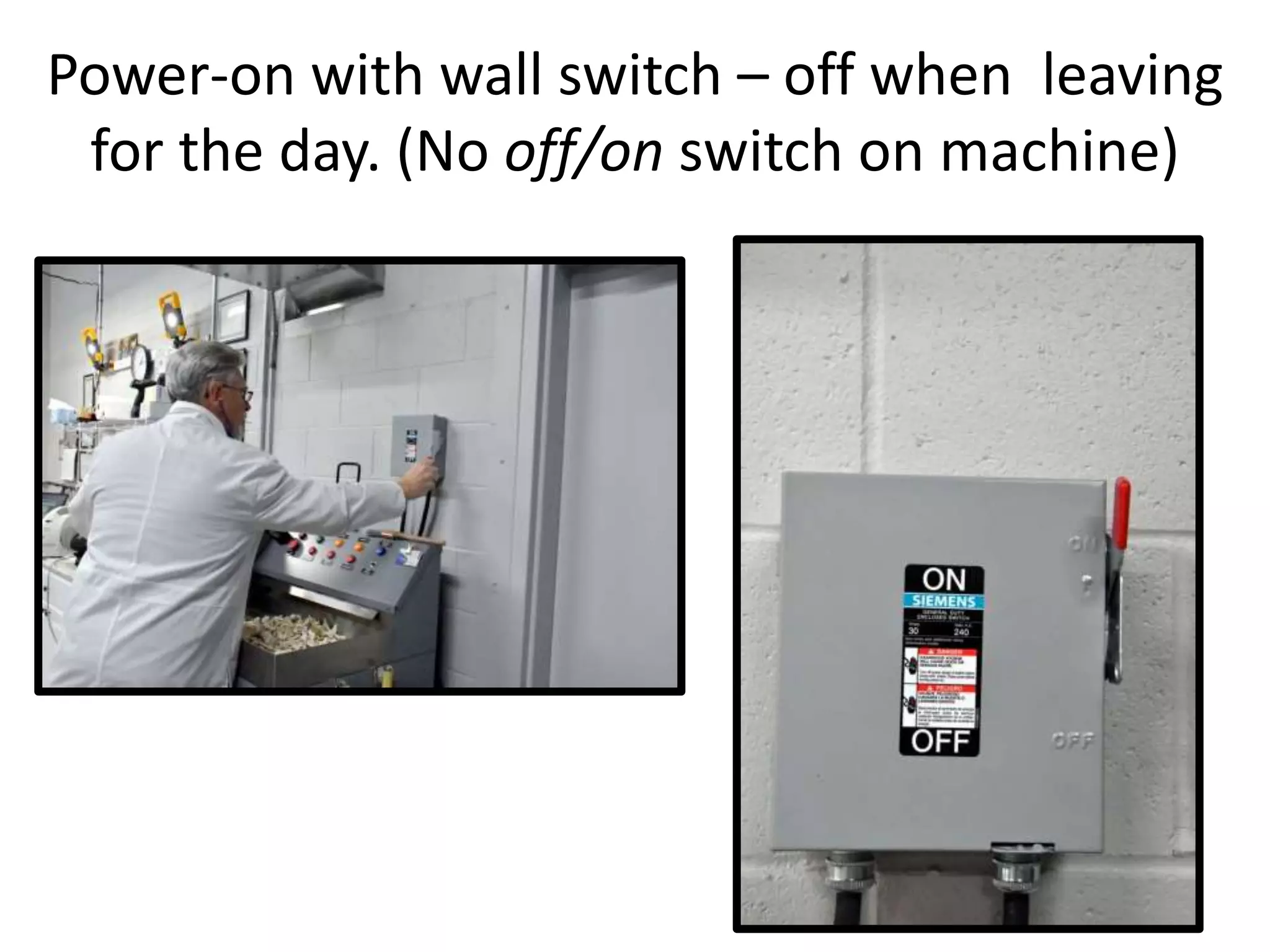
Power-on with wall switch – off when leaving
for the day. (No off/on switch on machine)
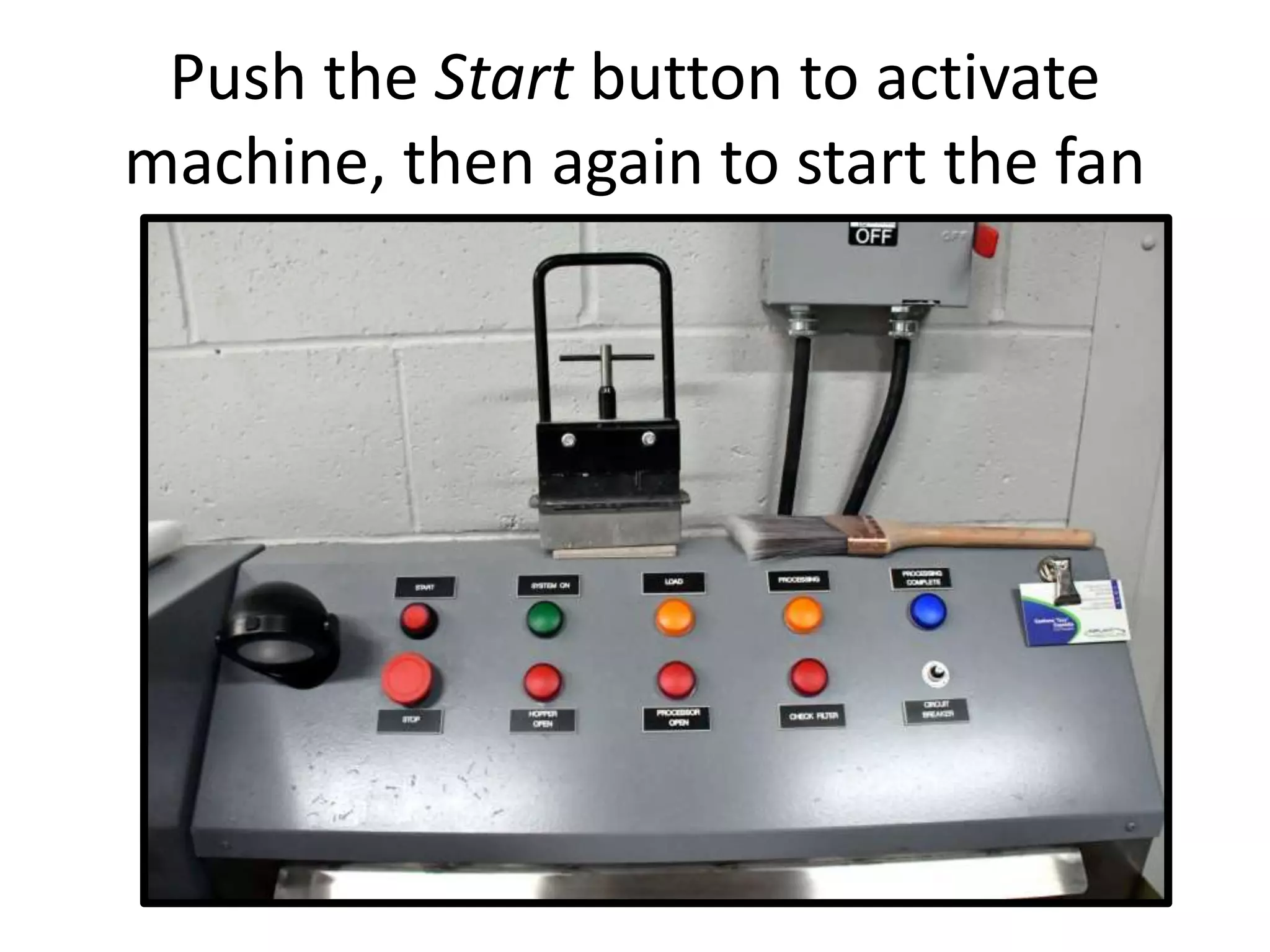
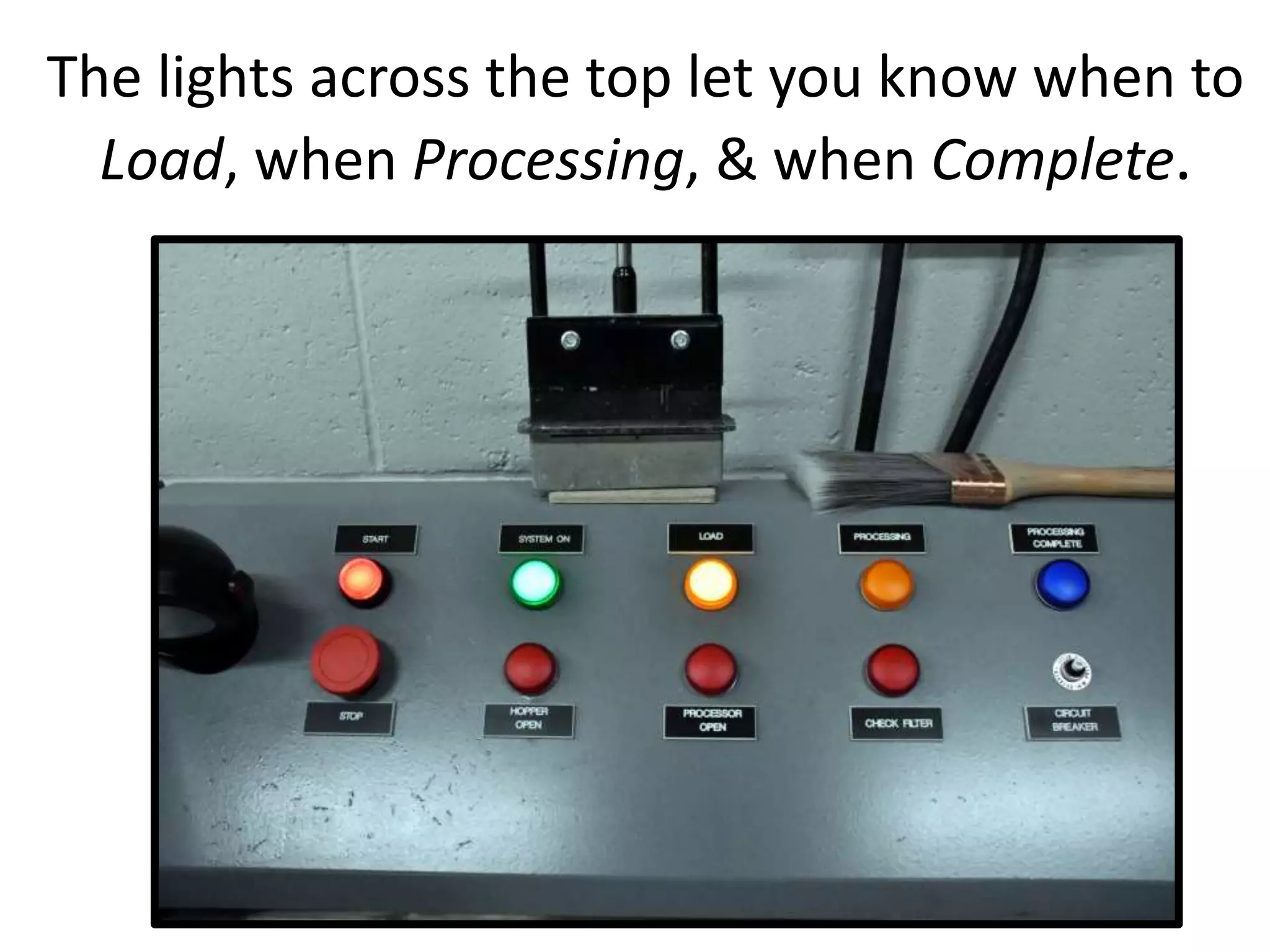
Push the Start button to activate
machine, then again to start the fan
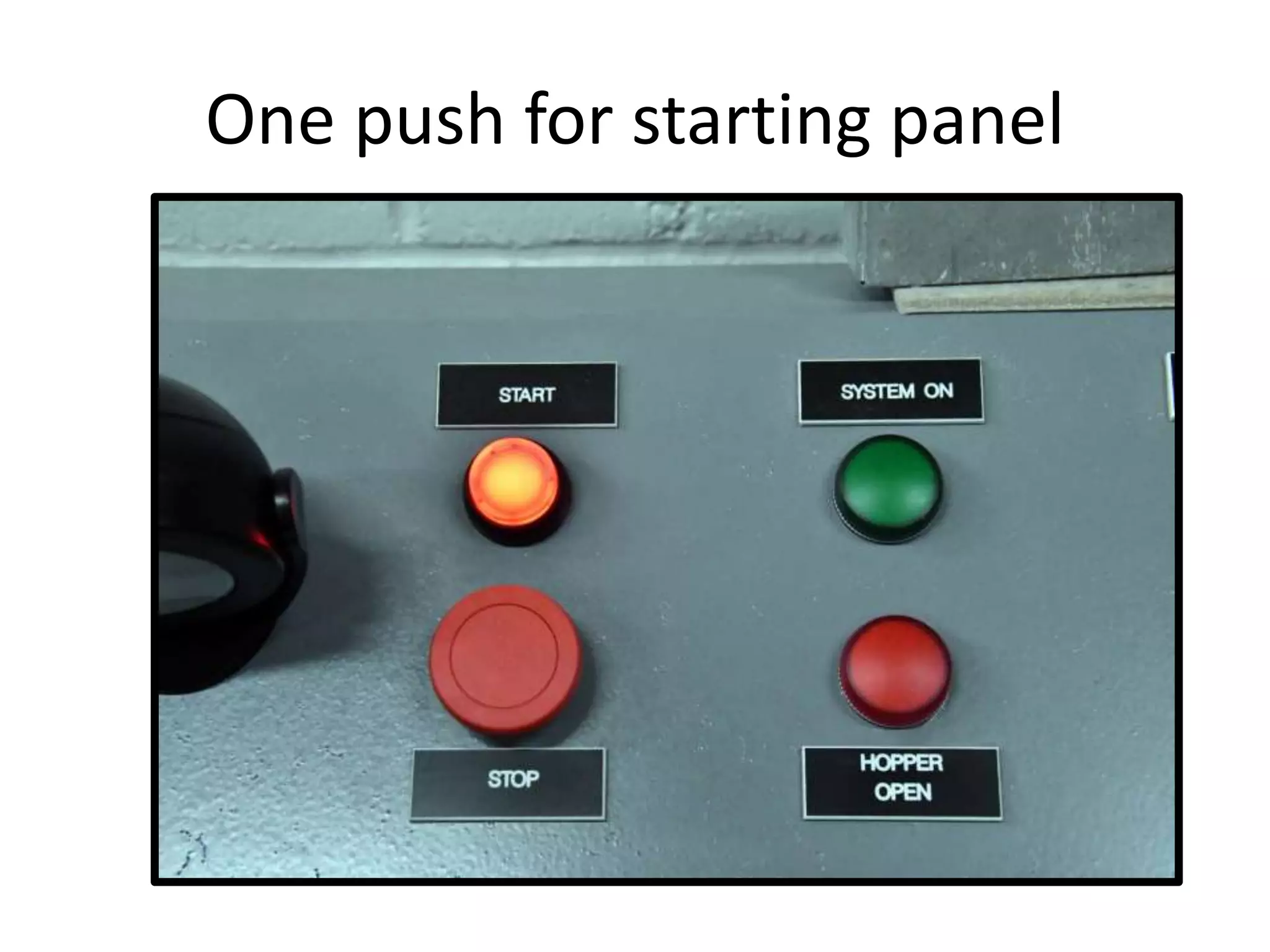
One push for starting panel
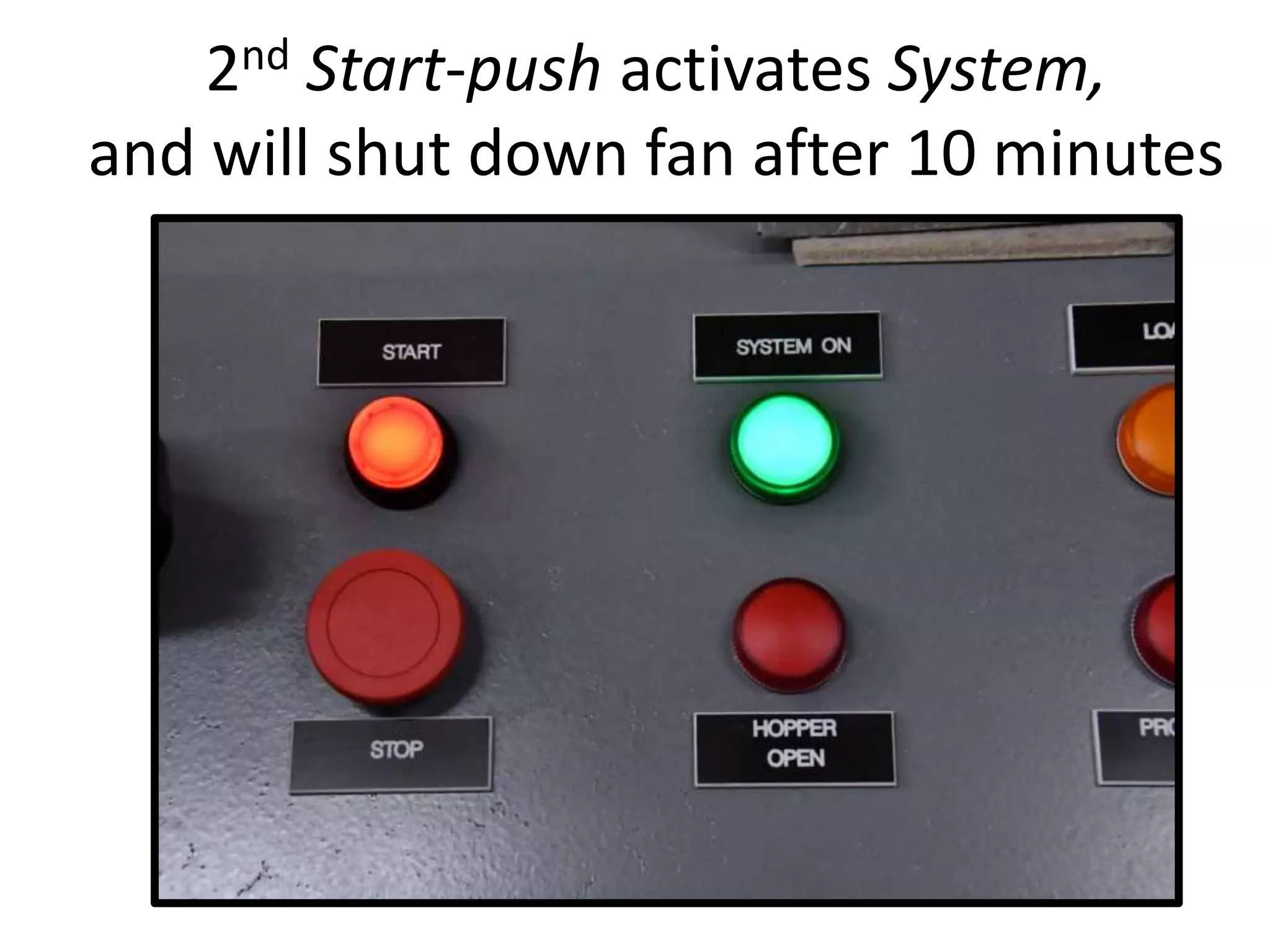
2nd Start-push activates System,
and will shut down fan after 10 minutes
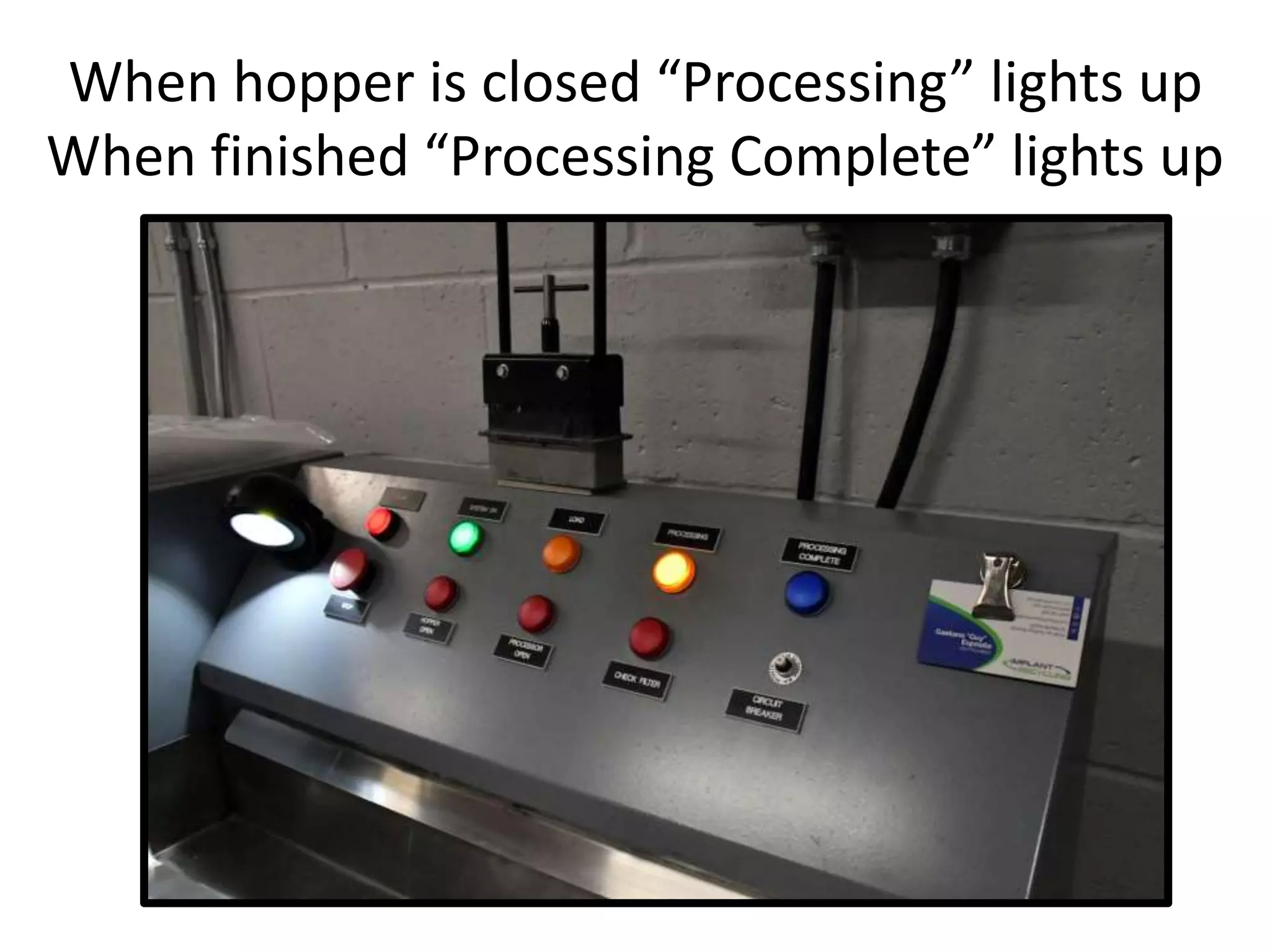
The lights across the top let you know when to
Load, when Processing, & when Complete.
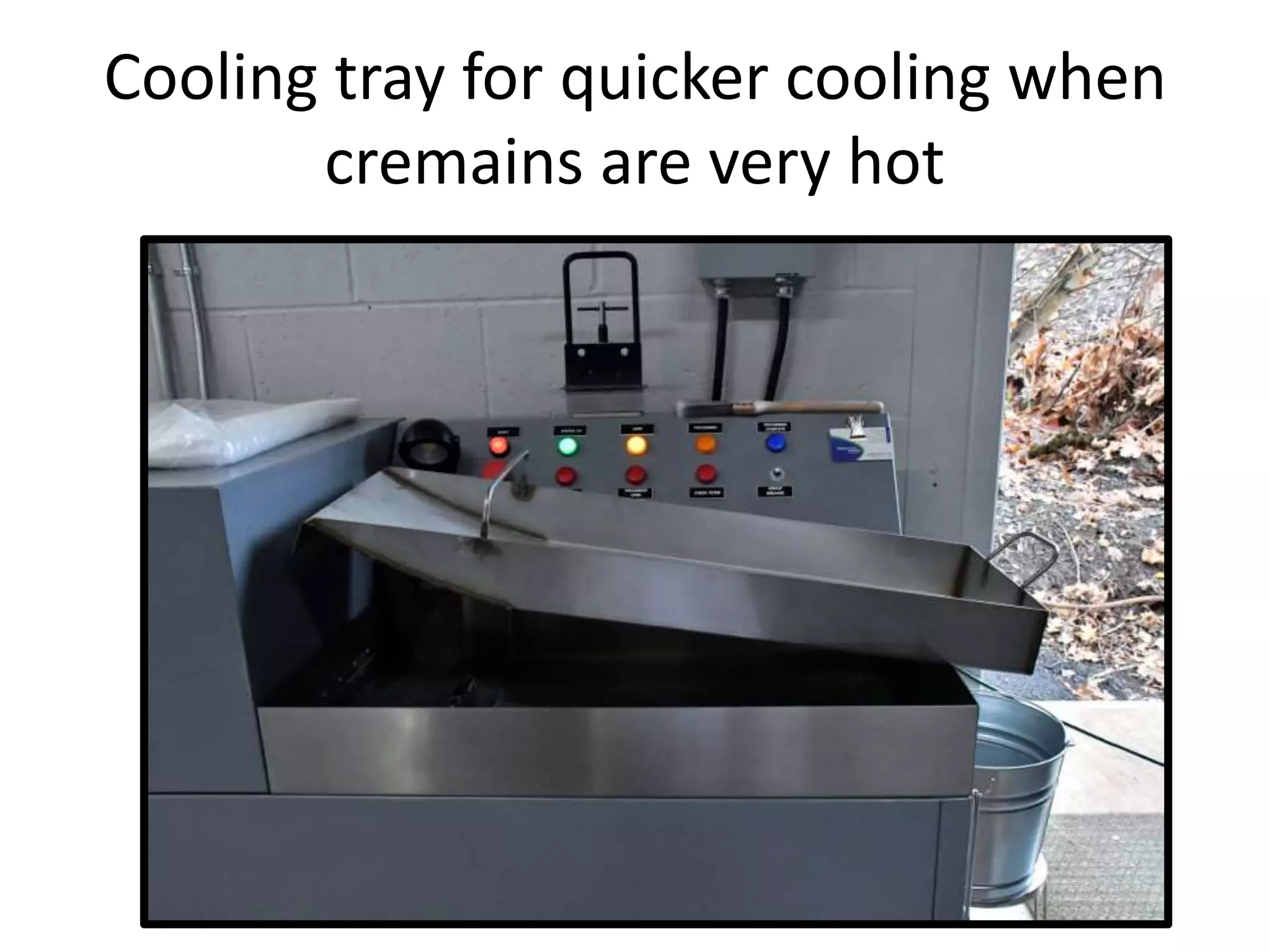
Cooling tray for quicker cooling when
cremains are very hot
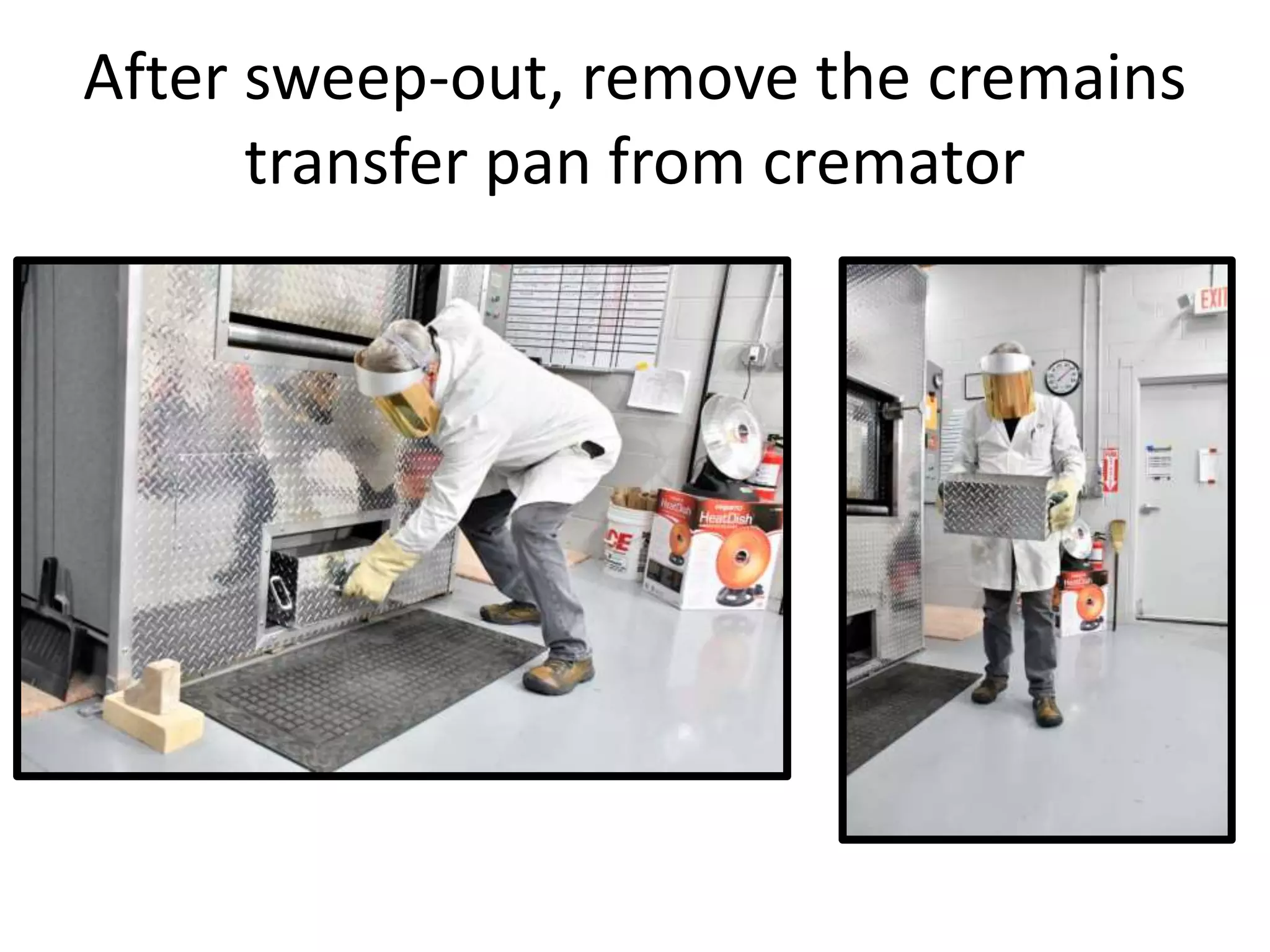
After sweep-out, remove the cremains
transfer pan from cremator
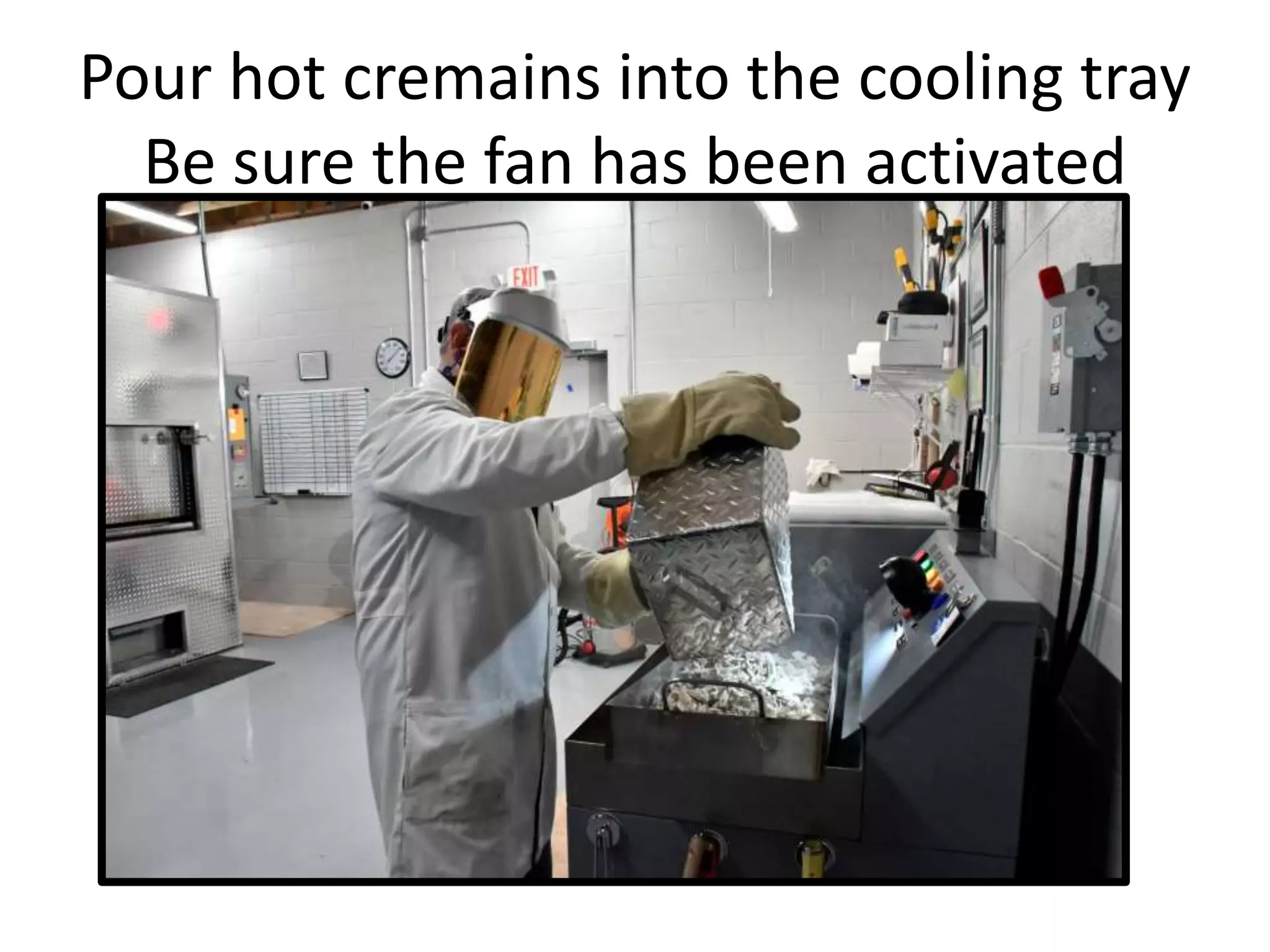
Pour hot cremains into the cooling tray
Be sure the fan has been activated
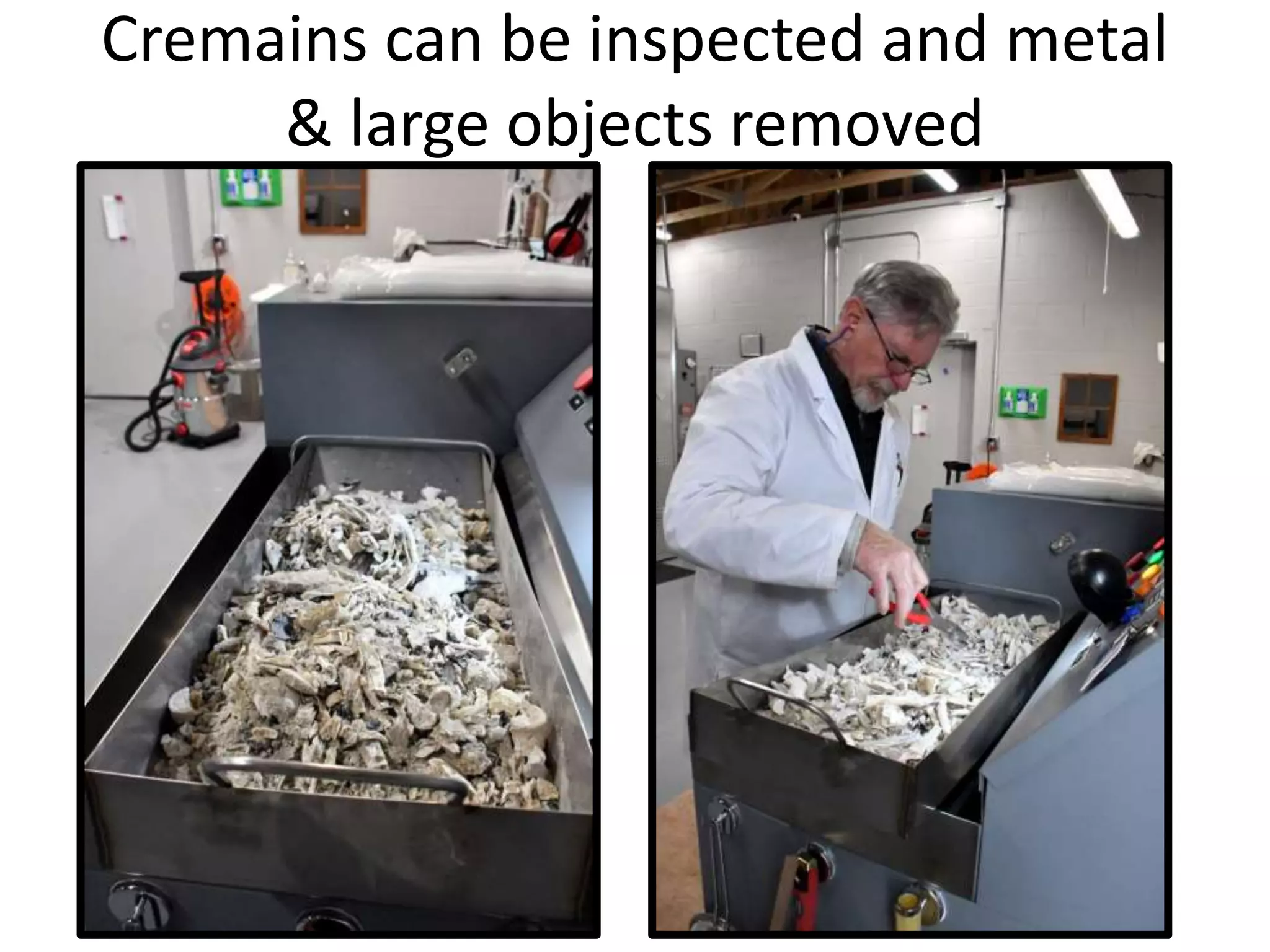
Cremains can be inspected and metal
& large objects removed
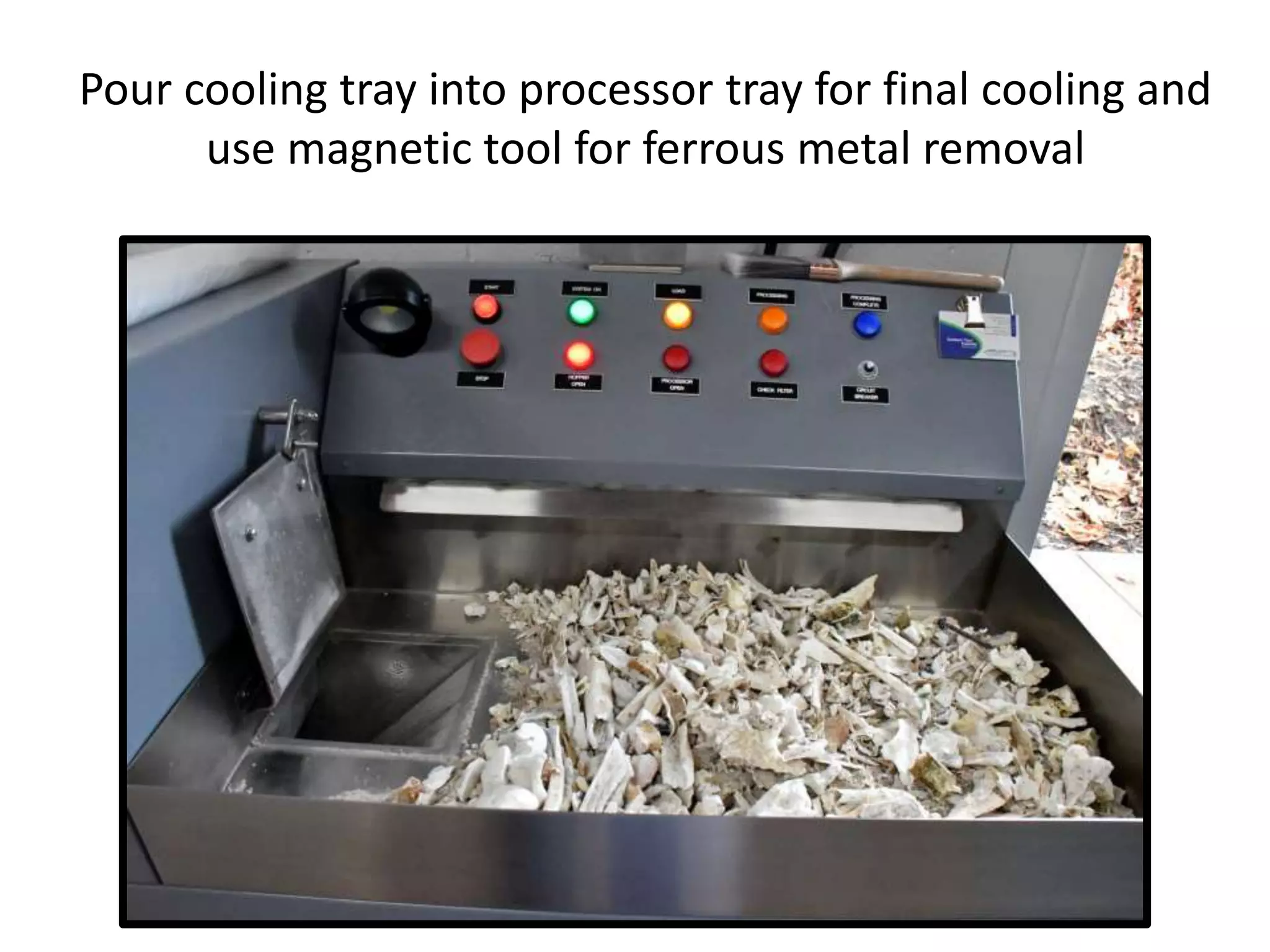
Pour cooling tray into processor tray for final cooling and
use magnetic tool for ferrous metal removal
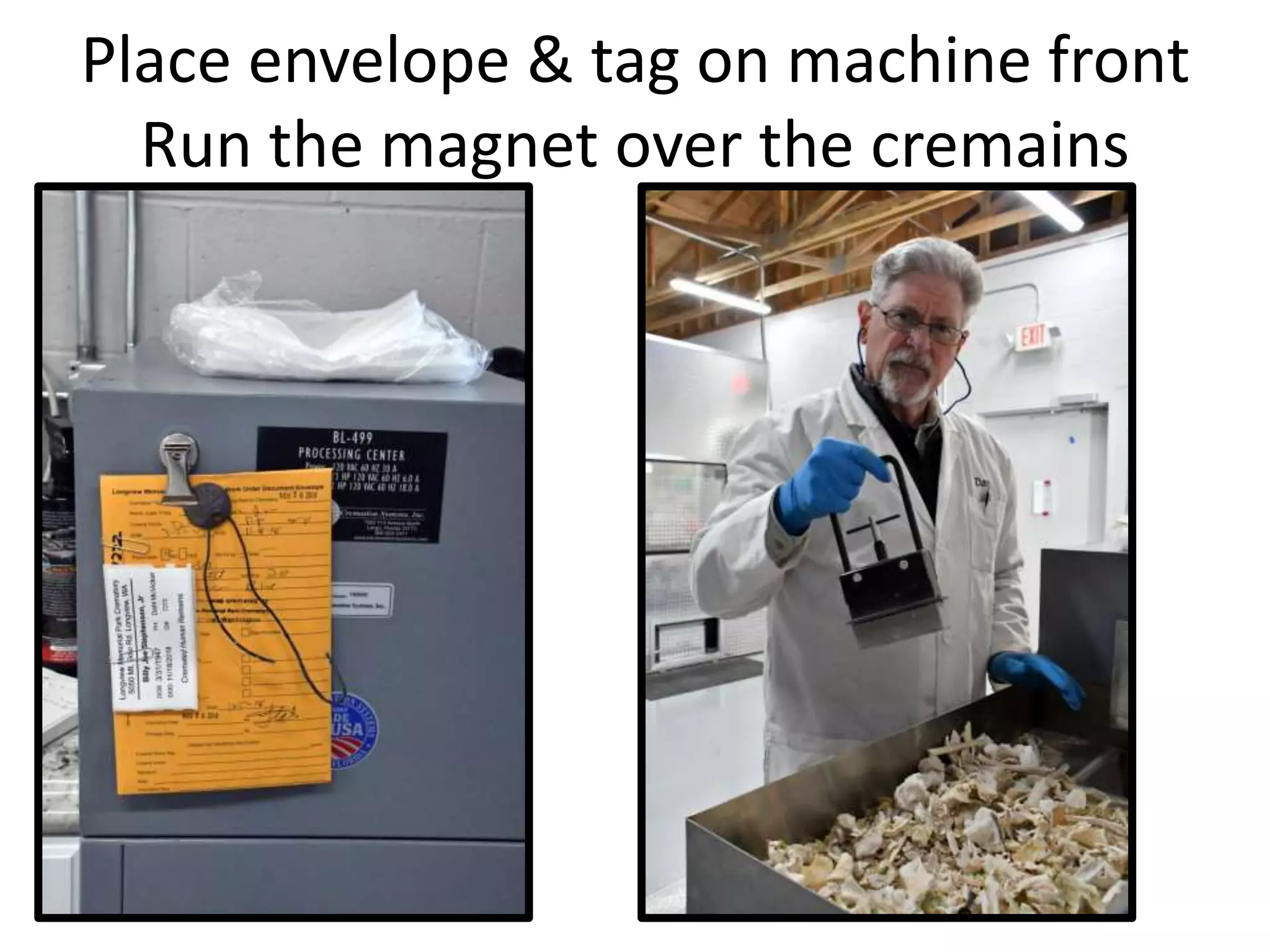
Place envelope & tag on machine front
Run the magnet over the cremains
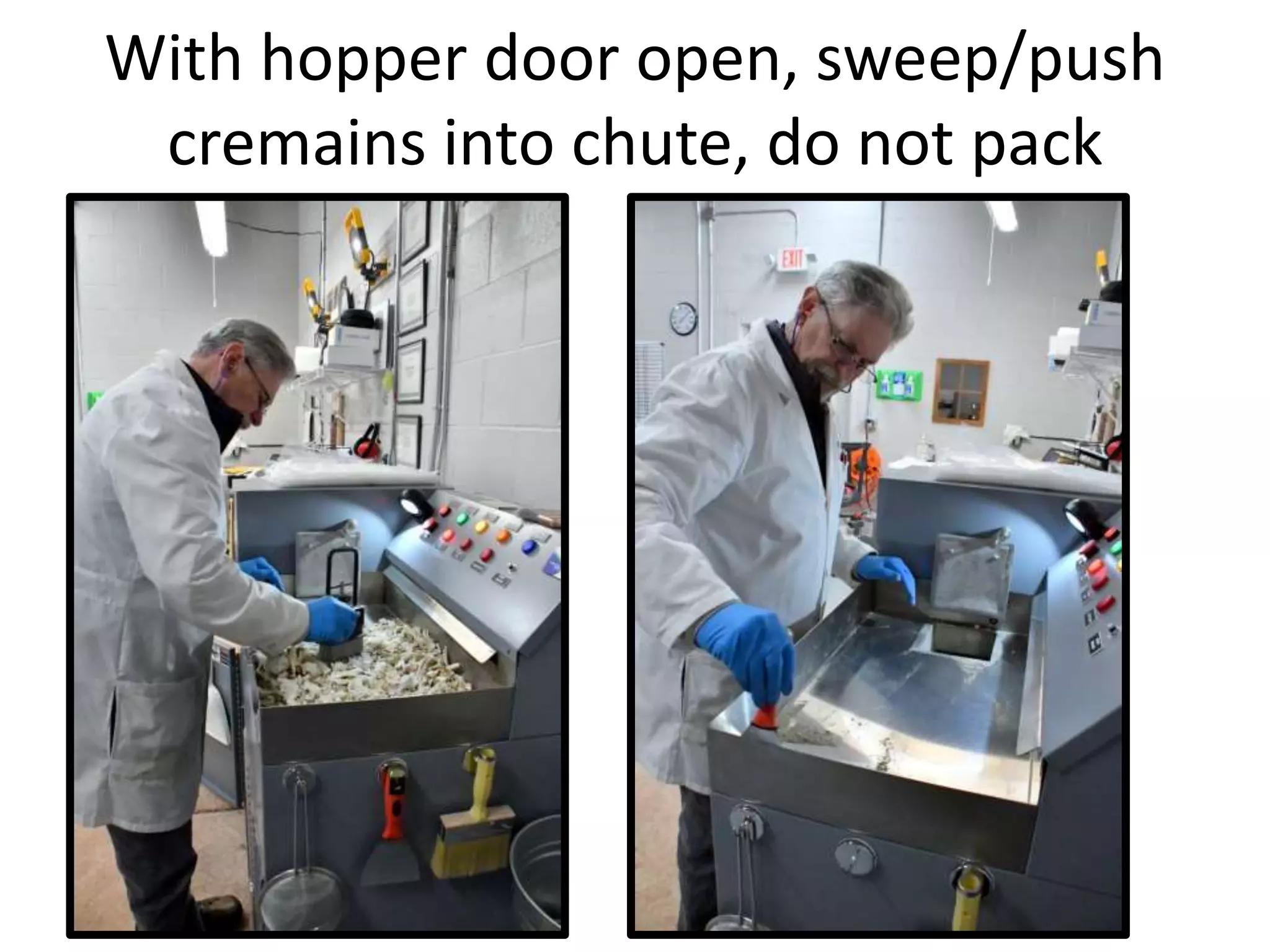
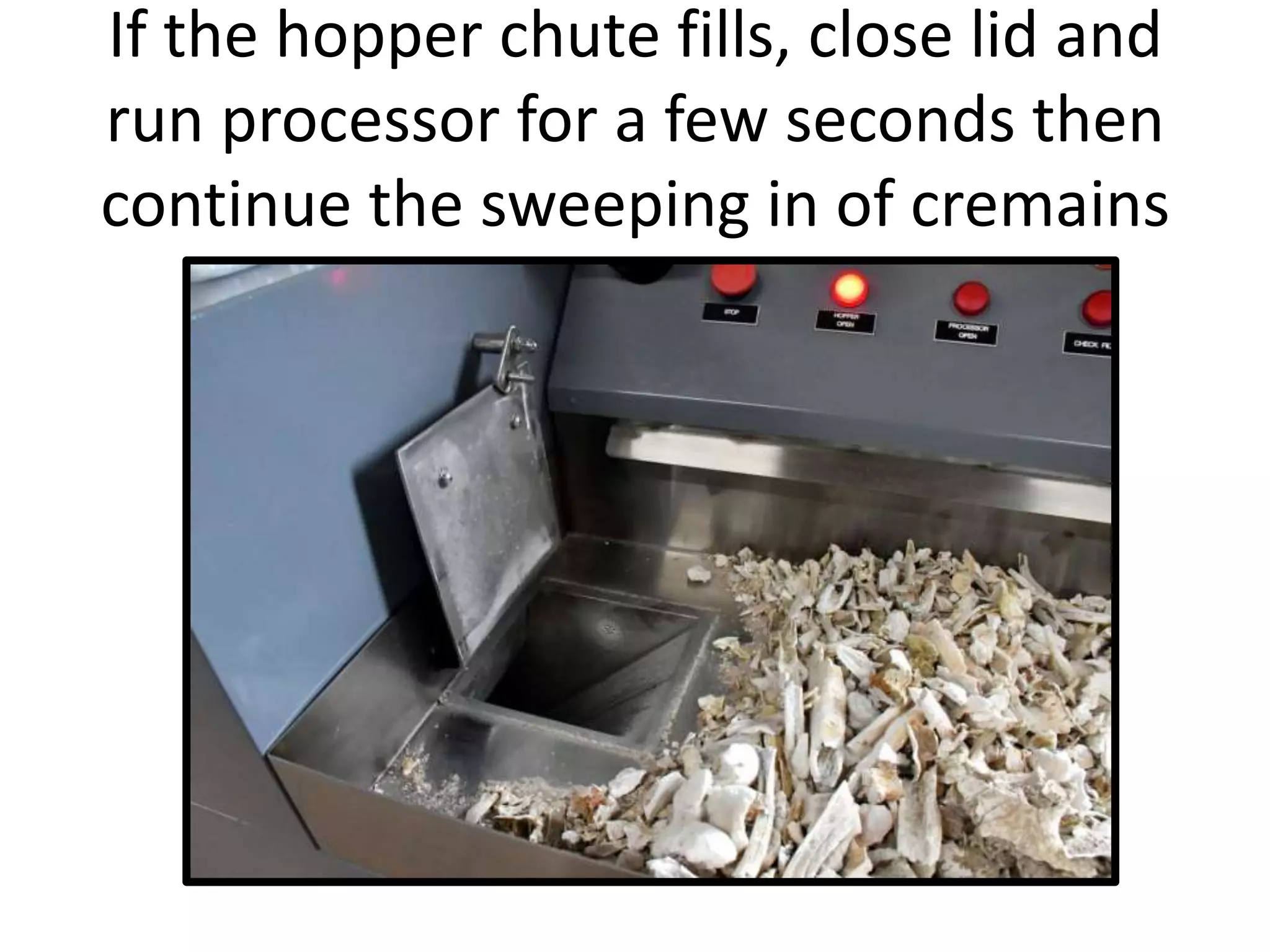
With hopper door open, sweep/push
cremains into chute, do not pack
If the hopper chute fills, close lid and
run processor for a few seconds then
continue the sweeping in of cremains
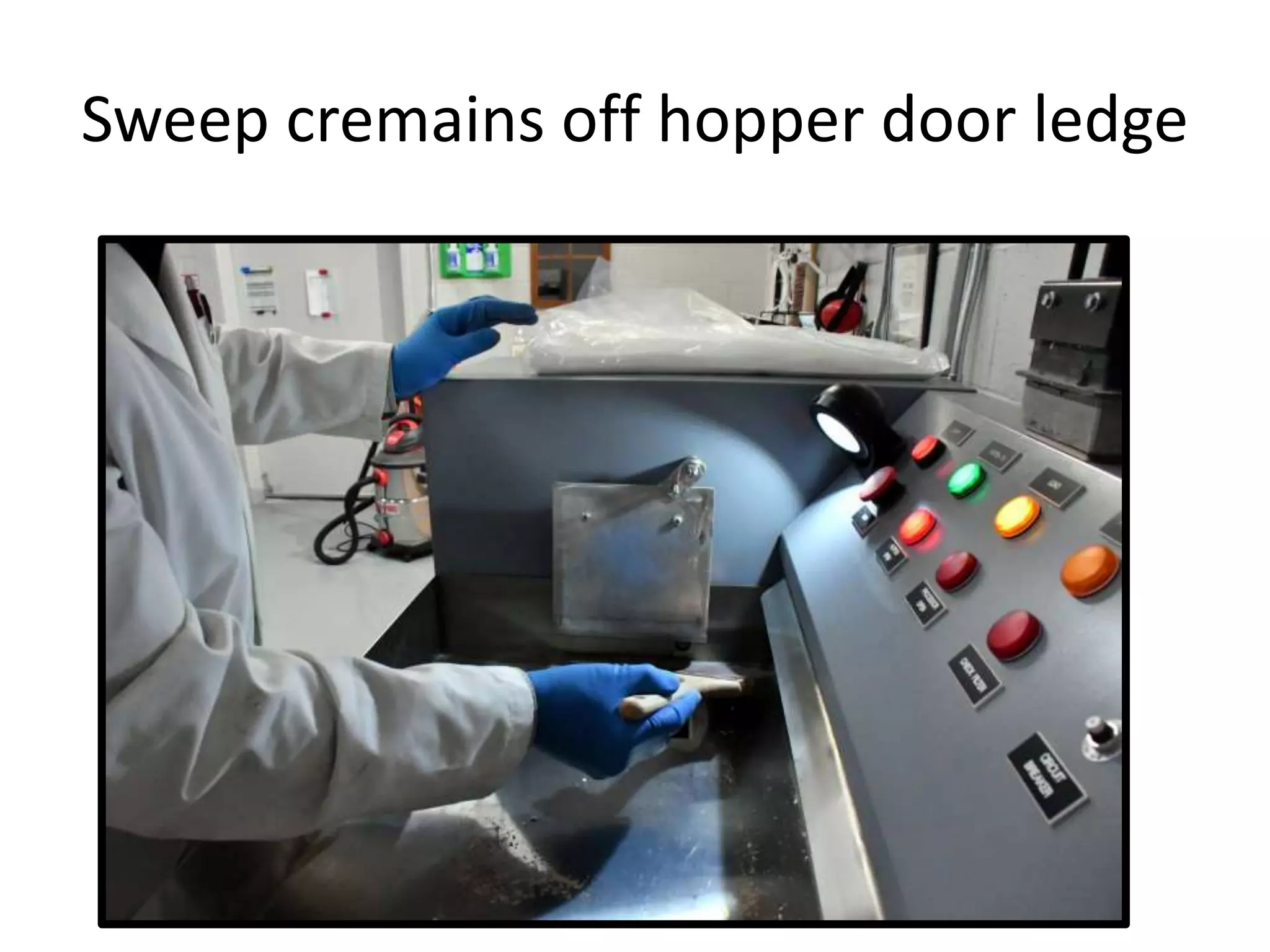
Sweep cremains off hopper door ledge
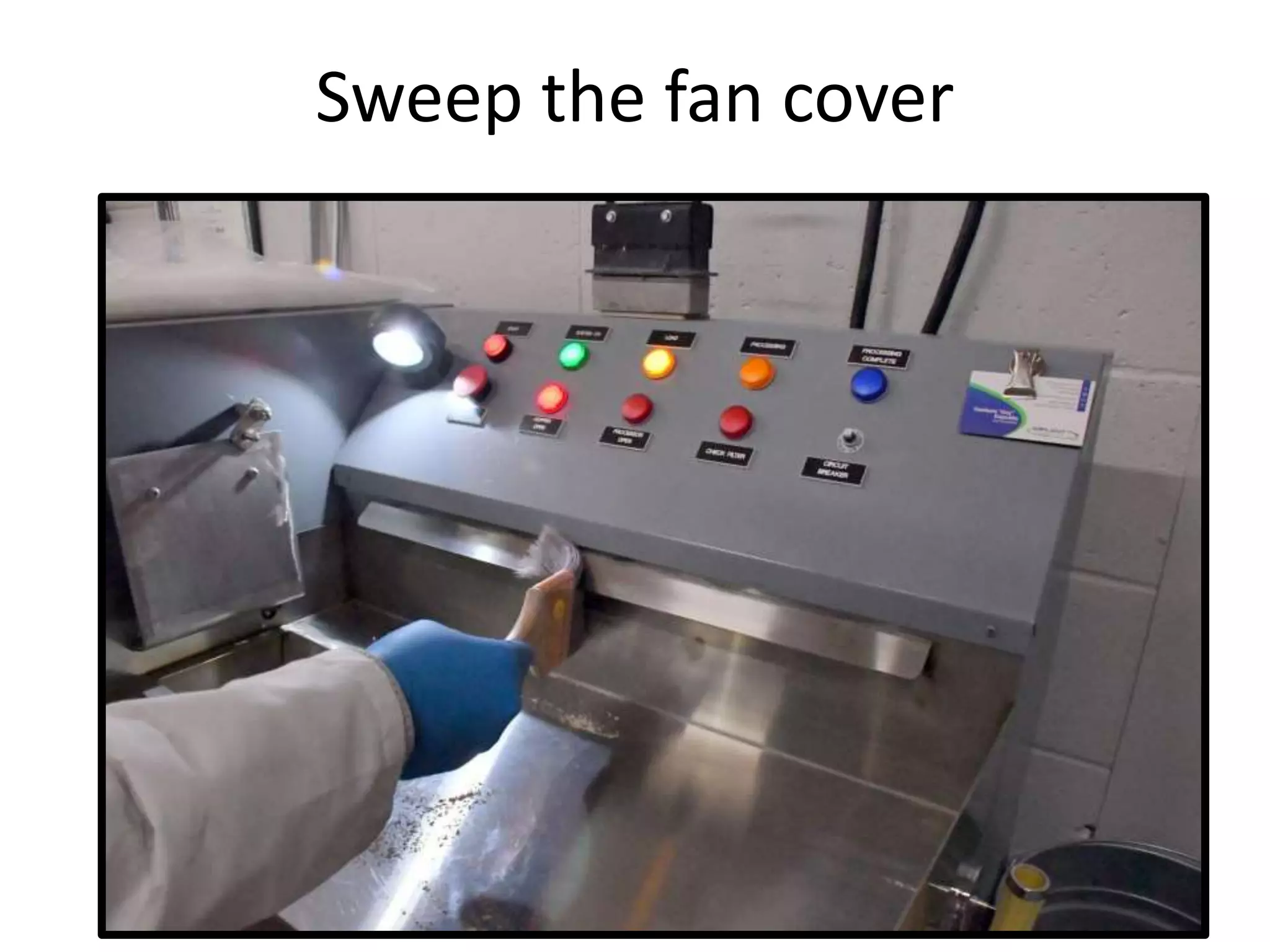
Sweep the fan cover
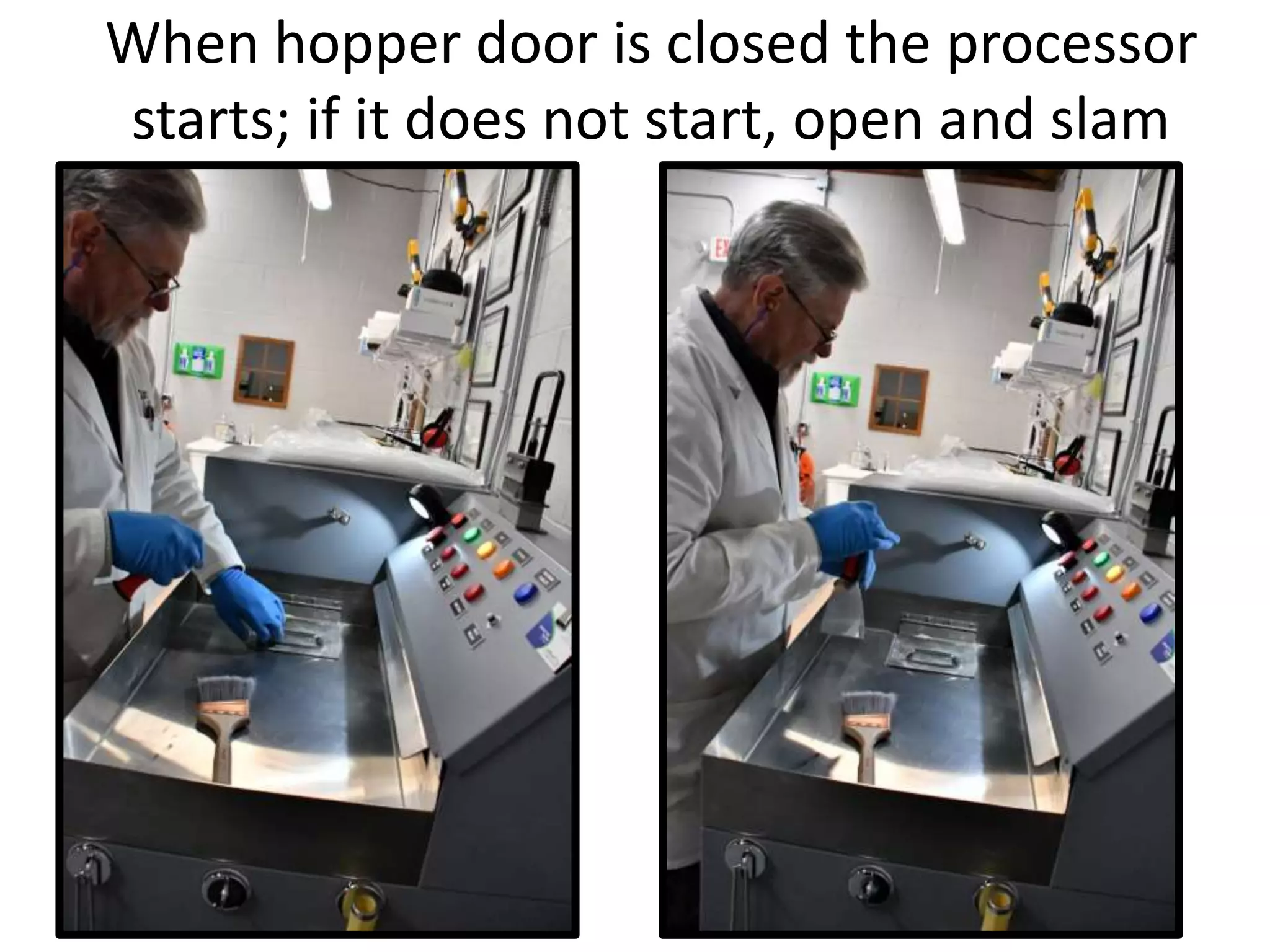
When hopper door is closed the processor
starts; if it does not start, open and slam
When hopper is closed “Processing” lights up
When finished “Processing Complete” lights up
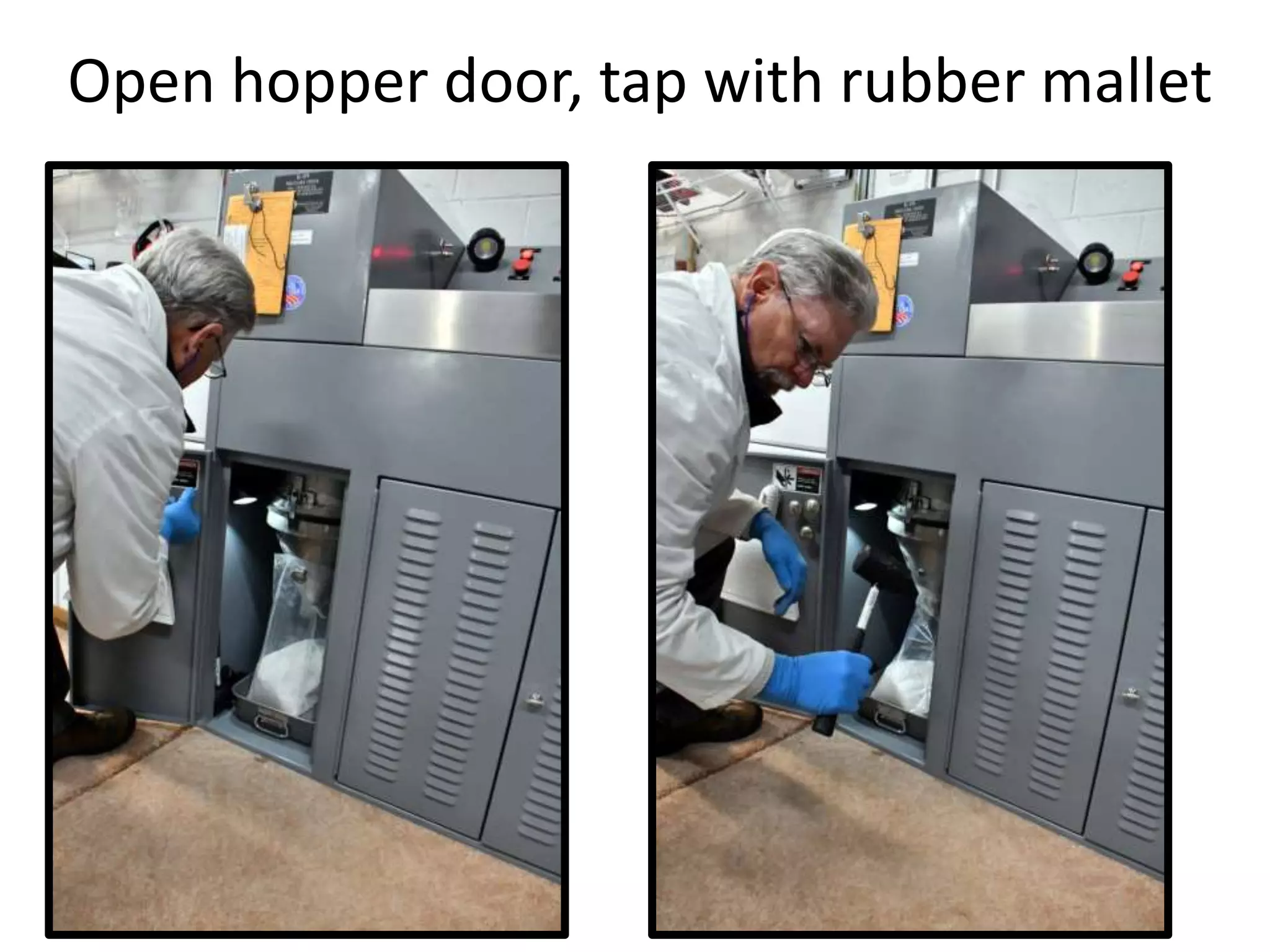
Open hopper door, tap with rubber mallet
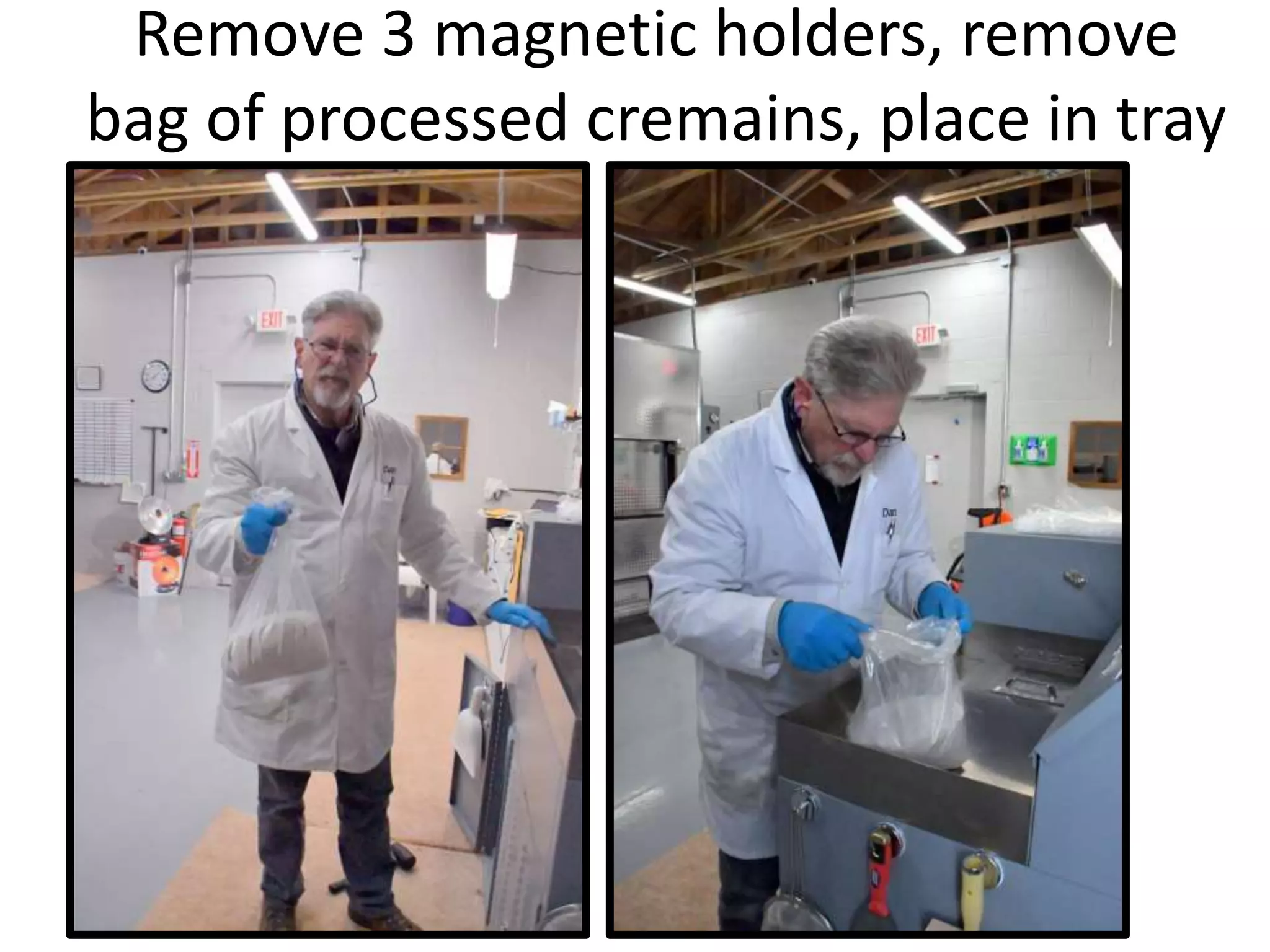
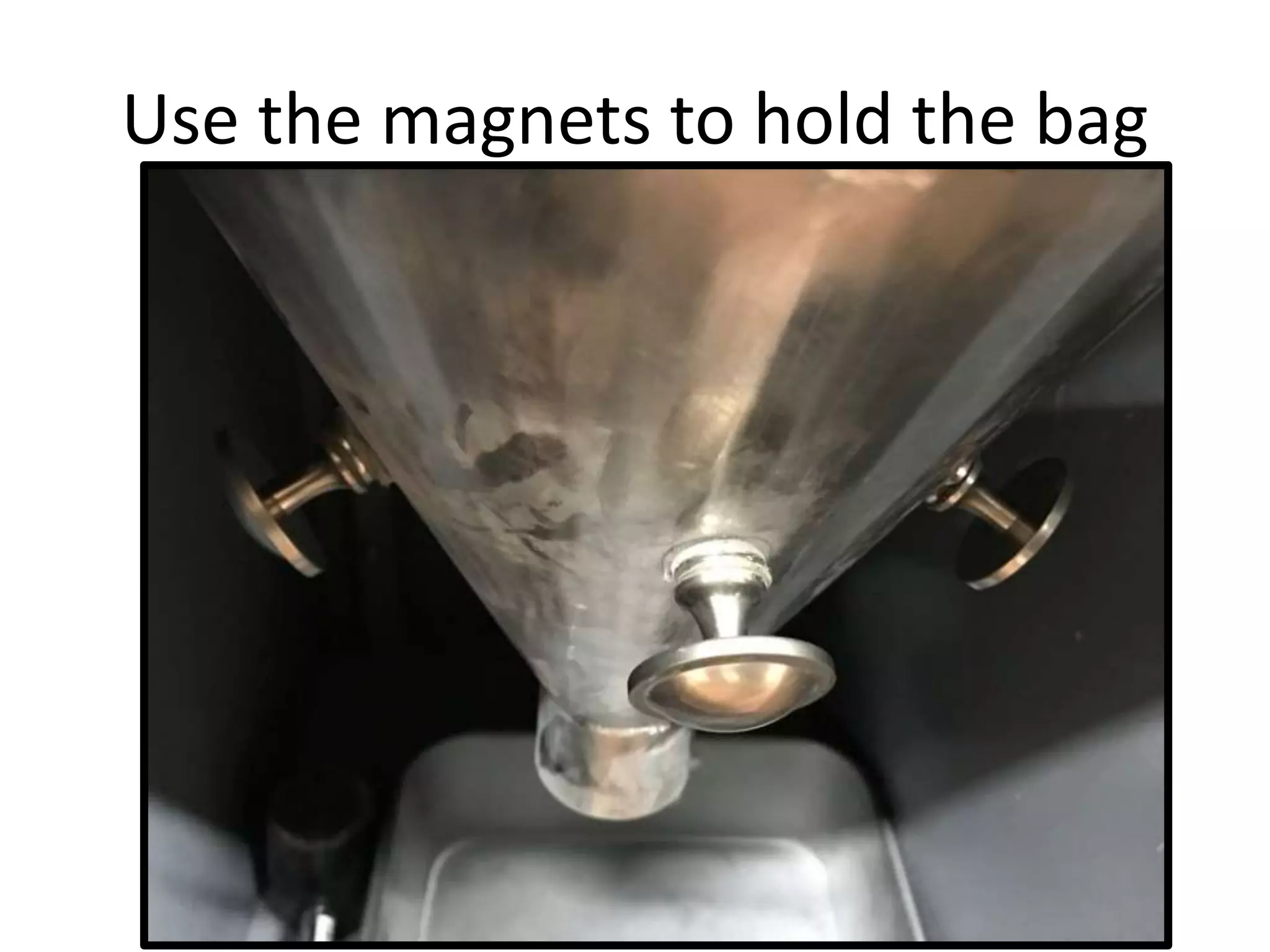
Remove 3 magnetic holders, remove
bag of processed cremains, place in tray
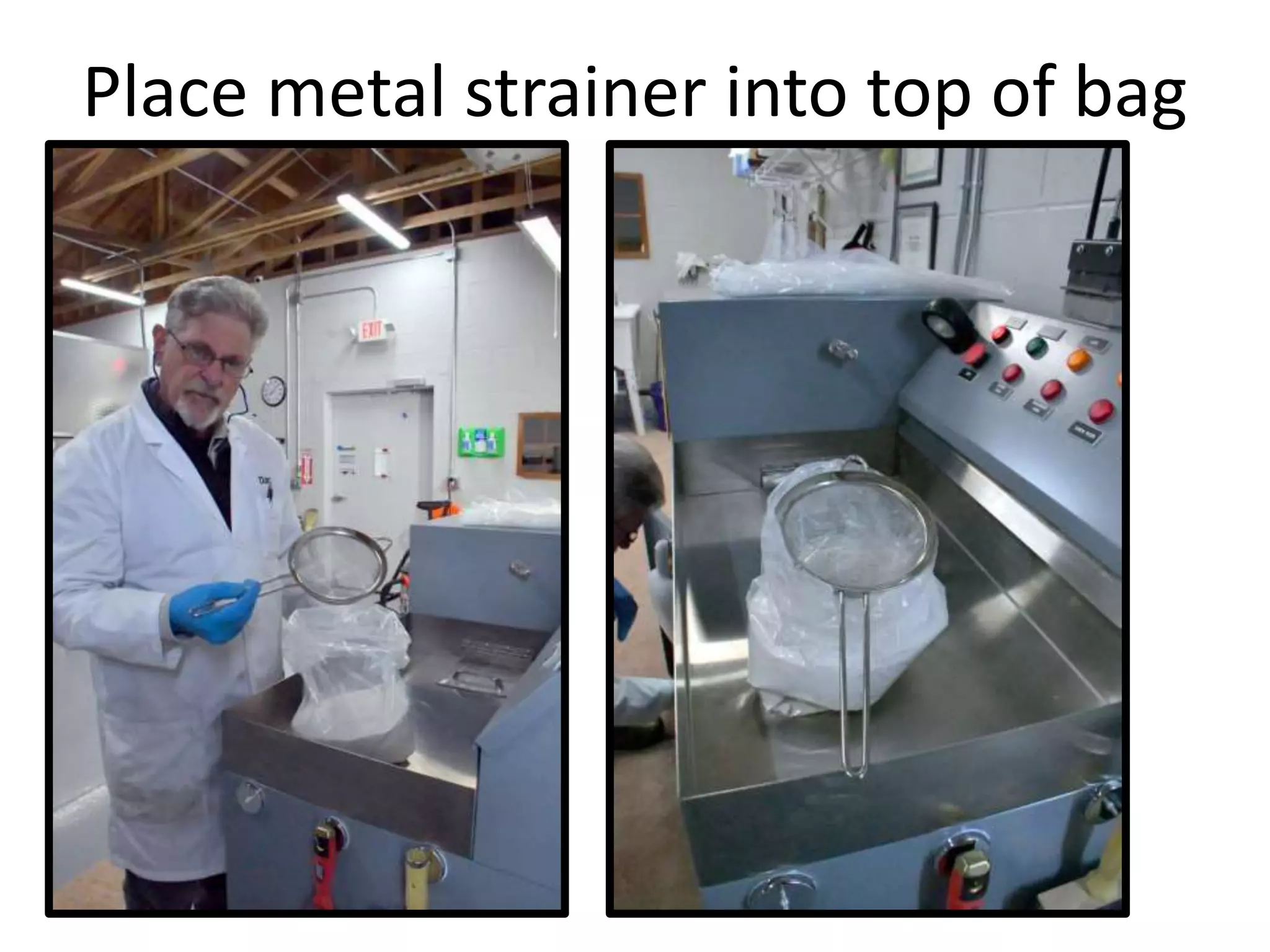
Place metal strainer into top of bag
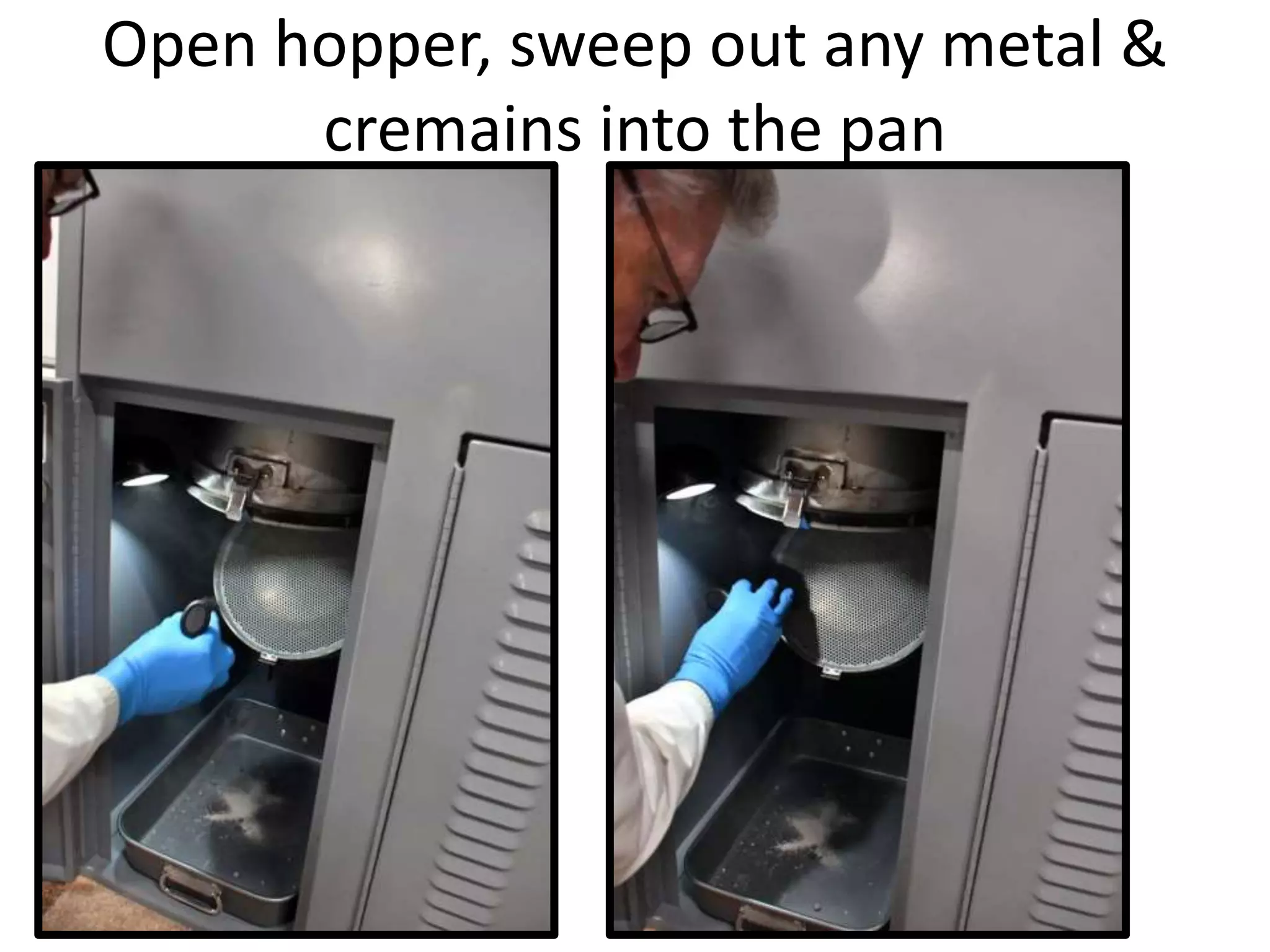
Open hopper, sweep out any metal &
cremains into the pan
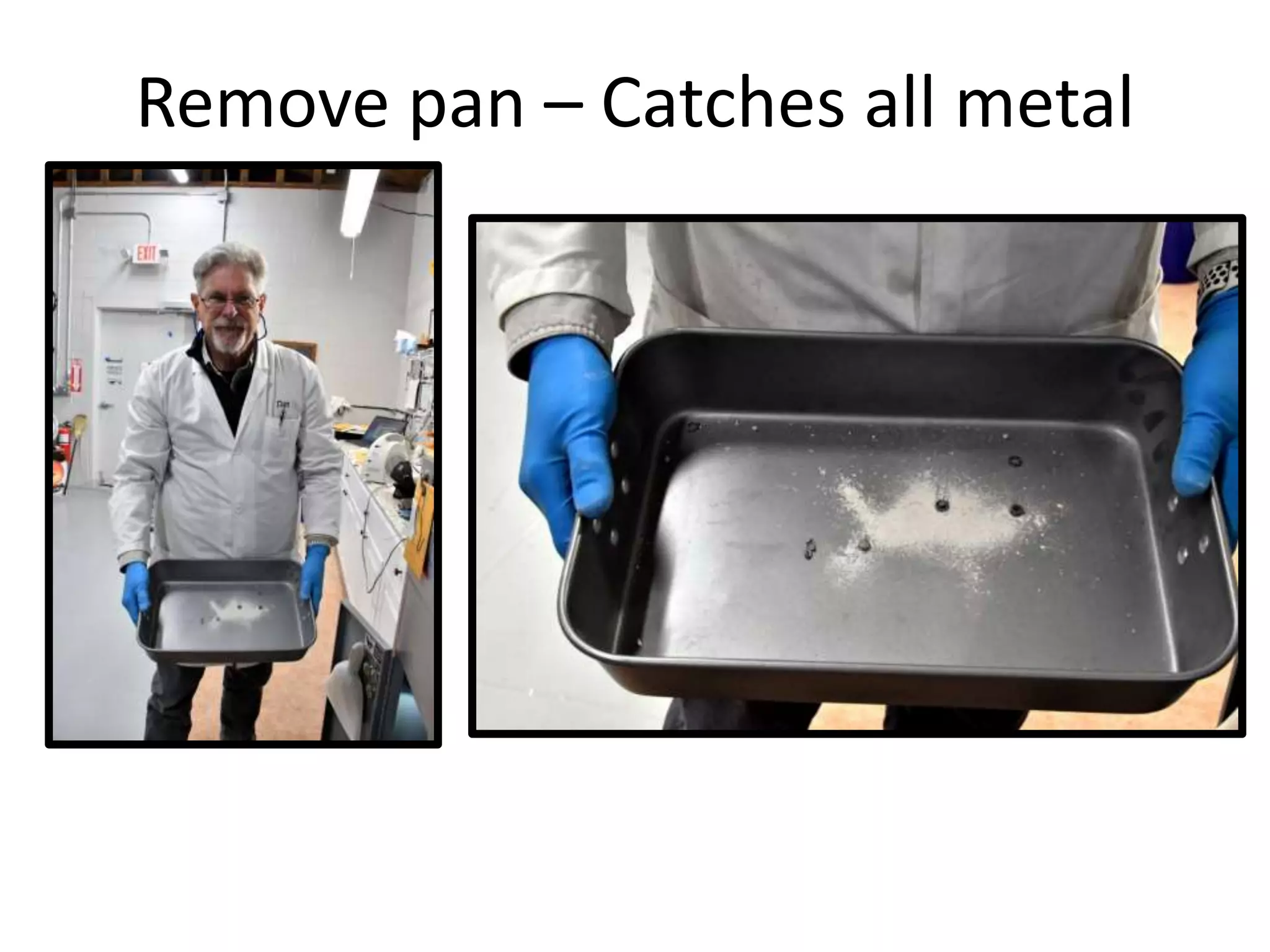
Remove pan – Catches all metal
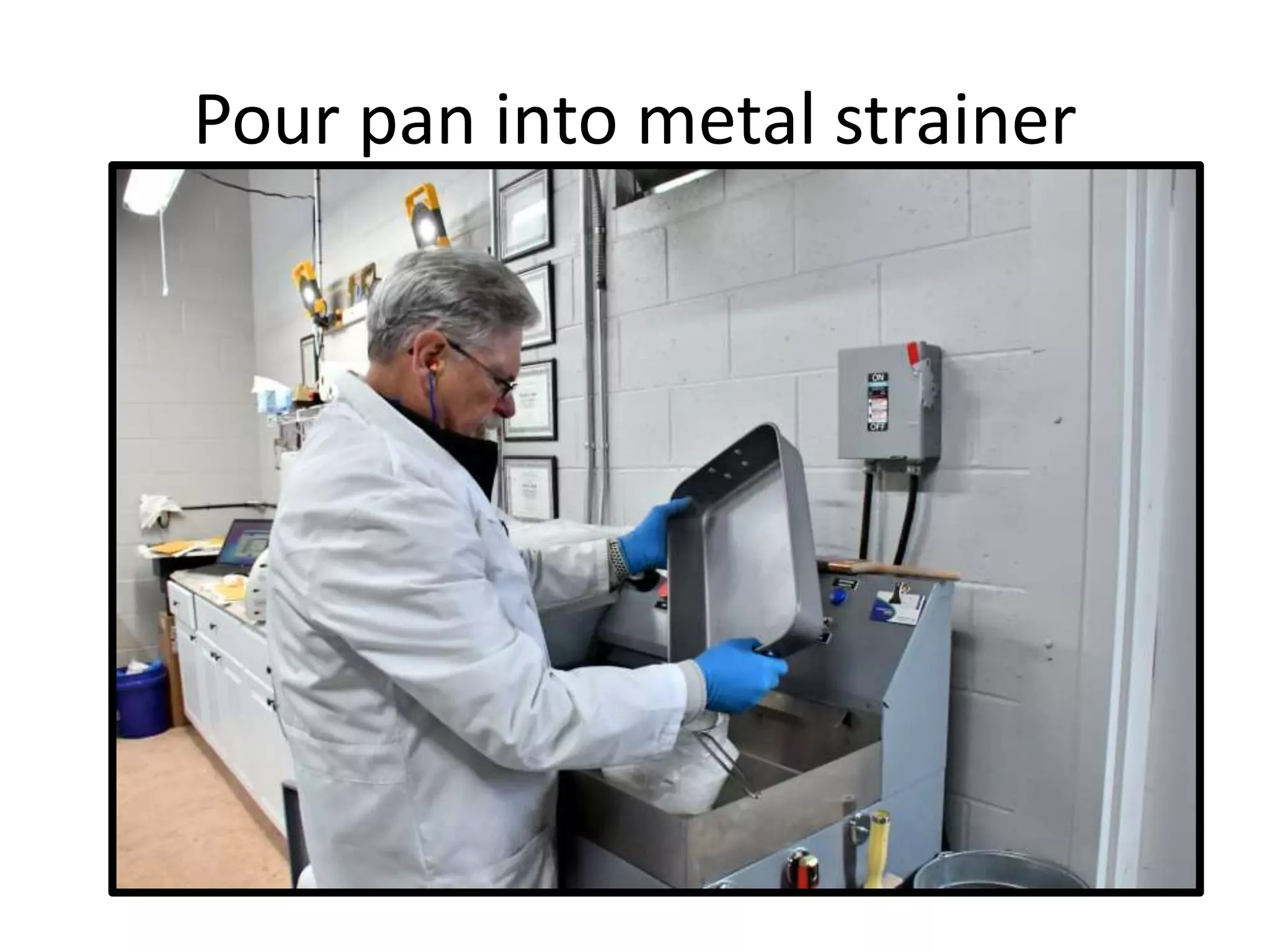
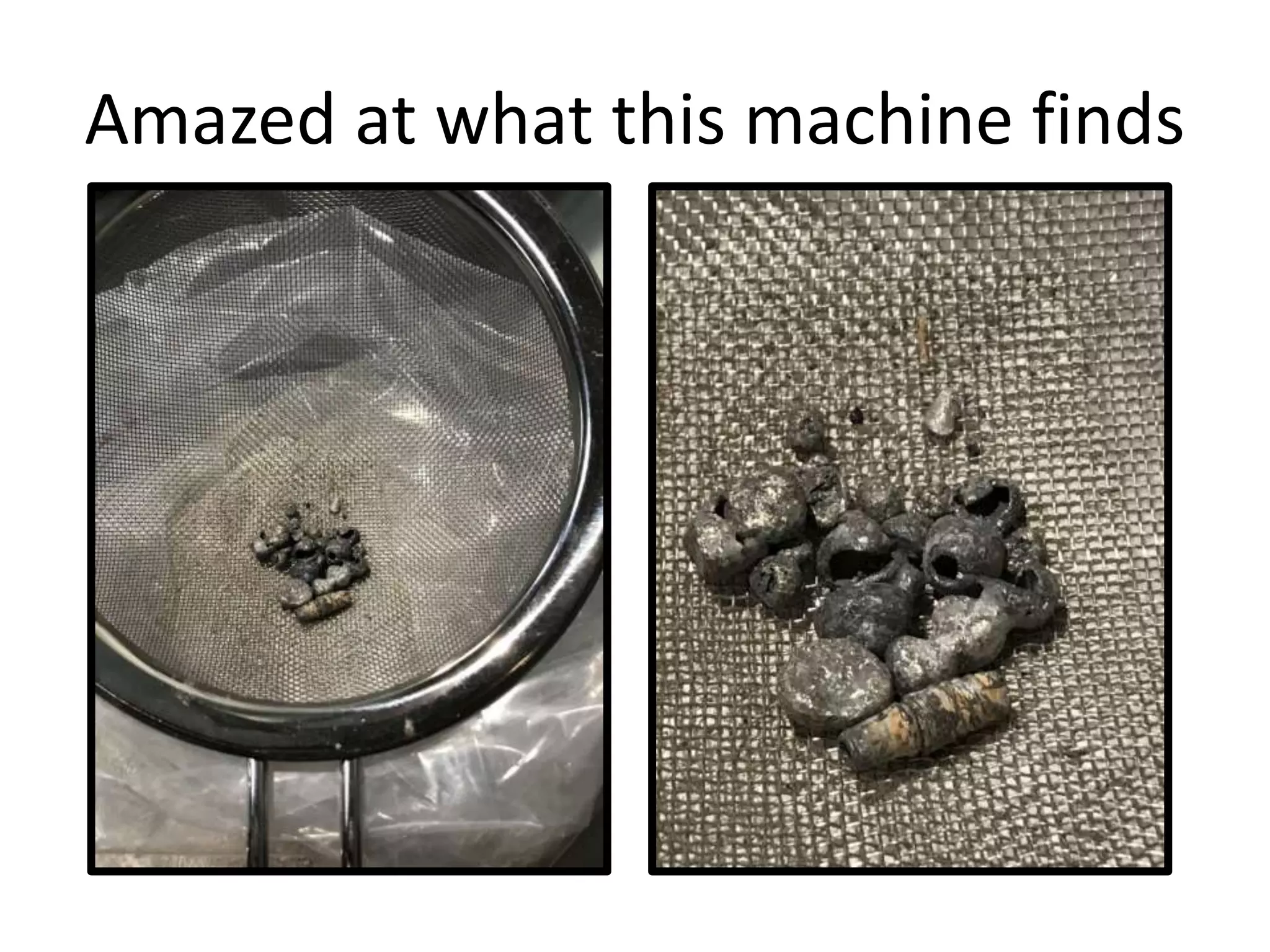
Pour pan into metal strainer
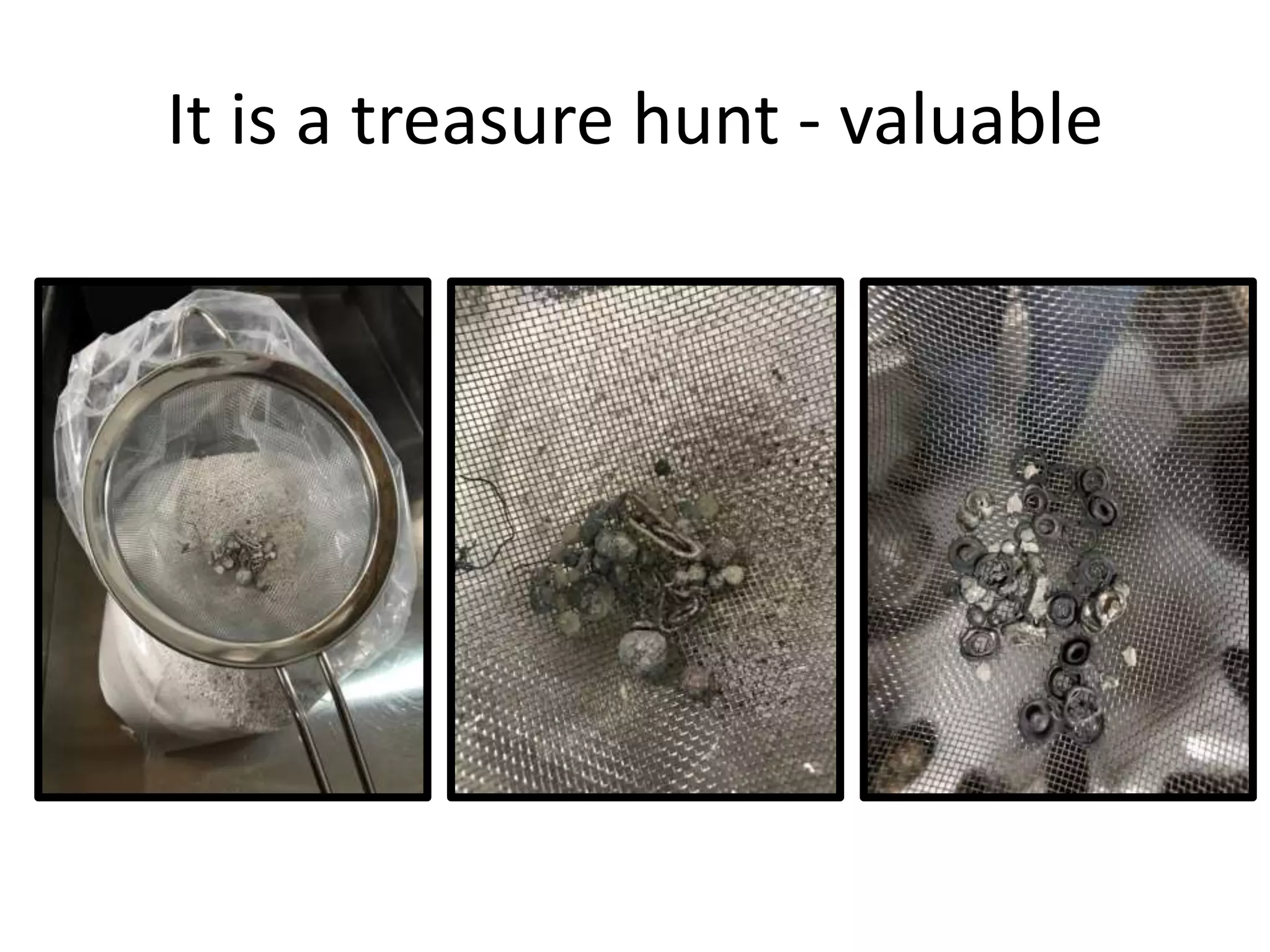
It is a treasure hunt - valuable
Amazed at what this machine finds
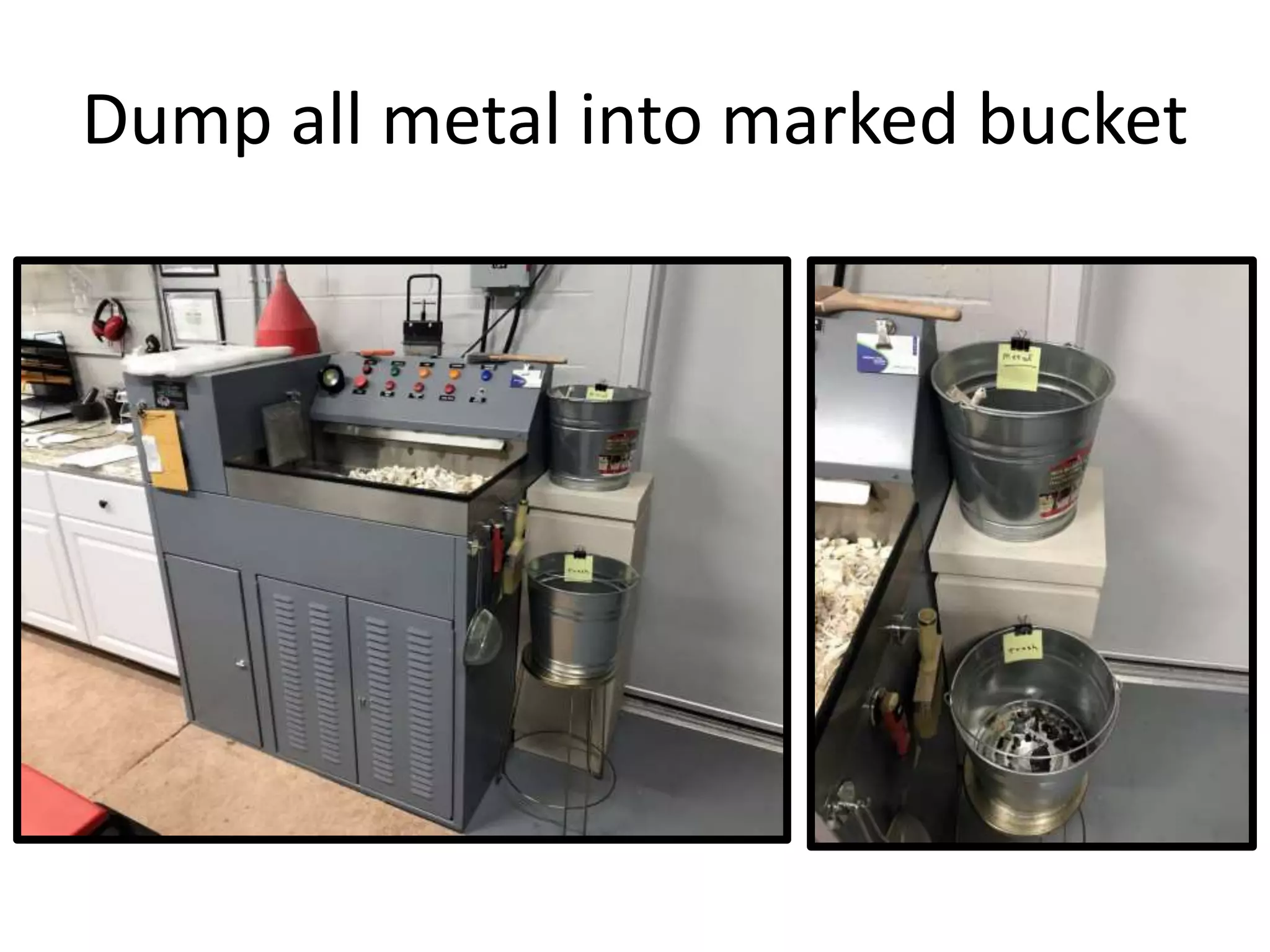
Dump all metal into marked bucket
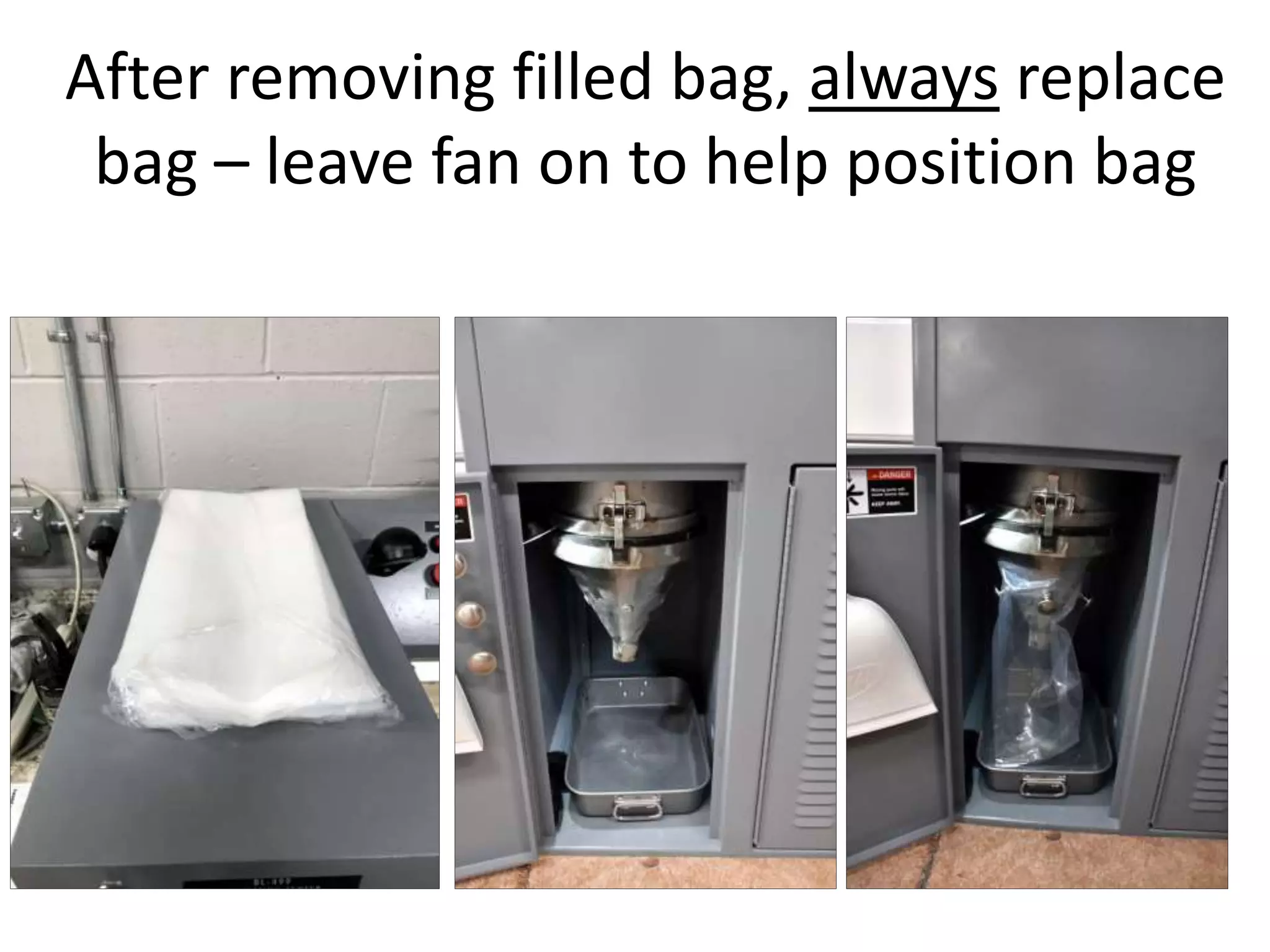
After removing filled bag, always replace
bag – leave fan on to help position bag
Use the magnets to hold the bag
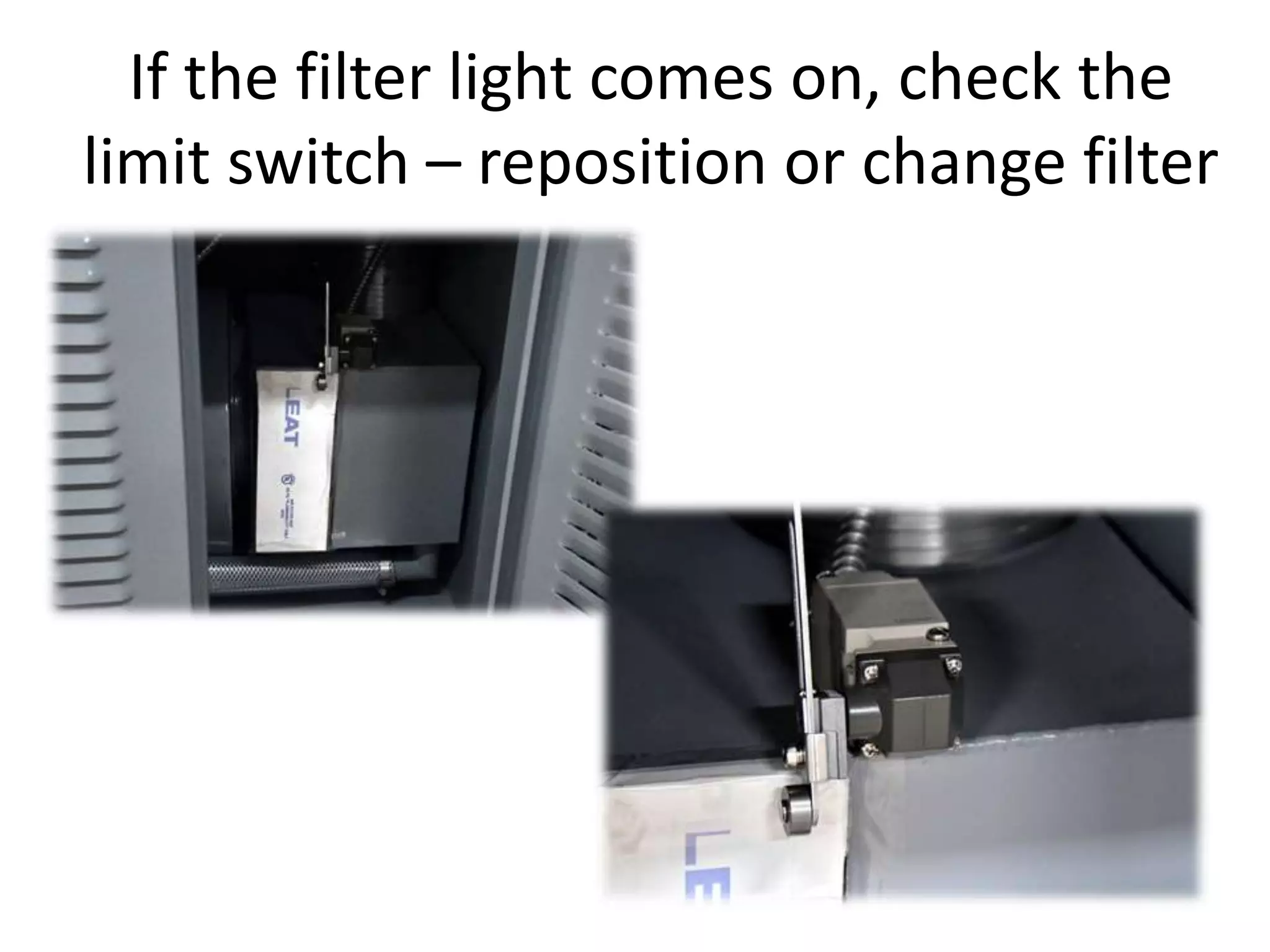
If the filter light comes on, check the
limit switch – reposition or change filter
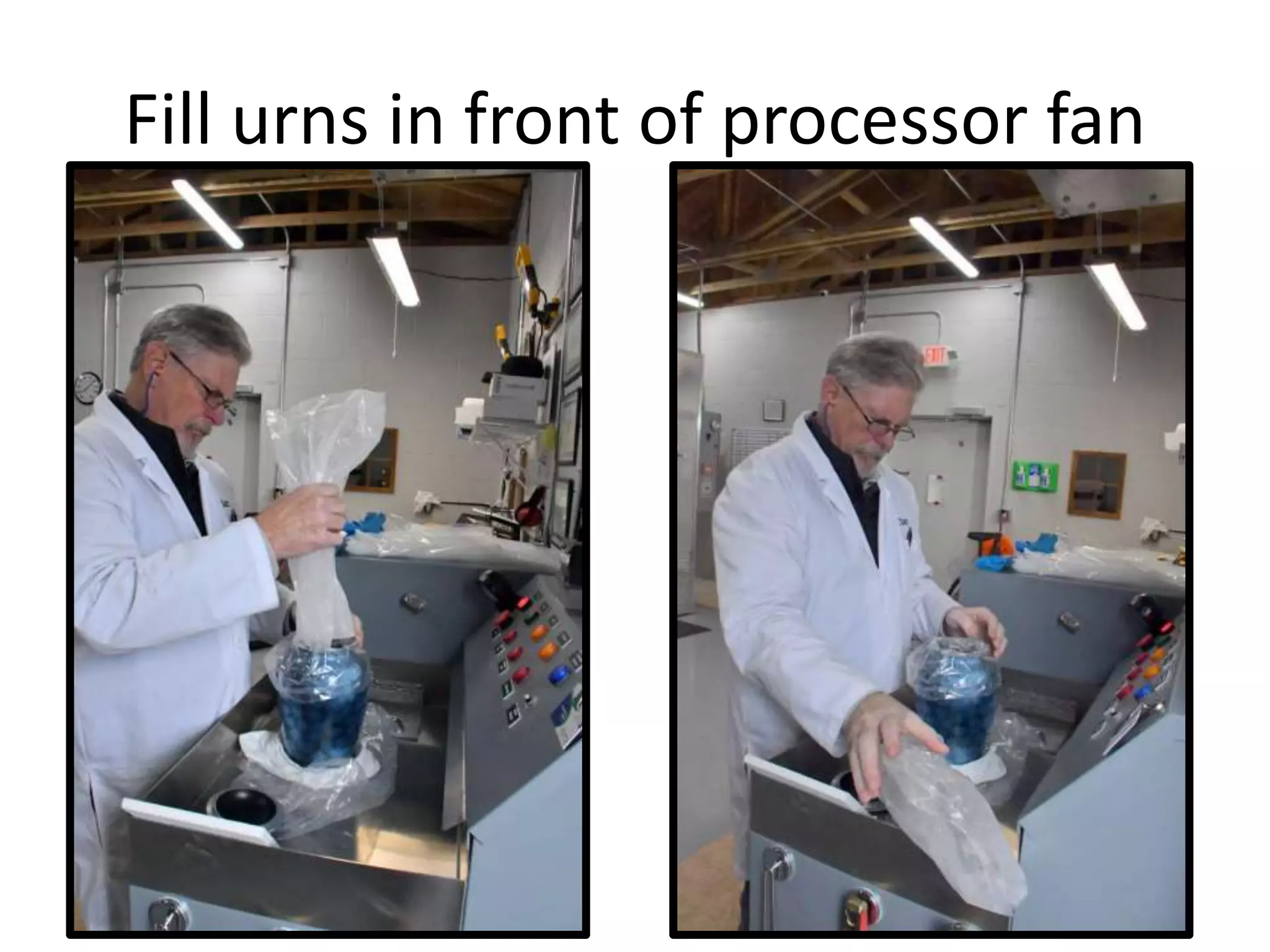
Fill urns in front of processor fan
If you have any questions call:
Guy Esposito: 407-341-9909
Implant Recycling

Operating the bl 499 processor