This document provides an overview of a minimalist framework called Nuxt.js for creating universal server-side rendered (SSR) applications using Vue.js. Some key points covered include:
- Nuxt.js allows developers to write Vue components and pages while abstracting away concerns of client-server code splitting and routing.
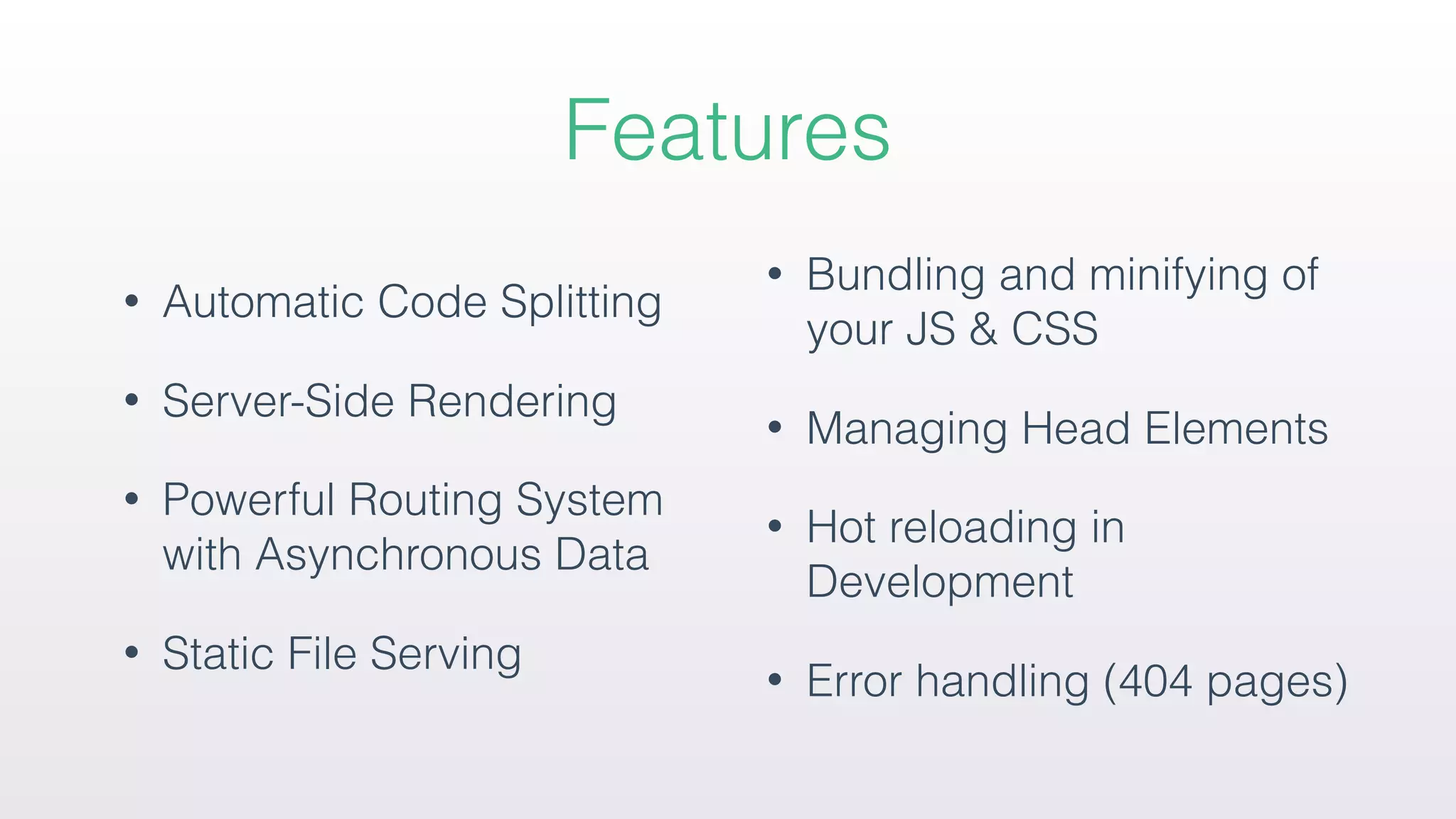
- Features include automatic code splitting, SSR, routing, static file serving, bundling/minifying, and error handling.
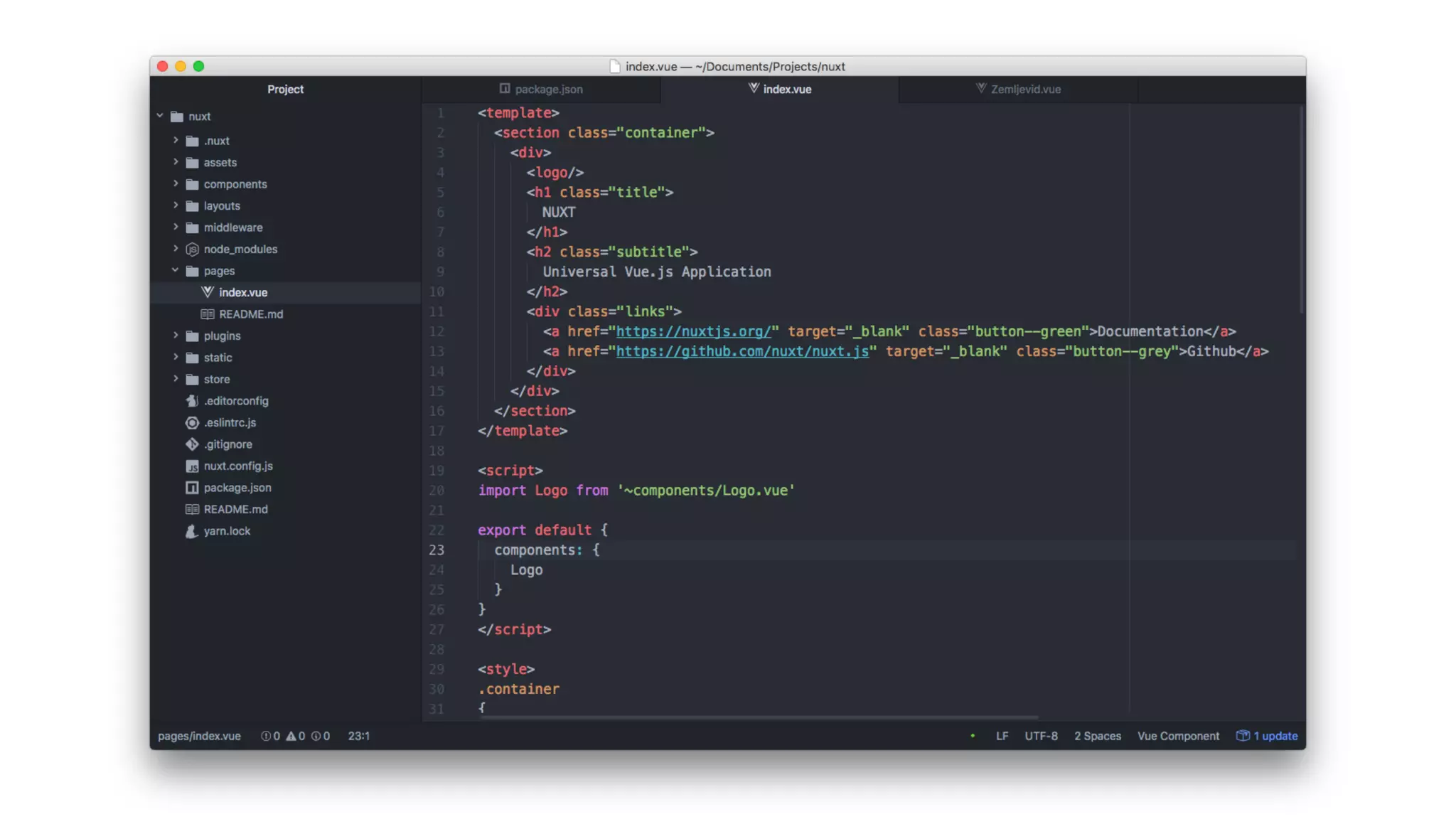
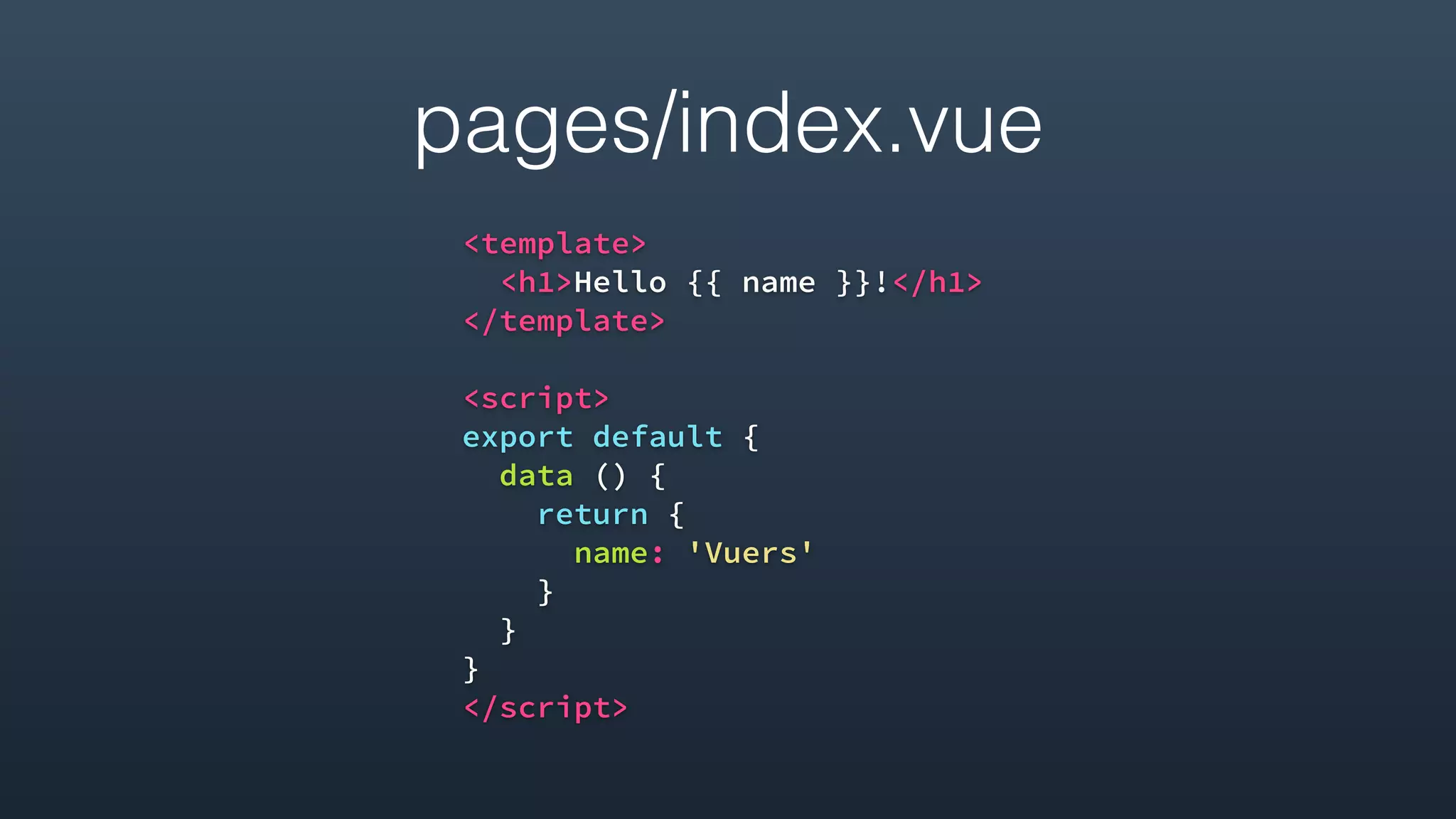
- The framework uses a pages/ directory to define routes and components and includes Vuex and Vue-Router functionality out of the box.
- Async data loading, custom layouts, global meta tags, and asset handling are also
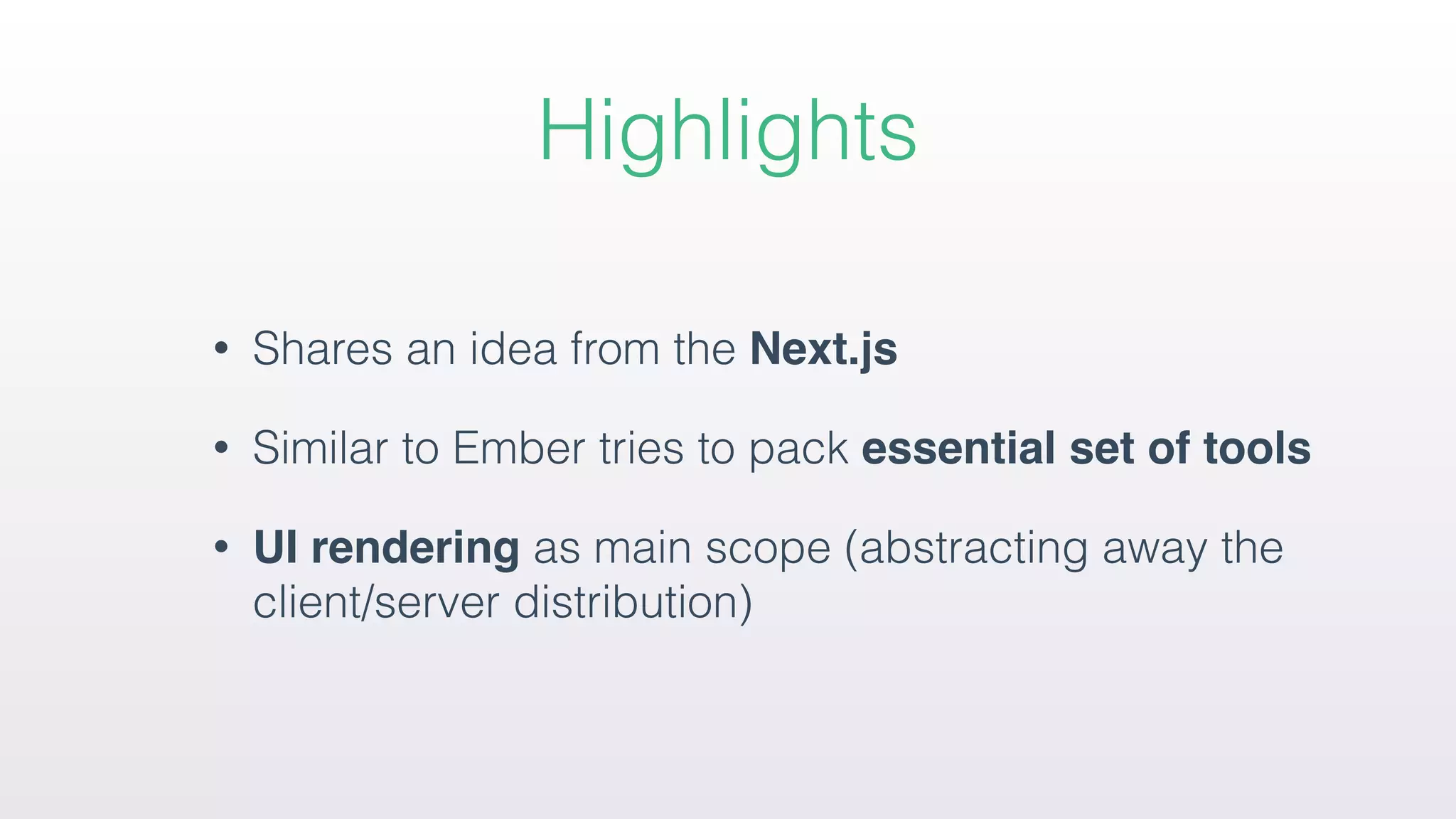
Introduction to a minimalist framework for universal server side rendered applications. Highlights how it draws inspiration from Next.js and Ember, focusing on UI rendering.
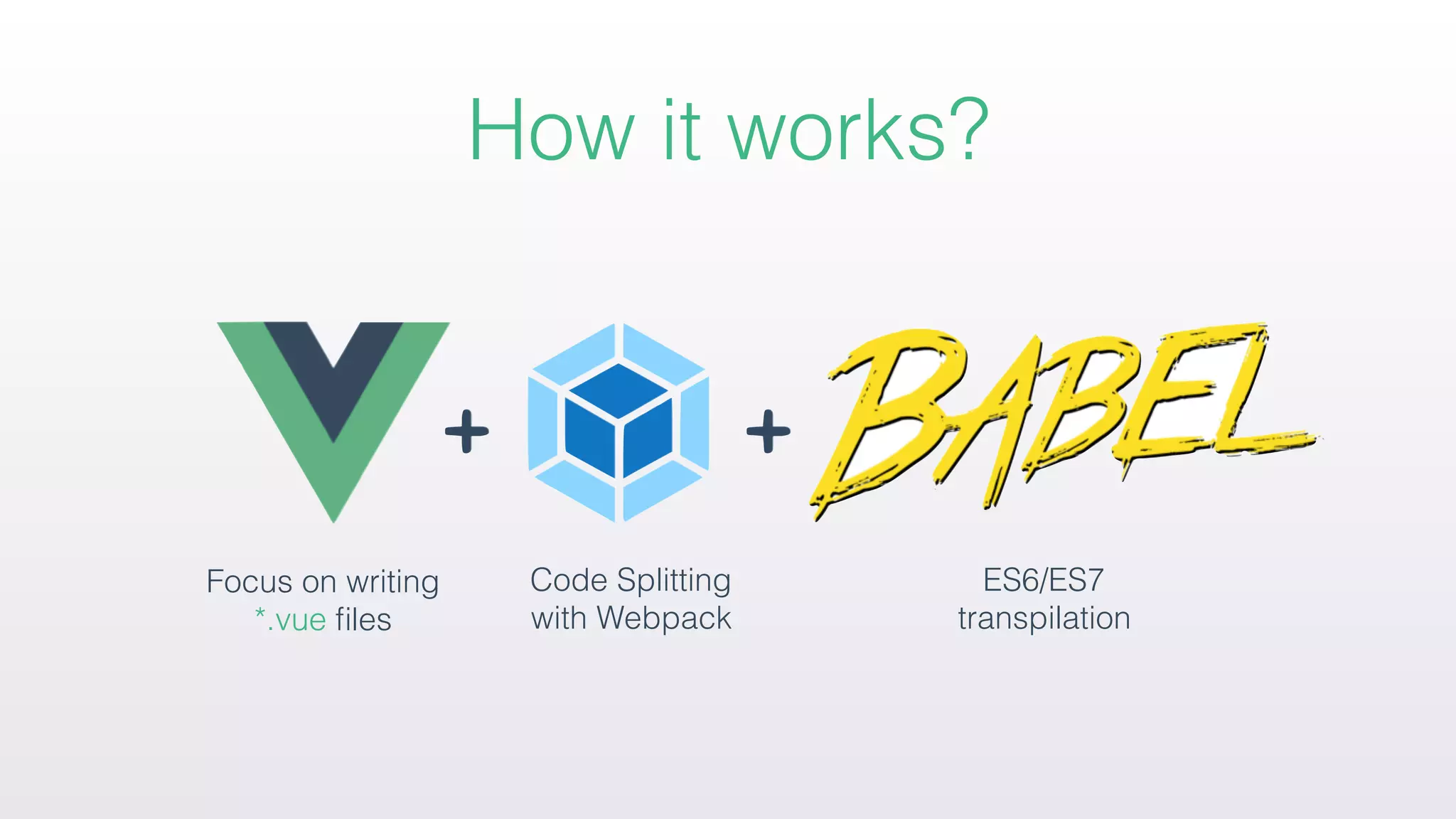
Overview of how the framework operates using Vue files with code splitting and transpilation. Key features include automatic code splitting, SSR, routing capabilities, and hot reloading.
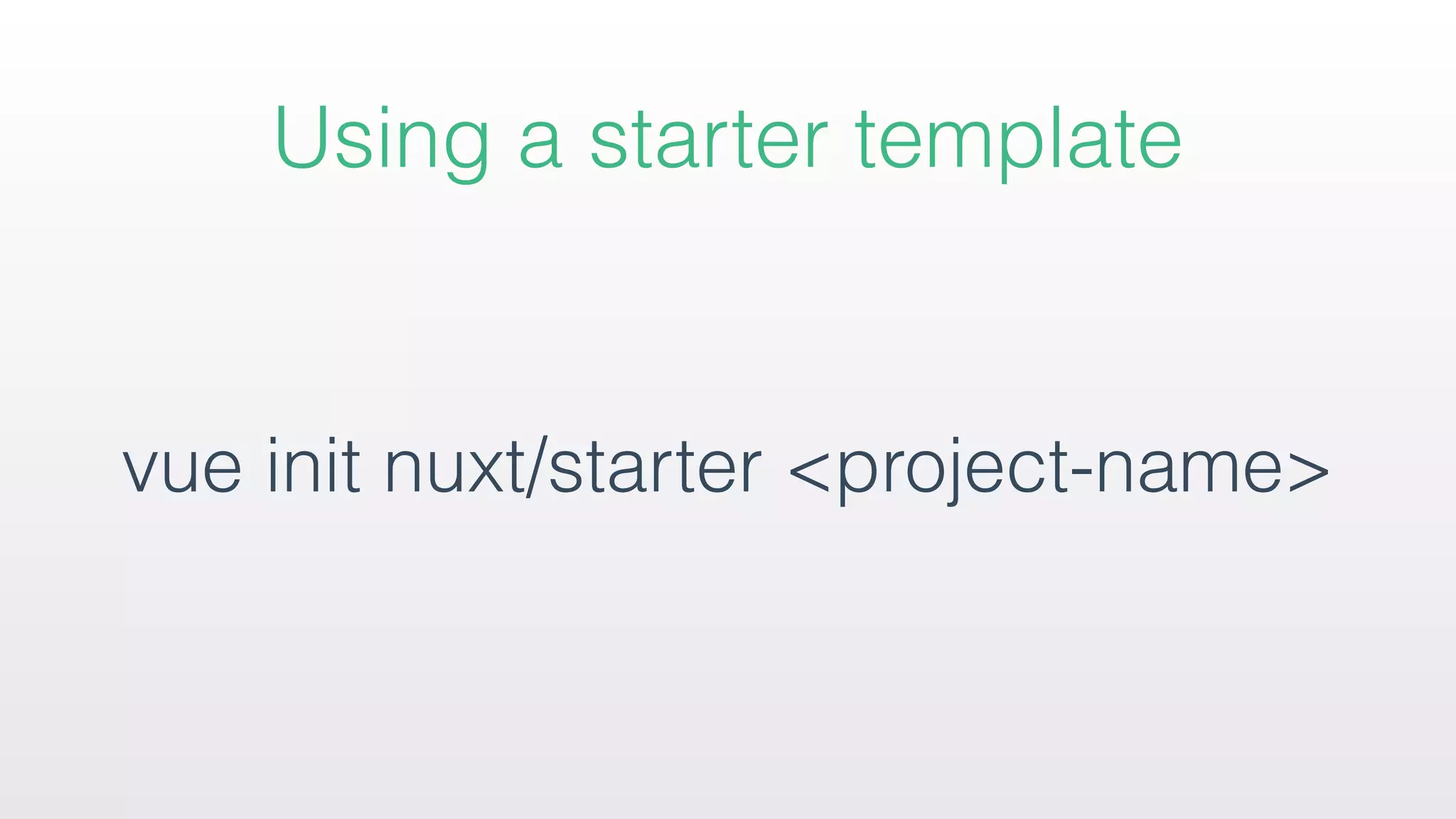
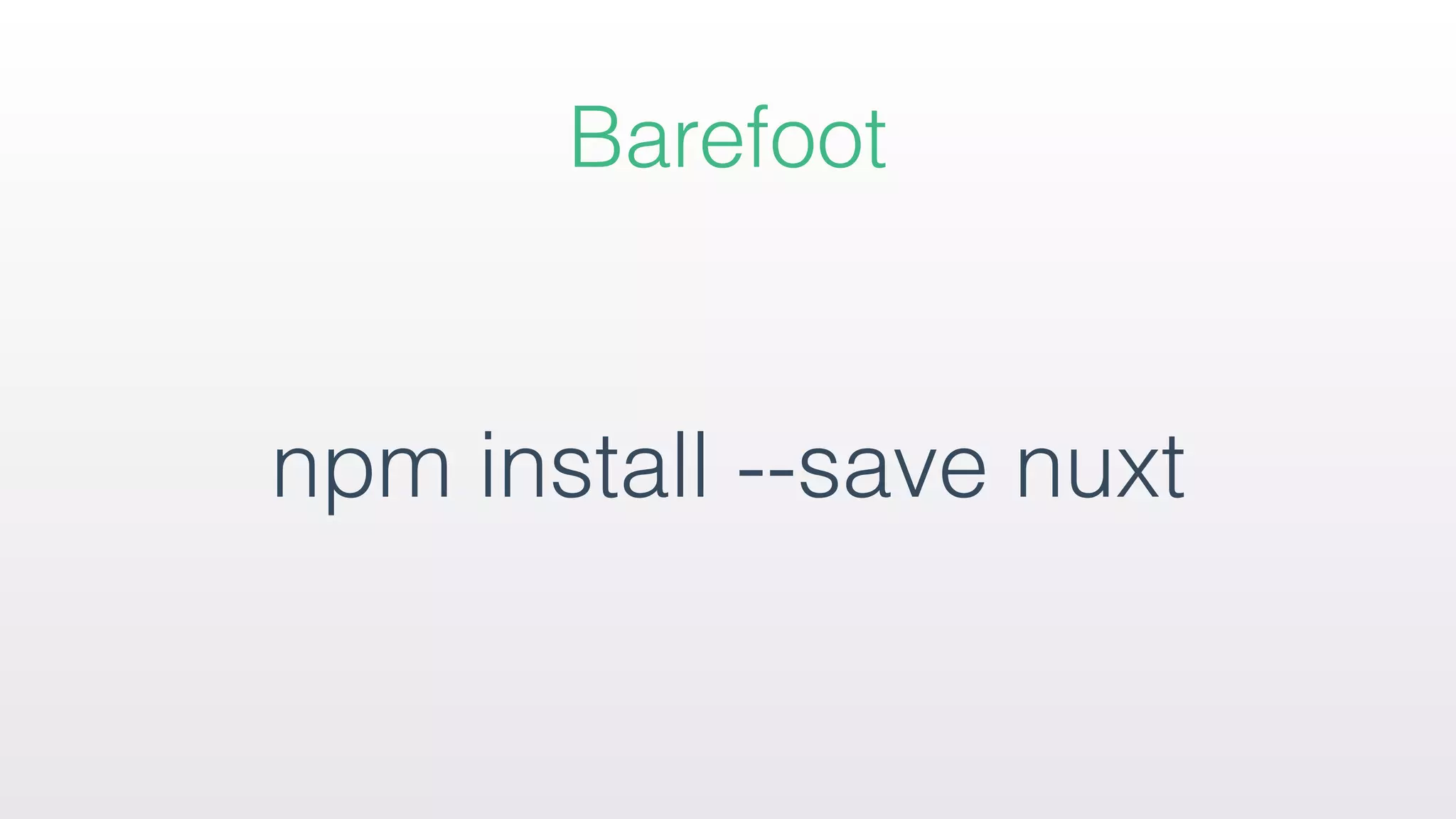
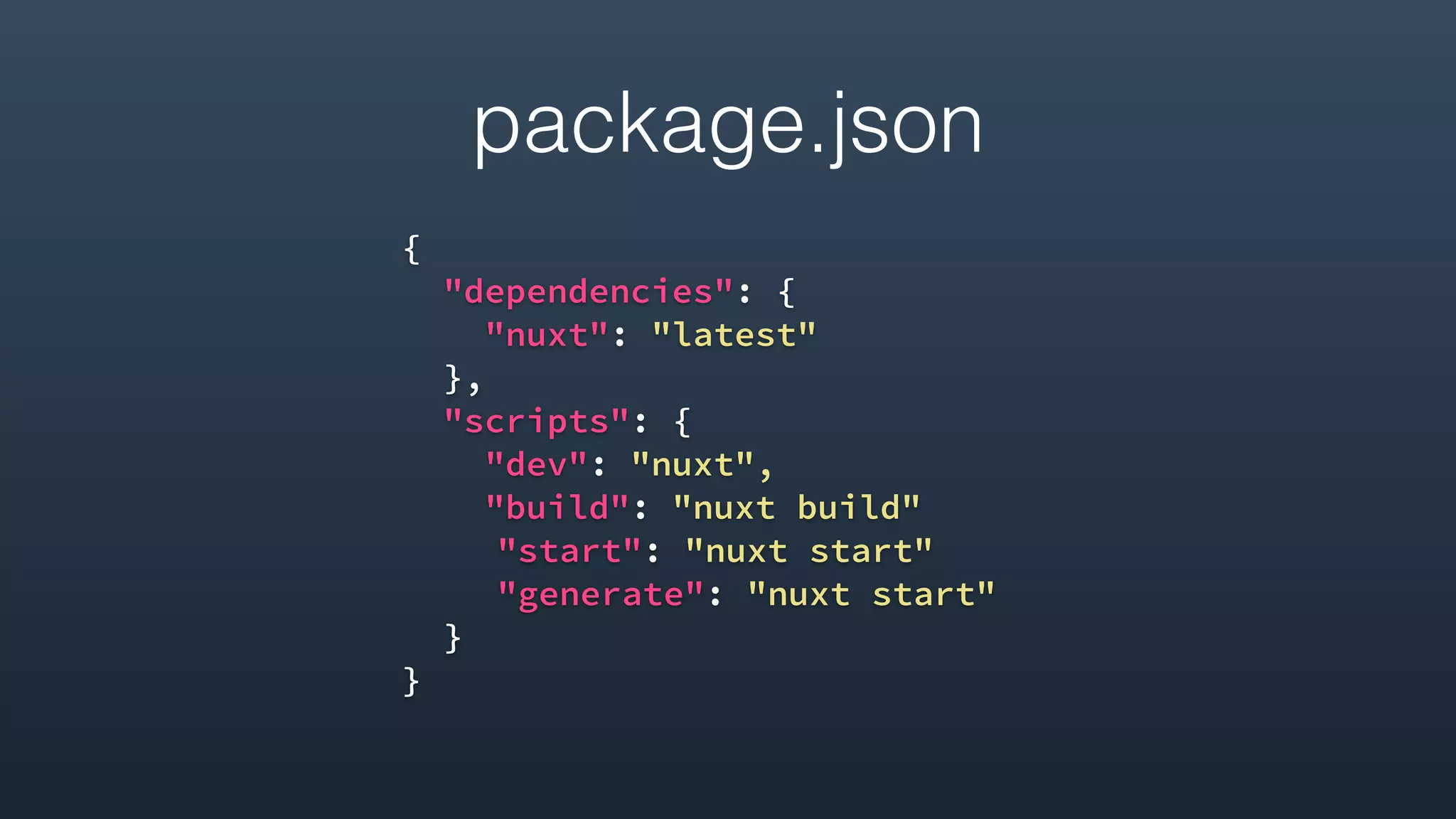
Instructions on setting up a project using the framework's starter template, running the development server, and initial package configuration for a Nuxt project.
Instructions on setting up a project using the framework's starter template, running the development server, and initial package configuration for a Nuxt project.
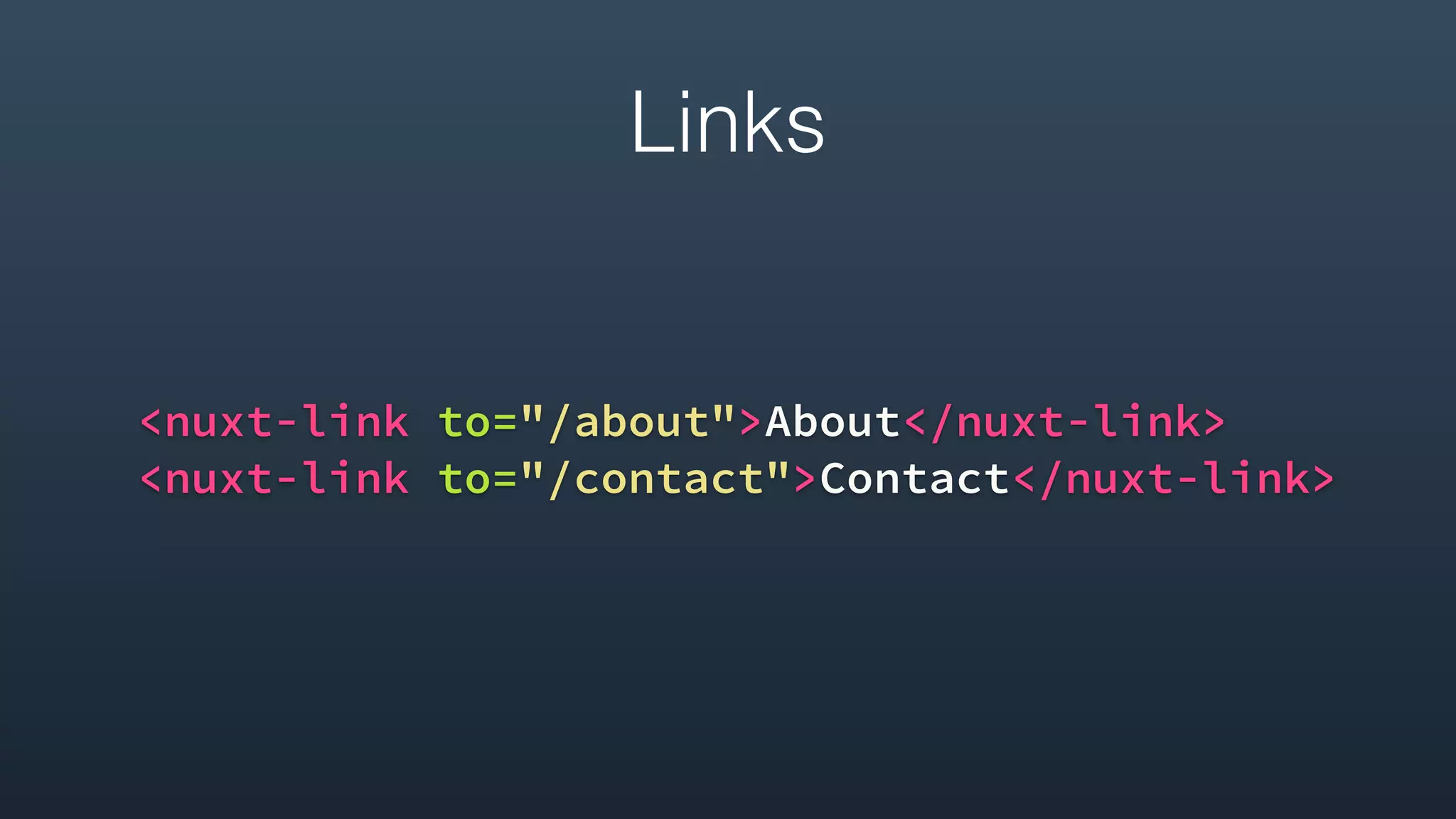
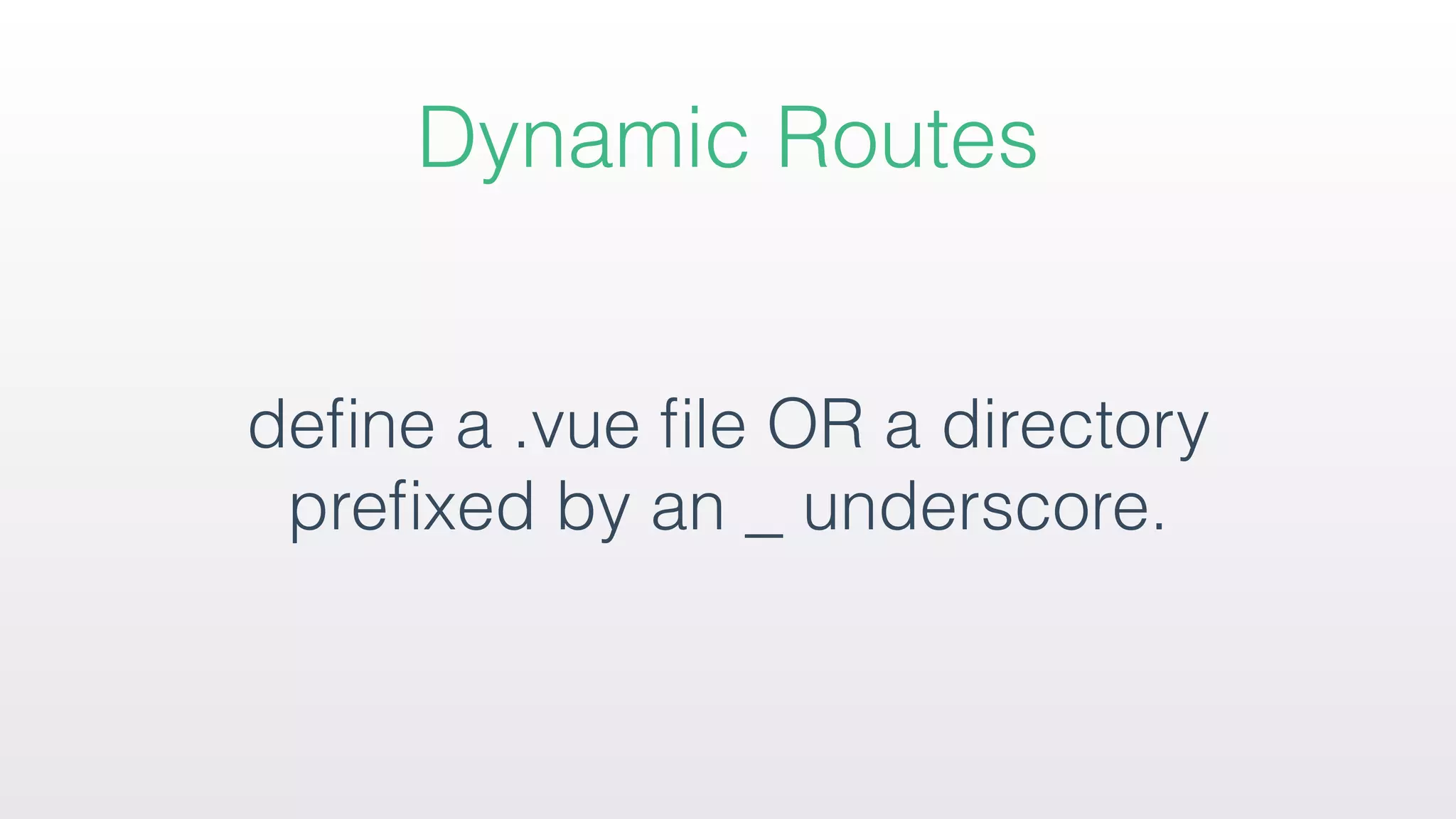
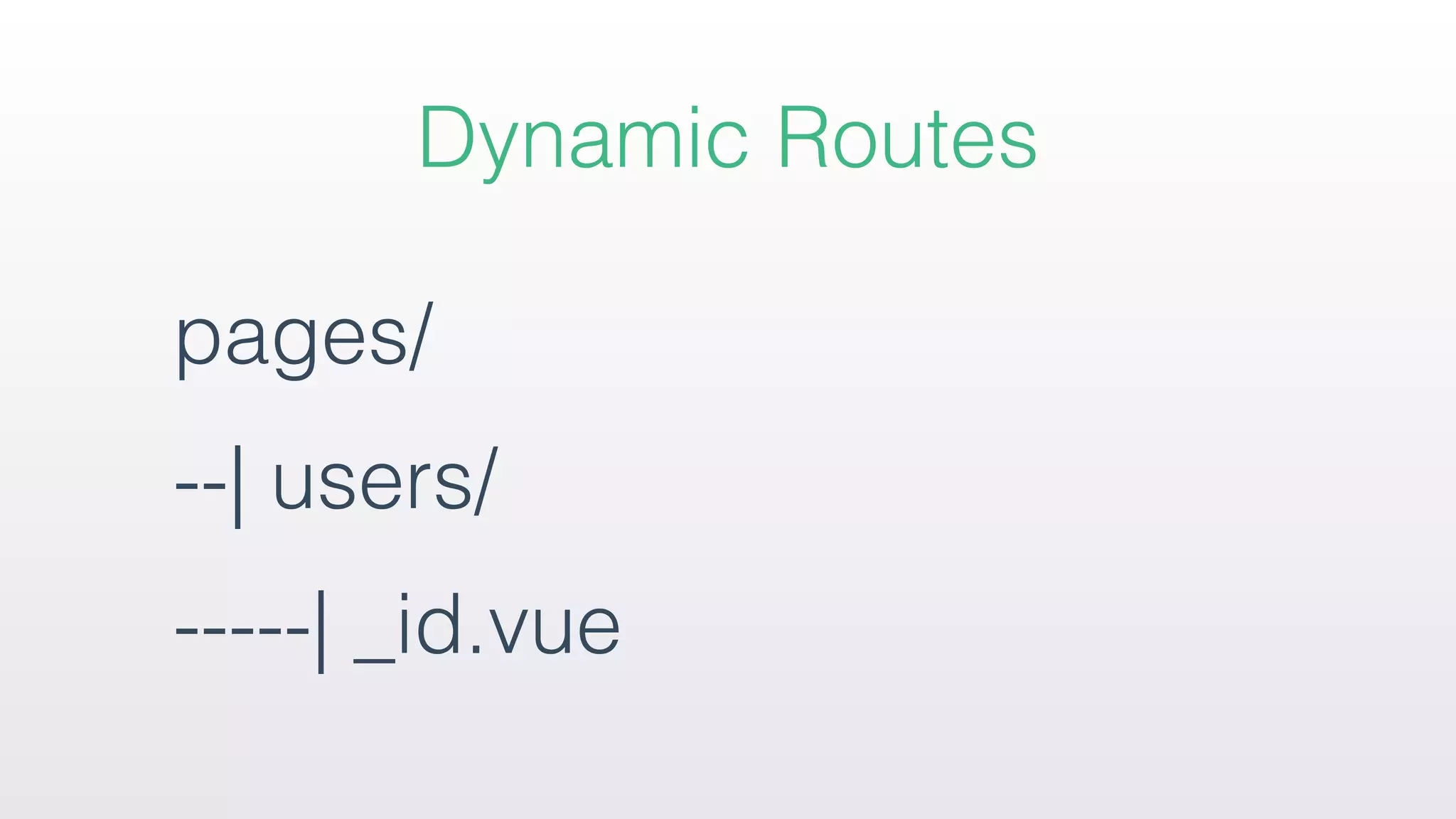
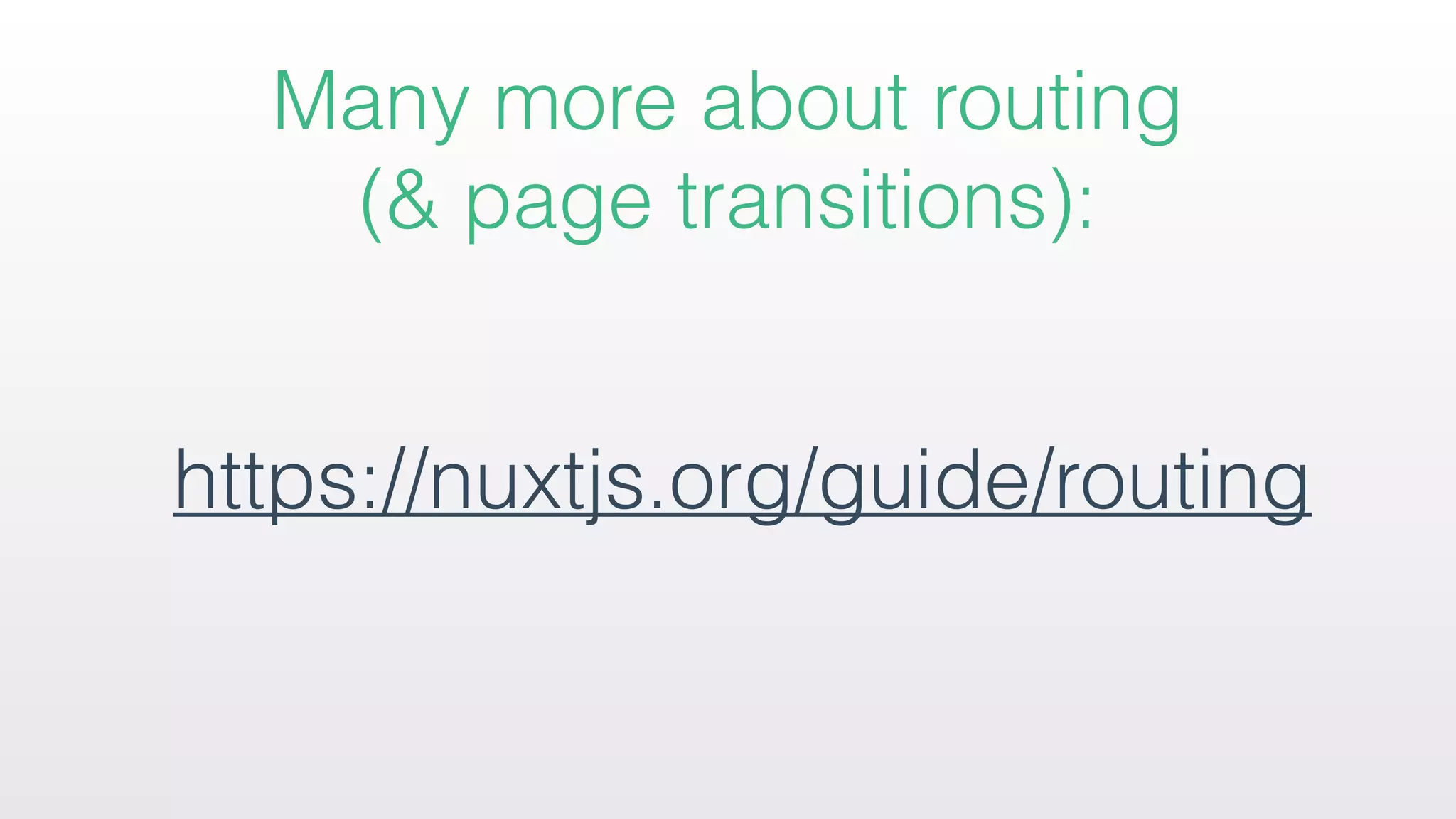
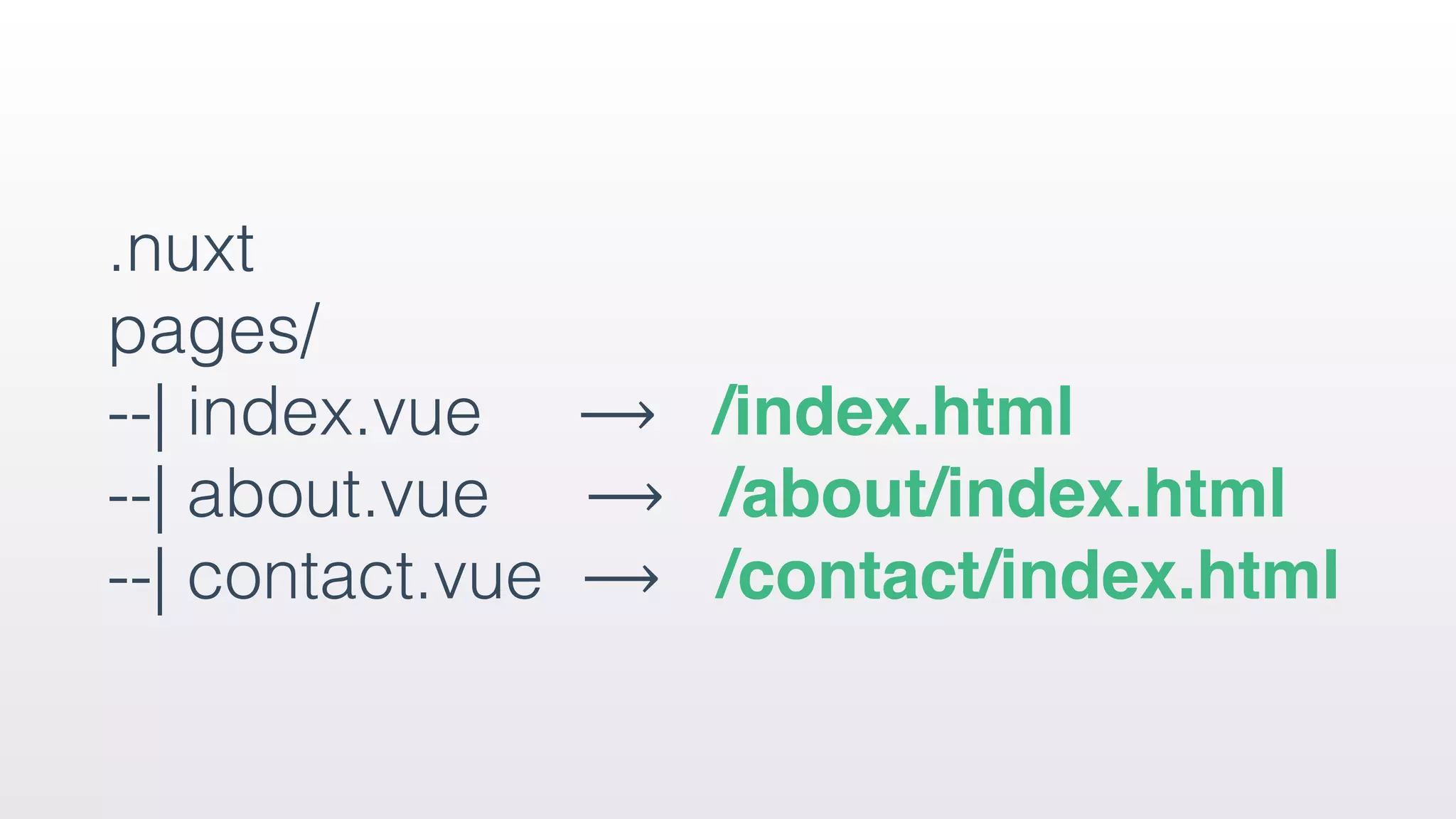
Detailed discussion on routing within the framework. How routing is automatically generated based on the file structure in the pages directory, including dynamic routes.
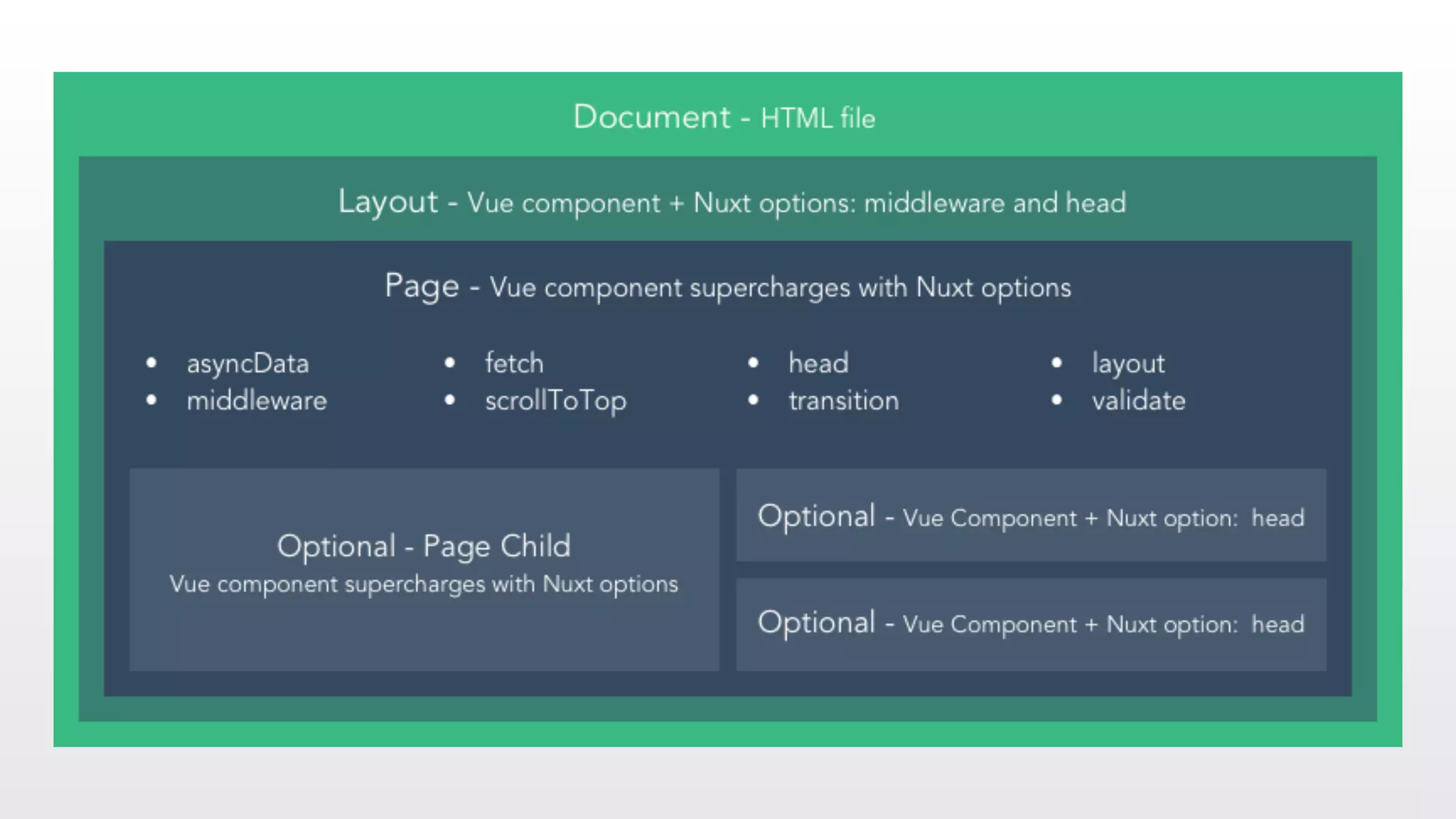
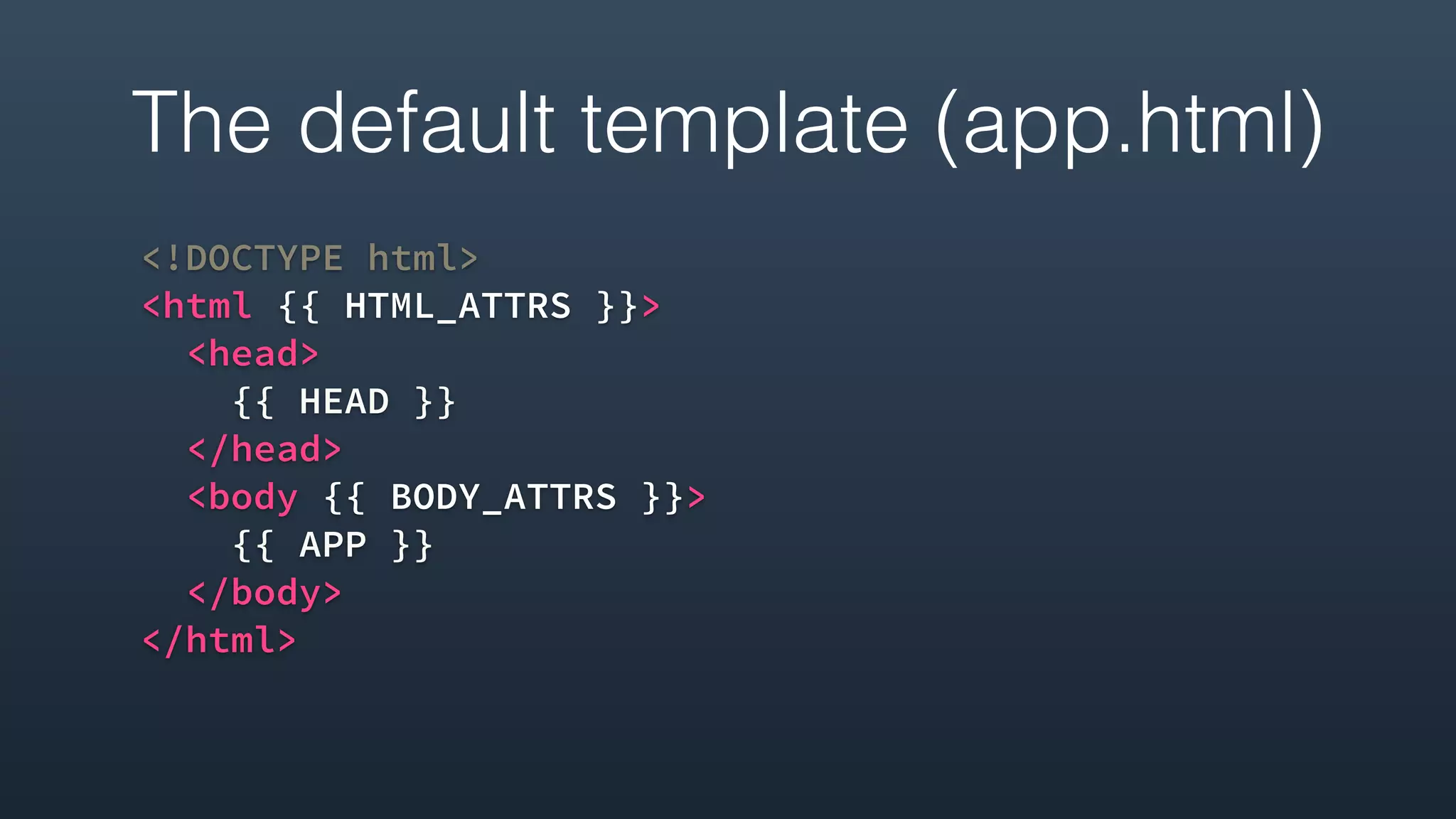
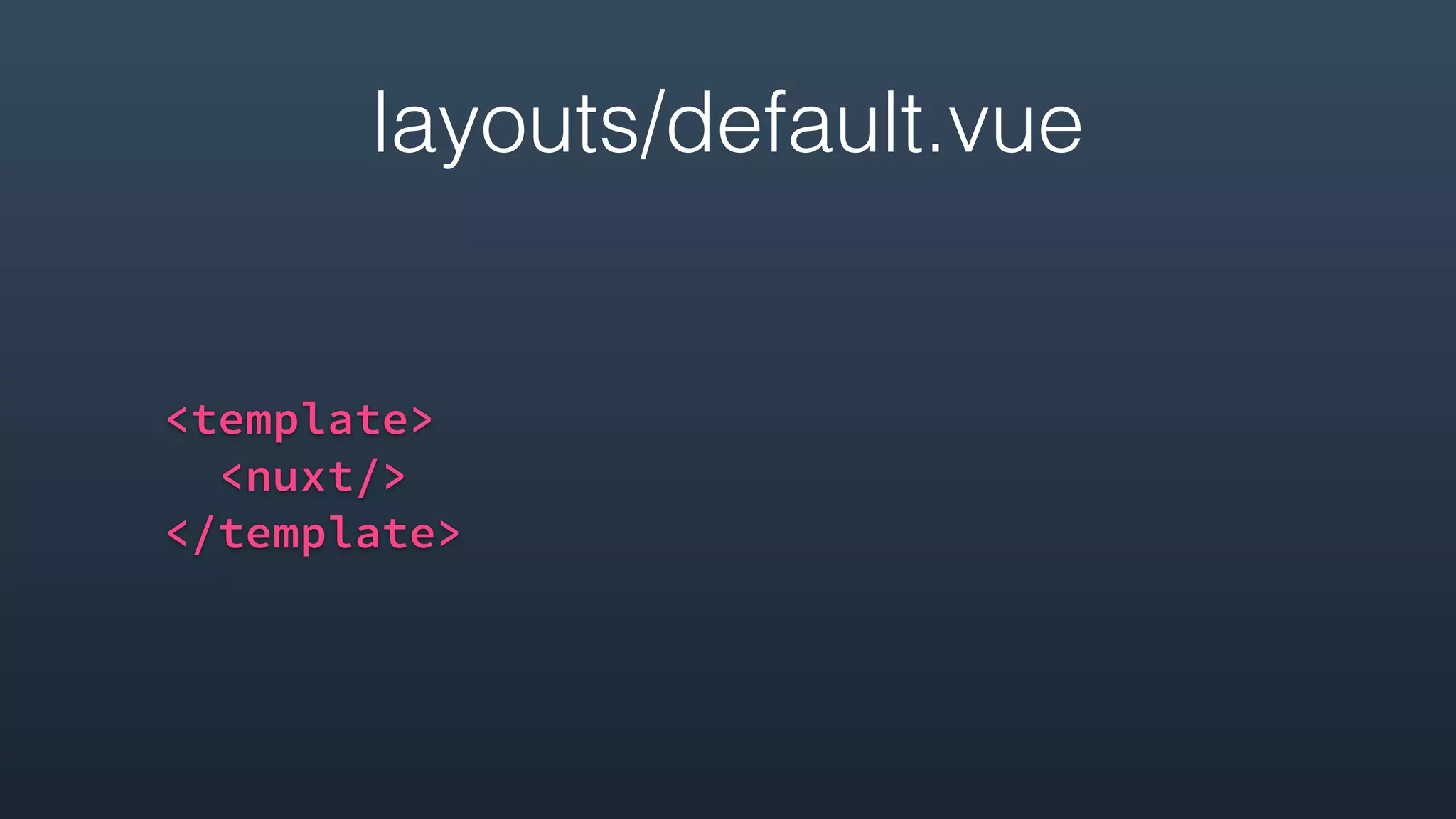
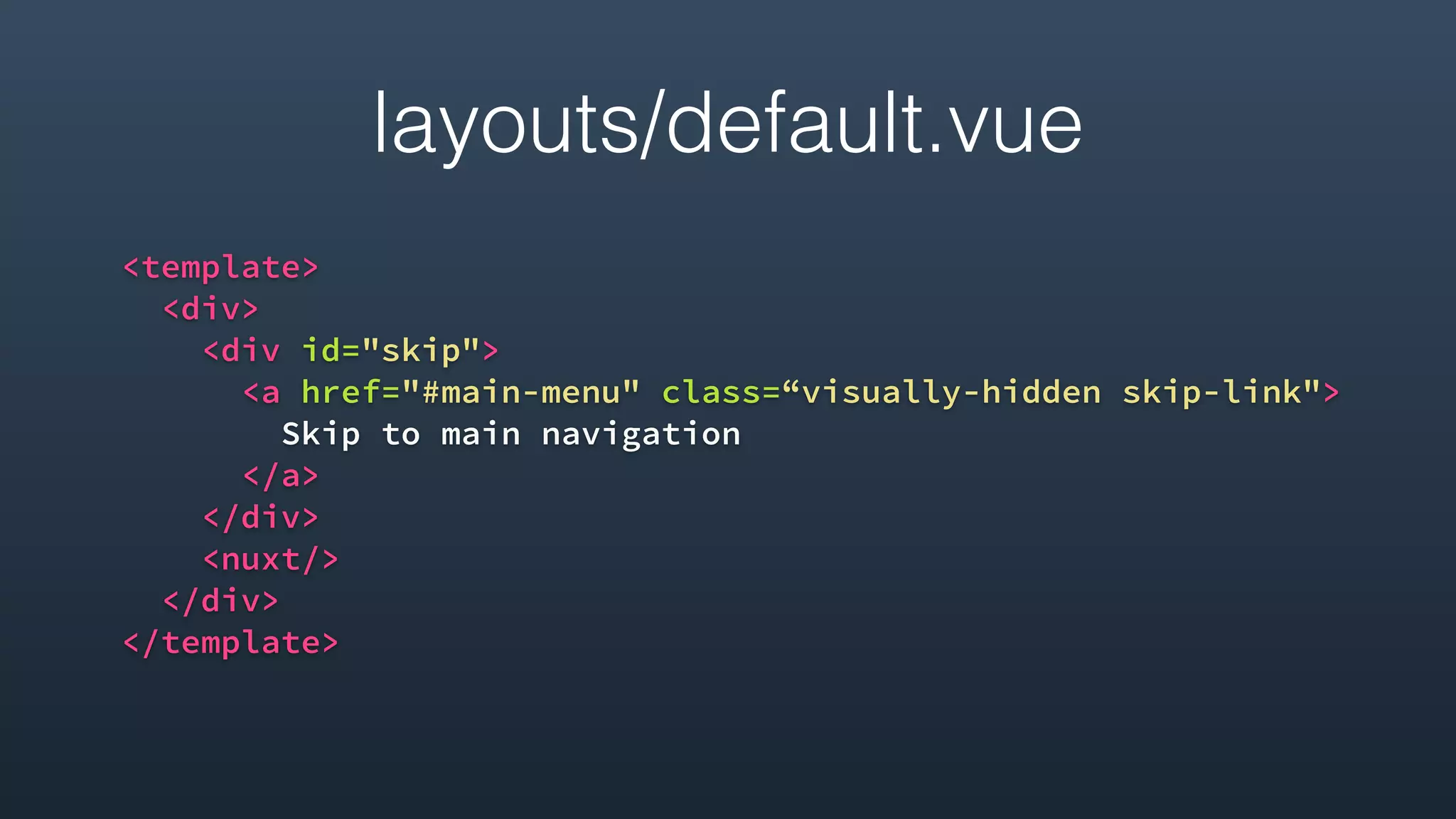
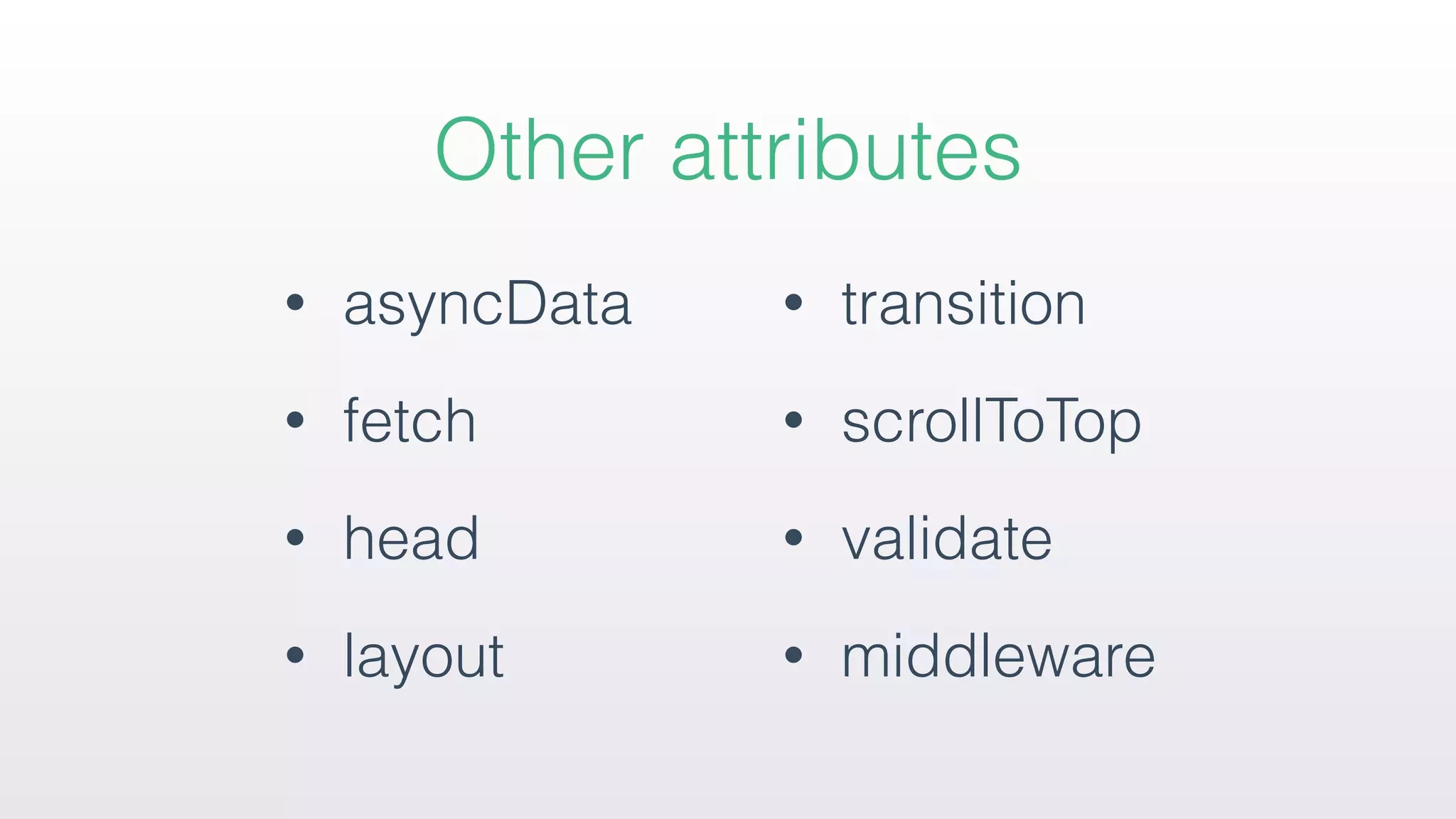
Information on default template structure and how to customize application layouts and conditional classes, along with various attributes available for usage.
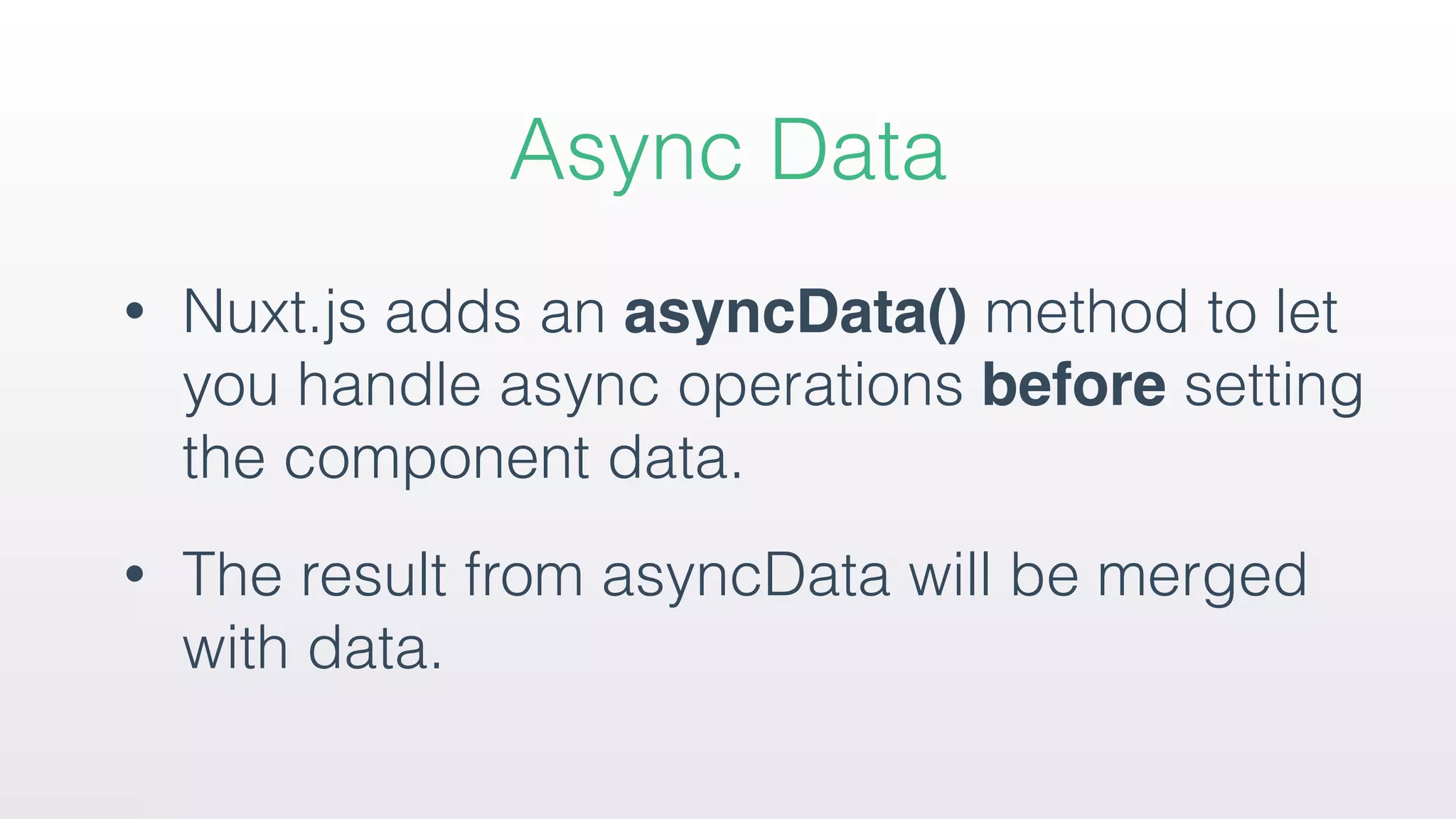
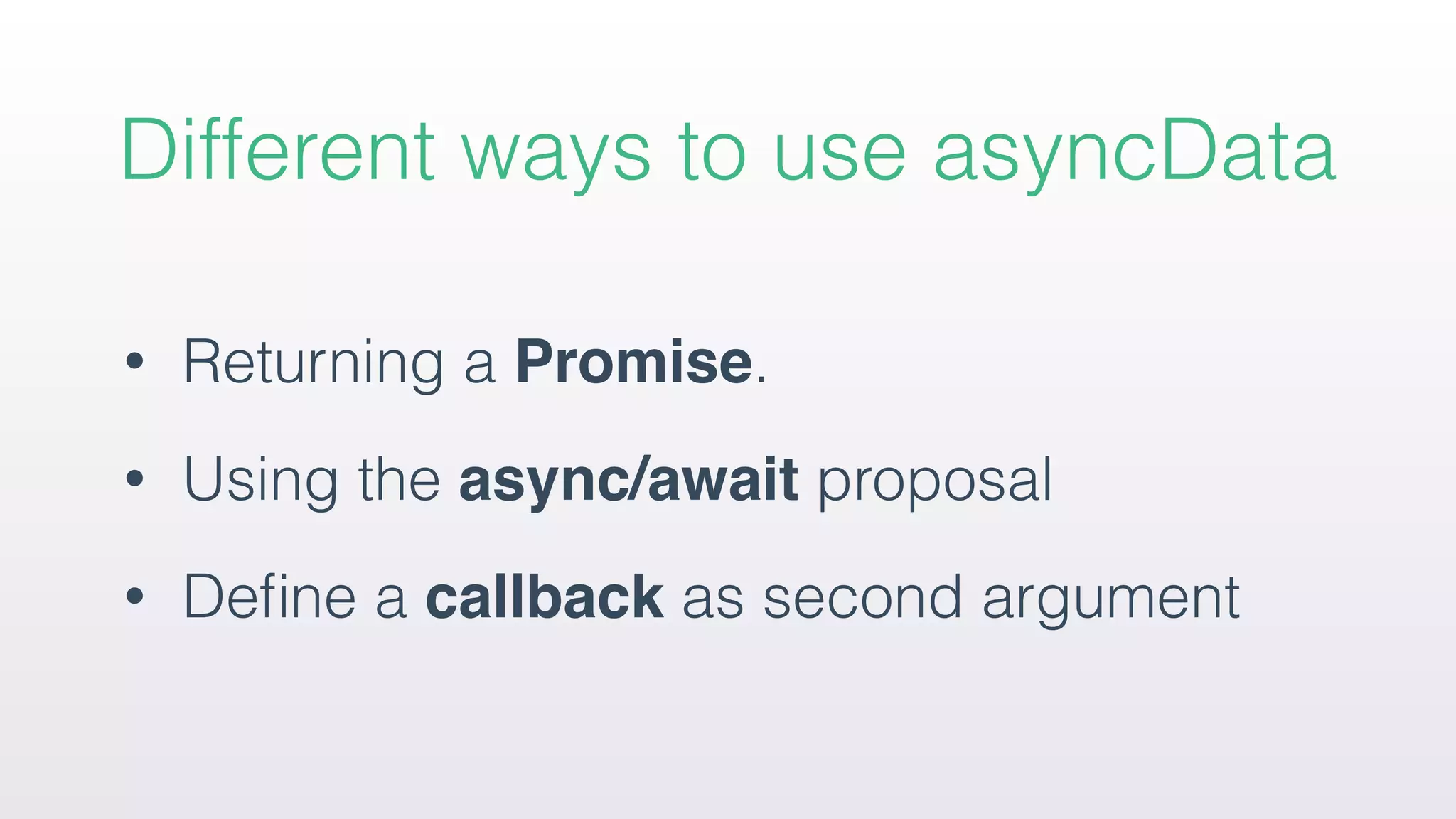
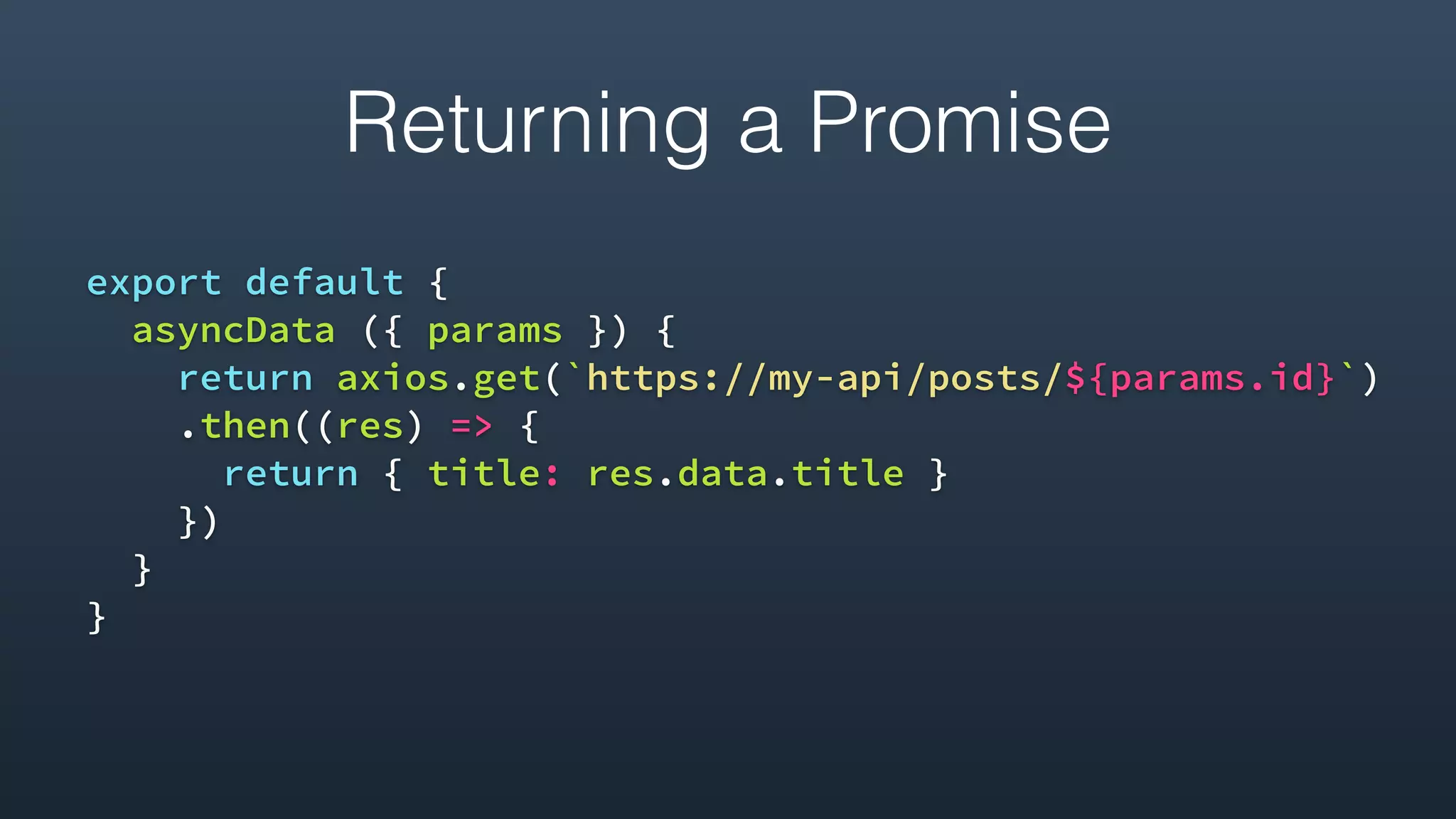
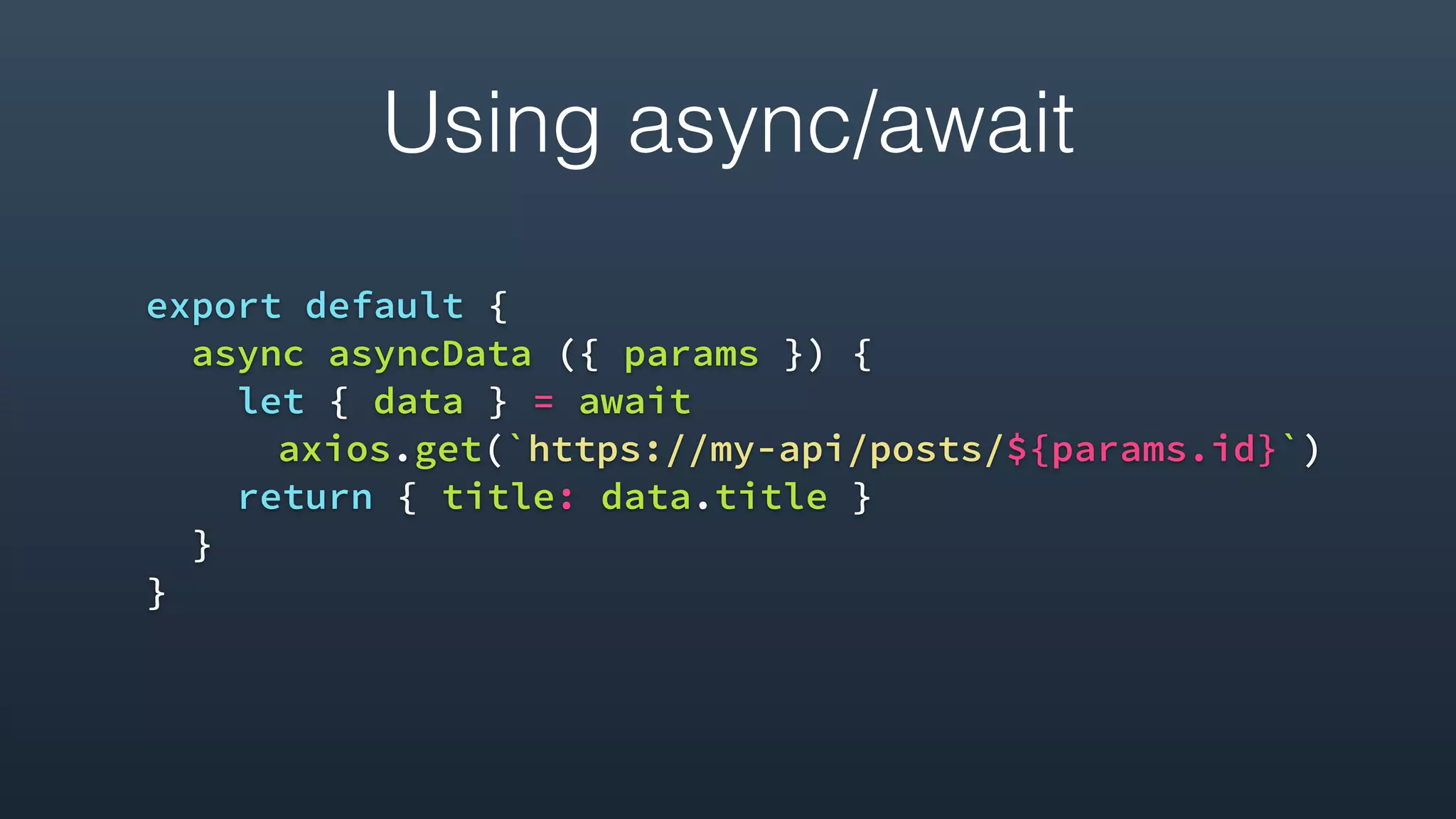
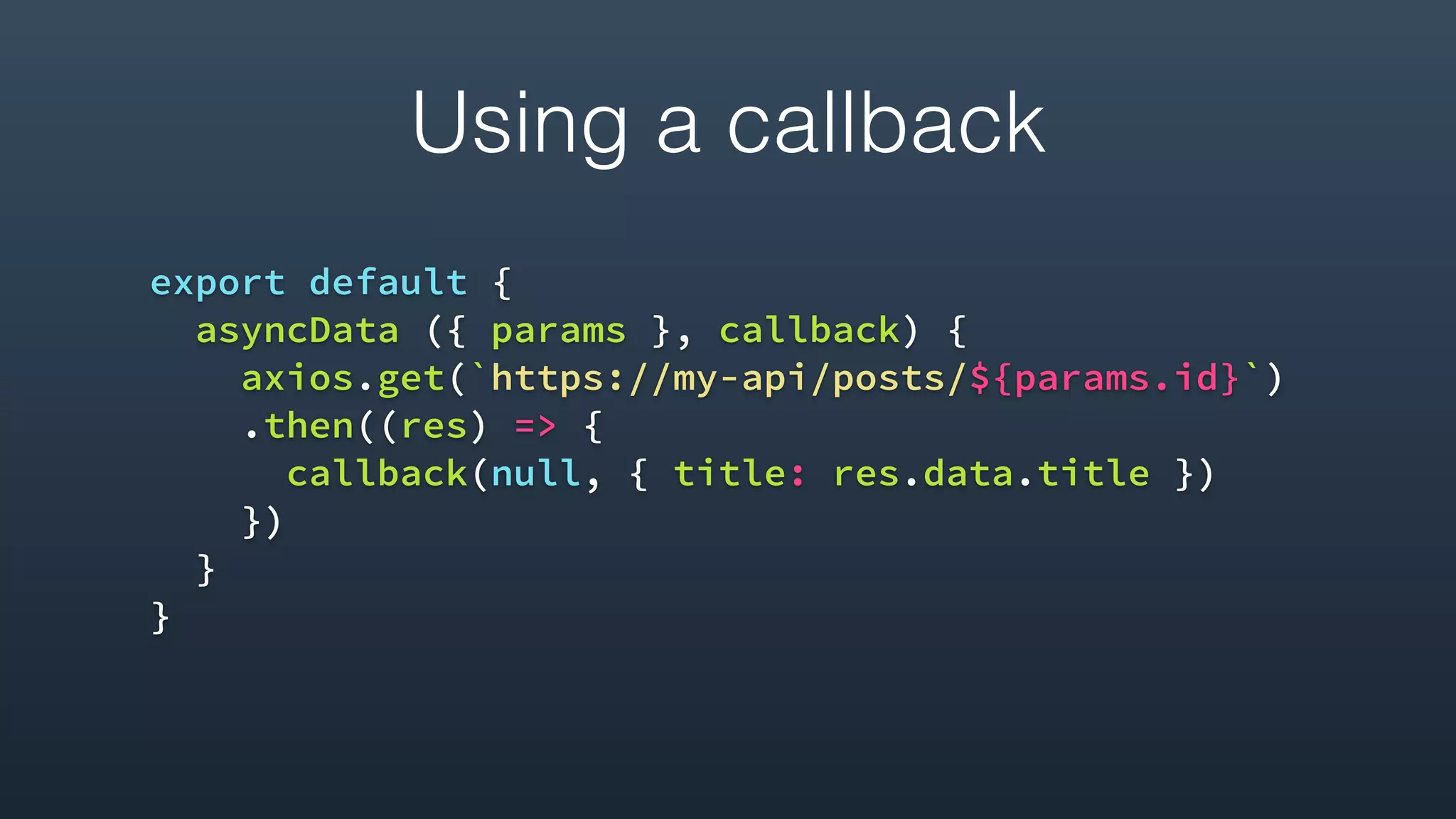
Explains the asyncData method in Nuxt.js for handling asynchronous operations before setting component data, with examples using Promises and async/await.
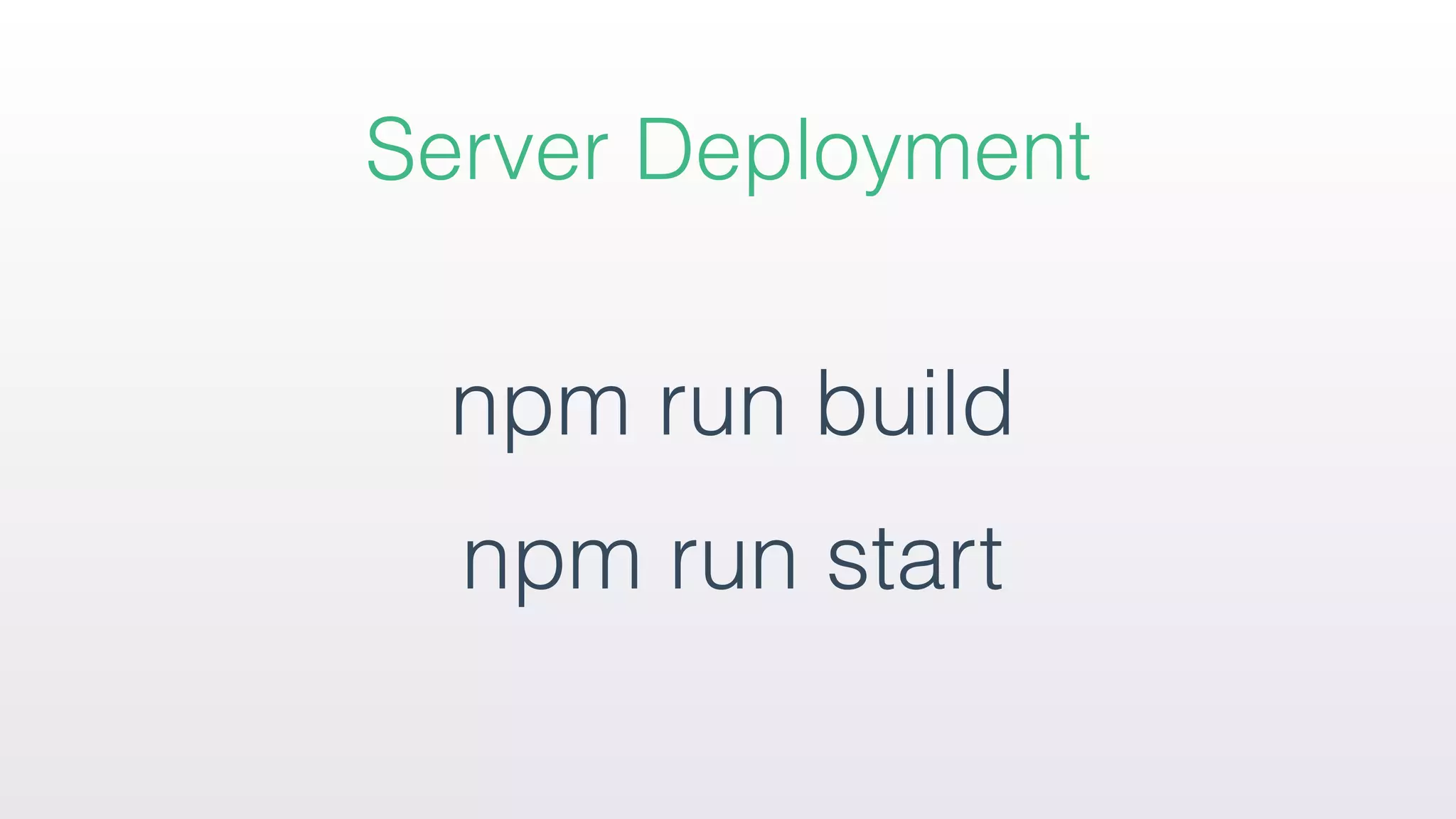
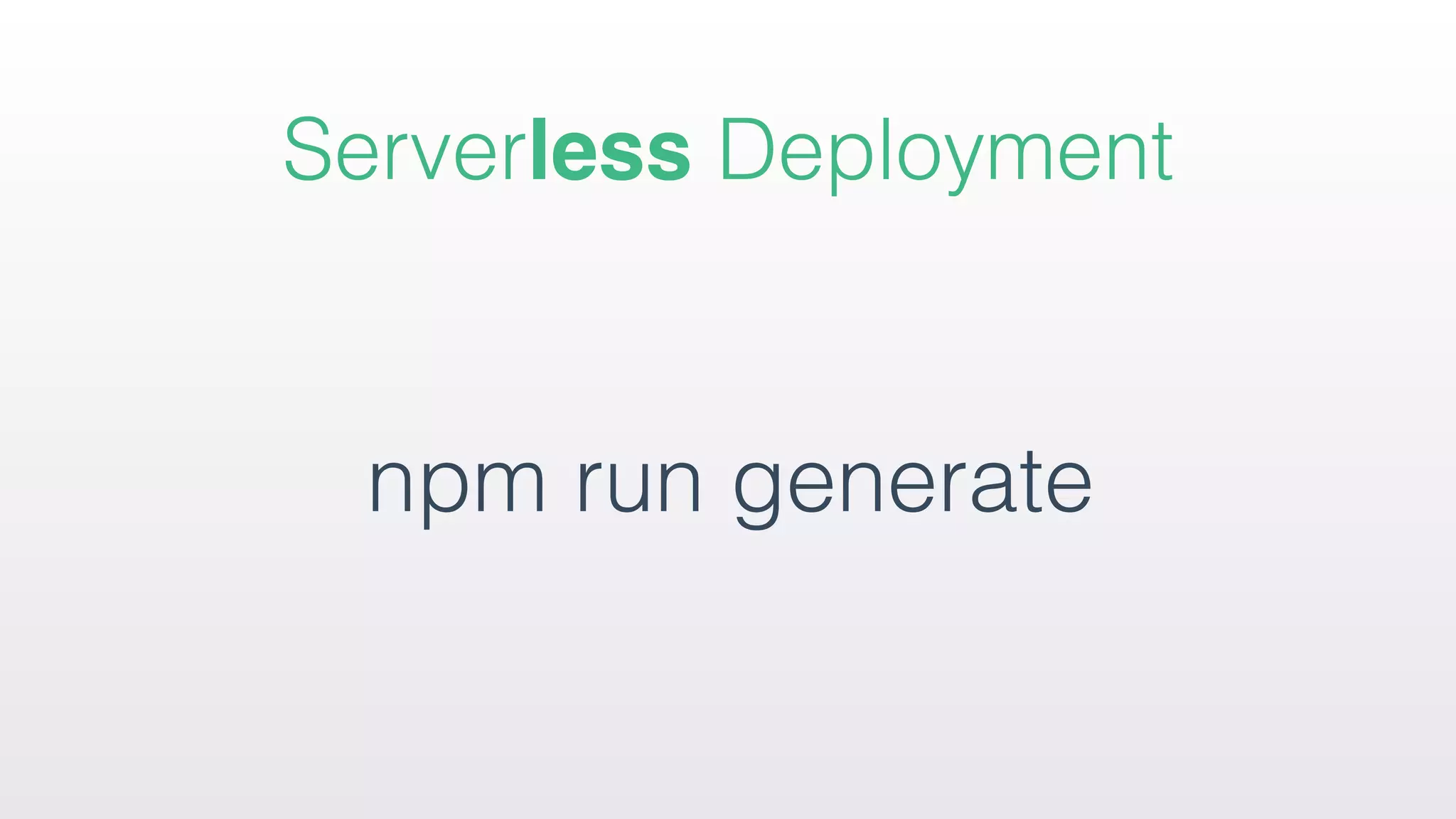
Describes how to deploy applications, including server and serverless deployment processes, along with folder structures for generated files.
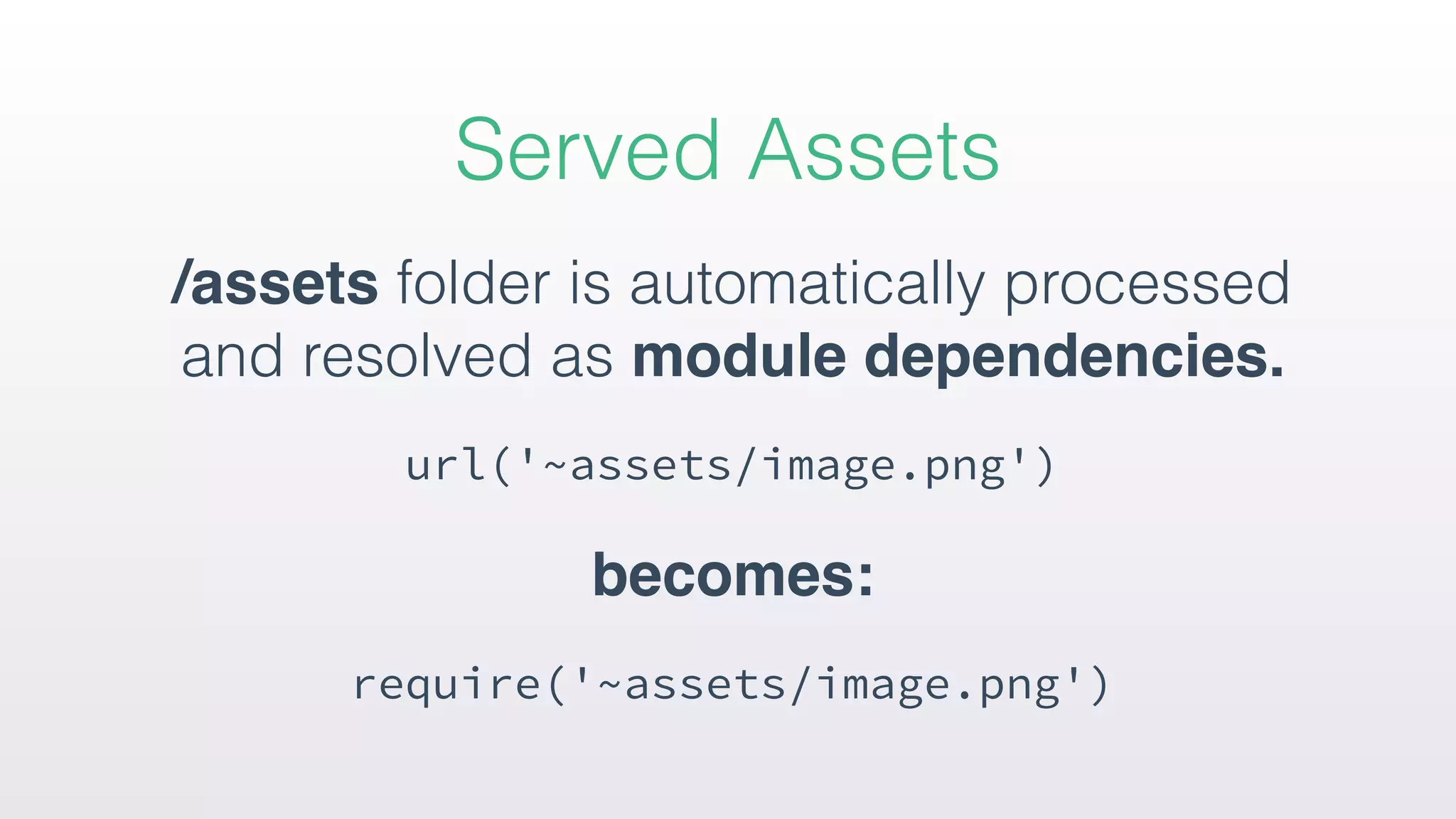
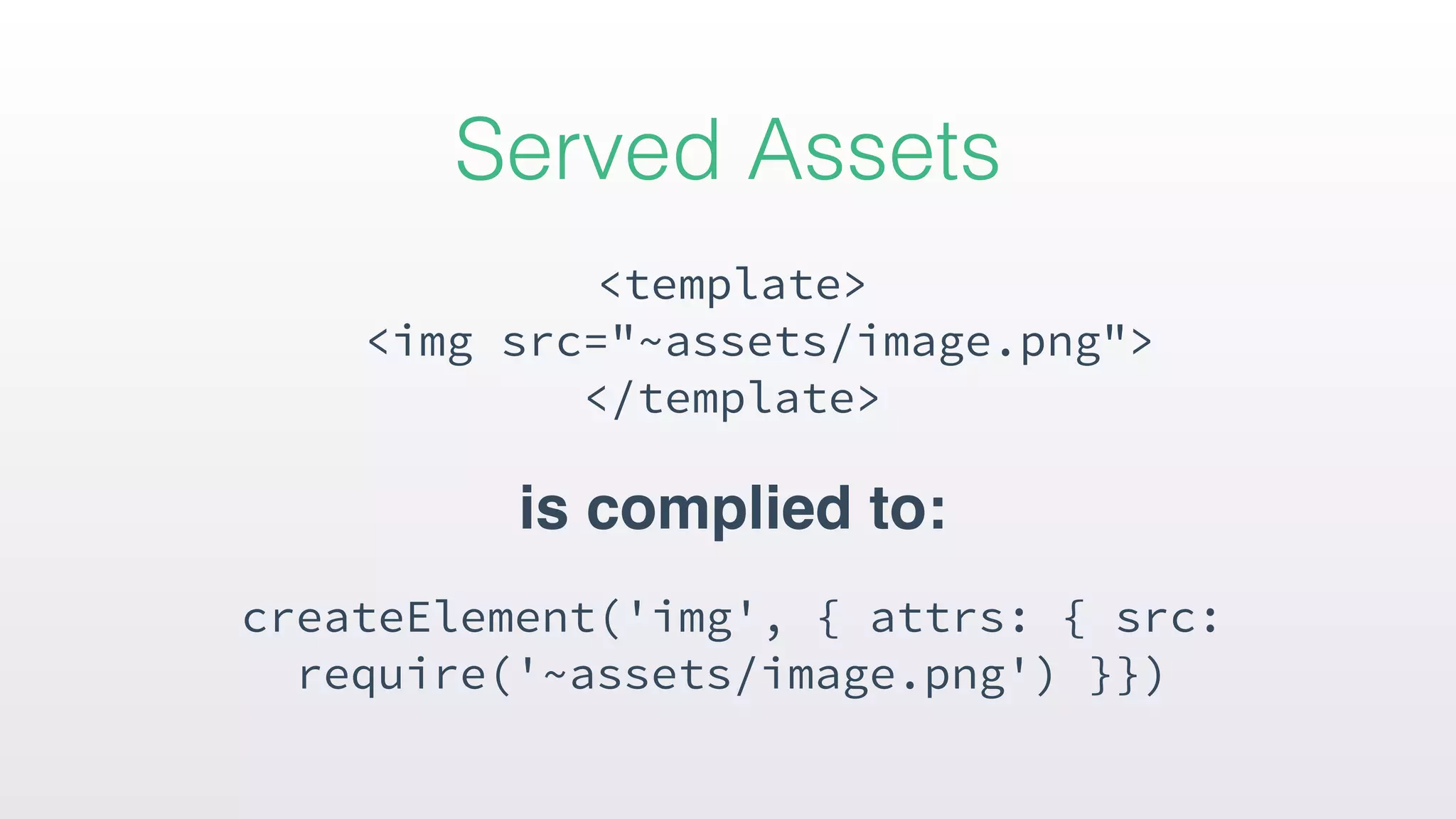
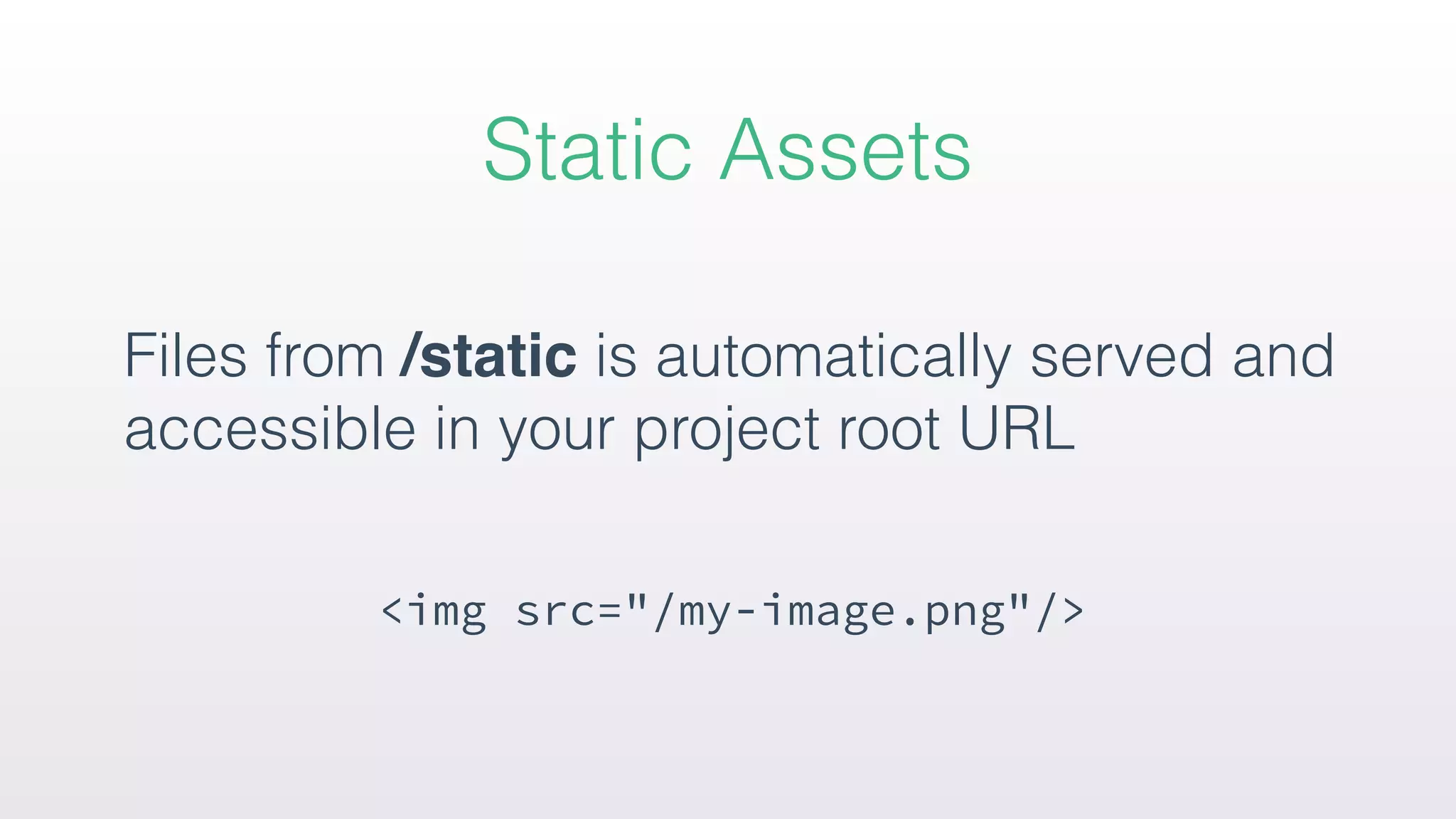
Overview of handling assets and static files, as well as integrating plugins within the application using npm and configuring them in the Nuxt configuration.
Wrap-up of the presentation, offering references for further information and an opportunity for questions from the audience.
Highlights
• Shares anidea from the Next.js
• Similar to Ember tries to pack essential set of tools
• UI rendering as main scope (abstracting away the
client/server distribution)
5.
How it works?
Focuson writing
*.vue files
Code Splitting
with Webpack
ES6/ES7
transpilation
6.
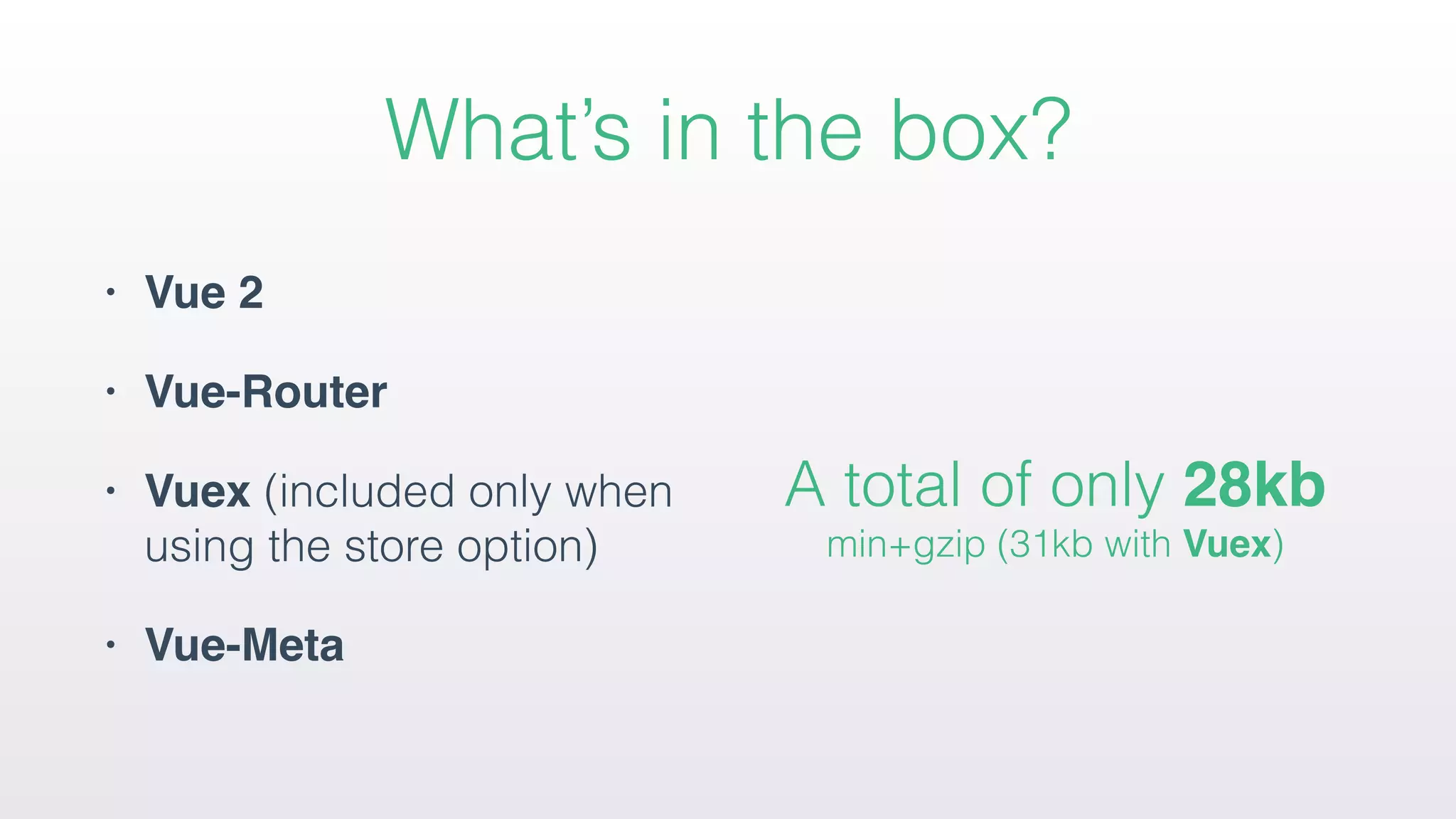
What’s in thebox?
• Vue 2
• Vue-Router
• Vuex (included only when
using the store option)
• Vue-Meta
A total of only 28kb
min+gzip (31kb with Vuex)
7.
Features
• Automatic CodeSplitting
• Server-Side Rendering
• Powerful Routing System
with Asynchronous Data
• Static File Serving
• Bundling and minifying of
your JS & CSS
• Managing Head Elements
• Hot reloading in
Development
• Error handling (404 pages)
• Nuxt.js addsan asyncData() method to let
you handle async operations before setting
the component data.
• The result from asyncData will be merged
with data.
Async Data
41.
• Returning aPromise.
• Using the async/await proposal
• Define a callback as second argument
Different ways to use asyncData
/assets folder isautomatically processed
and resolved as module dependencies.
url('~assets/image.png')
becomes:
require('~assets/image.png')
Served Assets
Install via npm:
npminstall --save axios
use it directly in our pages:
import axios from 'axios'
use build.vendor key in our nuxt.config.js:
build: { vendor: ['axios'] }
External packages







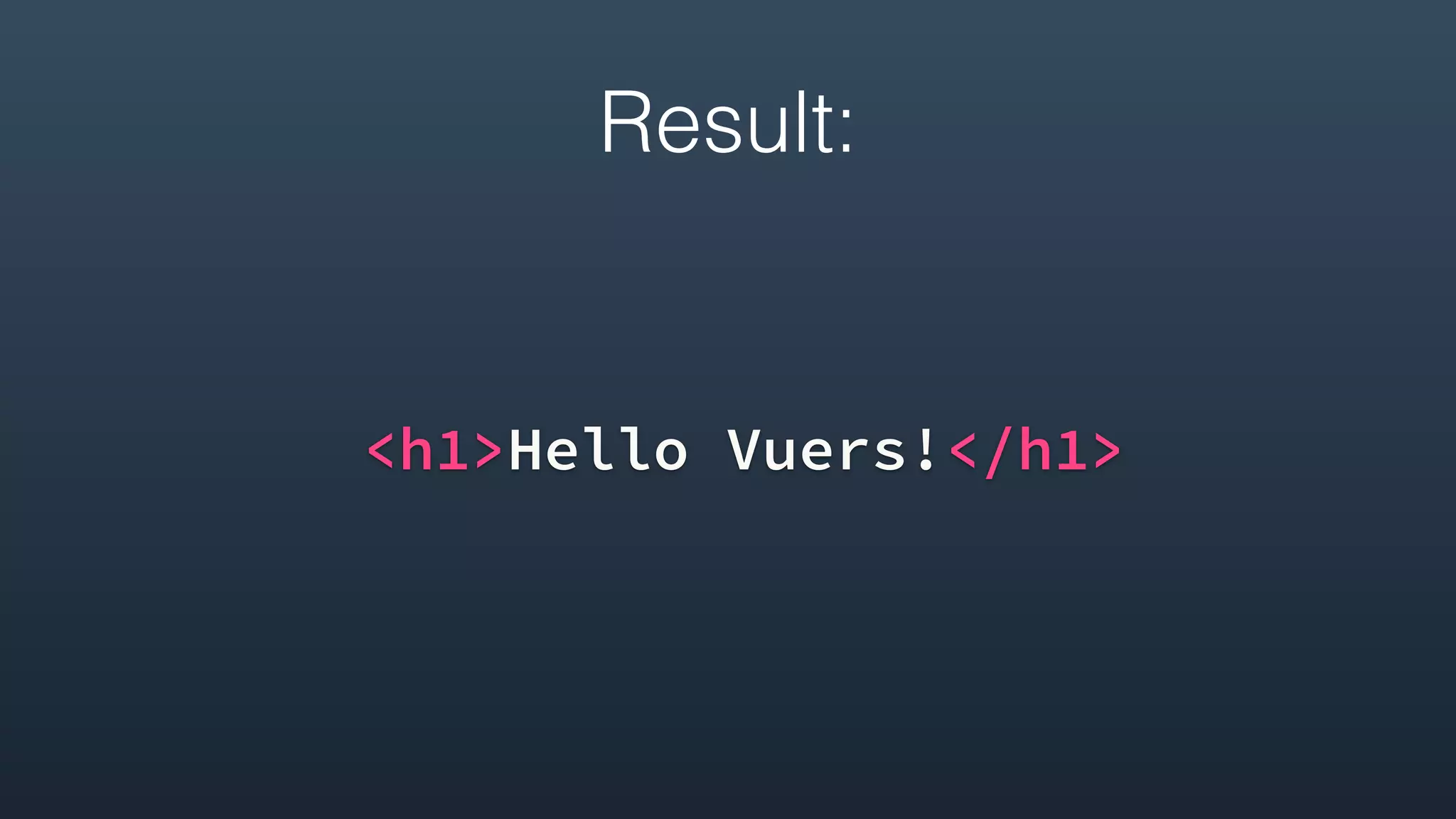


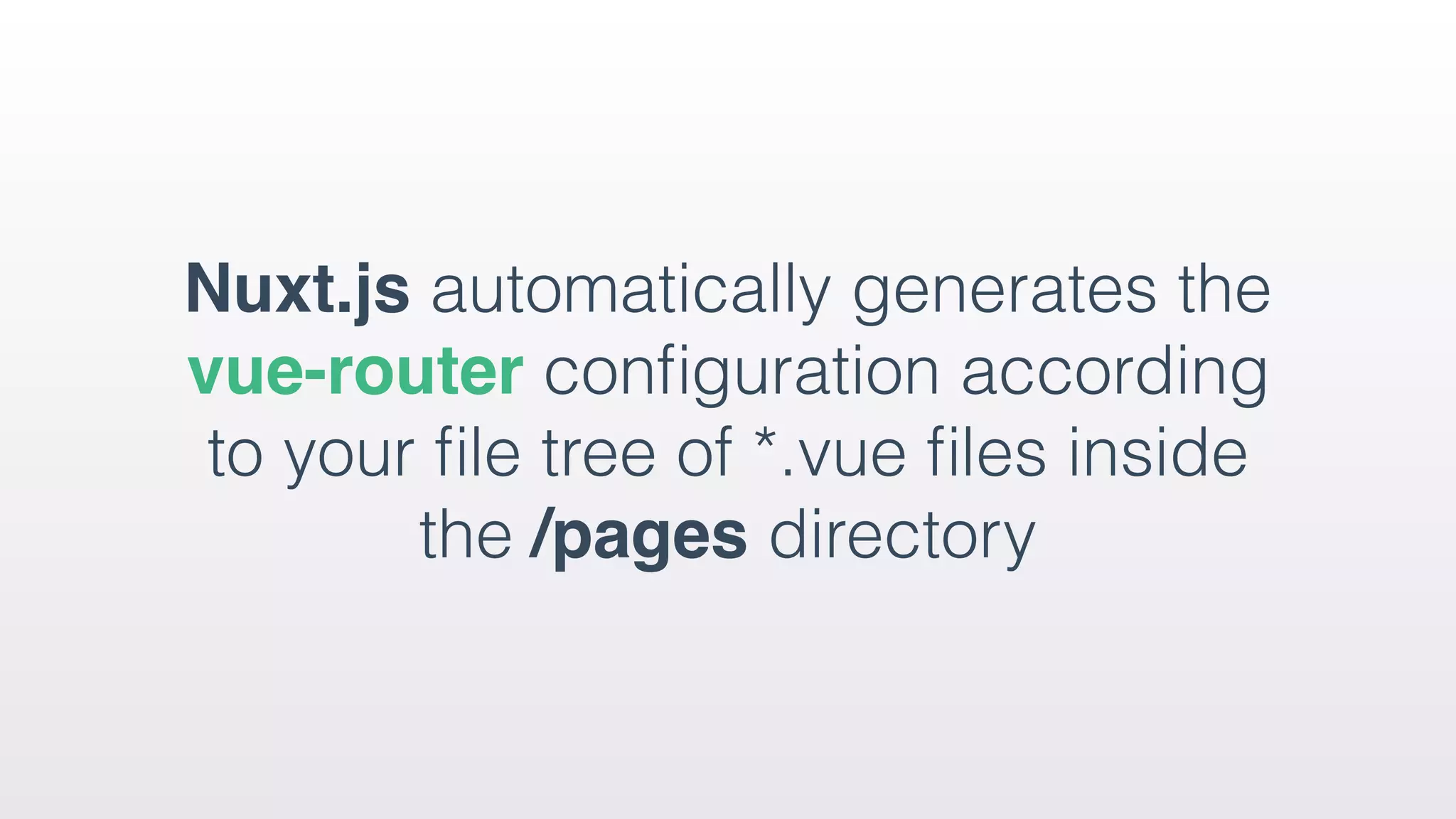
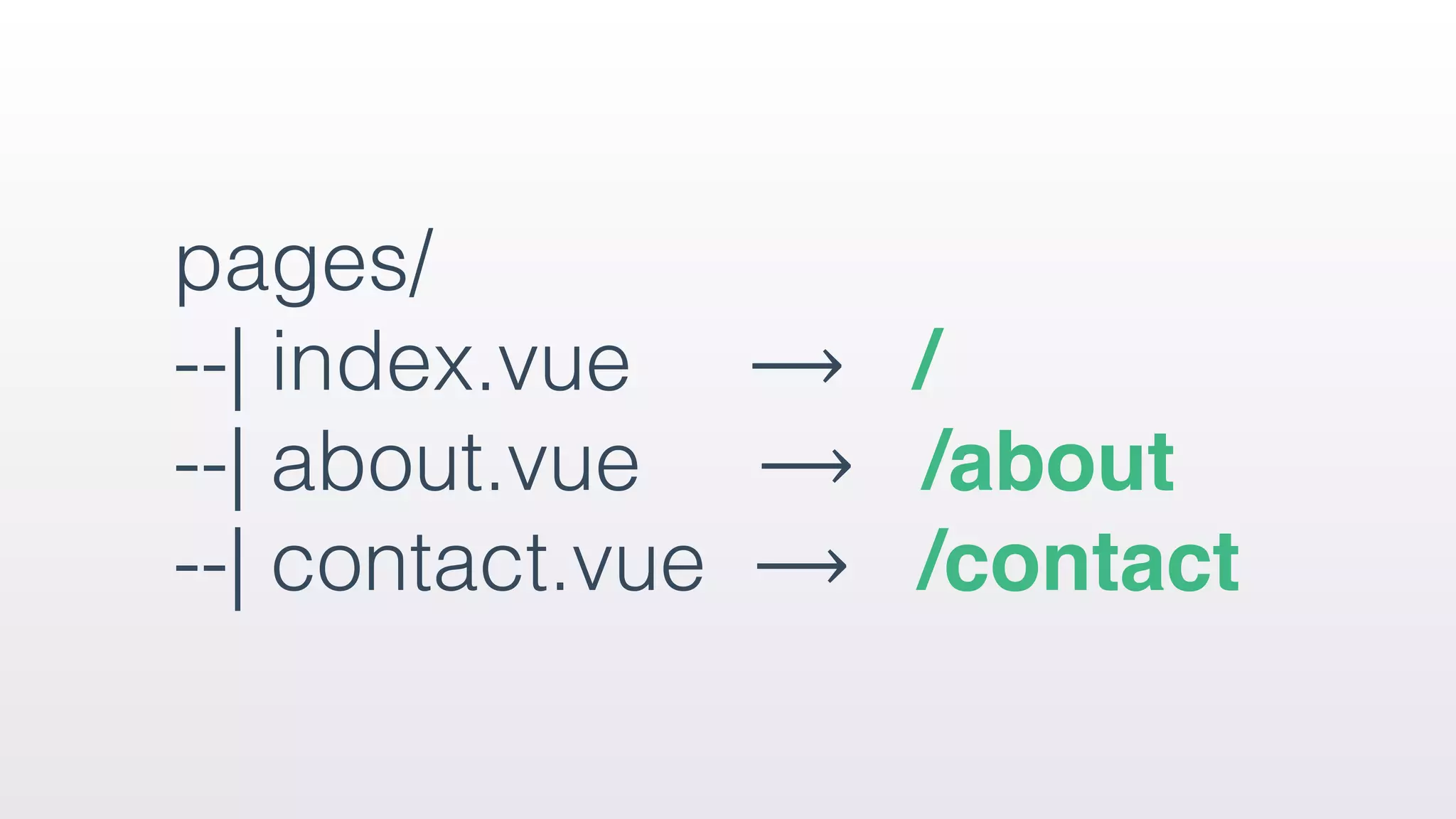
![{
"routes": [{
"name": "index",
"path": "/",
"component": "pages/index.vue"
},
{
"name": "about",
"path": "/",
"component": "pages/about.vue"
},
{
"name": "contact",
"path": "/",
"component": "pages/contact.vue"
}]
}](https://image.slidesharecdn.com/david-licennuxt-170526075225/75/Nuxt-JS-Introdruction-25-2048.jpg)
![{
"routes": [{
"name": "users-id",
"path": "/users/:id?",
"component": "pages/users/_id.vue"
}]
}](https://image.slidesharecdn.com/david-licennuxt-170526075225/75/Nuxt-JS-Introdruction-29-2048.jpg)

![Customize Conditional classes for IE
<!DOCTYPE html>
<!--[if IE 9]><html lang="en-US" class=“lt-ie9 ie9”
{{ HTML_ATTRS }}><![endif]-->
<!--[if (gt IE 9)|!(IE)]><!--><html {{ HTML_ATTRS }}>
<!--<![endif]-->
<head>
{{ HEAD }}
</head>
<body {{ BODY_ATTRS }}>
{{ APP }}
</body>
</html>](https://image.slidesharecdn.com/david-licennuxt-170526075225/75/Nuxt-JS-Introdruction-34-2048.jpg)
![pages/index.vue
<template></template>
<script>
export default {
data () {
return { title: 'Hello World!' }
},
head () {
return {
title: this.title,
meta: [{ name: 'description', content: 'My description' }]
}
},
fetch () { ... },
}
</script>](https://image.slidesharecdn.com/david-licennuxt-170526075225/75/Nuxt-JS-Introdruction-37-2048.jpg)



![Install via npm:
npm install --save axios
use it directly in our pages:
import axios from 'axios'
use build.vendor key in our nuxt.config.js:
build: { vendor: ['axios'] }
External packages](https://image.slidesharecdn.com/david-licennuxt-170526075225/75/Nuxt-JS-Introdruction-54-2048.jpg)
![plugins/vue-notifications.js
import Vue from 'vue'
import VueNotifications from 'vue-notifications'
nuxt.config.js:
module.exports = {
plugins: ['~plugins/vue-notifications']
}](https://image.slidesharecdn.com/david-licennuxt-170526075225/75/Nuxt-JS-Introdruction-56-2048.jpg)





![Number_Guessing_Game_Dsbsbssbzboc[1].pptx](https://cdn.slidesharecdn.com/ss_thumbnails/numberguessinggamedoc1-251206215042-a076fc05-thumbnail.jpg?width=640&height=640&fit=bounds)


