Download to read offline


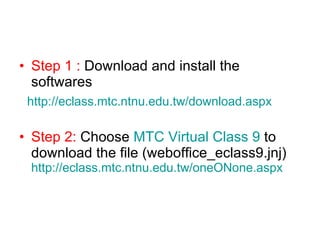
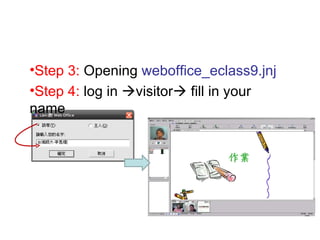
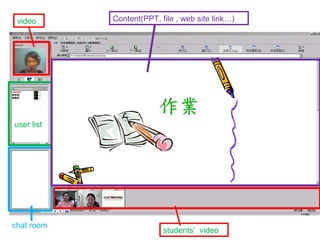

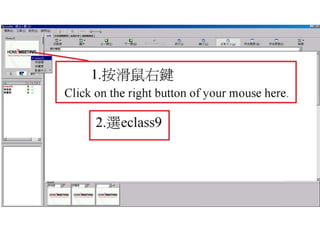
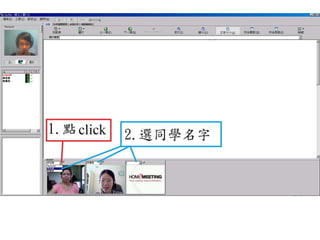
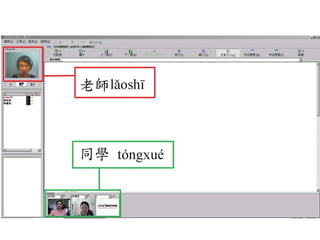
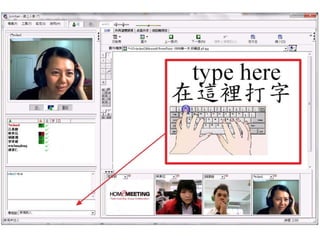
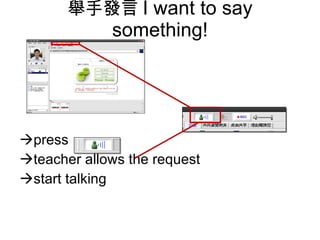
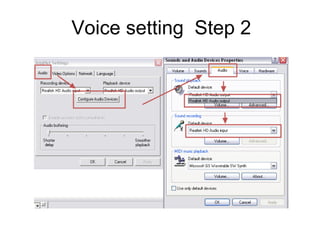
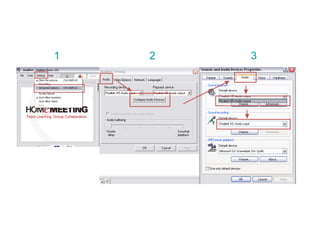
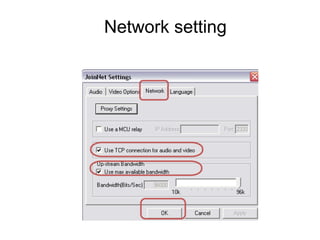


This document provides instructions for using the JoinNet software in 4 steps: download and install the JoinNet software from the provided link; download the weboffice_eclass9.jnj file from the MTC Virtual Class 9 page; open the weboffice_eclass9.jnj file; and log in as a visitor and fill in your name. It describes the interface of JoinNet including features like a chat room, content sharing, video conferencing, and raising your hand to request to speak.


