mofron concepts
Module Based
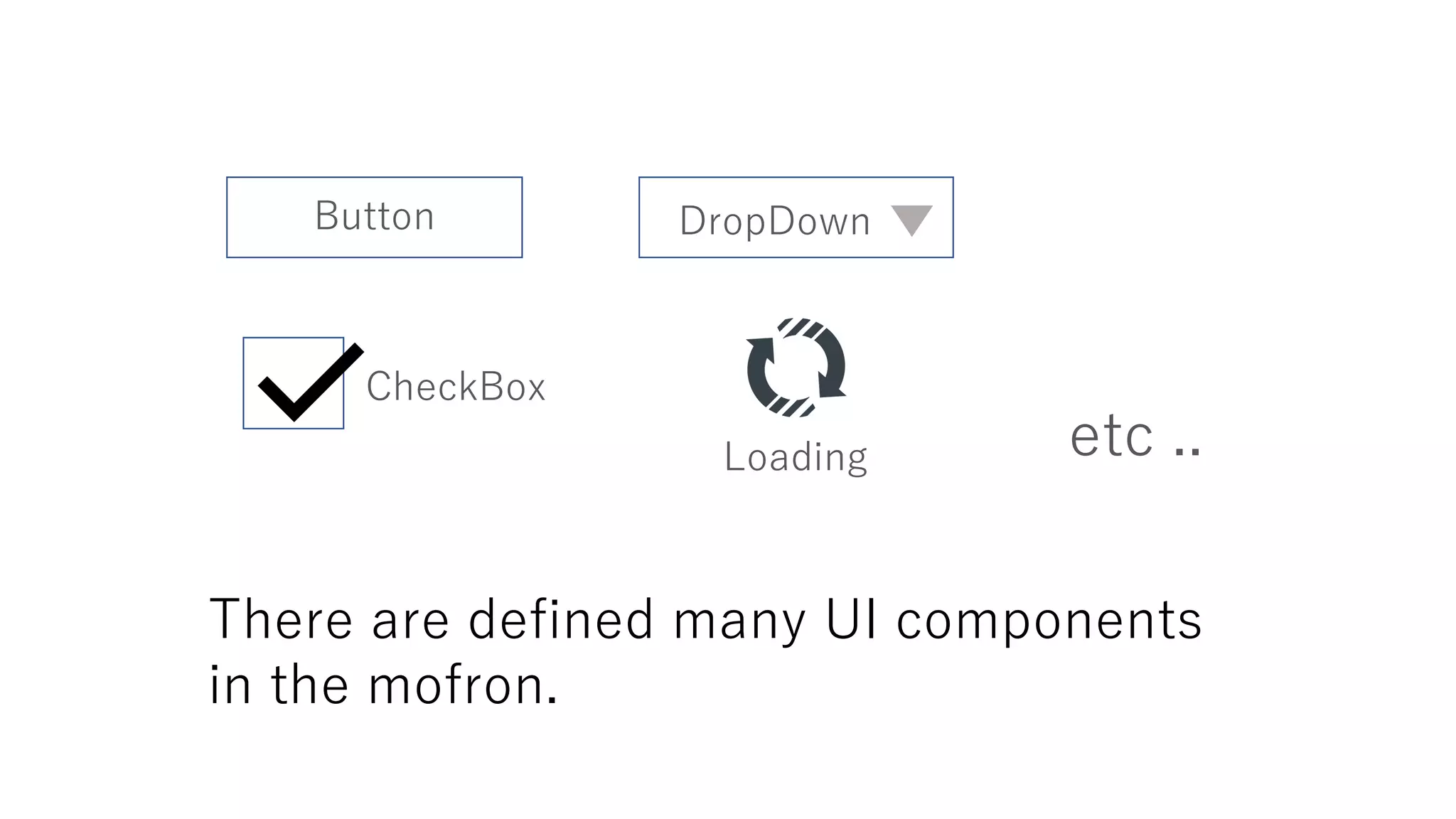
There are defined many UI components
in the mofron.
Button
CheckBox
DropDown
etc ..Loading
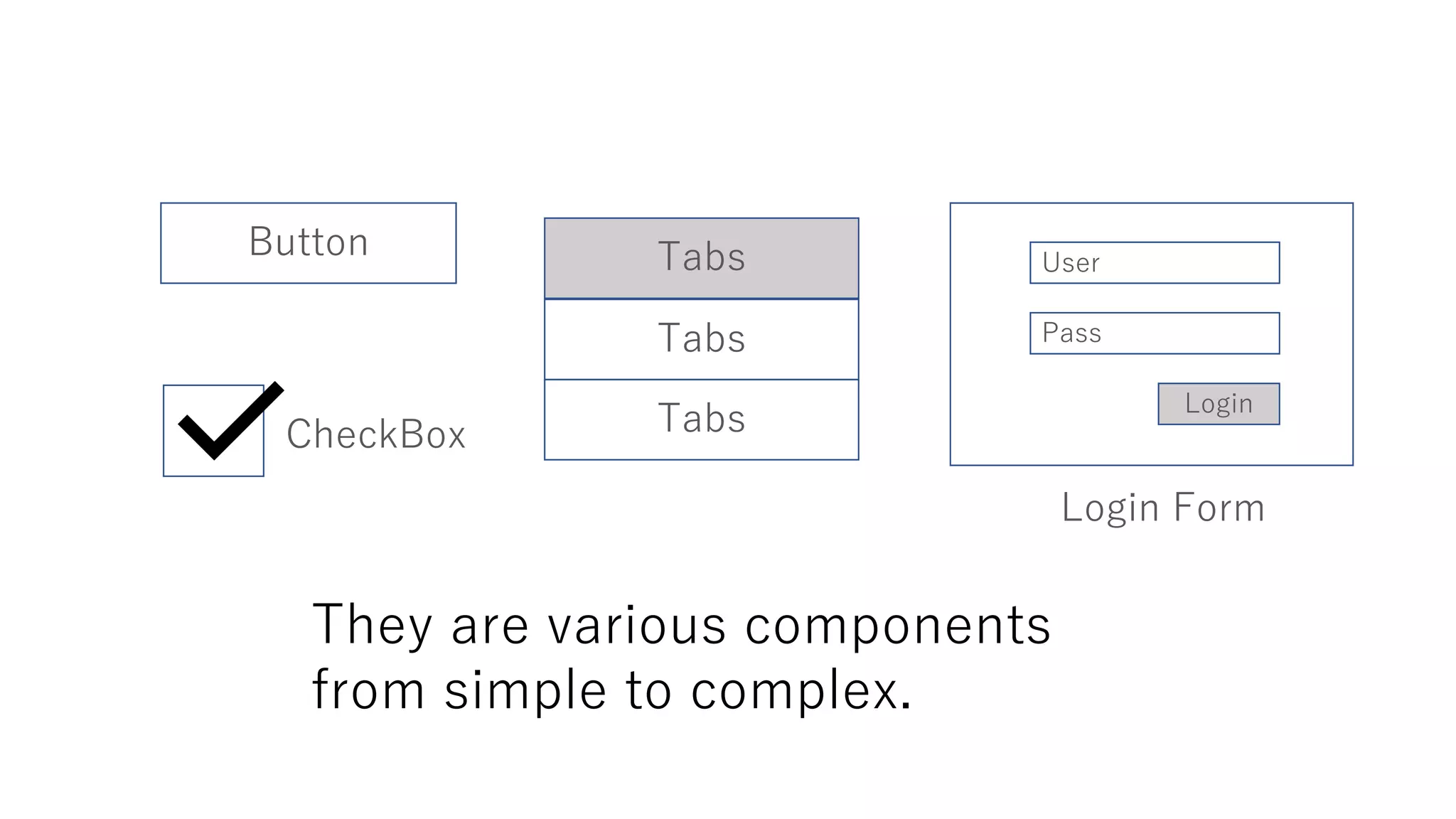
They are various components
from simple to complex.
Button
CheckBox
Tabs
Tabs
Tabs
Login Form
User
Pass
Login
Button
Tab
Tab
Tab
User
Pass
Login
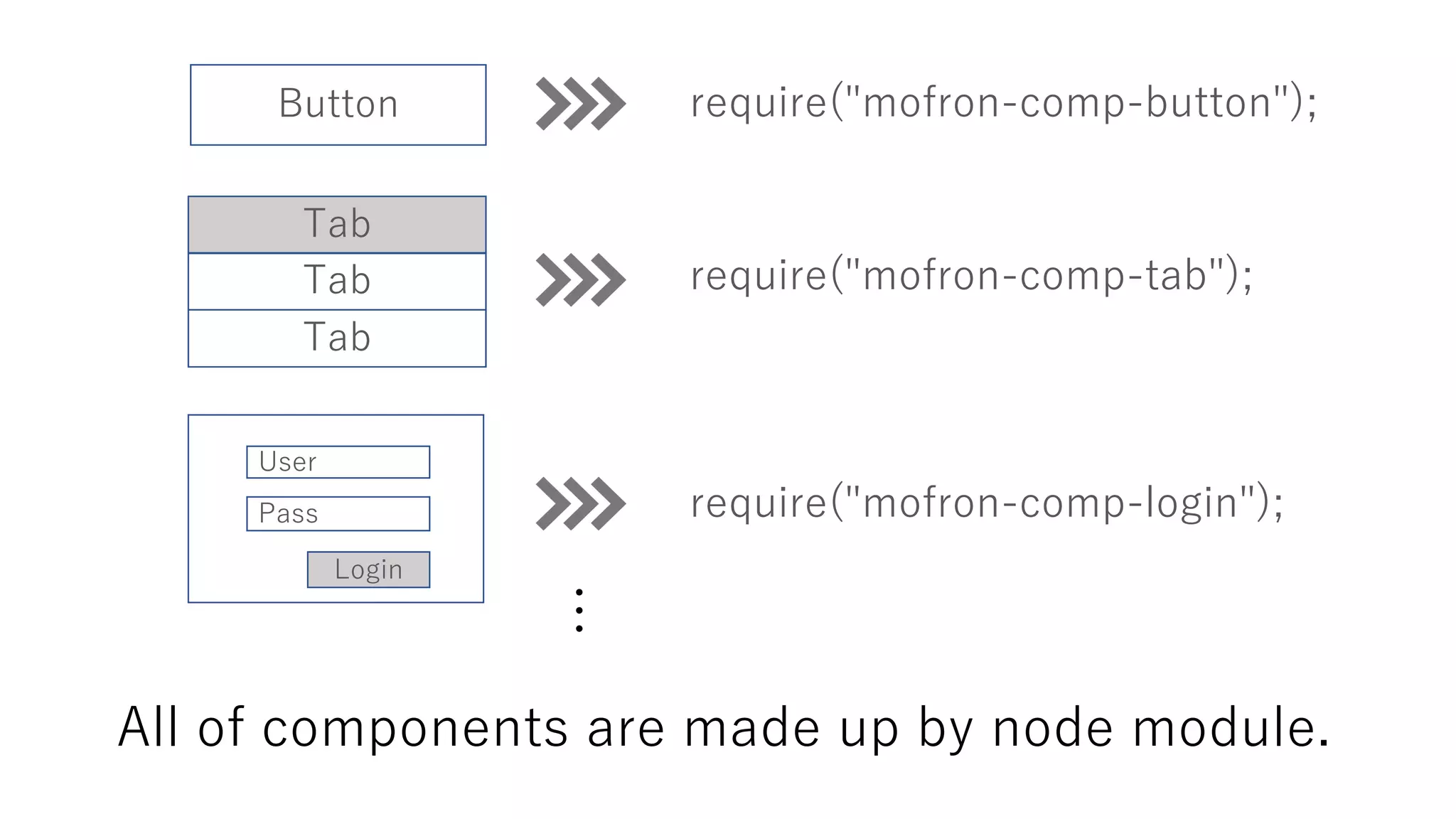
require("mofron-comp-button");
require("mofron-comp-tab");
require("mofron-comp-login");
All of components are made up by node module.
…
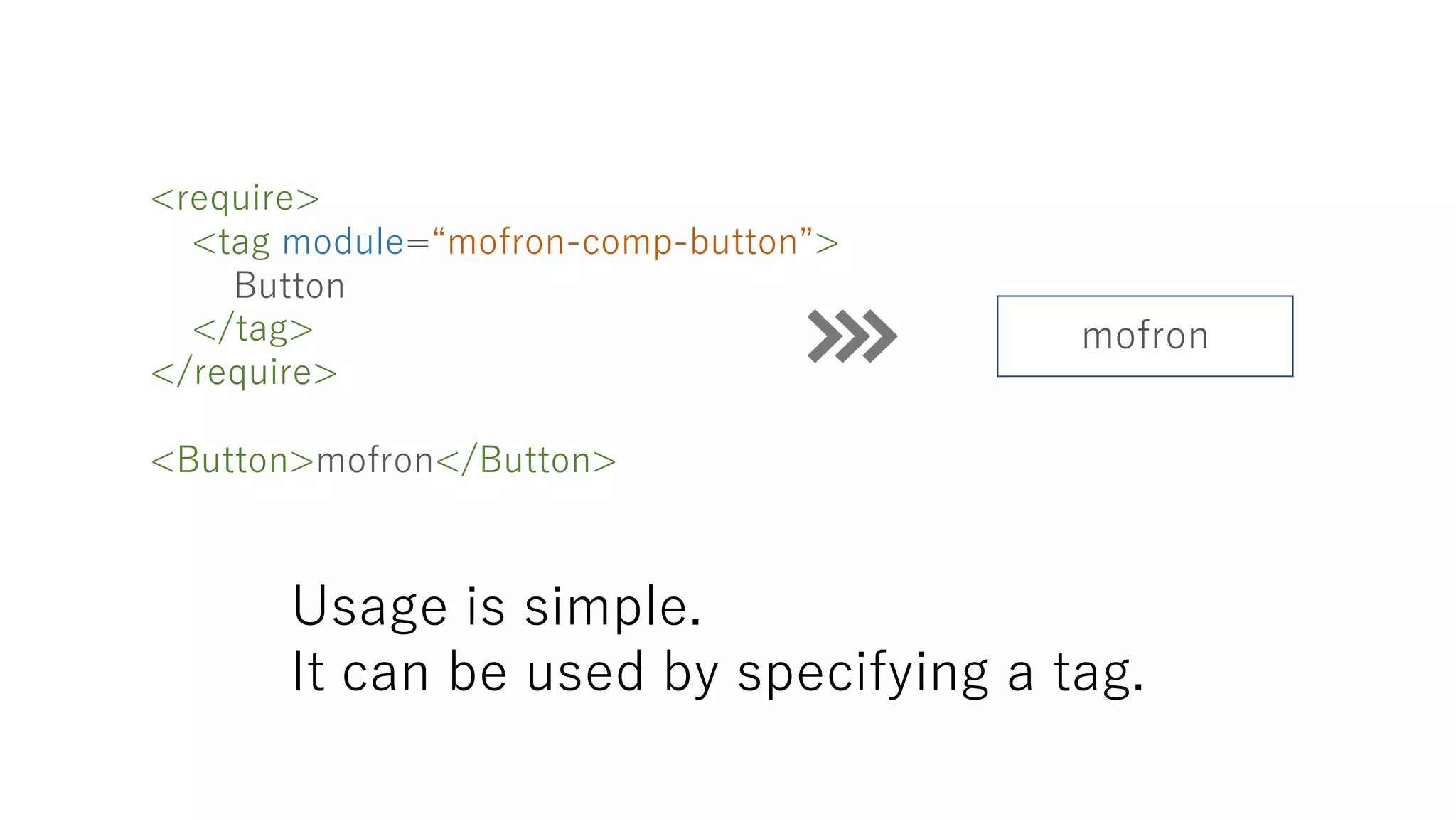
Usage is simple.
It can be used by specifying a tag.
<require>
<tag module=“mofron-comp-button”>
Button
</tag>
</require>
<Button>mofron</Button>
mofron
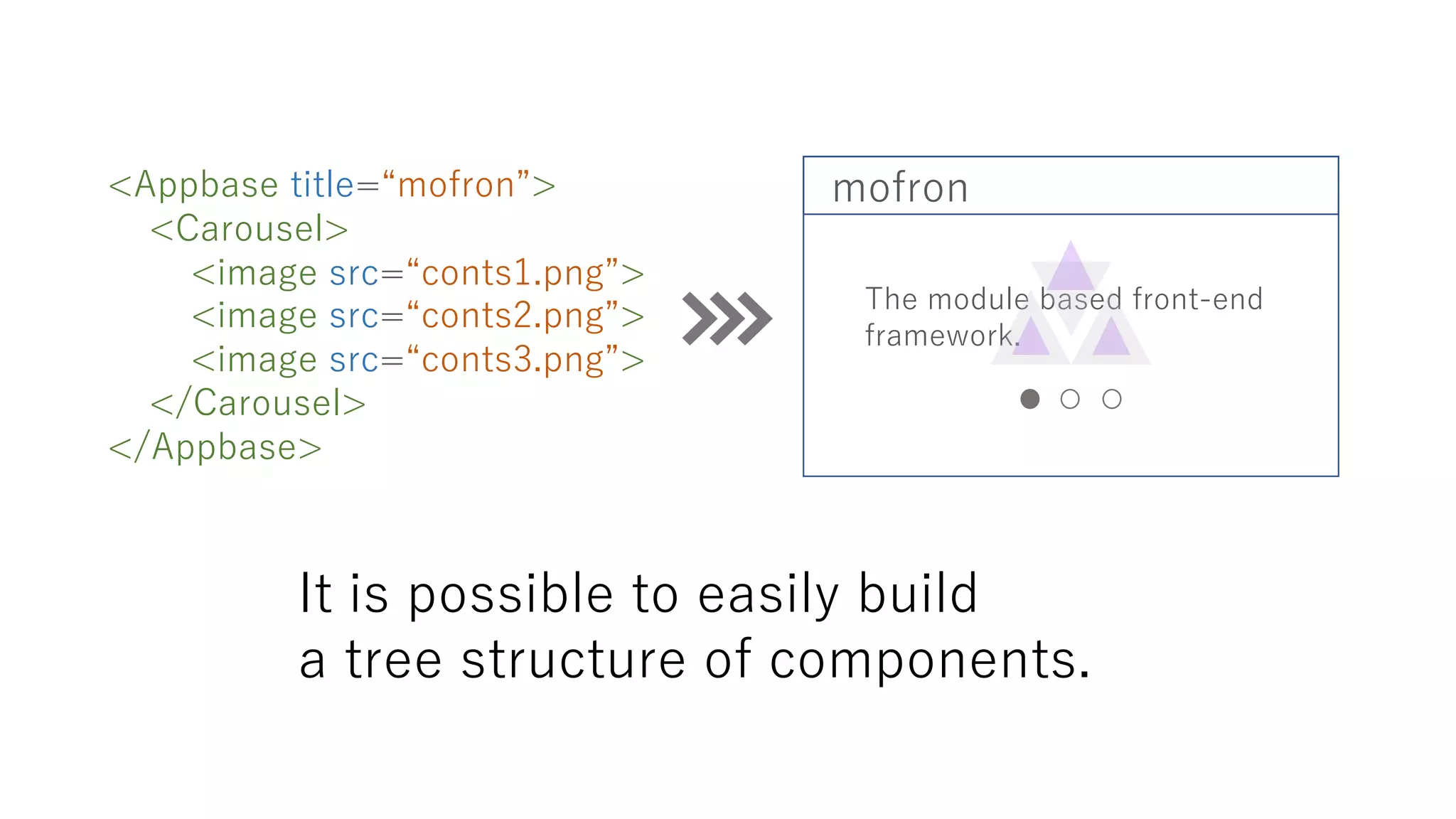
It is possible to easily build
a tree structure of components.
<Appbase title=“mofron”>
<Carousel>
<image src=“conts1.png”>
<image src=“conts2.png”>
<image src=“conts3.png”>
</Carousel>
</Appbase>
mofron
The module based front-end
framework.
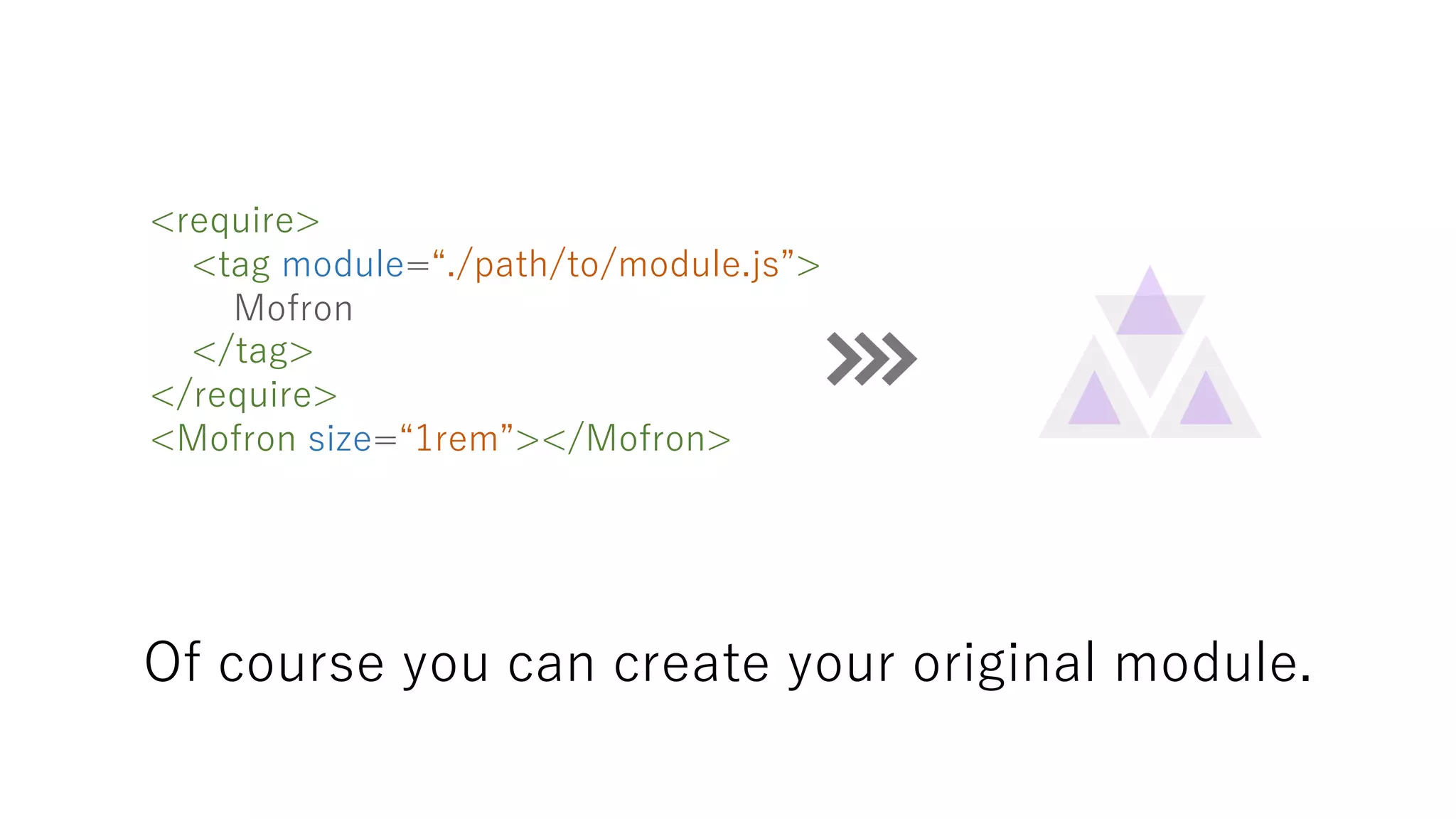
Of course you can create your original module.
<require>
<tag module=“./path/to/module.js”>
Mofron
</tag>
</require>
<Mofron size=“1rem”></Mofron>
https://github.com/mofron/mofron
Letʼs try mofron

Module based