A Successful migration from
ElasticSearch to ClickHouse
Agenda
What are we doing at Contentsquare
What have we done with ClickHouse
Our challenges during this migration
Who are
we ?
Christophe Kalenzaga
Data Engineer
Vianney Foucault
Platform Engineer
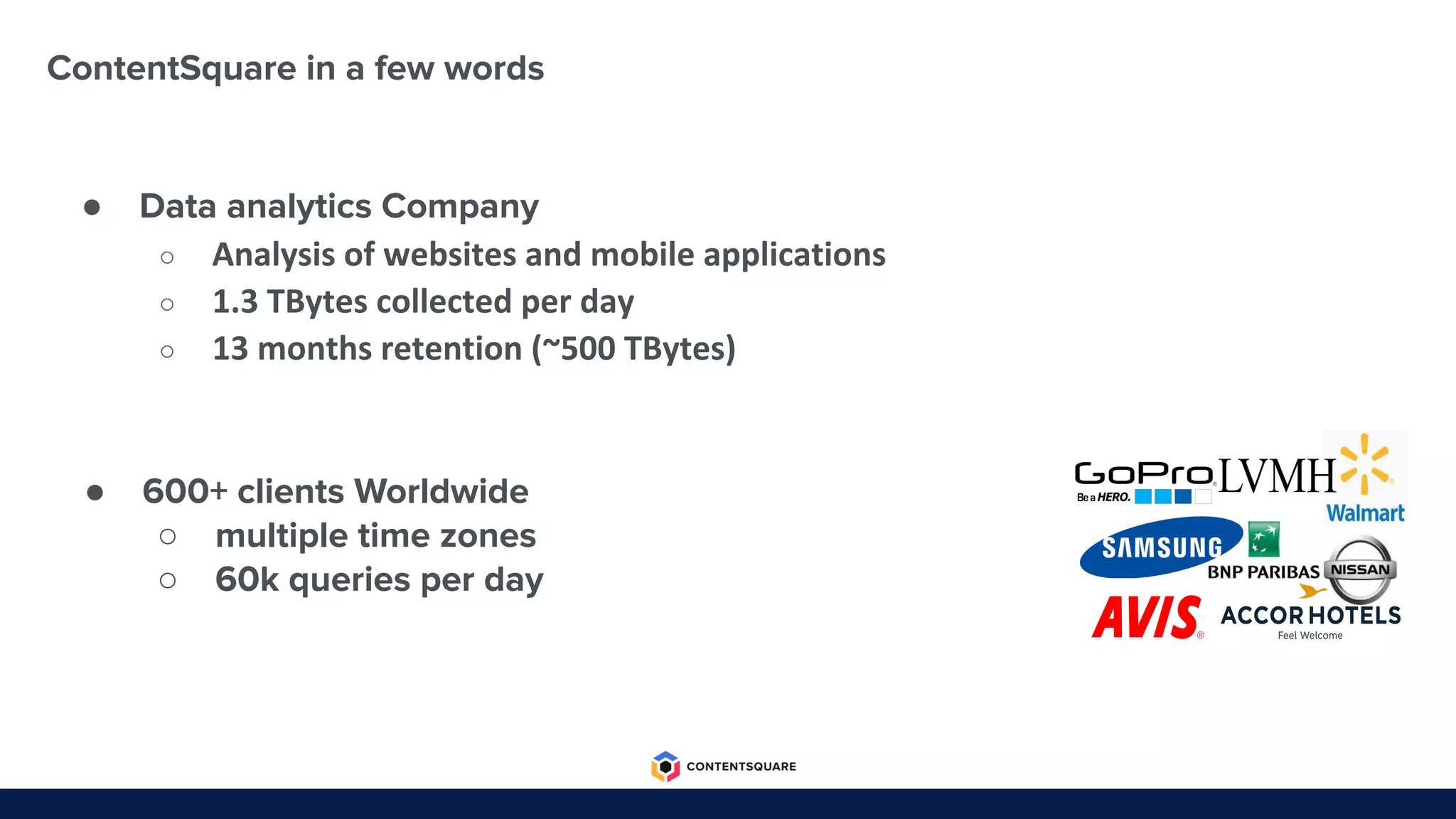
ContentSquare in a few words
● Data analytics Company
○ Analysis of websites and mobile applications
○ 1.3 TBytes collected per day
○ 13 months retention (~500 TBytes)
● 600+ clients Worldwide
○ multiple time zones
○ 60k queries per day
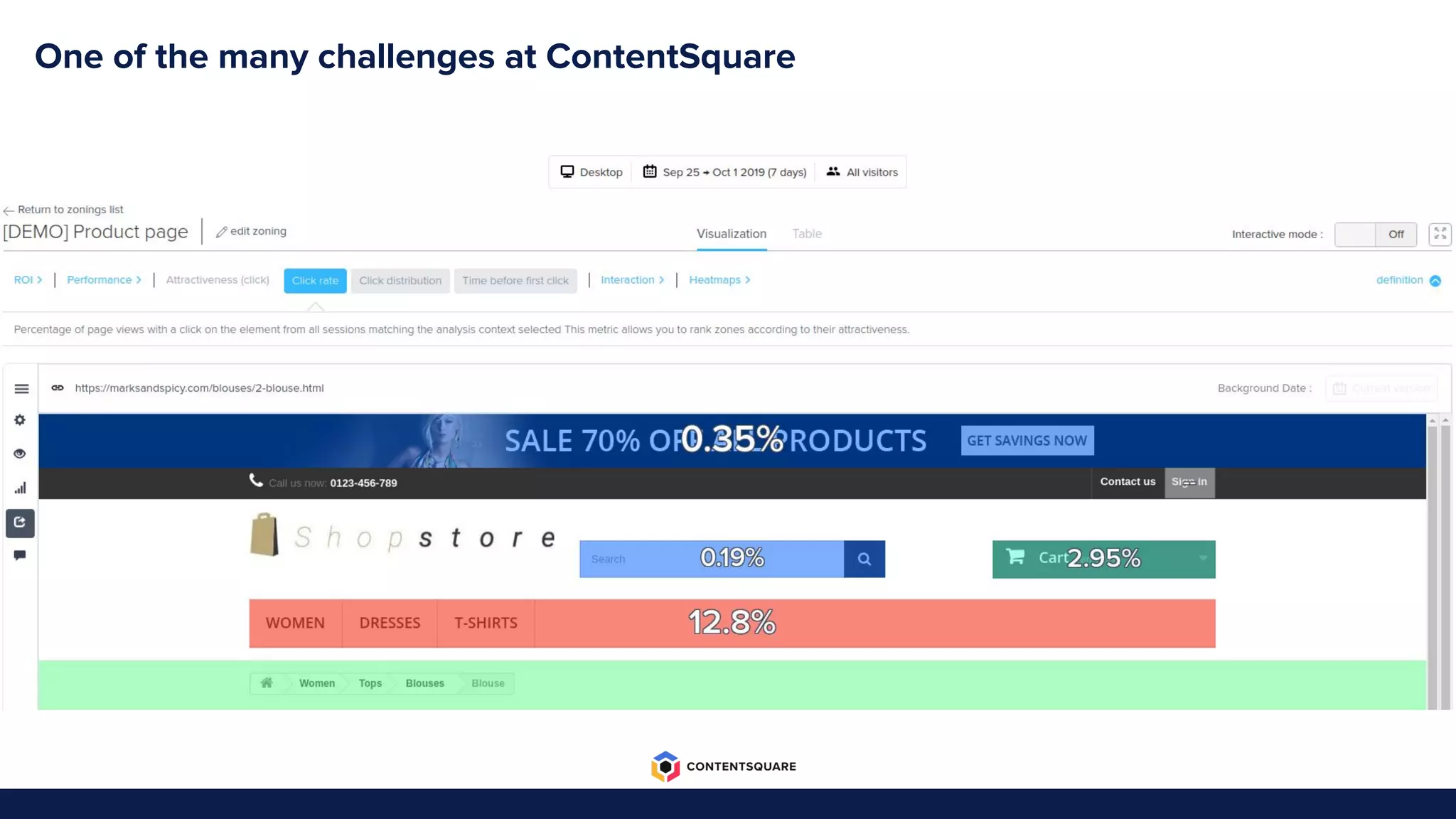
One of the many challenges at ContentSquare
The road from
ElasticSearch to ClickHouse
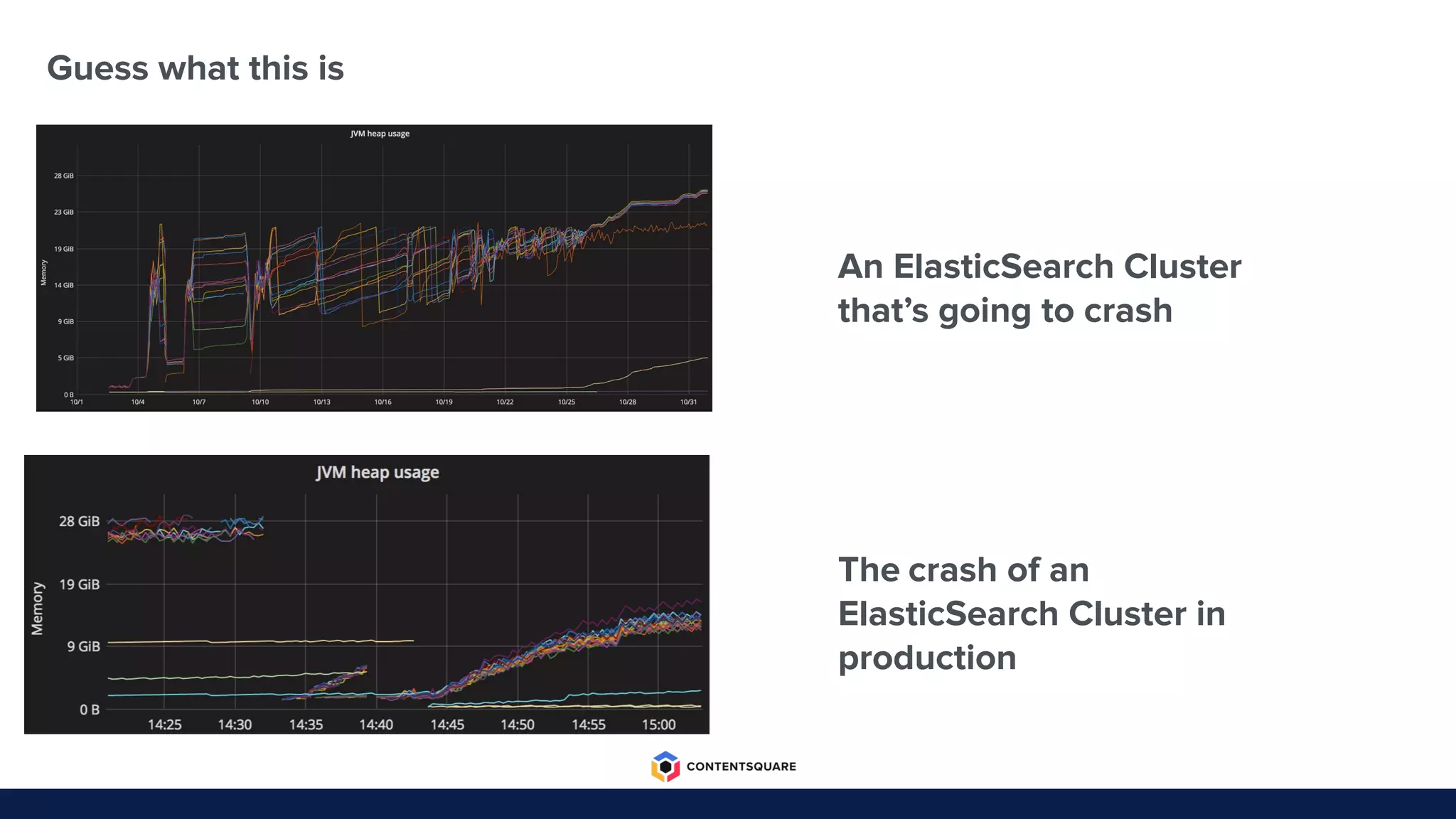
An ElasticSearch Cluster
that’s going to crash
The crash of an
ElasticSearch Cluster in
production
Guess what this is
Reasons to leave ElasticSearch
● Stability
● Cost
● Scalability
● Analytics features
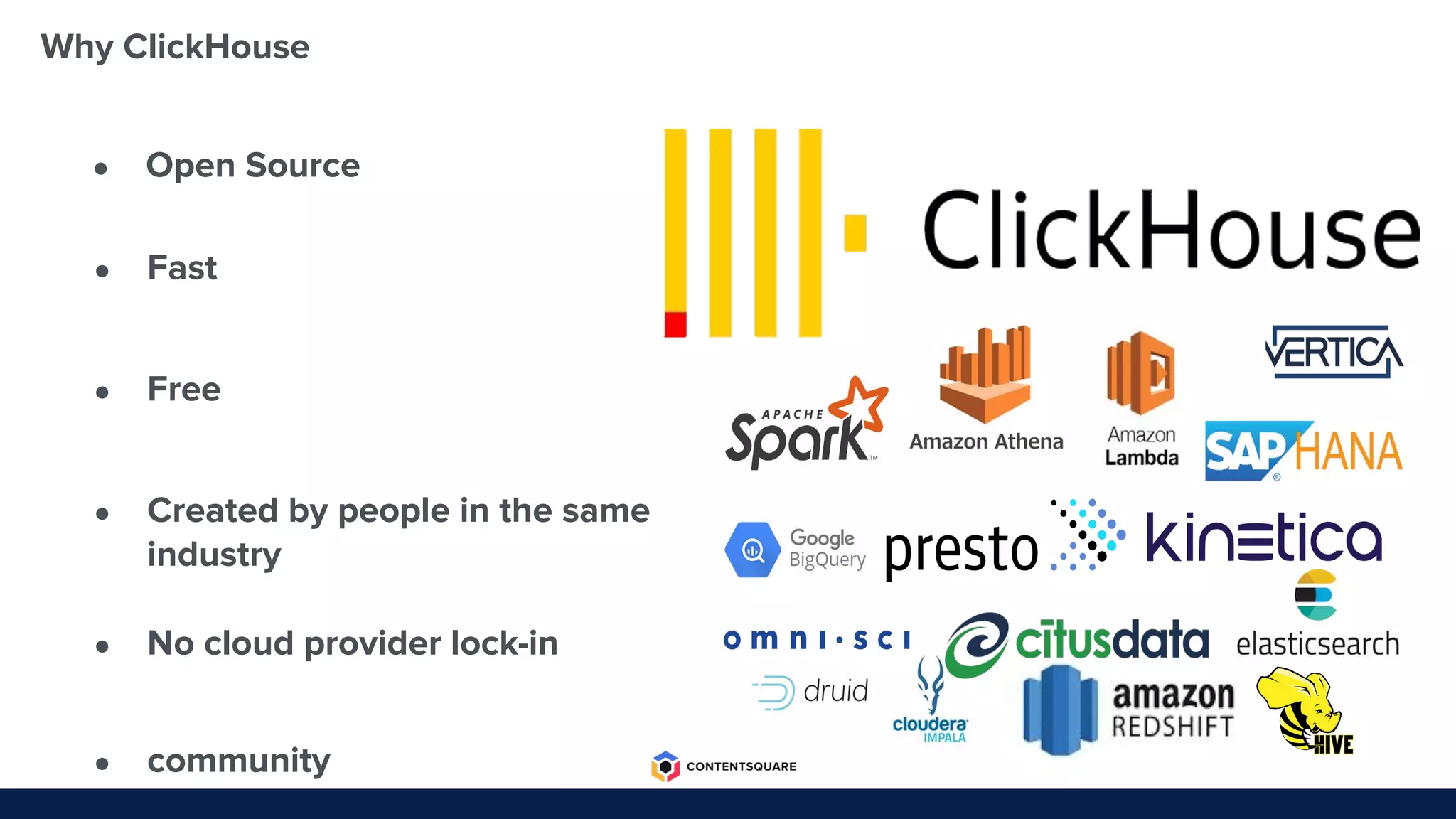
Why ClickHouse
● Fast
● Free
● Created by people in the same
industry
● No cloud provider lock-in
● community
● Open Source
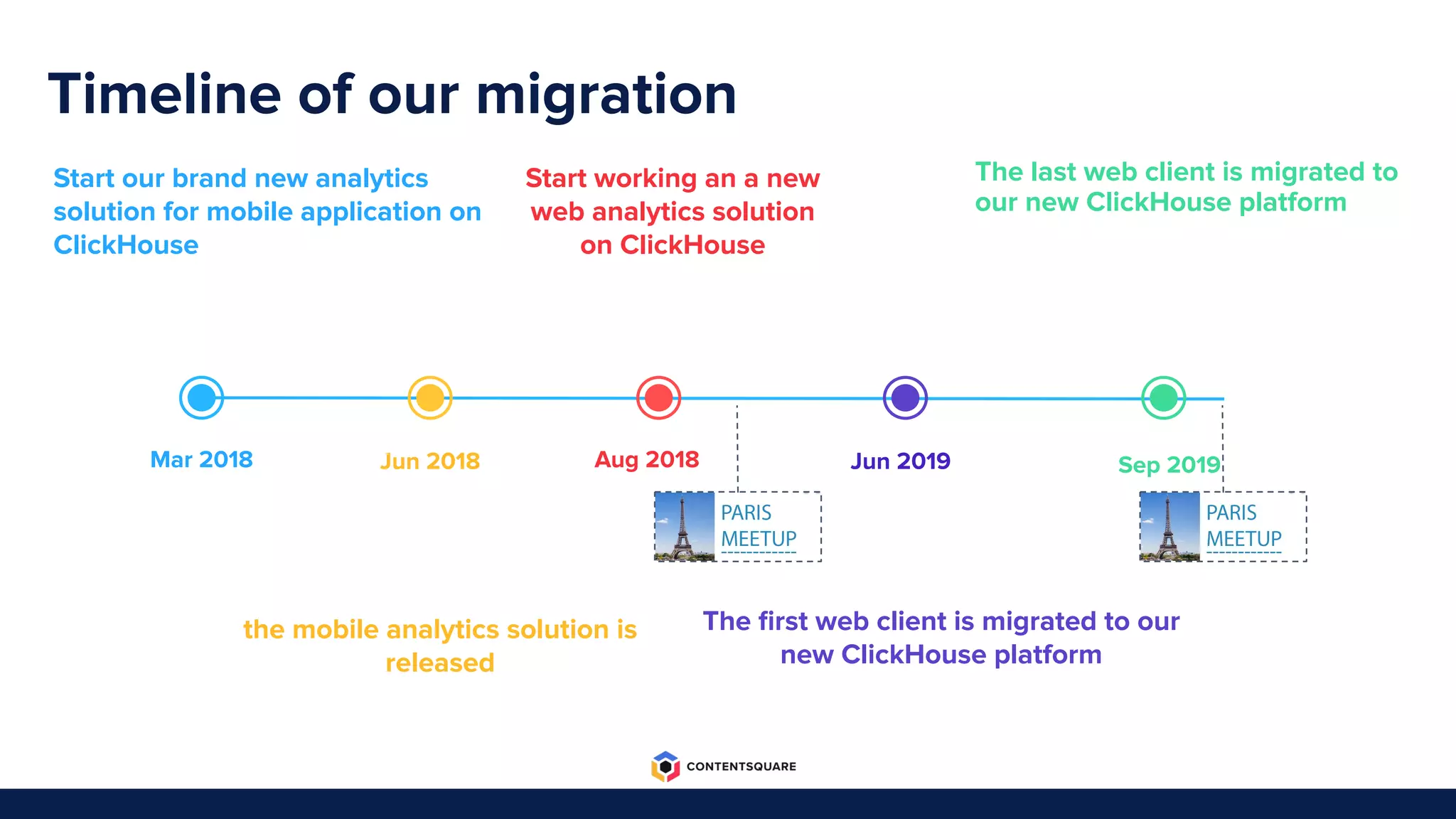
Timeline of our migration
Sep 2019Jun 2019Aug 2018Jun 2018Mar 2018
Start working an a new
web analytics solution
on ClickHouse
The last web client is migrated to
our new ClickHouse platform
The first web client is migrated to our
new ClickHouse platform
Start our brand new analytics
solution for mobile application on
ClickHouse
the mobile analytics solution is
released
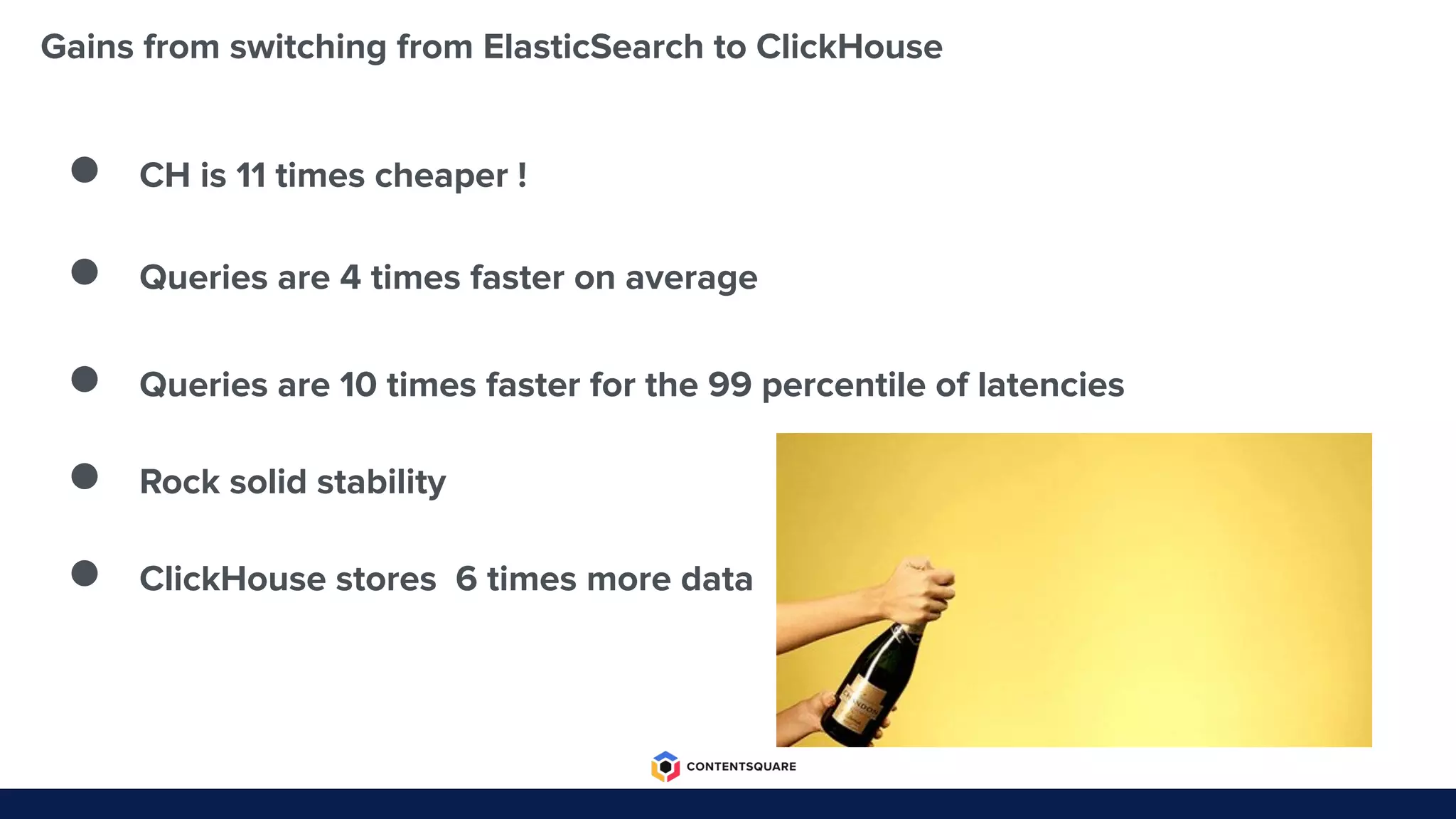
Gains from switching from ElasticSearch to ClickHouse
● CH is 11 times cheaper !
● Queries are 4 times faster on average
● Queries are 10 times faster for the 99 percentile of latencies
● Rock solid stability
● ClickHouse stores 6 times more data
First Challenge
How to reduce the overhead of the
insertion?
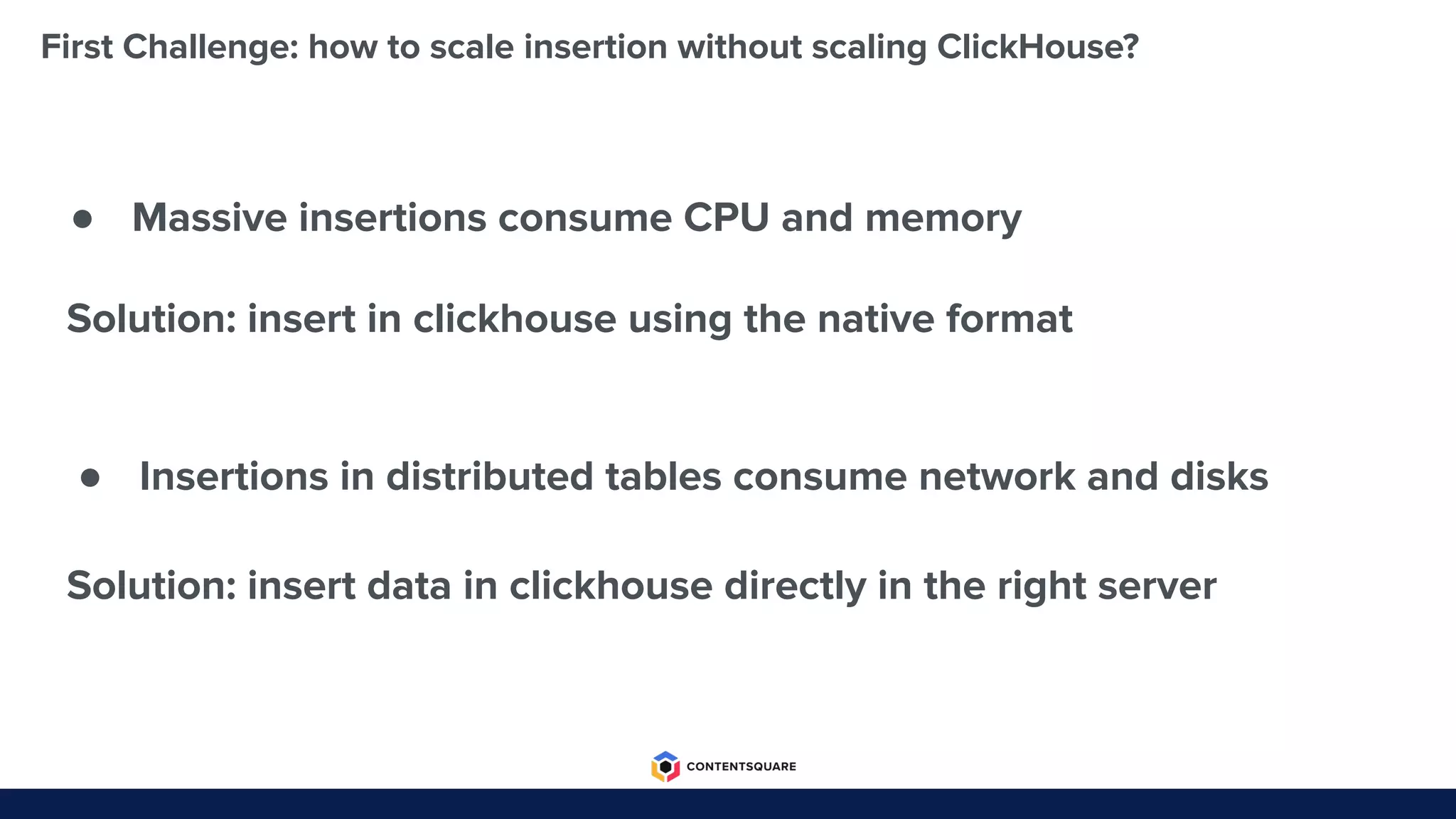
First Challenge: how to scale insertion without scaling ClickHouse?
● Massive insertions consume CPU and memory
● Insertions in distributed tables consume network and disks
Solution: insert in clickhouse using the native format
Solution: insert data in clickhouse directly in the right server
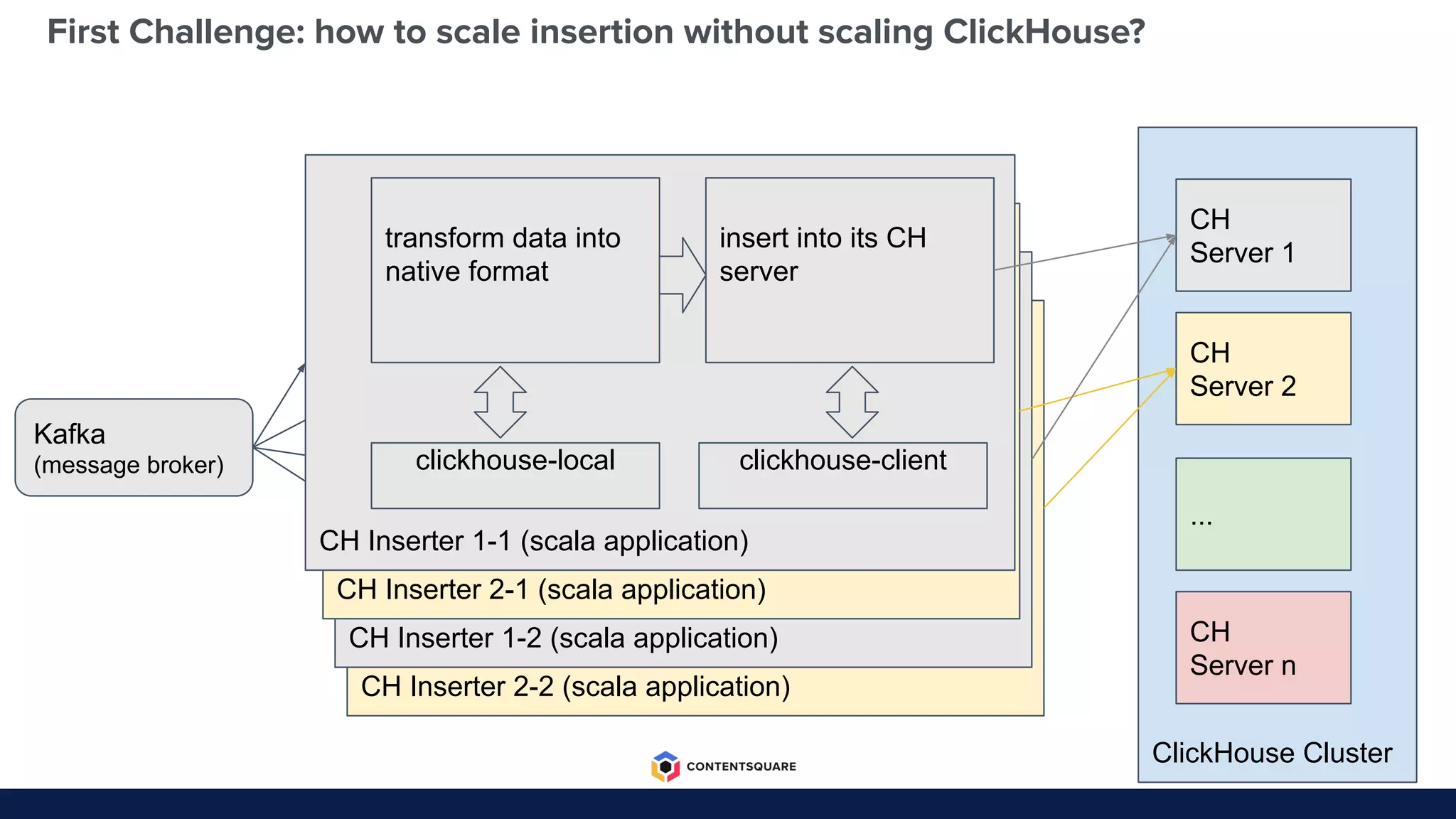
CH Inserter 2-2 (scala application)
CH Inserter 1-2 (scala application)
ClickHouse Cluster
First Challenge: how to scale insertion without scaling ClickHouse?
CH
Server 1
CH
Server 2
CH
Server n
...
Kafka
(message broker)
CH Inserter 2-1 (scala application)
CH Inserter 1-1 (scala application)
transform data into
native format
insert into its CH
server
clickhouse-local clickhouse-client
Second Challenge
How to design queries?
Second Challenge: how to design optimized queries?
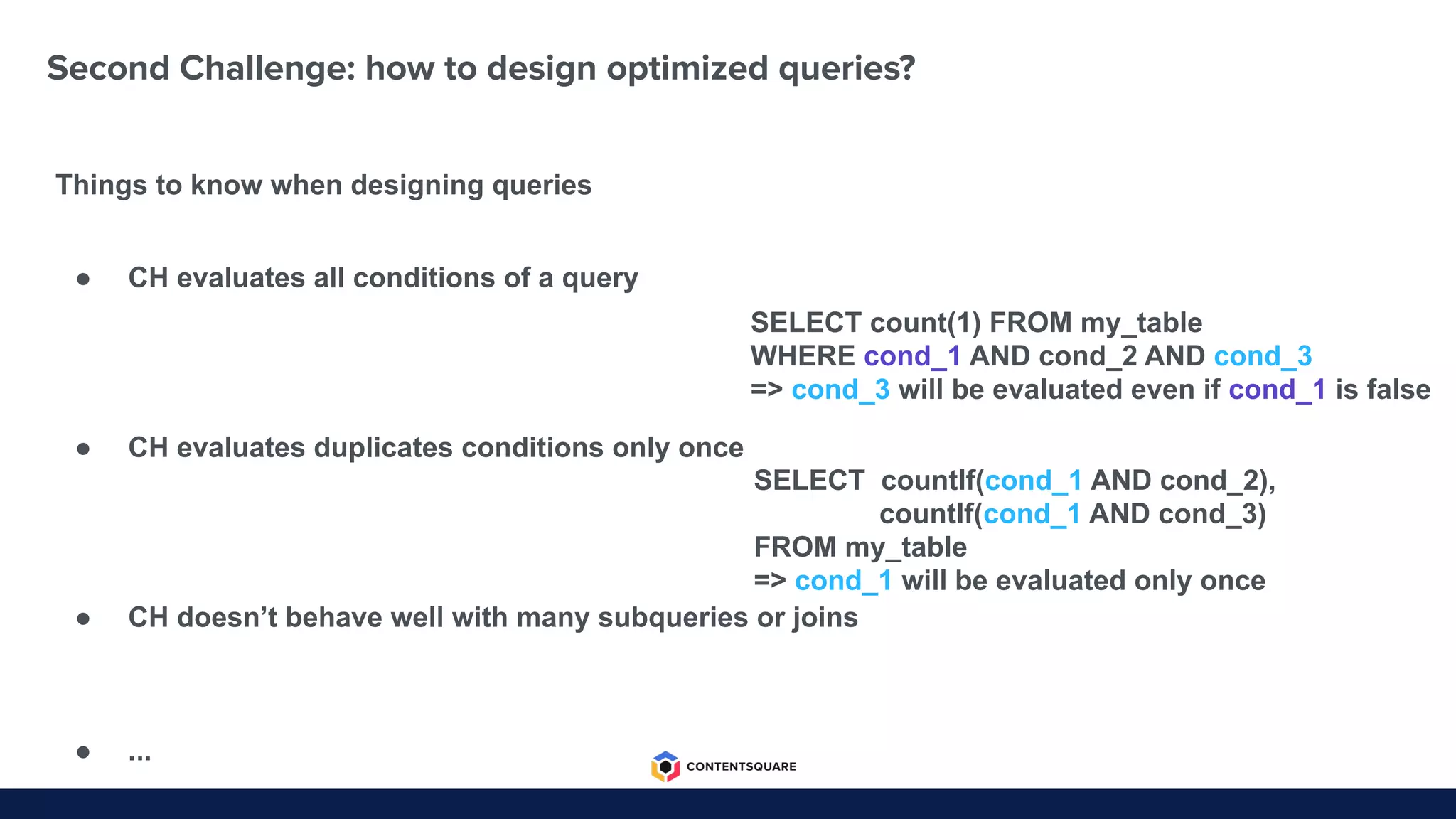
Things to know when designing queries
SELECT count(1) FROM my_table
WHERE cond_1 AND cond_2 AND cond_3
=> cond_3 will be evaluated even if cond_1 is false
SELECT countIf(cond_1 AND cond_2),
countIf(cond_1 AND cond_3)
FROM my_table
=> cond_1 will be evaluated only once
● CH evaluates all conditions of a query
● CH evaluates duplicates conditions only once
● CH doesn’t behave well with many subqueries or joins
● ...
Second Challenge: how to design optimized queries?
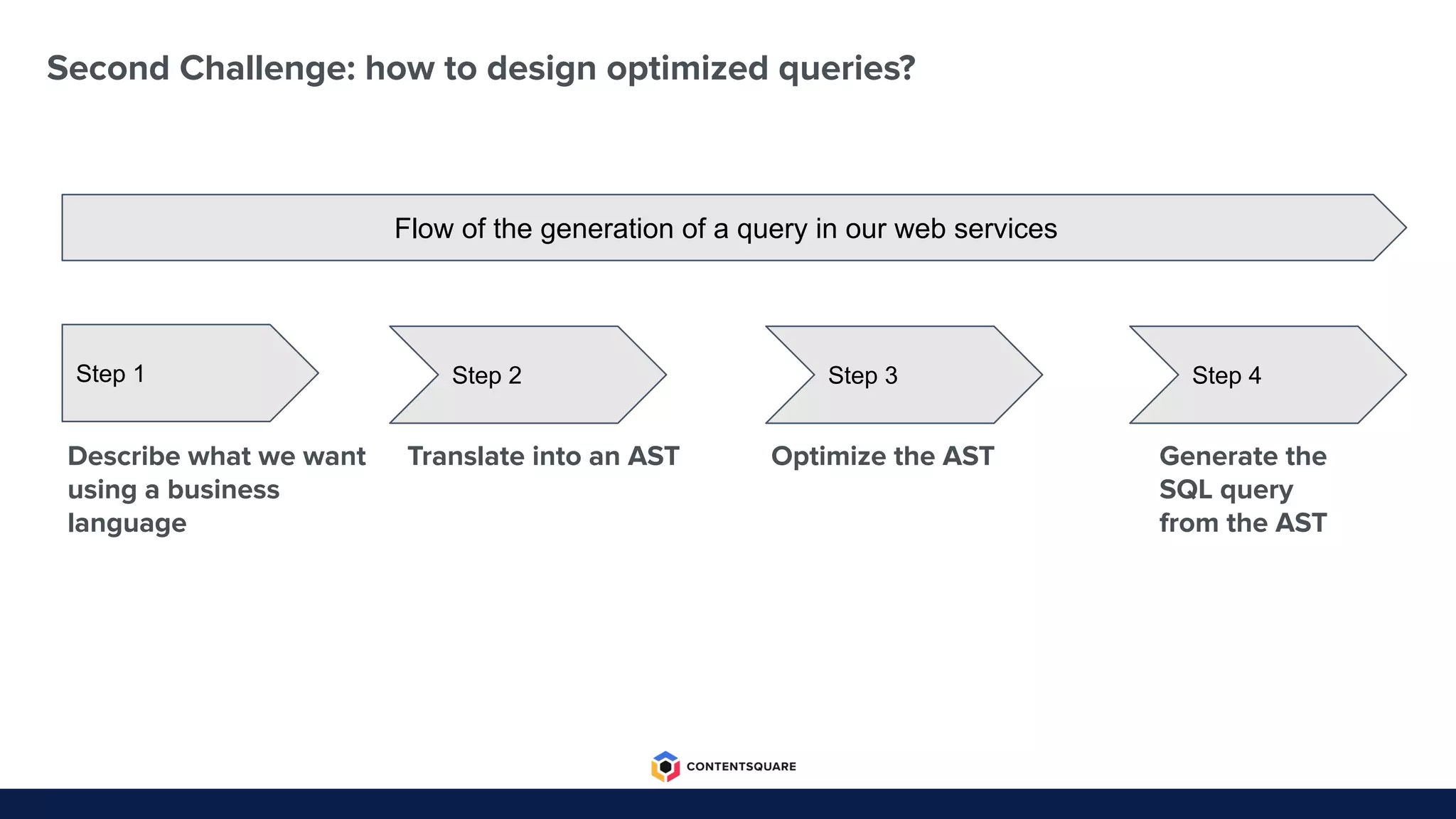
Step 1
Describe what we want
using a business
language
Step 2
Translate into an AST
Step 3
Optimize the AST
Step 4
Generate the
SQL query
from the AST
Flow of the generation of a query in our web services
Third Challenge
How to reduce storage costs?
Third Challenge: how to reduce storage costs?
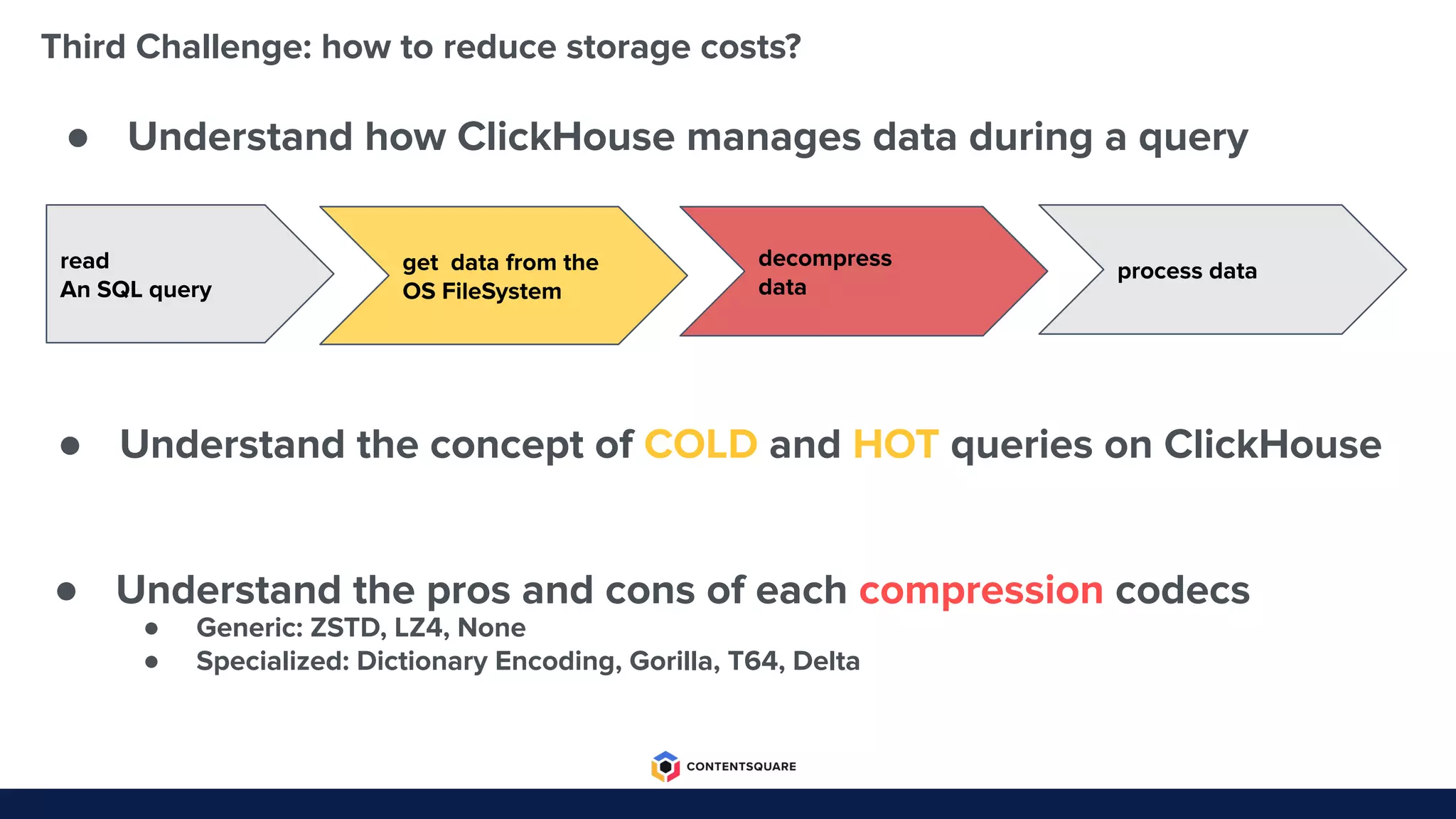
● Understand the concept of COLD and HOT queries on ClickHouse
● Understand the pros and cons of each compression codecs
● Understand how ClickHouse manages data during a query
read
An SQL query
get data from the
OS FileSystem
decompress
data
process data
● Generic: ZSTD, LZ4, None
● Specialized: Dictionary Encoding, Gorilla, T64, Delta
Third Challenge: how to reduce storage costs?
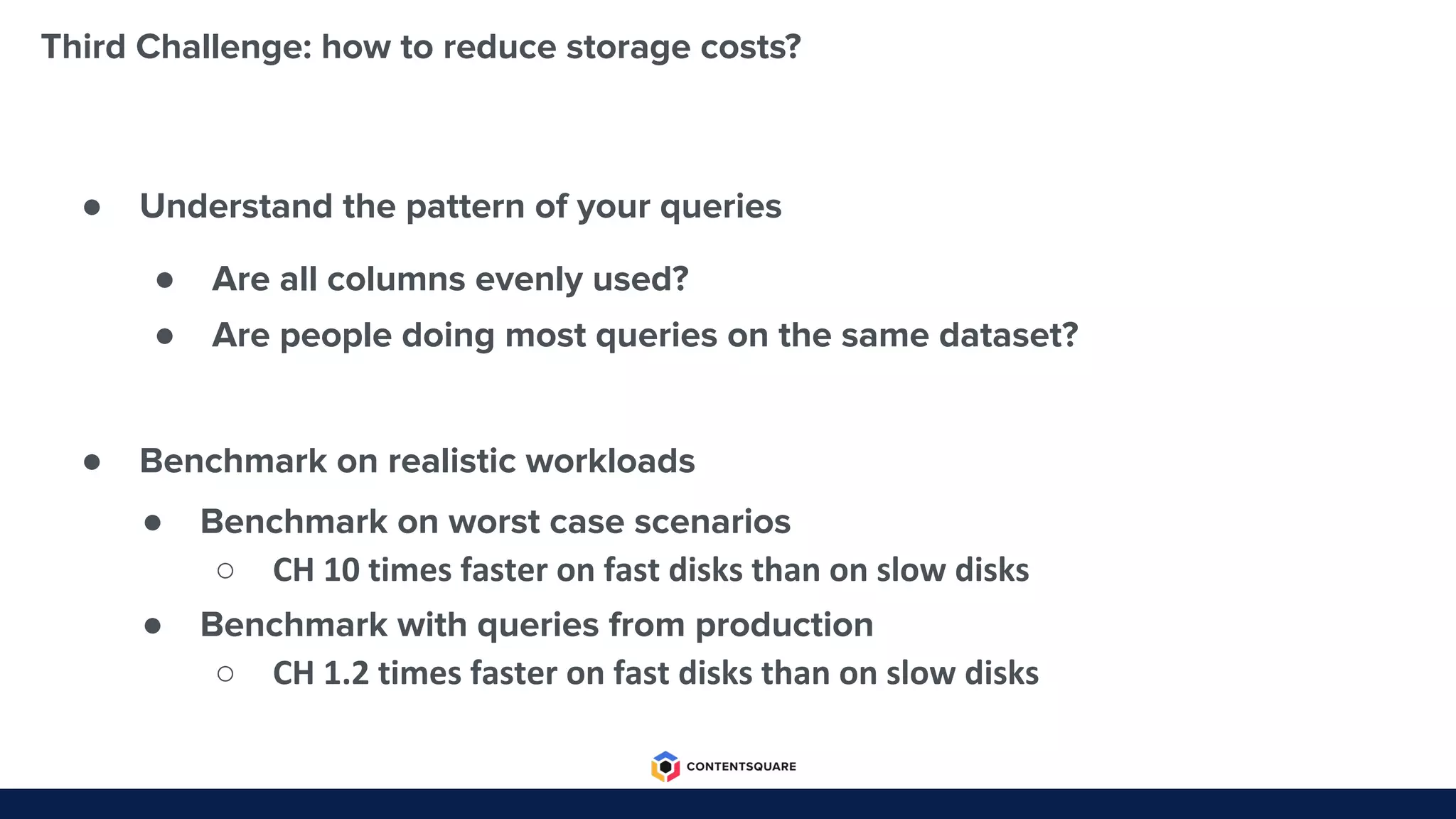
● Understand the pattern of your queries
● Benchmark on realistic workloads
● Are all columns evenly used?
● Are people doing most queries on the same dataset?
● Benchmark on worst case scenarios
○ CH 10 times faster on fast disks than on slow disks
● Benchmark with queries from production
○ CH 1.2 times faster on fast disks than on slow disks
Fourth Challenge
How to avoid functional regression?
Forth Challenge: how to avoid functional regression?
● Major reasons for regressions
● Difficulties to spot regressions
Forth Challenge: how to avoid functional regression?
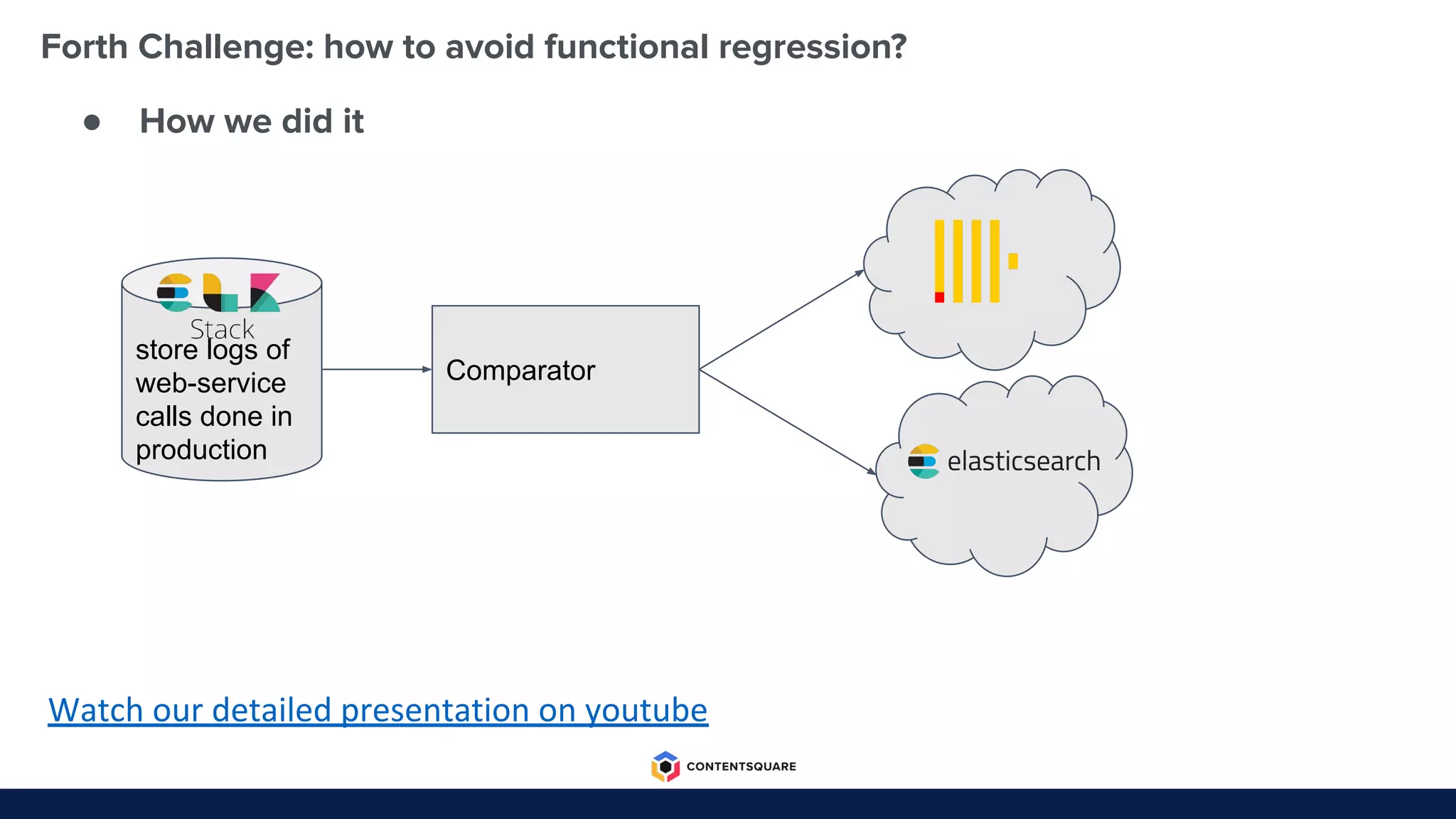
● How we did it
Watch our detailed presentation on youtube
store logs of
web-service
calls done in
production
Comparator
Fifth Challenge
How to make ClickHouse production
ready?
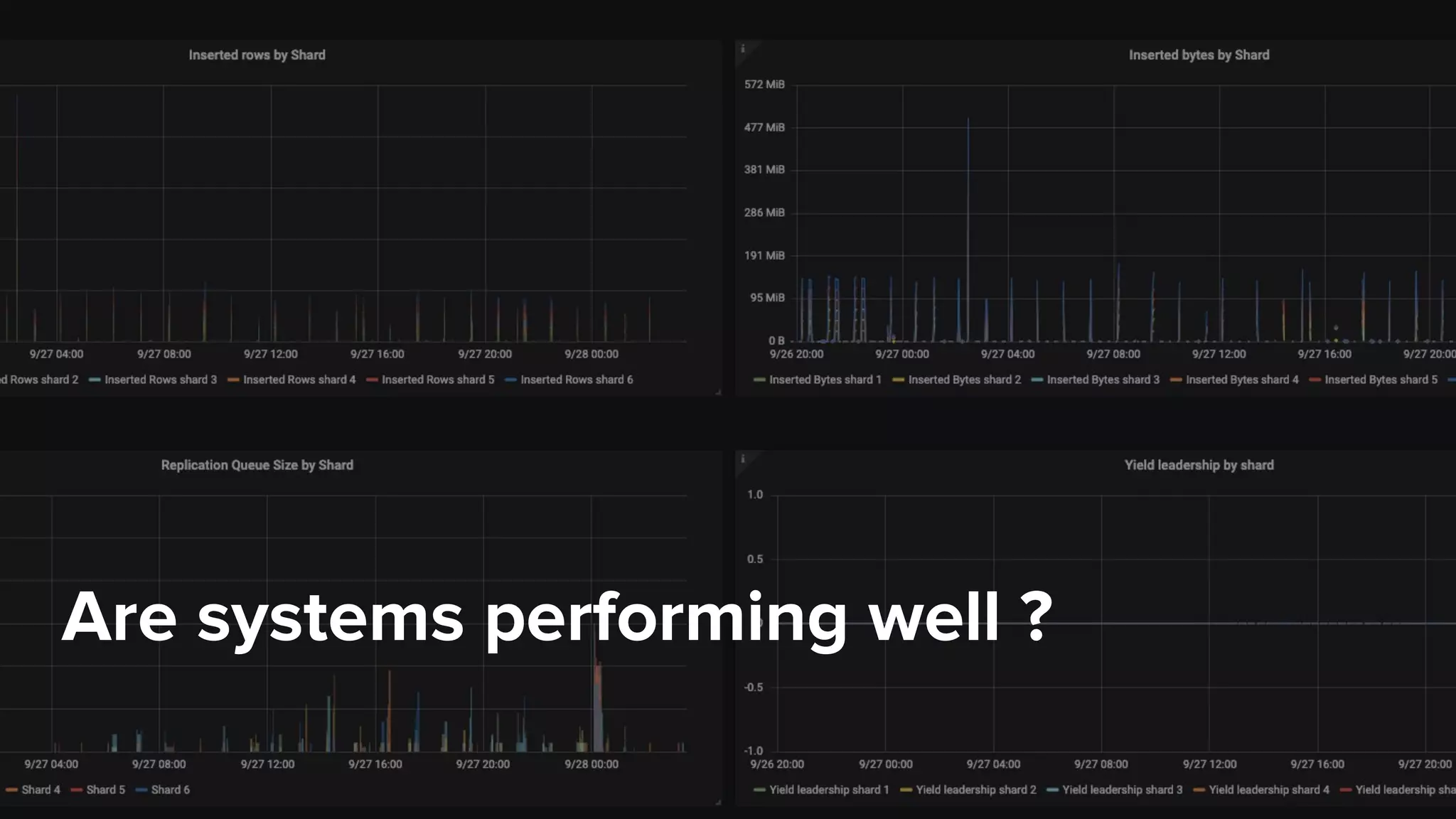
Are systems performing well ?
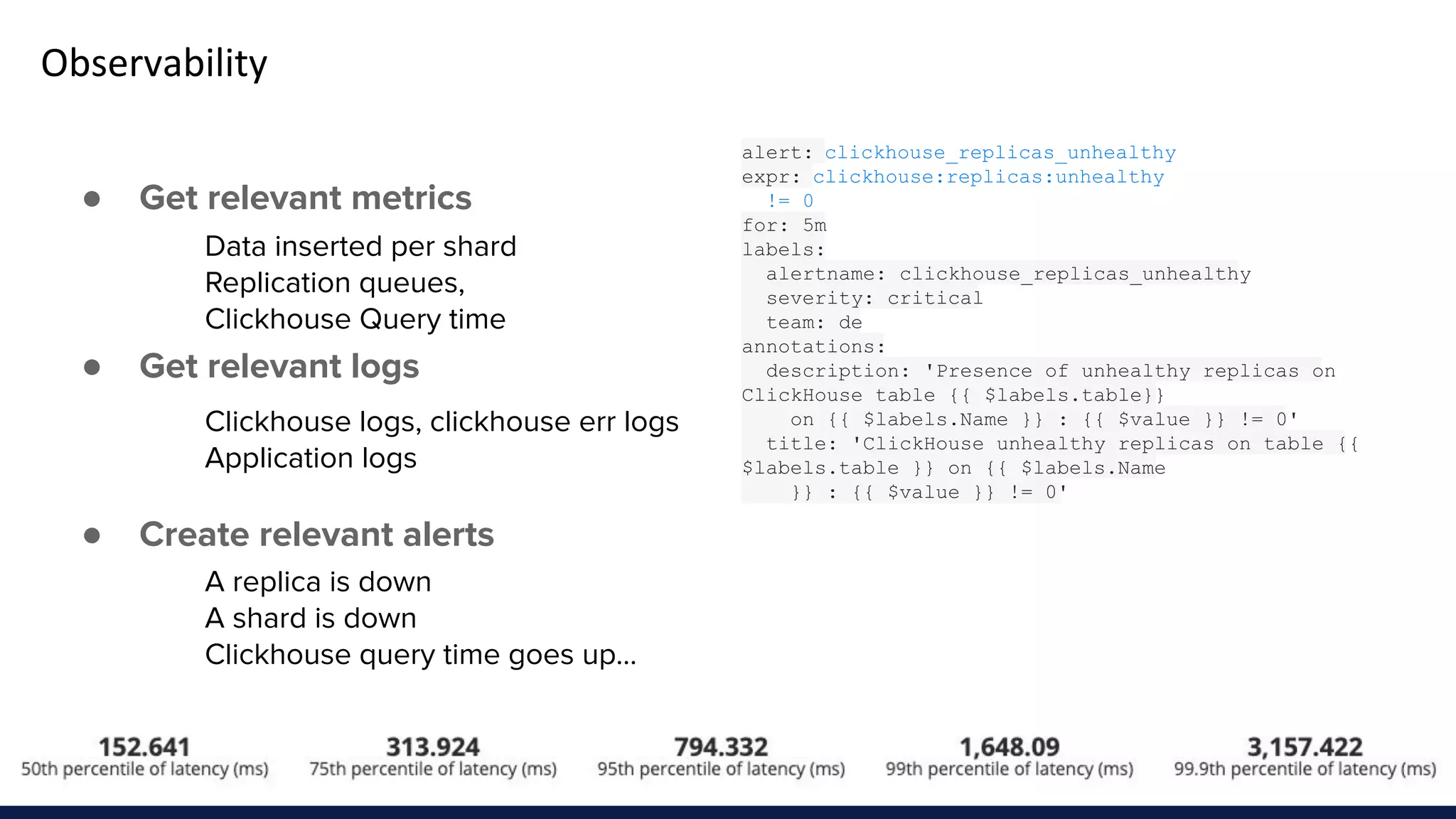
Observability
● Get relevant metrics
● Get relevant logs
● Create relevant alerts
Data inserted per shard
Replication queues,
Clickhouse Query time
Clickhouse logs, clickhouse err logs
Application logs
A replica is down
A shard is down
Clickhouse query time goes up...
alert: clickhouse_replicas_unhealthy
expr: clickhouse:replicas:unhealthy
!= 0
for: 5m
labels:
alertname: clickhouse_replicas_unhealthy
severity: critical
team: de
annotations:
description: 'Presence of unhealthy replicas on
ClickHouse table {{ $labels.table}}
on {{ $labels.Name }} : {{ $value }} != 0'
title: 'ClickHouse unhealthy replicas on table {{
$labels.table }} on {{ $labels.Name
}} : {{ $value }} != 0'
Prometheus / Alerts Manager
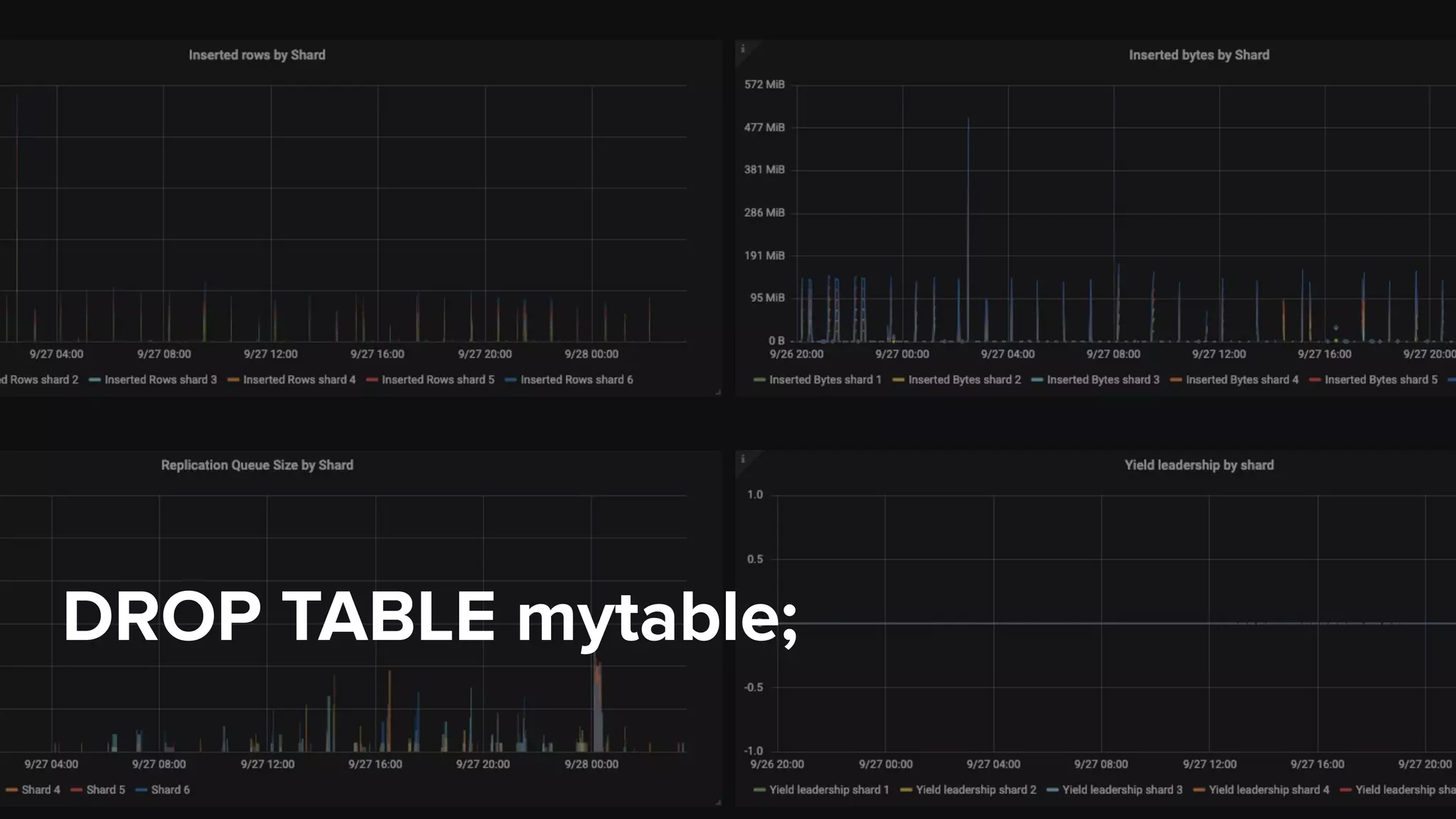
DROP TABLE mytable;
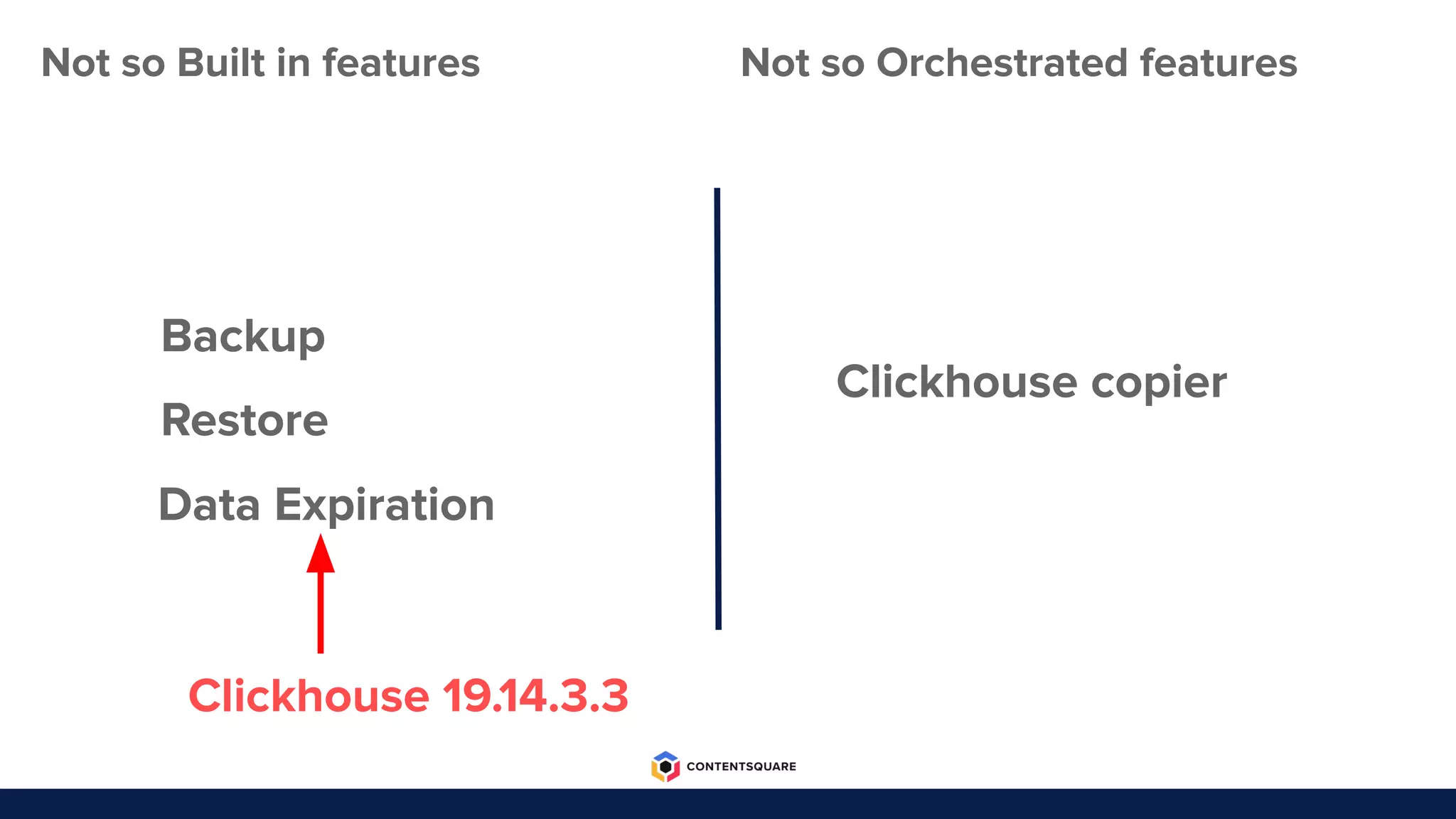
Not so Built in features
Backup
Restore
Not so Orchestrated features
Clickhouse copier
Data Expiration
Clickhouse 19.14.3.3
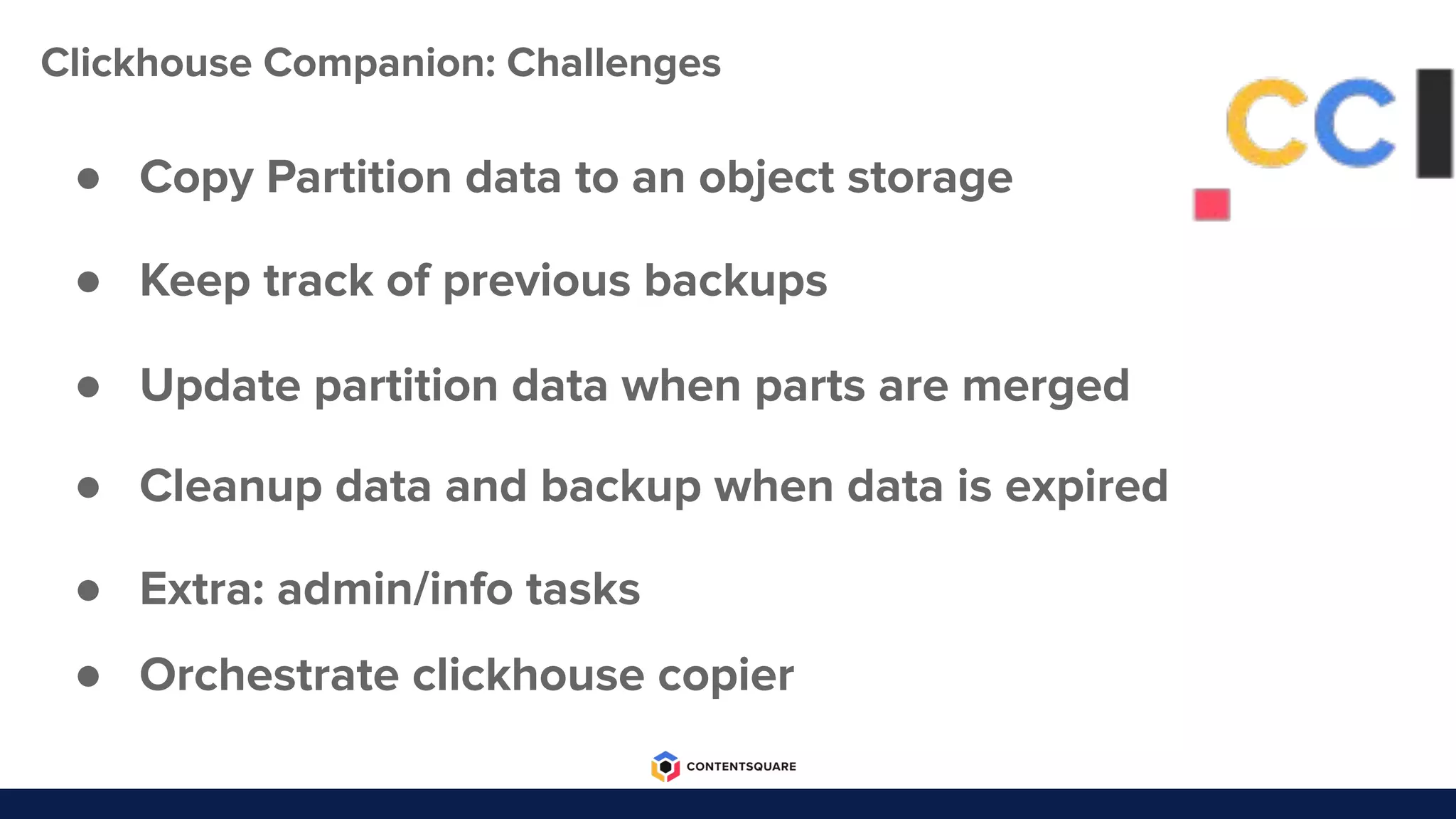
● Extra: admin/info tasks
● Copy Partition data to an object storage
● Update partition data when parts are merged
● Cleanup data and backup when data is expired
● Orchestrate clickhouse copier
● Keep track of previous backups
Clickhouse Companion: Challenges
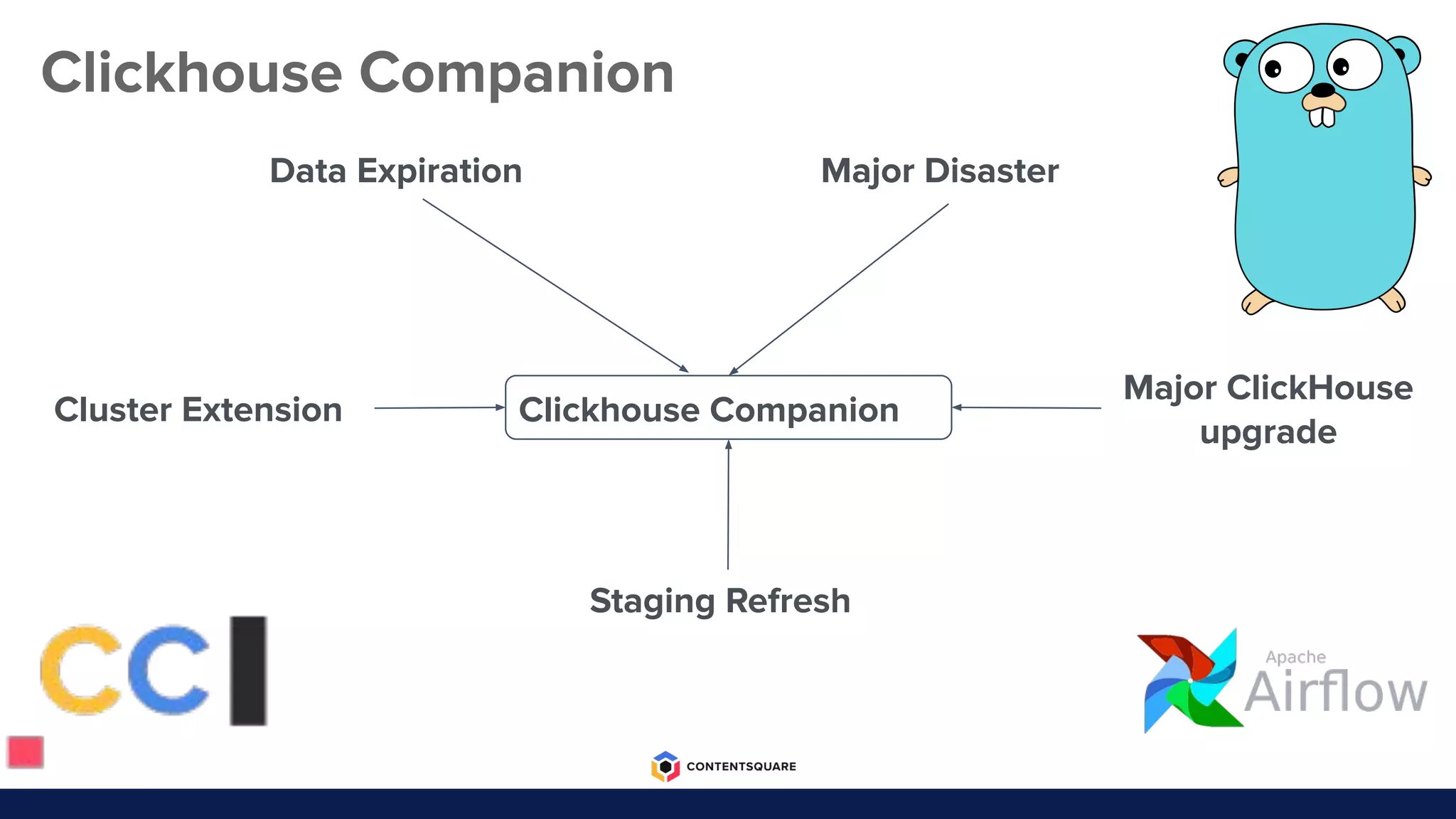
Clickhouse Companion
Cluster Extension
Major Disaster
Staging Refresh
Major ClickHouse
upgrade
Clickhouse Companion
Data Expiration
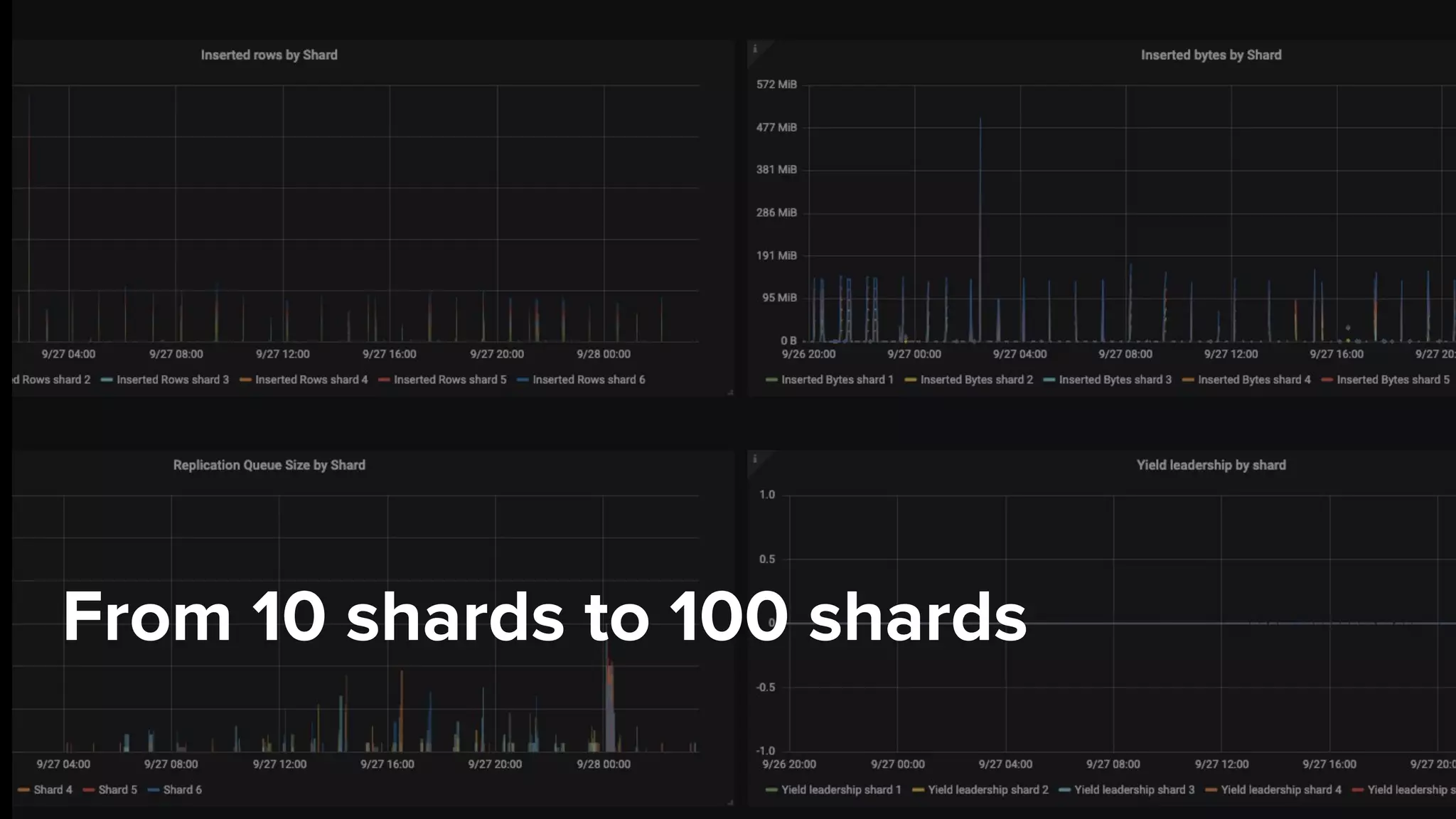
From 10 shards to 100 shards
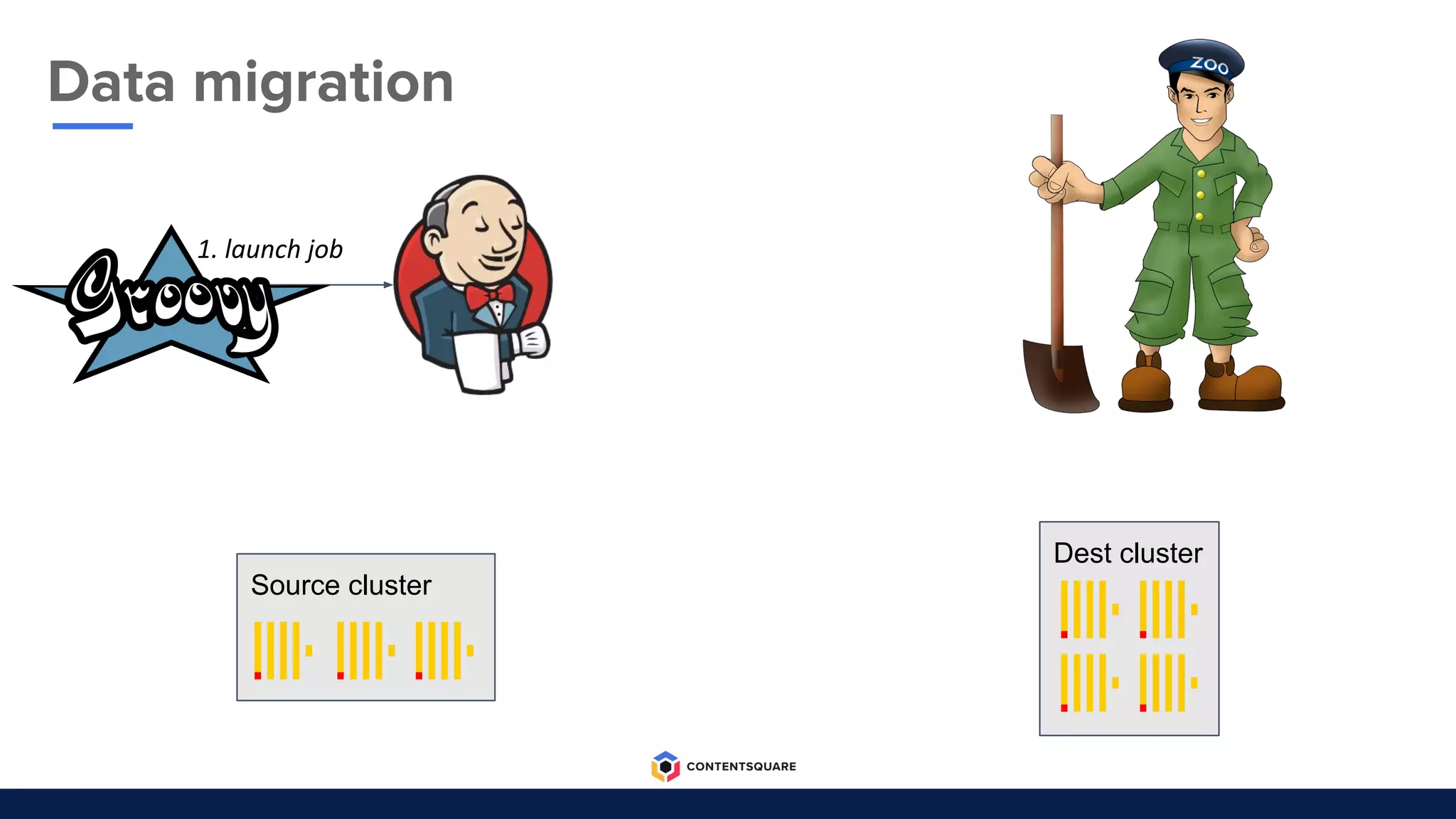
1. launch job
Dest cluster
Source cluster
Data migration
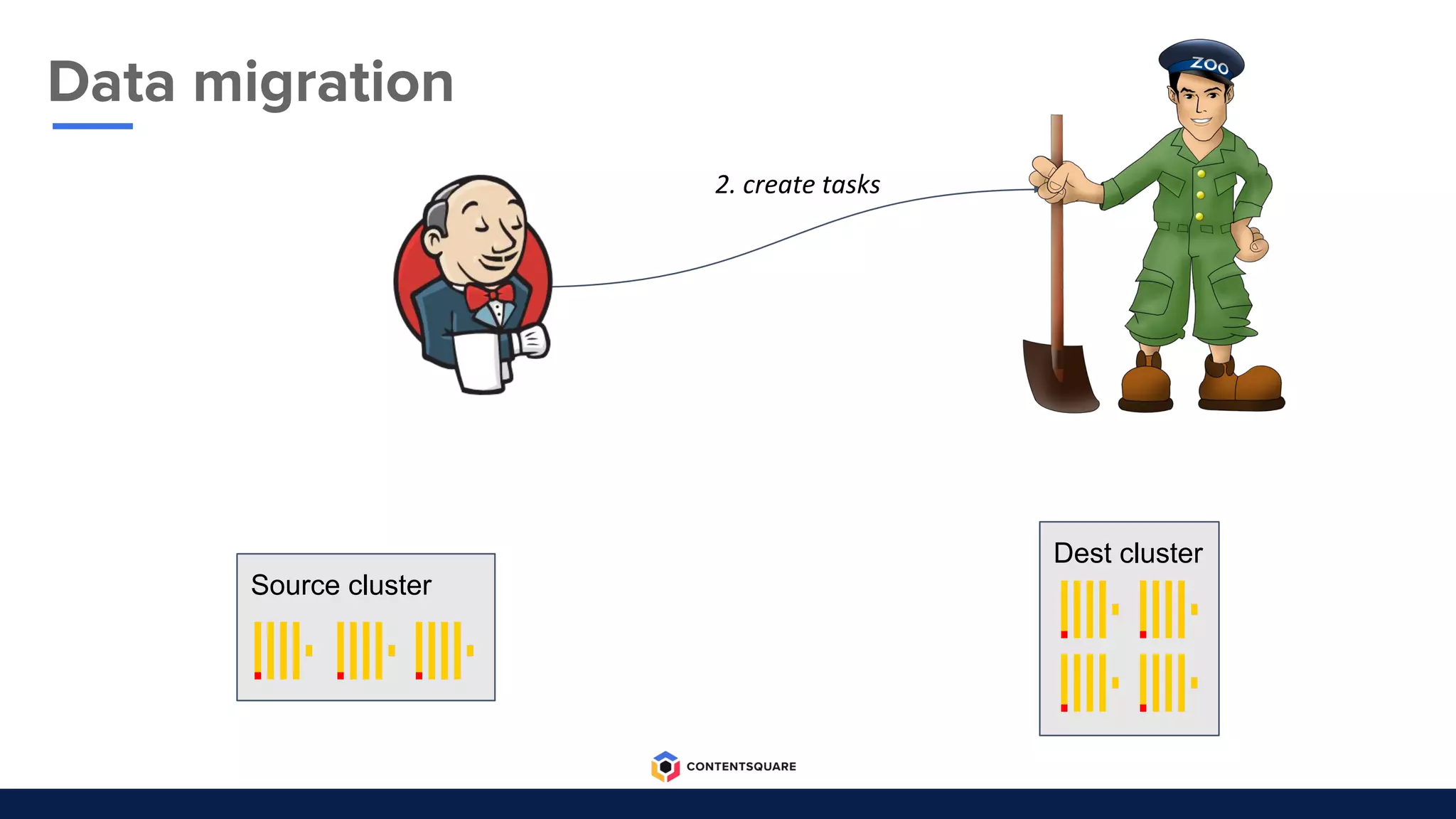
Data migration
2. create tasks
Dest cluster
Source cluster
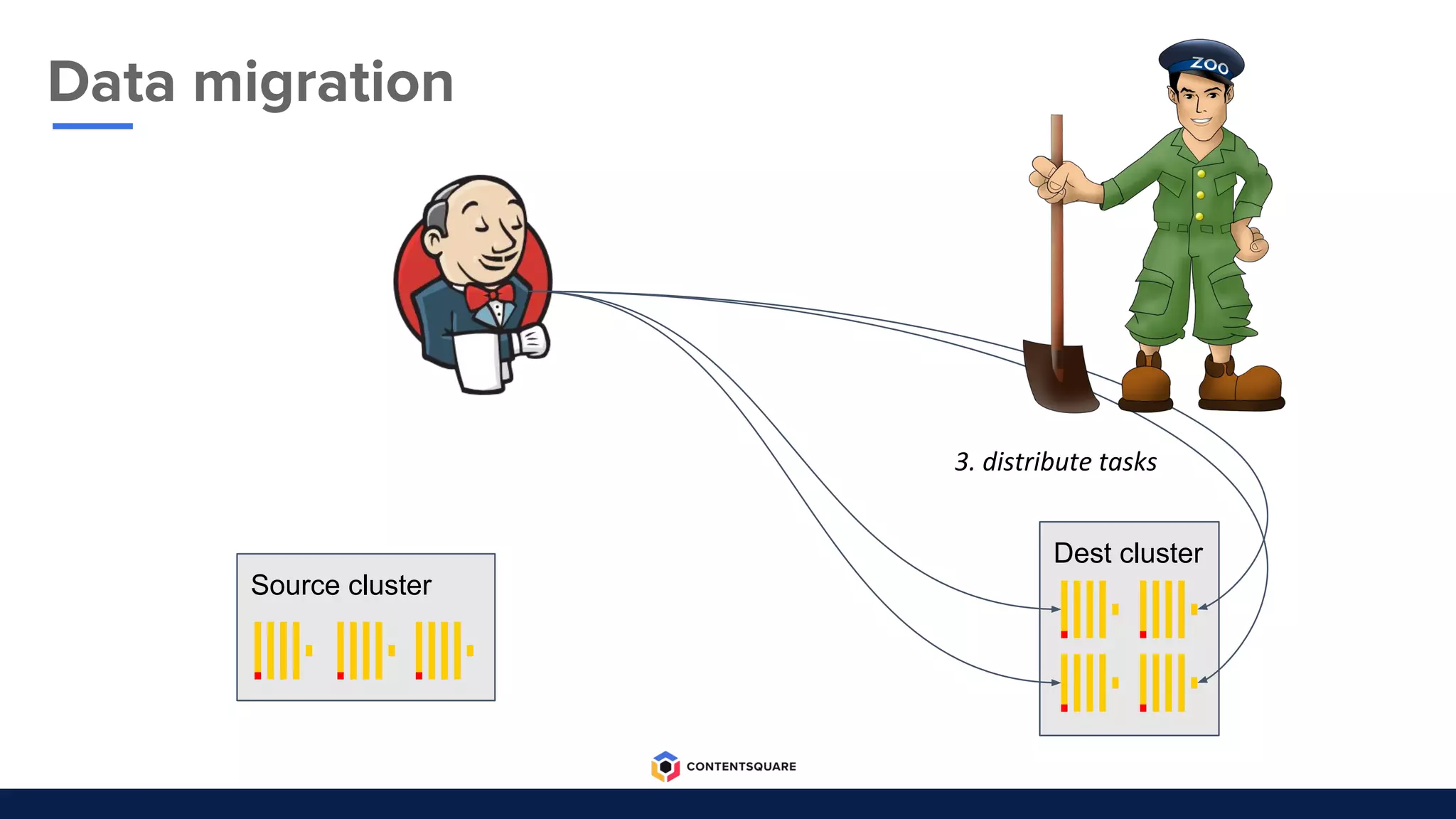
Dest cluster
3. distribute tasks
Source cluster
Data migration
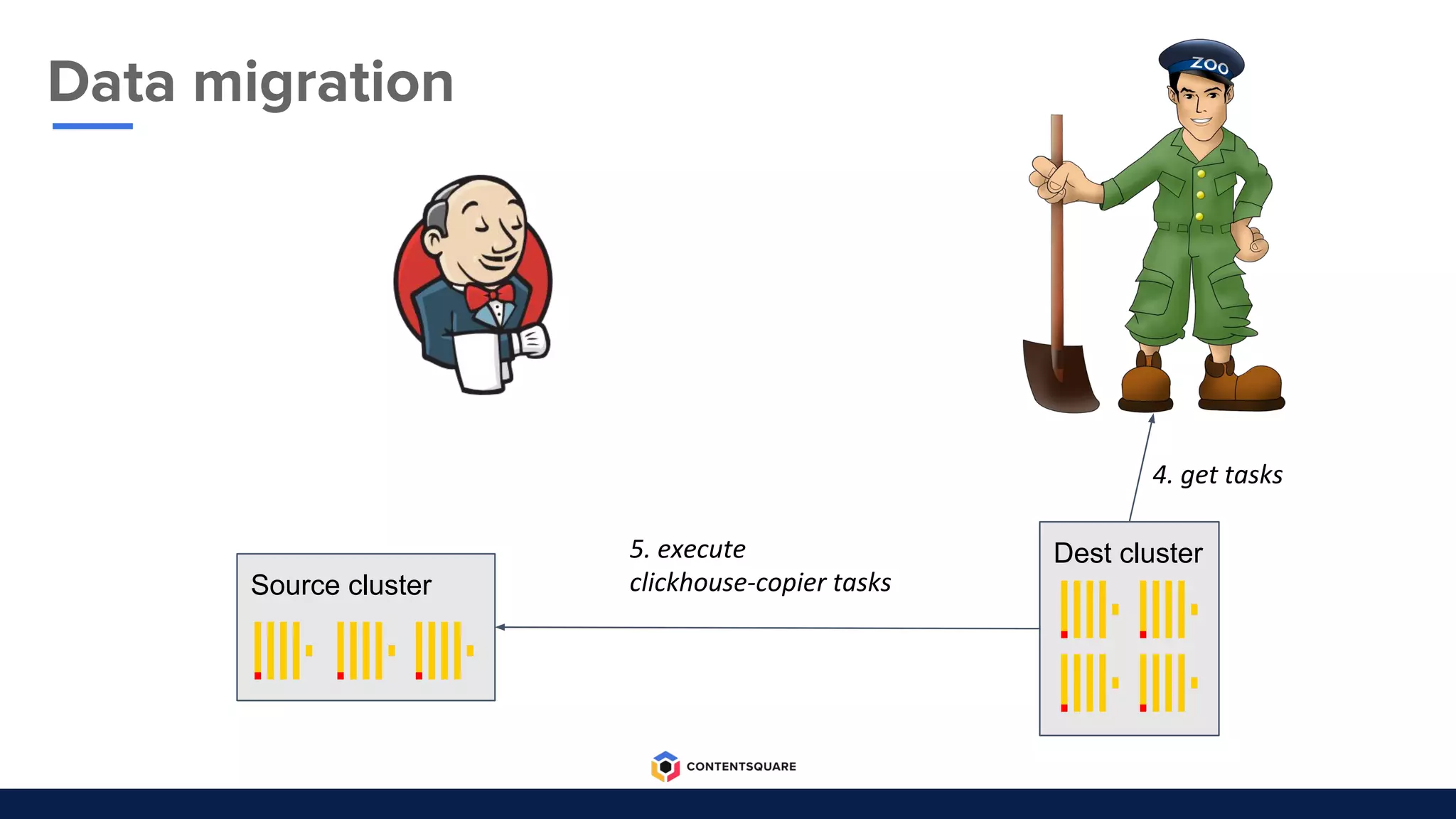
Dest cluster5. execute
clickhouse-copier tasks
4. get tasks
Source cluster
Data migration
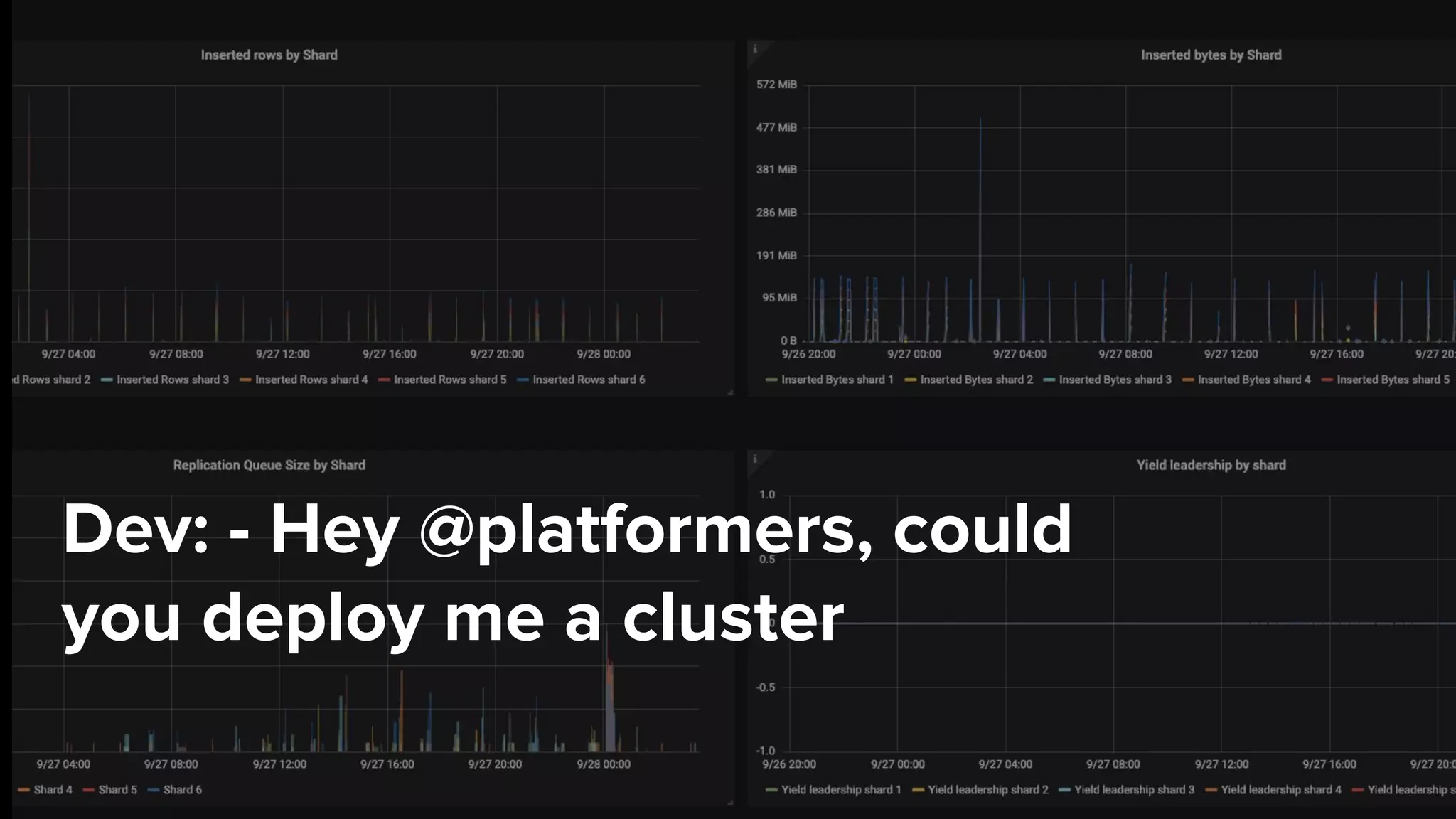
Dev: - Hey @platformers, could
you deploy me a cluster
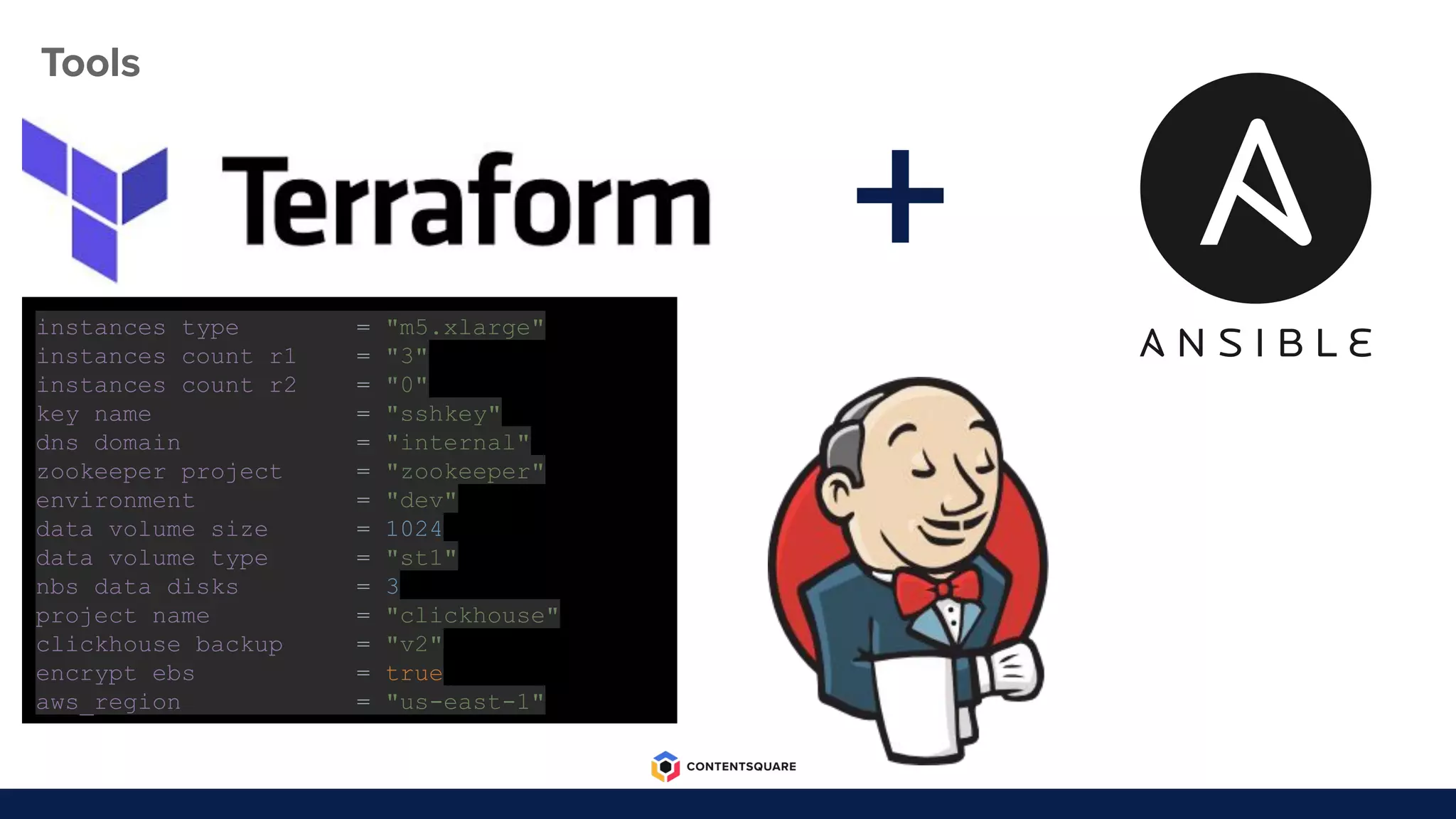
Tools
+instances_type = "m5.xlarge"
instances_count_r1 = "3"
instances_count_r2 = "0"
key_name = "sshkey"
dns_domain = "internal"
zookeeper_project = "zookeeper"
environment = "dev"
data_volume_size = 1024
data_volume_type = "st1"
nbs_data_disks = 3
project_name = "clickhouse"
clickhouse_backup = "v2"
encrypt_ebs = true
aws_region = "us-east-1"
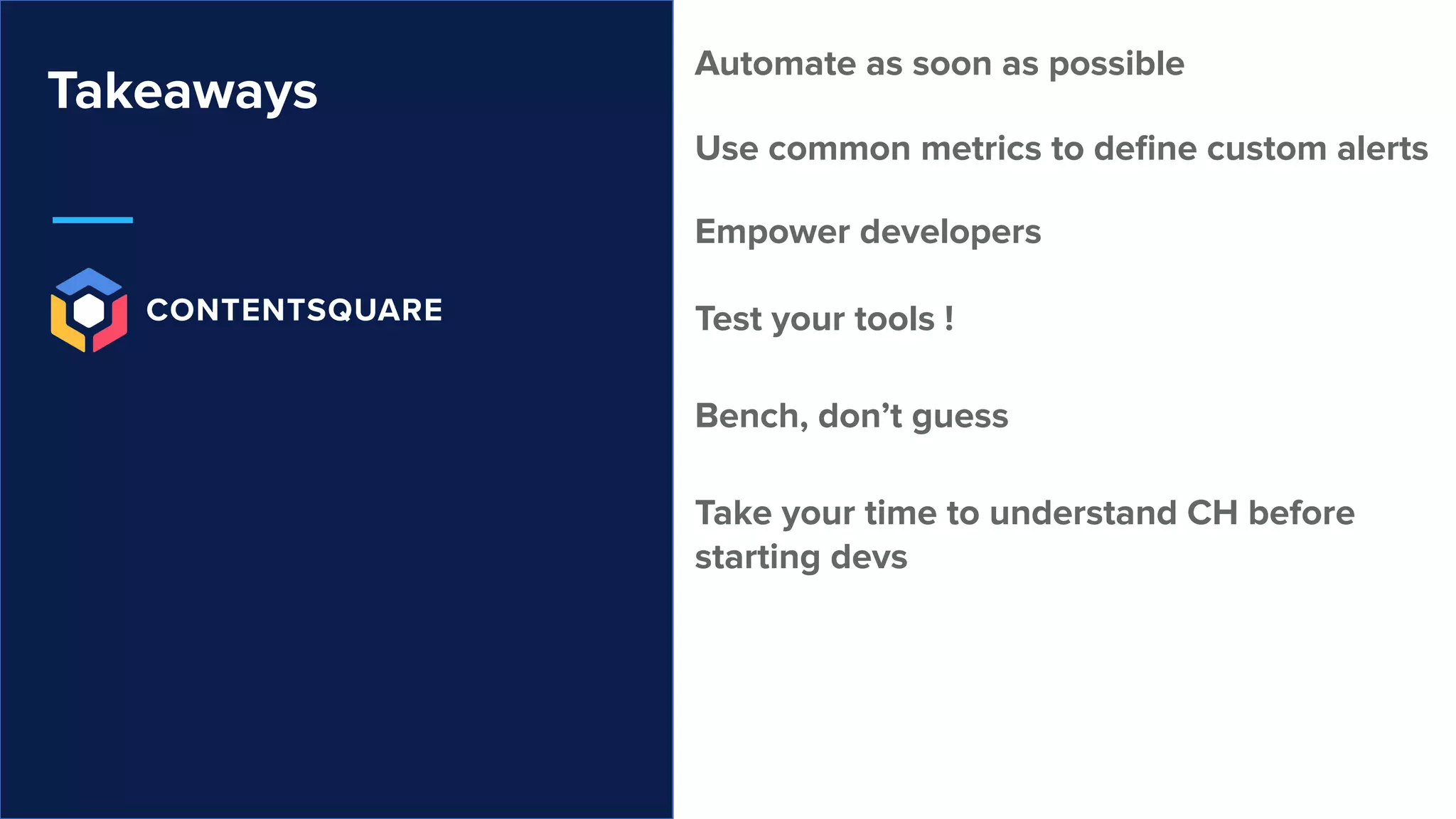
Takeaways
Automate as soon as possible
Use common metrics to define custom alerts
Empower developers
Test your tools !
Bench, don’t guess
Take your time to understand CH before
starting devs
Q&A TIME !
We’re hiring!

[Meetup] a successful migration from elastic search to clickhouse

  • 1.
    A Successful migrationfrom ElasticSearch to ClickHouse
  • 2.
    Agenda What are wedoing at Contentsquare What have we done with ClickHouse Our challenges during this migration
  • 3.
    Who are we ? ChristopheKalenzaga Data Engineer Vianney Foucault Platform Engineer
  • 4.
    ContentSquare in afew words ● Data analytics Company ○ Analysis of websites and mobile applications ○ 1.3 TBytes collected per day ○ 13 months retention (~500 TBytes) ● 600+ clients Worldwide ○ multiple time zones ○ 60k queries per day
  • 5.
    One of themany challenges at ContentSquare
  • 6.
  • 7.
    An ElasticSearch Cluster that’sgoing to crash The crash of an ElasticSearch Cluster in production Guess what this is
  • 8.
    Reasons to leaveElasticSearch ● Stability ● Cost ● Scalability ● Analytics features
  • 9.
    Why ClickHouse ● Fast ●Free ● Created by people in the same industry ● No cloud provider lock-in ● community ● Open Source
  • 10.
    Timeline of ourmigration Sep 2019Jun 2019Aug 2018Jun 2018Mar 2018 Start working an a new web analytics solution on ClickHouse The last web client is migrated to our new ClickHouse platform The first web client is migrated to our new ClickHouse platform Start our brand new analytics solution for mobile application on ClickHouse the mobile analytics solution is released
  • 11.
    Gains from switchingfrom ElasticSearch to ClickHouse ● CH is 11 times cheaper ! ● Queries are 4 times faster on average ● Queries are 10 times faster for the 99 percentile of latencies ● Rock solid stability ● ClickHouse stores 6 times more data
  • 12.
    First Challenge How toreduce the overhead of the insertion?
  • 13.
    First Challenge: howto scale insertion without scaling ClickHouse? ● Massive insertions consume CPU and memory ● Insertions in distributed tables consume network and disks Solution: insert in clickhouse using the native format Solution: insert data in clickhouse directly in the right server
  • 14.
    CH Inserter 2-2(scala application) CH Inserter 1-2 (scala application) ClickHouse Cluster First Challenge: how to scale insertion without scaling ClickHouse? CH Server 1 CH Server 2 CH Server n ... Kafka (message broker) CH Inserter 2-1 (scala application) CH Inserter 1-1 (scala application) transform data into native format insert into its CH server clickhouse-local clickhouse-client
  • 15.
    Second Challenge How todesign queries?
  • 16.
    Second Challenge: howto design optimized queries? Things to know when designing queries SELECT count(1) FROM my_table WHERE cond_1 AND cond_2 AND cond_3 => cond_3 will be evaluated even if cond_1 is false SELECT countIf(cond_1 AND cond_2), countIf(cond_1 AND cond_3) FROM my_table => cond_1 will be evaluated only once ● CH evaluates all conditions of a query ● CH evaluates duplicates conditions only once ● CH doesn’t behave well with many subqueries or joins ● ...
  • 17.
    Second Challenge: howto design optimized queries? Step 1 Describe what we want using a business language Step 2 Translate into an AST Step 3 Optimize the AST Step 4 Generate the SQL query from the AST Flow of the generation of a query in our web services
  • 18.
    Third Challenge How toreduce storage costs?
  • 19.
    Third Challenge: howto reduce storage costs? ● Understand the concept of COLD and HOT queries on ClickHouse ● Understand the pros and cons of each compression codecs ● Understand how ClickHouse manages data during a query read An SQL query get data from the OS FileSystem decompress data process data ● Generic: ZSTD, LZ4, None ● Specialized: Dictionary Encoding, Gorilla, T64, Delta
  • 20.
    Third Challenge: howto reduce storage costs? ● Understand the pattern of your queries ● Benchmark on realistic workloads ● Are all columns evenly used? ● Are people doing most queries on the same dataset? ● Benchmark on worst case scenarios ○ CH 10 times faster on fast disks than on slow disks ● Benchmark with queries from production ○ CH 1.2 times faster on fast disks than on slow disks
  • 21.
    Fourth Challenge How toavoid functional regression?
  • 22.
    Forth Challenge: howto avoid functional regression? ● Major reasons for regressions ● Difficulties to spot regressions
  • 23.
    Forth Challenge: howto avoid functional regression? ● How we did it Watch our detailed presentation on youtube store logs of web-service calls done in production Comparator
  • 24.
    Fifth Challenge How tomake ClickHouse production ready?
  • 25.
  • 26.
    Observability ● Get relevantmetrics ● Get relevant logs ● Create relevant alerts Data inserted per shard Replication queues, Clickhouse Query time Clickhouse logs, clickhouse err logs Application logs A replica is down A shard is down Clickhouse query time goes up... alert: clickhouse_replicas_unhealthy expr: clickhouse:replicas:unhealthy != 0 for: 5m labels: alertname: clickhouse_replicas_unhealthy severity: critical team: de annotations: description: 'Presence of unhealthy replicas on ClickHouse table {{ $labels.table}} on {{ $labels.Name }} : {{ $value }} != 0' title: 'ClickHouse unhealthy replicas on table {{ $labels.table }} on {{ $labels.Name }} : {{ $value }} != 0'
  • 27.
  • 28.
  • 30.
    Not so Builtin features Backup Restore Not so Orchestrated features Clickhouse copier Data Expiration Clickhouse 19.14.3.3
  • 31.
    ● Extra: admin/infotasks ● Copy Partition data to an object storage ● Update partition data when parts are merged ● Cleanup data and backup when data is expired ● Orchestrate clickhouse copier ● Keep track of previous backups Clickhouse Companion: Challenges
  • 32.
    Clickhouse Companion Cluster Extension MajorDisaster Staging Refresh Major ClickHouse upgrade Clickhouse Companion Data Expiration
  • 33.
    From 10 shardsto 100 shards
  • 35.
    1. launch job Destcluster Source cluster Data migration
  • 36.
    Data migration 2. createtasks Dest cluster Source cluster
  • 37.
    Dest cluster 3. distributetasks Source cluster Data migration
  • 38.
    Dest cluster5. execute clickhouse-copiertasks 4. get tasks Source cluster Data migration
  • 39.
    Dev: - Hey@platformers, could you deploy me a cluster
  • 41.
    Tools +instances_type = "m5.xlarge" instances_count_r1= "3" instances_count_r2 = "0" key_name = "sshkey" dns_domain = "internal" zookeeper_project = "zookeeper" environment = "dev" data_volume_size = 1024 data_volume_type = "st1" nbs_data_disks = 3 project_name = "clickhouse" clickhouse_backup = "v2" encrypt_ebs = true aws_region = "us-east-1"
  • 42.
    Takeaways Automate as soonas possible Use common metrics to define custom alerts Empower developers Test your tools ! Bench, don’t guess Take your time to understand CH before starting devs
  • 43.