Bucharest, 17th of February 2011
INTRASOFT International S.A.
OHIM – SMS Project
Maven 2
Overview
2
What is Maven ?
• Build tool
• Management tool
3
GENERAL FEATURES
Maven
4
General Features
• Project portability & organization
• Simple dependency management
• AlO – All in one
• Extensibility - Plugins
5
INSTALLATION
Maven
6
INSTALLATION - config
• Per Project- Defined in the POM itself (pom.xml).
• Per User- Defined in the Maven-settings
(%USER_HOME%/.m2/settings.xml).
• Global- Defined in the global Maven-settings
(%M2_HOME%/conf/settings.xml).
7
PROJECT STRUCTURE
Maven
8
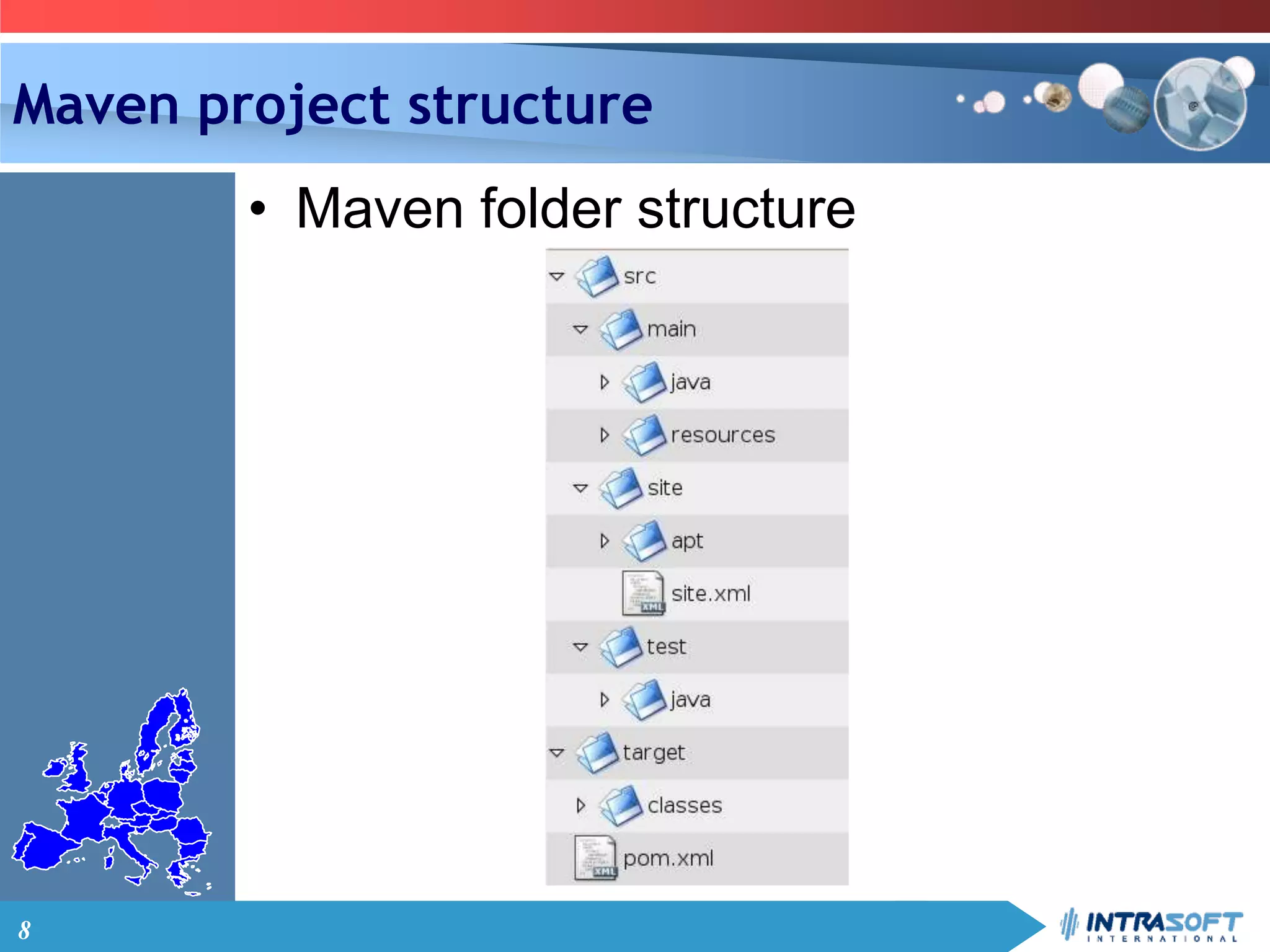
Maven project structure
• Maven folder structure
9
REPOSITORIES
Maven
10
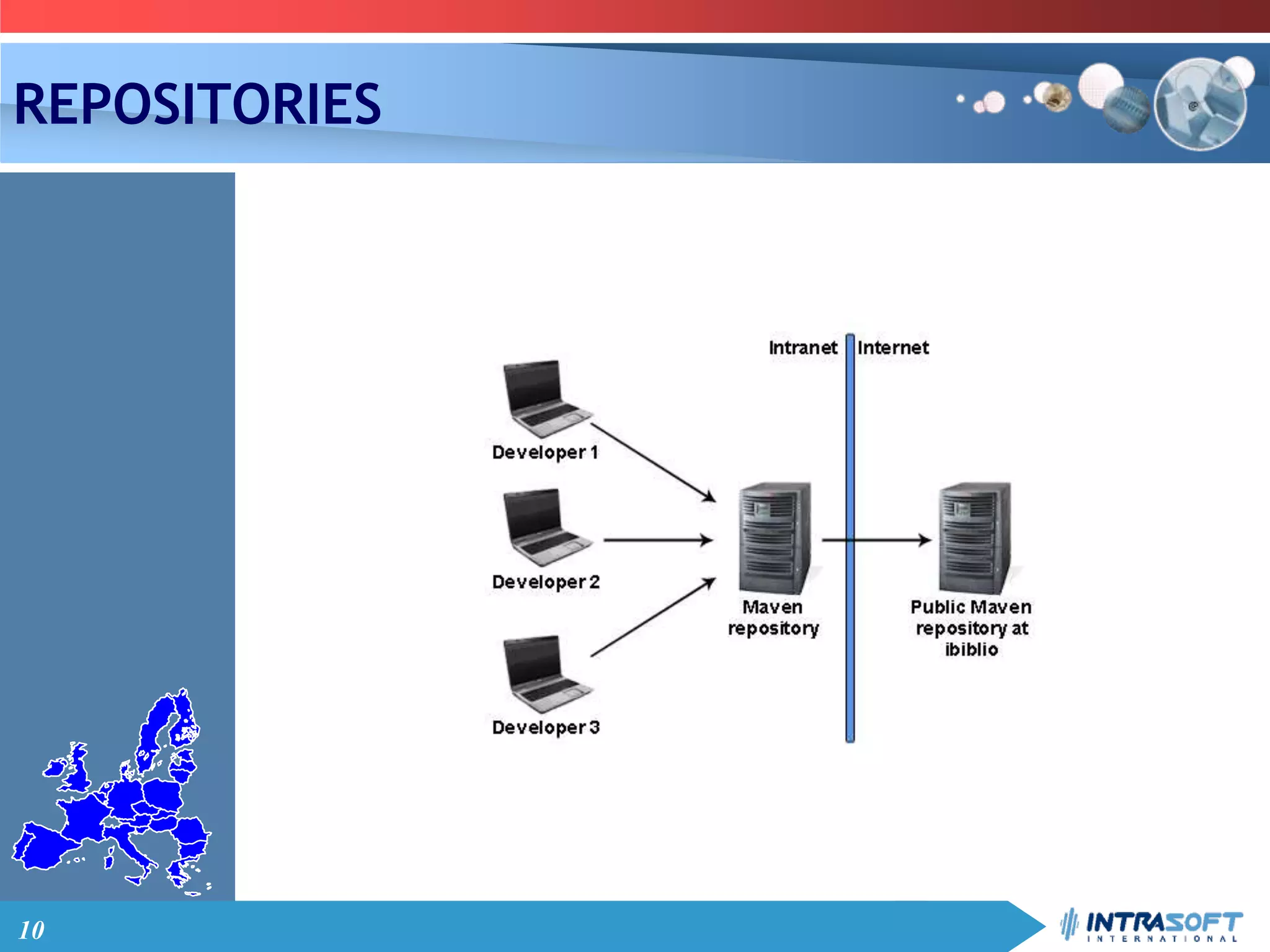
REPOSITORIES
11
REPOSITORIES
• Public online repositories
– repo1.maven.org/maven2
– maven2-repository.java.net
– repository.sonatype.org
• Intrasoft repository
– jls-mvn:8080/archiva
• Local repository
12
PROJECT OBJECT MODEL
Maven
13
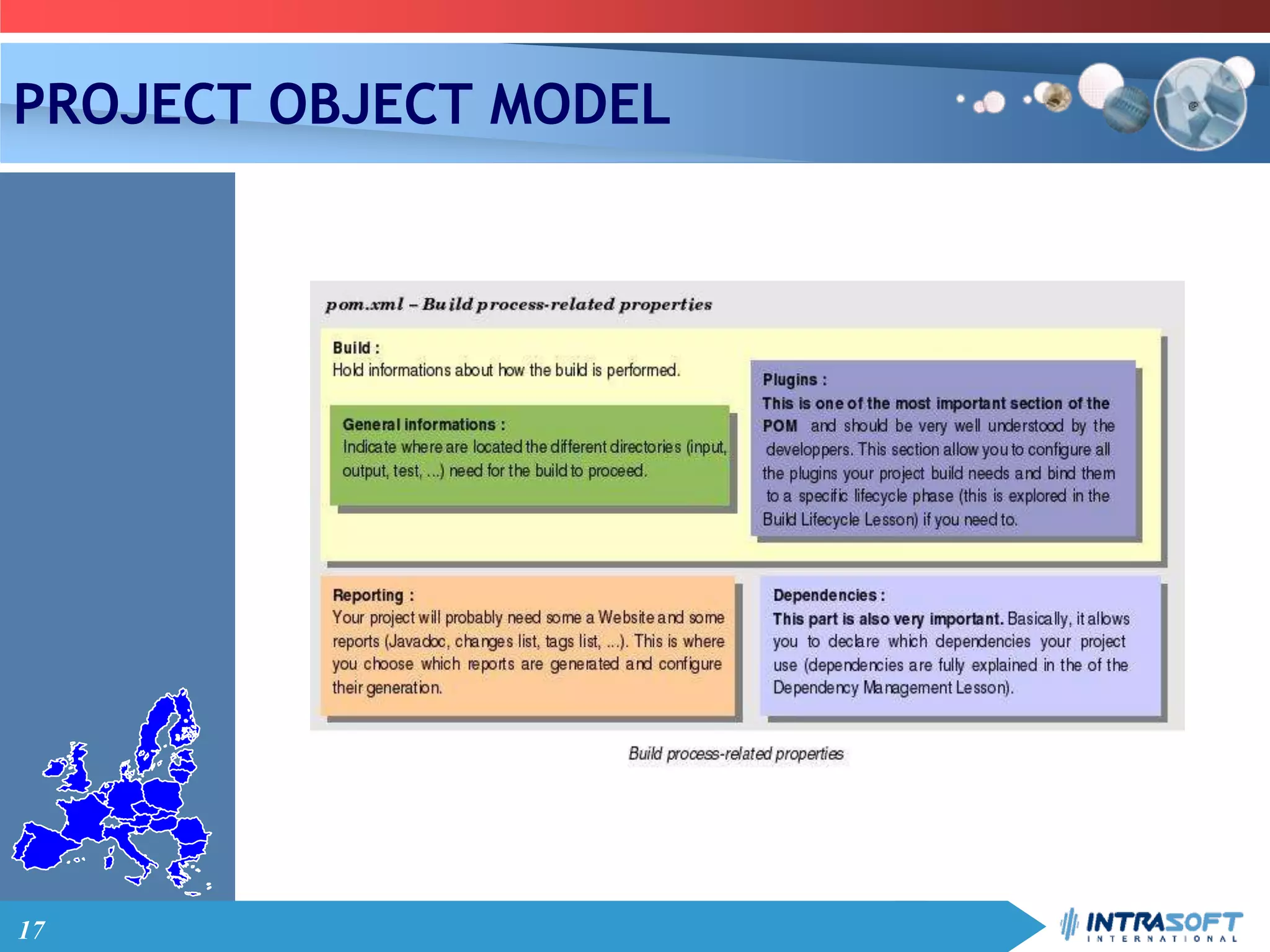
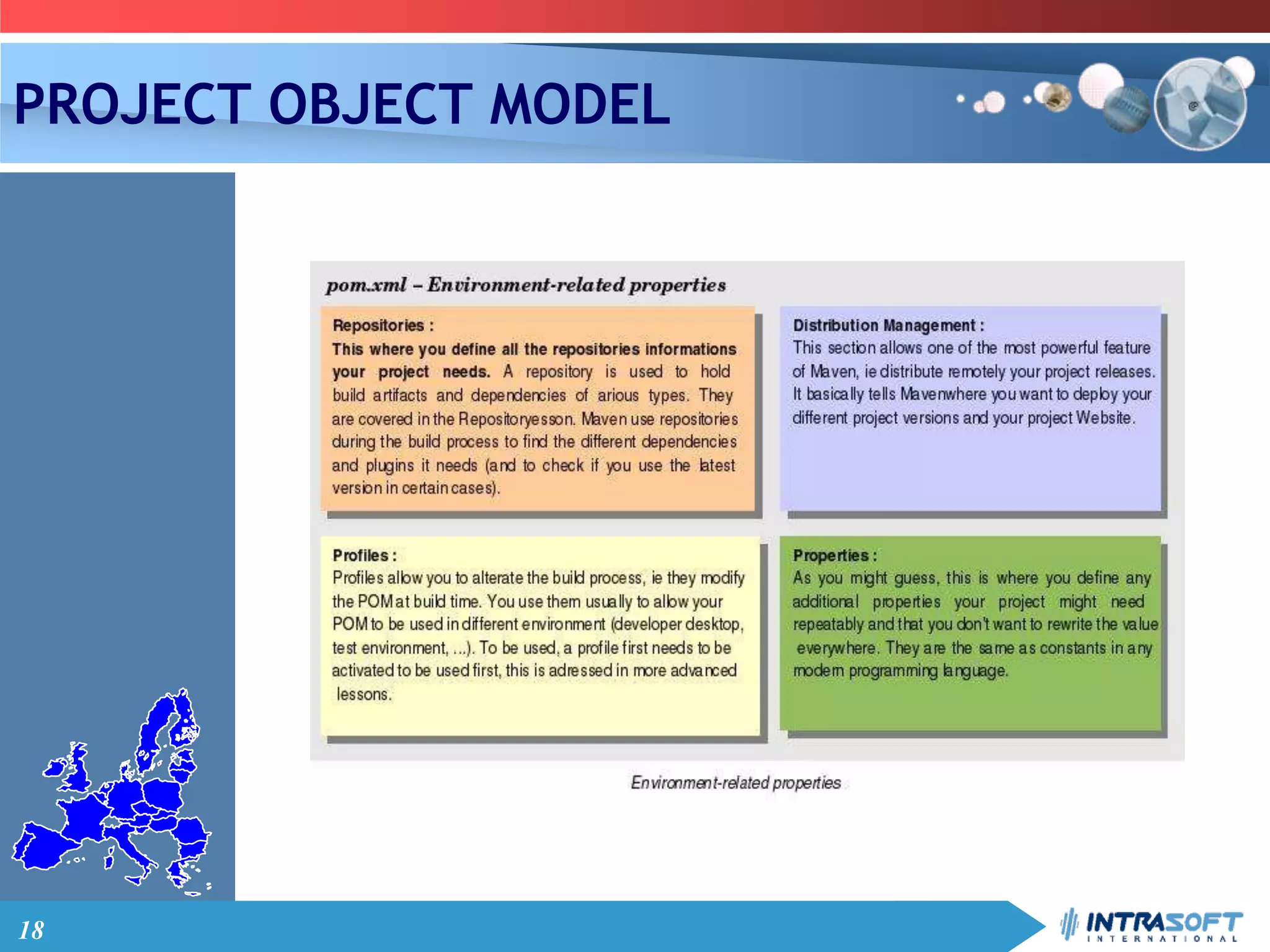
PROJECT OBJECT MODEL
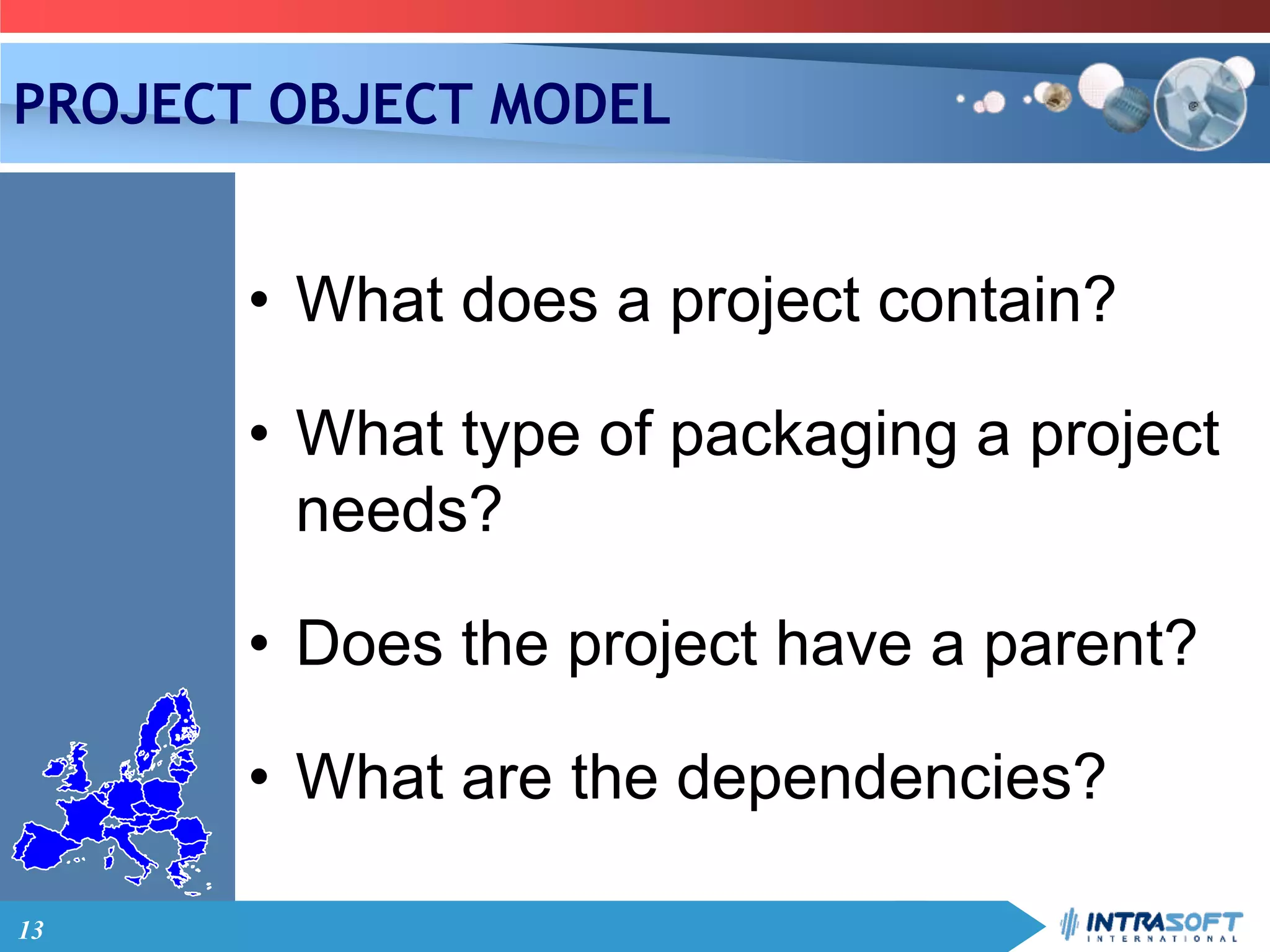
• What does a project contain?
• What type of packaging a project
needs?
• Does the project have a parent?
• What are the dependencies?
14
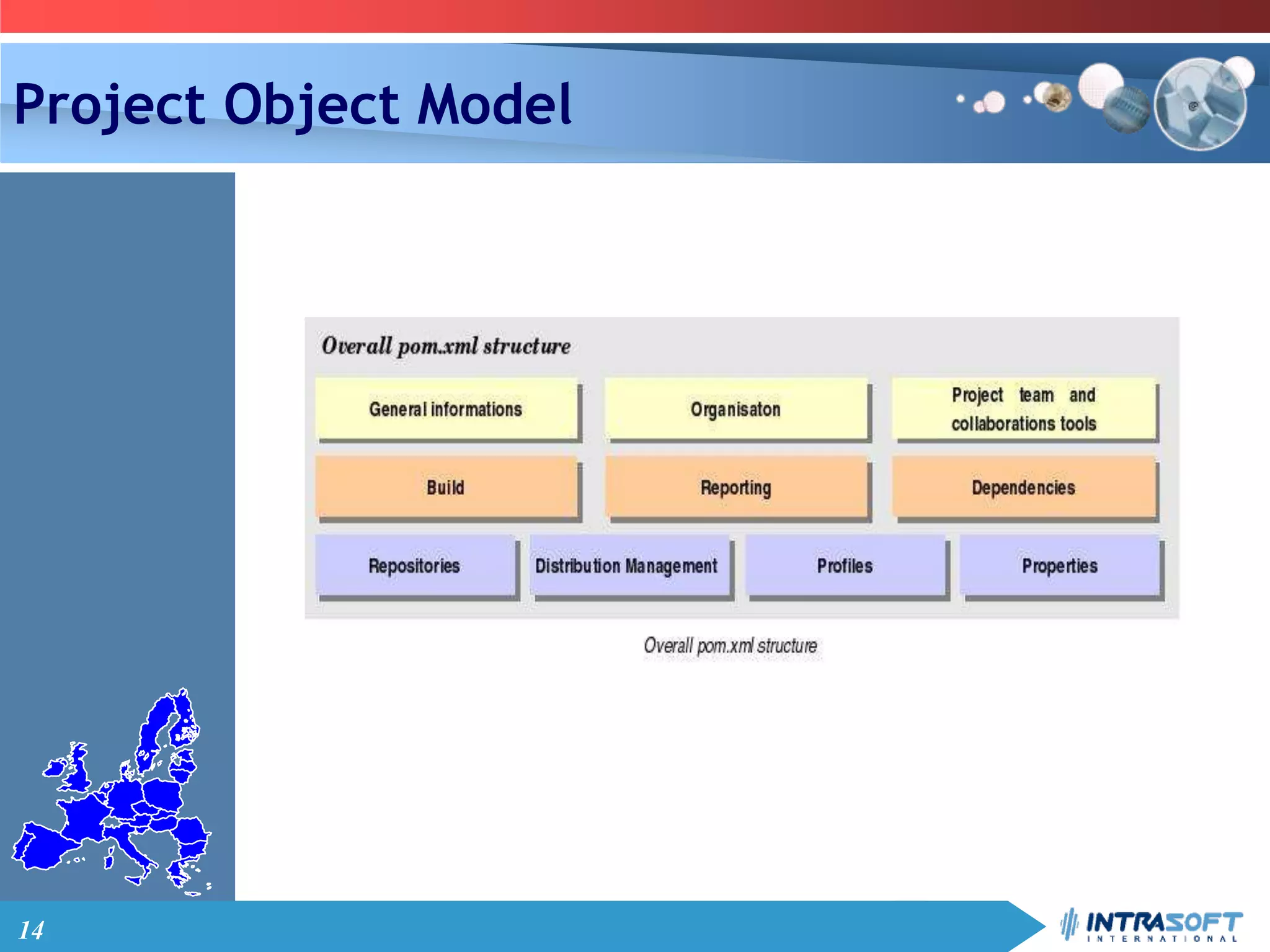
Project Object Model
15
PROJECT OBJECT MODEL
Quick overview
16
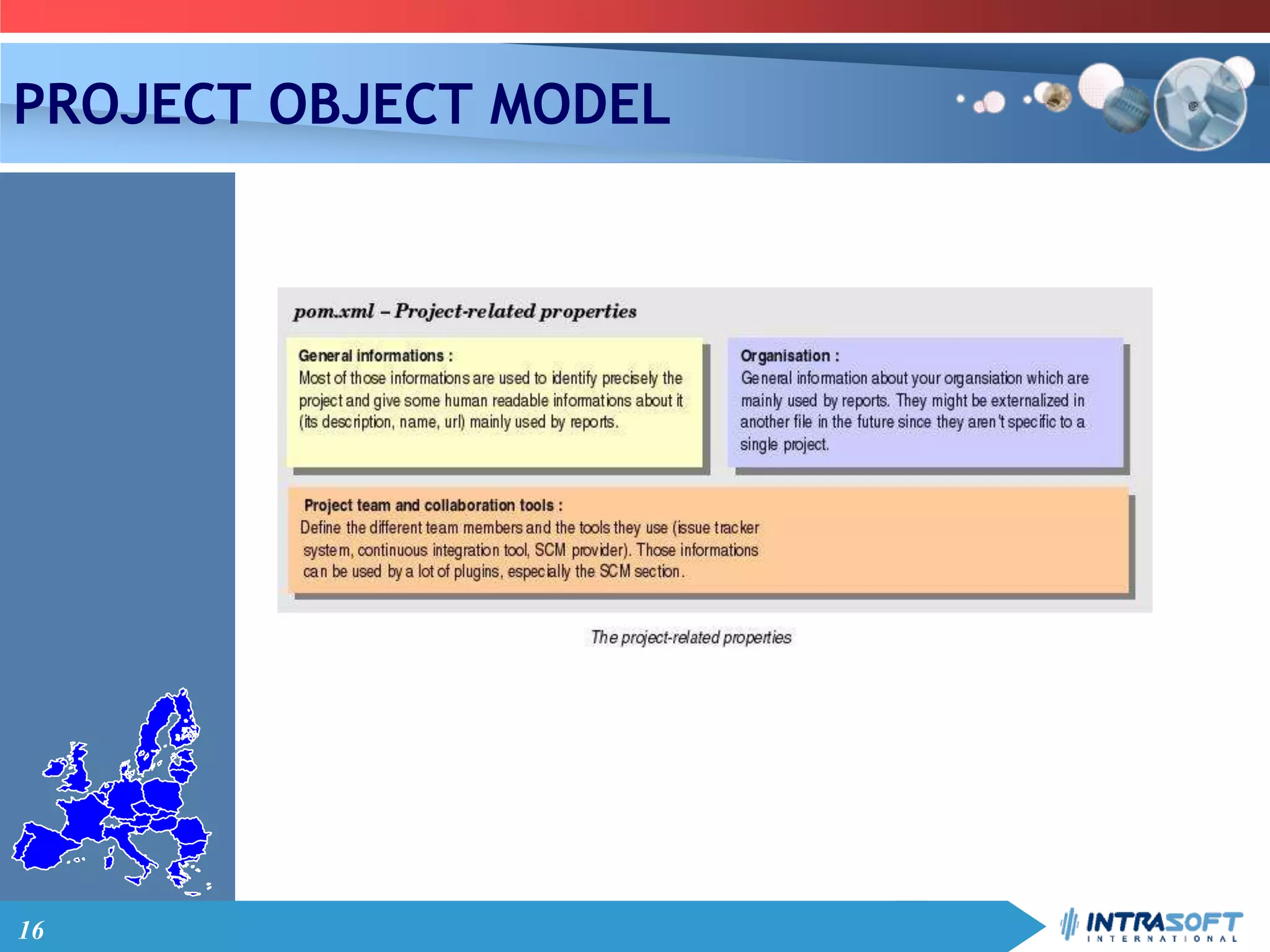
PROJECT OBJECT MODEL
17
PROJECT OBJECT MODEL
18
PROJECT OBJECT MODEL
19
POM example : commons-logging pom
20
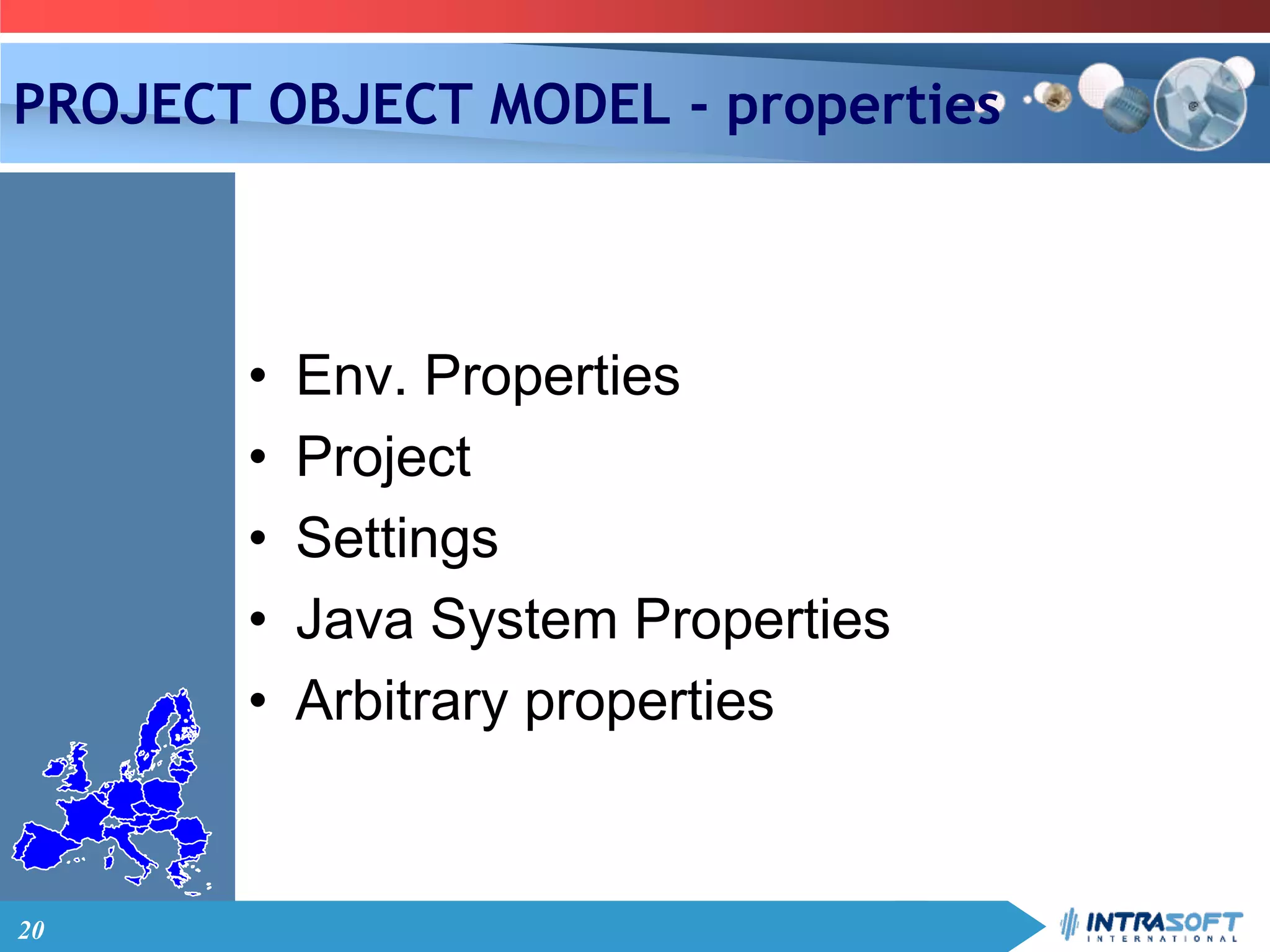
PROJECT OBJECT MODEL - properties
• Env. Properties
• Project
• Settings
• Java System Properties
• Arbitrary properties
21
BUILD LIFECYCLE
Maven
22
Build Lifecycle
• “Build Lifecycle” is the central concept
• A build lifecycle is an organized
sequence of phases that exists to
give order to a set of goals
• A build lifecycle is made up of phases
• A build phase is made up of goals
(verbs)
23
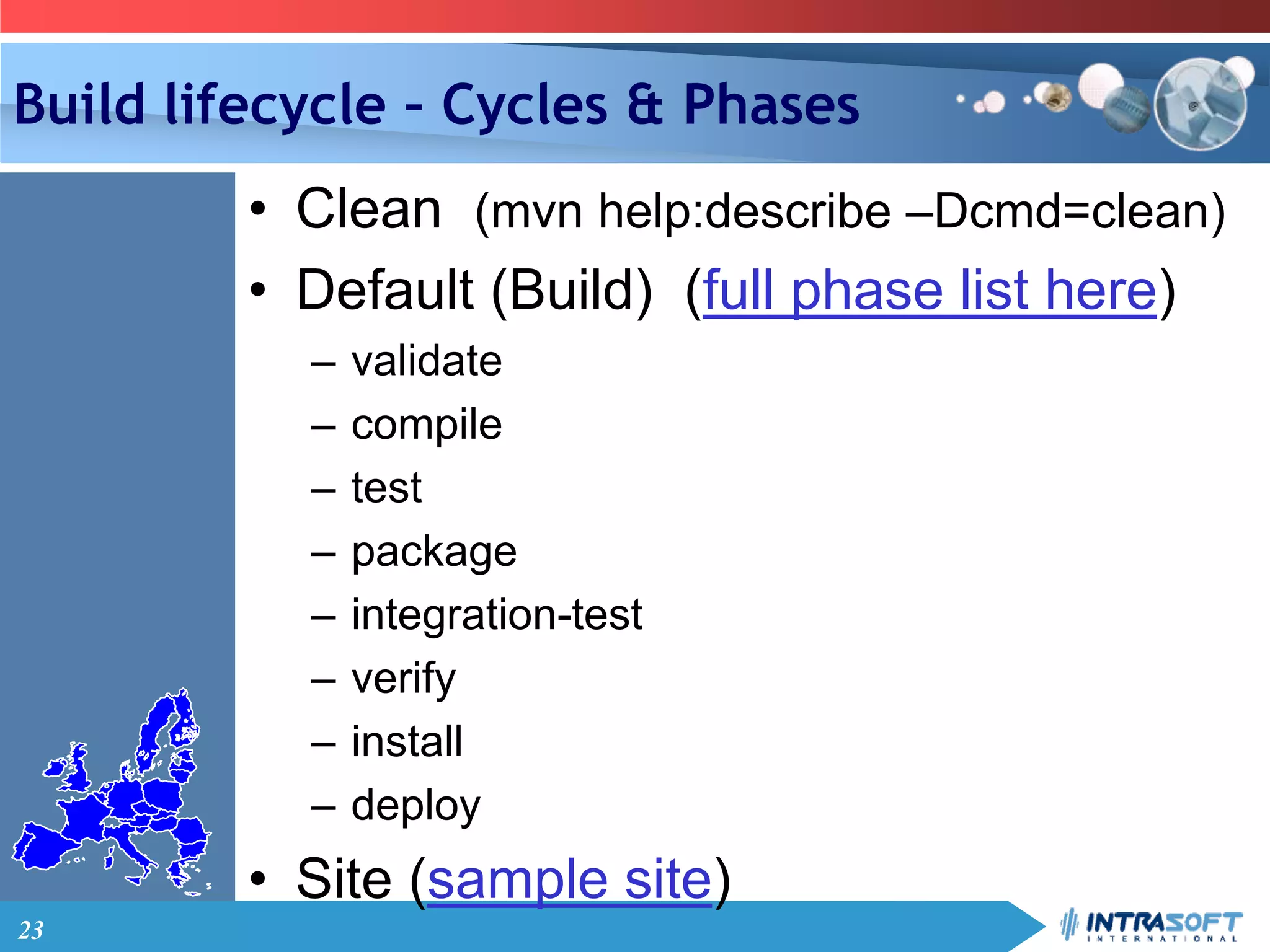
Build lifecycle – Cycles & Phases
• Clean (mvn help:describe –Dcmd=clean)
• Default (Build) (full phase list here)
– validate
– compile
– test
– package
– integration-test
– verify
– install
– deploy
• Site (sample site)
24
Build Lifecycle - Goals
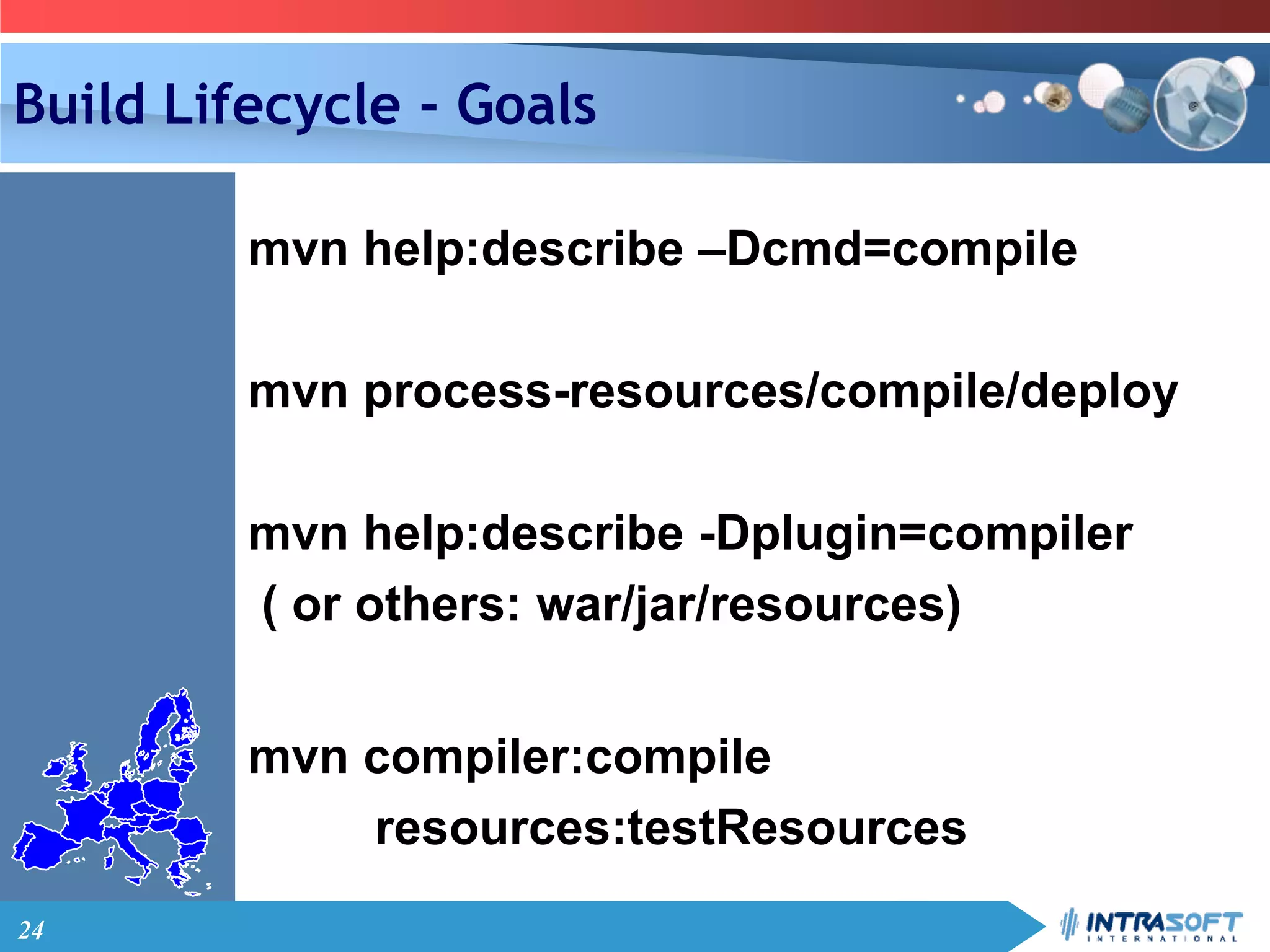
mvn help:describe –Dcmd=compile
mvn process-resources/compile/deploy
mvn help:describe -Dplugin=compiler
( or others: war/jar/resources)
mvn compiler:compile
resources:testResources
25
COMPILE/UNIT
TESTING/INTEGRATION TESTING
Maven
26
RUN/DEPLOY/DEBUG/IDE
INTEGRATION
Maven
27
REPORTS/PACKAGING/DEPLOY
Maven
28
DEPENDENCY MECHANISM
Maven
29
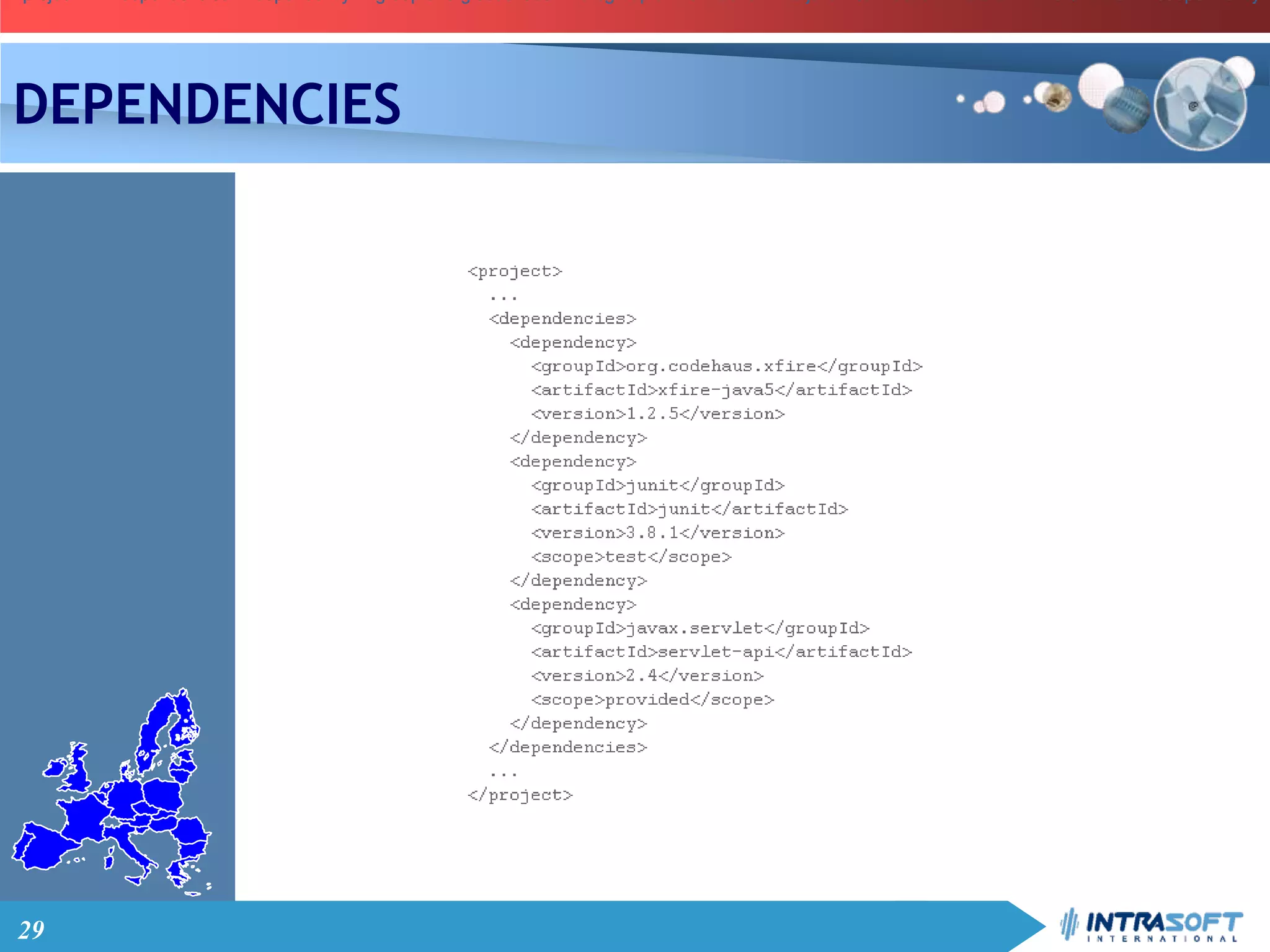
<project> ... <dependencies> <dependency> <groupId>org.codehaus.xfire</groupId> <artifactId>xfire-java5</artifactId> <version>1.2.5</version> </dependency><project> ... <dependencies> <dependency> <groupId>org.codehaus.xfire</groupId> <artifactId>xfire-java5</artifactId> <version>1.2.5</version> </dependency><project> ... <dependencies> <dependency> <groupId>org.codehaus.xfire</groupId> <artifactId>xfire-java5</artifactId> <version>1.2.5</version> </dependency>
DEPENDENCIES
30
DEPENDENCIES
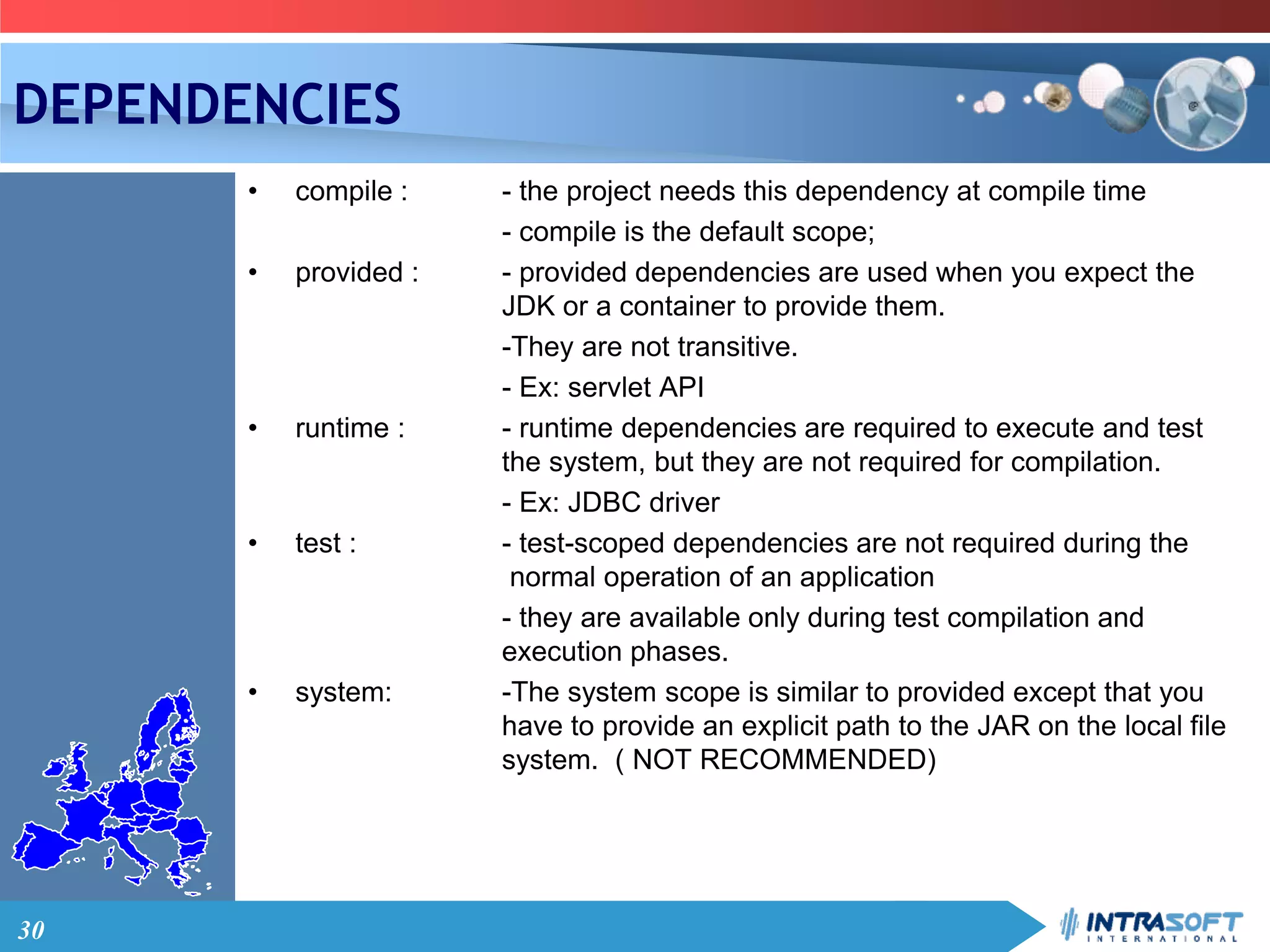
• compile : - the project needs this dependency at compile time
- compile is the default scope;
• provided : - provided dependencies are used when you expect the
JDK or a container to provide them.
-They are not transitive.
- Ex: servlet API
• runtime : - runtime dependencies are required to execute and test
the system, but they are not required for compilation.
- Ex: JDBC driver
• test : - test-scoped dependencies are not required during the
normal operation of an application
- they are available only during test compilation and
execution phases.
• system: -The system scope is similar to provided except that you
have to provide an explicit path to the JAR on the local file
system. ( NOT RECOMMENDED)
31
DEPENDENCIES – version ranges– Exclusive [ , ] , Inclusive ( , )
<dependency>
<groupId>junit</groupId>
<artifactId>junit</artifactId>
<version>[3.8,4.0)</version>
</dependency>
– Less then
<dependency>
<groupId>junit</groupId>
<artifactId>junit</artifactId>
<version>[ ,3.8.1]</version>
</dependency>
– Preferred version
<version>3.8.1</version>
– Exact version
<version>[3.8.1]</version>
32
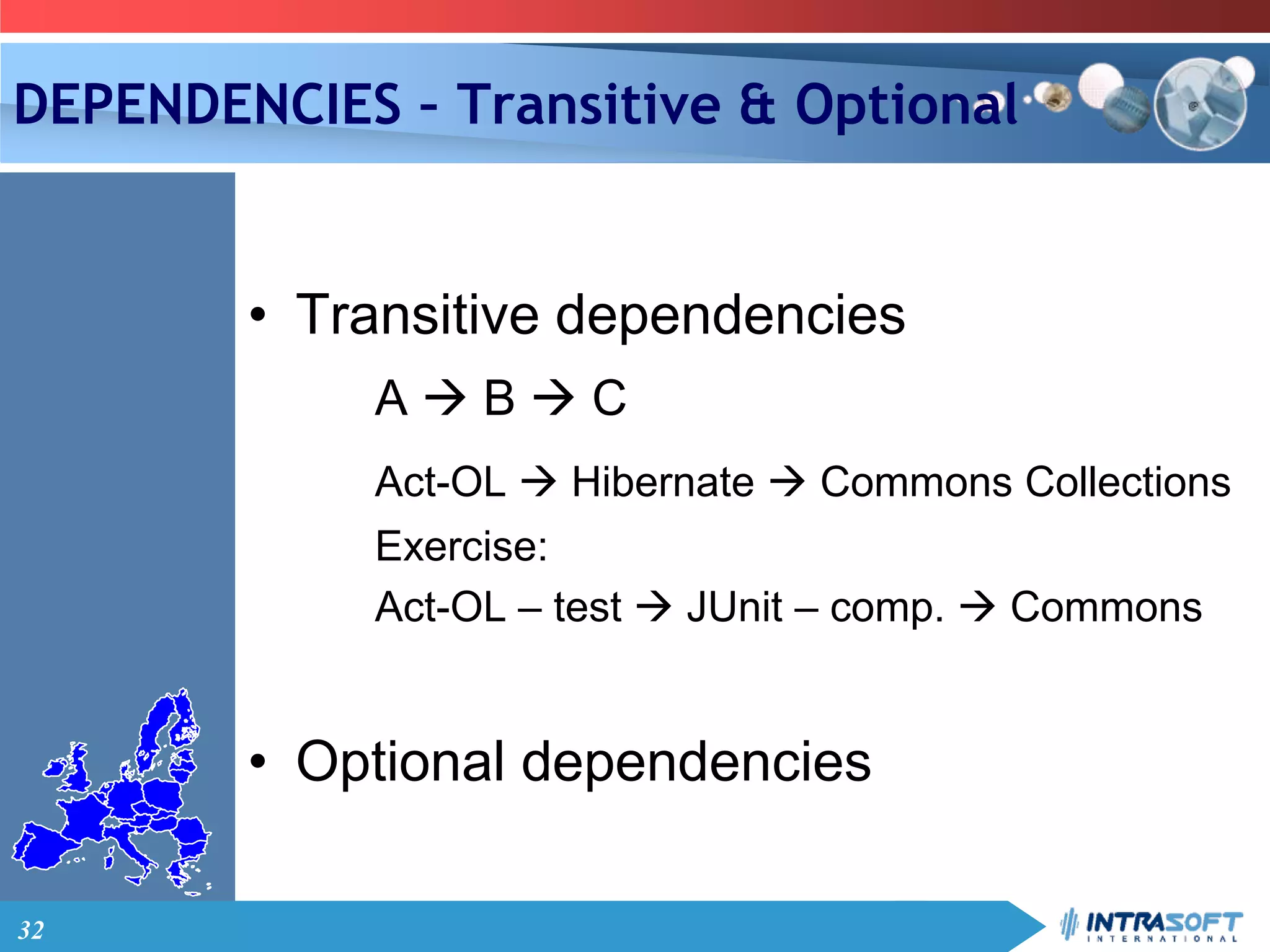
DEPENDENCIES – Transitive & Optional
• Transitive dependencies
A  B  C
Act-OL  Hibernate  Commons Collections
Exercise:
Act-OL – test  JUnit – comp.  Commons
• Optional dependencies
33
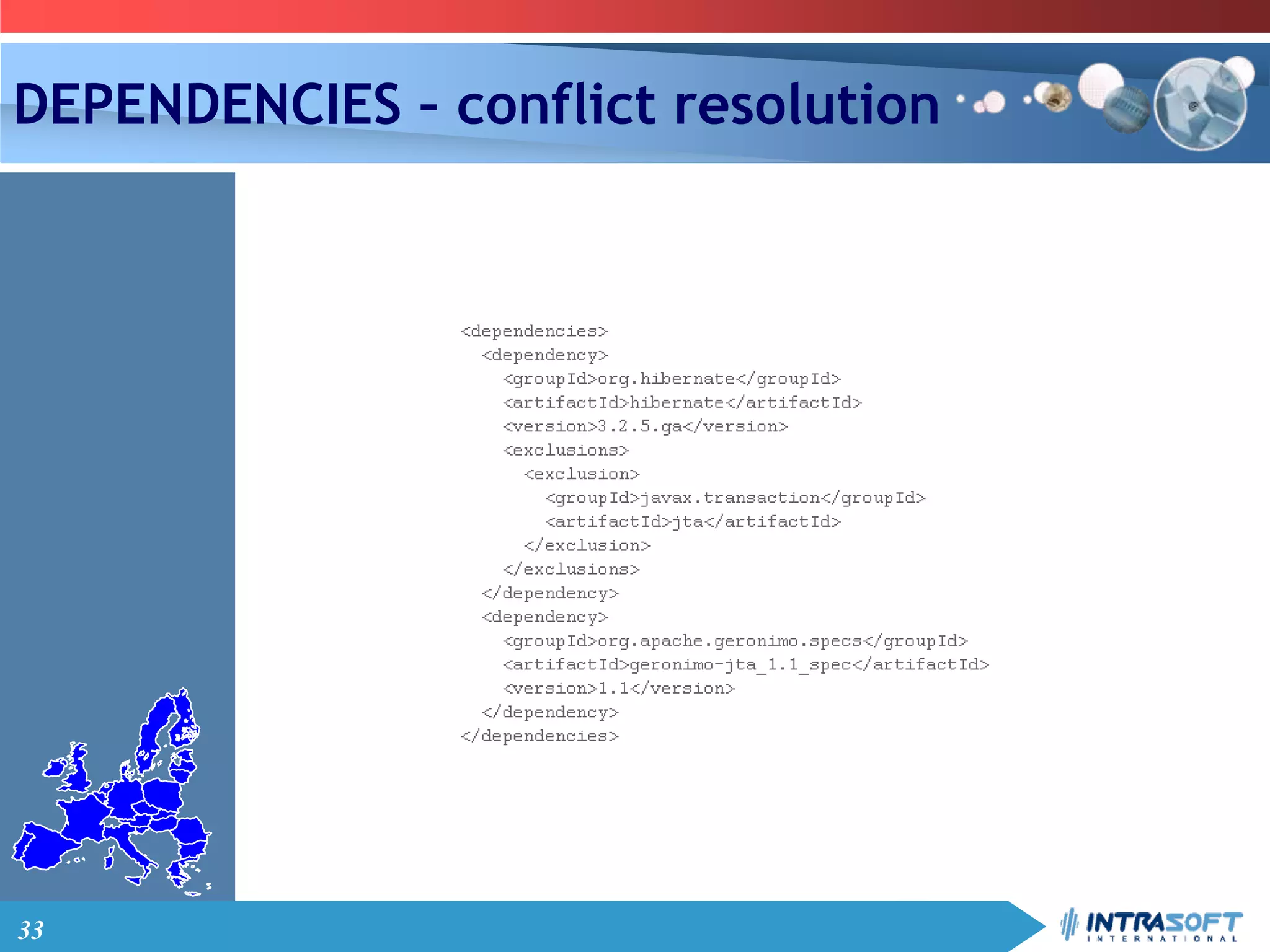
DEPENDENCIES – conflict resolution
34
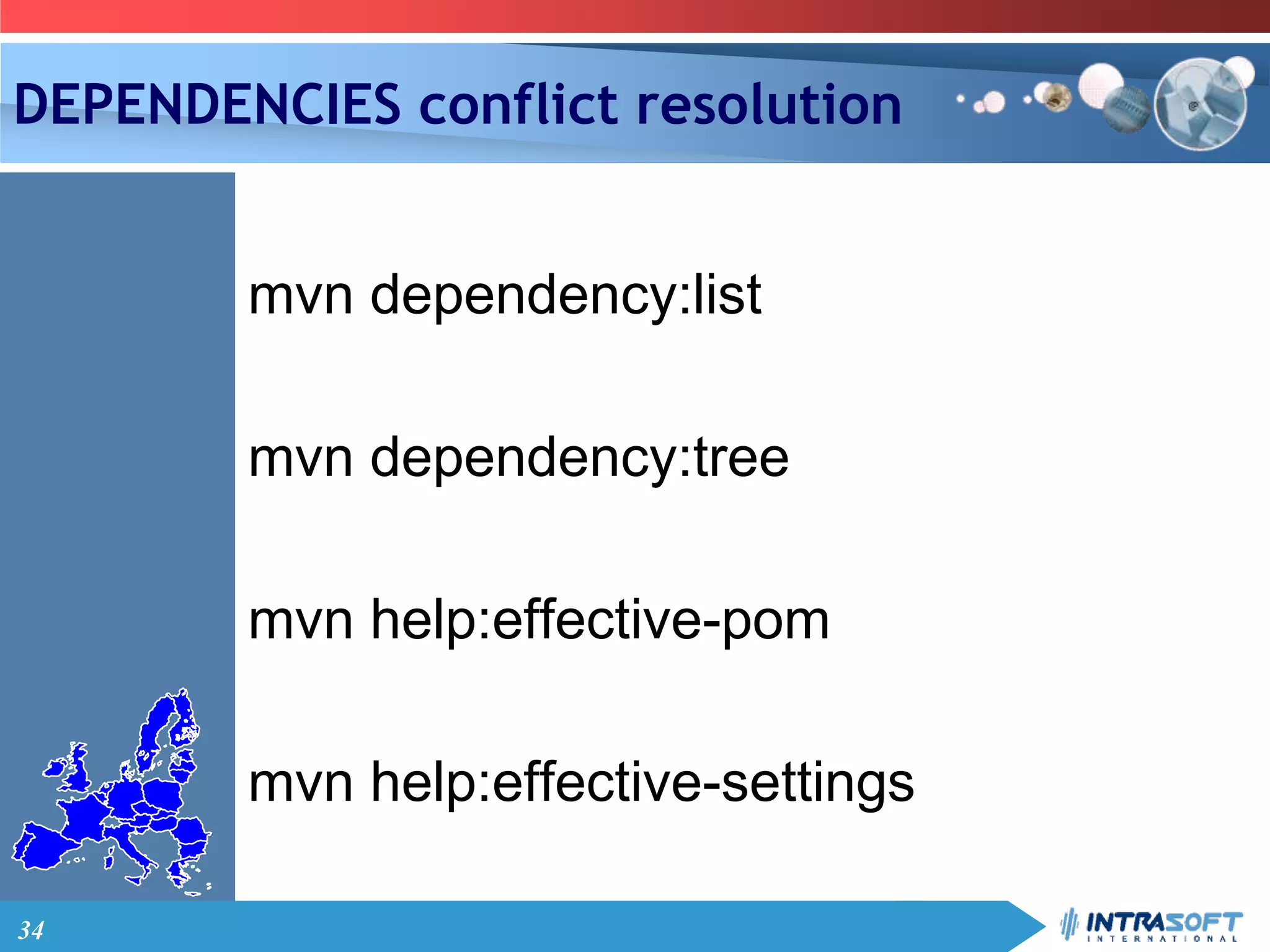
DEPENDENCIES conflict resolution
mvn dependency:list
mvn dependency:tree
mvn help:effective-pom
mvn help:effective-settings
35
PLUGINS
Maven
36
PLUGINS – plugin sites
maven.apache.org
docs.codehaus.org
37
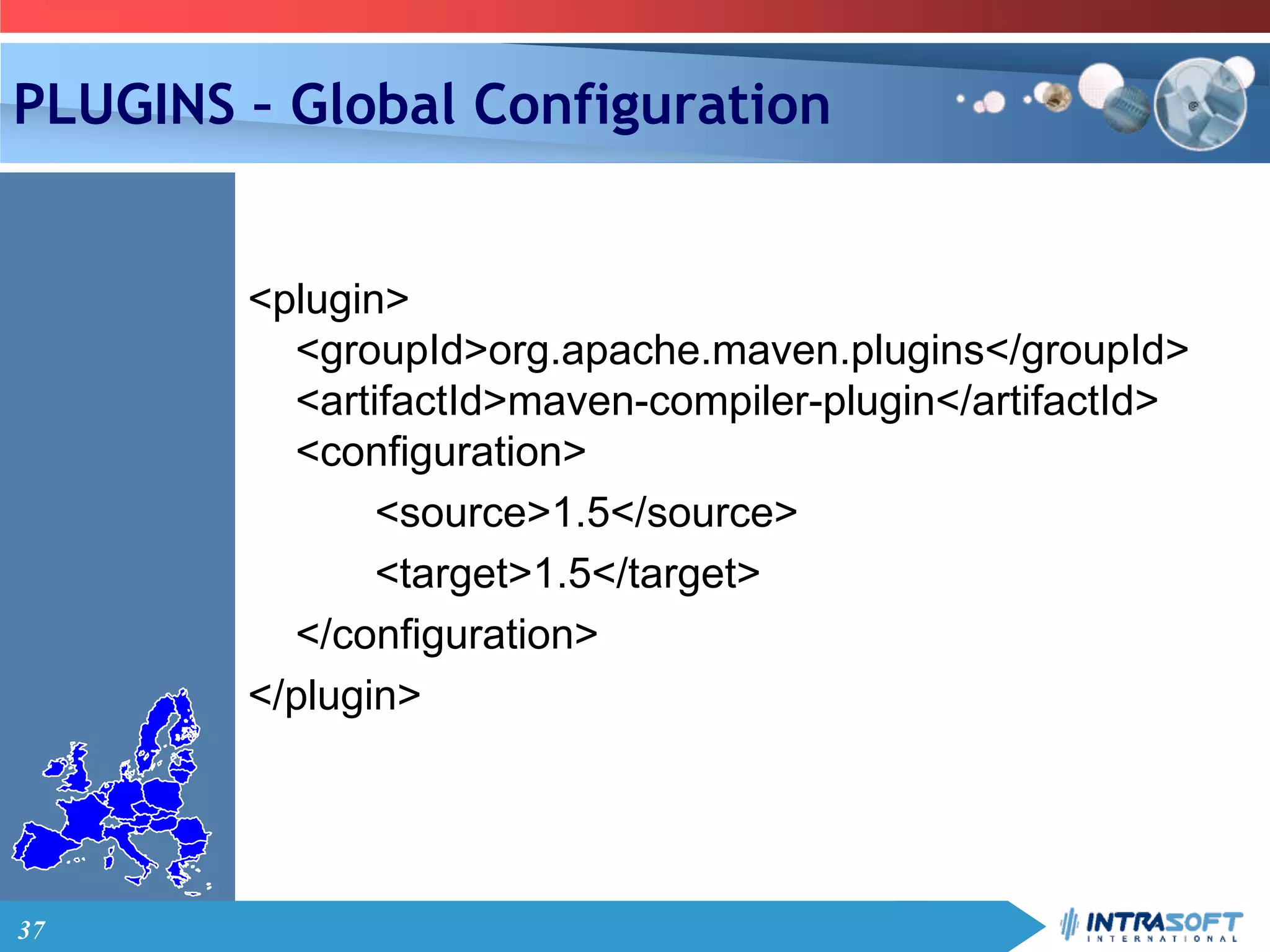
PLUGINS – Global Configuration
<plugin>
<groupId>org.apache.maven.plugins</groupId>
<artifactId>maven-compiler-plugin</artifactId>
<configuration>
<source>1.5</source>
<target>1.5</target>
</configuration>
</plugin>
38
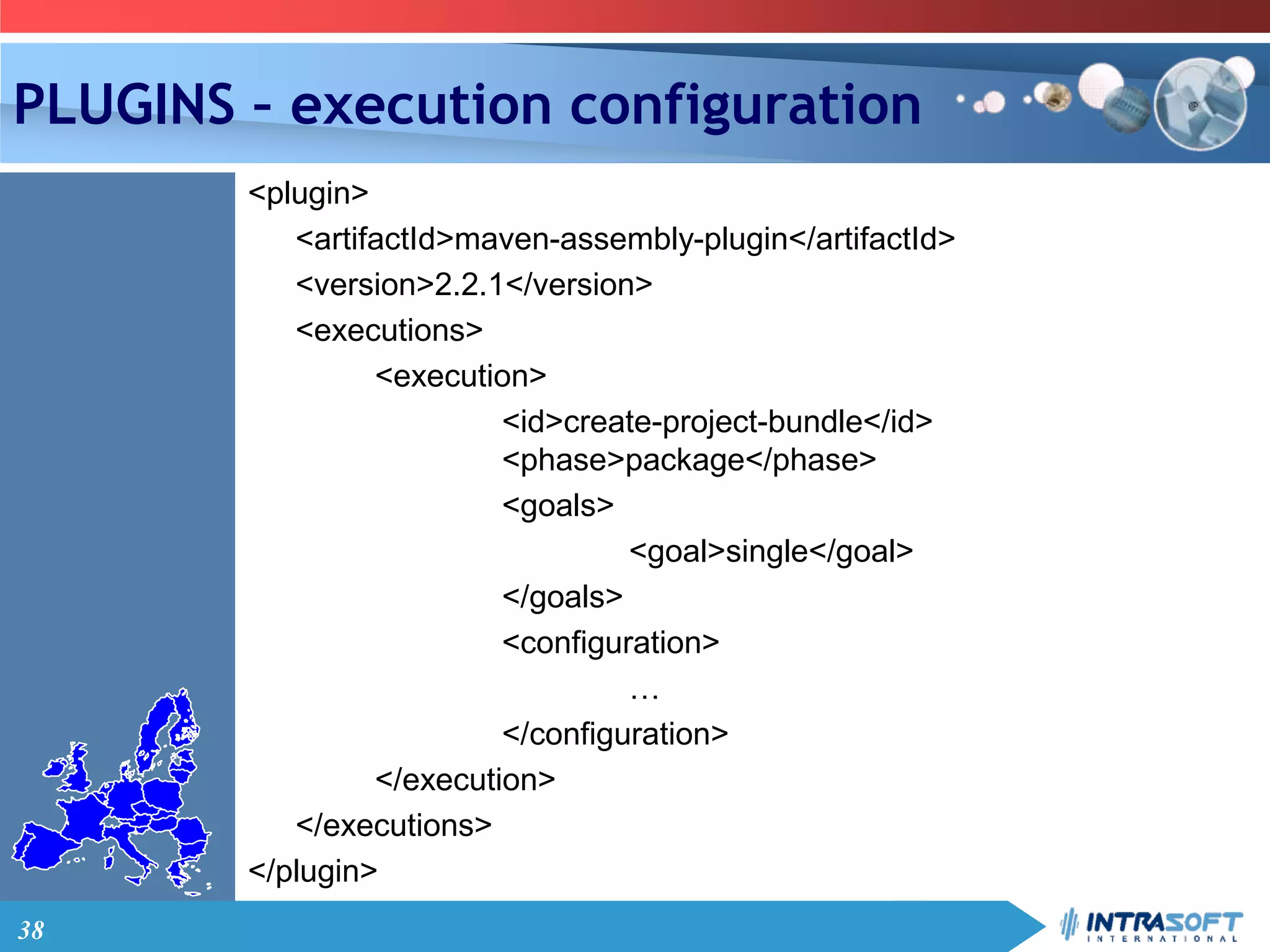
PLUGINS – execution configuration
<plugin>
<artifactId>maven-assembly-plugin</artifactId>
<version>2.2.1</version>
<executions>
<execution>
<id>create-project-bundle</id>
<phase>package</phase>
<goals>
<goal>single</goal>
</goals>
<configuration>
…
</configuration>
</execution>
</executions>
</plugin>
39
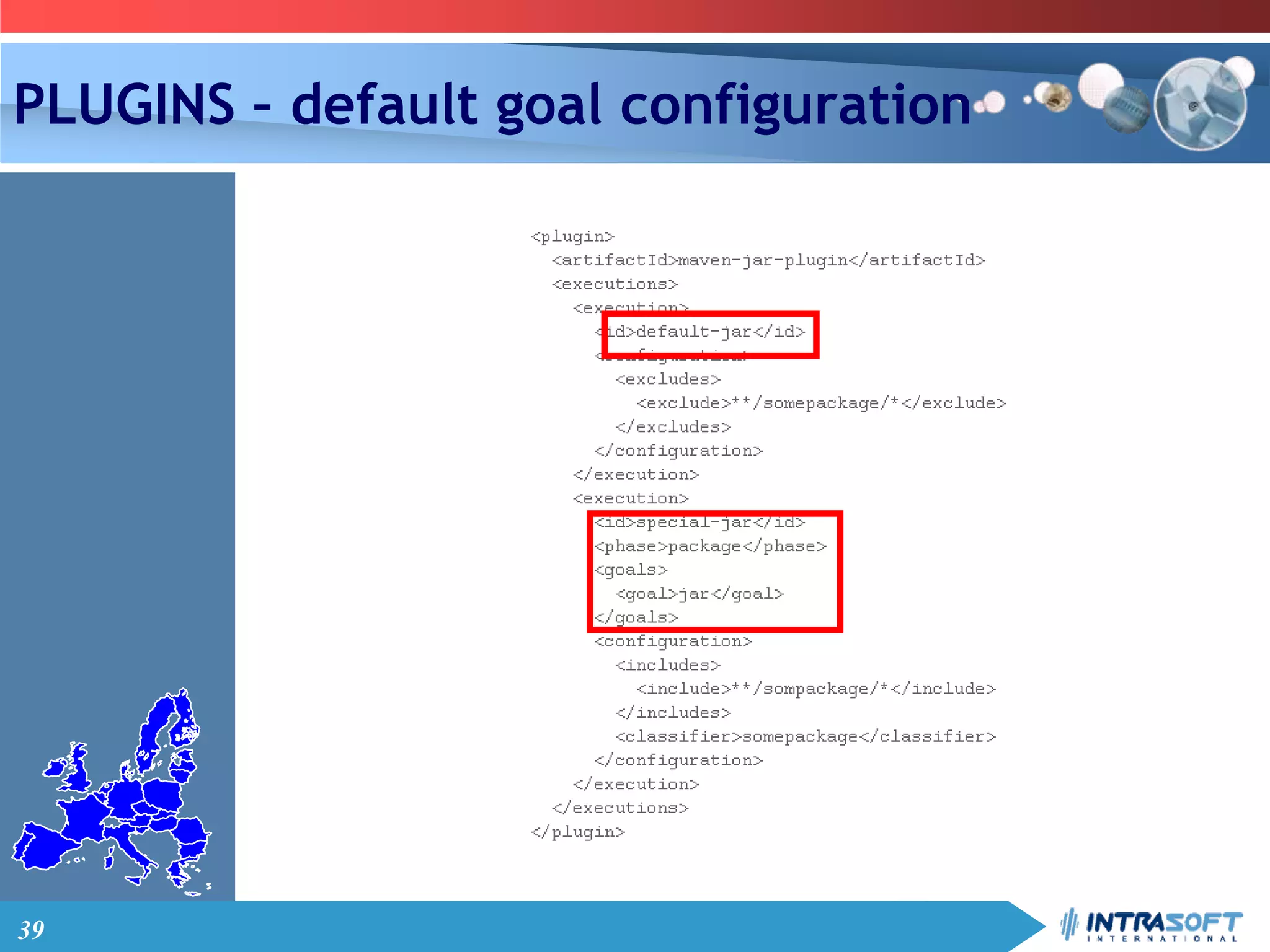
PLUGINS – default goal configuration
40
PLUGINS - Exercise
Click here
41
PROFILES
Maven
42
BUILD PROFILES
• Allow the customization of a particular
build for a particular environment;
• Enable portability between different
build environments
43
PROFILES – PROFILE TYPES
• Per Project- Defined in the POM itself (pom.xml).
• Per User- Defined in the Maven-settings
(%USER_HOME%/.m2/settings.xml).
• Global- Defined in the global Maven-settings
(%M2_HOME%/conf/settings.xml).
44
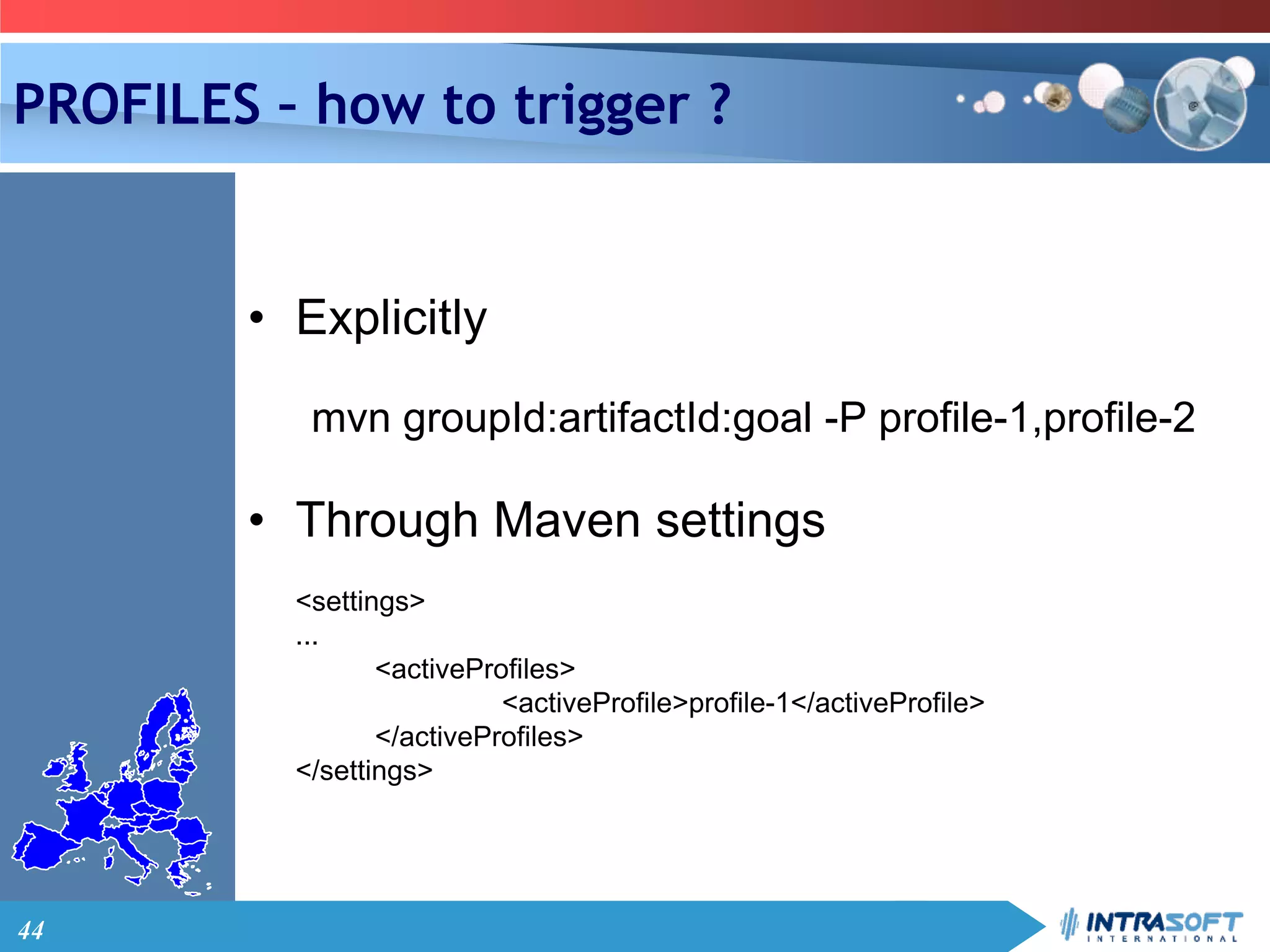
PROFILES – how to trigger ?
• Explicitly
mvn groupId:artifactId:goal -P profile-1,profile-2
• Through Maven settings
<settings>
...
<activeProfiles>
<activeProfile>profile-1</activeProfile>
</activeProfiles>
</settings>
45
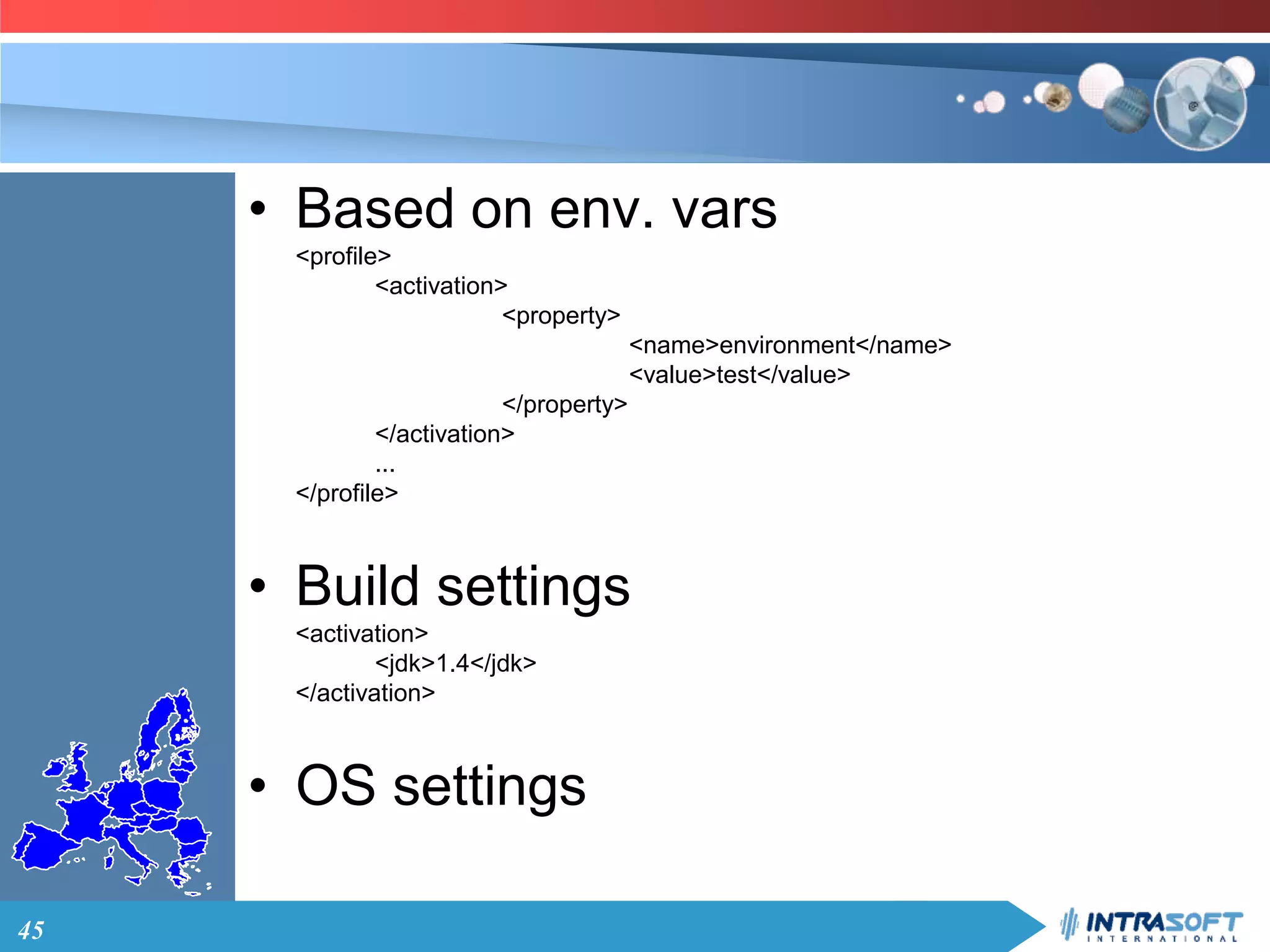
• Based on env. vars
<profile>
<activation>
<property>
<name>environment</name>
<value>test</value>
</property>
</activation>
...
</profile>
• Build settings
<activation>
<jdk>1.4</jdk>
</activation>
• OS settings
46
PROJECT HIERARCHY
Maven
47
PROJECT HIERARCY
48
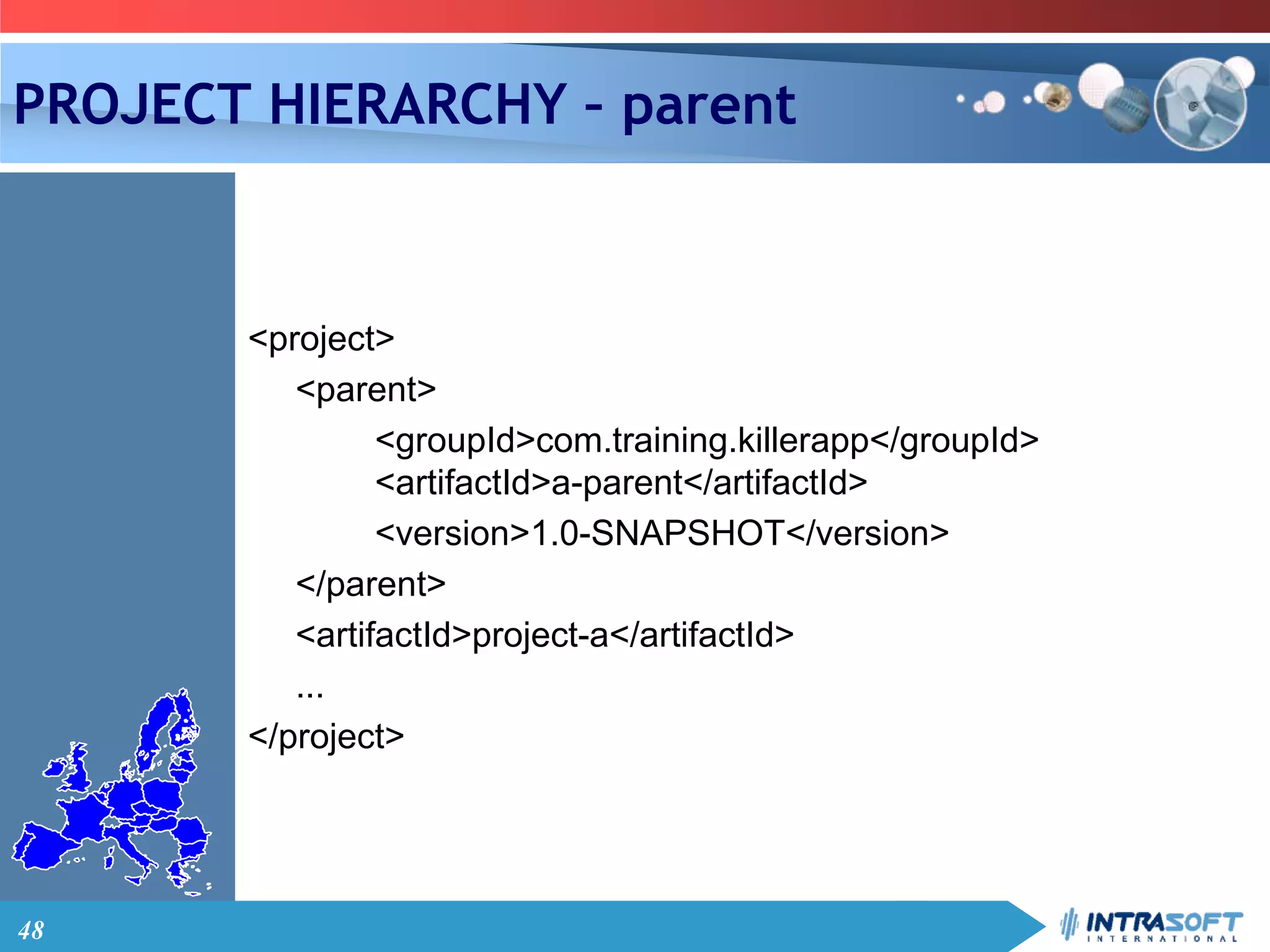
PROJECT HIERARCHY – parent
<project>
<parent>
<groupId>com.training.killerapp</groupId>
<artifactId>a-parent</artifactId>
<version>1.0-SNAPSHOT</version>
</parent>
<artifactId>project-a</artifactId>
...
</project>
49
PROJECT HIERARCHY - inheritance
• Identifiers (!)
• dependencies
• developers and contributors
• plug-in lists
• reports lists
• plug-in executions
• plug-in configuration
50
PROJECT HIERARCHY
Check super POM
51
ASSEMBLIES
Maven
52
MAVEN FOR OHIM PROJECT
MAVEN

Maven tutorial

Editor's Notes

  • #46 See project 04MavenProfiles