Maven Tools & Archetypes
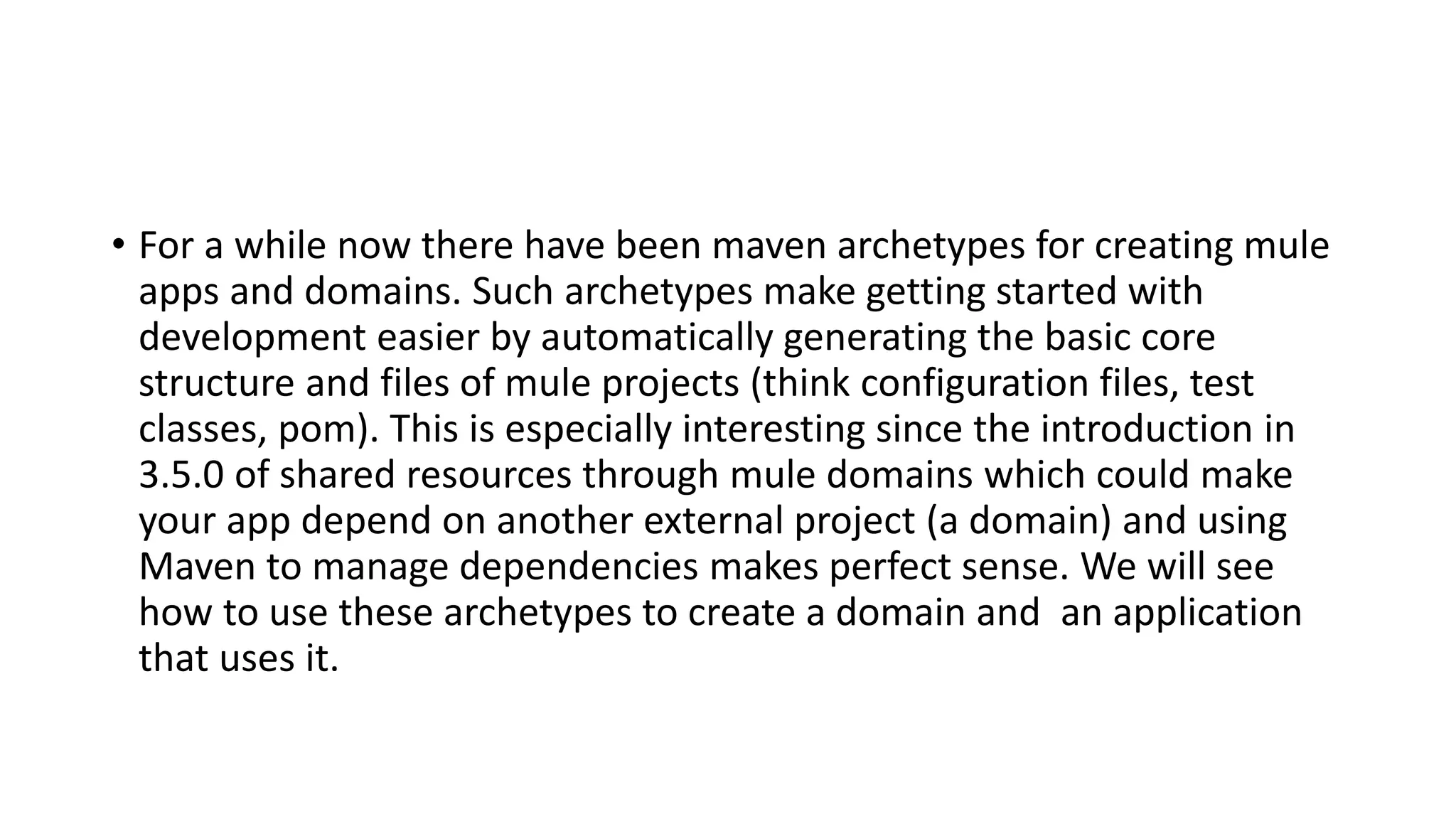
• For a while now there have been maven archetypes for creating mule
apps and domains. Such archetypes make getting started with
development easier by automatically generating the basic core
structure and files of mule projects (think configuration files, test
classes, pom). This is especially interesting since the introduction in
3.5.0 of shared resources through mule domains which could make
your app depend on another external project (a domain) and using
Maven to manage dependencies makes perfect sense. We will see
how to use these archetypes to create a domain and an application
that uses it.
Creating a domain
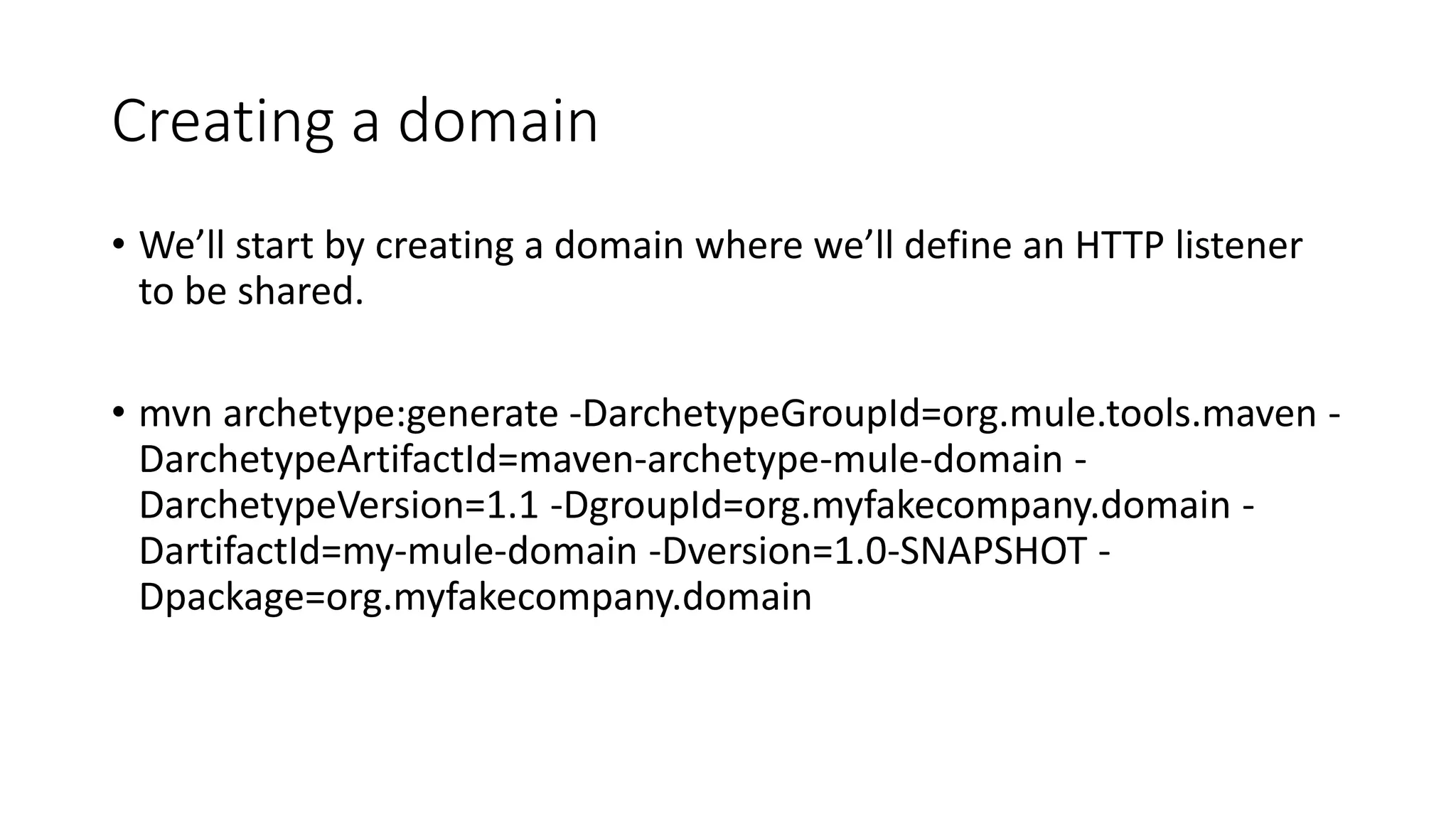
• We’ll start by creating a domain where we’ll define an HTTP listener
to be shared.
• mvn archetype:generate -DarchetypeGroupId=org.mule.tools.maven -
DarchetypeArtifactId=maven-archetype-mule-domain -
DarchetypeVersion=1.1 -DgroupId=org.myfakecompany.domain -
DartifactId=my-mule-domain -Dversion=1.0-SNAPSHOT -
Dpackage=org.myfakecompany.domain
This will create a project named my-mule-domain
that contains a mule-domain-config.xml file where
we can define our listener config:<?xml version="1.0" encoding="UTF-8"?>
<domain:mule-domain
xmlns="http://www.mulesoft.org/schema/mule/core"
xmlns:domain="http://www.mulesoft.org/schema/mule/domain"
xmlns:http="http://www.mulesoft.org/schema/mule/http"
xmlns:xsi="http://www.w3.org/2001/XMLSchema-instance"
xmlns:spring="http://www.springframework.org/schema/beans"
xsi:schemaLocation="
http://www.mulesoft.org/schema/mule/core http://www.mulesoft.org/schema/mule/core/current/mule.xsd
http://www.springframework.org/schema/beans http://www.springframework.org/schema/beans/spring-beans-current.xsd
http://www.mulesoft.org/schema/mule/domain http://www.mulesoft.org/schema/mule/domain/current/mule-domain.xsd
http://www.mulesoft.org/schema/mule/http http://www.mulesoft.org/schema/mule/http/current/mule-http.xsd">
<!-- configure here resources to be shared within the domain -->
<http:listener-config host="localhost" port="8081" basePath="domain" name="listenerConfig"/>
</domain:mule-domain>
Creating an app
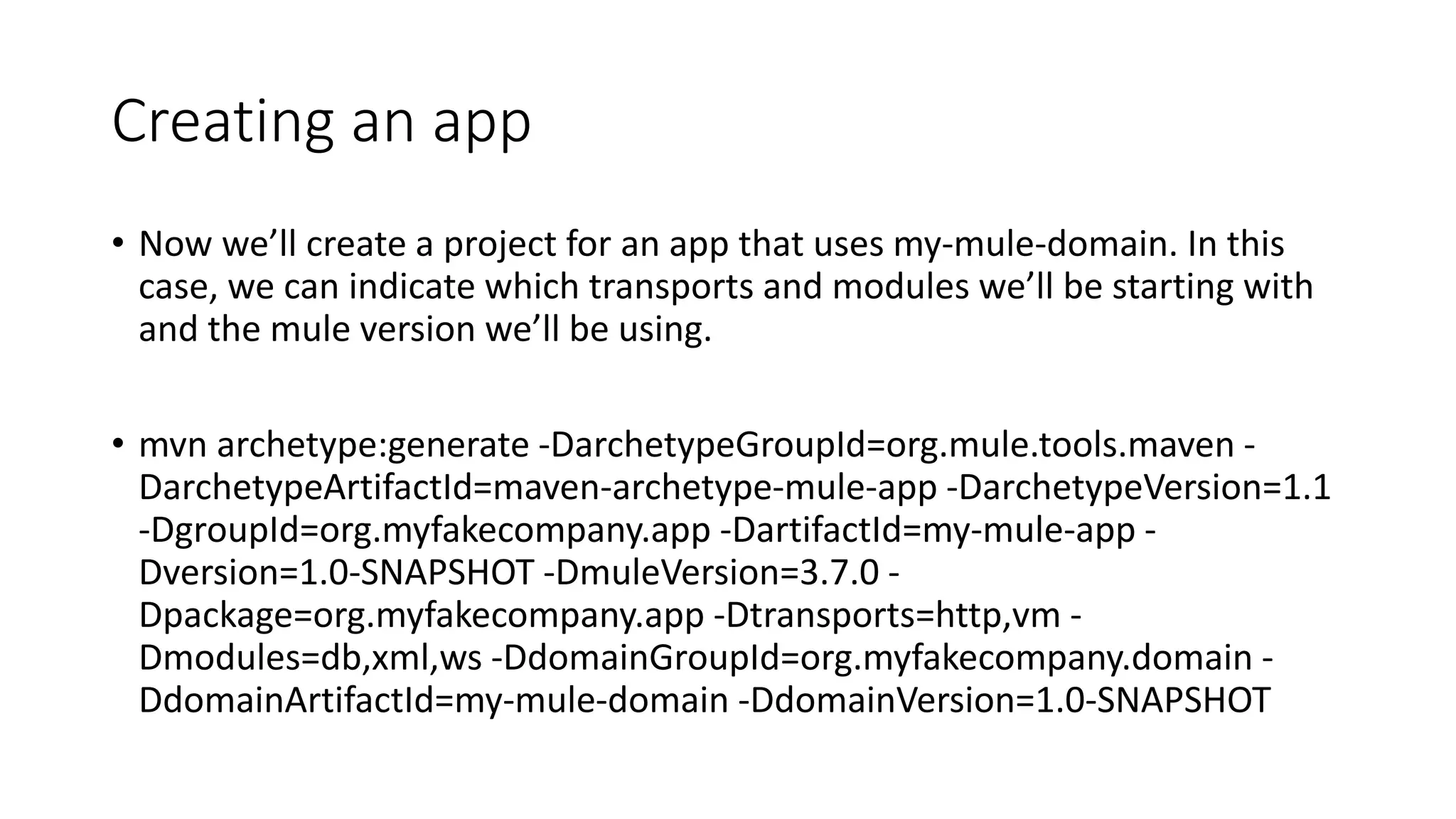
• Now we’ll create a project for an app that uses my-mule-domain. In this
case, we can indicate which transports and modules we’ll be starting with
and the mule version we’ll be using.
• mvn archetype:generate -DarchetypeGroupId=org.mule.tools.maven -
DarchetypeArtifactId=maven-archetype-mule-app -DarchetypeVersion=1.1
-DgroupId=org.myfakecompany.app -DartifactId=my-mule-app -
Dversion=1.0-SNAPSHOT -DmuleVersion=3.7.0 -
Dpackage=org.myfakecompany.app -Dtransports=http,vm -
Dmodules=db,xml,ws -DdomainGroupId=org.myfakecompany.domain -
DdomainArtifactId=my-mule-domain -DdomainVersion=1.0-SNAPSHOT
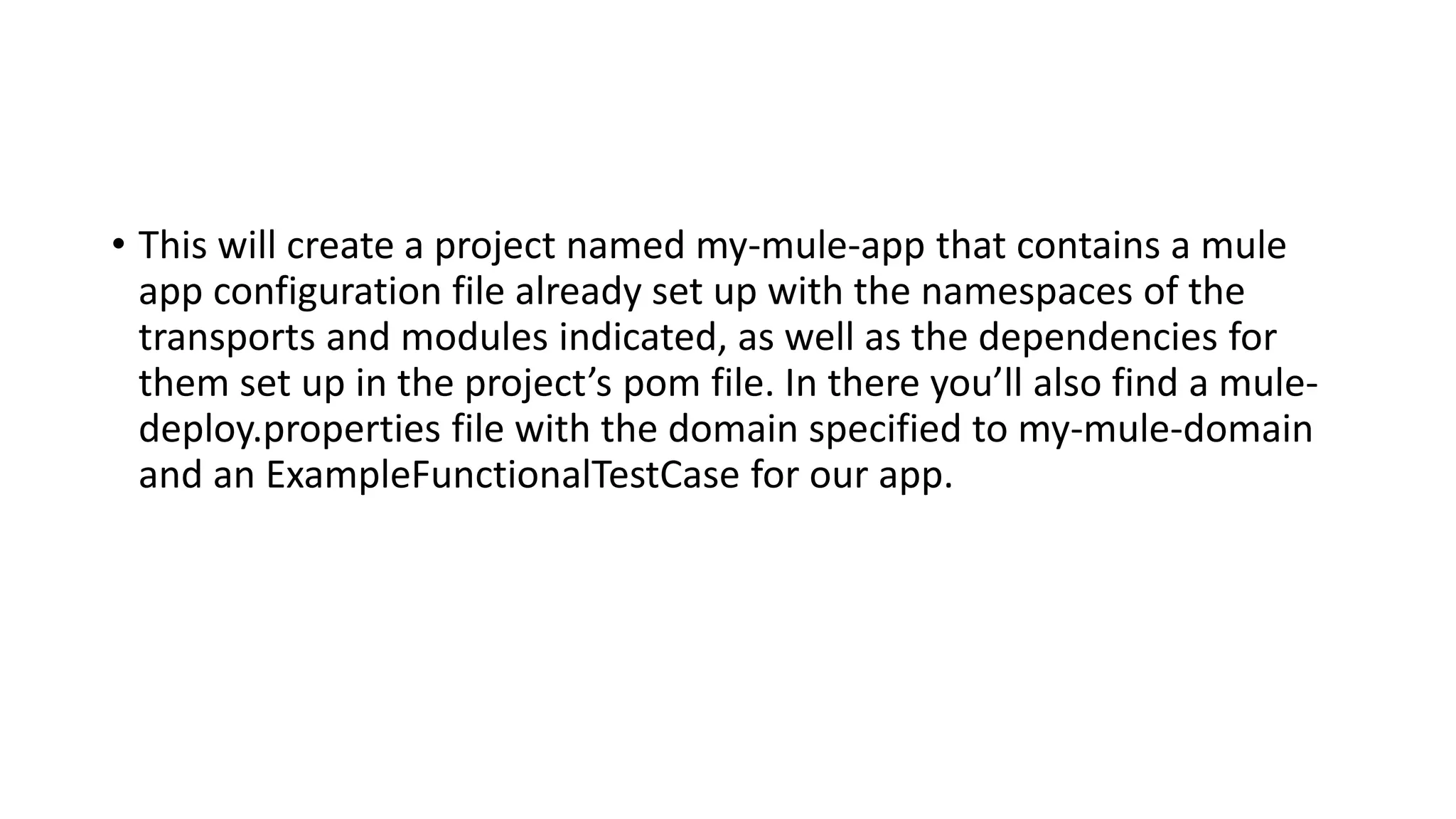
• This will create a project named my-mule-app that contains a mule
app configuration file already set up with the namespaces of the
transports and modules indicated, as well as the dependencies for
them set up in the project’s pom file. In there you’ll also find a mule-
deploy.properties file with the domain specified to my-mule-domain
and an ExampleFunctionalTestCase for our app.
Let’s modify the app to use the shared HTTP
listener and it’s test accordingly. We’ll get rid of
the vm endpoints and extra initial message
processors and add our listener:
<flow name="main">
<http:listener config-ref="listenerConfig" path="test"/>
<set-payload value="Received" />
</flow>
In ExampleFunctionalTestCase we can now use the
MuleClient to send a request to
“http://localhost:8081/domain/test”. Let’s replace
the vm related client code and modify the
expected payload since now we’ll be expecting
“Received”:
@Test
public void testConfiguration() throws Exception
{
MuleClient client = getMuleContextForApp("myApp").getClient();
MuleMessage message = new DefaultMuleMessage("some data", getMuleContextForApp("myApp"));
MuleMessage result = client.send("http://localhost:8081/domain/test", message);
assertNotNull(result);
assertNull(result.getExceptionPayload());
assertFalse(result.getPayload() instanceof NullPayload);
assertEquals("Received", result.getPayloadAsString());
}
• That’s it, we now have an application that’s using a listener defined in
a domain AND a test case for it. This works because the external
domain project is added as a dependency of our project, as well as a
Maven plugin to unpack it’s configuration file, all of which was set up
when we created the app through the archetype. Just compile
everything and run the test.
Extra
• Archetypes are not all there is to offer for Maven projects though.
Each of the projects mentioned above uses a special maven plugin to
manage the packaging into deployable .zip files.
• If I want to generate the deployable .zip for my domain I just have to
run: mvn package

Maven tools & archetypes

  • 1.
    Maven Tools &Archetypes
  • 2.
    • For awhile now there have been maven archetypes for creating mule apps and domains. Such archetypes make getting started with development easier by automatically generating the basic core structure and files of mule projects (think configuration files, test classes, pom). This is especially interesting since the introduction in 3.5.0 of shared resources through mule domains which could make your app depend on another external project (a domain) and using Maven to manage dependencies makes perfect sense. We will see how to use these archetypes to create a domain and an application that uses it.
  • 3.
    Creating a domain •We’ll start by creating a domain where we’ll define an HTTP listener to be shared. • mvn archetype:generate -DarchetypeGroupId=org.mule.tools.maven - DarchetypeArtifactId=maven-archetype-mule-domain - DarchetypeVersion=1.1 -DgroupId=org.myfakecompany.domain - DartifactId=my-mule-domain -Dversion=1.0-SNAPSHOT - Dpackage=org.myfakecompany.domain
  • 4.
    This will createa project named my-mule-domain that contains a mule-domain-config.xml file where we can define our listener config:<?xml version="1.0" encoding="UTF-8"?> <domain:mule-domain xmlns="http://www.mulesoft.org/schema/mule/core" xmlns:domain="http://www.mulesoft.org/schema/mule/domain" xmlns:http="http://www.mulesoft.org/schema/mule/http" xmlns:xsi="http://www.w3.org/2001/XMLSchema-instance" xmlns:spring="http://www.springframework.org/schema/beans" xsi:schemaLocation=" http://www.mulesoft.org/schema/mule/core http://www.mulesoft.org/schema/mule/core/current/mule.xsd http://www.springframework.org/schema/beans http://www.springframework.org/schema/beans/spring-beans-current.xsd http://www.mulesoft.org/schema/mule/domain http://www.mulesoft.org/schema/mule/domain/current/mule-domain.xsd http://www.mulesoft.org/schema/mule/http http://www.mulesoft.org/schema/mule/http/current/mule-http.xsd"> <!-- configure here resources to be shared within the domain --> <http:listener-config host="localhost" port="8081" basePath="domain" name="listenerConfig"/> </domain:mule-domain>
  • 5.
    Creating an app •Now we’ll create a project for an app that uses my-mule-domain. In this case, we can indicate which transports and modules we’ll be starting with and the mule version we’ll be using. • mvn archetype:generate -DarchetypeGroupId=org.mule.tools.maven - DarchetypeArtifactId=maven-archetype-mule-app -DarchetypeVersion=1.1 -DgroupId=org.myfakecompany.app -DartifactId=my-mule-app - Dversion=1.0-SNAPSHOT -DmuleVersion=3.7.0 - Dpackage=org.myfakecompany.app -Dtransports=http,vm - Dmodules=db,xml,ws -DdomainGroupId=org.myfakecompany.domain - DdomainArtifactId=my-mule-domain -DdomainVersion=1.0-SNAPSHOT
  • 6.
    • This willcreate a project named my-mule-app that contains a mule app configuration file already set up with the namespaces of the transports and modules indicated, as well as the dependencies for them set up in the project’s pom file. In there you’ll also find a mule- deploy.properties file with the domain specified to my-mule-domain and an ExampleFunctionalTestCase for our app.
  • 7.
    Let’s modify theapp to use the shared HTTP listener and it’s test accordingly. We’ll get rid of the vm endpoints and extra initial message processors and add our listener: <flow name="main"> <http:listener config-ref="listenerConfig" path="test"/> <set-payload value="Received" /> </flow>
  • 8.
    In ExampleFunctionalTestCase wecan now use the MuleClient to send a request to “http://localhost:8081/domain/test”. Let’s replace the vm related client code and modify the expected payload since now we’ll be expecting “Received”: @Test public void testConfiguration() throws Exception { MuleClient client = getMuleContextForApp("myApp").getClient(); MuleMessage message = new DefaultMuleMessage("some data", getMuleContextForApp("myApp")); MuleMessage result = client.send("http://localhost:8081/domain/test", message); assertNotNull(result); assertNull(result.getExceptionPayload()); assertFalse(result.getPayload() instanceof NullPayload); assertEquals("Received", result.getPayloadAsString()); }
  • 9.
    • That’s it,we now have an application that’s using a listener defined in a domain AND a test case for it. This works because the external domain project is added as a dependency of our project, as well as a Maven plugin to unpack it’s configuration file, all of which was set up when we created the app through the archetype. Just compile everything and run the test.
  • 10.
    Extra • Archetypes arenot all there is to offer for Maven projects though. Each of the projects mentioned above uses a special maven plugin to manage the packaging into deployable .zip files. • If I want to generate the deployable .zip for my domain I just have to run: mvn package