Master Public
Speaking
Part 1- Overcoming anxietyPart 4- 10 tips to deliver a
great speech
Part 2- Put together a
compelling story
Part 3- Optimize the design
of your presentations
Explore - Learn - Grow
Do you know your Happiness Score? Get your Life Satisfaction Report. Free, no registration required. I Contact
Public speaking and stage fright:
the #1 fear of any workers
2Part 1- Overcoming anxiety
What is the source
of anxiety?
* To be in the spotlight
* To look unprepared
* To appear ridiculous
* To show our lack of experience
* To face a difficult audience with unexpected
questions
Overcoming anxiety come with hardwork: the right
preparation, practice and presence on stage
3Part 1- Overcoming anxiety
1- Pull together a compelling story based on
thoroughly researched facts and data (part
12)
2- Let your slides speak by themselves and
tell your story. The right design and tips to
develop a winning presentation (part 3)
3- Deliver with style and confidence. Follow
the 10 successful tips described in part 4.
About the audience
4Part 2- Put together a compelling story
* People Think Faster Than
Hear
* Have Short Attention Span
* Jump to Conclusions
* Are easily Distracted
Framing your audience:
ask yourself the right questions:
5Part 2- Put together a compelling story
* What does your audience know about your presentations?
* How many? Demographics? Beliefs and value?
* Are they receptive/antagonistic?
* Why did they come? Which personal objectives to they pursue? What is
driving them?
* Do they have a problem in common they are thrying to solve?
* What do they expect?
* What is your call for action? Inform only, approve, decide, ...
Clarify the purpose of
your presentation
6Part 2- Put together a compelling story
* Inform
* Inspire / Persuade
* Sell, convince
* Entertain
* Introduce
* Accept
* Pay Tribute
* Seek approval
* Reach a consensus, decide
The ABCD of your story - Outline example
7Part 2- Put together a compelling story
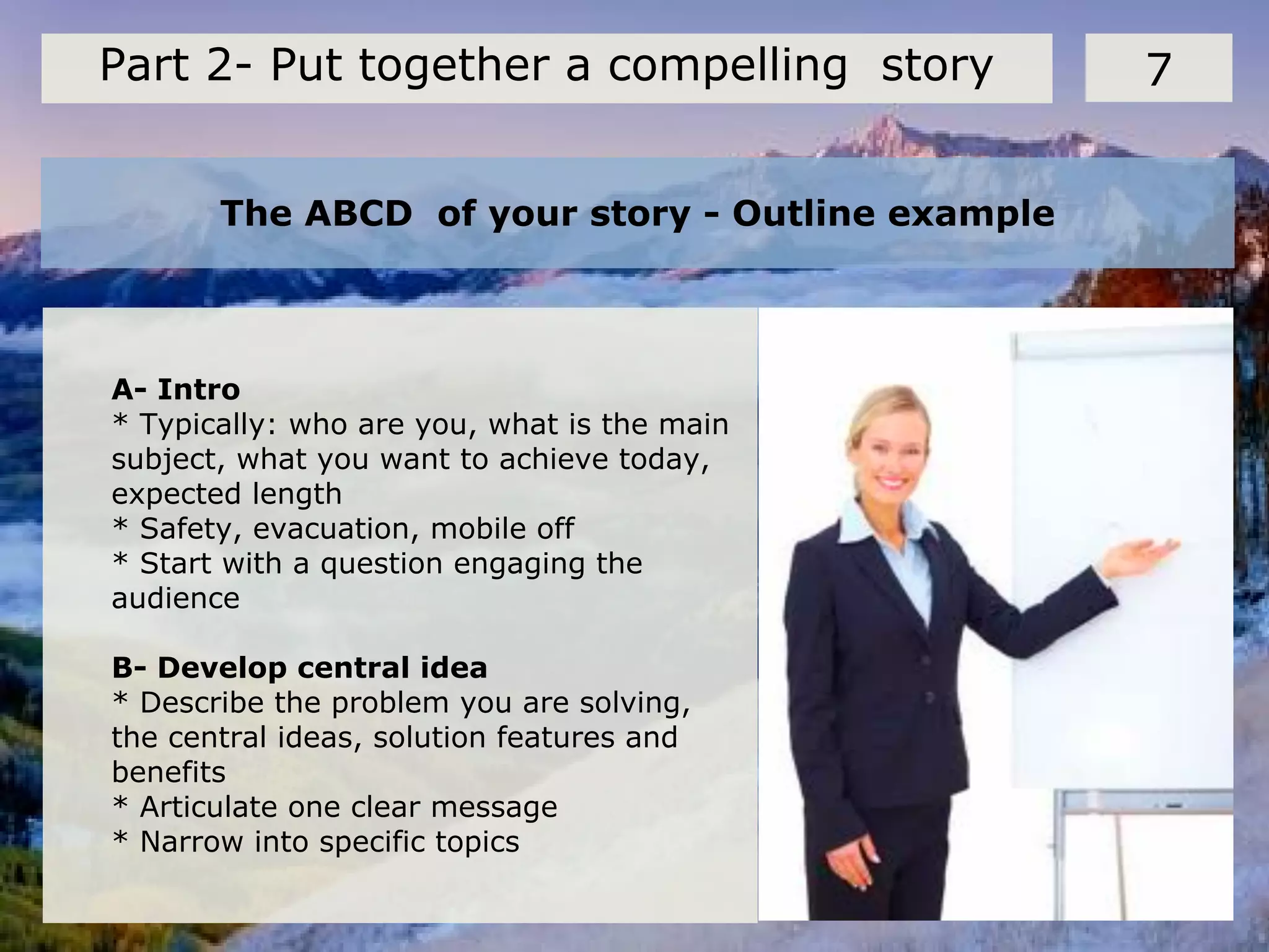
A- Intro
* Typically: who are you, what is the main
subject, what you want to achieve today,
expected length
* Safety, evacuation, mobile off
* Start with a question engaging the
audience
B- Develop central idea
* Describe the problem you are solving,
the central ideas, solution features and
benefits
* Articulate one clear message
* Narrow into specific topics
The ABCD of your story - Outline example
8Part 2- Put together a compelling story
C- Collecting inputs & feedback
* Open or close questions
* Get instant feedback with text message poll like polleverywhere.com
* Voting, post-it's, carousel, ...
D- Summary
* Repeat your main message
* Present next steps or call for action: buy, approve, next meeting, ...
* Present references and supporting materials
* Talk to the audience, collect verbal feedback as they exit
Structure your presentation to keep the audience
actively listening and engaged
9Part 2- Put together a compelling story
* Keep speech focused on message, do not digress
* Divide speech into compact segments, make sure that it flows logically
* Listen to audience question and feedback carefully: verbal and non-verbal
signs
* Adapt to situation
* Plan for a minimum of 4 minutes per slide: less for a simple slide like a
quote, much more if you expect questions or a dialogue
Click on the screen
Find out exactly how you will present
This will determine the font size, color scheme,
use of sound, flipcharts or not, ...
10Part 3- Optimize the design of your
presentations
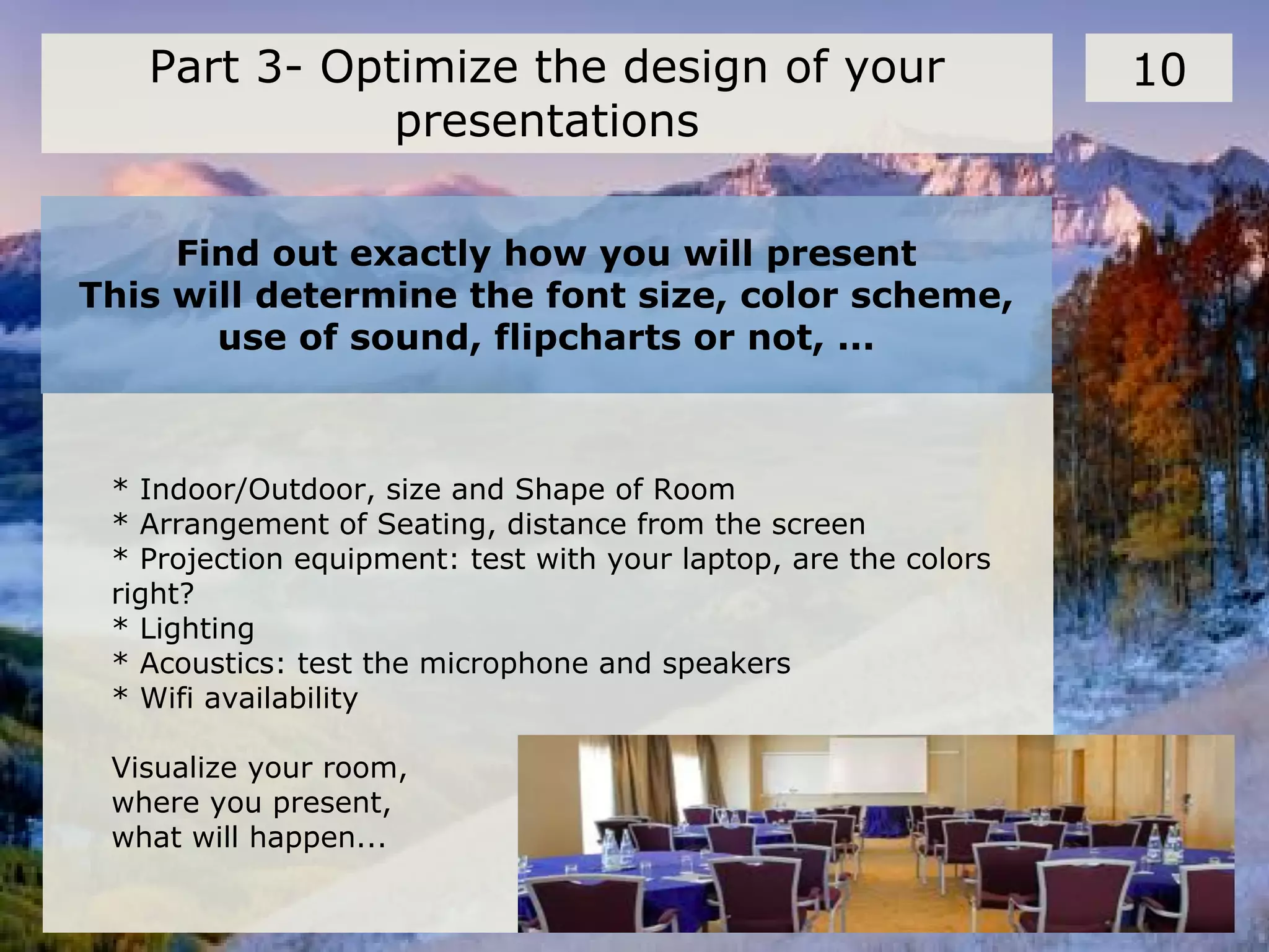
* Indoor/Outdoor, size and Shape of Room
* Arrangement of Seating, distance from the screen
* Projection equipment: test with your laptop, are the colors
right?
* Lighting
* Acoustics: test the microphone and speakers
* Wifi availability
Visualize your room,
where you present,
what will happen...
Use a consistent template
11Part 3- Optimize the design of your
presentations
* Use a set font and color scheme.
Different styles are disconcerting.
Choose size 20 or more for readability
* Choose a clean font that is easy to read. Arial
or Verdana are easier to read than Script or
Comic .
* Make sure the audience to focus on what you
present, not the way you present.
* Make sure that your pictures also follow a
consistent style
Basic rules about the use of bullets, capital and italics
12Part 3- Optimize the design of your
presentations
* Keep each bullet to one line, two at the most.
* Limit the number of bullets in a screen to six
* Use bullets to “cue” the audience in on what you want to say.
* Do not use all capital letters,
except for emphasis
* Avoid acronyms
Use Italics for
* for “quotes ”
* to highlight thoughts or
ideas
* For book, journal, or
magazine titles
Things you should not do
13Part 4- 10 tips to deliver a great speech
* Read directly from notes
* Read directly from screen
* Turn back on audience
* Slouch, hands in pockets
* No um, ah, you know’s
* Nervous gestures
* Talk too fast, too quietly,
incomprehensibly
* Show a lack of confidence
* Sit all the time
* Hide behind the media
Deliver your speech with confidence,
right from the start
14Part 4- 10 tips to deliver a great speech
What you should do:
* Maintain Eye contact
OK to glance at notes, but furtively
* Use appropriate gestures and movement to add
energy to your speech: move slowly around the room.
* Use the white board, put your thought into a
picture
* Ask rhetorical questions to involve audience:
are you OK? Can you hear me fine?
10 successful tips to control the room and deliver a
successful presentation
15Part 4- 10 tips to deliver a great speech
1- Know the room- become familiar
with the place of presentation
2- Know the audience- greet or chat
with the audience beforehand. It’s easier to
speak to friends than to strangers
3- Know your material-increased
nervousness is due to un-preparedness
4- Relaxation- relax entire body by
stretching and breathing so as to ease the
tension, listen to music
10 successful tips to control the room and deliver a
successful presentation
16Part 4- 10 tips to deliver a great speech
5- Visualize giving your speech-Visualize
yourself giving your speech from start to
finish. By visualizing yourself successful,
you will be successful
6- People want you to succeed-the
audience is there to see you succeed not to
fail
7- Do not apologize-by mentioning your
nervousness or apologizing, you will only be
calling the audience’s attention to mistakes
Mind-mapping can be used as
an effective visualization
technique
10 successful tips to control the room and deliver a
successful presentation
17Part 4- 10 tips to deliver a great speech
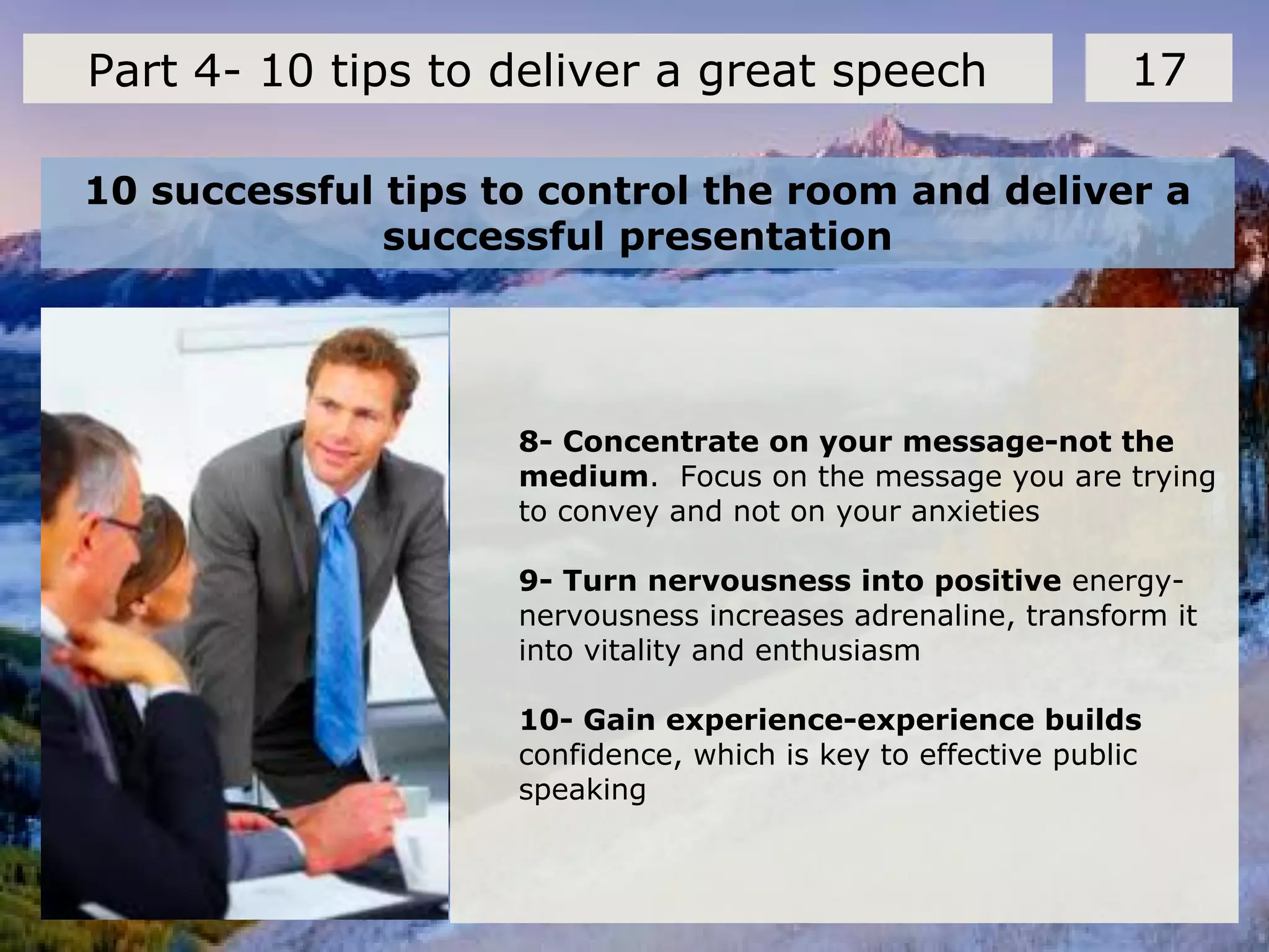
8- Concentrate on your message-not the
medium. Focus on the message you are trying
to convey and not on your anxieties
9- Turn nervousness into positive energy-
nervousness increases adrenaline, transform it
into vitality and enthusiasm
10- Gain experience-experience builds
confidence, which is key to effective public
speaking
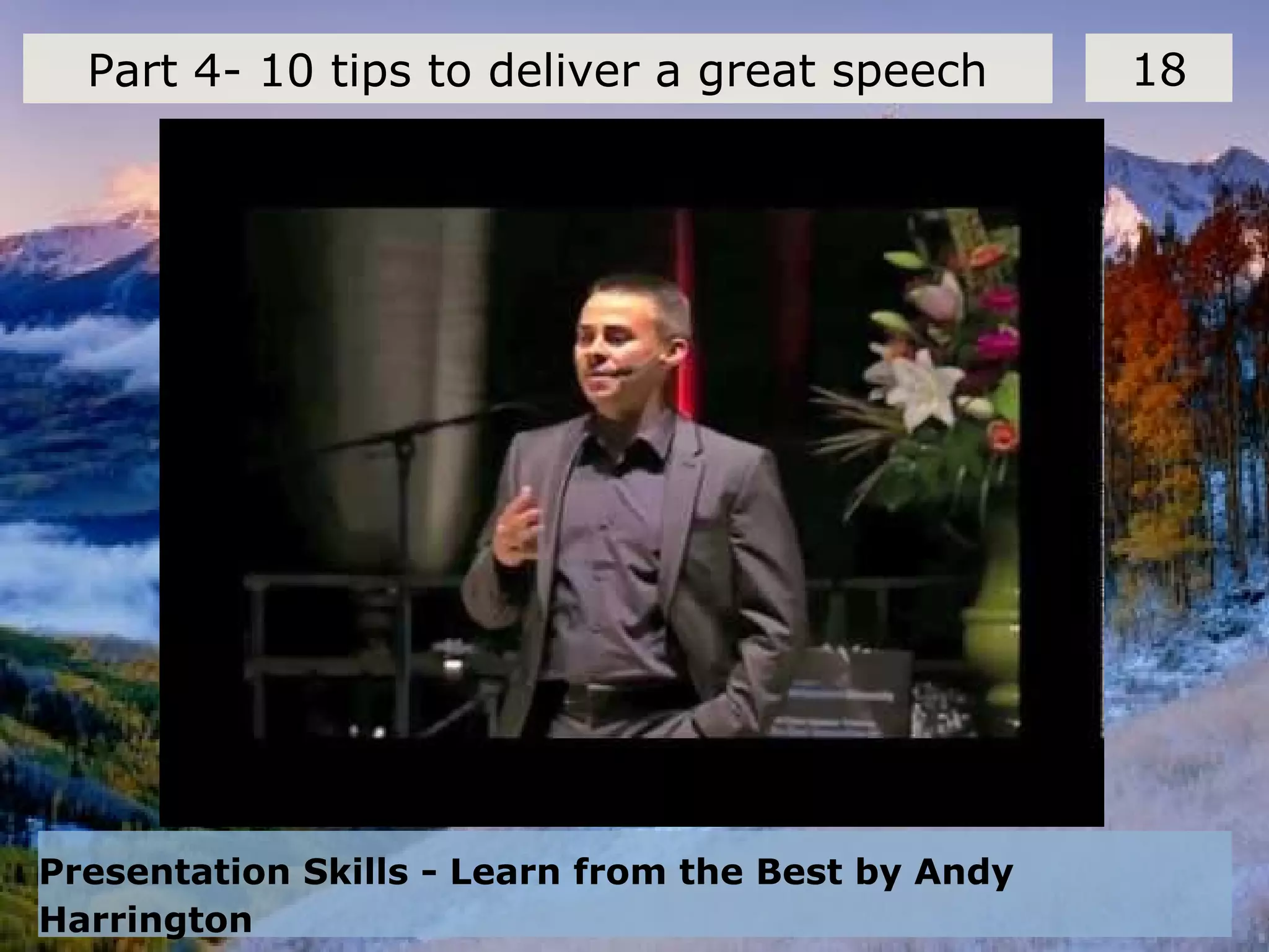
Presentation Skills - Learn from the Best by Andy
Harrington
18Part 4- 10 tips to deliver a great speech
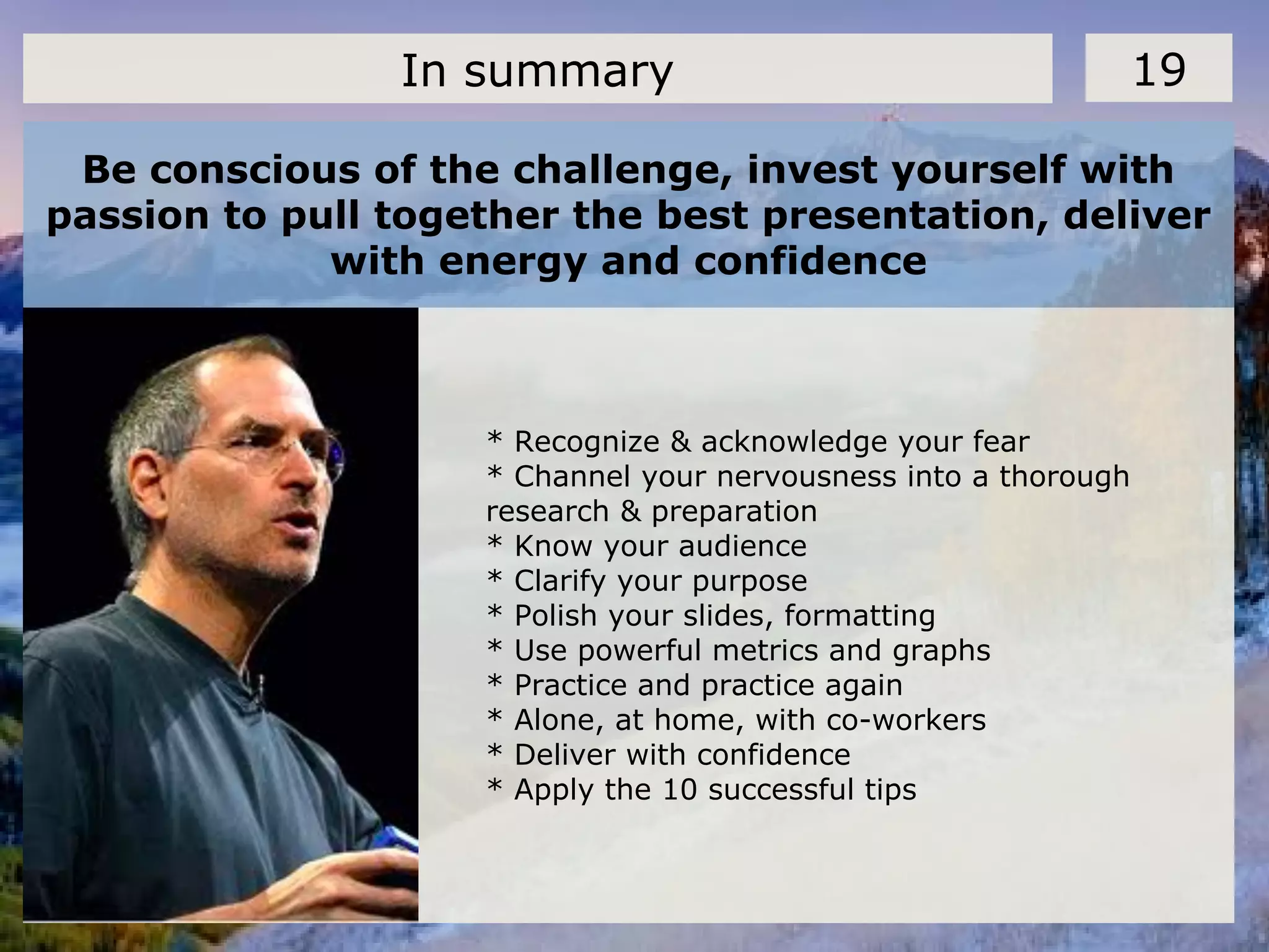
Be conscious of the challenge, invest yourself with
passion to pull together the best presentation, deliver
with energy and confidence
19In summary
* Recognize & acknowledge your fear
* Channel your nervousness into a thorough
research & preparation
* Know your audience
* Clarify your purpose
* Polish your slides, formatting
* Use powerful metrics and graphs
* Practice and practice again
* Alone, at home, with co-workers
* Deliver with confidence
* Apply the 10 successful tips
Click on the screen
* wikipedia.com
* Mark Lewis, "Podium Dreams", Forbes.com, 2010
* Zakahi, Walter,. "Communication Education", West Virginia:Speech
Communication Press, 1988
* Presentations by Donald R. Clark
* Public speaking, Allyn and Bacon
* 10 tips for public speaking, www.toastmasters.org
* Public speaking: an exercise and illustration, www.studygs.net
* Better Public Speaking and Presentation - Mind Tools, www.mindtools.com
* How To Conquer Public Speaking Fear, www.stresscure.com
* Presentation Tips for Public Speaking, www.aresearchguide.com
* Effective Public Speaking Skills, www.effective-public-speaking.com
* Public Speaking Tips, web.mit.edu
* Public speaking, www.dmoz.org
Sources and References 20
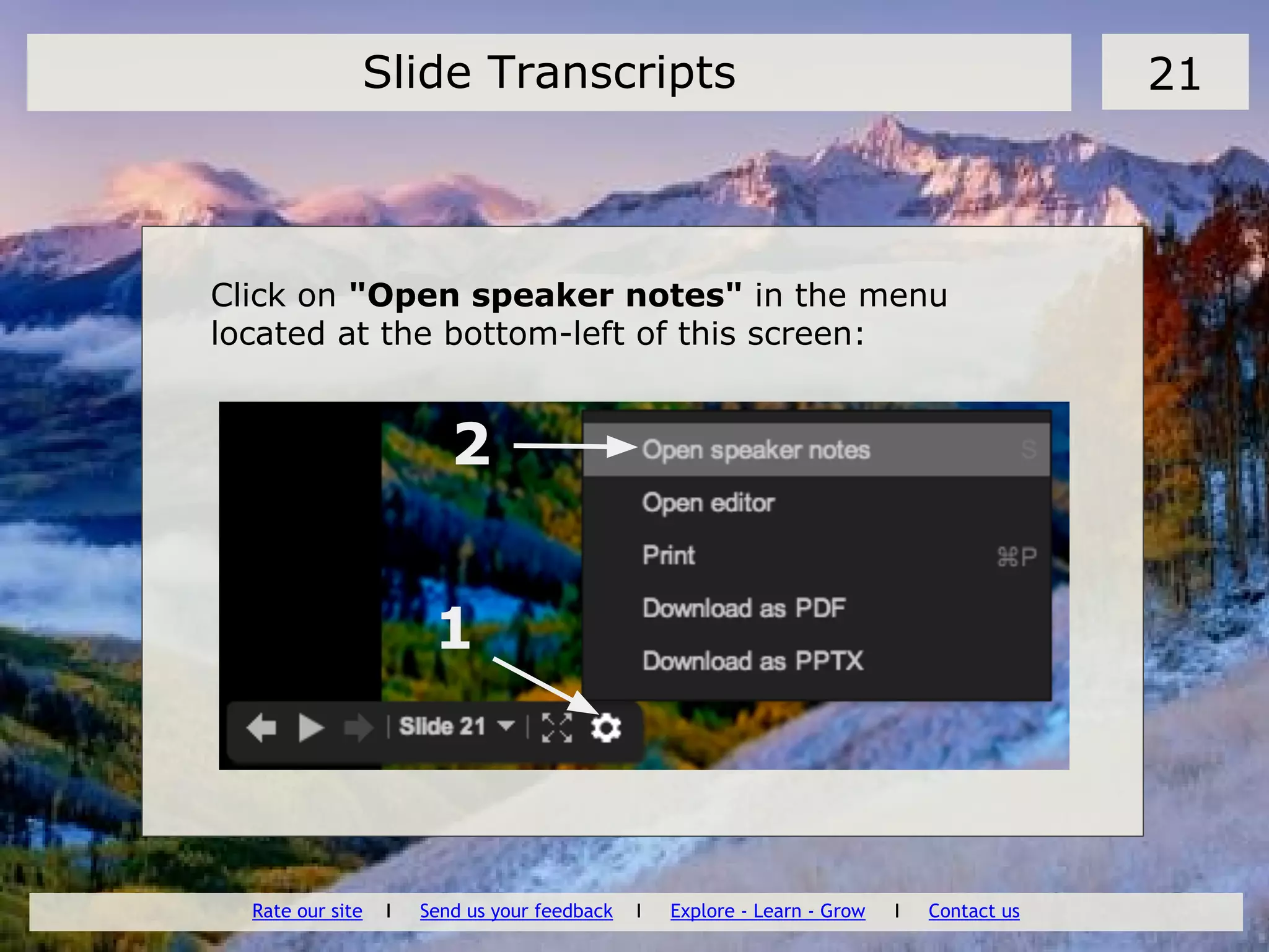
Click on "Open speaker notes" in the menu
located at the bottom-left of this screen:
Slide Transcripts 21
1
2
Rate our site I Send us your feedback I Explore - Learn - Grow I Contact us

Master public speaking

  • 1.
    Master Public Speaking Part 1-Overcoming anxietyPart 4- 10 tips to deliver a great speech Part 2- Put together a compelling story Part 3- Optimize the design of your presentations Explore - Learn - Grow Do you know your Happiness Score? Get your Life Satisfaction Report. Free, no registration required. I Contact
  • 2.
    Public speaking andstage fright: the #1 fear of any workers 2Part 1- Overcoming anxiety What is the source of anxiety? * To be in the spotlight * To look unprepared * To appear ridiculous * To show our lack of experience * To face a difficult audience with unexpected questions
  • 3.
    Overcoming anxiety comewith hardwork: the right preparation, practice and presence on stage 3Part 1- Overcoming anxiety 1- Pull together a compelling story based on thoroughly researched facts and data (part 12) 2- Let your slides speak by themselves and tell your story. The right design and tips to develop a winning presentation (part 3) 3- Deliver with style and confidence. Follow the 10 successful tips described in part 4.
  • 4.
    About the audience 4Part2- Put together a compelling story * People Think Faster Than Hear * Have Short Attention Span * Jump to Conclusions * Are easily Distracted
  • 5.
    Framing your audience: askyourself the right questions: 5Part 2- Put together a compelling story * What does your audience know about your presentations? * How many? Demographics? Beliefs and value? * Are they receptive/antagonistic? * Why did they come? Which personal objectives to they pursue? What is driving them? * Do they have a problem in common they are thrying to solve? * What do they expect? * What is your call for action? Inform only, approve, decide, ...
  • 6.
    Clarify the purposeof your presentation 6Part 2- Put together a compelling story * Inform * Inspire / Persuade * Sell, convince * Entertain * Introduce * Accept * Pay Tribute * Seek approval * Reach a consensus, decide
  • 7.
    The ABCD ofyour story - Outline example 7Part 2- Put together a compelling story A- Intro * Typically: who are you, what is the main subject, what you want to achieve today, expected length * Safety, evacuation, mobile off * Start with a question engaging the audience B- Develop central idea * Describe the problem you are solving, the central ideas, solution features and benefits * Articulate one clear message * Narrow into specific topics
  • 8.
    The ABCD ofyour story - Outline example 8Part 2- Put together a compelling story C- Collecting inputs & feedback * Open or close questions * Get instant feedback with text message poll like polleverywhere.com * Voting, post-it's, carousel, ... D- Summary * Repeat your main message * Present next steps or call for action: buy, approve, next meeting, ... * Present references and supporting materials * Talk to the audience, collect verbal feedback as they exit
  • 9.
    Structure your presentationto keep the audience actively listening and engaged 9Part 2- Put together a compelling story * Keep speech focused on message, do not digress * Divide speech into compact segments, make sure that it flows logically * Listen to audience question and feedback carefully: verbal and non-verbal signs * Adapt to situation * Plan for a minimum of 4 minutes per slide: less for a simple slide like a quote, much more if you expect questions or a dialogue
  • 10.
  • 11.
    Find out exactlyhow you will present This will determine the font size, color scheme, use of sound, flipcharts or not, ... 10Part 3- Optimize the design of your presentations * Indoor/Outdoor, size and Shape of Room * Arrangement of Seating, distance from the screen * Projection equipment: test with your laptop, are the colors right? * Lighting * Acoustics: test the microphone and speakers * Wifi availability Visualize your room, where you present, what will happen...
  • 12.
    Use a consistenttemplate 11Part 3- Optimize the design of your presentations * Use a set font and color scheme. Different styles are disconcerting. Choose size 20 or more for readability * Choose a clean font that is easy to read. Arial or Verdana are easier to read than Script or Comic . * Make sure the audience to focus on what you present, not the way you present. * Make sure that your pictures also follow a consistent style
  • 13.
    Basic rules aboutthe use of bullets, capital and italics 12Part 3- Optimize the design of your presentations * Keep each bullet to one line, two at the most. * Limit the number of bullets in a screen to six * Use bullets to “cue” the audience in on what you want to say. * Do not use all capital letters, except for emphasis * Avoid acronyms Use Italics for * for “quotes ” * to highlight thoughts or ideas * For book, journal, or magazine titles
  • 14.
    Things you shouldnot do 13Part 4- 10 tips to deliver a great speech * Read directly from notes * Read directly from screen * Turn back on audience * Slouch, hands in pockets * No um, ah, you know’s * Nervous gestures * Talk too fast, too quietly, incomprehensibly * Show a lack of confidence * Sit all the time * Hide behind the media
  • 15.
    Deliver your speechwith confidence, right from the start 14Part 4- 10 tips to deliver a great speech What you should do: * Maintain Eye contact OK to glance at notes, but furtively * Use appropriate gestures and movement to add energy to your speech: move slowly around the room. * Use the white board, put your thought into a picture * Ask rhetorical questions to involve audience: are you OK? Can you hear me fine?
  • 16.
    10 successful tipsto control the room and deliver a successful presentation 15Part 4- 10 tips to deliver a great speech 1- Know the room- become familiar with the place of presentation 2- Know the audience- greet or chat with the audience beforehand. It’s easier to speak to friends than to strangers 3- Know your material-increased nervousness is due to un-preparedness 4- Relaxation- relax entire body by stretching and breathing so as to ease the tension, listen to music
  • 17.
    10 successful tipsto control the room and deliver a successful presentation 16Part 4- 10 tips to deliver a great speech 5- Visualize giving your speech-Visualize yourself giving your speech from start to finish. By visualizing yourself successful, you will be successful 6- People want you to succeed-the audience is there to see you succeed not to fail 7- Do not apologize-by mentioning your nervousness or apologizing, you will only be calling the audience’s attention to mistakes Mind-mapping can be used as an effective visualization technique
  • 18.
    10 successful tipsto control the room and deliver a successful presentation 17Part 4- 10 tips to deliver a great speech 8- Concentrate on your message-not the medium. Focus on the message you are trying to convey and not on your anxieties 9- Turn nervousness into positive energy- nervousness increases adrenaline, transform it into vitality and enthusiasm 10- Gain experience-experience builds confidence, which is key to effective public speaking
  • 19.
    Presentation Skills -Learn from the Best by Andy Harrington 18Part 4- 10 tips to deliver a great speech
  • 20.
    Be conscious ofthe challenge, invest yourself with passion to pull together the best presentation, deliver with energy and confidence 19In summary * Recognize & acknowledge your fear * Channel your nervousness into a thorough research & preparation * Know your audience * Clarify your purpose * Polish your slides, formatting * Use powerful metrics and graphs * Practice and practice again * Alone, at home, with co-workers * Deliver with confidence * Apply the 10 successful tips
  • 21.
  • 22.
    * wikipedia.com * MarkLewis, "Podium Dreams", Forbes.com, 2010 * Zakahi, Walter,. "Communication Education", West Virginia:Speech Communication Press, 1988 * Presentations by Donald R. Clark * Public speaking, Allyn and Bacon * 10 tips for public speaking, www.toastmasters.org * Public speaking: an exercise and illustration, www.studygs.net * Better Public Speaking and Presentation - Mind Tools, www.mindtools.com * How To Conquer Public Speaking Fear, www.stresscure.com * Presentation Tips for Public Speaking, www.aresearchguide.com * Effective Public Speaking Skills, www.effective-public-speaking.com * Public Speaking Tips, web.mit.edu * Public speaking, www.dmoz.org Sources and References 20
  • 23.
    Click on "Openspeaker notes" in the menu located at the bottom-left of this screen: Slide Transcripts 21 1 2 Rate our site I Send us your feedback I Explore - Learn - Grow I Contact us