
Presentation &
Communication
Skills
Trainer/Resource Person
Muhammad Qaisar Kamran
Training Wing
• Much of verbal expression will be one on one or in small
groups, but periodically we will be involved in more formal
and public speaking in front of larger numbers.
• If this thought makes us nervous, we are not alone.
• Many speakers lack the skills and confidence to make
effective presentations.
• We have all been victims of speakers who put us to sleep.
• Despite knowing how ineffective many speakers are, many
of us have found that, despite the best intentions, we
haven’t fared much better.
“The biggest problem with
communication is the illusion
that it has been accomplished.”
-George Bernard Shaw
What is your vision of
the ideal presenter in
our environment?
“I always think a great
speaker convinces us not by
force of reasoning but
because he is visibly enjoying
the beliefs he wants us to
accept.”
-W.B. Yeats
Objectives of this Presentation
• By the end of the session, participants will be able to…
• Utilize eye contact, body language and voice to their
advantage in a presentation,
• Apply the 3 A’s in preparing content for a presentation,
• Preparation of Presentation
• Respond to questions in an effective manner.
General Competencies
• Interpersonal Communication
• Context
• Effect
• People
• Professionalism
• Appearance
• Impression
• Practice-Based Learning & Improvement
• Active Learner
• Social Interaction as a Mentor
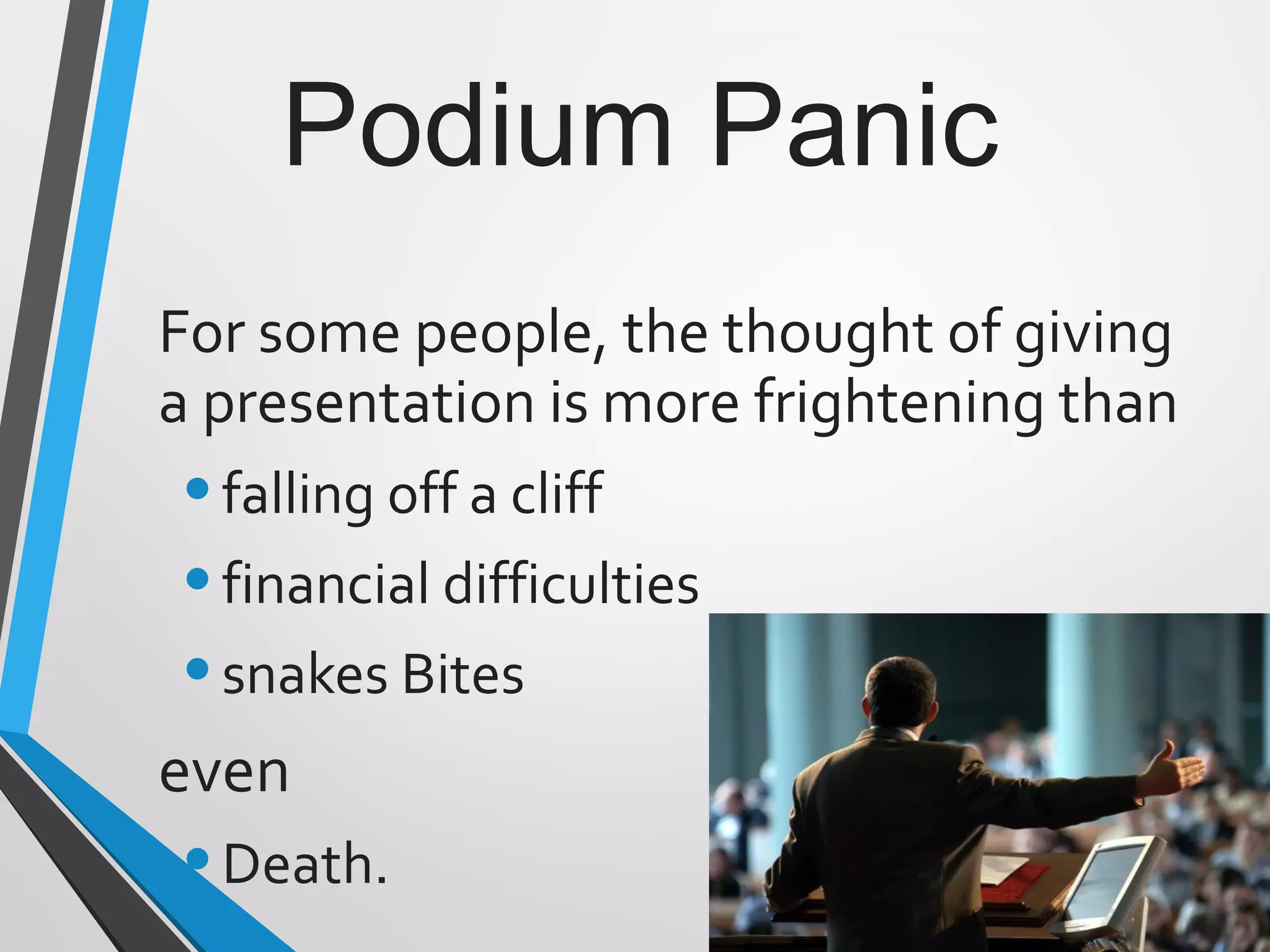
Podium Panic
For some people, the thought of giving
a presentation is more frightening than
•falling off a cliff
•financial difficulties
•snakes Bites
even
•Death.
Dealing with Podium Panic
•Audiences are forgiving
•Nervousness is usually invisible
•Be yourself
•Practice deep breathing/ visualization
techniques
•Begin in your comfort zone
•Check out the room in advance
•Concentrate on the message
•Begin with a slow, well prepared
introduction
•Have a confident and clear
conclusion
•Be prepared and practice
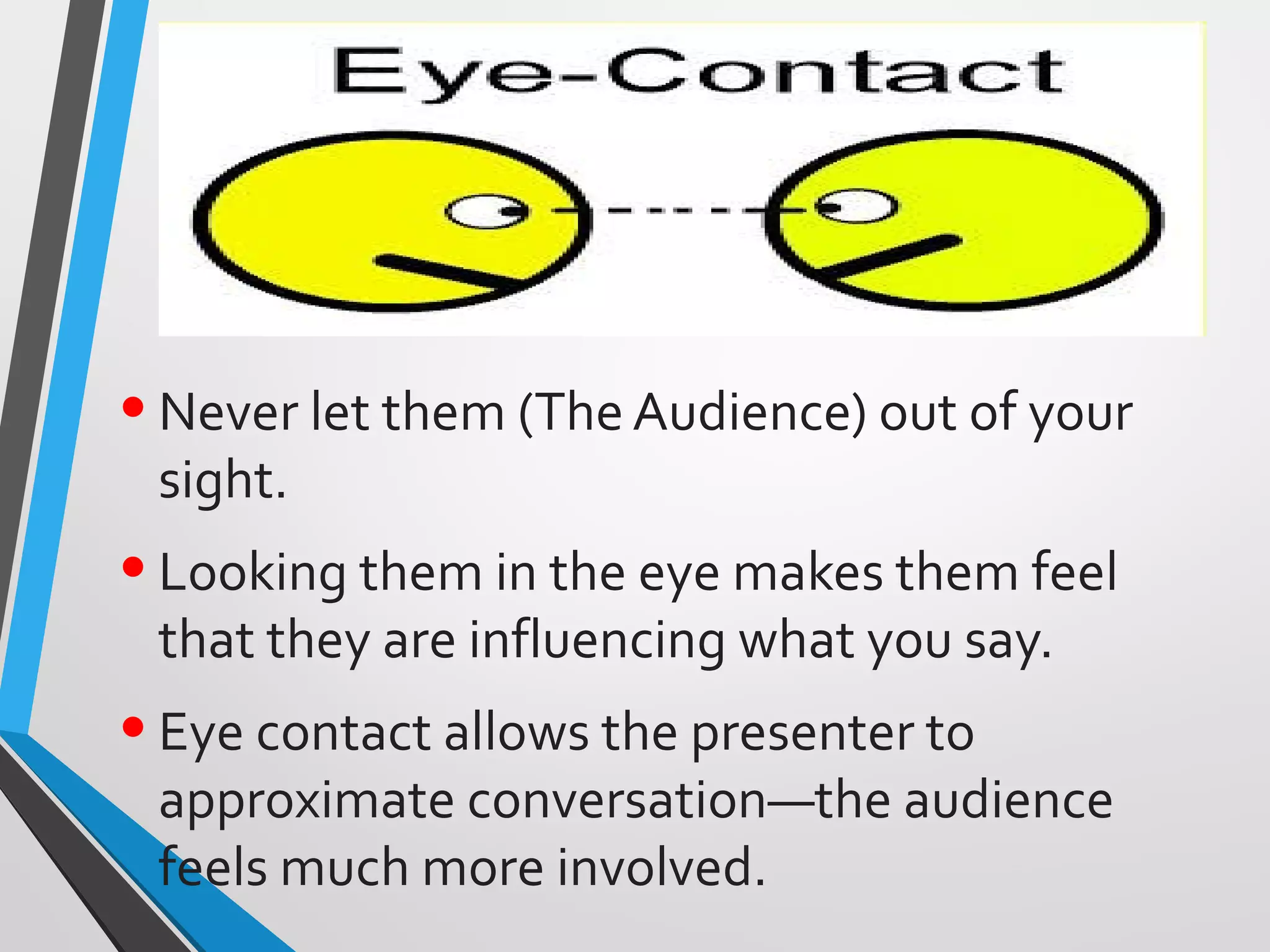
•Never let them (The Audience) out of your
sight.
•Looking them in the eye makes them feel
that they are influencing what you say.
•Eye contact allows the presenter to
approximate conversation—the audience
feels much more involved.
Body Language
•Lean on or grip the podium
•Rock or sway in place
•Stand immobile
•Use a single gesture repeatedly
•Examine or bite your fingernails
Body Language
•Cross your arms in front of your chest
•Use obviously practiced or stilted gestures
•Chew gum or eat candy
•Click or tap your pen, pencil or pointer
Body Language
•Lean into the microphone
•Shuffle your notes unnecessarily
•Tighten your tie or otherwise play with
your clothing
•Crack your knuckles
•Jangle change or key in your pocket
• Voice Intelligibility
• Articulation
• Pronunciation
• Vocalized pauses
• Overuse of stock
expressions
• Substandard
grammar
• Voice Variability
• Rate of speech
• Volume
• Pitch or tone
• Emphasis
Preparing Content
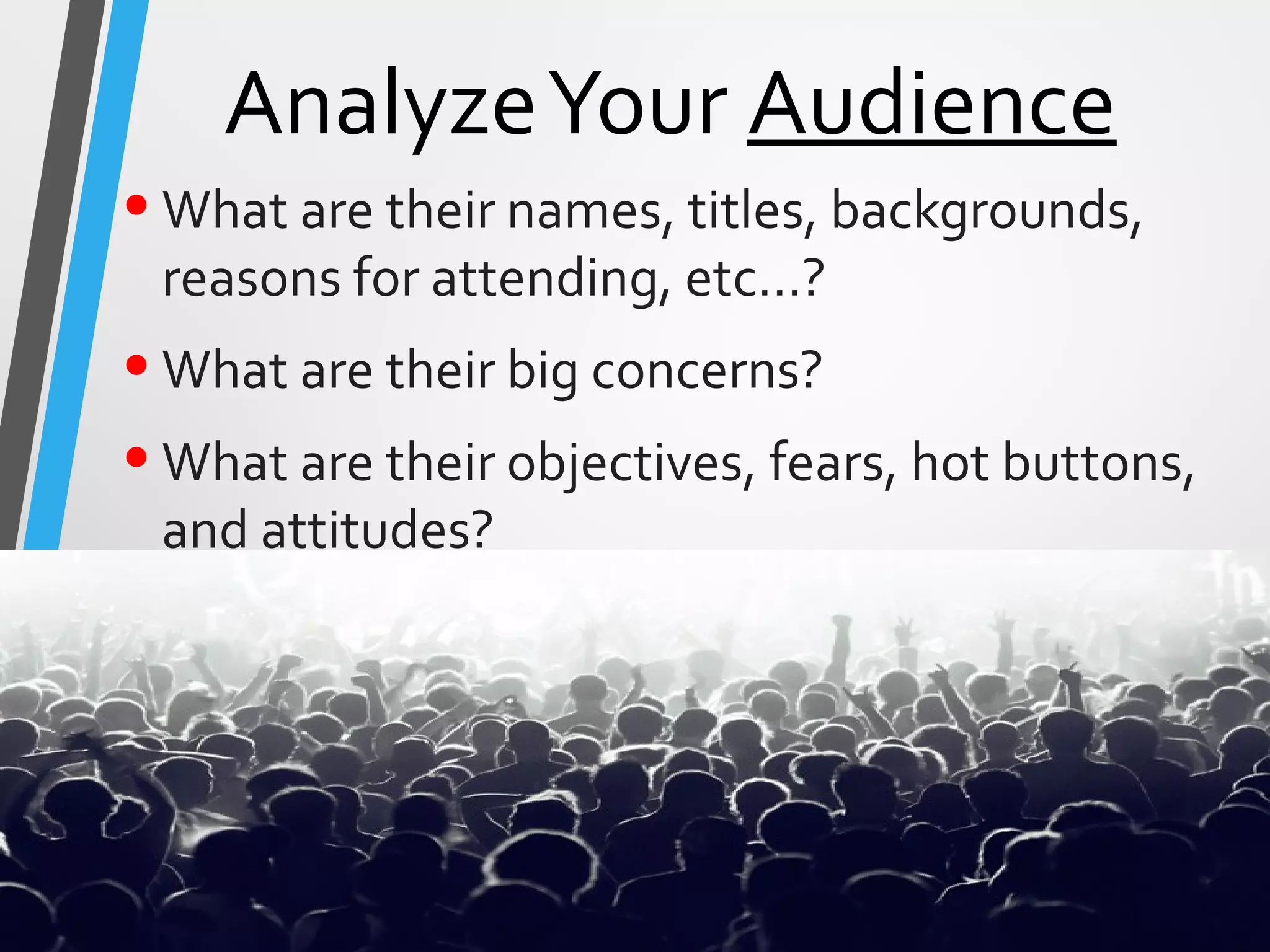
•Analyze your AUDIENCE.
•Define what ACTION you want
them to take.
•Arrange your ARGUMENT to move
them.
3 A’s
AnalyzeYour Audience
•What are their names, titles, backgrounds,
reasons for attending, etc…?
•What are their big concerns?
•What are their objectives, fears, hot buttons,
and attitudes?
AnalyzeYour Audience
•What is their perception of you and
your institution?
•What are their questions likely to
be?
•What is personally at stake for
them?
•How much detail do they need?
DefineWhat Action
•What action do you want the
audience to take?
•Define it in terms of the audience.
•What will they feel, believe, and do
after hearing your talk?
Visual Aids
should be on
the
speaker’s
left.
Visual Aid
10 Steps of
Preparing the Presentation• Determine the purpose of your presentation and identify your own
objectives.
• Know your audience and what it knows.
• Define your topic.
• Arrange your material in a way that makes sense for your
objectives.
• Compose your presentation.
• Create visual aids.
• Practice your presentation (don’t forget to time it!)
• Make necessary adjustments.
• Analyze the room where you’ll be giving your presentation (set-up,
sight lines, equipment, etc.).
• Practice again.
Dealing the MS Power Point
• Selection of Design:
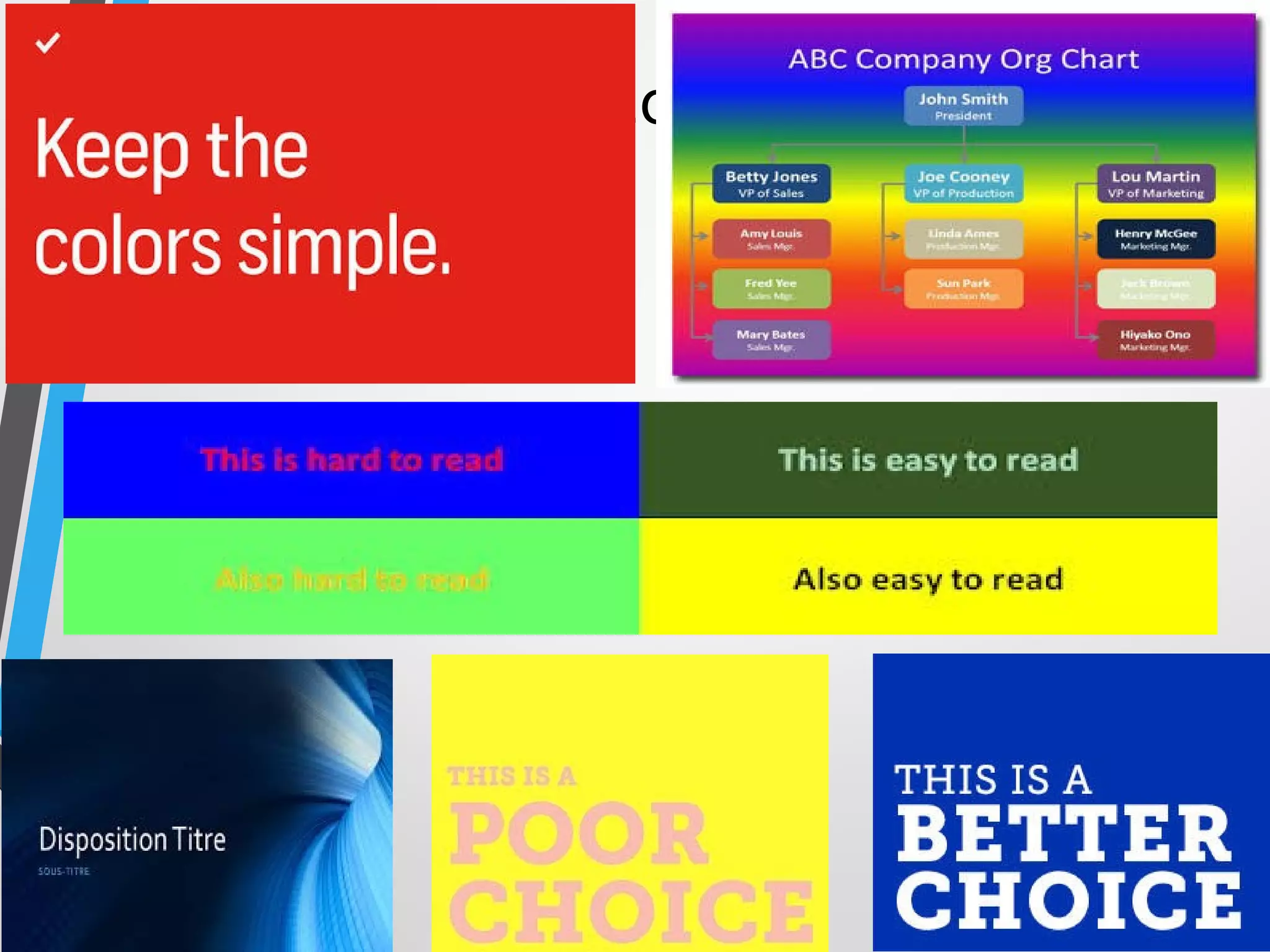
• Colour Scheme: soft and medium bright colours.
• Font Size and Style
• Inclusion of Audio and Videos only when highly relevant
• Only Bullets – Avoid paragraphing on Slides
• Use of graph and Charts: only when inevitable
• Power Point should be used as aid only. Thorough
dependency can be fatal.
• keep a backup of slides in paper form too.
• Focus should be upon performance rather than reading the
slides
The Colours
Beginning of Presentation on Stage
• Use Silence
• Look at the faces of the audience and talk with eyes and your expressions only and try to listen what
their expressions are speaking that loud. Then try to give interpretation to their reaction to you silence
in their silence.
• Point to the Future or Past
• Prospective (looking to the future): “30 Years from now, your job won’t exist.”
• -Retrospective (looking to the past): “In 1970, Japan owned 9% of the market. Today,
they own 37%.”
• Quote Someone
• The Joys of Parents are secret, so are their fears and grieves; they cannot utter
the one, nor will they utter the one; children sweeten labour. (Francis Bacon)
• Share Something Extraordinary
• I don’t know about you, but I love Snapple. Even more so, I love their bottle caps since they always share
fun facts or extraordinary insight into ordinary things. Is my life going to be improved because I know
how many times a bee’s wings flaps in a second? No. Is it crazy interesting? Yes.
• Tell a Story
Your turn!
Questions & Answers
“Does anyone have any
questions for my answers?”
-Henry Kissinger
Questions & Answers
•Beginning of a whole new
interactive presentation
•Opportunity to make a point
•Most presentations are won or
lost here
Questions & Answers
• Anticipate lines of
questioning
• Rehearse
• Don’t rank questions
• Keep answers brief
• Be honest—don’t BS
• Avoid negative words
• Don’t repeat negative
questions
• Clarify question
• Defer to experts
• Move your eyes off
questioner
• If negative, end your
response focused on
somebody else
NEVER argue
with a member of
the audience.
THE RULE
Instead…
• Look at the questioner.
• Remain neutral and attentive.
• Listen to the whole question.
• Pause before you respond.
• Address the questioner, then move your eyes to others.
Easy as A B C
“I can’t Answer that
question Because …,
but I Can tell you…”
“Better to keep your
mouth shut and appear
ignorant than open it
and remove all doubt.”
-Mark Twain
Objectives forToday
• By the end of the session, participants will be able to…
• utilize eye contact, body language and voice to their advantage
in a presentation,
• apply the 3 A’s in preparing content for a presentation,
• develop visual aids that reflect good instructional design
properties, and
• respond to questions in an effective manner.
“Make sure you have finished
speaking before your audience
has finished listening.”
Dorothy Sarnoff

Presentation and communication skills edited

  • 1.
  • 2.
    • Much ofverbal expression will be one on one or in small groups, but periodically we will be involved in more formal and public speaking in front of larger numbers. • If this thought makes us nervous, we are not alone. • Many speakers lack the skills and confidence to make effective presentations. • We have all been victims of speakers who put us to sleep. • Despite knowing how ineffective many speakers are, many of us have found that, despite the best intentions, we haven’t fared much better.
  • 3.
    “The biggest problemwith communication is the illusion that it has been accomplished.” -George Bernard Shaw
  • 4.
    What is yourvision of the ideal presenter in our environment?
  • 5.
    “I always thinka great speaker convinces us not by force of reasoning but because he is visibly enjoying the beliefs he wants us to accept.” -W.B. Yeats
  • 6.
    Objectives of thisPresentation • By the end of the session, participants will be able to… • Utilize eye contact, body language and voice to their advantage in a presentation, • Apply the 3 A’s in preparing content for a presentation, • Preparation of Presentation • Respond to questions in an effective manner.
  • 7.
    General Competencies • InterpersonalCommunication • Context • Effect • People • Professionalism • Appearance • Impression • Practice-Based Learning & Improvement • Active Learner • Social Interaction as a Mentor
  • 8.
    Podium Panic For somepeople, the thought of giving a presentation is more frightening than •falling off a cliff •financial difficulties •snakes Bites even •Death.
  • 9.
    Dealing with PodiumPanic •Audiences are forgiving •Nervousness is usually invisible •Be yourself •Practice deep breathing/ visualization techniques •Begin in your comfort zone
  • 10.
    •Check out theroom in advance •Concentrate on the message •Begin with a slow, well prepared introduction •Have a confident and clear conclusion •Be prepared and practice
  • 11.
    •Never let them(The Audience) out of your sight. •Looking them in the eye makes them feel that they are influencing what you say. •Eye contact allows the presenter to approximate conversation—the audience feels much more involved.
  • 12.
    Body Language •Lean onor grip the podium •Rock or sway in place •Stand immobile •Use a single gesture repeatedly •Examine or bite your fingernails
  • 13.
    Body Language •Cross yourarms in front of your chest •Use obviously practiced or stilted gestures •Chew gum or eat candy •Click or tap your pen, pencil or pointer
  • 14.
    Body Language •Lean intothe microphone •Shuffle your notes unnecessarily •Tighten your tie or otherwise play with your clothing •Crack your knuckles •Jangle change or key in your pocket
  • 15.
    • Voice Intelligibility •Articulation • Pronunciation • Vocalized pauses • Overuse of stock expressions • Substandard grammar • Voice Variability • Rate of speech • Volume • Pitch or tone • Emphasis
  • 16.
    Preparing Content •Analyze yourAUDIENCE. •Define what ACTION you want them to take. •Arrange your ARGUMENT to move them. 3 A’s
  • 17.
    AnalyzeYour Audience •What aretheir names, titles, backgrounds, reasons for attending, etc…? •What are their big concerns? •What are their objectives, fears, hot buttons, and attitudes?
  • 18.
    AnalyzeYour Audience •What istheir perception of you and your institution? •What are their questions likely to be? •What is personally at stake for them? •How much detail do they need?
  • 19.
    DefineWhat Action •What actiondo you want the audience to take? •Define it in terms of the audience. •What will they feel, believe, and do after hearing your talk?
  • 20.
    Visual Aids should beon the speaker’s left. Visual Aid
  • 21.
    10 Steps of Preparingthe Presentation• Determine the purpose of your presentation and identify your own objectives. • Know your audience and what it knows. • Define your topic. • Arrange your material in a way that makes sense for your objectives. • Compose your presentation. • Create visual aids. • Practice your presentation (don’t forget to time it!) • Make necessary adjustments. • Analyze the room where you’ll be giving your presentation (set-up, sight lines, equipment, etc.). • Practice again.
  • 22.
    Dealing the MSPower Point • Selection of Design: • Colour Scheme: soft and medium bright colours. • Font Size and Style • Inclusion of Audio and Videos only when highly relevant • Only Bullets – Avoid paragraphing on Slides • Use of graph and Charts: only when inevitable • Power Point should be used as aid only. Thorough dependency can be fatal. • keep a backup of slides in paper form too. • Focus should be upon performance rather than reading the slides
  • 23.
  • 24.
    Beginning of Presentationon Stage • Use Silence • Look at the faces of the audience and talk with eyes and your expressions only and try to listen what their expressions are speaking that loud. Then try to give interpretation to their reaction to you silence in their silence. • Point to the Future or Past • Prospective (looking to the future): “30 Years from now, your job won’t exist.” • -Retrospective (looking to the past): “In 1970, Japan owned 9% of the market. Today, they own 37%.” • Quote Someone • The Joys of Parents are secret, so are their fears and grieves; they cannot utter the one, nor will they utter the one; children sweeten labour. (Francis Bacon) • Share Something Extraordinary • I don’t know about you, but I love Snapple. Even more so, I love their bottle caps since they always share fun facts or extraordinary insight into ordinary things. Is my life going to be improved because I know how many times a bee’s wings flaps in a second? No. Is it crazy interesting? Yes. • Tell a Story
  • 25.
  • 26.
    Questions & Answers “Doesanyone have any questions for my answers?” -Henry Kissinger
  • 27.
    Questions & Answers •Beginningof a whole new interactive presentation •Opportunity to make a point •Most presentations are won or lost here
  • 28.
    Questions & Answers •Anticipate lines of questioning • Rehearse • Don’t rank questions • Keep answers brief • Be honest—don’t BS • Avoid negative words • Don’t repeat negative questions • Clarify question • Defer to experts • Move your eyes off questioner • If negative, end your response focused on somebody else
  • 29.
    NEVER argue with amember of the audience. THE RULE
  • 30.
    Instead… • Look atthe questioner. • Remain neutral and attentive. • Listen to the whole question. • Pause before you respond. • Address the questioner, then move your eyes to others.
  • 31.
    Easy as AB C “I can’t Answer that question Because …, but I Can tell you…”
  • 32.
    “Better to keepyour mouth shut and appear ignorant than open it and remove all doubt.” -Mark Twain
  • 33.
    Objectives forToday • Bythe end of the session, participants will be able to… • utilize eye contact, body language and voice to their advantage in a presentation, • apply the 3 A’s in preparing content for a presentation, • develop visual aids that reflect good instructional design properties, and • respond to questions in an effective manner.
  • 34.
    “Make sure youhave finished speaking before your audience has finished listening.” Dorothy Sarnoff

Editor's Notes

  • #16 Intelligibility=understandability Variability=expresses differences in meaning Articulation (enunciation)= the precision and clarity with which you utter the sounds of speech. Chiefly the job of the jaw, tongue, and lips. Most articulation problems come from laziness on the parts of these organs. Pronunciation=traditional or customary utterance of words. Common faults are the misplacement of accent, omitting sounds, adding sounds,and verbalizing silent letters. Vocalized pauses=uh, um, ah. Know your subject. Overuse of stock expressions=OK, like, you know. Conveys a lack of originality. Substandard grammar Force=variability of volume Pitch=highness or lowness Emphasis=stressing certain phrases or sections