MULTIPLE STILL GENERATION IN MEDIAMOSA Peter Forgacs, Madcap English presentation
Introduction Who am I? Software developer at Madcap A developer of MediaMosa Hobby: Internet, Music, Game development
Introduction: MediaMosa Connection between assets and videos.
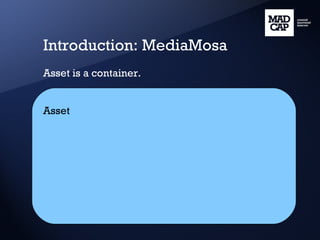
Introduction: MediaMosa Asset is a container. Asset
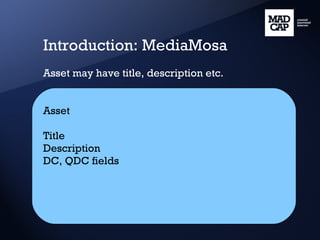
Introduction: MediaMosa Asset may have title, description etc. Asset Title Description DC, QDC fields
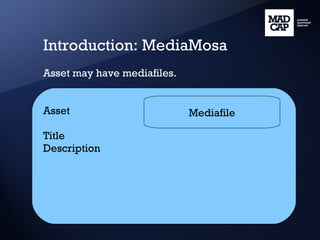
Introduction: MediaMosa Asset may have mediafiles. Asset Title Description Mediafile
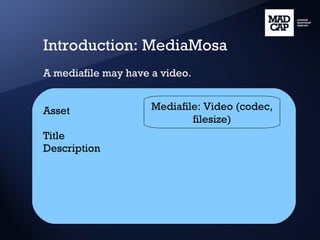
Introduction: MediaMosa A mediafile may have a video. Asset Title Description Mediafile: Video (codec, filesize)
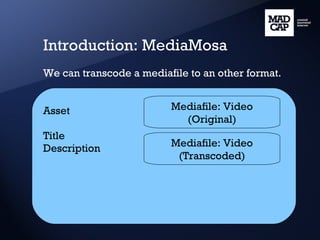
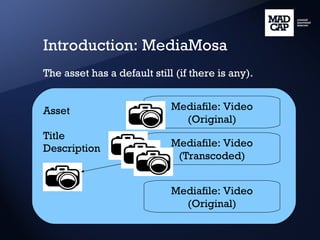
Introduction: MediaMosa We can transcode a mediafile to an other format. Asset Title Description Mediafile: Video (Original) Mediafile: Video (Transcoded)
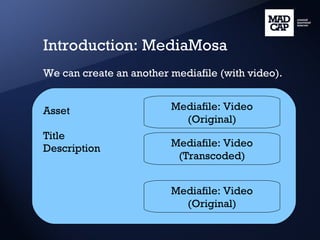
Introduction: MediaMosa We can create an another mediafile (with video). Asset Title Description Mediafile: Video (Original) Mediafile: Video (Transcoded) Mediafile: Video (Original)
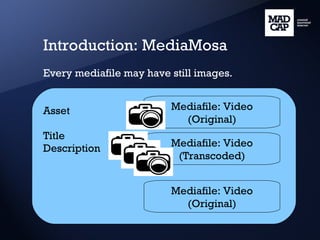
Introduction: MediaMosa Every mediafile may have still images. Asset Title Description Mediafile: Video (Original) Mediafile: Video (Transcoded) Mediafile: Video (Original)
Introduction: MediaMosa The asset has a default still (if there is any). Asset Title Description Mediafile: Video (Original) Mediafile: Video (Transcoded) Mediafile: Video (Original)
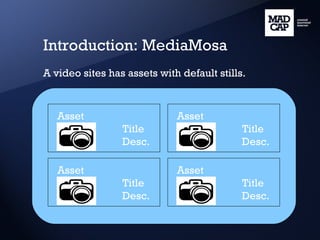
Introduction: MediaMosa A video sites has assets with default stills. Asset  Title Desc. Asset  Title Desc. Asset  Title Desc. Asset  Title Desc.
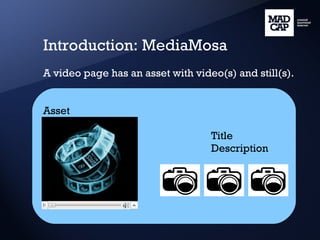
Introduction: MediaMosa A video page has an asset with video(s) and still(s). Asset Title Description
Main points Generate still Generate multiple stills Upload still Working with multiple stills
Introduction WLE WLE (White Label Ega) is a client side application for testing. We will use this software in this presentation.
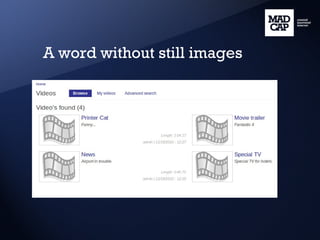
A word without still images
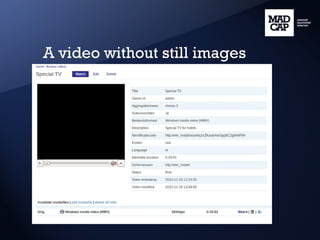
A video without still images
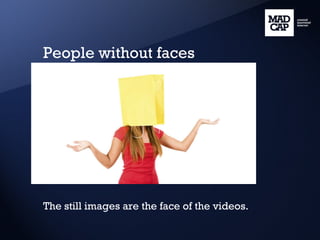
People without faces The still images are the face of the videos.
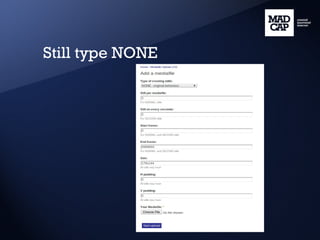
Still type NONE
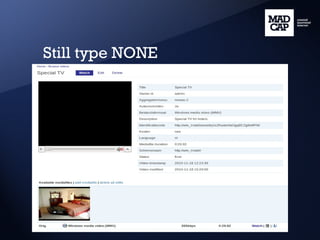
Still type NONE
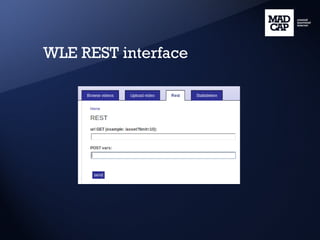
REST interface, REST calls The REST interface is a communication channel between the client application and the MediaMosa. A REST call request can be GET or POST (PUT). - GET is for getting data from MediaMosa. - POST (PUT) is for changing data (eg. file upload). The response is an XML about the status and the data.
WLE REST interface
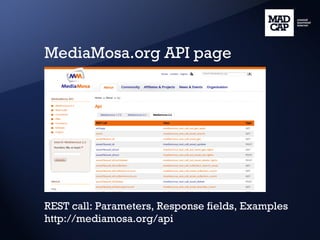
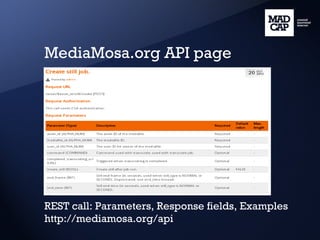
MediaMosa.org API page REST call: Parameters, Response fields, Examples http://mediamosa.org/api
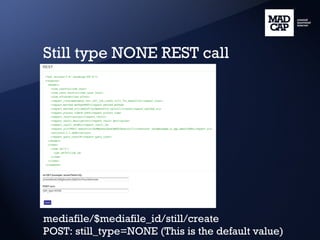
Still type NONE REST call mediafile/$mediafile_id/still/create POST: still_type=NONE (This is the default value)
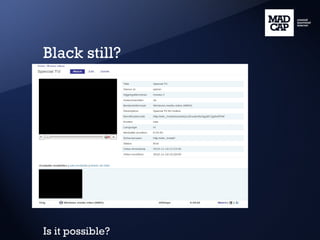
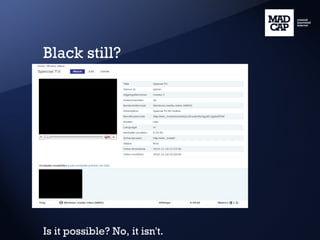
Black still? Is it possible?
Black still? Is it possible? No, it isn't.
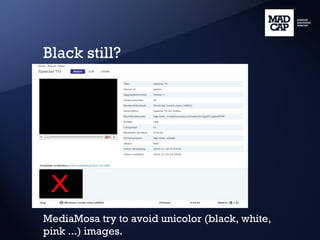
Black still? MediaMosa try to avoid unicolor (black, white, pink ...) images.
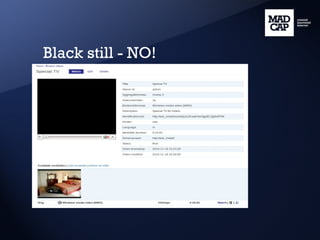
Black still - NO!
Multiple stills One still good, multiple stills are better. Types - Normal (creating N stills from a video) - Second (creating stills in every N second) - Scene (creating stills, when the video has a scene change)
Still type NORMAL mediamosa/$mediafile_id/still/create [POST] still_type=NORMAL&still_per_mediafile=3
Black still check?
Black still check? Just for still type NONE.
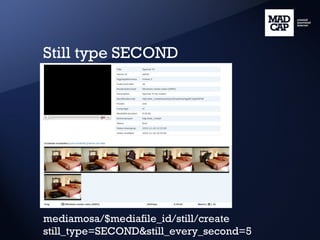
Still type SECOND mediamosa/$mediafile_id/still/create still_type=SECOND&still_every_second=5
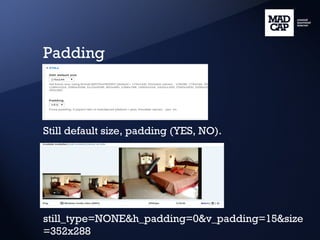
Padding Still default size, padding (YES, NO). still_type=NONE&h_padding=0&v_padding=15&size=352x288
Scene stills Create stills on the video scene changes. Requirements: - Patch ffmpeg (NORMAL, SCENE too) - lav2yuv: * Part of MJPEG Tools * apt-get install mjpegtools * MediaMosa status page
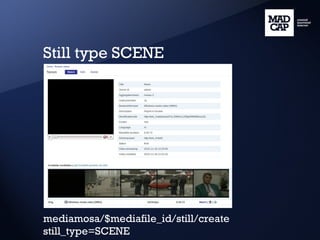
Still type SCENE mediamosa/$mediafile_id/still/create still_type=SCENE
I, robot It is not easy to decide what is a scene change. The computer is not human. Is it a perfect tool? No, it doesn't. Accuracy ~70%. With our fixes ~80%. It is useful, if we know the advantages and disadvantages of scene stills.
Still type SCENE result
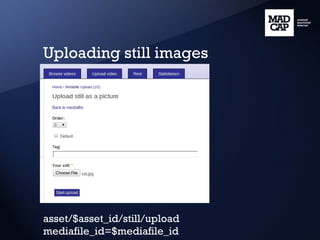
Uploading still images asset/$asset_id/still/upload mediafile_id=$mediafile_id
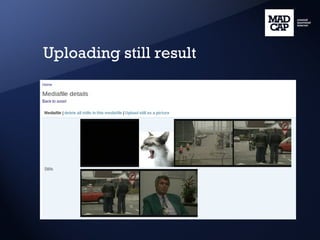
Uploading still result
Working with multiple stills Ordering Make default Delete
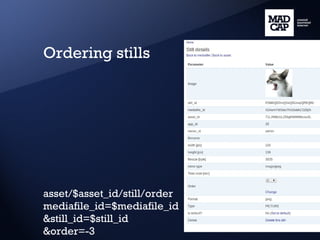
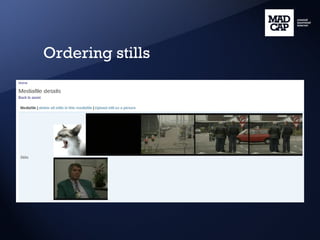
Ordering stills asset/$asset_id/still/order mediafile_id=$mediafile_id &still_id=$still_id &order=-3
Ordering stills
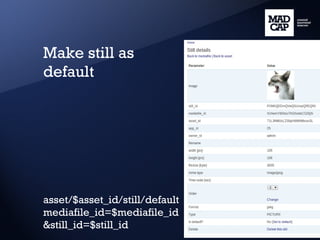
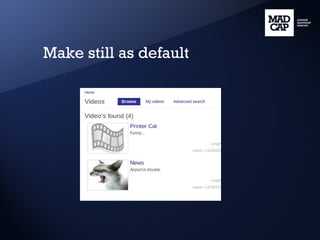
Make still as default asset/$asset_id/still/default mediafile_id=$mediafile_id &still_id=$still_id
Make still as default
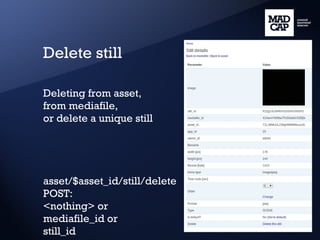
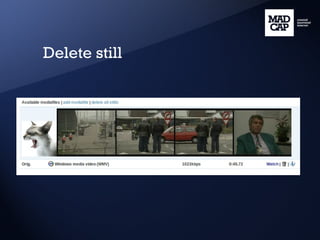
Delete still Deleting from asset, from mediafile, or delete a unique still asset/$asset_id/still/delete POST: <nothing> or mediafile_id or still_id
Delete still
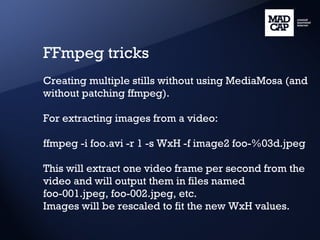
FFmpeg tricks Creating multiple stills without using MediaMosa (and without patching ffmpeg). For extracting images from a video: ffmpeg -i foo.avi -r 1 -s WxH -f image2 foo-%03d.jpeg This will extract one video frame per second from the video and will output them in files named foo-001.jpeg, foo-002.jpeg, etc. Images will be rescaled to fit the new WxH values.
Summary Generate still Generate multiple stills * Normal * Second * Scene Upload still Working with multiple stills * Order * Set default * Delete
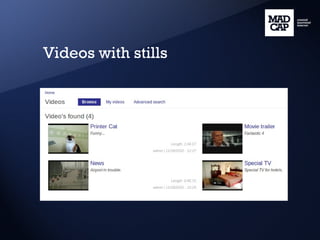
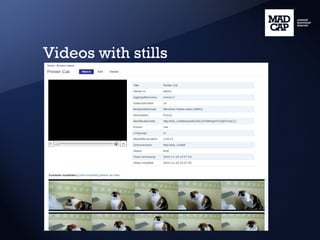
Videos with stills
Videos with stills


Questions? Thank you! Peter Forgacs [email_address]

Madcap mediamosa still_generation

Editor's Notes