The document discusses lists, tuples, and dictionaries in Python. It provides examples and explanations of these core data types. Lists are ordered and mutable sequences enclosed in brackets. Tuples are ordered and immutable sequences enclosed in parentheses. Dictionaries store data as key-value pairs within curly braces. Common operations on each type like indexing, slicing, length, keys and values are described. Methods for modifying and traversing lists like append, pop, insert and sort are also outlined.
![Lists
Like a String, List also is, sequence data
type.
In a string we have only characters but a
list consists of data of multiple data types
It is an ordered set of values enclosed in
square brackets [].
We can use index in square brackets []
Values in the list are called elements or
items.
A list can be modified, i.e. it is mutable.](https://image.slidesharecdn.com/listtupledictionary-220727031042-ae7f9708/75/List_tuple_dictionary-pptx-2-2048.jpg)

![List Examples
i) L1 = [1,2,3,4] list of 4 integer elements.
ii) L2 = [“Delhi”, “Chennai”, “Mumbai”]
list of 3 string
elements.
iii) L3 = [ ] empty list i.e. list with no element
iv) L4 = [“abc”, 10, 20]
list with different types of
elements](https://image.slidesharecdn.com/listtupledictionary-220727031042-ae7f9708/75/List_tuple_dictionary-pptx-4-2048.jpg)
![Example of list:
list = [ ‘XYZ', 456 , 2.23, ‘PNB', 70.2 ]
tinylist = [123, ‘HMV']
print (list) # Prints complete list
print (list[0]) # Prints first element of the list
print (list[1:3]) # Prints elements 2nd & 3rd
print (list[2:]) # Prints elements starting from 3rd element
print (tinylist * 2) # Prints list two times
print (list + tinylist) # Prints concatenated lists](https://image.slidesharecdn.com/listtupledictionary-220727031042-ae7f9708/75/List_tuple_dictionary-pptx-5-2048.jpg)
![Traversing a List
Using while loop
L=[1,2,3,4]
i = 0
while i < 4:
print (L[i])
i + = 1
Output
1 2 3 4](https://image.slidesharecdn.com/listtupledictionary-220727031042-ae7f9708/75/List_tuple_dictionary-pptx-6-2048.jpg)
![Traversing a List
Using for loop
L=[1,2,3,4,5]
L1=[1,2,3,4,5]
for i in L: for i in range (5):
print(i) print(L1[i])
Output: Output:
1 2 3 4 5 1 2 3 4 5](https://image.slidesharecdn.com/listtupledictionary-220727031042-ae7f9708/75/List_tuple_dictionary-pptx-7-2048.jpg)
![List Slices
Examples
>>> L=[10,20,30,40,50]
>>> print(L[1:4])
[20, 30, 40] #print elements 1st index to 3rd index
>>> print(L[3:])
[40, 50] #print elements from 3rd index onwards
>>> print(L[:3])
[10, 20, 30] #print elements 0th index to 2nd index
>>> print L[0:5:2]
[10, 30, 50] #print elements 0th to 4th index jump 2 steps](https://image.slidesharecdn.com/listtupledictionary-220727031042-ae7f9708/75/List_tuple_dictionary-pptx-8-2048.jpg)
![append() method
to add one element at the end
Example:
>>> l=[1,2,3,4]
>>> print(l)
[1, 2, 3, 4]
>>> l.append(5)
>>> print(l)
[1, 2, 3, 4, 5]](https://image.slidesharecdn.com/listtupledictionary-220727031042-ae7f9708/75/List_tuple_dictionary-pptx-9-2048.jpg)
![extend() method
To add more than one element at the
end of the list
Example
>>> l1=[10,20,30]
>>> l2=[100,200,300]
>>> l1.extend(l2)
>>> print(l1)
[10, 20, 30, 100, 200, 300]
>>> print(l2)
[100, 200, 300]](https://image.slidesharecdn.com/listtupledictionary-220727031042-ae7f9708/75/List_tuple_dictionary-pptx-10-2048.jpg)

![Examples
>>> l=[10,20,30,40,50]
>>> l.pop() #last index elements popped
50
>>> l.pop(1) # using list index
20
>>> l.remove(10) #using element
>>> print(l)
[30, 40]](https://image.slidesharecdn.com/listtupledictionary-220727031042-ae7f9708/75/List_tuple_dictionary-pptx-12-2048.jpg)
![Example-del()
>>> l=[1,2,3,4,5,6,7,8]
>>> del l[2:5] #using range
>>> print(l)
[1, 2, 6, 7, 8]](https://image.slidesharecdn.com/listtupledictionary-220727031042-ae7f9708/75/List_tuple_dictionary-pptx-13-2048.jpg)
![insert ()method
used to add element(s) in between
Example
>>> l=[10,20,30,40,50]
>>> l.insert(2,25)
>>> print(l)
[10, 20, 25, 30, 40, 50]](https://image.slidesharecdn.com/listtupledictionary-220727031042-ae7f9708/75/List_tuple_dictionary-pptx-14-2048.jpg)
![sort() and reverse() method
sort(): Used to arrange in ascending order.
reverse(): Used to reverse the list.
Example:
>>> l=[10,8,4,7,3]
>>> l.sort()
>>> print(l)
[3, 4, 7, 8, 10]
>>> l.reverse()
>>> print(l)
[10, 8, 7, 4, 3]](https://image.slidesharecdn.com/listtupledictionary-220727031042-ae7f9708/75/List_tuple_dictionary-pptx-15-2048.jpg)


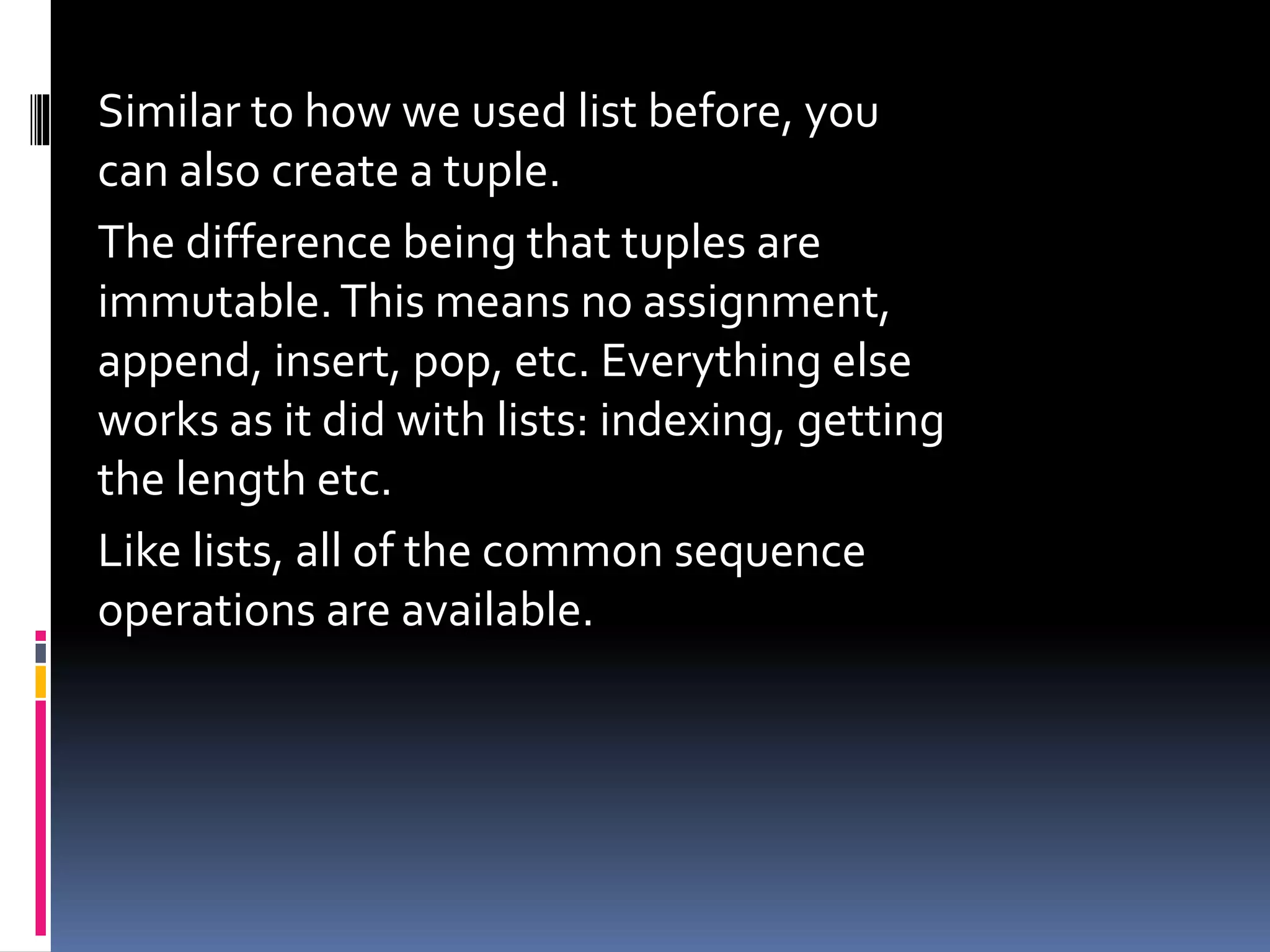
![Tuples
We saw earlier that a list is
an ordered mutable collection.There’s
also an ordered immutable collection.
In Python these are called tuples and
look very similar to lists, but typically
written with () instead of []:
a_list = [1, 'two', 3.0]
a_tuple = (1, 'two', 3.0)](https://image.slidesharecdn.com/listtupledictionary-220727031042-ae7f9708/75/List_tuple_dictionary-pptx-18-2048.jpg)
![Example of Tuple:
tuple = ( 'abcd', 786 , 2.23, 'john', 70.2 )
tinytuple = (123, 'john')
print (tuple ) # Prints complete list
print (tuple[0]) # Prints first element of the list
print (tuple[1:3]) # Prints elements starting from 2nd till 3rd
print (tuple[2:]) # Prints elements starting from 3rd element
print (tinytuple * 2) # Prints list two times
print 9tuple + tinytuple) # Prints concatenated lists](https://image.slidesharecdn.com/listtupledictionary-220727031042-ae7f9708/75/List_tuple_dictionary-pptx-20-2048.jpg)
![The following code is invalid with tuple, because
we attempted to update a tuple, which is not
allowed. Similar case is possible with lists −
tuple = ( 'abcd', 786 , 2.23, 'john', 70.2 )
list = [ 'abcd', 786 , 2.23, 'john', 70.2 ]
tuple[2] = 1000 # Invalid syntax with tuple
list[2] = 1000 #Valid syntax with list](https://image.slidesharecdn.com/listtupledictionary-220727031042-ae7f9708/75/List_tuple_dictionary-pptx-21-2048.jpg)
![Lists
• A sequence of values of any type
•Values in the list are called items
and are indexed
•Are mutable
•Are enclosed in []
Example
[‘spam’ , 20, 13.5]
Tuple
• are sequence of values of any type
•Are indexed by integers
•Are immutable
•Are enclosed in ()
Example
(2,4)](https://image.slidesharecdn.com/listtupledictionary-220727031042-ae7f9708/75/List_tuple_dictionary-pptx-22-2048.jpg)
![Dictionary
Python's dictionaries are kind of hash table type.
They work like associative arrays and consist of
key-value pairs.
Dictionaries are enclosed by curly braces ({ }) and
values can be assigned and accessed using
square braces ([])](https://image.slidesharecdn.com/listtupledictionary-220727031042-ae7f9708/75/List_tuple_dictionary-pptx-23-2048.jpg)

![Example of Dictionary
dict = {'name': ‘Ram','code':1234, 'dept': ‘KVS'}
print(dict) # Prints complete dictionary
print(dict.keys()) # Prints all the keys
print(dict.values()) # Prints all the values
print(dict.items())
Output:
{'dept': 'KVS', 'code': 1234, 'name': 'Ram'}
['dept', 'code', 'name']
['KVS', 1234, 'Ram']
[('dept', 'KVS'), ('code', 1234), ('name', 'Ram')]](https://image.slidesharecdn.com/listtupledictionary-220727031042-ae7f9708/75/List_tuple_dictionary-pptx-25-2048.jpg)
![there is a second way to
declare a dict:
sound = dict(dog='bark', cat='meow', snake='hiss')
print(sound.keys()) # Prints all the keys
print(sound.values()) # Prints all the values
Output:
['cat', 'dog', 'snake']
['meow', 'bark', 'hiss']](https://image.slidesharecdn.com/listtupledictionary-220727031042-ae7f9708/75/List_tuple_dictionary-pptx-26-2048.jpg)
![A few things we already saw on
list work the same for dict:
Similarly to how we can index into lists we use
d[key] to access specific elements in the dict.There
are also a number of methods available for
manipulating & using data from dict.
len(d) gets the number of item in the dictionary.
print (len(dict))
key in d checks if k is a key in the dictionary. print
('name' in dict) (True/False)
d.pop(key) pops an item out of the dictionary
and returns it, similarly to how list’s pop method
worked. dict.pop('name')](https://image.slidesharecdn.com/listtupledictionary-220727031042-ae7f9708/75/List_tuple_dictionary-pptx-27-2048.jpg)


![Q.2 Find the output of the following:
list = [ ‘XYZ', 456 , 2.23, ‘KVS', 70.2]
print (list[1:3])
print (list[2:])](https://image.slidesharecdn.com/listtupledictionary-220727031042-ae7f9708/75/List_tuple_dictionary-pptx-30-2048.jpg)
![Ans:
list[2:3] : [456 , 2.23]
list[2:] : [456 , 2.23 , ‘KVS', 70.2]](https://image.slidesharecdn.com/listtupledictionary-220727031042-ae7f9708/75/List_tuple_dictionary-pptx-31-2048.jpg)
![Question & Answers
Q.3 Find the output of the following:
L=[10,20,30,40,50,60,70]
print(L[0:7:2])](https://image.slidesharecdn.com/listtupledictionary-220727031042-ae7f9708/75/List_tuple_dictionary-pptx-32-2048.jpg)
![Ans:
L[0:7:2] : L=[10,30,50,70]](https://image.slidesharecdn.com/listtupledictionary-220727031042-ae7f9708/75/List_tuple_dictionary-pptx-33-2048.jpg)

![Ans:
List is mutable and declared by
[]
Tuple is immutable and declared
by ()](https://image.slidesharecdn.com/listtupledictionary-220727031042-ae7f9708/75/List_tuple_dictionary-pptx-35-2048.jpg)


